9 Best Automated Support Platforms for B2B Teams in 2026
This automated support platform comparison reviews nine leading B2B solutions for 2026, evaluating them on AI sophistication, integration capabilities, and implementation ease. The guide helps growing teams select platforms that go beyond basic chatbots to autonomously resolve complex customer issues, learn from interactions, and scale support operations without drowning in tickets.
 Grant CooperFounder12 min read
Finding the right automated support platform can mean the difference between scaling your customer experience gracefully and drowning in tickets as you grow. With AI capabilities advancing rapidly, today's platforms go far beyond simple chatbots—they resolve complex issues, learn from interactions, and integrate deeply with your existing tech stack.
We evaluated these platforms based on AI sophistication, integration depth, ease of implementation, and value for B2B teams. Here's what stood out.
1. Halo AI
Best for: B2B teams wanting AI-native support that learns continuously and integrates across their tech stack
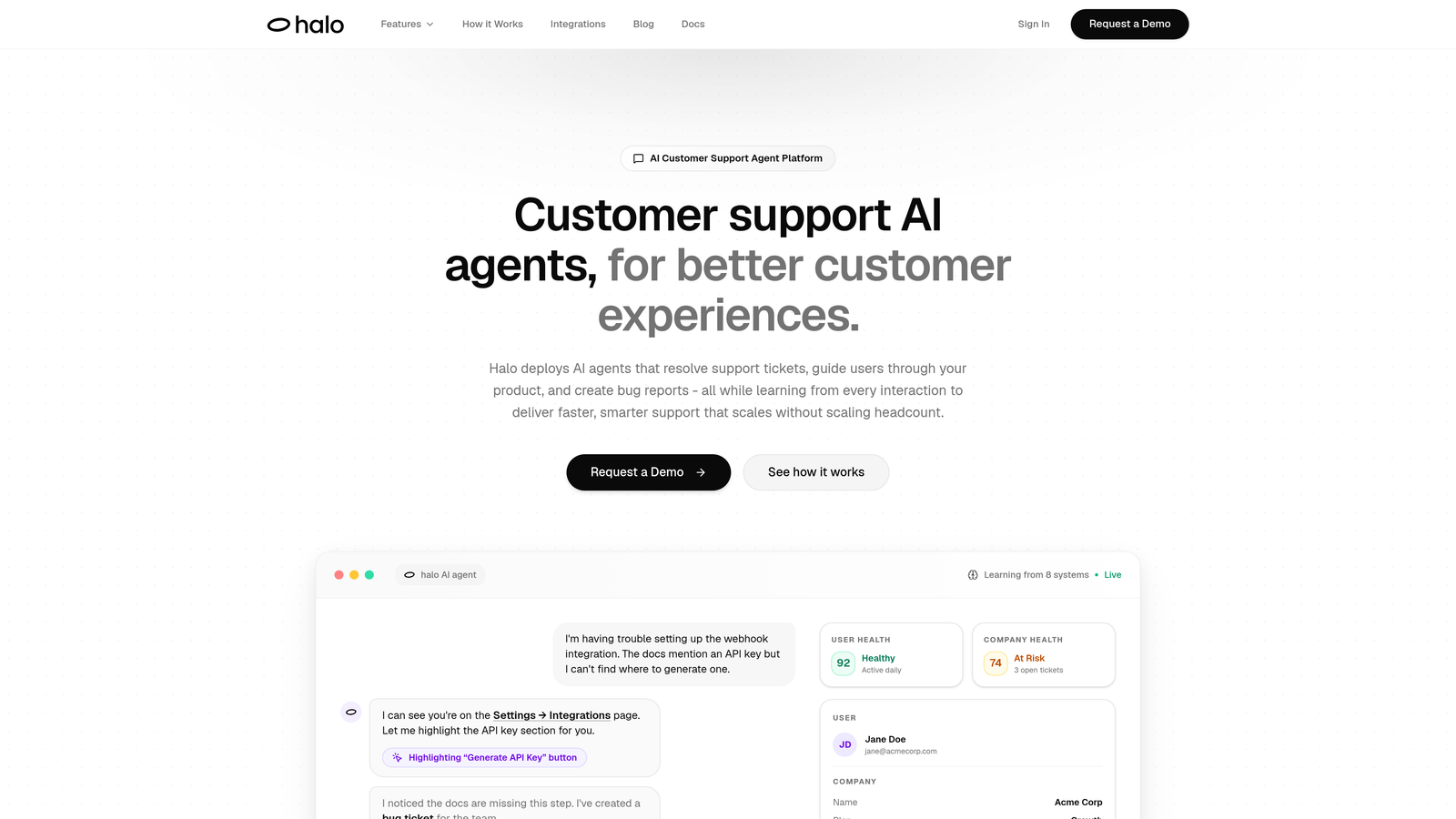
Halo AI is an AI-native customer support platform built from the ground up for autonomous operation rather than bolted onto traditional helpdesk architecture.
Where This Tool Shines
What sets Halo apart is its page-aware intelligence. The system can see what your users see on screen, providing context-aware guidance that goes beyond generic chatbot responses. This visual understanding means users get help relevant to exactly where they are in your product.
The platform's continuous learning architecture improves with every interaction. Unlike systems that require manual training updates, Halo's AI agents automatically incorporate new information from resolved tickets, making your support smarter over time without constant maintenance.
Key Features
Page-Aware Chat Widget: Sees user's screen context to provide relevant guidance based on what they're actually looking at in your product.
Autonomous Ticket Resolution: AI agents handle routine inquiries independently, escalating to humans only when complexity requires it.
Auto Bug Ticket Creation: Automatically generates detailed bug reports in Linear when issues are identified, complete with reproduction steps.
Business Intelligence Analytics: Surfaces customer health signals, revenue intelligence, and anomaly detection beyond basic support metrics.
Deep Tech Stack Integration: Connects with Slack, HubSpot, Stripe, Intercom, Linear, Zoom, PandaDoc, and Fathom for unified operations.
Best For
B2B SaaS companies with technical products who need support that scales without proportionally scaling headcount. Particularly valuable for product teams using modern development workflows who want support insights flowing directly into their engineering tools.
Pricing
Custom pricing based on your support volume and integration requirements. Contact their team for a tailored quote.
2. Intercom
Best for: Teams wanting a unified messaging platform with strong mobile support and product tour capabilities
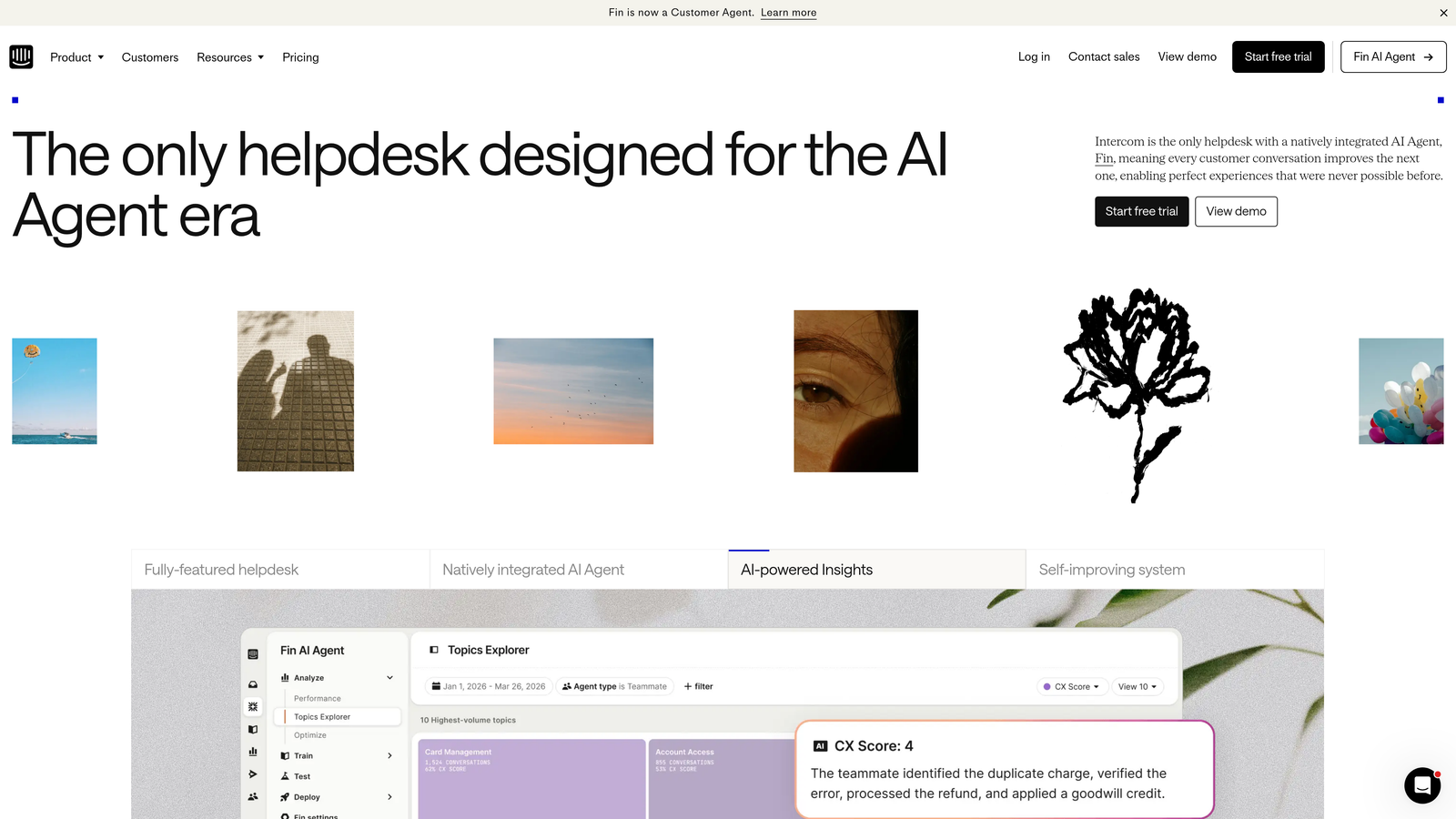
Intercom is a customer messaging platform that combines live chat, bots, and help center functionality with their Fin AI agent.
Where This Tool Shines
Intercom excels at blending proactive engagement with reactive support. Their product tours and onboarding flows let you guide users before they need help, reducing support volume at the source. The platform feels native on mobile, making it ideal if your product has significant mobile usage.
The unified inbox brings together messages from multiple channels—chat, email, social—so your team isn't juggling different tools. This consolidation helps maintain context across touchpoints, which matters when customers reach out through different channels about the same issue.
Key Features
Fin AI Agent: Autonomous AI responses that handle common questions without human intervention, priced per resolution.
Product Tours: Interactive walkthroughs that proactively guide users through features, reducing support inquiries.
Unified Inbox: Single view of all customer conversations across email, chat, and social channels.
Custom Bot Builder: Visual builder for creating conversation flows without coding knowledge.
Mobile SDK: Native mobile integration for iOS and Android apps with rich messaging capabilities.
Best For
SaaS companies with mobile apps or those prioritizing proactive customer engagement alongside reactive support. Works well for teams that want to reduce support volume through in-app guidance.
Pricing
Starts at $39 per seat monthly for the base platform. Fin AI is priced separately based on resolution volume, which can add significantly to costs.
3. Zendesk
Best for: Enterprise teams needing extensive customization, multi-brand support, and a vast integration marketplace
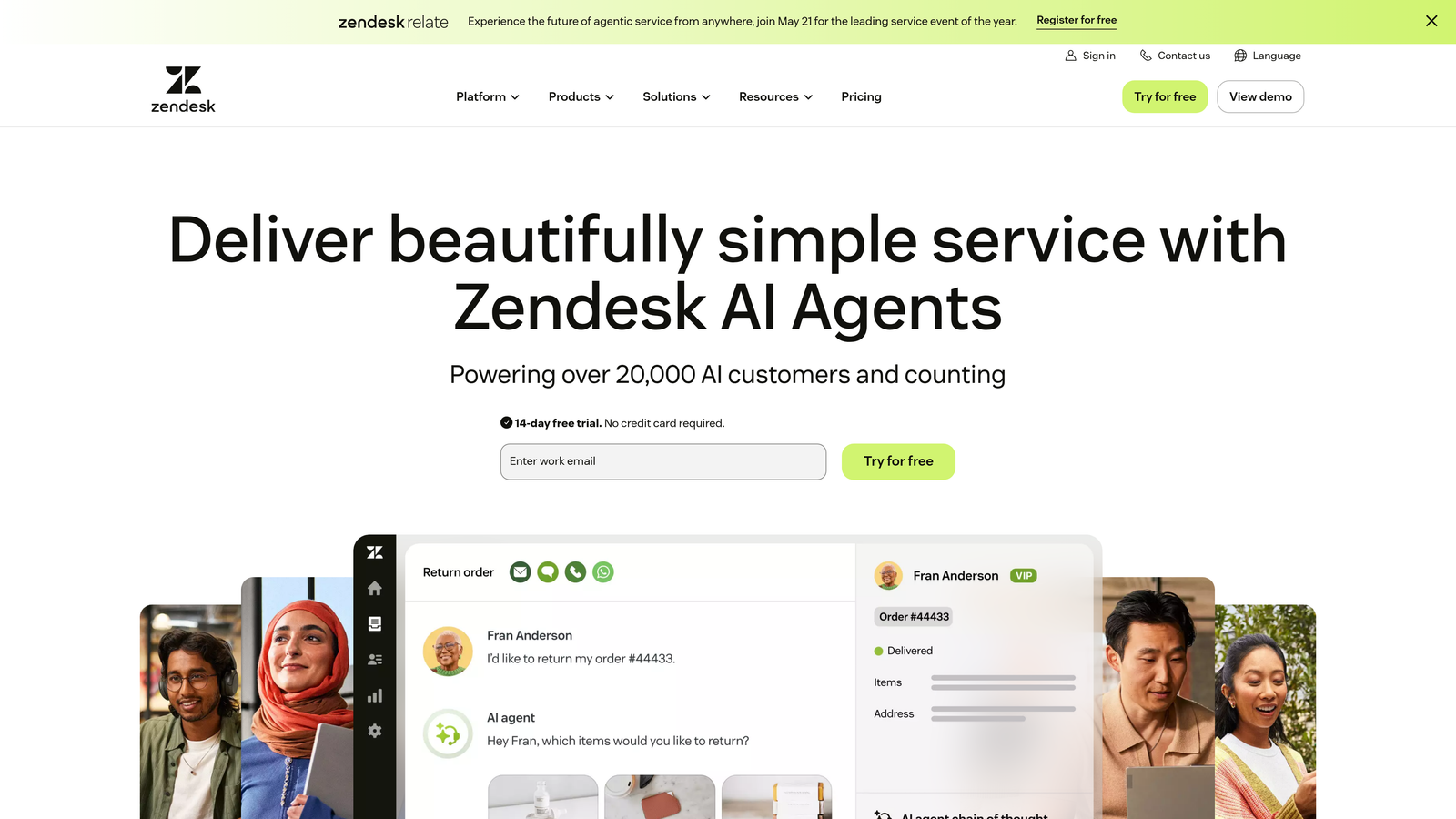
Zendesk is an enterprise-grade customer service platform with deep customization capabilities and an ecosystem of marketplace apps.
Where This Tool Shines
Zendesk's strength is flexibility. The platform can be molded to match complex organizational structures, supporting multiple brands with different workflows from a single instance. This matters when you're managing support for several products or regional operations with distinct processes.
The app marketplace offers hundreds of integrations and extensions. If you need a specific capability, chances are someone has built an app for it. This extensibility makes Zendesk a safe bet for companies with unique requirements that off-the-shelf tools can't address.
Key Features
Advanced Ticketing and Routing: Sophisticated rules for automatically assigning tickets based on skills, availability, and workload.
Extensive App Marketplace: Hundreds of pre-built integrations and customization apps from third-party developers.
AI-Powered Agent Assist: Suggestions for agents during conversations, including recommended articles and predicted intent.
Customizable Workflows: Build complex automation rules and business processes tailored to your operations.
Multi-Brand Support: Manage separate help centers and workflows for different brands from one platform.
Best For
Large enterprises with complex support operations spanning multiple brands or regions. Best suited for teams with dedicated Zendesk administrators who can manage the extensive customization options.
Pricing
Suite Team plan starts at $55 per agent monthly. Enterprise features require higher-tier plans that can reach $150+ per agent.
4. Freshdesk
Best for: Growing support teams seeking strong value with AI automation on a budget-friendly platform
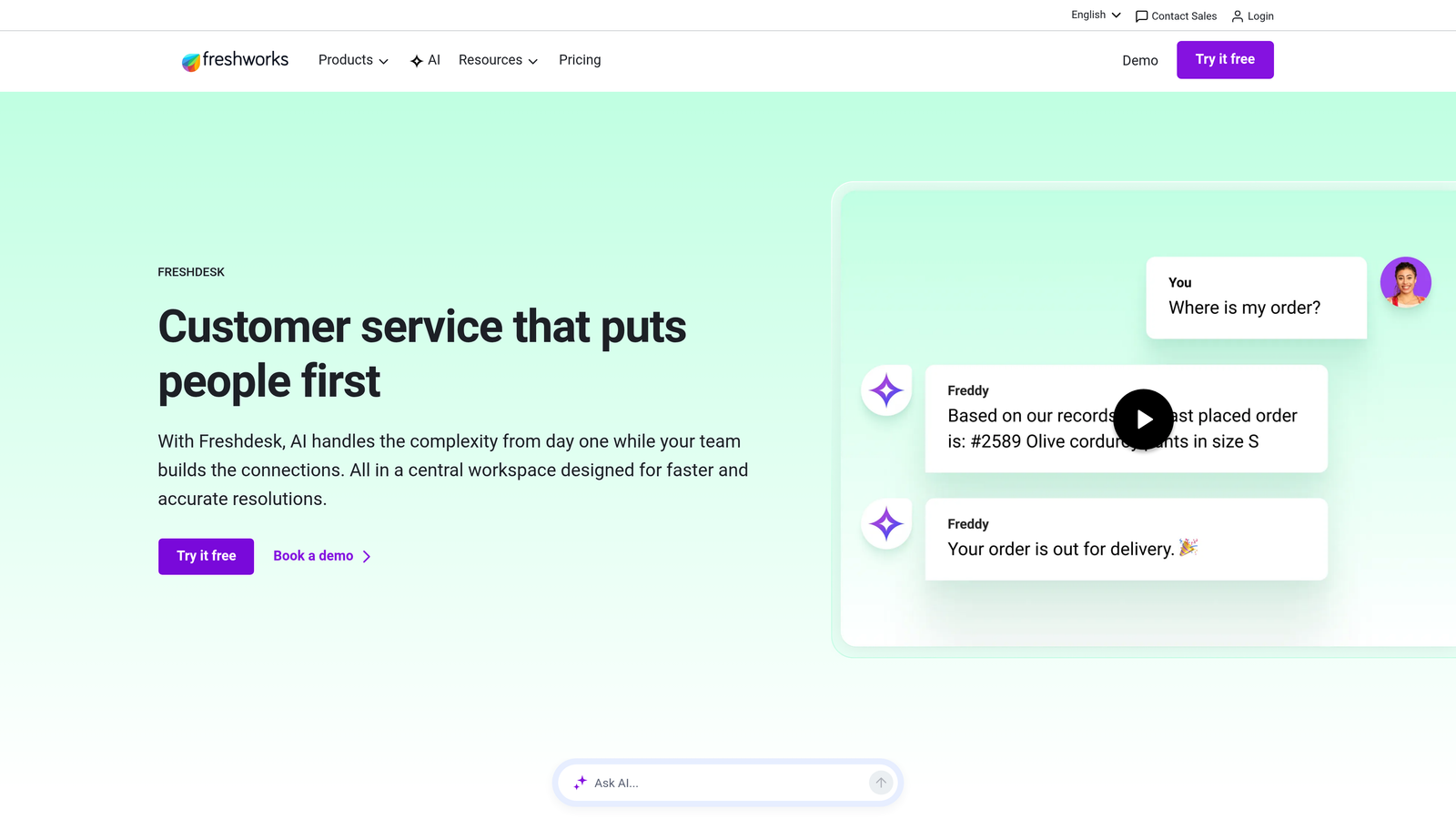
Freshdesk is a user-friendly helpdesk platform with Freddy AI automation that delivers solid capabilities at accessible price points.
Where This Tool Shines
Freshdesk's sweet spot is the mid-market—teams that have outgrown basic tools but don't need enterprise complexity. The interface is intuitive enough that new agents get productive quickly without extensive training. This ease of use matters when you're scaling a team and can't afford lengthy onboarding.
The free tier is genuinely useful for small teams, not just a trial with crippling limitations. This makes Freshdesk a smart choice for startups that need professional support tools before they can justify significant software spend.
Key Features
Freddy AI: AI-powered ticket suggestions and automated responses that learn from your knowledge base and past resolutions.
Scenario Automations: Time-based and event-triggered automation rules that handle repetitive workflows without manual intervention.
Free Tier: Functional free plan for up to 10 agents, making it accessible for early-stage companies.
Canned Responses: Pre-written reply templates with placeholders that speed up common responses while maintaining personalization.
SLA Management: Track and enforce service level agreements with automatic escalations for at-risk tickets.
Best For
Growing B2B companies that need professional support capabilities without enterprise pricing. Ideal for teams of 10-50 agents who value ease of use and quick implementation.
Pricing
Free tier available for small teams. Paid plans start at $15 per agent monthly, with AI features available at higher tiers.
5. HubSpot Service Hub
Best for: Companies already using HubSpot CRM who want native integration between sales, marketing, and support
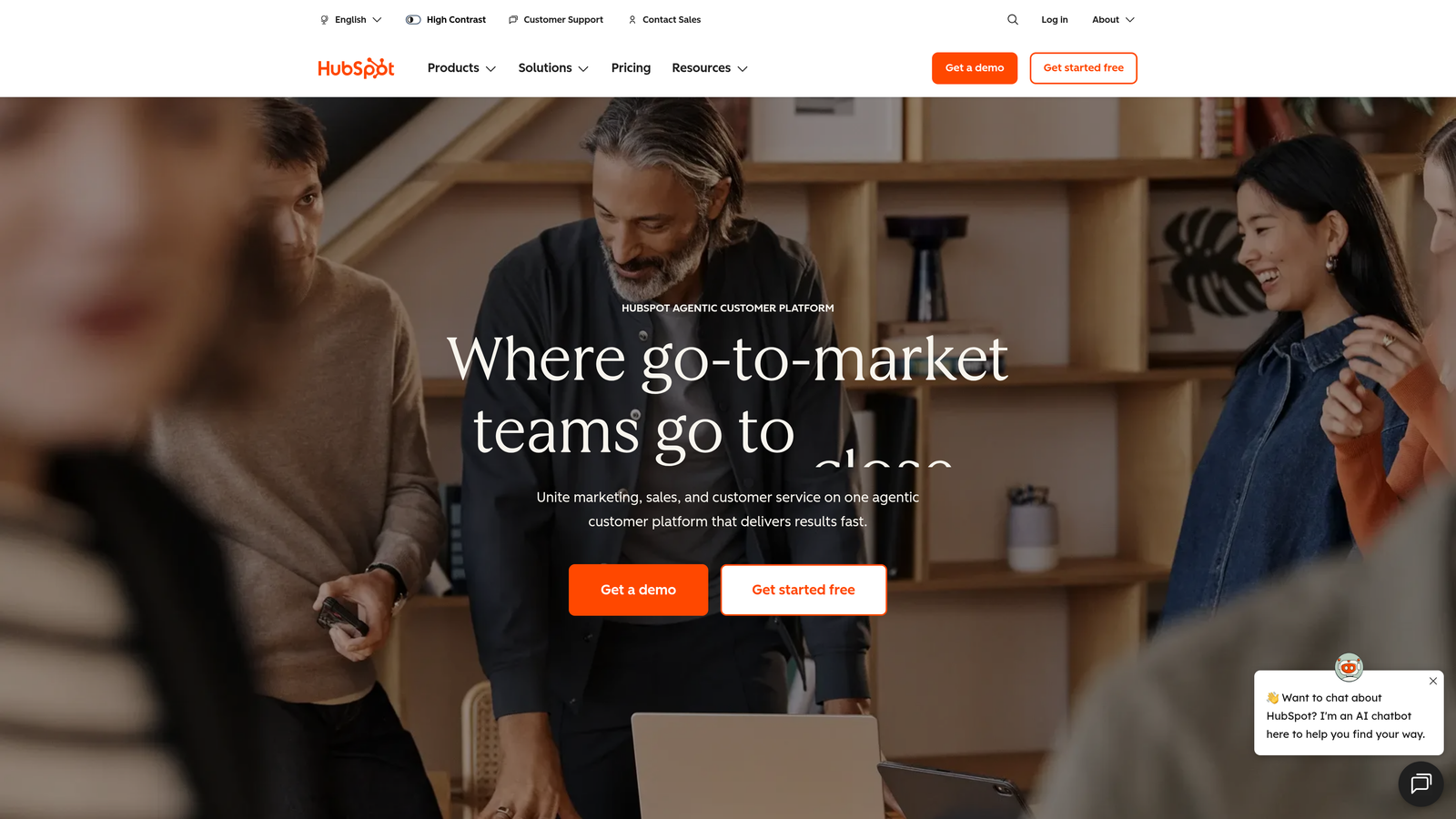
HubSpot Service Hub is customer service software that integrates seamlessly with HubSpot's CRM ecosystem for unified customer relationship management.
Where This Tool Shines
If you're already in the HubSpot ecosystem, Service Hub provides context that standalone support tools can't match. Your support team sees the complete customer journey—which marketing campaigns they engaged with, sales conversations they had, deals in progress—without switching tools or hunting for information.
The ticket pipeline view brings sales-style deal tracking to support. This visual approach helps managers spot bottlenecks and understand team workload at a glance, rather than digging through reports.
Key Features
Native CRM Integration: Complete customer history from first marketing touch through sales and support without data silos.
Conversational Bots: Automated chat flows that qualify inquiries, book meetings, and route conversations appropriately.
Knowledge Base Builder: Self-service documentation that integrates with chatbots to surface relevant articles automatically.
Customer Feedback Surveys: CSAT and NPS surveys that automatically trigger based on ticket closure or customer milestones.
Ticket Pipelines: Visual kanban-style ticket management similar to sales deal pipelines.
Best For
B2B companies already using HubSpot for marketing or sales who want unified customer data. Less ideal as a standalone tool if you're not invested in the broader HubSpot platform.
Pricing
Free tools available with basic functionality. Starter plan at $20 monthly (not per user) includes two paid users, with additional seats available.
6. Drift
Best for: Sales-focused teams using conversational AI to qualify leads and accelerate revenue alongside support
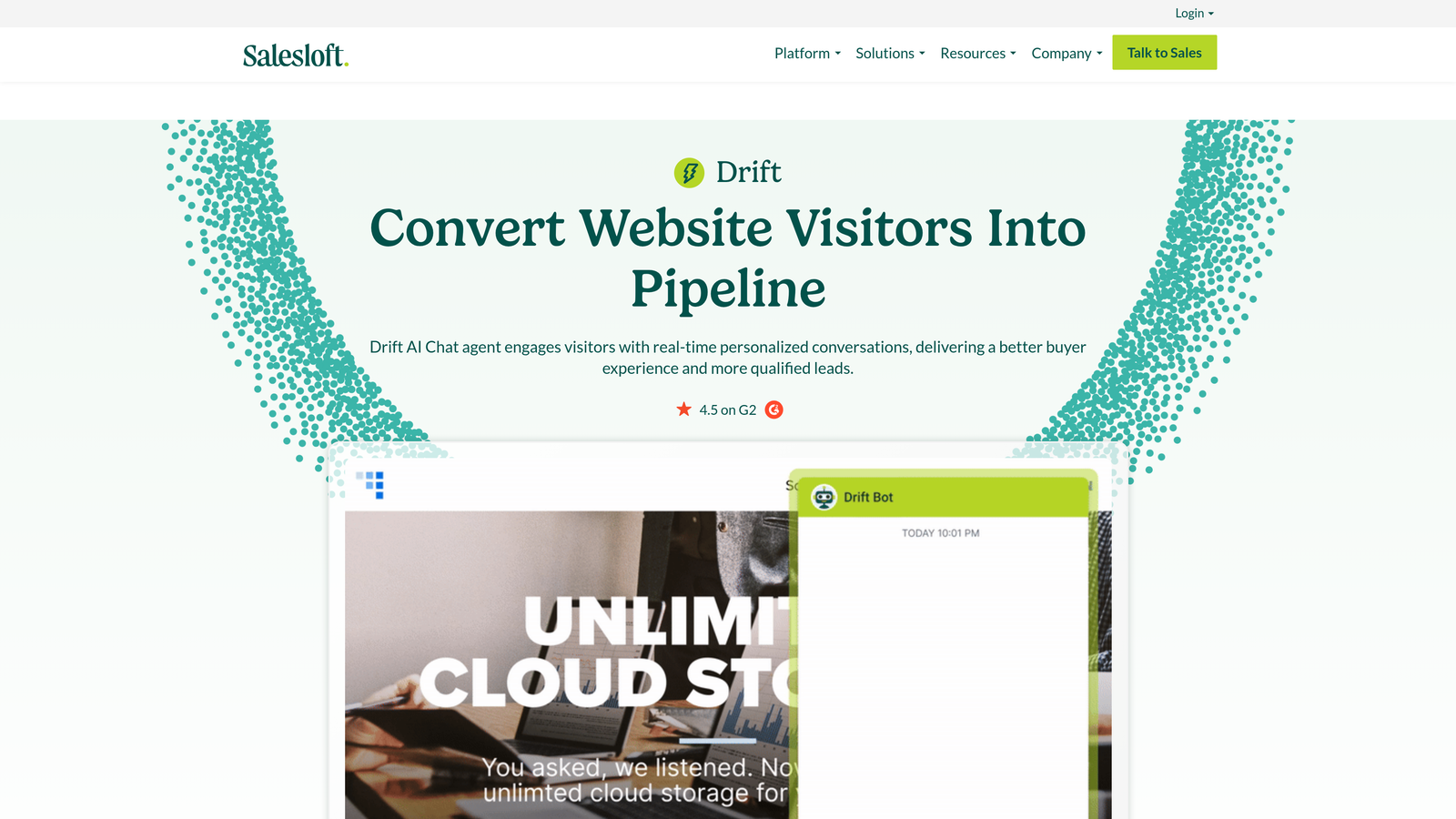
Drift is a conversational AI platform designed primarily for revenue acceleration through intelligent chat and automated qualification.
Where This Tool Shines
Drift approaches chat through a revenue lens rather than a pure support lens. The platform excels at identifying high-value conversations and routing them to the right sales or account reps instantly. This matters when support inquiries from enterprise prospects need different handling than routine customer questions.
The account-based targeting lets you customize chat experiences based on company attributes. Enterprise visitors might see instant meeting booking options, while smaller accounts get self-service resources. This segmentation ensures your team focuses energy where revenue impact is highest.
Key Features
Revenue-Focused Routing: Intelligent conversation routing based on account value, intent signals, and buying stage.
AI-Powered Lead Qualification: Automated qualification questions that score and route leads before human involvement.
Meeting Scheduling Automation: Calendar integration that lets qualified prospects book meetings directly from chat.
Account-Based Targeting: Customize chat experiences and routing based on company size, industry, and other firmographic data.
Video Messaging: Asynchronous video responses for personalized follow-up that stands out from text-only communication.
Best For
B2B companies where support and sales work closely together, particularly those with high-touch sales processes for enterprise accounts. Less suitable if your primary need is post-sale customer support.
Pricing
Premium plans start at $2,500 monthly, positioning Drift at the higher end of the market for teams focused on revenue generation.
7. Ada
Best for: High-volume support teams needing multilingual automation with no-code bot building
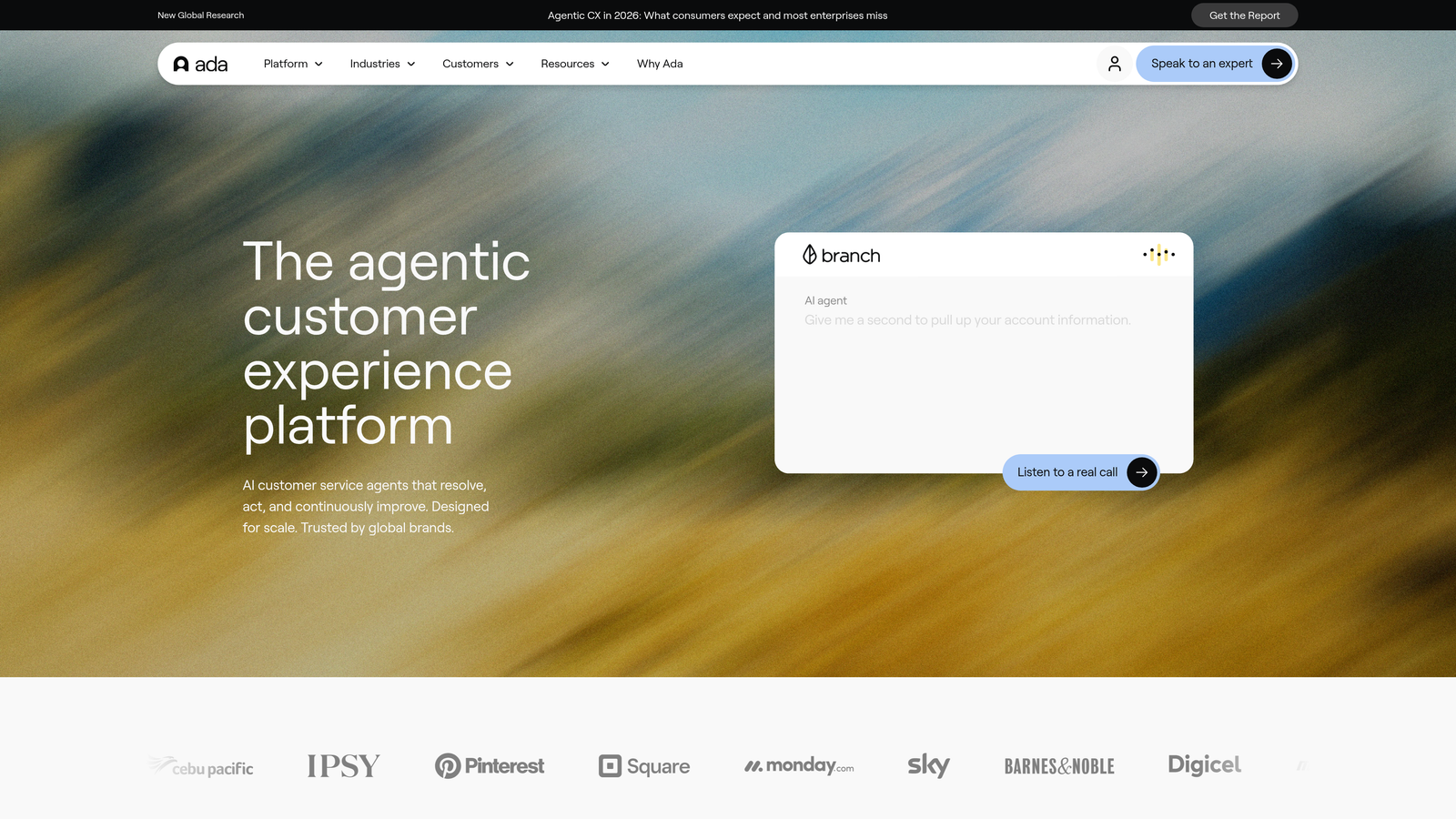
Ada is an AI-powered automation platform designed for handling high volumes of support inquiries across 50+ languages.
Where This Tool Shines
Ada's no-code bot builder democratizes automation creation. Non-technical team members can build and iterate on conversation flows without waiting for developer resources. This speed matters when you need to quickly automate responses to new product features or seasonal inquiries.
The multilingual capabilities are genuinely strong, not just machine-translated versions of English flows. This makes Ada particularly valuable for global companies that need consistent support quality across regions without maintaining separate systems or teams for each language.
Key Features
No-Code Bot Builder: Visual interface for creating conversation flows that non-technical team members can manage independently.
Multi-Language Support: Native support for 50+ languages with conversation flows optimized per language, not just translated.
Proactive Campaigns: Trigger automated outreach based on user behavior or account attributes to prevent issues before they occur.
Handoff to Live Agents: Seamless transition to human agents with full conversation context when automation reaches its limits.
Analytics Dashboard: Track automation performance, resolution rates, and identify gaps where bot training could improve.
Best For
Global companies with high support volumes who need multilingual automation without technical complexity. Works well for teams that want business users building automation rather than relying on developers.
Pricing
Custom pricing based on conversation volume and language requirements. Expect higher costs for enterprise-scale deployments with extensive language support.
8. Kustomer
Best for: Teams needing unified customer timelines across all channels with CRM-powered context
Kustomer is a CRM-powered customer service platform that provides complete customer timelines across every interaction channel.
Where This Tool Shines
Kustomer's unified timeline approach means agents see the complete customer story in one view—purchases, previous tickets, chat conversations, email exchanges—rather than toggling between tabs or systems. This comprehensive context helps agents resolve issues faster because they're not starting from zero each interaction.
The sentiment analysis automatically flags conversations that are turning negative, letting managers intervene before small frustrations become churn risks. This proactive approach to escalation management helps protect customer relationships during challenging interactions.
Key Features
Unified Customer Timeline: Single chronological view of all customer interactions, purchases, and account activity across channels.
Omnichannel Inbox: Manage conversations from email, chat, social media, SMS, and phone in one unified interface.
AI-Powered Routing: Intelligent ticket assignment based on agent expertise, availability, and customer context.
Business Process Automation: Create workflows that span multiple systems and departments, not just support-specific automation.
Sentiment Analysis: Automatic detection of customer frustration or satisfaction to prioritize at-risk conversations.
Best For
B2B companies with complex customer relationships spanning multiple touchpoints who need complete interaction history. Particularly valuable for account-based businesses where understanding the full customer context matters.
Pricing
Enterprise plan at $89 per user monthly. The platform targets mid-market and enterprise customers rather than small teams.
9. Help Scout
Best for: Teams prioritizing personal, human-focused support with AI assistance rather than full automation
Help Scout is a simple, human-focused help desk with AI assist features designed for teams that value personal touch.
Where This Tool Shines
Help Scout's philosophy centers on making support feel personal rather than automated. The interface removes ticket numbers and system jargon, making conversations feel more like email exchanges than helpdesk transactions. This approach resonates with teams who believe customer relationships matter more than efficiency metrics.
The Beacon widget elegantly combines chat, knowledge base search, and contact forms in one interface. Users can find answers themselves or reach out for help without leaving your product, creating a seamless support experience that doesn't feel like they're being shuffled between systems.
Key Features
Beacon Chat Widget: Embeddable widget combining chat, knowledge base search, and contact forms in one clean interface.
AI Drafts and Summaries: AI assistance that drafts responses and summarizes long threads rather than replacing human agents entirely.
Docs Knowledge Base: Self-service documentation that integrates with Beacon to surface relevant articles before customers contact support.
Collision Detection: Prevents multiple agents from responding to the same conversation simultaneously, avoiding customer confusion.
Customer Satisfaction Ratings: Simple CSAT surveys that measure support quality without overwhelming customers with lengthy questionnaires.
Best For
B2B companies that view support as a relationship-building opportunity rather than a cost center to minimize. Ideal for teams under 50 agents who want AI assistance without losing the human element.
Pricing
Starts at $22 per user monthly, positioning Help Scout as an accessible option for small to mid-sized teams.
Matching Your Platform to Your Support Strategy
The right automated support platform depends on where you are and where you're heading. If you're scaling fast and need AI that genuinely learns from every interaction, platforms built AI-native like Halo offer advantages over traditional helpdesks with AI features bolted on. The difference shows up in resolution rates and how much manual training your team invests.
For teams already invested in specific ecosystems, native integration matters more than standalone features. HubSpot Service Hub makes sense if you're deep in HubSpot's world. Intercom shines when mobile experience is critical. Zendesk remains the safe enterprise choice when you need extensive customization and have administrators to manage it.
Budget considerations extend beyond per-seat pricing. Platforms like Drift and Ada with custom pricing can surprise you once you factor in actual usage volumes. Meanwhile, Freshdesk and Help Scout offer predictable costs that scale linearly with team size.
The most important evaluation criterion is resolution rate—what percentage of inquiries can the platform handle autonomously without human intervention. This metric directly impacts whether your support team scales linearly with customer growth or whether AI absorbs the increase. Ask vendors for real resolution rate data from customers similar to your business, not marketing claims.
Integration depth matters more than integration count. A platform that connects to 500 tools superficially is less valuable than one that deeply integrates with your core systems—your CRM, project management, billing, and communication tools. Deep integration means data flows bidirectionally and actions in one system trigger appropriate responses in others.
Your support team shouldn't scale linearly with your customer base. Let AI agents handle routine tickets, guide users through your product, and surface business intelligence while your team focuses on complex issues that need a human touch. See Halo in action and discover how continuous learning transforms every interaction into smarter, faster support.