11 Best Customer Support Automation Software in 2026
Modern support teams struggle with rising ticket volumes and customer expectations for faster responses. This guide evaluates the best customer support automation software for 2026 based on AI capabilities, integration depth, and scalability—helping you find platforms that automate routine inquiries, intelligently route complex issues, and transform support data into actionable insights without the marketing hype.
 Matt PattoliFounder13 min read
Modern support teams face an impossible equation: ticket volumes keep climbing while customers expect faster, more personalized responses. The right automation software bridges this gap—handling routine inquiries, routing complex issues to the right agents, and turning support data into actionable insights.
But with dozens of platforms claiming AI-powered automation, choosing the right fit for your team requires cutting through the noise. We evaluated these tools based on AI capabilities, integration depth, ease of implementation, and real-world scalability. Here are the platforms worth your attention in 2026.
1. Halo AI
Best for: Teams needing autonomous ticket resolution with continuous learning and deep business intelligence
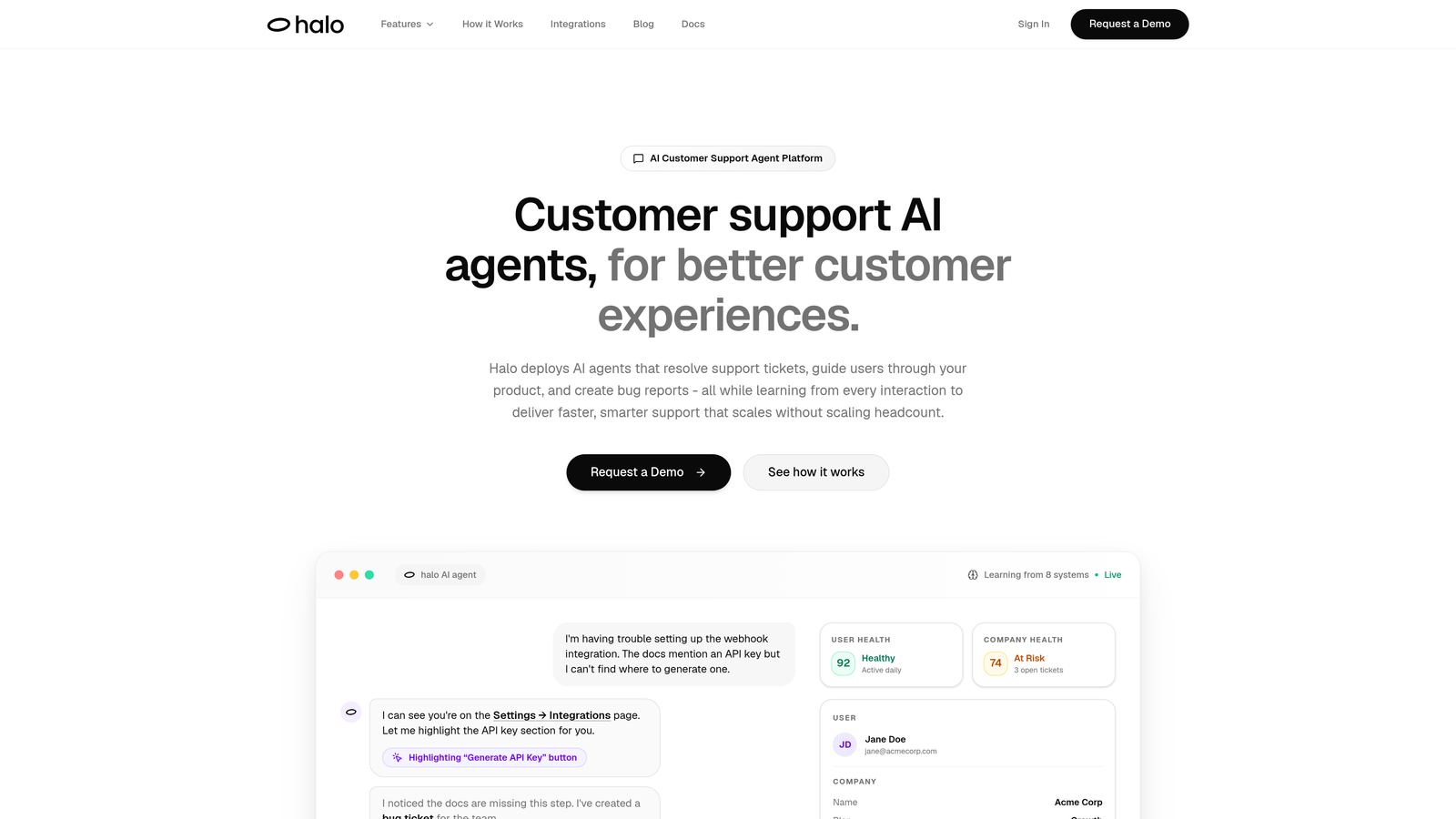
Halo AI is an AI-native customer support platform that deploys autonomous agents capable of resolving tickets, guiding users through product interfaces, and creating bug reports.
Where This Tool Shines
Unlike traditional helpdesks with AI bolted on, Halo operates as an AI-first architecture. Its agents don't just deflect tickets—they actually resolve them by understanding context from what users see on their screens. When a customer gets stuck on a specific page, Halo's agents can walk them through the exact interface elements they're viewing.
The platform learns from every interaction, meaning your support quality improves continuously without manual training. When issues require engineering attention, Halo automatically creates detailed bug tickets in Linear with full context, eliminating the translation layer between support and product teams.
Key Features
Page-Aware Chat Widget: Sees what users see on screen, enabling contextual guidance through actual UI elements.
Autonomous Resolution: Handles tickets end-to-end with intelligent escalation to human agents when complexity requires it.
Auto Bug Creation: Generates detailed bug tickets in Linear automatically when product issues are detected.
Business Intelligence: Surfaces customer health signals, revenue insights, and anomaly detection beyond standard support metrics.
Deep Integrations: Connects across your stack including Slack, HubSpot, Intercom, Stripe, Zoom, and PandaDoc for unified context.
Best For
B2B SaaS companies and product teams who need support automation that scales without scaling headcount. Particularly valuable for teams using multiple business tools who want unified intelligence across their entire customer journey.
Pricing
Contact for custom pricing based on your team size and integration requirements.
2. Intercom
Best for: Product-led growth companies wanting conversational support embedded in their product experience
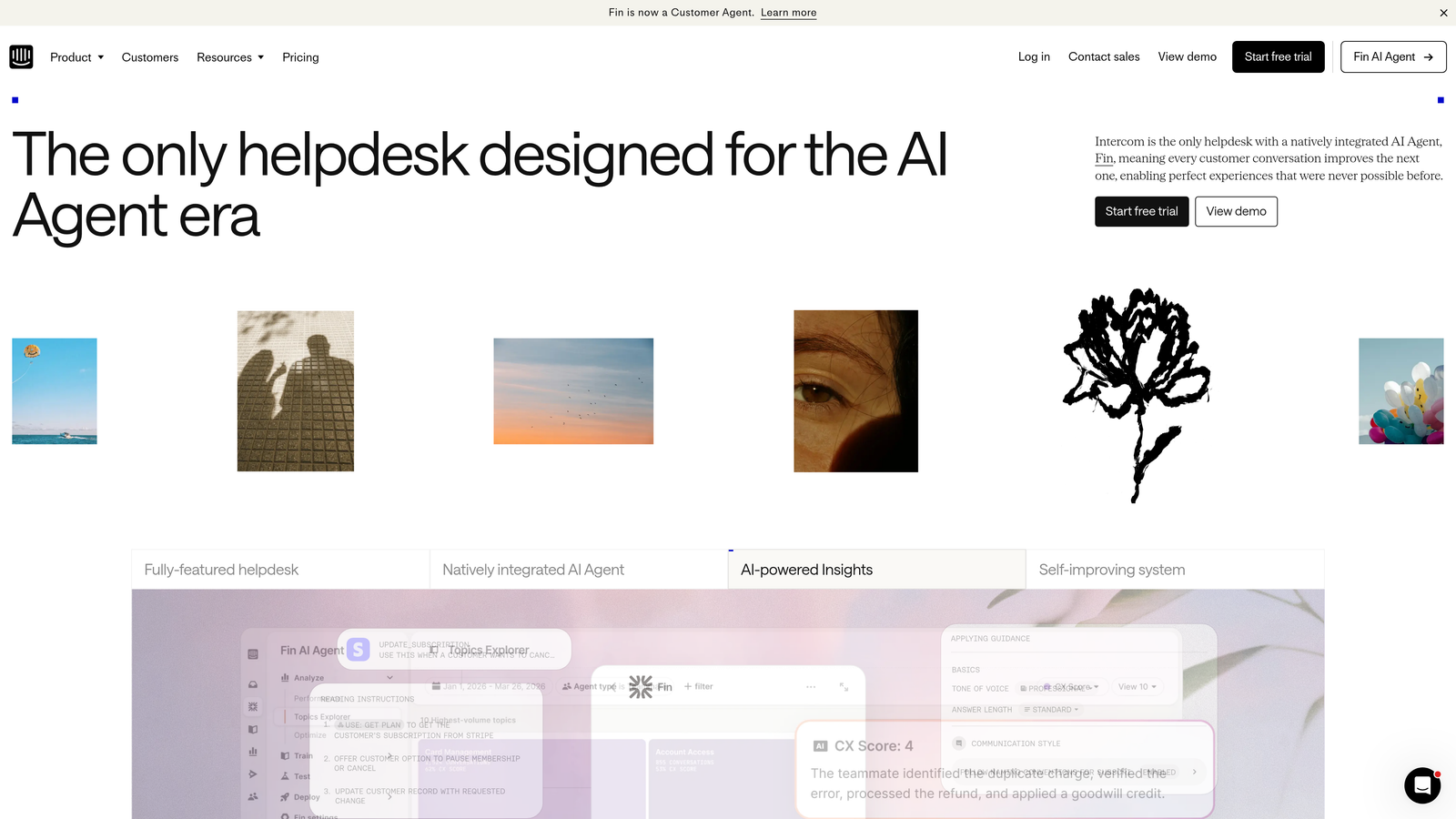
Intercom is a conversational support platform with Fin AI agent, known for its in-app messenger and product-led growth focus.
Where This Tool Shines
Intercom excels at blending support with product adoption. Its in-app messenger feels native to your product rather than a tacked-on widget. Fin, their AI agent, handles common questions with surprisingly natural language, though it works best for straightforward queries rather than complex troubleshooting.
The platform's real strength lies in its product tour and onboarding capabilities. You can trigger contextual messages based on user behavior, turning support into a proactive growth tool rather than just reactive problem-solving.
Key Features
Fin AI Agent: Conversational AI that answers questions using your knowledge base content with natural language processing.
In-App Messenger: Native-feeling chat widget that integrates seamlessly into your product interface.
Product Tours: Guided onboarding flows that reduce support volume by teaching users proactively.
Resolution Bot: Automated responses for common queries with fallback to human agents.
Custom Bots: Visual builder for creating conversation flows without coding knowledge.
Best For
SaaS companies focused on product-led growth who want support embedded directly in their user experience. Works well for teams that view support as part of the product journey rather than a separate function.
Pricing
Starts at $39 per seat per month, with Fin AI charged separately per resolution. Costs can add up quickly for high-volume teams.
3. Zendesk
Best for: Enterprise teams needing extensive customization and a mature marketplace of third-party integrations
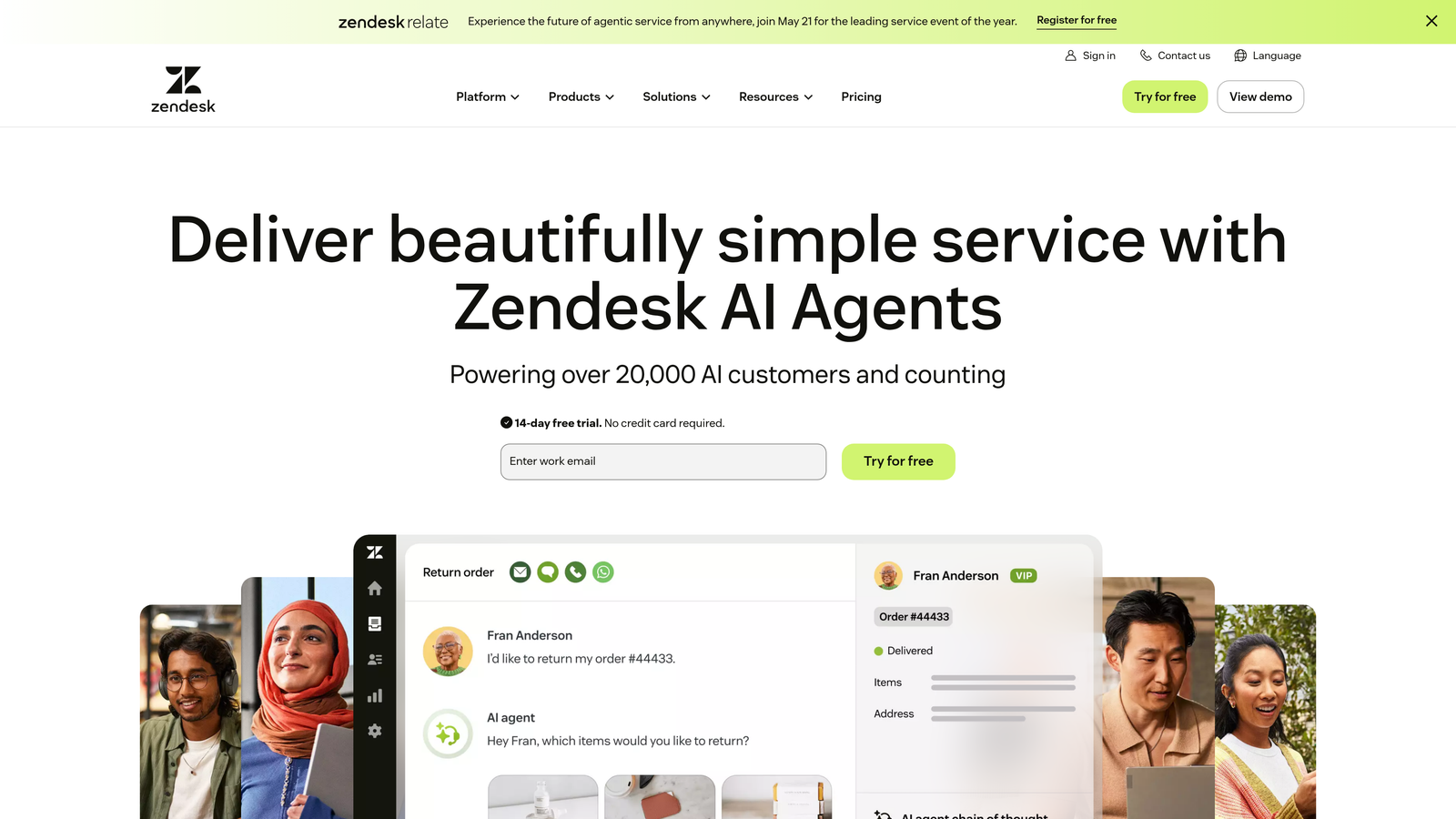
Zendesk is an enterprise-grade helpdesk platform with extensive customization, mature ticketing workflows, and a large marketplace of integrations.
Where This Tool Shines
Zendesk's greatest asset is its maturity. The platform has been refined over years to handle complex enterprise requirements like multi-brand support, intricate routing rules, and compliance needs. Its marketplace offers thousands of integrations, meaning you can connect virtually any tool in your stack.
The ticketing system remains industry-standard for a reason—it handles high volumes with sophisticated automation rules. However, the AI capabilities feel more like add-ons rather than core to the experience, and the interface can feel dated compared to newer platforms.
Key Features
Advanced Ticketing: Sophisticated routing, triggers, and automation for complex workflow requirements.
Answer Bot: AI-powered suggestions from knowledge base content, though less conversational than newer alternatives.
Integration Marketplace: Thousands of pre-built connections to third-party tools and services.
Multi-Brand Support: Manage multiple brands or products from a single platform with separate branding.
Reporting Suite: Comprehensive analytics and custom dashboards for enterprise-level insights.
Best For
Large enterprises with complex support operations requiring extensive customization and compliance features. Best suited for teams with dedicated Zendesk administrators who can leverage its full capabilities.
Pricing
Starts at $55 per agent per month for Suite Team. Enterprise plans with advanced AI features cost significantly more.
4. Freshdesk
Best for: Growing teams wanting solid automation features without enterprise complexity or pricing
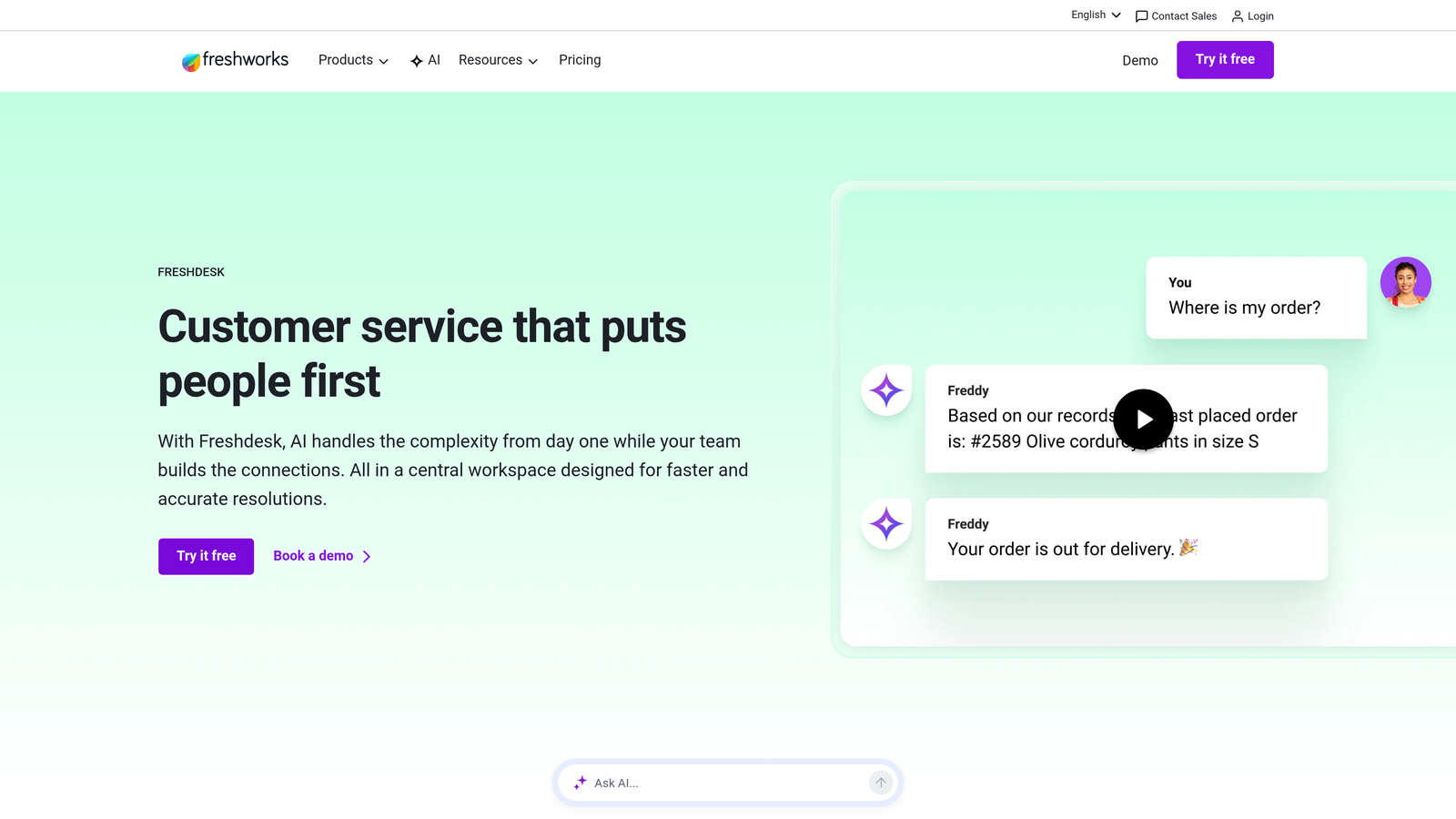
Freshdesk is a user-friendly helpdesk with Freddy AI capabilities, offering solid automation features at competitive price points for growing teams.
Where This Tool Shines
Freshdesk hits a sweet spot between functionality and simplicity. Freddy AI handles ticket triage and suggests responses to agents, making teams more efficient without requiring extensive setup. The scenario automation builder lets you create workflows visually, making it accessible for teams without technical resources.
The platform's pricing structure makes it particularly attractive for mid-market companies. You get meaningful automation capabilities at a fraction of Zendesk's cost, though you'll sacrifice some enterprise-grade features and customization depth.
Key Features
Freddy AI: Intelligent ticket assignment, priority detection, and suggested responses to speed up agent workflows.
Scenario Automations: Visual workflow builder for creating complex automation rules without coding.
Canned Responses: Template library with dynamic variables for faster, consistent replies.
SLA Management: Track and enforce service level agreements with automated escalations.
Team Collaboration: Shared ownership, internal notes, and parent-child ticket relationships for complex issues.
Best For
Mid-market companies scaling their support operations who need professional features without enterprise complexity. Ideal for teams of 10-50 agents looking for strong value.
Pricing
Free tier available for small teams. Paid plans start at $15 per agent per month, making it one of the more affordable options.
5. HubSpot Service Hub
Best for: Teams already using HubSpot CRM wanting unified customer data across sales, marketing, and support
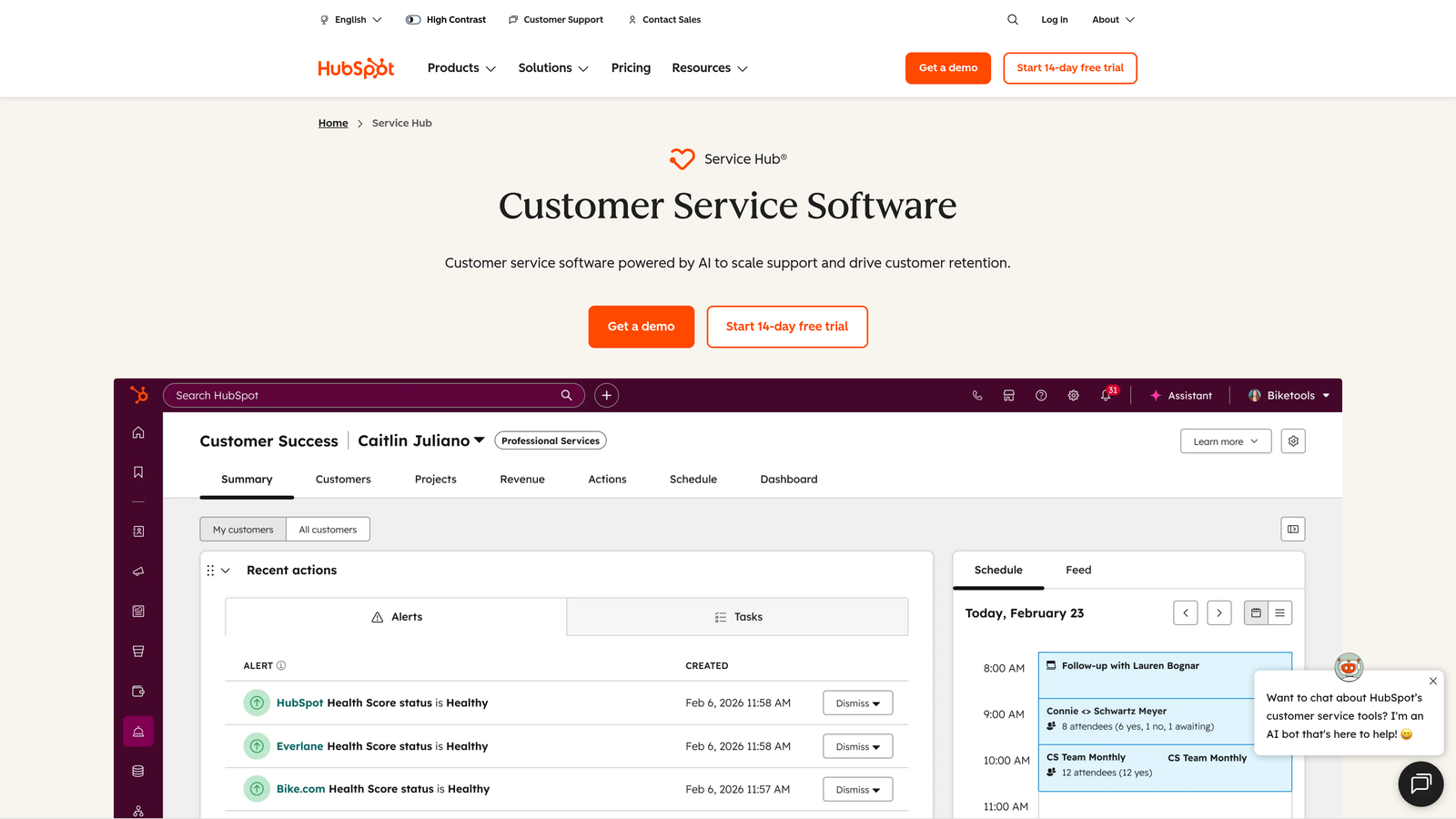
HubSpot Service Hub is a service platform tightly integrated with HubSpot CRM, ideal for teams wanting unified customer data across sales, marketing, and support.
Where This Tool Shines
If you're already in the HubSpot ecosystem, Service Hub provides seamless continuity. Support agents see the entire customer journey—every marketing touch, sales conversation, and previous ticket—in one unified timeline. This context dramatically improves response quality and personalization.
The conversation intelligence features analyze support interactions for trends and sentiment, surfacing insights that inform product and marketing decisions. However, teams not already using HubSpot may find better standalone support tools at similar price points.
Key Features
Native CRM Integration: Complete customer context from marketing through sales to support in unified records.
Conversation Intelligence: AI analysis of support conversations for sentiment, trends, and coaching opportunities.
Knowledge Base Builder: SEO-optimized help center creation with content analytics and recommendations.
Customer Feedback: Automated surveys and NPS tracking integrated with customer records.
Pipeline Ticketing: Kanban-style ticket views familiar to sales teams using HubSpot CRM.
Best For
Companies already invested in HubSpot's CRM, marketing, or sales tools who want to extend that unified data model to support operations.
Pricing
Free tools available with limited features. Starter plan at $20 per month for two users, with per-seat pricing scaling up.
6. Gorgias
Best for: E-commerce brands needing automated responses to order status, returns, and shipping inquiries
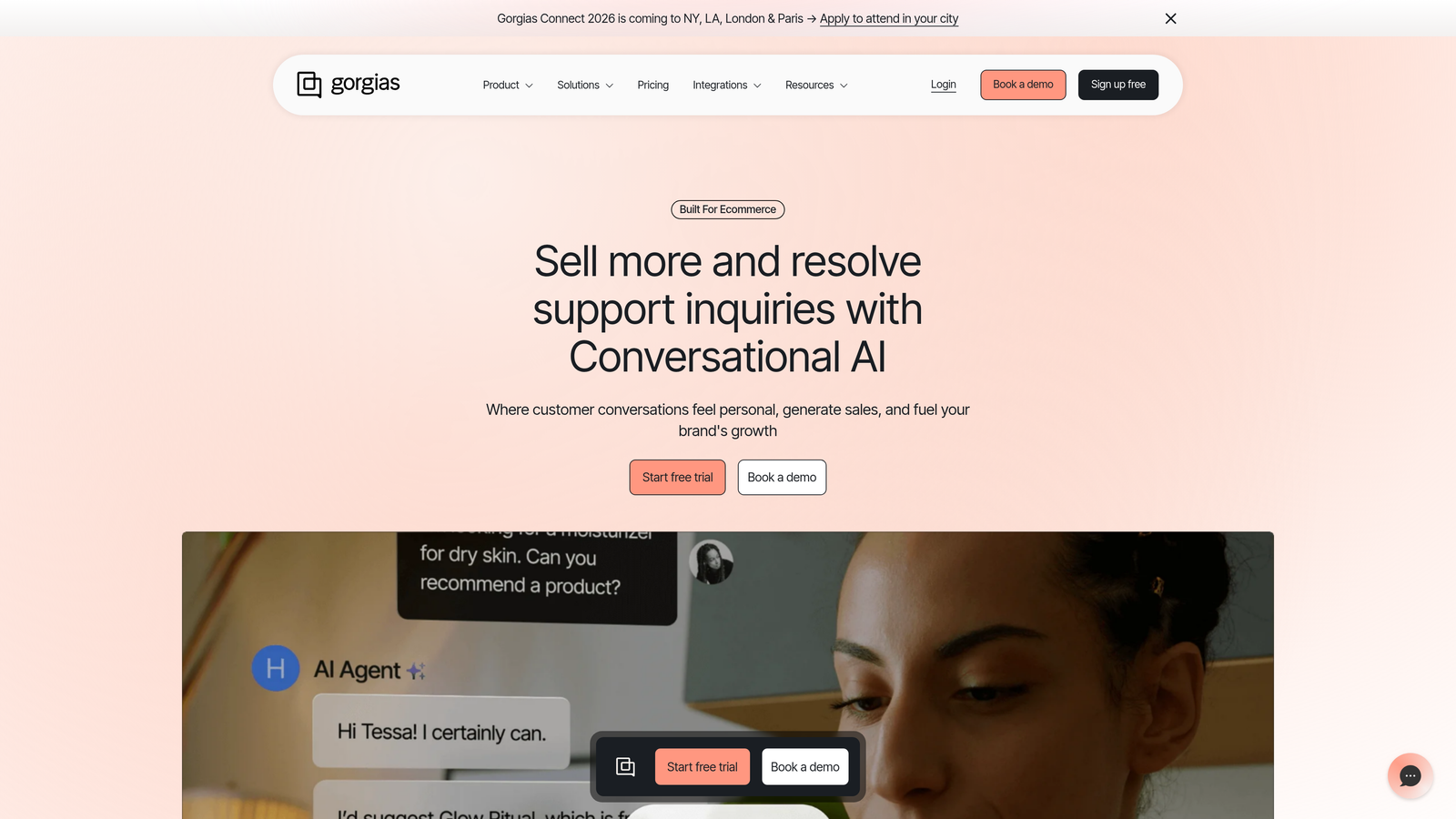
Gorgias is an e-commerce-focused helpdesk with deep Shopify integration, enabling automated responses to order status, returns, and shipping inquiries.
Where This Tool Shines
Gorgias was built specifically for e-commerce, and it shows. Agents can modify orders, process refunds, and update shipping directly from the support interface without switching to Shopify. Automated responses handle the repetitive "where's my order" questions that dominate e-commerce support volumes.
The revenue attribution tracking shows which support interactions lead to additional purchases, helping justify support investments with concrete ROI. Macros with dynamic variables pull order details automatically, making responses personal without manual effort.
Key Features
One-Click Shopify Actions: Modify orders, process refunds, and update customer details without leaving the ticket.
Automated Order Responses: Pre-built automation for shipping status, delivery updates, and return requests.
Revenue Attribution: Track which support conversations lead to purchases and calculate support ROI.
Social Media Integration: Manage Instagram, Facebook, and TikTok messages alongside email and chat tickets.
Dynamic Macros: Templates that automatically populate with customer and order information.
Best For
Shopify stores and e-commerce brands where order-related inquiries dominate support volume. Particularly valuable for direct-to-consumer brands managing high volumes of routine questions.
Pricing
Starts at $10 per month for 50 tickets, with tiered pricing based on monthly ticket volume rather than agent seats.
7. Kustomer
Best for: Retail and DTC brands needing omnichannel support with unified customer timelines
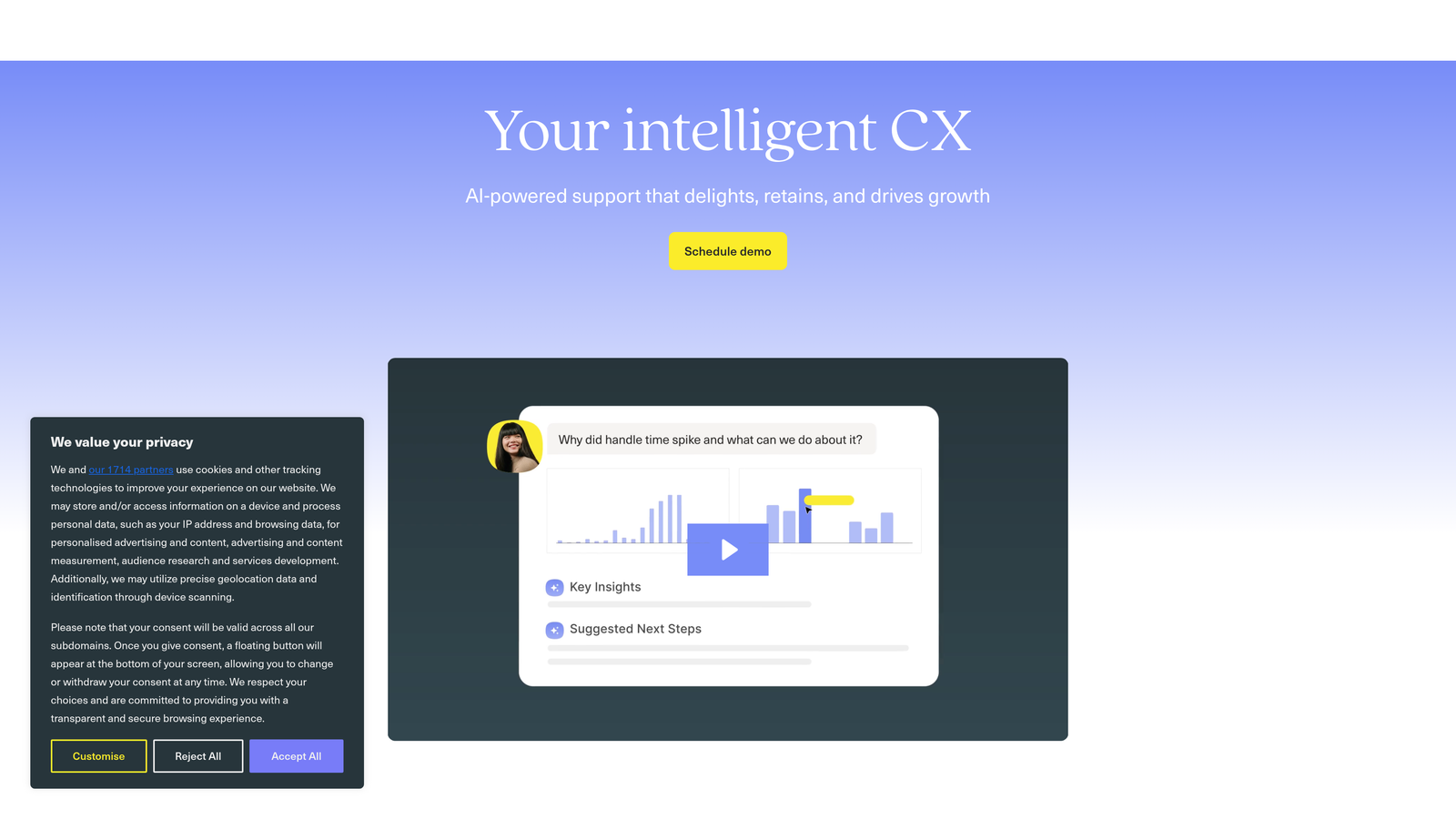
Kustomer is an omnichannel CRM platform with timeline-based customer views, strong for retail and DTC brands needing unified customer context.
Where This Tool Shines
Kustomer's timeline view shows every customer interaction across channels in chronological order, making it easy to understand context without hunting through multiple tickets. The AI-powered sentiment detection flags frustrated customers automatically, enabling proactive intervention before issues escalate.
The platform's custom objects feature lets you model your specific business data, going beyond standard contact and order fields. This flexibility makes it powerful for companies with unique data requirements, though it requires more setup than simpler alternatives.
Key Features
Timeline View: Chronological display of all customer interactions across channels in a single interface.
Sentiment Detection: AI analysis that identifies frustrated customers for priority handling.
Omnichannel Management: Unified inbox for email, chat, SMS, social media, and phone conversations.
Business Process Automation: Workflow builder for complex, multi-step automation sequences.
Custom Data Modeling: Create custom objects and fields to match your specific business requirements.
Best For
Retail and direct-to-consumer brands with complex customer journeys spanning multiple channels. Best suited for teams with technical resources to leverage customization capabilities.
Pricing
Starts at $89 per user per month, positioning it in the premium segment with enterprise-focused features.
8. Help Scout
Best for: Small teams wanting effective support without complexity or overwhelming feature sets
Help Scout is a clean, simple shared inbox designed for small teams who want effective support without complexity.
Where This Tool Shines
Help Scout's philosophy is deliberate simplicity. The shared inbox feels like email but with collision detection to prevent duplicate responses. There's no overwhelming feature list to navigate—just the essentials done well. This makes onboarding new team members quick and keeps everyone focused on customers rather than software.
The Beacon widget combines live chat with documentation search, letting customers find answers themselves before starting conversations. The interface stays clean and distraction-free, which teams either love for its focus or find limiting as they scale.
Key Features
Shared Inbox: Email-like interface with collision detection and assignment to prevent duplicate responses.
Beacon Widget: Combined chat and documentation search that encourages self-service before contacting support.
Saved Replies: Template library with variables for common responses without automation complexity.
Customer Satisfaction: One-click ratings after conversations with trend tracking over time.
Docs Knowledge Base: Simple help center builder with search analytics and article suggestions.
Best For
Small teams of 5-15 people who prioritize simplicity and personal touch over advanced automation. Ideal for bootstrapped companies and agencies.
Pricing
Starts at $22 per user per month with straightforward pricing and no hidden fees for basic features.
9. Tidio
Best for: Small businesses needing accessible chatbot automation without technical resources
Tidio is an accessible live chat and chatbot platform with a visual builder, making automation approachable for SMBs without technical resources.
Where This Tool Shines
Tidio makes chatbot creation genuinely accessible. The visual builder uses a flowchart approach that non-technical users can understand, with pre-built templates for common scenarios like lead capture and FAQ responses. You can have basic automation running in under an hour.
Lyro, their AI assistant, handles natural language conversations using your knowledge base content. While not as sophisticated as enterprise AI solutions, it works well for straightforward questions and costs significantly less than alternatives. The visitor tracking shows you who's on your site in real-time, enabling proactive chat invitations.
Key Features
Visual Chatbot Builder: Flowchart-style automation creator with drag-and-drop simplicity.
Live Chat: Real-time conversations with visitor tracking and proactive message triggers.
Pre-Built Templates: Ready-made chatbot scenarios for lead capture, FAQs, and appointment booking.
Multi-Channel: Manage email, Facebook Messenger, and Instagram messages alongside website chat.
Lyro AI: Natural language chatbot that uses your knowledge base to answer questions automatically.
Best For
Small businesses and startups wanting chatbot automation without hiring developers or spending thousands on enterprise platforms.
Pricing
Free tier available with basic features. Paid plans start at $29 per month for additional chatbots and features.
10. Ada
Best for: Enterprise teams focused on high containment rates and multilingual automation at scale
Ada is an enterprise conversational AI platform focused on high containment rates and multilingual automation at scale.
Where This Tool Shines
Ada specializes in automated resolution rather than deflection. Their no-code conversation builder lets non-technical teams create sophisticated conversation flows that actually solve problems end-to-end. The platform's multilingual capabilities handle over 100 languages without requiring separate conversation designs for each.
The analytics focus on containment—what percentage of conversations are fully resolved without human intervention. This metric-driven approach helps justify AI investments with concrete efficiency gains. Proactive messaging campaigns let you reach out to customers before they contact support, preventing issues rather than just responding to them.
Key Features
No-Code Builder: Sophisticated conversation design without requiring developer resources.
Multilingual Automation: Support over 100 languages from a single conversation design.
Proactive Campaigns: Trigger automated outreach based on customer behavior or lifecycle stage.
Agent Handoff: Seamless transfer to human agents with full conversation context when needed.
Containment Analytics: Detailed tracking of automated resolution rates and conversation outcomes.
Best For
Large enterprises with global customer bases needing multilingual support automation at scale. Particularly valuable for companies measuring success by containment rates rather than deflection metrics.
Pricing
Custom enterprise pricing based on conversation volume and features required. Expect significant investment for full implementation.
11. Zoho Desk
Best for: Existing Zoho users wanting context-aware support within their ecosystem
Zoho Desk is a context-aware helpdesk within the Zoho ecosystem, featuring Zia AI assistant and competitive pricing for existing Zoho users.
Where This Tool Shines
If you're already using Zoho CRM, Books, or other Zoho applications, Desk provides native integration without middleware. Zia, their AI assistant, analyzes sentiment, suggests responses, and predicts ticket categories to speed up agent workflows. The Blueprint feature lets you design process automations visually, ensuring tickets follow consistent workflows.
The pricing remains remarkably competitive, especially for teams already paying for other Zoho products. The self-service portal builder includes community forums and knowledge base capabilities, encouraging customers to help each other. However, teams not in the Zoho ecosystem may find more specialized alternatives better suited to their needs.
Key Features
Zia AI Assistant: Sentiment analysis, response suggestions, and automatic ticket categorization.
Multi-Department Ticketing: Separate workflows and SLAs for different support teams or product lines.
Blueprint Automation: Visual process designer for enforcing consistent ticket handling workflows.
Self-Service Portal: Combined knowledge base and community forum for customer-to-customer support.
Zoho Integration: Native connections to CRM, Books, Projects, and other Zoho applications.
Best For
Companies already using Zoho's business suite who want support capabilities integrated with their existing data and workflows.
Pricing
Free tier for up to three agents. Paid plans start at $14 per agent per month, making it highly competitive for budget-conscious teams.
Finding Your Fit
The right automation software depends on where you're starting and where you're headed. E-commerce brands handling order inquiries will find immediate value in Gorgias's Shopify integration, while SaaS companies dealing with product questions need the page-aware context of platforms like Halo AI.
Teams already invested in specific ecosystems—HubSpot, Zoho, or Shopify—should seriously consider the native options within those platforms. The unified data alone justifies the choice, even if standalone alternatives offer more features. Small teams prioritizing simplicity over sophistication will appreciate Help Scout or Tidio's approachable interfaces.
The real differentiation in 2026 isn't whether a platform has AI—they all do. It's whether that AI actually resolves issues or merely deflects them. Look for platforms that measure containment and resolution rates, not just deflection percentages. Ask whether the automation learns from interactions or requires constant manual training.
Enterprise buyers should evaluate customization depth and compliance capabilities, particularly for regulated industries. The cheapest option rarely proves economical once you factor in integration costs, training time, and feature limitations that require workarounds.
Your support team shouldn't scale linearly with your customer base. Let AI agents handle routine tickets, guide users through your product, and surface business intelligence while your team focuses on complex issues that need a human touch. See Halo in action and discover how continuous learning transforms every interaction into smarter, faster support.