9 Best Contextual Help Widget Software Tools in 2026
Contextual help widget software delivers in-app assistance by automatically surfacing relevant guidance based on what users are doing, eliminating the need to search external knowledge bases. This guide reviews the nine best contextual help widget tools for 2026, evaluated on AI capabilities, page-awareness, integration options, and implementation ease to help product teams reduce support tickets and improve user success.
 Grant CooperFounder11 min read
Your users shouldn't have to leave what they're doing to find help. Contextual help widgets deliver assistance exactly where and when users need it—right within your product interface. Unlike traditional knowledge bases that require users to search and navigate away, contextual help software detects what page or feature someone is using and surfaces relevant guidance automatically.
This reduces friction, cuts support tickets, and helps users succeed faster. We evaluated dozens of solutions based on page-awareness capabilities, AI intelligence, integration flexibility, and ease of implementation. Here are the top contextual help widget tools for product teams in 2026.
1. Halo AI
Best for: Teams wanting AI-first contextual support that learns and improves continuously
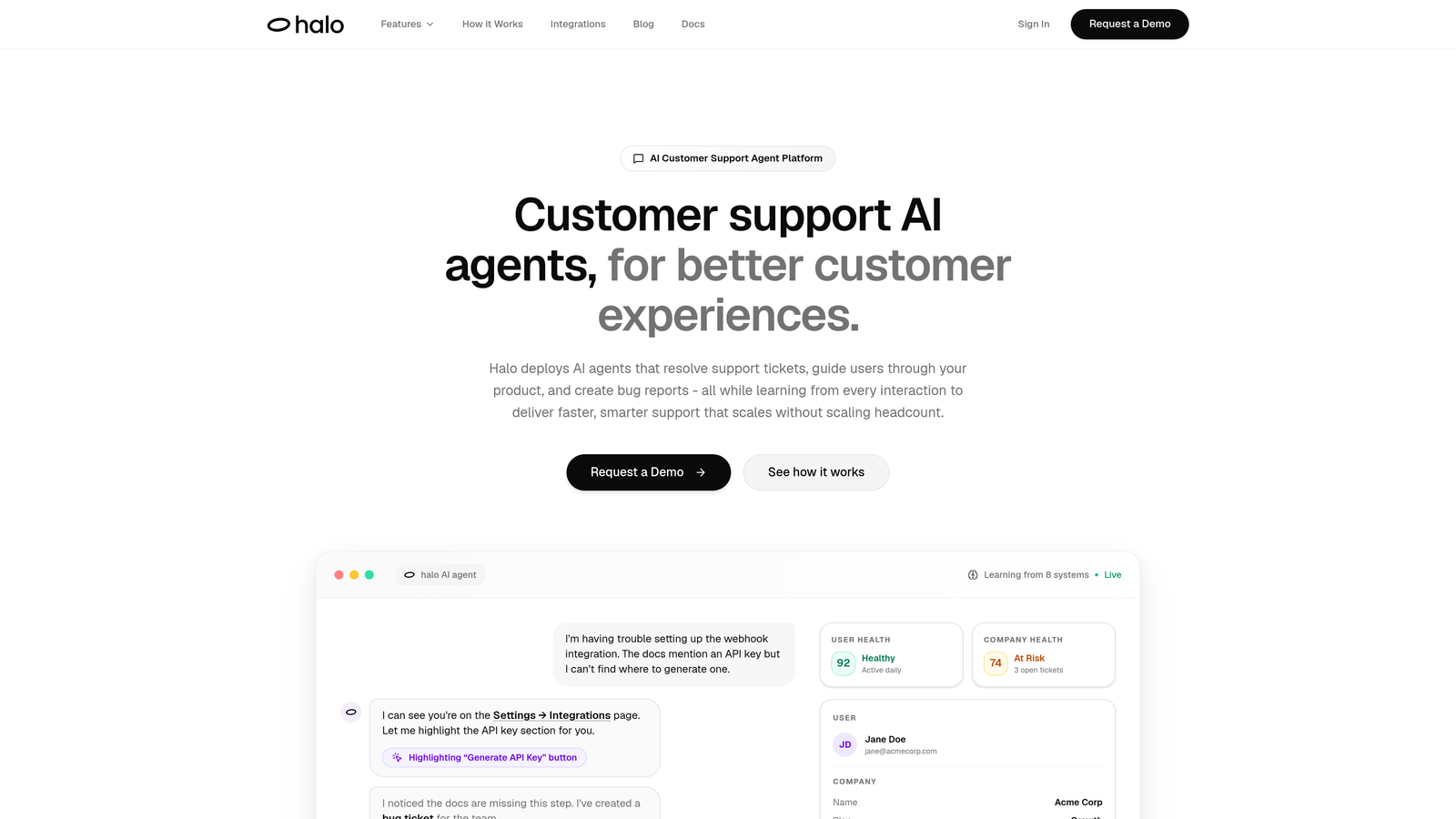
Halo AI is an AI-powered contextual help platform that understands what users see on their screen and provides visual UI guidance in real-time.
Where This Tool Shines
Halo takes a fundamentally different approach than traditional help widgets. Instead of requiring you to pre-build flows and tooltips for every scenario, its AI agents understand page context visually—seeing what your users see and adapting responses dynamically.
The platform learns from every interaction, meaning your support gets smarter over time without manual updates. When users encounter issues, Halo can highlight specific UI elements, guide them through multi-step processes, and even create bug tickets automatically when technical problems surface.
Key Features
Page-Aware AI: Understands user context visually by detecting what's on screen, not just URL-based triggers.
Continuous Learning: Improves responses automatically from every support interaction without manual retraining.
Visual UI Guidance: Highlights specific interface elements and walks users through steps with visual cues.
Auto Bug Ticket Creation: Detects technical issues during conversations and creates tickets in your dev tools automatically.
Live Agent Handoff: Seamlessly transfers complex issues to human support when AI reaches its limits.
Best For
B2B SaaS companies and product teams who want intelligent, adaptive support that scales without building extensive flow libraries. Particularly valuable for products with frequent updates where maintaining static help content becomes a bottleneck.
Pricing
Contact for custom pricing based on your support volume and integration needs.
2. Pendo
Best for: Product teams combining usage analytics with contextual in-app guidance
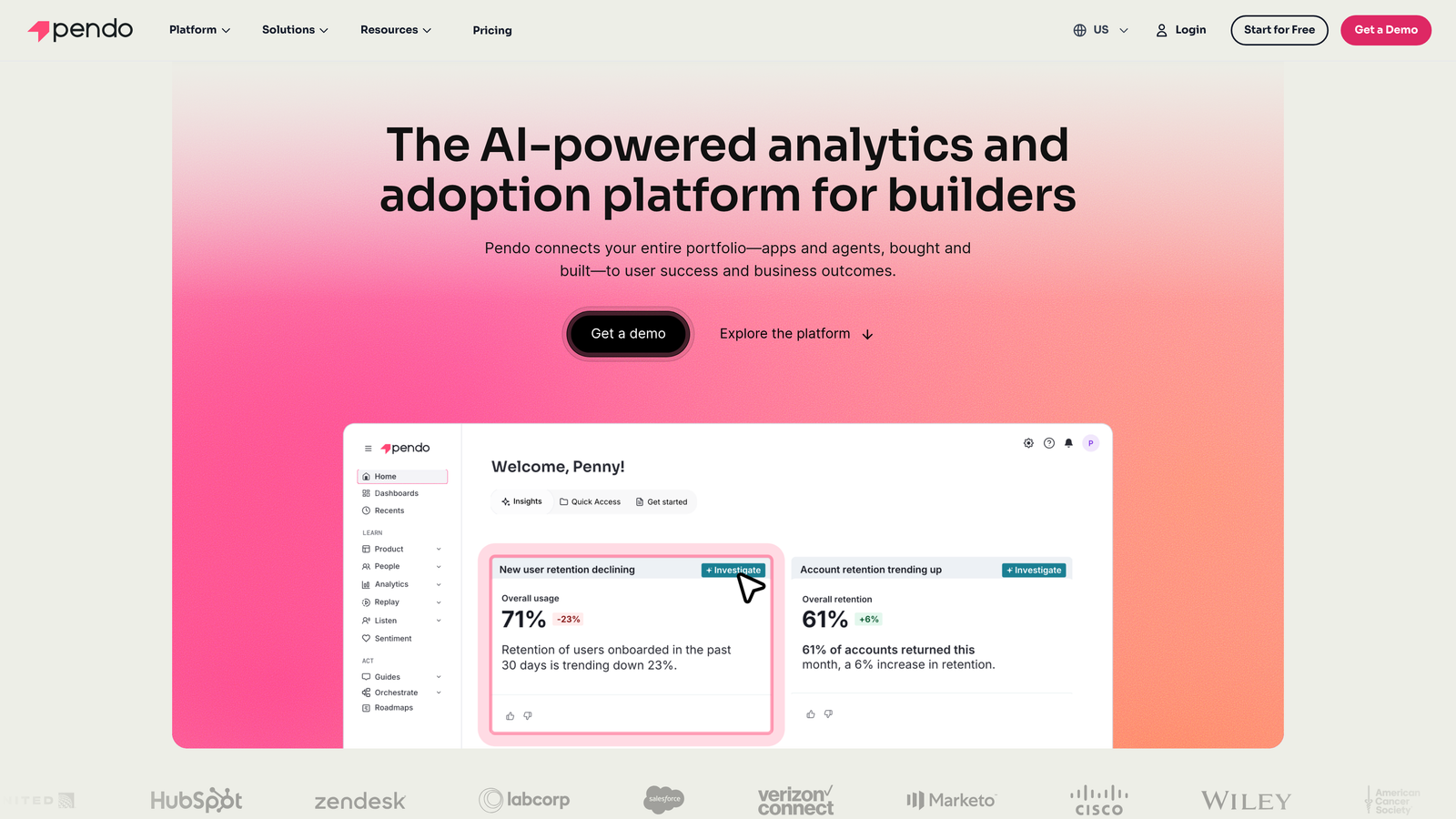
Pendo is a product experience platform that merges analytics, in-app guides, and user feedback into one comprehensive solution.
Where This Tool Shines
Pendo excels when you need deep visibility into how users interact with your product alongside your guidance efforts. The platform tracks every click, page view, and feature interaction, then lets you trigger contextual help based on actual behavior patterns.
The resource center functionality creates a centralized help hub within your app, while NPS surveys and feedback collection close the loop between product usage and user sentiment. This makes it particularly powerful for product managers who want data-driven insights alongside adoption tools.
Key Features
Behavior-Triggered Guides: Launch tooltips and walkthroughs based on specific user actions or feature usage patterns.
Product Usage Analytics: Track feature adoption, user paths, and engagement metrics in granular detail.
Resource Center: Build a searchable, in-app help center for self-service support.
User Segmentation: Target guidance to specific user groups based on attributes or behavior.
NPS and Feedback: Collect user sentiment and feature requests directly within the product.
Best For
Mid-market to enterprise product teams who need analytics and guidance in one platform. Ideal when product managers want to measure the impact of onboarding changes on feature adoption rates.
Pricing
Free tier available for basic analytics. Paid plans require custom pricing based on monthly active users.
3. WalkMe
Best for: Enterprise organizations needing cross-application guidance and compliance features
WalkMe is an enterprise digital adoption platform designed for complex workflow guidance across multiple business applications.
Where This Tool Shines
WalkMe stands out in enterprise environments where employees use multiple systems—Salesforce, SAP, Workday, and internal tools—and need consistent guidance across all of them. The platform's Workstation feature even supports desktop applications, not just web-based software.
For heavily regulated industries, WalkMe offers enterprise-grade security certifications and compliance controls that smaller tools can't match. The AI-powered automation suggestions can identify repetitive tasks and recommend workflow optimizations based on usage patterns.
Key Features
Cross-Application Support: Deploy guidance across multiple enterprise systems with unified management.
AI-Powered Automation: Identifies repetitive workflows and suggests automation opportunities.
Enterprise Security: SOC 2, GDPR, and industry-specific compliance certifications built-in.
Workstation for Desktop: Extends contextual help to desktop applications beyond the browser.
Advanced Analytics: Track adoption metrics across your entire software ecosystem.
Best For
Large enterprises with complex tech stacks and compliance requirements. Particularly valuable in financial services, healthcare, and heavily regulated industries where security and audit trails matter.
Pricing
Enterprise pricing model—contact WalkMe for a custom quote based on employee count and application coverage.
4. Whatfix
Best for: Organizations wanting multi-format content support and task automation guidance
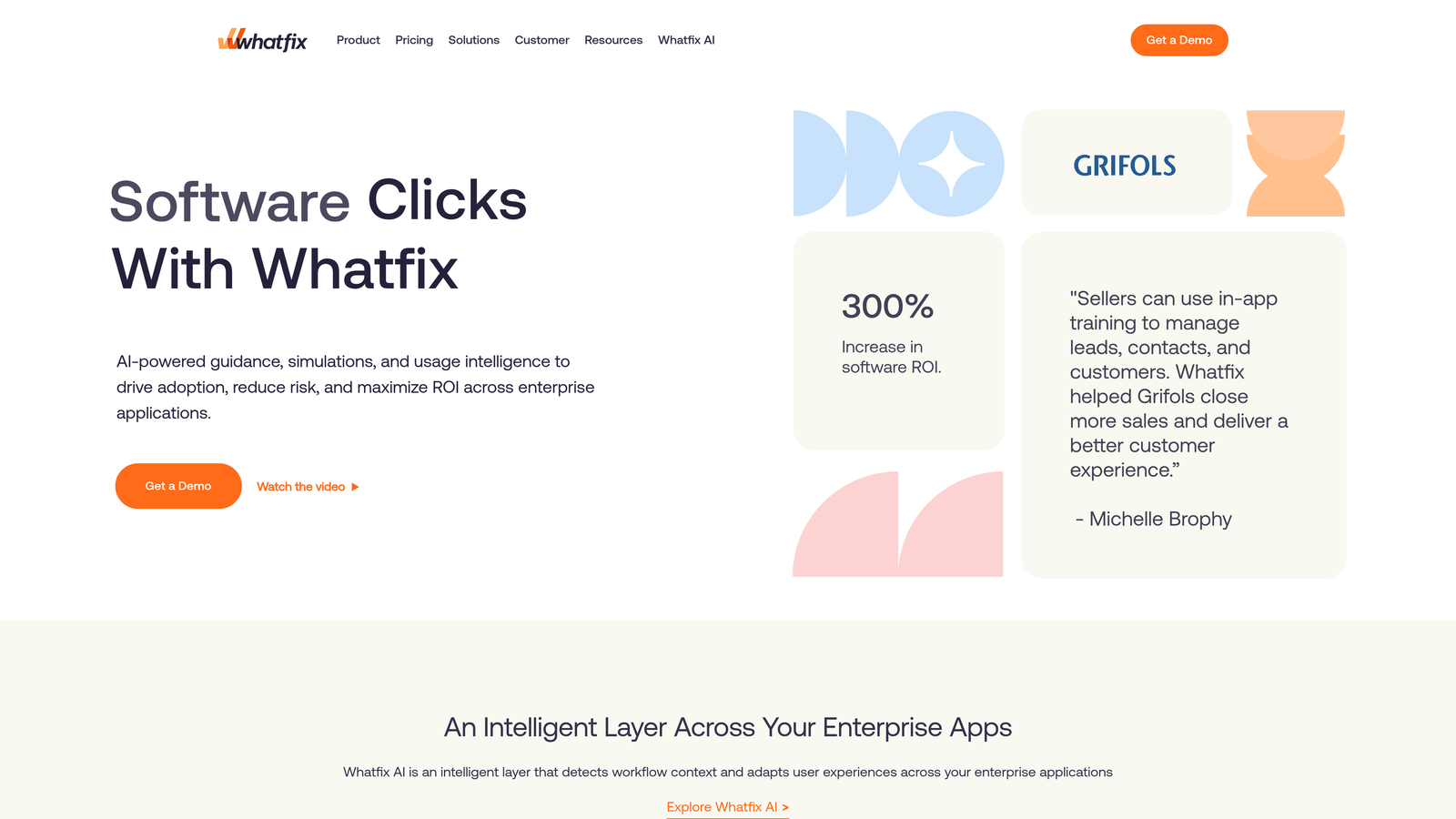
Whatfix is a digital adoption platform offering interactive walkthroughs, self-help widgets, and task automation with support for diverse content formats.
Where This Tool Shines
Whatfix differentiates itself through content format flexibility. While most platforms focus on tooltips and modals, Whatfix lets you embed videos, PDFs, and articles directly in the contextual help widget. This makes it valuable when different user segments prefer different learning styles.
The task list feature guides users through complex, multi-step processes with persistent checklists that track progress across sessions. Mobile app support extends contextual help beyond desktop, maintaining consistency across all touchpoints.
Key Features
Multi-Format Content: Embed videos, PDFs, articles, and interactive flows in the same help widget.
Self-Help Widget: Contextual search that surfaces relevant help based on current page and user role.
Task List Guidance: Persistent checklists for complex processes that span multiple sessions.
Content Analytics: Track which help content gets used most to optimize your knowledge base.
Mobile App Support: Deploy contextual help in iOS and Android apps, not just web applications.
Best For
Companies with diverse user bases who consume help content in different formats. Works well for products with both simple and complex workflows that need different guidance approaches.
Pricing
Custom pricing based on user volume and feature requirements—contact Whatfix for a tailored quote.
5. Appcues
Best for: Smaller teams needing quick implementation without developer resources
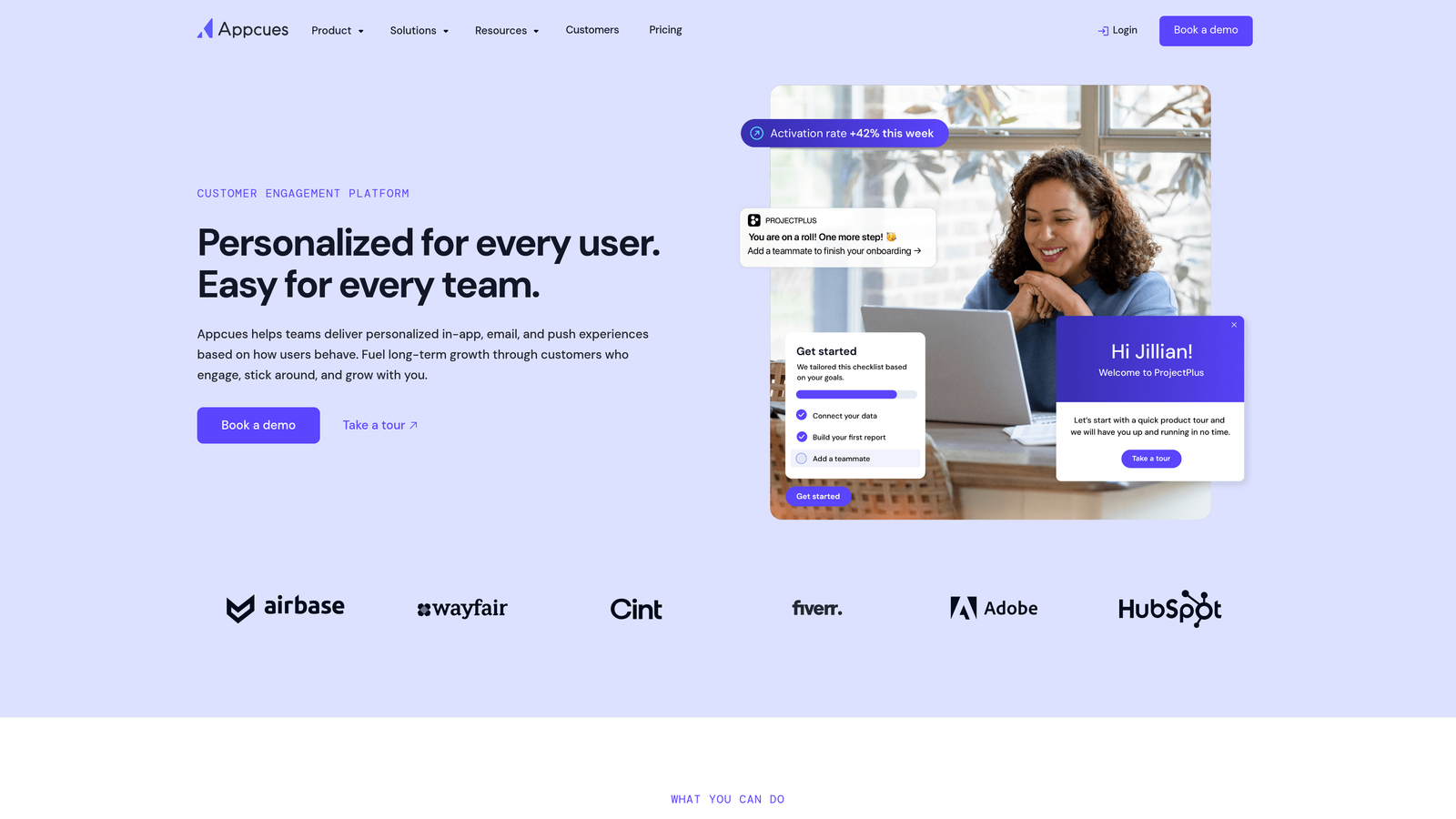
Appcues is a no-code product adoption platform for building onboarding flows, tooltips, and product announcements without engineering help.
Where This Tool Shines
Appcues prioritizes speed and simplicity. Product managers can build and launch contextual help flows in hours, not weeks. The visual builder requires zero coding knowledge—you point, click, and style your tooltips directly in your product interface.
Installation takes minutes with a single JavaScript snippet. The platform integrates with popular analytics tools like Segment and Amplitude, so you can trigger contextual help based on events you're already tracking. Checklists and hotspots create gentle nudges without overwhelming users.
Key Features
No-Code Flow Builder: Create multi-step onboarding experiences with a visual editor, no developers needed.
Checklists and Hotspots: Subtle guidance elements that don't interrupt user workflows.
User Segmentation: Target specific user groups based on attributes or behavior.
Event Tracking Integration: Trigger flows based on analytics events from Segment, Amplitude, or Mixpanel.
Quick Installation: Single JavaScript snippet gets you running in minutes.
Best For
Growing SaaS companies and product teams without dedicated developer resources for help implementation. Ideal when speed to market matters more than extensive customization.
Pricing
Starts at $249 per month for the Essentials plan, scaling based on monthly active users.
6. Intercom
Best for: Teams wanting contextual help integrated with live chat and support messaging
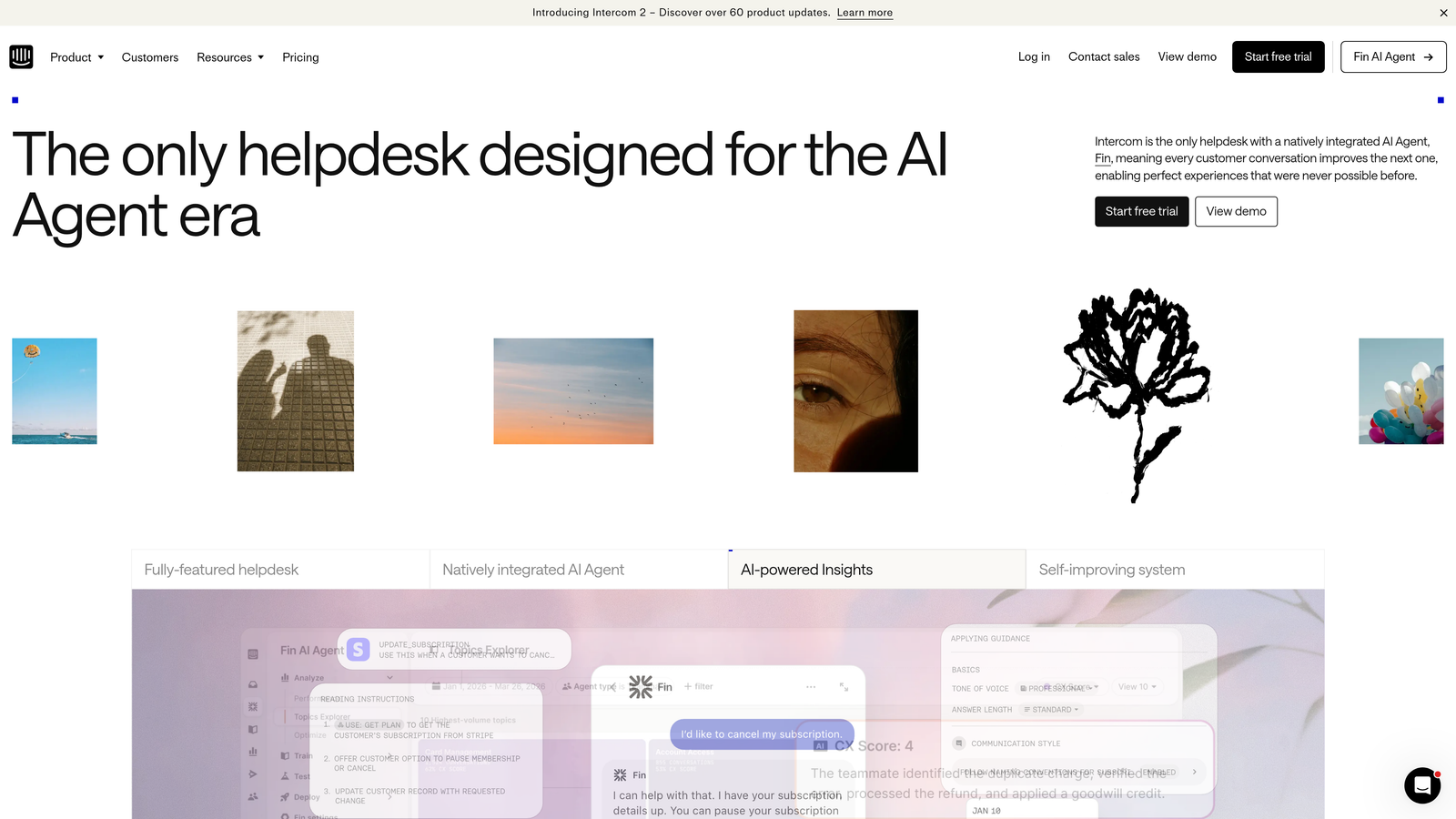
Intercom is a customer messaging platform that combines product tours, tooltips, and an integrated help center with live chat capabilities.
Where This Tool Shines
Intercom's strength lies in unifying contextual help with human support. Users can start with a self-service article from the help center, escalate to the AI-powered Fin chatbot if needed, then seamlessly connect with a human agent—all without leaving the messenger widget.
The platform's outbound messaging lets you proactively reach users with contextual tips based on their product usage. Product tours guide new users through key features, while the customizable messenger maintains your brand identity throughout the support experience.
Key Features
Product Tours: Multi-step onboarding flows with tooltips and modals to highlight features.
Integrated Help Center: Searchable knowledge base accessible directly from the messenger widget.
AI-Powered Fin Chatbot: Automated responses using your help content to answer common questions.
Messenger Customization: Match the widget to your brand with custom colors, positioning, and styling.
Outbound Campaigns: Send targeted messages to user segments based on behavior or attributes.
Best For
Companies that view contextual help as part of a broader customer messaging strategy. Best when you want tight integration between self-service, AI, and human support channels.
Pricing
Starts at $39 per seat per month for the Essential plan, with higher tiers for advanced features and automation.
7. Userpilot
Best for: Product growth teams running experiments on onboarding and feature adoption
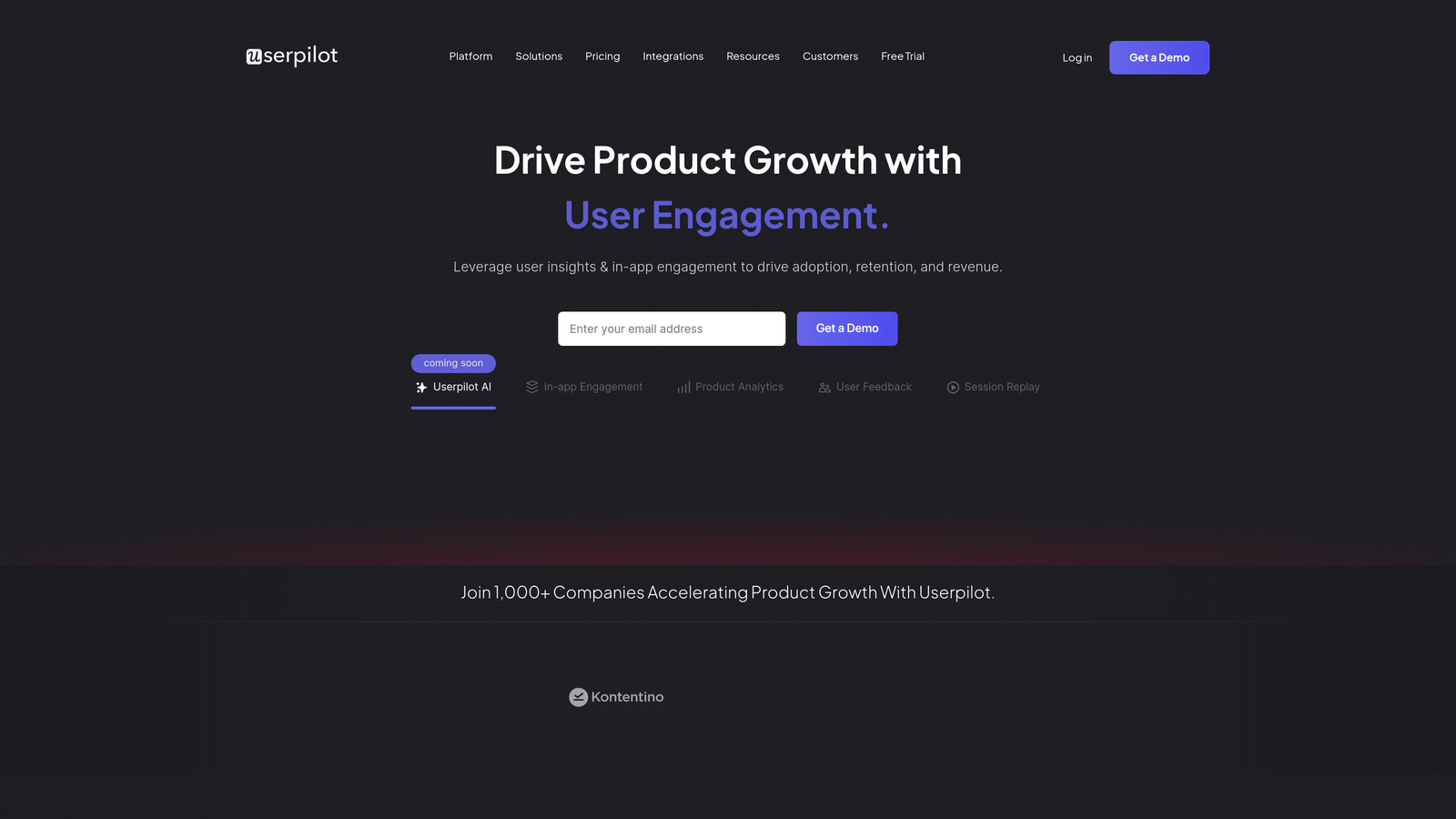
Userpilot is a product growth platform with contextual onboarding tools, feature adoption capabilities, and built-in A/B testing.
Where This Tool Shines
Userpilot treats contextual help as a growth lever, not just a support tool. The built-in A/B testing lets you experiment with different onboarding approaches and measure which drives better activation rates. You can test tooltip copy, flow sequences, and trigger timing without involving developers.
The resource center builder creates a customizable help hub within your product, while advanced segmentation ensures different user types see relevant guidance. Product analytics integration connects help interactions directly to conversion metrics.
Key Features
Contextual In-App Experiences: Build tooltips, modals, and slideouts triggered by user behavior or page context.
Built-In A/B Testing: Run experiments on onboarding flows and measure impact on activation metrics.
Resource Center Builder: Create a searchable, in-app help center with custom branding.
Advanced User Segmentation: Target guidance based on user attributes, behavior, or custom properties.
Product Analytics Integration: Connect help interactions to conversion funnels and retention metrics.
Best For
Product-led growth teams who want to optimize onboarding through experimentation. Ideal when you need to prove the ROI of contextual help initiatives with hard data.
Pricing
Starts at $249 per month for the Starter plan, with pricing scaling based on monthly tracked users.
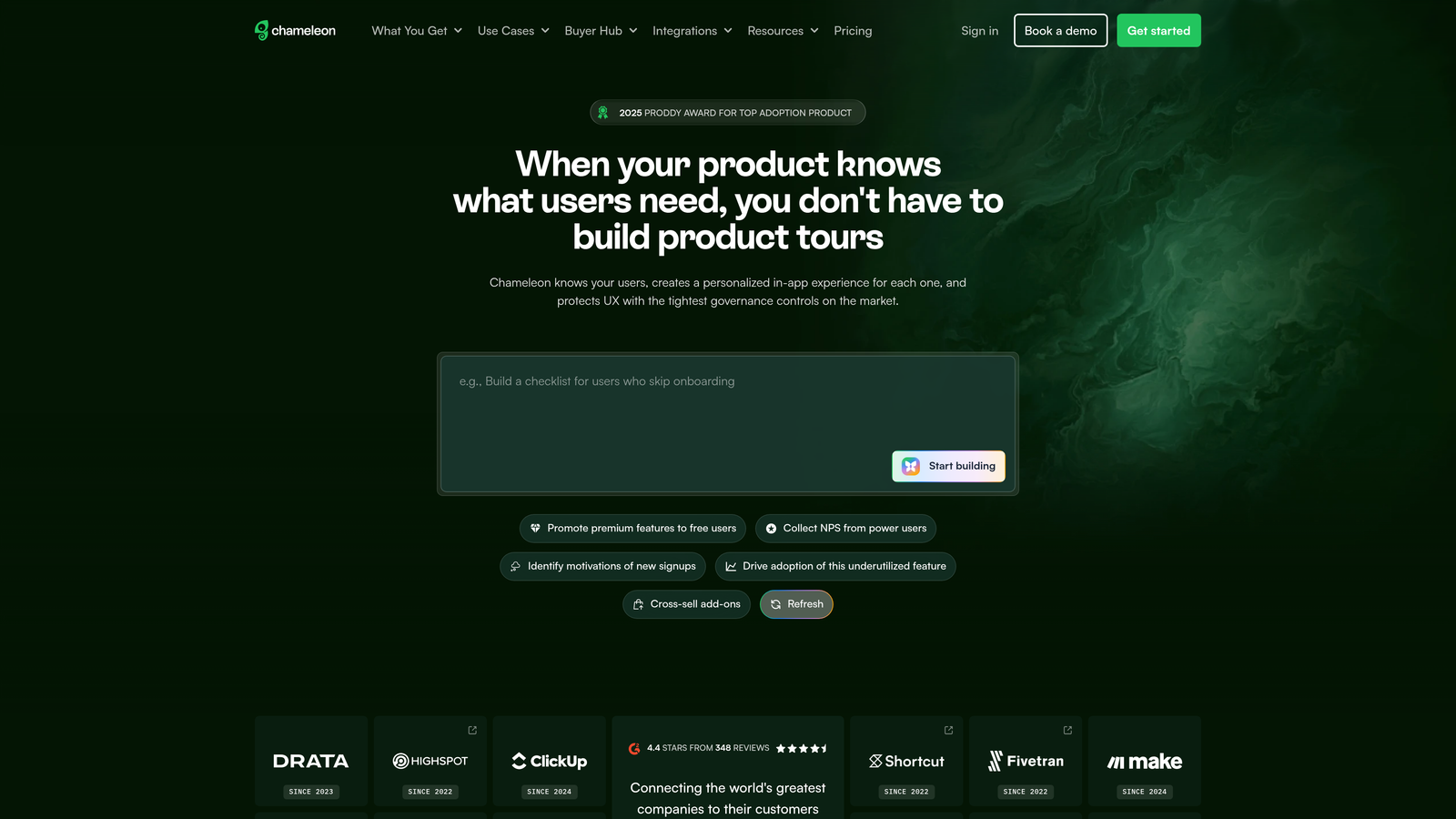
8. Chameleon
Best for: Developer-friendly teams wanting extensive customization and styling control
Chameleon is a highly customizable product adoption platform with deep styling control, developer-friendly APIs, and advanced targeting capabilities.
Where This Tool Shines
Chameleon gives you CSS-level control over every aspect of your contextual help widgets. If you have specific design requirements or want the help experience to match your product's unique interface perfectly, Chameleon delivers the flexibility other platforms can't.
The platform's launcher feature creates self-service help menus that users can access anytime. Microsurveys collect feedback at strategic moments without disrupting workflows. Developer-friendly implementation means your engineering team can extend functionality through APIs and custom integrations.
Key Features
Extensive CSS Customization: Control every visual aspect of your help widgets with custom styling.
Microsurveys: Collect user feedback and feature requests at contextually relevant moments.
Launchers: Create persistent help menus users can access from any page in your product.
Developer-Friendly APIs: Extend functionality and build custom integrations programmatically.
CRM Integrations: Connect with HubSpot and Salesforce to target guidance based on customer data.
Best For
Teams with design-conscious products and developer resources to leverage advanced customization. Works well when brand consistency and unique styling requirements are non-negotiable.
Pricing
Free plan available for basic features. Paid plans start at $279 per month, scaling with user volume.
9. Inline Manual
Best for: Global companies needing strong multilingual support and content versioning
Inline Manual is a digital adoption platform with robust multilingual content management and branching walkthrough logic.
Where This Tool Shines
Inline Manual excels at managing contextual help across multiple languages and product versions. The platform's multilingual content management lets you maintain translations for dozens of languages without duplicating your entire help structure.
Version control ensures you can maintain different help content for different product releases—critical when you have customers on various versions of your software. Branching walkthrough paths adapt guidance based on user choices, creating personalized experiences without building separate flows for every scenario.
Key Features
Multilingual Content Management: Manage translations across dozens of languages from a single interface.
Branching Walkthrough Paths: Create dynamic flows that adapt based on user choices and behavior.
Version Control: Maintain different help content for different product versions simultaneously.
Hotspots and Tooltips: Standard contextual help elements with flexible positioning and styling.
Analytics and Reporting: Track completion rates, drop-off points, and user engagement with help content.
Best For
Global SaaS companies serving customers in multiple languages and maintaining several product versions. Particularly valuable when localization and version management are ongoing challenges.
Pricing
Contact Inline Manual for custom pricing based on language requirements and user volume.
Making the Right Choice
The best contextual help widget depends on your specific situation. If you want AI that learns continuously and understands visual context without pre-built flows, Halo AI delivers intelligent, adaptive support that improves automatically. For teams needing deep analytics alongside guidance, Pendo combines usage tracking with contextual help in one platform.
Enterprise organizations with complex, multi-application environments should consider WalkMe for its cross-platform support and compliance features. Smaller teams wanting quick implementation without developer resources will find Appcues the fastest path to contextual help. If you're running growth experiments on onboarding, Userpilot's built-in A/B testing connects help directly to conversion metrics.
For companies serving global markets, Inline Manual's multilingual content management and version control solve localization challenges that other platforms struggle with. Developer-friendly teams wanting extensive customization should explore Chameleon's CSS-level styling control. And if contextual help is part of a broader customer messaging strategy, Intercom unifies self-service, AI chatbots, and human support in one messenger widget.
The common thread? The best solutions understand context—whether through AI that sees what users see, behavior triggers that respond to specific actions, or page-aware widgets that surface relevant help automatically. Static knowledge bases that require users to search and navigate away are becoming obsolete.
Your support team shouldn't scale linearly with your customer base. Let AI agents handle routine tickets, guide users through your product, and surface business intelligence while your team focuses on complex issues that need a human touch. See Halo in action and discover how continuous learning transforms every interaction into smarter, faster support.