7 Best Intercom Alternatives for Smarter Customer Support in 2026
Intercom's rising costs and complexity are driving B2B teams to seek smarter intercom alternatives that better fit their needs. This guide evaluates seven customer support platforms based on pricing, AI capabilities, and specialized features—helping you choose a solution that matches your support volume, technical requirements, and growth goals without the feature bloat.
 Grant CooperFounder12 min read
Intercom has long been a go-to platform for customer messaging, but it's not the right fit for every team. Rising costs, complex pricing tiers, and feature bloat are pushing many B2B companies to explore alternatives that better match their specific needs.
Whether you're looking for more affordable pricing, AI-first architecture, or specialized functionality for your product team, the customer support landscape has evolved dramatically. This guide breaks down the top Intercom alternatives worth considering, with honest assessments of what each does best—and where they fall short.
We'll help you identify which solution aligns with your support volume, technical requirements, and growth trajectory.
1. Halo AI: AI-First Support That Actually Resolves Tickets
The Challenge It Solves
Traditional helpdesks bolt AI onto existing ticket systems as an afterthought. Your team still manually triages, categorizes, and routes tickets while AI provides suggested responses that agents must review and edit. This creates bottlenecks where human intervention remains the limiting factor for resolution speed.
The result? Support teams scale linearly with customer growth, costs balloon, and response times suffer during volume spikes. You're paying for AI features that don't fundamentally change how support operates.
The Strategy Explained
Halo takes a fundamentally different approach by building AI into the platform's core architecture rather than layering it on top. The system deploys AI agents that autonomously resolve support tickets, guide users through your product with page-aware context, and create bug reports—all while learning from every interaction.
What makes this powerful is the page-aware context. Halo's AI sees what your users see, understanding exactly where they are in your product and what they're trying to accomplish. This eliminates the back-and-forth clarification questions that plague traditional support.
The platform connects to your entire business stack—Linear for engineering issues, Slack for team coordination, HubSpot for customer context, Stripe for billing intelligence, and your helpdesk systems like Zendesk or Intercom. This creates a unified intelligence layer that goes beyond support tickets to surface customer health signals and revenue insights.
Implementation Steps
1. Connect Halo to your existing helpdesk and business tools to establish the integration foundation that powers contextual understanding.
2. Deploy the page-aware chat widget on your product pages, allowing AI agents to provide visual guidance based on exactly what users are viewing.
3. Configure escalation rules that define when AI should hand off complex issues to human agents, ensuring seamless collaboration between autonomous and human support.
4. Review the business intelligence dashboard to identify patterns in customer health, product friction points, and revenue signals that traditional support tools miss.
Pro Tips
Let the AI learn from your best support interactions by reviewing resolved tickets and reinforcing successful patterns. The continuous learning model means your support gets smarter over time without manual retraining. Use the auto bug ticket creation to close the loop between customer issues and product improvements—when AI detects genuine product problems, it automatically creates engineering tickets with full context.
2. Zendesk: Enterprise Reliability with Extensive Customization
The Challenge It Solves
Enterprise organizations face unique compliance requirements, complex approval workflows, and the need for granular permission controls that simpler tools can't accommodate. When you're managing support across multiple departments, regions, or product lines, you need industrial-grade infrastructure that won't buckle under complexity.
Many platforms claim enterprise readiness but lack the security certifications, audit trails, and customization depth that regulated industries demand.
The Strategy Explained
Zendesk has spent years building the infrastructure that large organizations require. The platform offers extensive customization through its robust API, marketplace of integrations, and flexible workflow automation that can model virtually any business process.
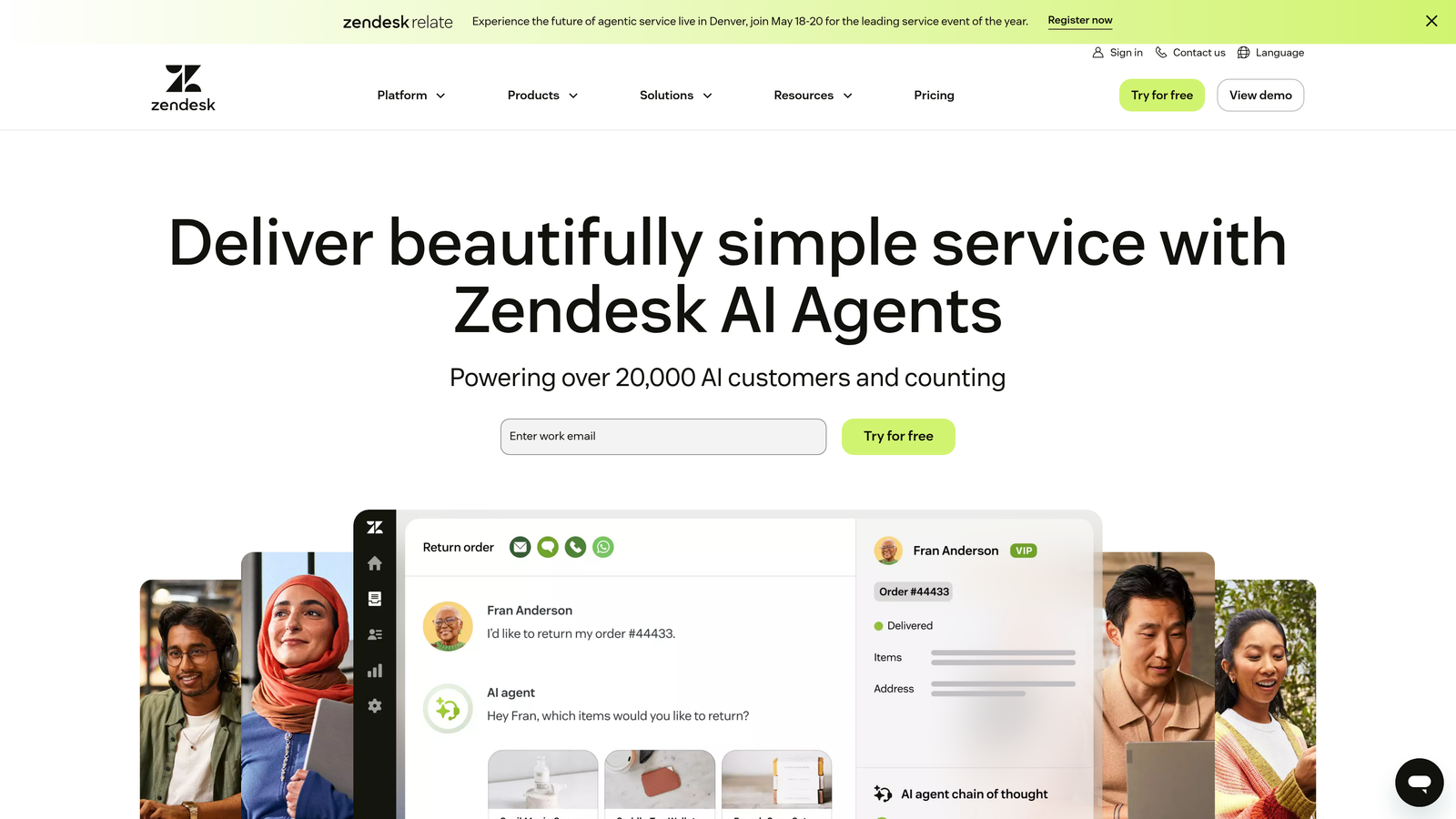
Think of it like enterprise software in the traditional sense—powerful but with a learning curve. You can configure ticket routing rules that account for customer tier, product line, language, time zone, and custom business logic. The reporting capabilities let you slice data across virtually any dimension your stakeholders need.
For companies with dedicated support operations teams who can invest time in configuration, Zendesk provides the control and reliability that mission-critical support demands.
Implementation Steps
1. Map your current support workflows and identify the custom fields, automations, and routing logic you'll need to replicate your processes.
2. Configure user roles and permissions to match your organizational structure, ensuring appropriate access controls for different team members and departments.
3. Build out your knowledge base and self-service resources using Zendesk Guide, creating the foundation for deflecting common inquiries.
4. Integrate with your CRM, product analytics, and business tools through the marketplace or custom API connections.
Pro Tips
Budget time for the learning curve—Zendesk's power comes with complexity that requires dedicated configuration effort. Consider working with a Zendesk consultant for initial setup if you're implementing across a large organization. The platform works best when you have a support operations specialist who can continuously optimize workflows and reporting.
3. Freshdesk: Budget-Friendly Growth Without Feature Sacrifice
The Challenge It Solves
Growing teams hit a painful inflection point where free tools become inadequate but enterprise platforms feel financially out of reach. You need professional features like automation, reporting, and multi-channel support, but you're not ready for enterprise pricing that scales with every new agent or customer interaction.
The gap between basic and enterprise tiers often leaves mid-market companies paying for capabilities they don't need or settling for tools they've outgrown.
The Strategy Explained
Freshdesk positions itself squarely in this middle ground with generous free tiers and affordable paid plans that include features other platforms reserve for enterprise customers. The interface emphasizes intuitive design over configuration complexity, meaning your team can be productive quickly without extensive training.
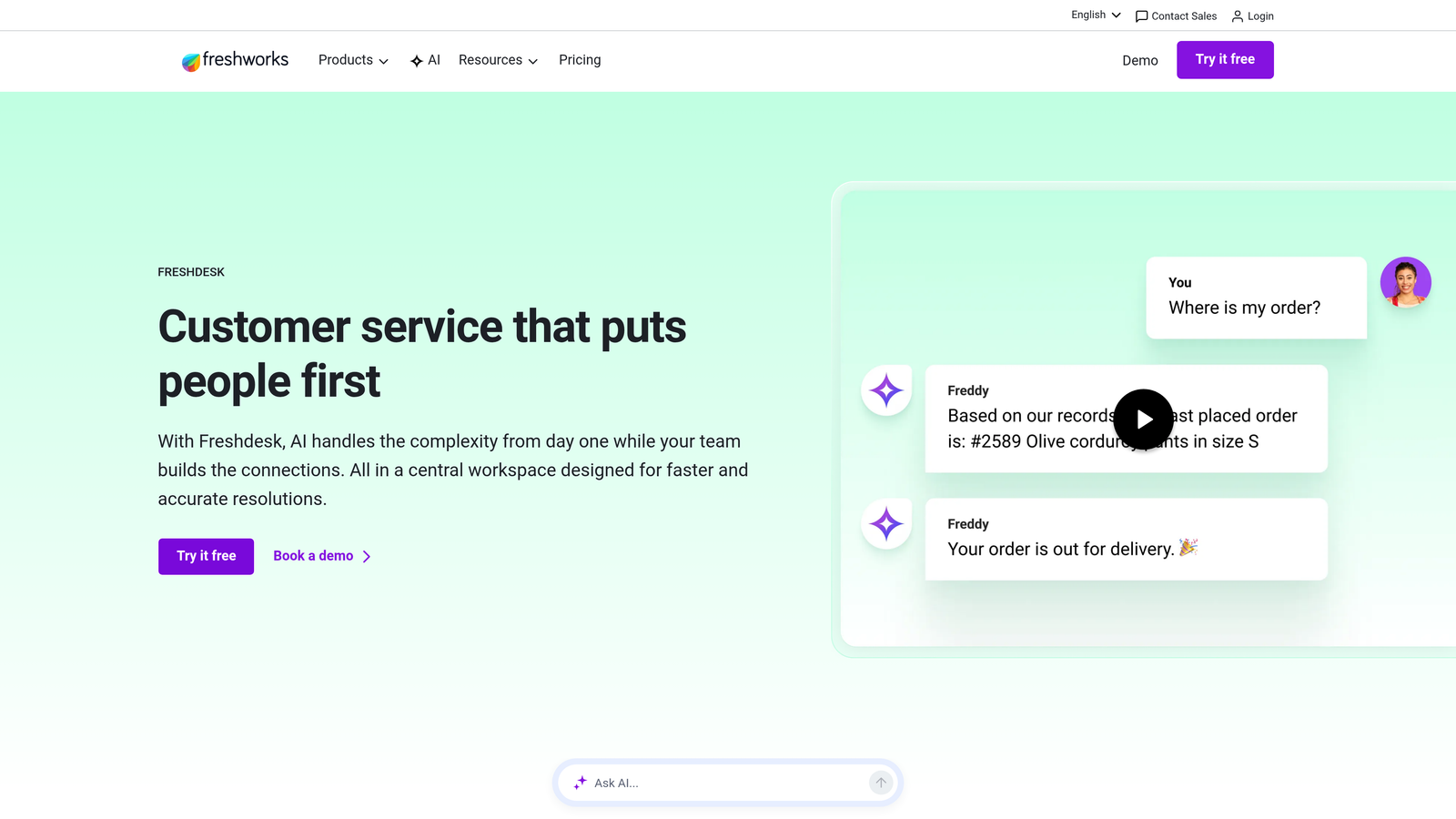
The platform handles email, chat, phone, and social media from a unified inbox. Automation capabilities let you set up ticket routing, canned responses, and SLA management without needing a dedicated operations specialist. For teams that want professional support tools without enterprise overhead, this balance works well.
Freshdesk also offers a strong mobile app, making it practical for support teams that work remotely or need to handle urgent issues outside office hours.
Implementation Steps
1. Start with the free tier to test the interface and core functionality with a small team before committing to paid plans.
2. Set up your support channels—email forwarding, chat widget, and any social media integrations—to consolidate customer conversations in one place.
3. Create automation rules for common scenarios like ticket categorization, priority assignment, and initial response templates.
4. Build out your knowledge base with self-service articles that can deflect repetitive questions before they become tickets.
Pro Tips
Take advantage of the free tier's capabilities before upgrading—it's surprisingly robust for small teams. When you do upgrade, the pricing remains predictable without the per-conversation charges that make other platforms expensive at scale. The gamification features can boost team morale if you have competitive agents who respond well to leaderboards and achievement tracking.
4. Help Scout: Human-Centered Support That Feels Personal
The Challenge It Solves
Many support platforms push teams toward efficiency metrics that sacrifice the personal touch customers value. When every interaction is optimized for speed and volume, customer relationships become transactional. This works against companies whose brand promise includes exceptional, personalized service.
The challenge intensifies for businesses where customer lifetime value depends on relationship quality, not just issue resolution speed.
The Strategy Explained
Help Scout deliberately prioritizes human connection over pure efficiency metrics. The interface resembles email rather than a traditional ticketing system, making interactions feel like personal correspondence instead of support tickets. This design philosophy encourages agents to write thoughtful, personalized responses rather than rushing through queues.
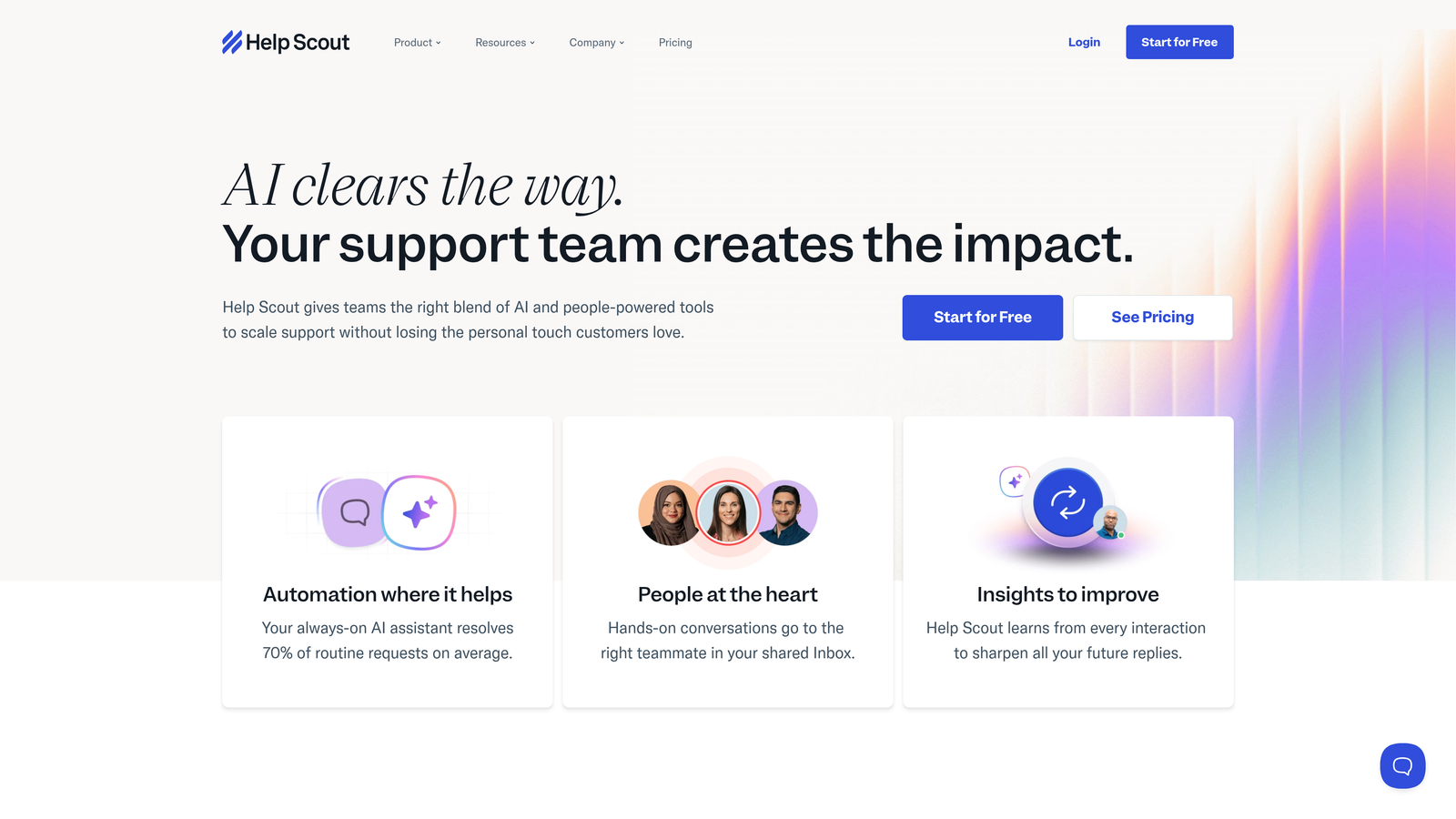
The platform includes collaborative features that let teams discuss complex issues privately before responding to customers. This "behind the scenes" coordination ensures customers receive well-considered answers without seeing the internal deliberation.
Documentation tools integrate tightly with the support workflow, making it easy to create and maintain a knowledge base that reflects actual customer questions. The system can suggest relevant articles to agents during conversations, helping them provide comprehensive answers.
Implementation Steps
1. Configure your shared inboxes to match your team structure, whether that's by product line, customer segment, or functional area.
2. Set up saved replies for common questions while maintaining the flexibility to personalize each response before sending.
3. Build your documentation library using Docs, organizing articles around common customer journeys and pain points.
4. Establish team workflows for collaboration on complex issues, defining when to use private notes versus internal discussion threads.
Pro Tips
Resist the urge to over-automate—Help Scout works best when you embrace its philosophy of thoughtful, personal support. Use the customer satisfaction ratings to identify which types of interactions resonate most with your audience. The collision detection feature prevents multiple agents from responding to the same conversation, avoiding the awkward duplicate responses that damage credibility.
5. Drift: Conversational Platform Bridging Sales and Support
The Challenge It Solves
Traditional support tools treat every conversation as a problem to solve, missing opportunities when prospects with buying intent reach out through support channels. Meanwhile, sales teams use separate chat tools, creating disjointed experiences where customers must repeat context when transferred between departments.
This siloed approach leaves revenue on the table and frustrates customers who expect seamless handoffs between support and sales conversations.
The Strategy Explained
Drift approaches customer conversations through a sales-first lens, using chatbots and routing logic to qualify leads before connecting them with appropriate team members. The platform excels at identifying high-intent prospects and fast-tracking them to sales while routing support questions to your service team.
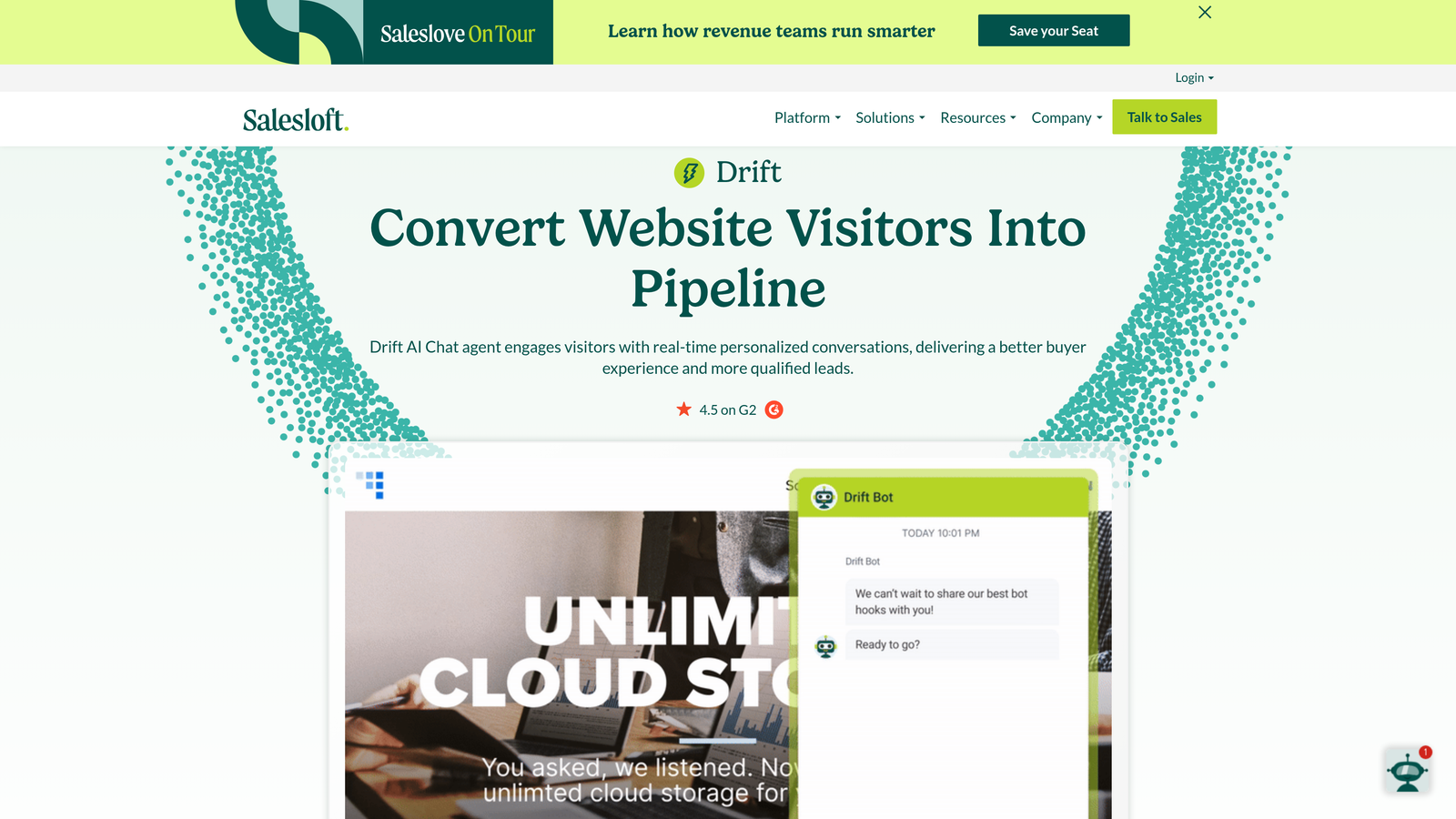
Think of it as conversational marketing that happens to include support capabilities. The chatbot builder lets you create qualification flows that ask the right questions to understand visitor intent. When someone is researching solutions, Drift can book meetings with sales reps. When someone needs help with your product, it routes to support.
This works particularly well for B2B companies where the line between support and sales conversations blurs—existing customers exploring upgrades, prospects with pre-sales questions, or users evaluating whether your product fits their use case.
Implementation Steps
1. Design your chatbot qualification flows to distinguish between support needs, sales inquiries, and general questions.
2. Configure routing rules that direct conversations to the right team based on visitor attributes like company size, product usage, or conversation topic.
3. Integrate with your CRM to enrich conversations with customer context and ensure all interactions sync to contact records.
4. Set up meeting scheduling for sales conversations so prospects can book time with reps directly from chat interactions.
Pro Tips
Drift works best when your sales and support teams collaborate closely on conversation handoffs. Define clear criteria for what constitutes a sales opportunity versus a support need to avoid misrouted conversations. The platform's strength is lead qualification, so if pure support is your primary need, other tools may fit better. Use the playbook feature to create different conversation flows for various pages on your site—product pages might emphasize sales, while documentation pages focus on support.
6. Crisp: Unified Messaging Simplicity for Lean Teams
The Challenge It Solves
Small teams juggle customer conversations across email, chat, social media, and messaging apps, constantly switching between tools and losing context. This fragmentation creates response delays, duplicate work, and the mental overhead of managing multiple platforms simultaneously.
When you're running lean, every minute spent navigating between tools is time not spent solving customer problems or building product.
The Strategy Explained
Crisp consolidates all customer messaging channels into a single unified inbox. Email, live chat, Messenger, WhatsApp, Instagram, and SMS all appear in one interface, letting your team respond from a single workspace regardless of where customers reach out.
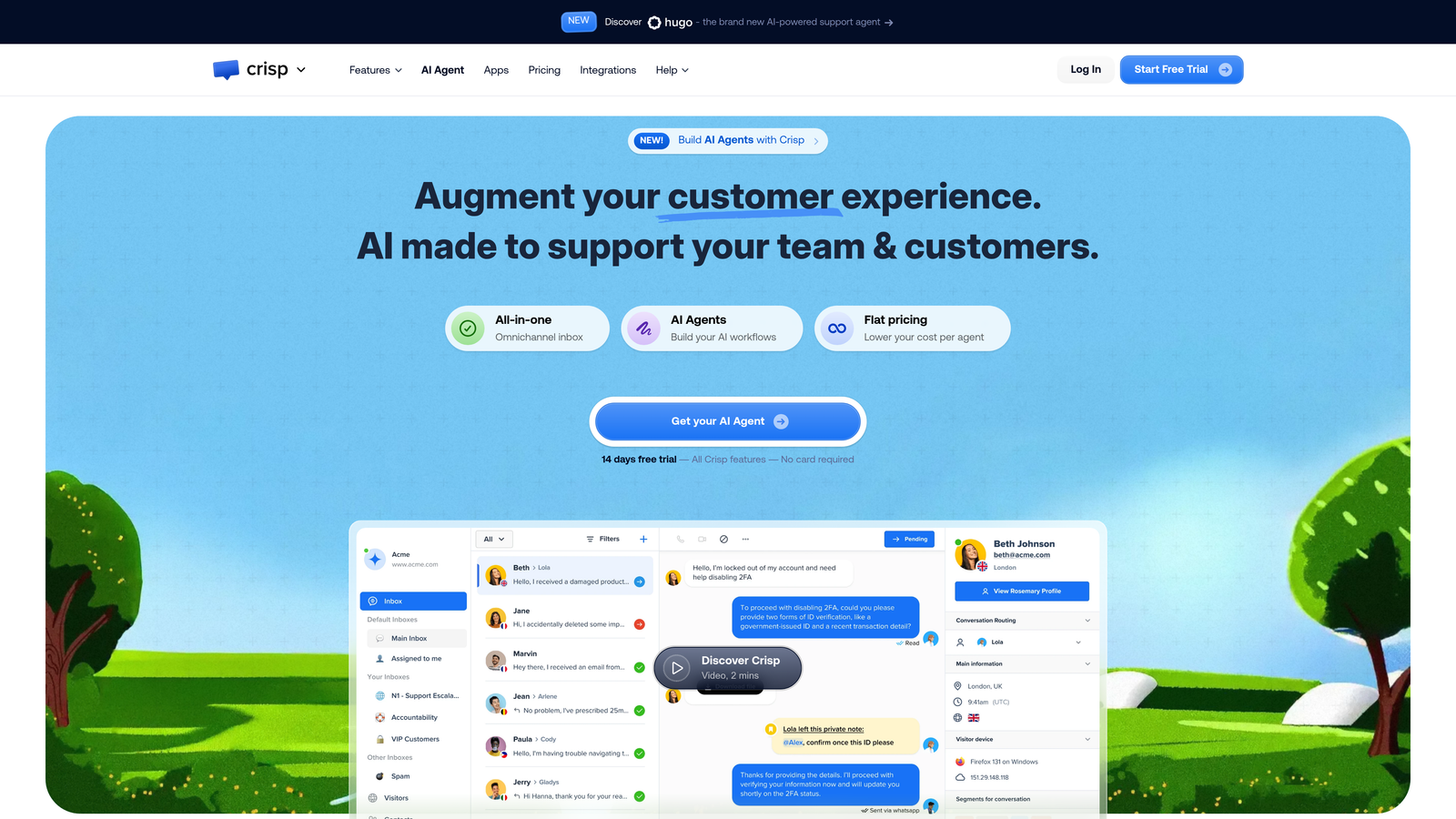
The platform emphasizes simplicity over extensive configuration options. You can be up and running in minutes rather than days, with sensible defaults that work for most small teams. The mobile app ensures you can handle urgent conversations from anywhere without being tethered to your desk.
For teams that value straightforward tools over extensive customization, this streamlined approach reduces cognitive overhead. You're not managing complex automation rules or navigating nested menus—just responding to customers efficiently.
Implementation Steps
1. Connect your messaging channels—email forwarding, chat widget, and social media integrations—to create your unified inbox.
2. Set up basic automation for offline messages and initial responses when your team isn't available.
3. Configure the shared inbox settings so multiple team members can collaborate on conversations without stepping on each other.
4. Install the mobile app to ensure you can respond to urgent issues even when away from your computer.
Pro Tips
Crisp's strength is simplicity, so don't overthink the setup. The platform works best for teams under 10 people who need reliable messaging without enterprise complexity. Use the co-browsing feature when customers struggle with product issues—seeing their screen in real-time often resolves problems faster than lengthy back-and-forth messages. The pricing remains affordable even as you add team members, making it sustainable for bootstrapped companies.
7. Front: Collaborative Inbox for Email-Heavy Support Workflows
The Challenge It Solves
Many teams rely heavily on email for customer support but struggle with shared inbox chaos. Multiple people respond to the same message, important threads get buried, and there's no visibility into who's handling what. Traditional email clients weren't designed for team collaboration, while full helpdesk platforms feel like overkill for email-centric workflows.
This creates a coordination problem where the tool itself becomes an obstacle to efficient teamwork.
The Strategy Explained
Front transforms email into a collaborative workspace without forcing you to abandon familiar email workflows. The platform looks and feels like an email client but adds team-oriented features like assignment, internal comments, and conversation status tracking.
Think of it as Gmail designed for teams. You can discuss customer issues privately within the thread before responding, assign conversations to specific team members, and see at a glance which messages need attention. The interface maintains email's simplicity while solving the coordination problems that plague shared inboxes.
Front also handles SMS, chat, and social media, but its sweet spot is teams whose primary support channel remains email. If you're not ready to completely rethink your support workflow but need better team coordination, Front bridges that gap effectively.
Implementation Steps
1. Connect your support email addresses to Front, creating shared inboxes that your entire team can access and manage collaboratively.
2. Set up assignment rules and workflows that define how incoming messages get distributed among team members.
3. Create internal tags and folders to organize conversations by topic, priority, or status without cluttering the customer-facing thread.
4. Configure integrations with your CRM, project management tools, and other business systems to centralize context.
Pro Tips
Use internal comments liberally to coordinate on complex issues before responding to customers—this keeps deliberation private while ensuring thoughtful responses. The analytics dashboard helps identify bottlenecks in your workflow, like conversations that sit unassigned too long or team members who are overloaded. Front works particularly well for account management teams who handle ongoing customer relationships through email rather than one-off support tickets.
Choosing Your Path Forward
Switching from Intercom doesn't have to mean compromising on functionality—it often means finding a better fit for how your team actually works. Start by identifying your non-negotiables: Is it AI that genuinely resolves tickets autonomously? Seamless integration with your product stack? Or simply more predictable pricing?
The best choice depends on whether you need enterprise reliability, budget efficiency, or AI-first intelligence that continuously improves. Zendesk delivers when compliance and customization matter most. Freshdesk provides strong value for growing teams watching their budgets. Help Scout and Front excel for teams prioritizing human connection and email workflows respectively.
For teams ready to move beyond traditional helpdesk limitations, platforms built with AI at their core offer a fundamentally different approach to scaling support without scaling headcount. The difference between bolt-on AI features and AI-first architecture becomes clear when you see autonomous ticket resolution, page-aware guidance, and business intelligence working together as a unified system.
Your support team shouldn't scale linearly with your customer base. Let AI agents handle routine tickets, guide users through your product, and surface business intelligence while your team focuses on complex issues that need a human touch. See Halo in action and discover how continuous learning transforms every interaction into smarter, faster support.