9 Best Intercom Alternatives for Support in 2026
Looking for intercom alternatives for support that better match your team's needs and budget? This guide compares nine platforms—from AI-first solutions like Halo AI to traditional helpdesks—evaluating each on pricing transparency, automation capabilities, and implementation complexity to help you find the right fit beyond Intercom's increasingly complex ecosystem.
 Matt PattoliFounder13 min read
Intercom has long been a dominant player in customer support software, but its pricing complexity, feature bloat, and recent pivot toward AI-first positioning have left many teams searching for alternatives. Whether you're a startup watching costs, a scaling company needing more automation, or an enterprise requiring deeper customization, the right Intercom alternative depends on your specific support workflow.
This guide evaluates nine platforms based on AI capabilities, pricing transparency, integration depth, and ease of implementation—helping you find the support solution that actually fits how your team works.
1. Halo AI
Best for: Teams wanting AI agents that genuinely learn and resolve tickets autonomously
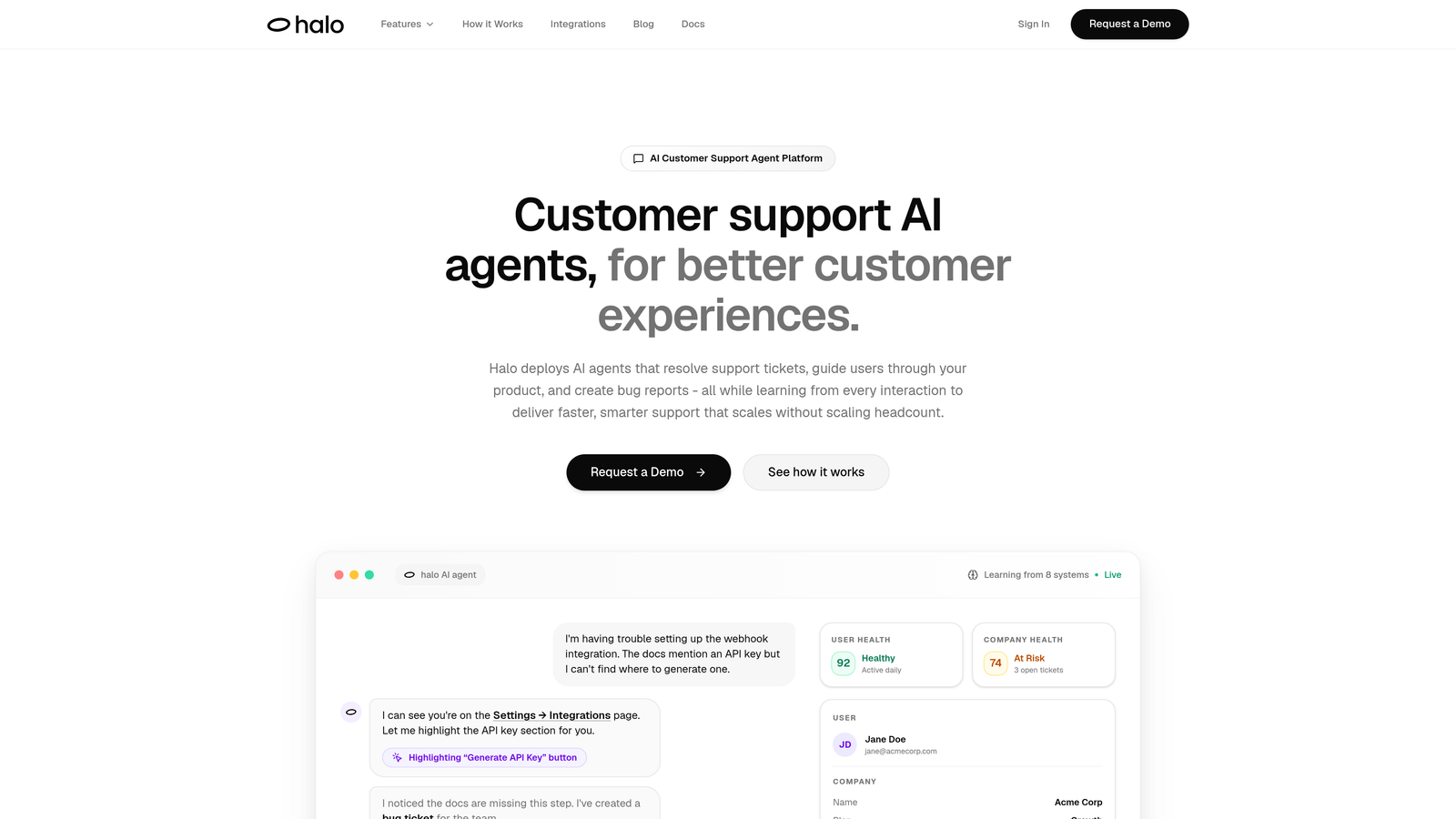
Halo AI represents a fundamentally different approach to customer support—it's built AI-first rather than retrofitting automation onto traditional helpdesk infrastructure.
Where This Tool Shines
Unlike platforms that treat AI as a feature add-on, Halo's architecture centers on continuous learning. Every resolved ticket, every user interaction, every escalation teaches the system to handle similar situations more effectively next time. The platform doesn't just match keywords—it understands context, sees what users see on your product pages, and delivers guidance that accounts for their actual screen state.
The business intelligence layer goes beyond typical support metrics. Halo surfaces customer health signals, revenue anomalies, and product friction patterns that traditional helpdesks miss entirely because they're only looking at ticket volume and response times.
Key Features
Autonomous AI Agents: Resolve routine tickets without human intervention while learning from every interaction to improve accuracy over time.
Page-Aware Chat Widget: Sees exactly what users see on screen, enabling context-specific visual guidance rather than generic instructions.
Smart Inbox with Business Intelligence: Provides customer health scoring, revenue intelligence, and anomaly detection alongside traditional support metrics.
Auto Bug Ticket Creation: Automatically generates detailed bug reports in Linear or similar tools when support conversations reveal product issues.
Seamless Live Agent Handoff: Escalates complex issues to human agents with full conversation context and attempted resolution history.
Best For
B2B SaaS companies and product teams who need support that scales without adding headcount. Particularly valuable for teams drowning in repetitive tickets or struggling with knowledge base maintenance, since the AI learns your product continuously rather than requiring manual documentation updates.
Pricing
Contact for pricing. Halo scales based on resolution volume rather than per-seat licensing, which can significantly reduce costs as your AI handles more tickets autonomously.
2. Zendesk
Best for: Enterprise teams needing established processes and extensive third-party integrations
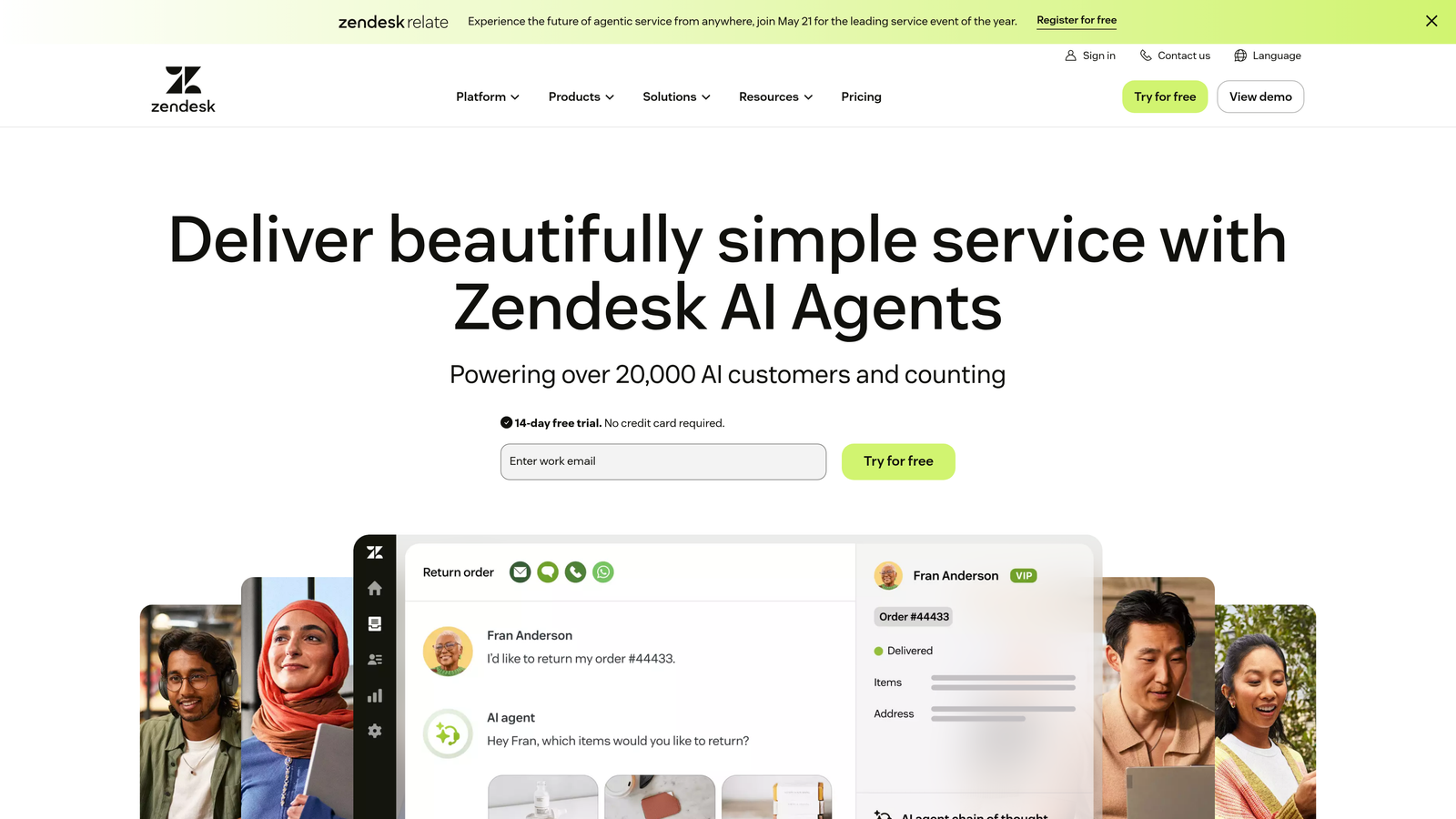
Zendesk remains the enterprise standard for customer service platforms, offering comprehensive ticketing with deep customization capabilities.
Where This Tool Shines
Zendesk's marketplace ecosystem is unmatched—over 1,200 apps and integrations mean you can connect virtually any tool in your tech stack. The platform handles complex workflows across multiple channels, from email and chat to phone and social media, with sophisticated routing rules that accommodate intricate organizational structures.
For teams with compliance requirements or enterprise security standards, Zendesk delivers the certifications and controls necessary for regulated industries. The reporting capabilities go deep, enabling granular analysis of agent performance, channel effectiveness, and customer satisfaction trends.
Key Features
Omnichannel Ticket Management: Unified view of customer conversations across email, chat, phone, social media, and messaging apps.
Advanced Analytics and Reporting: Customizable dashboards with deep-dive capabilities into agent productivity, customer satisfaction, and operational efficiency.
Extensive App Marketplace: Over 1,200 pre-built integrations covering CRM, e-commerce, collaboration, and specialized industry tools.
Customizable Workflows: Build complex automation rules, macros, and triggers to handle sophisticated routing and escalation scenarios.
Enterprise Security: SOC 2, ISO 27001, HIPAA compliance with advanced permission controls and audit logging.
Best For
Large enterprises with complex support operations, multiple product lines, or strict compliance requirements. Teams that need proven infrastructure and can invest in implementation and ongoing customization will find Zendesk's depth valuable.
Pricing
Suite Team starts at $55/agent/month, Suite Professional at $115/agent/month. Costs escalate quickly with team size, making it less suitable for smaller operations or startups watching budgets.
3. Freshdesk
Best for: Growing teams wanting powerful automation without enterprise complexity or pricing
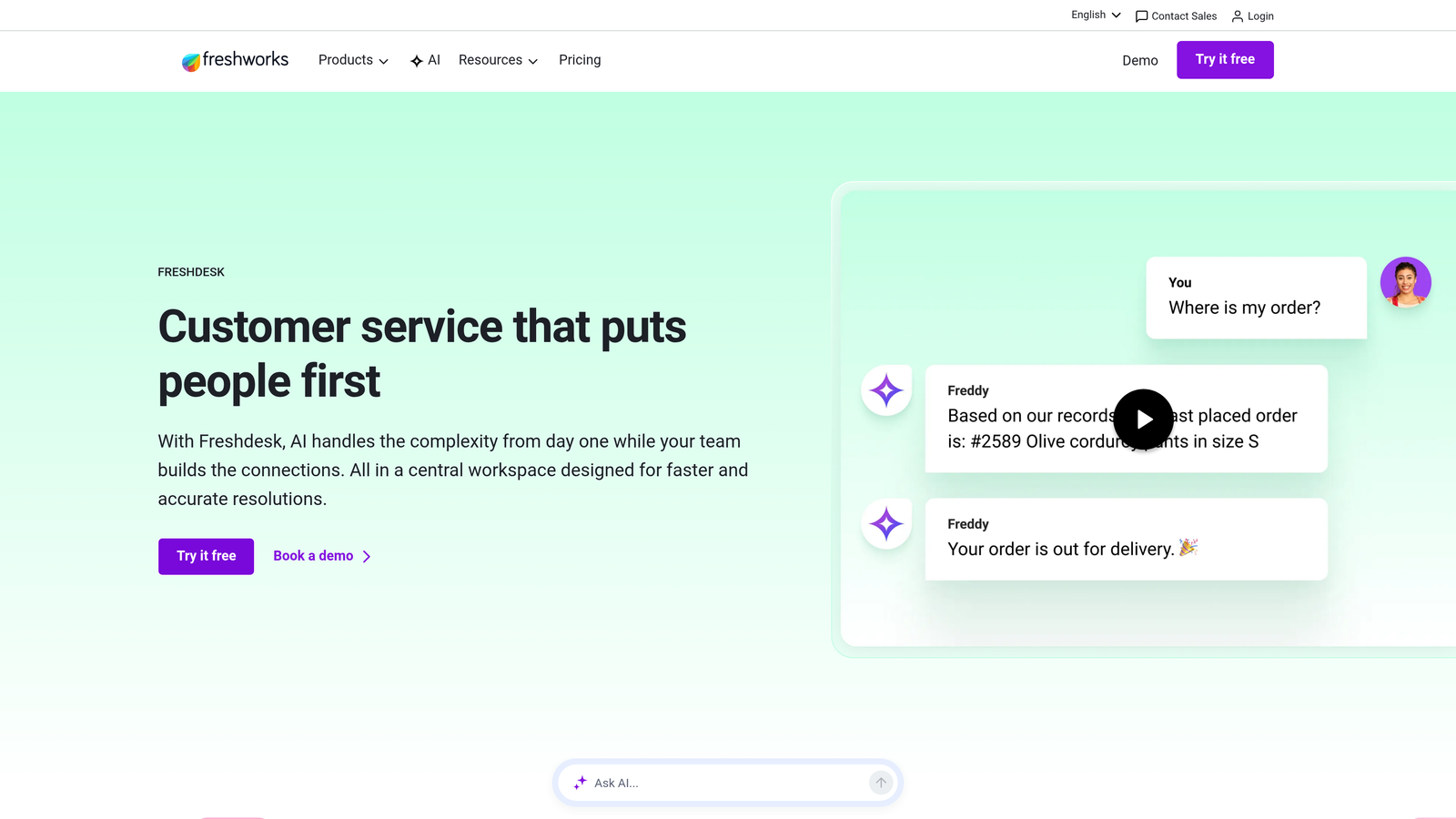
Freshdesk delivers surprisingly robust helpdesk capabilities with straightforward pricing and an intuitive interface that reduces onboarding time.
Where This Tool Shines
The free tier genuinely works for small teams—up to 10 agents can access core ticketing, knowledge base, and basic automation without paying anything. As you scale, Freshdesk's paid tiers remain significantly more affordable than competitors while adding AI-powered features like intelligent ticket routing and canned response suggestions.
The platform balances simplicity with capability. You're not drowning in enterprise features you'll never use, but you're also not hitting walls when you need workflow automation or SLA tracking. Multi-channel support feels native rather than bolted-on, and the mobile apps actually work well for agents handling tickets on the go.
Key Features
Free Tier for Small Teams: Up to 10 agents get access to ticketing, knowledge base, and basic automation without cost.
AI-Powered Ticket Routing: Automatically assigns tickets to appropriate agents based on content, priority, and agent workload.
Integrated Knowledge Base: Build self-service articles with SEO optimization and analytics showing which content reduces ticket volume.
SLA Management: Set response and resolution time targets with automatic escalation when deadlines approach.
Multi-Channel Support: Handle email, chat, phone, and social media conversations from a unified agent interface.
Best For
Startups and mid-market companies that need room to grow without committing to enterprise pricing. Particularly valuable for teams transitioning from basic email support to a proper helpdesk system, since the learning curve is gentle but capabilities run deep.
Pricing
Free tier available for up to 10 agents. Growth at $15/agent/month adds automation and SLA features. Pro at $49/agent/month includes custom roles and advanced analytics.
4. Help Scout
Best for: Teams prioritizing customer relationships over ticket throughput metrics
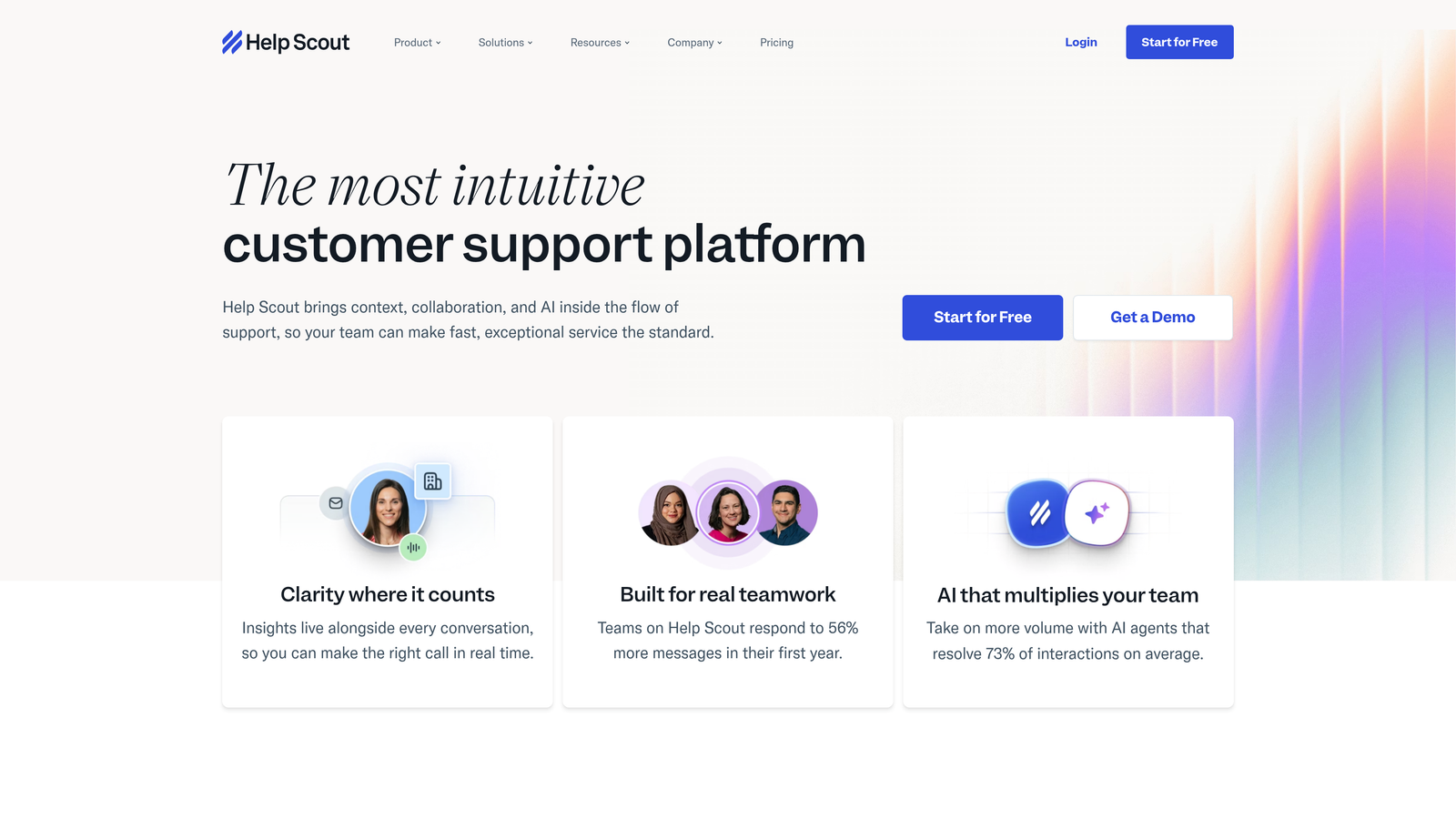
Help Scout takes a deliberately different approach—treating support as relationship-building rather than ticket-closing.
Where This Tool Shines
The shared inbox feels like email, which means your team can start using it immediately without extensive training. There's no ticket numbering visible to customers, no "support portal" friction—just natural email conversations that happen to be managed collaboratively behind the scenes.
Help Scout's collision detection prevents the awkward situation where multiple agents respond to the same customer. The Beacon widget embeds help content directly in your product, letting customers find answers without leaving their workflow. Customer satisfaction ratings feel natural rather than transactional, giving you genuine feedback on support quality.
Key Features
Clean Shared Inbox: Email-style interface that feels familiar to customers while enabling team collaboration internally.
Docs Knowledge Base: Build searchable help content with analytics showing what customers actually read and where they get stuck.
Beacon Help Widget: Embed contextual help, knowledge base search, and contact options directly in your product interface.
Customer Satisfaction Ratings: Collect feedback on individual conversations to identify what's working and what needs improvement.
Collision Detection: Alerts agents when teammates are viewing or responding to the same conversation, preventing duplicate replies.
Best For
Customer-focused companies where support quality matters more than response time metrics. SaaS products with engaged user bases, consulting firms, and service businesses that view support as relationship-building rather than cost center management.
Pricing
Standard at $20/user/month includes core features and two mailboxes. Plus at $40/user/month adds advanced workflows, custom fields, and unlimited mailboxes for larger teams.
5. HubSpot Service Hub
Best for: Teams already using HubSpot CRM wanting unified customer data across marketing, sales, and support
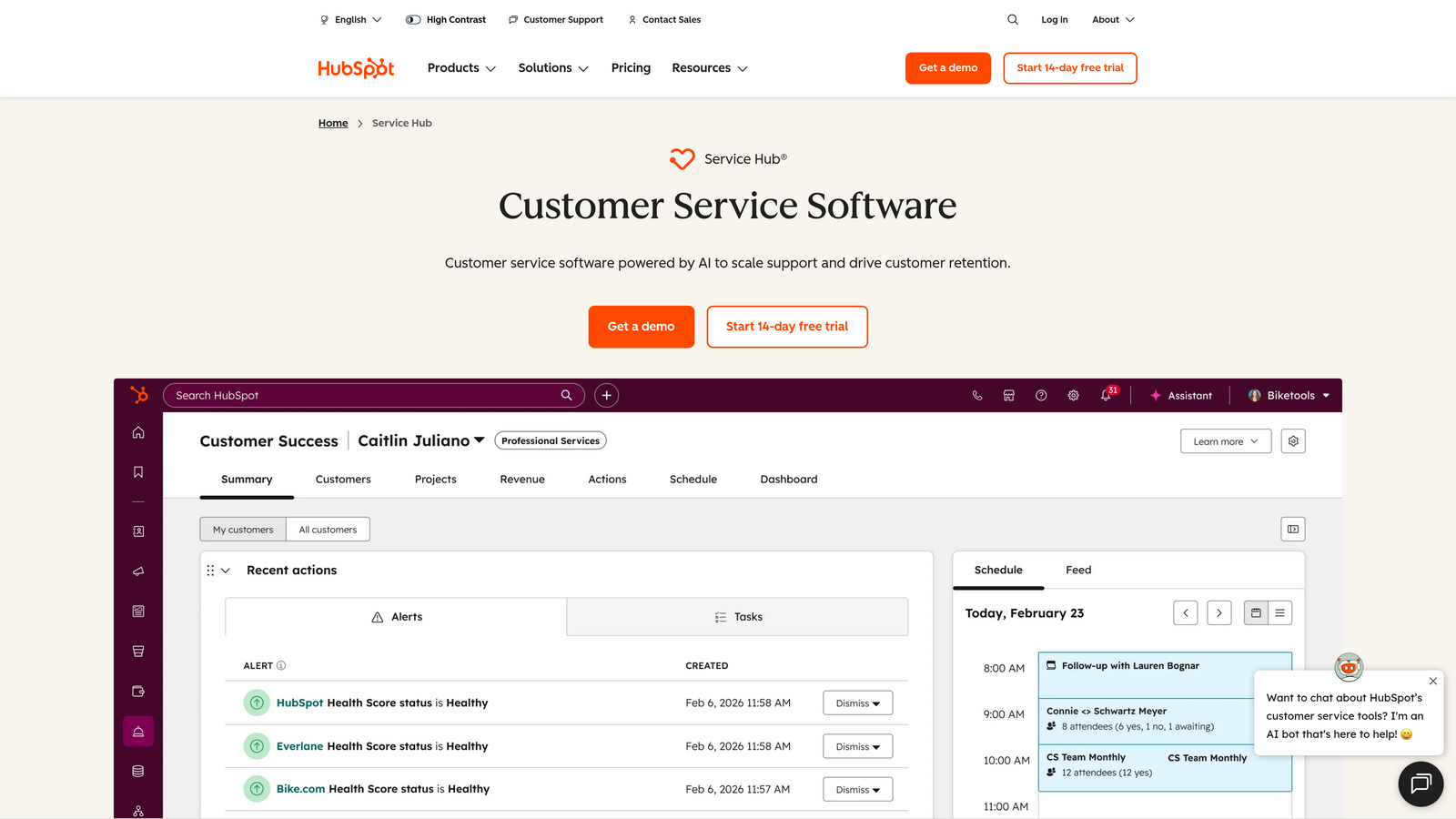
HubSpot Service Hub integrates customer support directly into the HubSpot ecosystem, eliminating data silos between departments.
Where This Tool Shines
If you're already running marketing and sales through HubSpot, Service Hub gives your support team instant access to complete customer context—every email campaign they've received, every sales conversation, every product they've purchased. This unified view eliminates the "let me pull up your account" delays that frustrate customers.
The customer portal capabilities let clients track their own tickets, access knowledge base content, and view case history without agent involvement. Feedback surveys tie directly to contact records, letting you segment satisfaction scores by customer segment, product line, or any other CRM property.
Key Features
Native CRM Integration: Complete customer history from first website visit through sales cycle to support interactions in one unified timeline.
Customer Portal: Self-service interface where customers manage tickets, access knowledge base, and track case status independently.
Ticketing with Pipeline Views: Visualize support workflows like sales pipelines, making it easier to spot bottlenecks and manage team capacity.
Knowledge Base with Analytics: Track which articles reduce ticket volume and where customers search but don't find answers.
Customer Feedback Surveys: NPS, CSAT, and custom surveys that automatically update CRM records for segmentation and reporting.
Best For
Companies already invested in the HubSpot ecosystem. The value proposition diminishes significantly if you're not using HubSpot CRM, since you'd be paying for integration capabilities you don't need while missing features that standalone support platforms offer.
Pricing
Free tools available with basic ticketing and live chat. Starter at $45/month for two users adds automation and simple reporting. Professional at $450/month unlocks advanced features and scales with additional seats.
6. Crisp
Best for: Startups wanting straightforward live chat without feature bloat or complex pricing
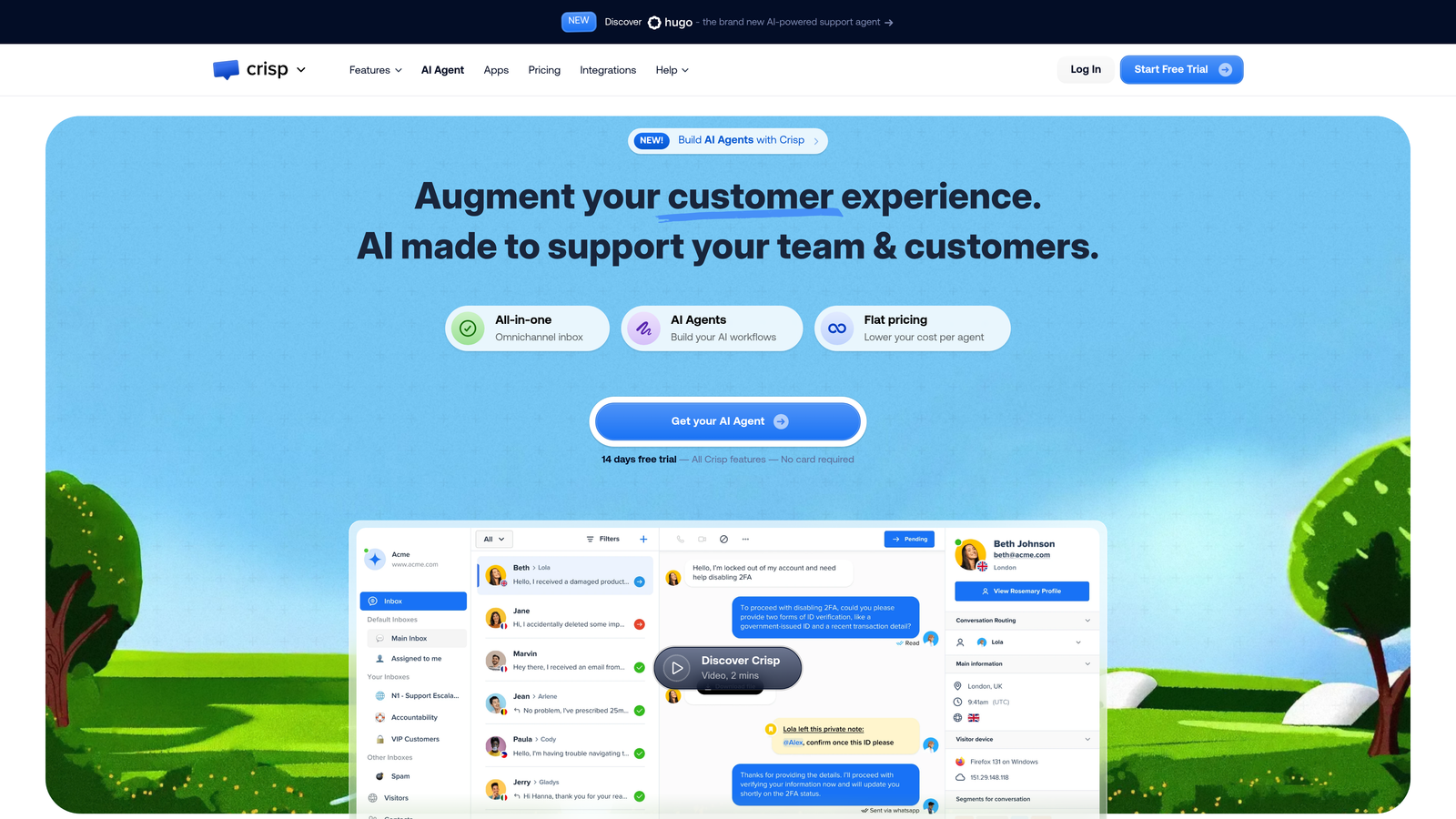
Crisp focuses on making customer conversations simple and immediate, with live chat as the primary interaction method.
Where This Tool Shines
Crisp's unified inbox consolidates messages from website chat, email, Messenger, WhatsApp, and other channels into one clean interface. The co-browsing and screen sharing capabilities let agents see exactly what customers see, dramatically reducing the back-and-forth of troubleshooting.
The included chatbot builder requires no coding—you can create automated conversation flows using a visual interface. Video and audio calling work directly in the browser, letting you escalate from chat to face-to-face conversation without switching tools or scheduling separate meetings.
Key Features
Unified Inbox for All Channels: Manage website chat, email, Messenger, WhatsApp, and SMS from one interface without channel-switching.
Co-Browsing and Screen Sharing: See customer screens in real-time to troubleshoot issues faster than describing steps over chat.
Visual Chatbot Builder: Create automated conversation flows without coding using drag-and-drop interface with conditional logic.
Knowledge Base Integration: Surface relevant help articles during chat conversations based on customer questions and context.
Video and Audio Calls: Escalate from chat to live video or voice calls directly in browser without separate conferencing tools.
Best For
Early-stage startups and small teams that prioritize real-time conversation over traditional ticket management. Works particularly well for products where visual troubleshooting is common or where customers prefer immediate chat over email support.
Pricing
Free basic plan includes unlimited conversations with Crisp branding. Pro at $25/month per workspace removes branding and adds automation. Unlimited at $95/month includes all features and advanced integrations.
7. Front
Best for: Teams wanting shared inbox collaboration while maintaining individual email workflows
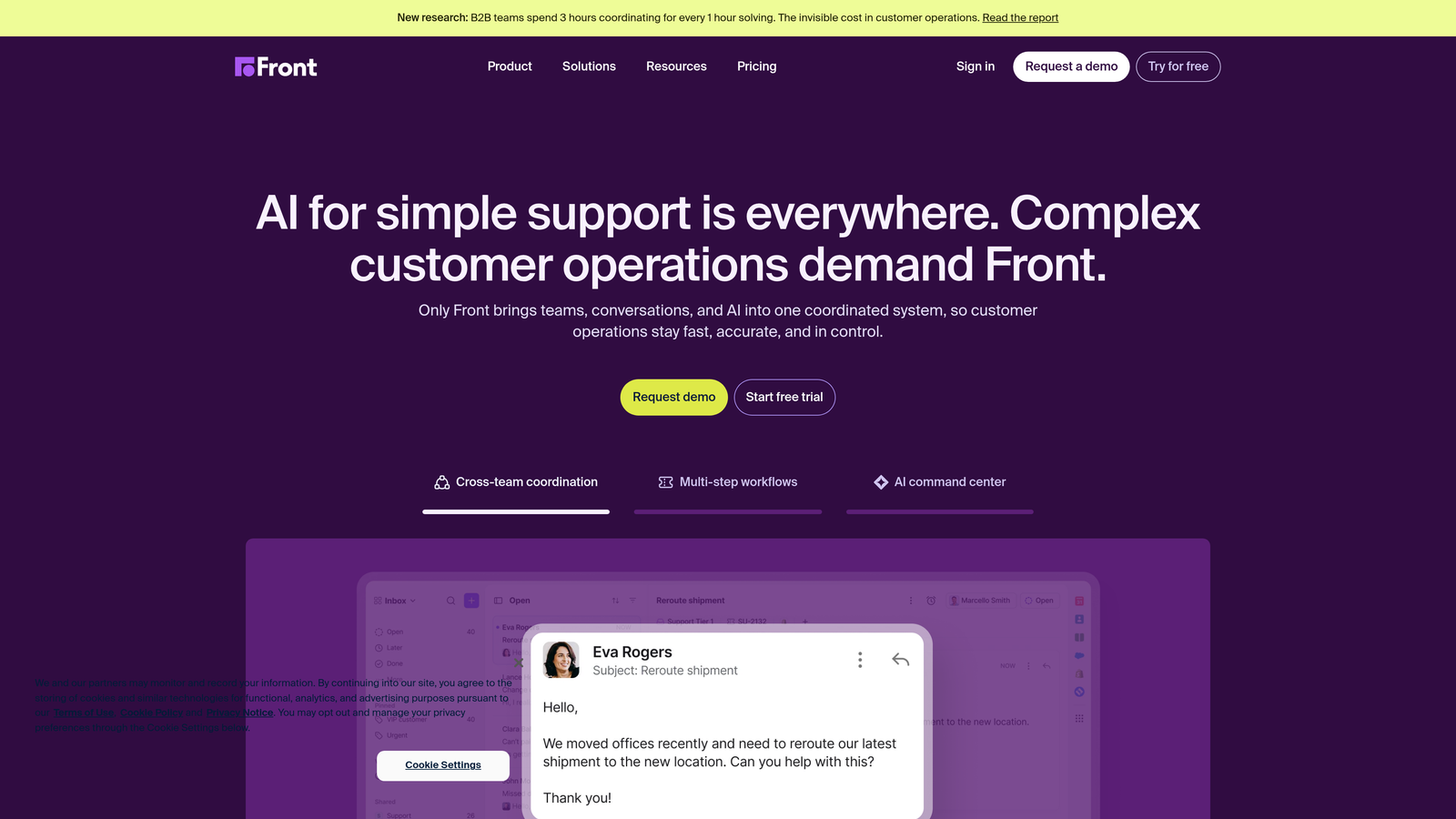
Front bridges the gap between traditional email and modern helpdesk software, giving teams collaboration tools without abandoning familiar email interfaces.
Where This Tool Shines
Front feels like using your personal email client, but with superpowers. You can assign conversations to teammates, leave internal comments visible only to your team, and set up rules that automatically route messages—all while customers just see normal email replies from individual team members.
The analytics go beyond basic ticket metrics to show actual team collaboration patterns. You can see which conversations involve multiple people, how long handoffs take, and where communication breakdowns happen. Integration depth is impressive—connect your CRM, project management tools, and business apps so relevant context appears alongside email threads.
Key Features
Shared Inbox with Email Feel: Team collaboration on customer emails without losing the personal touch of individual sender addresses.
Internal Comments and Mentions: Discuss customer issues privately within email threads using @mentions to loop in specific teammates.
Rule-Based Automation: Automatically route, tag, assign, and respond to messages based on sender, content, or custom conditions.
Analytics and SLA Tracking: Monitor response times, resolution rates, and team collaboration patterns with customizable dashboards.
CRM and Tool Integrations: Connect Salesforce, HubSpot, Asana, and hundreds of other tools to surface context alongside conversations.
Best For
Teams currently managing support through shared email accounts who want better collaboration without forcing customers to interact with a traditional support portal. Sales teams handling inbound inquiries also benefit from Front's email-centric approach.
Pricing
Starter at $19/seat/month includes core shared inbox features. Growth at $59/seat/month adds automation and analytics. Scale at $99/seat/month provides advanced workflows and enterprise features.
8. Drift
Best for: Revenue teams using conversational marketing to accelerate sales cycles
Drift positions itself as a revenue acceleration platform rather than traditional support software, focusing on converting website visitors into qualified leads.
Where This Tool Shines
Drift's conversation routing prioritizes revenue potential. High-value accounts get routed to sales reps immediately, while lower-priority inquiries flow to support or chatbots. The meeting scheduling integration lets prospects book time with sales directly from chat, eliminating the email back-and-forth of finding mutual availability.
Account-based targeting shows different chat experiences based on company size, industry, or previous engagement. If a target account visits your pricing page, they might see a personalized message from their assigned account executive. Anonymous visitors get generic chatbots until they identify themselves.
Key Features
Revenue-Focused Conversation Routing: Automatically direct high-value prospects to sales reps while routing support questions to appropriate teams.
Meeting Scheduling Integration: Let prospects book sales calls directly from chat based on rep availability and territory assignment.
Account-Based Targeting: Show personalized chat experiences based on company, industry, previous engagement, or CRM data.
Conversational AI: Chatbots qualify leads, answer common questions, and collect information before routing to human agents.
Sales and Marketing Alignment: Unified platform for demand generation, lead qualification, and sales engagement with shared conversation history.
Best For
B2B companies with high-value sales cycles where converting website visitors into qualified meetings drives revenue. Less suitable for pure customer support use cases, since Drift optimizes for sales acceleration rather than post-purchase service.
Pricing
Premium tier starts around $2,500/month with annual commitment. Enterprise pricing varies based on conversation volume and feature requirements. Significantly more expensive than support-focused alternatives.
9. Tidio
Best for: E-commerce stores wanting live chat with shop-specific automation
Tidio specializes in e-commerce support, with native integrations for Shopify, WooCommerce, and other shop platforms.
Where This Tool Shines
The visual chatbot builder includes pre-built templates specifically for e-commerce scenarios—abandoned cart recovery, order status inquiries, product recommendations, discount code distribution. You can create these flows without coding, using drag-and-drop logic that triggers based on cart value, browsing behavior, or customer segment.
Live visitor tracking shows which products customers are viewing in real-time, letting agents proactively offer help when someone lingers on a product page or abandons their cart. The Shopify and WooCommerce apps pull order data directly into chat conversations, so agents can check order status, process refunds, or modify shipments without switching systems.
Key Features
Visual Chatbot Builder: Create automated conversation flows using drag-and-drop interface with conditional logic and e-commerce triggers.
Shopify and WooCommerce Native Apps: Access order data, customer history, and product information directly within chat conversations.
Live Visitor Tracking: See which products customers view, how long they browse, and when they abandon carts to enable proactive engagement.
Pre-Built E-Commerce Templates: Start with proven chatbot flows for abandoned carts, order tracking, product recommendations, and discount distribution.
Email Marketing Integration: Collect email addresses through chat and sync to email campaigns for abandoned cart recovery and promotions.
Best For
Online stores and e-commerce businesses that need chat support integrated with shop operations. Particularly valuable for stores handling high volumes of order status inquiries, shipping questions, and pre-purchase product questions.
Pricing
Free tier available with basic live chat and limited chatbot triggers. Starter at $29/month adds more chatbot triggers and removes Tidio branding. Growth at $59/month unlocks advanced automation and visitor tracking.
Making the Right Choice
The best Intercom alternative depends entirely on what frustrated you about Intercom in the first place.
If unpredictable pricing based on contact volume was your pain point, look at platforms with per-seat or flat-rate pricing like Freshdesk, Help Scout, or Front. If you felt like you were paying for features you'd never use, consider focused solutions like Crisp for chat-first support or Tidio for e-commerce-specific needs.
For teams drowning in repetitive tickets that eat agent time, Halo AI's autonomous resolution capabilities address the root problem rather than just organizing the workload better. Traditional helpdesks make agents more efficient at handling tickets—AI-native platforms reduce the number of tickets that need human attention at all.
Enterprise teams with complex workflows and compliance requirements will find Zendesk's depth and marketplace ecosystem worth the investment. Companies already using HubSpot CRM should seriously consider Service Hub to eliminate data silos between marketing, sales, and support.
Revenue-focused teams might benefit from Drift's sales-first approach, though you'll likely need a separate tool for post-purchase support. E-commerce stores get immediate value from Tidio's shop-specific automation and order management integration.
The common thread across successful migrations? Teams that clearly define what they actually need from support software before evaluating features. It's easy to get distracted by impressive capabilities you'll never use. Focus on the workflows that consume most of your team's time, then find the platform that makes those specific workflows dramatically better.
Your support team shouldn't scale linearly with your customer base. Let AI agents handle routine tickets, guide users through your product, and surface business intelligence while your team focuses on complex issues that need a human touch. See Halo in action and discover how continuous learning transforms every interaction into smarter, faster support.