9 Best Support Stack Integration Platforms in 2026
Support stack integration platforms connect your customer service tools—like Zendesk, Slack, and CRM systems—into unified workflows that eliminate manual data entry and help agents resolve issues faster. This guide evaluates the nine best support stack integration platforms in 2026 based on native integration capabilities, AI features, setup simplicity, and measurable impact on support team efficiency.
 Matt PattoliFounder9 min read
Your support team juggles Zendesk tickets, Slack messages, CRM updates, and bug tracking—often copying data between systems manually. Support stack integration platforms eliminate this friction by connecting your tools into a unified workflow.
The right platform doesn't just sync data; it creates intelligent connections that help agents resolve issues faster while surfacing insights across your entire customer journey. We evaluated these platforms based on native integration depth, AI capabilities, ease of setup, and real-world impact on support operations.
Here are the top platforms worth your attention in 2026.
1. Halo AI
Best for: Teams wanting AI-native support that connects their entire business stack
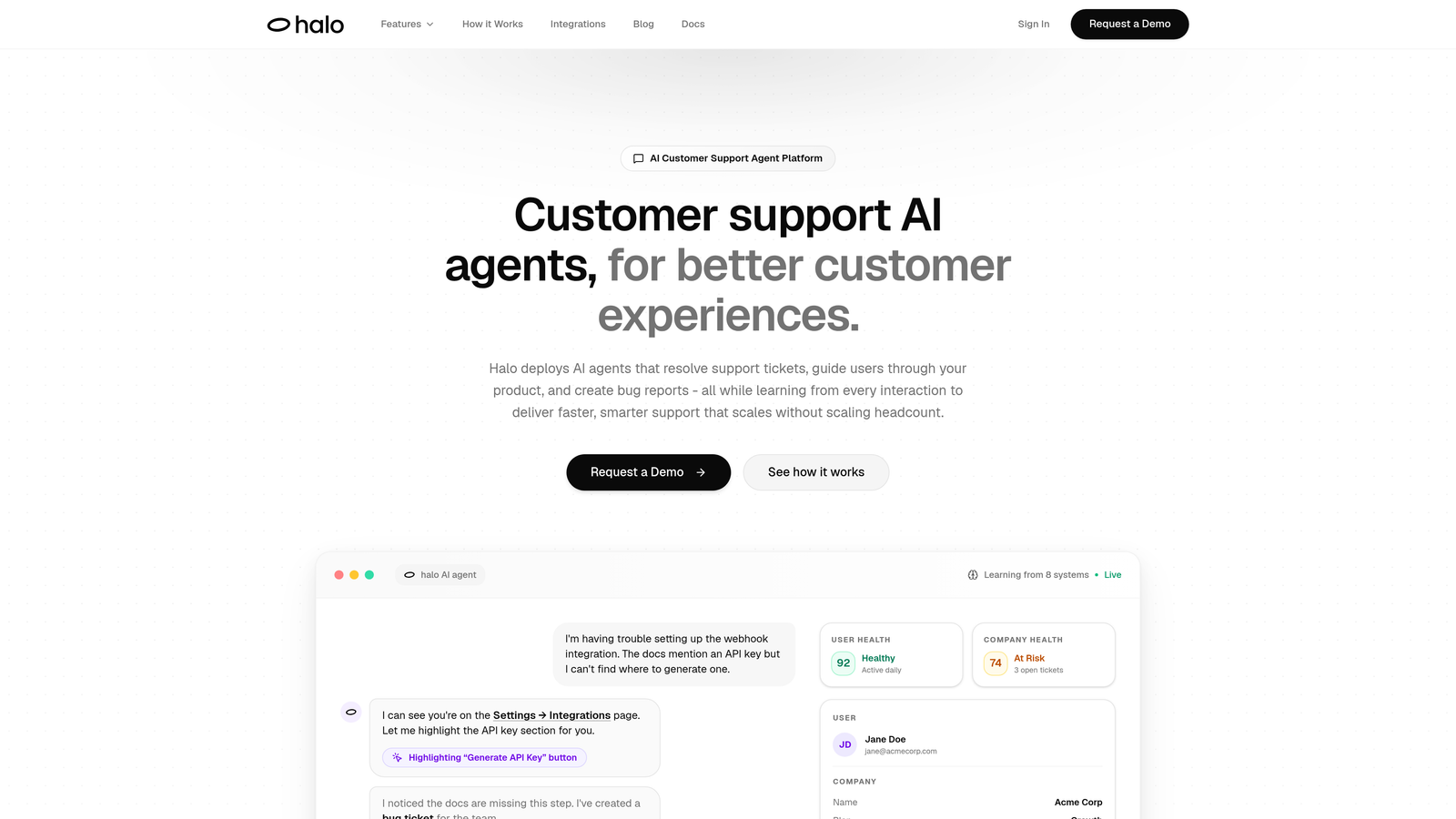
Halo AI takes a fundamentally different approach to support stack integration by building AI agents directly into the platform rather than bolting automation onto existing helpdesks.
Where This Tool Shines
Halo's page-aware AI can actually see what your users see, providing contextual support that understands UI elements and user flows. This means agents don't just read ticket descriptions—they have visual context of where customers got stuck.
The platform automatically creates bug tickets in Linear from support conversations, eliminating the manual handoff between support and engineering. It connects to your entire stack—Slack, HubSpot, Intercom, Stripe, Zoom, PandaDoc, Fathom—and uses that data to surface customer health signals and revenue intelligence beyond basic support metrics.
Key Features
Autonomous Ticket Resolution: AI agents handle routine issues independently, escalating to humans only when complexity requires it.
Page-Aware Context: Visual understanding of your product UI enables more accurate guidance and troubleshooting.
Business Intelligence Layer: Surfaces customer health trends, revenue signals, and anomaly detection across integrated systems.
Auto Bug Creation: Automatically generates engineering tickets from support conversations with full context.
Continuous Learning: Every interaction trains the AI to deliver faster, smarter responses over time.
Best For
B2B SaaS companies looking to scale support without scaling headcount, particularly teams already using modern tools like Linear, Intercom, and HubSpot who want AI that learns from every customer interaction.
Pricing
Contact for pricing; demo available to see the platform in action.
2. Zapier
Best for: No-code automation accessible to non-technical support teams
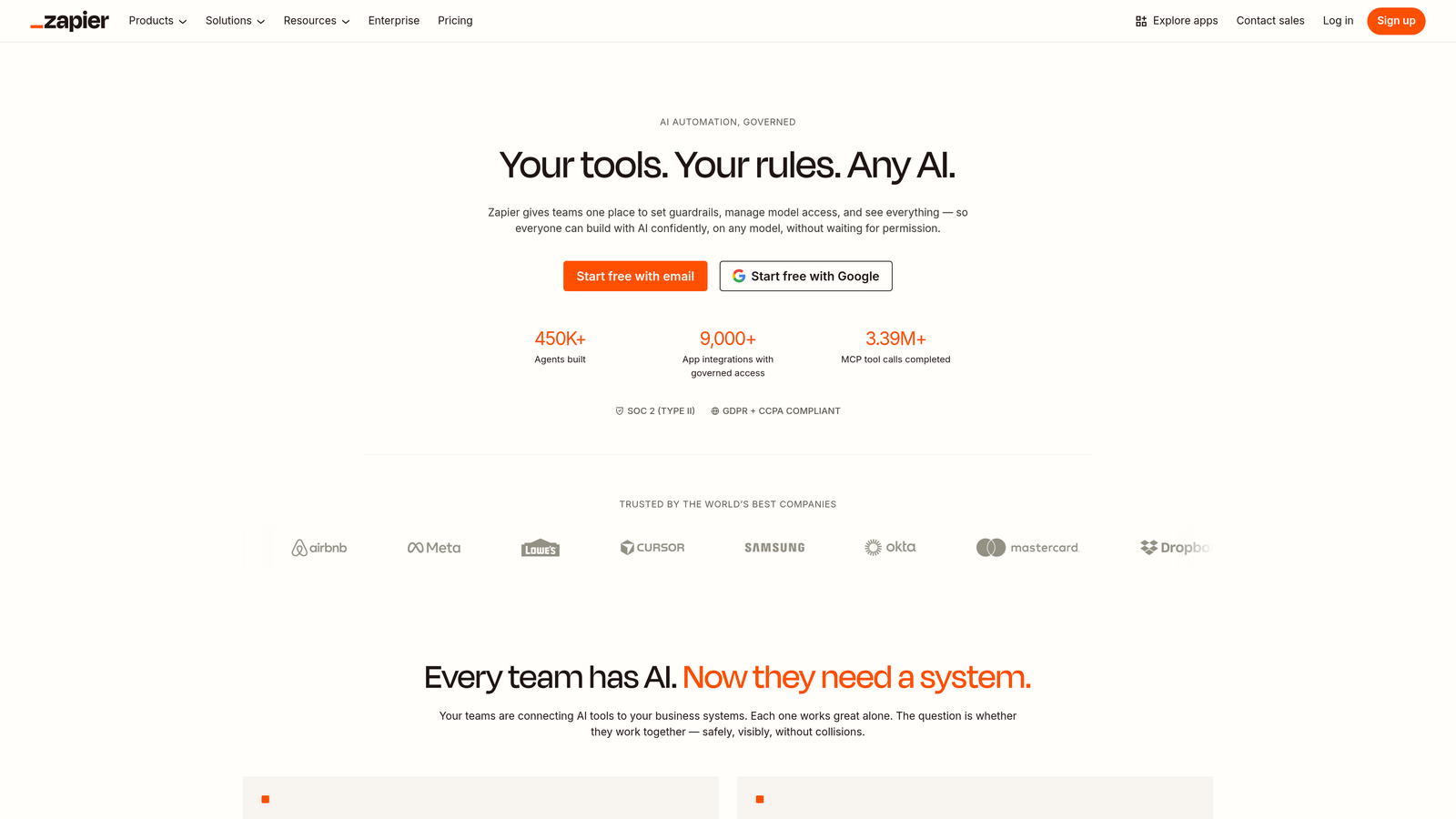
Zapier remains the most widely-used integration platform for good reason—it makes automation accessible to anyone.
Where This Tool Shines
With over 6,000 app integrations, Zapier likely connects to every tool in your support stack. The visual workflow builder requires zero coding knowledge, making it ideal for support ops teams who need to automate processes without waiting for engineering resources.
The platform's AI-powered workflow suggestions now help teams discover automation opportunities they might have missed. Multi-step Zaps with filters and conditional paths handle surprisingly complex logic while remaining visually intuitive.
Key Features
6,000+ Integrations: Connects virtually every helpdesk, CRM, and business tool with pre-built triggers and actions.
Visual Builder: Drag-and-drop interface that non-technical users can master in minutes.
Conditional Logic: Filters and paths enable sophisticated workflows without code.
Tables: Lightweight data storage for maintaining workflow state and lookups.
AI Suggestions: Recommends automation opportunities based on your connected apps.
Best For
Small to mid-sized support teams who need quick wins with automation and don't have dedicated integration specialists on staff.
Pricing
Free tier available with 100 tasks per month; paid plans start at $19.99/month and scale based on task volume.
3. Workato
Best for: Enterprise teams needing governance controls and complex automation
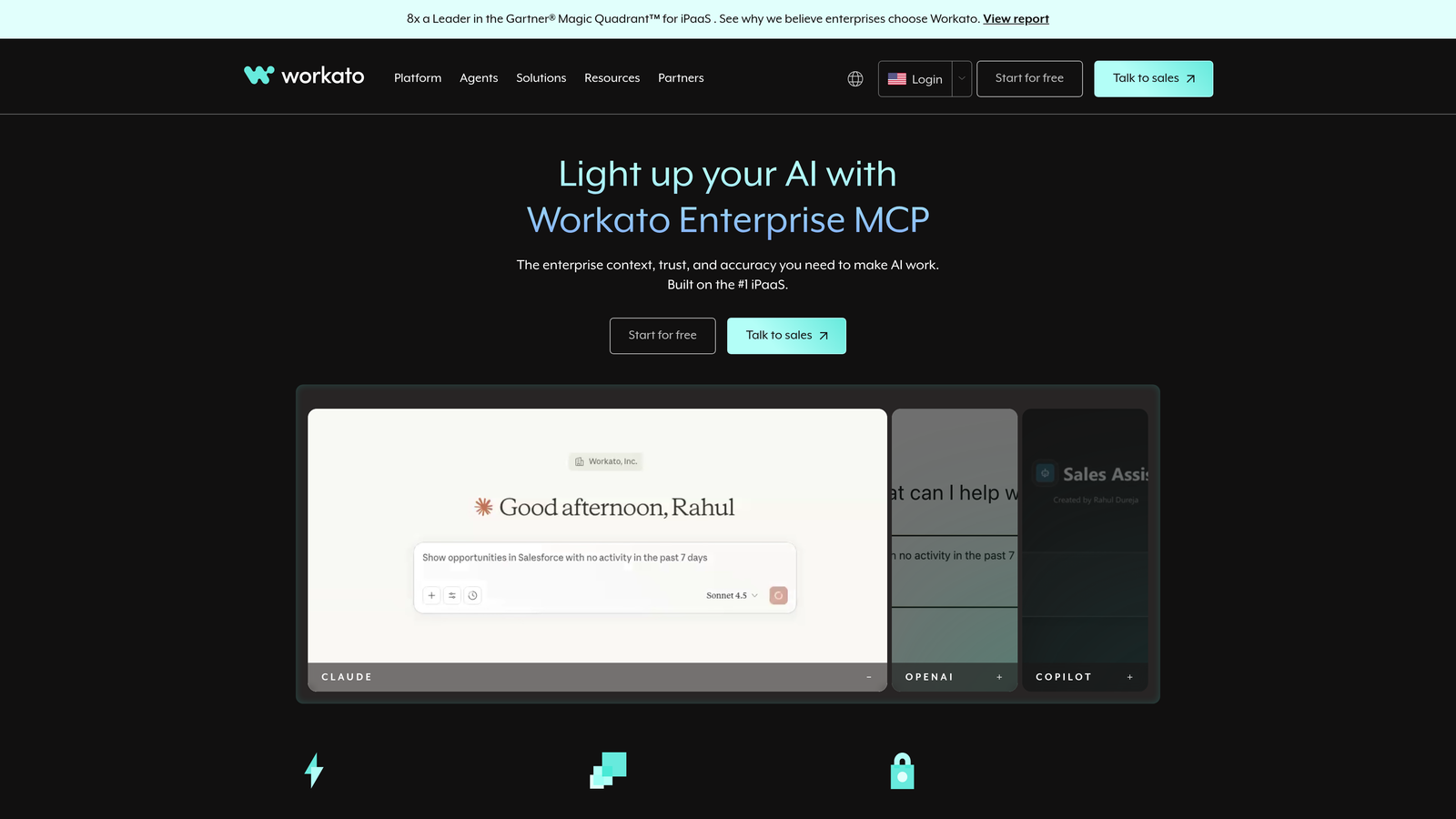
Workato bridges the gap between simple automation tools and full-scale enterprise iPaaS platforms.
Where This Tool Shines
Workato's recipe-based approach handles enterprise complexity while remaining more accessible than traditional integration platforms. The platform excels at connecting support systems with enterprise applications that require deep API access and sophisticated data handling.
Workbot brings conversational automation directly into Slack and Teams, letting support teams trigger workflows and access data without leaving their communication hub. Enterprise security features including SOC 2 and HIPAA compliance make it viable for regulated industries.
Key Features
1,000+ Enterprise Connectors: Deep API access to business-critical applications with pre-built recipes.
Advanced Conditional Logic: Recipe framework supports complex branching and error handling.
Workbot: Conversational interface for workflow triggers and data access in Slack/Teams.
Enterprise Governance: Role-based access, audit trails, and compliance certifications.
AI Copilot: Assists with recipe building and suggests optimization opportunities.
Best For
Mid-market to enterprise companies with complex support workflows spanning multiple departments and systems requiring strong governance.
Pricing
Custom pricing based on usage; typically starts around $10,000 annually for enterprise deployments.
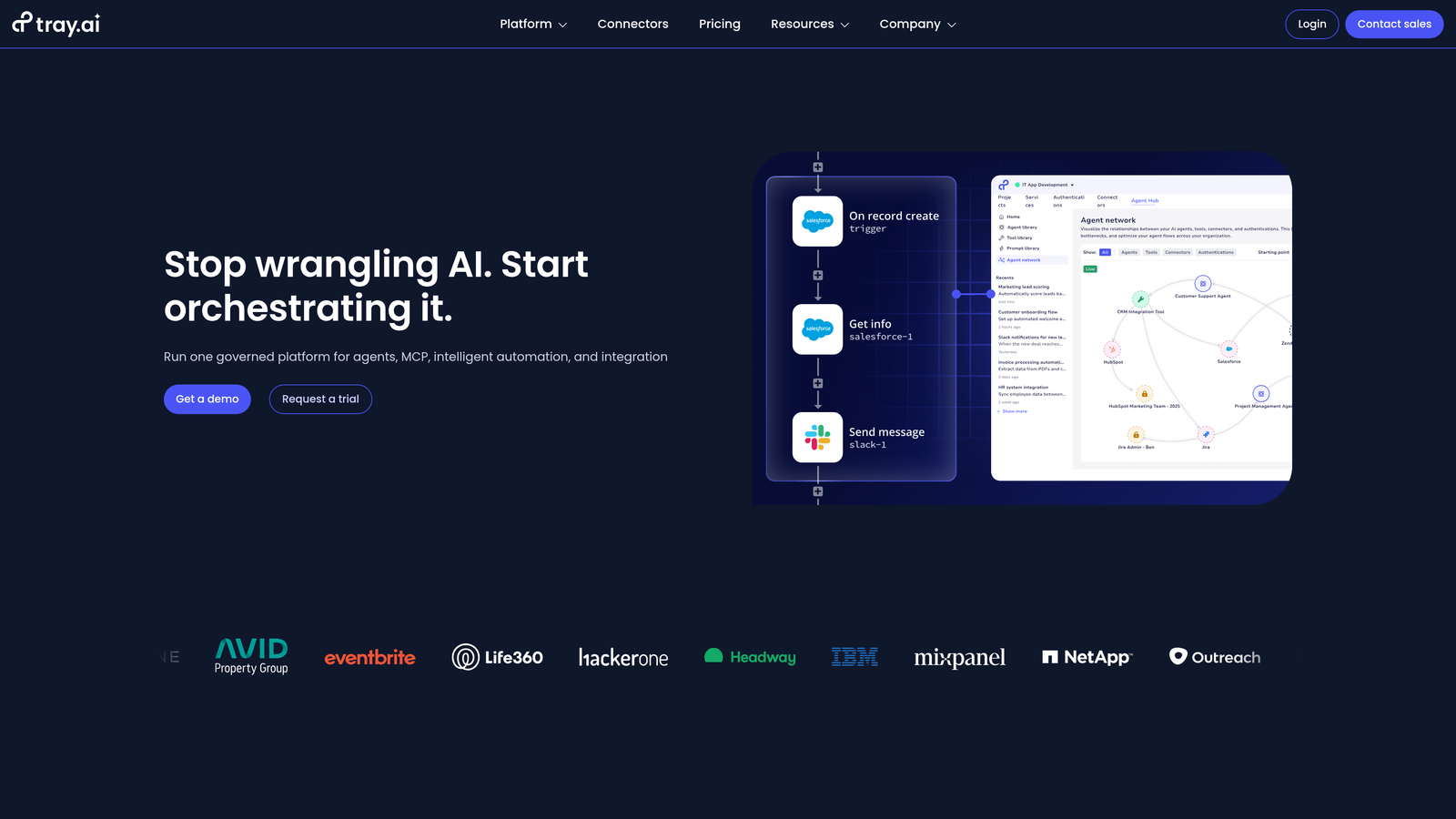
4. Tray.io
Best for: Complex multi-step workflows with heavy data transformation needs
Tray.io provides enterprise-grade flexibility for teams building sophisticated integration workflows.
Where This Tool Shines
Tray's visual workflow builder supports unlimited branching and complex logic without sacrificing usability. The platform handles data transformation exceptionally well, making it ideal when support data needs significant manipulation before syncing to other systems.
High-volume processing capabilities mean the platform won't bottleneck as your support operation scales. The universal connector lets technical teams build custom integrations for proprietary or niche systems not covered by pre-built connectors.
Key Features
Visual Workflow Builder: Unlimited branching with clear execution flow visualization.
Data Transformation: Powerful mapping, filtering, and manipulation tools for complex data operations.
Enterprise Scalability: Handles high-volume processing without performance degradation.
Universal Connector: Build custom integrations for any API-enabled system.
Embedded Integrations: Options for SaaS products building customer-facing integrations.
Best For
Enterprise support organizations with complex data flows requiring significant transformation between systems, or SaaS companies building embedded integrations.
Pricing
Custom pricing based on usage volume; enterprise-focused with annual contracts typical.
5. Make
Best for: Growing teams wanting sophisticated automation at accessible prices
Make (formerly Integromat) delivers visual automation with impressive depth at price points that scale with growing businesses.
Where This Tool Shines
Make's visual scenario builder shows execution flow more clearly than most competitors, making complex workflows easier to understand and debug. The platform offers 1,500+ integrations with deep customization options that rival enterprise tools.
Detailed execution history and robust error handling give teams confidence in production workflows. Data stores enable scenarios to maintain state and perform lookups without external databases. The generous free tier lets teams experiment and prove value before committing budget.
Key Features
Visual Scenario Builder: Clear execution flow visualization with intuitive drag-and-drop interface.
1,500+ Integrations: Deep app connections with extensive customization options.
Execution History: Detailed logs with error tracking and debugging tools.
Data Stores: Built-in storage for workflow state and lookup tables.
Generous Free Tier: 1,000 operations monthly at no cost for experimentation.
Best For
Growing support teams who need enterprise-level automation capabilities but aren't ready for enterprise pricing, particularly those comfortable with visual workflow design.
Pricing
Free tier with 1,000 operations per month; paid plans start at $9/month and scale based on operation volume.
6. Celigo
Best for: Connecting support systems with ERP and back-office applications
Celigo specializes in integrations between customer-facing systems and enterprise back-office applications.
Where This Tool Shines
Celigo's pre-built integration templates accelerate deployment for common scenarios like syncing support tickets with order management systems. Deep NetSuite and Salesforce connectors make it the go-to choice for companies using these platforms.
The integration marketplace offers ready-to-use flows that teams can deploy with minimal configuration. Smart error management with retry logic handles transient failures gracefully, reducing the monitoring burden on support ops teams.
Key Features
Pre-Built Templates: Ready-to-deploy integration flows for common support scenarios.
Deep ERP Connectors: Specialized NetSuite and Salesforce integration capabilities.
Smart Error Management: Intelligent retry logic and error handling reduces manual intervention.
Integration Marketplace: Curated library of proven integration patterns.
Order Management Focus: Strong capabilities for fulfillment and order-related workflows.
Best For
Mid-market to enterprise companies using NetSuite or Salesforce who need tight integration between support operations and back-office systems.
Pricing
Custom pricing based on integration complexity; mid-market to enterprise focus with typical contracts in the $20,000+ range.
7. Boomi
Best for: Enterprise deployments requiring hybrid cloud and on-premise connectivity
Boomi provides enterprise iPaaS capabilities with strong master data management and hybrid deployment options.
Where This Tool Shines
Boomi excels when support systems need to integrate with legacy on-premise applications alongside cloud tools. The Master Data Hub creates unified customer records across disparate systems, ensuring support agents see complete customer context regardless of data source.
API management capabilities let teams expose support data securely to other departments or partners. AI-assisted mapping reduces the technical complexity of connecting systems with different data models. Global deployment options ensure performance for distributed support teams.
Key Features
Hybrid Deployment: Seamlessly connects cloud and on-premise systems with unified architecture.
Master Data Hub: Creates golden records for unified customer views across systems.
API Management: Secure exposure of support data with developer portal.
AI-Assisted Mapping: Intelligent suggestions for data field mapping and transformation.
Global Scalability: Distributed architecture supports worldwide operations.
Best For
Large enterprises with hybrid IT environments requiring integration between modern support tools and legacy on-premise systems, particularly those needing master data management.
Pricing
Custom enterprise pricing; typically $50,000+ annually depending on connection volume and deployment complexity.
8. n8n
Best for: Teams prioritizing data control and extensibility through self-hosting
n8n offers open-source workflow automation with the option to self-host for complete data sovereignty.
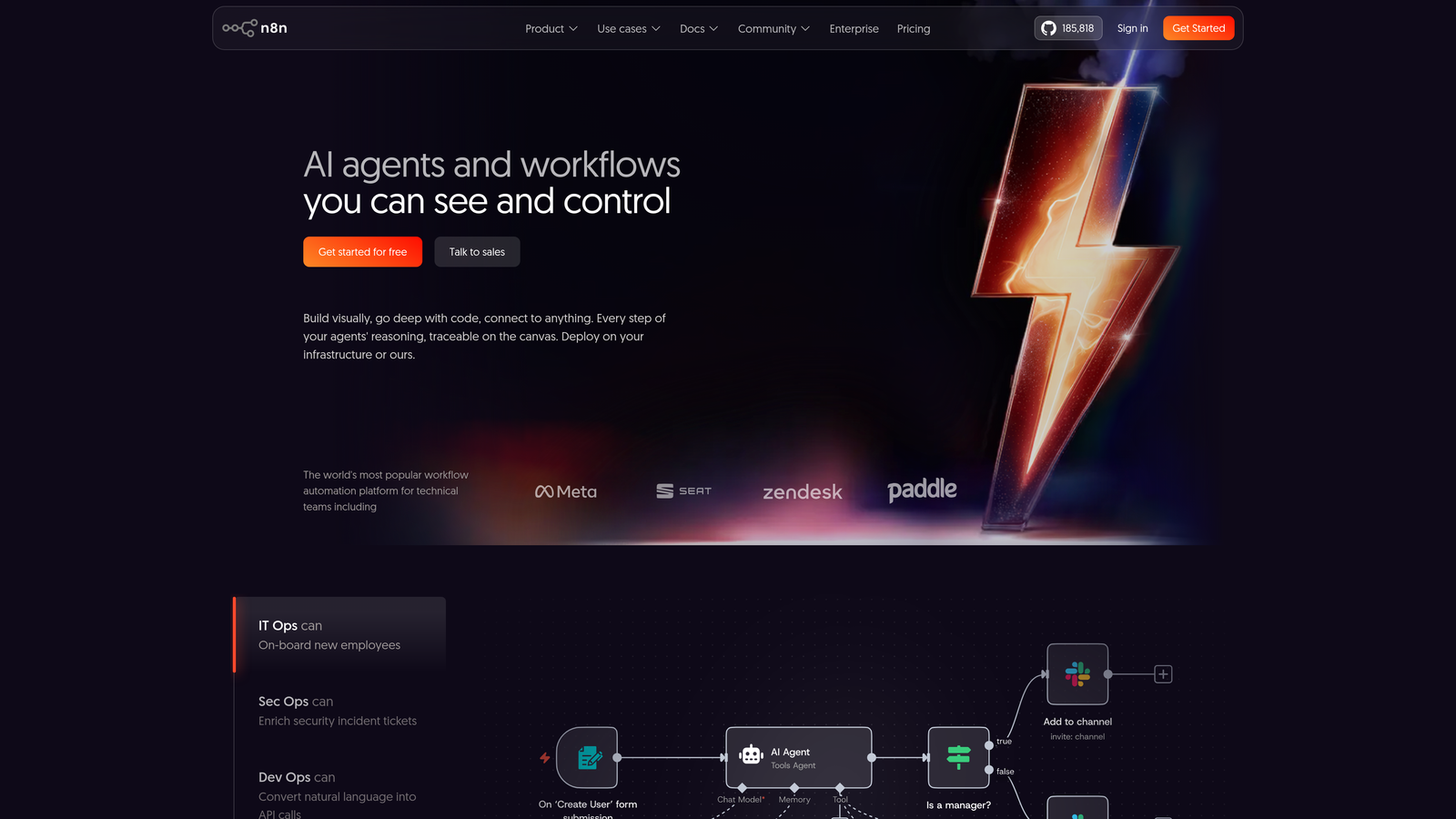
Where This Tool Shines
n8n's self-hosted deployment option gives teams complete control over sensitive support data without routing it through third-party infrastructure. The fair-code license provides source access for teams wanting to understand exactly how their integrations work.
JavaScript and Python code nodes let technical teams build custom logic that goes beyond what pre-built integrations offer. An active community contributes nodes and workflows, while extensive documentation helps teams get started quickly.
Key Features
Self-Hosted Option: Deploy on your infrastructure for complete data control and compliance.
400+ Integrations: Growing library with community-contributed custom nodes.
Code Nodes: JavaScript and Python support for custom logic and transformations.
Fair-Code License: Source-available model balances openness with sustainability.
Active Community: Extensive documentation and community-contributed workflows.
Best For
Technical teams with data sovereignty requirements or those wanting full extensibility and control over their automation infrastructure.
Pricing
Free for self-hosted deployments; cloud hosting starts at €20/month with usage-based scaling.
9. Paragon
Best for: SaaS companies building native integrations into their products
Paragon provides embedded integration infrastructure for product teams building customer-facing integrations.
Where This Tool Shines
Paragon's embeddable integration builder lets SaaS companies offer native integrations without building and maintaining connectors themselves. The customer-facing integration marketplace becomes part of your product experience, letting users configure their own workflows.
Managed authentication and token handling eliminate security concerns around customer credentials. Pre-built connectors for popular SaaS tools accelerate time to market. White-label options ensure the integration experience matches your product's branding seamlessly.
Key Features
Embeddable Builder: Integration configuration UI that lives inside your product.
Integration Marketplace: Customer-facing catalog of available integrations.
Managed Authentication: Secure credential handling without exposing tokens to your infrastructure.
Pre-Built Connectors: Ready-to-use integrations for popular business tools.
White-Label Options: Customizable branding for seamless product experience.
Best For
SaaS companies building support or customer success products who want to offer native integrations as a product feature rather than internal tooling.
Pricing
Starts at $500/month; scales based on number of connected users and integration complexity.
Finding Your Integration Match
The right support stack integration platform depends on your team's technical resources and integration complexity. Teams wanting quick wins without engineering involvement should start with Zapier or Make. Enterprise organizations with governance requirements and complex workflows will find Workato or Boomi better suited to their needs.
If you're connecting support to back-office systems like NetSuite, Celigo's specialized connectors save significant implementation time. Technical teams prioritizing data sovereignty should evaluate n8n's self-hosted option. SaaS companies building product integrations need Paragon's embedded approach rather than internal-facing tools.
For teams seeking AI-native support that goes beyond simple data syncing, Halo AI's approach of building intelligence directly into the platform represents where the market is heading. The platform doesn't just connect your stack—it uses those connections to autonomously resolve tickets, surface business intelligence, and continuously learn from every interaction.
Your support team shouldn't scale linearly with your customer base. Let AI agents handle routine tickets, guide users through your product, and surface business intelligence while your team focuses on complex issues that need a human touch. See Halo in action and discover how continuous learning transforms every interaction into smarter, faster support.