9 Best Tools to Unify Scattered Support Knowledge in 2026
When support team knowledge scattered across tools like Slack, Google Docs, and old tickets creates inefficiency, specialized knowledge unification platforms can help. This guide evaluates the nine best tools in 2026 that consolidate fragmented support information into accessible, actionable intelligence—helping agents find answers faster, onboard new team members more efficiently, and deliver consistent customer experiences regardless of where knowledge originally lived.
 Grant CooperFounder10 min read
When your support team's knowledge lives in Slack threads, Google Docs, old tickets, and someone's head, every customer interaction becomes a scavenger hunt. Agents waste time searching instead of solving, new hires take months to ramp up, and customers get inconsistent answers depending on who they reach.
The solution isn't more documentation—it's smarter knowledge unification. We evaluated dozens of platforms to find the tools that actually consolidate fragmented support knowledge into accessible, actionable intelligence. Here are the top options for teams ready to stop the knowledge chaos.
1. Halo AI
Best for: Teams wanting AI that learns from every interaction and connects to their entire business stack
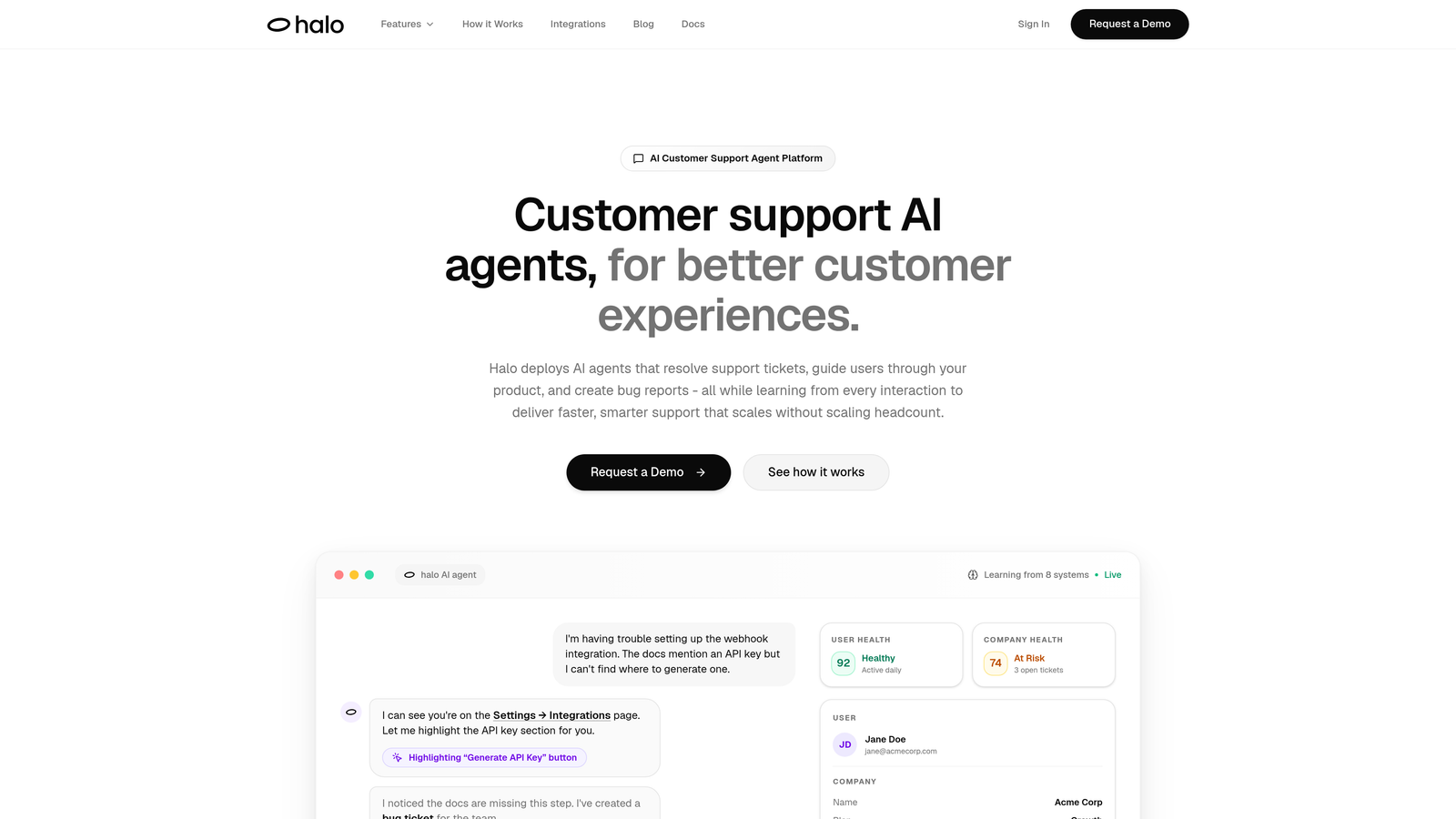
Halo AI is an AI-powered customer support platform that automatically unifies scattered knowledge by connecting to your entire business stack and learning from every interaction.
Where This Tool Shines
Unlike traditional knowledge bases that require manual updates, Halo AI continuously learns from every ticket, interaction, and resolution. It sees what your users see through page-aware context, meaning it understands not just the question but the actual screen state when issues occur.
The platform connects to Linear, Slack, HubSpot, Intercom, Stripe, Zendesk, and more—pulling knowledge from wherever it actually lives instead of forcing you to duplicate it. This means your AI agents can access product data, customer history, billing information, and engineering context without anyone manually copying information between systems.
Key Features
Multi-System Integration: Connects to Linear, Slack, HubSpot, Intercom, Stripe, Zendesk, and more to access knowledge across your entire stack.
Continuous Learning: Improves with every ticket and interaction, building intelligence that gets smarter over time.
Page-Aware Context: Sees what users see on their screen, enabling more accurate troubleshooting and guidance.
Smart Inbox Analytics: Provides business intelligence beyond support, including customer health signals and revenue intelligence.
Autonomous Resolution: Handles routine tickets independently while escalating complex issues to human agents.
Best For
B2B companies and product teams tired of maintaining separate knowledge bases. Particularly valuable for organizations using multiple tools like Zendesk, Freshdesk, or Intercom who want AI that connects the dots across their entire business stack rather than living in isolation.
Pricing
Contact for pricing; demo available to see the platform in action.
2. Guru
Best for: Teams needing real-time knowledge verification and in-workflow access
Guru is an AI-powered knowledge management platform that verifies information accuracy and delivers knowledge directly in browser workflows.

Where This Tool Shines
Guru's browser extension surfaces relevant knowledge exactly when agents need it—no switching tabs or searching separately. The platform watches what you're working on and proactively suggests relevant information, turning passive documentation into active assistance.
The verification system is what sets Guru apart. Content owners receive automatic prompts to verify their information stays current, preventing the stale documentation problem that plagues most knowledge bases. When someone marks content as verified, the entire team knows it's trustworthy.
Key Features
Browser Extension: Surfaces knowledge directly in your workflow without switching tools or breaking focus.
Verification System: Ensures content accuracy through automatic verification requests to content owners.
AI-Powered Search: Finds relevant information even when you don't know exactly what you're looking for.
Slack and Teams Integration: Access knowledge directly in communication platforms where questions arise.
Usage Analytics: Shows which knowledge gets used most and where gaps exist.
Best For
Support teams that work primarily in browsers and need knowledge delivered contextually. Especially valuable for organizations struggling with outdated documentation and wanting automated verification workflows.
Pricing
Free tier available for small teams; paid plans start at $10 per user per month.
3. Notion
Best for: Teams wanting flexible, all-in-one workspace with powerful AI capabilities
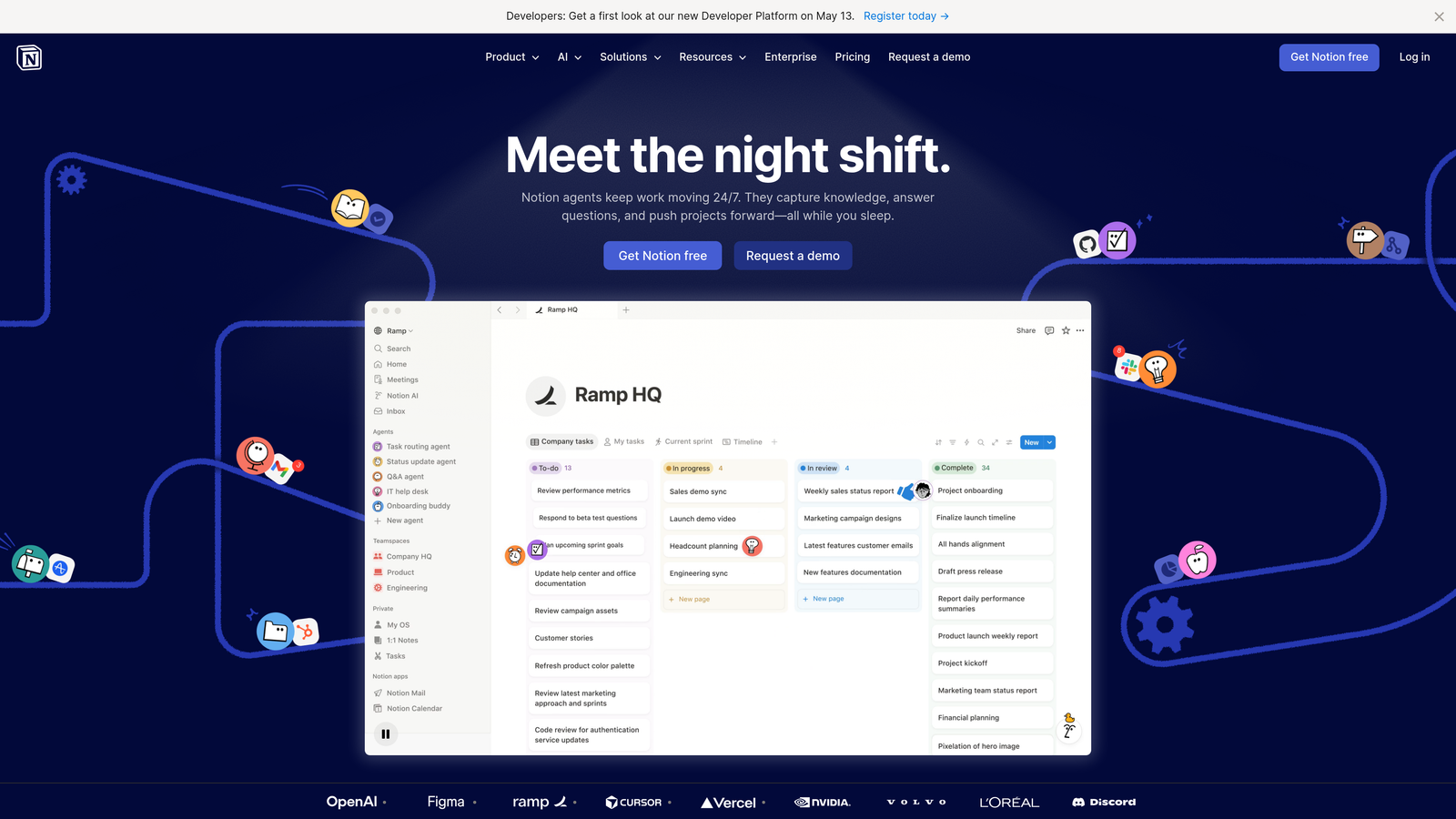
Notion is an all-in-one workspace combining wikis, databases, and documents with AI-powered search and organization.
Where This Tool Shines
Notion's flexibility is both its strength and potential weakness. You can structure knowledge exactly how your team thinks—whether that's hierarchical wikis, relational databases, or simple document collections. The platform doesn't force a specific organizational model.
Notion AI adds intelligent search and summarization that helps teams find information even when it's buried in long documents or complex database structures. The AI can answer questions by synthesizing information across multiple pages, turning scattered notes into coherent answers.
Key Features
Flexible Structure: Build wikis, databases, or hybrid systems that match your team's mental model.
Notion AI: Search, summarize, and synthesize information across your entire workspace.
Knowledge Base Templates: Pre-built structures for common support knowledge needs.
Real-Time Collaboration: Multiple team members can edit simultaneously with full version history.
API Integration: Connect to other tools through custom integrations and automations.
Best For
Teams that want maximum flexibility in how they organize knowledge and don't mind investing time in setup. Works well for organizations already using Notion for other purposes who want to consolidate tools.
Pricing
Free tier available; Plus at $10 per user per month; Business at $18 per user per month.
4. Confluence
Best for: Enterprise teams using Atlassian products needing robust permissions and compliance
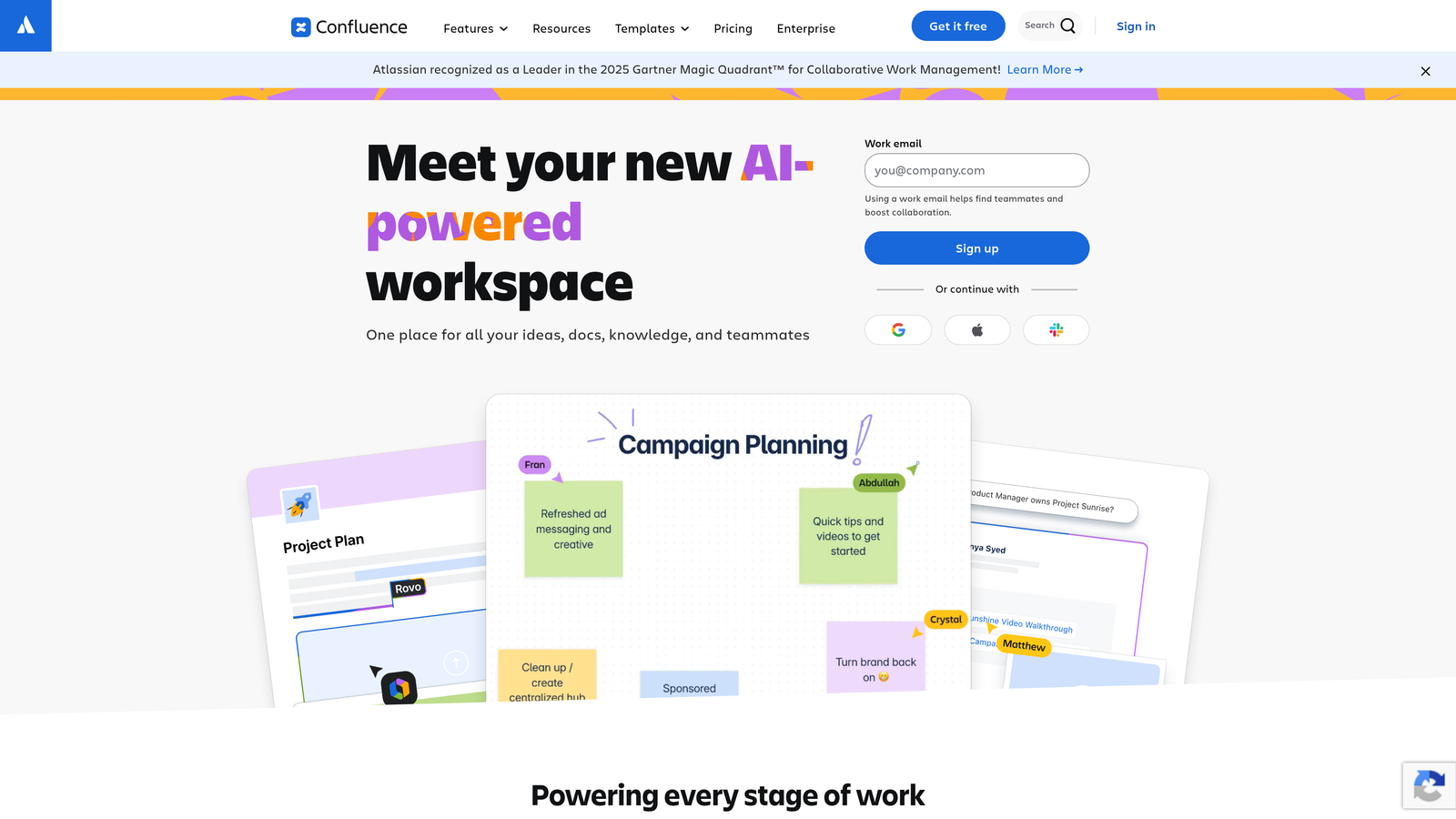
Confluence is an enterprise wiki and collaboration platform with deep integration across the Atlassian ecosystem.
Where This Tool Shines
If your engineering team uses Jira and your support team needs to reference bug reports, feature requests, or product roadmaps, Confluence connects these worlds seamlessly. The native integration means you can embed Jira issues directly in documentation and see real-time status updates.
For larger organizations, Confluence's advanced permissions and compliance features matter. You can control exactly who sees what, create approval workflows for sensitive documentation, and maintain audit trails—requirements that simpler tools can't meet.
Key Features
Atlassian Integration: Native connections to Jira, Trello, and other Atlassian products for unified workflows.
Spaces: Separate team-specific knowledge areas with distinct permissions and structures.
Advanced Permissions: Granular control over who can view, edit, or approve content.
Atlassian Intelligence: AI features for search, summarization, and content generation.
Marketplace Apps: Extensive ecosystem of add-ons for specialized needs.
Best For
Enterprise organizations already invested in the Atlassian ecosystem. Particularly valuable for companies needing strict compliance controls, detailed audit trails, or complex permission structures across multiple teams.
Pricing
Free for up to 10 users; Standard at $6.05 per user per month for larger teams.
5. Slite
Best for: Remote teams wanting AI-powered instant answers without manual organization
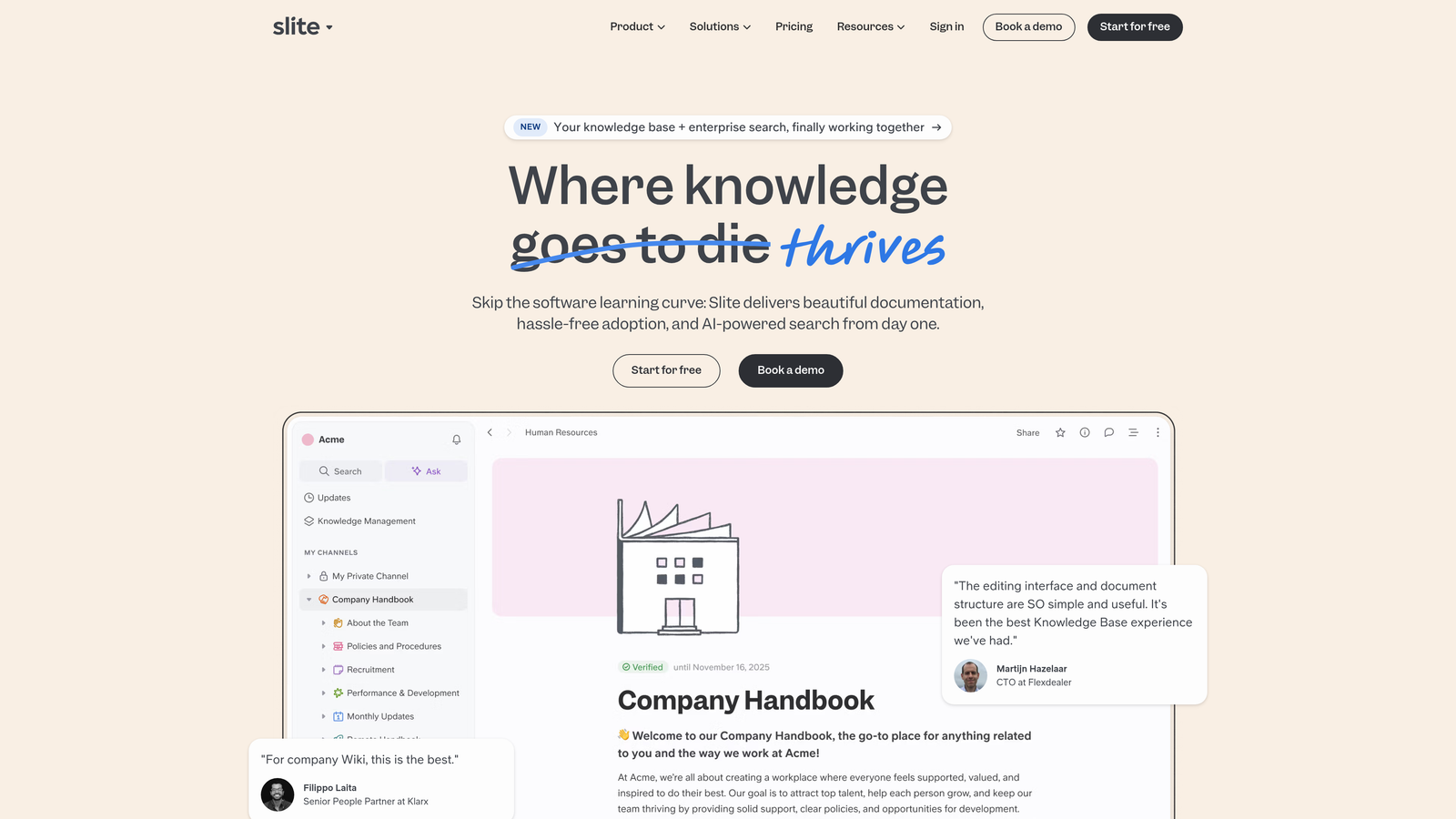
Slite is a knowledge base designed for remote teams with AI-powered organization and instant answers.
Where This Tool Shines
Slite's "Ask" feature lets team members type questions in natural language and get instant answers synthesized from your knowledge base. Instead of searching through documents, you ask "How do we handle refund requests over $500?" and get a direct answer with source links.
The platform automatically organizes content into collections based on topic and usage patterns, reducing the manual categorization work that makes other knowledge bases feel like a chore to maintain. It learns how your team actually uses information and structures accordingly.
Key Features
Ask Feature: Get instant AI-generated answers to questions based on your knowledge base content.
Automatic Organization: AI categorizes and structures content based on usage patterns.
Slack and Google Integration: Connect to communication and productivity tools your team already uses.
Collections: Group related content by topic without rigid hierarchical structures.
Usage Analytics: Dashboard showing which knowledge gets accessed and what questions go unanswered.
Best For
Remote-first teams that want minimal maintenance overhead and prefer asking questions over searching documentation. Works well for organizations tired of rigid wiki structures that don't match how people actually look for information.
Pricing
Free tier available; Standard at $8 per user per month.
6. Tettra
Best for: Slack-first teams wanting knowledge capture and retrieval in their primary workspace
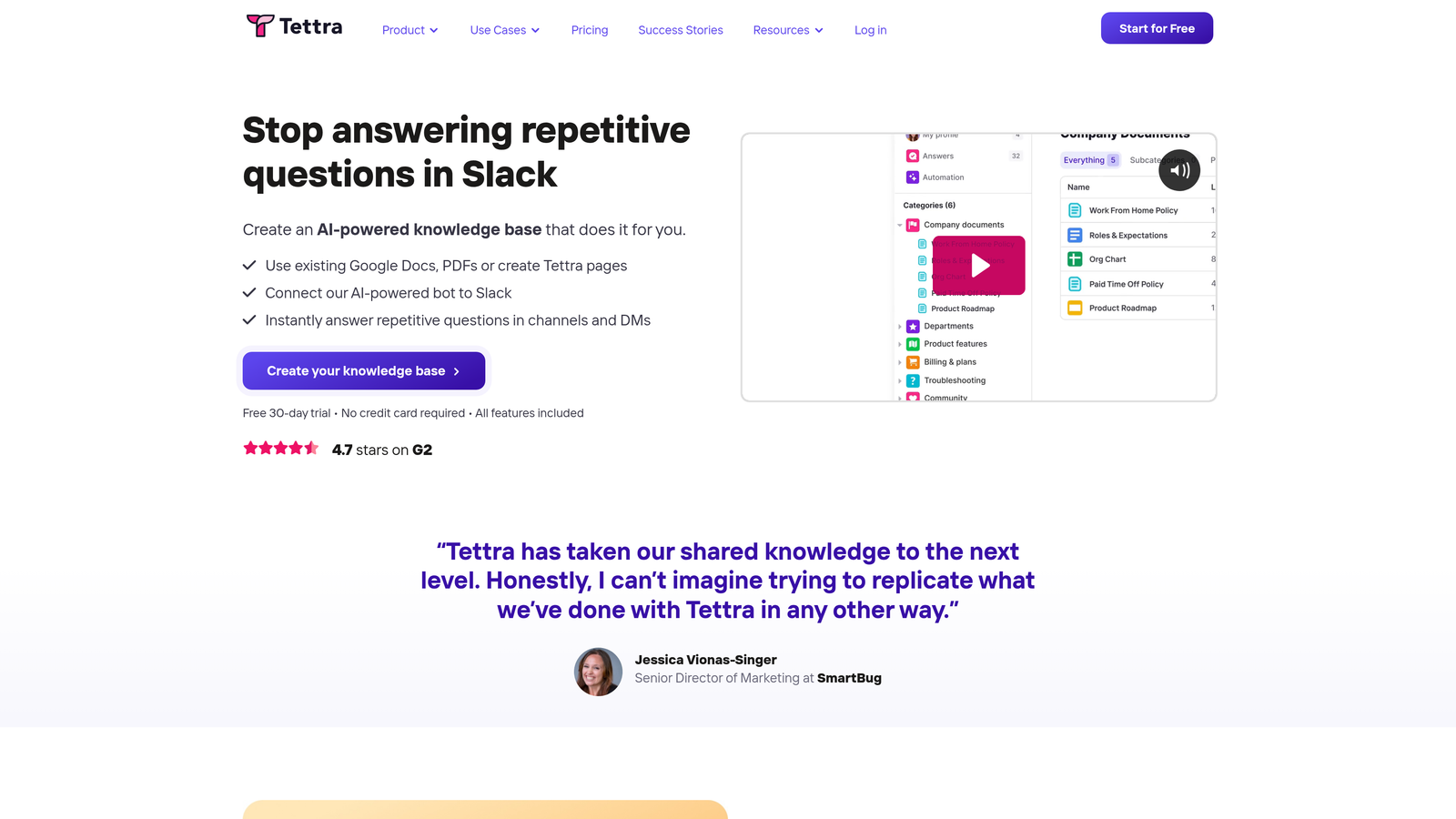
Tettra is an internal knowledge base built for Slack-first teams with automatic stale content detection.
Where This Tool Shines
Tettra lives where Slack-heavy teams already work. When someone asks a question in Slack, team members can save the answer to Tettra without leaving the conversation. The next time that question comes up, Tettra suggests the existing answer automatically.
The platform's automatic verification requests prevent documentation rot. When content hasn't been updated in a while, Tettra asks the owner to verify it's still accurate. This simple nudge keeps knowledge bases fresh without requiring someone to manually audit everything.
Key Features
Deep Slack Integration: Capture knowledge and retrieve answers directly in Slack conversations.
Automatic Verification: Sends requests to content owners when information might be outdated.
AI-Powered Search: Finds relevant answers even with imprecise search terms.
Import Capabilities: Bring existing knowledge from Google Docs and Notion.
Knowledge Gap Identification: Shows which questions get asked repeatedly without documented answers.
Best For
Teams that live in Slack and want knowledge management that doesn't require switching tools. Particularly valuable for organizations struggling to get team members to actually use separate knowledge base platforms.
Pricing
Free for small teams; Scaling plan at $8.33 per user per month.
7. Document360
Best for: Teams needing both customer-facing help centers and internal documentation in one platform
Document360 is a knowledge base platform supporting both customer-facing help centers and internal team documentation.
Where This Tool Shines
Document360 lets you maintain separate knowledge bases for customers and internal teams without managing two different platforms. The same article can exist in both with different visibility, or you can create entirely separate content structures.
The analytics go deeper than most competitors, showing not just which articles get viewed but where users drop off, which search terms find nothing, and how article performance correlates with support ticket volume. This intelligence helps you identify documentation gaps that actually matter.
Key Features
Dual Knowledge Bases: Separate internal and external documentation with independent structures and permissions.
Advanced Analytics: Track article performance, search gaps, and correlation with support metrics.
AI Writing Assistant: Helps create and improve documentation with suggestions and formatting.
Version Control: Full history and workflow for content changes with approval processes.
In-App Widget: Embed knowledge base directly in your product for contextual help.
Best For
Organizations wanting to unify both customer-facing and internal knowledge management. Especially valuable for SaaS companies that need detailed analytics on how documentation impacts support volume.
Pricing
Free tier available; Standard at $149 per project per month.
8. Trainual
Best for: Teams needing role-based knowledge assignment with completion tracking and testing
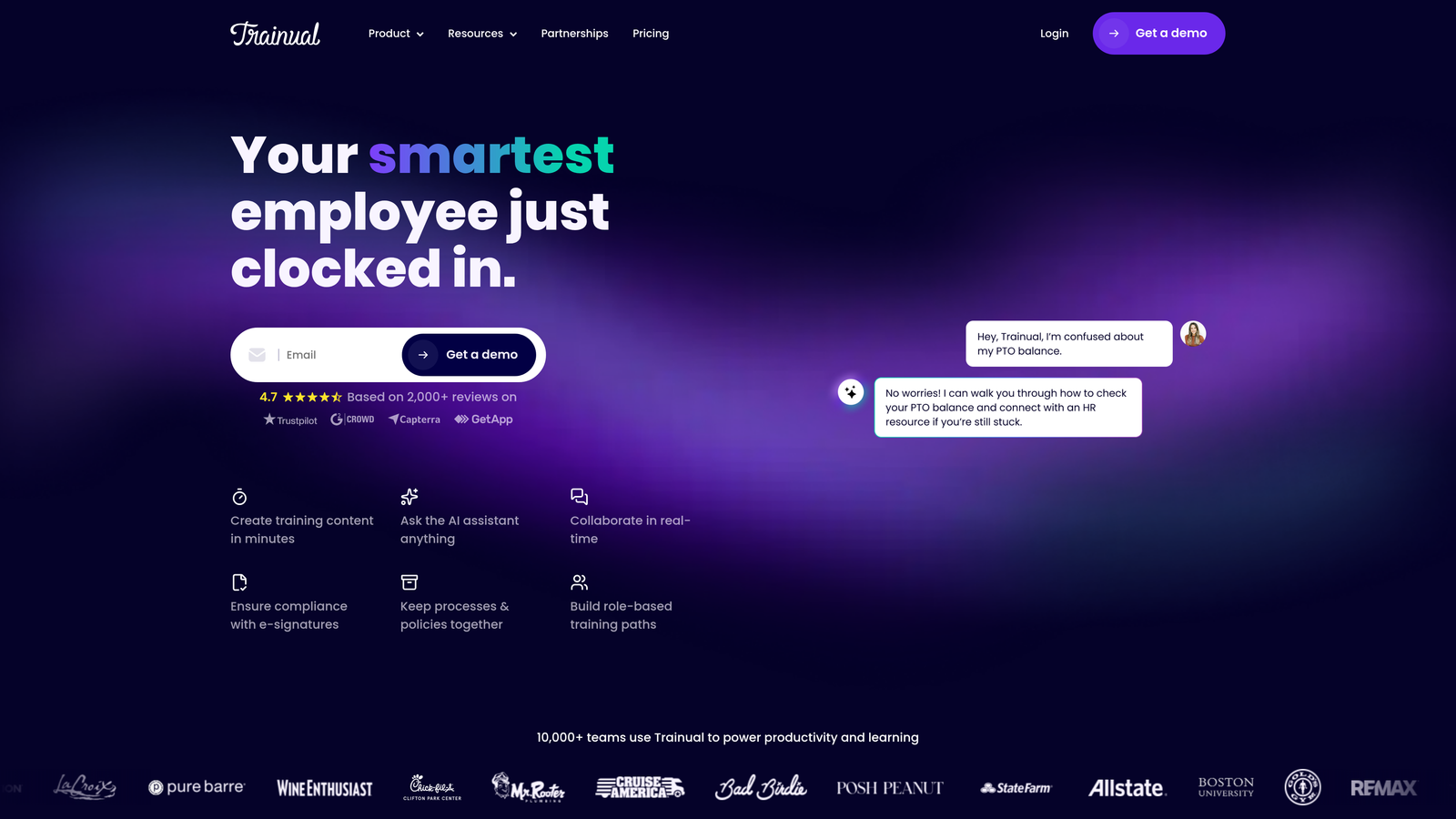
Trainual is a process and training documentation platform with role-based knowledge assignment and tracking.
Where This Tool Shines
Trainual treats knowledge as something to be assigned, completed, and verified—not just searched. When you hire a new support agent, you assign them specific processes and policies to learn, track their completion, and test their understanding.
The org chart integration maps responsibilities to roles, showing exactly which knowledge each position needs. This prevents the common problem where new hires don't know what they don't know because nobody explicitly assigned the relevant documentation.
Key Features
Role-Based Assignment: Assign specific knowledge and processes to roles with automatic distribution to new hires.
Completion Tracking: Monitor who has learned what with testing to verify understanding.
Process Templates: Pre-built structures for common support processes and workflows.
Screen Recording: Capture processes visually with integrated recording tools.
Org Chart Mapping: Connect responsibilities and required knowledge to specific roles.
Best For
Growing teams with high turnover or frequent onboarding who need structured knowledge transfer. Works well for organizations where consistent process execution matters more than ad-hoc knowledge discovery.
Pricing
Starts at $249 per month for up to 25 users.
9. Stack Overflow for Teams
Best for: Technical teams wanting Q&A format with expert verification for engineering knowledge
Stack Overflow for Teams is a private Q&A platform bringing Stack Overflow's expert verification model to internal technical knowledge.
Where This Tool Shines
The Q&A format with voting and accepted answers creates natural quality control. When multiple engineers answer a technical question, the best answer rises to the top through community validation. This peer verification often produces better knowledge than top-down documentation.
For support teams handling technical products, Stack Overflow for Teams bridges the gap between engineering and support knowledge. Engineers can answer technical questions in a format they're already comfortable with, and support agents can reference those answers when helping customers.
Key Features
Q&A Format: Questions, answers, voting, and accepted answers create natural knowledge hierarchy.
Tag Organization: Categorize knowledge by technology, product area, or topic for easy discovery.
Slack and Teams Integration: Access knowledge and ask questions from communication platforms.
Article Format: Support longer-form documentation alongside Q&A for comprehensive topics.
AI-Powered Search: Find relevant questions and answers across your entire knowledge base.
Best For
Technical support teams and engineering organizations wanting community-validated knowledge. Particularly valuable for companies with complex technical products where multiple valid approaches exist and peer review matters.
Pricing
Free for up to 50 users; Basic at $6 per user per month for larger teams.
Making the Right Choice
The right knowledge unification tool depends on where your knowledge currently lives and how your team works. For teams wanting AI that learns from every interaction and connects to your entire stack, Halo AI offers the most autonomous approach. Guru excels for teams needing real-time verification, while Notion and Confluence suit organizations wanting flexible or enterprise-grade documentation.
Start by auditing where knowledge actually lives today. Is it scattered across Slack threads, buried in old tickets, or locked in specific people's heads? The best tool meets your team where they already work rather than forcing new workflows.
Consider your team's size and growth trajectory. Smaller teams might prioritize ease of use and quick setup, while larger organizations need robust permissions and compliance features. If you're scaling rapidly, automated learning and verification become critical—manually updating documentation doesn't scale.
Your support team shouldn't scale linearly with your customer base. Let AI agents handle routine tickets, guide users through your product, and surface business intelligence while your team focuses on complex issues that need a human touch. See Halo in action and discover how continuous learning transforms every interaction into smarter, faster support.