How to Reduce Support Ticket Backlog: A 6-Step Action Plan for B2B Teams
A growing support ticket backlog damages customer trust and team morale, especially in B2B environments where enterprise clients expect fast resolutions. This guide provides a systematic 6-step action plan showing how to reduce support ticket backlog by strategically clearing existing tickets and implementing processes to prevent future accumulation—without simply working harder or expanding headcount.
 Matt PattoliFounder14 min read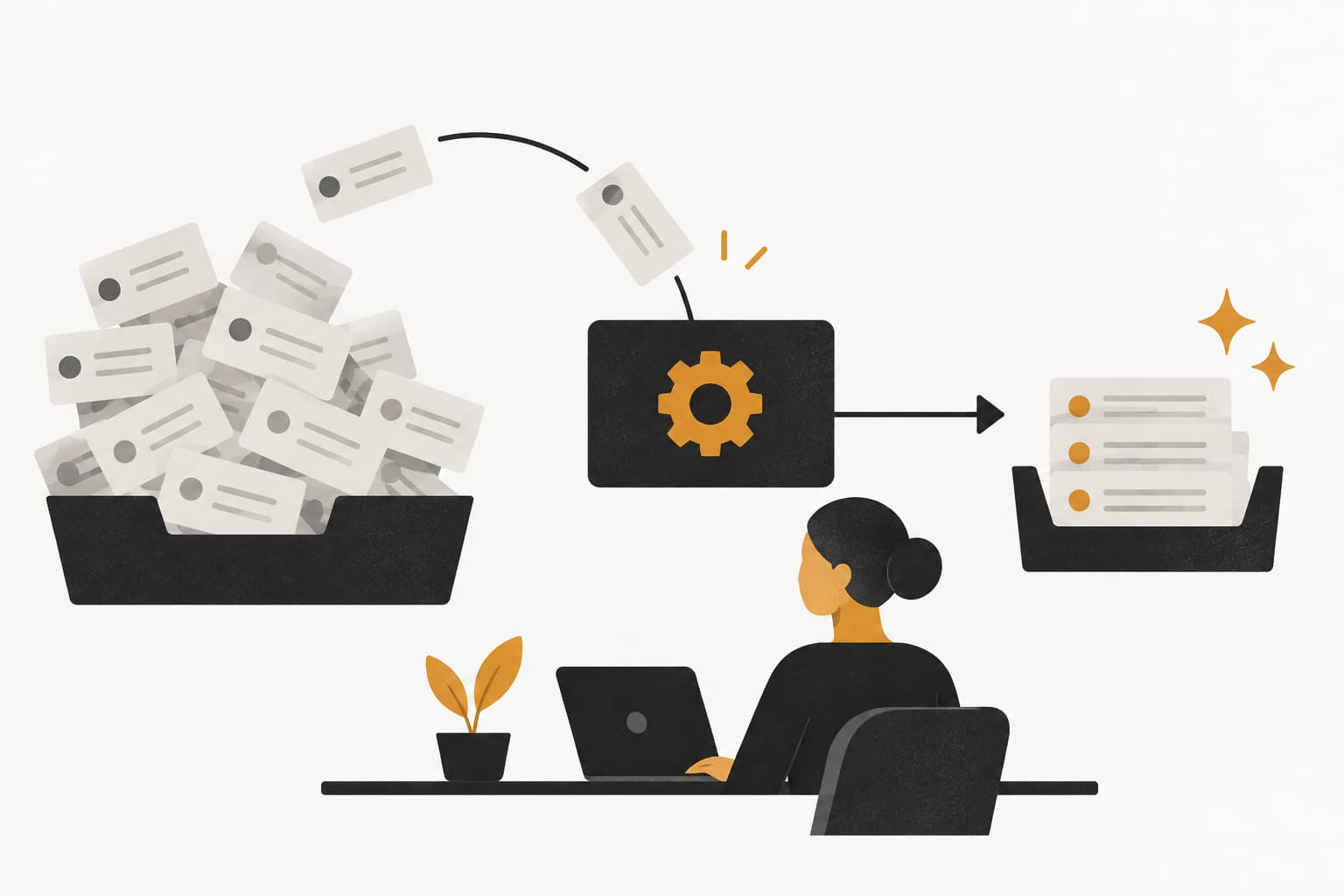
Picture this: It's Monday morning, and your support inbox shows 247 unresolved tickets. Some are three weeks old. Your best agent just messaged that they're feeling overwhelmed. A VP-level customer just escalated their issue because it's been sitting unanswered for five days. Sound familiar?
A growing support ticket backlog silently erodes customer trust, burns out your team, and creates a compounding problem that gets harder to solve each day you delay. For B2B product teams, the stakes are even higher. Enterprise customers expect rapid resolution, and a single frustrated decision-maker can influence renewal conversations worth hundreds of thousands of dollars.
The good news? Clearing your backlog isn't about working harder or hiring more people. It's about working systematically.
This guide walks you through a proven approach to clearing your current backlog while building processes that prevent future pile-ups. You'll learn how to audit your queue strategically, implement triage systems that actually work, leverage automation for repetitive tickets, and establish sustainable workflows. Whether you're facing hundreds of unresolved tickets or want to prevent a backlog from forming, these six steps provide a practical roadmap that scales with your support operation.
Step 1: Audit Your Queue to Understand What You're Actually Facing
You can't fix what you can't measure. Before rushing to clear tickets, you need to understand exactly what's clogging your queue.
Start by exporting every open ticket into a spreadsheet. Include key data: ticket age, category or type, assigned agent, customer tier, and current status. This raw data reveals patterns that aren't visible when you're drowning in the inbox.
Now categorize every ticket. Common categories include: billing questions, technical bugs, feature requests, how-to questions, integration issues, and account access problems. You're looking for clusters. Often, 60-70% of your backlog falls into just 3-5 categories. Using support ticket categorization tools can accelerate this process significantly.
Flag the low-hanging fruit: As you review, mark tickets that are duplicates of existing issues, spam that slipped through filters, or tickets that were actually resolved but never closed. These represent immediate wins that reduce your backlog count without requiring real resolution work.
Create a simple aging analysis. How many tickets are 0-3 days old? 4-7 days? 1-2 weeks? Over two weeks? This breakdown shows you where tickets are getting stuck. If you have 50 tickets under three days old but 150 over two weeks old, you have a triage problem, not just a volume problem.
Analyze by complexity: Sort tickets into three buckets: quick wins that take under 10 minutes, standard tickets requiring 30-60 minutes, and complex issues needing multiple hours or escalation. This complexity mapping is crucial for the blitz strategy you'll implement later.
Document your findings in a one-page summary. What percentage of tickets are duplicates? Which three categories dominate your backlog? How many quick wins can you close this week? This clarity transforms an overwhelming mess into a solvable problem.
Success indicator: You have a clear spreadsheet showing ticket distribution by category, age, and complexity. You can confidently state: "We have 247 tickets, but 63 are duplicates or already resolved, 94 fall into three main categories, and 48 are quick wins we can close immediately."
Step 2: Implement a Priority Triage System That Prevents Cherry-Picking
Here's a dirty secret about support teams: agents naturally gravitate toward easy tickets. The quick password reset gets handled immediately while the complex integration issue sits untouched for weeks. This cherry-picking behavior is exactly what creates backlogs.
You need a scoring matrix that removes subjective decision-making. Create a simple point system combining three factors: customer urgency, account value, and resolution complexity. Implementing intelligent support ticket prioritization transforms your queue from chaos to clarity.
Customer urgency: Is this blocking their business operations (3 points), causing significant inconvenience (2 points), or a nice-to-have improvement (1 point)? Let customers self-report urgency when submitting tickets, but verify it against their description.
Account value: Enterprise customers paying six figures annually get 3 points. Mid-tier accounts get 2 points. Freemium or trial users get 1 point. This isn't about neglecting smaller customers; it's about acknowledging business reality. A churned enterprise account costs far more than a delayed response to a free user.
Resolution complexity: Counterintuitively, give complex tickets higher priority scores. A ticket requiring 3+ hours of work gets 3 points, standard tickets get 2 points, and quick wins get 1 point. This forces agents to tackle difficult tickets instead of avoiding them.
Add these scores together. A blocking issue for an enterprise customer requiring complex troubleshooting scores 9 points. That ticket jumps to the front of the queue. A feature request from a trial user scores just 3 points and appropriately waits.
Establish clear escalation paths: Define exactly when tickets move from tier-1 support to engineering, from individual agents to team leads, or from support to customer success. Vague escalation policies create bottlenecks where tickets sit in limbo.
Implement time-based triggers that automatically elevate aging tickets. If a ticket sits unresolved for 48 hours, it gains +1 priority point. After 5 days, it gains another +2 points. This prevents tickets from aging indefinitely in the queue. Consider support ticket priority automation to handle these escalations automatically.
Make priority scores visible to the entire team. Agents should work tickets in score order, not in the order they feel like tackling them. This systematic approach ensures high-impact tickets get resolved first while preventing the cherry-picking pattern that creates backlogs.
Success indicator: Every ticket has a visible priority score. Agents work queues systematically from highest to lowest score. Your oldest tickets are being actively worked, not ignored.
Step 3: Deploy Automation for High-Volume Repetitive Requests
If your team is manually answering the same questions 50 times per week, you're wasting hundreds of hours annually. Automation isn't about replacing humans; it's about freeing them to handle tickets that actually need human judgment.
Start by reviewing your ticket audit from Step 1. Which categories follow predictable patterns? Password resets, account access requests, billing inquiries about invoice timing, status checks on existing issues, and basic how-to questions typically have standard resolutions.
Configure intelligent auto-responses: When a ticket matches specific keywords or patterns, automatically send a response with helpful resources. If someone asks "How do I reset my password?", instantly send a step-by-step guide with a reset link. Don't just acknowledge receipt; actually try to resolve the issue. Learn more about support ticket response automation to implement this effectively.
The key is making auto-responses genuinely helpful, not frustrating. Include specific next steps, relevant documentation links, and a clear path to escalate if the automated answer doesn't solve their problem. A good auto-response says: "Based on your question about billing cycles, here's how our invoicing works... If this doesn't answer your question, reply to this ticket and a team member will help within 4 hours."
Leverage AI-powered resolution: Modern AI support tools can understand ticket context, access your knowledge base, and provide accurate answers without human intervention. These systems handle straightforward tickets autonomously while routing complex or ambiguous issues to human agents.
For example, when a customer asks about integration with a specific CRM, an AI agent can instantly pull documentation, check their current plan's capabilities, and provide setup instructions. The ticket gets resolved in seconds instead of waiting hours for an agent.
Implement smart routing based on ticket content. If a ticket mentions "bug" or "error message," route it directly to technical support. Billing keywords go to the finance team. Feature requests automatically create entries in your product roadmap tool. Automated support ticket routing eliminates manual categorization work and ensures tickets reach the right expert immediately.
Create deflection workflows: Before tickets even enter your queue, offer self-service options. When customers click "Contact Support," show them relevant help articles first. Many will find their answer without creating a ticket. Those who still submit tickets often include "I've already checked the documentation" context, which helps agents resolve issues faster.
Monitor automation performance weekly. Track deflection rates, customer satisfaction with automated responses, and false positive rates where automation failed. Continuously refine your rules and AI training based on this feedback.
Success indicator: At least 20-30% of incoming tickets are deflected through self-service or auto-resolved without human intervention. Your agents spend their time on tickets that genuinely need human expertise, not answering the same basic questions repeatedly.
Step 4: Run a Focused Backlog Blitz to Clear the Queue
Now that you understand your backlog composition, have a triage system, and have automation handling repetitive tickets, it's time for concentrated action. A backlog blitz is a focused sprint to dramatically reduce your queue depth.
Schedule dedicated 2-4 hour blocks where your entire team focuses exclusively on backlog tickets. No meetings. No Slack. No new tickets unless they're genuine emergencies. Just pure backlog clearing. Think of it like a code sprint, but for support.
Assign ticket batches by category: Don't randomly distribute tickets. Give each agent a batch of similar issues. If Sarah is great with billing questions, give her all 40 billing tickets from the backlog. This creates momentum because she's not context-switching between completely different problem types.
Context-switching kills productivity. When an agent jumps from a technical integration bug to a billing question to a feature request, they lose 10-15 minutes on each switch just getting oriented. Batching similar tickets lets agents build pattern recognition and resolve issues faster. This approach directly improves support ticket resolution time across your team.
Set realistic targets for each blitz session. If you have 200 backlog tickets and a team of 5 agents, aim to clear 40-50 tickets per session. Celebrate when you hit targets. Track progress visibly on a shared dashboard so everyone sees the backlog shrinking in real-time.
Temporarily pause non-urgent projects: That new help center redesign can wait a week. The detailed analytics report can be postponed. During a backlog blitz, your singular focus is clearing the queue. This requires buy-in from leadership to protect your team's time.
Cross-train team members for surge capacity. Your customer success team probably knows your product well enough to handle tier-1 tickets. Product managers can answer feature request tickets and provide valuable context. Even engineering can help with technical tickets during a blitz. Temporary reinforcements dramatically accelerate backlog clearing.
Use the "touch it once" rule during blitz sessions. When an agent opens a ticket, they either resolve it immediately, escalate it with clear context, or close it if it's no longer relevant. No "I'll come back to this later." That's how backlogs form in the first place.
Success indicator: Your backlog reduces by 40-60% within one focused week. More importantly, your team builds confidence that large backlogs are conquerable, not permanent states of existence.
Step 5: Build a Knowledge Base That Reduces Future Ticket Volume
Here's the thing about backlogs: clearing them once doesn't matter if they immediately rebuild. You need to address root causes, and the biggest root cause is customers asking questions that could be answered through self-service.
Start by documenting solutions for the top ticket categories you identified in your audit. If 30% of your backlog was billing questions, create comprehensive billing documentation. Cover invoice timing, payment methods, plan changes, refund policies, and common billing errors. Make it thorough enough that customers rarely need to ask. Understanding support ticket deflection helps you measure the impact of these efforts.
Write for your actual customers: Don't create documentation that sounds like it was written by engineers for engineers. Use the language your customers use in their tickets. If they say "I can't log in," your article title should be "Can't Log In? Here's How to Fix It," not "Authentication Troubleshooting Protocol."
Include screenshots, step-by-step instructions, and common variations. A good knowledge base article anticipates follow-up questions. If you're explaining how to export data, also cover file formats, size limits, and what to do if the export fails. Answer the question and the three questions that naturally follow.
Establish a feedback loop: As agents resolve tickets, they should flag knowledge gaps. If an agent spends 20 minutes explaining something that isn't documented, they should create a quick note: "Need KB article: How to configure SSO with Okta." Assign someone to turn these notes into articles weekly.
Make your knowledge base easily discoverable. Integrate it into your support widget so customers see relevant articles before submitting tickets. Include it in auto-responses. Link to specific articles in ticket resolutions so customers know where to find answers next time.
Update documentation continuously. Products change, features get added, and old instructions become outdated. Schedule quarterly reviews of your most-viewed articles to ensure accuracy. Outdated documentation is worse than no documentation because it frustrates customers and generates tickets.
Track deflection metrics: Monitor which articles customers view, how long they spend reading, and whether they submit tickets afterward. High view counts with low ticket submission rates indicate effective documentation. High view counts with high ticket submission rates mean your article isn't actually answering the question.
The ROI of knowledge base work compounds over time. A single well-written article might deflect 200 tickets over the next year. That's 200 tickets your team never has to handle, preventing future backlogs before they start. This directly helps you reduce support ticket volume sustainably.
Success indicator: You see a week-over-week decrease in tickets for documented topics. Your most common ticket categories from the original audit are no longer your most common categories three months later.
Step 6: Establish Monitoring Dashboards to Catch Backlogs Early
The final step isn't about clearing backlogs; it's about never letting them form again. You need real-time visibility into queue health so you can address problems when they're small, not after they've become crises.
Set up a dashboard that shows queue depth, average ticket age, and resolution velocity. Queue depth is the raw number of open tickets. Average age shows how long tickets sit before resolution. Resolution velocity tracks how many tickets your team closes per day versus how many new tickets arrive.
Create meaningful alert thresholds: Don't wait until you have 300 open tickets to take action. Set an alert when queue depth exceeds 100 tickets. Trigger a notification when average ticket age crosses 48 hours. Get warned when resolution velocity drops below incoming ticket volume for three consecutive days. Implementing support ticket anomaly detection can automate these early warnings.
These early warning signals let you intervene before backlogs become unmanageable. Maybe you need to schedule a mini-blitz session. Perhaps you should temporarily reduce new feature development to free up engineering time for bug tickets. You might need to activate your cross-training plan and bring in customer success reinforcements.
Monitor ticket categories weekly. Are billing questions suddenly spiking? Maybe your last product update changed how invoicing works and you need updated documentation. Are integration tickets increasing? Perhaps a partner changed their API and you need to update your code. Emerging patterns reveal underlying issues that automation or documentation can address.
Track individual agent metrics: How many tickets does each agent resolve per day? What's their average resolution time? This isn't about creating a stressful leaderboard; it's about identifying coaching opportunities. If one agent resolves 20 tickets daily while another resolves 5, maybe the slower agent needs training on specific tools or ticket types. Learn how to measure support team productivity effectively without creating toxic competition.
Schedule weekly queue health reviews with your team. Spend 15 minutes reviewing the dashboard together. Discuss trends, celebrate improvements, and adjust processes based on what the data reveals. This regular attention prevents the "set it and forget it" mentality that lets backlogs creep back in.
Build forecasting into your monitoring. If ticket volume increases 15% every quarter and your team size stays constant, you can predict capacity issues months in advance. This lets you make proactive hiring decisions or automation investments instead of constantly firefighting.
Success indicator: You can predict capacity issues 1-2 weeks before they become backlogs. Your team addresses queue health proactively during weekly reviews instead of reactively when customers complain. Your dashboard shows consistent queue depth and stable average ticket age over time.
Putting It All Together
Clearing a support ticket backlog isn't a one-time heroic effort. It's about building systems that maintain healthy queue levels consistently, week after week, even as your customer base grows.
The sequence matters. Start with your audit this week to understand the true scope of your backlog. You can't fix what you don't understand. Then implement your triage system and automation before attempting a blitz. Trying to brute-force clear a backlog without these foundations just creates another backlog next month.
The knowledge base and monitoring steps transform reactive firefighting into proactive queue management. Every article you write prevents dozens of future tickets. Every dashboard alert you configure catches small problems before they become crises.
Quick-start checklist for this week: Export your ticket data today and categorize it by type and age. Identify your top 5 ticket categories and calculate what percentage could be automated or deflected through documentation. Set up a basic priority scoring system for new tickets. Schedule your first backlog blitz session for next week with clear targets and assigned ticket batches.
Teams that follow this systematic approach typically see sustainable improvements within 30 days. Not because they're working harder, but because they're working smarter. They've eliminated the repetitive work, built systems that prevent backlogs from forming, and created visibility that catches issues early.
Your support team shouldn't scale linearly with your customer base. Let AI agents handle routine tickets, guide users through your product, and surface business intelligence while your team focuses on complex issues that need a human touch. See Halo in action and discover how continuous learning transforms every interaction into smarter, faster support.
How Halo helps
Halo helps B2B SaaS support teams scale without scaling headcount: an AI agent absorbs routine volume, an AI-first inbox keeps humans fast on the rest, and every conversation makes the system smarter. Learn more about Halo for customer support teams.