9 Best Support Ticket Categorization Tools in 2026
Support ticket categorization tools automatically analyze, tag, prioritize, and route incoming customer requests using AI technology, eliminating manual sorting chaos. This guide evaluates the 9 best platforms based on AI accuracy, helpdesk integration, setup ease, and pricing—helping support teams reduce response times and ensure urgent issues reach the right agents immediately.
 Grant CooperFounder11 min read
Your support inbox is chaos. Tickets flood in from every channel—email, chat, social media—and without proper categorization, they pile up in a digital mess. Response times balloon. Urgent issues get buried. Customers wait. Your team drowns in manual sorting instead of solving problems.
Support ticket categorization tools solve this by automatically analyzing incoming tickets, assigning relevant tags, determining priority levels, and routing them to the right team members. The best ones use AI to understand context and intent, not just keywords. They learn from your team's actions and continuously improve accuracy.
We evaluated these tools based on AI accuracy, integration depth with existing helpdesks, setup complexity, and pricing scalability. Here are the top support ticket categorization tools transforming how teams handle incoming requests.
1. Halo AI
Best for: Teams wanting autonomous ticket resolution with continuous learning capabilities
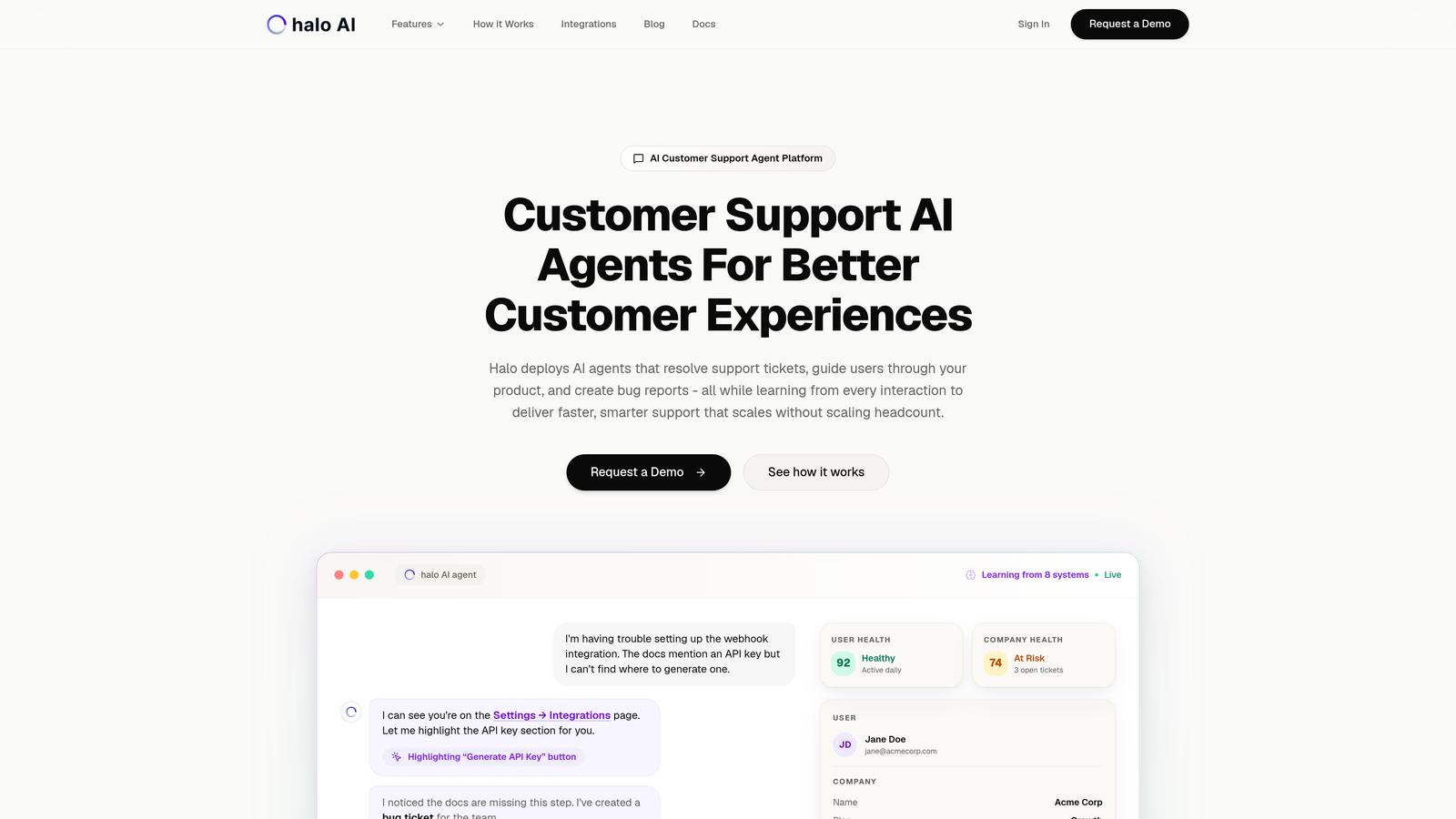
Halo AI goes beyond simple categorization to actually resolve support tickets autonomously while learning from every interaction.
Where This Tool Shines
Most categorization tools stop at sorting and routing. Halo AI takes the next step by resolving tickets itself, using page-aware context that understands what users are seeing in your product. This means it doesn't just tag a ticket as "login issue"—it guides the user through the actual fix.
The continuous learning architecture means the system gets smarter with every ticket it processes. When a human agent steps in to handle a complex case, Halo learns from that resolution pattern and applies it to similar future tickets.
Key Features
Intelligent Categorization with Resolution: Automatically sorts tickets and resolves them without human intervention for routine issues.
Page-Aware Context: Understands the visual context of what users see in your product interface for more accurate responses.
Continuous Learning Engine: Improves accuracy and resolution quality from every interaction and agent handoff.
Multi-System Integrations: Connects with Zendesk, Freshdesk, Intercom, Linear, Slack, HubSpot, Stripe, and more for full business context.
Auto Bug Ticket Creation: Identifies technical issues and automatically creates bug reports in your development workflow.
Best For
B2B companies and product teams looking to scale support without scaling headcount. Particularly valuable for SaaS businesses with complex products where context matters and routine issues consume significant agent time.
Pricing
Contact for custom pricing based on ticket volume and integration requirements.
2. Zendesk AI
Best for: Existing Zendesk users wanting native AI capabilities without third-party integrations
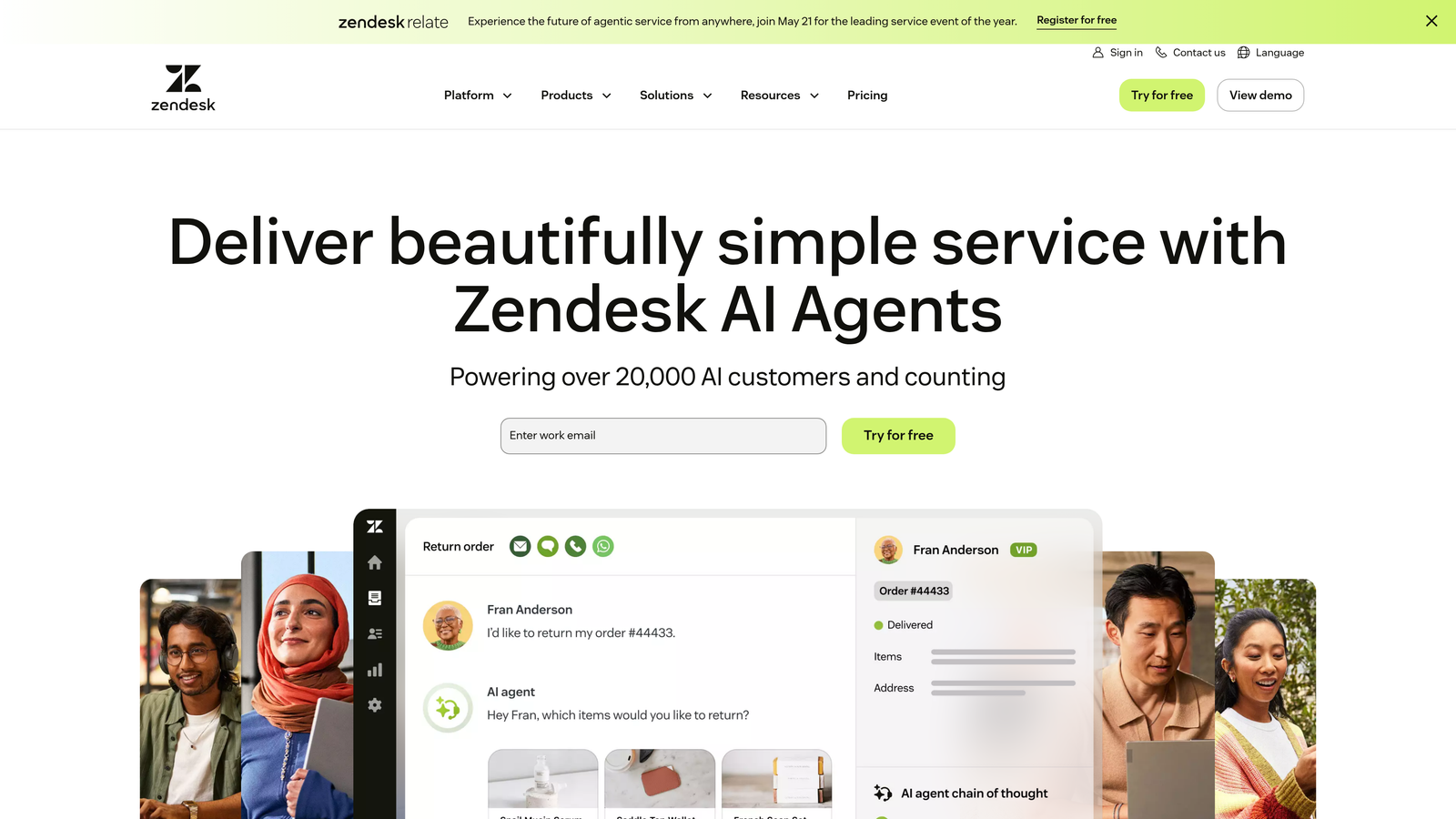
Zendesk AI provides built-in intelligence for automatic ticket categorization, routing, and priority assignment within the Zendesk ecosystem.
Where This Tool Shines
The advantage here is seamless integration—no setup complexity or data syncing issues. If you're already using Zendesk, the AI features plug directly into your existing workflows. Intent detection analyzes ticket content to understand what customers actually need, not just what keywords they use.
Sentiment analysis adds another layer by flagging frustrated customers for priority handling. The macro suggestion feature speeds up agent responses by recommending pre-written replies based on ticket content and category.
Key Features
Intent Detection: Analyzes ticket content to understand customer needs and automatically assigns appropriate categories.
Intelligent Triage: Routes tickets to the right team or agent based on content, priority, and workload.
Macro Suggestions: Recommends pre-written responses to agents based on ticket categorization.
Sentiment Analysis: Identifies frustrated or urgent customers for priority handling.
Native Ecosystem: Works seamlessly with all Zendesk products without third-party integrations.
Best For
Mid-size to enterprise teams already invested in the Zendesk ecosystem who want to add AI capabilities without switching platforms or managing multiple vendor relationships.
Pricing
Included in Suite Professional plans and above. Advanced AI features available as add-on starting at $50 per agent monthly.
3. Freshdesk Freddy AI
Best for: Growing teams needing predictive categorization with affordable pricing tiers
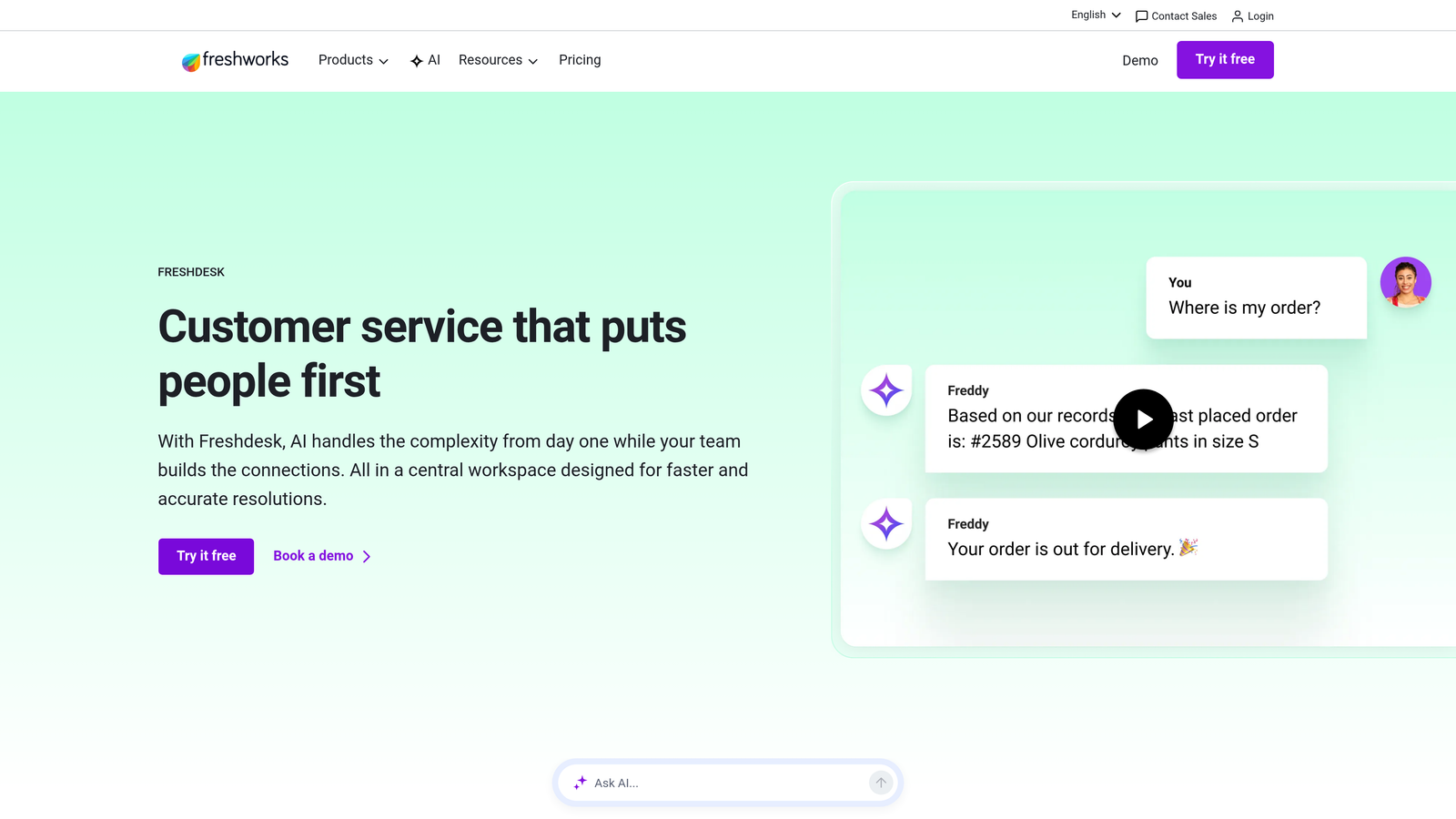
Freshdesk Freddy AI combines auto-triage with intelligent predictions about ticket priority and suggested responses.
Where This Tool Shines
Freddy AI's predictive capabilities help teams stay ahead of issues rather than just reacting. The system predicts which tickets will escalate based on historical patterns, allowing proactive intervention. The thank you detector is particularly useful—it filters out non-issue responses like "thanks for your help" so agents don't waste time opening resolved tickets.
The ticket field suggester automatically fills in custom fields based on ticket content, reducing manual data entry. This matters more than it sounds—consistent field data improves reporting and analytics accuracy.
Key Features
Auto-Triage System: Predicts ticket category and priority level based on content analysis and historical data.
Thank You Detector: Filters out acknowledgment responses to prevent unnecessary agent actions.
Canned Response Suggestions: Recommends pre-written replies matched to ticket category and content.
Sentiment Analysis: Identifies customer emotion and adjusts priority accordingly.
Ticket Field Suggester: Auto-fills custom fields based on ticket content for consistent data capture.
Best For
Small to mid-size teams scaling quickly who need predictive capabilities without enterprise pricing. Works well for businesses with high ticket volumes where automation delivers immediate ROI.
Pricing
Freddy AI included in Pro plan at $49 per agent monthly. Advanced Copilot features available as add-on from $29 per agent monthly.
4. Intercom Fin
Best for: Real-time conversation categorization during live chat interactions
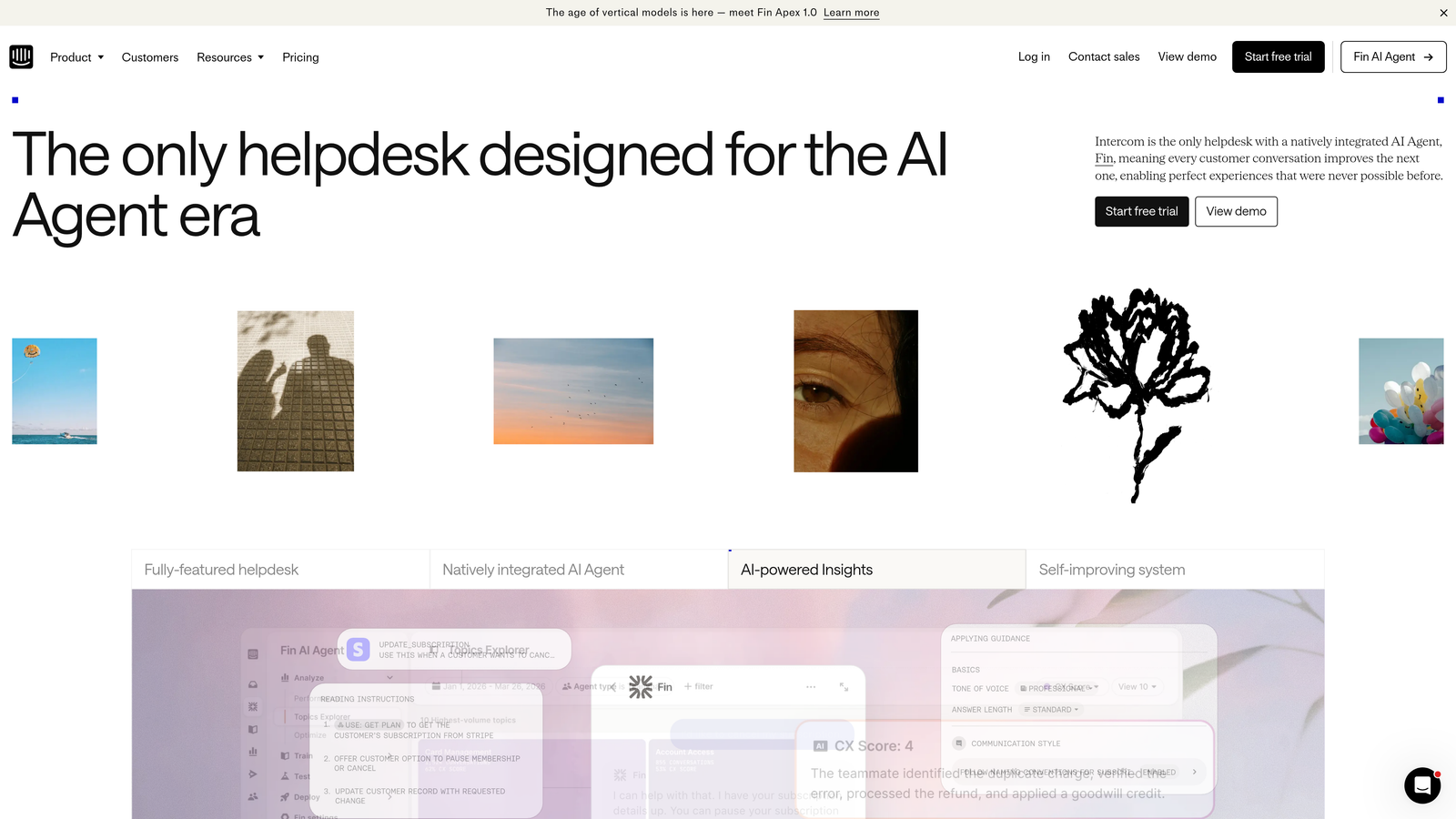
Intercom Fin categorizes and resolves support queries as conversations happen, not after tickets are created.
Where This Tool Shines
The real-time aspect changes the game. Instead of categorizing tickets after they're submitted, Fin analyzes conversations as they unfold and either resolves them immediately or routes to the appropriate agent with full context. This prevents the common problem of customers explaining their issue multiple times to different agents.
The custom AI training feature lets you feed Fin your company's knowledge base, documentation, and past resolutions. It learns your specific product terminology and support patterns rather than relying on generic models.
Key Features
Real-Time Categorization: Analyzes conversations as they happen and categorizes on the fly.
AI-Powered Resolution: Attempts to resolve queries immediately with seamless handoff to humans when needed.
Custom AI Training: Learns from your company's specific content, documentation, and resolution patterns.
Multi-Language Support: Handles categorization and resolution across multiple languages without separate models.
Workflow Automation: Triggers specific actions based on conversation category and customer attributes.
Best For
Product-led growth companies with high chat volumes where real-time resolution matters more than traditional ticket management. Particularly effective for SaaS businesses with self-service products.
Pricing
Fin starts at $0.99 per resolution. Pay only for successful AI resolutions, not for every conversation or seat.
5. Forethought Solve
Best for: Enterprise teams handling complex, multi-step support issues at scale
Forethought Solve uses generative AI to categorize, route, and resolve sophisticated support tickets that typically require human expertise.
Where This Tool Shines
Enterprise support involves complexity that basic categorization can't handle. Forethought's generative AI understands nuanced requests that span multiple categories or require context from previous interactions. The advanced NLP capabilities handle technical jargon, industry-specific terminology, and complex multi-part questions.
The skill-based routing goes beyond simple team assignment. It analyzes agent expertise, current workload, and past resolution success rates to match tickets with the best-suited agent. The analytics dashboard provides visibility into categorization accuracy and identifies gaps in your knowledge base.
Key Features
Generative AI Engine: Trained on your company's knowledge base and resolution history for context-aware categorization.
Advanced NLP: Handles complex, multi-part queries and technical terminology with high accuracy.
Skill-Based Routing: Matches tickets to agents based on expertise, workload, and past success rates.
Analytics Dashboard: Tracks categorization accuracy, resolution rates, and identifies knowledge gaps.
Multi-Helpdesk Integration: Connects with Zendesk, Salesforce Service Cloud, Freshdesk, and other enterprise platforms.
Best For
Large enterprises with complex products and high ticket volumes where categorization accuracy directly impacts customer satisfaction scores and operational costs. Best suited for teams with 50+ support agents.
Pricing
Custom enterprise pricing based on ticket volume, agent count, and integration requirements. Typically requires annual contracts.
6. Kapture CX
Best for: Retail, e-commerce, and consumer brands needing industry-specific categorization models
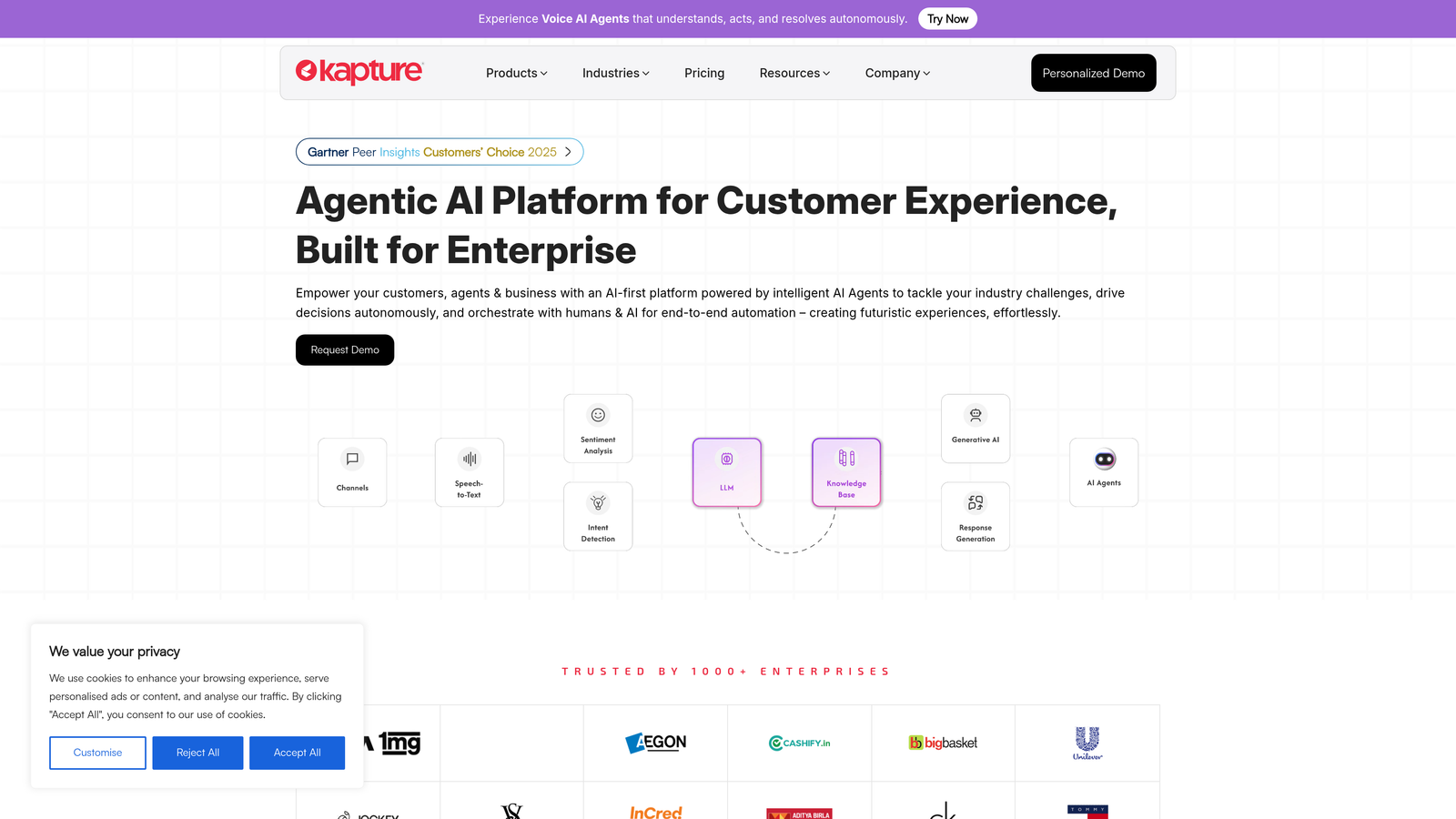
Kapture CX provides AI categorization optimized for consumer-facing businesses with omnichannel support needs.
Where This Tool Shines
Generic categorization models struggle with industry-specific terminology and customer behavior patterns. Kapture's pre-trained models understand retail and e-commerce contexts—returns, exchanges, shipping delays, product defects—without extensive training. The omnichannel aggregation pulls tickets from email, chat, social media, and phone into one unified view with consistent categorization across channels.
The customer journey tracking adds valuable context by showing a customer's previous interactions and purchase history alongside the current ticket. This helps agents understand whether they're dealing with a first-time buyer or a loyal customer with a legitimate complaint.
Key Features
Industry-Specific Models: Pre-trained categorization for retail, e-commerce, and consumer brand contexts.
Omnichannel Aggregation: Pulls tickets from all channels into unified inbox with consistent categorization.
AI-Powered Auto-Tagging: Applies relevant tags based on product, issue type, and customer segment.
SLA-Based Routing: Prioritizes and routes tickets based on service level agreements and customer tier.
Customer Journey Tracking: Shows interaction history and purchase data alongside current tickets.
Best For
Mid-size to large consumer brands managing high volumes of product-related support across multiple channels. Particularly valuable for businesses with complex product catalogs and varied customer segments.
Pricing
Starts at $30 per user monthly with annual commitment. Custom pricing available for enterprise deployments.
7. SupportBee
Best for: Small teams wanting simple rule-based categorization without AI complexity
SupportBee offers straightforward shared inbox functionality with rule-based auto-labeling for teams that don't need sophisticated AI.
Where This Tool Shines
Sometimes simple is better. SupportBee's rule-based approach lets you create if-then conditions for categorization without training AI models or managing complex workflows. If a ticket contains "refund" and comes from a specific domain, apply these labels and assign to the billing team. Done.
The collaborative features shine for small teams where everyone needs visibility into ticket status. The shared inbox approach with internal notes and @mentions keeps everyone aligned without switching between tools.
Key Features
Rule-Based Auto-Labeling: Create simple if-then rules for automatic ticket categorization and assignment.
Shared Inbox: Team collaboration with internal notes, assignments, and status tracking.
Customer Portal: Self-service portal where customers can submit and track tickets.
Workflow Automation: Basic automation for routing, notifications, and follow-ups.
Knowledge Base: Built-in help center to reduce ticket volume through self-service.
Best For
Teams of 5-20 people who need organized ticket management without the overhead of enterprise platforms. Works well for startups and small businesses with straightforward support needs.
Pricing
Starts at $13 per user monthly. No long-term contracts required.
8. Tidio
Best for: E-commerce businesses combining chatbot automation with ticket categorization
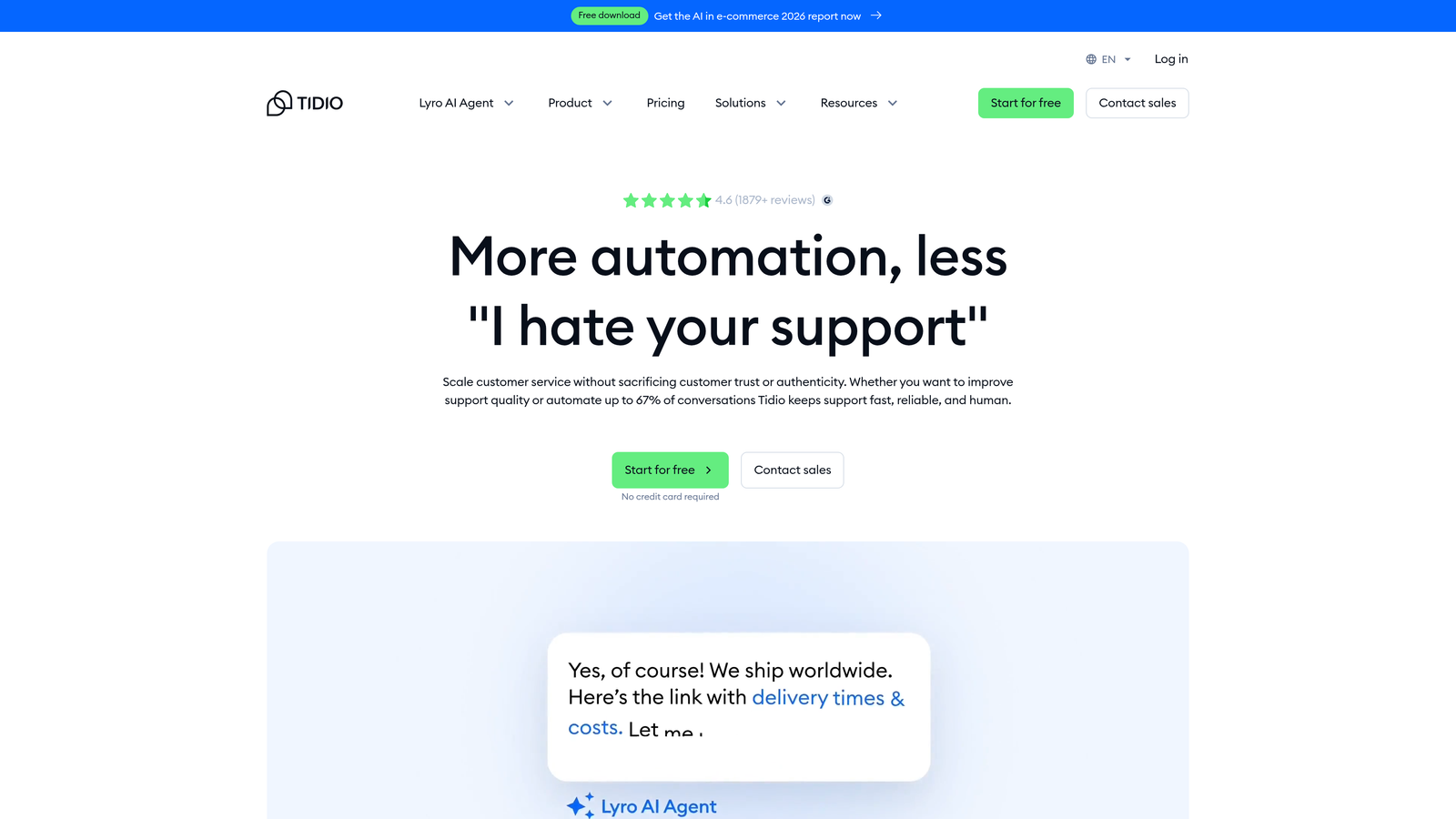
Tidio merges chatbot functionality with ticket management, auto-tagging conversations based on customer behavior and chat flow.
Where This Tool Shines
The visual chatbot builder lets non-technical teams create conversation flows that automatically categorize customer needs. A visitor asks about shipping times? The bot tags it as "shipping inquiry" and either answers immediately or creates a categorized ticket for your team.
E-commerce integrations with Shopify, WooCommerce, and BigCommerce provide product and order context during categorization. The system knows when a customer is asking about a specific order versus general product questions, improving routing accuracy.
Key Features
Visual Chatbot Builder: Create conversation flows that automatically tag and categorize customer interactions.
E-Commerce Integrations: Connect with Shopify, WooCommerce, BigCommerce for order context during categorization.
AI Response Suggestions: Recommends replies to agents based on conversation category and customer data.
Visitor Tracking: Segments customers by behavior and applies relevant tags to conversations.
Multi-Channel Inbox: Unified view of chat, email, and social media conversations with consistent categorization.
Best For
Small to mid-size e-commerce businesses wanting to combine proactive chat engagement with organized ticket management. Best suited for stores handling 100-1000 conversations monthly.
Pricing
Free tier available for basic features. Paid plans start at $29 monthly for chatbot functionality and advanced categorization.
9. Help Scout with AI Assist
Best for: Customer-centric teams wanting AI augmentation without full automation
Help Scout takes a human-first approach, using AI to enhance agent workflows rather than replace them entirely.
Where This Tool Shines
The philosophy here differs from full automation platforms. Help Scout's AI Assist focuses on making agents more efficient rather than eliminating human touch. Conversation summaries let agents quickly understand long email threads without reading every message. Draft reply suggestions provide starting points that agents can personalize.
The smart workflows handle categorization while keeping humans in control of final decisions. The Beacon chat widget integrates with the Docs knowledge base, suggesting relevant articles during conversations to reduce ticket creation.
Key Features
AI-Powered Summaries: Automatically summarizes long conversation threads for quick agent review.
Draft Reply Suggestions: Provides starting points for agent responses based on ticket category and content.
Smart Workflows: Automates categorization and routing while keeping humans in the decision loop.
Beacon Chat Widget: Proactive help widget that suggests knowledge base articles during conversations.
Docs Integration: Knowledge base tightly integrated with ticket system for consistent categorization and deflection.
Best For
Teams that prioritize personal customer relationships and want AI to enhance rather than replace human agents. Works well for businesses where brand voice and personalized responses matter significantly.
Pricing
Starts at $20 per user monthly for basic features. AI Assist features included in Plus plan at $40 per user monthly.
Making the Right Choice
Your ideal categorization tool depends on your current setup and support philosophy. If you're looking for autonomous resolution that learns continuously, Halo AI handles both categorization and ticket resolution while improving with every interaction. For teams already committed to Zendesk or Freshdesk, their native AI capabilities (Zendesk AI and Freddy AI) provide seamless integration without vendor proliferation.
Enterprise teams managing complex, high-volume support should consider Forethought Solve for its advanced NLP and skill-based routing. Small teams wanting straightforward functionality without AI overhead will appreciate SupportBee's rule-based approach. E-commerce businesses benefit from Tidio's combination of chatbot engagement and ticket categorization, while Help Scout suits teams prioritizing human touch with AI augmentation.
The key question isn't just about categorization accuracy—it's about what happens after tickets are sorted. Tools that stop at routing still leave your team handling every resolution manually. The next generation of support platforms categorize, route, and resolve, learning from every interaction to handle increasingly complex issues autonomously.
Your support team shouldn't scale linearly with your customer base. Let AI agents handle routine tickets, guide users through your product, and surface business intelligence while your team focuses on complex issues that need a human touch. See Halo in action and discover how continuous learning transforms every interaction into smarter, faster support.