7 Best Intercom AI Alternatives for Smarter Customer Support in 2026
Looking for the best Intercom AI alternatives? While Intercom's Fin AI is popular, many teams need better pricing, higher resolution rates, or deeper integrations. Today's AI customer support platforms offer advanced capabilities like page-aware context, continuous learning, and business intelligence beyond basic ticket deflection, making it worth exploring purpose-built solutions that align with your specific support needs and technical requirements.
 Grant CooperFounder11 min read
Intercom's Fin AI has become a popular choice for automating customer support, but it's not the only game in town—and for many teams, it's not the best fit. Whether you're hitting limitations with Intercom's pricing model, finding the AI resolution rates underwhelming, or simply need deeper integrations with your existing tech stack, exploring alternatives makes strategic sense.
The AI customer support landscape has evolved dramatically, with purpose-built solutions now offering capabilities that weren't possible even a year ago: page-aware context that sees exactly what users see, continuous learning from every interaction, and business intelligence that extends far beyond ticket deflection.
This guide breaks down the top Intercom AI alternatives based on real-world use cases, helping you find the platform that matches your support philosophy, technical requirements, and growth trajectory.
1. Halo AI: Purpose-Built Intelligence That Learns From Every Interaction
The Challenge It Solves
Most AI support tools are essentially chatbots bolted onto existing helpdesk systems—they handle basic queries but don't actually get smarter over time. Teams find themselves constantly tweaking responses, updating knowledge bases manually, and watching resolution rates plateau after the initial setup. The AI becomes another tool to maintain rather than an asset that compounds in value.
The Strategy Explained
Halo AI takes a fundamentally different approach: it's built AI-first rather than retrofitted onto legacy helpdesk infrastructure. The platform deploys intelligent agents that resolve support tickets, guide users through your product with page-aware context, and automatically create bug reports—all while learning from every interaction to deliver progressively smarter support.
What sets Halo apart is its page-aware chat widget that sees exactly what users see in your product. When a customer asks "How do I do this?", Halo understands the specific page they're on and can provide visual UI guidance tailored to their exact context. This eliminates the frustrating back-and-forth of traditional support where agents ask for screenshots to understand what the user is experiencing.
Beyond ticket resolution, Halo connects to your entire business stack—Linear for engineering tickets, Slack for team communication, HubSpot for CRM data, Stripe for payment context, and more. This chatbot integration depth means the AI doesn't just answer questions; it surfaces business intelligence like customer health signals, revenue insights, and anomaly detection that helps you understand what's happening across your business.
Implementation Steps
1. Connect Halo to your existing tools (helpdesk, CRM, engineering systems, communication platforms) to give the AI full business context from day one.
2. Deploy the page-aware chat widget on your product pages, enabling context-sensitive support that understands exactly where users are and what they're trying to accomplish.
3. Configure automatic bug ticket creation rules so technical issues flow directly to your engineering team in Linear or Jira without manual triage.
4. Set up live agent handoff thresholds for complex issues that require human expertise, ensuring seamless escalation when needed.
5. Monitor the business intelligence dashboard to track not just support metrics but customer health signals and revenue intelligence that inform product and business decisions.
Pro Tips
Let Halo run autonomously for the first two weeks while monitoring escalation patterns—you'll quickly identify which types of issues need human touch versus those the AI handles perfectly. The continuous learning architecture means your support gets smarter with every resolved ticket, so resist the urge to over-configure early. Instead, focus on connecting all your business systems upfront to maximize the intelligence Halo can provide beyond basic support deflection.
2. Zendesk AI: Enterprise Infrastructure With Established Ecosystem
The Challenge It Solves
Large enterprises often face internal resistance when switching support platforms due to established workflows, extensive customizations, and the sheer complexity of migration. Teams need AI capabilities but can't afford the operational disruption of moving to an entirely new system, especially when they've invested years building processes around their current infrastructure.
The Strategy Explained
Zendesk AI brings automation capabilities to teams already invested in the Zendesk ecosystem. For organizations with complex ticket routing rules, extensive macros, and deep Zendesk customizations, adding AI on top of existing infrastructure can be less disruptive than platform migration.
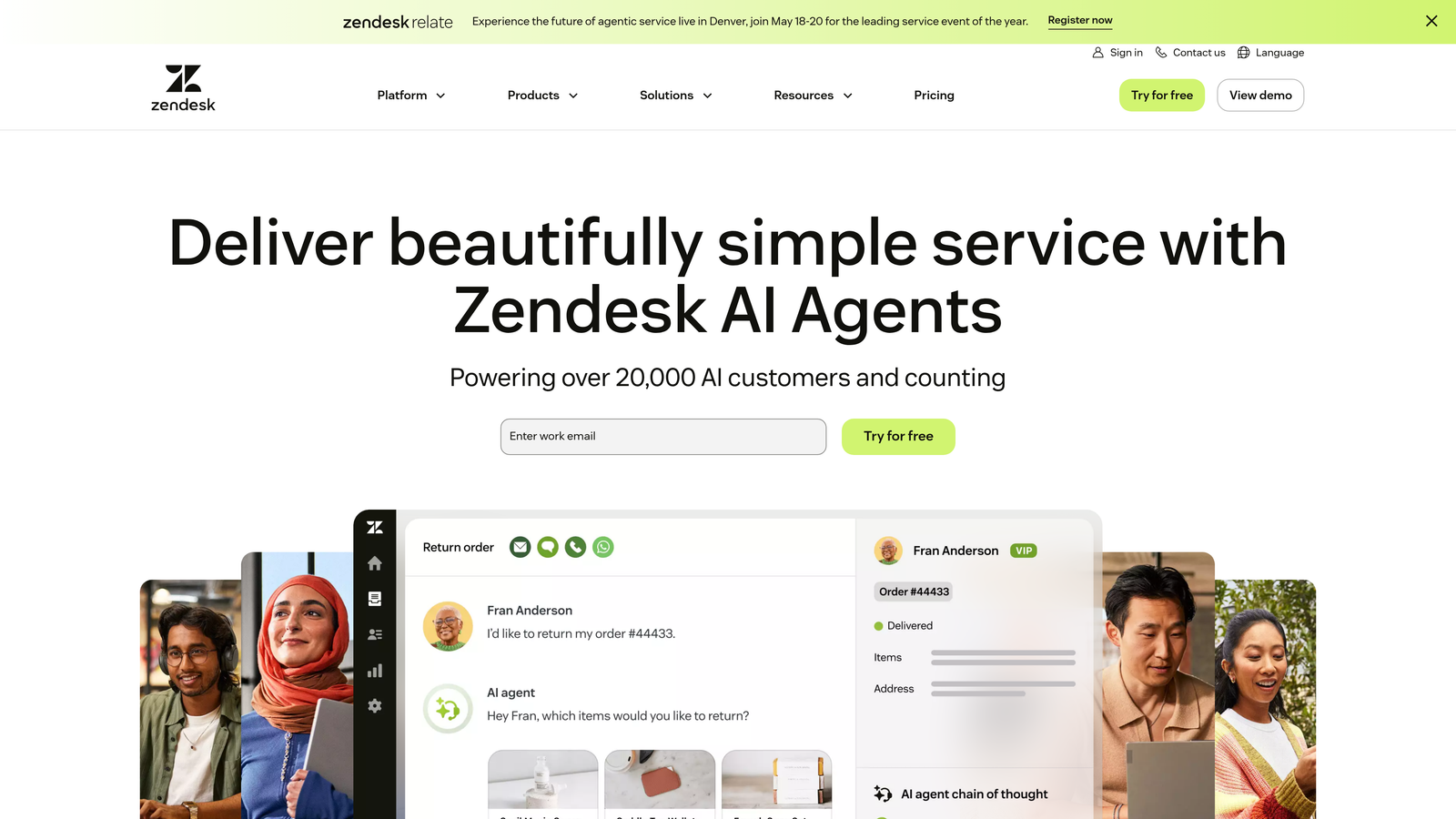
The platform offers intent detection, suggested responses for agents, and automated ticket categorization built into the familiar Zendesk interface. Teams can gradually introduce support automation software capabilities without retraining staff on entirely new systems or rebuilding workflows from scratch.
Implementation Steps
1. Audit your current Zendesk setup to identify repetitive ticket types that consume the most agent time—these become your initial automation targets.
2. Enable AI-powered intent detection on your highest-volume ticket categories to automatically route issues to the right teams without manual triage.
3. Implement suggested responses for common questions, allowing agents to review and send AI-generated replies rather than typing from scratch.
4. Configure automated ticket categorization to improve reporting accuracy and reduce the administrative burden on support teams.
5. Monitor resolution times and agent satisfaction to measure AI impact on both customer experience and team efficiency.
Pro Tips
Zendesk AI works best when you already have clean ticket data and well-defined categories—the AI learns from historical patterns, so messy data produces messy automation. Consider this approach if your team is deeply embedded in the Zendesk ecosystem and migration costs outweigh the benefits of purpose-built AI platforms. However, be realistic about the limitations: you're adding AI to legacy architecture rather than building on an AI-first foundation.
3. Freshdesk Freddy AI: Value-Focused Automation for Mid-Market Teams
The Challenge It Solves
Mid-market companies often find themselves in a frustrating middle ground: they've outgrown basic support tools but can't justify enterprise-level pricing for platforms designed for Fortune 500 companies. They need meaningful AI capabilities without the complexity and cost structures built for massive support operations.
The Strategy Explained
Freshdesk's Freddy AI targets this mid-market sweet spot with straightforward automation features at accessible price points. The platform focuses on core AI capabilities—chatbot responses, ticket assignment, and basic sentiment analysis—without the extensive customization options that drive up both cost and complexity.
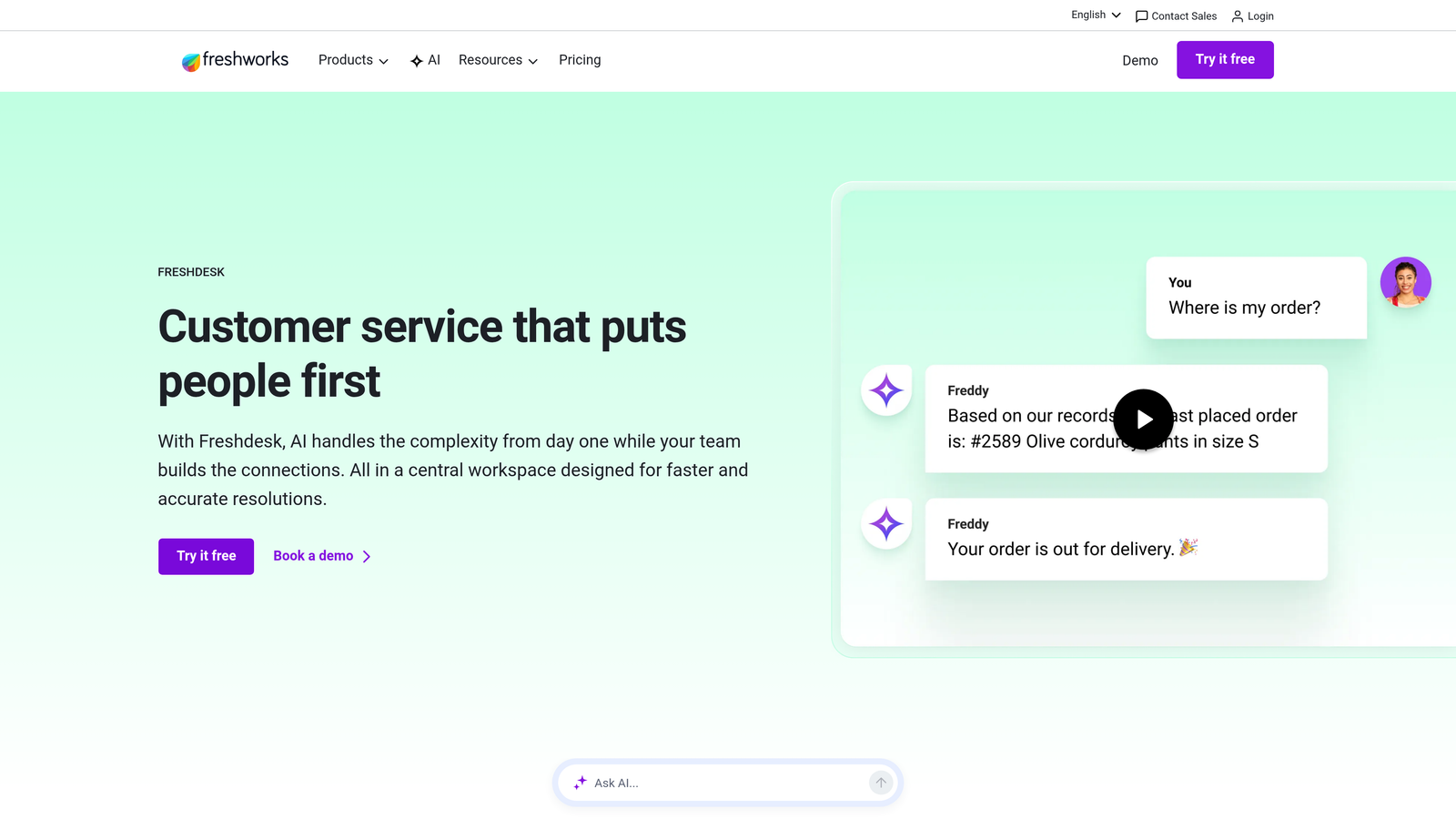
Freddy AI handles common queries through pre-built conversation flows, suggests relevant knowledge base articles, and automatically assigns tickets based on content analysis. For teams with relatively straightforward support needs and limited technical resources, this simplified approach can deliver value without requiring dedicated AI management.
Implementation Steps
1. Start with Freddy's pre-built conversation templates for common support scenarios rather than building custom flows from scratch.
2. Connect your knowledge base and let Freddy suggest relevant articles during conversations to deflect tickets before they reach your team.
3. Configure automatic ticket assignment rules based on content analysis to ensure issues reach the right specialists without manual routing.
4. Enable automated customer sentiment analysis on incoming tickets to prioritize frustrated customers and prevent escalations.
5. Review Freddy's performance metrics weekly during the first month to identify gaps in conversation coverage and knowledge base completeness.
Pro Tips
Freshdesk Freddy AI delivers the best value when your support needs are relatively standardized—think SaaS products with clear use cases rather than highly customized enterprise implementations. The platform's strength is simplicity, so don't expect the deep learning capabilities or business intelligence features of purpose-built AI solutions. If your team values straightforward setup over sophisticated automation, Freddy can provide meaningful deflection without overwhelming complexity.
4. Ada: High-Volume Multilingual Operations at Enterprise Scale
The Challenge It Solves
Global enterprises supporting customers across dozens of languages face exponential complexity: every support workflow, knowledge article, and automation must work seamlessly in multiple languages. Hiring and training multilingual support teams is expensive and slow, while basic translation tools produce confusing, context-free responses that frustrate international customers.
The Strategy Explained
Ada specializes in high-volume automation with particularly strong multilingual capabilities designed for enterprise operations. The platform handles conversations in over 100 languages with context-aware responses rather than simple translation, understanding regional nuances and cultural differences in how customers phrase questions.
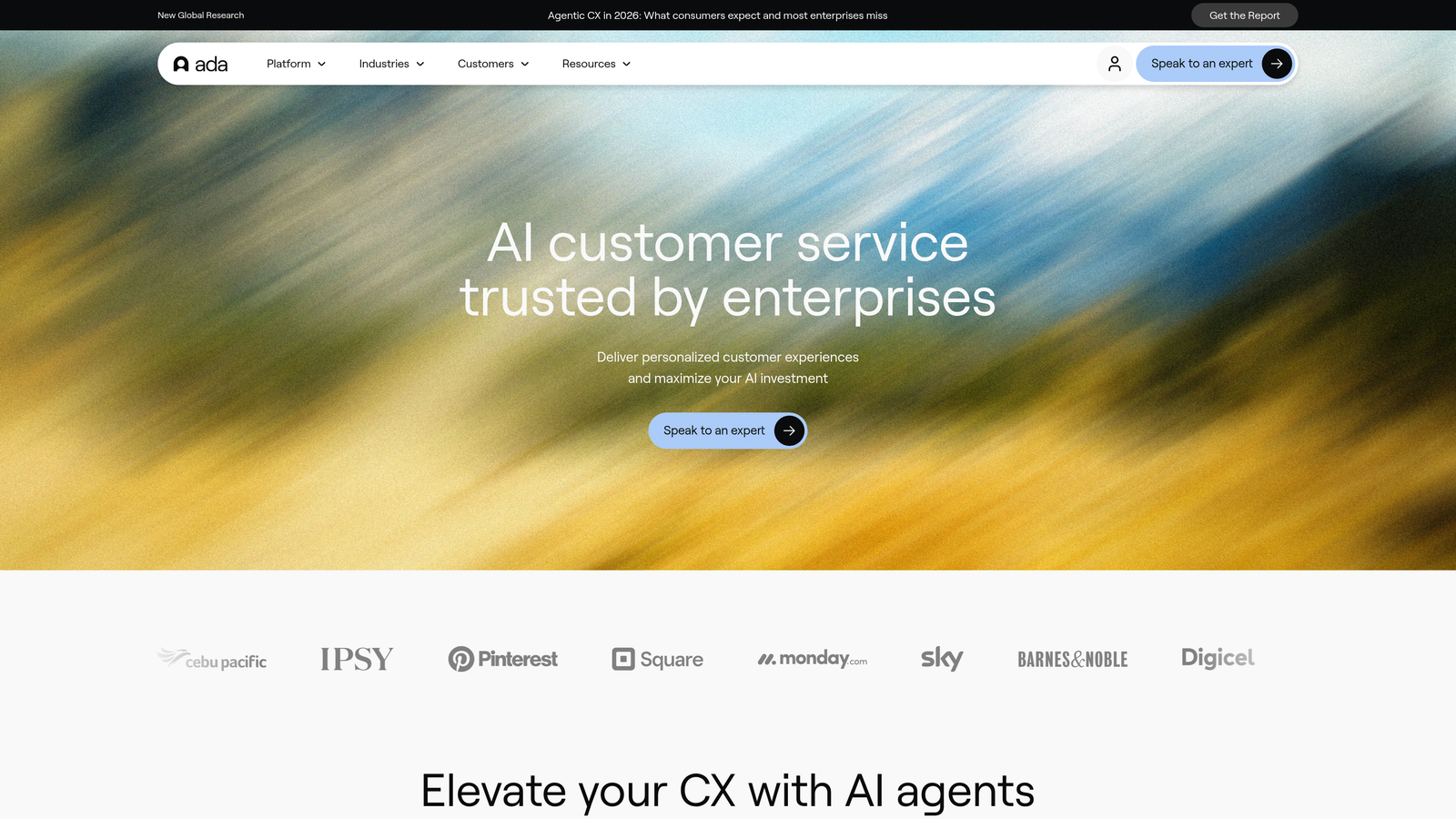
For companies processing tens of thousands of support interactions monthly across global markets, Ada's architecture is built to handle this scale. The platform emphasizes conversation design tools that let teams map complex decision trees and create sophisticated automation flows without extensive coding. For more on this approach, explore our guide to multilingual chatbot implementation strategies.
Implementation Steps
1. Map your most common support scenarios across all languages to identify universal patterns versus region-specific issues that need localized handling.
2. Build core conversation flows in your primary language, then leverage Ada's multilingual capabilities to deploy across all supported markets simultaneously.
3. Configure region-specific escalation paths to ensure complex issues reach agents who speak the customer's language and understand local context.
4. Implement analytics tracking by language and region to identify where automation performs well versus where additional localization is needed.
5. Establish a review process for multilingual performance, involving native speakers to catch cultural nuances that automated translation might miss.
Pro Tips
Ada makes the most sense when you're operating at significant scale across multiple languages—if you're primarily serving English-speaking markets, you're paying for capabilities you don't need. The platform's conversation design approach works well for teams that want visual workflow builders, but it can feel limiting if you need the deep customization and continuous learning that AI-first platforms provide. Consider Ada if multilingual support is a core business requirement rather than a nice-to-have feature.
5. Drift (Salesloft): Conversational AI for Sales-Focused Teams
The Challenge It Solves
Many B2B companies struggle with the blurred line between support and sales conversations—website visitors might need technical help, product information, or want to talk to sales, and routing them incorrectly creates friction. Traditional support tools treat every conversation as a ticket to resolve, missing opportunities to identify and fast-track qualified leads to sales teams.
The Strategy Explained
Drift approaches conversational AI from a sales-first perspective, which makes it particularly strong for teams where customer conversations frequently lead to expansion opportunities. Now part of the Salesloft ecosystem, Drift excels at identifying buying intent, qualifying leads, and routing high-value conversations to sales while handling support queries separately.
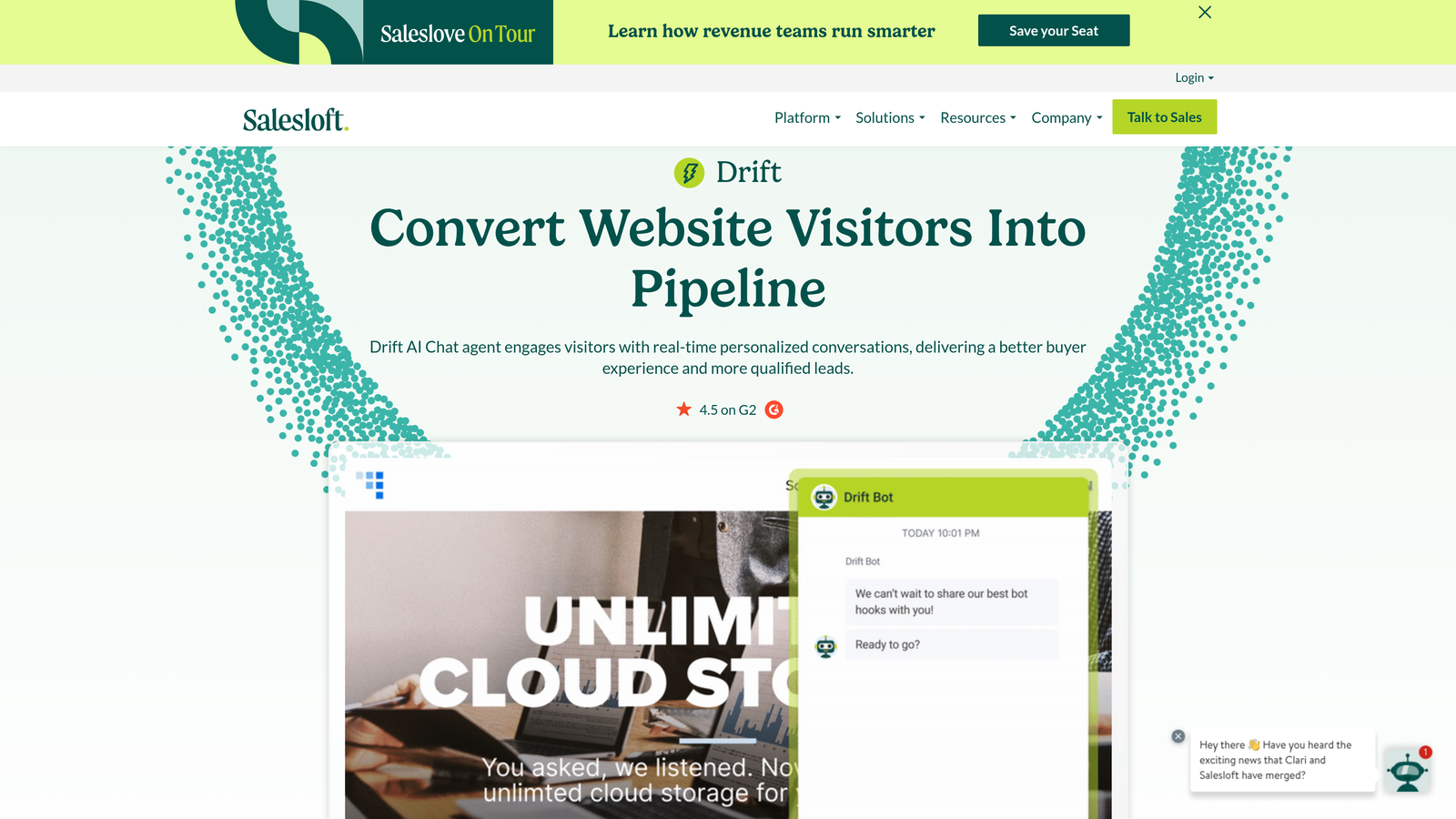
The platform uses conversation intelligence to detect signals like pricing questions, feature requests that indicate expansion interest, or mentions of competitors. When these signals appear, Drift can automatically schedule meetings with sales reps or trigger workflows in your CRM rather than treating the interaction purely as a support ticket.
Implementation Steps
1. Define clear criteria for sales-qualified conversations versus support issues to ensure Drift routes interactions appropriately without frustrating customers.
2. Configure playbooks that handle common support questions while simultaneously identifying expansion signals or upsell opportunities.
3. Integrate Drift with your CRM and sales engagement platform to create seamless handoffs when conversations indicate buying intent.
4. Set up automated meeting scheduling for qualified leads so high-intent visitors can book time with sales reps without leaving the conversation.
5. Train your sales and support teams on the handoff process to ensure smooth transitions when conversations move between departments.
Pro Tips
Drift works best when your business model involves significant expansion revenue and your website visitors include both existing customers needing support and prospects evaluating your product. If your support conversations rarely lead to sales opportunities, you're paying for sales-focused features you won't use. The Salesloft integration is powerful for teams already using that ecosystem, but creates vendor lock-in that might limit flexibility as your needs evolve. Consider whether your support strategy truly requires sales intelligence or if you need pure customer service automation instead.
6. Tidio: Accessible Entry Point for Small Teams and E-Commerce
The Challenge It Solves
Startups and small e-commerce businesses often can't justify the cost or complexity of enterprise AI platforms when they're processing hundreds rather than thousands of support interactions monthly. They need basic automation to handle common questions about shipping, returns, and product availability without the overhead of sophisticated AI infrastructure designed for much larger operations.
The Strategy Explained
Tidio provides straightforward AI chat capabilities specifically designed for small teams and e-commerce use cases. The platform focuses on quick setup with pre-built templates for common scenarios like order tracking, product recommendations, and basic troubleshooting—perfect for teams that need automation running today rather than after weeks of configuration.
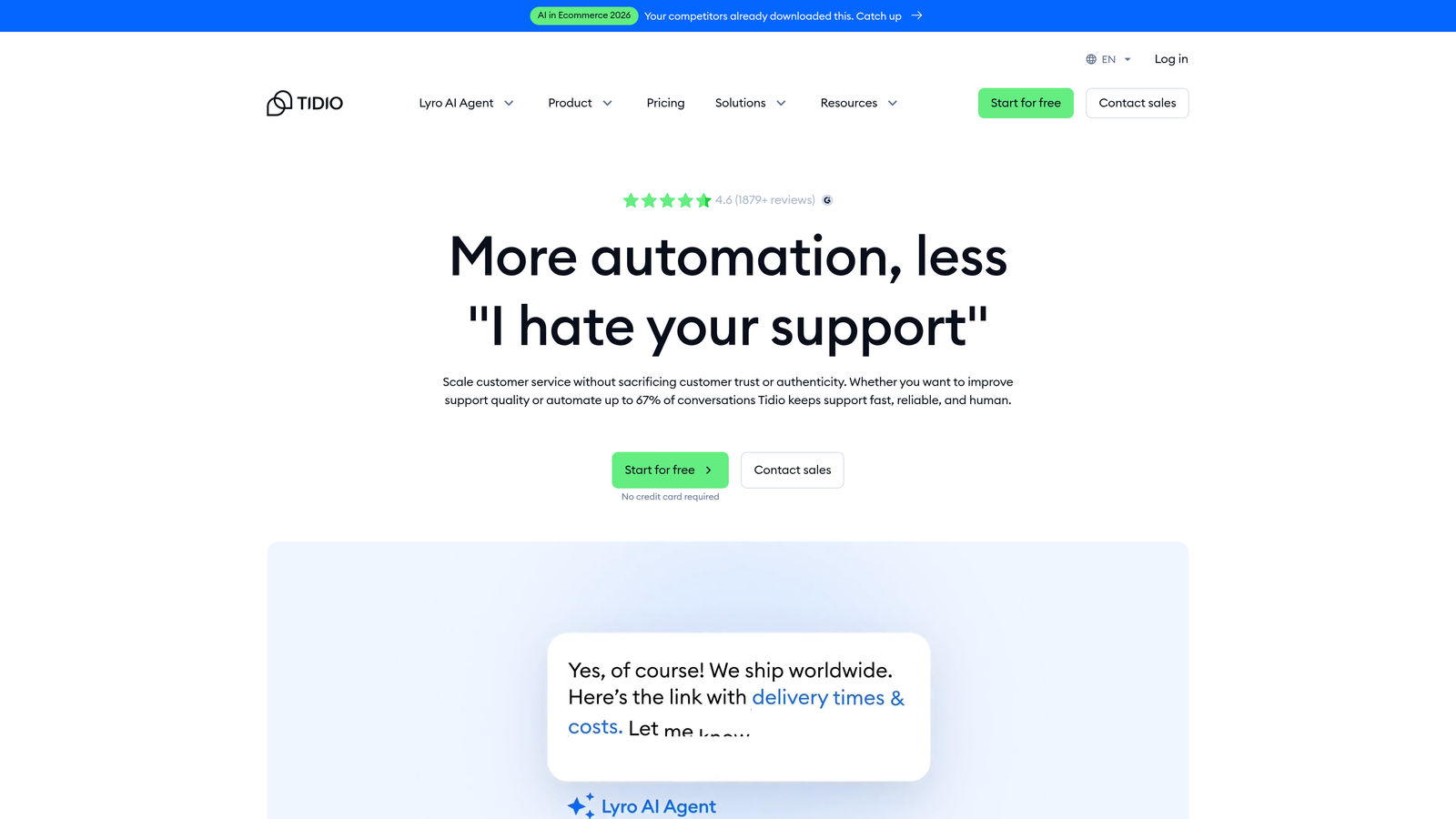
For Shopify stores and small online businesses, Tidio integrates directly with e-commerce platforms to answer order status questions, provide shipping updates, and handle return requests without human intervention. The simplicity means less powerful AI, but also means a single person can set up meaningful automation in an afternoon rather than requiring dedicated resources.
Implementation Steps
1. Install Tidio on your e-commerce platform and activate pre-built templates for your most common customer questions about orders, shipping, and returns.
2. Customize automated responses to match your brand voice and specific policies without building conversation flows from scratch.
3. Configure business hours and after-hours automation so customers get immediate responses even when your small team isn't available.
4. Set up email notifications for conversations that need human attention so nothing falls through the cracks.
5. Monitor which questions the AI handles successfully versus which consistently require human escalation, then refine your automation based on these patterns.
Pro Tips
Tidio is ideal when you're just starting to explore AI support automation and don't have the resources or volume to justify more sophisticated platforms. The trade-off is limited learning capabilities—the AI won't get dramatically smarter over time like purpose-built platforms. Think of Tidio as training wheels: it can help small teams handle basic automation, but you'll likely outgrow it as your support complexity and volume increase. If you're already processing thousands of tickets monthly or need deep integrations with business systems beyond basic e-commerce, start with a more robust AI helpdesk software rather than migrating later.
Finding Your Perfect Fit
Selecting the right Intercom AI alternative isn't about finding the "best" platform—it's about finding the best fit for your specific context. Start by auditing your current pain points: Is it pricing, resolution quality, integration gaps, or lack of intelligence beyond basic deflection?
For teams that need AI that learns and improves with every interaction while providing business intelligence beyond support metrics, purpose-built platforms like Halo AI offer capabilities that traditional helpdesk-with-AI-added solutions can't match. The page-aware context, continuous learning architecture, and deep business system integrations create compounding value rather than static automation that requires constant manual tuning.
If you're deeply embedded in existing ecosystems—Zendesk infrastructure, Salesloft sales processes, or Shopify e-commerce—staying within those platforms might minimize migration friction even if it means accepting less sophisticated AI capabilities. The key question is whether that short-term convenience outweighs the long-term benefits of purpose-built intelligence.
Whatever you choose, prioritize platforms that grow smarter over time rather than requiring constant manual tuning. Your support team shouldn't scale linearly with your customer base. Let AI agents handle routine tickets, guide users through your product, and surface business intelligence while your team focuses on complex issues that need a human touch.
See Halo in action and discover how continuous learning transforms every interaction into smarter, faster support. Your future support team will thank you.