7 Best Chatbase Alternatives for Smarter AI Customer Support in 2026
If you're exploring chatbase alternatives for 2026, this guide evaluates seven advanced AI customer support platforms that go beyond basic chatbot functionality. Discover solutions with deeper integrations, continuous learning capabilities, and support for complex workflows that help scale your support operations while improving customer experience and surfacing actionable business intelligence.
 Matt PattoliFounder12 min read
Your support team is drowning in tickets. You've tried Chatbase, but something's missing. Maybe it's the lack of deep integrations with your existing stack. Maybe it's the feeling that your AI isn't actually learning from each interaction. Or perhaps you've hit that wall where basic chatbot functionality just doesn't cut it anymore when you're trying to scale support without scaling headcount.
The reality? As AI customer support matures in 2026, product teams need more than a simple question-answer bot. They need AI that understands visual context, connects across their entire business stack, and gets smarter with every conversation. They need solutions that don't just deflect tickets but actually improve customer experience while surfacing business intelligence.
This guide evaluates seven Chatbase alternatives based on what actually matters: integration depth with your existing tools, AI learning capabilities that improve over time, support for complex workflows beyond basic FAQs, and pricing flexibility that matches your growth stage. Whether you're a startup looking for budget-friendly automation or an enterprise team needing page-aware intelligence, there's a solution here that fits your specific needs.
Let's explore the alternatives that are transforming how product teams handle customer support in 2026.
1. Halo AI: Page-Aware Intelligence That Sees What Your Users See
The Challenge It Solves
Traditional chatbots operate in a vacuum. A user asks "How do I do this?" and the AI has no idea what "this" refers to or what page they're viewing. Your support team ends up playing detective, asking follow-up questions to understand context that should be obvious. This back-and-forth wastes time and frustrates customers who expect AI to understand their situation immediately.
The Strategy Explained
Halo AI takes a fundamentally different approach by offering page-aware context. The AI sees exactly what your user sees on their screen, understanding the visual UI elements and user journey. When someone asks for help, Halo already knows which feature they're struggling with, what data they're viewing, and where they are in your product flow.
Beyond visual context, Halo connects to your entire business stack. Think Linear for bug tracking, Slack for team notifications, HubSpot for customer data, Intercom for messaging, Stripe for payment context, and more. This means the AI doesn't just answer questions—it creates bug tickets automatically, surfaces revenue intelligence, detects customer health signals, and identifies anomalies across your business operations. The depth of integrations sets Halo apart from simpler chatbot solutions.
The continuous learning architecture sets Halo apart. Every resolved ticket, every interaction, every escalation to a human agent feeds back into the AI's knowledge base. The system doesn't just store responses—it learns patterns, improves accuracy, and gets smarter about handling edge cases without manual retraining.
Implementation Steps
1. Connect your existing helpdesk system and key business tools (the integration setup typically takes minutes, not days)
2. Deploy the page-aware chat widget on your product pages where users need contextual guidance
3. Configure escalation rules for when AI should hand off to human agents versus resolve autonomously
4. Monitor the smart inbox to see business intelligence surfacing alongside ticket resolution metrics
Pro Tips
Start by deploying Halo on your most complex product features where context matters most. The AI learns fastest when it has rich interaction data from challenging scenarios. Set up Slack notifications for high-priority customer signals so your team can proactively address issues before they escalate.
2. Intercom Fin: Native AI for Teams Already in the Intercom Ecosystem
The Challenge It Solves
If you've already built your customer communication infrastructure on Intercom, adding a third-party AI solution creates friction. You're managing multiple platforms, dealing with data sync issues, and losing the seamless experience your team expects. The integration overhead often outweighs the AI benefits.
The Strategy Explained
Intercom Fin offers native AI that lives directly inside the Intercom platform your team already uses daily. There's no separate login, no data synchronization headaches, and no learning curve for a new interface. The AI assistant accesses your existing Intercom knowledge base, conversation history, and customer data without requiring additional setup.
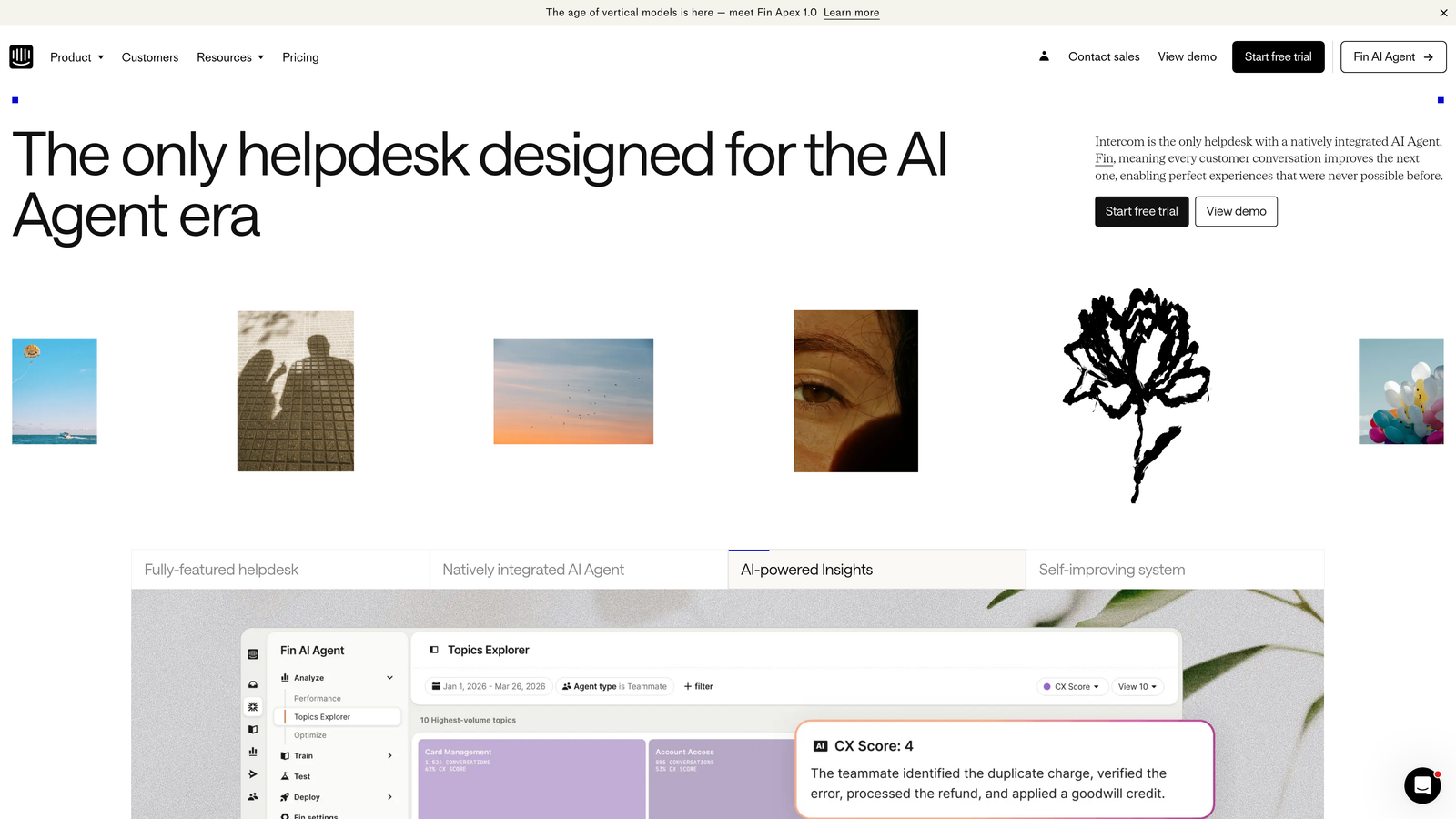
The strength here is ecosystem cohesion. Fin understands the full context of customer conversations because it's built into the same platform where those conversations happen. It can reference previous chat transcripts, pull customer attributes from your Intercom data, and maintain conversation continuity across channels.
For teams heavily invested in Intercom's messaging infrastructure, this native approach reduces complexity. Your support workflows, reporting, and team collaboration all stay within a single platform rather than spreading across multiple tools. Many teams find this preferable to managing a separate conversational AI platform alongside their existing helpdesk.
Implementation Steps
1. Enable Fin within your existing Intercom workspace (it's a feature toggle, not a separate product)
2. Review and organize your Intercom knowledge base to ensure Fin has quality content to reference
3. Configure AI behavior settings to match your brand voice and escalation preferences
4. Train your support team on when to let Fin handle conversations versus jumping in manually
Pro Tips
Audit your Intercom knowledge base before activating Fin. The AI is only as good as the content it draws from, so outdated or incomplete articles will lead to poor responses. Regularly review conversations where Fin struggled to identify gaps in your documentation.
3. Zendesk AI: Enterprise-Grade Intelligence for Complex Support Operations
The Challenge It Solves
Enterprise teams often struggle with AI solutions that can't handle the complexity of their support operations. You need AI that understands multi-tier escalation workflows, integrates with legacy systems, meets strict compliance requirements, and scales across global teams with different languages and processes.
The Strategy Explained
Zendesk AI brings enterprise-grade capabilities to teams already running on Zendesk's comprehensive helpdesk infrastructure. The AI understands ticket routing rules, SLA commitments, customer segments, and the intricate workflows that large support organizations require.
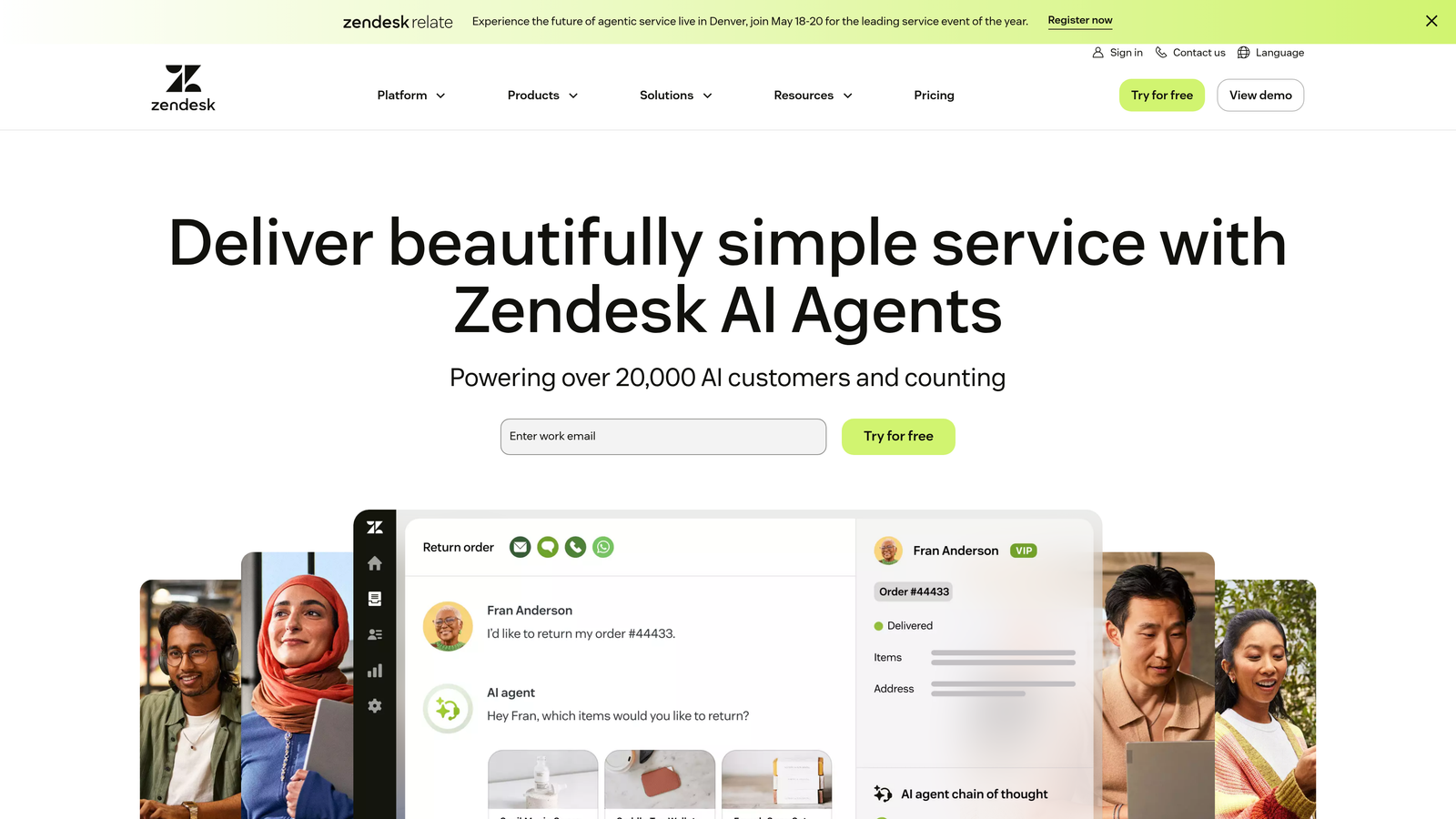
The platform excels at handling volume and complexity simultaneously. It can manage thousands of tickets across multiple brands, languages, and support channels while maintaining the governance and audit trails that enterprise compliance demands. The AI integrates with Zendesk's extensive marketplace of apps and extensions, allowing it to tap into specialized tools your team already relies on.
For organizations with established Zendesk implementations, this approach preserves existing investments while adding AI capabilities. Your ticket data, macros, workflows, and reporting all remain intact—the AI layers on top rather than requiring a platform migration. Teams evaluating their options should consider how live chat software capabilities integrate with their existing helpdesk infrastructure.
Implementation Steps
1. Assess your current Zendesk configuration to identify high-volume ticket categories suitable for AI automation
2. Configure AI intent recognition based on your existing ticket tags and categorization structure
3. Set up automated workflows that blend AI responses with human agent review for sensitive ticket types
4. Establish performance benchmarks using Zendesk's analytics to measure AI impact on resolution time and CSAT
Pro Tips
Start with AI automation for your most repetitive ticket types rather than trying to automate everything at once. Password resets, account access issues, and basic how-to questions are ideal starting points. Use Zendesk's reporting to identify these high-volume, low-complexity categories.
4. Freshdesk Freddy AI: Cost-Effective Automation for Mid-Market Teams
The Challenge It Solves
Mid-market companies face a tough position: they've outgrown basic chatbot tools but can't justify enterprise pricing for AI support. They need sophisticated automation capabilities without the enterprise budget or the complexity that comes with high-end platforms. The gap between basic and enterprise solutions leaves them underserved.
The Strategy Explained
Freshdesk Freddy AI targets this sweet spot with enterprise-class features at mid-market pricing. The platform offers intelligent ticket assignment, automated responses, sentiment analysis, and predictive support—capabilities that previously required enterprise budgets—at a price point accessible to growing teams.
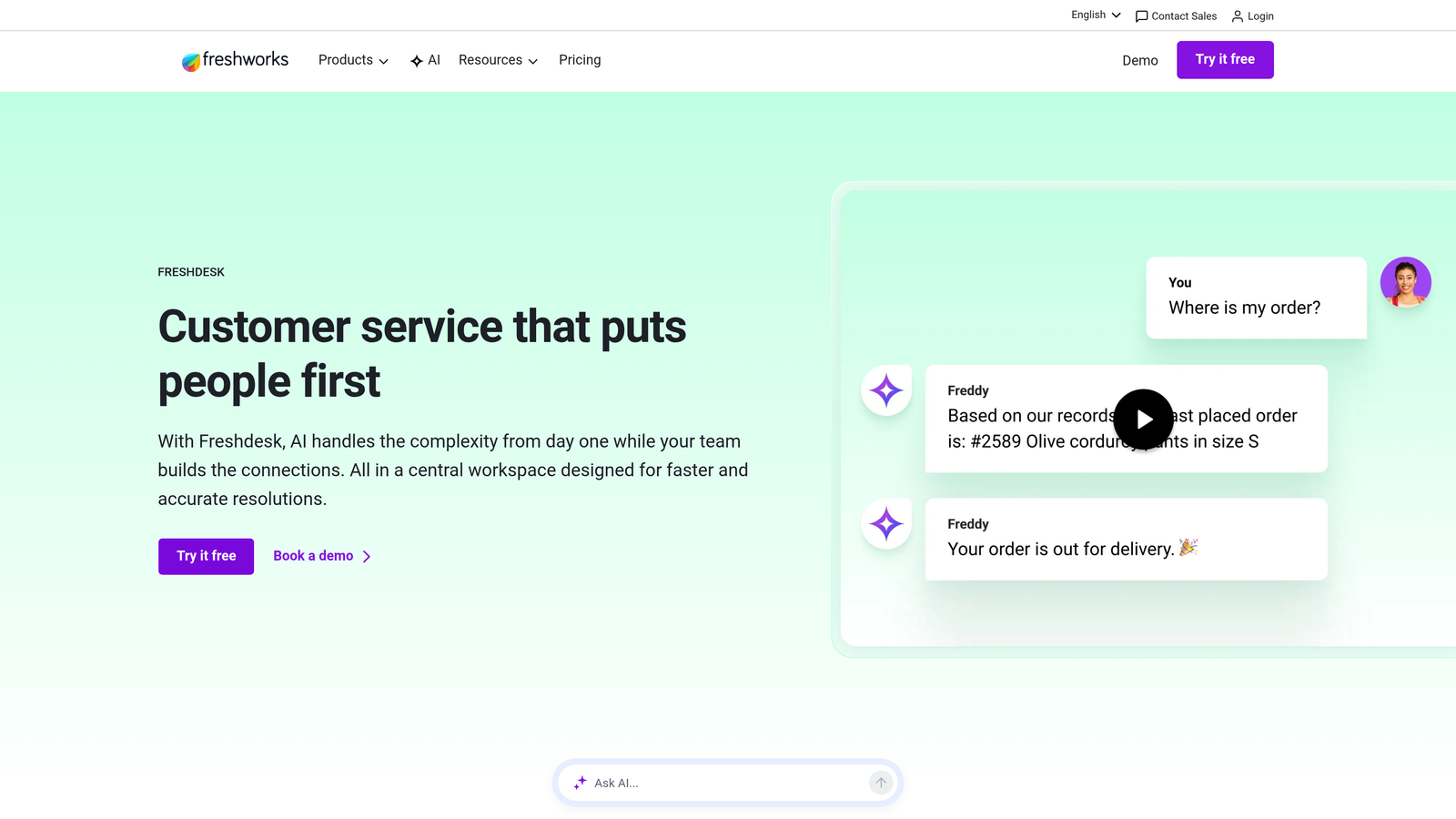
Freddy AI integrates naturally with Freshdesk's helpdesk features, understanding ticket context, customer history, and support workflows. It can predict ticket categories, suggest relevant knowledge base articles to agents, and identify customers at risk of churn based on support interaction patterns.
The value proposition is straightforward: you get sophisticated AI capabilities without the implementation complexity or pricing structure of enterprise platforms. For teams running Freshdesk who need to scale support efficiency, Freddy provides a clear upgrade path. Teams exploring options should also review affordable chatbot software alternatives that match their budget constraints.
Implementation Steps
1. Enable Freddy AI within your Freshdesk account and configure initial automation rules for common ticket types
2. Train Freddy using your existing ticket history to improve intent recognition accuracy
3. Set up automated ticket categorization and routing based on Freddy's predictions
4. Monitor agent assist features to see how Freddy's suggestions impact resolution speed
Pro Tips
Use Freddy's sentiment analysis to prioritize frustrated customers even when their tickets don't explicitly indicate urgency. This proactive approach catches escalations before they happen. Review Freddy's categorization suggestions regularly to refine accuracy over time.
5. Ada: No-Code Conversation Design with Strong Multilingual Support
The Challenge It Solves
Many AI platforms require developer resources to build and modify conversation flows. Your support team knows what customers need, but they're blocked waiting for engineering time to implement changes. Meanwhile, if you serve global markets, you need AI that handles multiple languages naturally without building separate bots for each locale.
The Strategy Explained
Ada empowers non-technical teams to design sophisticated conversation flows through a visual, no-code interface. Support managers can create branching logic, conditional responses, and complex workflows without writing code or submitting engineering tickets. This democratizes AI development, putting conversation design directly in the hands of the people who understand customer needs best.
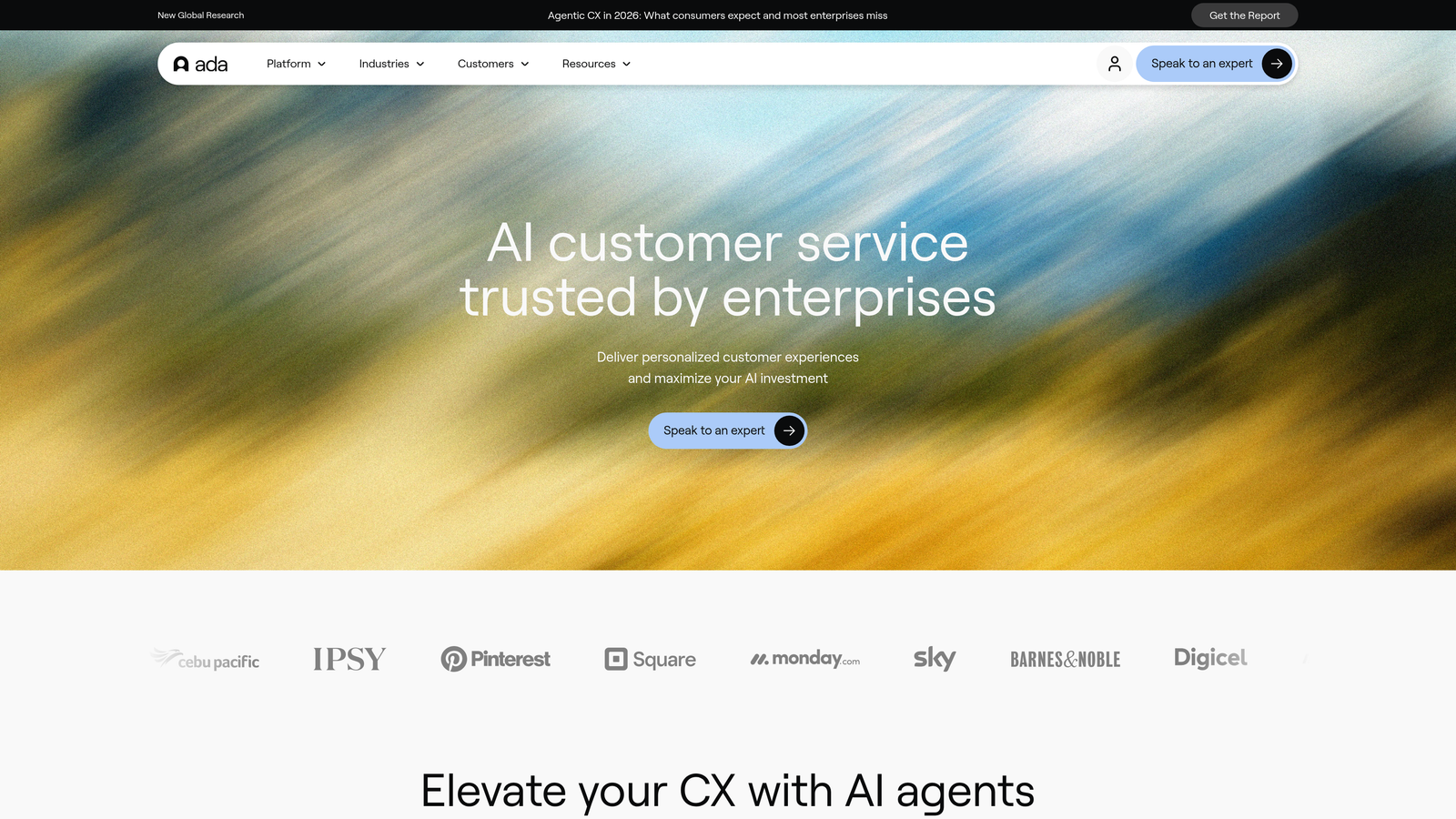
The platform's multilingual capabilities stand out. Ada doesn't just translate responses—it understands intent across languages and maintains conversation context when customers switch languages mid-conversation. For companies serving diverse markets, this removes a major implementation barrier.
The no-code approach means faster iteration. Your team can test new conversation flows, gather feedback, and refine responses in hours rather than weeks. This agility becomes crucial when launching new products or responding to emerging customer questions. Understanding which AI chat features matter most helps teams prioritize their conversation design efforts.
Implementation Steps
1. Map out your most common customer journeys and decision trees using Ada's visual conversation builder
2. Configure language detection and response libraries for each market you serve
3. Build initial conversation flows for high-volume question categories, testing with real customer scenarios
4. Empower your support team to iterate on flows based on conversation analytics and customer feedback
Pro Tips
Don't try to build perfect conversation flows from day one. Launch with basic flows for your highest-volume questions, then use Ada's analytics to identify where customers get stuck or drop off. Let real usage data guide your refinements rather than trying to anticipate every scenario upfront.
6. Drift: Blending Support Automation with Revenue Generation
The Challenge It Solves
Support and sales often operate in silos, yet customer conversations frequently blur the lines between "I need help" and "I'm interested in buying." Traditional support AI misses revenue opportunities, while sales chatbots frustrate existing customers seeking help. You need a platform that recognizes context and routes conversations appropriately.
The Strategy Explained
Drift takes a conversational approach that serves both support and revenue goals. The platform identifies whether a visitor is a prospect, existing customer, or high-value account, then adjusts its behavior accordingly. A prospect gets routed to sales workflows, while a customer receives support-focused assistance.
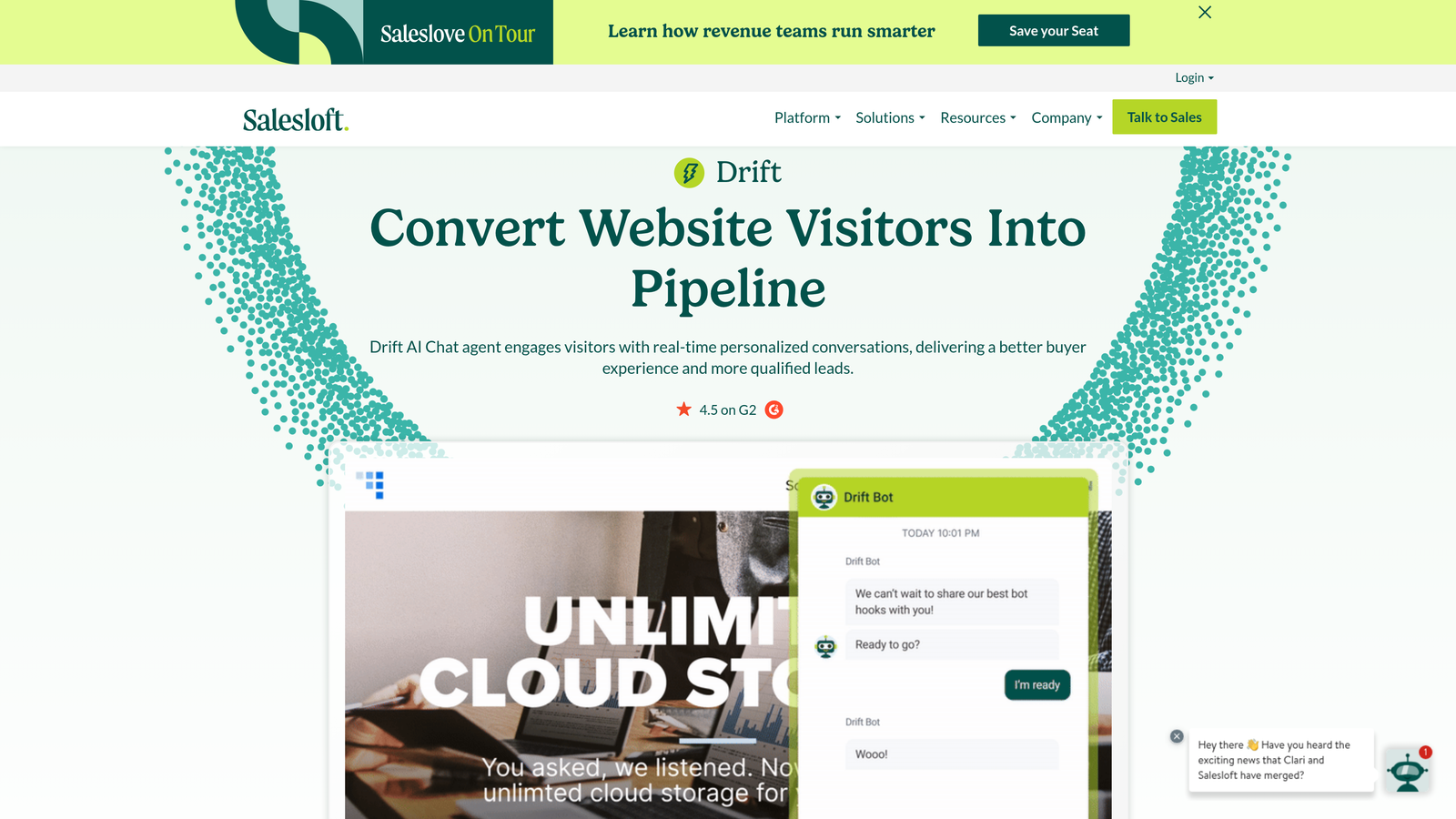
This dual-purpose design works particularly well for product-led growth companies where the line between support and sales conversations is fluid. A user asking about advanced features might be a support question or an upsell opportunity. Drift's AI recognizes these nuances and routes conversations to maximize both customer satisfaction and revenue potential.
The platform integrates deeply with marketing automation and CRM systems, providing context about lead scores, account values, and customer lifecycle stages. Teams looking to maximize their AI chat assistant impact should consider how sales and support workflows can work together rather than in isolation.
Implementation Steps
1. Configure visitor segmentation rules based on customer status, account value, and behavioral signals
2. Design separate conversation flows for support inquiries versus sales conversations
3. Set up intelligent routing that sends high-value prospects to sales reps while automating routine support
4. Connect Drift to your CRM and marketing automation tools to enrich conversation context
Pro Tips
Use Drift's playbooks feature to create specialized flows for different customer segments. A free trial user asking about enterprise features should get routed differently than an enterprise customer asking the same question. Leverage account-based marketing data to personalize conversations for high-value accounts.
7. Tidio: Budget-Friendly Entry Point for Startups and Small Teams
The Challenge It Solves
Early-stage startups and small teams need AI support automation but can't justify significant monthly spend when they're still validating product-market fit. They need a solution that offers real value at minimal cost, with the flexibility to scale pricing as they grow. Most AI platforms price them out before they can prove ROI.
The Strategy Explained
Tidio offers a genuinely useful free tier that small teams can start with immediately, then scale up as their needs grow. The platform combines live chat, chatbot automation, and basic AI capabilities at price points accessible to bootstrapped startups. You can handle meaningful conversation volume without committing to enterprise pricing.
The free tier isn't just a trial—it's a functional product that small teams can use long-term. As you grow and need more sophisticated automation, Tidio's paid tiers add features incrementally rather than forcing you into expensive all-or-nothing packages. Teams ready to implement should review our guide on how to set up an AI chat widget for best practices on deployment.
For teams just beginning their AI support journey, Tidio provides a low-risk way to experiment with automation, understand what works for their customers, and build internal knowledge before committing to more expensive platforms.
Implementation Steps
1. Install Tidio's chat widget on your key support pages and configure basic availability settings
2. Create simple chatbot flows for your most frequently asked questions using Tidio's template library
3. Monitor conversation analytics to identify which automated responses work well and which need refinement
4. Gradually expand automation coverage as you validate effectiveness and understand customer preferences
Pro Tips
Start with Tidio's pre-built templates rather than creating flows from scratch. The templates are based on common use cases and provide a solid foundation you can customize. Use the free tier to validate that chat support actually drives value for your customers before investing in more sophisticated AI platforms.
Putting It All Together: Choosing Your Chatbase Alternative
The right Chatbase alternative depends on where you are and where you're headed. If you need AI that truly understands user context and learns continuously, Halo AI offers page-aware intelligence that sees what your users see. Already invested in a specific ecosystem? Intercom Fin, Zendesk AI, and Freshdesk Freddy AI provide native solutions that preserve your existing infrastructure investments.
For teams prioritizing flexibility, Ada's no-code approach empowers support managers to build sophisticated flows without engineering dependencies. If you're blending support with revenue generation, Drift's dual-purpose platform recognizes when conversations shift from help to sales. And for startups watching every dollar, Tidio offers a genuine free tier that delivers real value while you validate your support strategy.
The evaluation framework is straightforward: assess your existing tech stack (what integrations matter most?), consider your growth trajectory (will you scale to enterprise volume?), and identify your primary use case (pure support, sales-support hybrid, or global multilingual needs). The platform that aligns with these three factors will serve you better than chasing feature checklists.
Your support team shouldn't scale linearly with your customer base. Let AI agents handle routine tickets, guide users through your product, and surface business intelligence while your team focuses on complex issues that need a human touch. See Halo in action and discover how continuous learning transforms every interaction into smarter, faster support.