11 Best Live Chat Software Solutions for Customer Support in 2026
Live chat software has become essential for modern customer support, with today's solutions offering AI-powered automation, instant response capabilities, and deep integrations that reduce costs while improving satisfaction. This comprehensive guide evaluates the 11 best live chat software platforms for 2026 based on AI capabilities, implementation ease, and real-world performance for B2B support teams.
 Grant CooperFounder14 min read
Live chat has evolved from a simple messaging widget to an intelligent customer engagement channel that can make or break your support experience. Today's buyers expect instant responses—and the right live chat software delivers exactly that while reducing support costs and improving satisfaction scores.
But with dozens of options flooding the market, choosing the right platform requires cutting through marketing noise to find what actually works for your team. We evaluated these tools based on AI capabilities, ease of implementation, integration depth, and real-world performance for B2B support teams.
Here are the top live chat solutions worth your attention in 2026.
1. Halo AI
Best for: B2B teams seeking autonomous AI support that reduces ticket volume and scales intelligently
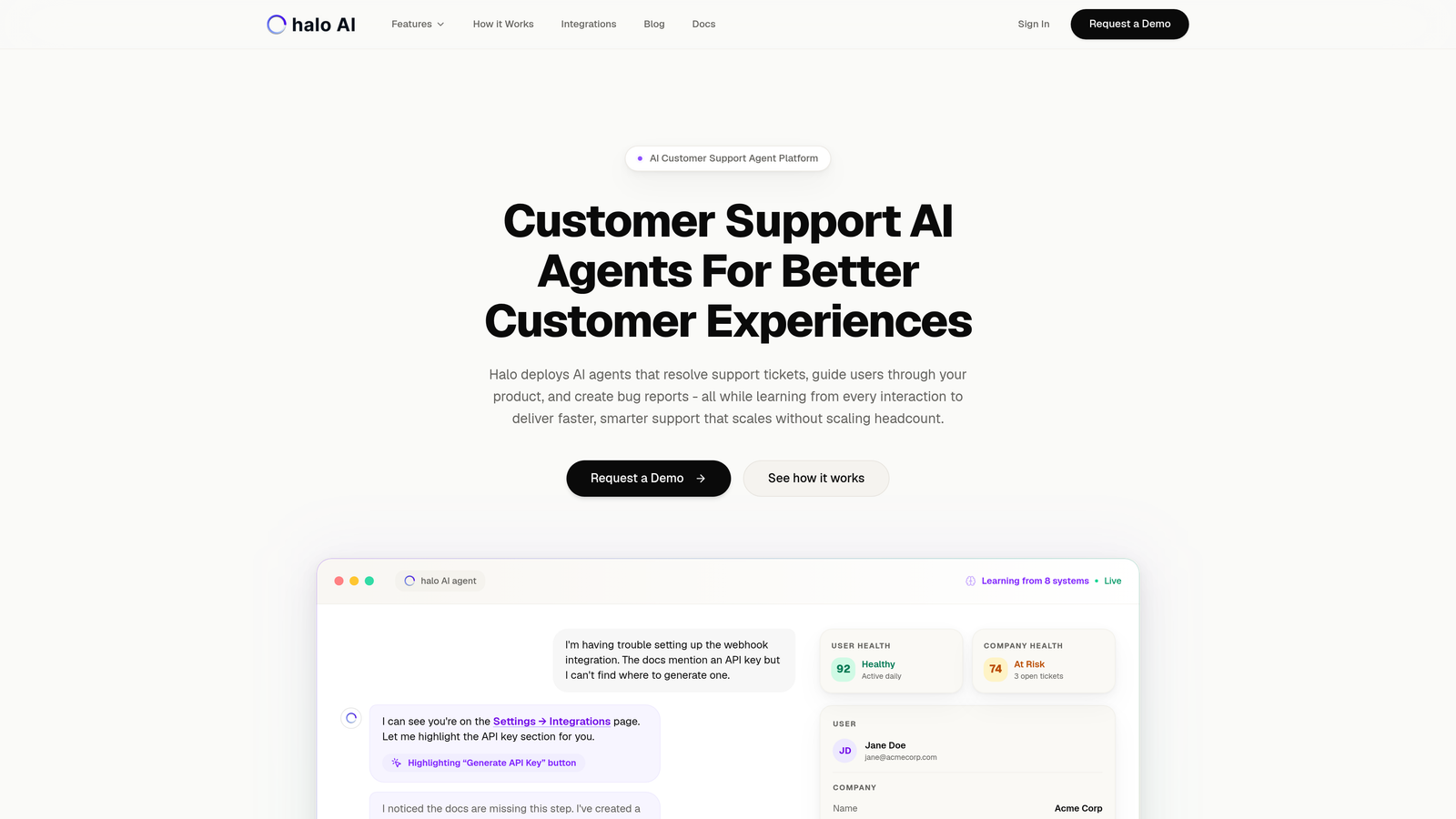
Halo AI represents a fundamental shift in how live chat works—instead of connecting customers to human agents, it deploys AI agents that autonomously resolve support tickets while learning from every interaction.
Where This Tool Shines
The platform's page-aware chat widget sees exactly what users see in your product, enabling visual guidance that traditional chat tools can't match. When a customer asks "How do I export this data?" the AI agent understands their current screen context and provides specific, actionable steps.
What sets Halo apart is continuous learning architecture. Every resolved ticket, every escalation, every interaction trains the system to handle similar issues better next time. This means your support gets smarter without manual rule updates or constant bot training sessions.
Key Features
Autonomous AI Agents: Resolve support tickets end-to-end without human intervention, handling routine inquiries at scale.
Page-Aware Context: Chat widget understands user location in your product for precise visual guidance and troubleshooting.
Auto Bug Ticket Creation: Automatically generates detailed bug reports in Linear when issues are detected, complete with reproduction steps.
Smart Escalation: Seamlessly hands off complex issues to human agents with full conversation context and business intelligence.
Deep Integration Stack: Connects to Linear, Slack, HubSpot, Intercom, Stripe, Zoom, and PandaDoc for comprehensive business context.
Best For
B2B SaaS companies and product teams using helpdesk systems like Zendesk, Freshdesk, or Intercom who need to scale support without scaling headcount. Particularly valuable for teams drowning in repetitive tickets that AI can handle autonomously.
Pricing
Contact for pricing based on ticket volume and integration requirements.
2. Intercom
Best for: Companies wanting a complete customer communication platform beyond just live chat
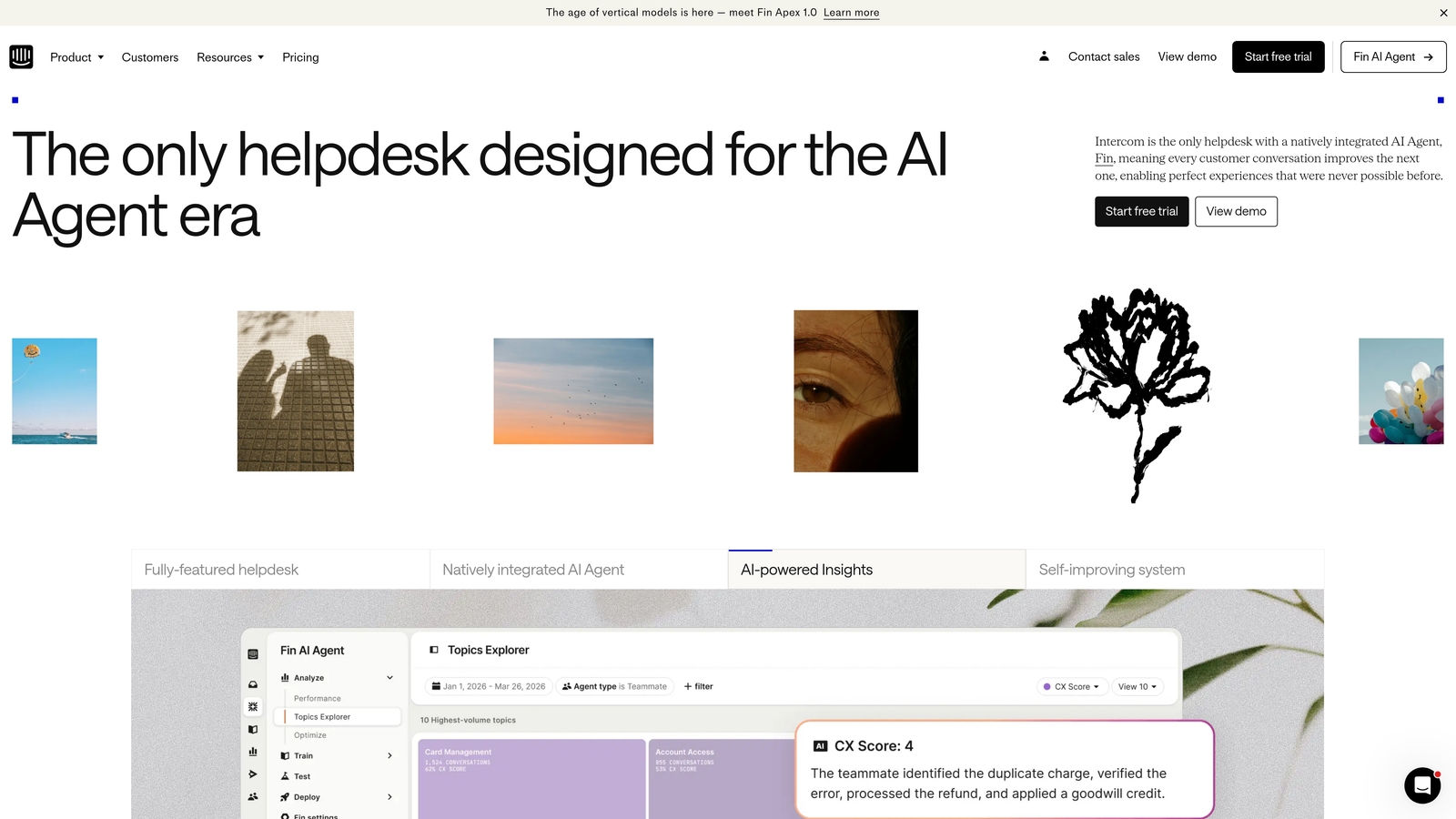
Intercom combines live chat with product tours, help center content, and automated messaging into one comprehensive platform.
Where This Tool Shines
Intercom excels at proactive customer engagement. You can trigger messages based on user behavior, segment audiences for targeted campaigns, and guide users through your product with contextual tours. The Fin AI agent handles common questions automatically, though it requires more manual training than newer AI-first platforms.
The unified inbox brings together conversations from chat, email, and social channels, giving your team complete visibility into customer interactions. This makes Intercom particularly strong for companies that need marketing automation alongside support capabilities.
Key Features
Fin AI Agent: Automated response system that answers questions using your help center content and conversation history.
Product Tours: Create in-app walkthroughs and onboarding flows without engineering resources.
Unified Inbox: Manage conversations across web chat, email, and social media from a single interface.
Custom Bot Builder: Design conversation flows with branching logic and qualification questions.
App Marketplace: Extensive integration ecosystem with hundreds of third-party tools and platforms.
Best For
Mid-size to enterprise B2B companies that need marketing automation, product tours, and support in one platform. Works well when you want to consolidate multiple tools into Intercom's ecosystem.
Pricing
Essential plan starts at $39 per seat per month, with Advanced and Expert tiers for larger teams. Fin AI costs additional per resolution.
3. Zendesk Chat
Best for: Enterprise teams already invested in the Zendesk ecosystem
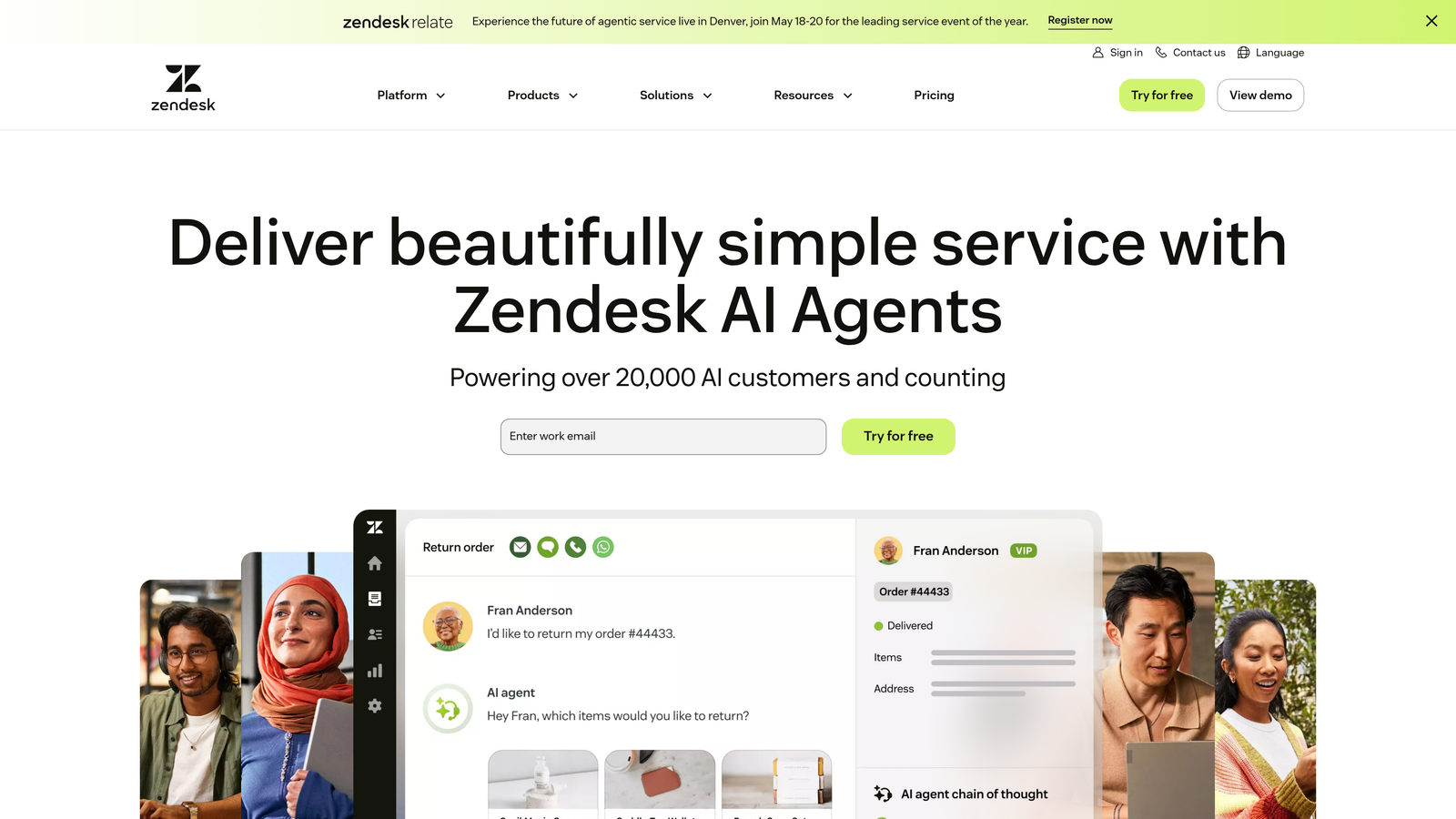
Zendesk Chat integrates natively with Zendesk Support, creating a seamless omnichannel experience for large support organizations.
Where This Tool Shines
The power of Zendesk Chat lies in its enterprise-grade infrastructure and deep integration with Zendesk's ticketing system. When a chat conversation needs to become a ticket, the transition happens automatically with full context preservation. Your agents see complete customer history across all channels in one view.
Advanced analytics provide visibility into chat volume, agent performance, and customer satisfaction at scale. The platform handles high conversation volumes reliably, making it suitable for large teams managing thousands of daily interactions.
Key Features
Native Zendesk Integration: Seamless connection with Support, Guide, and other Zendesk products for unified customer data.
AI-Powered Answer Bot: Suggests help center articles during conversations and can resolve simple inquiries automatically.
Proactive Messaging: Trigger chat invitations based on visitor behavior, page views, or time on site.
Advanced Reporting: Detailed analytics on chat metrics, agent performance, and customer satisfaction trends.
Omnichannel Support: Manage conversations from web chat, mobile, social media, and messaging apps in one interface.
Best For
Enterprise companies with existing Zendesk implementations who need enterprise-grade reliability and sophisticated reporting. Best suited for large support teams managing complex omnichannel operations.
Pricing
Included in Zendesk Suite starting at $55 per agent per month. Available as standalone add-on for existing Zendesk customers.
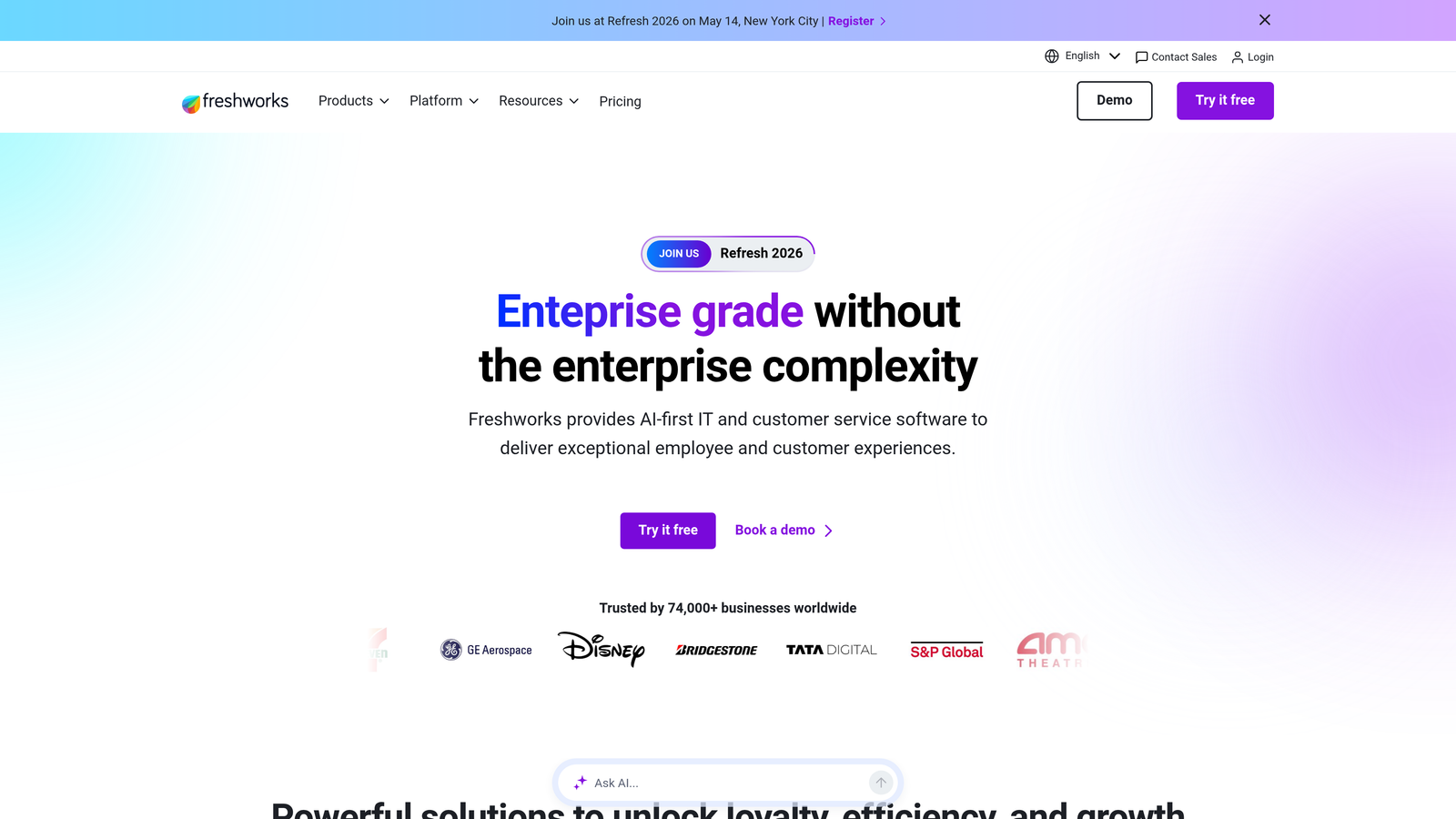
4. Freshdesk Messaging (Freshchat)
Best for: Growing teams seeking modern messaging with AI at accessible pricing
Freshdesk Messaging brings Freshworks' AI capabilities to live chat with intelligent routing and multi-channel support.
Where This Tool Shines
Freddy AI, Freshworks' intelligent assistant, powers smart conversation routing and suggested responses that help agents work faster. The IntelliAssign feature automatically routes conversations to the best-suited agent based on skills, workload, and availability—reducing response times without manual intervention.
The platform handles messaging across web, mobile apps, WhatsApp, and social channels from a unified interface. This makes it particularly valuable for companies supporting customers across multiple touchpoints without the enterprise price tag of competitors.
Key Features
Freddy AI: Intelligent routing, suggested responses, and automated answers powered by machine learning.
Multi-Channel Messaging: Unified inbox for web chat, mobile apps, WhatsApp, Facebook Messenger, and Apple Business Chat.
Canned Responses: Pre-written message templates and shortcuts that speed up common replies.
IntelliAssign: Automatic conversation routing based on agent skills, availability, and workload distribution.
Freshdesk Integration: Native connection with Freshdesk ticketing for seamless chat-to-ticket workflows.
Best For
Small to mid-size businesses that need modern messaging capabilities without enterprise complexity. Particularly strong for teams already using Freshdesk or other Freshworks products.
Pricing
Free plan available with basic features. Paid plans start at $15 per agent per month, with Growth and Pro tiers adding advanced AI and automation.
5. Drift
Best for: B2B sales teams focused on pipeline acceleration and account-based engagement
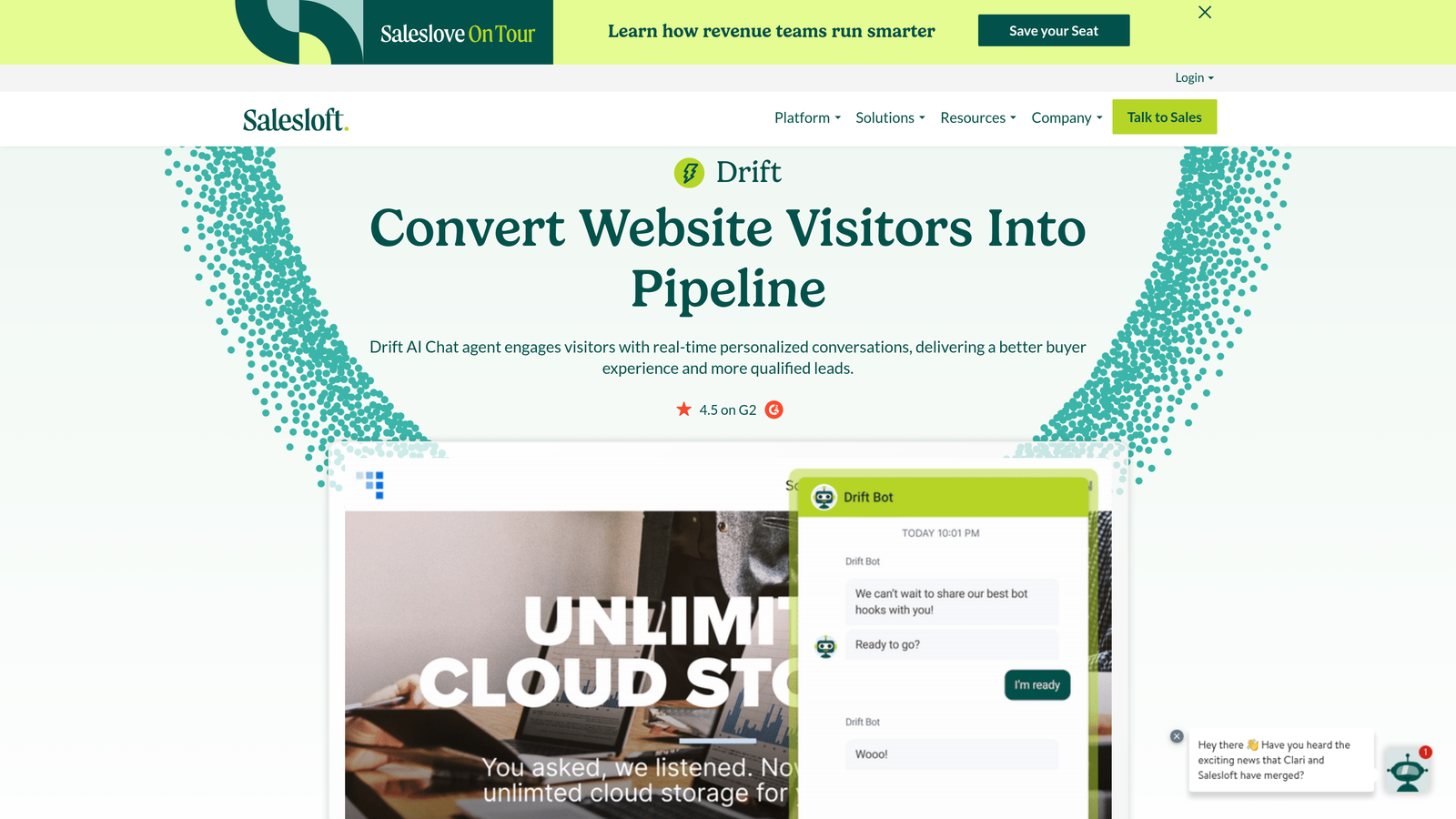
Drift positions itself as conversational marketing software, prioritizing revenue generation over traditional support use cases.
Where This Tool Shines
Drift excels at identifying high-value visitors and routing them to sales reps instantly. Account-based targeting lets you customize chat experiences for specific companies, showing different messaging to enterprise prospects versus small businesses. The platform integrates meeting scheduling directly into conversations, eliminating the back-and-forth of booking calls.
Revenue acceleration playbooks automate qualification questions and route qualified leads to the right sales rep based on territory, product interest, or deal size. This makes Drift particularly powerful for companies where live chat serves sales more than support.
Key Features
Revenue Playbooks: Automated conversation flows designed to qualify leads and accelerate pipeline movement.
Account-Based Targeting: Customize chat experiences for specific companies or visitor segments.
Meeting Scheduling: Integrated calendar booking that routes prospects to available sales reps automatically.
AI-Powered Chatbots: Qualify leads and answer common questions before human handoff.
Salesforce Integration: Deep connection with Salesforce CRM for lead routing and activity tracking.
Best For
B2B companies with high-value sales cycles where chat serves primarily as a lead generation and qualification tool. Works best for sales-focused organizations rather than support-centric teams.
Pricing
Premium plan starts at $2,500 per month, making this one of the more expensive options targeting enterprise sales teams.
6. LiveChat
Best for: E-commerce businesses and teams needing extensive third-party integrations
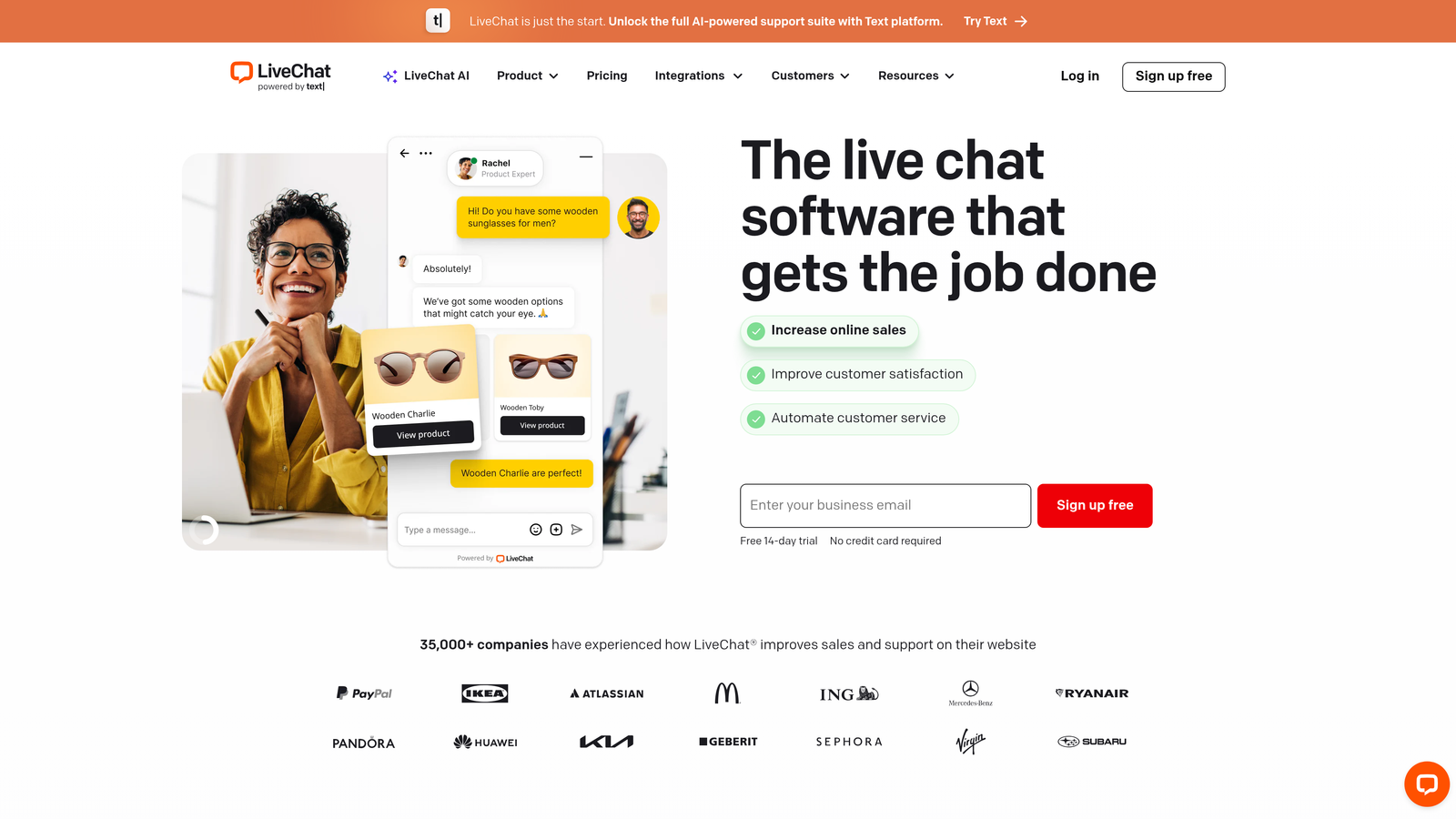
LiveChat offers straightforward live chat functionality with a massive integration marketplace and strong e-commerce focus.
Where This Tool Shines
The platform's 200+ integrations cover everything from e-commerce platforms to CRMs to help desk systems. This flexibility makes LiveChat particularly valuable when you need to connect chat data to specialized tools in your stack. The chat widget customization options are extensive, letting you match brand guidelines precisely.
E-commerce features like product cards, order tracking, and shopping cart visibility give agents context about customer purchases during conversations. The included ticketing system means you can handle both real-time chat and asynchronous support without additional tools.
Key Features
Integration Marketplace: Over 200 pre-built integrations including Shopify, BigCommerce, WordPress, and major CRMs.
Widget Customization: Extensive branding options for chat button design, colors, and positioning.
Ticketing System: Built-in ticket management for handling conversations that extend beyond live chat.
E-commerce Tools: Product cards, cart tracking, and purchase history visibility during customer conversations.
Rich Messaging: Send cards, buttons, and structured content beyond plain text messages.
Best For
E-commerce businesses and companies with complex integration requirements across multiple platforms. Works well when you need reliable chat with extensive customization options.
Pricing
Starts at $20 per agent per month for the Starter plan, with Team and Business tiers adding advanced features and higher message limits.
7. HubSpot Live Chat
Best for: Small businesses and startups already using HubSpot's free CRM
HubSpot Live Chat provides free chat functionality integrated directly with HubSpot's CRM and marketing platform.
Where This Tool Shines
The completely free tier makes HubSpot Live Chat attractive for bootstrapped startups and small teams. Every chat conversation automatically syncs to contact records in HubSpot CRM, building a complete history of customer interactions without manual data entry. The chatbot builder lets you automate qualification questions and route conversations based on responses.
Meeting scheduler integration eliminates booking friction by letting prospects book time with your team directly from chat. This tight integration across HubSpot's ecosystem creates a seamless experience when you're already invested in their platform.
Key Features
Free CRM Integration: Automatic contact record creation and conversation syncing with HubSpot CRM.
Chatbot Builder: Visual bot designer for automating common questions and lead qualification.
Contact Record Sync: Complete conversation history attached to contact profiles automatically.
Meeting Scheduler: Integrated calendar booking that routes prospects to available team members.
Conversation Routing: Rules-based routing to send chats to specific team members or departments.
Best For
Small businesses and startups using HubSpot's free CRM who need basic live chat without additional costs. Best when you want marketing, sales, and support in one ecosystem.
Pricing
Free with HubSpot CRM. Advanced features like additional chatbot interactions and sophisticated routing require paid HubSpot plans starting at $45 per month.
8. Tidio
Best for: Small businesses and solo entrepreneurs seeking affordable chat with visual bot building
Tidio combines live chat and chatbot capabilities at price points designed for small business budgets.
Where This Tool Shines
The visual drag-and-drop bot builder makes automation accessible without technical skills. You can create conversation flows, set up triggers, and design qualification paths through an intuitive interface. Lyro AI handles common customer questions automatically, learning from your website content and previous conversations.
Shopify and WordPress plugins make setup nearly instant for e-commerce stores and content sites. The visitor tracking feature shows you who's browsing your site in real-time, letting you proactively engage high-value visitors before they leave.
Key Features
Visual Bot Builder: Drag-and-drop interface for creating automated conversation flows without coding.
Lyro AI: AI assistant that learns from your content to answer customer questions automatically.
E-commerce Plugins: One-click installation for Shopify, WooCommerce, and major e-commerce platforms.
Visitor Tracking: Real-time list of website visitors with page history and engagement data.
Email Marketing: Built-in email campaigns and newsletters to engage customers beyond chat.
Best For
Small e-commerce businesses and content sites that need chat and basic automation without enterprise complexity. Particularly strong for solo entrepreneurs and small teams under five people.
Pricing
Free plan available with basic features. Paid plans start at $29 per month (not per agent), making it one of the most affordable options for small teams.
9. Crisp
Best for: Teams needing video chat capabilities and multi-site management
Crisp differentiates itself with video chat, screen sharing, and a shared inbox designed for team collaboration.
Where This Tool Shines
Video chat and screen sharing capabilities let support teams troubleshoot complex issues visually without switching to separate tools like Zoom. This proves particularly valuable for technical support scenarios where showing is faster than explaining. The shared inbox keeps teams aligned on customer conversations, with internal notes and assignments preventing duplicate responses.
The built-in knowledge base builder means you can create help center content without additional tools. Multi-site support lets agencies and multi-brand companies manage chat for different properties from one account, each with customized branding.
Key Features
Video Chat: Built-in video calling and screen sharing for visual troubleshooting during support conversations.
Shared Inbox: Team collaboration features with internal notes, assignments, and conversation status tracking.
Knowledge Base: Integrated help center builder for creating self-service content alongside chat.
CRM Functionality: Contact management with custom fields, segments, and conversation history.
Multi-Site Support: Manage chat for multiple websites or brands from one account with separate branding.
Best For
Support teams handling technical troubleshooting where video capabilities add significant value. Also strong for agencies managing chat for multiple clients or brands.
Pricing
Free for up to two team members. Pro plan starts at $25 per month per workspace (not per seat), making it cost-effective for small teams.
10. Olark
Best for: Organizations prioritizing accessibility compliance and reporting transparency
Olark focuses on straightforward live chat functionality with strong accessibility features and real-time reporting.
Where This Tool Shines
WCAG 2.1 AA accessibility compliance makes Olark one of the few chat platforms suitable for organizations serving users with disabilities or facing government accessibility requirements. The real-time reporting dashboard provides transparency into chat metrics without requiring data analyst skills to interpret results.
Searchable transcripts create a knowledge base of past conversations that agents can reference when handling similar issues. The automated message system triggers proactive chat invitations based on visitor behavior, helping you engage customers at the right moment.
Key Features
Accessibility Compliance: WCAG 2.1 AA certified for serving users with disabilities and meeting government standards.
Real-Time Reporting: Live dashboard showing chat volume, response times, and agent performance metrics.
Automated Messages: Trigger-based chat invitations based on page views, time on site, or visitor behavior.
Searchable Transcripts: Complete conversation history with full-text search across all past chats.
CRM Integrations: Pre-built connections to Salesforce, HubSpot, and other major CRM platforms.
Best For
Organizations with accessibility requirements and teams that value reporting transparency over advanced AI features. Works well for straightforward support needs without complex automation requirements.
Pricing
Starts at $29 per seat per month with no setup fees or long-term contracts required.
11. tawk.to
Best for: Budget-conscious teams and startups needing unlimited agents at zero cost
tawk.to offers completely free live chat software with unlimited agents and chat history—no hidden costs or feature restrictions.
Where This Tool Shines
The 100% free model makes tawk.to attractive for startups and small businesses with tight budgets. Unlike competitors with free tiers that limit agents or conversations, tawk.to provides unlimited everything at no cost. Mobile apps for iOS and Android let your team handle chats from anywhere without being desk-bound.
The customizable chat widget adapts to your brand guidelines, and canned responses speed up common replies. The optional hired agent service lets you pay tawk.to to staff your chat when your team is offline, providing 24/7 coverage without hiring full-time employees.
Key Features
100% Free: Unlimited agents, unlimited chats, and unlimited chat history with no paid tiers or usage limits.
Mobile Apps: Native iOS and Android apps for handling conversations from smartphones and tablets.
Widget Customization: Adjust colors, positioning, and branding to match your website design.
Canned Responses: Pre-written message templates and keyboard shortcuts for faster replies to common questions.
Hired Agent Service: Optional paid service where tawk.to provides trained agents to staff your chat 24/7.
Best For
Startups and small businesses with minimal budget for support tools who need basic live chat functionality. Best when you're willing to accept limited advanced features in exchange for zero cost.
Pricing
Completely free. Optional $19 per month to remove tawk.to branding from the chat widget.
Making the Right Choice
The live chat landscape has split into two distinct categories: traditional tools that connect customers to human agents, and AI-first platforms that autonomously resolve issues while learning continuously.
If you're drowning in repetitive support tickets and need AI that actually resolves issues end-to-end, Halo AI's autonomous agents and page-aware context deliver measurable ticket reduction. The continuous learning architecture means your support gets smarter automatically without manual bot training.
For teams already invested in specific ecosystems, native integrations matter more than standalone features. Zendesk Chat makes sense when you're deep in the Zendesk suite, while HubSpot Live Chat works best for companies using HubSpot's CRM and marketing tools.
E-commerce businesses should prioritize platforms with shopping cart visibility and product catalog integration. LiveChat and Tidio both offer strong e-commerce features at accessible price points, with Tidio particularly attractive for smaller stores on tight budgets.
Sales-focused organizations need different capabilities than support teams. Drift's account-based targeting and meeting scheduling serve pipeline acceleration better than customer service, making it ideal when chat primarily serves revenue generation.
Budget constraints often determine the shortlist. HubSpot and tawk.to provide free options for startups, though both come with limitations. HubSpot requires using their CRM ecosystem, while tawk.to lacks advanced AI and automation features found in paid competitors.
Think about where your support needs to be in 12 months, not just today. Can the platform scale as your team grows? Does it integrate with tools you plan to adopt? Will AI capabilities reduce the need for additional headcount as volume increases?
The right choice depends on whether you need a communication channel or an intelligent system that reduces support burden. Traditional chat tools connect customers to agents efficiently. AI-first platforms like Halo resolve issues autonomously while providing business intelligence that helps you improve products and processes.
Your support team shouldn't scale linearly with your customer base. Let AI agents handle routine tickets, guide users through your product, and surface business intelligence while your team focuses on complex issues that need a human touch. See Halo in action and discover how continuous learning transforms every interaction into smarter, faster support.