How Support Automation Works: The Complete Guide to AI-Powered Customer Service
Support automation uses AI to intelligently triage, categorize, and resolve customer support tickets without human intervention, transforming how businesses handle high-volume inquiries. This comprehensive guide explains how support automation works—from the underlying AI technology that understands context and learns from interactions, to the decision-making process that determines when to resolve issues autonomously versus escalating to human agents, helping B2B companies dramatically reduce response times while maintaining quality.
 Matt PattoliFounder12 min read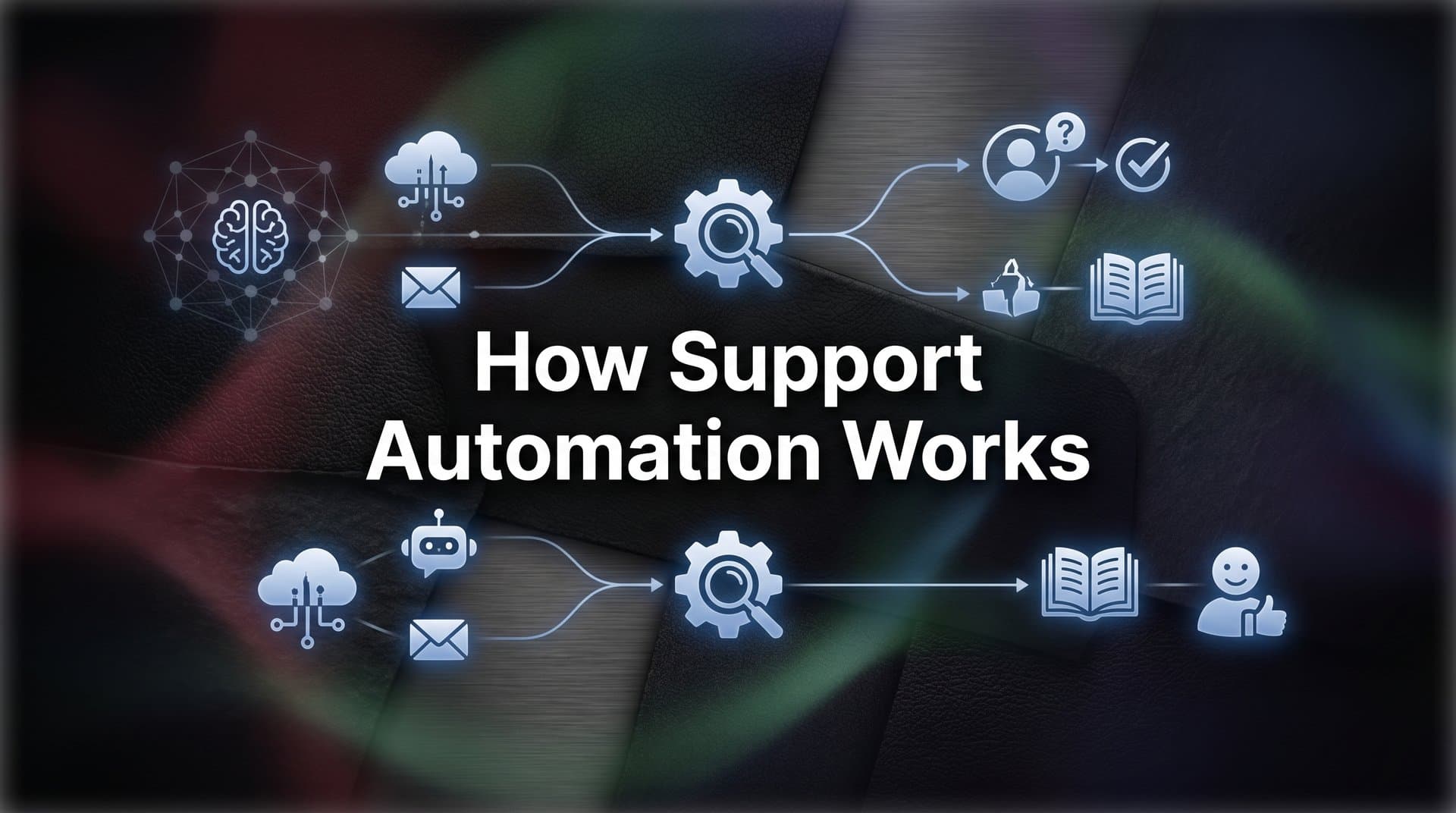
Your support inbox hits 500 tickets on Monday morning. By Wednesday, it's 1,200. Your team is drowning, response times are climbing, and you're facing a choice: hire three more support agents or let customer satisfaction slip. But here's the thing—most of those tickets are variations of questions you've answered a thousand times before.
Support automation has become the lifeline for B2B companies caught in this exact scenario. But we're not talking about the clunky chatbots of five years ago that frustrated customers with rigid decision trees. Modern support automation in 2026 uses AI to understand context, learn from every interaction, and resolve complex issues that once required human intervention.
This guide breaks down exactly how support automation works—from the moment a ticket arrives to the intelligence that decides whether AI handles it autonomously or escalates to your team. You'll understand the mechanics, see the components in action, and learn how businesses are transforming support from a cost center into a competitive advantage.
The Foundation: What Powers Modern Support Automation
Think of support automation as a sophisticated system with four critical components working together. Each piece serves a specific purpose, but the magic happens when they operate as a unified intelligence layer.
AI Agents: These are the workhorses of modern automation. Unlike rule-based chatbots that follow rigid if-then logic, AI agents use natural language processing to understand what customers actually mean, not just what they literally say. When someone writes "I can't get this to work," the AI interprets the context, considers their account history, and determines the likely issue.
Knowledge Bases: The AI's reference library. This includes everything from product documentation to historical ticket resolutions. But modern knowledge bases are dynamic—they learn which answers actually resolve issues and surface those solutions first. When an AI agent resolves a ticket, that successful pattern becomes part of the knowledge it draws from next time.
Routing Logic: The decision engine that determines what happens to each ticket. Simple systems route by keyword. Intelligent support automation analyzes intent, urgency, customer value, and complexity simultaneously. This logic evolves based on outcomes—if certain ticket types consistently require human escalation, the system learns to route them directly to specialists.
Integration Layers: The connective tissue linking support automation to your entire business stack. This is where automation moves from answering questions to actually solving problems—pulling billing data from Stripe, updating CRM records in HubSpot, or creating bug tickets in Linear without human intervention.
What makes this work is natural language processing. When a customer writes "Why was I charged twice this month?" the system doesn't just match keywords. It understands this is a billing inquiry, identifies the customer's account, pulls recent transaction history, and determines if this is a legitimate duplicate charge or a misunderstanding about subscription billing cycles.
Machine learning is the continuous improvement engine. Every interaction—whether resolved autonomously or escalated to humans—becomes training data. The system identifies patterns: which responses resolve issues fastest, which phrasings customers find clearest, which escalation decisions were correct. This isn't programming; it's learning from experience at scale.
The Journey: How a Ticket Becomes a Resolution
Let's walk through what actually happens when a support ticket enters an automated system. The process reveals why modern automation can handle complexity that would have been impossible just a few years ago.
Intake and Classification: The moment a ticket arrives—whether through email, chat widget, or help portal—the AI begins analysis. It's reading the message, yes, but also gathering metadata: who sent it, what plan they're on, their recent product activity, previous ticket history. Within milliseconds, it classifies the ticket type and urgency level.
Here's where it gets interesting. The system isn't just looking for keywords. It's analyzing sentiment, detecting frustration levels, and identifying if this is a first-time issue or an escalating problem. A message that says "This still isn't working" triggers different handling than "I'm trying to figure out how this feature works."
Context Gathering: This is where integration depth matters. The AI pulls relevant data from every connected system. For a billing question, it retrieves payment history from Stripe, subscription details from the CRM, and recent usage data from the product analytics platform.
For a technical issue, it checks error logs, recent feature deployments, and whether other customers reported similar problems. This context gathering happens in parallel—the system isn't making sequential API calls. It's assembling a complete picture of the customer's situation before formulating a response. Understanding what support ticket automation entails helps clarify why this context assembly is so critical.
Decision Logic: Now comes the critical determination: can the AI resolve this autonomously, or does it need human expertise? This decision isn't binary. Modern systems operate on confidence thresholds.
High confidence scenarios get immediate AI resolution. The system has seen this exact issue pattern before, knows the solution works, and can apply it directly—whether that's explaining a feature, correcting a billing misunderstanding, or guiding someone through a setup process.
Medium confidence triggers AI-assisted responses. The agent drafts a solution but flags it for human review before sending. This catches edge cases where the AI's understanding might be slightly off.
Low confidence or high-stakes situations escalate immediately to human agents. But here's the crucial difference from old systems: the escalation includes all the context the AI gathered. The human agent sees the classification, the data pulled from integrated systems, and the AI's reasoning for escalation. No starting from scratch.
The resolution itself varies by complexity. Simple issues get instant answers. Multi-step problems trigger guided workflows—the AI walks customers through a sequence of actions, verifying completion at each step. For issues requiring account changes, the AI can execute those changes directly when appropriate, or prepare the exact change request for human approval.
Beyond Generic Responses: The Power of Page-Aware Intelligence
Imagine telling someone how to use a feature without knowing where they are in your product. You'd give generic instructions that might not match their current screen. That's how most support automation worked until recently.
Page-aware intelligence changes everything. The AI knows exactly which page the customer is viewing, what options are available on that screen, and what they're trying to accomplish. This transforms vague guidance into precise, actionable help.
When a customer asks "How do I export this data?" from your analytics dashboard, the AI doesn't provide a general explanation of your export functionality. It sees they're on the analytics page, recognizes the export button in their current view, and provides step-by-step guidance specific to that exact screen: "Click the 'Export' button in the top-right corner of your dashboard, then select your preferred format from the dropdown menu."
This contextual awareness extends to understanding UI state. If a feature is disabled because the customer's plan doesn't include it, the AI recognizes this and explains the limitation rather than providing instructions that won't work. If they're viewing a page in an error state, the AI factors that into its diagnosis.
The practical impact is significant. Instead of back-and-forth clarification questions, customers get relevant help immediately. Instead of generic documentation links, they receive guidance tailored to their exact situation. The AI becomes a knowledgeable colleague looking over their shoulder, seeing what they see. This capability is central to proactive customer support automation strategies.
Visual UI understanding also enables proactive guidance. When the AI detects someone struggling with a workflow—perhaps they've visited the same page multiple times or attempted an action that failed—it can offer help before they even ask. This shifts support from reactive to preventive.
The Integration Layer: Why Connected Systems Matter
Support doesn't exist in isolation. Every customer question connects to data scattered across your business systems—billing information in Stripe, customer details in your CRM, bug reports in Linear, product usage in analytics platforms. When these systems operate in silos, support agents become human API calls, manually gathering information from multiple tools before they can help.
Modern support automation eliminates this friction through deep integrations. The AI accesses your entire tech stack as a unified data layer. This isn't about surface-level connections; it's about bidirectional data flow that enables both information retrieval and action execution.
Helpdesk Integration: The foundation layer. Whether you use Zendesk, Freshdesk, or Intercom, the automation platform needs to read incoming tickets, update ticket status, add internal notes, and close resolved issues. But sophisticated integration goes further—it learns from your team's manual resolutions to improve its own responses.
CRM Connectivity: Customer context lives in your CRM. The AI pulls account details, contract terms, customer health scores, and interaction history. When a high-value customer submits a ticket, the system knows to prioritize it. When someone on a trial asks about enterprise features, it understands the sales opportunity.
Billing System Access: Payment questions require real-time billing data. The AI retrieves transaction history, subscription status, upcoming renewal dates, and payment method details. For many billing inquiries, it can provide immediate answers without human involvement—or even process refunds and credits when authorized to do so.
Product and Development Tools: This is where automation becomes truly powerful. Integration with Linear, Jira, or GitHub enables the AI to check if a reported bug is already known, create new bug tickets with full reproduction details, and update customers when issues are fixed. Integration with product analytics helps identify if an issue is user-specific or affecting multiple customers. Reviewing support automation platform features can help you evaluate which integrations matter most for your stack.
Connected data also enables business intelligence that extends beyond support. The AI identifies patterns: which features generate the most confusion, which customer segments struggle with onboarding, which product changes correlate with support volume spikes. This intelligence flows back to product and engineering teams, creating a feedback loop that improves the product itself.
The Human Element: When and How AI Escalates
Support automation isn't about eliminating human agents. It's about ensuring humans work on problems that actually require human judgment, creativity, and empathy. The handoff between AI and human agents is where many automation systems fail—but it's also where the best ones shine.
Defining Escalation Triggers: Sophisticated systems use multiple signals to determine when human intervention is needed. Complexity is one factor—if resolving an issue requires coordinating across multiple teams or making judgment calls about edge cases, escalation happens. Emotional signals matter too. When sentiment analysis detects frustration or anger, human empathy becomes essential.
Customer value influences escalation thresholds. Enterprise customers might get lower confidence thresholds for escalation, ensuring they receive white-glove service. Time sensitivity also plays a role—if an issue is blocking a customer from critical work, immediate human attention takes priority over attempting AI resolution.
The system also escalates when it encounters novel situations outside its training data. Rather than guessing, it acknowledges uncertainty and brings in human expertise. This honesty builds trust and prevents the AI from providing incorrect information with false confidence. Following customer support automation best practices ensures your escalation logic stays calibrated over time.
Context Preservation: When escalation occurs, the human agent shouldn't start from scratch. They receive the complete context the AI gathered: customer information, relevant data from integrated systems, the AI's classification and reasoning, and a transcript of any interaction that already occurred.
This context transfer eliminates the frustrating customer experience of repeating information. The human agent can immediately understand the situation and continue the conversation seamlessly. They also see what the AI attempted, which helps them understand why escalation was necessary.
AI-Assisted Human Support: Even after escalation, the AI continues helping. It can suggest relevant knowledge base articles, pull up similar historical cases, or draft response templates the human agent can customize. Think of it as an experienced colleague providing research and suggestions while the human agent maintains control of the conversation.
The AI also learns from these escalations. When a human agent resolves an issue the AI escalated, the system analyzes the resolution approach. Over time, it expands its autonomous capabilities by learning from human expertise. The escalation rate typically decreases as the AI's competence grows, but the threshold for escalation remains appropriately cautious.
Implementation Strategy: Making Automation Work for Your Team
Understanding how support automation works is one thing. Implementing it effectively requires strategic thinking about where to start, what to measure, and how to scale.
Platform Evaluation: When assessing automation platforms, integration depth should be your first consideration. Can it connect to your existing helpdesk, CRM, billing system, and product tools? Does it offer bidirectional data flow, or just read-only access? The difference determines whether automation becomes a helpful assistant or a transformative intelligence layer. Our guide to choosing support automation software walks through the key evaluation criteria.
Look for AI-first architectures rather than AI features bolted onto traditional helpdesks. Systems designed from the ground up for machine learning handle complexity and context differently than retrofitted solutions. Ask about the learning mechanism—how does the system improve over time, and what data feeds that improvement?
Starting Points: Don't try to automate everything at once. Begin with high-volume, repetitive queries that have clear resolution patterns. Password resets, account access issues, basic how-to questions—these are ideal candidates for initial automation.
Analyze your ticket data to identify the top 10-20 ticket types by volume. If these represent 60-70% of your total tickets and have straightforward resolutions, you've found your starting point. Automate these first, measure the results, and expand gradually to more complex scenarios. Reviewing common support automation use cases can help you prioritize which workflows to tackle first.
Feature explanation and navigation help are excellent second-phase targets. These tickets benefit from page-aware intelligence and contextual guidance. Billing inquiries work well once you have solid integration with your payment systems. Save complex troubleshooting and strategic account questions for later phases when the AI has learned from more interactions.
Success Metrics: First-response time should decrease dramatically—AI responses are instant. Track what percentage of tickets receive a response within one minute versus one hour. Resolution rate without human intervention is your core automation metric. Start with a goal of 30-40% autonomous resolution and scale toward 60-70% as the system learns.
Customer satisfaction scores tell you if automation improves the experience or frustrates users. Monitor CSAT specifically for AI-resolved tickets versus human-resolved tickets. If AI satisfaction is lower, investigate why—it might indicate premature autonomous resolution or inadequate response quality. Learning how to measure support automation success helps you build a comprehensive metrics framework.
Time-to-resolution for escalated tickets matters too. If human agents receive better context and fewer repetitive tickets, they should resolve complex issues faster. Track average handle time for human agents before and after automation implementation.
The Future of Support: Intelligence That Scales
Support automation represents a fundamental shift in how B2B companies serve customers. The old model—where support quality depended on hiring enough humans to handle volume—doesn't scale. The new model amplifies human expertise through AI that learns, adapts, and handles complexity that would have required human judgment just a few years ago.
This isn't about replacing your support team. It's about freeing them from repetitive work so they can focus on complex problems, strategic customer relationships, and the kind of creative problem-solving that AI can't replicate. Your best agents shouldn't spend their time resetting passwords and explaining basic features. They should be solving novel problems and building customer relationships that drive retention and growth.
The businesses winning with support automation in 2026 share a common approach: they view it as an intelligence layer that connects their entire tech stack, learns from every interaction, and continuously improves. They measure success not just by ticket deflection, but by customer satisfaction, team productivity, and the business insights their support data reveals.
Your support team shouldn't scale linearly with your customer base. Let AI agents handle routine tickets, guide users through your product, and surface business intelligence while your team focuses on complex issues that need a human touch. See Halo in action and discover how continuous learning transforms every interaction into smarter, faster support.