9 Best Support Automation Software Tools for B2B Teams in 2026
Choosing the right support automation software requires evaluating AI capabilities that autonomously resolve tickets, seamless integrations with your business stack, quick implementation timelines, and analytics that deliver actionable insights beyond basic metrics. This guide reviews the nine leading platforms helping B2B teams scale customer support efficiently in 2026 without proportionally increasing headcount, focusing on tools that handle routine inquiries while freeing support staff to address complex, high-value customer issues.
 Grant CooperFounder12 min read
Scaling customer support without scaling headcount is one of the biggest operational challenges for B2B companies. Your support volume grows with every new customer, but hiring proportionally isn't sustainable—or necessary. The right support automation software handles routine tickets, guides users through complex workflows, and learns from every interaction while your team focuses on high-value problems that need human expertise.
The best platforms in 2026 share four critical capabilities: AI that autonomously resolves tickets rather than just deflecting them, deep integrations across your business stack, implementation that doesn't require months of setup, and intelligence that surfaces business insights beyond basic support metrics. Here are the top tools transforming how B2B teams deliver customer support.
1. Halo AI
Best for: B2B teams needing AI-first support that learns continuously and integrates across their entire business stack
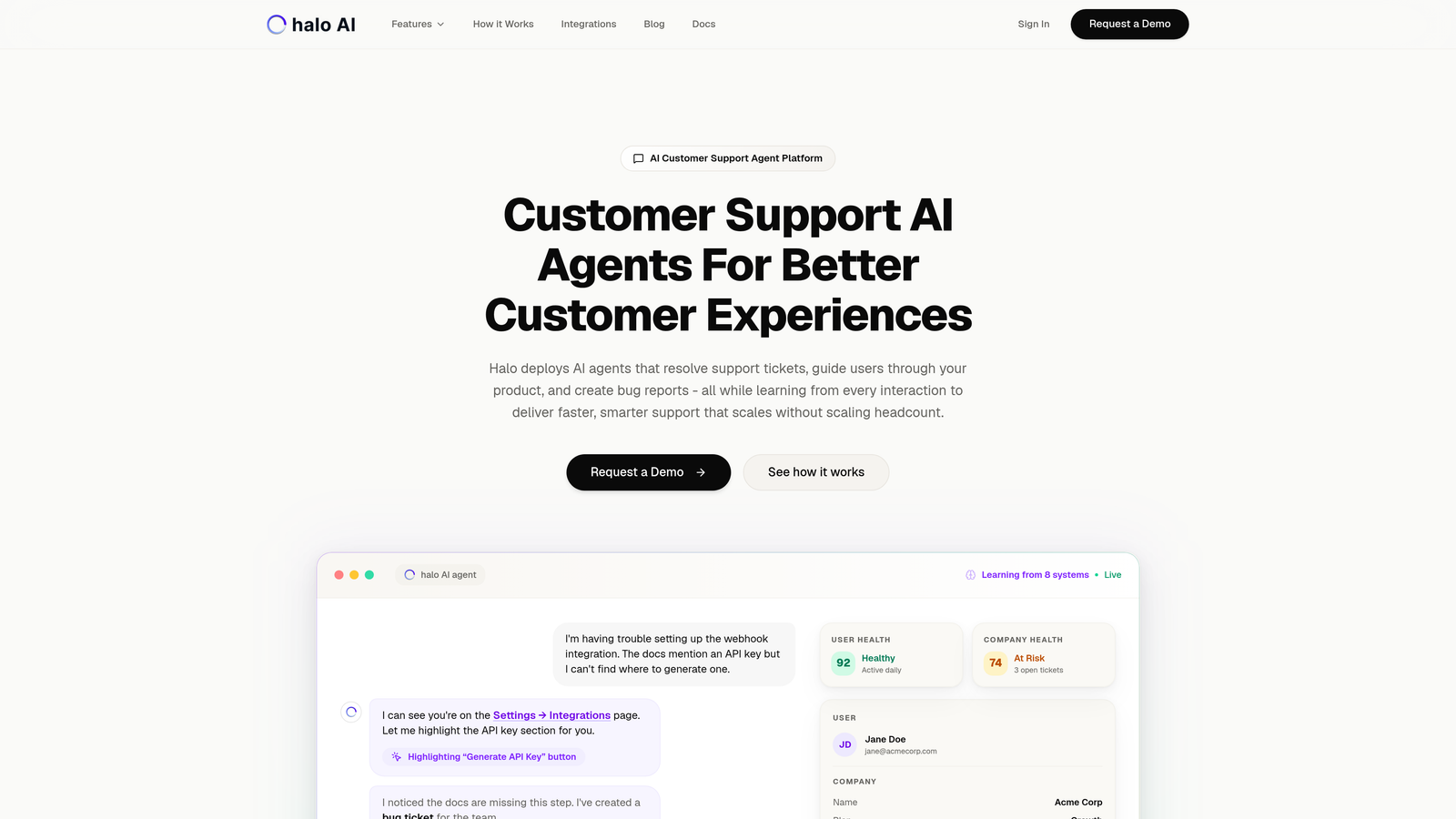
Halo AI is an AI-first customer support platform where intelligent agents autonomously resolve tickets, guide users through your product, and create actionable bug reports—all while learning from every interaction.
Where This Tool Shines
Unlike traditional helpdesks with AI bolted on, Halo is built around continuous learning. Every resolved ticket, every user interaction, and every escalation trains the system to handle similar issues more effectively next time. The platform doesn't just deflect tickets—it resolves them completely.
The page-aware chat widget sees exactly what your users see, providing contextual guidance that references specific UI elements. When users struggle with a feature, Halo can walk them through the exact steps visible on their screen, reducing confusion and resolution time.
Key Features
Autonomous AI Agents: Resolve support tickets end-to-end without human intervention, learning from each interaction to improve future responses.
Page-Aware Context: Chat widget understands what users see on screen, enabling precise visual guidance through your product interface.
Business Intelligence Analytics: Smart inbox surfaces customer health signals, revenue intelligence, and anomaly detection beyond basic support metrics.
Auto Bug Creation: Automatically generates detailed bug tickets in Linear when issues are identified, complete with reproduction steps and user context.
Deep Integrations: Connects across your entire stack including Slack, HubSpot, Intercom, Stripe, Zoom, PandaDoc, and Fathom for unified business context.
Best For
B2B companies and product teams using multiple business tools who need support automation that provides intelligence beyond ticket resolution. Particularly valuable for teams currently using Zendesk, Freshdesk, or Intercom who want AI that actually learns rather than following static rules.
Pricing
Contact for pricing. Implementation typically includes onboarding support and integration setup across your existing business systems.
2. Intercom
Best for: Companies prioritizing customer messaging and product onboarding alongside support automation
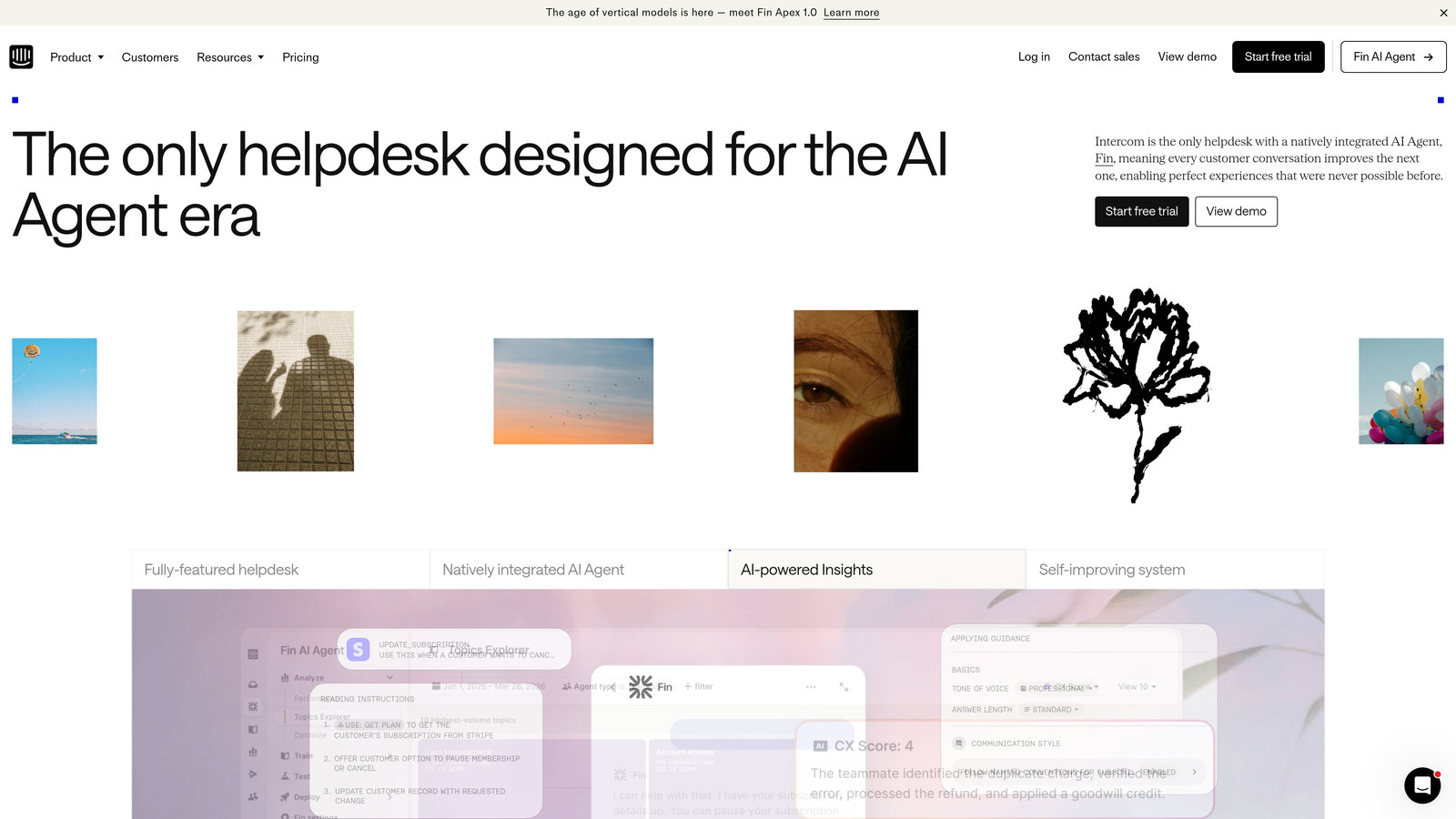
Intercom is a unified customer messaging platform with Fin AI agent for automated support responses and strong product tour capabilities.
Where This Tool Shines
Intercom excels at blending support with proactive customer engagement. The Fin AI agent handles common questions while the platform's product tours and onboarding flows help prevent support tickets before they happen. This dual approach works well for SaaS companies where user education directly reduces support volume.
The unified inbox brings together messages from chat, email, and social channels into one interface. Your team sees full conversation history regardless of channel, making context-switching seamless.
Key Features
Fin AI Agent: Automated support bot that answers questions using your knowledge base content, with per-resolution pricing model.
Product Tours: Build onboarding flows and feature announcements that guide users through your product proactively.
Unified Inbox: Single interface for managing conversations across all channels with full historical context.
Custom Bots: Create conversation workflows with branching logic for common support scenarios and qualification.
App Marketplace: Extensive integrations with CRM, analytics, and business tools for connected workflows.
Best For
SaaS companies that want to combine reactive support with proactive onboarding. Works particularly well for product-led growth companies where in-app messaging drives user adoption.
Pricing
Starts at $39 per seat per month for core messaging features. Fin AI is priced separately per resolution, typically adding significant cost at scale.
3. Zendesk
Best for: Enterprise teams needing comprehensive omnichannel support with extensive customization and compliance features
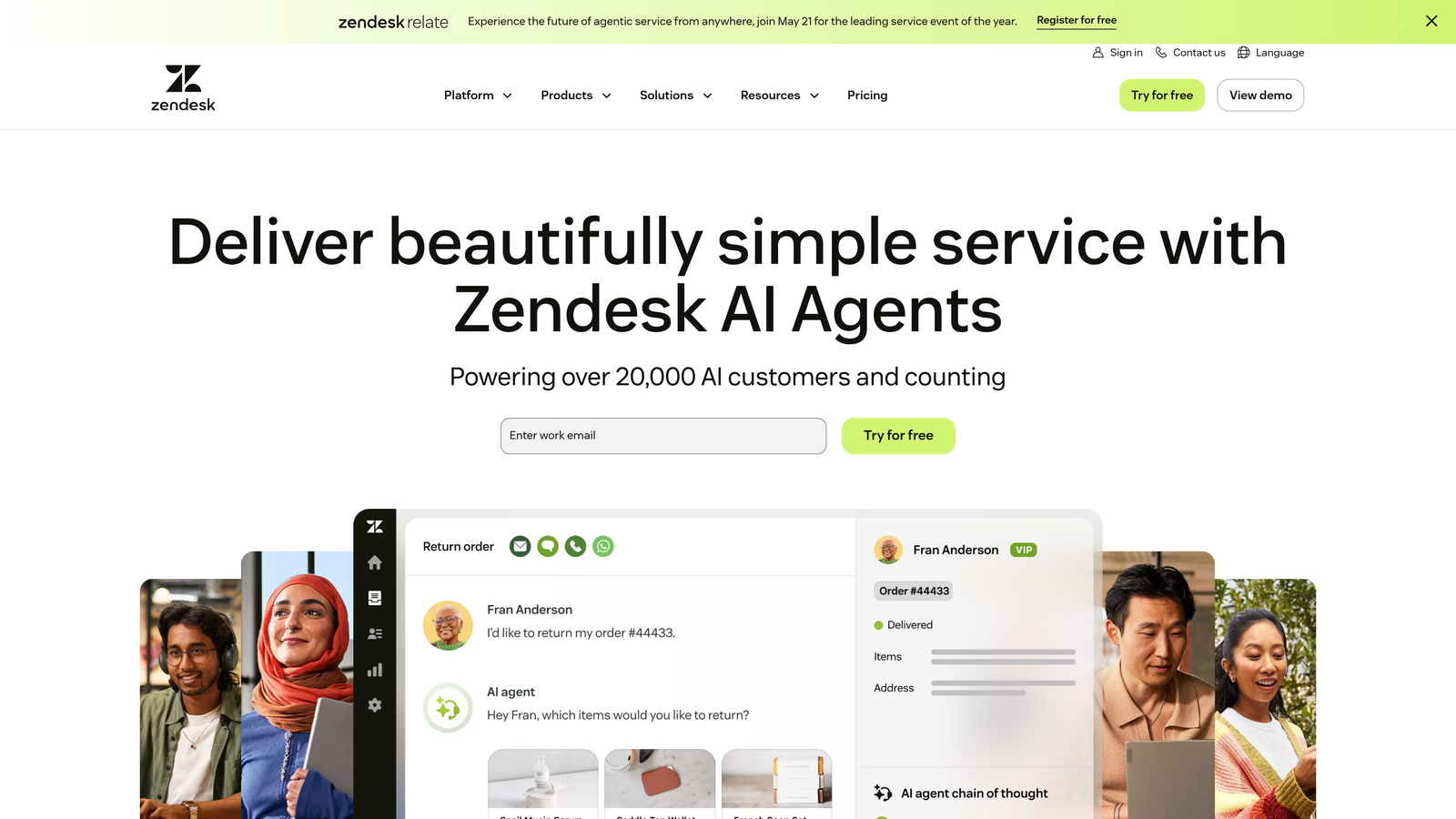
Zendesk is an enterprise-grade customer service platform with robust ticketing, a massive app marketplace, and AI capabilities available as add-ons.
Where This Tool Shines
Zendesk's maturity shows in its depth. The platform handles complex support operations across phone, email, chat, social media, and messaging apps with sophisticated routing and SLA management. For enterprises with compliance requirements, Zendesk offers security certifications and audit trails that smaller platforms lack.
The marketplace with over 1,500 apps means you can extend Zendesk to connect with virtually any business system. This flexibility comes at the cost of complexity—implementation often requires dedicated resources.
Key Features
Omnichannel Ticketing: Unified system for managing support across phone, email, chat, social media, and messaging platforms.
AI and Automation Add-ons: Advanced AI features available through additional products like Answer Bot and Intelligence Suite.
Massive App Marketplace: Over 1,500 integrations covering CRM, analytics, project management, and specialized business tools.
Advanced Analytics: Comprehensive reporting on agent performance, customer satisfaction, resolution times, and custom metrics.
Enterprise Security: SOC 2, HIPAA, and GDPR compliance with advanced security controls and audit capabilities.
Best For
Large enterprises with complex support operations spanning multiple channels and regions. Best suited for teams with dedicated Zendesk administrators who can manage the platform's extensive configuration options.
Pricing
Starts at $55 per agent per month for basic support features. Suite plans begin at $89 per agent per month, with AI features requiring additional subscriptions.
4. Freshdesk
Best for: Mid-market companies wanting helpdesk functionality with AI features at competitive pricing
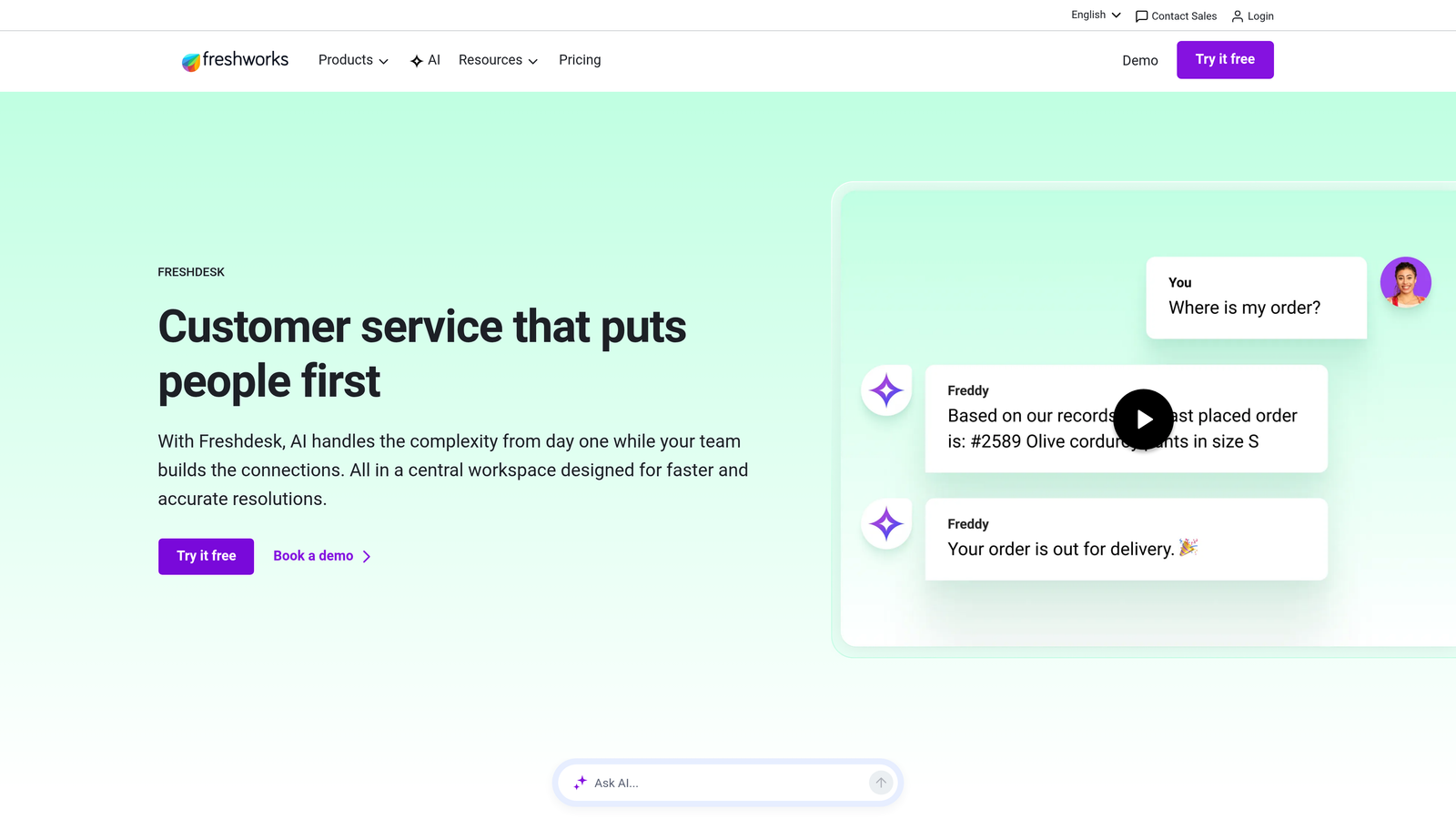
Freshdesk is a helpdesk solution with Freddy AI for intelligent ticket routing and suggestions, offering strong value for growing teams.
Where This Tool Shines
Freshdesk positions itself as the accessible alternative to Zendesk—similar core functionality at significantly lower cost. Freddy AI analyzes tickets to suggest responses, predict customer sentiment, and route issues to the right agents based on skills and availability.
The free tier makes Freshdesk attractive for startups testing support automation. As teams grow, the upgrade path provides enterprise features without enterprise pricing, though the AI capabilities remain more basic than specialized platforms.
Key Features
Freddy AI: Intelligent routing based on agent skills, automated response suggestions, and sentiment analysis of customer messages.
Multi-Channel Support: Manage tickets from email, phone, chat, social media, and web forms in unified interface.
Team Collaboration: Internal notes, ticket assignments, and collision detection to prevent duplicate responses.
SLA Management: Define and track service level agreements with automated escalations for at-risk tickets.
Free Tier: Limited but functional free plan for small teams testing helpdesk software.
Best For
Mid-market B2B companies that need solid helpdesk functionality without the complexity or cost of enterprise platforms. Works well for teams transitioning from email-based support to structured ticketing.
Pricing
Free tier available for up to 10 agents with basic features. Pro plan starts at $49 per agent per month, including Freddy AI capabilities.
5. Help Scout
Best for: Teams prioritizing personal customer relationships with clean, email-like interface
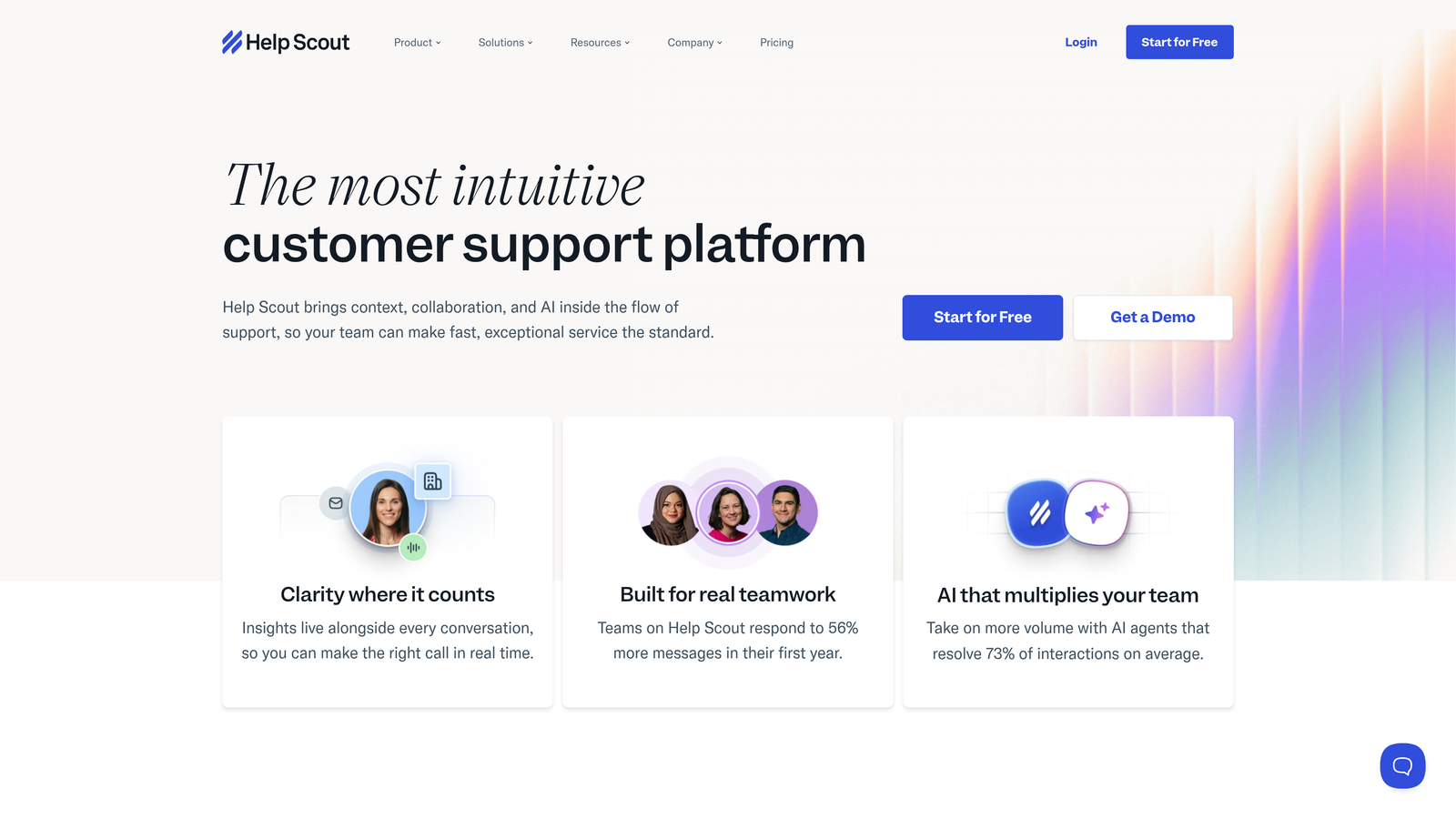
Help Scout is a human-centered support platform with AI drafts and summarization for teams that value personal customer interactions over automation-first approaches.
Where This Tool Shines
Help Scout deliberately avoids the complexity of enterprise helpdesks. The shared inbox feels like email, reducing training time and agent friction. AI features focus on assisting humans rather than replacing them—drafting responses, summarizing long threads, and suggesting relevant knowledge base articles.
The Beacon widget embeds knowledge base articles and chat directly into your product. Customers can search documentation before creating tickets, and when they do need help, the conversation includes full context from their self-service attempts.
Key Features
Shared Inbox: Email-like interface with collision detection to prevent multiple agents responding to the same customer.
AI Drafts: Automatically generates response drafts based on conversation context and knowledge base content.
Docs Knowledge Base: Build searchable help documentation with analytics on article effectiveness and search gaps.
Beacon Widget: Embedded help widget combining knowledge base search and chat in customer-facing products.
Customer Profiles: Unified view of each customer's support history, properties, and previous interactions.
Best For
B2B companies with moderate support volume that prioritize relationship quality over maximum automation. Particularly popular with agencies and consultancies where personalized service differentiates the business.
Pricing
Starts at $20 per user per month. AI features included in all plans without per-usage charges.
6. Kustomer
Best for: High-volume support teams needing unified customer timelines and advanced business process automation
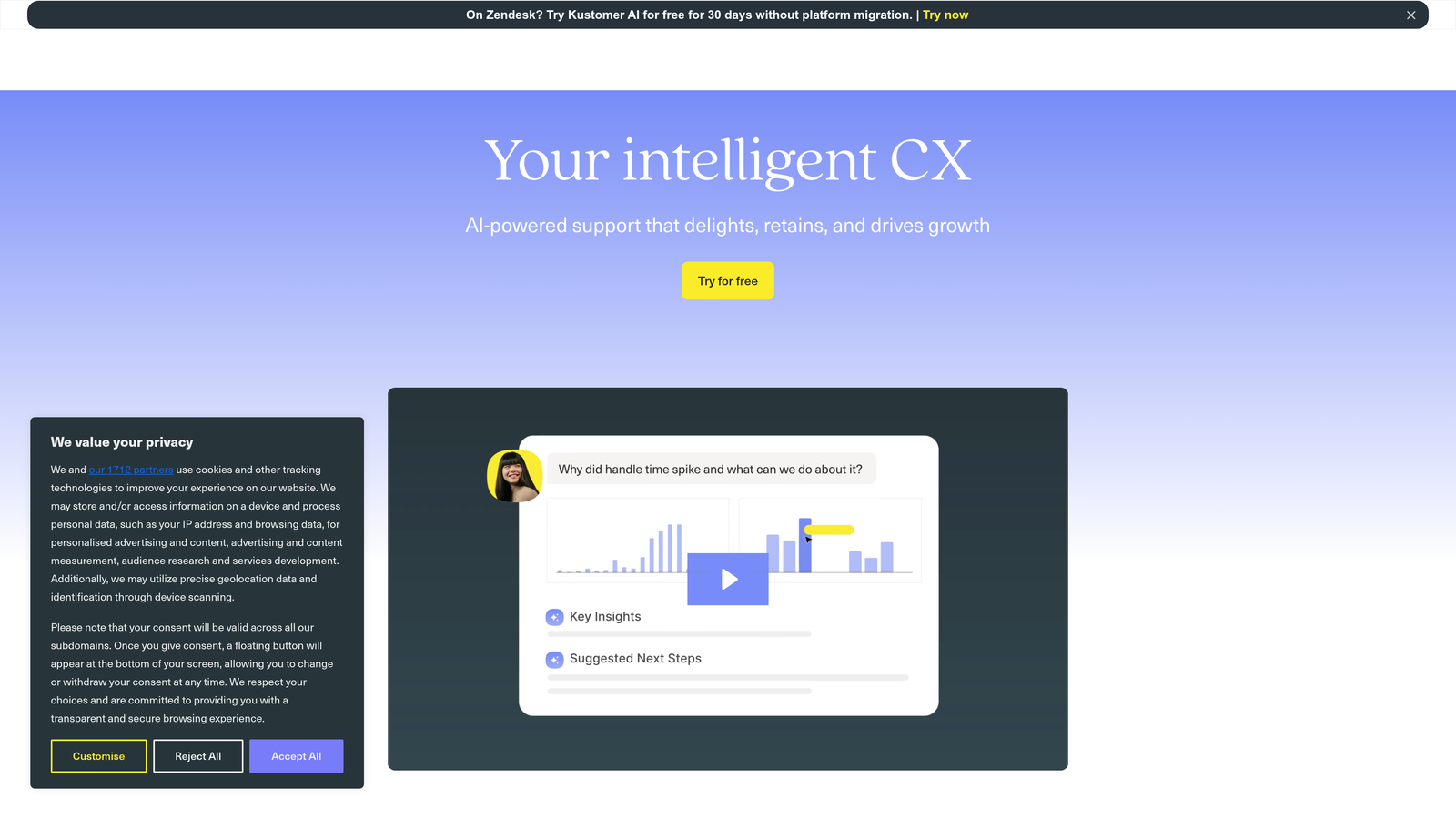
Kustomer is a customer service CRM with timeline-based views and robust automation for teams handling complex, multi-touchpoint customer journeys.
Where This Tool Shines
Kustomer's timeline view shows every customer interaction chronologically—support tickets, purchases, subscription changes, and custom events—in one unified interface. This context helps agents understand the full customer relationship rather than treating each ticket in isolation.
The business process automation goes beyond simple ticket routing. You can build workflows that trigger actions across multiple systems based on customer behavior, support patterns, or business rules. This makes Kustomer particularly strong for companies with complex support operations spanning multiple departments.
Key Features
Customer Timeline: Chronological view of all customer interactions, transactions, and events across channels and systems.
Business Process Automation: Build complex workflows that trigger actions across multiple systems based on conditions and customer data.
AI-Powered Chatbots: Automated conversations with intelligent routing to human agents when needed.
Omnichannel Conversations: Unified threads that combine email, chat, phone, and social media into single customer conversations.
Custom Objects: Define custom data structures to track business-specific information alongside standard support data.
Best For
Enterprise B2B companies with high support volume and complex customer journeys spanning multiple touchpoints. Works well for subscription businesses where support context includes billing, usage, and renewal data.
Pricing
Starts at $89 per user per month. Enterprise features and higher automation limits require custom pricing.
7. Gorgias
Best for: E-commerce companies needing deep Shopify integration and order management within support tickets
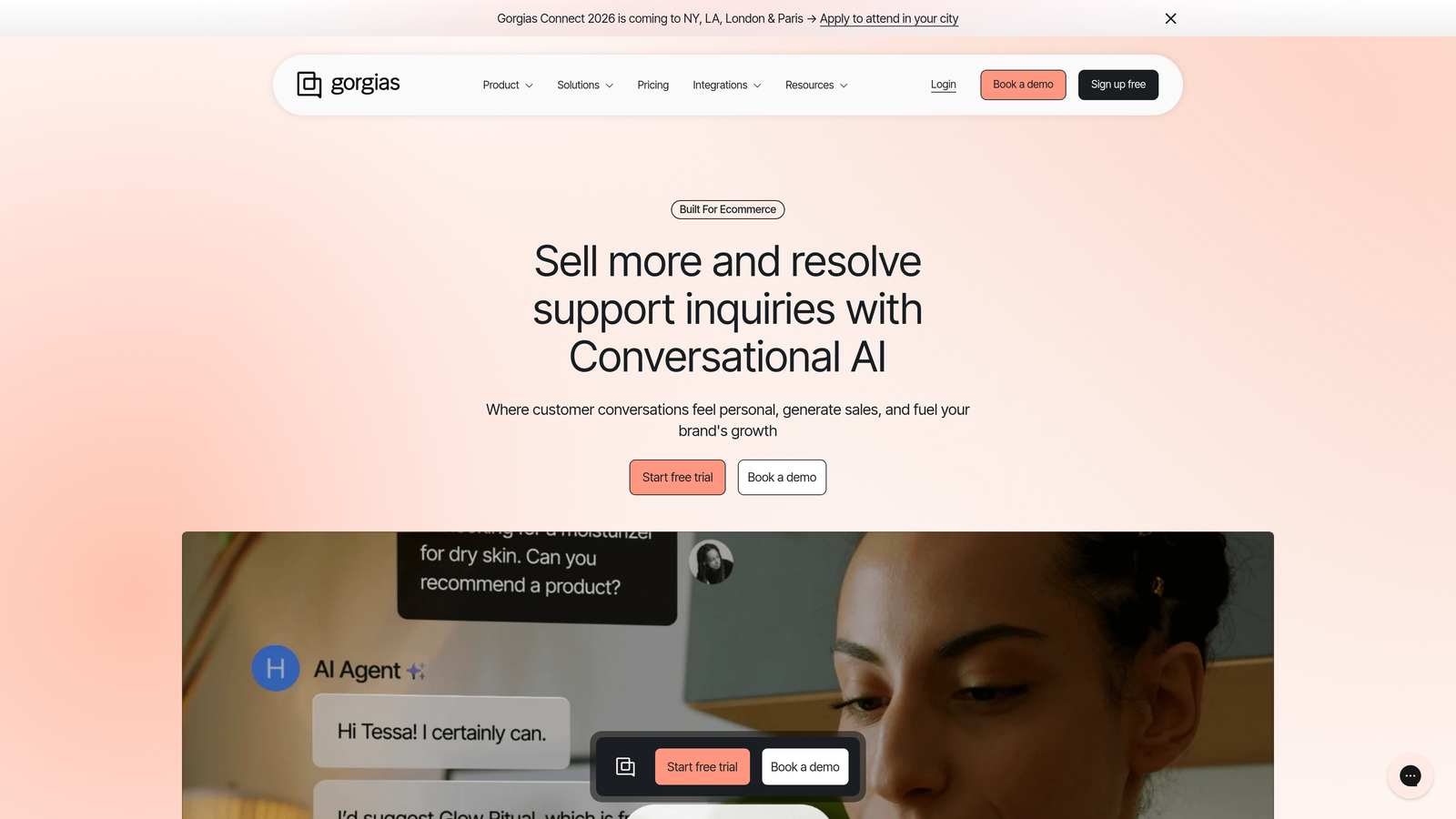
Gorgias is an e-commerce-focused helpdesk with native Shopify integration and automation rules designed for common online retail support scenarios.
Where This Tool Shines
Gorgias is purpose-built for e-commerce support. Agents see order details, shipping status, and customer purchase history directly in tickets without switching to Shopify admin. They can process refunds, update orders, and modify subscriptions without leaving the helpdesk interface.
The automation rules (called Macros) handle repetitive e-commerce scenarios—"Where is my order?" gets automatic responses with tracking links, refund requests trigger approval workflows, and pre-sale questions route to sales team. Revenue statistics per ticket help justify support costs as profit centers rather than cost centers.
Key Features
E-commerce Platform Integrations: Deep native integration with Shopify, BigCommerce, and Magento for order management within tickets.
Order Management: Process refunds, update shipping addresses, modify subscriptions, and edit orders directly from support interface.
Automation Rules: Pre-built and custom macros for common e-commerce support scenarios like order tracking and return requests.
Revenue Statistics: Track revenue impact per ticket to demonstrate support team's contribution to business outcomes.
Social Media Integration: Manage Instagram and Facebook comments and messages alongside traditional support channels.
Best For
E-commerce businesses, particularly Shopify stores, that need support deeply integrated with their commerce platform. Less suitable for B2B SaaS or service businesses without e-commerce components.
Pricing
Starts at $10 per month for 50 tickets, scaling based on ticket volume. Higher tiers add automation rules and advanced features.
8. Front
Best for: Teams wanting email-centric collaboration with AI-powered organization and CRM integration
Front is a shared inbox platform that transforms email into collaborative workflows with AI tagging, routing, and analytics.
Where This Tool Shines
Front treats email as the collaboration hub rather than trying to replace it. The shared inbox gives teams visibility into who's handling what, prevents duplicate responses, and enables internal discussion without forwarding or CC chains. For companies where email remains the primary customer communication channel, this approach feels natural.
AI features focus on organization—automatically tagging conversations by topic, routing to appropriate team members based on content, and surfacing conversations at risk of missing SLA targets. The analytics show team performance without requiring agents to manually categorize every interaction.
Key Features
Shared Inbox: Team visibility into email, SMS, and social messages with assignment and collaboration without forwarding.
Team Collaboration: Internal comments, @mentions, and discussions on customer messages without cluttering the external thread.
AI Tagging and Routing: Automatic conversation categorization and intelligent routing to team members based on message content.
Analytics and SLA Tracking: Performance metrics, response time tracking, and SLA breach warnings without manual ticket categorization.
CRM Integrations: Connect with Salesforce, HubSpot, and other CRMs to see customer context alongside support conversations.
Best For
B2B teams that rely heavily on email communication and want collaboration features without adopting a traditional helpdesk interface. Works well for sales and account management teams handling support alongside other customer interactions.
Pricing
Starts at $19 per seat per month for core shared inbox features. Higher tiers add AI capabilities and advanced analytics.
9. Ada
Best for: Enterprise companies building no-code AI chatbots with multi-language support requirements
Ada is an enterprise conversational AI platform for creating sophisticated chatbots without coding, featuring generative AI responses and support for over 50 languages.
Where This Tool Shines
Ada's no-code bot builder lets non-technical teams design complex conversation flows with branching logic, API integrations, and personalized responses. The generative AI can answer questions beyond pre-programmed responses, using your knowledge base and documentation to construct relevant answers.
Multi-language support makes Ada particularly valuable for global enterprises. The platform doesn't just translate—it understands intent across languages and maintains conversation context when customers switch between languages mid-conversation.
Key Features
No-Code Bot Builder: Visual interface for designing conversation flows with branching logic, integrations, and conditions.
Generative AI Responses: AI constructs answers from knowledge base content rather than only matching pre-written responses.
Multi-Language Support: Understands and responds in over 50 languages with context preservation across language switches.
Handoff to Live Agents: Seamless escalation to human agents with full conversation context when bot reaches limits.
Enterprise Security: SOC 2 compliance, SSO, advanced permissions, and audit trails for regulated industries.
Best For
Large enterprises with global customer bases requiring sophisticated chatbots in multiple languages. Particularly valuable for companies in regulated industries needing enterprise security and compliance features.
Pricing
Contact for enterprise pricing. Implementation typically includes conversation design consultation and integration support.
Making the Right Choice
The support automation landscape has evolved from simple chatbots to intelligent systems that genuinely resolve issues. The right choice depends less on feature checklists and more on how the platform approaches learning and integration.
If you're building a modern support operation around continuous learning and business intelligence, Halo AI's autonomous agents and deep stack integration provide the foundation for support that improves with every interaction. For teams prioritizing customer messaging alongside support, Intercom blends automation with proactive engagement effectively.
Enterprise teams with complex compliance needs will find Zendesk's maturity and extensive marketplace valuable despite higher costs. Mid-market companies can get solid functionality from Freshdesk or Help Scout at more accessible price points. E-commerce businesses should look at Gorgias for purpose-built Shopify integration.
The critical evaluation criteria remain consistent: Can the AI actually resolve tickets autonomously, or does it just deflect? How deeply does it integrate with your existing business systems? Does the platform surface intelligence beyond basic support metrics? And most importantly—does it learn from every interaction to deliver better support over time?
Your support team shouldn't scale linearly with your customer base. Let AI agents handle routine tickets, guide users through your product, and surface business intelligence while your team focuses on complex issues that need a human touch. See Halo in action and discover how continuous learning transforms every interaction into smarter, faster support.