7 Smart AI Customer Support Alternatives That Actually Scale Your Team
When helpdesk tickets pile up and response times lag, finding the right AI customer support alternatives becomes critical for scaling teams efficiently. This guide examines seven proven solutions that B2B companies use to transform support operations beyond traditional platforms like Zendesk and Intercom, focusing on alternatives that genuinely reduce operational burden while improving customer experiences without requiring extensive engineering resources.
 Matt PattoliFounder14 min read
When traditional helpdesk solutions start showing their limits—tickets piling up, response times creeping longer, support costs climbing—the search for AI customer support alternatives begins. But not all AI solutions are created equal. Some bolt AI onto legacy systems as an afterthought. Others require armies of engineers to configure. And many promise automation but deliver frustration for both agents and customers.
This guide cuts through the noise to explore proven alternatives that B2B companies and product teams are using to transform their support operations. Whether you're outgrowing Zendesk, hitting walls with Freshdesk, or finding Intercom's AI capabilities lacking, these strategies will help you evaluate and implement solutions that genuinely improve customer experiences while reducing operational burden.
Each approach addresses specific pain points that drive teams to seek alternatives in the first place. Think of this as your roadmap for moving beyond traditional helpdesk limitations toward intelligent support that actually scales.
1. AI-First Platforms vs. AI-Bolted-On Tools
The Challenge It Solves
Many B2B teams discover that their existing helpdesk's "AI features" feel like an afterthought because they are. When vendors retrofit AI capabilities onto systems designed for human-only workflows, the result is often clunky, limited, and disconnected from the core platform. Your AI chatbot can't access the full context of your knowledge base. Your automation rules conflict with manual workflows. The intelligence never quite feels intelligent.
This architectural mismatch creates a frustrating experience where AI becomes another tool to manage rather than a force multiplier for your team.
The Strategy Explained
Purpose-built AI platforms approach support from a fundamentally different angle. Instead of asking "How do we add AI to our existing ticketing system?" they start with "How should support work if AI handles the majority of interactions?"
The difference shows up in how these systems handle context, learning, and decision-making. AI-first platforms treat machine intelligence as the primary interface, with human agents stepping in for complex escalations. Legacy tools with bolted-on AI do the opposite: they're fundamentally human-centric systems with AI features grafted on.
This architectural distinction affects everything from how quickly the system learns to how seamlessly it integrates with your broader tech stack. When AI is native to the platform rather than an add-on, it can access deeper context, make more nuanced decisions, and improve continuously without hitting the ceiling of what the underlying system was designed to support. Understanding the difference between AI customer support and human agents helps clarify when each approach adds the most value.
Implementation Steps
1. Audit your current system's AI capabilities to identify where they feel disconnected or limited, noting specific examples where the AI lacks context or makes poor decisions.
2. Evaluate alternative platforms by asking vendors specific questions about their architecture: Was this system designed for AI-first operations, or was AI added later? How does the AI access and process historical context?
3. Run parallel tests where you submit the same complex customer scenarios to both your current system and potential alternatives, comparing not just response quality but how the systems learn and improve over subsequent interactions.
Pro Tips
Look for platforms that can articulate their AI architecture clearly. If a vendor can't explain how their AI accesses context or improves over time in concrete terms, that's a red flag. The best AI-first platforms should demonstrate measurable learning curves where response quality improves as the system processes more interactions.
2. Page-Aware Context Intelligence
The Challenge It Solves
Traditional support AI operates blind. A customer says "this button isn't working" and your AI has no idea which button, which page, or what the user is actually seeing. Your support agents end up playing twenty questions: "Which page are you on? Can you send a screenshot? What does the error message say?" This back-and-forth wastes time and frustrates customers who expect AI to understand their context immediately.
The disconnect between what customers see and what your AI knows creates unnecessary friction in every interaction.
The Strategy Explained
Page-aware AI fundamentally changes the support dynamic by understanding the visual context of where customers are in your product. Think of it like the difference between giving someone directions over the phone versus standing next to them and pointing.
These systems integrate directly into your product interface, tracking not just what page a user is on but what elements they're interacting with, what data they're viewing, and what actions they've attempted. When a customer asks for help, the AI already knows their complete context without requiring screenshots or detailed explanations. This is the foundation of effective contextual customer support software.
This contextual awareness enables the AI to provide visual guidance: "Click the blue 'Export' button in the top right corner of your dashboard" rather than generic instructions like "Look for the export function." The AI can see what the customer sees, making its guidance immediately actionable.
Implementation Steps
1. Identify your product's most common support scenarios where visual context matters, such as configuration screens, complex workflows, or feature-rich dashboards where customers frequently get lost.
2. Implement page-aware tracking that captures user context without compromising privacy, focusing on UI state and user actions rather than sensitive data.
3. Configure your AI to reference specific visual elements in its responses, training it to provide guidance that matches what users actually see on their screens rather than generic help center language.
Pro Tips
Page-aware context becomes exponentially more valuable for products with complex UIs or frequent interface updates. If your product team ships new features regularly, traditional support documentation becomes outdated quickly. Page-aware AI automatically understands new UI elements without manual knowledge base updates, keeping support current with your product evolution.
3. Autonomous Resolution with Smart Escalation
The Challenge It Solves
Most AI support tools focus on ticket deflection: preventing customers from creating tickets in the first place. But deflection isn't resolution. Customers who can't find answers in your chatbot eventually submit tickets anyway, now frustrated by the failed self-service attempt. Your team inherits tickets from customers who've already wasted time with unhelpful AI, making those interactions harder to resolve.
The real challenge isn't deflecting tickets but actually resolving customer issues, whether through AI or intelligent handoff to humans.
The Strategy Explained
Autonomous resolution shifts the focus from "Can we prevent this ticket?" to "Can we solve this problem?" The AI attempts genuine resolution by taking actions: updating account settings, processing refunds within defined parameters, triggering workflows, or accessing multiple systems to gather complete information. Building an autonomous customer support system requires careful planning around what actions AI can take independently.
Smart escalation recognizes when human expertise adds value. Instead of forcing customers through endless AI loops, these systems identify signals that indicate human intervention would be more effective: complex edge cases, emotional distress, high-value accounts, or issues requiring judgment calls beyond defined parameters.
The handoff itself becomes intelligent. When escalating to a human agent, the AI provides complete context: what it tried, what information it gathered, and why it determined human assistance was needed. Your agents aren't starting from scratch but continuing a conversation with full background.
Implementation Steps
1. Define clear resolution parameters for common ticket types, specifying what actions your AI can take autonomously versus what requires human approval or expertise.
2. Establish escalation triggers based on conversation patterns, customer sentiment, account value, and issue complexity rather than simple keyword matching.
3. Create handoff protocols that ensure human agents receive complete context when taking over from AI, including conversation history, attempted solutions, and relevant account data.
Pro Tips
Monitor your escalation patterns closely. If AI consistently escalates the same issue types, that's a signal to expand its resolution capabilities in those areas. Conversely, if AI is attempting to resolve issues it shouldn't, tighten your escalation triggers. The goal is continuous refinement of the boundary between autonomous resolution and human expertise.
4. Full-Stack Integration Architecture
The Challenge It Solves
Support conversations rarely stay within support tools. Your customer asks about billing, requiring Stripe data. They report a bug that needs Linear context. They want to schedule a call, pulling in calendar systems. They're confused about a contract term, needing PandaDoc access. Each system silo forces your AI to say "Let me transfer you to someone who can access that" or leaves agents juggling multiple tabs to piece together context.
Fragmented data across disconnected tools makes every interaction slower and less informed than it should be.
The Strategy Explained
Full-stack integration treats your entire business system as the context layer for support intelligence. Instead of your AI living in isolation within a helpdesk, it connects to your CRM for customer history, billing systems for payment context, engineering tools for bug tracking, communication platforms for team coordination, and sales tools for contract details. Effective customer support stack integration eliminates the context-switching that slows down resolution times.

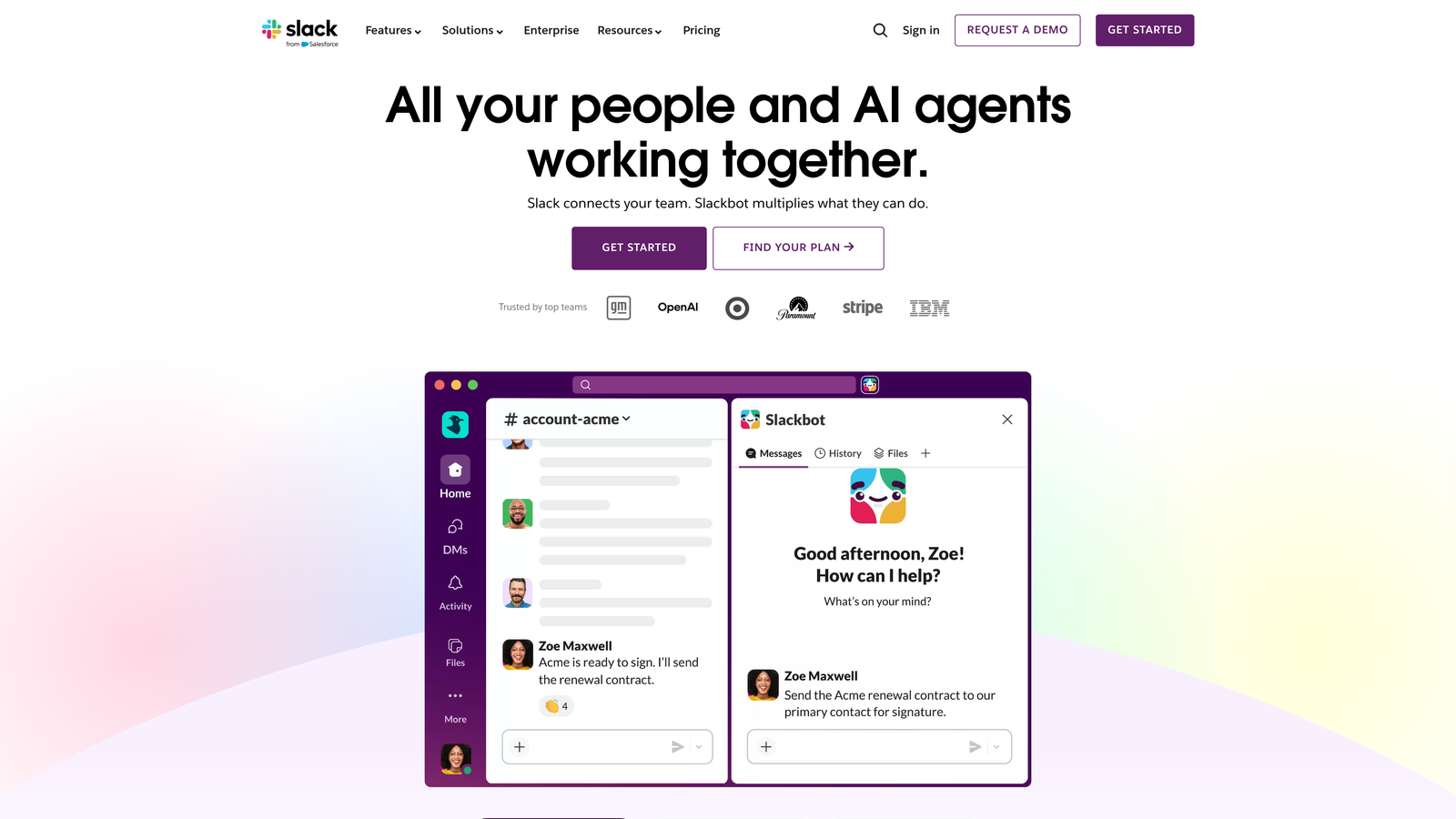
This connected architecture enables AI to answer questions that span multiple systems: "When is my next payment due and what features are included in my plan?" pulls from both billing and product data. "Is the bug I reported last week being worked on?" queries your engineering workflow. "Can I upgrade mid-contract?" accesses both subscription and legal agreement data.
The integration flows both ways. Support interactions create actions in other systems: updating CRM records with customer health signals, creating engineering tickets for reported bugs, triggering alerts in Slack for urgent issues, or logging insights that inform product roadmap decisions.
Implementation Steps
1. Map your most common cross-system support scenarios, identifying which questions require data from multiple tools and how often agents currently switch between systems to gather context.
2. Prioritize integrations based on frequency and impact, starting with systems that your support team accesses most often during customer conversations.
3. Configure bidirectional data flows that both pull context into support conversations and push support insights back into business systems, creating feedback loops that inform product, sales, and engineering teams.
Pro Tips
The real power of full-stack integration emerges when your AI can take actions across systems, not just read data. Look for platforms that can create Linear tickets, update HubSpot records, or trigger Slack notifications based on support conversations. This transforms support from a reactive information-gathering exercise into a proactive coordination layer across your entire business.
5. Proactive Bug Detection and Engineering Feedback Loops
The Challenge It Solves
Product issues often surface through support conversations long before they appear in error monitoring or analytics. A customer reports a confusing workflow. Another mentions a feature that doesn't work as expected. A third describes an error message that doesn't make sense. Each interaction contains valuable product feedback, but it stays trapped in support tickets that engineering teams never see.
This disconnect means your support team repeatedly handles issues that could be fixed at the source while your engineering team lacks visibility into real-world product friction.
The Strategy Explained
Intelligent bug detection analyzes support conversation patterns to identify recurring product issues automatically. When multiple customers describe similar problems, the AI recognizes the pattern and flags it as a potential bug or UX issue requiring engineering attention. Implementing proactive customer support software helps catch these issues before they escalate into widespread problems.
The system goes beyond simple pattern matching. It understands context: distinguishing between user confusion that needs better documentation versus actual product defects requiring code changes. It assesses severity based on frequency, customer impact, and business context like affected account values or churn risk.
Once identified, these issues flow directly into engineering workflows. The AI creates detailed bug reports in tools like Linear, including affected customer examples, reproduction steps gathered from support conversations, and priority recommendations based on business impact. Engineering teams receive actionable tickets rather than vague "customers are complaining about X" messages.
Implementation Steps
1. Configure pattern recognition that identifies recurring themes across support conversations, focusing on specific features, error messages, or user workflows that generate repeated questions or complaints.
2. Establish thresholds and criteria for automatic bug ticket creation, balancing sensitivity to catch real issues against specificity to avoid flooding engineering with false positives.
3. Create feedback loops where engineering can mark AI-generated tickets as valid bugs, feature requests, or documentation needs, training the system to improve its categorization over time.
Pro Tips
The most valuable bug detection catches issues that traditional monitoring misses: confusing UX, misleading copy, or features that technically work but don't match user expectations. These "soft bugs" often have bigger business impact than hard errors because they affect every user, not just edge cases. Configure your AI to flag these experience issues alongside technical defects.
6. Business Intelligence Beyond Support Metrics
The Challenge It Solves
Traditional support analytics tell you how many tickets you resolved and how fast, but they miss the strategic insights buried in customer conversations. Which customers are showing early warning signs of churn? What feature requests correlate with expansion opportunities? Which onboarding gaps create the most support burden? These signals exist in your support data but remain invisible when you're only tracking operational metrics.
Treating support purely as a cost center to optimize misses its potential as a source of business intelligence that informs product, sales, and customer success strategies.
The Strategy Explained
Advanced AI support platforms extract strategic insights from conversation patterns, transforming support interactions into business intelligence. The AI analyzes not just what customers ask but what those questions reveal about product-market fit, customer health, revenue opportunities, and operational efficiency.
Customer health scoring emerges from support patterns: customers asking basic questions weeks after onboarding signal poor adoption. Repeated questions about advanced features from growing accounts indicate expansion readiness. Frustrated tone combined with billing questions predicts churn risk. The AI surfaces these signals to customer success teams before problems escalate. Understanding customer churn prediction from support data transforms reactive support into proactive retention.
Revenue intelligence identifies upsell opportunities when customers ask about features in higher-tier plans, cross-sell potential when questions indicate adjacent needs, and retention risks when usage patterns change. Product intelligence aggregates feature requests, identifies adoption barriers, and highlights areas where customers expect capabilities you don't offer.
Implementation Steps
1. Define the business questions that support data could answer beyond operational metrics, such as which customer segments need the most hand-holding, what drives upgrade decisions, or where onboarding breaks down.
2. Configure AI analysis that tags conversations with strategic metadata: customer sentiment, feature interest, health indicators, and revenue signals that complement basic ticket categorization.
3. Build dashboards and alerts that surface these insights to stakeholders outside support: customer success teams get health scores, product teams see feature request trends, sales teams receive expansion signals.
Pro Tips
The most actionable business intelligence comes from connecting support patterns to outcomes. Track which early support behaviors correlate with later churn or expansion. Identify which onboarding questions predict long-term success. These correlations transform support from a lagging indicator to a leading predictor of customer trajectory, enabling proactive intervention before problems become crises.
7. Knowledge Base Automation and Self-Service Enhancement
The Challenge It Solves
Maintaining comprehensive, current documentation feels like a losing battle. Your product evolves faster than your help center. Customers ask questions that existing articles don't quite answer. Your team knows which documentation gaps cause the most tickets, but writing and updating articles competes with actually resolving customer issues. Meanwhile, outdated or incomplete documentation makes your AI less effective, creating a vicious cycle.
Static knowledge bases can't keep pace with dynamic products, leaving both AI and customers working with incomplete or outdated information.
The Strategy Explained
AI-powered knowledge management transforms documentation from a manual maintenance burden into a self-improving system. The AI identifies documentation gaps by analyzing which questions it struggles to answer or where customers abandon self-service attempts. It suggests new articles based on emerging question patterns and flags existing content that needs updates when customer confusion indicates outdated information.
The system can draft documentation automatically, using successful support conversations as templates. When an agent provides a particularly clear explanation of a complex topic, the AI can adapt that explanation into help center content. When multiple customers ask variations of the same question, the AI recognizes the pattern and generates comprehensive coverage. This approach powers effective self-service customer support tools that actually reduce ticket volume.
Continuous optimization happens as the AI tracks which articles successfully resolve customer questions versus which ones lead to continued confusion or ticket creation. High-performing content gets surfaced more prominently. Underperforming articles get flagged for revision. The knowledge base becomes a living system that improves based on actual customer behavior.
Implementation Steps
1. Analyze your current support conversations to identify the top questions that existing documentation doesn't adequately address, creating a prioritized list of content gaps.
2. Enable AI-assisted content creation where the system drafts articles based on successful support resolutions, requiring human review and approval before publication to maintain quality standards.
3. Implement continuous monitoring that tracks article performance metrics: which content successfully resolves questions, which leads to follow-up confusion, and which becomes outdated as your product evolves.
Pro Tips
The best knowledge base automation doesn't just create more content but creates better-targeted content. Focus on articles that address the questions customers actually ask rather than comprehensive coverage of features they rarely use. Let AI analytics guide your content strategy: write detailed guides for high-frequency questions and brief overviews for edge cases. This targeted approach keeps documentation manageable while maximizing its impact on ticket deflection.
Your Implementation Roadmap
Choosing the right AI customer support alternative isn't about finding the flashiest features. It's about matching capabilities to your specific pain points. Start by auditing your current bottlenecks: Are tickets going unresolved because AI lacks context? Is your support data siloed from other business systems? Are you drowning in repeat issues that engineering never sees?
Prioritize solutions that address your most pressing challenges first, then expand. If your biggest problem is repetitive questions that existing AI can't handle, focus on page-aware context and knowledge base automation. If you're struggling with disconnected tools, prioritize full-stack integration. If product issues keep resurfacing in support, emphasize bug detection and engineering feedback loops.
For teams ready to move beyond bolt-on AI, the shift to purpose-built intelligent support platforms can dramatically change what's possible. These systems transform support from a cost center into a source of business intelligence and customer insight, extracting strategic value from every interaction while reducing the operational burden on your team.
Your support team shouldn't scale linearly with your customer base. Let AI agents handle routine tickets, guide users through your product, and surface business intelligence while your team focuses on complex issues that need a human touch. See Halo in action and discover how continuous learning transforms every interaction into smarter, faster support.