9 Best Self-Service Customer Support Tools in 2026
Modern customers demand immediate solutions without waiting for support agents, making self-service customer support tools essential for B2B companies. This comprehensive guide explores the nine leading platforms in 2026 that enable autonomous problem-solving through AI chatbots, knowledge bases, community forums, and interactive guides—helping businesses reduce ticket volume while empowering customers to resolve issues on their own schedule.
 Matt PattoliFounder12 min read
Today's customers expect instant answers. They don't want to wait in queue or schedule a callback—they want to solve problems on their own terms, at any hour. Self-service customer support tools make this possible by empowering users to find solutions through knowledge bases, AI chatbots, community forums, and interactive guides.
For B2B companies especially, effective self-service reduces ticket volume, accelerates resolution times, and frees support teams to focus on complex issues that truly need human attention. This guide covers the top tools that excel at different aspects of self-service support, from AI-powered ticket resolution to comprehensive knowledge management.
1. Halo AI
Best for: B2B companies seeking autonomous AI agents that resolve tickets and provide intelligent product guidance
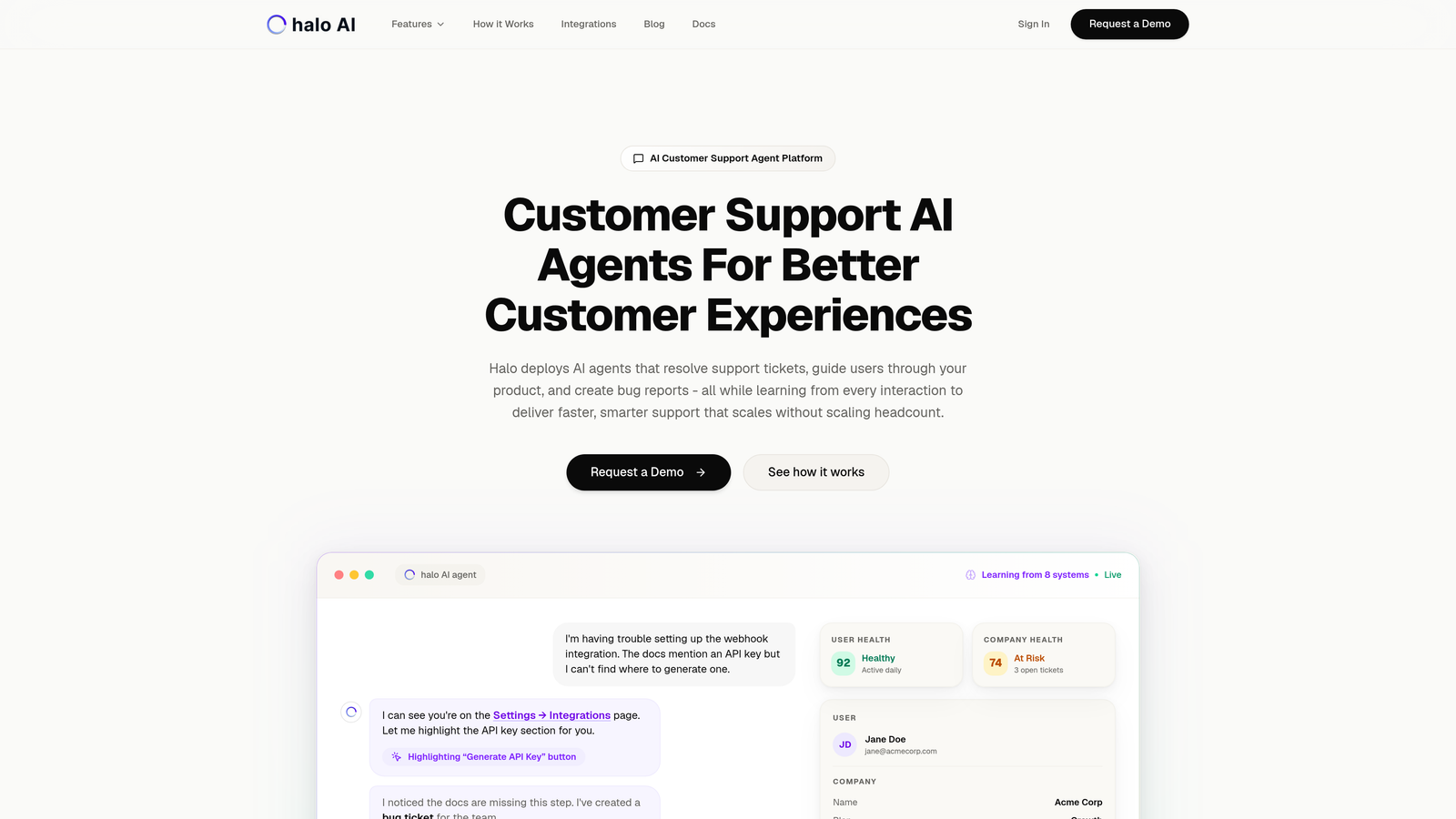
Halo AI is an AI-first customer support platform where autonomous agents handle ticket resolution, guide users through products, and continuously learn from every interaction.
Where This Tool Shines
Unlike traditional helpdesks with AI bolted on, Halo was built from the ground up for autonomous operation. Its AI agents don't just deflect tickets to knowledge base articles—they actually resolve issues by understanding context, taking actions, and learning from outcomes.
The page-aware chat widget sees exactly what users see in your product, providing visual guidance that goes beyond text-based answers. This contextual awareness means users get help specific to their current screen, reducing the back-and-forth typical of traditional support.
Key Features
Autonomous AI Agents: Resolve support tickets end-to-end without human intervention, handling routine issues while escalating complex cases.
Page-Aware Context: Chat widget understands what users are looking at in your product, providing visual UI guidance tailored to their current screen.
Continuous Learning: Every interaction trains the system, making responses smarter and more accurate over time without manual updates.
Auto Bug Ticket Creation: Automatically generates detailed bug reports with technical context when issues are identified, routing them to your development tools.
Business Intelligence Analytics: Surfaces customer health signals, revenue intelligence, and anomaly detection beyond basic support metrics.
Best For
B2B product teams and SaaS companies who want support that scales without scaling headcount. Particularly valuable for companies with complex products where context matters, or those already using systems like Zendesk, Freshdesk, or Intercom who need more intelligent automation.
Pricing
Contact for custom pricing based on your support volume and integration requirements.
2. Zendesk
Best for: Enterprise teams needing comprehensive self-service with advanced analytics and customization
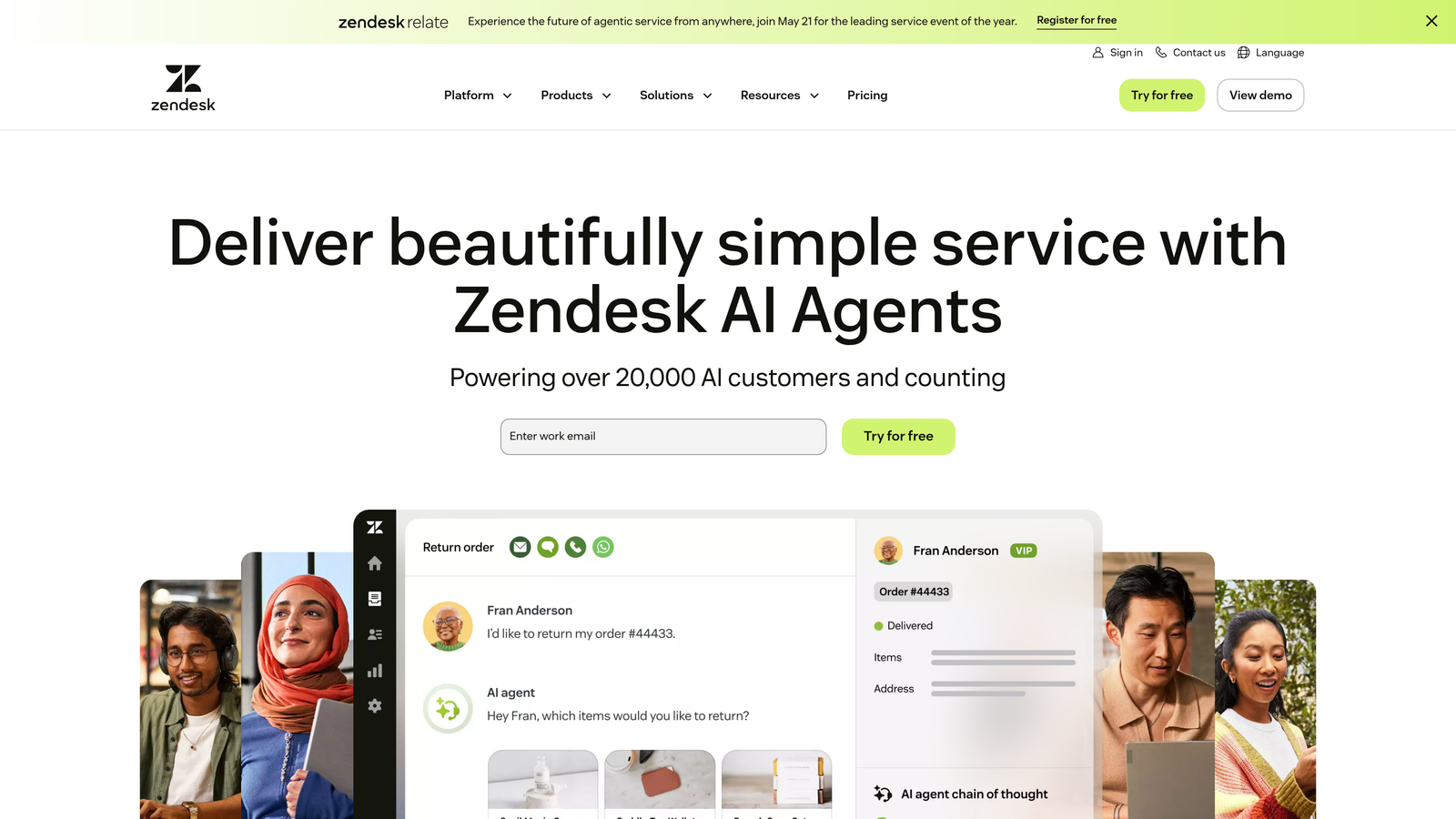
Zendesk is an enterprise-grade helpdesk platform offering robust self-service capabilities through Zendesk Guide knowledge base and Answer Bot AI.
Where This Tool Shines
Zendesk Guide provides one of the most mature knowledge base platforms available, with sophisticated content management, multi-brand support, and granular permissions. The platform excels at organizing large content libraries across multiple product lines or customer segments.
Answer Bot uses AI to suggest relevant articles during ticket submission, often resolving issues before they reach your queue. The analytics suite helps identify content gaps by showing which searches return no results and which articles users find most helpful.
Key Features
Zendesk Guide: Comprehensive knowledge base with multi-language support, version control, and content approval workflows.
Answer Bot AI: Suggests relevant articles to customers during ticket creation, reducing submission volume.
Community Forums: Enable peer-to-peer support where customers help each other, moderated by your team.
Customizable Help Centers: Extensive theming options to match your brand, with custom domains and CSS control.
Content Analytics: Detailed metrics on article performance, search effectiveness, and user satisfaction ratings.
Best For
Large enterprises with complex support needs, multiple product lines, or international customer bases requiring multi-language support. Works well for companies with dedicated content teams who can leverage the advanced publishing workflows.
Pricing
Suite Team plan starts at $55 per agent per month, with higher tiers offering advanced AI and customization features.
3. Intercom
Best for: SaaS companies wanting conversational support combined with proactive product guidance
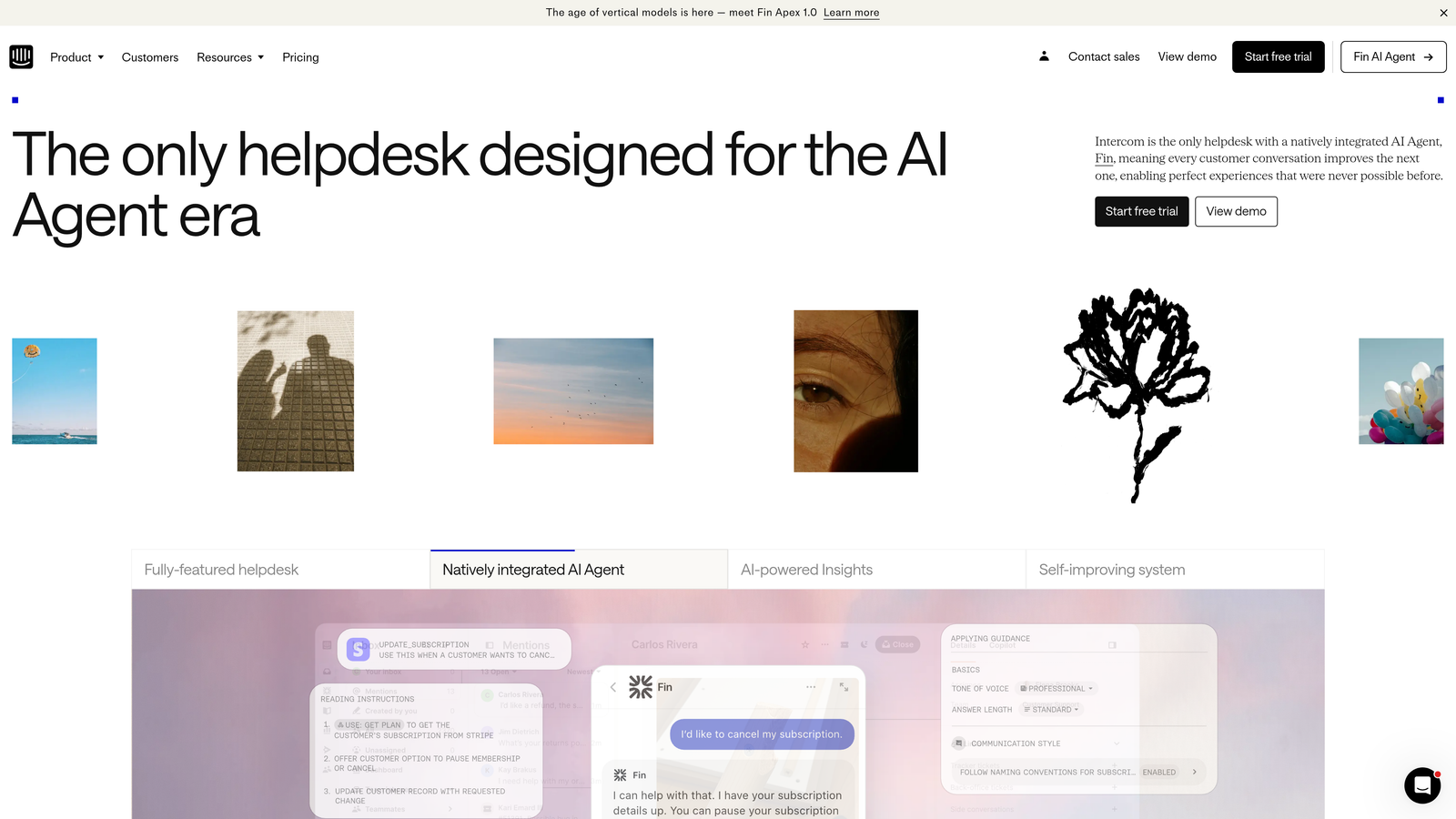
Intercom is a conversational support platform that blends messenger-based self-service with Fin AI chatbot and interactive product tours.
Where This Tool Shines
Intercom's messenger-first approach feels native to modern SaaS products. The platform doesn't just react to support requests—it proactively guides users through onboarding and feature adoption with targeted messages and product tours.
Fin AI represents Intercom's push into autonomous resolution, using natural language processing to understand questions and pull answers from your knowledge base. The conversational interface feels more natural than traditional search-based help centers.
Key Features
Fin AI Agent: Conversational AI that resolves customer questions by understanding intent and retrieving relevant knowledge base content.
Product Tours: Interactive walkthroughs that guide users through features, reducing support volume by improving product understanding.
Articles Knowledge Base: Clean, searchable help content that integrates seamlessly with the messenger experience.
Custom Bots and Workflows: Build conversation flows that qualify issues, gather information, or route to the right team.
Proactive Messaging: Trigger support messages based on user behavior, preventing issues before they become tickets.
Best For
SaaS companies focused on product-led growth who want support integrated tightly with their product experience. Particularly effective for companies that value proactive engagement over reactive ticket handling.
Pricing
Starter plan begins at $74 per month for basic features. Fin AI is priced separately based on resolution volume, typically adding significant cost but potentially reducing agent headcount.
4. Freshdesk
Best for: Growing companies seeking feature-rich self-service at competitive pricing
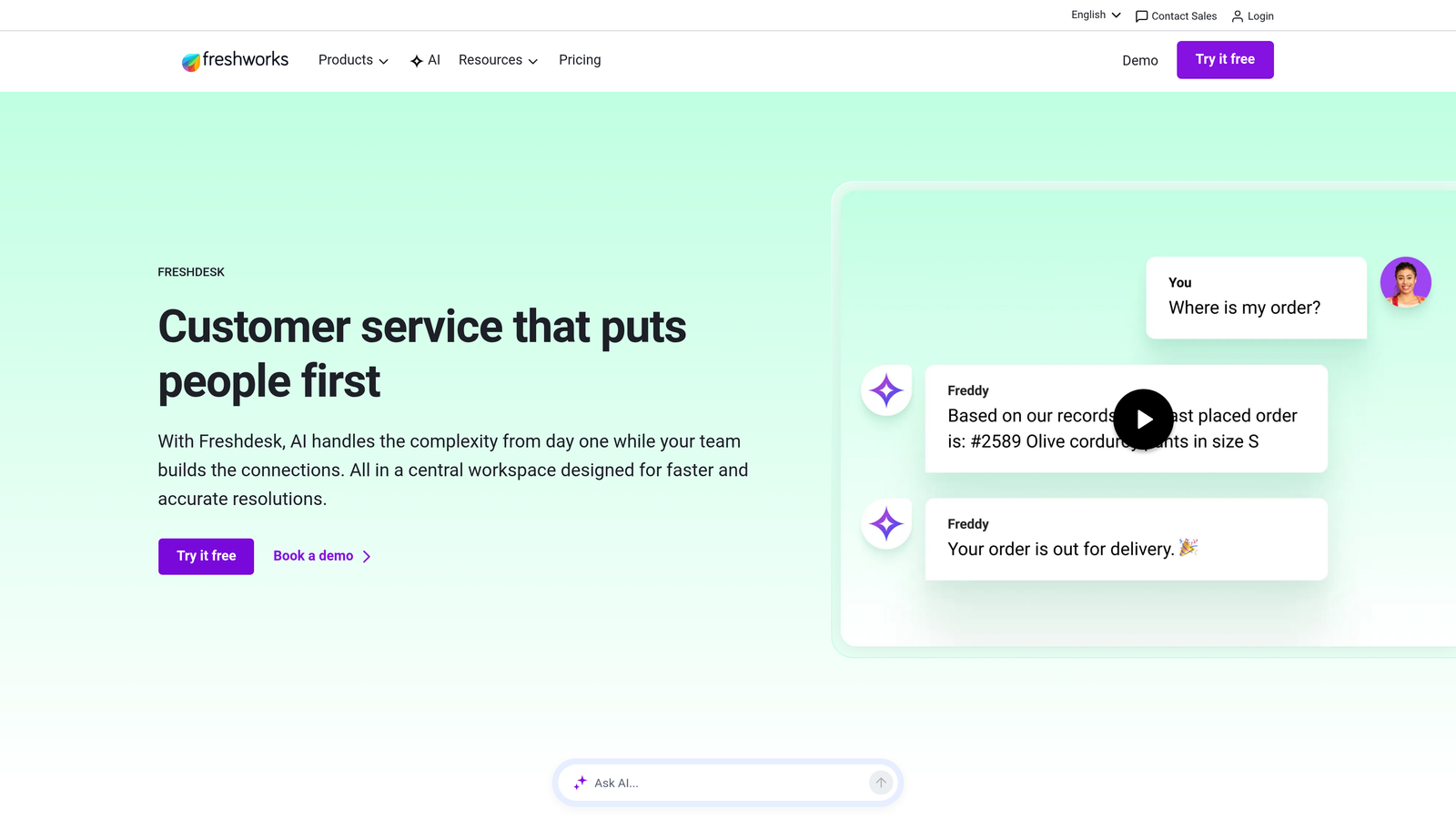
Freshdesk is a feature-packed helpdesk platform offering strong self-service options including Freddy AI, knowledge base, and community forums at accessible price points.
Where This Tool Shines
Freshdesk delivers enterprise-level self-service features without enterprise pricing. The platform includes capabilities that competitors charge premium rates for—like AI automation, multi-language support, and community forums—in mid-tier plans.
Freddy AI goes beyond simple chatbots, offering sentiment analysis, intelligent article suggestions, and even predictive support that anticipates customer needs. The email-to-knowledge base feature automatically converts resolved tickets into help articles, building your content library organically.
Key Features
Freddy AI: Intelligent automation for article suggestions, sentiment analysis, and predictive support capabilities.
Multi-Language Knowledge Base: Create help content in multiple languages with easy translation workflows.
Community Forums: Built-in forum platform for peer-to-peer support and user discussions.
Email-to-Knowledge: Convert resolved email tickets into knowledge base articles with one click, scaling content creation.
Customer Satisfaction Surveys: Automated CSAT surveys help identify which articles are actually helpful.
Best For
Mid-market companies and growing startups who need comprehensive self-service features but can't justify Zendesk's pricing. Excellent for teams who want to build content libraries quickly through ticket conversion.
Pricing
Free tier available for up to 10 agents with basic features. Growth plan at $15 per agent per month includes AI capabilities and advanced self-service tools.
5. Help Scout
Best for: Teams prioritizing simplicity and human-focused support with clean, contextual self-service
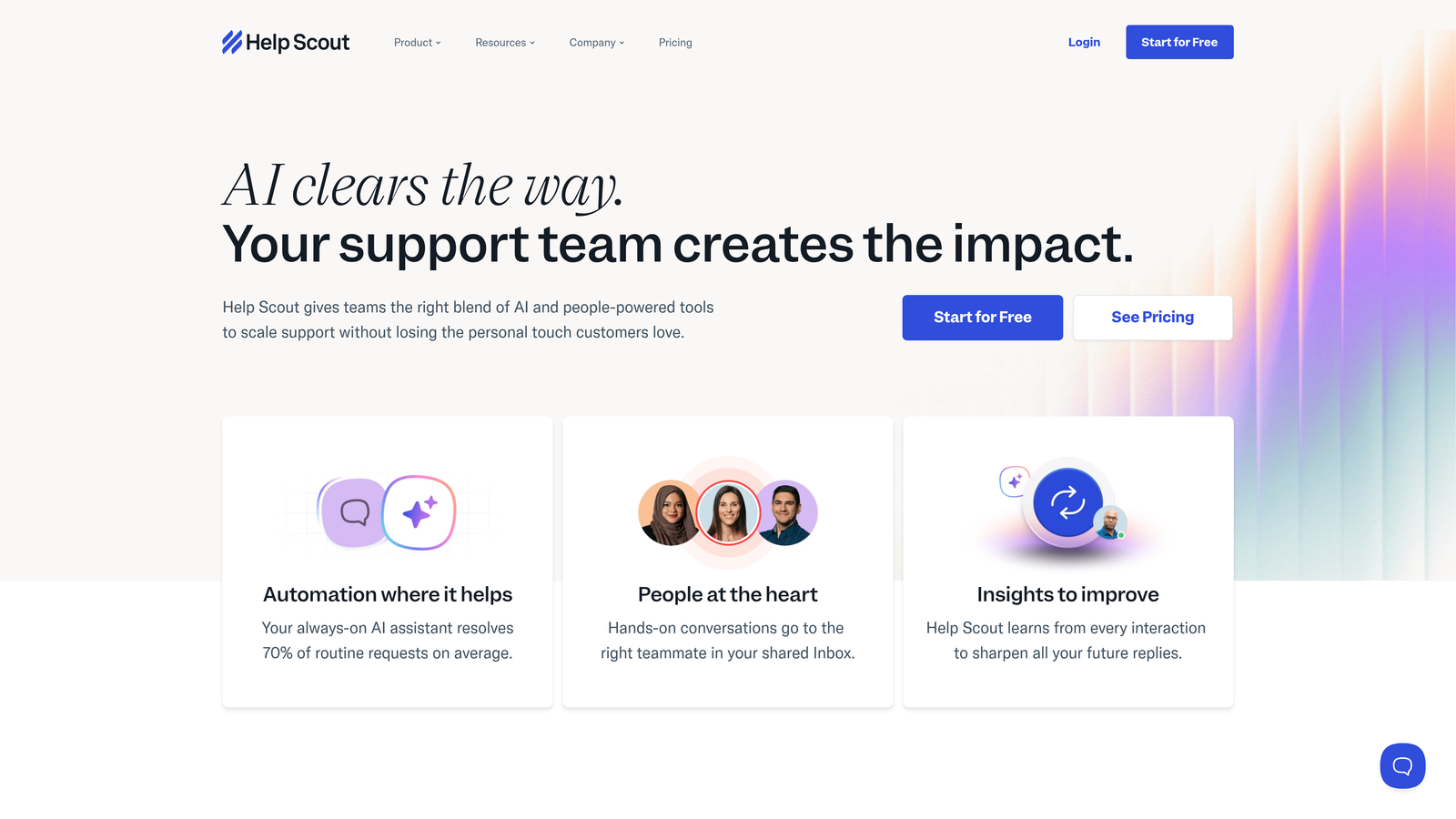
Help Scout is a straightforward support platform featuring Docs knowledge base and Beacon widget for embedded, contextual self-service.
Where This Tool Shines
Help Scout deliberately avoids feature bloat, focusing on making self-service feel natural rather than overwhelming. Docs provides a clean knowledge base platform without unnecessary complexity, making it easy for small teams to maintain quality content.
The Beacon widget embeds help directly into your product, showing relevant articles based on the page users are viewing. This contextual approach means customers find answers without leaving your application or interrupting their workflow.
Key Features
Docs Knowledge Base: Clean, simple platform for creating and organizing help content without steep learning curves.
Beacon Widget: Embeddable help widget that shows contextual articles based on the user's current page.
AI-Powered Suggestions: Intelligent article recommendations during ticket creation to deflect common questions.
Simple Interface: Intentionally streamlined design that makes it easy for teams to adopt and maintain.
Collision Detection: Prevents multiple agents from responding to the same ticket, reducing duplicate work.
Best For
Small to mid-sized teams who value ease of use over feature abundance. Perfect for companies that want effective self-service without dedicating staff to complex platform management.
Pricing
Standard plan at $20 per user per month includes full Docs access and Beacon widget. No free tier, but pricing remains consistent and predictable.
6. Zoho Desk
Best for: Companies in the Zoho ecosystem seeking integrated self-service with AI assistance
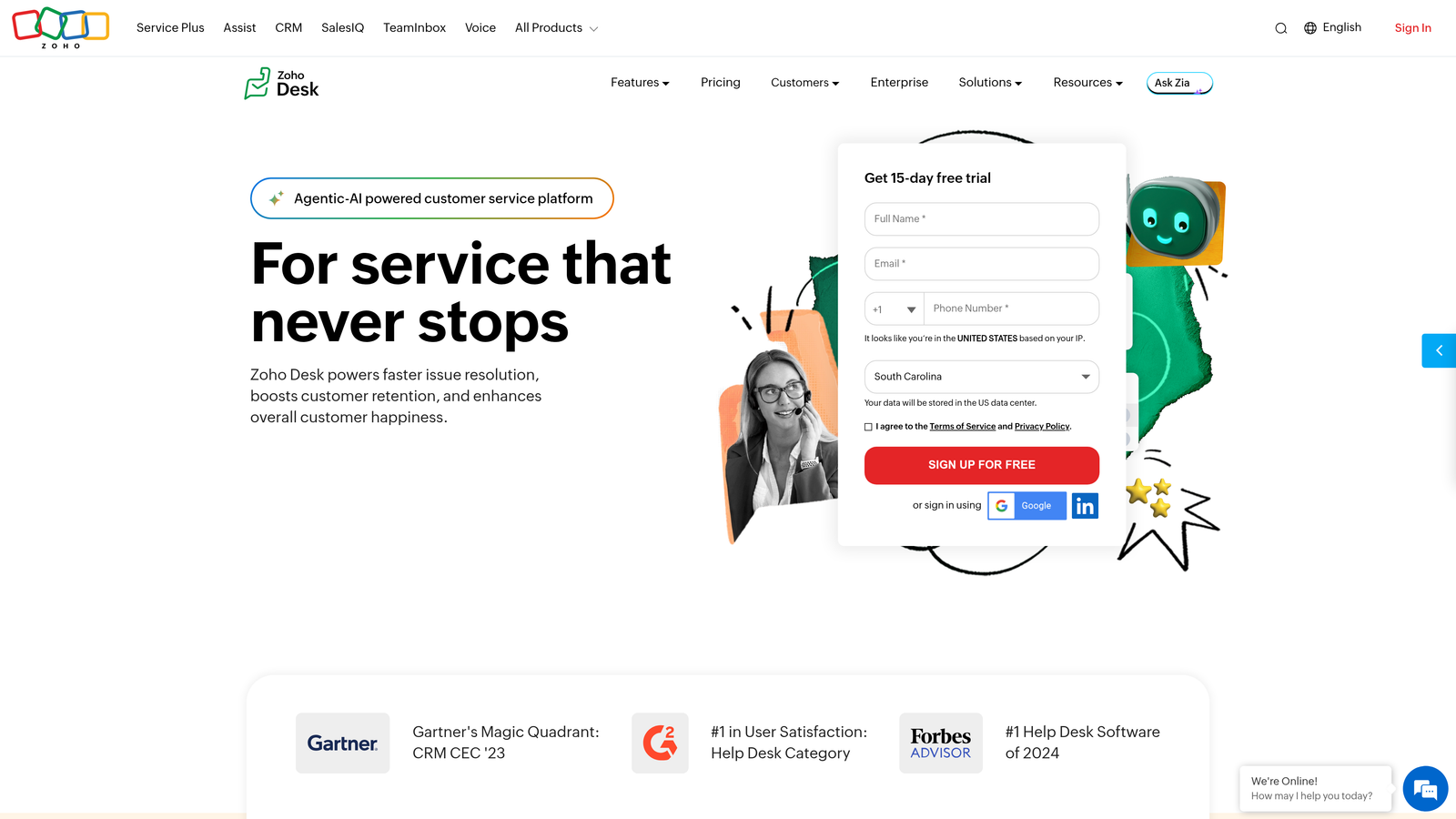
Zoho Desk is a full-featured helpdesk with Zia AI assistant, knowledge base, and community forums, offering deep integration with other Zoho applications.
Where This Tool Shines
Zoho Desk's ASAP widget provides embedded self-service that feels native to your product, combining knowledge base search, community access, and guided conversations in one interface. The widget learns from user interactions to improve article suggestions over time.
Zia AI goes beyond basic chatbots, offering sentiment analysis to flag frustrated customers, contextual suggestions based on ticket content, and even anomaly detection to identify unusual support patterns. For companies already using Zoho CRM, Analytics, or other Zoho products, the native integrations eliminate data silos.
Key Features
Zia AI Assistant: Provides sentiment analysis, intelligent suggestions, and anomaly detection across support interactions.
ASAP Widget: Embeddable self-service interface combining knowledge base, community, and guided workflows.
Community Forums: Built-in forum platform for peer support and user discussions.
Guided Conversations: Interactive decision trees that help users navigate to solutions step-by-step.
Zoho Integration: Native connections to Zoho CRM, Analytics, Projects, and entire Zoho ecosystem.
Best For
Companies already invested in Zoho's business software suite who want support data integrated with CRM, sales, and analytics systems. Also suitable for budget-conscious teams seeking enterprise features at SMB pricing.
Pricing
Free plan available for up to 3 agents with basic features. Standard plan at $14 per agent per month includes Zia AI and advanced self-service capabilities.
7. Helpjuice
Best for: Organizations prioritizing powerful search and extensive knowledge base customization
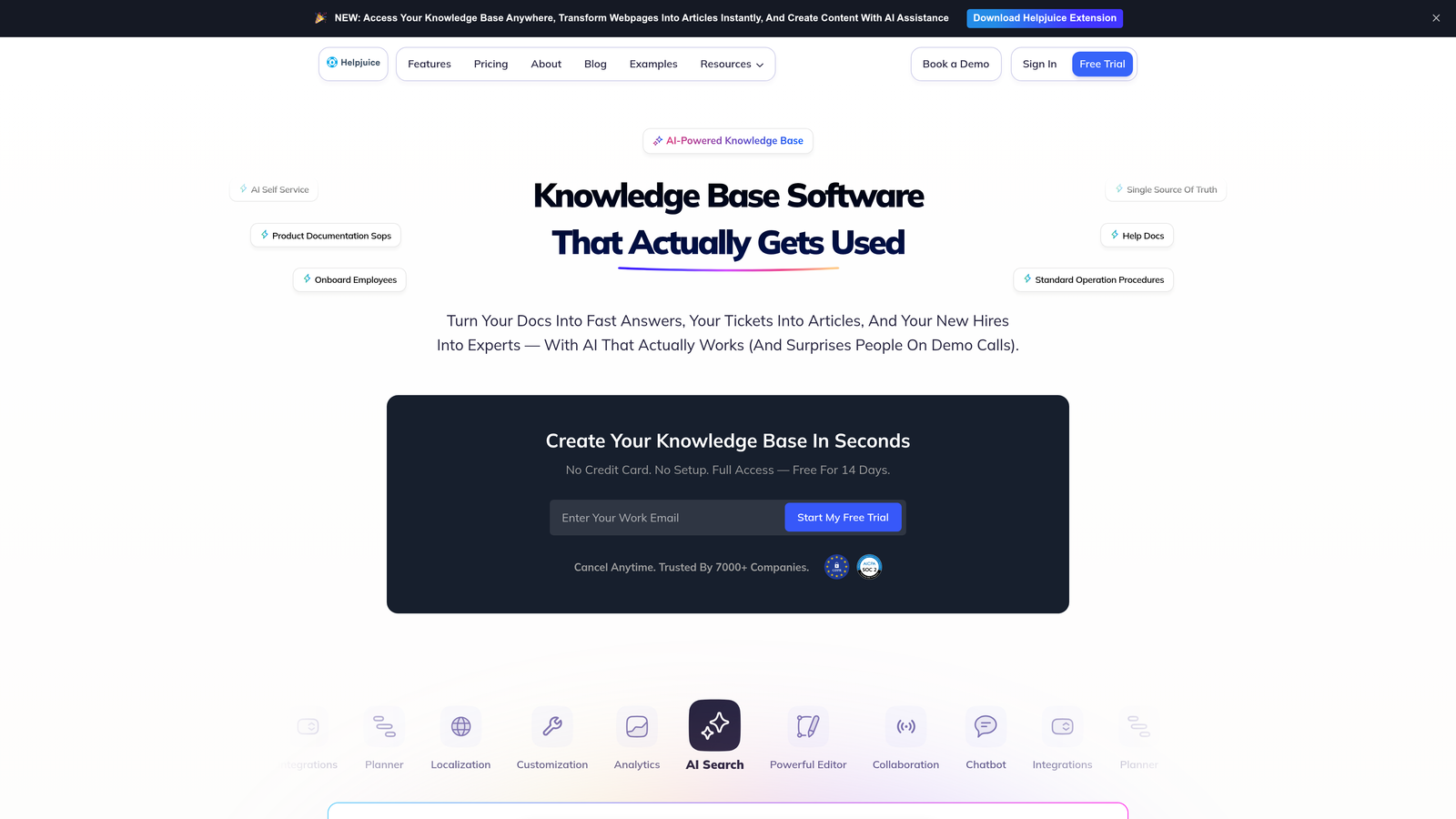
Helpjuice is a dedicated knowledge base platform featuring Google-like intelligent search, detailed analytics, and unlimited customization options.
Where This Tool Shines
Helpjuice's search engine uses advanced algorithms that understand context, synonyms, and user intent—not just keyword matching. This means customers find relevant articles even when they phrase questions differently than your content writers.
The analytics dashboard reveals exactly how customers interact with your knowledge base: which searches fail, which articles get read but don't solve problems, and which content drives the most deflection. These insights help content teams focus improvements where they'll have the biggest impact.
Key Features
Intelligent Search: Advanced search algorithm that understands context, synonyms, and intent beyond simple keyword matching.
Detailed Analytics: Comprehensive metrics on search queries, article performance, user paths, and content effectiveness.
Unlimited Customization: Complete control over design, branding, and layout without coding restrictions.
Multi-Language Support: Create content in multiple languages with built-in translation workflows.
Collaboration Workflows: Article approval processes, version control, and team collaboration features for content quality.
Best For
Companies with large, complex knowledge bases where search quality directly impacts deflection rates. Particularly valuable for organizations with dedicated technical writers who need sophisticated content management tools.
Pricing
Starts at $120 per month for up to 4 users, scaling based on team size. All plans include unlimited articles and customization.
8. Document360
Best for: Technical teams creating developer documentation and API references
Document360 is a knowledge base platform designed specifically for technical documentation, featuring version control, category management, and developer-friendly editing tools.
Where This Tool Shines
Document360 understands that technical documentation has different needs than general help content. The platform supports both Markdown and WYSIWYG editors, letting technical writers work in their preferred format while maintaining consistent output.
Version control tracks every change to documentation, making it easy to revert mistakes or see how content evolved. This is critical for API documentation where accuracy matters and teams need to maintain multiple versions for different software releases.
Key Features
Version Control: Complete article history with ability to compare versions, revert changes, and maintain multiple doc versions.
Markdown and WYSIWYG: Choose your preferred editing method, with both options producing consistent formatted output.
API Documentation: Built-in support for API reference documentation with code samples and interactive examples.
Advanced Permissions: Granular access controls and approval workflows for content quality and security.
Analytics and Feedback: Track article performance and collect user feedback to identify improvement opportunities.
Best For
SaaS companies and developer tool providers who need professional technical documentation. Excellent for teams maintaining API references, integration guides, or developer portals alongside standard help content.
Pricing
Free tier available for basic use. Standard plan at $149 per project per month includes advanced features, version control, and team collaboration tools.
9. Stonly
Best for: Creating interactive step-by-step guides and decision trees for complex processes
Stonly is an interactive guide platform that enables teams to build visual walkthroughs and decision trees that guide users to solutions without traditional article formats.
Where This Tool Shines
Stonly reimagines self-service by replacing static articles with interactive experiences. Instead of reading a long help article, users answer a few questions and get guided step-by-step to their specific solution. This approach works particularly well for complex processes with multiple paths.
The no-code builder lets support teams create sophisticated decision trees without developer involvement. You can embed these guides directly in your product, trigger them based on user behavior, or surface them in your help center—all while tracking which paths users follow and where they get stuck.
Key Features
No-Code Guide Builder: Visual interface for creating interactive guides and decision trees without technical skills.
Decision Tree Logic: Build branching paths that adapt based on user responses, providing personalized guidance.
Embeddable Widgets: Deploy guides as tooltips, sidebars, or full-screen experiences within your product.
Performance Analytics: Track which guides are used, where users drop off, and which paths lead to successful resolution.
Helpdesk Integrations: Connect with Zendesk, Intercom, and other platforms to surface guides in existing support workflows.
Best For
Companies with complex products or processes that don't fit well into traditional article formats. Particularly effective for onboarding flows, troubleshooting workflows, or any scenario where the right answer depends on multiple factors.
Pricing
Contact for custom pricing based on guide volume and feature requirements. Free trial available to test the platform.
Making the Right Choice
The best self-service tool depends on what you're trying to accomplish. If you need AI agents that actually resolve tickets rather than just deflecting them, Halo AI's autonomous approach delivers intelligent support that learns continuously. For enterprises with complex content libraries, Zendesk Guide provides the most mature knowledge management platform.
Companies seeking conversational experiences should consider Intercom's messenger-first approach, while budget-conscious teams get exceptional value from Freshdesk's feature set. Help Scout appeals to teams who prioritize simplicity, and Zoho Desk makes sense for organizations already invested in the Zoho ecosystem.
For specialized needs, the dedicated platforms shine: Helpjuice when search quality is paramount, Document360 for technical documentation, and Stonly for interactive guides that replace traditional articles.
Think about your current pain points. Are tickets piling up because customers can't find answers? You need better search and content organization. Are customers finding articles but still contacting support? Your content might answer the wrong questions, or you need interactive guidance that adapts to specific scenarios. Are routine issues consuming agent time that should go to complex problems? AI automation that can actually resolve issues—not just suggest articles—becomes critical.
The most effective self-service strategies combine multiple approaches: knowledge bases for reference, AI agents for resolution, interactive guides for complex processes, and community forums for peer support. Your support team shouldn't scale linearly with your customer base. Let AI agents handle routine tickets, guide users through your product, and surface business intelligence while your team focuses on complex issues that need a human touch. See Halo in action and discover how continuous learning transforms every interaction into smarter, faster support.