9 Best After Hours Customer Support Solutions in 2026
Discover the 9 best after hours customer support solutions for 2026, evaluated on AI resolution capability, integration depth, and escalation logic. This guide helps B2B SaaS teams close the after-hours coverage gap—reducing churn risk without proportionally scaling headcount—by comparing AI-first platforms, helpdesk-native AI layers, and hybrid chat tools suited for startups through enterprise.
 Grant CooperFounder13 min read
Your customers don't stop having problems at 5 PM. But for many B2B SaaS teams, support coverage does. That gap creates churn risk, damages trust, and puts pressure on teams to either over-hire or under-deliver.
The good news: AI agents, intelligent chatbots, and hybrid platforms have matured to the point where after-hours coverage is genuinely achievable without scaling headcount proportionally. The challenge is choosing the right tool for your specific stack, team size, and support complexity.
This list covers the top after hours customer support solutions available in 2026. Tools were evaluated on AI resolution capability (not just deflection), integration depth with common B2B stacks, quality of human escalation logic, pricing transparency, and scalability. The list spans AI-first platforms, helpdesk-native AI layers, and hybrid chat tools, so whether you're a product-led SaaS team, a growing startup outgrowing your helpdesk's native automation, or an enterprise with complex compliance needs, there's something here for you.
1. Halo AI
Best for: B2B SaaS teams that want AI-first autonomous support with deep product context
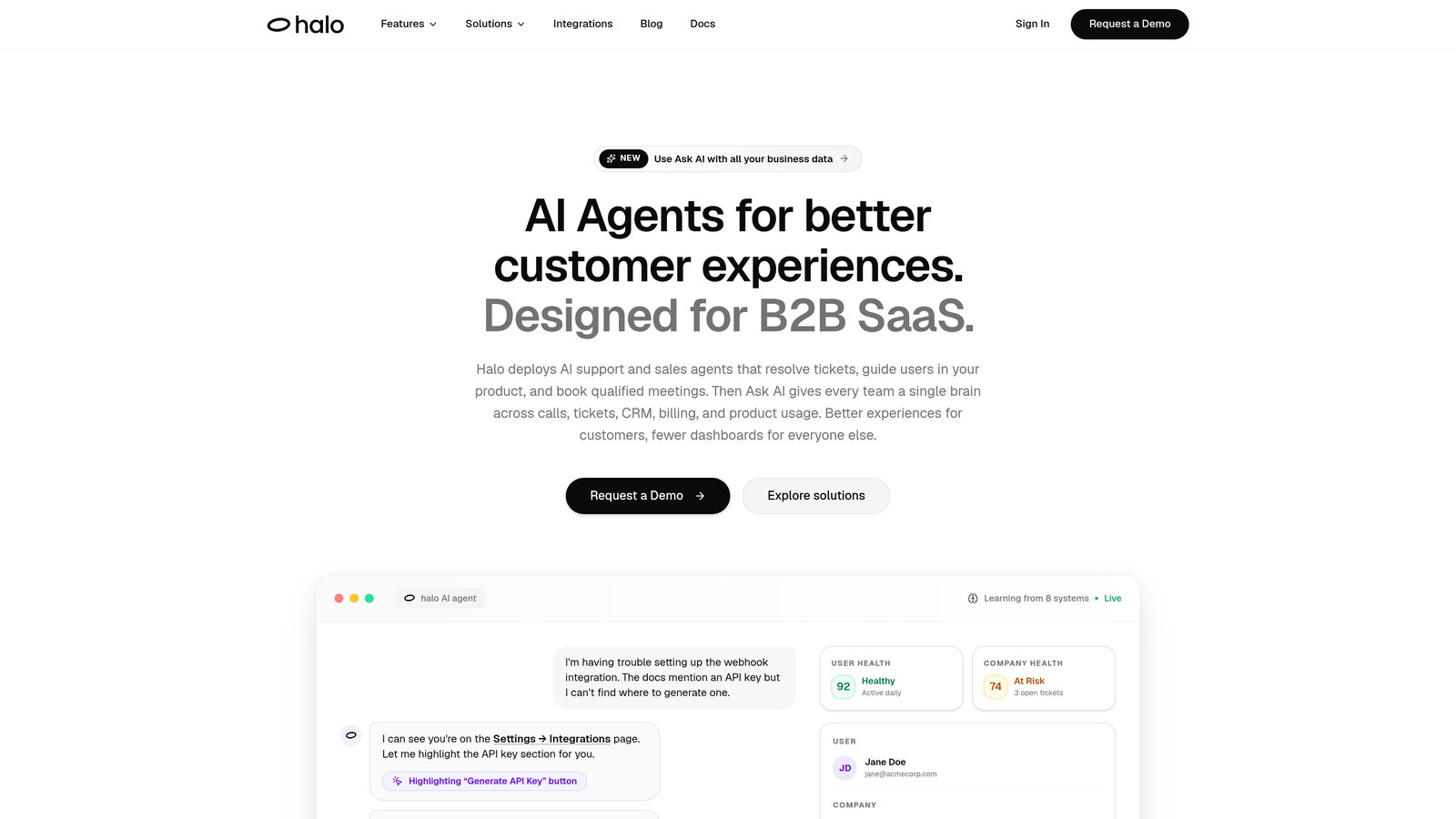
Halo AI is an AI-first customer support platform that deploys autonomous agents to resolve tickets, guide users through your product, and surface business intelligence without growing your headcount.
Where This Tool Shines
What sets Halo apart from most tools on this list is its architecture. This isn't AI bolted onto an existing helpdesk. It was built from the ground up around autonomous resolution, which means the AI is doing real work rather than just routing tickets to a human queue.
The page-aware context is genuinely differentiated. Halo's agents can see what a user is looking at on-screen and provide contextual, visual UI guidance in real time. For product-led SaaS companies where users often get stuck mid-workflow, this changes the support experience entirely. Add continuous learning from every interaction, and the system compounds in value over time.
Key Features
Page-Aware AI Agents: Agents understand the user's current page context and deliver targeted, visual UI guidance rather than generic answers.
Autonomous Ticket Resolution: Resolves support tickets end-to-end with intelligent escalation to human agents when complexity warrants it.
Auto Bug Ticket Creation: Automatically generates and routes bug reports to engineering tools like Linear, reducing the manual handoff between support and product teams.
Smart Inbox with Business Intelligence: Goes beyond support metrics to surface customer health signals, anomaly detection, and revenue intelligence from support interactions.
Deep Integration Stack: Connects natively with Slack, HubSpot, Intercom, Stripe, Zoom, PandaDoc, Fathom, and more, fitting into your existing business stack rather than replacing it.
Continuous Learning: Every resolved interaction trains the system, so accuracy and resolution rates improve over time without manual retraining.
Best For
Halo is best suited for B2B SaaS companies and product-led teams that want AI agents doing real resolution work, not just deflection. It's particularly strong for teams where support and product context overlap heavily, and for organizations that want support data to feed business intelligence rather than sit in a silo.
Pricing
Contact for pricing. Visit haloagents.ai for current plan details and to request a demo.
2. Intercom (Fin AI Agent)
Best for: Teams already using Intercom who want AI resolution without switching platforms
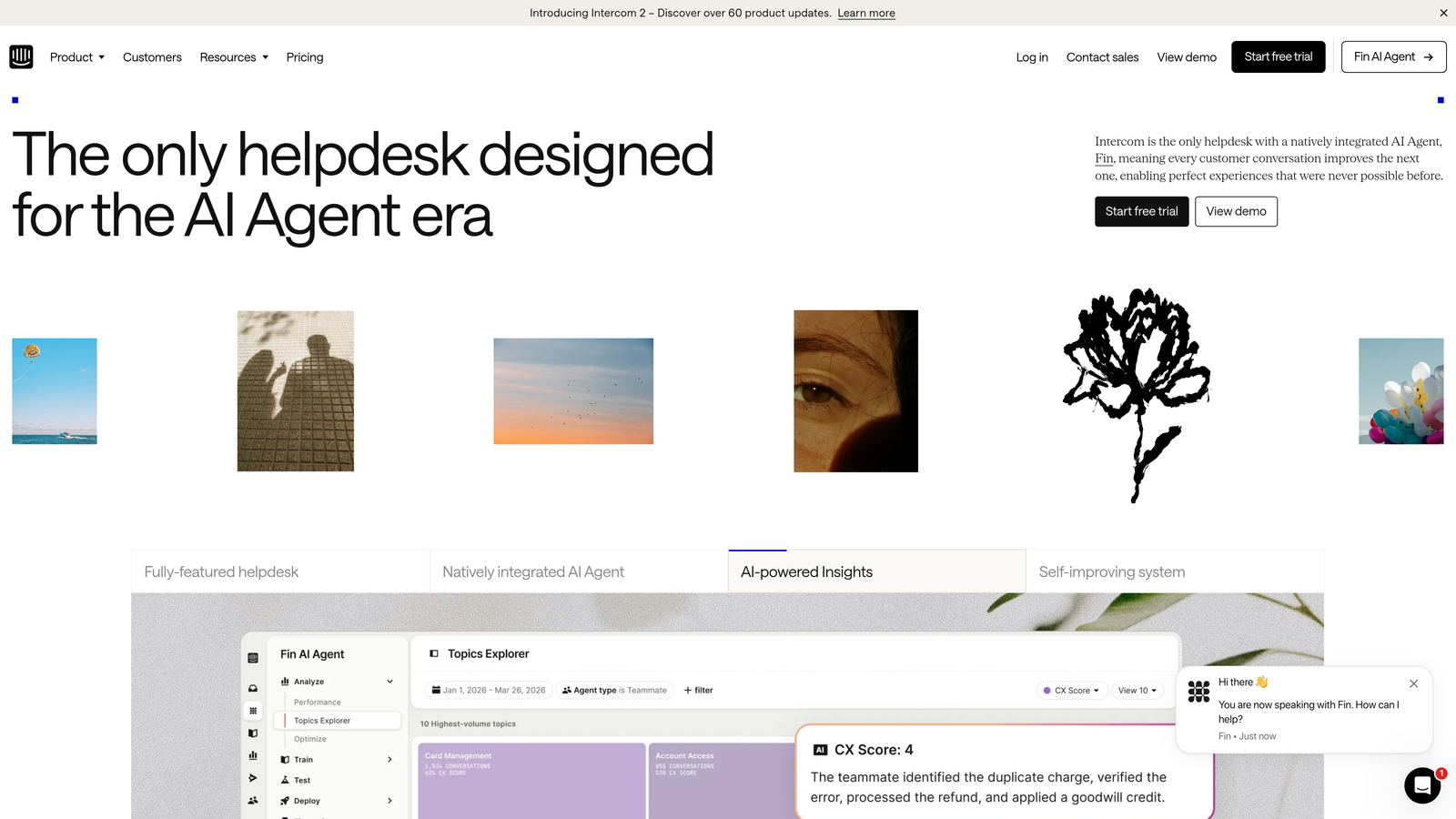
Intercom is a customer messaging platform whose Fin AI agent handles queries autonomously using your knowledge base, resolving conversations without human intervention around the clock.
Where This Tool Shines
Fin's biggest advantage is how naturally it sits inside the Intercom ecosystem. If you're already using Intercom for messaging, CRM, and conversation management, enabling Fin is a low-friction path to after-hours AI coverage. There's no new platform to learn and no separate integration to maintain.
Fin is also strong at knowledge base-driven resolution. If your documentation is well-maintained, Fin can handle a meaningful portion of routine queries without any additional configuration. The handoff to human agents when Fin can't resolve is smooth and well-tested.
Key Features
Fin AI Resolution: Resolves customer queries directly from knowledge base content using large language model reasoning.
Seamless Human Handoff: Escalates to live agents cleanly when the AI cannot resolve, with full conversation context preserved.
Omnichannel Coverage: Handles queries across chat, email, and social channels from a single platform.
Conversation Analytics and CSAT: Built-in tracking for resolution rates, customer satisfaction, and conversation-level insights.
Native CRM Integration: Operates within Intercom's full messaging and CRM platform, keeping customer data centralized.
Best For
Teams already invested in the Intercom platform who want to add AI resolution without introducing a separate vendor. Less ideal for teams looking for deep product-aware context or business intelligence beyond support metrics.
Pricing
Fin AI is priced per resolution on top of Intercom base plans. Verify current rates at intercom.com, as pricing in this space changes frequently.
3. Zendesk AI
Best for: High-volume enterprise support teams running on Zendesk Suite
Zendesk AI is the native AI layer built into Zendesk Suite, adding intelligent triage, automated responses, and agent copilot capabilities to one of the most widely deployed helpdesk platforms in enterprise support.
Where This Tool Shines
Zendesk AI earns its place through sheer volume handling. For enterprise teams processing thousands of tickets, the intelligent triage and routing capabilities alone can meaningfully reduce the queue that agents return to after hours. The AI-generated auto-responses for common queries buy time and keep customers informed without any human involvement.
The agent copilot feature is worth noting. When agents do come back online, copilot suggestions accelerate resolution by surfacing relevant context and recommended responses, which reduces the ramp-up time after an overnight queue builds up.
Key Features
Intelligent Ticket Triage: Automatically categorizes and routes tickets based on detected intent and sentiment.
AI Auto-Responses: Generates and sends automated replies to common after-hours queries without agent involvement.
Agent Copilot: Provides suggested responses and contextual guidance to agents when they return to the queue.
Generative AI for Knowledge Base: Helps teams create and maintain knowledge base content using generative AI tools.
Native Suite Integration: No separate tool or integration required, all AI features live within the Zendesk Suite environment.
Best For
Enterprise support teams already on Zendesk Suite with high ticket volumes and a need for triage and automation at scale. Less compelling for teams not already in the Zendesk ecosystem, given the platform investment required.
Pricing
Zendesk AI is included in higher-tier Zendesk Suite plans. Verify current plan structure and pricing at zendesk.com before making purchasing decisions.
4. Freshdesk Freddy AI
Best for: SMB and mid-market teams wanting AI automation at a more accessible price point
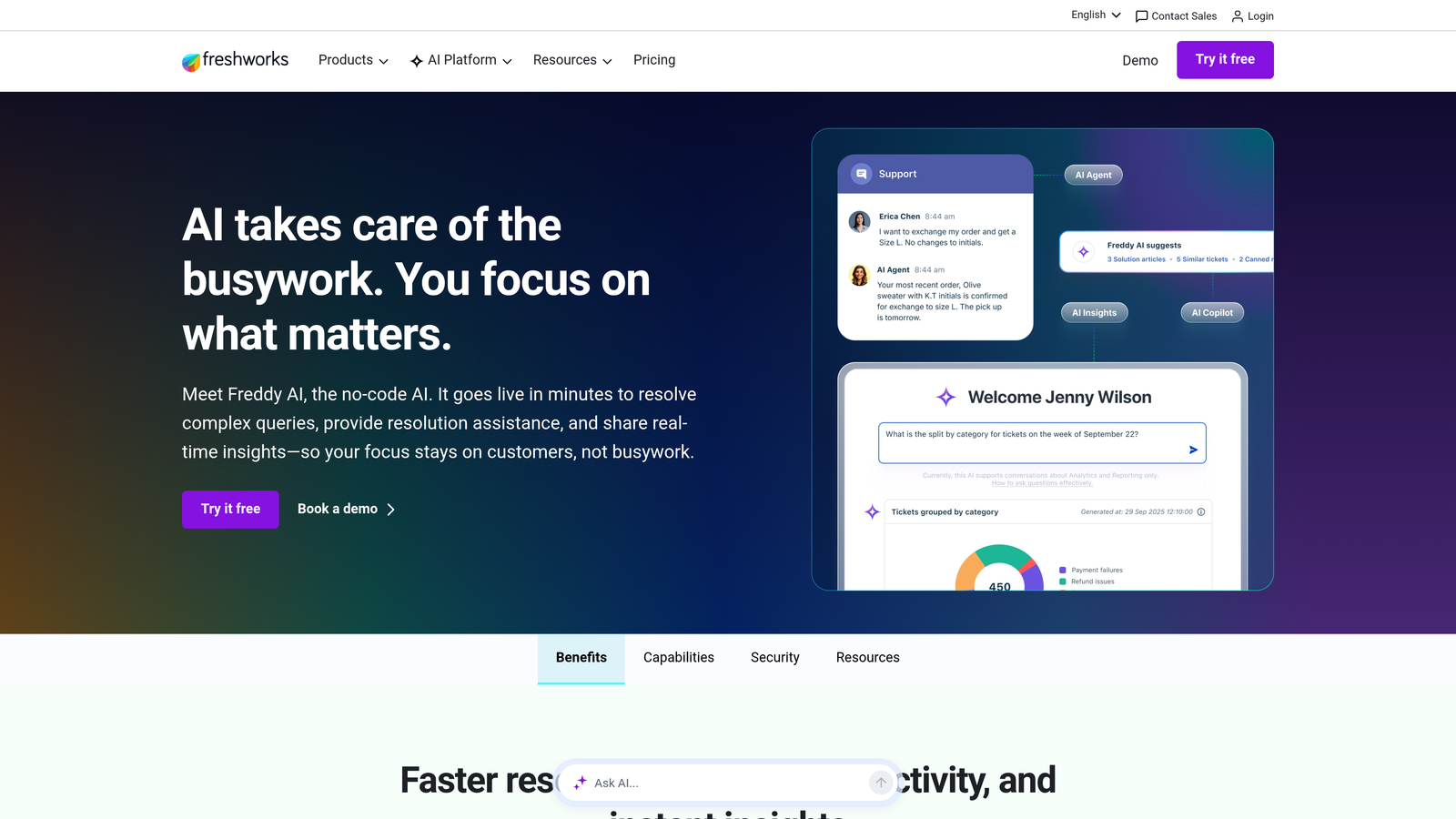
Freshdesk Freddy AI is Freshworks' AI layer across their support suite, offering both customer-facing deflection and agent assist capabilities with pricing positioned below enterprise-tier alternatives.
Where This Tool Shines
Freddy AI splits its value into two distinct modes. Freddy Self Service handles the customer-facing side, deflecting common queries with AI-powered answers before they ever reach an agent. Freddy Copilot works on the agent side, suggesting responses and summarizing conversations to speed up resolution when agents are back online.
The multilingual support is a practical differentiator for global teams. If your customer base spans multiple languages and you're not at enterprise scale, Freshdesk Freddy offers capabilities that would otherwise require a more expensive platform.
Key Features
Freddy Self Service: Deflects common customer queries with AI-powered answers, reducing inbound volume during after-hours windows.
Freddy Copilot: Assists agents with suggested responses, conversation summaries, and next-step recommendations.
Auto-Triage and Categorization: Automatically classifies incoming tickets to reduce manual sorting work.
Multilingual Support: Handles queries across multiple languages, useful for globally distributed customer bases.
Cross-Suite Integration: Works across Freshdesk, Freshchat, and Freshservice for teams using multiple Freshworks products.
Best For
SMB and mid-market teams already on Freshworks products who want to add AI automation without moving to a more expensive enterprise platform. Also a strong option for teams with multilingual support requirements on a constrained budget.
Pricing
Freddy AI is available as an add-on with pricing that varies by product. Check freshworks.com for current rates and plan details.
5. Tidio
Best for: Smaller teams and e-commerce businesses needing fast, low-friction after-hours automation
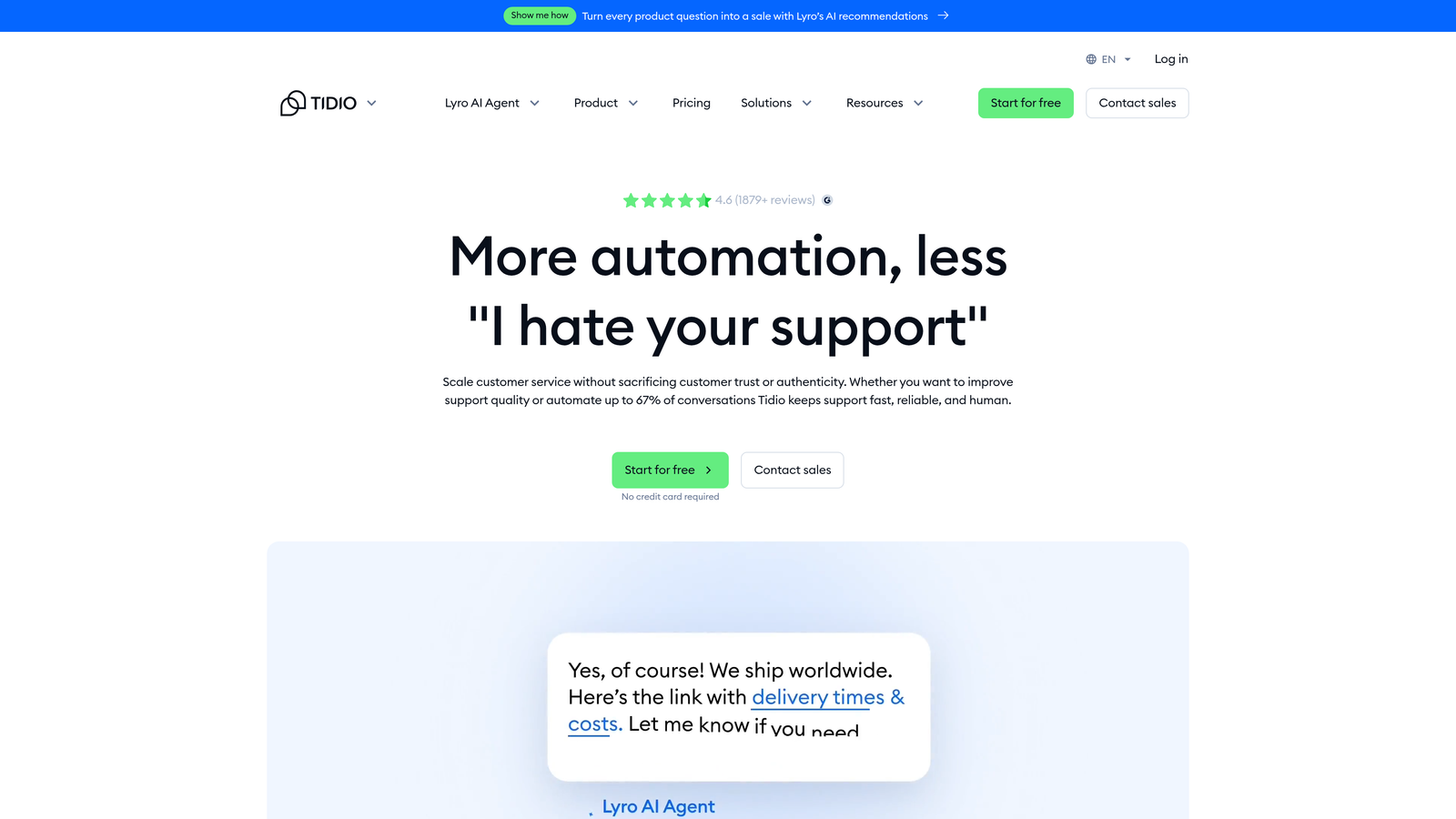
Tidio is a lightweight chat and AI automation platform featuring the Lyro AI chatbot, designed for teams that need after-hours query handling up and running quickly without heavy configuration.
Where This Tool Shines
Tidio's main advantage is speed to value. Most teams can have Lyro handling queries within hours of setup, which makes it appealing for businesses that need coverage fast and don't have dedicated technical resources for a complex deployment. The visual flow builder also lets non-technical users build custom automation without writing code.
For e-commerce teams in particular, the Shopify and HubSpot integrations make Tidio a natural fit. It handles common order, shipping, and product queries effectively, though it's less suited to the complex, multi-step support workflows common in B2B SaaS environments.
Key Features
Lyro AI Chatbot: Handles common customer queries using your existing content and knowledge base with minimal setup.
Visual Flow Builder: Lets teams build custom automation flows without coding, using a drag-and-drop interface.
Live Chat Fallback: Routes conversations to available human agents seamlessly when the AI reaches its limits.
E-commerce and CRM Integrations: Native connections to Shopify, HubSpot, and other common tools for smaller business stacks.
Fast Deployment: Typically live within hours, making it one of the fastest tools on this list to activate.
Best For
Small teams, e-commerce businesses, and early-stage companies that need basic after-hours coverage quickly. Not the best fit for complex B2B SaaS support workflows or teams needing deep integration with enterprise business systems.
Pricing
Tidio offers a free plan; paid plans start at accessible tiers. Check tidio.com for current pricing as plans evolve regularly.
6. Drift (by Salesloft)
Best for: Revenue teams blending after-hours support with lead qualification and pipeline generation
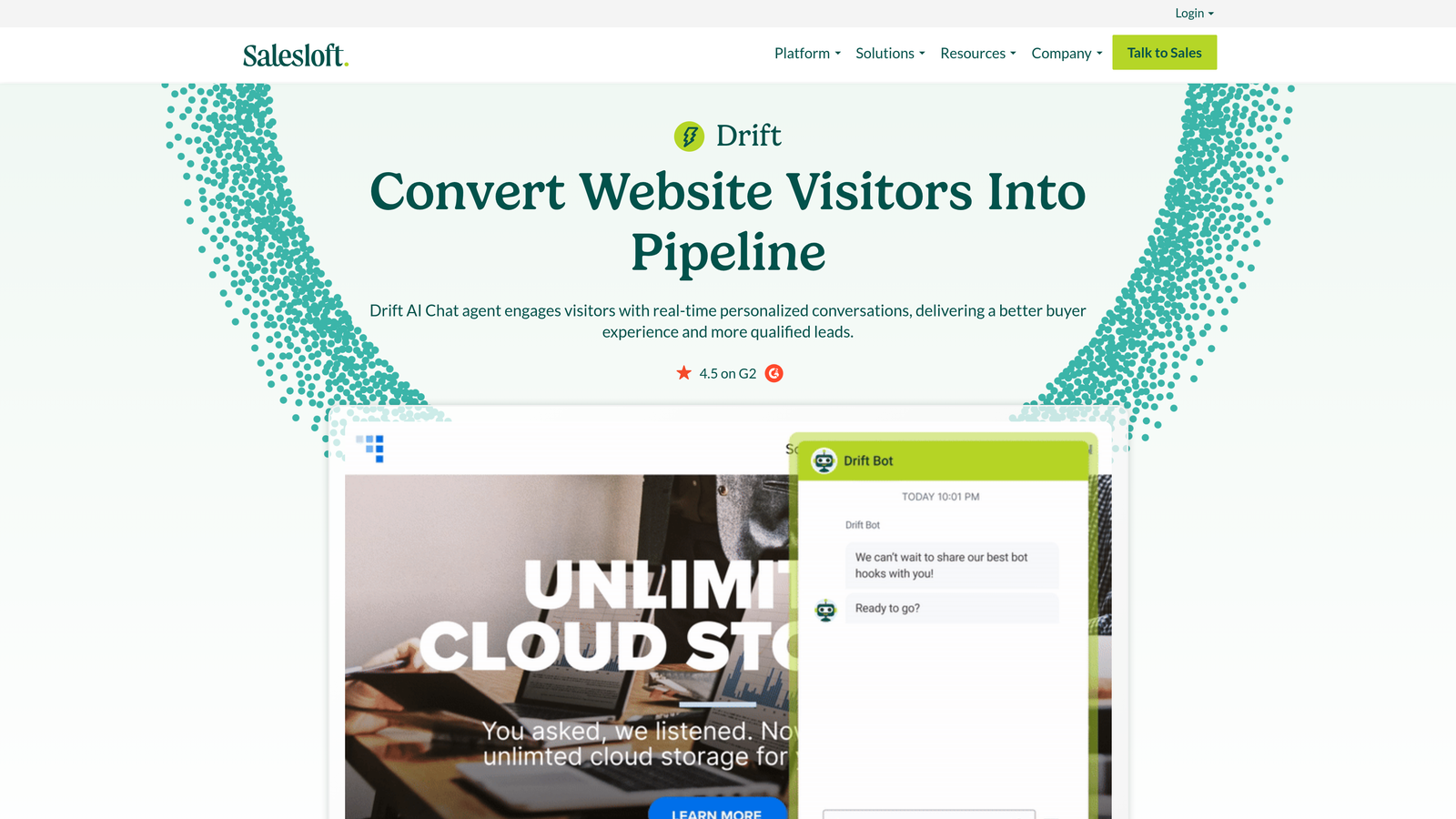
Drift, now part of Salesloft, is a conversational AI platform that bridges after-hours support and sales, routing visitors to the right experience whether they need help or are ready to buy.
Where This Tool Shines
Drift occupies a unique position on this list because it's not purely a support tool. Its AI chatbot handles after-hours queries while simultaneously qualifying leads and routing sales-ready visitors to the right pipeline stage. For revenue teams where the line between support and sales is intentionally blurred, this dual function is genuinely valuable.
The playbook-based routing system gives teams precise control over how different visitor types are handled after hours, with meeting scheduling built in so sales-ready conversations don't fall into a void waiting for a human to respond the next morning.
Key Features
AI Chatbot with Dual Purpose: Handles after-hours support queries and lead qualification within the same conversation flow.
Playbook-Based Routing: Routes visitors to support or sales experiences based on defined logic and visitor behavior.
Meeting Scheduling: Enables sales-ready visitors to book meetings directly from the chat, capturing pipeline even after hours.
CRM Integrations: Deep native connections to Salesforce and HubSpot, keeping contact and deal data synchronized.
Conversation Intelligence: Analytics covering engagement patterns, conversation outcomes, and pipeline influence.
Best For
Revenue-focused teams where after-hours support and lead generation overlap, particularly B2B companies with longer sales cycles and high-value inbound traffic. Less suited to pure support use cases where sales routing is irrelevant.
Pricing
Drift operates on premium pricing. Contact Drift or Salesloft directly for current plan details and packaging.
7. Ada
Best for: Enterprise organizations needing deep customization, multilingual support, and brand compliance
Ada is an enterprise-grade no-code AI agent builder designed for organizations that need precise control over conversation design, multilingual coverage, and compliance-aligned automation at scale.
Where This Tool Shines
Ada's no-code builder is genuinely powerful for enterprise teams. Non-technical stakeholders can design, customize, and iterate on AI agent behavior without engineering involvement, which matters when brand compliance and conversation design need to go through multiple approval layers.
The multilingual capabilities are among the strongest on this list, making Ada a practical choice for global enterprises with diverse customer bases. The analytics dashboard surfaces resolution rate and containment metrics clearly, giving support leaders the data they need to demonstrate AI ROI internally.
Key Features
No-Code AI Agent Builder: Enables non-technical teams to design and customize AI agent behavior with advanced control options.
Multilingual Support: Handles customer interactions across multiple languages for global enterprise deployments.
Deep Platform Integrations: Connects with CRM, helpdesk, and commerce platforms to pull context into conversations.
Brand-Controlled Conversation Design: Gives organizations precise control over tone, escalation logic, and agent behavior.
Resolution and Containment Analytics: Dashboard tracking key AI performance metrics for internal reporting and optimization.
Best For
Large enterprises with multilingual customer bases, strict brand and compliance requirements, and the need for non-technical teams to own AI agent configuration. Typically positioned for organizations with dedicated CX operations teams.
Pricing
Ada operates on enterprise pricing with custom quotes. Contact Ada directly at ada.cx for current pricing and packaging.
8. Forethought
Best for: Support operations teams that need intelligent backend triage and routing rather than a front-end chat interface
Forethought is an AI platform focused on support workflow intelligence, handling triage, routing, and response generation on the backend rather than operating as a customer-facing chat widget.
Where This Tool Shines
Forethought is worth understanding because it solves a different problem than most tools on this list. Rather than replacing the customer-facing conversation, it makes the backend smarter. Intelligent triage means tickets arriving after hours are already categorized, prioritized, and routed correctly when agents come back online, eliminating the manual sorting work that typically consumes the first hour of every morning.
The auto-response generation for high-volume after-hours queues addresses the acknowledgment gap, where customers submit tickets after hours and hear nothing until the next business day. Forethought can fill that gap with substantive, contextual responses rather than generic auto-replies.
Key Features
AI-Powered Ticket Triage: Automatically classifies, prioritizes, and routes incoming tickets based on content and intent.
Auto-Response Generation: Generates contextual responses for high-volume after-hours queues, reducing wait times for customers.
Solve and Triage Products: Separate product modules for self-service AI (Solve) and backend routing intelligence (Triage).
Helpdesk Integrations: Native connections to Zendesk, Salesforce Service Cloud, and Freshdesk.
Workflow Automation: Reduces manual agent work on queue return by pre-processing tickets during off-hours.
Best For
Support operations teams that already have a front-end chat experience and need to make the backend smarter. Particularly valuable for high-volume teams where morning queue management is a recurring operational pain point. Note: Forethought was acquired by Moveworks in 2024, so verify current product positioning and availability at forethought.ai before evaluating.
Pricing
Contact for pricing. Check forethought.ai for current information given recent organizational changes.
9. HubSpot Service Hub
Best for: Teams already using HubSpot across marketing, sales, and support who want unified after-hours automation
HubSpot Service Hub is HubSpot's customer service suite, featuring a chatbot builder and ticket automation tied directly to HubSpot CRM for teams that want support data living alongside their full customer record.
Where This Tool Shines
The core value proposition here is ecosystem coherence. For teams already running HubSpot across marketing and sales, adding Service Hub creates a unified customer view where support interactions, deal history, and marketing engagement all live in the same record. That context makes after-hours automation more personalized and gives agents richer information when they follow up.
The chatbot builder is accessible without technical expertise, and the automatic ticket creation from after-hours chat conversations means nothing falls through the cracks. AI features in Service Hub have expanded in recent releases, though they remain less specialized than dedicated AI support platforms.
Key Features
AI Chatbot Builder: Creates automated chat experiences connected directly to HubSpot CRM contact records for personalized interactions.
Automated Ticket Creation: Converts after-hours chat conversations into tickets automatically, ensuring follow-up without manual entry.
Knowledge Base Integration: Connects your knowledge base to the chatbot for self-service deflection of common queries.
Conversation Routing: Routes and escalates conversations to human agents based on defined logic and availability.
Unified Reporting: Combines support metrics with marketing and sales data for a full-funnel view of customer interactions.
Best For
Teams with HubSpot already deployed across the business who want to add after-hours support automation without introducing a new vendor. Best value when the unified CRM view is a meaningful advantage. Less suited to teams that need highly specialized AI resolution capabilities outside the HubSpot ecosystem.
Pricing
Service Hub includes a free tier; paid plans scale with features and contact volume. Check hubspot.com/products/service for current pricing details.
Which Tool Is Right for Your Team
After-hours coverage is no longer a nice-to-have for B2B SaaS companies. Customers expect responses around the clock, and the teams that meet that expectation build measurably stronger retention. The question isn't whether to invest in an after hours customer support solution, it's which one fits your stack, your scale, and your support philosophy.
Here's a quick orientation by use case:
Best for AI-first SaaS teams: Halo AI stands out for teams that want genuine autonomous resolution, not just deflection. The page-aware context, continuous learning, and business intelligence layer make it the most differentiated option on this list for product-led companies where support and product experience intersect.
Best for existing helpdesk users: If you're already on Intercom, Zendesk, or Freshdesk, start with the native AI layer before evaluating a separate platform. Fin, Zendesk AI, and Freddy AI all offer meaningful after-hours coverage with minimal migration friction.
Best for enterprise scale: Ada is the strongest choice for global organizations with multilingual requirements, compliance needs, and non-technical teams who need to own agent configuration. Zendesk AI is the enterprise default for high-volume ticketing environments.
Best for lean teams: Tidio offers the fastest path to basic after-hours coverage with minimal setup. HubSpot Service Hub is the right call if you're already running HubSpot and want everything in one place.
Your support team shouldn't scale linearly with your customer base. Let AI agents handle routine tickets, guide users through your product, and surface business intelligence while your team focuses on complex issues that need a human touch. See Halo in action and discover how continuous learning transforms every interaction into smarter, faster support.