9 Best After Hours Customer Support Solutions in 2026
This guide reviews the 9 best after hours customer support solutions for B2B SaaS companies in 2026, covering AI agents, chatbots, and human staffing options. Each solution is evaluated on automation depth, integrations, and escalation handling to help global teams provide reliable customer support beyond standard business hours.
 Matt PattoliFounder13 min read
Your customers don't stop running into problems when your team logs off. For B2B SaaS companies with global user bases, going dark after 5pm isn't just inconvenient — it's a trust problem. A user hitting a critical blocker at 11pm in Singapore shouldn't have to wait until morning in San Francisco to get help.
The good news: the options for after-hours coverage have expanded dramatically. Whether you want fully autonomous AI agents that resolve tickets without human intervention, a chatbot layer on top of your existing helpdesk, or trained human agents available around the clock, there's a solution built for your situation.
This list covers all three categories. When evaluating each tool, we focused on automation depth, integration ecosystem, escalation handling, and overall value for B2B SaaS teams. If you're also thinking about broader support strategy, our guides on AI customer support agents and support automation for SaaS teams are worth a read alongside this one.
Here are the top after-hours customer support solutions worth considering in 2026.
1. Halo AI
Best for: B2B SaaS teams wanting autonomous, continuously learning AI support agents
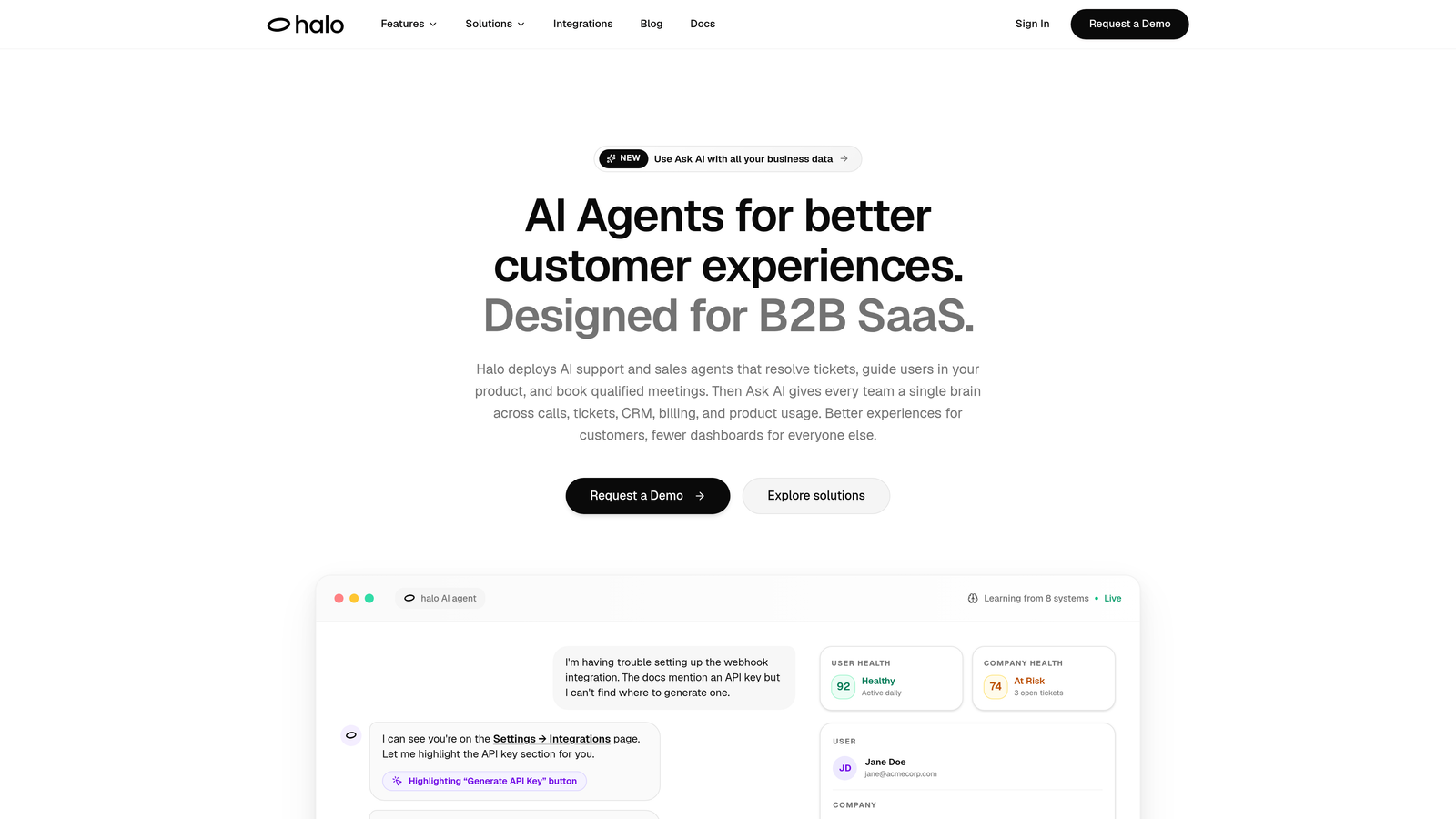
Halo AI is an AI-native customer support platform that deploys intelligent agents to resolve tickets, guide users through your product, and surface business intelligence around the clock.
Where This Tool Shines
Most support tools bolt AI onto existing helpdesk infrastructure. Halo was built AI-first, which means the intelligence isn't a layer on top — it's the foundation. The standout capability is page-aware context: Halo's agents can see what the user is actually looking at inside your product, enabling them to provide visual UI guidance that's specific to where someone is stuck rather than generic help article links.
The continuous learning engine is what separates Halo from simpler chatbot solutions. Every resolved ticket makes the system smarter, so your after-hours coverage genuinely improves over time without manual retraining. For product-led SaaS companies where support signals are also product signals, the business intelligence layer adds a dimension most competitors don't offer at all.
Key Features
Page-Aware AI Agents: Agents see what users see in your product and deliver contextual, visual UI guidance specific to the user's current screen.
Autonomous Ticket Resolution: Resolves support tickets end-to-end with continuous learning from every interaction, improving accuracy over time.
Auto Bug Ticket Creation: Automatically identifies product issues from support conversations and routes bug tickets directly to engineering via Linear or your preferred tool.
Live Agent Handoff: Escalates complex issues to human agents with full conversation context preserved, so nothing gets repeated.
Smart Inbox with Business Intelligence: Goes beyond support metrics to surface customer health signals, revenue intelligence, and anomaly detection from your support data.
Deep Integrations: Connects natively with Linear, Slack, HubSpot, Intercom, Stripe, Zoom, PandaDoc, and Fathom.
Best For
Product-led SaaS companies that want after-hours coverage to do more than deflect tickets. Ideal for teams who see support data as a source of product and revenue intelligence, and who want an AI system that gets meaningfully better with every interaction rather than staying static.
Pricing
Contact for pricing at haloagents.ai. Given the AI-first architecture and business intelligence capabilities, this is positioned for teams that want a strategic platform rather than a basic chatbot.
2. Intercom
Best for: Teams already in the Intercom ecosystem wanting conversational AI resolution
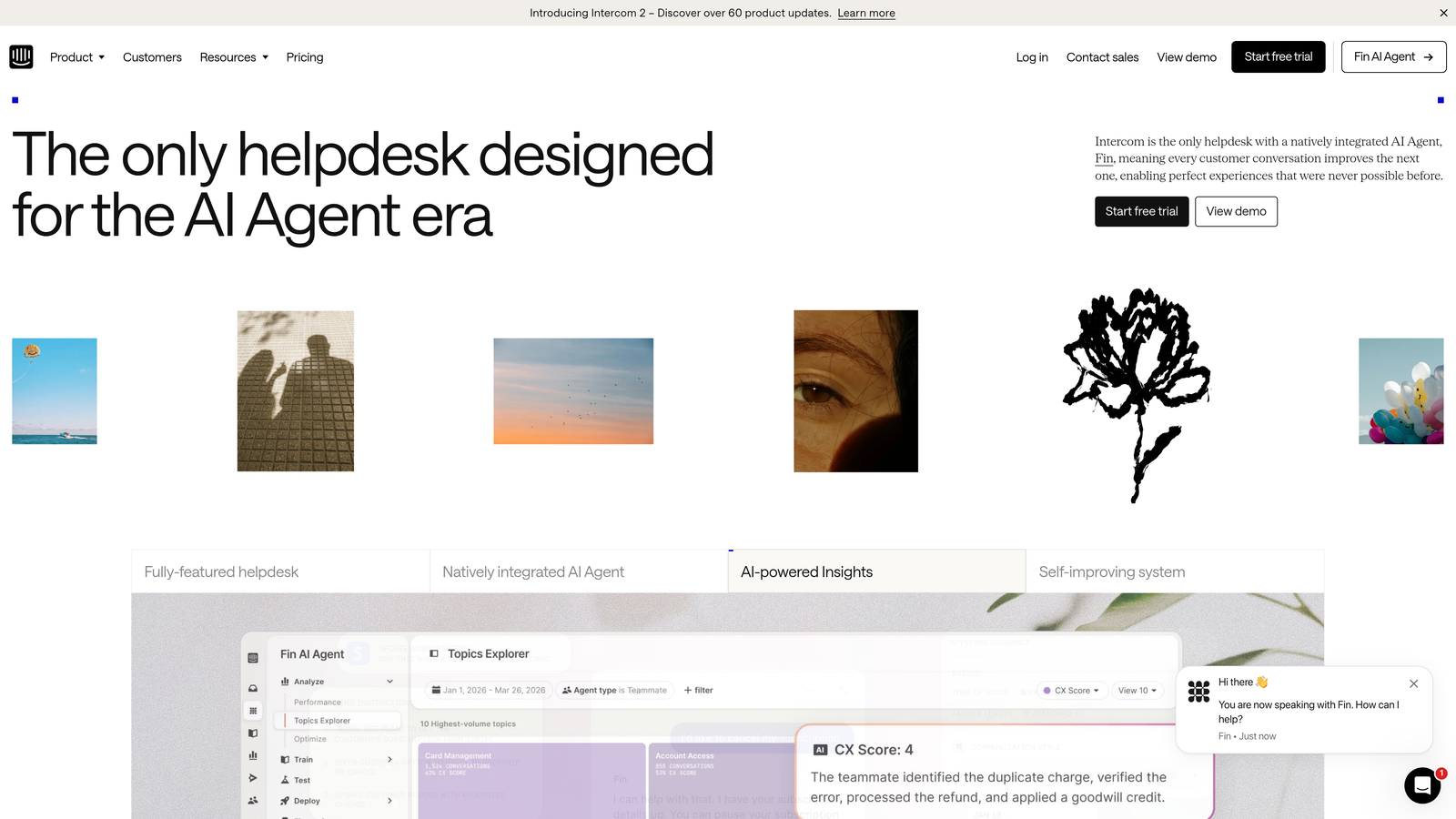
Intercom is a mature conversational support platform with Fin, its AI agent designed to resolve customer queries using your existing help content and conversation history.
Where This Tool Shines
Fin is one of the more capable AI agents in the market for teams that already live in Intercom. It draws on your help center content, previous conversations, and customer data to answer queries conversationally — not just match keywords. The handoff experience is notably smooth: when Fin can't resolve something, it passes the conversation to a human agent with full context intact.
The Messenger-first design means the after-hours experience feels consistent with your daytime support, which matters for brand continuity. If your team is already using Intercom for CRM, messaging, and ticketing, Fin is the path of least resistance to 24/7 coverage.
Key Features
Fin AI Agent: Autonomous resolution of customer queries after hours, drawing on help content and conversation history.
Seamless Human Handoff: Passes conversations to live agents with complete context when Fin reaches its limits.
Messenger-First Design: Consistent omnichannel inbox experience whether the interaction is AI-handled or human-handled.
Native CRM Integration: Deep connection to Intercom's own customer data for context-aware responses.
Best For
Teams already invested in the Intercom ecosystem. If you're using Intercom for messaging and CRM, Fin is a natural extension rather than a new tool to manage. Less compelling if you're not already on Intercom, given the platform lock-in.
Pricing
Fin AI is priced per resolution; base plans start around $39/month. Verify current pricing at intercom.com as plans evolve frequently.
3. Zendesk
Best for: Large enterprise support teams with structured workflows and SLA requirements
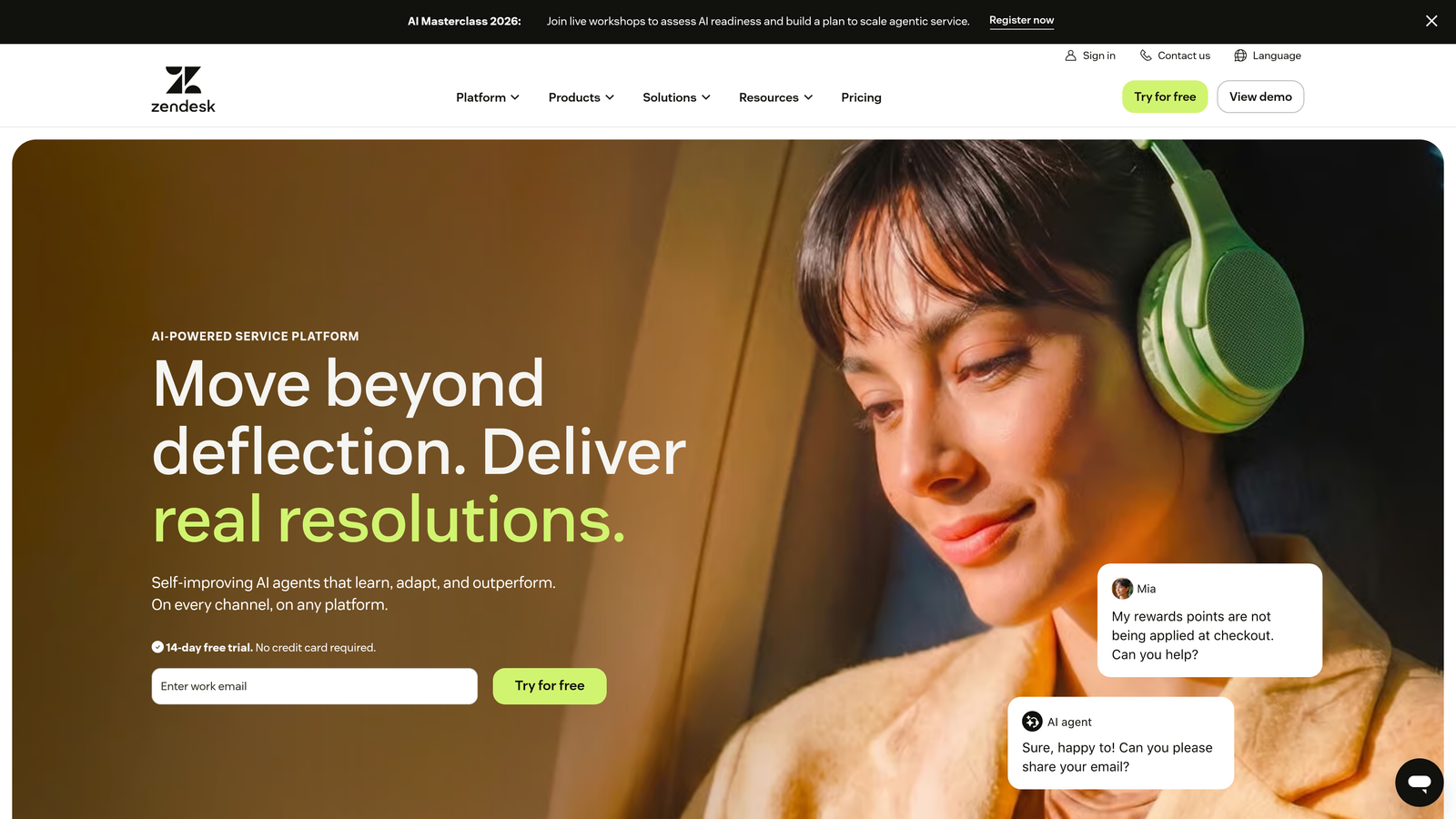
Zendesk is the enterprise helpdesk standard, with AI-powered triage, Answer Bot, and extensive workflow automation built for large support operations.
Where This Tool Shines
Zendesk's strength is its depth. Answer Bot handles after-hours deflection and self-service, while the intelligent triage engine routes tickets to the right queue automatically. For organizations with complex SLA requirements, compliance reporting, and multi-team workflows, Zendesk provides the infrastructure to manage all of it.
The AI capabilities have expanded significantly in recent releases, moving from basic deflection toward more autonomous resolution. The marketplace of third-party integrations is one of the largest in the category, making it easy to connect Zendesk to virtually any tool in your stack.
Key Features
AI Answer Bot: Handles after-hours deflection by surfacing relevant help articles and attempting autonomous resolution before a ticket is created.
Intelligent Triage and Routing: Automatically categorizes and routes incoming tickets based on intent, priority, and team availability.
SLA Management: Robust service level agreement tracking and compliance reporting for teams with contractual response requirements.
Extensive Integration Marketplace: Hundreds of third-party integrations covering CRM, billing, product, and communication tools.
Best For
Enterprise SaaS companies and large support organizations that need structured workflows, compliance reporting, and a proven platform. Can feel heavyweight for smaller teams where the configuration overhead outweighs the benefits.
Pricing
Plans start around $55/agent/month. Verify current pricing at zendesk.com.
4. Freshdesk
Best for: Growing SaaS teams looking for affordable AI-assisted support automation
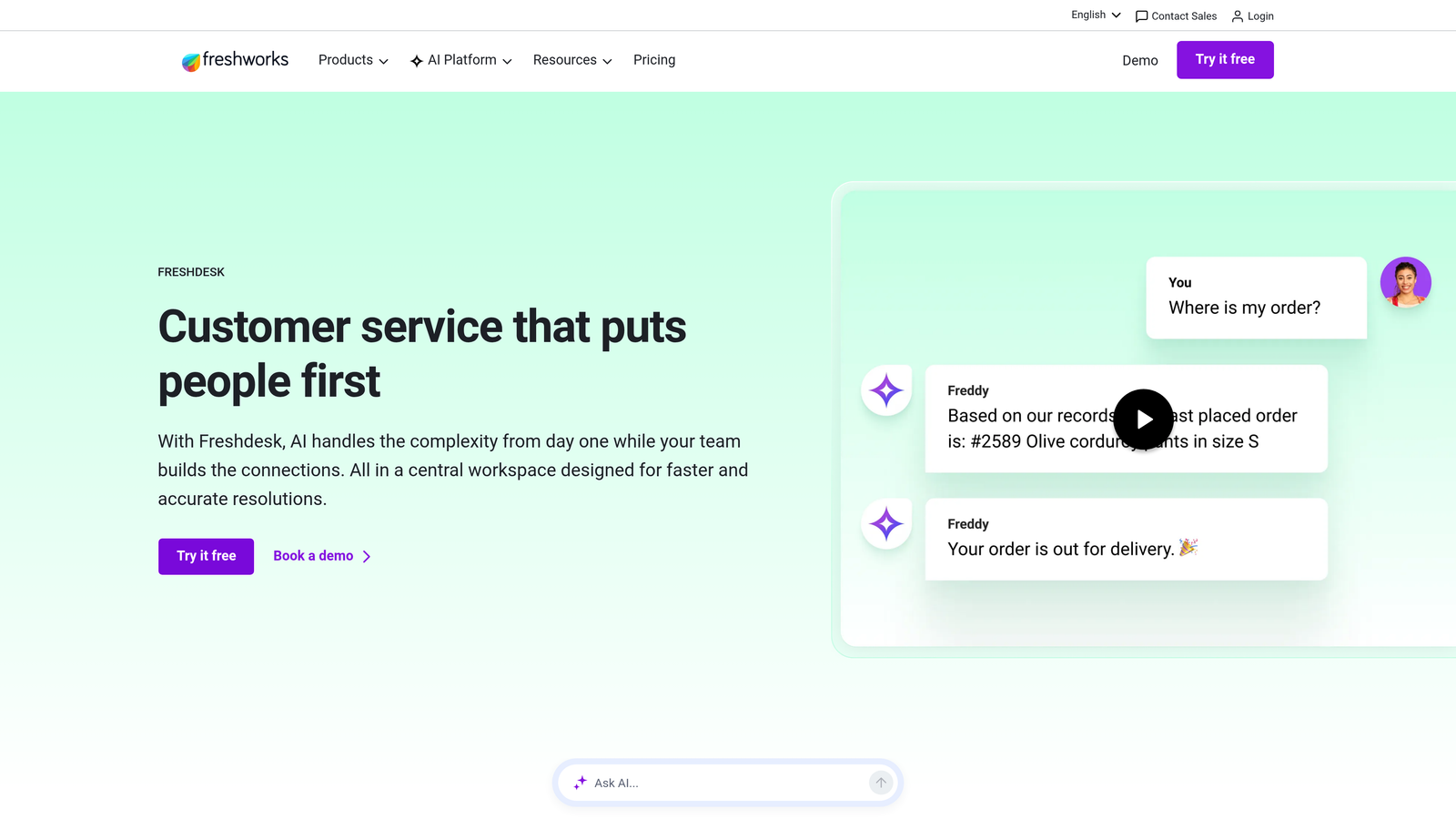
Freshdesk is an accessible helpdesk platform with Freddy AI handling ticket deflection, auto-replies, and suggested responses — a strong value option for teams scaling up from manual support.
Where This Tool Shines
Freshdesk delivers a comparable feature set to Zendesk at a lower price point, which makes it the go-to for teams that need solid automation without enterprise-level spend. Freddy AI covers the core after-hours use cases: deflecting common questions, auto-replying to routine requests, and suggesting responses for agents when they're back online.
The omnichannel support across email, chat, phone, and social is well-integrated, and the platform is generally faster to configure than Zendesk. For teams that are just starting to automate support, the free plan provides a low-risk entry point.
Key Features
Freddy AI Self Service: Deflects common queries with AI-powered answers drawn from your knowledge base, reducing ticket volume overnight.
Auto-Reply and Suggested Responses: Generates automated replies for routine tickets and surfaces suggested responses for agents during business hours.
Omnichannel Support: Handles email, live chat, phone, and social media from a unified inbox.
Freddy Copilot: Agent assist tool that helps human agents work faster during business hours, complementing the after-hours automation layer.
Best For
SMBs and mid-market SaaS teams that want meaningful AI automation without Zendesk's pricing or complexity. A good stepping stone for teams transitioning from fully manual support to automated workflows.
Pricing
Free plan available; paid plans start around $15/agent/month. Verify current pricing at freshdesk.com.
5. Tidio
Best for: Small teams and e-commerce businesses needing fast, low-friction chatbot deployment
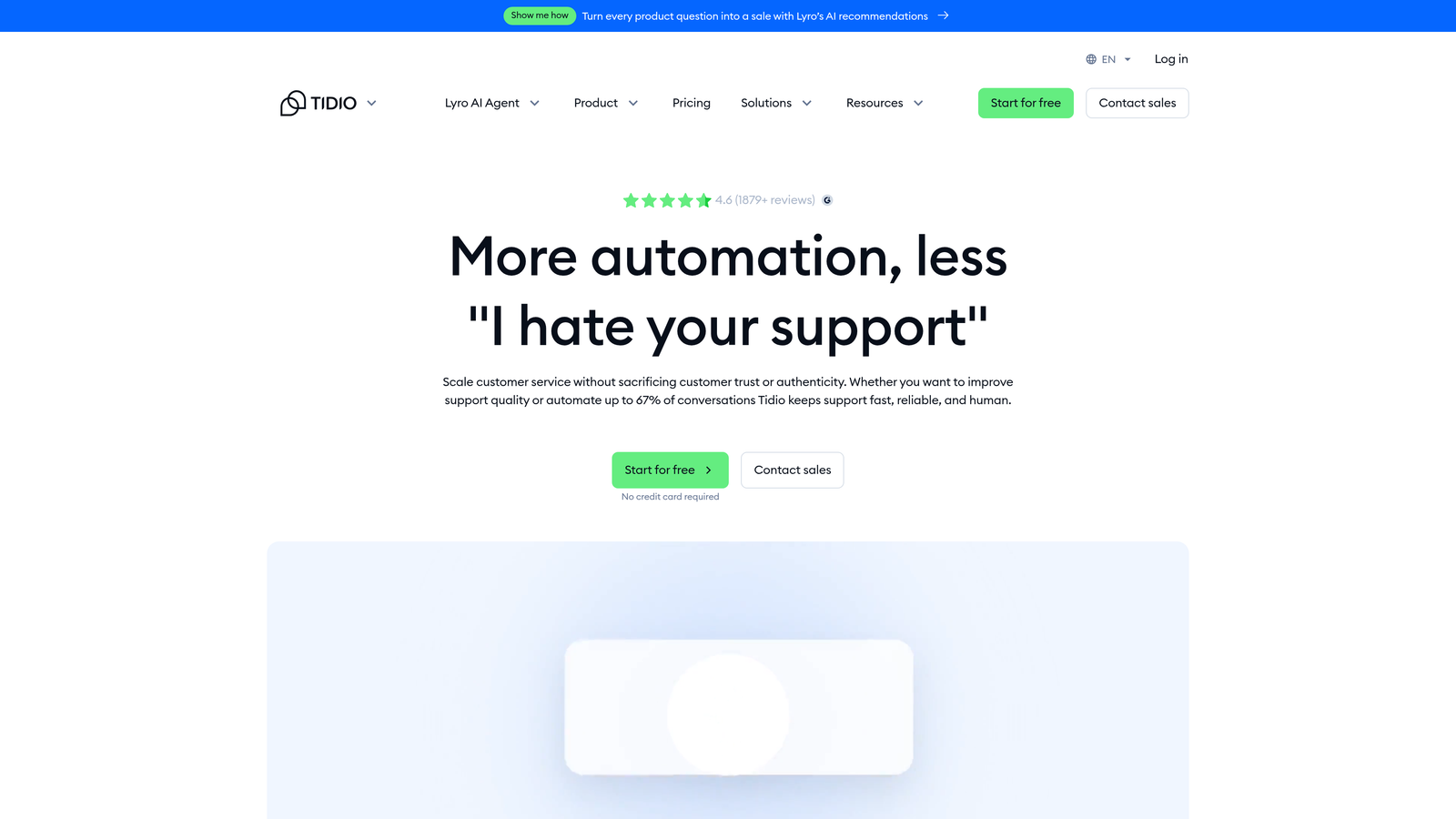
Tidio is a live chat and AI chatbot platform built for speed-to-deploy, with Lyro AI handling common queries automatically when your team is offline.
Where This Tool Shines
Tidio's biggest advantage is how quickly you can get it running. The visual chatbot builder requires no coding, and Lyro AI can start handling FAQs and common queries within hours of setup. For small teams that don't have the bandwidth to configure complex helpdesk workflows, this low-friction approach is genuinely valuable.
The e-commerce integrations with Shopify and WooCommerce make Tidio a natural fit for that space. For B2B SaaS environments with more complex support needs, Lyro's capabilities may feel limited compared to AI-native platforms, but for straightforward FAQ deflection it performs well.
Key Features
Lyro AI Chatbot: Handles after-hours FAQ resolution and common query deflection automatically using your existing content.
Visual Chatbot Builder: No-code flow creation for building custom conversation paths without developer involvement.
Mobile Live Chat App: Allows on-call agents to respond from mobile when human intervention is needed outside business hours.
E-Commerce Integrations: Native connections to Shopify and WooCommerce for order-related query handling.
Best For
Small businesses, e-commerce brands, and early-stage SaaS teams that need affordable after-hours coverage with minimal setup. Less suited for complex B2B SaaS environments where queries require deep product context or multi-system resolution.
Pricing
Free tier available; Lyro AI plans start around $29/month. Verify current pricing at tidio.com.
6. Drift
Best for: Companies where after-hours traffic includes both support queries and inbound prospects
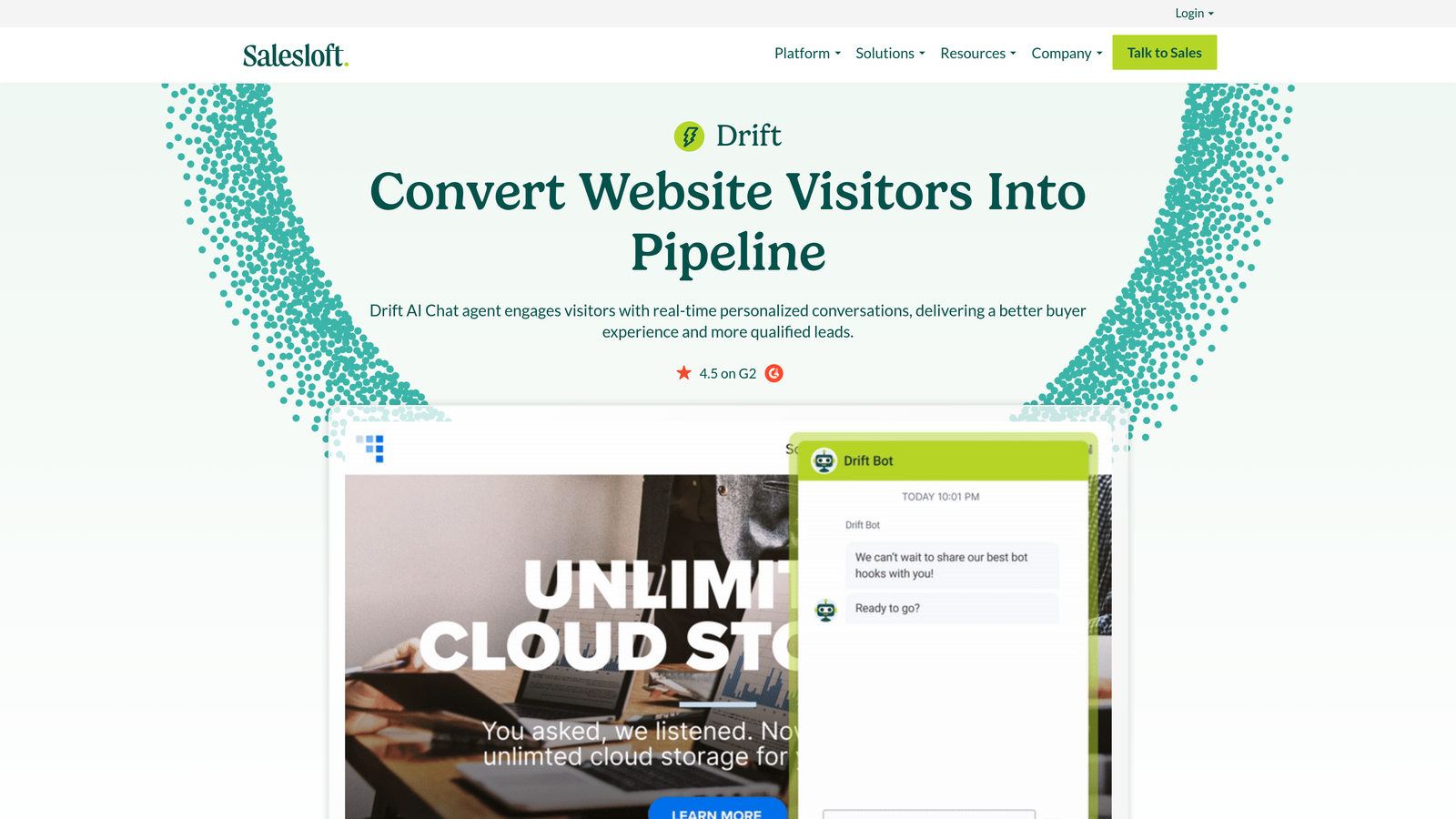
Drift (now part of Salesloft) is a conversational platform that uses AI playbooks to handle after-hours support queries while simultaneously qualifying inbound leads.
Where This Tool Shines
Drift occupies a unique position: it's not purely a support tool, and that's the point. When your after-hours visitors include a mix of existing customers with problems and new prospects exploring your product, Drift's AI playbooks can handle both conversations appropriately. Support queries get deflected or routed; sales-adjacent queries get qualified and booked into meetings.
The CRM integration keeps conversations context-aware, so Drift can recognize whether it's talking to a known customer or a new visitor and adjust accordingly. For companies where the sales and support motions overlap significantly, this dual capability is hard to replicate with a pure support tool.
Key Features
AI Playbooks: Handles both support deflection and lead qualification in the same conversation flow, depending on visitor intent.
Conversational Landing Pages: Engages after-hours visitors on high-intent pages with contextual conversation rather than static forms.
CRM Integration: Connects to CRM data to personalize conversations based on known customer or prospect history.
Meeting Booking Automation: Automatically schedules follow-up meetings for sales-adjacent queries that need a human conversation.
Best For
B2B companies where after-hours web traffic is a meaningful mix of customers and prospects. Less compelling as a pure support solution if your after-hours volume is primarily existing customers with technical issues.
Pricing
Contact Drift/Salesloft for current pricing at drift.com.
7. Gladly
Best for: Mid-market to enterprise brands prioritizing long-term customer relationship quality
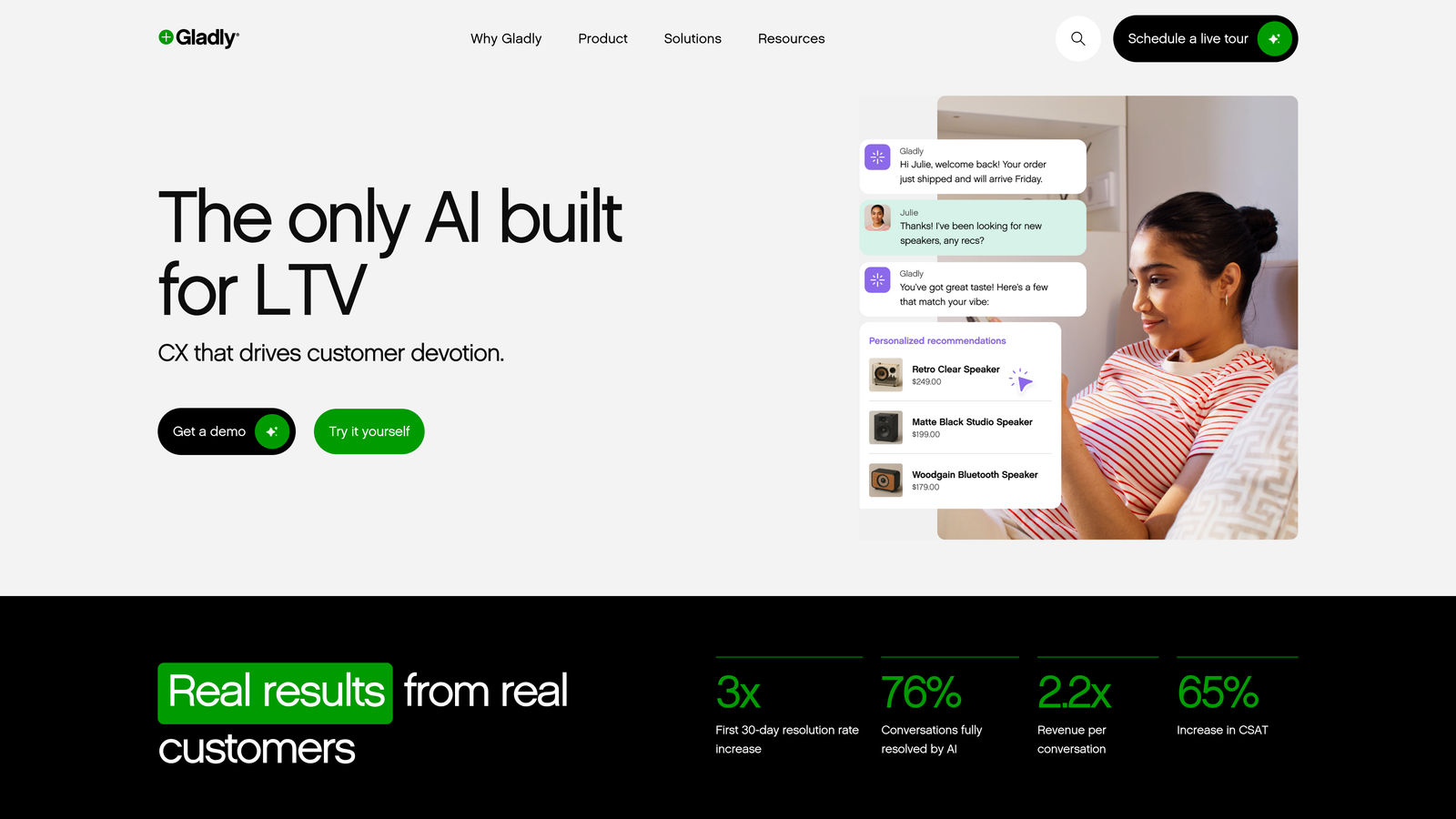
Gladly is a customer-centric support platform that replaces ticket IDs with persistent customer timelines, with AI features for after-hours routing and response suggestions.
Where This Tool Shines
Gladly's core differentiator is its data model. Where most platforms are ticket-centric (every interaction creates a new ticket), Gladly is customer-centric: every interaction across every channel is attached to a persistent timeline for that person. When a customer reaches out after hours, any AI or human agent picking up the conversation has the full relationship history, not just the current ticket.
The People Match feature adds another layer, intelligently pairing customers with the agents best suited to help them when human agents are available. For brands where relationship continuity is a competitive differentiator, this approach is meaningfully different from standard helpdesk tools.
Key Features
Persistent Customer Timeline: All interactions across channels and sessions are unified in a single customer record, not fragmented across tickets.
AI After-Hours Routing: Intelligently routes after-hours queries and generates suggested responses based on customer history and query type.
Omnichannel Unified View: Voice, email, chat, SMS, and social all managed from a single interface with full history visible.
People Match: Matches customers to the best-fit human agent when live support resumes, based on history and agent expertise.
Best For
Mid-market and enterprise brands where customer relationship quality is a core differentiator. The persistent timeline model is particularly valuable for companies with long customer lifecycles and high-touch support expectations.
Pricing
Contact for pricing at gladly.com. Typically positioned for mid-market to enterprise budgets.
8. Capacity
Best for: Organizations needing after-hours automation that spans customer support, IT, and HR
Capacity is an AI support automation platform that connects to internal knowledge bases, HR systems, and customer-facing docs to answer queries across departments after hours.
Where This Tool Shines
Capacity is less specialized than the other tools on this list, and that's actually its strength for certain organizations. If your after-hours query volume spans customer support, IT helpdesk, and internal HR questions, Capacity can handle all three from a single platform. The AI knowledge base ingests content from multiple sources and surfaces answers regardless of which department owns the information.
The analytics on knowledge gaps are particularly useful: Capacity tracks what questions it couldn't answer, giving you a clear roadmap for improving your knowledge base over time. For companies with complex internal knowledge spread across many systems, this cross-functional capability is hard to replicate with a pure support tool.
Key Features
AI Knowledge Base: Surfaces answers from internal docs, customer-facing content, and cross-departmental knowledge sources in a single query.
Cross-Functional Chatbot Builder: Handles IT, HR, and customer support queries from the same platform with department-specific integrations.
Escalation Workflows: Routes unresolved queries to human agents or existing ticketing systems when the AI reaches its limits.
Knowledge Gap Analytics: Tracks unanswered queries to identify content gaps and improve resolution rates over time.
Best For
Organizations where after-hours queries span multiple departments and a single-platform approach to automation is more practical than deploying separate tools for each function. Less specialized for pure customer support than most others on this list.
Pricing
Contact for pricing at capacity.com.
9. Influx
Best for: Companies where AI alone is insufficient and real human agents are required after hours
Influx is a managed human support service providing trained, on-demand agents for 24/7 after-hours coverage — a people-first alternative to AI-only solutions.
Where This Tool Shines
Influx sits in a different category from every other tool on this list: it's not software, it's a service. Real, trained human agents are available around the clock, across time zones, and they learn your product and brand voice before they start handling customers. For high-stakes support scenarios where an AI misunderstanding could damage a customer relationship, this human layer provides a quality floor that no chatbot can match.
The on-demand scaling model is genuinely flexible. You can add coverage for specific hours, channels, or seasonal spikes without hiring full-time headcount. Influx is also designed to work alongside existing helpdesk tools like Zendesk and Freshdesk, so it complements rather than replaces your current stack.
Key Features
Real Human Agents 24/7: Trained agents available across time zones, not AI responding as if it were human.
On-Demand Scaling: Add coverage for specific hours, channels, or high-volume periods without long-term headcount commitments.
Product and Brand Training: Agents learn your specific product, tone, and support processes before handling customer interactions.
Helpdesk Compatibility: Works within your existing Zendesk, Freshdesk, or other helpdesk setup rather than requiring a platform switch.
Best For
Companies with complex, high-stakes support queries where AI resolution quality is insufficient, or those that want a human safety net alongside their AI automation. Also a strong fit for teams that need immediate 24/7 coverage without the time investment of configuring an AI platform.
Pricing
Plans are typically based on agent hours or monthly volume. Verify current pricing at influx.com.
Which After-Hours Solution Is Right for Your Team?
The right tool depends less on features and more on where your after-hours gap actually lives. Before choosing anything, spend an hour auditing what's happening when your team is offline: How many tickets arrive outside business hours? What percentage are routine questions versus complex issues? Are customers getting frustrated waiting, or are they finding answers in your help center? That audit will tell you more than any feature comparison.
Here's a practical breakdown by use case:
AI-first autonomous resolution: Halo AI is the strongest option for product-led SaaS teams that want an agent that genuinely learns and improves, surfaces business intelligence, and connects deeply with their existing stack. If you want after-hours support that gets smarter every night, this is the platform built for that.
Enterprise helpdesk with AI layers: Zendesk remains the default for large teams with structured workflows, SLA requirements, and compliance needs. The configuration overhead is real, but so is the depth.
Budget-conscious SMBs and growing teams: Freshdesk offers meaningful automation at a price point that's hard to argue with. Tidio is worth a look for even smaller teams or those with significant e-commerce traffic.
When AI alone isn't enough: Influx provides real human agents as a service, and it's the honest answer for companies with high-stakes, complex queries that require genuine judgment. It works best as a complement to AI automation rather than a replacement.
Your support team shouldn't scale linearly with your customer base. Let AI agents handle routine tickets, guide users through your product, and surface business intelligence while your team focuses on the complex issues that genuinely need a human touch. See Halo in action and discover how continuous learning transforms every interaction into smarter, faster support.