9 Best AI Customer Service Software with Free Trials in 2026
This guide reviews 9 AI customer service software platforms that offer genuine free trials or meaningful free tiers, helping B2B SaaS and product teams evaluate real-world performance across ticket resolution, live agent handoff, and helpdesk integrations before committing to a contract.
 Matt PattoliFounder14 min read
Shopping for AI customer service software is easy. Choosing the right one before committing to a contract is harder. Free trials exist for exactly this reason, but not all trials are created equal. Some give you a sandboxed demo. Others hand you the full platform and let you run real tickets through it.
This list focuses on AI customer service platforms that offer genuine free trials or meaningful free tiers, so your team can evaluate real performance before signing anything. We've prioritized tools built for B2B SaaS and product teams, with particular attention to how each handles ticket resolution, live agent handoff, and integrations with the helpdesk systems you're already using.
Whether you're replacing Zendesk's native bot, augmenting Intercom, or starting fresh with a purpose-built AI support layer, there's an option here worth testing. Each entry covers what makes the tool distinct, who it's best suited for, and exactly what you get during the trial period.
1. Halo AI
Best for: B2B SaaS teams that want an AI-first support platform with built-in business intelligence.
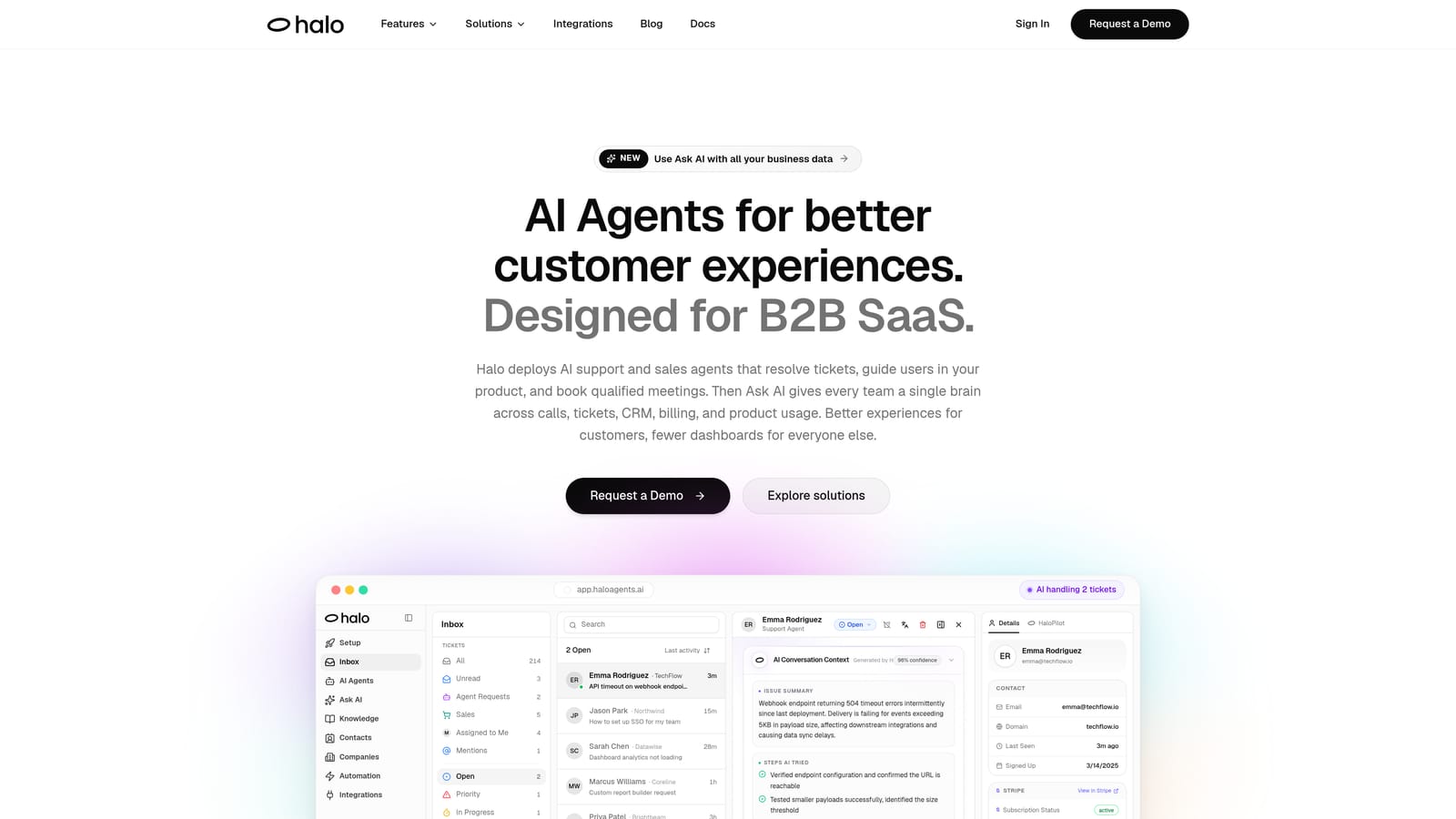
Halo AI is an AI-native customer support platform that resolves tickets, guides users through your product, and surfaces business intelligence — all from a single system built around AI from the ground up, not retrofitted onto a legacy helpdesk.
Where This Tool Shines
Most AI support tools know what page a conversation is on. Halo goes further: its page-aware chat widget understands the actual UI state the user is in, which means it can provide visual guidance that's contextually accurate rather than generic. For product-led SaaS teams, this is the difference between an AI that says "check your settings" and one that shows users exactly where to click.
The business intelligence layer is what separates Halo from traditional helpdesks with AI add-ons. Beyond resolving tickets, Halo surfaces customer health signals, revenue intelligence, and anomaly detection through its smart inbox. Your support data starts feeding strategic decisions, not just ticket queues.
Key Features
Page-Aware Chat Widget: Sees what users see in real time, enabling visual UI guidance that's specific to the user's current product state.
Intelligent AI Agents: Resolve tickets autonomously with clean escalation paths to human agents when complexity requires it.
Auto Bug Ticket Creation: Detects issues and automatically routes bug reports to Linear or your preferred issue tracker, removing a manual step from your product team's workflow.
Smart Inbox with Business Intelligence: Surfaces customer health signals, revenue intelligence, and anomaly detection alongside your support queue.
Deep Integration Stack: Connects natively with Linear, Slack, HubSpot, Intercom, Stripe, Zoom, PandaDoc, and Fathom — broader than most platforms in this category.
Best For
B2B SaaS companies and product teams that want an AI-first architecture rather than a bolt-on layer. Particularly strong for teams where support intelligence needs to flow upstream to product, revenue, and engineering — not just stay inside a helpdesk.
Pricing
Free trial available. Visit haloagents.ai for current trial details and plan pricing.
2. Intercom Fin
Best for: Teams already running Intercom who want native AI resolution without adding another platform.
Intercom Fin is Intercom's native AI resolution agent, powered by large language models and trained on your existing help content to handle frontline queries inside the Intercom ecosystem.
Where This Tool Shines
Fin's biggest advantage is how naturally it fits into Intercom's existing workflows. If your team already lives in the Intercom inbox, Fin adds AI resolution without requiring a migration, a new integration layer, or retraining your agents on a different interface. The handoff from Fin to a human agent is clean, with full conversation context preserved.
The resolution-based pricing model available on some plans is worth noting. Rather than paying per seat for AI, you pay per resolved conversation, which aligns costs directly with value delivered. For teams with variable ticket volumes, this can be a more predictable model than flat monthly AI fees.
Key Features
LLM-Powered Resolution: Uses your existing help center content to answer questions accurately without manual bot scripting.
Native Inbox Handoff: Transfers conversations to human agents with full context intact, no context loss between AI and human.
Resolution-Based Pricing: On certain plans, you pay per resolved conversation rather than per seat.
Multilingual Support: Handles conversations in multiple languages out of the box without separate configuration.
Best For
Companies already invested in the Intercom ecosystem. If you're on Intercom and want to add AI resolution without switching platforms or managing a separate vendor relationship, Fin is the most direct path.
Pricing
Included in Intercom plans; Fin add-on pricing varies by plan. A 14-day free trial of the Intercom suite, including Fin, is available.
3. Zendesk AI
Best for: Enterprise teams running Zendesk Suite who want AI embedded across triage, agent assist, and automated resolution.
Zendesk AI is the native AI layer embedded across Zendesk Suite, covering intelligent triage, agent copilot suggestions, automated resolutions, and generative AI tools for agents — all inside the Zendesk environment your team already uses.
Where This Tool Shines
Zendesk AI's strength is breadth. Rather than focusing on a single AI capability, it touches every stage of the ticket lifecycle: tickets are tagged and routed before agents see them, agents get suggested replies and next-best-action prompts while working, and common queries are resolved automatically before they ever enter the queue. For large support operations, this end-to-end coverage reduces friction at every handoff point.
The generative AI tools for knowledge management are a practical addition. Agents can generate macros, summarize long threads, and create help center articles directly from resolved tickets, which helps support teams build self-service content without a separate content workflow.
Key Features
Intelligent Triage: Automatically routes and tags tickets before agents see them, reducing manual sorting work.
Agent Copilot: Provides suggested replies and next-best-action recommendations in real time as agents work tickets.
Automated Resolutions: AI agents handle common, repeatable queries without human involvement.
Generative AI Tools: Supports macro creation, thread summarization, and knowledge base article generation for agents.
Best For
Mid-market to enterprise teams already on Zendesk Suite who want to add AI across their existing workflow without migrating to a new platform. Less compelling for teams not already in the Zendesk ecosystem.
Pricing
AI features are included in Zendesk Suite plans starting at approximately $55 per agent per month. A 14-day free trial is available.
4. Freshdesk Freddy AI
Best for: Budget-conscious teams or Freshworks users who want AI across self-service, agent assist, and analytics in one package.
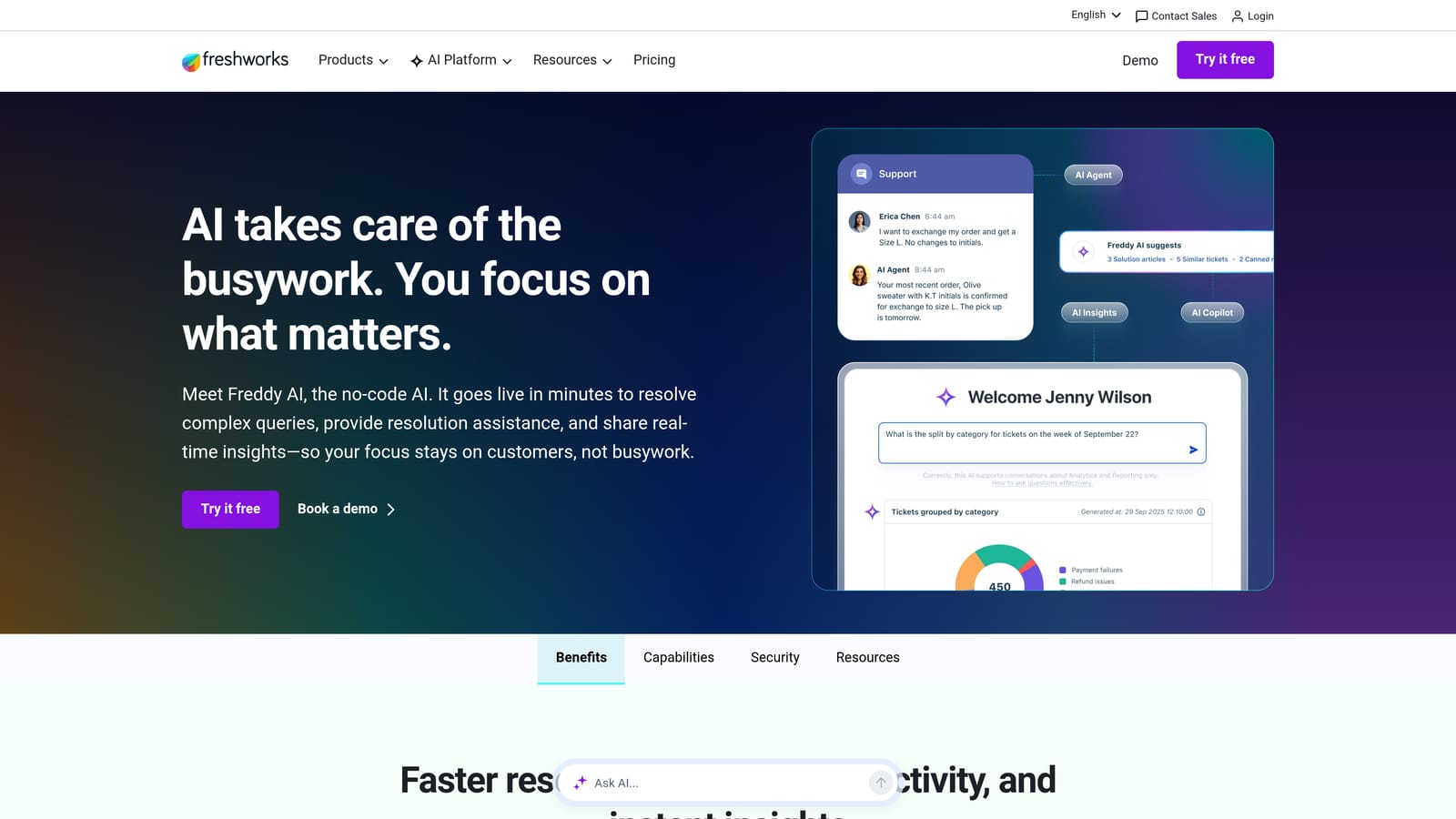
Freshdesk Freddy AI is Freshworks' AI suite embedded in Freshdesk, covering self-service bots, agent assistance, and analytics — all within the Freshdesk interface and without requiring a separate AI contract.
Where This Tool Shines
Freddy AI is structured in three distinct layers: Freddy Self Service handles deflection before tickets reach agents, Freddy Copilot assists agents in real time, and Freddy Insights gives support leaders AI-generated analytics and anomaly alerts. This tiered structure means teams can adopt AI incrementally rather than switching everything on at once.
The pricing accessibility is a genuine differentiator. Freshdesk's free plan gives small teams a starting point, and Freddy AI features unlock at the Growth tier, making this one of the more affordable paths to AI-assisted support for teams not ready to commit to enterprise pricing.
Key Features
Freddy Self Service: AI bot that deflects common queries before they reach the agent queue.
Freddy Copilot: Provides real-time suggestions, ticket summarization, and draft replies for agents handling complex issues.
Freddy Insights: AI-generated analytics and anomaly alerts give support leaders visibility into performance trends and unusual patterns.
Bundled Pricing: No separate AI contract; features are included in standard Freshdesk plan tiers.
Best For
Teams on Freshworks products, or those looking for a full-featured AI support platform at accessible pricing. Also a strong option for teams that want to pilot AI gradually rather than deploying it across all workflows simultaneously.
Pricing
Free plan available. Freddy AI features start at approximately $15 per agent per month on the Growth tier. A 21-day free trial is available on paid plans.
5. Tidio
Best for: Small teams and early-stage companies testing AI customer service for the first time with minimal setup friction.
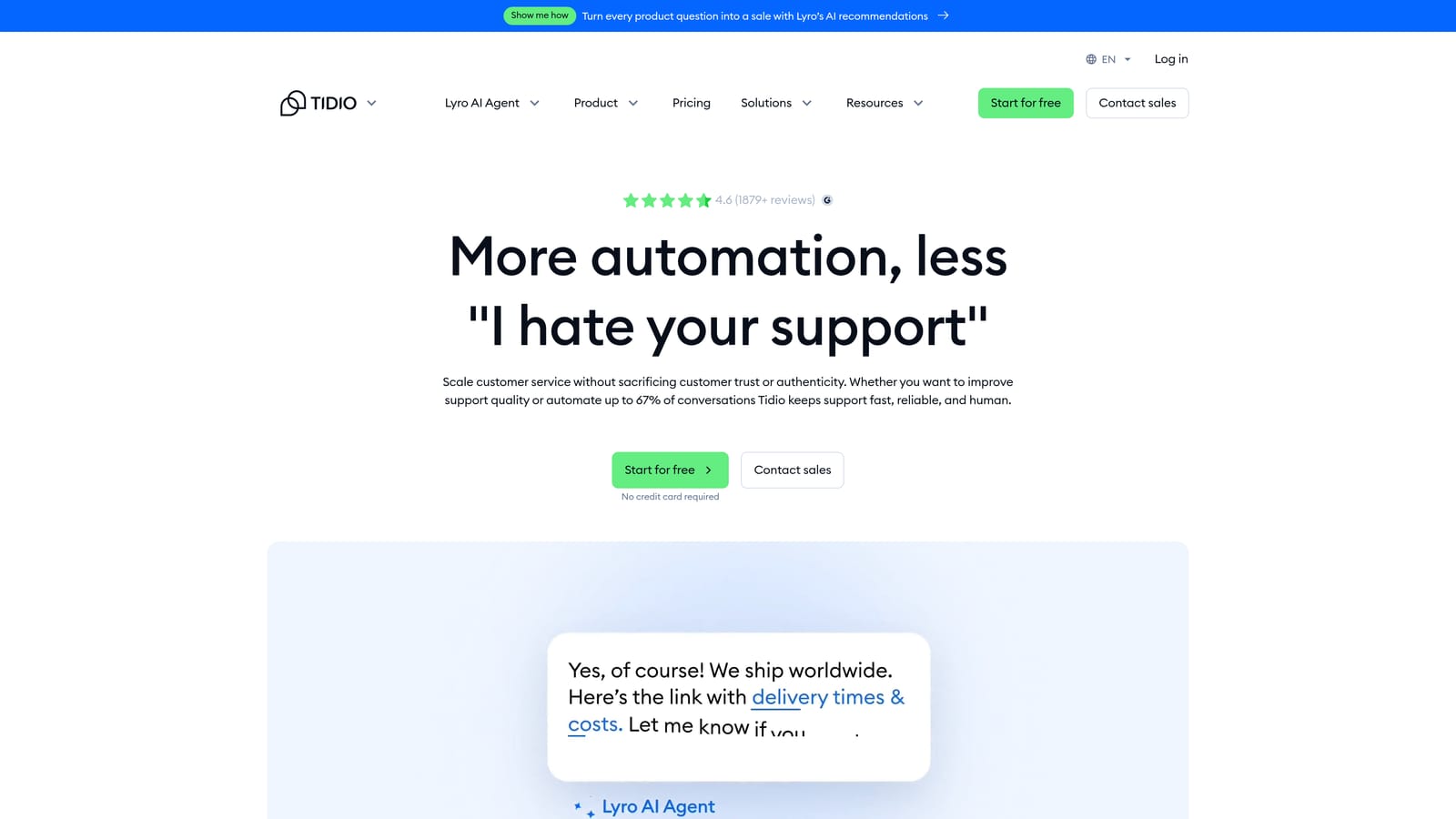
Tidio is a live chat and AI customer service platform featuring Lyro, its conversational AI agent, known for fast setup, accessible pricing, and one of the more generous free tiers available for teams evaluating AI support tools.
Where This Tool Shines
Tidio's primary advantage is speed to value. Most teams can have Lyro live and handling real conversations within hours, not days. The setup process doesn't require technical configuration or a lengthy onboarding process, which makes it particularly useful for small teams that don't have a dedicated ops person to manage implementation.
The free tier is meaningful for evaluation purposes. Unlike many platforms that offer a time-limited trial with full features, Tidio's free plan includes a limited number of Lyro conversations on an ongoing basis. This lets small-volume teams test AI resolution quality on real traffic before committing to a paid plan.
Key Features
Lyro AI: Handles conversations autonomously using your FAQ and help content without requiring manual bot scripting.
Free Tier with Lyro Conversations: Includes a limited number of AI-handled conversations per month, usable for genuine production testing.
Visual Flow Builder: Lets teams create custom conversation paths for scenarios Lyro shouldn't handle autonomously.
Fast Setup: Typically live within hours; no complex technical configuration required.
Broad Integrations: Connects with Shopify, WordPress, and major CRMs for e-commerce and SMB workflows.
Best For
Small teams, early-stage SaaS companies, and e-commerce businesses that want to test AI customer service without a sales process or significant setup investment. Less suited for enterprise teams with complex routing requirements or deep CRM integration needs.
Pricing
Free plan available with limited Lyro conversations; no credit card required. Paid plans start at approximately $29 per month.
6. Drift (Salesloft)
Best for: Revenue teams that need AI to serve both support and sales functions, routing conversations based on buyer intent and account data.
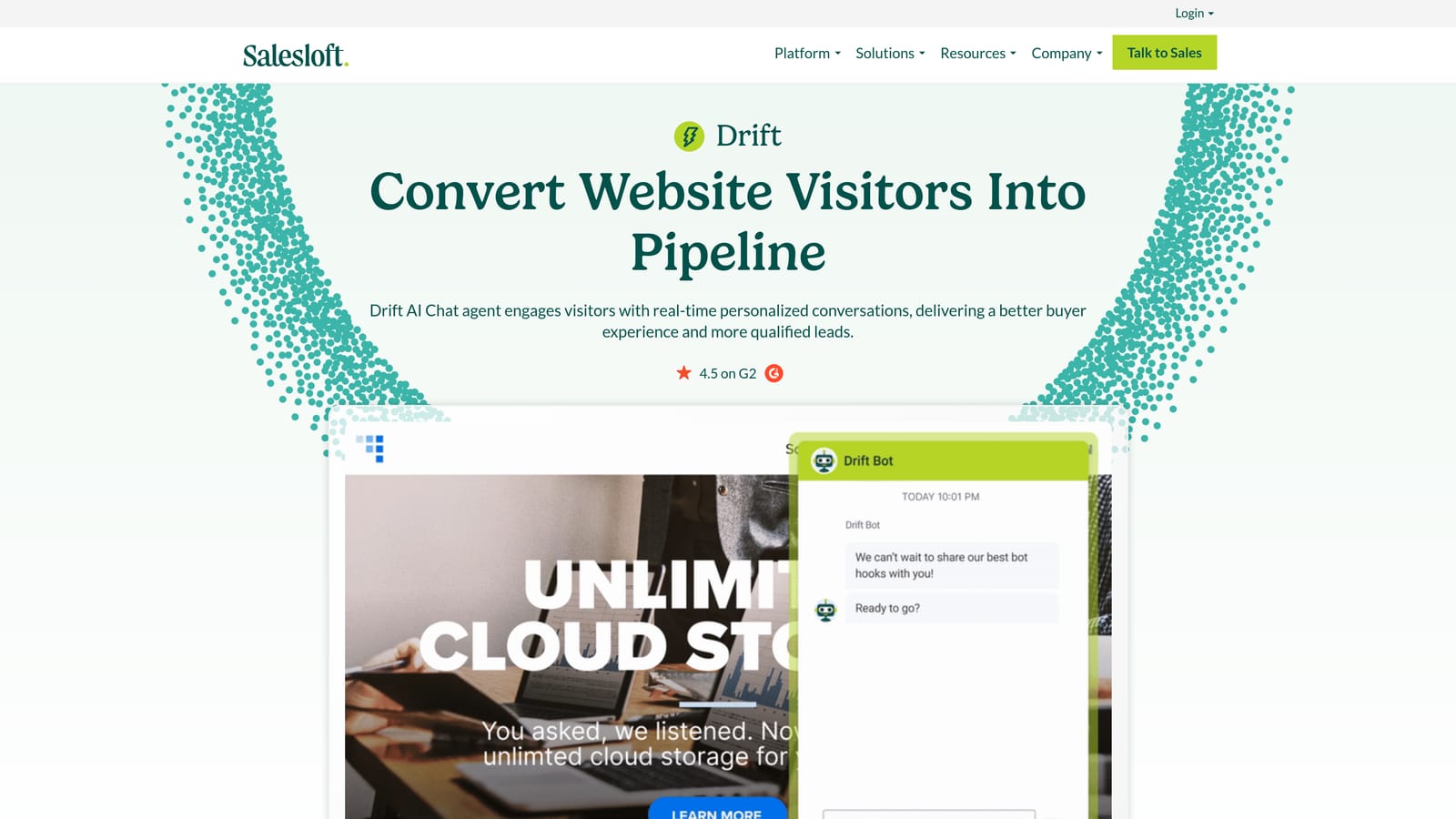
Drift, now part of Salesloft, is an AI-powered conversational platform that blends support and sales, routing conversations based on buyer intent signals and CRM account data rather than query type alone.
Where This Tool Shines
Drift's differentiation is its revenue orientation. Where most support AI focuses on deflection and resolution, Drift is designed to convert conversations into pipeline. Playbooks adapt based on visitor segment, so a prospect, an existing customer, and a churned account all receive different conversational experiences without manual routing rules for each scenario.
The conversational landing page concept is worth noting for teams that rely heavily on inbound marketing. Rather than directing visitors to static forms, Drift replaces those touchpoints with live AI chat, which can accelerate the path from interest to conversation for revenue teams.
Key Features
Intent-Based Routing: Routes conversations using buyer intent signals and CRM account data, not just query content.
Conversational Landing Pages: Replaces static forms with live AI chat to accelerate inbound conversion.
Adaptive Playbooks: Adjusts conversation flows based on visitor segment, including prospect, customer, and churned account scenarios.
Native Salesloft Integration: Connects directly to Salesloft for revenue team alignment across sales and support.
Best For
Companies where support and sales overlap significantly, particularly those with high-value inbound traffic that needs to be converted as well as served. Less ideal for teams looking for a pure support automation tool without a sales motion.
Pricing
Pricing is not publicly listed and requires sales contact. A demo is available on request; this is not a self-serve free trial.
7. Zoho Desk with Zia
Best for: Teams in the Zoho ecosystem or those seeking enterprise-level AI features at pricing below most alternatives.
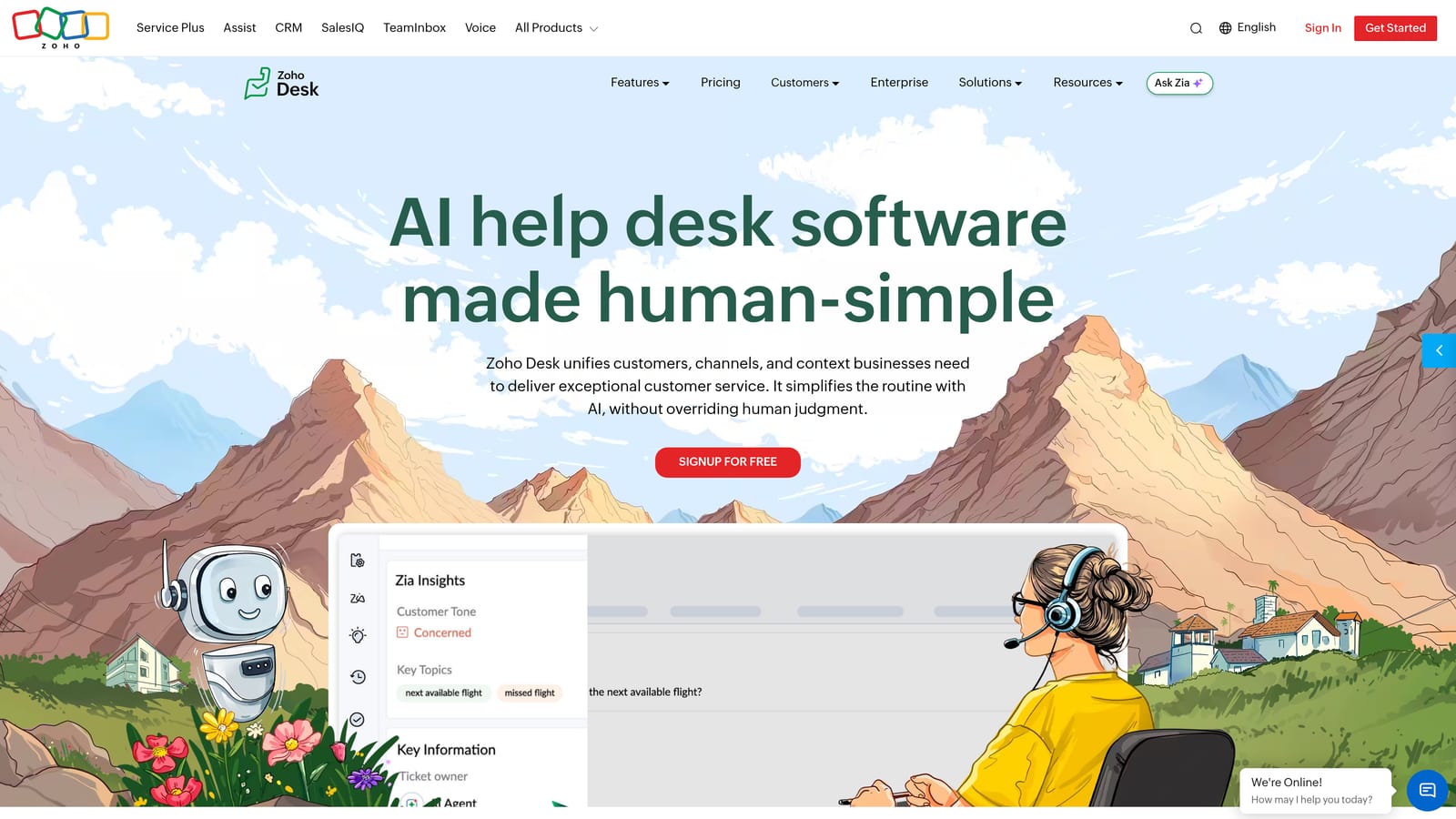
Zoho Desk is a full-featured helpdesk with Zia, Zoho's AI engine, handling sentiment analysis, anomaly detection, ticket tagging, and agent suggestions — all at a price point that undercuts most enterprise alternatives.
Where This Tool Shines
Zia's sentiment analysis is a practically useful feature that often gets overlooked in AI support evaluations. By automatically flagging tickets with negative or urgent sentiment, Zia helps teams prioritize without requiring agents to manually read every ticket before triaging. For high-volume queues, this kind of automated signal is genuinely valuable.
The anomaly detection capability gives support leaders early warning when ticket volumes spike unexpectedly, which is particularly useful for SaaS teams managing incidents or product releases. Rather than discovering a problem in a retrospective, Zia surfaces it in real time.
Key Features
Zia Sentiment Analysis: Automatically flags tickets with negative or urgent sentiment for priority handling.
Auto-Tagging and Classification: Reduces manual triage by categorizing tickets based on content before agents see them.
Agent Suggestions: Zia provides response recommendations to help agents reply faster and more consistently.
Anomaly Detection: Alerts support leaders to unusual ticket volume spikes in real time.
Best For
Teams already using Zoho's product suite, or those looking for AI-assisted support at accessible pricing. Also a solid option for support leaders who want AI-powered analytics and anomaly detection without paying enterprise-tier prices.
Pricing
Free plan available for up to 3 agents. Zia AI features start at approximately $23 per agent per month on the Enterprise plan. A 15-day free trial is available across all paid plans.
8. Help Scout
Best for: Teams with a human-first support philosophy who want AI to reduce agent effort without removing human judgment from customer relationships.
Help Scout is a support platform built around the principle that humans should remain in control of customer relationships, with AI tools that assist agents rather than replace them.
Where This Tool Shines
Help Scout's AI features are deliberately scoped. AI Summarize condenses long conversation threads into a single-paragraph summary, which is immediately useful for agents picking up mid-conversation or reviewing context before a call. AI Drafts generates reply suggestions that agents review and edit before sending, rather than sending autonomously. This keeps humans accountable for every response.
For teams where brand voice and relationship quality are non-negotiable, this approach is genuinely appealing. The AI handles the cognitive load of drafting and summarizing without making autonomous decisions that could damage a customer relationship.
Key Features
AI Summarize: Condenses long conversation threads into a concise paragraph, giving agents immediate context without reading the full history.
AI Drafts: Generates reply suggestions that agents review and edit before sending, keeping humans in the loop on every response.
Docs AI: Surfaces relevant help articles inside conversations automatically, reducing the time agents spend searching for content.
Beacon Chat Widget: Supports proactive messaging and in-app help alongside standard chat functionality.
Best For
Support teams that prioritize relationship quality and brand voice over deflection rates. Particularly well-suited for companies where personalized, human-feeling responses are part of the customer experience strategy.
Pricing
Plans start at approximately $22 per user per month on the Standard plan. A 15-day free trial is available with no credit card required.
9. Kustomer
Best for: High-volume, multi-channel support teams that need AI with full access to the complete customer timeline across purchases, conversations, and account history.
Kustomer is a CRM-native customer service platform where AI operates with full context from the entire customer relationship, not just the current ticket, making it well-suited for complex, high-volume support environments.
Where This Tool Shines
The unified customer timeline is Kustomer's core differentiator. When AI handles a conversation in Kustomer, it has access to purchase history, past interactions, account status, and channel history simultaneously. This context depth enables routing and resolution decisions that would be impossible with a traditional helpdesk where each ticket is treated in isolation.
For teams managing complex customer relationships across multiple channels, this means AI recommendations are grounded in the full customer picture. A customer who has contacted support three times in the past month and has an upcoming renewal gets a different experience than a first-time contact, without requiring manual segmentation rules for every scenario.
Key Features
Unified Customer Timeline: Gives AI full context across all channels, purchase history, and past interactions simultaneously.
AI-Powered Routing: Routes conversations based on customer segment, history, and conversation intent rather than queue rules alone.
CRM-Triggered Workflows: Automated workflows that trigger based on CRM data, not just ticket content.
KIQ Customer Assist: Self-service resolution layer that handles common queries before agent involvement.
Best For
Enterprise and mid-market companies running high-volume, multi-channel support where customer history and account data need to inform every AI decision. Less suited for smaller teams or those without complex CRM requirements.
Pricing
Enterprise pricing; requires sales contact. Trial availability varies by account and is not a fully self-serve process.
Which Tool Is Right for Your Team
The right choice depends on where you're starting from and what you need AI to do beyond answering tickets.
If you want an AI-first platform with business intelligence built in, start with Halo AI. If you're already on Intercom and want native AI resolution without adding a vendor, Fin is the most direct path. Enterprise Zendesk shops will find AI features embedded across their existing workflow without migration. Teams on Freshworks or working with tighter budgets will get strong coverage from Freddy AI's tiered approach.
For the smallest teams that need to be live quickly, Tidio's free tier and fast setup make it the lowest-friction starting point. If support and sales overlap in your business, Drift's intent-based routing is worth exploring. Teams in the Zoho ecosystem will find Zia's sentiment analysis and anomaly detection genuinely useful at accessible pricing. If human judgment needs to stay in the loop on every response, Help Scout's AI-assist approach is the most deliberate option. And for complex, high-volume environments where full customer context needs to inform AI decisions, Kustomer's CRM-native architecture is purpose-built for that challenge.
During any trial, run the same set of real tickets through the AI rather than demo scenarios. Test escalation behavior specifically: does context transfer cleanly when the AI hands off to a human? Check what analytics surface after 48 hours of real usage. That's the fastest way to separate tools that look good in demos from ones that actually perform in production.
Your support team shouldn't scale linearly with your customer base. Let AI agents handle routine tickets, guide users through your product, and surface business intelligence while your team focuses on complex issues that need a human touch. See Halo in action and discover how continuous learning transforms every interaction into smarter, faster support.