9 Best AI Customer Service Software Options and What They Actually Cost in 2026
This guide breaks down AI customer service software pricing across nine leading platforms, revealing actual costs, hidden fees, and bundled features that vendors typically obscure behind "contact sales" buttons. Whether you're a lean SaaS startup or enterprise scaling multi-channel support, you'll find transparent pricing models and capability comparisons to help you budget accurately and choose the right tool for your team.
 Matt PattoliFounder14 min read
AI customer service software pricing is notoriously hard to pin down. Most vendors bury their costs behind "contact sales" buttons, bundle features you don't need, or charge per-resolution in ways that make budgeting unpredictable.
This guide cuts through the noise. We've mapped out nine leading AI customer service platforms: what they cost, what's included, and where the hidden fees tend to appear. Whether you're a lean SaaS team looking to automate tier-1 support or an enterprise scaling across multiple channels, you'll find a clear breakdown of pricing models, key capabilities, and which type of team each tool suits best.
Tools were selected based on AI capability maturity, pricing transparency, integration depth, and suitability for B2B SaaS environments. All pricing figures are approximate starting points as of mid-2026. Verify directly with vendors before making purchasing decisions, as prices change frequently.
1. Halo AI
Best for: SaaS teams that want AI-first support with business intelligence baked in
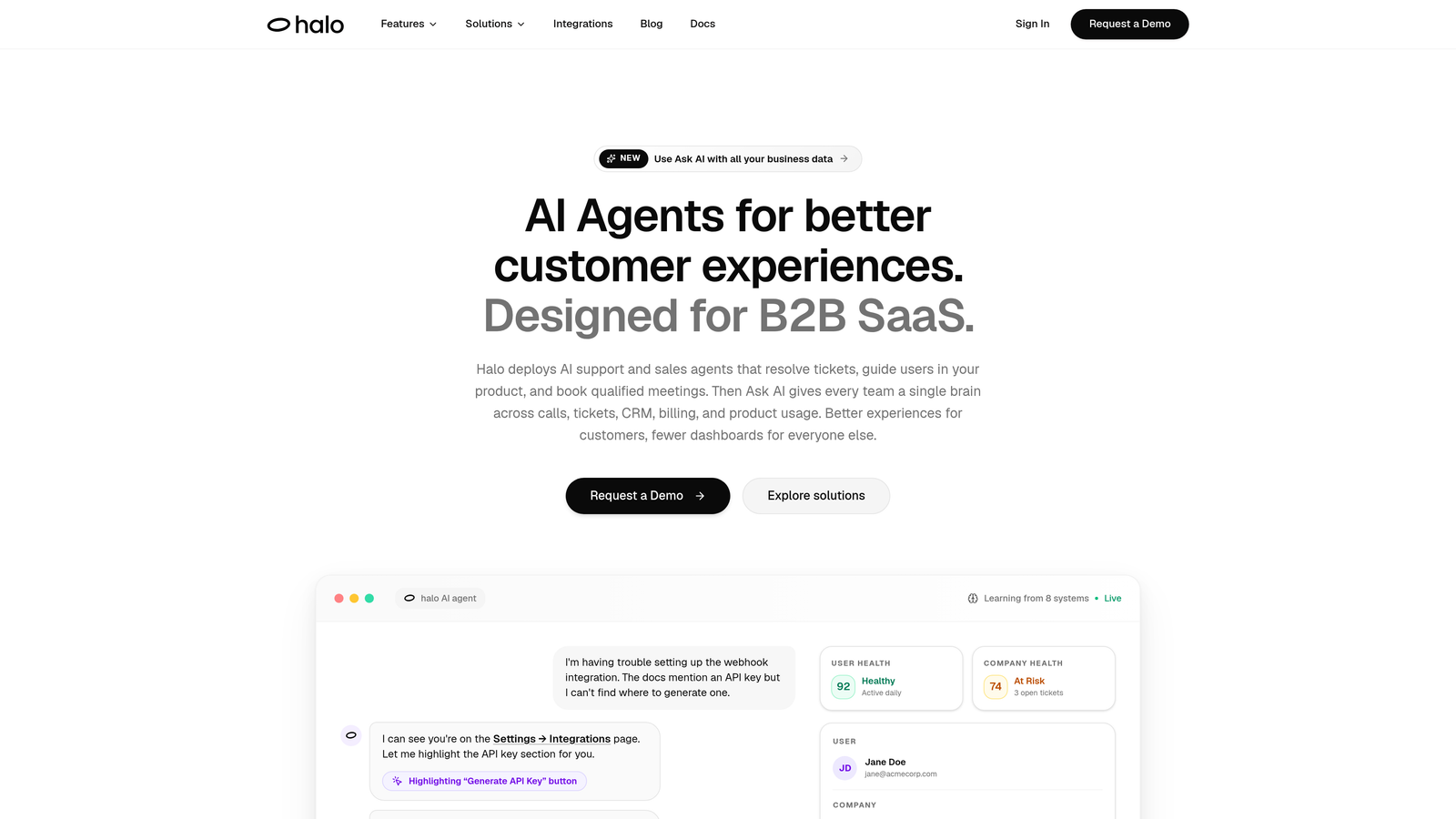
Halo AI is an AI-first customer support platform that deploys intelligent agents to resolve tickets, guide users through your product, and surface actionable business intelligence from every interaction.
Where This Tool Shines
What separates Halo from most tools on this list is that it wasn't built as an AI layer on top of a legacy helpdesk. It was designed AI-first, which means the intelligence runs through every part of the platform rather than being bolted on as an add-on feature.
The page-aware context is particularly notable. Halo's agents understand what a user is actually seeing inside your product at the moment they reach out, which means guidance is specific and relevant rather than generic. Add in the business intelligence layer that surfaces customer health signals, churn indicators, and revenue anomalies from support interactions, and you're getting value well beyond ticket deflection.
Key Features
Page-Aware AI Agents: Agents understand the exact in-product context of each user, enabling precise guidance rather than generic responses.
Smart Inbox with Business Intelligence: Surfaces customer health signals, revenue anomalies, and churn indicators directly from support data.
Auto Bug Ticket Creation: Automatically generates and routes bug reports to Linear or your preferred issue tracker without manual intervention.
Live Agent Handoff: Escalates to human agents with full conversation context preserved, so nothing gets repeated.
Deep Integration Stack: Connects to Slack, HubSpot, Intercom, Stripe, Zoom, PandaDoc, and Fathom, linking support to your broader business stack.
Best For
SaaS companies that want support automation to do more than deflect tickets. If you need your support layer to generate product insights, flag at-risk accounts, and connect to your revenue stack, Halo is built for exactly that use case. Particularly well-suited to growth-stage teams scaling support without scaling headcount.
Pricing
Pricing is available at haloagents.ai and is designed for SaaS teams scaling support without scaling headcount. Reach out directly for a plan tailored to your team size and support volume.
2. Intercom (Fin AI)
Best for: Teams that want per-resolution pricing tied directly to AI performance
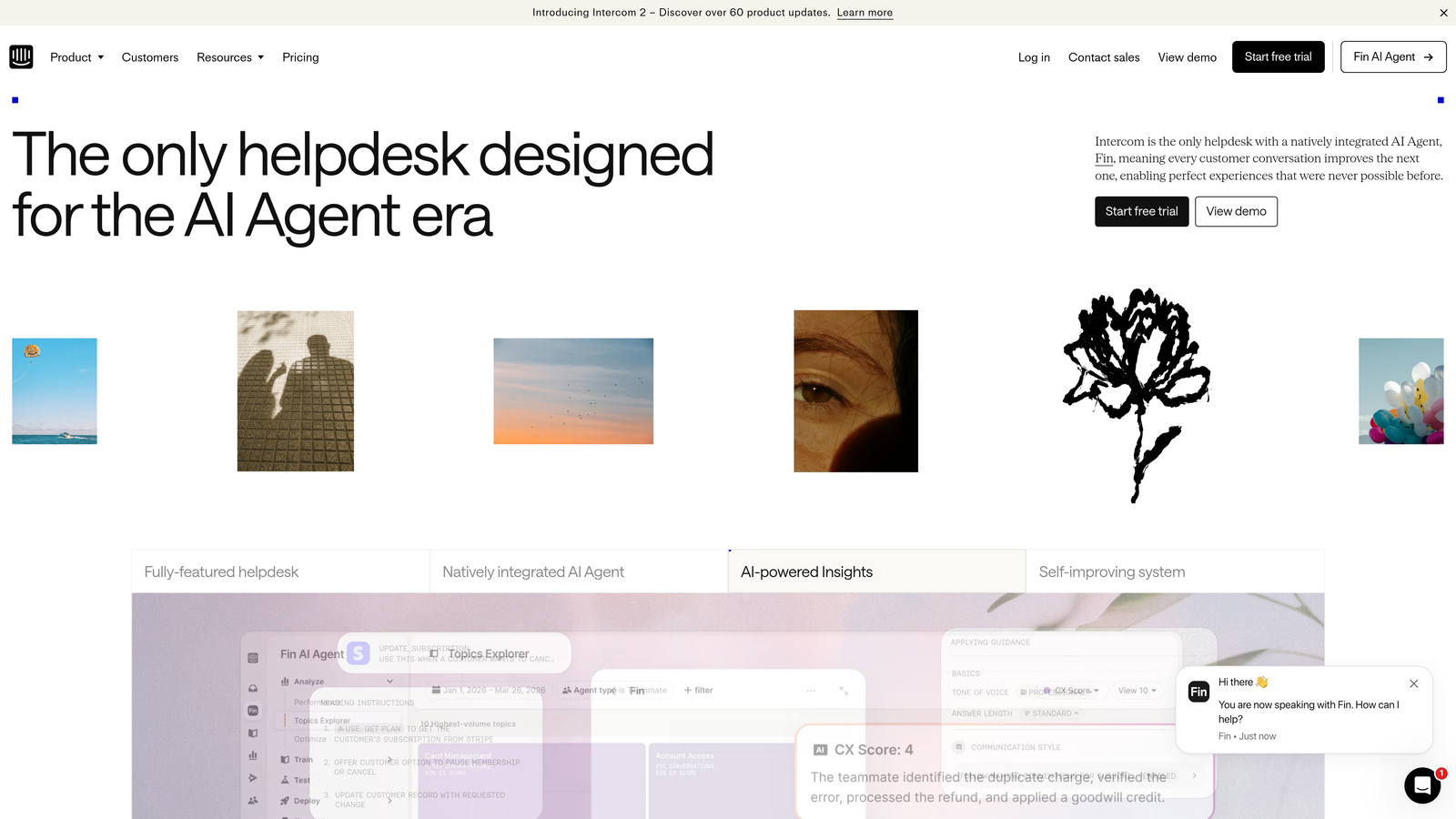
Intercom's Fin AI agent sits on top of their established customer messaging platform, handling tier-1 queries autonomously using a pay-per-resolution model.
Where This Tool Shines
Intercom has strong brand recognition in the customer messaging space, and Fin AI benefits from that foundation. The per-resolution pricing model is genuinely interesting: you only pay when the AI successfully resolves a query, which aligns vendor incentives with your outcomes rather than just seat counts.
That said, "per resolution" pricing can become unpredictable at scale. Before committing, ask Intercom exactly what counts as a resolution, whether escalations are billed, and what the overage policy looks like. For teams with consistent, predictable support volumes, this model can be cost-efficient. For teams with spiky or edge-case-heavy tickets, costs can climb faster than expected.
Key Features
Fin AI Agent: Resolves queries autonomously using your help center content and knowledge base.
Per-Resolution Pricing: Approximately $0.99 per resolution, so you pay only when AI succeeds rather than for seat licenses.
Seamless Human Handoff: Escalates to human agents within the same Intercom inbox without context loss.
Omnichannel Coverage: Supports chat, email, and messaging apps from a single platform.
App Marketplace: Extensive integrations available through Intercom's established ecosystem.
Best For
Teams already using Intercom for customer messaging who want to layer in AI resolution without switching platforms. Also a good fit for teams comfortable with variable AI-based billing and confident in their ability to model resolution volumes accurately.
Pricing
Base plans start at approximately $39/seat/month. Fin AI is charged at approximately $0.99 per resolution on top of base plan costs. Verify current pricing at intercom.com, as this model has evolved and may continue to change.
3. Zendesk AI
Best for: Large enterprises already invested in the Zendesk ecosystem
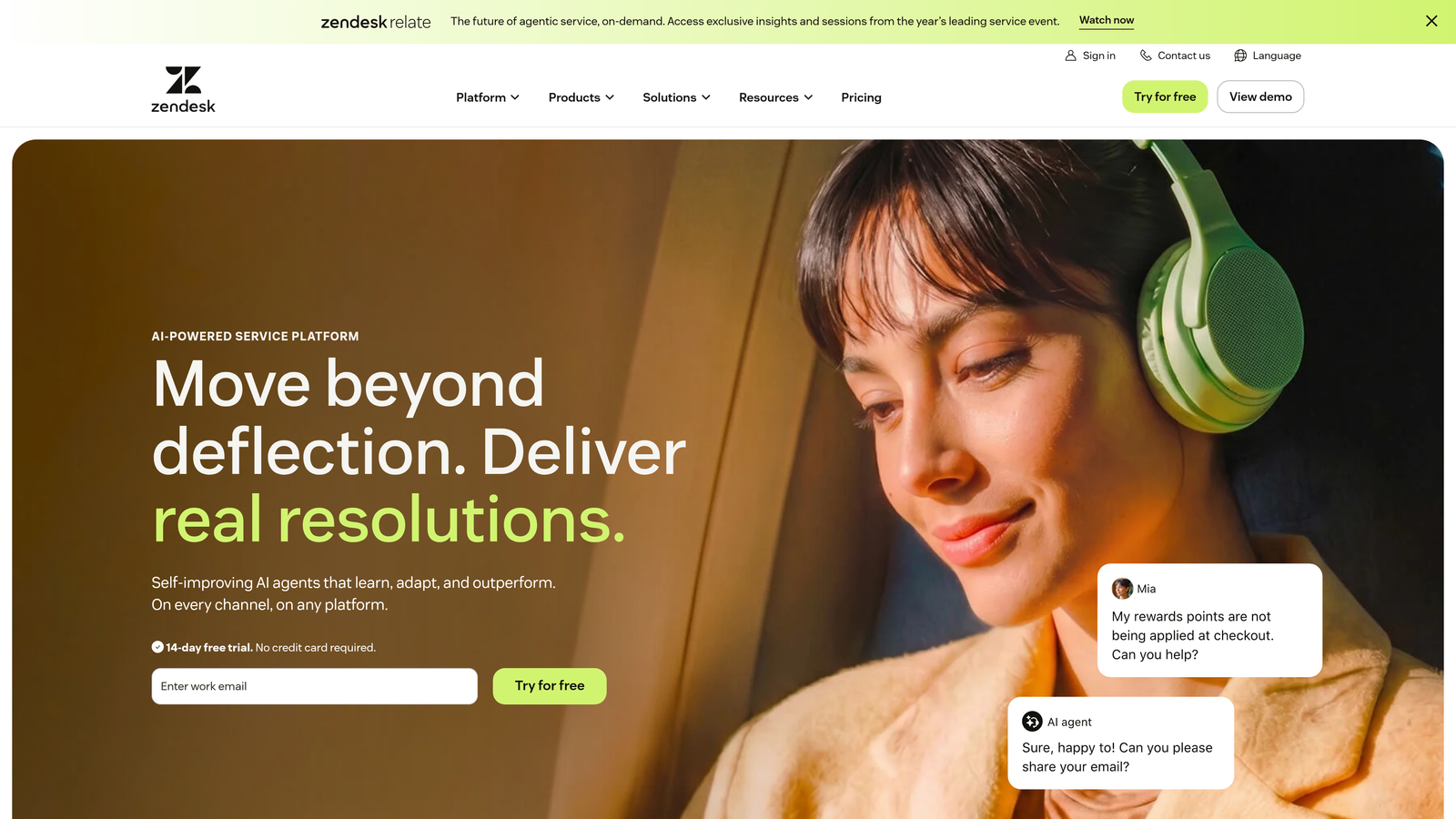
Zendesk adds an intelligent AI layer to one of the most widely deployed enterprise helpdesk platforms, offering triage, autonomous resolution, and agent assistance capabilities.
Where This Tool Shines
If your organization is already running Zendesk at scale, the AI layer is a natural extension rather than a platform switch. Zendesk's depth of enterprise compliance, security controls, and workflow customization is hard to match, and the AI features integrate tightly with existing ticket flows.
The challenge is that AI features are not always included in base plans. Depending on your tier, you may be looking at a meaningful add-on cost on top of already substantial per-agent fees. For enterprises with dedicated procurement and IT teams, this is manageable. For smaller teams, it can push Zendesk out of budget range quickly.
Key Features
AI Triage and Intent Detection: Automatically categorizes and prioritizes incoming tickets based on content and intent.
Intelligent Routing: Routes tickets to the right agent, team, or self-service path without manual intervention.
AI Copilot for Agents: Provides suggested responses and conversation summaries to help agents resolve tickets faster.
Autonomous AI Agents: Handles self-service resolution for common query types without human involvement.
Enterprise Compliance: Deep security and compliance controls suited to regulated industries and large organizations.
Best For
Enterprise teams with established Zendesk deployments, dedicated IT resources, and support volumes that justify the platform's pricing tier. Not the most cost-efficient entry point for smaller SaaS teams starting fresh.
Pricing
Suite plans start at approximately $55/agent/month. AI features are available as an add-on or on higher tiers, with enterprise pricing requiring a direct sales conversation. Verify current pricing at zendesk.com.
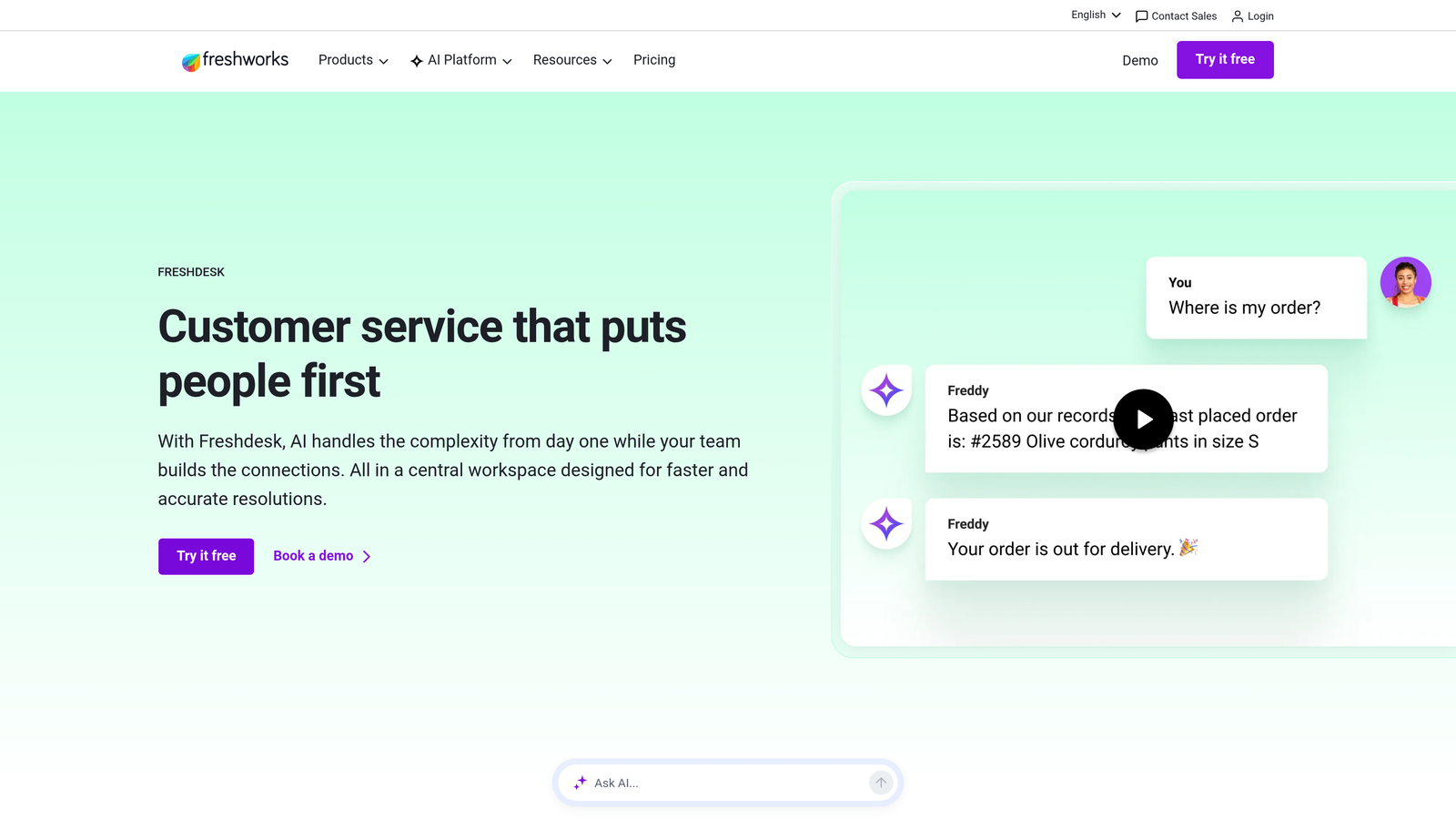
4. Freshdesk (Freddy AI)
Best for: SMBs that want AI-assisted support at an accessible price point
Freshdesk bundles its Freddy AI capabilities into tiered plans, making AI-assisted support available at lower entry costs than most enterprise competitors.
Where This Tool Shines
Freshdesk's biggest advantage is accessibility. With AI features available from the Growth plan upward, teams don't need to reach enterprise pricing tiers just to get intelligent ticket routing and automated responses. For SMBs or early-stage SaaS companies watching their support budget carefully, this matters.
Freddy AI covers three distinct use cases: agent assistance (Copilot), customer-facing bots (Self Service), and backend automation (categorization and routing). The breadth is solid for the price, though the depth of AI capability doesn't quite match dedicated AI-first platforms.
Key Features
Freddy AI Categorization: Automatically tags, categorizes, and routes incoming tickets without manual sorting.
Freddy Copilot: Assists agents with response drafting, tone suggestions, and knowledge base lookups.
Freddy Self Service: Powers AI-driven customer-facing bots for self-service resolution.
Multichannel Coverage: Handles email, chat, phone, and social from a unified inbox.
Accessible Entry Point: AI features available from approximately $15/agent/month, significantly below most competitors.
Best For
Small to mid-sized teams that need a capable all-in-one helpdesk with AI assistance and can't justify enterprise-level pricing. Also a reasonable choice for teams new to AI support tools who want to start with guided automation rather than full autonomy.
Pricing
Growth plan approximately $15/agent/month, Pro approximately $49/agent/month, Enterprise approximately $79/agent/month. Freddy AI Copilot is available as an add-on on certain plans. Verify current pricing at freshworks.com.
5. Tidio
Best for: Small teams that need fast deployment with minimal technical setup
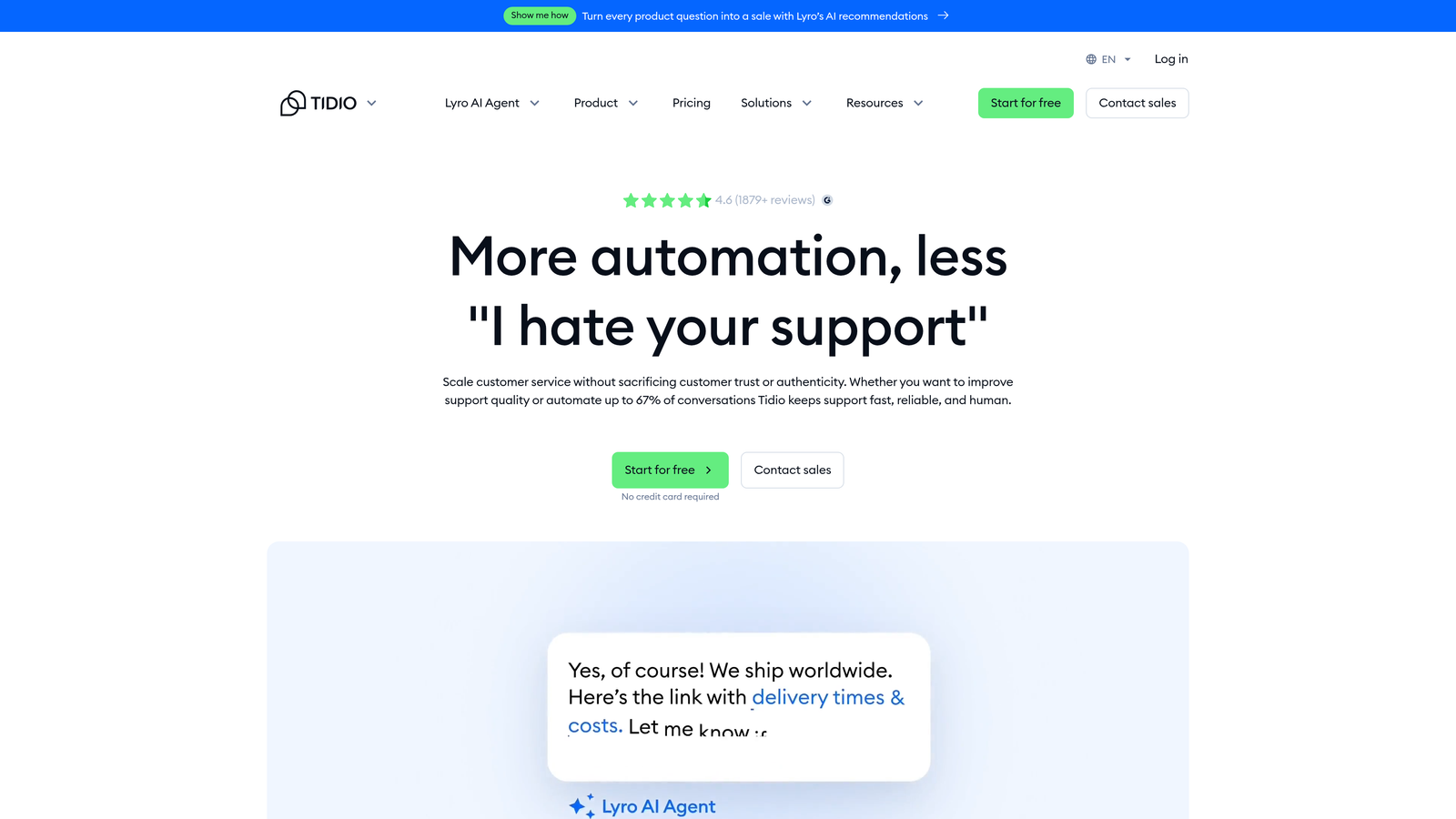
Tidio's Lyro AI chatbot offers one of the fastest paths to AI-powered customer support, with straightforward per-conversation pricing and a setup process that doesn't require a developer.
Where This Tool Shines
Speed to value is Tidio's defining strength. If you need AI-powered support running within hours rather than weeks, Lyro AI can pull from your existing FAQ and help content to start handling conversations almost immediately. There's no complex training pipeline or technical configuration required.
The tradeoff is depth. Tidio is well-suited to straightforward, high-frequency queries, particularly in e-commerce contexts. For complex B2B SaaS support with nuanced product questions, you may find the AI hitting its ceiling more often than you'd like. It's a strong starting point, but growing teams often find themselves wanting more sophistication over time.
Key Features
Lyro AI: Handles customer conversations using your FAQ and support content with minimal setup required.
Simple Per-Conversation Pricing: Predictable billing based on conversation volume rather than seats or resolutions.
Live Chat and Email: Covers core support channels alongside Messenger integration.
No-Code Setup: Operational without technical expertise, making it accessible to small teams.
E-Commerce Integrations: Native connections to Shopify and WooCommerce for retail-focused teams.
Best For
Small teams, solopreneurs, or e-commerce businesses that need AI support up and running quickly without a technical implementation project. Less suited to complex B2B SaaS environments with deep product-specific queries.
Pricing
Lyro AI starts at approximately $29/month for a limited conversation volume, with higher tiers unlocking more. A free plan is available with basic features. Verify current pricing at tidio.com.
6. Drift (Salesloft)
Best for: B2B teams where support and sales qualification overlap significantly
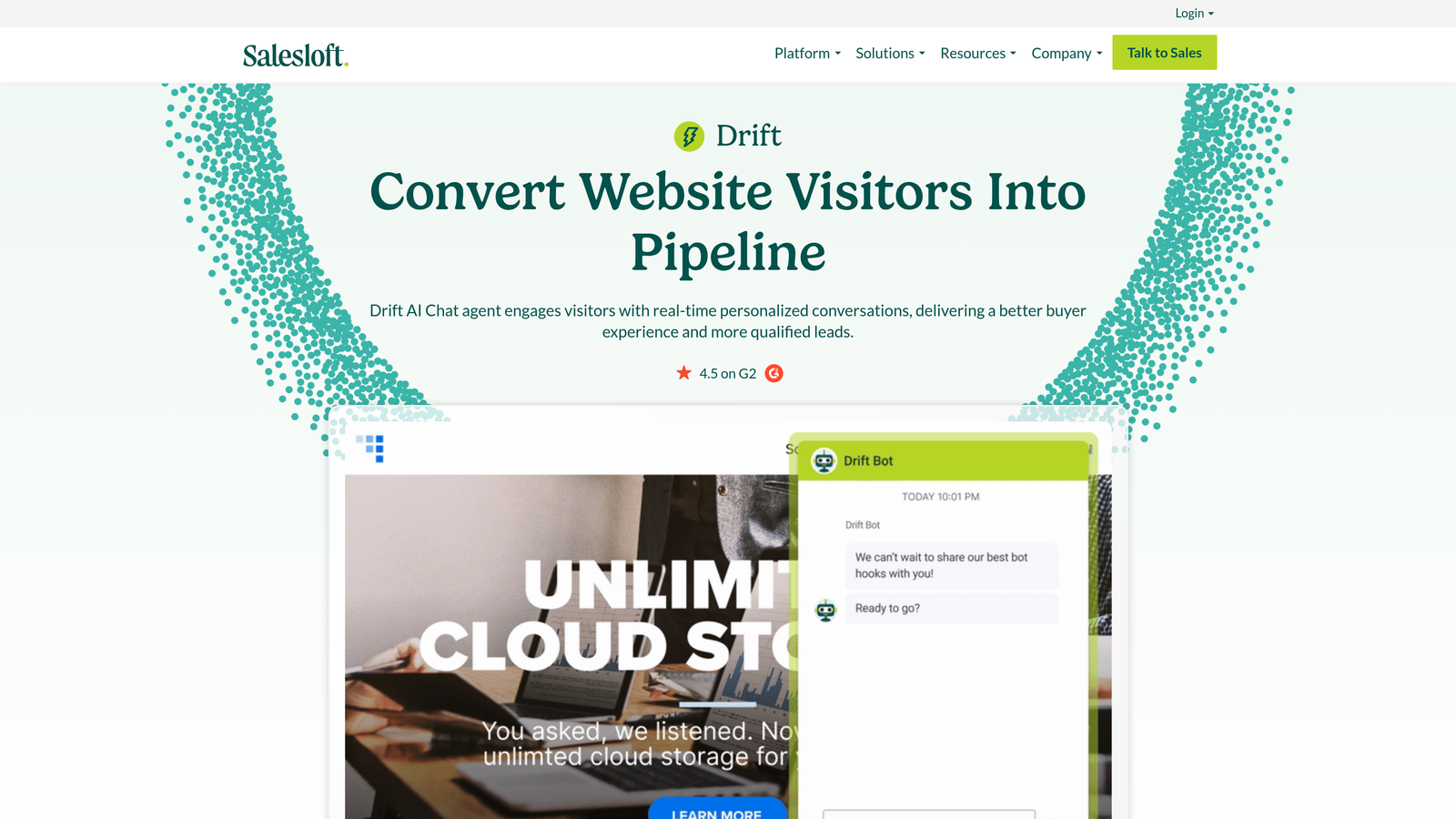
Drift, now part of Salesloft, blends conversational AI across support deflection and sales use cases, making it a distinctive choice for revenue-focused teams.
Where This Tool Shines
Drift's core differentiator is that it treats website conversations as both a support and a revenue opportunity simultaneously. If a visitor asks a product question, Drift can deflect the support query and qualify the lead in the same conversation. For B2B SaaS companies where the line between pre-sales and post-sales support is blurry, this dual function is genuinely useful.
The Salesloft acquisition has shifted Drift's positioning further toward the revenue team, so pure support use cases may not get the same priority they once did. Teams evaluating Drift should clarify how the product roadmap aligns with their specific support-first requirements.
Key Features
Conversational AI: Handles both support deflection and sales qualification within the same platform.
CRM Integration: Deep Salesforce and CRM connectivity for revenue attribution and lead routing.
AI Meeting Booking: Automatically routes and books meetings based on visitor qualification signals.
Personalized Chat: Tailors conversations based on visitor data, account tier, and behavior.
Revenue Analytics: Tracks conversation impact on pipeline and revenue, not just support metrics.
Best For
B2B SaaS teams with a strong alignment between their support and sales functions, particularly those where the website chat is a primary touchpoint for both prospects and existing customers. Less suited to pure support-focused deployments.
Pricing
Pricing is not publicly listed following the Salesloft acquisition and requires a direct sales conversation. Historically enterprise-tier pricing. Verify current structure at drift.com.
7. Kustomer
Best for: High-volume consumer brands managing omnichannel support at scale
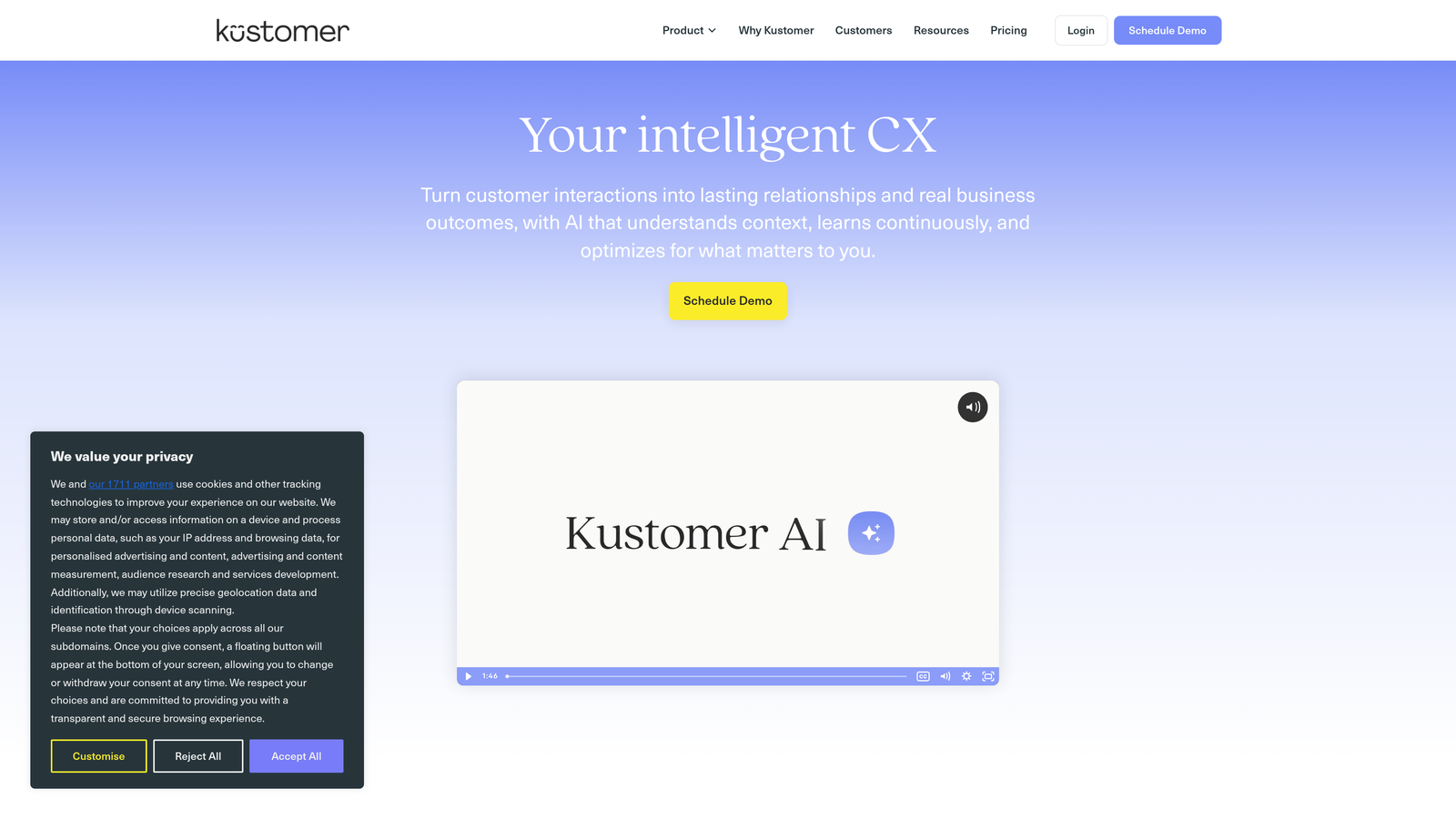
Kustomer is a CRM-native support platform with AI built into a unified customer timeline, designed for brands handling large volumes of support across multiple channels.
Where This Tool Shines
Kustomer's defining feature is the unified customer timeline. Rather than treating each ticket as an isolated event, Kustomer surfaces the full history of every customer interaction across channels in a single view. This context makes AI-powered responses more accurate and human agent responses more informed.
The built-in CRM component also reduces the need for separate customer data tooling, which can simplify your stack if you're currently running a helpdesk and a CRM separately. That said, Kustomer is firmly enterprise territory in terms of pricing and implementation complexity, and it's better suited to consumer brands with high ticket volumes than lean SaaS teams.
Key Features
Unified Customer Timeline: Consolidates all customer interactions across channels into a single, chronological view.
AI Intent Detection: Automatically identifies query intent and triggers appropriate automated responses or workflows.
Workflow Automation: Handles complex, multi-step support processes without manual routing.
Built-In CRM: Reduces reliance on separate customer data platforms by centralizing records within the support tool.
True Omnichannel: Covers chat, email, SMS, social, and voice from a single platform.
Best For
Enterprise consumer brands with high support volumes, multiple channels, and a need for deep customer context in every interaction. The pricing and implementation investment is better justified at scale than for smaller operations.
Pricing
Enterprise pricing, not publicly listed. Requires a direct sales conversation. Verify current pricing at kustomer.com.
8. Help Scout
Best for: Teams that want AI assistance without fully autonomous bot-first support
Help Scout takes a human-first approach to AI, offering tools that help agents work faster rather than replacing them with fully autonomous bots.
Where This Tool Shines
Help Scout occupies a deliberate middle ground. If your team isn't ready to hand the front line over to AI agents, or if your support queries are complex enough that full automation would create more problems than it solves, Help Scout's approach is refreshingly honest. The AI tools are designed to make your human agents faster and more consistent, not to eliminate them.
The pricing transparency is also worth noting. AI features are included in the Plus plan rather than gated behind a separate add-on, which makes budgeting straightforward. For teams frustrated by hidden AI costs elsewhere on this list, that clarity is a genuine selling point.
Key Features
AI Summarize: Generates instant conversation summaries so agents can get up to speed without reading full threads.
AI Assist: Helps agents adjust tone, draft replies, and refine responses before sending.
AI Answers: Powers self-service resolution through the Beacon widget for common queries.
Clean Inbox UI: An inbox-style interface that agents find intuitive and low-friction to use daily.
Transparent Pricing: AI features included in the Plus plan with no hidden add-on costs at that tier.
Best For
Teams with complex support needs where full automation isn't appropriate, or organizations that prioritize agent experience and want AI as a productivity layer rather than a replacement. Also a strong fit for teams that value pricing transparency and want predictable monthly costs.
Pricing
Standard plan approximately $20/user/month, Plus plan approximately $40/user/month with AI features included. A Pro plan is available for larger teams. Verify current pricing at helpscout.com.
9. Ada
Best for: Enterprises that want sophisticated AI automation separate from their existing helpdesk
Ada is a dedicated AI agent platform built for enterprises that need advanced automation without replacing their existing helpdesk infrastructure.
Where This Tool Shines
Ada's positioning is distinct from most tools on this list: it's designed to sit in front of your existing helpdesk as an intelligent automation layer, not to replace it. If you're running Zendesk or Salesforce Service Cloud and want to add sophisticated AI resolution without migrating platforms, Ada plugs in as an AI-first front door.
The no-code agent builder with multi-step reasoning is genuinely capable, and the multilingual support across more than 50 languages makes Ada a strong choice for global operations. The enterprise-only pricing model means this isn't a tool you evaluate casually, but for organizations with dedicated automation budgets and complex multilingual support needs, it's worth a serious look.
Key Features
No-Code AI Agent Builder: Builds sophisticated multi-step automated flows without requiring engineering resources.
Helpdesk Integration Layer: Connects to Zendesk, Salesforce, and other existing platforms rather than replacing them.
Multilingual Support: Handles conversations in 50+ languages, making it viable for global enterprise deployments.
Advanced AI Analytics: Tracks AI agent performance, resolution rates, and deflection metrics in detail.
Best For
Large enterprises with established helpdesk infrastructure, dedicated automation budgets, and complex multilingual or multi-region support requirements. Not suited to smaller teams or those looking for an all-in-one platform.
Understanding the Pricing Models Behind These Tools
Before you compare vendor pricing pages, it helps to understand the four main models you'll encounter, because the model itself shapes whether a tool is actually affordable for your specific situation.
Per-Seat Pricing: Charged per agent per month. Predictable and easy to budget, but it doesn't reward you for AI efficiency gains. If AI resolves 60% of your tickets, you're still paying for the same number of seats.
Per-Resolution Pricing: Sounds appealing in theory, you only pay when AI succeeds. In practice, it can spike unpredictably if your ticket mix shifts toward edge cases. Always ask: what counts as a resolution? Are escalations billed? Is there a cap?
Flat-Rate Platform Pricing: A fixed monthly fee regardless of volume or seats. Best for teams with consistent, predictable support loads who want cost certainty.
Hybrid Models: A base platform fee plus an AI add-on cost. The most common structure in 2026, but also the one most likely to obscure your true total cost. Map out both components before comparing across vendors.
A few red flags worth watching for as you evaluate: pricing locked entirely behind "contact sales" with no public tiers at all, per-resolution models with no caps or overage policies, AI features gated to the highest plan tier only, and no trial or sandbox environment before you commit to a contract.
Which Tool Is Right for Your Team
The right choice depends less on feature lists and more on where your team sits today and where you're trying to go.
If you're a SaaS team that wants AI-first support with business intelligence built in, not bolted on, Halo AI is built for exactly that. Page-aware context, continuous learning, and revenue signals from support interactions make it a strong fit for growth-stage companies scaling without scaling headcount.
If you're already deep in the Zendesk ecosystem at enterprise scale, the Zendesk AI layer is the path of least resistance. If you're an SMB watching costs carefully, Freshdesk offers the most accessible AI entry point. For teams not ready to fully automate, Help Scout's human-first AI assistance is a thoughtful middle ground. And for enterprises that need sophisticated automation layered onto existing infrastructure, Ada is worth the sales conversation.
Intercom Fin suits teams comfortable with variable per-resolution billing and confident in their ability to forecast volumes. Tidio is the fastest path to something working for small, non-technical teams. Drift makes sense when support and sales qualification genuinely overlap. Kustomer fits high-volume consumer brands that need deep customer context across every channel.
Your support team shouldn't scale linearly with your customer base. Let AI agents handle routine tickets, guide users through your product, and surface business intelligence while your team focuses on complex issues that need a human touch. See Halo in action and discover how continuous learning transforms every interaction into smarter, faster support.