9 Best AI Customer Service Trials to Test Before You Buy in 2026
This guide evaluates the top AI customer service trial options available in 2026, helping support teams assess resolution rates, integrations, and AI learning capabilities before committing to an annual contract. Whether you manage a lean SaaS team or high-volume ticket queues, these platforms offer enough trial access to make a confident purchasing decision based on real performance, not just sales demos.
 Grant CooperFounder14 min read
Choosing an AI customer service platform is a significant investment, and most vendors will happily lock you into an annual contract before you've seen how the tool actually performs in your environment. The good news: nearly every serious player in the space now offers a free trial or demo period, giving you a real window to evaluate resolution rates, integration depth, and how well the AI learns your product.
This guide covers the best AI customer service platforms worth trialing in 2026, ranked by how much value you can extract during the evaluation period. Whether you're running a lean SaaS support team or managing thousands of tickets across multiple products, we've focused on tools that give you enough access during the trial to make a confident, informed decision, not just a polished sales demo.
1. Halo AI
Best for: B2B SaaS teams that want an AI-first support platform with deep product context and business intelligence.
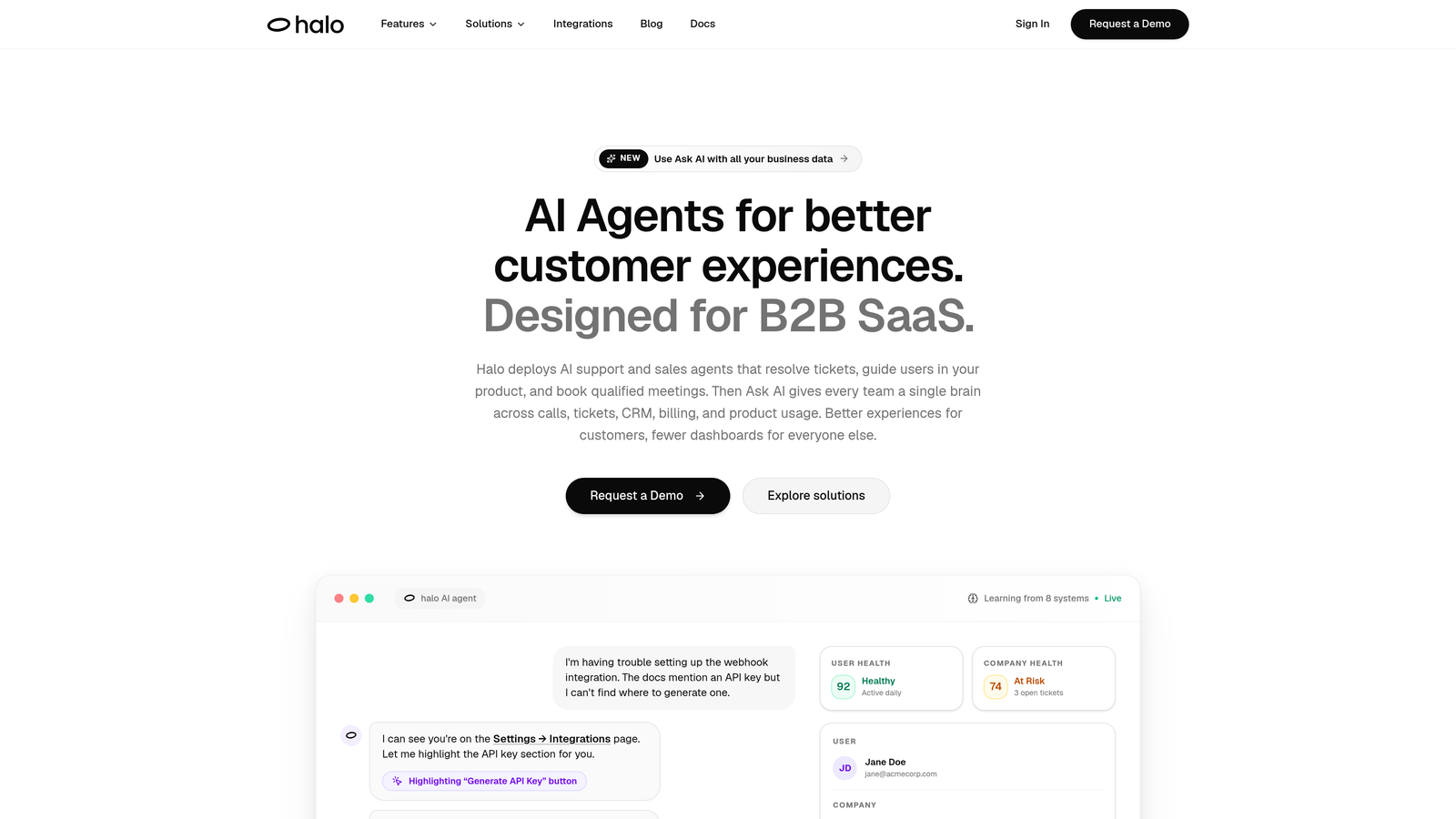
Halo AI is an AI-first customer support platform built specifically for B2B SaaS teams, combining page-aware AI agents, smart inbox analytics, and deep integrations into a single continuous-learning system.
Where This Tool Shines
What sets Halo apart from most platforms on this list is its architecture. Rather than bolting AI onto an existing helpdesk, Halo was built AI-first from the ground up. The result is a system that understands context at a level most tools don't: its page-aware agents can see exactly where a user is in your product UI, which means the AI isn't giving generic answers but genuinely contextual guidance.
The smart inbox goes beyond ticket management. It surfaces customer health signals, revenue intelligence, and anomaly detection, turning your support queue into a source of business insight. For SaaS teams trying to catch churn signals or identify product friction before it becomes a problem, this is a meaningful differentiator during the trial period.
Key Features
Page-Aware AI Agents: Agents understand the exact UI context a user is in, enabling precise, relevant responses rather than generic help center answers.
Continuous Learning: The system learns from every resolved interaction, improving resolution accuracy over time without manual retraining.
Smart Inbox with Business Intelligence: Surfaces customer health signals, anomaly detection, and revenue insights directly within the support workflow.
Auto Bug Ticket Creation: Automatically generates and routes bug reports to Linear or your preferred issue tracker, closing the loop between support and engineering.
Live Agent Handoff: Escalates complex conversations to human agents with full conversation context preserved, so nothing gets repeated.
Deep Integrations: Connects with Linear, Slack, HubSpot, Intercom, Stripe, Zoom, PandaDoc, and Fathom out of the box.
Best For
Halo is best suited for B2B SaaS product teams and support operations that want AI doing real work, not just suggesting macros. If your support tickets frequently touch product bugs, feature confusion, or account-level context, the page-aware architecture and auto bug ticket creation will have immediate, tangible impact during your trial.
Pricing
Trial available; contact the Halo team directly for pricing details tailored to your team size and ticket volume.
2. Intercom Fin
Best for: Teams already embedded in the Intercom ecosystem who want native AI resolution without switching platforms.
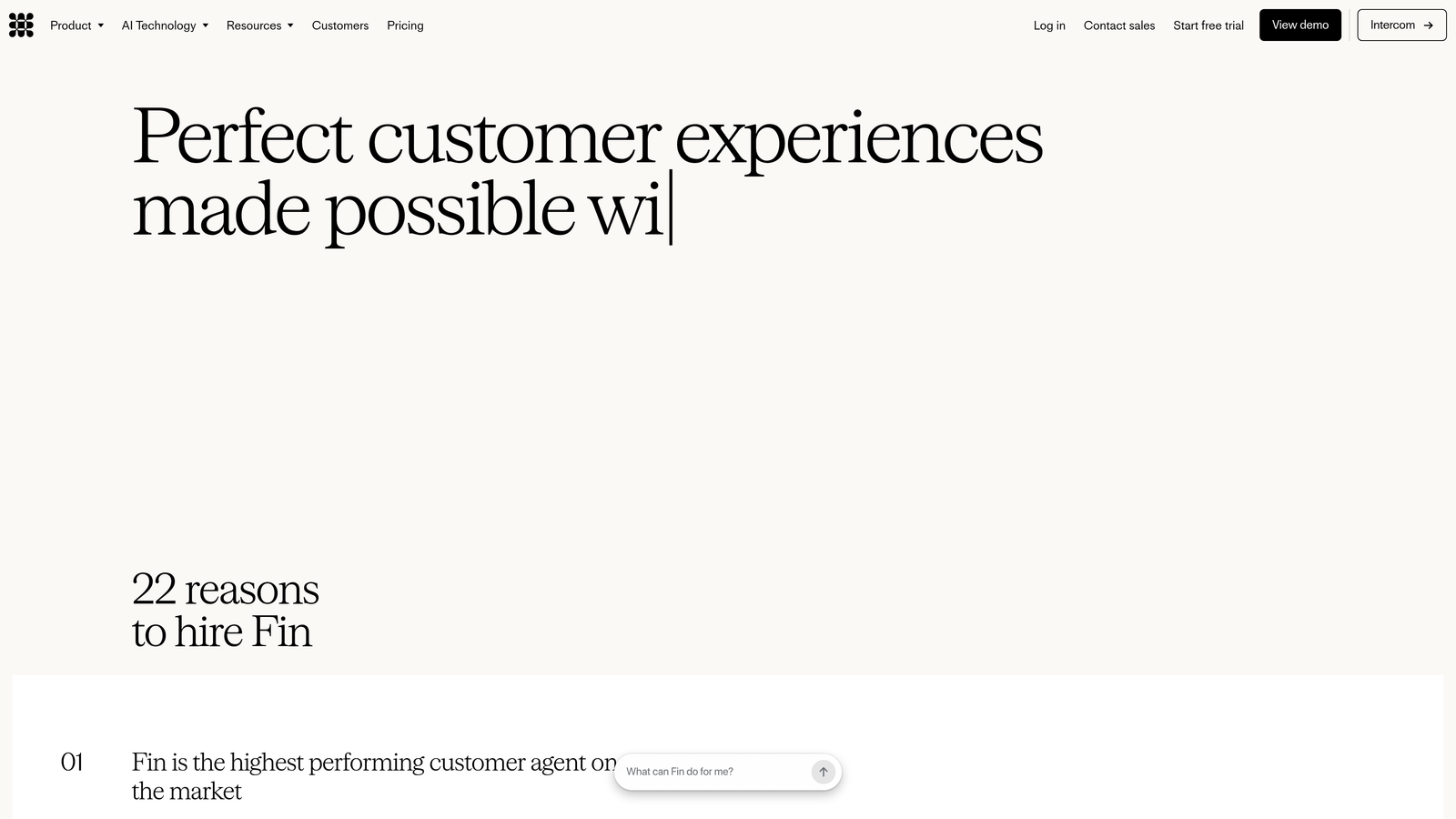
Intercom Fin is Intercom's native AI agent, built on top of the Intercom messenger and designed to resolve conversations autonomously before routing to human agents.
Where This Tool Shines
Fin's biggest advantage is how seamlessly it fits into the Intercom workflow. If your team already lives in Intercom, there's no migration, no new inbox to learn, and no integration to configure. The AI is trained automatically on your existing help center content, which means you can be up and running with meaningful deflection within the trial window.
The handoff experience is particularly well-executed. When Fin can't resolve a conversation, it passes the thread to a human agent within the same Intercom inbox with full context intact. For teams prioritizing a smooth escalation path, this is one of the cleaner implementations in the market.
Key Features
Auto-Training on Help Center: Fin ingests your existing help center content automatically, requiring minimal setup to get started.
Seamless Human Handoff: Routes to human agents within the Intercom inbox with full conversation history preserved.
Multi-Language Support: Handles conversations in multiple languages out of the box, useful for global support teams.
Resolution Rate Reporting: Tracks Fin's resolution performance within Intercom's native reporting suite.
Omnichannel Reach: Works across chat, email, and WhatsApp channels within a single platform.
Best For
Fin is the natural choice if you're already paying for Intercom and want to add AI resolution without introducing another vendor. It's less compelling if you're not on Intercom, since the value is tightly coupled to the broader platform.
Pricing
Fin AI is priced per resolution on top of Intercom's base plans, which start at approximately $39 per month. Trial access is typically available through Intercom's standard trial period.
3. Zendesk AI
Best for: Enterprise support teams already on Zendesk Suite who want AI features embedded into their existing workflows.
Zendesk AI delivers native AI capabilities embedded across the Zendesk Suite, including intelligent triage, agent copilot features, and automated ticket summarization.
Where This Tool Shines
Zendesk AI's strength is breadth. Rather than a single AI agent, it layers intelligence across the entire support workflow: triaging incoming tickets, suggesting responses to agents, summarizing long threads, and generating knowledge base content. For teams with high ticket volume and multiple agents, the cumulative time savings across all these touchpoints can be substantial.
The intelligent triage is particularly useful during a trial, since you can see immediately how accurately the system categorizes, prioritizes, and routes tickets based on your actual data. If your team is drowning in misrouted tickets, this alone can justify the evaluation.
Key Features
Intelligent Triage: Automatically categorizes tickets, detects sentiment, and routes to the right agent or queue.
AI-Suggested Macros: Surfaces next-best-action recommendations and response templates for agents in real time.
Conversation Summarization: Condenses long ticket threads so agents can get up to speed instantly during handoffs.
Generative AI for Knowledge Base: Helps create and expand help center content using AI-generated drafts.
Flexible Tier Access: AI features are available across Support, Suite, and add-on tiers depending on your plan.
Best For
Zendesk AI is best for organizations already running Zendesk at scale. If you're evaluating Zendesk from scratch purely for AI capabilities, the platform's complexity and cost may be more than you need. But for existing Zendesk customers, the AI layer adds meaningful leverage.
Pricing
AI features are included in Zendesk Suite plans starting at approximately $55 per agent per month, with an advanced AI add-on available for additional capabilities. Trial access mirrors the Zendesk Suite trial.
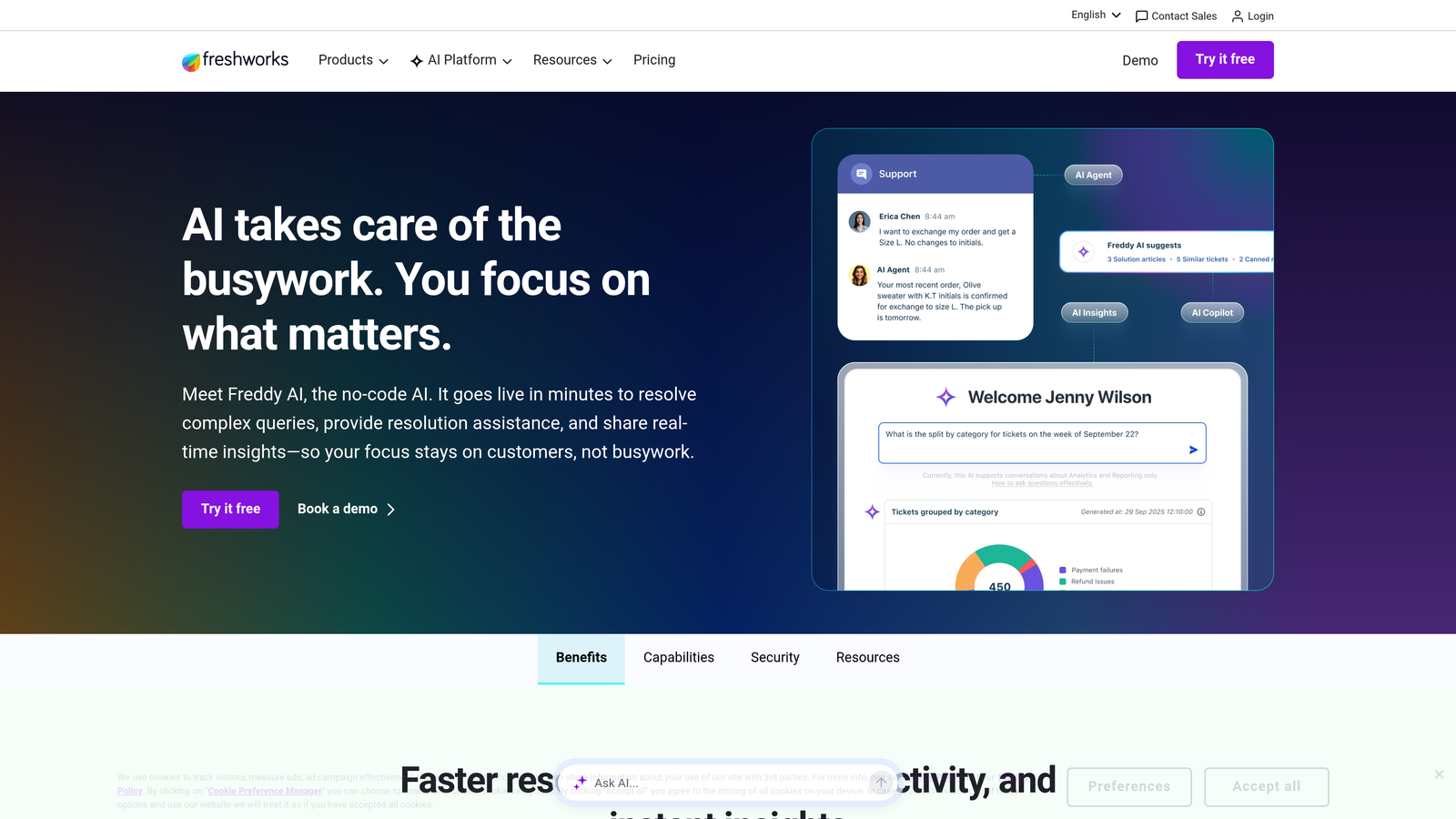
4. Freshdesk Freddy AI
Best for: Growing support teams that want a modular AI suite covering self-service, agent assist, and analytics within a single platform.
Freshdesk Freddy AI is Freshworks' AI suite spanning self-service bots, real-time agent assistance, and AI-driven support analytics, all within the Freshdesk ecosystem.
Where This Tool Shines
Freddy's modular structure is a genuine advantage for teams at different stages of AI adoption. You don't have to deploy everything at once. Freddy Self Service handles autonomous ticket deflection, Freddy Copilot assists agents in real time, and Freddy Insights surfaces trends and anomalies in your support data. You can start with one layer and expand as your team builds confidence.
The no-code bot builder is also worth highlighting during a trial. Non-technical team members can build and iterate on conversation flows without engineering support, which means you can test custom scenarios during the evaluation period without waiting on a developer.
Key Features
Freddy Self Service: AI bot trained on your knowledge base for autonomous ticket resolution before reaching agents.
Freddy Copilot: Provides real-time agent suggestions, ticket summarization, and response drafting during live conversations.
Freddy Insights: AI-driven analytics that surface support trends, volume anomalies, and team performance signals.
Omnichannel Coverage: Supports chat, email, phone, and social channels within a unified inbox.
No-Code Bot Builder: Enables custom conversation flows without technical configuration or developer involvement.
Best For
Freddy AI is a strong fit for mid-market teams that want AI across the full support lifecycle without committing to enterprise-tier pricing. It's especially useful if your team needs both self-service deflection and agent assistance, since you get both in one platform.
Pricing
Freddy AI features are available from the Freshdesk Growth plan at approximately $15 per agent per month. The Copilot add-on carries separate pricing. A standard trial period is available.
5. Tidio Lyro
Best for: Small teams and e-commerce businesses that need fast deployment with a free entry point to test AI resolution.
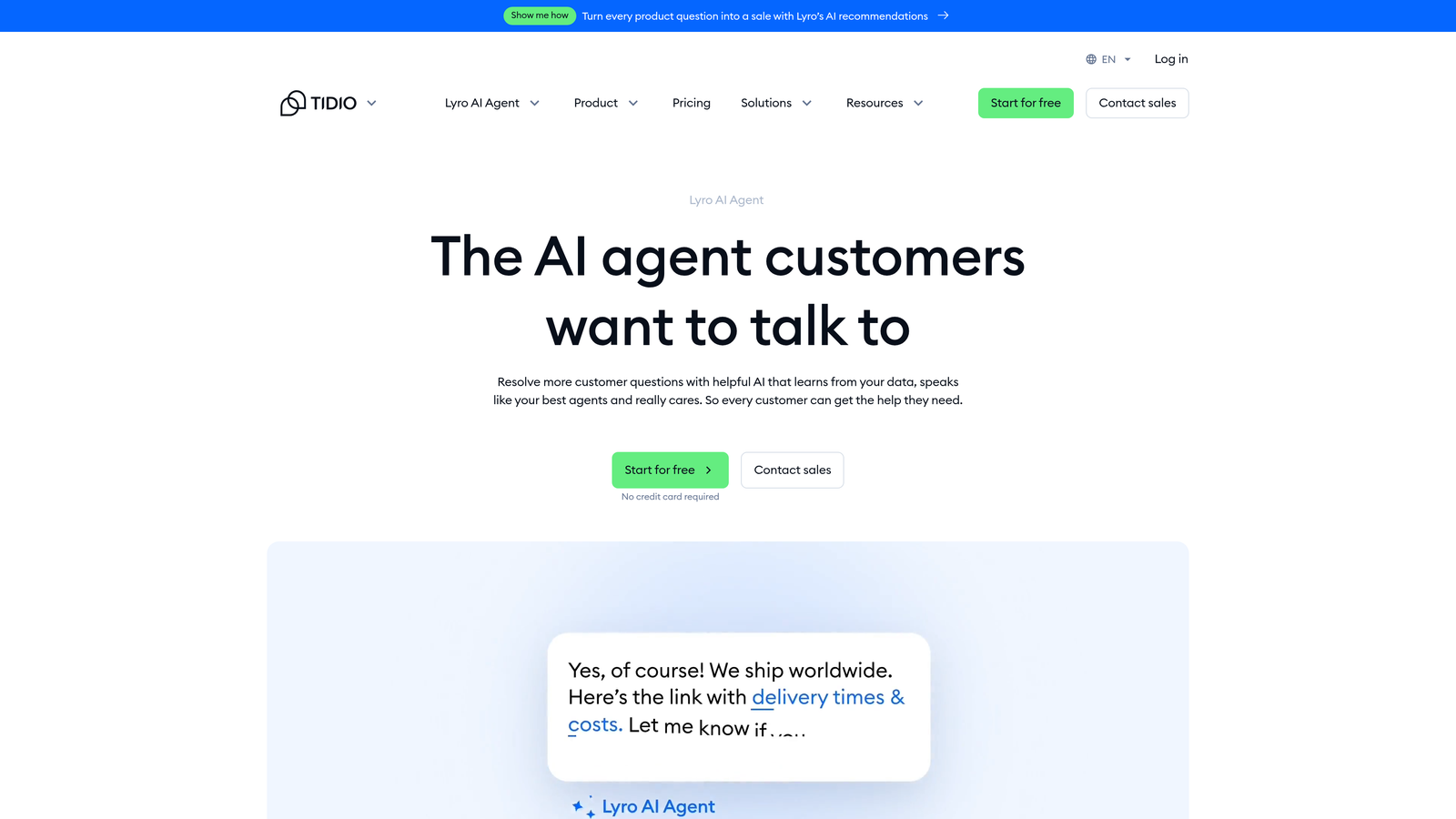
Tidio Lyro is Tidio's conversational AI agent built on Anthropic's Claude, designed for rapid deployment with minimal setup and a free tier that makes it genuinely accessible for small teams evaluating AI for the first time.
Where This Tool Shines
Lyro's defining characteristic is speed to value. Many teams report having it live and handling conversations within an hour of setup, with no technical configuration required. For teams that have been putting off AI adoption because of perceived complexity, Lyro removes that barrier almost entirely.
The free tier is also a meaningful differentiator. Getting 50 AI conversations per month at no cost gives small teams a real, low-stakes window to observe how the AI handles their actual customer questions before committing to a paid plan.
Key Features
Instant Training: Trains automatically on your FAQ and support content with no manual tagging or configuration required.
Fast Deployment: Typically live in under an hour with no technical expertise needed.
Free Tier: Includes 50 Lyro AI conversations per month at no cost, enabling real evaluation before purchase.
Live Agent Escalation: Escalates to human agents within the same Tidio inbox when the AI reaches its limits.
E-Commerce Integrations: Native integrations with Shopify, WordPress, and major e-commerce platforms.
Best For
Lyro is ideal for SMBs, e-commerce brands, and early-stage SaaS teams that want to test AI customer service without a sales call or upfront commitment. It's less suited for complex B2B support environments with deep integration requirements.
Pricing
Free tier available with 50 Lyro conversations per month. Paid plans start at approximately $29 per month for higher conversation volumes.
6. Forethought
Best for: High-volume enterprise support operations that need sophisticated triage, routing, and agent assist capabilities.
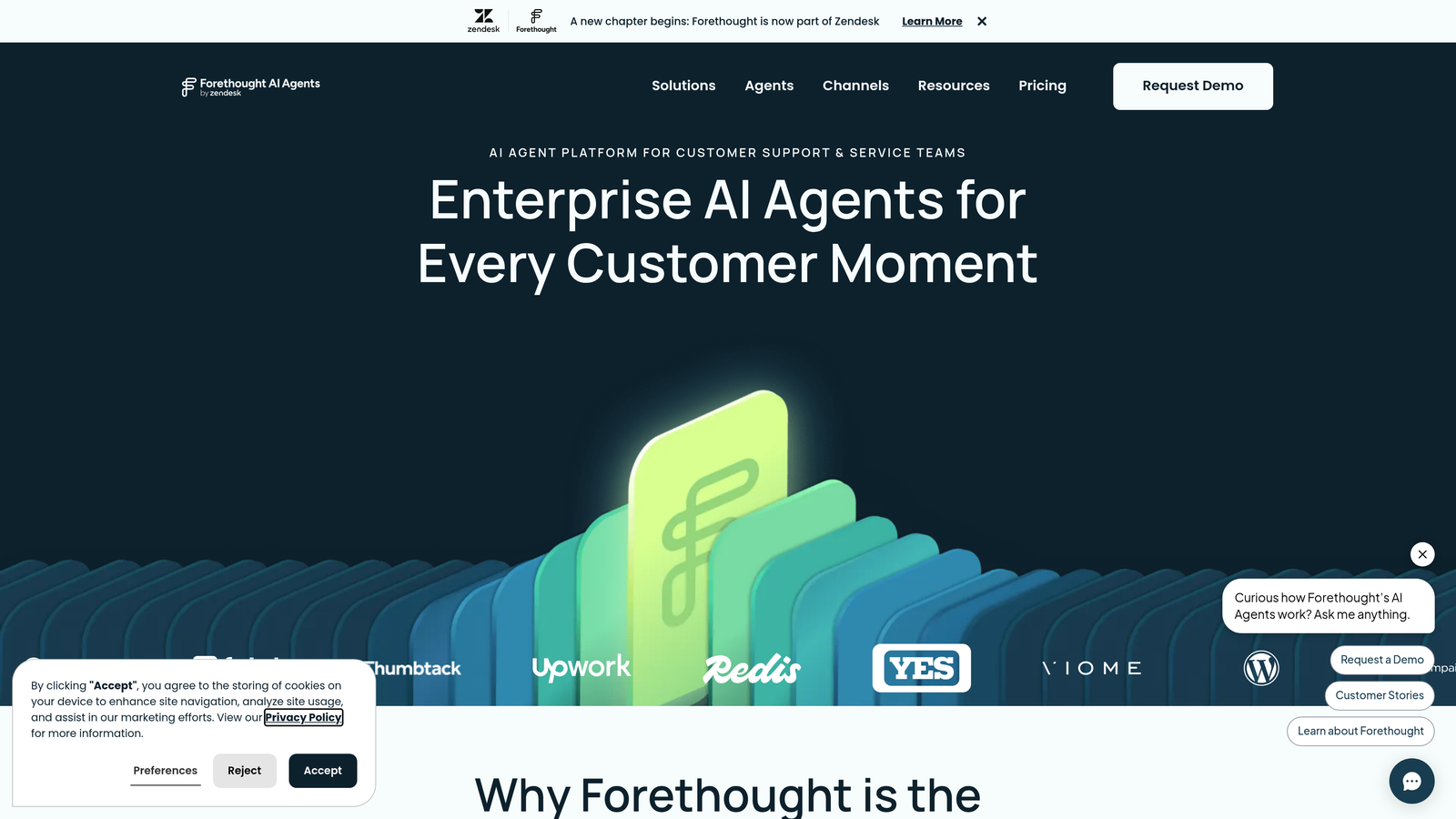
Forethought is an enterprise AI platform focused on intelligent ticket triage, automated routing, and real-time agent assistance, built for support teams processing large volumes of complex tickets daily.
Where This Tool Shines
Forethought's depth in workflow automation is where it earns its enterprise positioning. The triage engine goes beyond simple categorization: it applies sentiment analysis, priority scoring, and routing logic that can be customized to match your team's specific escalation paths. For operations teams that have spent years manually building routing rules, seeing this automated accurately is a compelling trial moment.
The Solve product (self-service AI) and Agent Assist work in tandem, deflecting tickets that can be resolved automatically while surfacing relevant knowledge and suggested responses for tickets that do reach agents. The combination reduces both volume and handle time simultaneously.
Key Features
AI Triage: Applies sentiment analysis and priority scoring to every incoming ticket for accurate categorization and routing.
Workflow Automation: Routes tickets to the right team or queue based on custom logic, reducing manual sorting significantly.
Agent Assist: Surfaces relevant knowledge articles and suggested responses in real time as agents work tickets.
Solve (Self-Service AI): Deflects tickets before they reach agents by resolving common questions autonomously.
Enterprise Integrations: Connects with Zendesk, Salesforce Service Cloud, and ServiceNow.
Best For
Forethought is built for enterprise support operations with high ticket volumes and complex routing needs. It's not the right starting point for small teams, and the demo-first access model means you'll need to engage with sales before trialing.
Pricing
Custom enterprise pricing; a demo conversation with the Forethought team is required to access a trial environment.
7. Kustomer
Best for: B2C brands with complex multi-channel support needs that require full customer history context for every AI and agent interaction.
Kustomer is a CRM-native customer service platform that combines a complete customer history timeline with AI automation, giving both AI agents and human agents full context for every conversation from the first message.
Where This Tool Shines
Most support platforms treat CRM data as an integration, something you pull in from Salesforce or HubSpot. Kustomer inverts this: the CRM is the platform. Every conversation, purchase, return, and prior interaction is surfaced in a unified timeline, and the AI uses that history to route, prioritize, and respond with context that most tools simply don't have access to.
For brands where customer history is critical to resolution quality, such as e-commerce, subscription businesses, or any company with long-term customer relationships, this architecture is a meaningful advantage. During a trial, you'll notice the difference immediately when the AI or agent already knows who the customer is and what they've experienced.
Key Features
Unified Customer Timeline: Aggregates all interactions, purchases, and touchpoints into a single customer view accessible to AI and agents.
AI-Powered Routing: Routes conversations based on customer history, intent signals, and sentiment rather than just ticket type.
Automated Workflows: Triggers actions based on customer events, sentiment shifts, or conversation milestones.
Omnichannel Support: Handles chat, email, SMS, social, and voice within a single unified inbox.
Built-In CRM: Eliminates the need for a separate customer data platform, reducing integration complexity.
Best For
Kustomer is best for B2C brands and subscription businesses where customer history is central to support quality. B2B SaaS teams with simpler customer data needs may find the platform's scope more than necessary.
Pricing
Plans start at approximately $89 per agent per month; enterprise pricing is available for larger teams. Contact Kustomer for trial access details.
8. Chatbase
Best for: Technical teams and startups that want to prototype a custom AI support chatbot quickly using their own data sources.
Chatbase is a no-code platform for building custom GPT-powered chatbots trained on your own documents, URLs, or knowledge base, with a free tier that makes it one of the most accessible ways to prototype AI support.
Where This Tool Shines
Chatbase occupies a distinct niche: it's not a full support platform, but it's one of the fastest ways to get a custom AI chatbot trained on your specific content and deployed on your website or product. For teams that want to validate whether AI can handle their ticket types before investing in a full platform, Chatbase is an excellent low-friction starting point.
The breadth of supported data sources is genuinely useful. You can train on PDFs, URLs, Notion pages, or plain text, which means your chatbot can reflect your actual documentation without manual reformatting. API access also makes it easy for developers to build custom workflows around the trained model.
Key Features
Flexible Data Ingestion: Train on PDFs, URLs, Notion pages, or plain text with minimal preparation required.
Embeddable Widget: Deploy a branded chat widget on any website or product page without developer involvement.
API Access: Enables custom integrations and workflows for teams that want to build beyond the default interface.
Conversation Analytics: Tracks questions asked, gaps in coverage, and conversation patterns over time.
Multi-Model Support: Supports multiple AI models including GPT-4o, giving teams flexibility in capability and cost.
Best For
Chatbase is best for developers, technical founders, and early-stage teams that want to prototype quickly and iterate on AI responses without committing to a full support platform. It's not a replacement for a full helpdesk or ticket management system.
Pricing
Free tier available. Paid plans start at approximately $19 per month for higher conversation limits and additional features.
9. Drift (Salesloft)
Best for: B2B teams where support and sales conversations overlap and AI needs to handle both qualification and resolution in the same flow.
Drift, now part of Salesloft, is a conversational AI platform that blends AI-powered chat with pipeline qualification, suited for B2B teams where the line between support and sales is intentionally blurred.
Where This Tool Shines
Drift's differentiation is its revenue orientation. Where most support AI tools are optimized for deflection and resolution, Drift is designed to qualify visitors, book meetings, and attribute pipeline to AI-assisted conversations. For B2B teams where support inquiries frequently convert into expansion opportunities, this dual focus is a genuine advantage.
The playbook system allows teams to build automated conversation flows that adapt based on visitor identity, behavior, or CRM data. During a trial, you can see how the AI handles both a support question and a sales intent signal within the same conversation, which is a capability most pure-play support tools don't offer.
Key Features
AI-Powered Qualification: Identifies visitor intent and routes to sales or support based on conversation signals and CRM data.
Playbooks: Automates common support and sales conversation flows with branching logic and personalization.
CRM Integrations: Connects with Salesforce, HubSpot, and Marketo for data-driven routing and attribution.
Meeting Scheduling: Embeds calendar booking directly into AI conversations, removing friction from the sales handoff.
Revenue Attribution: Reports on pipeline and revenue influenced by AI-assisted conversations.
Best For
Drift is best for B2B revenue teams where support and sales motions are closely aligned. If your primary goal is pure ticket deflection or support resolution, other tools on this list will serve that need more directly. Trial access requires a conversation with Salesloft's sales team.
Pricing
Custom pricing through Salesloft; contact the sales team for trial access and a tailored quote.
Which Tool Is Right for Your Team?
Every platform on this list offers something genuinely useful, but the right choice depends heavily on where you are, what you're already using, and what you need AI to do during and after the trial.
If you're a B2B SaaS team that wants AI doing real work from day one, with page-aware context, business intelligence, and deep integrations into your product stack, Halo AI is the strongest starting point. It's built for exactly this use case, and the trial gives you enough access to see the continuous learning engine in action on your actual tickets.
If you're already on Intercom or Zendesk and want AI layered in without disruption, Fin and Zendesk AI are the natural paths. Freshdesk Freddy is worth a serious look if you want modular AI across self-service, agent assist, and analytics without enterprise pricing.
For small teams or e-commerce brands testing AI for the first time, Tidio Lyro's free tier and fast setup make it the lowest-friction entry point. Chatbase is excellent for technical teams that want to prototype before committing to a full platform. Forethought and Kustomer are the right conversations for enterprise and B2C operations respectively. And Drift belongs on the shortlist for B2B teams where support and sales share the same front door.
Your support team shouldn't scale linearly with your customer base. Let AI agents handle routine tickets, guide users through your product, and surface business intelligence while your team focuses on complex issues that need a human touch. See Halo in action and discover how continuous learning transforms every interaction into smarter, faster support.