9 Best AI Helpdesk Automation Software Tools in 2026
Discover the 9 best AI helpdesk automation software tools of 2026, evaluated on autonomous resolution capability, real-time learning, and integration depth. This guide helps support teams—from lean startups to enterprise operations—identify the right platform to reduce repetitive ticket volume, deliver instant customer responses, and surface actionable insights beyond basic ticket closure.
 Grant CooperFounder14 min read
Support teams are drowning in repetitive tickets while customers expect instant answers around the clock. AI helpdesk automation software has moved from a nice-to-have to a competitive necessity, but the market is crowded, and not every tool delivers the same depth of intelligence.
This list covers the best AI helpdesk automation platforms available in 2026, evaluated on autonomous resolution capability, integration depth, ease of deployment, and the quality of insights they surface beyond just closing tickets. Whether you're running a lean startup support team or scaling an enterprise operation, there's a fit here for you.
Tools were assessed on AI-first architecture (not just rule-based automation), real-time learning, helpdesk compatibility, and the ability to handle complex multi-step resolutions without constant human intervention. Pricing transparency and time-to-value were also factored in. The market now separates into two broad camps: native AI layers bolted onto existing helpdesk platforms, and AI-first platforms built from the ground up to operate autonomously. Both have their place depending on where your team is starting from.
1. Halo AI
Best for: B2B SaaS teams that want support to function as a strategic business asset, not just a cost center.
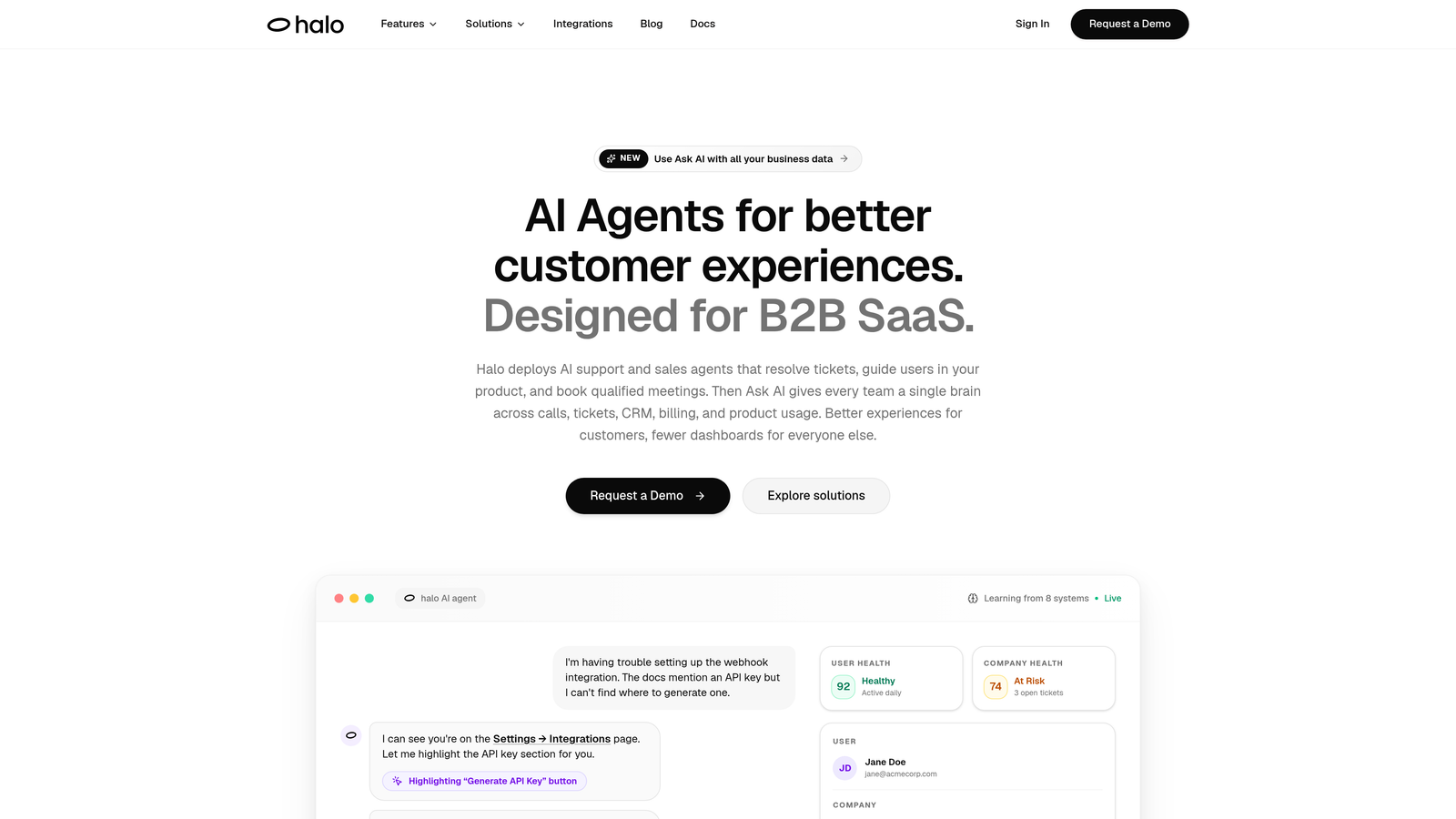
Halo AI is an AI-first customer support platform that deploys autonomous agents to resolve tickets, guide users visually through your product, auto-create bug reports, and surface business intelligence — all while learning continuously from every interaction.
Where This Tool Shines
Most AI helpdesk tools are retrofitted onto existing platforms. Halo was built AI-first, which means autonomy is the default, not the exception. Its page-aware chat widget is a genuine differentiator: the AI agent sees exactly what the user sees in your product and can provide in-context visual UI guidance without requiring the user to describe their screen or navigate to a help center.
What really sets Halo apart from the field is the intelligence layer sitting above ticket resolution. The smart inbox doesn't just organize conversations; it surfaces customer health signals, revenue anomalies, and churn risk indicators drawn from support interactions. Your support data becomes a business intelligence feed, connecting to the broader stack your team already uses.
Key Features
Autonomous Ticket Resolution: AI agents handle support tickets end-to-end without human intervention, learning from every resolved interaction to get smarter over time.
Page-Aware Chat Widget: The agent sees what the user sees in-product and delivers visual UI guidance contextually, reducing back-and-forth dramatically.
Smart Inbox with Business Intelligence: Surfaces customer health signals, revenue anomalies, and churn risk indicators directly from support data.
Auto Bug Ticket Creation: When support patterns suggest a product issue, Halo automatically creates bug tickets in Linear and other dev tools without requiring manual escalation.
Live Agent Handoff: Escalates to human agents with full conversation context preserved, so nothing gets lost in the transfer.
Deep Integration Stack: Connects natively with Linear, Slack, HubSpot, Intercom, Stripe, Zoom, PandaDoc, and Fathom.
Best For
B2B SaaS companies that want their support function to do more than close tickets. Particularly well-suited for product-led growth teams, companies scaling support without scaling headcount, and organizations that want support interactions to feed directly into product and revenue decisions.
Pricing
Subscription model; contact Halo for current pricing details. Visit haloagents.ai for plan information.
2. Zendesk AI
Best for: Teams already running the Zendesk Suite who want AI layered into existing workflows without disruption.
Zendesk AI is native AI embedded across the Zendesk Suite, including intelligent triage, AI-generated replies, and autonomous agents for common ticket resolution.
Where This Tool Shines
If your team is already living inside Zendesk, the AI layer integrates without friction. Agents get reply suggestions, macro recommendations, and intelligent routing without changing their core workflow. There's no migration, no new platform to learn, and no disruption to muscle memory built up over years.
The Advanced AI add-on extends capabilities significantly, adding intent detection and sentiment analysis that help route tickets more accurately before a human ever touches them. For high-volume teams on Zendesk, this can meaningfully reduce handle time across the board.
Key Features
AI-Powered Triage: Intent detection and sentiment analysis classify and prioritize incoming tickets automatically.
Intelligent Routing: Routes tickets based on content, agent availability, and skill matching.
AI-Generated Reply Suggestions: Surfaces relevant macros and draft replies for agents to review and send.
Autonomous AI Agent: Handles self-service resolution for common queries without agent involvement.
Advanced AI Add-On: Deeper analytics, generative AI capabilities, and enhanced automation for teams that need more horsepower.
Best For
Organizations already committed to the Zendesk ecosystem who want to extend their existing investment with AI rather than migrate to a new platform. Less ideal for teams looking for AI-first architecture or portability outside the Zendesk environment.
Pricing
Core AI features are included in Suite plans; the Advanced AI add-on is available at an additional cost. Verify current pricing at zendesk.com.
3. Freshdesk Freddy AI
Best for: Teams on the Freshworks ecosystem looking for AI across support, messaging, and ITSM in one suite.
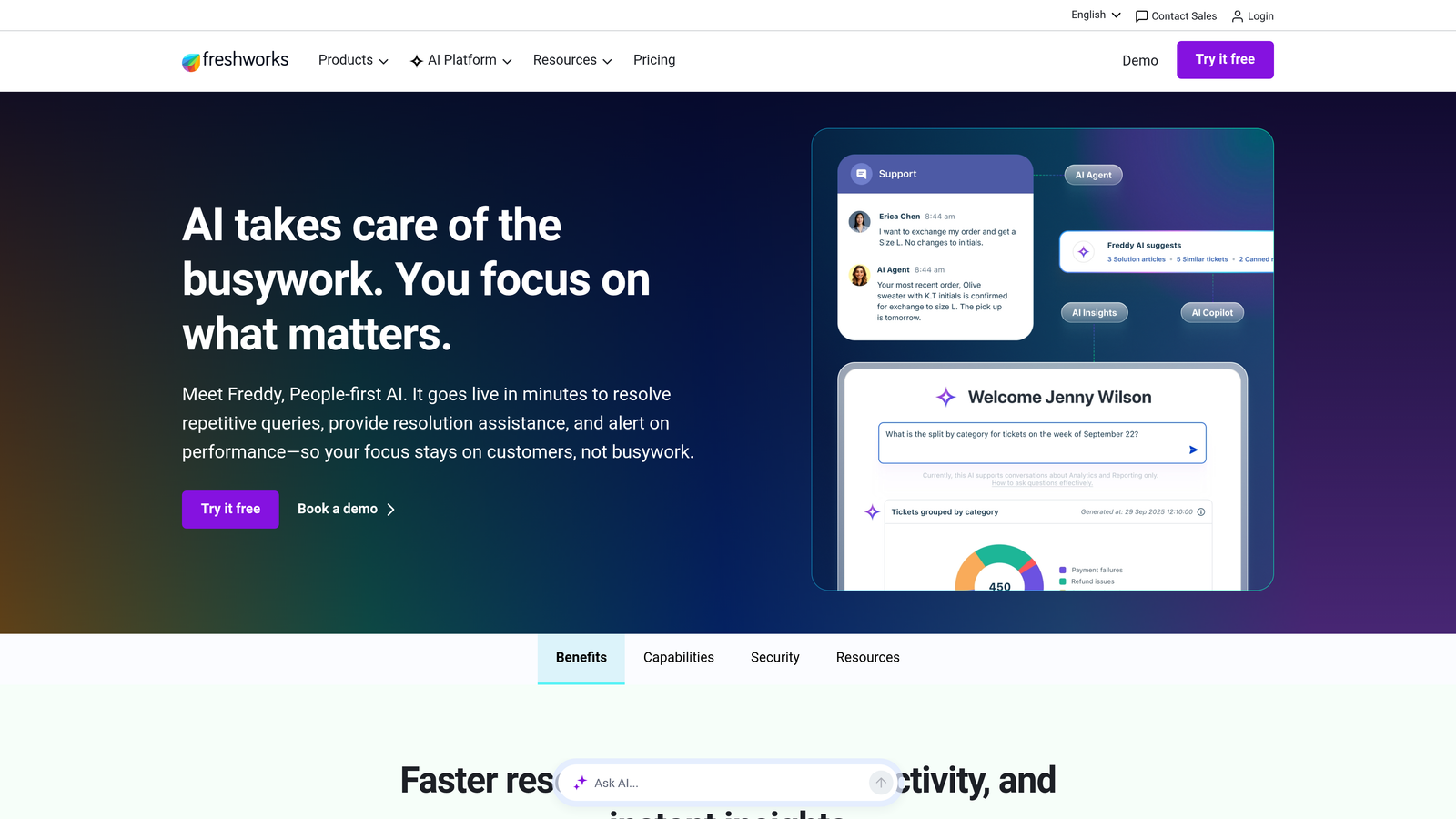
Freshdesk Freddy AI is Freshworks' AI layer spanning the full suite, offering self-service bots, agent copilot features, and AI-powered analytics for support leaders.
Where This Tool Shines
Freddy's strength is breadth. It spans Freshdesk (support), Freshchat (messaging), and Freshservice (ITSM), giving teams that use multiple Freshworks products a consistent AI layer across the whole stack. Freddy Insights adds an analytics dimension that support managers will appreciate, surfacing anomalies and trends that might otherwise stay buried in ticket data.
The no-code bot builder is genuinely accessible. Teams can build and deploy custom conversation flows without engineering involvement, which matters a lot for support teams that don't have a dedicated developer on call.
Key Features
Freddy Self Service: AI bot that autonomously handles common queries across channels.
Freddy Copilot: Suggests replies, summarizes tickets, and recommends next actions for agents in real time.
Freddy Insights: Anomaly detection and trend analysis that give support leaders a clearer picture of what's happening across the queue.
No-Code Bot Builder: Enables custom conversation flows without technical resources.
Cross-Suite Availability: Works across Freshdesk, Freshchat, and Freshservice for unified AI coverage.
Best For
Businesses already using Freshworks products who want AI coverage across their entire support stack. Good value for mid-market teams. Less suited for organizations that need deep autonomous resolution or complex multi-system integrations outside the Freshworks ecosystem.
Pricing
Freddy AI features are available on Growth plans and above; Copilot is available as a paid add-on. Verify current details at freshworks.com.
4. Intercom Fin AI
Best for: Chat-first SaaS teams that want high-quality conversational AI with strong autonomous resolution rates.
Intercom Fin AI is Intercom's flagship AI agent, handling full customer conversations autonomously and trained on your help content for multi-step resolution before escalating to a human.
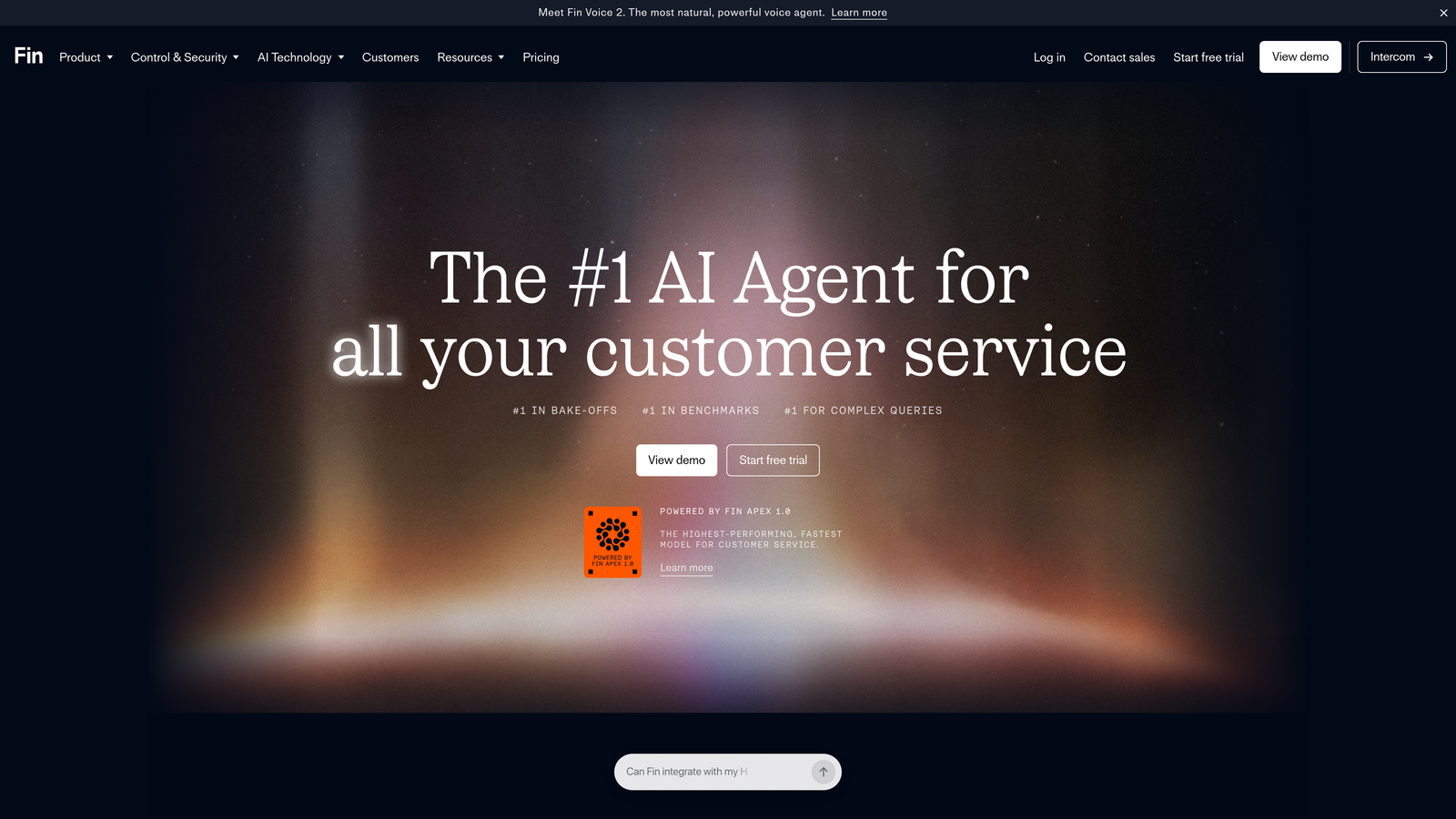
Where This Tool Shines
Fin's conversational quality is widely regarded as strong in the market. It reads your help center content and answers questions end-to-end, not just deflecting with links but actually resolving queries through genuine dialogue. For SaaS products with rich documentation, Fin can handle a significant portion of inbound volume without human involvement.
The multi-channel deployment is a practical advantage. Fin can be deployed across the Intercom Messenger, email, and WhatsApp, making it useful for teams serving customers across different communication preferences. The Fin AI Copilot extends value to human agents by surfacing relevant knowledge and suggesting responses during live conversations.
Key Features
Full Conversational Resolution: Reads your help center and resolves queries end-to-end, not just routing or deflecting.
Fin AI Copilot: Assists human agents with knowledge retrieval and suggested responses during live conversations.
Multi-Channel Deployment: Available on Intercom Messenger, email, and WhatsApp.
Customizable Tone and Persona: Matches your brand voice rather than sounding like a generic bot.
Seamless Human Handoff: Escalates with full conversation context intact so agents can pick up without starting over.
Best For
Chat-first SaaS companies with strong help center content who want high autonomous resolution rates. The per-resolution pricing model can become expensive at significant volume, so it's worth modeling your expected usage before committing.
Pricing
Per-resolution pricing model plus base platform cost. Verify the current structure at intercom.com.
5. Tidio Lyro AI
Best for: Small businesses and e-commerce teams that need fast, affordable AI support without technical setup complexity.
Tidio Lyro AI is an accessible conversational AI agent built for SMBs, offering fast no-code setup and autonomous query resolution trained on your existing FAQ content.
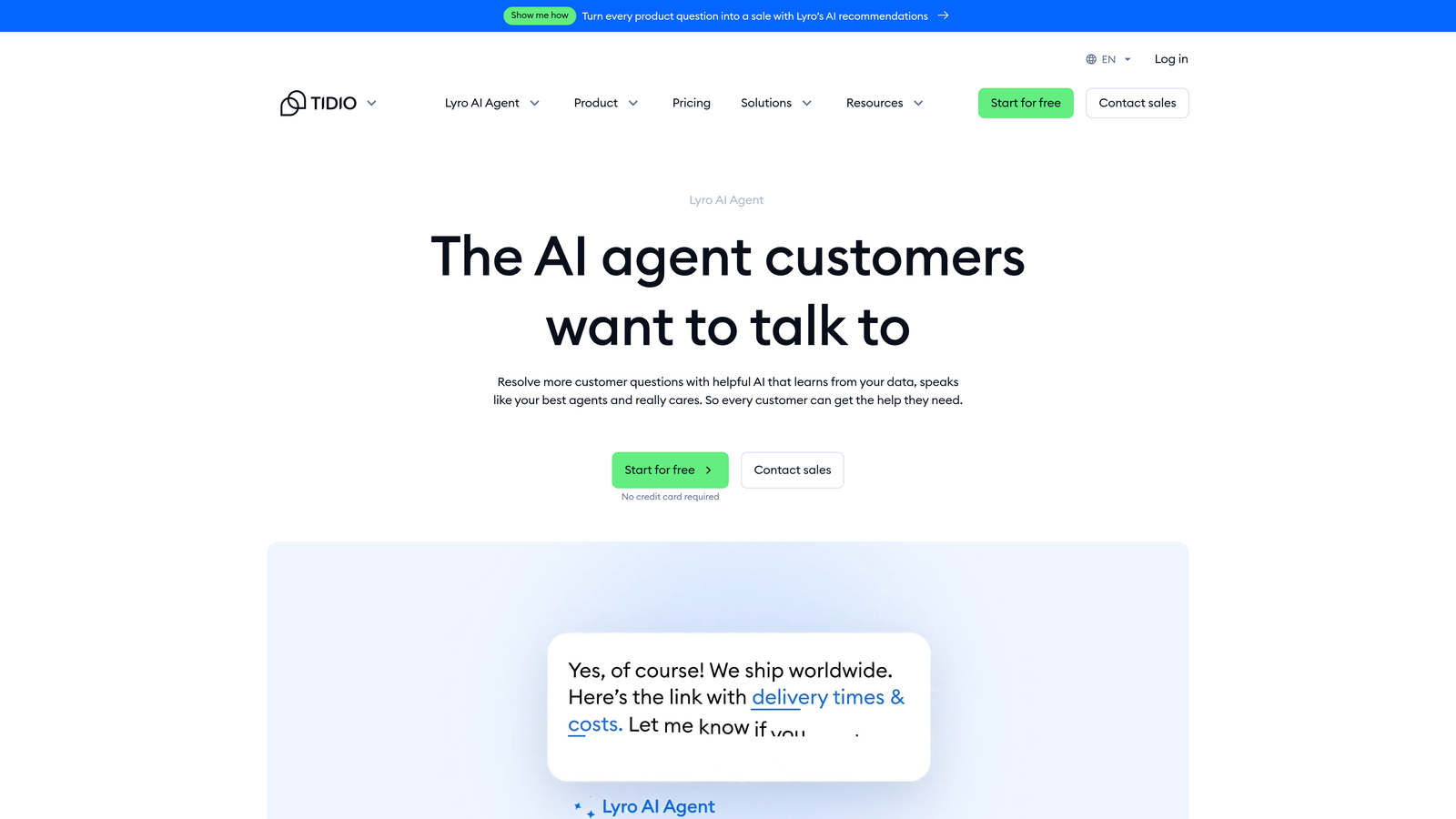
Where This Tool Shines
Lyro's headline advantage is time-to-value. Where enterprise AI platforms can take weeks or months to configure and deploy, Lyro can be live in hours. It trains on your existing FAQ and help content without requiring structured data pipelines or engineering work, which makes it genuinely accessible for small teams operating without dedicated technical resources.
The e-commerce integrations are well-considered. Shopify and WordPress connections mean Lyro fits naturally into the tech stack many SMB operators already use, and multi-language support extends its reach for businesses serving international customers.
Key Features
Fast Content Training: Trains on your FAQ and help content with minimal setup; no technical expertise required.
Autonomous Query Handling: Resolves common questions independently and escalates to human agents when needed.
No-Code Deployment: Live in hours rather than weeks, with no engineering involvement required.
Multi-Language Support: Handles queries in multiple languages for international customer bases.
E-Commerce Integrations: Native connections with Shopify, WordPress, and major e-commerce platforms.
Best For
Small businesses, e-commerce operators, and budget-conscious teams that need AI support coverage quickly and affordably. Less suited for complex B2B support scenarios, deep multi-system integrations, or organizations that need sophisticated business intelligence from support data.
Pricing
Free tier available; paid plans start at a competitive SMB price point. Verify current details at tidio.com.
6. Salesforce Einstein for Service
Best for: Enterprise support teams already invested in the Salesforce ecosystem who want AI informed by full CRM history.
Salesforce Einstein for Service is AI embedded throughout Service Cloud, giving enterprise teams AI-powered case management informed by complete CRM customer data.
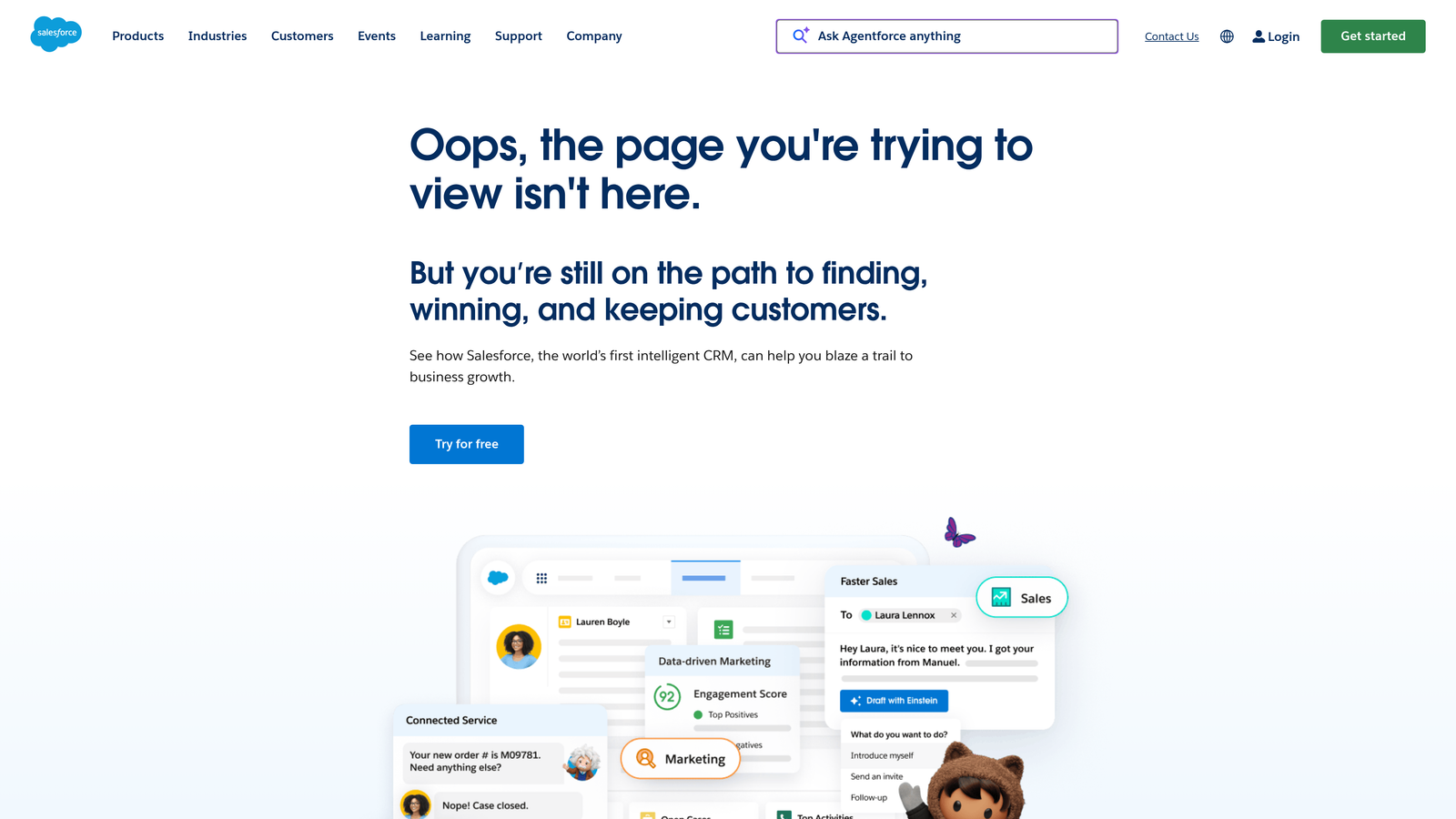
Where This Tool Shines
Einstein's core advantage is context. Because it sits inside Salesforce, every AI recommendation is informed by the complete customer record: purchase history, sales interactions, marketing touchpoints, and service history all feed into case classification and next-best-action recommendations. For enterprise teams where customer relationships are complex and high-stakes, that depth of context matters.
Einstein Copilot for Service brings generative AI assistance directly into the agent workflow, helping with reply drafting and case summaries without requiring agents to switch contexts. The integration with Sales Cloud and Marketing Cloud means support insights can flow across the broader business, not stay siloed in the service function.
Key Features
CRM-Informed Case Classification: Routes and classifies cases using full Salesforce customer history, not just ticket content.
Einstein Copilot for Service: Generative AI assistance for agent replies and case summaries within the Service Cloud interface.
Next Best Action: Recommends specific actions based on customer data and service history.
AI-Powered Knowledge Suggestions: Surfaces relevant knowledge articles during live cases automatically.
Cross-Cloud Integration: Connects natively with Sales Cloud, Marketing Cloud, and Data Cloud for organization-wide context.
Best For
Large enterprises already committed to the Salesforce ecosystem. The investment required, both financially and operationally, makes it best suited for organizations where Salesforce is already the system of record rather than a new platform adoption.
Pricing
Enterprise pricing; requires a Salesforce Service Cloud license. Contact Salesforce directly for current quotes at salesforce.com.
7. Help Scout
Best for: Teams that prioritize relationship-driven customer service and want AI that augments agents rather than replacing them.
Help Scout is a human-first support platform with AI features designed to make agents faster and more effective, not to automate them out of the picture.
Where This Tool Shines
Help Scout's philosophy is refreshingly clear: AI should help humans do their best work, not sideline them. For teams where customer relationships are a genuine differentiator and support quality matters more than deflection rates, that philosophy translates into tools that feel natural rather than intrusive. AI Drafts and AI Summarize reduce the mechanical burden of support work without changing the human character of the interaction.
The platform's clean, well-designed UI has always been a strength, and the AI features follow the same design sensibility. There's minimal learning curve, which means adoption tends to be higher than with more complex platforms. Collision detection in the shared inbox prevents the embarrassing (and frustrating) scenario of two agents responding to the same customer simultaneously.
Key Features
AI Drafts: Generates reply suggestions based on conversation context for agents to review, edit, and send.
AI Summarize: Condenses long email threads into concise summaries so agents can get up to speed instantly.
AI Assist: Helps agents improve tone, clarity, and completeness of replies before sending.
Shared Inbox with Collision Detection: Prevents duplicate responses when multiple agents are working the same queue.
Clean, Approachable UI: Minimal learning curve means teams are productive quickly.
Best For
Customer-centric teams, agencies, and businesses where the quality of the support relationship is a brand differentiator. Not the right fit if autonomous ticket resolution and deflection rates are your primary metrics; Help Scout is built for teams that want humans in the loop.
Pricing
Plans start at a mid-market price point; AI features are included on Standard and Plus plans. Verify current pricing at helpscout.com.
8. Zoho Desk Zia AI
Best for: Teams embedded in the Zoho ecosystem who want an AI analytics and assistance layer without additional platform costs.
Zoho Desk's Zia AI is Zoho's AI assistant embedded in Desk, providing sentiment analysis, auto-tagging, response suggestions, and anomaly detection for support managers.
Where This Tool Shines
Zia's strength is its analytical dimension. It identifies unusual spikes in ticket volume and alerts managers before a surge becomes a crisis, which is particularly useful for teams managing seasonal demand or product launches. Sentiment analysis across the ticket queue gives support leaders a real-time read on customer mood that aggregate metrics often miss.
For organizations already using Zoho CRM, Zoho Books, or other Zoho products, Zia integrates naturally into the broader Zoho ecosystem. The value compounds when Zia's support insights connect to customer records and business data elsewhere in the stack.
Key Features
Sentiment Analysis: Reads emotional tone across incoming tickets and flags high-priority or at-risk conversations.
Auto-Tagging: Automatically categorizes tickets by topic and urgency without manual classification.
Response Suggestions: Recommends relevant replies based on ticket content and historical responses.
Anomaly Detection: Alerts managers to unusual spikes in ticket volume or specific issue types.
Zoho Ecosystem Integration: Connects naturally with Zoho CRM and other Zoho products for cross-platform context.
Best For
Businesses already operating within the Zoho ecosystem who want AI-assisted support without adopting a new platform. Zia is more analytical and assistive than fully autonomous, making it a better fit for teams that want AI-enhanced agents rather than AI-replaced agents.
Pricing
Zia features are available on higher-tier Zoho Desk plans. Verify current plan details at zoho.com/desk.
9. Kustomer AI
Best for: High-volume, multi-channel support teams that need AI grounded in a unified customer history across every interaction.
Kustomer AI is a CRM-native customer service platform with AI features including intent detection, automated workflows, and AI-assisted agent responses built on a full customer timeline.
Where This Tool Shines
Kustomer's defining characteristic is the unified customer timeline. Every interaction a customer has ever had, across every channel, is visible in a single view. When AI recommendations are built on that level of historical context, they're significantly more relevant than recommendations made from a single ticket in isolation. Intent detection and automated workflows can be configured to respond differently based on customer history, not just the current message.
For high-volume support operations handling customers across email, chat, social, and voice, the unified view reduces the context-switching that slows agents down and frustrates customers who have to repeat themselves. AI-assisted responses help agents move faster without sacrificing the quality that comes from having full context.
Key Features
Unified Customer Timeline: Full interaction history across all channels in a single view, giving AI rich context for every response.
Intent Detection: Identifies what a customer needs based on message content and historical patterns.
Automated Workflows: Configurable automation that responds based on customer history and current intent.
AI-Assisted Agent Responses: Surfaces relevant information and suggested replies during live conversations.
Multi-Channel Support: Handles customer interactions across email, chat, social, and voice in one platform.
Best For
Larger support teams handling high volumes across multiple channels where unified customer history is a strategic advantage. Implementation is more complex than lighter-weight tools, making Kustomer a better fit for teams with dedicated operations resources to configure and maintain it properly.
Pricing
Enterprise pricing; contact Kustomer for current quotes and plan details at kustomer.com.
Which Tool Is Right for Your Team?
The right choice depends less on which tool has the longest feature list and more on where your team is starting from and what you're actually trying to accomplish.
Here's a quick way to think through it:
AI-first with no legacy helpdesk to protect: Halo AI is the clear starting point. Built for autonomous resolution from day one, with business intelligence and integrations that make support a strategic function.
Already on Zendesk: Zendesk AI extends your existing investment without disruption. The Advanced AI add-on is worth evaluating for high-volume teams.
Running the Freshworks stack: Freddy AI is the natural choice, especially if you're using Freshdesk, Freshchat, and Freshservice together.
Chat-first SaaS product: Intercom Fin delivers strong conversational resolution quality. Model the per-resolution pricing against your expected volume before committing.
SMB or e-commerce on a budget: Tidio Lyro gets you live fast at a price point that makes sense for smaller operations.
Enterprise on Salesforce: Einstein for Service is the logical choice when your CRM is already Salesforce and you want AI informed by the full customer record.
Human-touch priority: Help Scout's AI augments agents without trying to replace them, which aligns with teams where relationship quality is the differentiator.
Zoho ecosystem: Zia adds a solid analytics and assistance layer without adding a new platform to manage.
High-volume, multi-channel CRM-native: Kustomer's unified timeline gives AI the context it needs to be genuinely useful at scale.
Your support team shouldn't scale linearly with your customer base. Let AI agents handle routine tickets, guide users through your product, and surface business intelligence while your team focuses on complex issues that need a human touch. See Halo in action and discover how continuous learning transforms every interaction into smarter, faster support.