9 Best AI Support Tools for Web Applications in 2026
This guide evaluates the 9 best AI support tools for web applications in 2026, comparing platforms on contextual awareness, autonomous ticket resolution, and scalability—helping SaaS and web app teams choose between purpose-built AI-first solutions and legacy helpdesks with AI add-ons to meet growing user support demands without expanding headcount.
 Matt PattoliFounder14 min read
Web application teams face a common tension: users expect instant, contextual help inside the product, but scaling a human support team to meet that demand is expensive and slow. AI support tools have matured well beyond basic chatbots into systems that understand page context, resolve tickets autonomously, and surface business intelligence from every conversation.
The difference between tools matters more than it used to. Some are AI-first platforms built from the ground up for autonomous resolution. Others are legacy helpdesks with AI layered on top. A few sit somewhere in between, handling agent assist rather than replacement. Choosing the wrong one means either paying for complexity you don't need or hitting a ceiling when your support volume scales.
This guide covers the top AI support tools for web applications, evaluated on contextual awareness, integration depth, automation quality, and how well they scale without adding headcount. Whether you're running a SaaS platform, an internal web tool, or a customer-facing dashboard, here's what you need to know before committing.
1. Halo AI
Best for: Web application teams that want AI-first, page-aware support built for autonomous resolution and business intelligence.
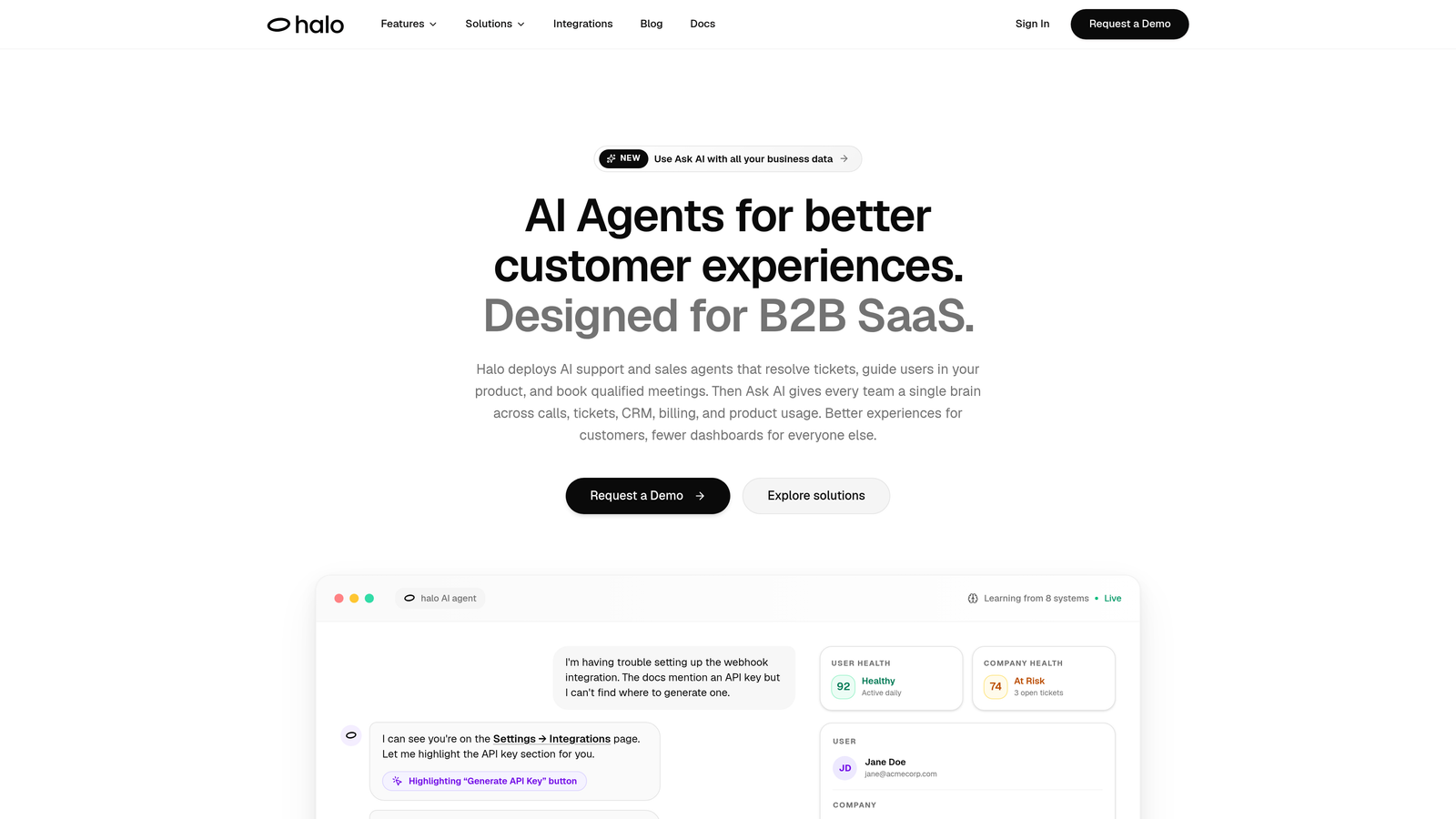
Halo AI is an AI-first customer support platform built specifically for web applications, deploying intelligent agents that resolve tickets, guide users visually, and surface actionable business intelligence.
Where This Tool Shines
Halo's standout capability is page-awareness. The AI agent sees exactly what the user sees on screen, which means it can provide contextual guidance that's tied to where someone actually is in your product, not just generic documentation responses. This is a meaningful leap beyond chat widgets that respond to keywords without any understanding of application state.
Beyond resolution, Halo feeds business intelligence back into your team through its Smart Inbox. Customer health signals, revenue intelligence, and anomaly detection turn every support interaction into a data point that informs product and growth decisions. It also auto-creates structured bug tickets when it detects user issues, closing the loop between support and engineering without manual handoffs.
Key Features
Page-Aware Chat Widget: The AI sees what the user sees on screen, enabling visual, contextual guidance tied to their exact location in the application.
Autonomous Ticket Resolution: AI agents handle common tickets end-to-end, with graceful handoff to live agents when complexity requires it.
Auto Bug Ticket Creation: Detects user issues and automatically generates structured bug reports, integrating directly with tools like Linear.
Smart Inbox with Business Intelligence: Surfaces customer health signals, revenue intelligence, and anomaly detection beyond standard ticket metrics.
Deep Integration Stack: Connects with Linear, Slack, HubSpot, Intercom, Stripe, Zoom, PandaDoc, and Fathom for full business context.
Continuous Learning: Every resolved interaction improves the AI's accuracy and coverage over time without manual retraining.
Best For
Product-led SaaS teams and B2B web application companies that want autonomous AI resolution from day one, without inheriting the complexity of a legacy helpdesk. Particularly strong for teams that want support data feeding into product, revenue, and engineering workflows simultaneously.
Pricing
Contact Halo AI directly for pricing details. Given the platform's depth and integration stack, pricing is tailored to team size and use case.
2. Intercom (Fin AI Agent)
Best for: Teams already on Intercom's ecosystem who want autonomous AI resolution inside a mature in-app messenger.
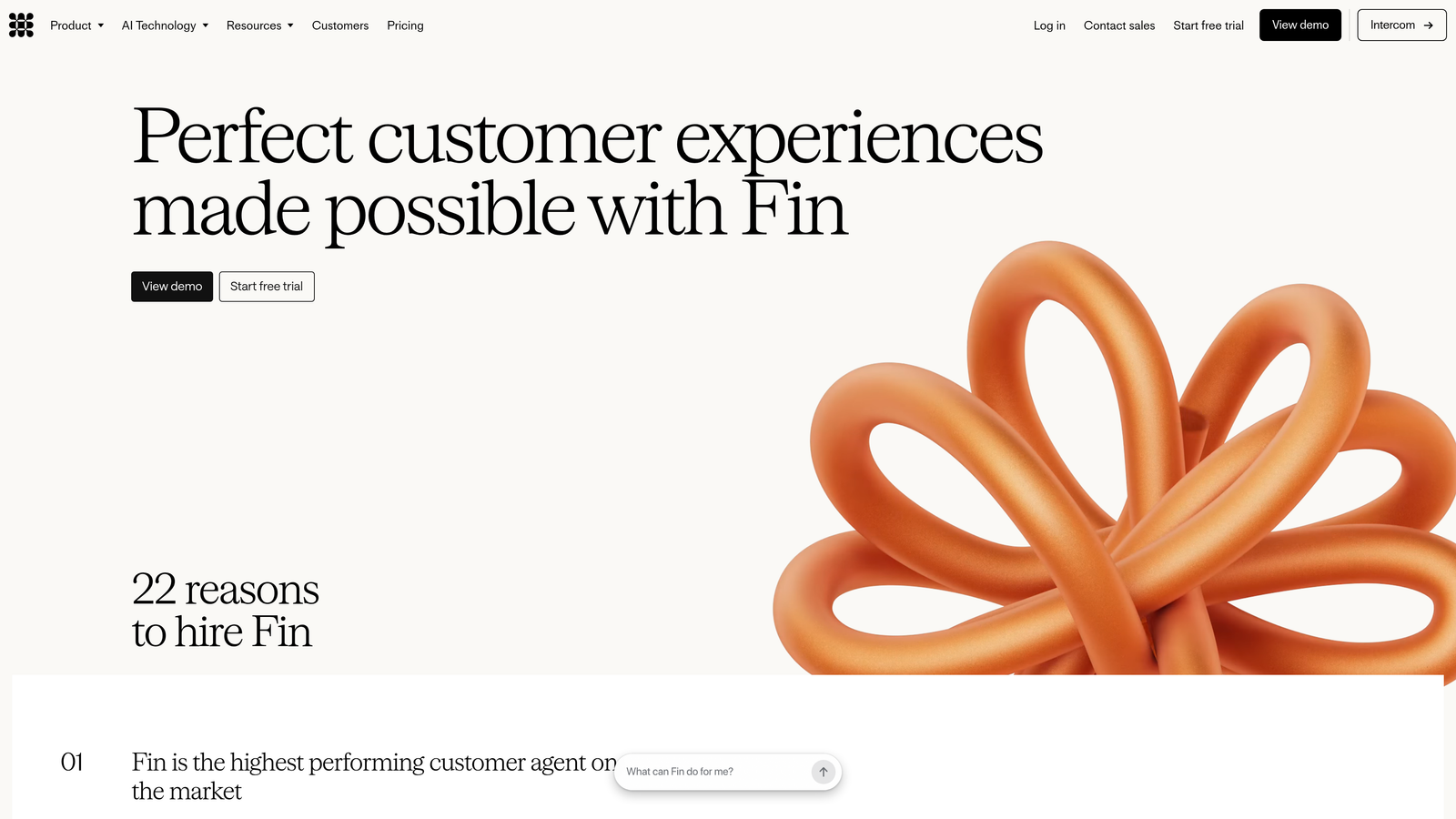
Intercom's Fin AI Agent is a dedicated AI agent built on large language models, designed to resolve customer conversations end-to-end without human intervention inside Intercom's polished messenger platform.
Where This Tool Shines
Fin's strength is its integration with Intercom's existing infrastructure. If your team already uses Intercom for in-app messaging, help center content, and customer data, Fin slots in naturally without requiring a separate platform or migration. The handoff experience from Fin to a human agent is smooth because it all happens inside the same messenger thread.
The per-resolution pricing model is worth noting: it aligns cost directly with value delivered, which can be attractive for teams with variable support volume. The trade-off is that costs can become unpredictable at scale without careful monitoring.
Key Features
End-to-End Conversation Resolution: Fin handles full conversations using LLM reasoning, not just keyword matching or decision trees.
Knowledge Base Integration: Pulls directly from Intercom's help center and article library to ground responses in your actual documentation.
Per-Resolution Pricing Option: Available on certain tiers, aligning cost with outcomes rather than seats.
Seamless Human Handoff: Escalates to live agents within the same messenger thread, preserving full conversation context.
Multichannel Coverage: Works across web, mobile, and email channels within the Intercom ecosystem.
Best For
Teams already invested in Intercom's broader platform who want to add autonomous AI resolution without switching tools. Less ideal for teams starting fresh who don't need Intercom's full messenger suite.
Pricing
Intercom plans start around $39/month; Fin AI Agent is included in certain plans and also available on a per-resolution model. Enterprise pricing varies significantly based on usage.
3. Zendesk AI
Best for: High-volume, omnichannel enterprise support teams that need intelligent triage, agent copilot, and self-service automation at scale.
Zendesk AI is the AI layer built into Zendesk's industry-leading ticketing platform, adding intelligent routing, agent assistance, and self-service automation to one of the most widely deployed helpdesks in the market.
Where This Tool Shines
Zendesk's AI benefits from the platform's enormous installed base and data history. The triage and routing capabilities are mature: the system can classify tickets by intent and sentiment, route them to the right team, and suggest macros or next-best actions to agents before they've read the full thread. For teams already running Zendesk at scale, the AI layer adds meaningful efficiency without a platform change.
The Agent Copilot feature is particularly useful for teams with complex products or long knowledge bases, surfacing relevant articles and suggested replies in context during live interactions. The 1,000+ app integration ecosystem also means Zendesk AI can connect to most existing business tools.
Key Features
Intelligent Triage and Routing: Classifies tickets by intent and sentiment, routing them to the right team or queue automatically.
Agent Copilot: Provides suggested replies, next-best-action guidance, and relevant knowledge base articles to human agents in real time.
AI-Powered Self-Service Bots: Deploys automated bots for web and mobile to deflect common inquiries before they reach the queue.
Advanced Analytics: Reporting and performance insights across all channels and ticket types.
Broad Integration Ecosystem: Over 1,000 app integrations available through the Zendesk Marketplace.
Best For
Enterprise support teams with high ticket volumes, multiple channels, and existing Zendesk infrastructure. Teams starting fresh may find the platform's complexity and pricing harder to justify at smaller scale.
Pricing
Zendesk Suite plans start around $55/agent/month. AI features are included in higher tiers or available as add-ons. Enterprise pricing scales considerably based on volume and configuration.
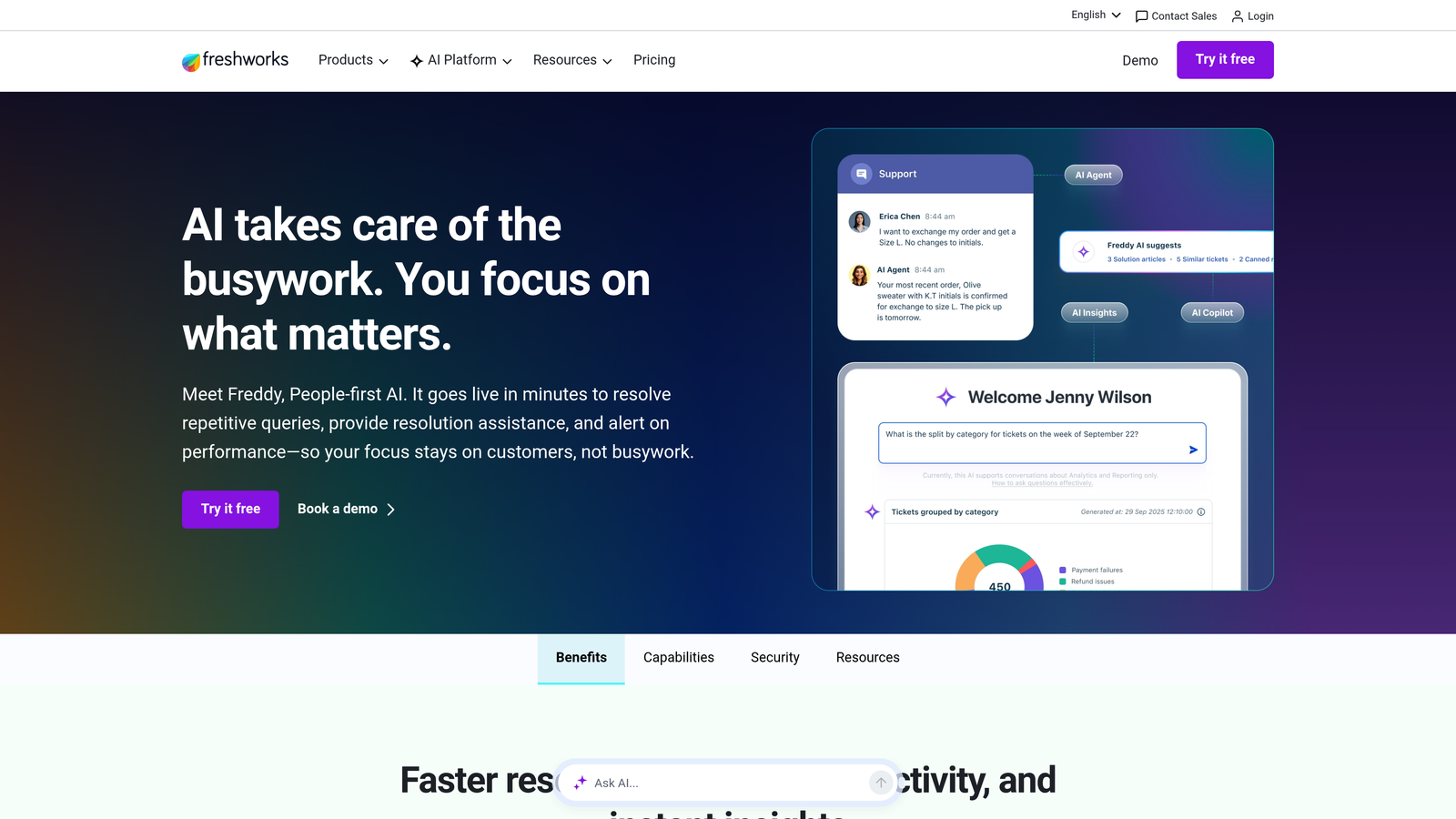
4. Freshdesk Freddy AI
Best for: SMB and mid-market web app teams that want AI-powered support across self-service, agent assist, and analytics at an accessible price point.
Freshdesk Freddy AI is Freshworks' AI suite spanning automated self-service bots, real-time agent assistance, and AI-generated analytics insights, designed to bring meaningful AI capabilities to teams that don't have enterprise-tier budgets.
Where This Tool Shines
Freddy AI covers three distinct layers of the support workflow: customer-facing automation through Freddy Self Service, agent-side assistance through Freddy Copilot, and performance intelligence through Freddy Insights. This breadth means teams can deploy AI across the full support lifecycle without stitching together separate tools.
The pricing accessibility is a genuine differentiator. Freshdesk's entry-level plans are more affordable than comparable Zendesk tiers, making Freddy AI a realistic option for growing teams that want AI-assisted support without committing to enterprise contracts.
Key Features
Freddy Self Service: AI bot that handles common customer inquiries automatically across web and messaging channels.
Freddy Copilot: Provides real-time reply suggestions, drafts, and contextual recommendations to human agents.
Freddy Insights: AI-generated analytics surfacing performance trends and recommendations for support managers.
Omnichannel Support: Covers email, live chat, phone, and social channels within a unified platform.
Accessible Pricing Tiers: AI features available from mid-tier plans, with a lower entry cost than most enterprise-focused competitors.
Best For
SMB to mid-market SaaS and web app teams that want AI across the full support stack without Zendesk-level pricing. Also well-suited for teams already using other Freshworks products like Freshsales or Freshservice.
Pricing
Freshdesk offers a free plan for basic features. Freddy AI capabilities begin on the Growth plan at approximately $15/agent/month, with more advanced AI features available on higher tiers.
5. Drift (Salesloft)
Best for: PLG and demo-driven web applications where support and sales conversations happen in the same product surface.
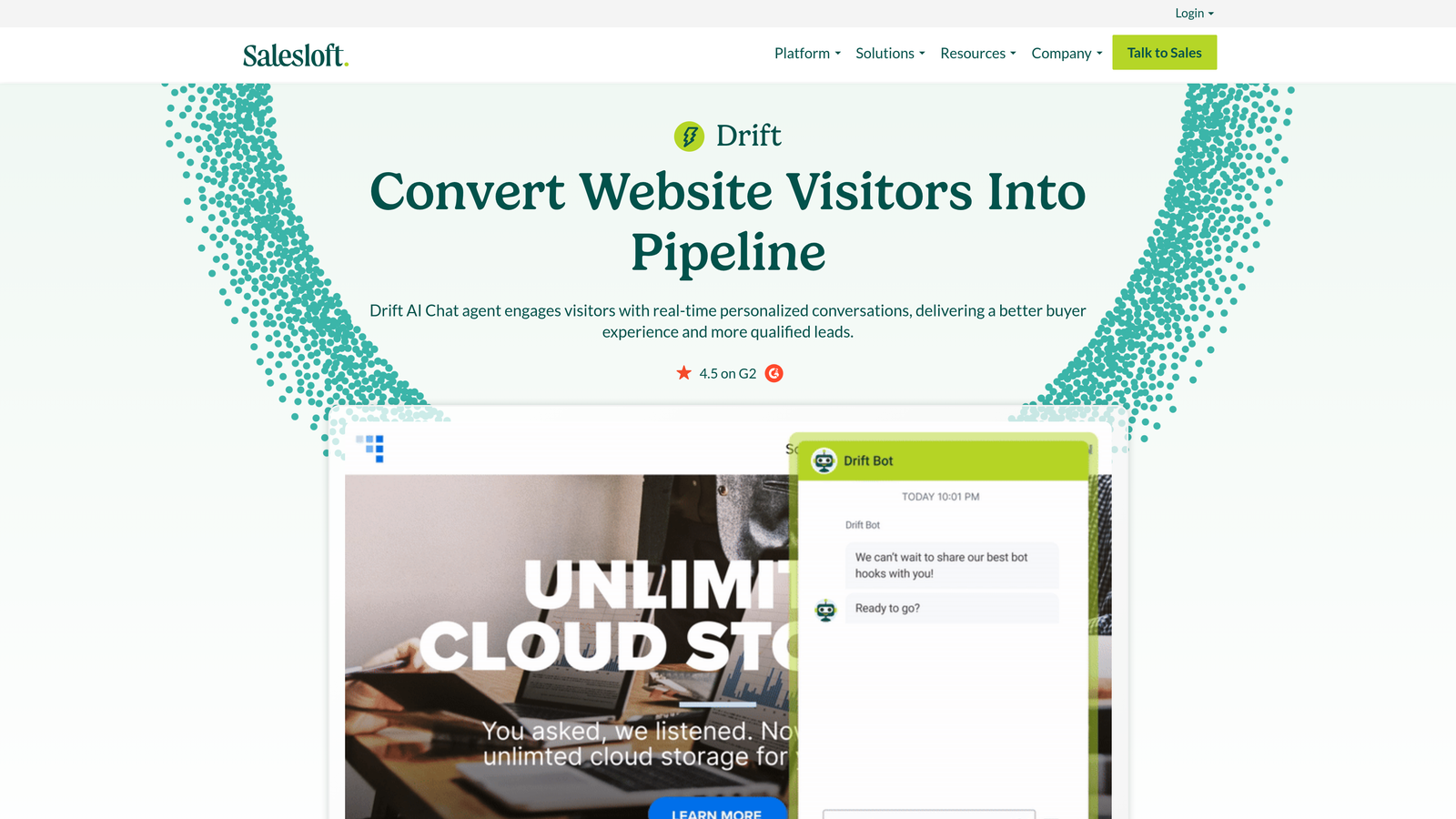
Drift, now part of Salesloft, is a conversational AI platform that handles both support and sales qualification on web applications, making it relevant for teams where the line between customer success and revenue generation blurs.
Where This Tool Shines
Drift's core value is its revenue alignment. Rather than treating every incoming conversation as a support ticket, Drift's AI assesses visitor intent and routes accordingly: support questions go to the right agent or bot flow, while sales-qualified signals get routed to account executives or trigger meeting booking. For product-led growth companies where the same web application serves both free users and prospects, this dual-purpose handling is genuinely useful.
The Salesloft acquisition has shifted Drift's roadmap increasingly toward revenue teams, so teams evaluating it purely for support should assess whether the broader platform investment makes sense for their use case.
Key Features
Dual-Purpose AI Bot: Handles support inquiries and sales qualification simultaneously within the same chat interface.
Revenue-Aligned Routing: Connects visitors to the right team or representative based on intent signals and account data.
CRM Integrations: Connects with Salesforce, HubSpot, Marketo, and other major CRM and marketing automation platforms.
Meeting Scheduling: Built-in demo booking and calendar integration directly within chat flows.
Playbooks: Automated conversation paths for common support and sales scenarios.
Best For
SaaS companies with a PLG motion or heavy demo pipeline where support and sales conversations overlap. Less ideal for pure support use cases where revenue-focused features add unnecessary complexity.
Pricing
Following the Salesloft acquisition, Drift pricing is custom and enterprise-focused. Contact Drift directly for current pricing information.
6. Tidio
Best for: Smaller web apps and e-commerce sites that need fast, low-friction AI chat without heavy engineering investment.
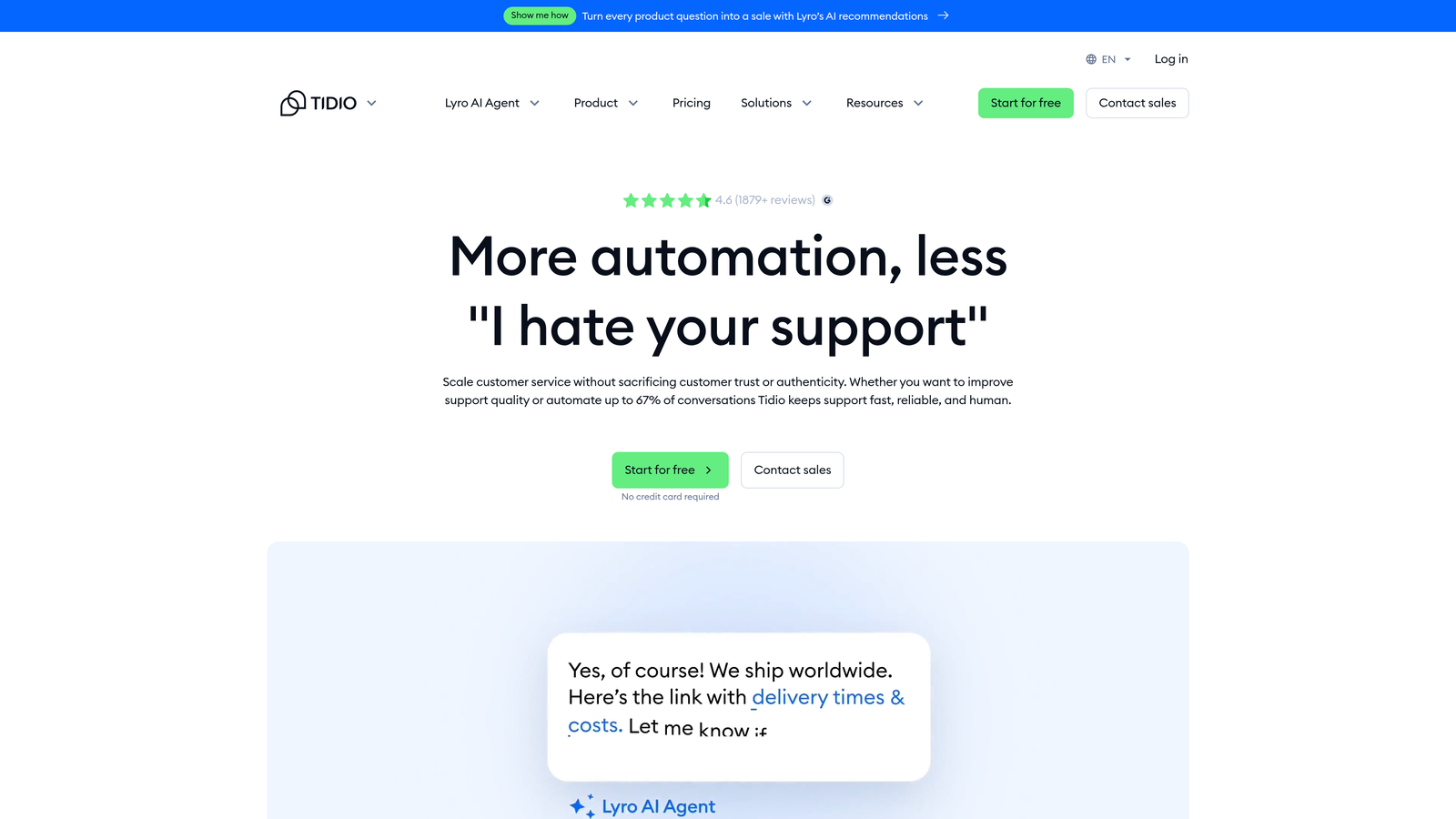
Tidio is a lightweight AI chat platform featuring Lyro AI for automated customer conversations, with a fast embed process and an accessible price point that makes it popular with SMBs and early-stage products.
Where This Tool Shines
Tidio's primary advantage is speed to deployment. The platform embeds via a script tag, Lyro AI trains on your existing support content, and teams can be live with automated chat in hours rather than weeks. For smaller teams that need something working quickly without a dedicated implementation project, that speed matters.
The visual chatbot builder also lowers the technical barrier significantly. Non-engineers can build and modify conversation flows without writing code, which keeps ongoing maintenance manageable for lean teams.
Key Features
Lyro AI: Conversational AI trained on your support documentation to handle common customer questions automatically.
Live Chat Fallback: Escalates to a human agent when Lyro reaches the limits of its knowledge or confidence.
No-Code Bot Builder: Visual flow editor for creating and adjusting chatbot conversation paths without engineering support.
E-Commerce Integrations: Native connections with Shopify, WordPress, and major e-commerce platforms.
Script Tag Embed: Minimal engineering required to deploy on any web application.
Best For
Small web app teams, e-commerce businesses, and early-stage SaaS companies that need affordable AI chat with minimal setup. Less suited for complex B2B SaaS support scenarios requiring deep integrations or advanced ticket workflows.
Pricing
Tidio offers a free plan. Lyro AI starts at approximately $29/month, with paid plans scaling based on conversation volume.
7. Help Scout
Best for: Web app teams that want AI to assist human agents rather than replace them, preserving a personal, brand-aligned support voice.
Help Scout is an email-first helpdesk with AI features designed to make human agents faster and more effective, without pushing toward full automation or removing the personal element from customer interactions.
Where This Tool Shines
Help Scout's AI philosophy is deliberately agent-assist rather than autonomous. The AI Drafts feature suggests complete reply drafts based on conversation context, which agents can review, edit, and send rather than composing from scratch. This keeps humans in the loop while meaningfully reducing the cognitive load of high-volume inboxes.
For teams where brand voice, relationship continuity, and nuanced communication matter, this approach is genuinely preferable to full automation. Help Scout's clean, inbox-style UX also makes it one of the more pleasant tools for agents to work in day-to-day.
Key Features
AI Drafts: Generates complete reply drafts based on conversation history and context for agent review before sending.
AI Summarize: Condenses long conversation threads into quick briefings so agents can get up to speed instantly.
AI Assist: Rewrites, translates, and adjusts the tone of agent replies on demand.
Docs Knowledge Base: Built-in knowledge base with AI-powered search for customer self-service.
Inbox-Style UX: Clean, email-native interface focused on agent productivity and ease of use.
Best For
Web app teams with complex, nuanced support needs where full automation would create more problems than it solves. Also strong for companies with a distinct brand voice that needs to come through in every customer interaction.
Pricing
Help Scout plans start at $22/user/month on the Standard plan. AI features are included in paid plans.
8. Chatbase
Best for: Developer-led teams that want to build and embed a custom AI chatbot trained on their own documentation with minimal setup.
Chatbase is a developer-friendly platform for creating custom AI chatbots trained on your own data sources, embeddable into any web application via script tag or API with straightforward configuration.
Where This Tool Shines
Chatbase's appeal is its flexibility and simplicity. You point it at your documentation, URLs, PDFs, or sitemaps, and it builds a custom AI chatbot grounded in your actual content. For teams that have good documentation but no dedicated support tooling, it's a fast path to meaningful self-service without building anything from scratch.
The API access also makes it attractive for developer-led teams that want to embed AI chat into their product as a custom experience rather than deploying a generic third-party widget. The trade-off is that Chatbase is primarily a chatbot builder, not a full support platform, so it lacks ticket management, escalation workflows, and deep CRM integrations.
Key Features
Custom Data Training: Train the AI on your own URLs, PDFs, text files, and sitemaps for documentation-grounded responses.
Flexible Deployment: Embed via script tag for quick setup or integrate via API for custom implementations.
Widget Customization: Adjust chat widget appearance and behavior to match your product's design.
Multilingual Support: Handles multiple languages based on the data sources provided.
Conversation Analytics: Tracks user queries and conversation patterns to identify documentation gaps.
Best For
Developer-led web app teams that want a custom AI chatbot grounded in their documentation. Best as a self-service layer rather than a full support platform. Less suitable for teams needing ticket workflows, agent tooling, or deep business system integrations.
Pricing
Chatbase offers a free plan. Paid plans start at approximately $19/month, scaling based on message credits and the number of chatbots configured.
9. Forethought AI
Best for: Enterprise teams that want to add intelligent triage, routing, and autonomous resolution on top of an existing helpdesk without migrating platforms.
Forethought AI is an enterprise AI platform that layers intelligent automation on top of existing helpdesks like Zendesk, Salesforce Service Cloud, and ServiceNow, adding autonomous resolution and smart routing without requiring a platform replacement.
Where This Tool Shines
Forethought's core value proposition is additive rather than replacement. If your organization has invested heavily in Zendesk or Salesforce Service Cloud and isn't in a position to migrate, Forethought adds meaningful AI capabilities on top of that infrastructure. The Triage product predicts ticket intent, sentiment, and priority with enough accuracy to meaningfully reduce manual sorting at high volume.
The Solve product handles autonomous resolution for common ticket types, while Assist gives agents AI-powered suggestions and relevant article surfacing. Together, they cover both the automated and human-assisted sides of the support workflow without requiring a new system of record.
Key Features
Solve: Autonomous AI resolution for high-frequency, predictable ticket types without human intervention.
Triage: Predicts ticket intent, sentiment, and priority for intelligent routing before an agent touches the ticket.
Assist: AI copilot that surfaces relevant knowledge base articles and suggested replies for human agents.
Helpdesk Compatibility: Works on top of Zendesk, Salesforce Service Cloud, ServiceNow, and other major platforms.
Workflow Automation: Handles complex, multi-step support processes that go beyond simple ticket deflection.
Best For
Enterprise support organizations already invested in Zendesk, Salesforce, or ServiceNow that want to add AI capabilities without a platform migration. Less relevant for teams starting fresh or those running smaller-scale support operations.
Pricing
Forethought uses enterprise pricing. Contact their team directly for a custom quote based on volume and integration requirements.
Which Tool Is Right for Your Team
The right AI support tool for your web application depends on two fundamental questions: do you need autonomous resolution or agent assistance, and are you starting fresh or layering onto an existing helpdesk?
If you want an AI-first platform built specifically for web applications, with page-aware context, autonomous resolution, and business intelligence baked in from the start, Halo AI is the strongest option in this list. It's the only tool here that sees what your users see on screen and turns every support interaction into product and revenue intelligence.
For teams already running Intercom, Fin AI Agent is the natural autonomous resolution layer. Zendesk AI and Freshdesk Freddy are the right choices for teams with existing helpdesk infrastructure who want AI added to mature ticketing workflows, with Freshdesk offering a more accessible price point for SMBs.
If your web application blurs the line between support and sales, Drift is worth evaluating. For pure self-service with minimal setup, Chatbase and Tidio both get you to working AI chat quickly and affordably. Help Scout is the right pick when preserving a human, brand-aligned support voice matters more than automation. And if you're an enterprise team that can't migrate off Zendesk or Salesforce, Forethought adds meaningful AI without disrupting your system of record.
Your support team shouldn't scale linearly with your customer base. Let AI agents handle routine tickets, guide users through your product, and surface business intelligence while your team focuses on complex issues that need a human touch. See Halo in action and discover how continuous learning transforms every interaction into smarter, faster support.