9 Best Tools for Overcoming AI Support Limitations in 2026
Discover the 9 best platforms for addressing AI support limitations and solutions in 2026, covering tools that go beyond basic automation to deliver context-awareness, intelligent escalation handling, seamless human handoff, and actionable analytics. Ideal for B2B teams evaluating or replacing underperforming AI support systems, this guide evaluates each platform against criteria including multi-channel capability, integration depth, and continuous learning.
 Grant CooperFounder13 min read
AI-powered customer support has transformed how B2B teams handle tickets, queries, and escalations. But it's not without friction. Many teams hit the same walls: AI agents that can't understand context, bots that frustrate users with rigid scripts, tools that lack escalation logic, and platforms that generate zero business insight from support data.
The good news? The right tooling can address each of these limitations directly. This list focuses on platforms that don't just automate support — they handle the hard parts: context-awareness, continuous learning, seamless human handoff, and analytics that actually inform decisions.
Whether you're evaluating your first AI support tool or replacing a system that's underdelivering, these platforms are worth a serious look. Selection criteria: multi-channel capability, context-awareness, escalation handling, integration depth, and evidence of continuous improvement.
1. Halo AI
Best for: B2B SaaS teams that need AI-first support with built-in business intelligence
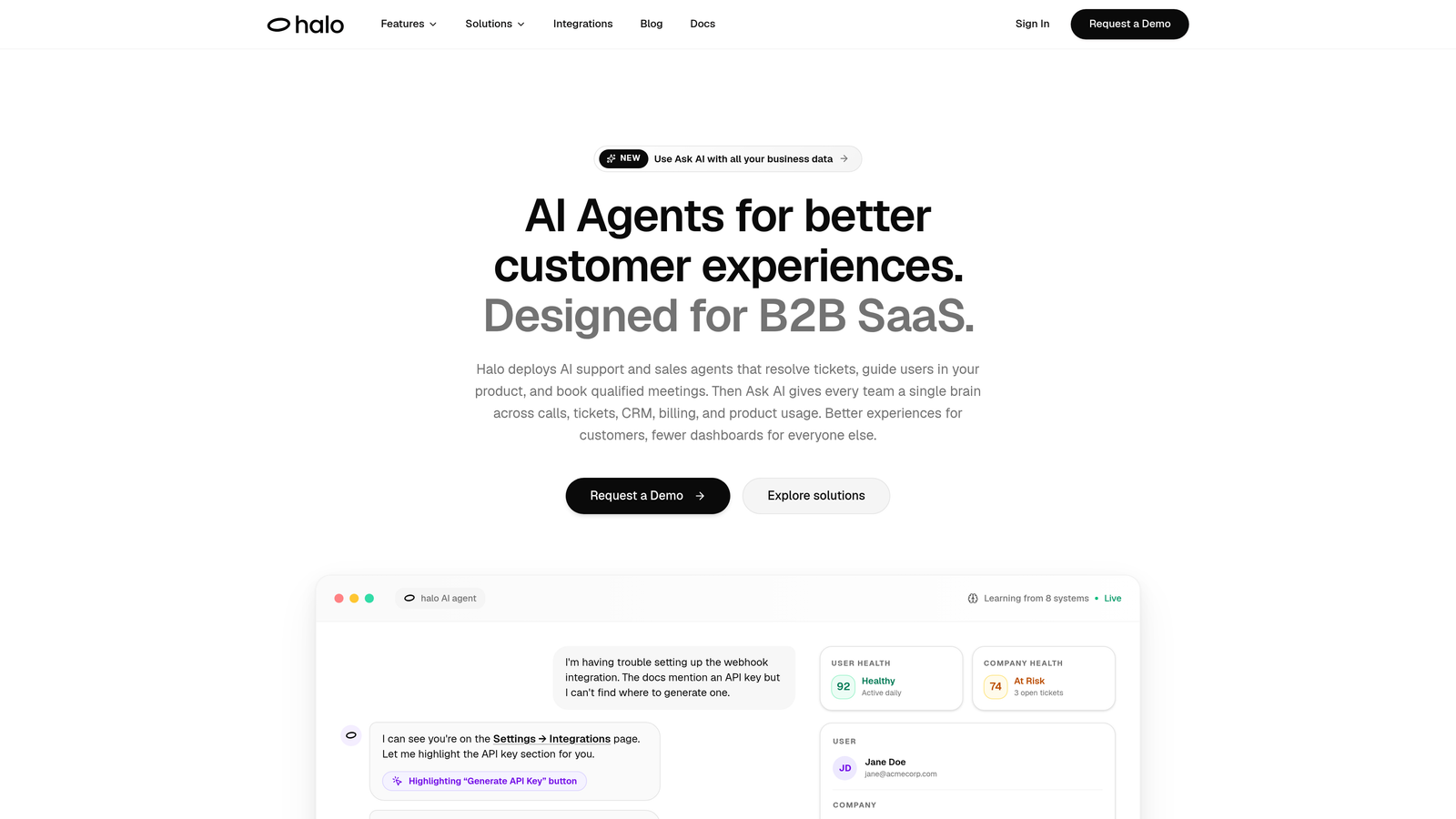
Halo AI is an AI-first customer support platform built specifically for B2B SaaS teams who need more than ticket deflection.
Where This Tool Shines
Most AI support tools respond to what users type. Halo goes further: its page-aware chat widget understands which part of your product the user is looking at, what they've already tried, and what their context is. That's the difference between a bot that says "please check our help center" and one that walks a user through the exact UI element causing confusion.
The other standout is what Halo does with support data after the fact. Instead of just reporting deflection rates, the smart inbox surfaces business intelligence signals: customer health indicators, revenue anomalies, and emerging churn patterns. For product and support leaders, that's a qualitatively different category of value.
Key Features
Page-Aware Context: The chat widget sees what users see on screen, enabling visual UI guidance that's specific to the user's current location in your product.
Continuous Learning: Halo improves from every resolved interaction without requiring manual retraining or content updates, reducing ongoing maintenance burden.
Smart Inbox with Business Intelligence: Goes beyond CSAT to surface customer health signals, revenue anomalies, and churn indicators from support conversations.
Auto Bug Ticket Creation: Automatically generates and routes bug reports to Linear or other engineering tools when users report product issues.
Live Agent Handoff: Escalates to human agents with full conversation context preserved, so users never have to repeat themselves.
Deep Integrations: Connects with Slack, HubSpot, Intercom, Stripe, Zoom, PandaDoc, Fathom, and more, enabling action across your full business stack.
Best For
B2B SaaS product and support teams who want an AI-first architecture rather than an AI layer bolted onto an existing helpdesk. Particularly well-suited for teams where product context, customer health, and engineering feedback loops matter as much as ticket volume.
Pricing
Contact for pricing directly at haloagents.ai. Custom pricing based on team size and use case.
2. Intercom Fin
Best for: Teams already on Intercom who want AI resolution without switching platforms
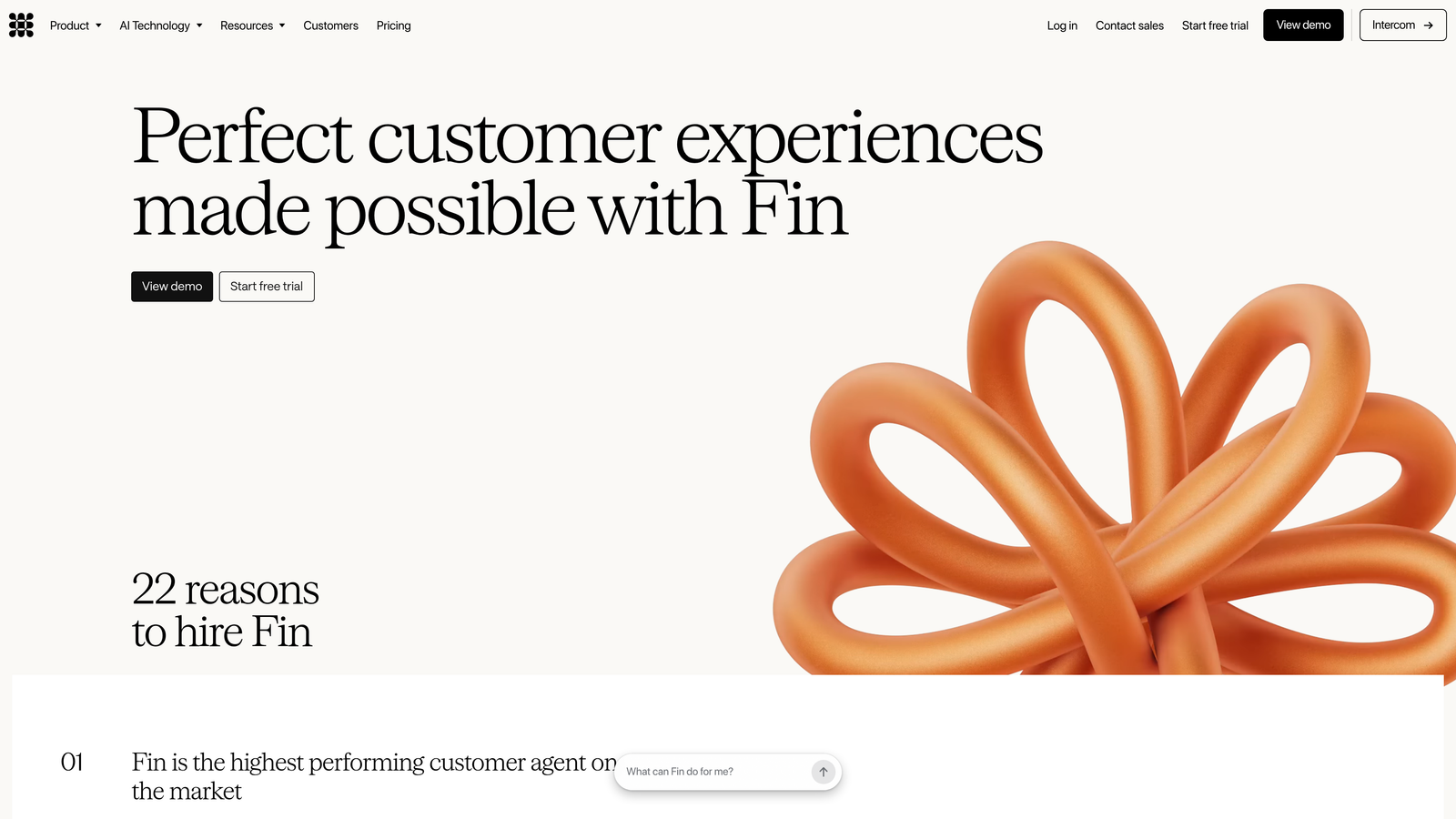
Intercom Fin is Intercom's native AI agent, powered by large language models and trained directly on your help center content.
Where This Tool Shines
If your team is already living in Intercom, Fin has a meaningful advantage: it requires minimal setup, trains on your existing help content, and handles resolution natively within the Intercom Messenger. There's no context-switching, no separate implementation, and no new interface to learn.
Escalation is handled cleanly within the same Intercom inbox workflow, which means agents pick up where Fin left off without friction. For teams that don't want to rethink their support stack, that continuity is genuinely valuable.
Key Features
Help Content Training: Fin learns from your existing Intercom articles and help center content with minimal configuration required.
Native Messenger Resolution: Handles the full resolution flow within the Intercom Messenger, keeping the customer experience consistent.
Seamless Escalation: Routes to human agents within the existing Intercom inbox, with conversation context intact.
Multilingual Support: Handles customer queries in multiple languages out of the box.
Usage-Based Pricing: Charged per AI resolution rather than per seat, which aligns cost with actual value delivered.
Best For
Support teams already using Intercom as their primary communication platform who want to add AI resolution without introducing a new vendor or workflow. Less suited for teams looking to move away from Intercom or wanting AI capabilities beyond the Messenger experience.
Pricing
Usage-based pricing charged per AI resolution, on top of existing Intercom plan costs. See intercom.com for current rates.
3. Zendesk AI
Best for: Large support organizations already running on Zendesk Suite
Zendesk AI is the native AI layer built into the Zendesk Suite, covering intelligent triage, intent detection, sentiment analysis, and AI-generated agent responses.
Where This Tool Shines
Zendesk AI's strongest argument is that it requires no separate implementation for existing Zendesk customers. Intelligent triage, routing, and suggested replies are layered directly into the workflows your agents already use. For large support orgs with high ticket volumes, the automated classification and priority routing alone can meaningfully reduce manual overhead.
The AI self-service layer also handles deflection before tickets reach the queue, which is where the ROI becomes most visible at scale. The tradeoff is that Zendesk AI is deeply tied to the Zendesk ecosystem. It's not designed to function as a standalone AI layer or to serve teams outside the Zendesk Suite.
Key Features
Intelligent Triage: Automatically classifies incoming tickets by intent, sentiment, and language to speed up routing and prioritization.
AI-Suggested Replies: Generates response suggestions for agents based on ticket context, reducing time-to-resolution.
Automated Routing: Routes tickets based on AI-detected intent and priority, reducing manual queue management.
Native Integration: Built directly into Zendesk Suite with no separate implementation required for existing customers.
Self-Service Deflection: AI agents handle common queries before they generate tickets, reducing overall queue volume.
Best For
Established support teams already on Zendesk Suite, particularly those handling high ticket volumes where automated triage and routing deliver the most value. Not the right fit for teams looking to move away from Zendesk or wanting AI capabilities that operate across a broader business stack.
Pricing
Included in select Zendesk Suite plans; advanced AI features available as add-ons. See zendesk.com for current pricing.
4. Freshdesk Freddy AI
Best for: Freshworks customers wanting AI across the full support lifecycle
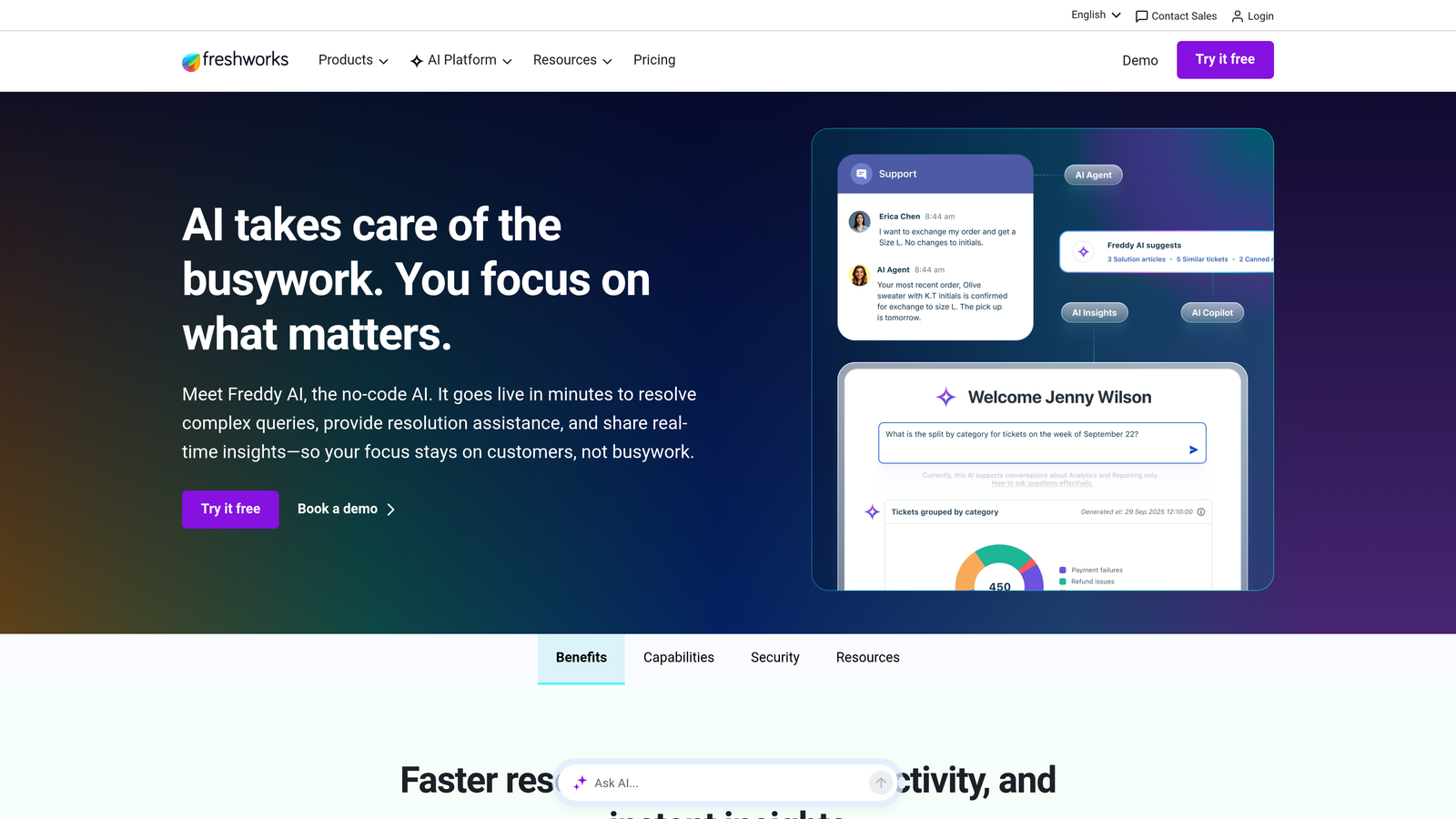
Freshdesk Freddy AI is Freshworks' layered AI system spanning customer self-service, agent assistance, and support analytics in a single ecosystem.
Where This Tool Shines
Freddy AI's layered structure is its defining characteristic. Rather than a single AI feature, it covers three distinct stages: Freddy Self Service handles customer-facing autonomous resolution, Freddy Copilot assists agents in real time with suggested responses and knowledge surfacing, and Freddy Insights generates analytics and performance recommendations for support leaders.
For teams that want AI to touch every part of the support workflow rather than just the customer-facing layer, that breadth within a single platform is a genuine advantage. The native integration with Freshdesk and Freshservice also means there's no third-party configuration to manage.
Key Features
Freddy Self Service: Customer-facing AI bot for autonomous query resolution before issues reach a human agent.
Freddy Copilot: Real-time agent assist with suggested responses and relevant knowledge surfaced in context.
Freddy Insights: AI-generated analytics and performance recommendations designed for support team leaders.
Native Freshworks Integration: Built directly into Freshdesk and Freshservice with no third-party integration required.
Multilingual Support: Supports multilingual deployments across customer-facing channels.
Best For
Teams already on Freshdesk or Freshservice who want AI features across the full support lifecycle without introducing additional vendors. The analytics layer makes it particularly appealing for support leaders who need performance visibility alongside automation.
Pricing
Freddy AI features included in select Freshdesk plans; Copilot available as an add-on. See freshworks.com for current details.
5. Tidio Lyro
Best for: SMB teams that need fast setup and affordable autonomous resolution
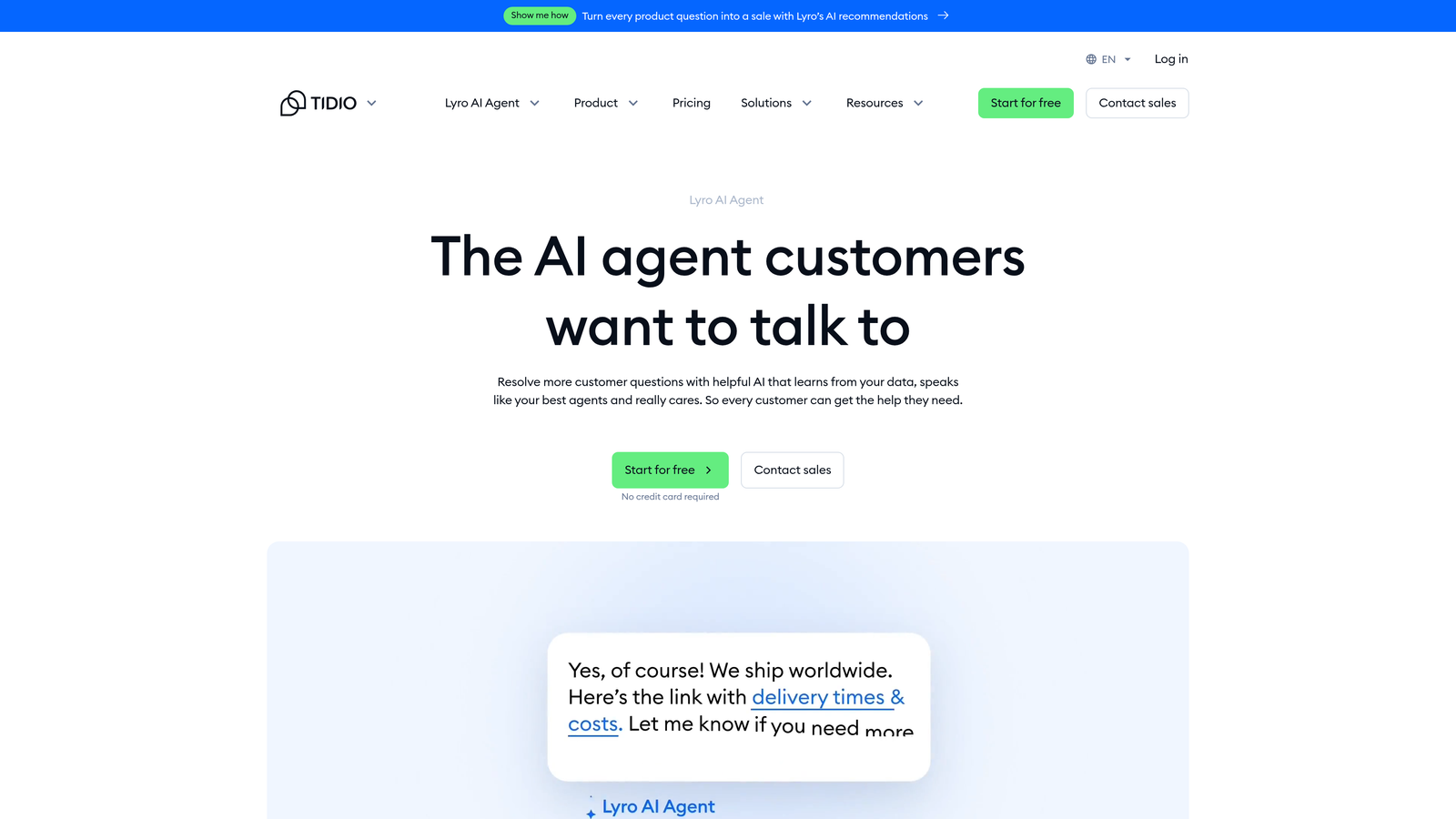
Tidio Lyro is Tidio's conversational AI agent designed to autonomously resolve a high percentage of common customer queries without human involvement.
Where This Tool Shines
Lyro's strongest selling point is speed to value. It learns from your existing FAQ and help content quickly, without requiring a lengthy implementation or technical resources. For SMB teams that need AI resolution running fast, that low barrier to entry matters.
The analytics dashboard showing resolution rates and unanswered question patterns also helps teams identify where the AI is falling short, making it easier to improve coverage over time. The tradeoff is that Lyro is optimized for high-volume, repetitive queries rather than complex, multi-step B2B support flows.
Key Features
Fast Content Training: Lyro learns from your FAQ and help center content quickly, minimizing setup time and technical requirements.
Autonomous Resolution: Handles common queries without human involvement, reducing the volume reaching live agents.
Live Agent Handoff: Routes conversations to human agents when queries exceed the AI's capability.
Resolution Analytics: Dashboard showing resolution rates and patterns in unanswered questions to guide content improvement.
SMB-Friendly Pricing: Entry-level pricing designed for smaller teams with a free tier available.
Best For
Small to mid-sized teams handling high volumes of repetitive queries who need AI resolution running quickly without heavy implementation. Less suited for complex enterprise B2B support flows that require deep CRM context or action-oriented AI.
Pricing
Free tier available; paid plans start from a low monthly base. See tidio.com for current pricing.
6. Ada
Best for: Enterprise teams needing action-oriented AI that executes tasks, not just answers questions
Ada is an enterprise-grade no-code AI agent platform where agents can execute actions like processing requests, retrieving account data, and completing transactions.
Where This Tool Shines
The distinction that sets Ada apart is the shift from retrieval to execution. Most AI support tools answer questions by finding relevant content. Ada's agents can actually do things: look up account status, process a request, or complete a transaction. For support flows where the resolution requires taking action rather than providing information, that's a meaningful capability difference.
The no-code builder also means support and operations teams can build and modify agent flows without involving engineering resources, which accelerates iteration. Ada's enterprise-grade security and compliance features make it one of the more viable options for regulated industries.
Key Features
Action-Oriented AI: Agents execute tasks like processing requests and retrieving account data, not just retrieving answers from a knowledge base.
No-Code Builder: Create and manage AI agent flows without engineering resources, enabling faster iteration.
CRM and Backend Integrations: Deep integrations with CRM and backend systems for personalized, data-driven responses.
Multilingual Support: Supports dozens of languages for global enterprise deployments.
Enterprise Security and Compliance: Built for regulated industries with enterprise-grade security standards.
Best For
Enterprise teams in regulated industries where AI needs to execute actions, not just answer questions. Particularly strong for organizations with complex multilingual requirements and strict compliance needs.
Pricing
Enterprise pricing; contact Ada for a quote at ada.cx.
7. Forethought
Best for: Teams wanting modular AI across deflection, triage, agent assist, and analytics
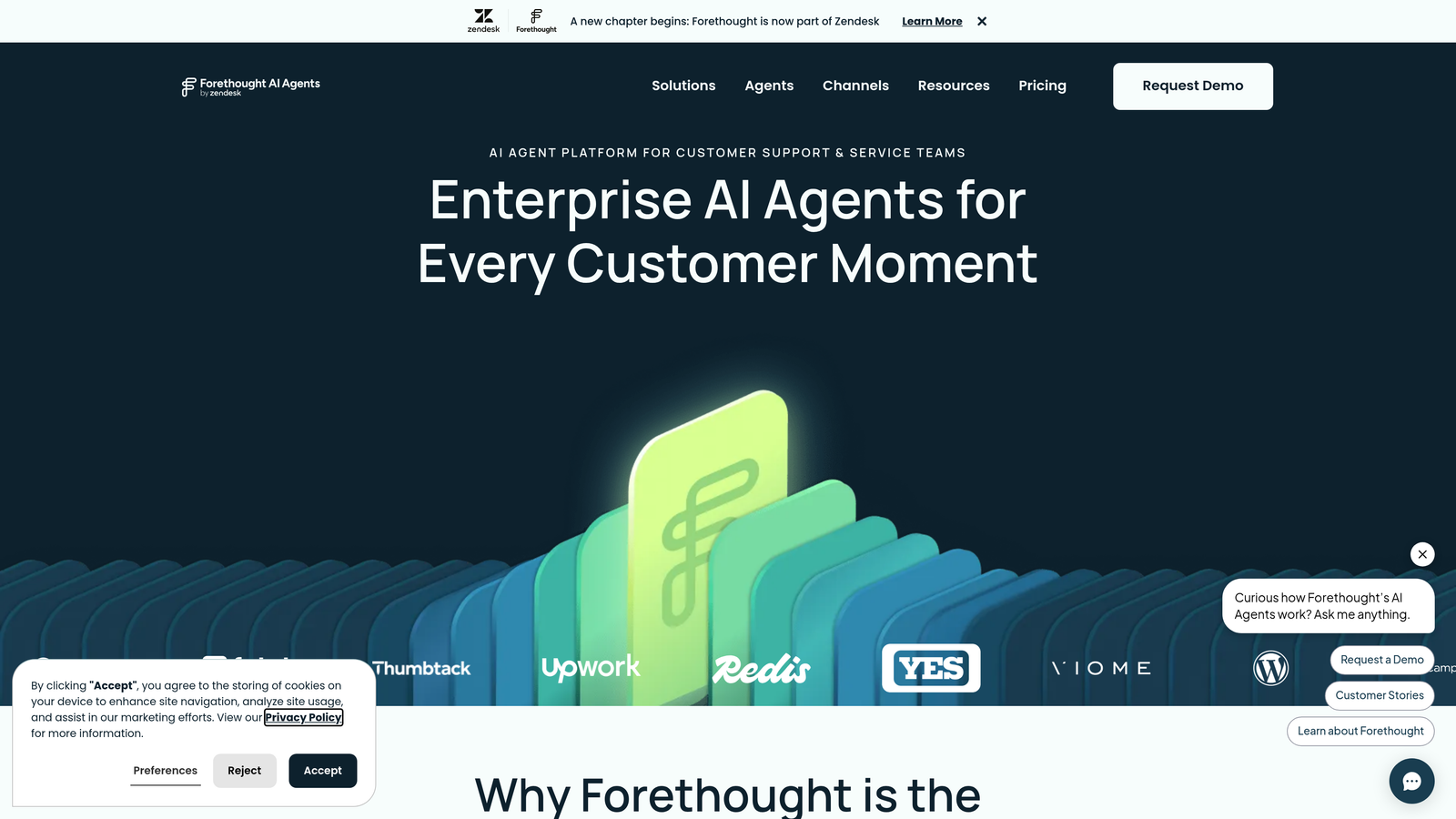
Forethought is a modular AI support platform with distinct products covering the full support lifecycle, designed to work alongside existing helpdesks.
Where This Tool Shines
Forethought's modular architecture is its defining characteristic. Rather than an all-or-nothing platform, it offers distinct products for each stage of the support workflow: Solve for customer-facing deflection, Triage for intelligent routing, Assist for agent copilot functionality, and Discover for analytics and knowledge gap identification.
This means teams can adopt the capabilities most relevant to their current bottlenecks rather than committing to a full platform switch. The ability to layer Forethought onto existing helpdesks like Zendesk, Salesforce, and ServiceNow also makes it practical for organizations with established infrastructure they're not ready to replace.
Key Features
Solve: AI-powered deflection that answers customer questions before they reach the agent queue.
Triage: Intelligent ticket classification and priority routing to reduce manual queue management.
Assist: Agent copilot that surfaces relevant knowledge and suggested responses in real time.
Discover: Analytics identifying knowledge gaps and recurring issue patterns across your support data.
Helpdesk Compatibility: Works alongside Zendesk, Salesforce, ServiceNow, and other established platforms.
Best For
Teams that want AI across the full support lifecycle but aren't ready to replace their existing helpdesk. The modular approach also suits organizations that want to start with one capability and expand incrementally.
Pricing
Modular pricing by product; contact Forethought for a quote at forethought.ai.
8. Kustomer
Best for: Teams where full customer history is essential to support quality
Kustomer is a CRM-native customer support platform where AI features are built around a complete customer timeline, giving both AI agents and human agents full historical context in every interaction.
Where This Tool Shines
Kustomer's core insight is that support quality is often determined by context, specifically the full history of who this customer is, what they've purchased, and what they've already contacted you about. By consolidating all interactions across channels into a single customer timeline, Kustomer ensures that AI routing, suggested responses, and human agent handoffs are all informed by that complete picture.
For support teams where customer history materially affects how an issue should be handled, that CRM-native approach reduces the context-blindness that frustrates users with other tools. The omnichannel coverage across email, chat, social, SMS, and voice also means that timeline stays complete regardless of how customers reach out.
Key Features
Customer Timeline: Consolidates all interactions across channels into a single unified record for every customer.
History-Informed AI: AI routing and suggested responses are informed by full customer history, not just the current message.
Omnichannel Coverage: Handles email, chat, social, SMS, and voice in a single platform.
Workflow Automation: Triggers automation based on customer attributes, history, and detected intent.
Built-In Reporting: Tracks team performance, resolution times, and customer satisfaction natively.
Best For
Support teams where customer history and relationship context are central to support quality. Particularly strong for organizations handling omnichannel interactions where maintaining a unified customer view across touchpoints is a priority.
Pricing
Enterprise plan pricing available on a per-user monthly basis. See kustomer.com for current pricing.
9. Capacity
Best for: Teams running both external customer support and internal IT or HR helpdesks
Capacity is an AI support platform that combines customer-facing helpdesk automation with internal knowledge management, serving organizations that need AI on both sides of the support equation.
Where This Tool Shines
Most AI support platforms are built exclusively for external customer-facing support. Capacity serves a different operational reality: many companies run both an external customer helpdesk and an internal IT or HR helpdesk, and maintaining two separate systems creates duplication and knowledge silos.
Capacity's knowledge base layer is particularly strong. It surfaces answers from documents, past tickets, and FAQs across both use cases, and the knowledge gap reporting helps teams identify where the AI is consistently failing to find answers. That feedback loop makes ongoing improvement more systematic rather than reactive.
Key Features
AI-Powered Knowledge Base: Surfaces answers from documents, FAQs, and past tickets for both customer-facing and internal support scenarios.
Dual-Use Conversational AI: Handles external customer support and internal employee support (IT, HR) within the same platform.
Workflow Automation: Automates routing, escalation, and task completion across support types.
Enterprise Tool Integrations: Connects with Salesforce, Zendesk, Microsoft Teams, and other common enterprise tools.
Knowledge Gap Reporting: Identifies where the AI is failing to find answers, enabling targeted content improvements.
Best For
Organizations that need to unify external customer support and internal employee helpdesk operations under a single AI platform. Particularly useful for teams where knowledge management and systematic gap identification are ongoing priorities.
Pricing
Tiered plans available; see capacity.com for current pricing.
Which Tool Is Right for Your Team
The right choice here depends less on feature checklists and more on where your current setup is breaking down. Here's a quick way to orient the decision.
Already on Zendesk, Freshdesk, or Intercom: Start with the native AI layer for that platform. Zendesk AI, Freddy AI, and Intercom Fin all offer the fastest path to AI resolution without disrupting existing workflows. The tradeoff is that you're constrained to what those ecosystems support.
Want an AI-first architecture rather than an AI add-on: Halo AI is the strongest option here. It's built as an AI-first platform rather than a feature layer on top of a legacy helpdesk, which means the architecture is designed for continuous learning and context-awareness from the ground up.
Need business intelligence from support data: If your goal is to surface customer health signals, churn indicators, or product feedback from support conversations, Halo AI's smart inbox is the most purpose-built option on this list. Forethought's Discover product also addresses knowledge gap analytics for teams on existing helpdesks.
SMB teams needing fast setup: Tidio Lyro is the most accessible entry point, with a free tier and a low barrier to getting AI resolution running on your existing help content.
Enterprise teams needing action-oriented AI: Ada is the standout for organizations where the AI needs to execute tasks, not just retrieve answers, particularly in regulated industries.
Your support team shouldn't scale linearly with your customer base. Let AI agents handle routine tickets, guide users through your product, and surface business intelligence while your team focuses on complex issues that need a human touch. See Halo in action and discover how continuous learning transforms every interaction into smarter, faster support.