9 Best AI Support Platforms With Free Trials to Test in 2026
Choosing the right ai support platform free trial lets you evaluate real-world performance before committing, and this guide reviews nine leading platforms assessed on AI capabilities, integration depth, setup ease, and trial generosity to help B2B product teams find the best fit for their support operations.
 Grant CooperFounder14 min read
Committing to an AI support platform without testing it first is a bit like hiring someone based solely on their resume. The pitch looks great, but you won't know if it actually fits your team until it's in the room. Free trials change that equation entirely, giving you real signal on resolution quality, integration fit, and how the AI handles the messy, multi-turn conversations that actually show up in your queue.
The good news: the AI support space has matured considerably. Today's leading platforms go well beyond simple FAQ deflection. They reason through complex issues, take actions across connected systems, and learn from every interaction. The bar for "good enough" has risen sharply.
To put this list together, we evaluated platforms across AI capabilities, integration depth, ease of setup, trial generosity, and suitability for B2B product teams. Whether you're replacing a legacy helpdesk, adding AI to an existing stack, or building a support operation from scratch, these are the platforms worth your trial time. For a closer look at what an AI-first approach looks like in practice, explore Halo AI's customer support solution.
1. Halo AI
Best for: B2B product teams wanting an AI-first platform that resolves tickets, guides users visually, and surfaces business intelligence.
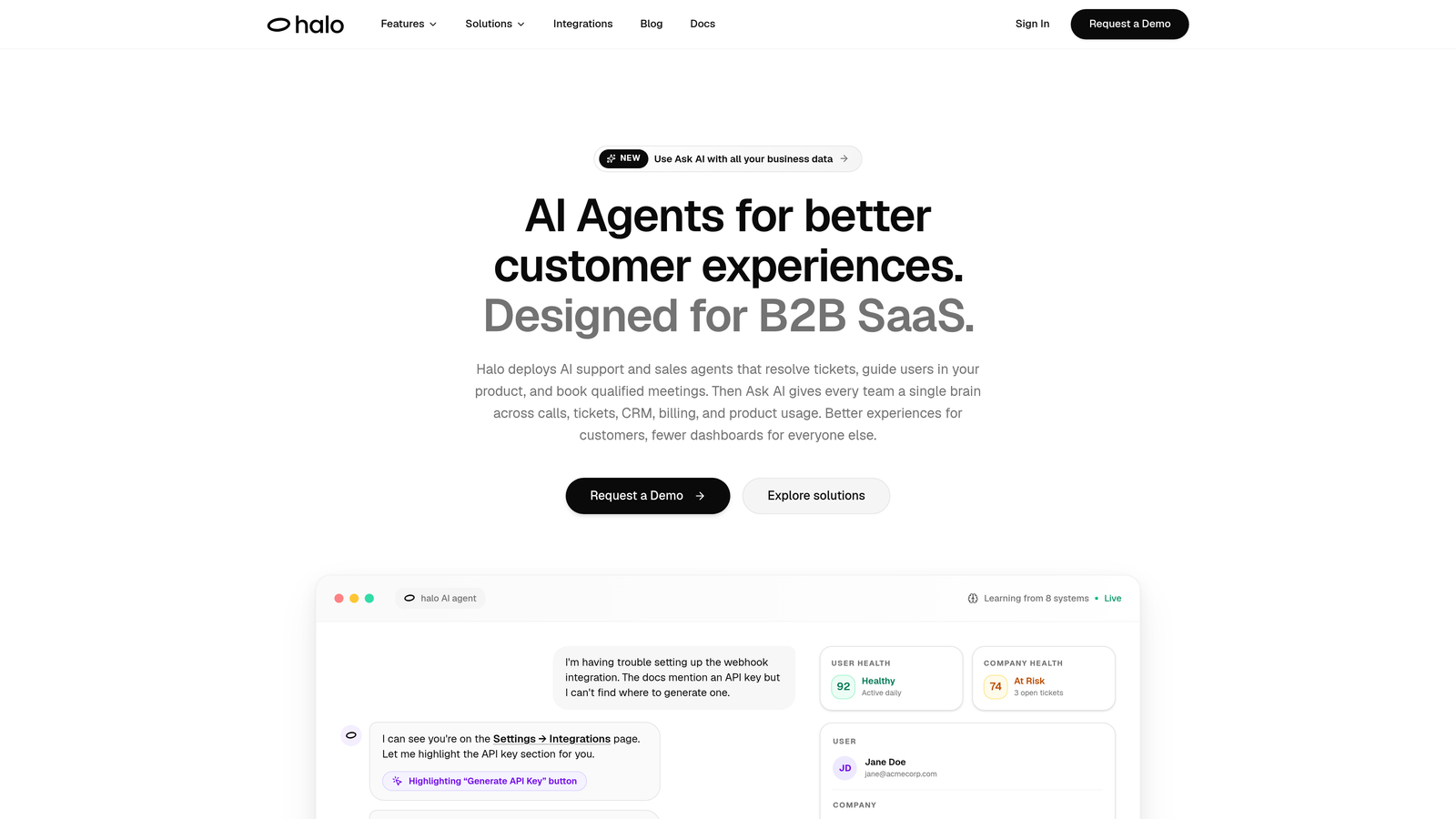
Halo AI is an AI-first customer support platform built around intelligent agents that resolve tickets, guide users through your product with visual context, and continuously learn from every interaction.
Where This Tool Shines
What separates Halo from AI features bolted onto legacy helpdesks is the architecture itself. It was built AI-first, which means the intelligence isn't a layer on top of an older system. It's the foundation. The platform's page-aware chat widget is a standout: it actually sees what users are looking at and provides contextual, visual UI guidance rather than generic answers.
Beyond ticket resolution, Halo's smart inbox surfaces business intelligence that most support platforms ignore entirely. Think churn signals, anomaly detection, and revenue context sitting right alongside your support queue. For product teams that want support to inform the broader business, not just close tickets, this is a meaningful differentiator.
Key Features
Page-Aware Chat Widget: The AI sees exactly what users see on screen and provides visual UI guidance tailored to their current context.
Continuous Learning: Every resolved interaction improves the AI's future responses, compounding value over time rather than staying static.
Smart Inbox with Business Intelligence: Surfaces churn signals, customer health indicators, and anomaly detection directly within the support workflow.
Auto Bug Ticket Creation: Automatically generates and routes bug reports to engineering tools like Linear and Slack without manual intervention.
Multi-System Integrations: Connects with HubSpot, Intercom, Stripe, Zoom, PandaDoc, and Fathom for a genuinely unified view of each customer.
Best For
B2B SaaS companies and product teams that want more than deflection rates from their support platform. Particularly strong for teams already using tools like Linear, HubSpot, or Stripe who want their support AI to work across the entire business stack, not just the helpdesk.
Pricing
Free trial available. Contact the Halo AI team for specific pricing details, as plans are tailored to team size and use case.
2. Intercom Fin
Best for: Teams already on Intercom who want a native AI agent without switching platforms.
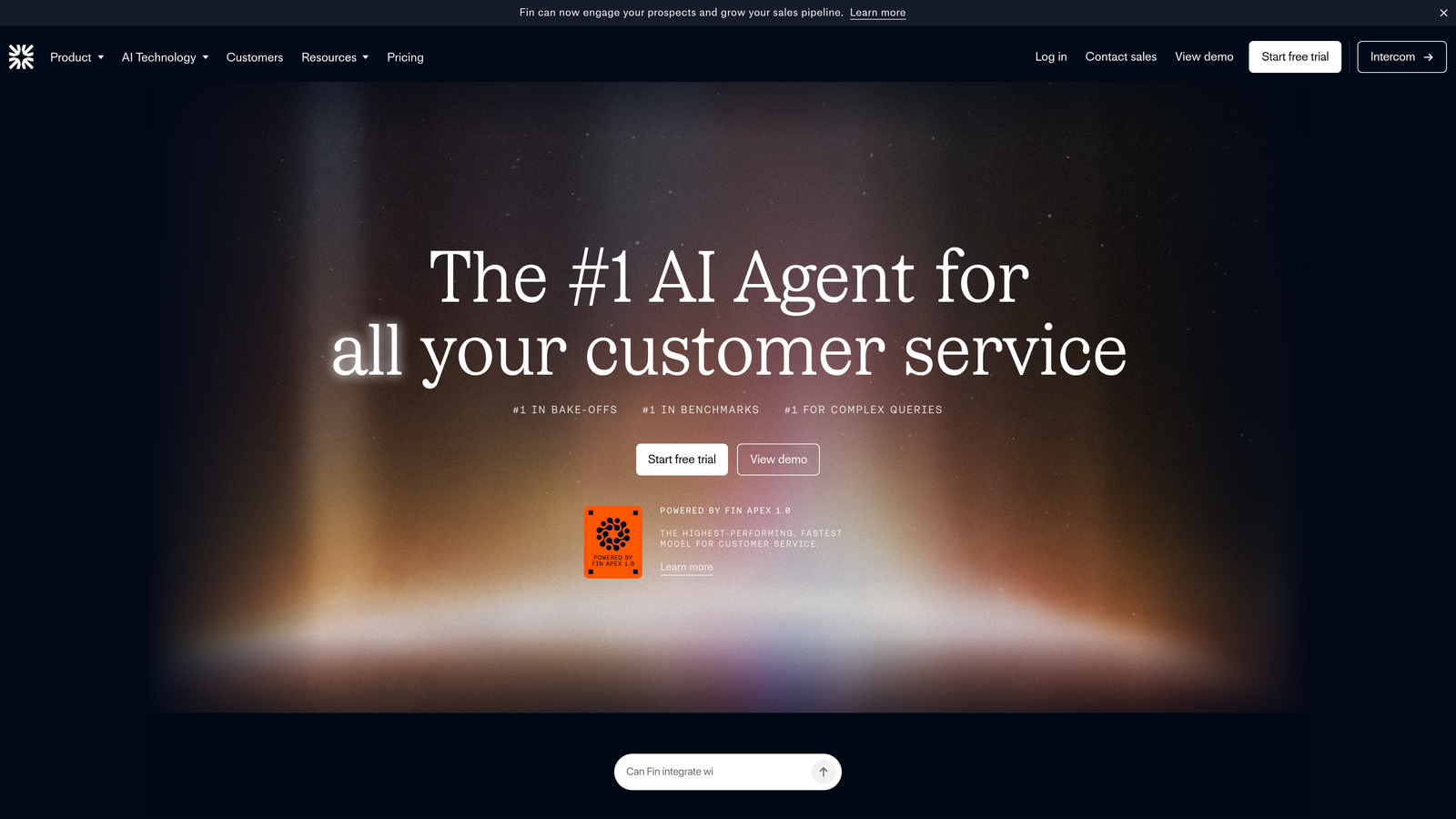
Intercom Fin is Intercom's native AI agent that resolves customer questions using your help center, conversation history, and custom data sources.
Where This Tool Shines
Fin's biggest advantage is how naturally it lives inside the Intercom ecosystem. If your team already runs support through Intercom's inbox, deploying Fin requires minimal configuration. It draws on your existing help center content and past conversations, so it hits the ground running with institutional knowledge already baked in.
Source attribution is a genuinely useful feature here. Fin shows users where its answers come from, which builds trust in the responses and makes it easier for agents to verify accuracy during quality checks.
Key Features
Help Center and Conversation Training: Fin learns from your existing documentation and historical support conversations out of the box.
Source Attribution: Every answer includes a reference to the underlying source, making responses transparent and auditable.
Customizable Tone and Persona: Adjust how Fin communicates to match your brand voice without rebuilding the underlying logic.
Seamless Human Handoff: Escalates to live agents within the same Intercom inbox with full conversation context preserved.
Multilingual Support: Handles conversations across multiple languages without requiring separate configurations per market.
Best For
Companies already invested in the Intercom platform who want to add AI resolution without introducing a new vendor. Less ideal for teams looking for a standalone AI-first platform or deeper business intelligence beyond support metrics.
Pricing
14-day free trial available. Fin's AI agent usage is billed per resolution. Check Intercom's website for current resolution pricing, as rates are updated periodically.
3. Zendesk AI
Best for: Enterprises running on Zendesk Suite who want AI capabilities layered into an established helpdesk workflow.
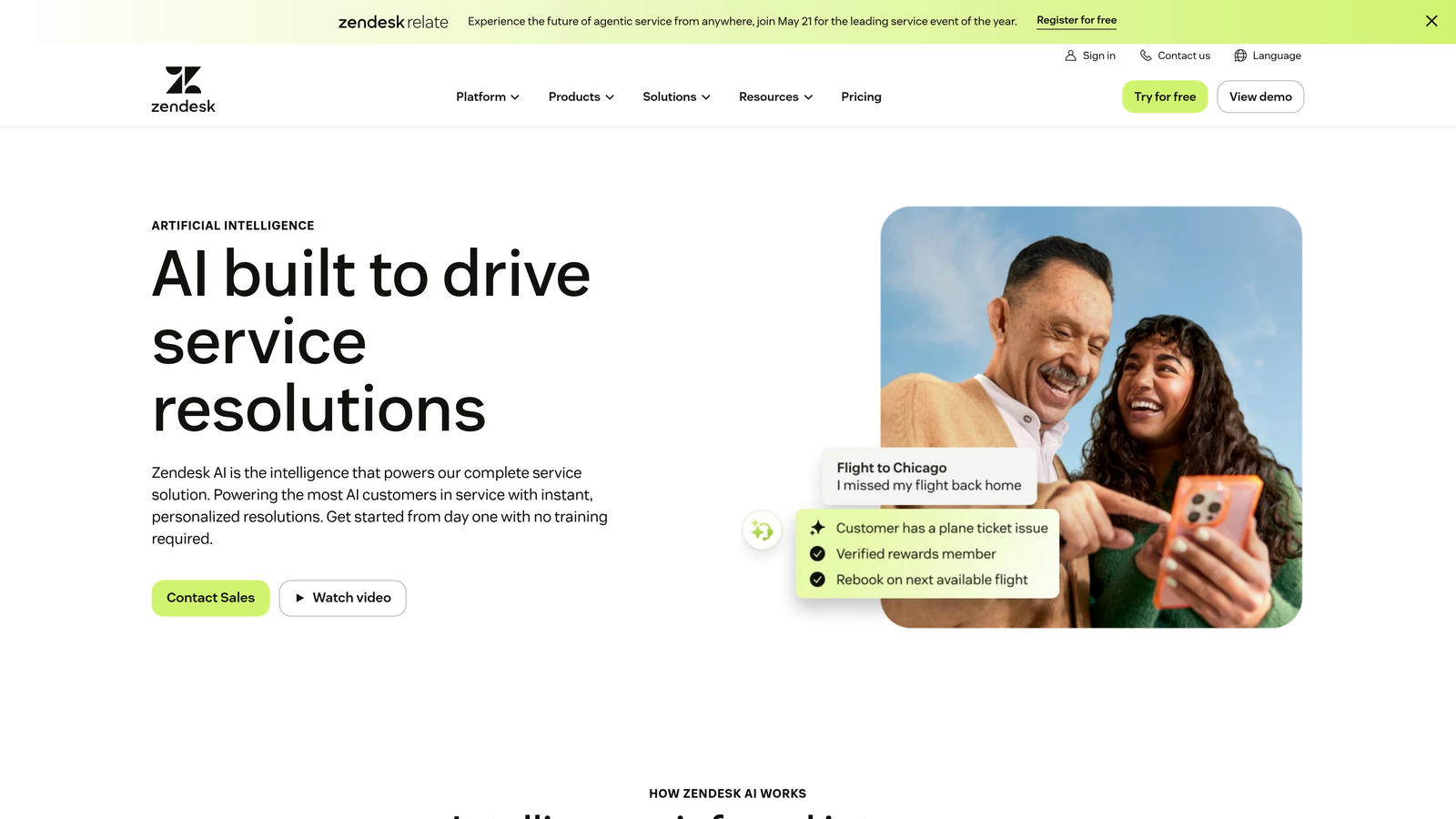
Zendesk AI brings automated ticket resolution, intelligent triage, agent assist tools, and generative content creation into the broader Zendesk Suite.
Where This Tool Shines
Zendesk's AI capabilities benefit from the platform's massive training data advantage. Pre-trained intent and sentiment models arrive ready to classify tickets with reasonable accuracy from day one, which shortens the ramp time compared to platforms starting from scratch on your data alone.
The agent assist layer is particularly well-developed. Agents get suggested replies and knowledge base recommendations surfaced in real time, which keeps human response quality high even as volume scales. For teams where agents handle complex escalations, this kind of augmentation matters.
Key Features
Pre-Trained Intent and Sentiment Models: Arrive ready-configured with broad coverage across common support scenarios, reducing initial setup time.
AI Agents for Automated Resolution: Handle routine tickets end-to-end without human involvement.
Intelligent Triage and Routing: Classifies and routes tickets by intent, language, and sentiment automatically.
Agent Assist: Surfaces suggested replies and relevant knowledge base articles to human agents during live conversations.
Generative AI for Content: Drafts and refines help center articles using generative AI to accelerate knowledge base maintenance.
Best For
Mid-market and enterprise teams with existing Zendesk investments who want to add AI capabilities incrementally rather than replacing their helpdesk. Teams starting fresh may find the platform's complexity and pricing a heavier lift than purpose-built AI-first alternatives.
Pricing
Free trial available for Zendesk Suite plans. AI capabilities are available as an add-on, with pricing varying by tier. Verify current rates directly on Zendesk's website.
4. Freshdesk Freddy AI
Best for: Small and mid-sized teams wanting AI-assisted support with a free plan to start.
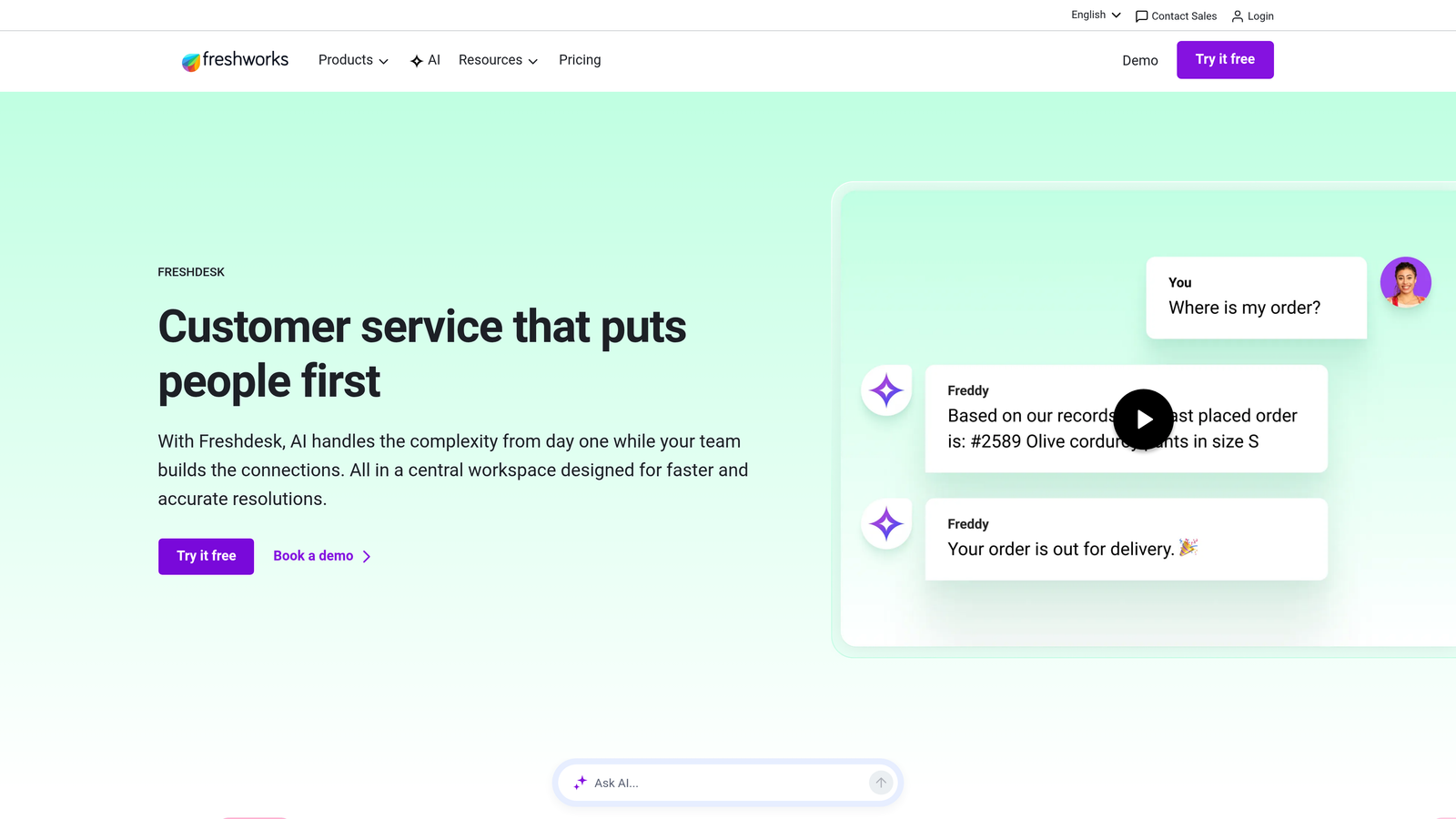
Freshdesk Freddy AI is Freshworks' integrated AI assistant offering self-service bots, agent assist, and AI-powered analytics with a genuinely accessible free tier.
Where This Tool Shines
Freshdesk's free plan is one of the more generous entry points in this category, making it a realistic starting point for smaller teams that want to test AI-assisted support without a budget commitment. The omnichannel coverage is solid, handling email, chat, phone, and social from a single interface.
Freddy AI's agent assist features, particularly canned response suggestions and conversation summarization, reduce the cognitive load on agents handling high volumes. For teams that are growing but not yet ready for enterprise-tier pricing, Freshdesk offers a reasonable middle ground.
Key Features
Freddy AI Chatbot: Handles self-service resolution using your knowledge base and FAQ content with conversational responses.
Agent Assist: Suggests canned responses and provides conversation summaries to speed up agent handling time.
Free Plan: Available for up to 2 agents with basic helpdesk and limited AI features included at no cost.
Omnichannel Support: Manages customer conversations across email, chat, phone, and social media in one platform.
AI Ticket Categorization: Automatically classifies and prioritizes incoming tickets based on content and urgency signals.
Best For
Small businesses and growing teams that need an affordable entry point into AI-assisted support. Also works well for teams that want to test omnichannel coverage before committing to a larger platform investment.
Pricing
Free plan available for up to 2 agents. Paid plans start at $15 per agent per month, with a 14-day free trial on paid tiers. Confirm current pricing on Freshdesk's website.
5. Ada
Best for: Enterprise teams needing high-volume, multilingual AI resolution across chat, email, voice, and social.
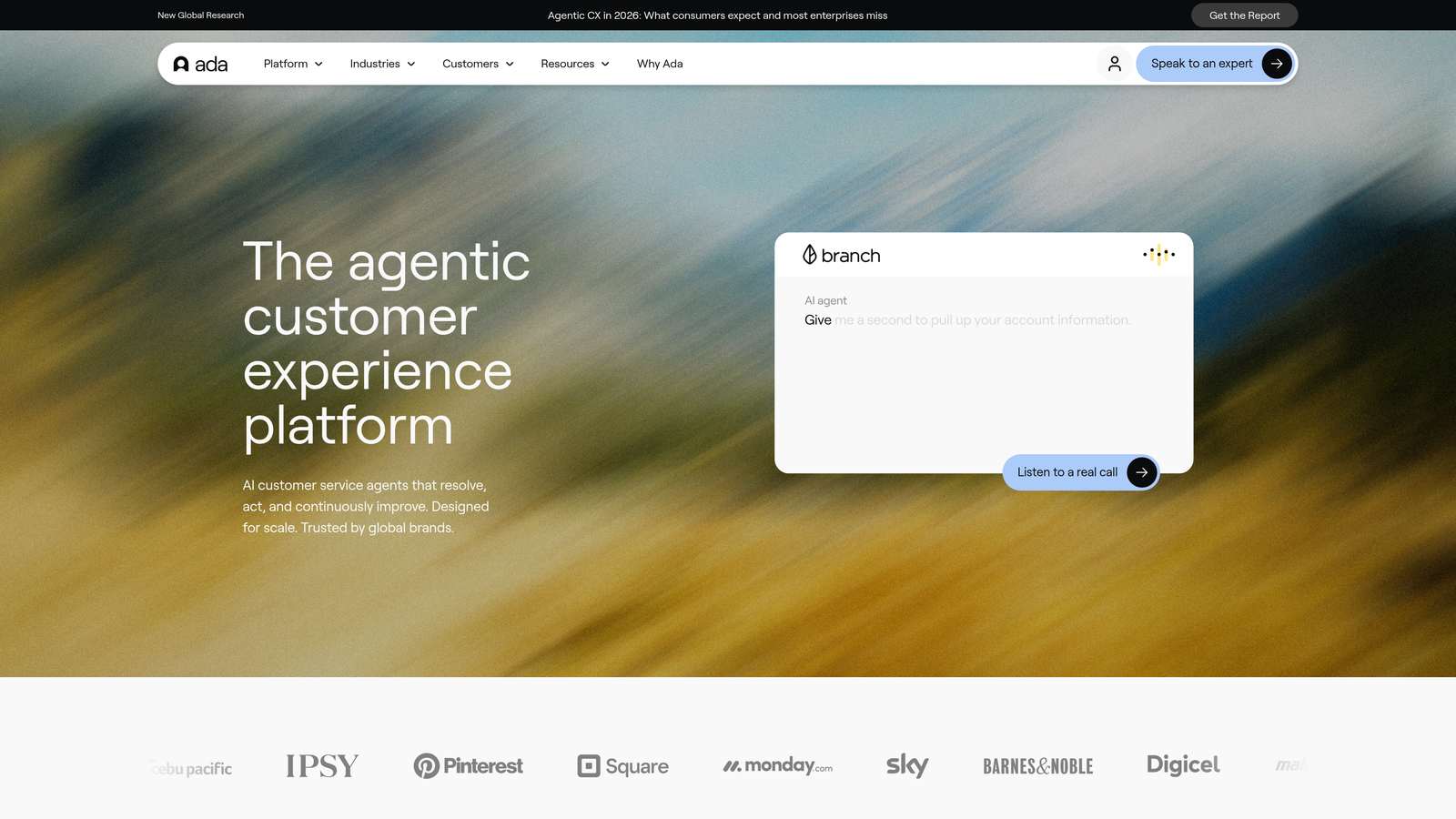
Ada is an AI-first customer service automation platform built for enterprise-scale resolution with strong multilingual capabilities and a no-code management interface.
Where This Tool Shines
Ada's reasoning engine is designed for complex, multi-step resolutions rather than simple FAQ matching. This makes it better suited to support scenarios where customers need to navigate several decision points before reaching a resolution, rather than asking a single question with a single answer.
The multilingual capability is genuinely broad, covering 50+ languages without requiring manual translation workflows. For global enterprises managing support across multiple markets, this removes a significant operational bottleneck that typically requires either localization teams or separate regional deployments.
Key Features
Reasoning Engine: Handles complex, multi-step customer interactions that go beyond simple FAQ deflection.
Omnichannel Deployment: Runs across chat, email, voice, SMS, and social channels from a single platform.
50+ Language Support: Provides multilingual coverage without manual translation or separate language configurations.
No-Code Builder: Allows non-technical teams to build, edit, and manage AI agent behavior without engineering involvement.
CRM and Helpdesk Integrations: Connects with major CRMs and helpdesk platforms to pull customer context into conversations.
Best For
Enterprise organizations with high support volumes across multiple channels and markets. Ada's no-code approach also makes it accessible for operations teams who want control over AI behavior without depending on engineering resources.
Pricing
Demo and trial available on request. Ada uses enterprise pricing, so contact their team directly for a quote tailored to your volume and use case.
6. Tidio
Best for: Small businesses and e-commerce teams wanting fast setup with AI chat and live chat in one tool.
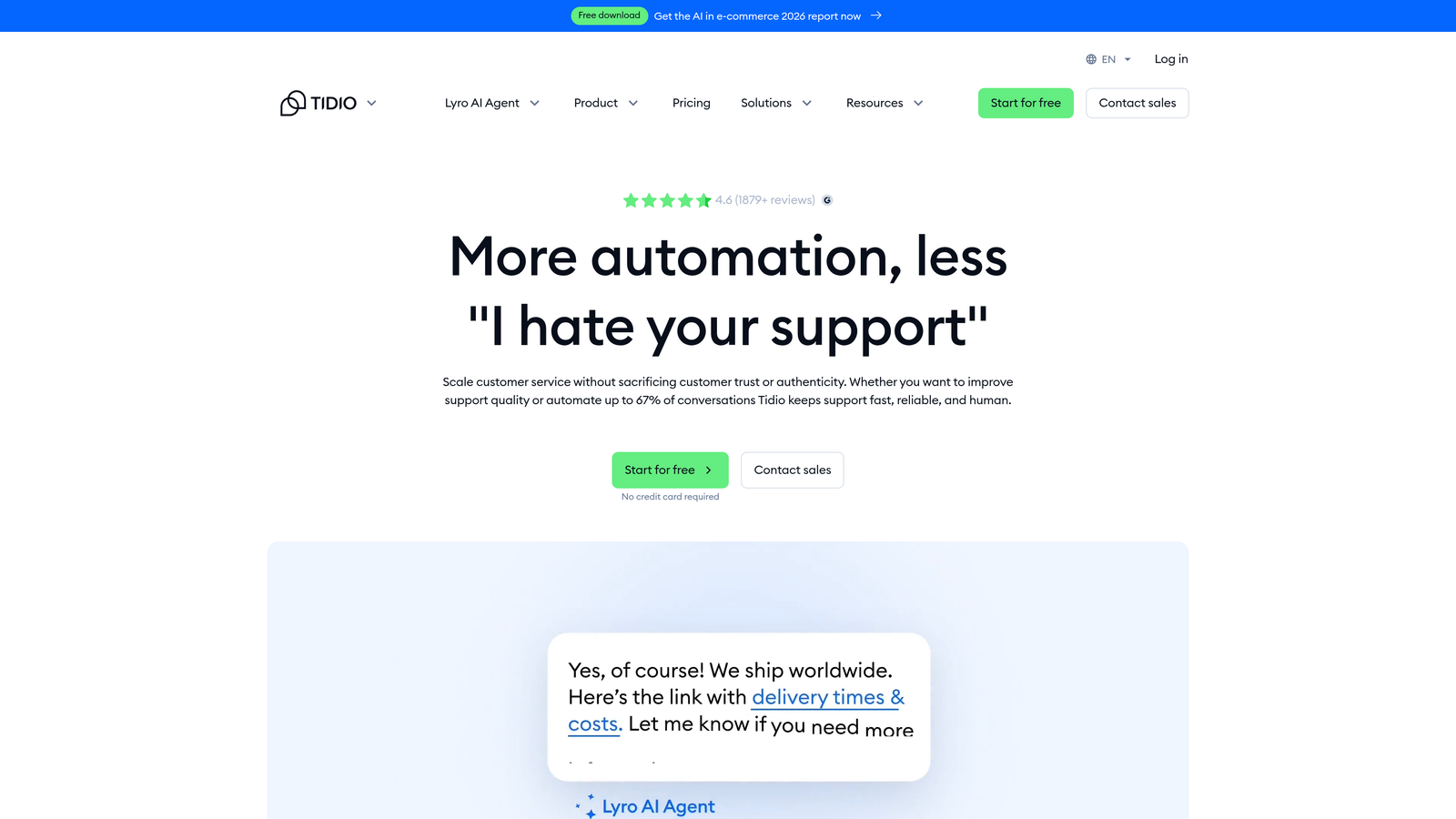
Tidio is a customer service platform combining live chat, the Lyro AI chatbot, and helpdesk features with a quick setup designed for teams without dedicated technical resources.
Where This Tool Shines
Tidio's speed to value is genuinely impressive for smaller teams. Lyro, its AI chatbot, learns from your existing FAQ and support content and can start handling conversations with minimal configuration. For a business that needs AI support running this week rather than after a lengthy implementation, that matters.
The visual flow builder gives non-technical users control over conversation design without needing to write logic or code. Combined with real-time visitor monitoring in the live chat layer, it creates a reasonably complete picture for teams managing both proactive and reactive support.
Key Features
Lyro AI Chatbot: Learns from your FAQ and support content to handle common customer questions conversationally.
Visual Flow Builder: Drag-and-drop interface for building custom chatbot conversation paths without code.
Live Chat with Visitor Monitoring: Shows real-time visitor activity so agents can proactively engage high-intent users.
E-Commerce Integrations: Connects natively with Shopify, WordPress, and other major e-commerce platforms.
Free Plan with Lyro Conversations: Includes a limited number of AI-handled conversations at no cost.
Best For
Small businesses, e-commerce stores, and teams that prioritize ease of setup over deep enterprise customization. Less suited for complex B2B support environments requiring multi-system integrations or advanced business intelligence.
Pricing
Free plan available with limited Lyro AI conversations. Paid plans start from $29 per month, with a 7-day free trial on premium tiers. Check Tidio's website for current plan details.
7. HubSpot Service Hub
Best for: Teams already in the HubSpot ecosystem who want support tightly connected to CRM, marketing, and sales data.
HubSpot Service Hub is HubSpot's customer service platform with Breeze AI built in, offering a unified customer view across the entire HubSpot ecosystem.
Where This Tool Shines
The core value proposition here is unification. If your team uses HubSpot for CRM, marketing automation, and sales, adding Service Hub means support agents see the full customer timeline: deals closed, campaigns engaged, previous tickets, all in one place. That context changes the quality of support conversations significantly.
Breeze AI handles the practical heavy lifting: summarizing tickets, drafting responses, and helping build and maintain knowledge base content. It's not the most advanced AI reasoning engine on this list, but for teams prioritizing ecosystem cohesion over standalone AI depth, it's a strong fit.
Key Features
Breeze AI Assistant: Handles ticket summarization, response drafting, and knowledge base article creation within the Service Hub interface.
Unified Customer Timeline: Connects support history with marketing, sales, and CRM data for full customer context.
Customer Portal and Knowledge Base: Self-service portal with AI-powered search to help customers find answers independently.
Ticket Automation and SLA Management: Automates routing, escalation, and SLA tracking without manual configuration for each rule.
Free Tier: Includes basic helpdesk and ticketing features at no cost, making it easy to evaluate before upgrading.
Best For
Companies already running on HubSpot who want support integrated into the same platform rather than managing a separate vendor. Teams evaluating HubSpot for the first time will benefit from the free tier before committing to paid plans.
Pricing
Free tools available. Service Hub Starter begins at $20 per seat per month, with a free trial available on paid tiers. Confirm current pricing on HubSpot's website.
8. Forethought
Best for: Enterprise support teams wanting generative AI responses and intelligent triage layered onto existing helpdesks.
Forethought is an enterprise AI platform featuring SupportGPT for generative responses and intelligent triage that prioritizes and routes tickets based on intent and urgency.
Where This Tool Shines
Forethought's product suite covers the full support workflow rather than just one part of it. Solve handles autonomous resolution for common requests. Triage classifies and routes tickets intelligently. Assist surfaces real-time knowledge base recommendations to human agents. Together, they create an AI layer that works across the entire ticket lifecycle, not just the front end.
The SupportGPT generative response capability produces context-aware answers rather than retrieving static FAQ text, which handles the messier, more nuanced questions that simpler retrieval-based systems struggle with. For enterprise teams dealing with complex product support, this distinction matters.
Key Features
SupportGPT: Generates context-aware customer responses rather than simply retrieving pre-written answers.
Solve: Autonomously resolves common support requests without human involvement.
Triage: Classifies, routes, and prioritizes incoming tickets based on intent, sentiment, and urgency.
Assist: Provides real-time knowledge base suggestions to human agents during live ticket handling.
Helpdesk Integrations: Connects with Zendesk, Salesforce Service Cloud, and other major enterprise helpdesks.
Best For
Enterprise support operations that want to enhance an existing Zendesk or Salesforce environment with generative AI and intelligent triage, rather than replacing their helpdesk entirely.
Pricing
Demo and trial available on request. Forethought uses enterprise pricing. Contact their team directly for a quote based on your volume and existing helpdesk setup.
9. Drift (by Salesloft)
Best for: B2B teams that want support and sales engagement handled through a single conversational interface.
Drift is a conversational AI platform that blends customer support with sales engagement, combining real-time chat, AI-powered routing, and lead qualification in one widget.
Where This Tool Shines
Drift's differentiation is the intentional overlap between support and sales. Rather than treating these as separate functions with separate tools, Drift routes conversations intelligently based on whether a visitor needs help or is showing buying intent. For B2B companies where the line between a support question and a sales conversation is often thin, this unified approach reduces friction.
The real-time visitor intelligence layer adds useful context, surfacing engagement scores and company data so the right person or bot picks up the right conversation at the right moment. Automated meeting scheduling built directly into the chat flow removes a common handoff delay.
Key Features
AI-Powered Chatbot: Handles both support queries and lead qualification within the same conversational interface.
Real-Time Visitor Intelligence: Surfaces engagement scores and company-level data to inform routing decisions.
Automated Meeting Scheduling: Books meetings with the right rep or agent directly within the chat without leaving the conversation.
Conversational Landing Pages: Targeted support and sales flows triggered by specific pages or visitor segments.
CRM Integrations: Connects with Salesforce, HubSpot, and other major CRMs to sync conversation and lead data.
Best For
B2B companies where sales and support functions overlap, particularly those using Salesforce or HubSpot who want conversational AI that bridges both teams. Less suited for teams that want a pure support-focused platform with deep ticket resolution intelligence.
Pricing
Free trial available. Pricing varies by plan and is managed through Salesloft. Contact their team for current rates and package details.
Which AI Support Platform Deserves Your Full Commitment?
There's no single right answer here, and that's exactly why free trials exist. The best platform for your team depends on where you're starting from, what you're trying to achieve, and how much of your stack you want to connect to your support layer.
A few clear patterns emerge from this list. If you're building an AI-first support operation from scratch and want a platform that learns continuously, sees what users see, and surfaces business intelligence beyond ticket counts, Halo AI is the natural starting point. It's built for B2B product teams that want support to do more than close tickets.
If you're already embedded in an existing ecosystem, the calculus shifts. Intercom Fin and Zendesk AI make the most sense for teams with significant existing investments in those platforms. HubSpot Service Hub is the obvious choice if your CRM, marketing, and sales already live in HubSpot. Freshdesk Freddy AI and Tidio serve smaller teams well, particularly when budget and setup simplicity are the primary constraints.
For enterprise scale with complex resolution requirements, Ada and Forethought both bring serious AI depth. And if your support and sales motions overlap significantly in a B2B context, Drift is worth evaluating as a unified conversational layer.
One practical recommendation: don't test just one platform. Run two or three trials simultaneously with real support scenarios from your actual queue. The difference between platforms becomes obvious fast when you're using genuine customer conversations rather than demo scripts.
Your support team shouldn't scale linearly with your customer base. AI agents can handle routine tickets, guide users through your product, and surface business intelligence while your team focuses on the complex issues that genuinely need a human touch. See Halo in action and discover how continuous learning transforms every interaction into smarter, faster support.