9 Best AI Support Platform Pricing Compared: Find the Right Fit in 2026
This comprehensive ai support platform pricing comparison cuts through vendor complexity to reveal the true costs of 9 leading customer support tools in 2026, covering tier structures, hidden fees, and which platforms best suit startups versus enterprise teams migrating from legacy helpdesks.
 Matt PattoliFounder14 min read
Buying an AI support platform is harder than it looks. Most vendors bury their real costs behind "contact sales" buttons, per-resolution fees, or seat-based tiers that balloon the moment your team grows.
This guide cuts through the noise with a direct pricing comparison of the leading AI customer support platforms available in 2026. We cover what each platform actually costs, what you get at each tier, and which type of team each one suits best. Whether you're a lean startup automating your first support queue or an enterprise migrating off a legacy helpdesk, you'll find a clear answer here.
Platforms were evaluated on pricing transparency, AI-native architecture, automation depth, integration breadth, and scalability. We've included both dedicated AI-first tools and traditional helpdesks with AI add-ons so you can compare apples to apples and decide which approach fits your budget and goals.
Two Types of AI Support Platforms You'll Encounter
Before diving into the list, it's worth understanding the fundamental split in this market. You'll encounter two distinct categories: AI-native platforms built from the ground up around autonomous agents, and traditional helpdesks with AI features bolted on as add-ons or higher-tier upgrades.
The distinction matters more than vendors let on. AI-native platforms tend to offer deeper automation, continuous learning, and more predictable pricing. Traditional helpdesks with AI layers can be powerful, but the AI often feels like a guest rather than a host. Keep that framing in mind as you read through each option below.
1. Halo AI
Best for: B2B SaaS teams wanting autonomous ticket resolution with business intelligence baked in
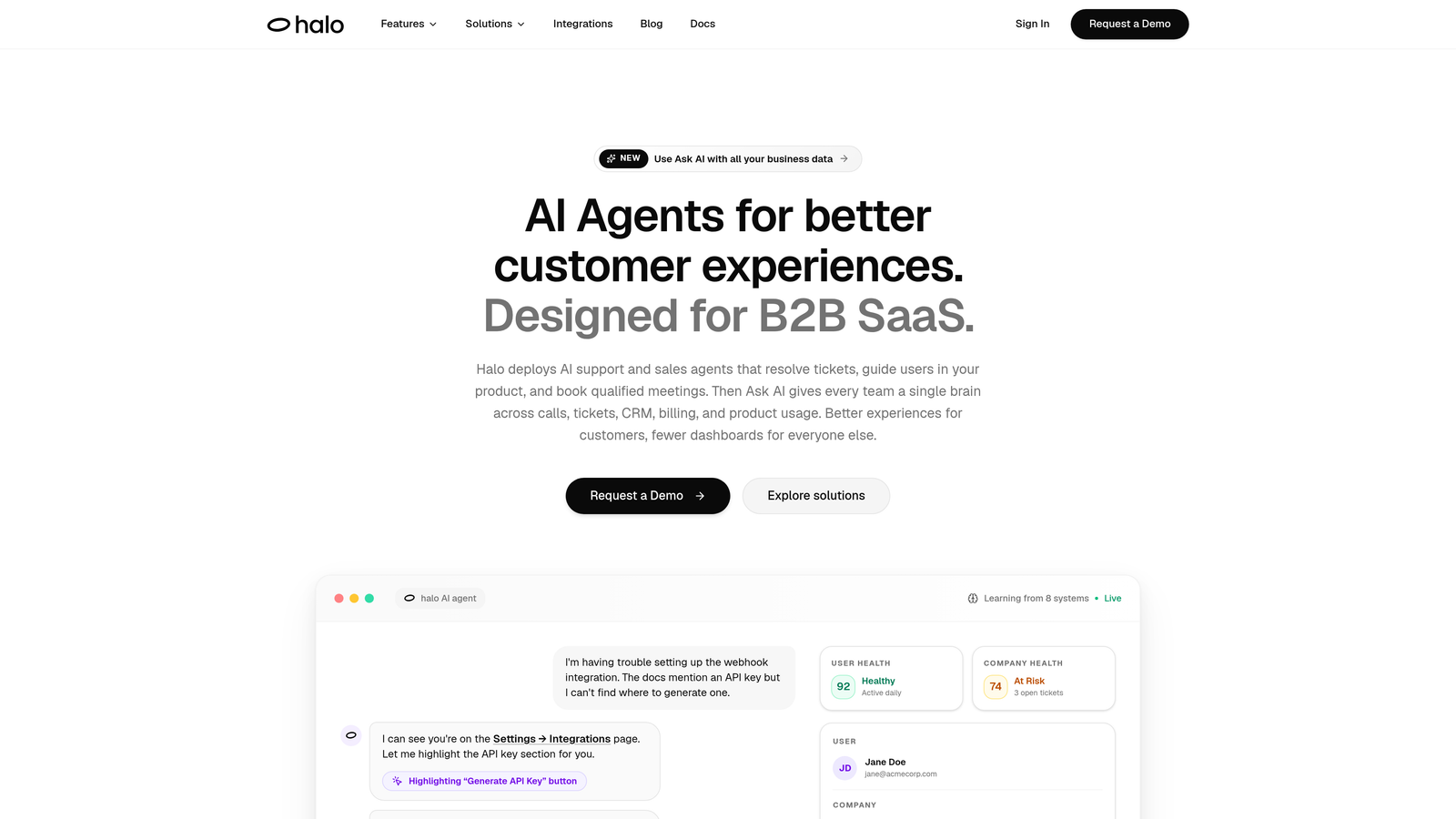
Halo AI is an AI-first customer support platform that deploys autonomous agents to resolve tickets, guide users through your product with page-aware context, auto-create bug reports, and surface business intelligence, all while learning from every interaction.
Where This Tool Shines
Halo's standout differentiator is page-aware context. Its AI agents can see what a user is looking at in your product and provide visual UI guidance in real time, rather than serving generic help articles. This closes the gap between "I sent a help link" and "I actually solved the problem."
The smart inbox goes beyond ticket management. It surfaces customer health signals, revenue intelligence, and anomaly detection, turning your support queue into a source of business intelligence rather than just a cost center to manage.
Key Features
Page-Aware AI Agents: Agents understand which page a user is on and deliver contextually relevant guidance, including visual UI walkthroughs.
Smart Inbox with Business Intelligence: Surfaces customer health signals, revenue intelligence, and anomaly detection alongside your ticket queue.
Auto Bug Ticket Creation: Automatically generates and routes bug reports to Linear or your preferred issue tracker without agent intervention.
Live Agent Handoff: Escalates complex conversations to human agents with full context preserved, so nothing gets lost in translation.
Continuous Learning: Every resolved interaction improves the AI's future responses, compounding accuracy over time rather than staying static.
Integration Breadth: Connects with Linear, Slack, HubSpot, Intercom, Stripe, Zoom, PandaDoc, and Fathom, covering your entire business stack.
Best For
Halo is best suited for B2B SaaS companies and product teams that want autonomous ticket resolution without rebuilding their existing stack. It's particularly strong for teams that need support intelligence to feed back into product and revenue workflows, not just close tickets faster.
Pricing
Halo operates on an AI-native flat-tier model with no per-resolution fees. Visit haloagents.ai for current pricing details, as tiers are updated regularly.
2. Intercom (Fin AI)
Best for: Teams already on Intercom who want to layer autonomous AI onto their existing messenger setup
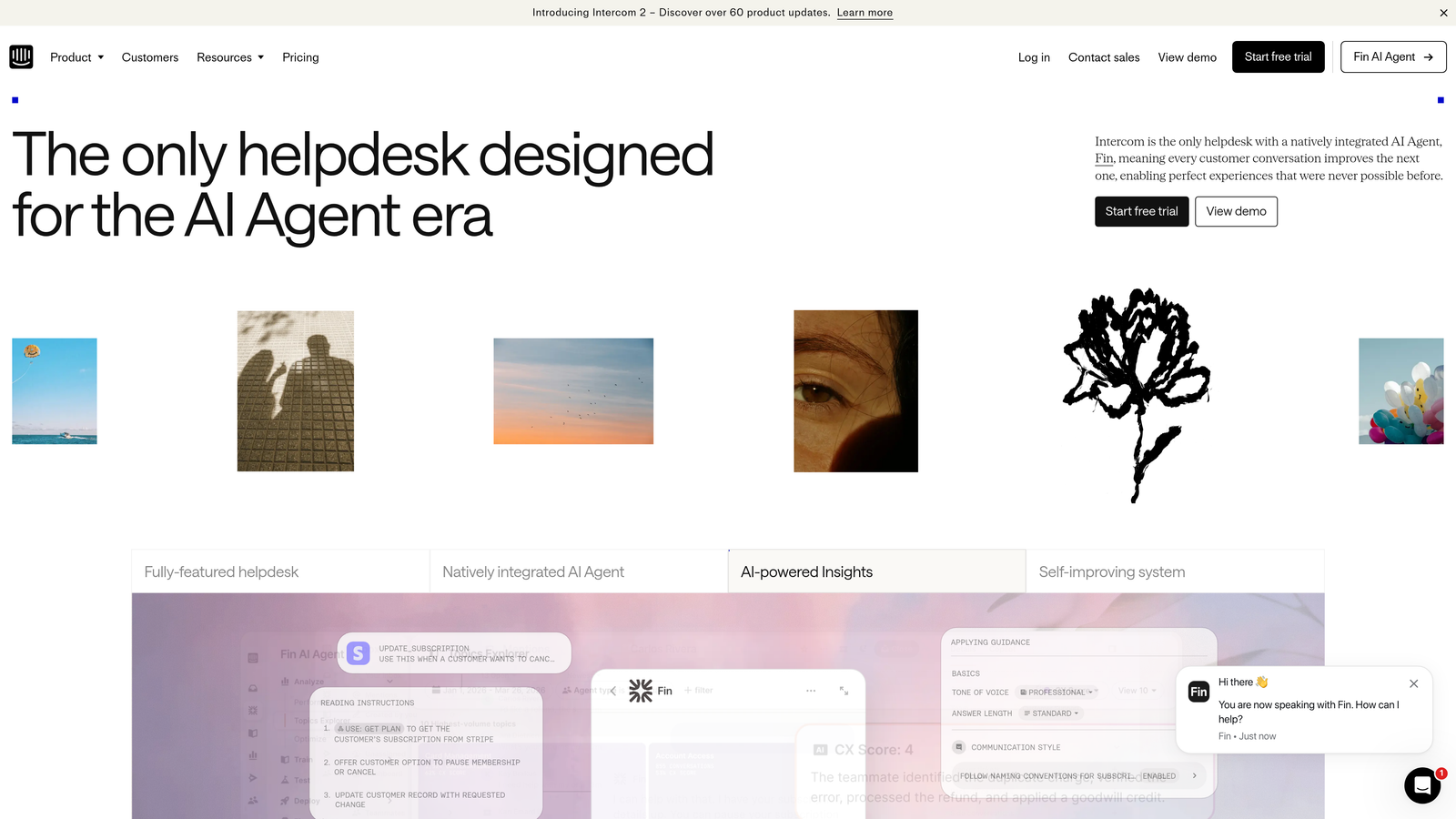
Intercom is an established customer messaging platform whose Fin AI agent handles conversations autonomously and escalates to human agents when needed.
Where This Tool Shines
If your team is already using Intercom's messenger and help center, Fin AI slots in naturally. The handoff experience is polished: when Fin can't resolve something, it passes the conversation to a human agent with full context intact, which is genuinely useful in practice.
Fin also supports multiple languages and lets you customize the AI's persona and tone, which matters for brands where voice consistency is non-negotiable.
Key Features
Per-Resolution Pricing Model: Fin AI charges per resolved conversation on top of your base Intercom plan, meaning costs scale directly with AI usage.
Messenger and Help Center Integration: Tight native connection to Intercom's existing inbox, messenger, and help center ecosystem.
Multi-Language Support: Handles conversations across multiple languages without additional configuration.
Human Handoff with Context: Escalations preserve full conversation history so agents pick up without asking customers to repeat themselves.
Customizable AI Persona: Adjust tone, name, and behavior to match your brand voice.
Best For
Teams already invested in the Intercom ecosystem who want to add AI-powered resolution without switching platforms. Less ideal for teams sensitive to unpredictable costs at scale, since per-resolution pricing can become difficult to forecast as conversation volumes grow.
Pricing
Intercom publishes base plan pricing on their pricing page. Fin AI is charged as a per-resolution add-on on top of the base plan. Check intercom.com for current rates, as both base and Fin pricing are updated periodically.
3. Zendesk AI
Best for: Large enterprises needing a mature, feature-rich helpdesk with AI capabilities at scale
Zendesk is one of the most established names in customer support, offering AI capabilities including Intelligent Triage, Agent Copilot, and automated macro suggestions built into its Suite tiers.

Where This Tool Shines
Zendesk's strength is its maturity. The reporting and analytics suite is genuinely deep, and Intelligent Triage handles automatic ticket categorization and routing in a way that benefits high-volume operations. For enterprises managing thousands of tickets across multiple channels, the infrastructure is battle-tested.
The tradeoff is complexity. Zendesk has a steeper learning curve than most alternatives, and the AI features that matter most are gated behind Suite Professional or higher tiers, which affects the total cost picture significantly.
Key Features
Intelligent Triage: Automatically categorizes and routes incoming tickets based on intent, sentiment, and language detection.
Agent Copilot: Provides suggested replies and next-best-action recommendations to help agents resolve tickets faster.
AI-Powered Bots via Flow Builder: Build and deploy customer-facing bots without code using Zendesk's visual flow builder.
Advanced Reporting Suite: Deep analytics across all channels with customizable dashboards and SLA tracking.
AI Feature Gating: Most AI capabilities require Suite Professional tier or above, which is a meaningful cost consideration.
Best For
Large enterprises and high-volume support operations that need a proven, scalable helpdesk with AI assistance for agents. Less well-suited for lean teams or startups where the cost and complexity overhead outweighs the benefits.
Pricing
Per-agent, per-month pricing across Suite tiers is published on zendesk.com. AI features require Suite Professional or higher. Enterprise features require a custom contract conversation.
4. Freshdesk (Freddy AI)
Best for: Growing teams wanting a more affordable Zendesk alternative with AI features at accessible price points
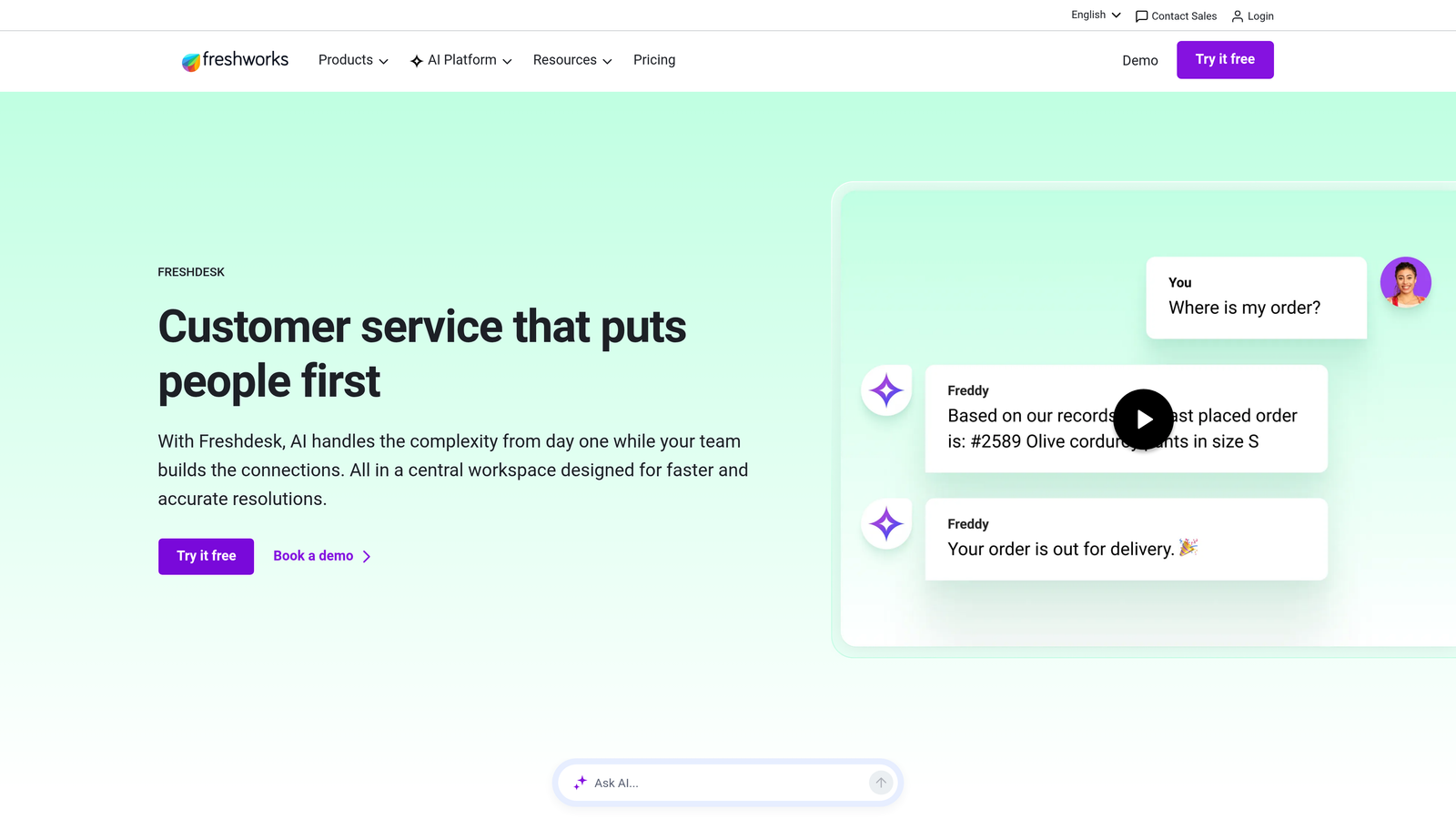
Freshdesk is a tiered helpdesk platform with Freddy AI as an add-on layer offering self-service bots, agent assist, and insight features across its plans.
Where This Tool Shines
Freshdesk is frequently positioned as the more accessible alternative to Zendesk, and the pricing reflects that. The tiered structure from Free through Enterprise gives smaller teams a genuine entry point, and Freddy AI's three distinct layers (Self Service, Copilot, and Insights) let you adopt AI incrementally rather than committing to a full platform overhaul.
Freddy Insights is a notable feature: it brings AI-driven analytics and anomaly detection to support operations, which is typically reserved for higher-end platforms.
Key Features
Freddy Self Service: Deploys AI-powered bots for customer-facing resolution, drawing on your existing knowledge base content.
Freddy Copilot: Generates AI drafts, conversation summaries, and agent suggestions to speed up ticket handling.
Freddy Insights: Delivers AI-driven analytics and anomaly detection across your support data.
Transparent Tiered Pricing: Free, Growth, Pro, and Enterprise tiers are all published with per-agent pricing on freshworks.com.
Freddy AI Copilot Add-On: Available as a separate per-agent monthly add-on, giving teams flexibility on when to activate it.
Best For
Mid-market teams and growing companies that want a full-featured helpdesk with AI capabilities at a price point below Zendesk's upper tiers. Also suitable for teams that want to adopt AI features gradually rather than all at once.
Pricing
Per-agent, per-month pricing is published across all tiers on freshworks.com. Freddy AI Copilot is a separate per-agent add-on with its own published rate. One of the more transparent pricing structures in this comparison.
5. Tidio (Lyro AI)
Best for: E-commerce businesses and small teams wanting simple AI chat with minimal setup
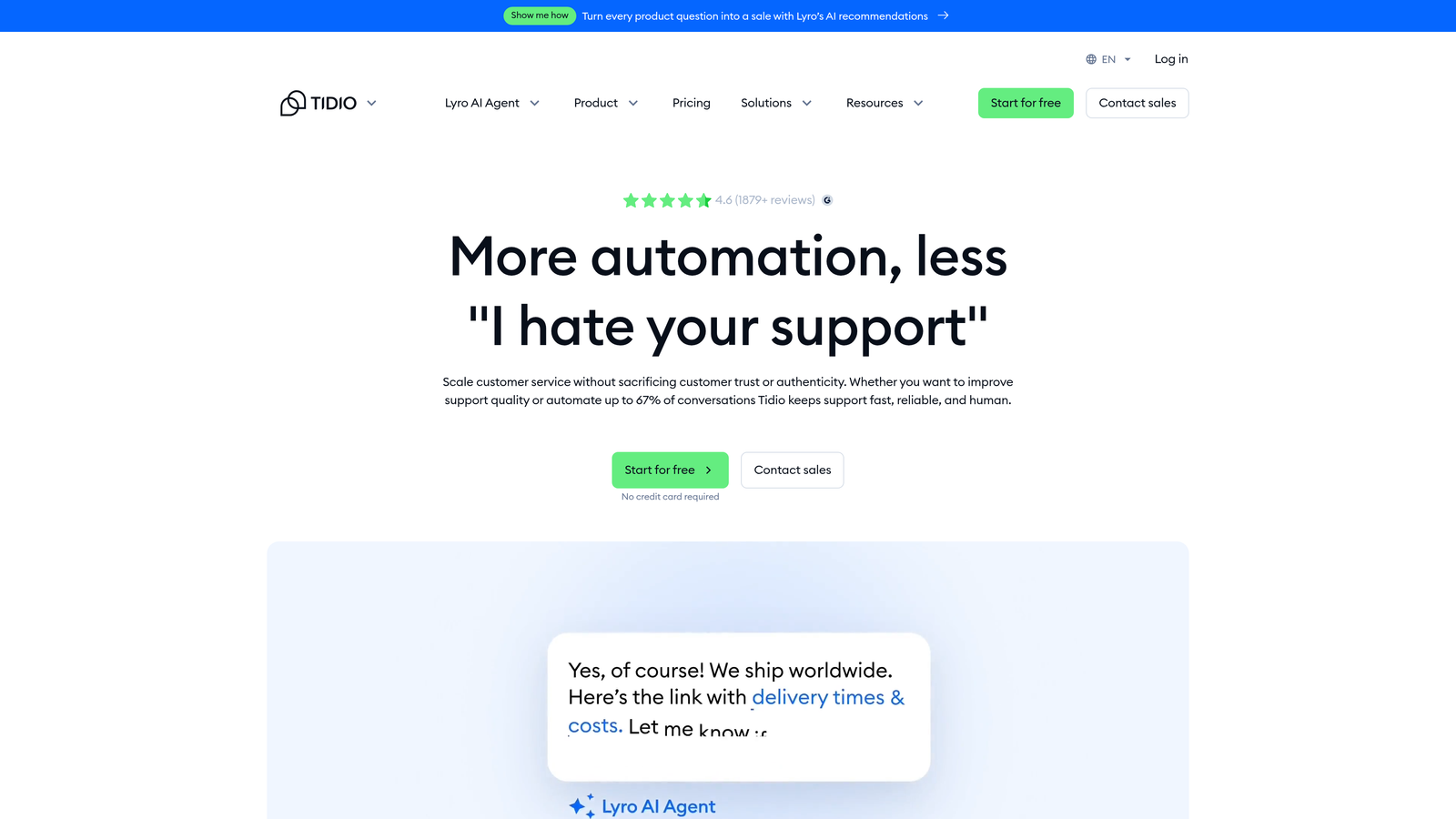
Tidio is a live chat and chatbot platform with Lyro AI, a conversational AI layer trained on your support content to handle common customer queries automatically.
Where This Tool Shines
Tidio earns points for simplicity. There's no engineering required to get started, and Lyro AI can be trained on your existing help content quickly. For e-commerce teams handling high volumes of repetitive FAQ-style questions, it delivers real deflection value without a complex implementation.
The conversation-based pricing model with a free tier also makes it genuinely accessible for small teams testing AI support for the first time.
Key Features
Lyro AI: Handles FAQ-style queries by learning from your existing help content using conversational AI.
Conversation-Based Pricing: Charges based on the number of conversations handled, with a free tier for limited monthly volume.
Live Chat Fallback: Seamlessly hands off to human agents when Lyro reaches its limits.
E-Commerce Integrations: Native integrations with Shopify and WooCommerce make it a natural fit for online retail.
No-Code Setup: Get up and running without developer involvement, which is a genuine differentiator for small teams.
Best For
Small to mid-sized e-commerce businesses, lean support teams, and companies just beginning to automate customer chat. Not well-suited for B2B SaaS teams that need deep product integration, business intelligence, or complex escalation workflows.
Pricing
Free tier available with limited monthly conversations. Paid plans and Lyro AI conversation packs are published on tidio.com with transparent per-tier pricing.
6. Drift (Salesloft)
Best for: Enterprise sales-led organizations where support and revenue conversations overlap
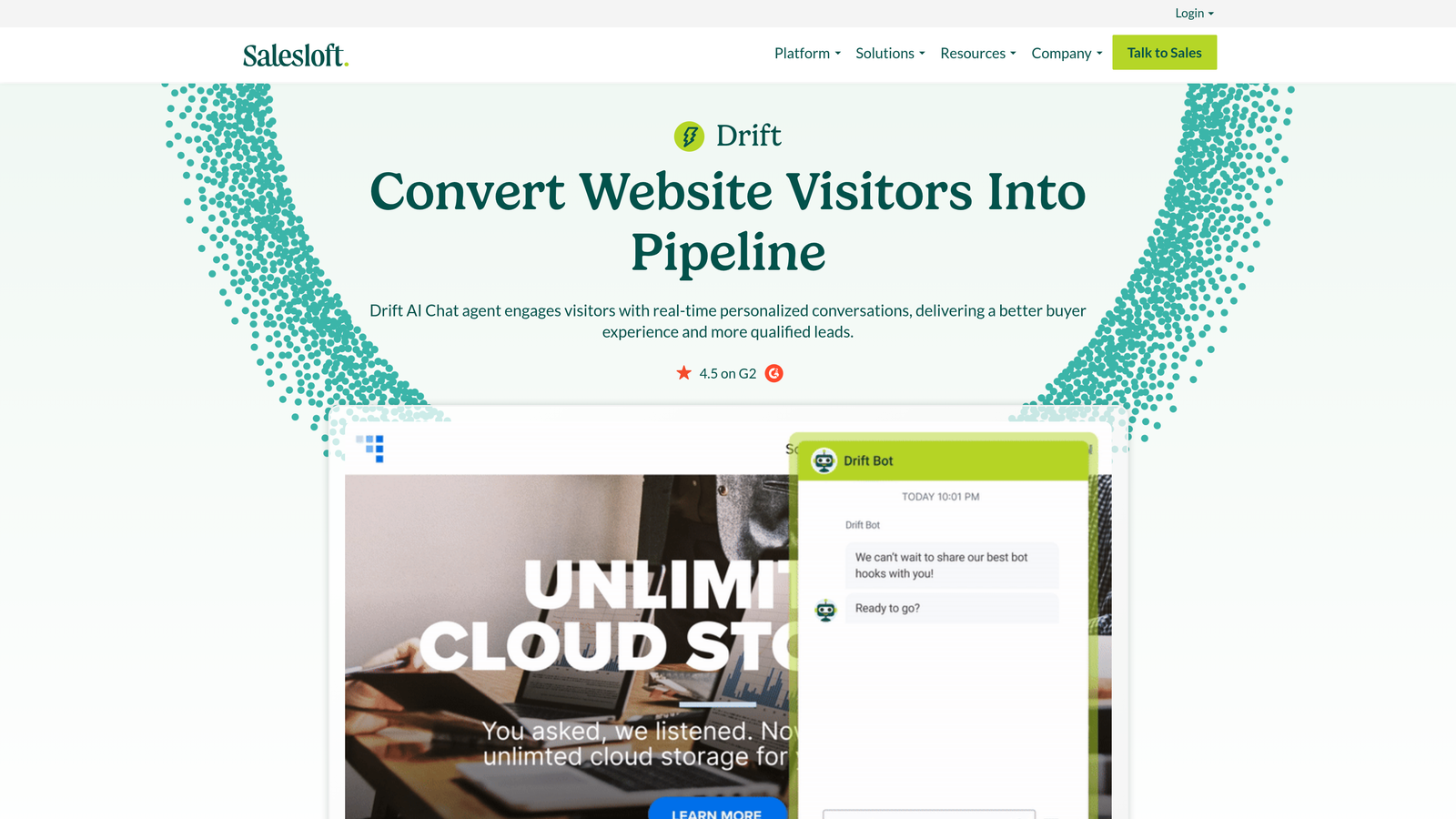
Drift is a conversational AI platform now part of the Salesloft ecosystem, focused on the intersection of support and revenue with AI-powered chat for both sales and support workflows.
Where This Tool Shines
Drift's strongest suit is its ability to blur the line between support and pipeline. For enterprise sales-led businesses where a support conversation can turn into a renewal or upsell opportunity, the deep CRM integrations and revenue intelligence features are genuinely valuable.
The playbook-based automation for routing and escalation is also sophisticated, letting revenue and support teams coordinate handoffs programmatically.
Key Features
AI-Powered Chatbots: Qualify, route, and support website visitors using conversational AI trained on your content and workflows.
Deep CRM Integrations: Native connections to Salesforce and HubSpot tie support conversations directly to revenue data.
Revenue Intelligence: Links support interactions to pipeline and account health, surfacing insights for sales and customer success teams.
Playbook-Based Automation: Configure routing and escalation logic using playbooks without custom code.
Enterprise-First Architecture: Built for complex, multi-team deployments rather than self-serve adoption.
Best For
Enterprise organizations with sales-led growth models where support, marketing, and revenue teams need to share conversation intelligence. Not a fit for teams looking for self-serve onboarding, transparent public pricing, or pure support automation.
Pricing
Contact sales for pricing. Since the Salesloft acquisition, Drift operates as an enterprise-tier product with no publicly listed self-serve pricing. Budget accordingly for a sales-assisted procurement process.
7. Help Scout
Best for: Customer-centric teams that prioritize clean UX and human-first support with AI assistance
Help Scout is a shared inbox and customer support platform with AI features including AI Drafts, AI Summarize, and AI Answers layered into its clean, human-first interface.
Where This Tool Shines
Help Scout is built around the belief that great customer support is fundamentally human, with AI playing a supporting role rather than taking center stage. The result is an interface that feels thoughtful rather than overwhelming, and AI features that genuinely assist agents without trying to replace them entirely.
AI Summarize is particularly useful for teams handling long, complex email threads. It condenses context so agents can get up to speed quickly without reading every message in a conversation.
Key Features
AI Drafts: Auto-generates reply suggestions for agents based on conversation context and your knowledge base content.
AI Summarize: Condenses long conversation threads into brief summaries, reducing agent ramp-up time on complex tickets.
AI Answers: Surfaces relevant help articles automatically within the agent interface and customer-facing docs.
Docs Knowledge Base: Built-in knowledge base with AI-powered search for both customers and agents.
Per-User Pricing Across Three Tiers: Standard, Plus, and Pro tiers with published per-user pricing make budgeting straightforward.
Best For
Small to mid-sized teams, especially in SaaS and e-commerce, that value clean UX, strong customer service philosophy, and AI that assists rather than fully automates. Not the right fit for teams needing autonomous ticket resolution or deep business intelligence from their support data.
Pricing
Per-user, per-month pricing is published across Standard, Plus, and Pro tiers on helpscout.com. AI features are available on higher tiers. One of the more straightforward pricing structures in this comparison.
8. Kustomer
Best for: High-volume B2C operations needing omnichannel CRM with AI-powered routing
Kustomer is a CRM-native customer service platform backed by Meta, offering AI-powered conversation routing, unified timeline views, and omnichannel support for high-volume consumer operations.
Where This Tool Shines
Kustomer's unified customer timeline is genuinely differentiated. Rather than treating each ticket as an isolated event, it surfaces the full history of a customer's interactions across email, chat, social, and SMS in a single view. For B2C teams handling customers with long, complex histories, this context is invaluable.
KustomerIQ adds AI automation for deflection and classification on top of that CRM foundation, which is a more powerful combination than most pure helpdesk tools offer.
Key Features
Unified Customer Timeline: Aggregates all customer interactions across email, chat, social, and SMS into a single chronological view.
AI-Powered Routing and Intent Detection: Automatically routes conversations based on detected intent and customer history.
KustomerIQ: AI automation layer handling deflection, classification, and workflow automation across the platform.
Native CRM Capabilities: Deep customer data management built into the platform rather than bolted on via integration.
Omnichannel Coverage: Handles email, chat, social media, and SMS from a single interface.
Best For
High-volume B2C operations, particularly in retail, subscription, and consumer apps, where omnichannel CRM context and AI routing provide meaningful efficiency gains. Premium pricing makes it less accessible for mid-market teams or those primarily handling B2B support.
Pricing
Per-user, per-month pricing for Business and Enterprise tiers is published on kustomer.com. Kustomer sits at the premium end of the pricing spectrum relative to mid-market alternatives. Enterprise features require a custom contract.
9. Chatbase
Best for: Developers and technical teams building custom AI chatbots trained on their own content
Chatbase is a developer-friendly platform for building AI chatbots trained on your own documentation, knowledge base, or website content using retrieval-augmented generation (RAG).
Where This Tool Shines
Chatbase occupies a different category from most tools on this list. It's not a helpdesk or a full support platform. It's a focused tool for building knowledge-grounded chatbots that can be embedded anywhere. If your primary need is a chat widget that answers questions based on your docs, it delivers that with minimal friction.
The RAG architecture means responses are grounded in your actual content rather than hallucinated, which is a meaningful quality guarantee for technical documentation and support FAQs.
Key Features
Content-Trained Chatbots: Train chatbots on PDFs, URLs, Notion pages, or plain text using retrieval-augmented generation for accurate, grounded responses.
Embeddable Chat Widget: Deploy the trained chatbot as an embeddable widget on any website without custom development.
API Access: Full API access for teams that want to build custom integrations or embed chat into their own product.
Message Credit Pricing: Tiered plans based on message credits and number of chatbots, with a free tier for low-volume usage.
No Helpdesk Features: Chatbase is intentionally scoped to chat and Q&A, with no ticketing, inbox, or agent workflow capabilities.
Best For
Developers, technical teams, and product builders who need a lightweight, customizable AI chat layer trained on specific content. Not suitable as a standalone support platform for teams that need ticket management, agent workflows, escalation paths, or business intelligence.
Pricing
Tiered plans based on message credits and number of chatbots are published on chatbase.co. A free tier is available for limited usage. Pricing is among the most transparent and accessible in this comparison.
Which Platform Is Right for Your Team?
The right choice depends less on feature lists and more on where your team sits today and where you're heading. Here's a quick way to think through it.
If you're a B2B SaaS team that wants autonomous resolution with business intelligence: Halo AI is built for exactly this. Page-aware agents, continuous learning, auto bug ticket creation, and smart inbox intelligence make it the strongest AI-native option for product-led and sales-led SaaS businesses that want support to feed back into the rest of the business.
If you're already on Intercom and want to add AI: Fin AI is the natural next step. Just go in with clear eyes on per-resolution cost modeling at scale.
If you're an enterprise with complex compliance and reporting needs: Zendesk Suite Professional or above gives you the maturity and infrastructure, with the understanding that AI features come at a meaningful cost premium.
If you're a growing team looking for an affordable Zendesk alternative: Freshdesk's tiered pricing and modular Freddy AI add-ons give you room to grow without overcommitting upfront.
If you're in e-commerce and want simple chat automation: Tidio Lyro AI is approachable, affordable, and purpose-built for that use case.
If you're a high-volume B2C brand: Kustomer's CRM-native omnichannel approach is hard to beat, at a price that reflects it.
If you just need a smart, embeddable chatbot trained on your docs: Chatbase delivers that cleanly without the overhead of a full platform.
Your support team shouldn't scale linearly with your customer base. AI agents can handle routine tickets, guide users through your product, and surface business intelligence while your team focuses on the complex issues that genuinely need a human touch. See Halo in action and discover how continuous learning transforms every interaction into smarter, faster support.