9 Best AI Support Software Tools for Small Teams in 2026
This guide evaluates the 9 best AI support software for small teams in 2026, focusing on tools that deploy quickly, integrate with existing workflows, and automate high-volume tasks without enterprise-level complexity or cost. Each option is assessed on setup ease, automation depth, integrations, and pricing transparency to help lean support teams handle more tickets without adding headcount.
 Matt PattoliFounder14 min read
Small support teams face a familiar paradox: customer expectations keep rising while headcount stays flat. AI support software has shifted from a nice-to-have to a practical necessity, not because it replaces your team, but because it handles the repetitive, high-volume work so your people can focus on the conversations that actually need a human touch.
The challenge is that most AI support tools were built for enterprise budgets and enterprise complexity. Small teams need something that deploys fast, integrates with the tools they already use, and starts delivering value without a six-month implementation project.
We evaluated each tool on ease of setup, automation depth, integration ecosystem, and pricing transparency, because small teams don't have time for tools that require a dedicated admin to maintain. Whether you're handling 50 tickets a day or 500, there's an option here that fits your workflow and your budget.
1. Halo AI
Best for: B2B SaaS teams that want an AI-first platform built specifically for product-led support
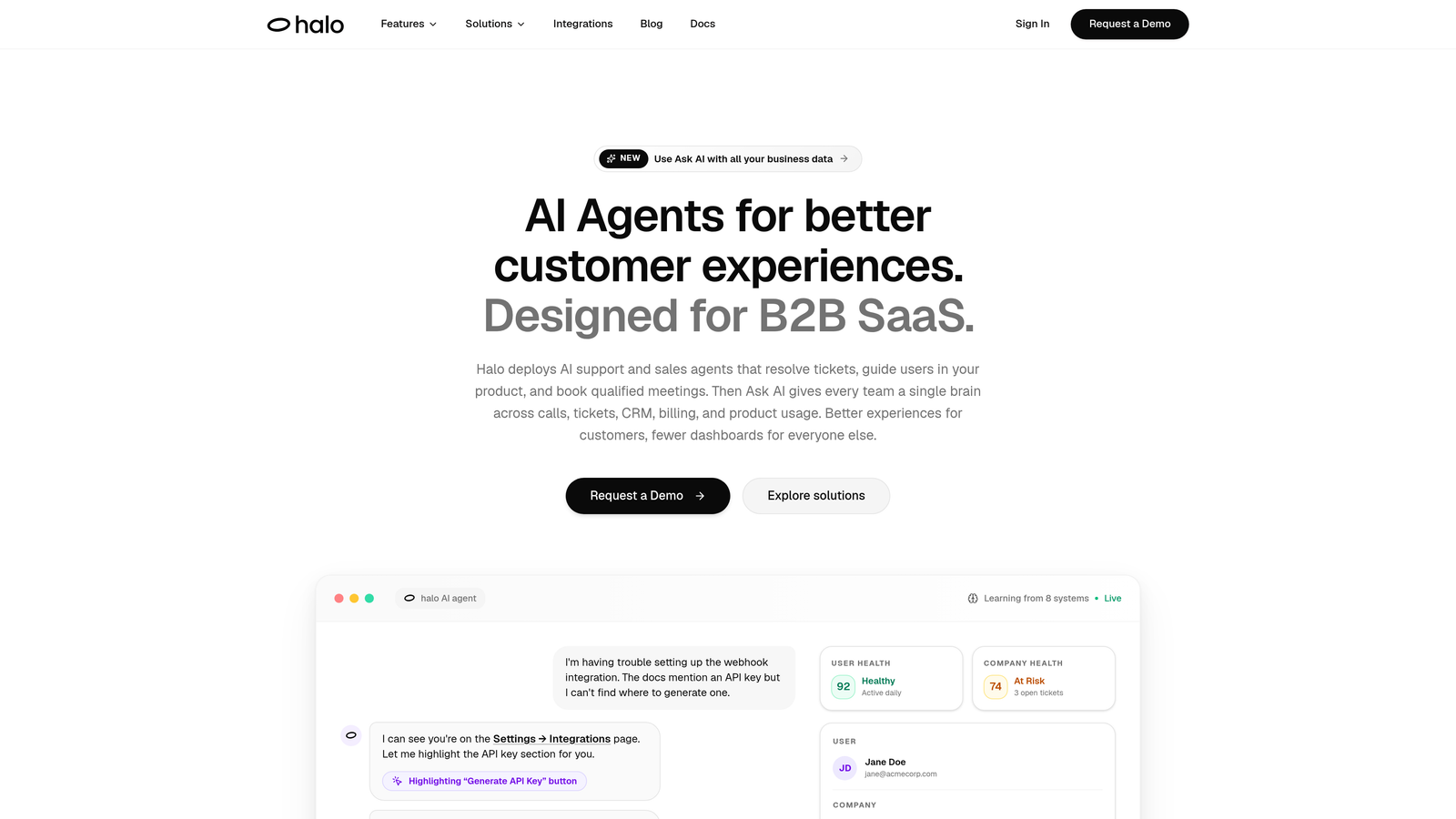
Halo AI is an AI-native customer support platform that deploys intelligent agents to resolve tickets, guide users through your product, and surface business intelligence — all without requiring a legacy helpdesk underneath it.
Where This Tool Shines
Halo's standout capability is page-aware context. The AI agent actually sees what the user sees on screen, which means it can provide step-by-step UI guidance rather than generic "click the settings button" instructions. For SaaS products with complex workflows, this is a meaningful difference from chatbots that only pull from static knowledge base articles.
The smart inbox adds a layer most support tools don't attempt: business intelligence signals. As tickets come in, Halo surfaces customer health indicators, revenue anomalies, and potential churn signals alongside the support queue, giving small teams visibility into account-level risk without switching to a separate analytics tool.
Key Features
Page-Aware AI Agents: The AI sees the user's current screen context and delivers guidance specific to where they are in your product, not just what they typed.
Autonomous Ticket Resolution: AI agents handle common support requests end-to-end, with continuous learning from past interactions improving resolution quality over time.
Auto Bug Ticket Creation: When users report technical issues, Halo automatically creates structured bug tickets routed to Linear or your existing dev workflow, removing a manual step from your team's process.
Live Agent Handoff: Complex issues escalate to human agents with full conversation context preserved, so customers never have to repeat themselves.
Business Intelligence Inbox: Surfaces customer health signals, churn indicators, and revenue anomalies directly alongside support tickets so nothing important slips through.
Integration Ecosystem: Connects with Slack, HubSpot, Intercom, Stripe, Zoom, PandaDoc, and Fathom — covering the full stack most B2B SaaS teams already run on.
Best For
Halo AI is built for B2B SaaS product teams and customer success operations that want AI-first architecture rather than AI bolted onto a legacy helpdesk. It's particularly strong for teams whose products have complex UIs where contextual guidance matters, and for teams that want support data to feed into broader customer health monitoring.
Pricing
Contact for pricing. Visit haloagents.ai for current plans and to request a demo tailored to your team size and ticket volume.
2. Intercom
Best for: Teams already using Intercom Messenger who want AI resolution built into the same interface
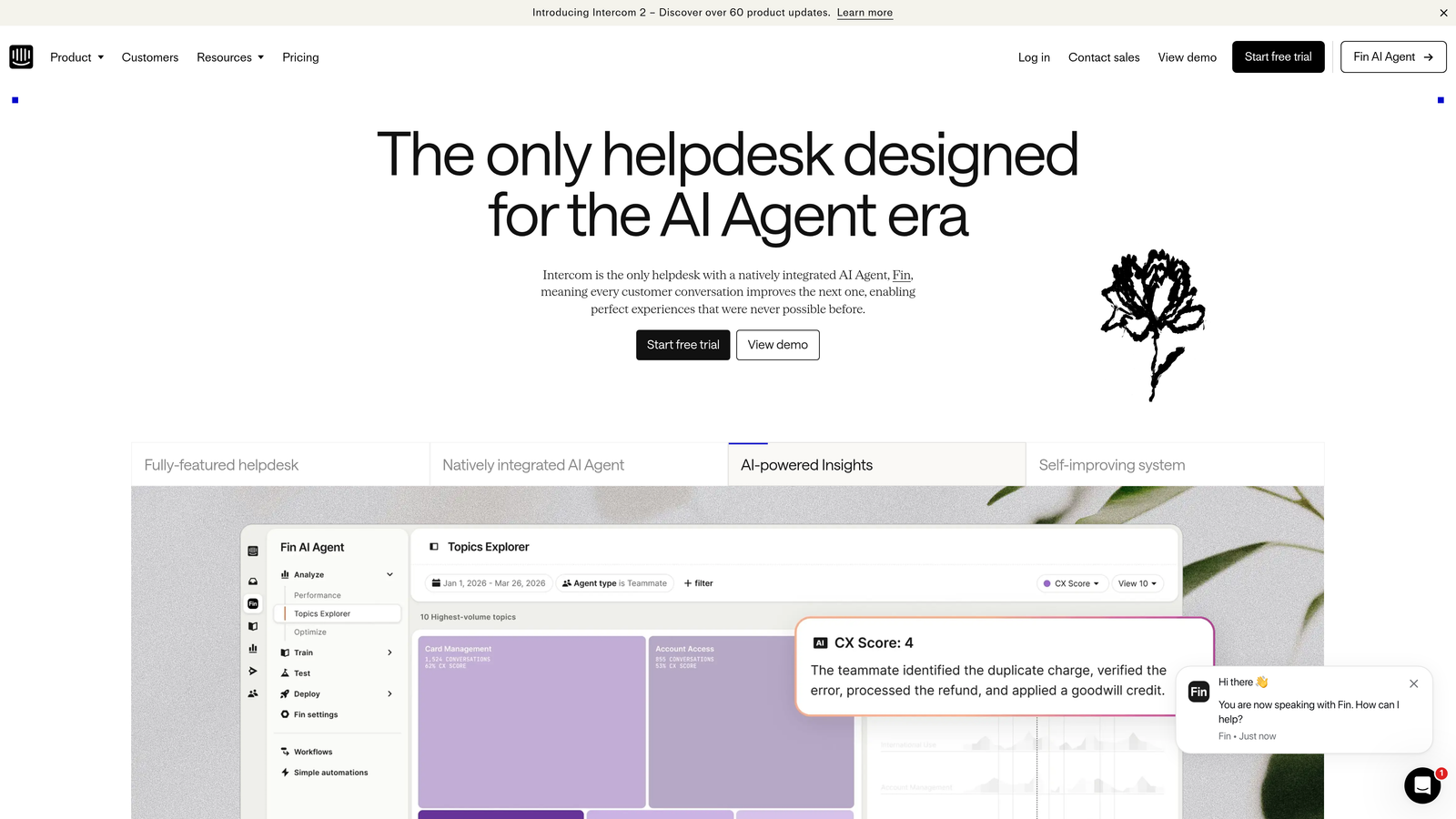
Intercom is a mature customer messaging platform with Fin, an AI agent built on large language model technology that resolves support questions using your existing help content.
Where This Tool Shines
Intercom's biggest advantage is the unified experience. Fin operates within the same Messenger interface your customers already use, so there's no jarring transition between AI and human agents. When Fin can't resolve something, it hands off seamlessly within the same thread, with full context intact.
The integration ecosystem is also genuinely broad. Intercom connects with CRMs, billing tools, product analytics platforms, and more, which helps small teams build automated workflows that span multiple systems without custom development.
Key Features
Fin AI Agent: Resolves customer questions directly from help center content using conversational AI, without requiring manual rules or decision trees.
Human Handoff: Seamless escalation to live agents within the same Messenger interface, with full conversation history preserved.
Conversation Routing: Automated tagging and routing rules direct tickets to the right team or agent based on topic and intent.
Integration Ecosystem: Robust connections to CRMs, billing tools, and product analytics platforms for cross-system workflows.
AI Performance Reporting: Tracks Fin resolution rates and team performance metrics so you can see exactly where AI is adding value.
Best For
Teams already invested in the Intercom ecosystem will get the most from Fin AI. It's also a strong choice for product teams that prioritize a polished in-app messaging experience. Budget-conscious teams should review current Fin pricing carefully, as usage-based costs can add up at higher conversation volumes.
Pricing
Starts at approximately $39/seat/month; Fin AI usage-based pricing applies on top of base plans. Check intercom.com for current rates and plan details.
3. Freshdesk
Best for: Small teams that want a freemium starting point with AI features that grow with their plan
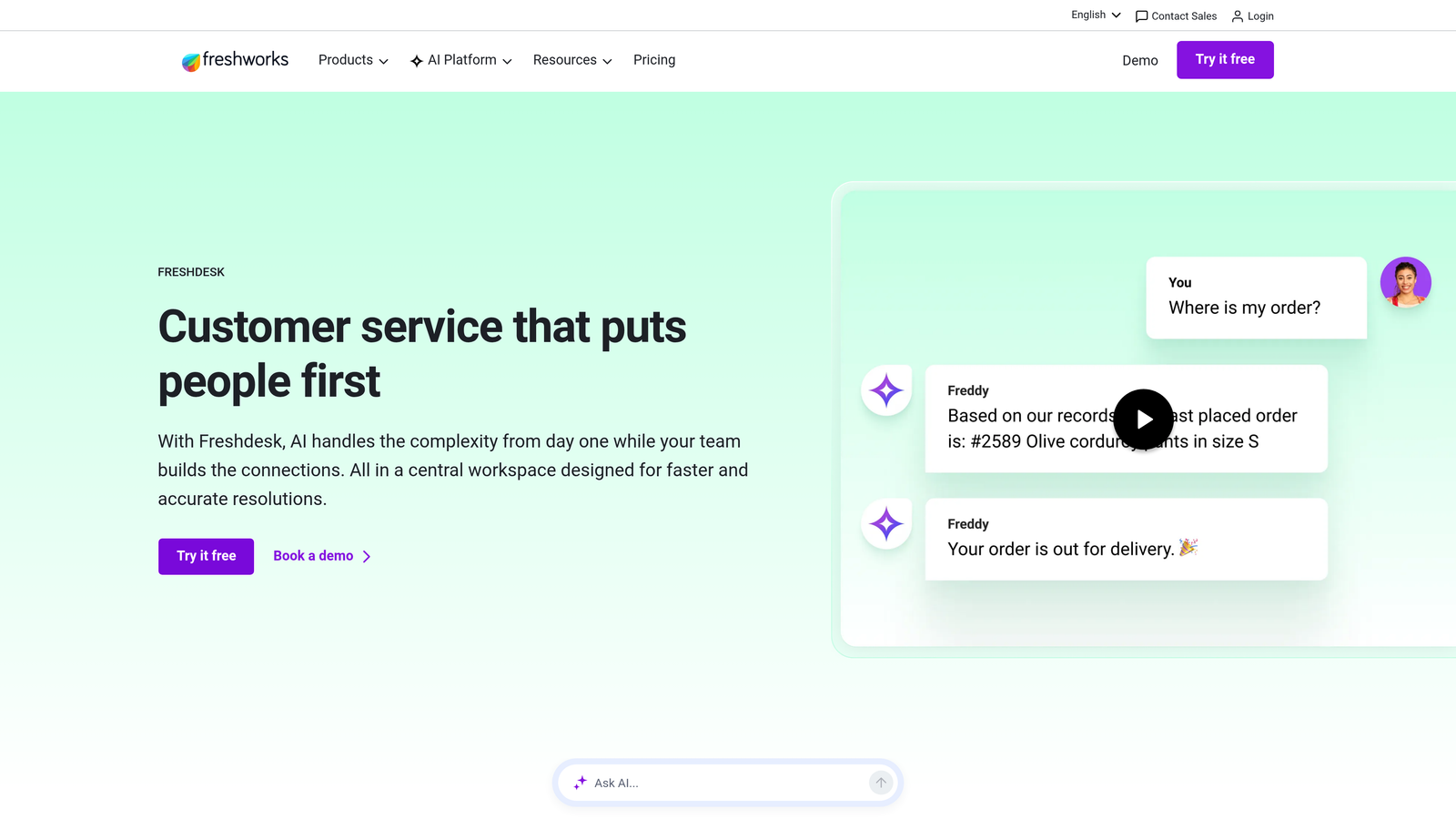
Freshdesk is a widely adopted helpdesk platform with Freddy AI built across its pricing tiers, covering ticket automation, agent assist, and self-service deflection.
Where This Tool Shines
Freshdesk's free tier makes it genuinely accessible for teams just getting started. Even without paying, you get core helpdesk functionality that handles email and basic ticket management. As you move up tiers, Freddy AI capabilities unlock progressively, so you're not paying for features you don't need yet.
Freddy's agent assist feature is particularly useful for small teams: it surfaces relevant knowledge base articles in real time as agents are typing replies, which speeds up response times without requiring agents to search manually.
Key Features
Freddy AI Automation: Handles ticket categorization, routing, and suggested replies automatically, reducing manual triage time for agents.
Agent Assist: Surfaces relevant knowledge base articles in real time while agents compose replies, helping newer team members respond accurately and quickly.
Ticket Summarization: AI-generated summaries give agents instant context on long threads without reading every message from the start.
Omnichannel Support: Manages email, chat, phone, and social channels within a single platform.
Free Tier: Core helpdesk features available at no cost, making it a low-risk entry point for small teams evaluating AI support tools.
Best For
Freshdesk works well for small teams that need a reliable, proven helpdesk with AI features available as they scale. It's especially practical for teams that want to start free and upgrade as volume grows, rather than committing to a paid plan immediately.
Pricing
Free plan available; paid plans start at approximately $15/agent/month. Check freshdesk.com for current tier details and Freddy AI feature availability by plan.
4. Zendesk AI
Best for: Teams already on Zendesk that want to activate AI without migrating to a new platform
Zendesk is an enterprise-grade support suite with native AI for triage, intent detection, and automated workflows built into its current Suite plans.

Where This Tool Shines
If your team is already running on Zendesk, the AI upgrade path is straightforward. Intent detection and intelligent triage work on top of your existing ticket data and workflows, meaning you get smarter automation without rebuilding anything from scratch. The AI learns from your historical ticket patterns, which gives it a head start that a new platform wouldn't have.
Zendesk's third-party integration marketplace is also one of the largest in the industry. For teams with complex tech stacks, the breadth of available integrations reduces the risk of hitting a wall as your tooling evolves.
Key Features
Intent and Sentiment Detection: Automatically identifies what customers are asking about and how they're feeling, enabling smarter routing without manual rules.
Intelligent Triage: Categorizes and prioritizes incoming tickets based on AI classification, reducing the time agents spend sorting the queue.
AI-Suggested Replies: Generates draft responses for agents based on ticket content and historical resolutions.
Automated Workflows: Triggers actions based on AI classification, such as routing high-urgency tickets immediately to senior agents.
Integration Marketplace: Extensive third-party app ecosystem covering CRMs, analytics tools, billing platforms, and more.
Best For
Zendesk AI makes the most sense for teams already on the Zendesk platform that want to add intelligence to existing workflows. Teams starting from scratch may find it heavier than necessary for early-stage operations, and the per-seat pricing can feel steep for very small teams.
Pricing
Suite Team starts at approximately $55/agent/month. Check zendesk.com for current plan structures and AI feature availability by tier.
5. Tidio
Best for: SMBs that need live chat plus conversational AI with minimal setup complexity
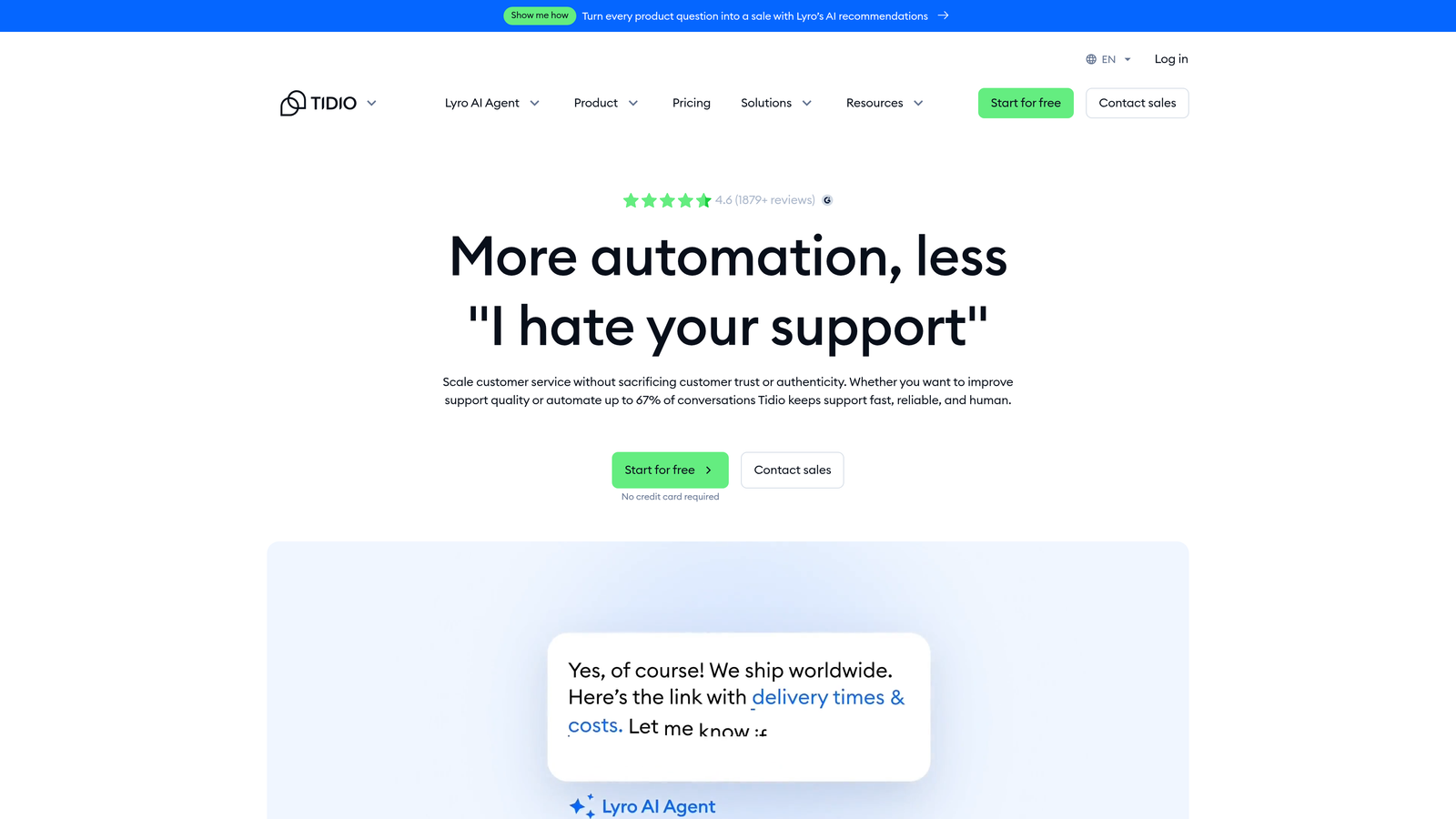
Tidio is an accessible live chat and AI chatbot platform featuring Lyro, a conversational AI that handles common customer questions without human intervention.
Where This Tool Shines
Tidio's setup speed is genuinely impressive. Most teams can go from sign-up to live chat widget in under an hour, with Lyro AI available to handle conversations immediately using pre-built templates. For small teams that don't have time for lengthy implementation projects, this fast time-to-value is a real differentiator.
The free tier also makes Tidio a practical testing ground. You can evaluate whether AI-assisted chat actually reduces your support volume before committing to a paid plan, which reduces the risk of locking into software that doesn't fit your workflow.
Key Features
Lyro AI Chatbot: Handles common customer questions conversationally, without requiring decision trees or manual scripting for each scenario.
Code-Free Setup: Pre-built templates and a no-code interface mean most teams can deploy without developer involvement.
Agent Takeover: Live agents can step in when Lyro reaches the limits of what it can resolve, with a smooth handoff experience.
Multi-Channel Support: Integrates email and Messenger alongside live chat for a consolidated inbox.
Free Tier: Limited Lyro AI conversations available at no cost for teams evaluating the platform before committing.
Best For
Tidio is a strong fit for SMBs and e-commerce teams that want live chat with basic AI capabilities and fast deployment. Teams with more complex B2B SaaS support needs may find Lyro's conversational depth limited compared to purpose-built AI agents.
Pricing
Free plan available; Lyro AI conversations are metered, with paid plans starting at approximately $29/month. Check tidio.com for current Lyro conversation limits and plan tiers.
6. Help Scout
Best for: Teams that want AI assistance layered into a human-first support experience
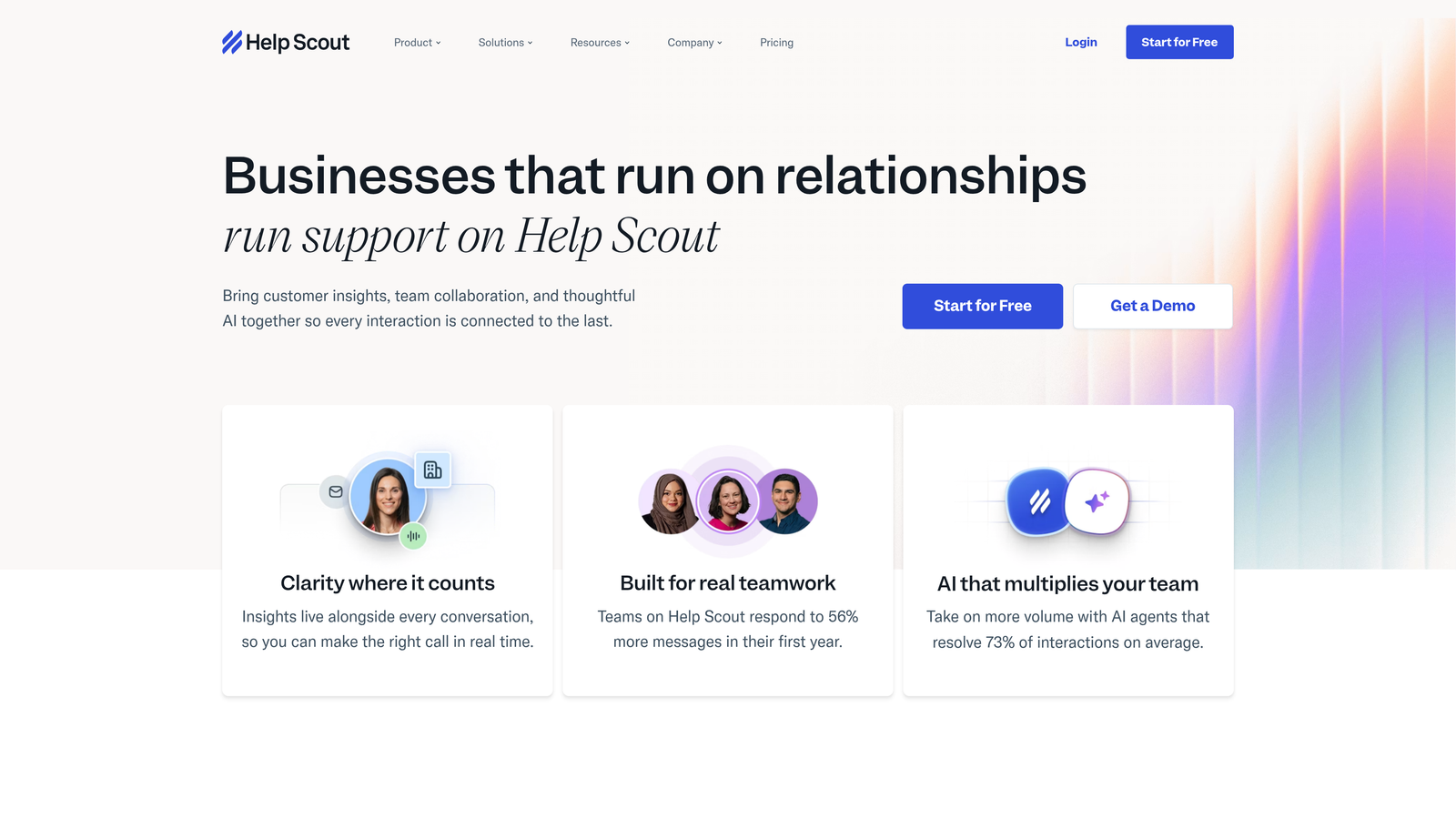
Help Scout is a shared inbox and knowledge base platform that layers AI drafts, summaries, and self-service answers into a support experience that still feels personal and human.
Where This Tool Shines
Help Scout's philosophy is intentionally different from tools that try to maximize AI deflection. The goal is to make human agents faster and more effective, not to route customers away from people. AI Drafts generate reply suggestions based on conversation context, which agents can edit and send, rather than fully automated responses that bypass human judgment.
For teams where support quality and relationship-building matter as much as ticket volume, this approach tends to produce better customer satisfaction outcomes. The AI assists without making interactions feel robotic.
Key Features
AI Drafts: Generates reply suggestions based on conversation context, giving agents a starting point rather than a blank reply box.
AI Summarize: Condenses long conversation threads into quick summaries so agents can get up to speed on complex issues without reading every message.
AI Answers in Beacon: Powers self-service deflection in the Beacon widget, answering common questions before they reach the support queue.
Shared Inbox: Collision detection and internal notes prevent duplicate replies and keep team communication organized within the same interface.
Knowledge Base Builder: Built-in documentation tool with AI-assisted content suggestions to help teams maintain accurate help content.
Best For
Help Scout is ideal for small teams where support quality and customer relationships are a priority, and where fully automated AI responses would feel out of character with the brand. It's less suited for teams focused primarily on deflection volume or high-frequency ticket automation.
Pricing
Starts at approximately $22/user/month. Check helpscout.com for current plan options and AI feature availability.
7. Zoho Desk
Best for: Teams already using Zoho products who want a tightly integrated helpdesk with built-in AI
Zoho Desk is a helpdesk platform with Zia AI built in, offering sentiment analysis, ticket tagging, and anomaly detection across its support workflow.
Where This Tool Shines
Zia's anomaly detection is a feature that often gets overlooked in comparisons. It flags unusual spikes in ticket volume before they become a crisis, giving small teams early warning when something in the product or service is generating unexpected support load. For lean teams without a dedicated ops function, this kind of proactive signal is genuinely useful.
The Zoho ecosystem integration is also a significant advantage for teams already using Zoho CRM. Support ticket data flows naturally into customer records, and agents have CRM context visible while handling tickets, reducing the context-switching that slows small teams down.
Key Features
Zia Sentiment Analysis: Detects customer tone and emotional signals in incoming tickets, enabling priority routing for frustrated or at-risk customers.
Automatic Ticket Tagging: Zia categorizes and tags tickets based on content, reducing manual classification work for agents.
Response Suggestions: Recommends replies based on how similar tickets were resolved in the past, helping agents respond accurately and consistently.
Anomaly Detection: Flags unusual ticket volume patterns to alert teams when something may be causing widespread customer issues.
Zoho Ecosystem Integration: Deep native connections with Zoho CRM, Zoho Analytics, and other Zoho products for teams running on the broader platform.
Best For
Zoho Desk delivers strong value for teams already in the Zoho ecosystem. Standalone adoption is also reasonable given the competitive pricing, but the integration benefits are most pronounced for teams using Zoho CRM alongside support operations.
Pricing
Free for up to 3 agents; paid plans start at approximately $14/agent/month. Check zoho.com/desk for current pricing and AI feature availability by tier.
8. Gorgias
Best for: E-commerce support teams using Shopify or WooCommerce who need AI with live order data
Gorgias is an AI-powered support platform built specifically for e-commerce teams, with deep integrations into Shopify and WooCommerce so AI responses can reference real order and shipping data.
Where This Tool Shines
Gorgias solves a specific problem that generic helpdesks handle poorly: the "where is my order?" ticket. Because Gorgias connects directly to Shopify and WooCommerce, its AI can pull live order status, shipping tracking, and return eligibility data and include it in the response automatically. This turns a ticket that would otherwise require agent lookup into a fully automated resolution.
The ticket-volume pricing model is also worth noting. For e-commerce teams with seasonal spikes, paying per ticket rather than per agent means costs scale with actual usage rather than headcount, which can be more predictable for smaller operations.
Key Features
Order-Aware AI Responses: Pulls live order status, shipping data, and return information from Shopify to personalize AI responses with real customer data.
Automated E-Commerce Query Resolution: Handles WISMO (where is my order), refund, and exchange requests without agent involvement for qualifying tickets.
Volume-Based Pricing: Charges per ticket rather than per agent, making cost structure more predictable for teams with variable support volumes.
Macros and Rules: Pre-built automation for high-frequency repetitive ticket types to further reduce manual handling.
E-Commerce Integrations: Native connections with Shopify, WooCommerce, Magento, Klaviyo, and other e-commerce platforms.
Best For
Gorgias is purpose-built for e-commerce and DTC brands. It's not the right fit for B2B SaaS teams, but for Shopify-based businesses handling high volumes of order-related support, it's one of the most purpose-fit tools on this list.
Pricing
Starts at approximately $10/month for 50 tickets. Check gorgias.com for current ticket-volume pricing tiers.
9. Forethought
Best for: Teams that want smarter AI triage and deflection without replacing their existing helpdesk
Forethought is an AI triage and deflection layer that works on top of existing helpdesks like Zendesk, Freshdesk, and Salesforce Service Cloud, adding intelligent routing and self-service without requiring a platform migration.
Where This Tool Shines
Forethought's value proposition is clear: if your team is already invested in a helpdesk and doesn't want to migrate, but the native AI features aren't meeting your needs, Forethought adds a smarter AI layer on top of what you already have. The implementation is an overlay, not a replacement, which significantly reduces the risk and effort of adoption.
Solve AI, Forethought's self-service deflection product, intercepts tickets before they enter the queue by presenting relevant answers to customers at the point of submission. For teams with high volumes of repetitive questions, this pre-queue deflection can meaningfully reduce the tickets agents actually need to touch.
Key Features
Triage AI: Intelligently routes and prioritizes incoming tickets based on intent, sentiment, and urgency, reducing manual sorting by agents.
Solve AI: Deflects tickets before they reach the queue by surfacing relevant answers at the point of ticket submission.
Helpdesk Overlay Architecture: Works on top of Zendesk, Freshdesk, and Salesforce Service Cloud without requiring platform migration or data restructuring.
Urgency and Sentiment Detection: Surfaces high-priority issues automatically so critical tickets don't get buried in the general queue.
Deflection Reporting: Tracks deflection rates and AI performance metrics so teams can quantify the impact of the tool on actual ticket volume.
Best For
Forethought is the right choice for teams that are committed to their current helpdesk but want meaningfully better AI automation on top of it. It's particularly useful for teams on Zendesk or Freshdesk whose native AI features aren't keeping pace with their support volume.
Pricing
Custom pricing. Contact Forethought at forethought.ai for a quote based on your team size and ticket volume.
Which Tool Is Right for Your Team?
The right AI support software depends on where you're starting from and what you're optimizing for. Here's a quick way to think through the options.
If you're a B2B SaaS team that wants AI-first architecture with page-aware context, business intelligence signals, and deep integrations into your product stack, Halo AI is built specifically for that use case. It's the only option on this list that combines autonomous ticket resolution with proactive customer health monitoring in a single platform.
If you're already on Zendesk or Freshdesk and don't want to migrate, activating their native AI features is the path of least resistance. If those native features aren't enough, Forethought layers additional intelligence on top without requiring you to move platforms.
If you're an e-commerce team on Shopify, Gorgias is the clear specialist choice. If you need live chat with fast setup and a free starting tier, Tidio delivers that without complexity. For teams that prioritize human-first support quality over maximum deflection, Help Scout strikes the right balance.
The best tool is ultimately the one your team will actually use consistently. A sophisticated platform that requires constant admin attention will underperform a simpler tool that your team trusts and maintains.
Your support team shouldn't scale linearly with your customer base. Let AI agents handle routine tickets, guide users through your product, and surface business intelligence while your team focuses on complex issues that need a human touch. See Halo in action and discover how continuous learning transforms every interaction into smarter, faster support.