9 Best AI Support System Pricing Plans Compared in 2026
Comparing AI support system pricing across nine leading platforms, this guide exposes hidden costs like per-seat fees, conversation-based billing, and enterprise-tier gatekeeping that make true cost comparisons difficult. Whether you're a startup or enterprise team, understanding the real total cost of each AI support system helps you avoid expensive surprises and choose the right platform for your budget and needs.
 Matt PattoliFounder14 min read
When evaluating AI support systems, pricing is rarely what it appears on the surface. Most platforms layer per-seat fees on top of conversation-based billing, then gate the features you actually want behind enterprise tiers that require a sales call to even discuss. Making a true apples-to-apples comparison is genuinely difficult.
This guide cuts through that complexity by breaking down what nine leading AI customer support platforms actually cost, what you get at each tier, and where the hidden charges tend to appear. Whether you're a lean SaaS startup automating your first support queue or an enterprise team replacing a legacy helpdesk, understanding the real cost of each system will save you from expensive surprises down the road. For broader context, see our guides on customer support AI benefits, chatbot pricing models, and AI support platform features.
We've evaluated each tool on pricing transparency, value at each tier, scalability, and whether core AI features are accessible without enterprise negotiation.
1. Halo AI
Best for: B2B SaaS teams wanting AI-first support with built-in business intelligence
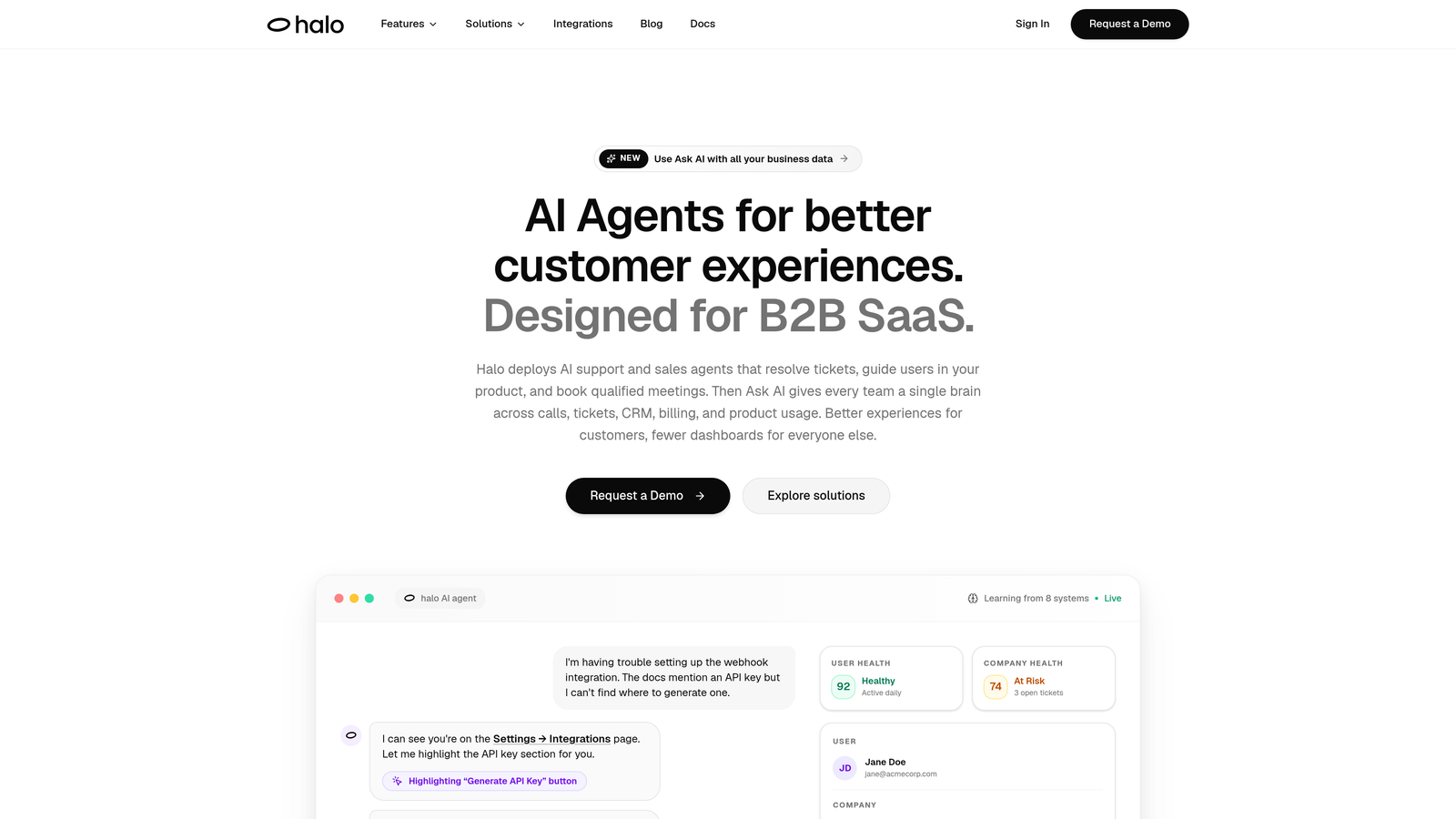
Halo AI is an AI-first customer support platform built specifically for B2B SaaS teams, not a traditional helpdesk with AI bolted on afterward.
Where This Tool Shines
Halo's core differentiator is its architecture. Rather than adding AI features to an existing ticketing system, Halo was built from the ground up around intelligent agents that learn from every interaction. This means the AI gets meaningfully smarter over time rather than just executing static rules.
The page-aware chat widget is particularly notable: it understands what a user is looking at in your product and provides contextually relevant guidance, not generic answers pulled from a knowledge base. Pair that with a smart inbox that surfaces customer health signals, anomaly detection, and revenue intelligence, and Halo starts to look less like a support tool and more like a business intelligence layer that also handles tickets.
Key Features
Autonomous Ticket Resolution with Live Agent Handoff: AI agents handle routine queries end-to-end, with seamless escalation to human agents when complexity requires it.
Page-Aware Chat Widget: The widget sees what users see in your product, enabling contextual guidance rather than generic responses.
Smart Inbox with Business Intelligence: Surfaces customer health signals, anomaly detection, and revenue intelligence directly from support interactions.
Auto Bug Ticket Creation: Automatically generates and routes bug reports to Linear or your existing dev stack, closing the loop between support and engineering.
Native Integrations: Connects to Slack, HubSpot, Intercom, Stripe, Zoom, PandaDoc, and Fathom without requiring middleware or custom development.
Best For
B2B SaaS product teams that want more than ticket deflection. If your support data should be informing your product roadmap, customer success strategy, and revenue forecasting, Halo's intelligence layer makes that connection. Particularly strong for teams scaling support without scaling headcount.
Pricing
Visit haloagents.ai for current pricing. Halo is built for B2B SaaS teams with transparent, scalable tiers designed to grow with your business rather than penalize you for it.
2. Intercom
Best for: Teams wanting a mature omnichannel platform with AI resolution capabilities
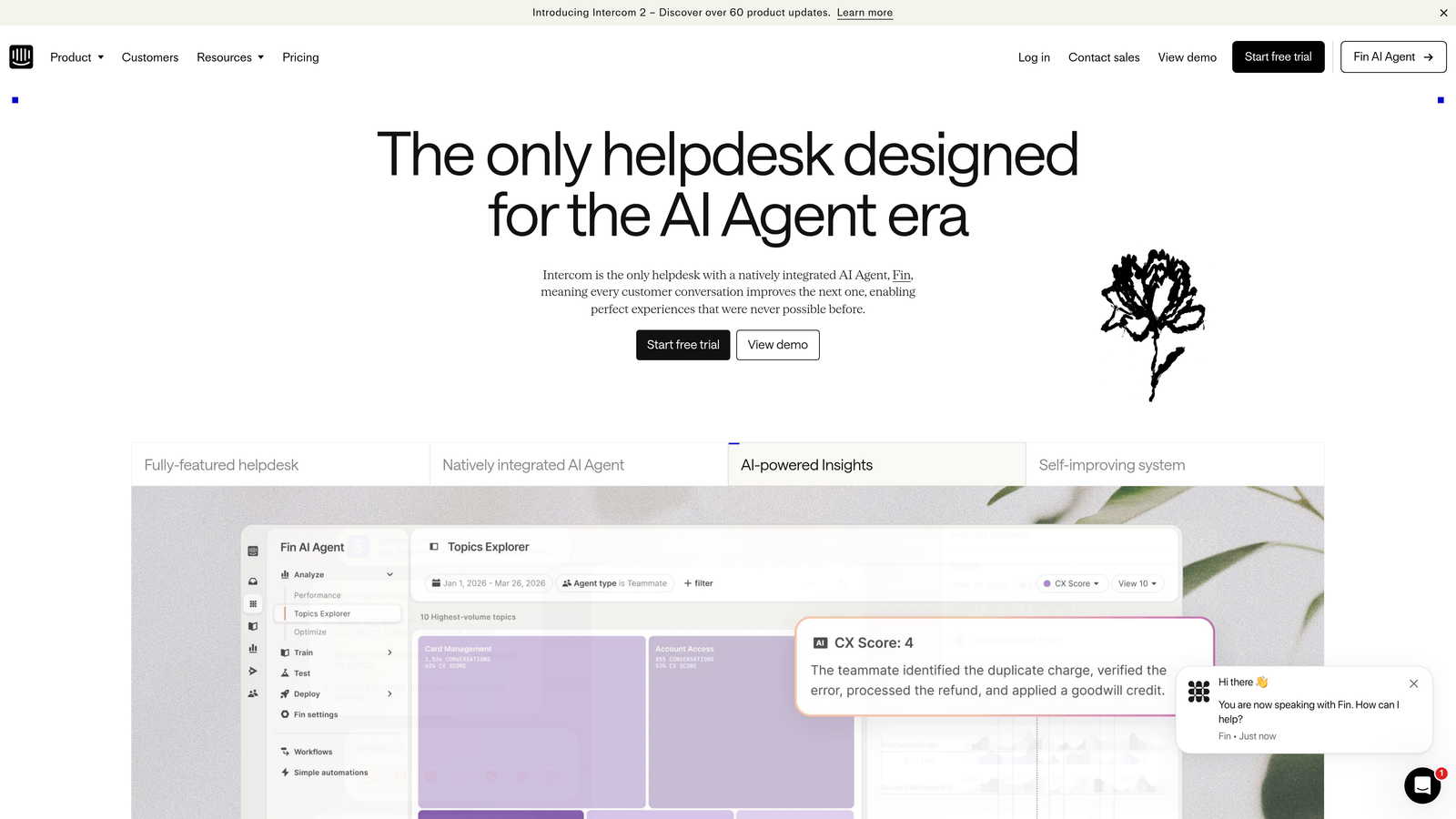
Intercom is one of the most established conversational support platforms, featuring Fin, its AI agent, on a per-resolution billing model layered on top of per-seat base plans.
Where This Tool Shines
Intercom's strength is its maturity. The platform has been refined over many years and covers a wide range of support scenarios: email, chat, social, and phone, all from a unified inbox. The app marketplace is extensive, and the workflow automation tools are genuinely powerful for teams with complex routing requirements.
Fin, Intercom's AI agent, is capable of handling a meaningful volume of common queries. The per-resolution pricing model is philosophically appealing because you only pay when the AI actually solves something. However, this model can become unpredictable at scale, particularly if your definition of "resolution" doesn't align precisely with Intercom's.
Key Features
Fin AI Agent: Handles common queries autonomously with per-resolution billing, meaning you pay per successful outcome rather than per conversation.
Omnichannel Inbox: Unified inbox covering email, chat, social, and phone support channels.
Extensive App Marketplace: Hundreds of integrations covering CRM, analytics, e-commerce, and developer tools.
Workflow Automation: Custom bots and automation flows for routing, tagging, and escalation logic.
Reporting and CSAT: Built-in satisfaction tracking and team performance reporting.
Best For
Mid-market to enterprise teams that need a proven, full-featured platform and are comfortable with a pricing model that combines per-seat base costs with per-resolution AI charges. Best suited for teams with predictable query volumes where the per-resolution model is manageable.
Pricing
Base platform from approximately $39/seat/month; Fin AI is charged per resolution on top of the base plan. Check intercom.com for current rates, as add-ons can significantly affect total cost.
3. Zendesk
Best for: Enterprise teams needing deep ticketing, SLA management, and complex routing
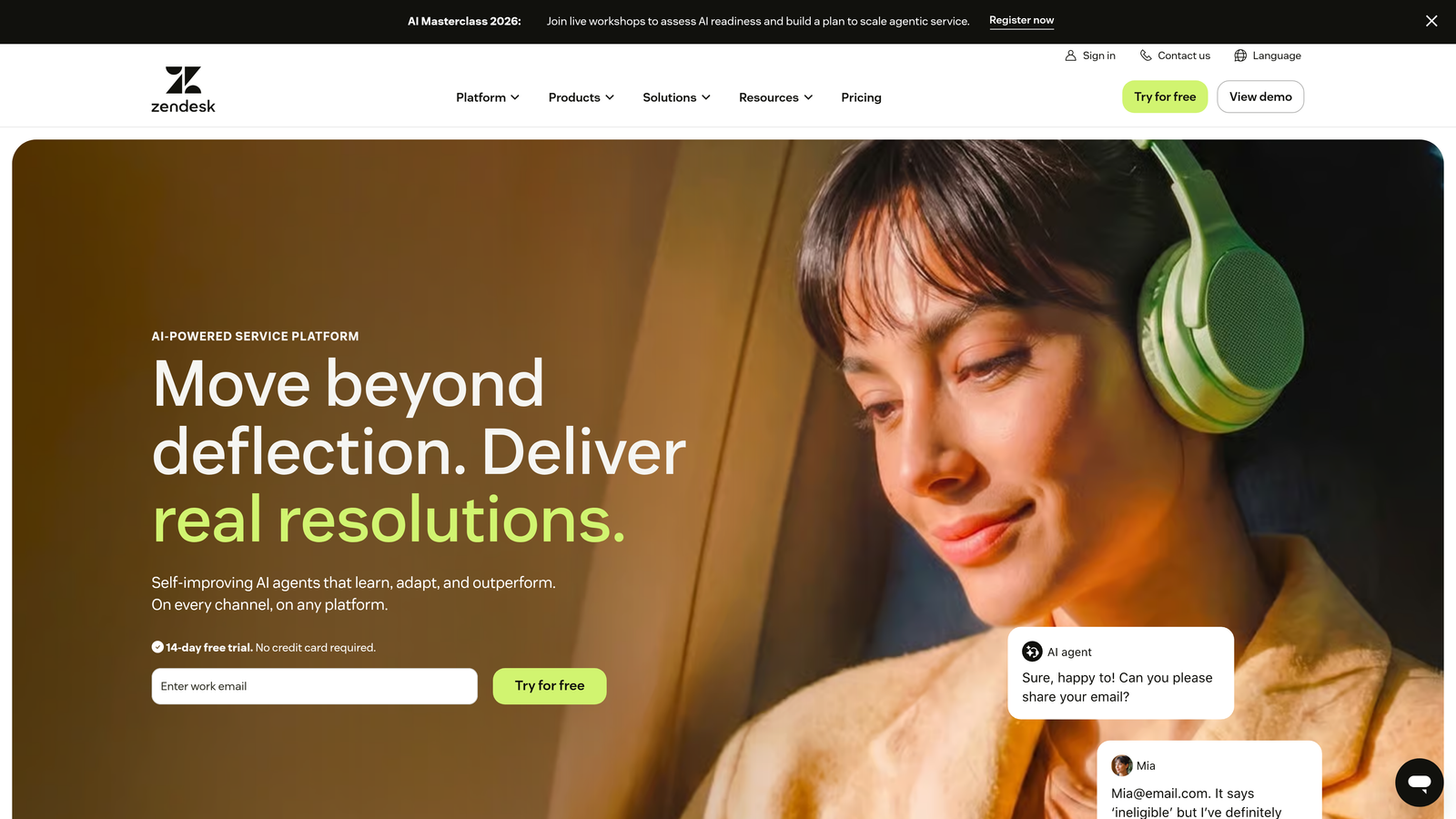
Zendesk is one of the most widely deployed enterprise helpdesks, with AI features available as add-ons or at higher Suite tiers.
Where This Tool Shines
Zendesk's depth in traditional helpdesk functionality is hard to match. SLA management, complex routing rules, an extensive reporting suite, and a massive integration ecosystem make it a natural choice for large teams with established support operations. If your organization already runs on Zendesk, the path of least resistance is often to layer on AI features rather than migrate.
That said, the AI story at Zendesk is still evolving. Zendesk AI Agents and Copilot (for agent assist, suggested replies, and summaries) are genuinely useful, but they tend to be gated behind Professional and Enterprise tiers. Teams on lower-tier plans may find the AI capabilities limited compared to AI-native alternatives.
Key Features
Full-Featured Ticketing: Robust SLA management, complex routing logic, and multi-channel ticket handling at enterprise scale.
Zendesk AI Agents: Automated resolution for common queries, available at higher Suite tiers.
Copilot for Agent Assist: Suggested replies, conversation summaries, and next-step recommendations for human agents.
Extensive Reporting Suite: Detailed analytics on team performance, resolution rates, and customer satisfaction.
Large Integration Ecosystem: Thousands of integrations covering virtually every business tool category.
Best For
Large enterprise support teams with complex operational requirements who prioritize platform stability, compliance, and a proven track record over AI-first innovation. Also well-suited for organizations already invested in the Zendesk ecosystem.
Pricing
Suite plans from approximately $55/agent/month; AI features available at Professional and Enterprise tiers. Verify current pricing and add-on costs at zendesk.com, as the full cost with AI features can differ substantially from base plan rates.
4. Freshdesk
Best for: Growing teams wanting a freemium entry point with AI bundled at mid-tiers
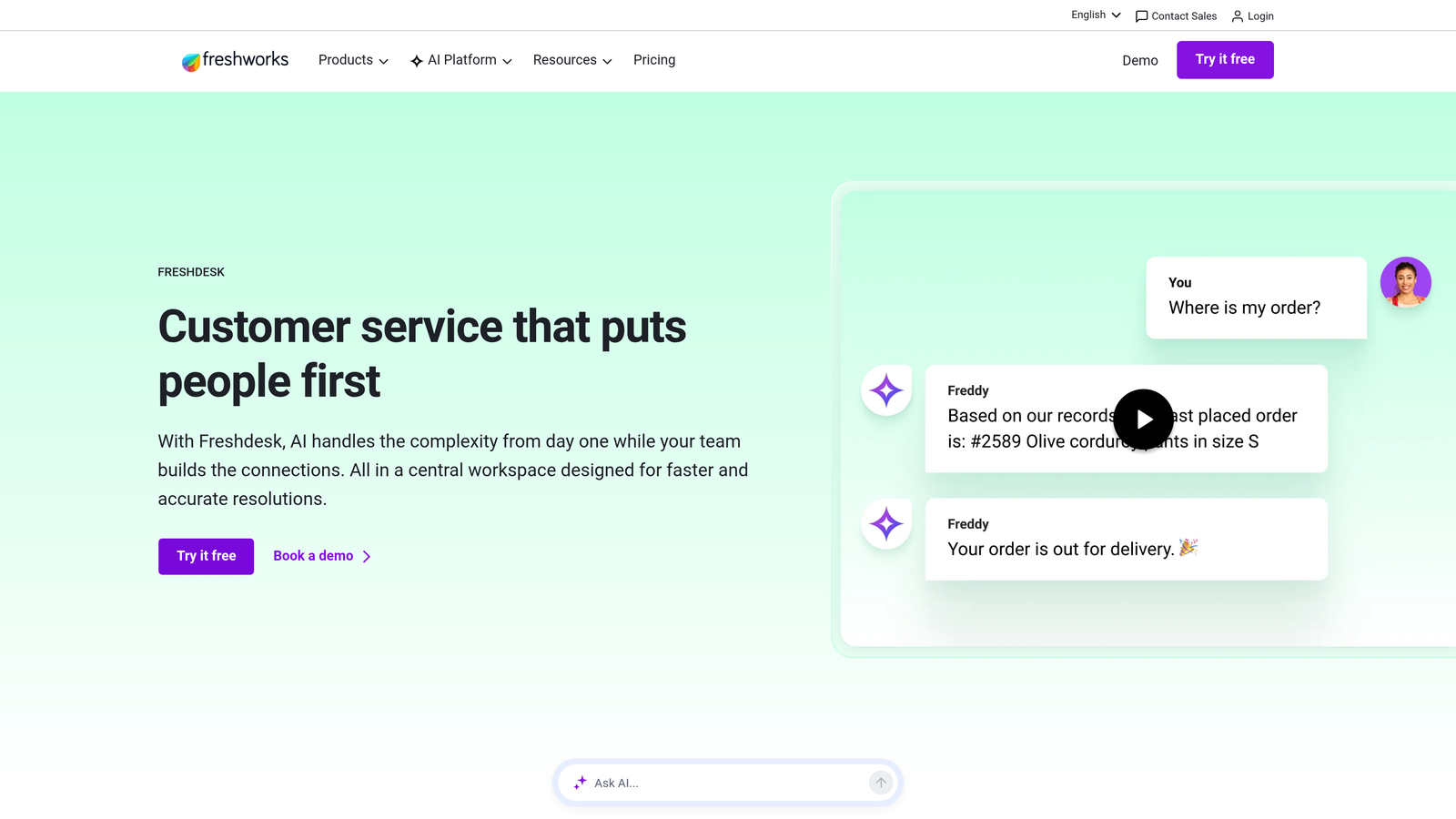
Freshdesk is a helpdesk platform with one of the most accessible entry points in the market, featuring Freddy AI bundled into mid-tier plans rather than gated behind enterprise pricing.
Where This Tool Shines
Freshdesk's freemium model makes it genuinely accessible for small teams testing their first helpdesk. The free plan covers basic ticketing for a limited number of agents, which lets teams validate their workflow before committing to a paid tier. When teams do upgrade, Freddy AI, which handles auto-triage, suggested responses, and self-service, is included rather than sold as a separate add-on.
Compared to Zendesk, Freshdesk is generally considered more affordable for small to mid-market teams. The tradeoff is depth: Zendesk's enterprise-grade routing and reporting are more sophisticated, but many growing teams don't need that complexity and will find Freshdesk's feature set more than adequate.
Key Features
Free Plan: Available for small teams with limited agents, covering basic ticketing and email support.
Freddy AI: Handles auto-triage, suggested responses, and self-service automation, bundled at Growth tier and above.
Omnichannel Support: Email, chat, phone, and social channels covered from a unified inbox.
Automation Workflows: SLA policies, escalation rules, and custom automation flows.
Marketplace Integrations: Over 1,000 integrations available across CRM, e-commerce, and productivity tools.
Best For
Small to mid-market teams, particularly those budget-conscious or just starting to formalize their support operations. The freemium model makes it low-risk to evaluate, and the AI bundling at mid-tiers avoids the add-on fatigue common with competitors.
Pricing
Free plan available; paid plans from approximately $15/agent/month. Freddy AI is bundled at Growth tier and above in most configurations. Verify current tier details at freshdesk.com.
5. Tidio
Best for: E-commerce and small business teams wanting conversation-based AI pricing
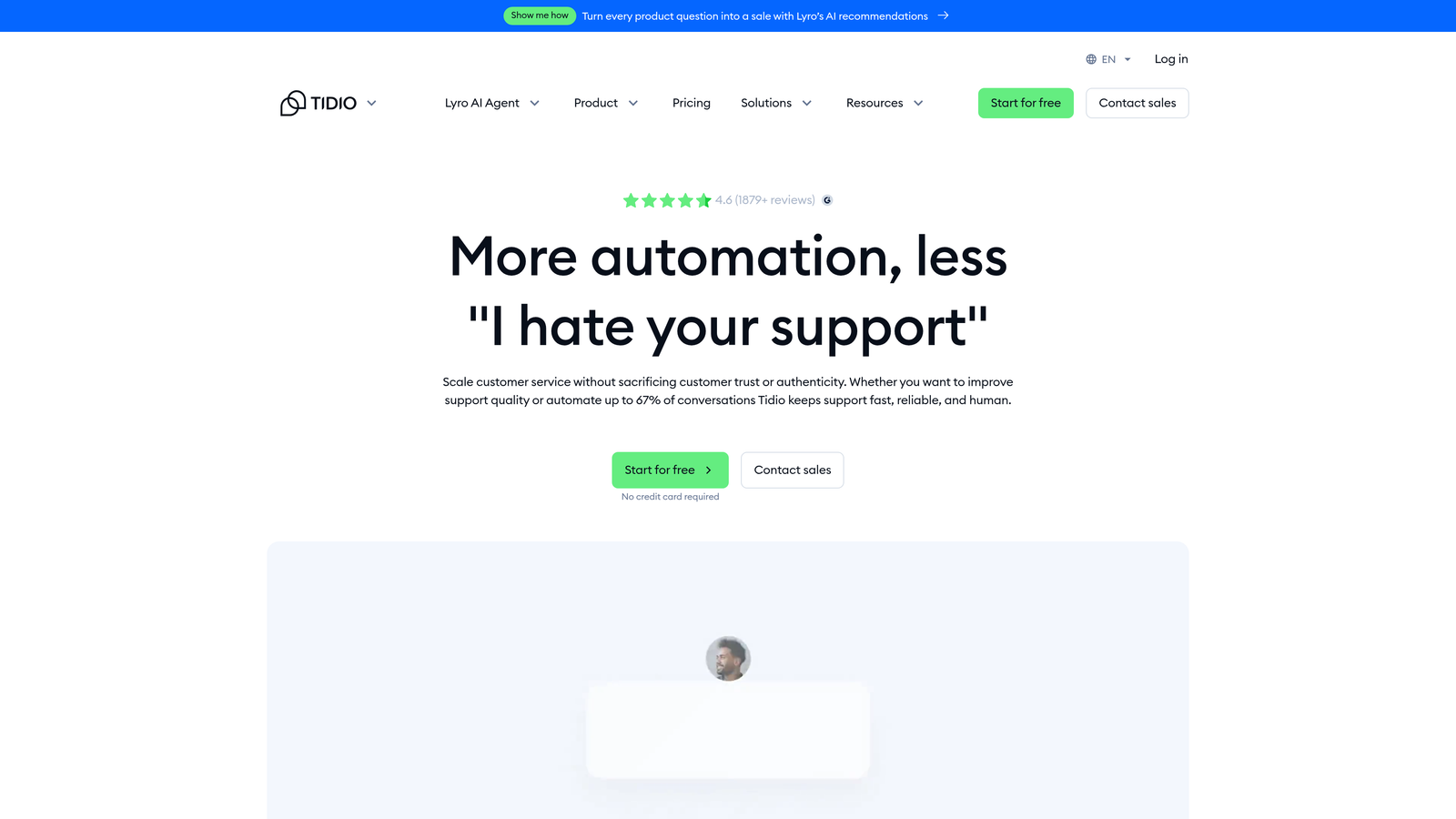
Tidio is a live chat and AI chatbot platform popular with e-commerce brands, featuring Lyro AI on a conversation-volume pricing model rather than per-seat billing.
Where This Tool Shines
Tidio's pricing model is refreshingly simple for small teams. Rather than charging per agent seat, Lyro AI is priced on the number of conversations it handles. This makes costs predictable and directly tied to usage, which works well for teams with lower or seasonal support volumes. The setup process is also notably lightweight compared to enterprise platforms.
The e-commerce integrations, particularly with Shopify and WooCommerce, are a genuine strength. Tidio was built with online retail in mind, and that focus shows in how naturally it connects to product catalogs, order data, and customer purchase history.
Key Features
Lyro AI Chatbot: Trained on your support content, handles common queries autonomously with conversation-based pricing.
Conversation-Based Pricing: AI costs scale with usage volume rather than per-seat, making it more predictable for variable-volume teams.
Live Chat with Automation: Canned responses, automation flows, and human takeover when needed.
E-Commerce Integrations: Native connections to Shopify, WooCommerce, and other retail platforms.
Affordable Entry Tiers: Low starting costs make it accessible for small teams and solo operators.
Best For
E-commerce brands, small businesses, and solo operators who want AI-powered chat without per-seat pricing complexity. Less suited for B2B SaaS teams needing deep helpdesk functionality or business intelligence integration.
Pricing
Free plan available; Lyro AI from approximately $29/month for 50 conversations, scaling with volume. Check tidio.com for current conversation tier pricing.
6. Drift (Salesloft)
Best for: Enterprise teams blending sales and support AI with account-based targeting
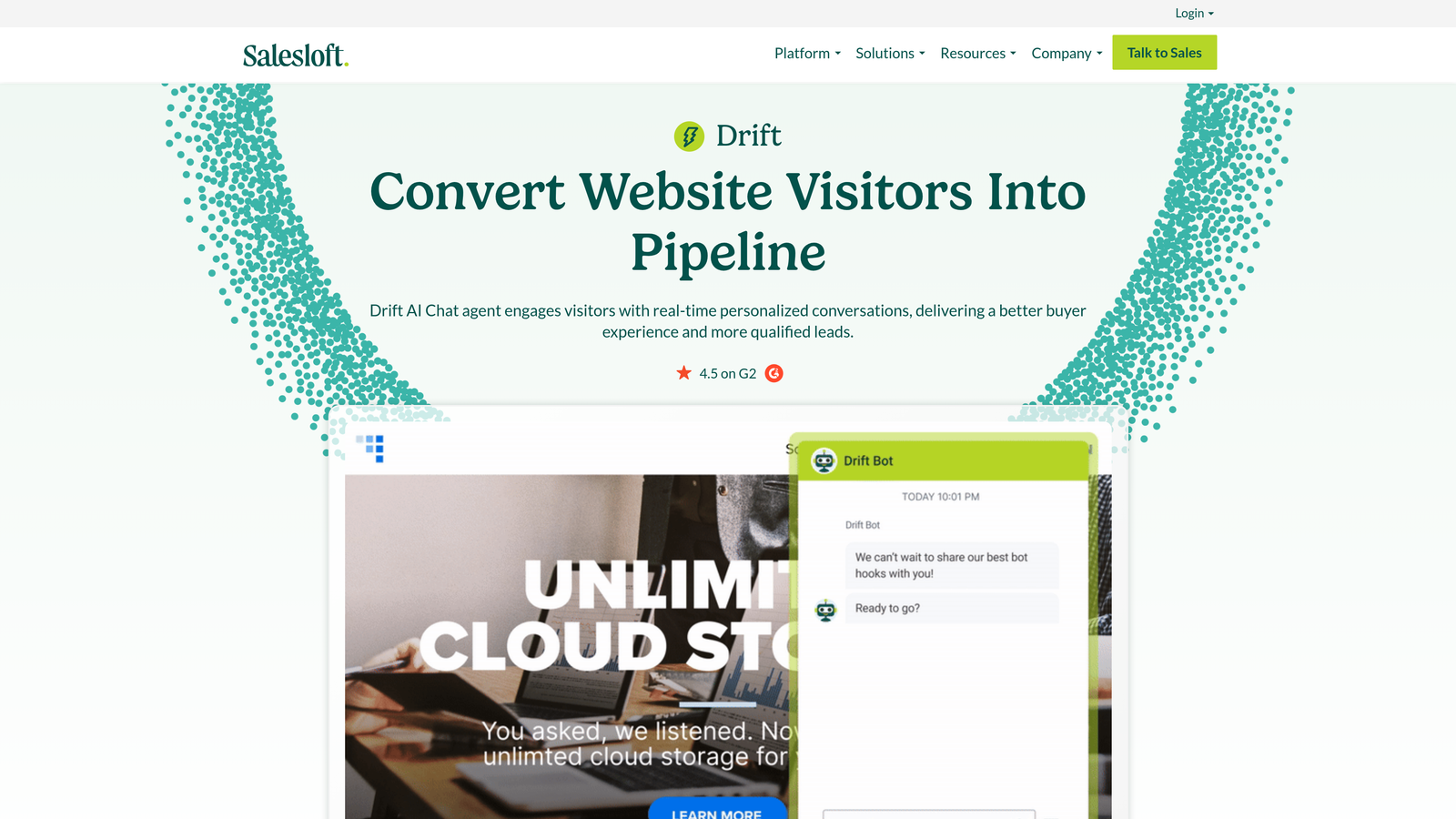
Drift, now part of Salesloft, is an enterprise-oriented conversational platform that combines sales and support AI, with pricing that requires direct engagement rather than self-serve sign-up.
Where This Tool Shines
Drift's core strength is the intersection of sales and support. If your conversational strategy needs to serve both revenue generation and customer support simultaneously, with account-based targeting, meeting scheduling, and CRM pipeline integration all in one platform, Drift is one of the few tools built for that use case. The AI conversation routing is designed to identify high-value accounts and route them appropriately, not just resolve tickets.
The acquisition by Salesloft has deepened the sales-side integrations, but it has also moved Drift further from pure support tooling. Teams looking primarily for a support automation platform may find the sales-heavy positioning a mismatch, and the lack of public pricing makes budget planning genuinely difficult.
Key Features
AI-Powered Conversation Routing: Routes conversations based on account attributes, intent signals, and sales pipeline stage.
Account-Based Targeting: Personalizes experiences based on company identity and visitor behavior.
Meeting Scheduling Integration: Connects directly to sales calendars and pipeline workflows.
Custom Chatbot Playbooks: Configurable conversation flows for different audience segments and use cases.
Deep CRM Integrations: Native connections to Salesforce and HubSpot for revenue team alignment.
Best For
Enterprise revenue teams where support and sales conversations overlap significantly. Less ideal for teams whose primary need is ticket resolution efficiency or transparent, self-serve pricing.
Pricing
Pricing is not publicly listed and requires a demo or direct sales contact. Generally considered an enterprise-tier investment. Contact drift.com for current rates and package details.
7. Chatbase
Best for: Teams wanting a lightweight AI chatbot trained on their own documentation
Chatbase is a lightweight AI chatbot builder that lets you train a bot on your documentation or knowledge base, with simple, transparent per-chatbot pricing.
Where This Tool Shines
Chatbase is the fastest path from "we have a knowledge base" to "we have an AI chatbot." The setup process is genuinely simple: upload your docs, point it at your URLs, and embed the widget. For teams that need a functional AI chatbot quickly without months of configuration, that simplicity is a real advantage.
The pricing model is also notably transparent. You know what you're paying for, which chatbots, how many messages, and what API access costs. This contrasts sharply with platforms where the true cost only becomes clear after a sales conversation. The tradeoff is depth: Chatbase lacks the enterprise helpdesk features, business intelligence, and deep integrations of more comprehensive platforms.
Key Features
Custom AI Training: Train your chatbot on uploaded documents, URLs, or knowledge base content.
Simple Embed Widget: Deploy to your website with a lightweight embed, no complex implementation required.
Per-Chatbot and Per-Message Pricing: Transparent usage-based billing with no hidden seat fees.
Basic Conversation Analytics: Track what users are asking and how the bot is responding.
API Access: Available for custom integrations and workflow connections at higher tiers.
Best For
Small teams, startups, and developers who need a quick, affordable AI chatbot trained on existing content. Not suited for teams needing full helpdesk functionality, complex routing, or enterprise-grade analytics.
Pricing
Free plan available; paid plans from approximately $19/month, scaling by number of chatbots and message volume. Check chatbase.co for current tier details.
8. Kustomer
Best for: High-volume consumer support teams wanting CRM-native context at scale
Kustomer, owned by Meta, is a CRM-native support platform using per-user pricing rather than per-ticket or per-resolution billing, with AI features included at higher tiers.
Where This Tool Shines
Kustomer's defining characteristic is its customer timeline view. Rather than treating each ticket as an isolated event, Kustomer maintains a full CRM-style history of every interaction across every channel. For high-volume consumer support teams handling repeat customers, this context dramatically improves the quality of both AI-automated and human-assisted responses.
The per-user pricing model is also worth noting. Unlike per-ticket or per-resolution models that can spike unexpectedly during volume surges, per-user pricing is predictable regardless of how many tickets each agent handles. This makes it easier to budget accurately, though the starting price point is higher than many alternatives.
Key Features
CRM-Style Customer Timeline: Full conversation history across all channels in a single view, giving agents and AI complete context.
Per-User Pricing: Costs are based on agent seats, not ticket volume or resolution count, providing billing predictability.
AI Automation: Handles routing, tagging, and suggested responses with AI at higher tier plans.
Omnichannel Coverage: Email, chat, SMS, social, and voice channels from a unified platform.
Business Rules Engine: Sophisticated workflow automation for complex routing and escalation logic.
Best For
Consumer-facing brands with high ticket volumes and repeat customers where historical context meaningfully improves support quality. The higher starting price makes it less accessible for small teams, but the CRM-native approach delivers real value at scale.
Pricing
From approximately $89/user/month at Enterprise tier; AI features included at higher plans. Verify current pricing and tier structure at kustomer.com.
9. Help Scout
Best for: Teams wanting AI assist features included in plans without heavy add-on fees
Help Scout is a clean, human-first support inbox with AI assist features included in standard plans, avoiding the add-on pricing complexity common with larger platforms.
Where This Tool Shines
Help Scout's philosophy is clarity. The interface is intentionally simple, the pricing is straightforward, and the AI features, including Summarize, Assist, and Beacon AI for self-service, are included in plans rather than gated behind enterprise upgrades. For teams that want AI to augment their agents without fully automating the support experience, this is a genuinely appealing approach.
The Docs knowledge base builder is included in plans as well, which reduces the total cost of ownership compared to platforms where knowledge management is a separate product. Help Scout won't satisfy teams needing deep automation or business intelligence, but for human-first support teams that want AI as a productivity layer, it delivers solid value at a reasonable price point.
Key Features
AI Summarize and Assist: Included in standard plans, helping agents draft replies and summarize long conversations quickly.
Beacon AI: Self-service widget with proactive messaging and AI-powered answer suggestions for customers.
Shared Inbox with Collision Detection: Prevents two agents from responding to the same ticket simultaneously.
Docs Knowledge Base: Built-in knowledge base builder included in plans, no separate product or add-on required.
Clean Reporting: Straightforward team performance and satisfaction metrics without overwhelming complexity.
Best For
Small to mid-market teams that prioritize simplicity, human-first support culture, and transparent pricing. Particularly well-suited for teams that want AI assist without committing to full automation or complex enterprise tooling.
Pricing
From approximately $22/user/month on the Standard plan; AI features included across tiers. Check helpscout.com for current tier details and any plan changes.
Which AI Support System Is Right for Your Team?
The right platform depends on three things: your team's size, your primary use case, and how much pricing transparency matters to you during the evaluation process.
For B2B SaaS teams that want AI to do more than deflect tickets, Halo AI stands out as the most purpose-built option. The combination of page-aware context, autonomous resolution, auto bug ticket creation, and business intelligence signals makes it genuinely different from platforms that added AI to an existing helpdesk. If your support data should be driving product decisions and customer success strategy, that architecture matters.
For teams already deep in the Zendesk or Intercom ecosystem, the switching cost is real. Zendesk makes sense for large enterprise operations with complex routing needs; Intercom's Fin is a capable AI agent if the per-resolution model works for your volume. Freshdesk is the strongest option for budget-conscious teams that want AI bundled rather than bolted on.
If you're a small team or e-commerce brand, Tidio and Chatbase offer the most accessible entry points with transparent, usage-based pricing. Help Scout is the cleanest choice for human-first teams that want AI assist without full automation. Kustomer fits high-volume consumer brands where CRM context is central to support quality. Drift is best evaluated only if your support and sales motions are deeply intertwined and budget is not a constraint.
One principle applies across all of them: always verify current pricing directly with the vendor. Pricing structures in this market change frequently, and what's listed today may look different by the time you're ready to sign.
Your support team shouldn't scale linearly with your customer base. Let AI agents handle routine tickets, guide users through your product, and surface business intelligence while your team focuses on complex issues that need a human touch. See Halo in action and discover how continuous learning transforms every interaction into smarter, faster support.