9 Best AI Support Tool Integration Services in 2026
Choosing the right AI support tool integration services is critical for support teams struggling to connect AI platforms with their existing CRMs, ticketing systems, and workflows. This guide evaluates nine top platforms based on native integration depth, AI capabilities, and setup ease to help you build a genuinely intelligent, connected support operation.
 Grant CooperFounder13 min read
Most support teams don't struggle with finding an AI tool. They struggle with getting that tool to actually work with everything else they use. CRMs, ticketing systems, project trackers, billing platforms: when AI support tools can't connect to these systems, agents end up context-switching, customers get slower responses, and the promised ROI never materializes.
This list focuses specifically on AI support tools that excel at integration. These are platforms that don't just answer tickets but connect deeply into your existing stack to pull context, trigger workflows, and push data where it needs to go. Whether you're running Zendesk, Freshdesk, Intercom, or a custom setup, the right integration-forward AI support tool can transform your support operation from reactive to genuinely intelligent.
We evaluated each tool on depth of native integrations, quality of AI capabilities, ease of setup, and how well it handles the handoff between automated and human support. Here's what we found.
1. Halo AI
Best for: B2B SaaS teams that need deep cross-system integration and business intelligence from support data
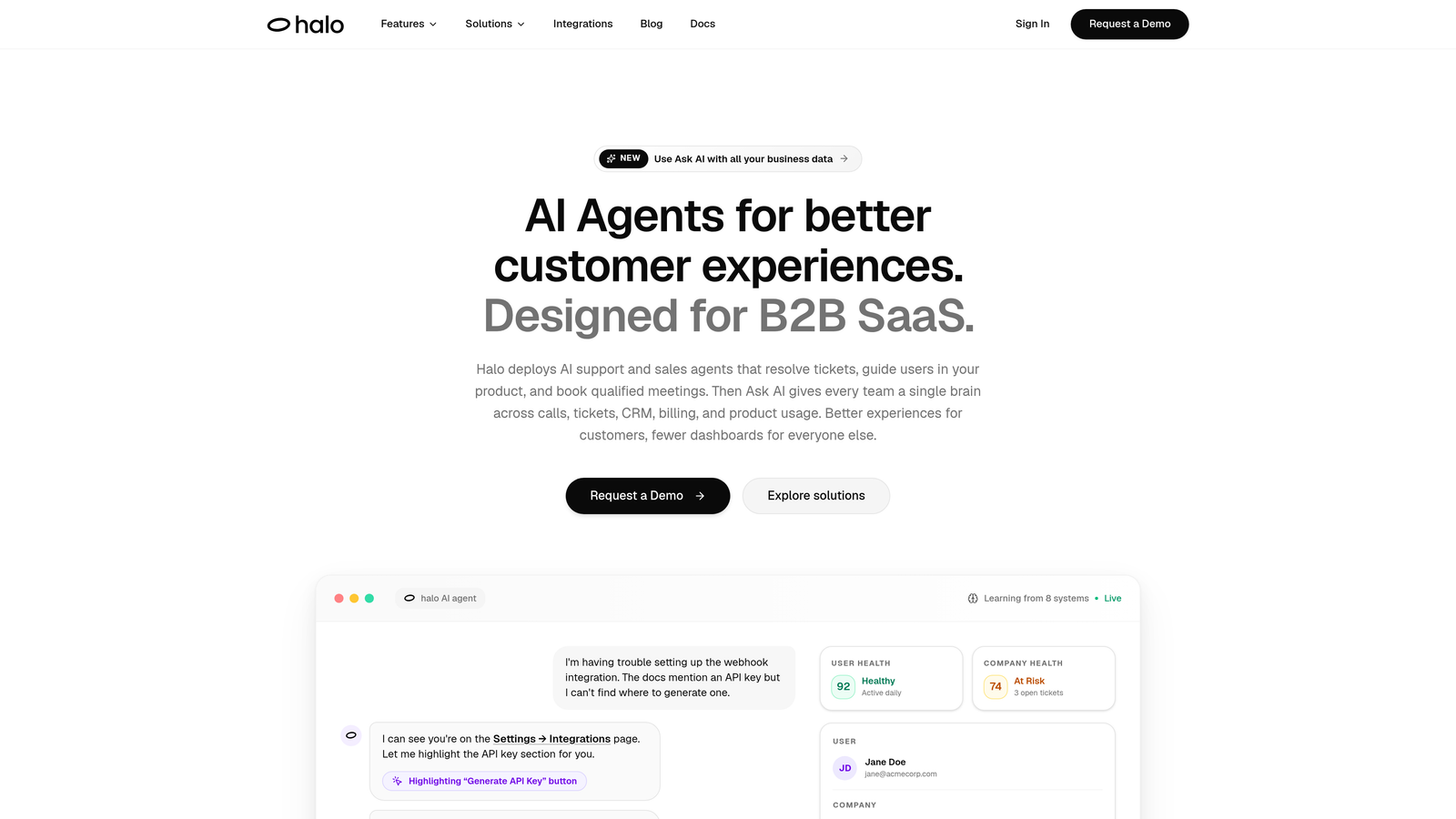
Halo AI is an AI-first customer support platform built for B2B SaaS teams that need more than a chatbot bolted onto their helpdesk.
Where This Tool Shines
What separates Halo from most tools on this list is its architecture. It wasn't designed as an add-on to an existing helpdesk; it was built from the ground up as an AI-native platform. That distinction matters when you're evaluating integration depth, because native systems can share data more fluidly than middleware-connected ones.
The page-aware chat widget is a standout capability. Rather than answering questions in a vacuum, Halo's AI agent actually sees what the user is looking at on screen and provides contextual UI guidance accordingly. Combine that with continuous learning from every resolved interaction, and the system gets measurably smarter over time without manual retraining.
Key Features
Page-Aware Context: The AI sees what the user sees on screen and delivers guidance specific to their current location in your product.
Cross-Stack Integrations: Native connections to Linear, Slack, HubSpot, Intercom, Stripe, Zoom, PandaDoc, and Fathom—covering engineering, sales, billing, and communication workflows.
Smart Inbox with Business Intelligence: Goes beyond ticket management to surface customer health signals, revenue anomalies, and support trend detection.
Auto Bug Ticket Creation: Automatically generates and routes bug reports directly into engineering workflows without agent involvement.
Live Agent Handoff: Escalates to human agents with full conversation context preserved, so nothing gets repeated.
Best For
B2B SaaS companies that want AI support deeply woven into their entire business stack, not just their helpdesk. Particularly well-suited for product-led growth teams where support context directly informs engineering and customer success decisions.
Pricing
Contact for pricing at haloagents.ai. Custom pricing based on team size and integration requirements.
2. Intercom Fin
Best for: Teams already standardized on Intercom who want native AI resolution without adding new infrastructure
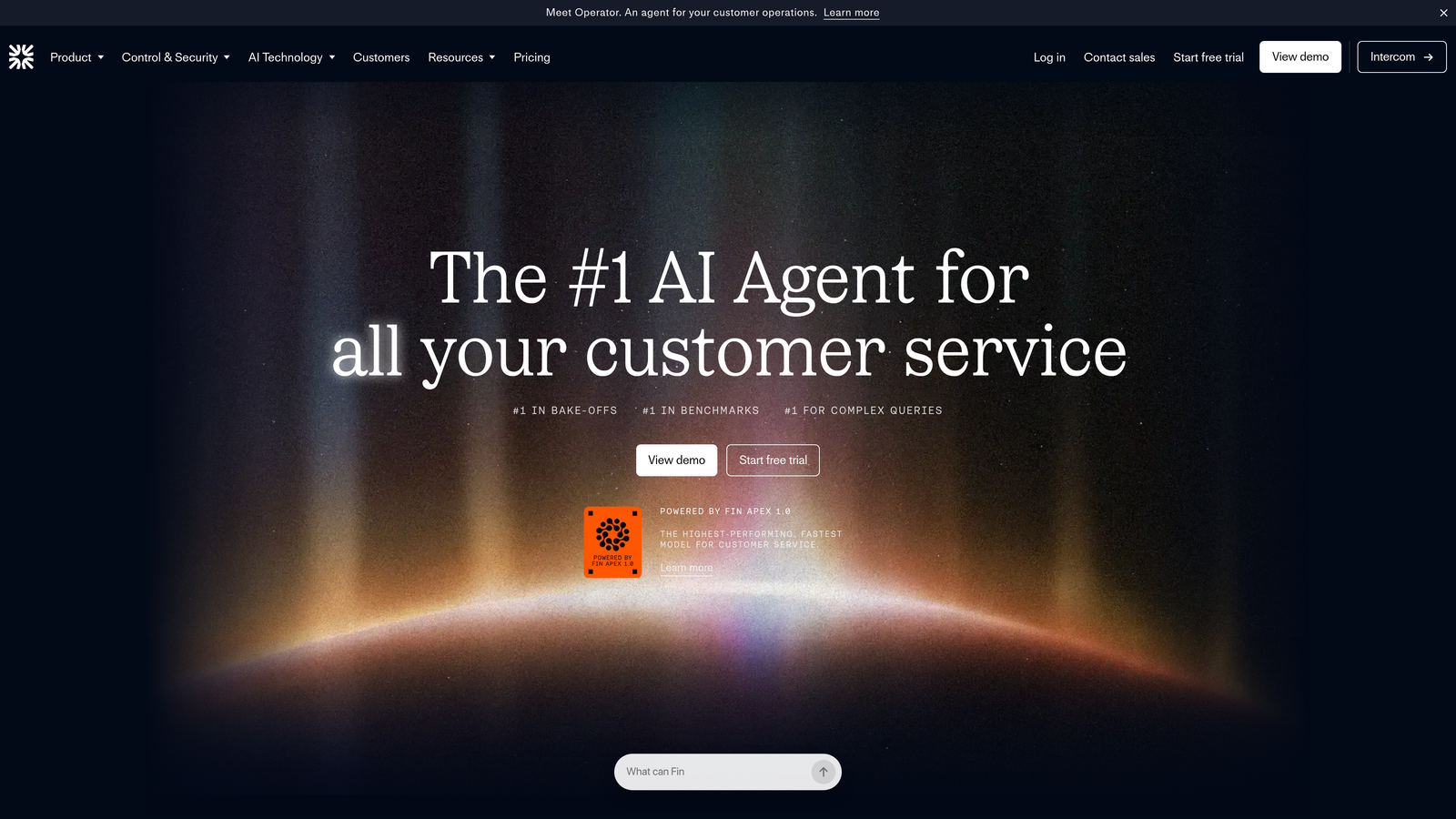
Intercom Fin is Intercom's native AI resolution agent, built directly into the Intercom messenger and inbox ecosystem.
Where This Tool Shines
If your team lives inside Intercom, Fin is the path of least resistance. It has zero-setup data access to your Intercom conversations, help center articles, and inbox workflows. There's no integration layer to configure because Fin and Intercom are the same product.
The consumption-based pricing model is worth understanding carefully. Paying per resolution sounds appealing at low volumes, but costs can scale unpredictably as ticket volume grows. Teams should model their expected resolution rates before committing.
Key Features
Native Intercom Integration: Direct access to messenger, inbox, help center, and articles with no configuration required.
Multi-Source Knowledge Ingestion: Pulls from help docs, PDFs, and URLs to build a comprehensive resolution knowledge base.
Consumption-Based Pricing: Charged per resolution, which aligns costs with outcomes rather than seats.
In-Platform Handoff: Transfers to human agents within the same Intercom interface, keeping the customer experience seamless.
Fin Insights Dashboard: Analytics on resolution rates, deflection, and conversation quality.
Best For
Support teams fully committed to the Intercom ecosystem. Less ideal if you're running multiple helpdesk systems or need integrations outside the Intercom platform.
Pricing
Starts at $0.99 per resolution (consumption-based); requires an active Intercom plan. Check intercom.com for current plan details.
3. Zendesk AI
Best for: Enterprise teams deeply invested in the Zendesk ecosystem who want AI across triage, agent assist, and autonomous resolution
Zendesk AI is Zendesk's embedded AI layer spanning intelligent triage, agent assistance, and autonomous resolution across the full Zendesk suite.
Where This Tool Shines
Zendesk's biggest integration advantage is its marketplace. With over 1,000 pre-built integrations, it's hard to find a tool in a typical support stack that Zendesk doesn't already connect to. For teams that have built their workflows around Zendesk, the AI layer slots in without disrupting existing processes.
The AI capabilities span the full support lifecycle: intelligent routing on the front end, suggested replies and macro recommendations for agents in the middle, and autonomous bot resolution for common queries. The Advanced AI add-on unlocks more sophisticated features for teams that need them.
Key Features
Intelligent Triage: Routes tickets based on intent, sentiment, and language detection automatically.
Agent Assist: Surfaces suggested replies and macro recommendations to speed up human agent responses.
Autonomous Resolution: Zendesk bots handle common queries using your existing knowledge base.
1,000+ Marketplace Integrations: Broad ecosystem coverage for connecting to CRMs, billing tools, and project systems.
AI-Powered QA Tools: Automated quality assurance and advanced analytics across support conversations.
Best For
Mid-market and enterprise organizations already standardized on Zendesk. The feature depth is significant, but so is the learning curve. Teams without dedicated Zendesk admin resources may find configuration complex.
Pricing
AI features included in select plans; Advanced AI add-on available for Suite plans at higher tiers. Check zendesk.com for current pricing details.
4. Freshdesk Freddy AI
Best for: Teams using the Freshworks ecosystem who want AI assistance across both agent workflows and autonomous self-service
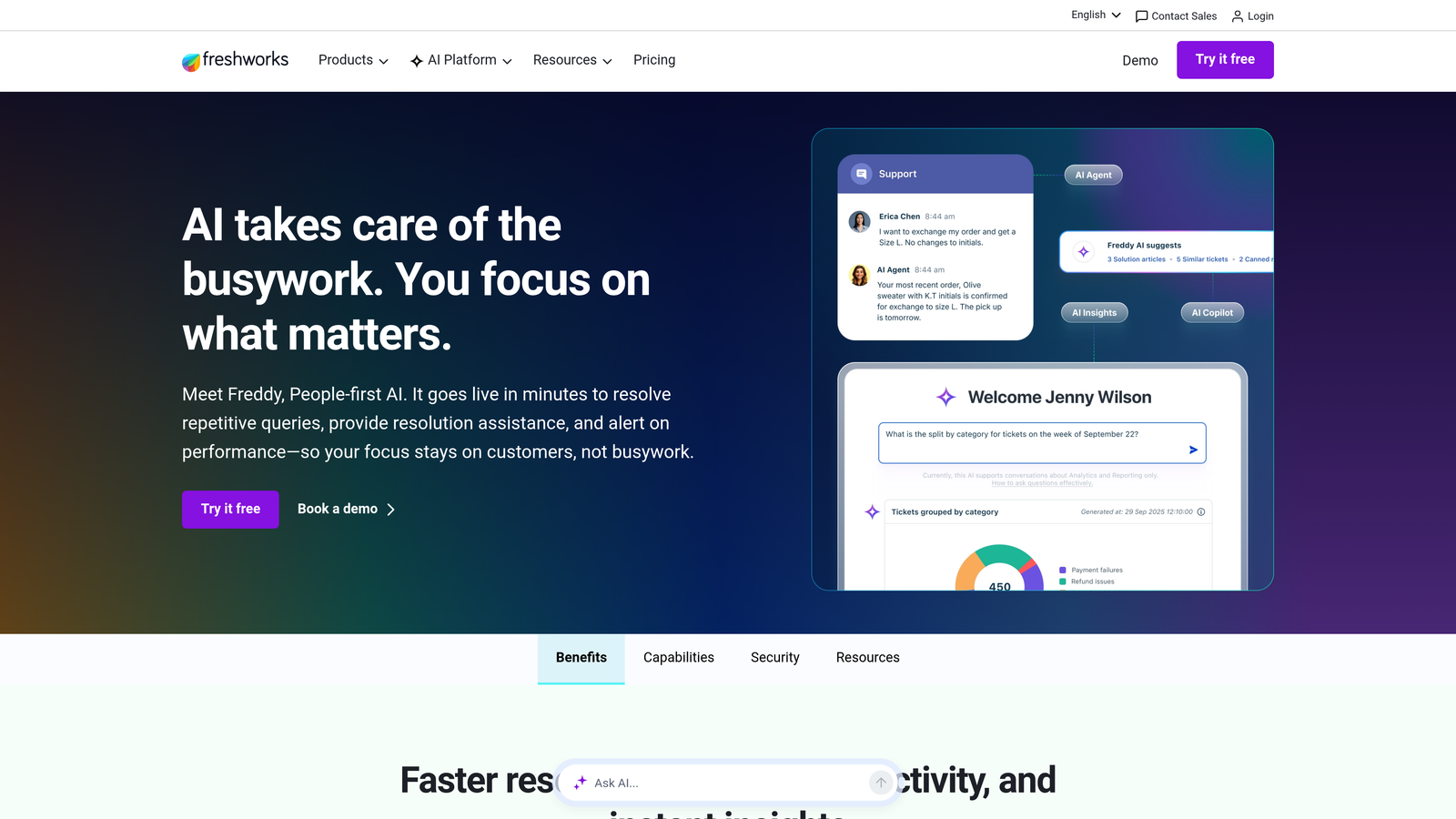
Freshdesk Freddy AI is Freshworks' AI engine embedded across Freshdesk, Freshchat, and Freshservice for agent assistance and autonomous resolution.
Where This Tool Shines
Freddy AI comes in two distinct flavors that serve different parts of the support workflow. Freddy Copilot assists human agents with suggested replies, conversation summarization, and tone adjustment. Freddy Self Service handles autonomous ticket resolution through chat, reducing the volume that reaches agents at all.
Within the Freshworks ecosystem, the integration experience is seamless. Connecting Freshdesk to Freshworks CRM or Freshservice for ITSM workflows requires minimal configuration. Cross-platform integrations outside the Freshworks family require more effort, which is worth factoring in if your stack is mixed.
Key Features
Freddy Copilot: Agent-facing AI assistance with suggested replies, summarization, and tone adjustment built into the agent interface.
Freddy Self Service: Autonomous resolution layer that handles common queries without agent involvement.
Omnichannel Coverage: Spans email, chat, phone, and social within the Freshworks platform.
Freddy Insights: AI-driven reporting with anomaly detection for support operations.
Native Freshworks Integration: Connects to Freshworks CRM and ITSM products without additional configuration.
Best For
Organizations running Freshworks products across multiple teams. Strong value for ITSM and B2B support use cases. Less compelling if your core systems of record live outside the Freshworks ecosystem.
Pricing
Freddy Copilot is available as an add-on; Freddy Self Service is included in higher Freshdesk tiers. See freshworks.com for current plan details.
5. Salesforce Agentforce
Best for: Salesforce-centric organizations that need AI support agents with real-time access to CRM and customer data
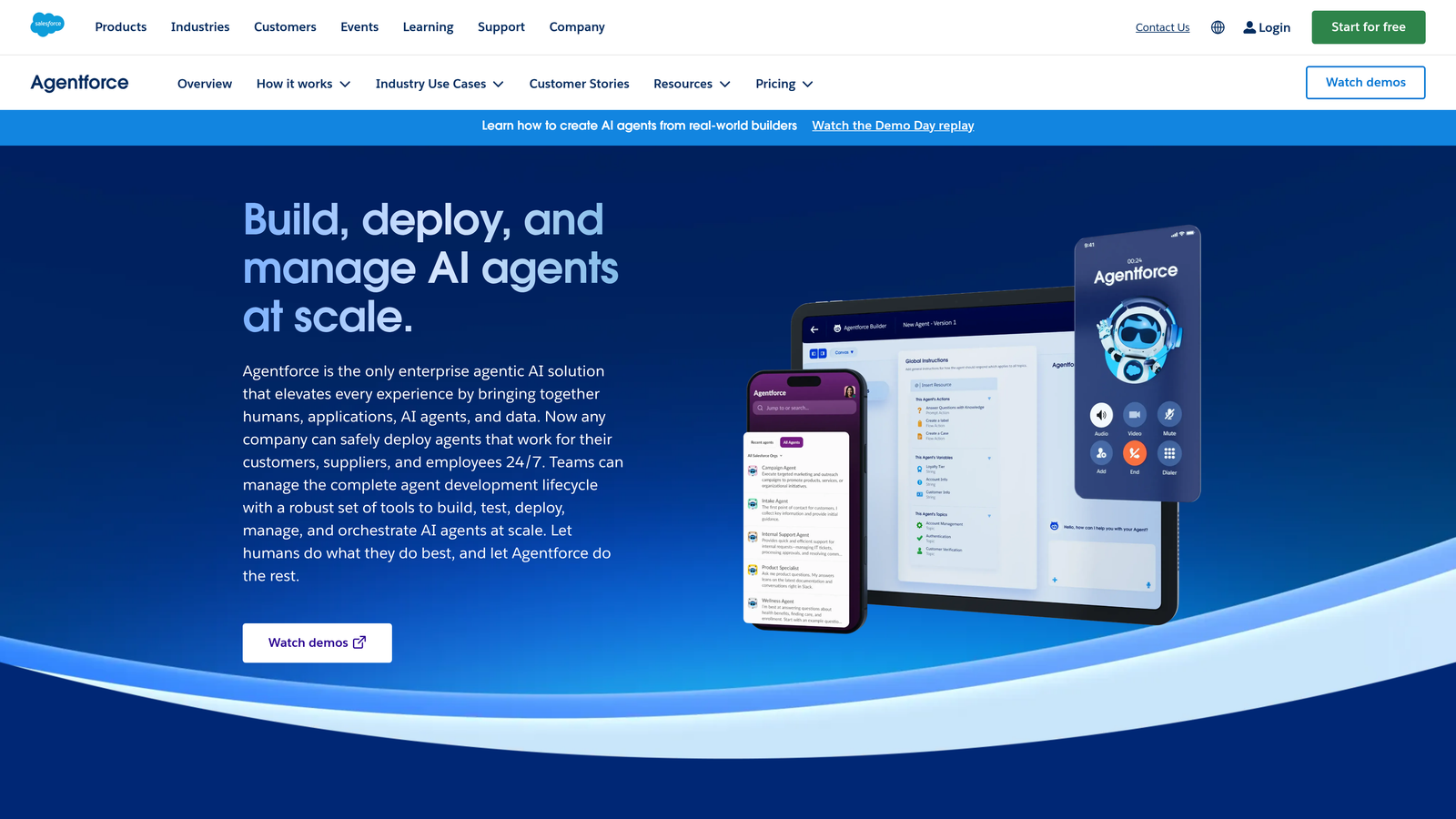
Salesforce Agentforce is Salesforce's autonomous AI agent platform, deeply integrated with Service Cloud, Sales Cloud, and the Salesforce Data Cloud.
Where This Tool Shines
The core value proposition of Agentforce is straightforward: if your organization runs on Salesforce, your AI support agents have access to the full customer record. Case history, account data, sales interactions, and billing information are all available without building a single integration. That level of context is genuinely difficult to replicate on non-Salesforce platforms.
Agent Builder, Salesforce's low-code configuration tool, allows admins to define agent behavior, escalation rules, and guardrails without heavy engineering involvement. For enterprise teams with Salesforce admin resources already in place, the setup curve is manageable.
Key Features
Full CRM Data Access: AI agents can access complete Salesforce case history, account records, and customer data in real time.
Salesforce Data Cloud Integration: Unified customer data across sales, service, and marketing for comprehensive context.
Agent Builder: Low-code tool for configuring agent behavior, escalation rules, and compliance guardrails.
Native Platform Integrations: Connects to Service Cloud, Sales Cloud, Slack, and MuleSoft without middleware.
Enterprise Compliance Controls: Built-in guardrails and human escalation controls for regulated industries.
Best For
Enterprise organizations with Salesforce as their system of record. Significant investment in setup and administration is required. Teams without dedicated Salesforce resources will find the platform challenging to configure and maintain.
Pricing
Agentforce pricing varies by edition and usage. Contact Salesforce or visit salesforce.com/agentforce for current details.
6. Ada
Best for: High-volume consumer support teams that need no-code integration with backend systems for transactional self-service
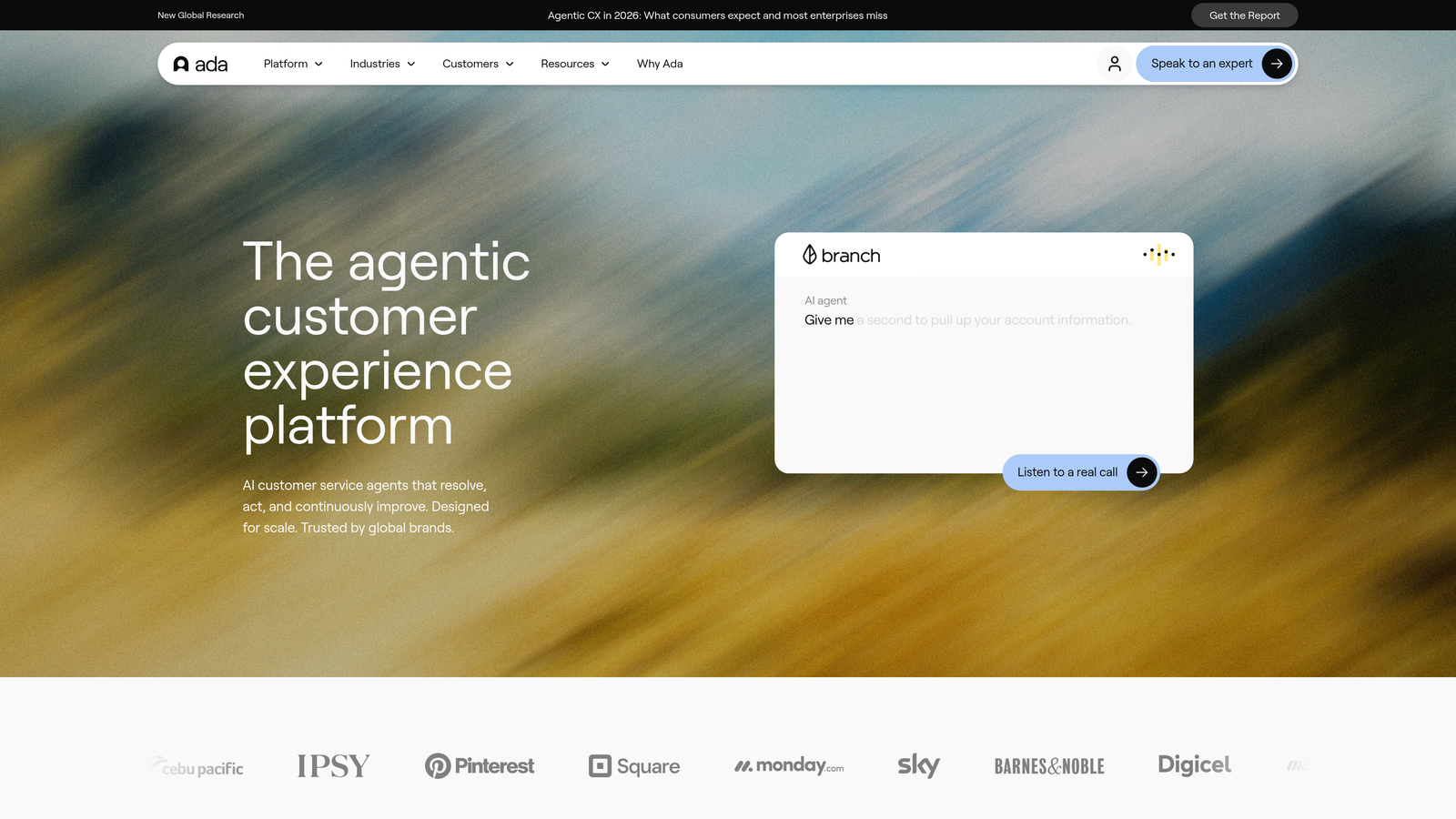
Ada is an enterprise AI support automation platform known for its no-code integration builder that connects to backend systems for transactional self-service.
Where This Tool Shines
Ada's strength is in enabling self-service for transactions, not just information retrieval. Through its no-code Actions builder, support teams can connect Ada to order management systems, billing platforms, and account databases so that customers can actually do things: check order status, update payment methods, modify subscriptions. That's a meaningful step beyond FAQ deflection.
The coaching and testing tools allow support teams to refine AI behavior without engineering involvement, which matters at scale when support operations need to iterate quickly on AI responses without opening a ticket every time.
Key Features
No-Code Actions Builder: Connects to order management, billing, and account systems to enable transactional self-service without coding.
Multi-Channel Reach: Deploys across web, mobile, SMS, and voice channels from a single platform.
Multi-Language Support: Handles global support operations across multiple languages natively.
Pre-Built Integrations: Connects to Zendesk, Salesforce, Shopify, and custom APIs.
Coaching Tools: Testing and refinement capabilities that allow support teams to improve AI behavior without engineering resources.
Best For
High-volume consumer support and enterprise teams in retail, subscription, and financial services where transactional self-service has the highest impact. Less suited to B2B SaaS teams with complex, context-heavy support needs.
Pricing
Enterprise pricing. Contact Ada for a quote at ada.cx.
7. Forethought
Best for: Teams managing multiple helpdesk platforms simultaneously or mid-migration between systems
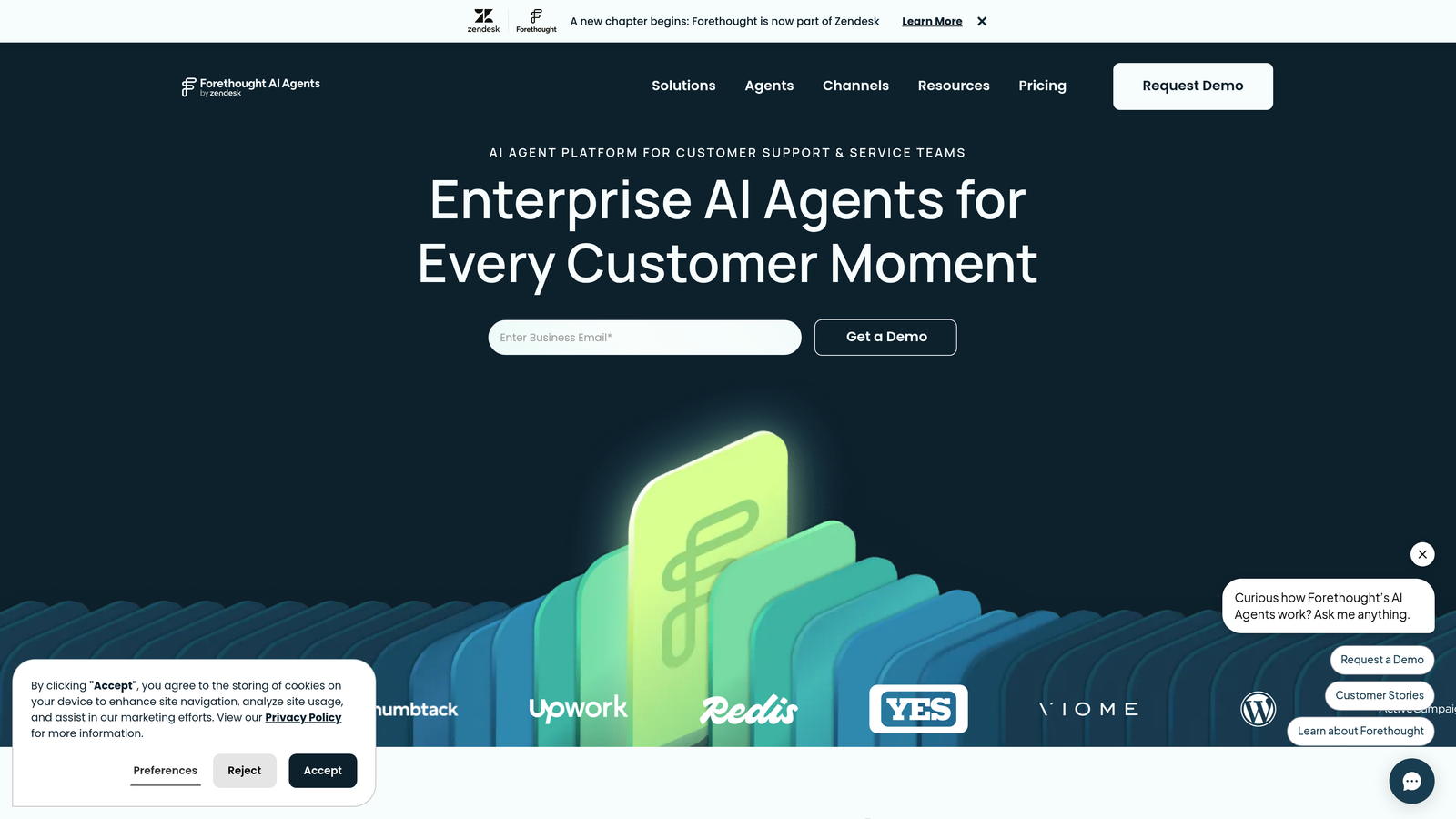
Forethought is an AI support layer designed to work on top of existing helpdesks rather than replace them, with cross-platform routing and resolution capabilities.
Where This Tool Shines
Forethought occupies an interesting position in this market: it's explicitly designed to layer on top of your existing helpdesk infrastructure rather than compete with it. That makes it uniquely useful for organizations running multiple helpdesk platforms, whether by design or because they're mid-migration between systems.
The combination of Solve (autonomous resolution) and Triage (intelligent routing) means Forethought can handle both the deflection and the routing problem across platforms like Zendesk, Salesforce, Freshdesk, and ServiceNow simultaneously. The Discover module adds AI-driven insight into knowledge gaps and support trends.
Key Features
Solve: Autonomous ticket resolution using your existing knowledge base, deployed across connected helpdesks.
Triage: Intelligent routing and prioritization that works across multiple helpdesk platforms at once.
Multi-Platform Support: Simultaneous integration with Zendesk, Salesforce, Freshdesk, and ServiceNow.
Discover: AI-driven analysis of support trends, resolution gaps, and knowledge base weaknesses.
Helpdesk-Agnostic Architecture: Designed to add AI without requiring platform consolidation first.
Best For
Enterprise teams with complex or transitional tech stacks who need AI capabilities without committing to a single helpdesk platform. Also well-suited for organizations that want AI-driven insights across fragmented support environments.
Pricing
Contact Forethought for pricing at forethought.ai.
8. Kustomer
Best for: Subscription and D2C businesses that need a unified customer record combining support, purchase, and behavioral data
Kustomer is a CRM-native customer service platform that unifies the full customer record into a single AI-powered timeline.
Where This Tool Shines
Kustomer's differentiation is its data model. Rather than treating support tickets as isolated events, Kustomer builds a unified customer timeline that combines support history, purchase data, subscription status, and behavioral signals. AI features are built on top of that unified record, which means routing decisions and suggested responses are informed by the full customer relationship, not just the current conversation.
For subscription businesses and D2C brands, that context is often the difference between a generic response and a genuinely helpful one. The proactive outreach capabilities, triggered by customer data signals, extend the platform beyond reactive support into customer success territory.
Key Features
Unified Customer Timeline: Combines tickets, orders, subscriptions, and chat history into a single view for agents and AI.
AI-Powered Routing and Responses: Routing decisions and suggested replies informed by the full customer record.
Omnichannel Inbox: Email, chat, SMS, social, and voice within a single CRM-native interface.
E-Commerce Integrations: Pre-built connections to Shopify, Recharge, Klaviyo, and common subscription tools.
Proactive Outreach: Triggers customer communication based on behavioral and transactional signals.
Best For
Subscription businesses, D2C brands, and e-commerce companies where purchase history and customer lifetime value should inform every support interaction. Less flexible for B2B teams whose system of record lives outside Kustomer.
Pricing
Starts at $89/user/month (Enterprise tier). See kustomer.com for current plan details.
9. Tidio Lyro
Best for: SMB and early-stage SaaS teams that need fast AI support setup without enterprise-level complexity or cost
Tidio Lyro is an accessible AI support tool targeting smaller SaaS and e-commerce teams, with fast setup and pre-built integrations for common SMB stacks.
Where This Tool Shines
Not every team needs enterprise-grade complexity. Tidio Lyro is built for teams that want to get AI support running quickly without a lengthy implementation project. Lyro is built on Claude, which gives it strong conversational quality out of the box, and the pre-built integrations with Shopify, WordPress, Wix, and Squarespace cover the most common SMB platforms without custom configuration.
The live chat fallback keeps the experience human when Lyro reaches the edges of its knowledge. For early-stage teams that want to deflect common questions while still ensuring customers can reach a person, that balance works well.
Key Features
Lyro AI on Claude: Conversational AI built on Anthropic's Claude model for high-quality natural language resolution.
Pre-Built SMB Integrations: Ready-to-use connections with Shopify, WordPress, Wix, and Squarespace.
Live Chat Fallback: Seamless handoff to human agents within the same interface when Lyro can't resolve.
Simple Knowledge Base Setup: Builds from your existing help content without complex configuration.
Affordable Entry Pricing: Accessible pricing structure designed for teams with limited budgets.
Best For
Early-stage SaaS companies, e-commerce brands, and SMB teams that need functional AI support quickly and affordably. Integration depth is more limited than enterprise tools, but the setup speed and cost profile make it a strong starting point.
Pricing
Free plan available; Lyro AI starts at approximately $29/month. Check tidio.com for current pricing.
Which Tool Is Right for Your Stack?
The right AI support tool isn't the one with the most features. It's the one that connects most naturally to the systems your team already depends on. A tool with brilliant AI but poor integration depth will create new friction even as it solves old problems.
Here's a quick way to think through your decision based on your situation:
AI-first with full stack integration: Halo AI is built for this. If you need your support AI to connect to engineering, sales, billing, and communication tools while also surfacing business intelligence from support data, it's the most purpose-built option on this list.
Already on Intercom: Intercom Fin is the natural choice. Zero setup overhead and native data access make it the lowest-friction path to AI resolution for Intercom shops.
Enterprise Zendesk environment: Zendesk AI gives you AI across triage, agent assist, and resolution without leaving the platform your team already knows, backed by one of the largest integration marketplaces in the industry.
Salesforce as your system of record: Agentforce is the only tool on this list that gives AI agents real-time access to the full Salesforce data model. For Salesforce-centric organizations, that context advantage is hard to replicate elsewhere.
SMB budget and fast setup: Tidio Lyro gets you to functional AI support faster and more affordably than any other option here. The integration depth won't match enterprise tools, but for early-stage teams, it doesn't need to.
Before you choose, take an honest look at your current integration gaps. Where do your agents currently switch between tabs to find context? Where does data fall through the cracks between systems? The tool that closes those specific gaps will deliver more value than the one with the longest feature list.
Your support team shouldn't scale linearly with your customer base. Let AI agents handle routine tickets, guide users through your product, and surface business intelligence while your team focuses on complex issues that need a human touch. See Halo in action and discover how continuous learning transforms every interaction into smarter, faster support.