9 Best AI Support Tools to Evaluate Before Making a Purchase Decision in 2026
Making the wrong AI Support Tool Purchase Decision can cost far more than licensing fees — it means lost time, team disruption, and delayed automation. This guide evaluates 9 leading AI support platforms across resolution capability, integration depth, learning architecture, and total cost of ownership so you can confidently choose a tool that delivers real ROI.
 Grant CooperFounder14 min read
Choosing the wrong AI support tool is an expensive mistake. Not just in licensing costs, but in implementation time, team disruption, and the opportunity cost of delayed automation. A tool that looks impressive in a demo can become shelf-ware six months post-launch if the architecture doesn't match your workflows, your integrations, or your growth trajectory.
The market has matured rapidly. Today's options range from bolt-on AI layers sitting on top of legacy helpdesks to purpose-built AI-native platforms that handle resolution, routing, and business intelligence from the ground up. The differences between these approaches are significant and often undersold during the sales process.
This guide covers the AI support tools worth serious consideration before you sign anything. Each has been evaluated on core resolution capabilities, integration depth, learning architecture, and total cost of ownership — the factors that actually determine whether a tool delivers ROI or collects dust. Whether you're replacing a helpdesk, adding AI to an existing stack, or building a support function from scratch, this list will help you compare options that match your team's scale and technical requirements.
1. Halo AI
Best for: B2B SaaS teams that want support automation to drive product and revenue intelligence, not just deflect tickets.
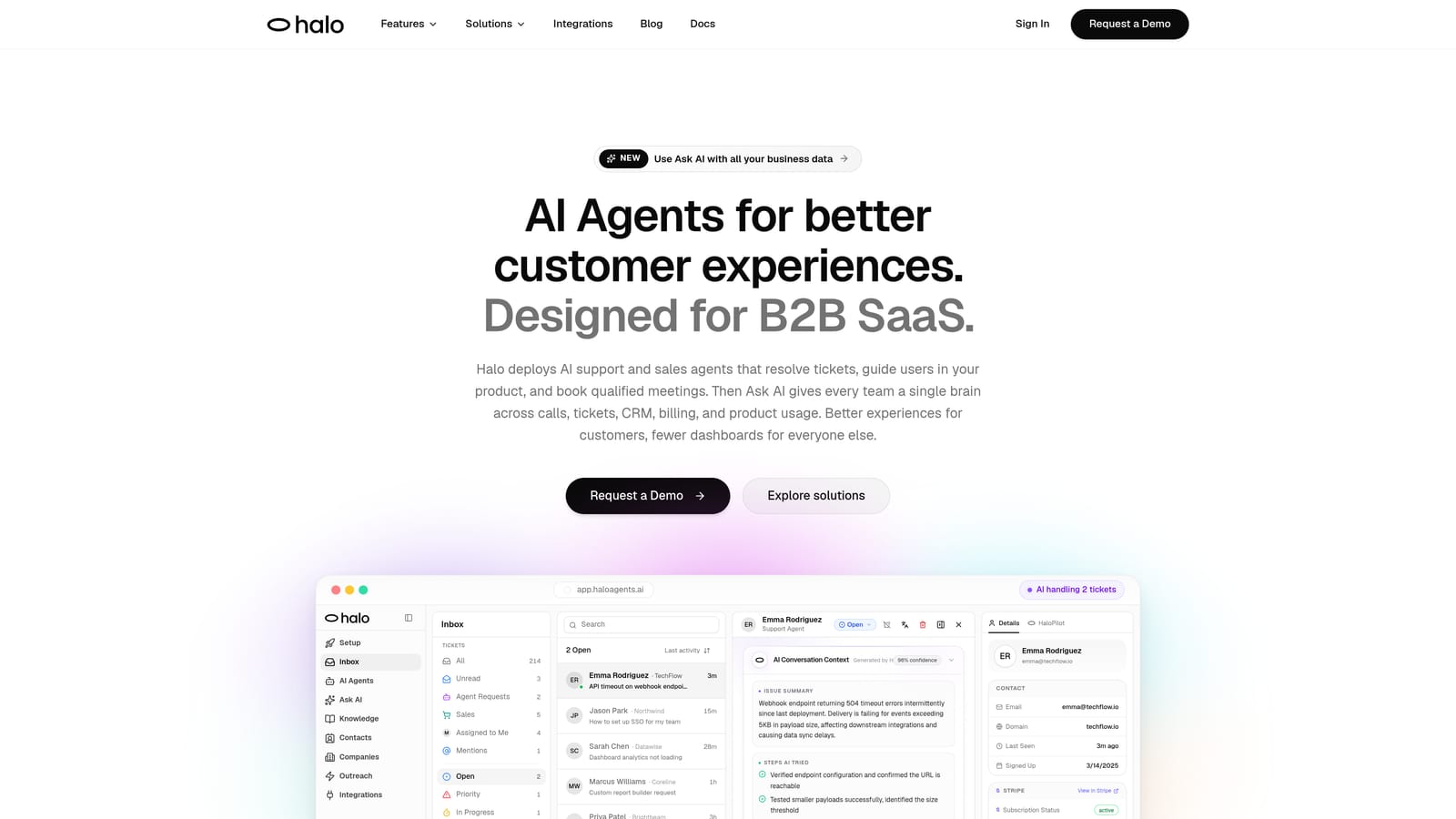
Halo AI is an AI-native customer support platform with page-aware agents, business intelligence, and full-stack integrations built for modern SaaS teams.
Where This Tool Shines
Halo's most important architectural distinction is what it's built on: nothing legacy. There's no traditional ticketing system underneath with AI bolted on top. The platform was designed from the ground up around AI resolution, which means the learning model, context handling, and integration logic aren't constrained by a decade-old data model.
The page-aware chat widget is genuinely differentiated. Halo's agents can see what users see in your product interface and provide visual UI guidance in context, rather than pointing users to a generic knowledge base article. Combined with the smart inbox that surfaces customer health signals, anomaly detection, and revenue intelligence, Halo positions itself as a strategic business tool rather than a pure cost-reduction play.
Key Features
Intelligent AI Agents: Resolve tickets autonomously and continuously learn from every interaction, improving resolution quality over time without manual rule updates.
Page-Aware Chat Widget: Sees what users see in your product and delivers visual UI guidance in context, reducing friction for product-related support queries.
Smart Inbox with Business Intelligence: Surfaces customer health signals, revenue intelligence, and anomaly detection alongside standard support metrics.
Auto Bug Ticket Creation: Automatically routes identified bugs to engineering tools like Linear, closing the loop between support and product teams.
Live Agent Handoff: Escalates complex issues to human agents with full conversation context preserved, so customers never have to repeat themselves.
Full-Stack Integrations: Connects across Slack, HubSpot, Stripe, Zoom, Intercom, PandaDoc, and Fathom — not just support tools, but the entire business stack.
Best For
B2B SaaS companies and product-led growth teams that want support data to inform product decisions and revenue intelligence. Particularly strong for teams building a support function where they don't want to inherit the limitations of a legacy helpdesk architecture.
Pricing
Contact for pricing. Positioned for B2B SaaS teams; pricing is customized based on team size and use case requirements.
2. Intercom (Fin AI Agent)
Best for: Teams already invested in the Intercom ecosystem who want native AI resolution without switching platforms.
Intercom Fin is Intercom's native AI agent offering conversational resolution with seamless handoff to human agents within the same interface.
Where This Tool Shines
If your team is already on Intercom, Fin is the path of least resistance to AI-assisted resolution. It operates natively within Intercom's messenger and inbox, uses your existing knowledge sources, and hands off to human agents without context loss. The workflow continuity is genuinely smooth for teams already running Intercom's outbound messaging and CRM-lite features.
The usage-based pricing model is worth understanding carefully before committing. Fin charges per resolution on top of your existing seat costs, which can make it cost-effective at low volumes but requires careful modeling at scale. Teams processing high ticket volumes should run the numbers before assuming it's cheaper than alternatives.
Key Features
AI Resolution via Knowledge Sources: Answers queries using connected knowledge bases, help center articles, and conversation history.
Native Intercom Integration: Operates within existing Intercom workflows, inbox, and messenger without additional configuration layers.
Usage-Based Pricing: Charges per successful resolution rather than per seat, which aligns cost with value in theory.
Omnichannel Coverage: Supports chat, email, and additional channels within the Intercom ecosystem.
Customizable AI Personas: Adjust tone, name, and behavior to match your brand's voice.
Best For
Teams already on Intercom who want to add AI resolution without introducing a new platform. Teams not currently using Intercom face meaningful switching costs to adopt Fin effectively, since its strengths are deeply tied to the broader Intercom ecosystem.
Pricing
Per-resolution pricing layered on top of Intercom seat costs. Intercom plans start at approximately $39 per seat per month; Fin costs are additive based on resolution volume.
3. Zendesk AI
Best for: Enterprise teams with established Zendesk workflows who want AI capabilities without migrating their helpdesk infrastructure.
Zendesk AI layers intelligent triage, AI-generated replies, and AI agents across the Zendesk Suite for teams with complex enterprise helpdesk workflows.
Where This Tool Shines
Zendesk's AI capabilities are most compelling for organizations already operating at scale on Zendesk's ticketing infrastructure. The intelligent triage with intent and sentiment detection, macro suggestions, and AI-generated reply assistance meaningfully accelerate agent workflows without requiring teams to change their fundamental operating model.
Enterprise compliance, security, and audit features are a genuine differentiator for regulated industries. The third-party integration marketplace is also extensive. The honest caveat: Zendesk AI is AI layered onto an established ticketing architecture, which means its resolution ceiling and learning speed are constrained by that underlying system. Teams evaluating Zendesk AI should factor in how AI add-on costs compound at enterprise seat counts.
Key Features
Intelligent Triage: Detects intent, sentiment, and language to route tickets accurately before an agent touches them.
AI-Generated Reply Suggestions: Provides agents with draft responses based on ticket context and knowledge base content.
AI Agents: Customer-facing automated resolution for common queries, significantly upgraded from the earlier Answer Bot product.
Enterprise Compliance Features: Security, audit logging, and compliance controls suited for regulated industries.
Broad Integration Marketplace: Hundreds of third-party integrations built on Zendesk's established platform.
Best For
Large enterprise teams with significant existing investment in Zendesk who need AI capabilities without platform migration. Less compelling for teams starting fresh who aren't already constrained by Zendesk's ecosystem.
Pricing
AI features are included in Suite Professional and above, with Suite starting at approximately $115 per agent per month. Advanced AI capabilities are available as an add-on, which can increase total cost substantially at enterprise scale.
4. Freshdesk Freddy AI
Best for: SMB and mid-market teams wanting accessible AI-assisted support without enterprise-level pricing.
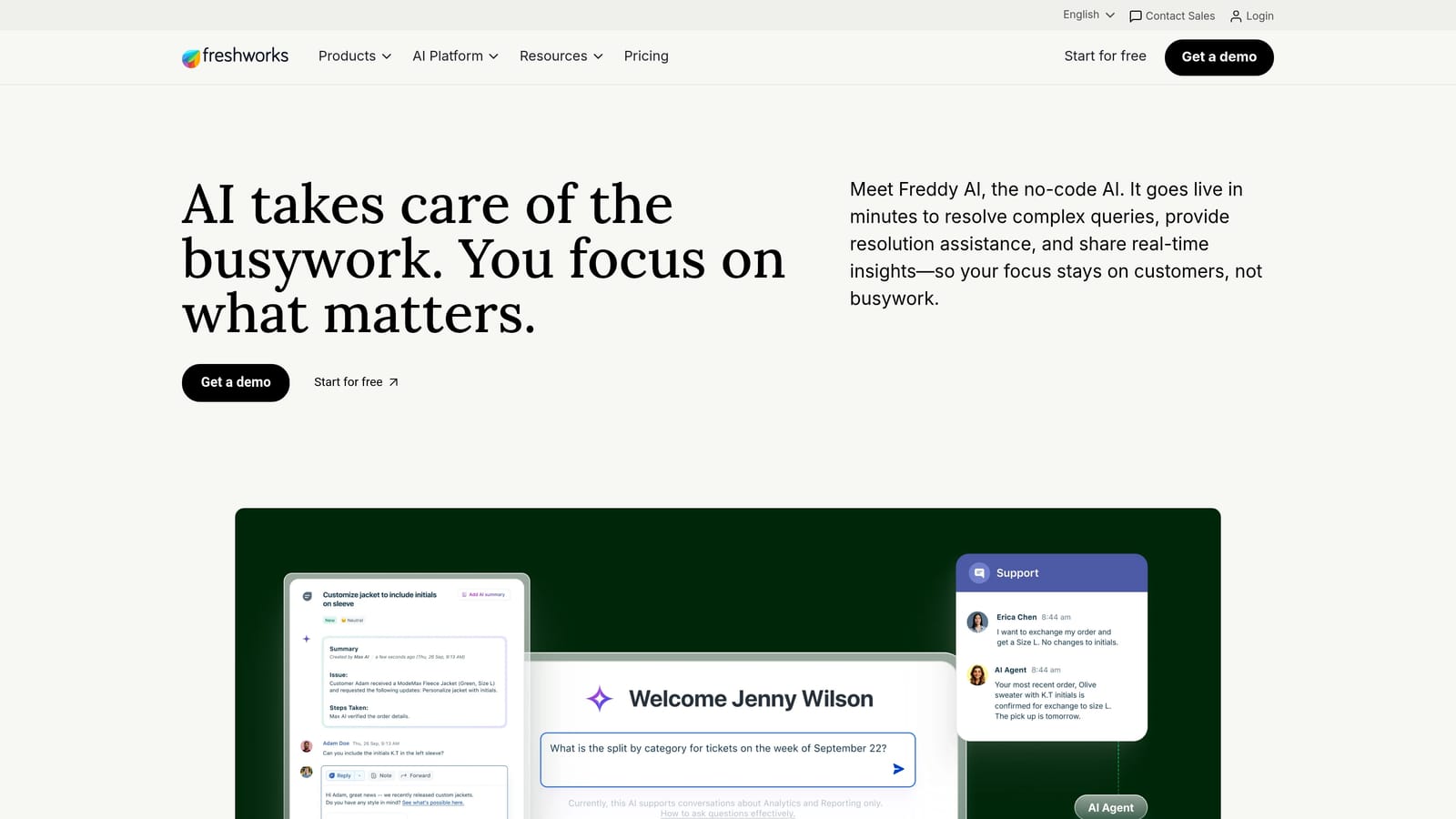
Freshdesk Freddy AI is Freshworks' AI layer across the Freshdesk support suite covering deflection, agent assistance, and analytics.
Where This Tool Shines
Freddy AI's strongest advantage is accessibility. At price points significantly below Zendesk's enterprise tiers, Freshdesk with Freddy gives SMB and mid-market teams a credible path to AI-assisted support without a six-figure commitment. The cross-suite AI across Freshdesk, Freshsales, and Freshservice is also useful for teams already running multiple Freshworks products.
Freddy Copilot's agent assistance features, including reply suggestions and conversation summaries, are practical and well-integrated into the agent experience. Freddy Insights adds analytics and trend identification on top of the core support data. The honest assessment: Freddy AI is generally perceived as less sophisticated than purpose-built AI-native platforms, particularly for complex technical support scenarios, but for standard customer service workflows it covers the fundamentals well.
Key Features
Freddy Self Service: AI chatbot for ticket deflection, handling common queries before they reach an agent.
Freddy Copilot: AI-assisted reply suggestions, conversation summaries, and next-step recommendations for agents.
Freddy Insights: Analytics and trend identification across support data to surface recurring issues and volume patterns.
Cross-Suite AI: Consistent AI capabilities across Freshdesk, Freshsales, and Freshservice for teams using multiple Freshworks products.
Accessible Pricing: Meaningfully more affordable than enterprise alternatives at comparable feature tiers.
Best For
SMB and mid-market teams that need AI-assisted support without enterprise pricing, and teams already using other Freshworks products who want a unified AI layer across their stack.
Pricing
Freddy AI features are available on the Growth plan and above. Freshdesk Growth starts at approximately $15 per agent per month, with specific AI add-ons priced separately depending on the product line.
5. Guru
Best for: Teams that need a reliable knowledge layer to complement an existing helpdesk rather than a standalone support platform.
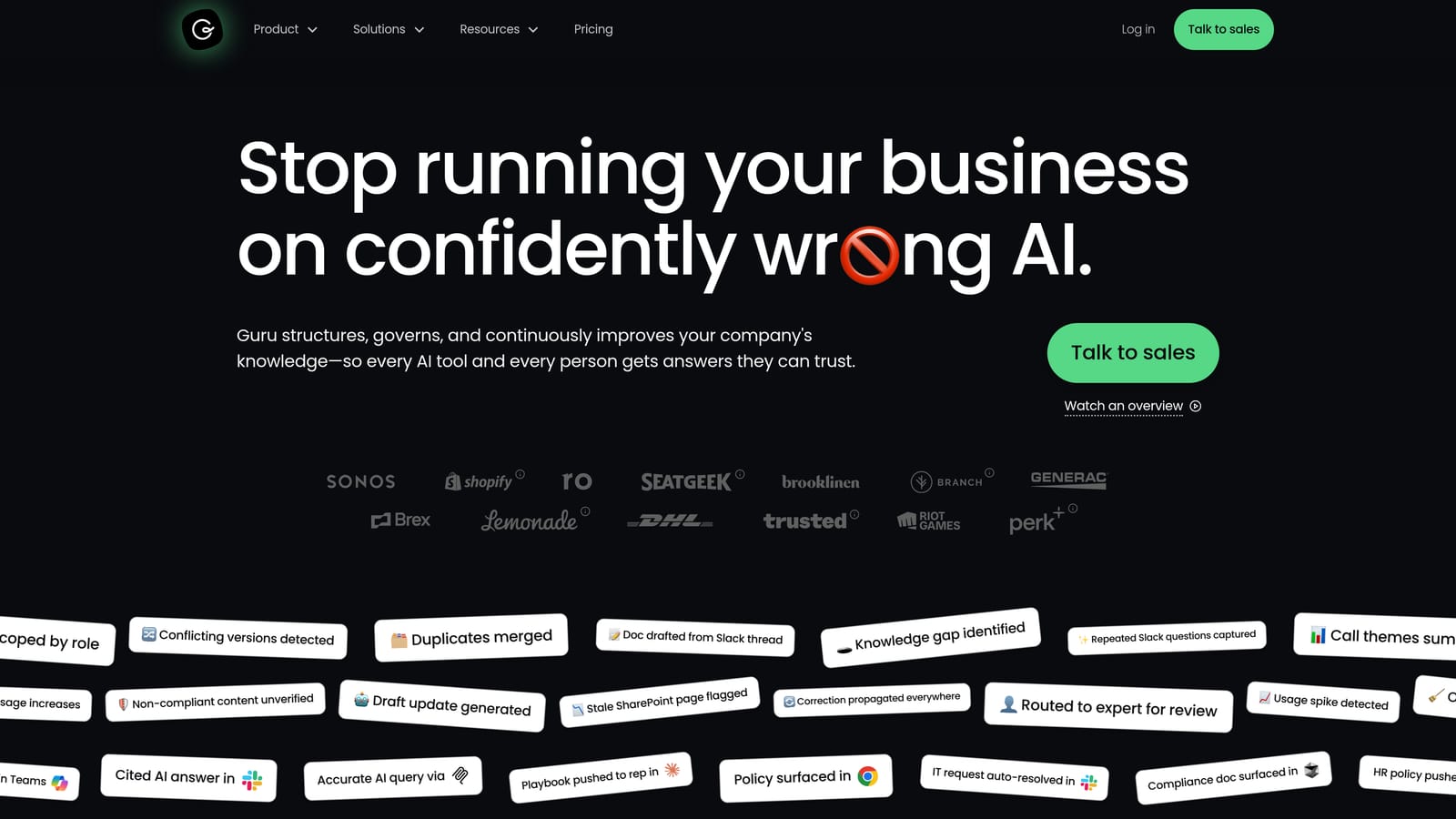
Guru is an AI-powered knowledge management platform that surfaces verified answers within support workflows through AI search and answer generation.
Where This Tool Shines
Guru addresses a problem that undermines many AI support deployments: stale and unverified knowledge. When AI agents pull from outdated or inaccurate knowledge bases, resolution quality degrades and customer trust erodes. Guru's verification workflows keep knowledge accurate and current, which directly improves the quality of AI-generated answers surfaced in support contexts.
The browser extension for in-context knowledge access is particularly useful for support agents who need answers without leaving their current workflow. Guru works best as a complement to a helpdesk rather than a replacement, which means it fits naturally into stacks that already include Zendesk, Intercom, or Freshdesk.
Key Features
AI Search and Answer Generation: Surfaces relevant answers from a verified knowledge base using natural language queries.
Verification Workflows: Ensures knowledge stays accurate with structured review and approval processes, preventing stale answers from reaching customers.
Broad Integrations: Connects with Zendesk, Slack, Salesforce, and other tools as a knowledge layer within existing workflows.
Browser Extension: Provides in-context knowledge access without requiring agents to switch tabs or applications.
Knowledge Gap Analytics: Identifies what users and agents are searching for but not finding, highlighting documentation gaps.
Best For
Support teams that already have a helpdesk in place and need a reliable, verified knowledge layer to improve AI resolution quality and agent efficiency. Not a standalone support solution.
Pricing
Free tier available for small teams. Paid plans start at approximately $10 per user per month and scale with team size and feature requirements.
6. Tidio
Best for: E-commerce and SMB teams that need fast, accessible AI chat deployment without heavy configuration requirements.
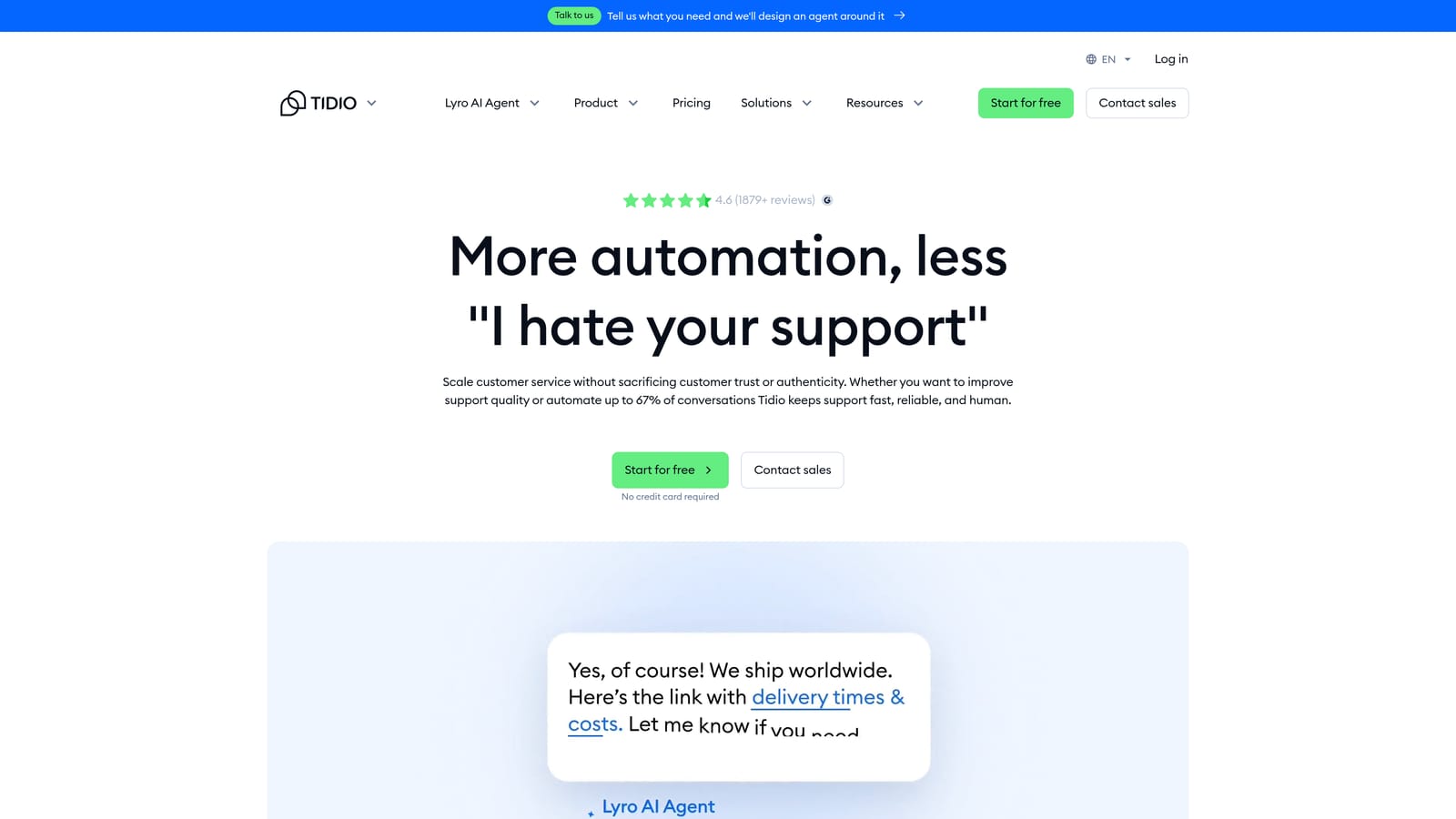
Tidio is a live chat and AI chatbot platform with Lyro AI for automated resolution, designed for quick deployment and accessible pricing.
Where This Tool Shines
Tidio's primary strength is speed to value. Teams can get Lyro AI handling common queries within hours, not weeks. For e-commerce businesses and SMBs dealing with high volumes of repetitive questions about orders, shipping, and product information, Tidio covers the fundamentals without requiring significant technical resources to configure and maintain.
The native integrations with Shopify and WordPress make it particularly well-suited for e-commerce contexts where those platforms are already in use. The combination of AI automation and live chat handoff in a single, affordable package is compelling for teams that don't need enterprise-grade complexity.
Key Features
Lyro AI Agent: Conversational AI that handles common queries autonomously, trained on your support content.
Pre-Built Automation Flows: Ready-to-deploy automation for common query types, reducing setup time significantly.
E-Commerce Integrations: Native connections with Shopify, WordPress, and other e-commerce platforms for order and product context.
Live Chat with Handoff: Smooth escalation from Lyro to human agents when queries exceed the AI's resolution capability.
Quick Setup: Designed for deployment without heavy technical configuration or lengthy onboarding processes.
Best For
E-commerce businesses and SMBs with high volumes of repetitive queries and limited technical resources for implementation. Less suited for complex B2B SaaS support scenarios that require deep technical resolution or business intelligence capabilities.
Pricing
Free plan available. Lyro AI is included on paid plans starting at approximately $29 per month, making it one of the more accessible options on this list.
7. Forethought
Best for: Teams that want to improve AI-driven triage and routing efficiency without replacing their existing helpdesk investment.
Forethought is an AI triage, routing, and resolution platform that layers onto existing helpdesks, designed for teams focused on operational efficiency gains within their current stack.
Where This Tool Shines
Forethought's architecture is explicitly additive rather than replacement-focused. If you've invested significantly in Zendesk, Salesforce, or Freshdesk and aren't ready to migrate, Forethought adds meaningful AI capabilities on top of those investments. The Triage AI for intent detection and intelligent routing is particularly strong, reducing misrouted tickets and the handling time that results from them.
The Discover analytics component surfaces support trends and recurring issue patterns that can inform product and documentation decisions. For teams that want to squeeze more value out of their existing helpdesk before committing to a platform change, Forethought is a credible option.
Key Features
Triage AI: Detects intent and routes tickets intelligently based on predictive models trained on historical ticket data.
Solve AI: Automated resolution for tickets that match known patterns, reducing volume reaching human agents.
Discover Analytics: Identifies support trends, recurring issues, and volume patterns to inform operational and product decisions.
Helpdesk Integrations: Connects with Zendesk, Salesforce, Freshdesk, and other established helpdesks as an additive layer.
Predictive Models: Resolution and routing logic trained on your historical ticket data rather than generic patterns.
Best For
Mid-market and enterprise teams with significant existing helpdesk investments who want AI-driven efficiency improvements without platform migration. Less relevant for teams starting fresh who can choose their architecture from the beginning.
Pricing
Custom enterprise pricing. Contact Forethought directly for a quote based on volume and integration requirements.
8. Kustomer
Best for: High-volume B2C and DTC support operations that need a unified customer timeline across all channels.
Kustomer is a CRM-native omnichannel customer service platform with AI built around a unified customer timeline, giving agents complete interaction history across every channel in a single view.
Where This Tool Shines
Kustomer's core strength is the unified customer timeline. For B2C and DTC operations where customers interact across chat, email, phone, and social channels, having every interaction in one view changes how agents handle complex situations. The CRM-native data model means AI-suggested replies and automated workflows have access to rich customer context, not just the current ticket.
The AI capabilities, including intent detection and automated routing, are built to operate at the high volumes typical of consumer-facing support operations. Teams with thousands of daily interactions across multiple channels will find Kustomer's architecture better suited to that scale than many helpdesk-first alternatives.
Key Features
Unified Customer Timeline: All interactions across every channel consolidated in a single view, giving agents and AI complete context.
AI Intent Detection and Routing: Automatically identifies query intent and routes to the appropriate team or automated workflow.
AI-Suggested Replies: Generates reply suggestions based on customer history and current query context.
Omnichannel Support: Covers chat, email, phone, and social channels within a single platform.
CRM-Native Data Model: Customer data is the foundation of the platform, not an add-on, enabling richer AI context.
Best For
High-volume B2C and DTC support teams that need omnichannel coverage and rich customer context. Less optimized for B2B SaaS technical support scenarios where product-level context and engineering integrations are priorities.
Pricing
Enterprise pricing; contact Kustomer directly for a quote. Historically positioned above the SMB market.
9. Helpshift
Best for: Gaming, fintech, and mobile consumer products that need in-app AI support without redirecting users to external channels.
Helpshift is a mobile-first AI support platform deployed via SDK for in-app resolution, specialized for products where the support experience must live inside the mobile UX.
Where This Tool Shines
Helpshift solves a specific problem that general-purpose support platforms handle poorly: delivering AI-powered support inside a mobile app without breaking the user experience. The SDK-based deployment means support is embedded directly in the product, and AI bots resolve queries within the mobile interface rather than redirecting users to a web chat or email flow.
For gaming companies and mobile-first fintech products where user retention is closely tied to in-app experience quality, this distinction matters considerably. The asynchronous messaging model is also well-suited to mobile behavior patterns, where users may not stay in an app for a synchronous chat session.
Key Features
SDK-Based In-App Deployment: Support is embedded directly in the mobile app via SDK, keeping users within the product experience.
AI Bots for Mobile Resolution: Handles common queries autonomously within the mobile UX without external redirects.
Asynchronous Messaging: Optimized for mobile behavior patterns where users engage with support on their own schedule.
Mobile Analytics Integrations: Connects with mobile analytics and crash reporting tools for richer support context.
Multilingual Support: Handles global mobile audiences across multiple languages within the same deployment.
Best For
Gaming companies, mobile fintech applications, and consumer mobile products where in-app support quality directly affects retention. Less relevant for web-based B2B SaaS products where in-app SDK deployment isn't the primary support channel.
Pricing
Custom enterprise pricing. Contact Helpshift directly for a quote based on monthly active users and deployment requirements.
Making the Right Choice for Your Team
The most important question in this purchase decision isn't "which tool has the best feature list?" It's "which architecture matches where we're going?" A tool that works well at your current scale may become a constraint as you grow, and switching platforms 18 months in is far more expensive than getting the decision right the first time.
Here's a quick orientation by team type:
B2B SaaS teams building or scaling a support function: Prioritize AI-native architecture and business intelligence capabilities. Halo AI is built specifically for this context, with page-aware resolution, full-stack integrations, and the ability to surface revenue and product intelligence from support data.
Teams already deep in Zendesk or Freshdesk: Zendesk AI and Freddy AI are the lowest-friction paths to AI capabilities without platform migration. Forethought is worth evaluating if you want stronger triage and routing on top of your existing investment.
E-commerce and SMB teams: Tidio offers the fastest path to AI resolution at an accessible price point. Intercom Fin is a strong option if you're already in the Intercom ecosystem.
Mobile-first consumer products: Helpshift is the specialist here. No general-purpose platform handles in-app mobile support as cleanly.
Before you commit to any vendor, ask these four questions in every demo: How does the AI learn and improve after deployment? What does a graceful human handoff look like in practice? What does total cost of ownership look like at 2x our current ticket volume? And what business intelligence does the platform surface beyond ticket counts and CSAT scores?
The answers will tell you more than any feature comparison spreadsheet.
Your support team shouldn't scale linearly with your customer base. Let AI agents handle routine tickets, guide users through your product, and surface business intelligence while your team focuses on complex issues that need a human touch. See Halo in action and discover how continuous learning transforms every interaction into smarter, faster support.