9 Best AI Support Tools for SaaS in 2026
SaaS companies need scalable support solutions that handle complex product questions across time zones without expanding team size. This comprehensive guide reviews the 9 best AI support tools for SaaS in 2026, comparing their capabilities, ideal use cases, and pricing to help you select the right platform that can autonomously resolve customer issues while integrating seamlessly with your existing business systems.
 Grant CooperFounder14 min read
SaaS companies face a unique support challenge: users expect instant, knowledgeable help across complex product features, billing questions, and technical issues—often across multiple time zones. Traditional support models struggle to scale without ballooning headcount costs.
AI support tools have matured significantly in 2026. We're past the era of frustrating chatbots that couldn't understand basic questions. Today's AI agents understand context, learn from interactions, and resolve issues autonomously—often better than reading through documentation yourself.
This guide evaluates top AI support tools purpose-built for SaaS environments. We'll examine their strengths, ideal use cases, and pricing to help you find the right fit for your support operations.
1. Halo AI
Best for: SaaS teams wanting AI-native support that learns continuously and connects across their entire business stack
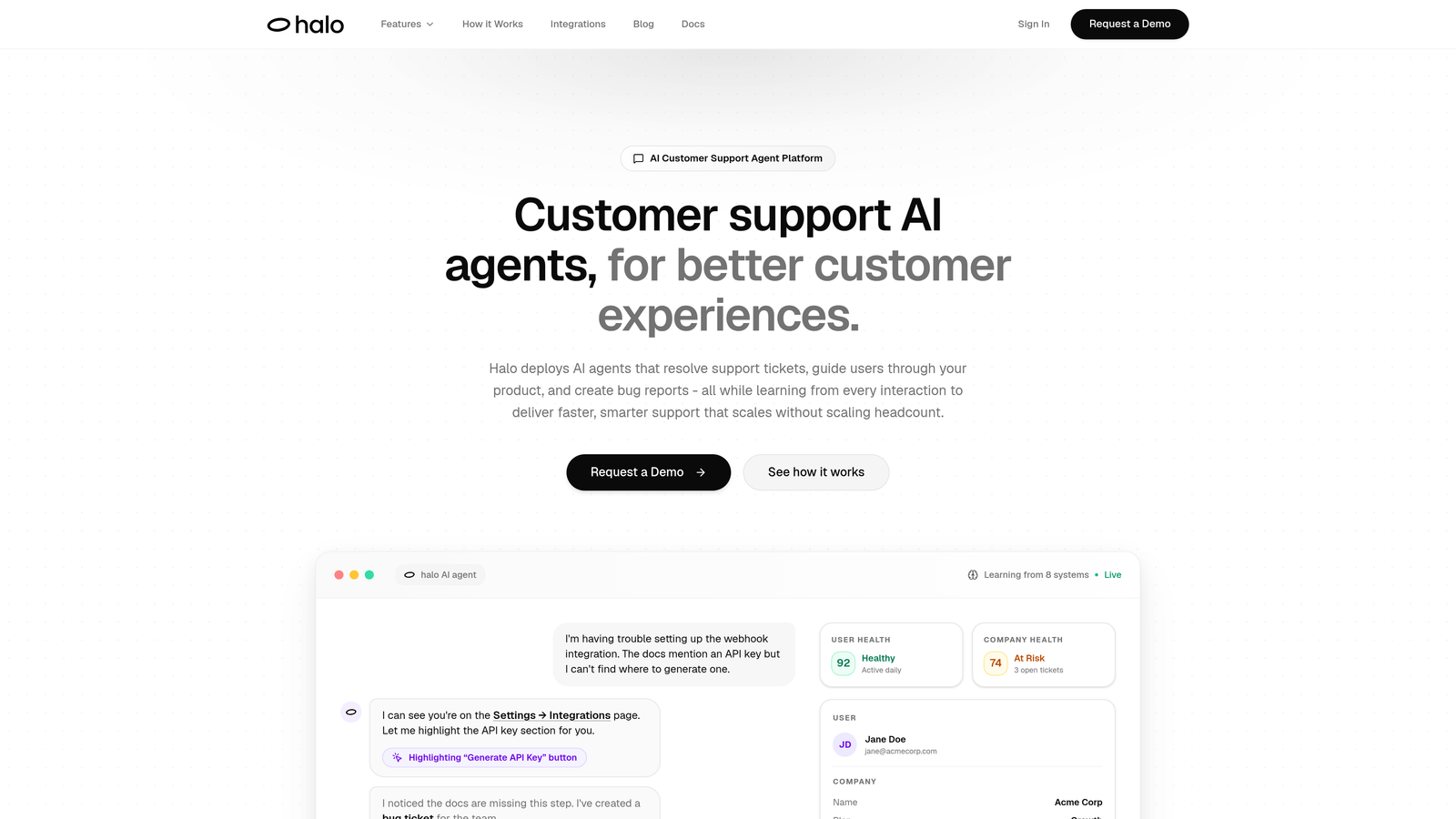
Halo AI is an AI-first customer support platform built specifically for modern SaaS companies, featuring intelligent agents that resolve tickets, guide users through products, and create bug reports while learning from every interaction.
Where This Tool Shines
Unlike traditional helpdesks with AI bolted on, Halo was architected from the ground up around AI agents. The platform's page-aware context means it actually sees what your users see in your application—not just what they describe in a ticket. This visual understanding dramatically improves resolution accuracy.
The continuous learning architecture sets Halo apart. Every interaction makes the system smarter. Your AI agents don't just reference static documentation—they evolve based on actual customer conversations, product updates, and resolution patterns.
Key Features
Page-Aware Chat Widget: Sees the exact UI state users are viewing, enabling contextual guidance without users needing to explain what screen they're on.
Continuous Learning Engine: Improves resolution quality over time by analyzing every interaction, identifying patterns, and updating response strategies automatically.
Auto Bug Ticket Creation: Detects technical issues during support conversations and automatically creates detailed bug reports in Linear with reproduction steps and context.
Smart Inbox with Business Intelligence: Goes beyond support metrics to surface customer health signals, revenue intelligence, and anomaly detection across your business.
Deep Stack Integrations: Connects to your entire business ecosystem including Slack, HubSpot, Stripe, Intercom, Zoom, PandaDoc, and Fathom for comprehensive data access.
Best For
SaaS companies that want support to do more than answer tickets. Ideal if you're tired of AI that needs constant retraining, want your support system to understand product context automatically, or need business intelligence alongside customer service. Particularly valuable for product-led SaaS where in-app guidance matters as much as reactive support.
Pricing
Contact for custom pricing based on your support volume and integration requirements.
2. Intercom Fin
Best for: Teams already using Intercom who want GPT-4 powered automation within their existing messaging platform
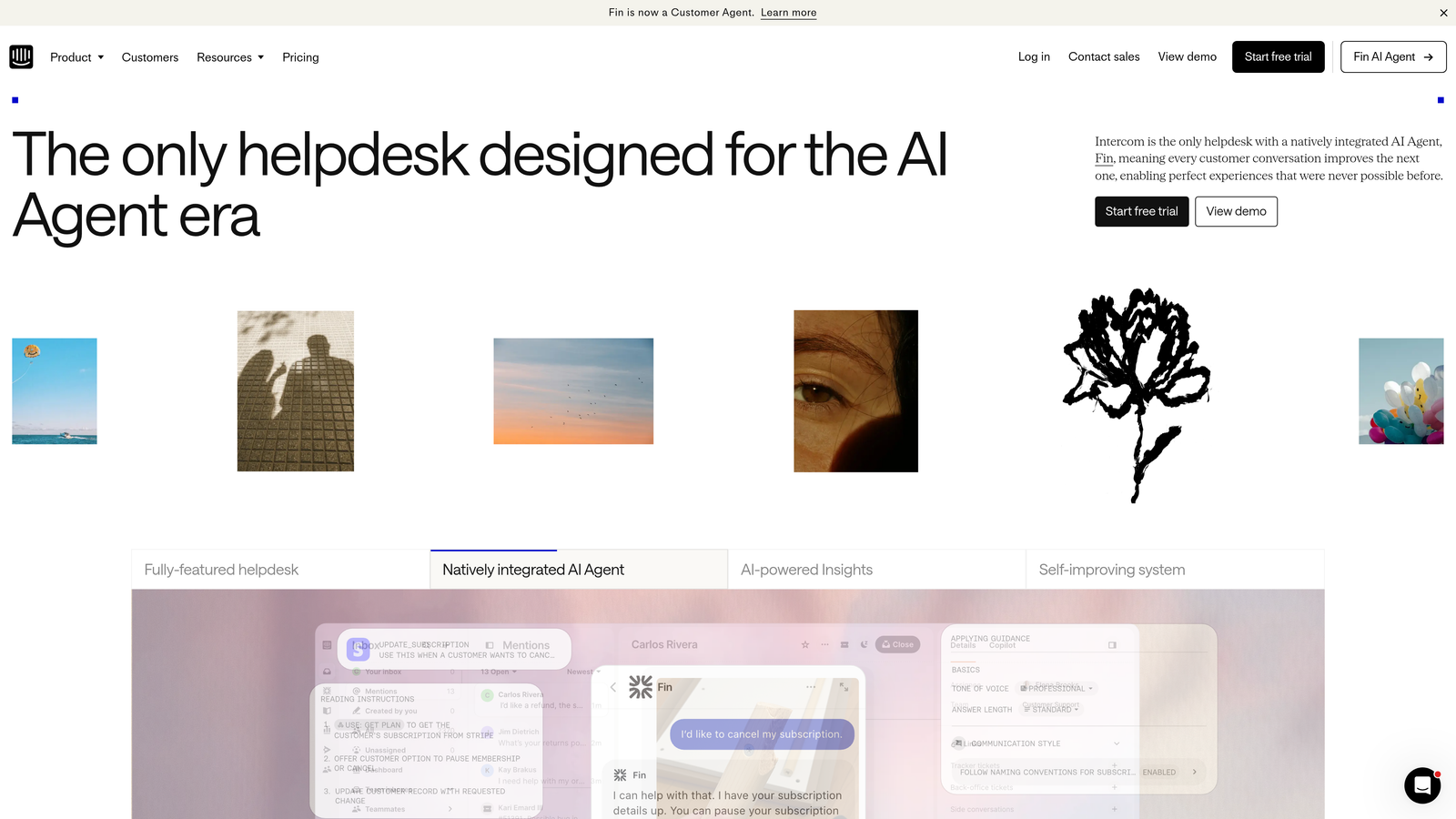
Intercom Fin is a GPT-4 powered AI agent that lives inside the Intercom customer messaging platform, trained on your help center content and past conversations to provide instant answers.
Where This Tool Shines
If you're already invested in Intercom's ecosystem, Fin offers the smoothest integration path to AI support. It pulls from your existing help center articles, past conversation history, and custom answers you've configured—no separate platform to learn.
The handoff mechanism between Fin and human agents is seamless. When Fin encounters something beyond its capabilities, it transfers context to your team without making customers repeat themselves. This creates a genuinely unified experience rather than the jarring "let me transfer you" moments common with other tools.
Key Features
GPT-4 Foundation: Leverages advanced language understanding to interpret complex questions and provide nuanced answers beyond simple keyword matching.
Automatic Training: Learns from your help center documentation and historical conversations without requiring manual conversation flow building.
Multi-Language Support: Handles customer inquiries in over 40 languages, automatically detecting language and responding appropriately.
Custom AI Behaviors: Set guardrails and tone preferences to ensure Fin represents your brand voice consistently across all interactions.
Resolution Analytics: Track which questions Fin resolves successfully versus where it needs human assistance to identify documentation gaps.
Best For
Companies already using Intercom for customer messaging who want to add AI capabilities without switching platforms. Works well for teams with solid help center content that can serve as training material. Best suited for customer-facing teams comfortable with Intercom's existing workflows.
Pricing
Starts at $0.99 per resolution, with volume discounts available for higher usage tiers.
3. Zendesk AI
Best for: Enterprise SaaS teams with established Zendesk deployments seeking AI-powered ticket automation and agent assistance
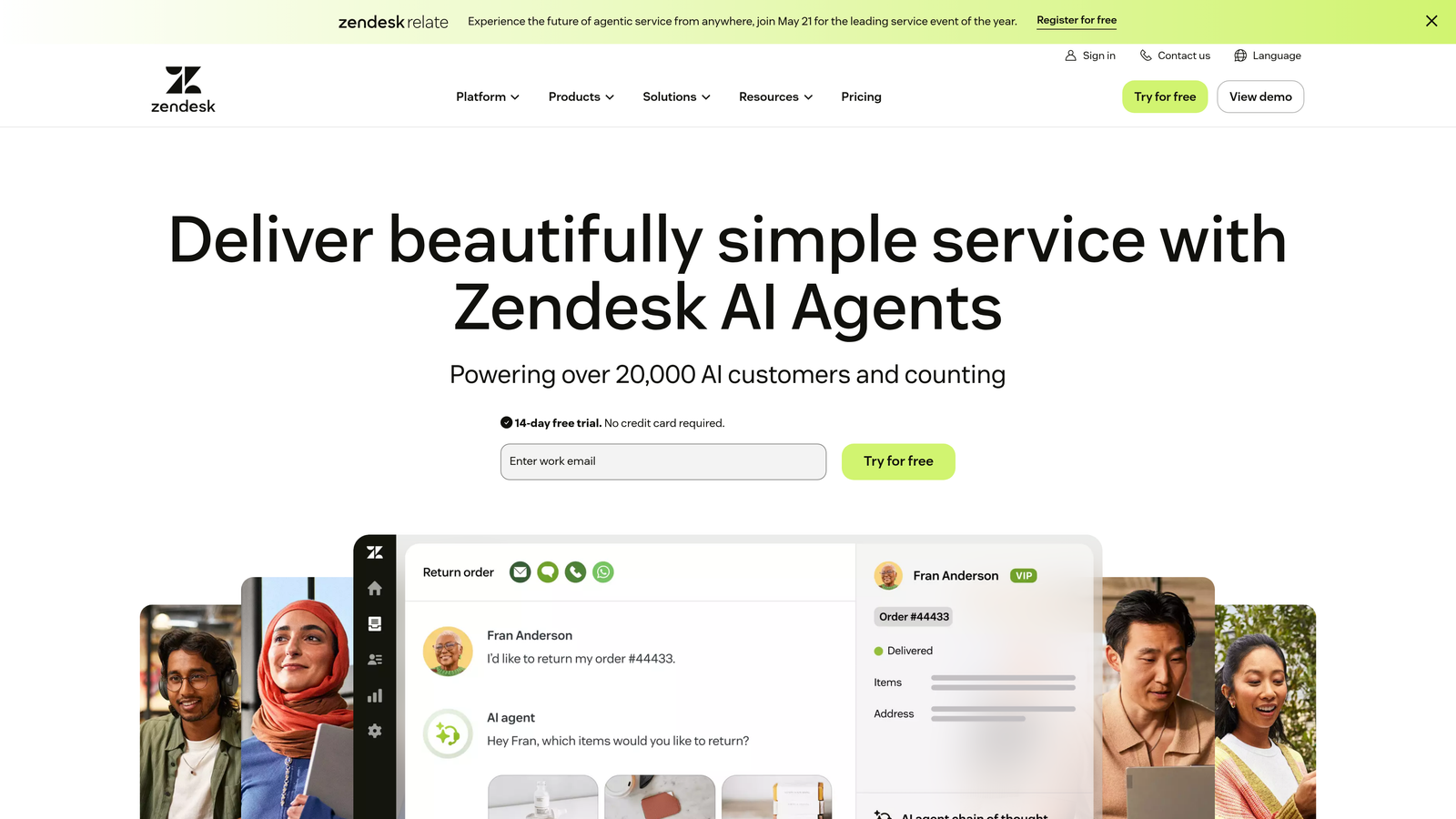
Zendesk AI embeds artificial intelligence capabilities throughout the Zendesk Suite, focusing on intelligent routing, agent workspace enhancements, and automated ticket handling.
Where This Tool Shines
Zendesk's AI excels at the behind-the-scenes intelligence that makes support teams more efficient. The intent detection automatically categorizes incoming tickets and routes them to the right team or agent based on content analysis—not just keywords.
For agents, the AI workspace suggestions provide real-time recommendations while they're working tickets. Rather than searching through macros or knowledge base articles, agents see relevant suggestions surfaced automatically based on the ticket content. This speeds up resolution without forcing customers to interact with a bot first.
Key Features
Intent Detection and Routing: Analyzes ticket content to determine customer intent and automatically routes to the appropriate team or agent based on expertise.
Agent Workspace AI: Surfaces relevant knowledge base articles, macros, and response suggestions directly in the agent interface while working tickets.
Automated Ticket Summaries: Generates concise summaries of long conversation threads so agents can quickly understand context without reading entire histories.
Macro Suggestions: Recommends pre-written response templates based on ticket content, reducing repetitive typing for common scenarios.
Answer Bot: Provides automated responses to common questions through the help center and messaging channels before tickets reach agents.
Best For
Established SaaS companies with large support teams already running on Zendesk. Particularly valuable if you have complex routing needs, high ticket volumes, or want to augment agent productivity rather than fully automate customer interactions. Works well for organizations that prefer AI as an assistant rather than a replacement.
Pricing
AI capabilities included in Suite Professional plan and above. Advanced AI features available as an add-on; contact Zendesk for specific pricing based on your plan tier.
4. Freshdesk Freddy AI
Best for: Growing SaaS teams using Freshdesk who want intelligent ticket triage and agent assistance without enterprise pricing
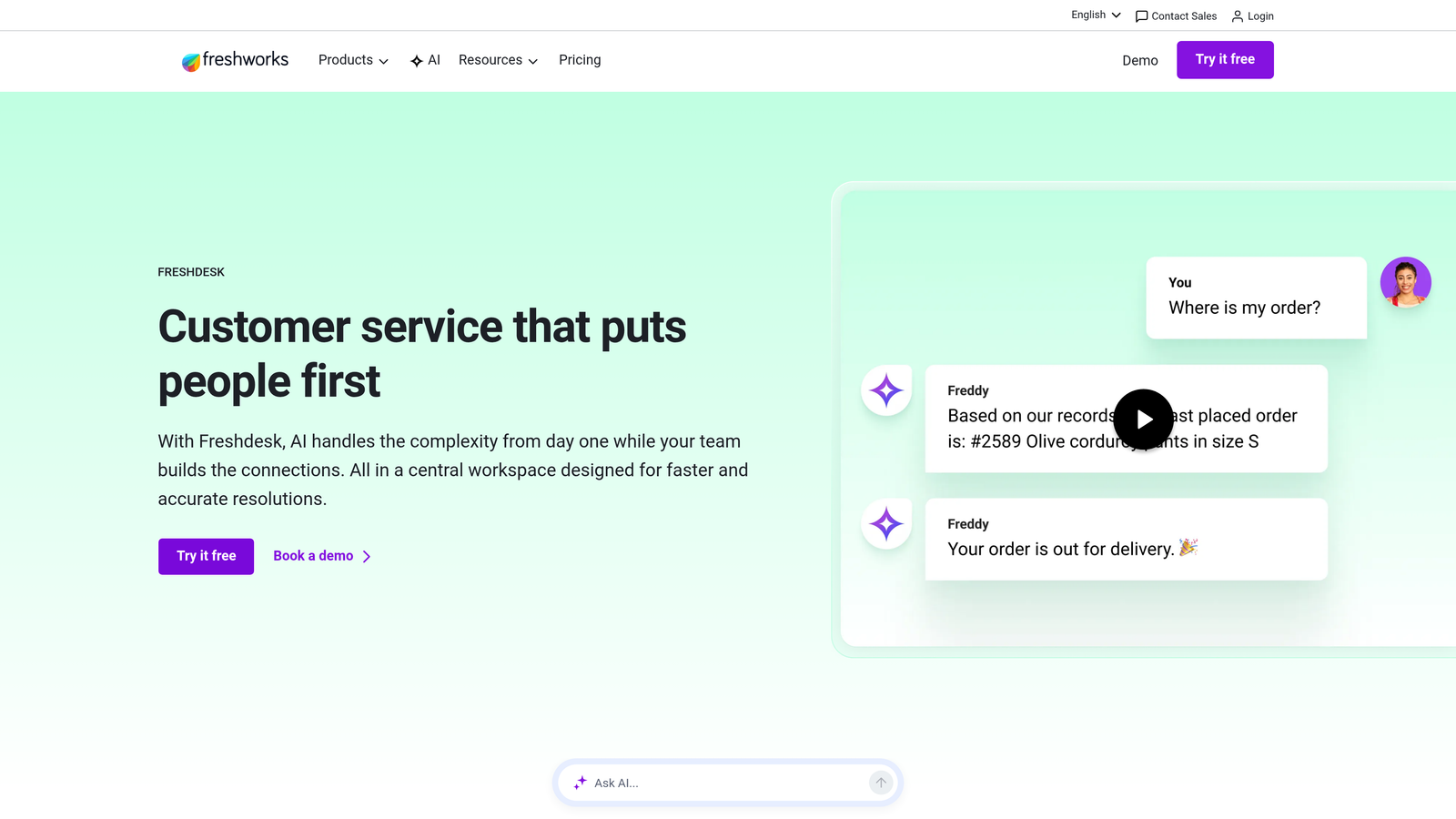
Freshdesk Freddy AI is the AI assistant built into Freshdesk, offering automatic ticket categorization, suggested responses, and self-service automation to reduce agent workload.
Where This Tool Shines
Freddy AI hits a sweet spot for mid-market SaaS companies. You get meaningful AI capabilities without the complexity or cost of enterprise solutions. The automatic ticket categorization and prioritization happen in the background, ensuring urgent issues reach agents first without manual sorting.
The AI-suggested response drafts are genuinely helpful for agents. Rather than starting from a blank slate, agents get contextual draft responses they can edit and personalize. This maintains the human touch while dramatically reducing time spent on routine tickets.
Key Features
Automatic Ticket Categorization: Analyzes incoming tickets and assigns categories, priorities, and tags based on content without manual rules configuration.
AI Response Drafts: Generates suggested reply drafts for agents based on ticket content and historical resolution patterns, ready to personalize and send.
Self-Service Article Recommendations: Suggests relevant knowledge base articles to customers based on their question, enabling self-resolution before tickets are created.
Predictive Support Analytics: Identifies trends in ticket volume, common issues, and potential customer satisfaction risks before they escalate.
Freddy Copilot: Advanced add-on providing real-time agent coaching, sentiment analysis, and conversation summarization during live interactions.
Best For
SaaS companies in growth phase using Freshdesk who want to scale support efficiency without adding headcount proportionally. Ideal if you have consistent ticket patterns that AI can learn from and agents who would benefit from response suggestions. Works well for teams balancing automation with personal service.
Pricing
Freddy AI capabilities included in Pro plan starting at $49 per agent per month. Freddy Copilot available as an add-on for advanced features; contact for pricing.
5. Ada
Best for: SaaS companies needing multilingual support automation with a no-code conversation builder
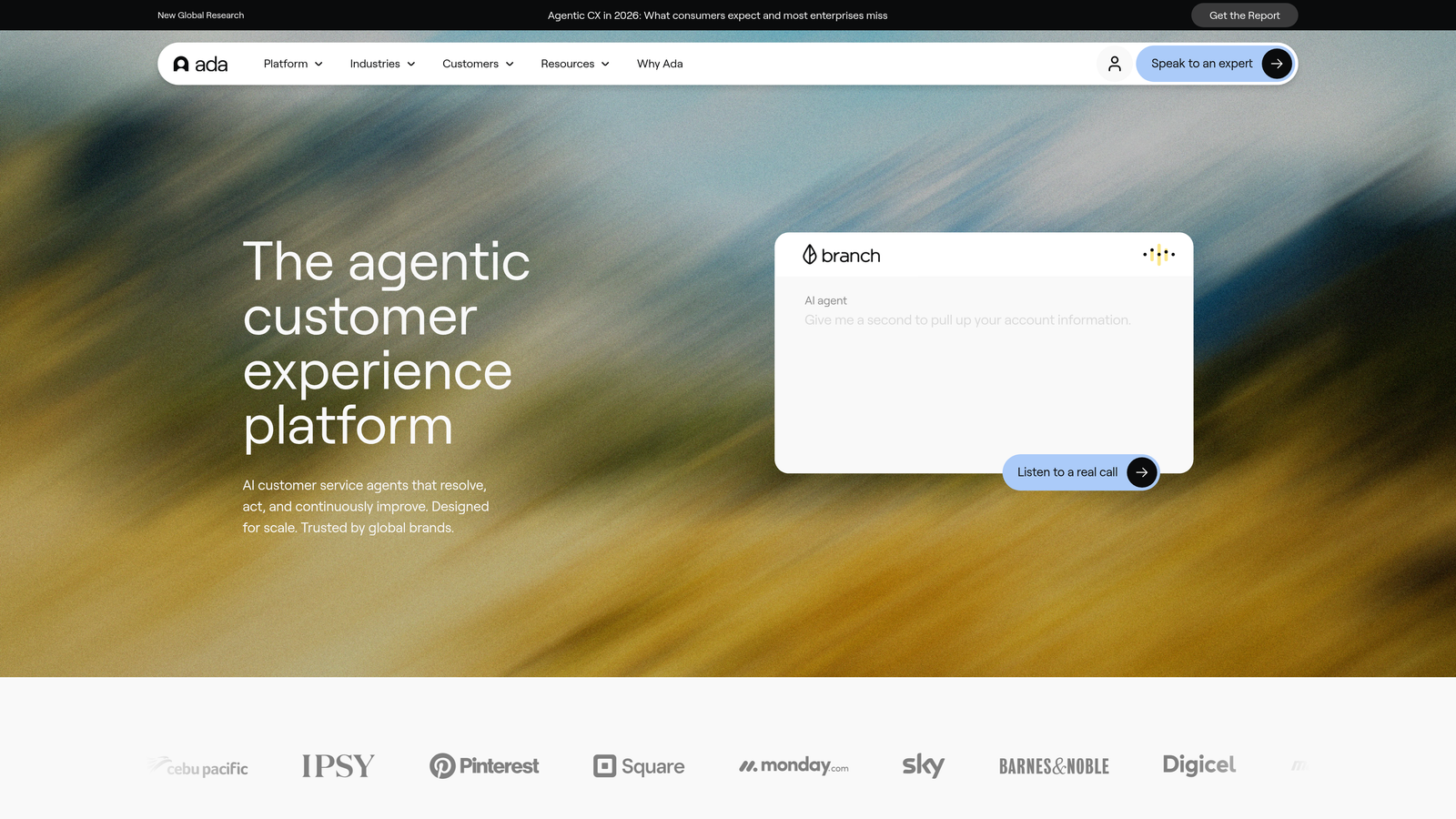
Ada is an AI-powered customer service automation platform emphasizing no-code conversation design, extensive language support, and proactive customer engagement capabilities.
Where This Tool Shines
Ada's no-code builder democratizes AI support creation. Marketing and support teams can design sophisticated conversation flows without engineering resources. The visual interface makes it easy to map customer journeys and build branching logic based on different scenarios.
The 50+ language support is genuinely impressive for SaaS companies with international customers. Ada doesn't just translate—it understands context in each language, ensuring responses make sense culturally and grammatically. This matters when you're supporting customers across Europe, Asia, and Latin America simultaneously.
Key Features
No-Code Conversation Builder: Visual interface for designing AI conversation flows without programming, enabling non-technical teams to create and modify support automation.
50+ Language Support: Provides native-quality responses in over 50 languages with automatic language detection and culturally appropriate phrasing.
Proactive Messaging: Initiates conversations based on customer behavior, page visits, or lifecycle stage to prevent issues before they become tickets.
Omnichannel Deployment: Deploy the same AI agent across web, mobile, social media, and messaging platforms with consistent experience.
CRM and Helpdesk Integrations: Connects with Salesforce, Zendesk, Intercom, and other platforms to access customer data and create tickets when needed.
Best For
SaaS companies serving international markets who need multilingual support without maintaining separate systems per language. Ideal for teams who want control over conversation design without relying on developers. Works well for product-led SaaS using proactive messaging to reduce friction during onboarding.
Pricing
Custom pricing based on resolution volume and feature requirements. Contact Ada for a quote tailored to your support needs.
6. Forethought
Best for: Enterprise SaaS with high ticket volumes needing intelligent routing and real-time agent assistance
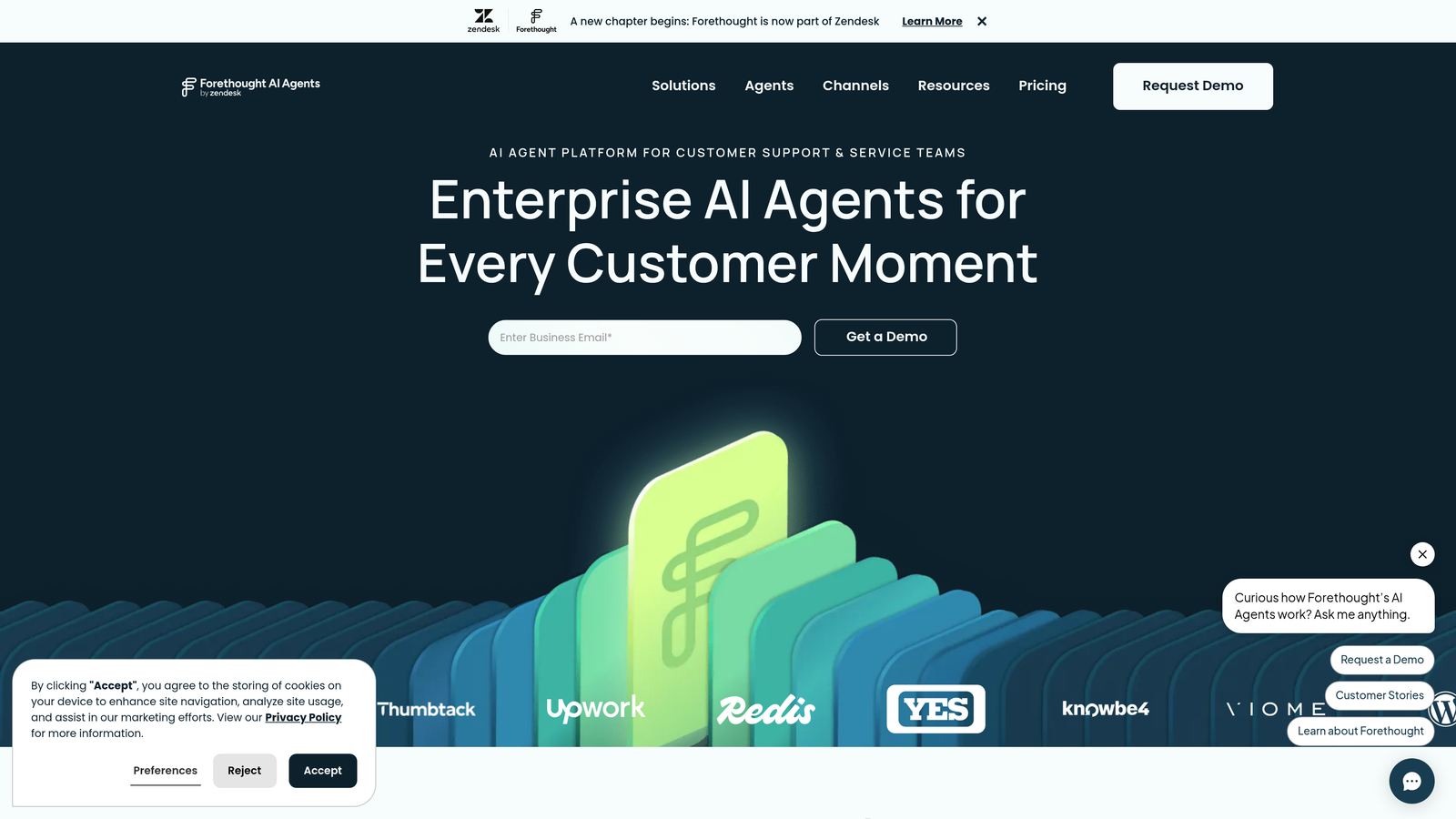
Forethought is an AI platform focused on ticket intelligence, predictive routing, and agent assistance, designed for support teams handling substantial volume across multiple channels.
Where This Tool Shines
Forethought's predictive ticket prioritization goes beyond simple urgency tags. The system analyzes ticket content, customer history, and business impact to determine which issues need immediate attention. This prevents high-value customers from waiting while agents handle low-impact tickets that arrived first.
Agatha AI, their real-time agent assist feature, acts like an experienced teammate looking over shoulders. As agents type responses, Agatha suggests relevant articles, identifies potential issues with the proposed response, and recommends next steps. This effectively gives every agent access to senior-level knowledge.
Key Features
Predictive Ticket Prioritization: Analyzes multiple signals including customer value, issue severity, and business impact to automatically prioritize tickets intelligently.
Intelligent Routing: Matches tickets to the best-suited agent or team based on expertise, workload, and historical resolution patterns.
Agatha AI Agent Assist: Provides real-time suggestions, article recommendations, and response quality checks while agents work tickets.
Automated Workflows: Creates and executes complex multi-step workflows based on ticket attributes without manual intervention.
Triage Automation: Handles initial ticket classification, data gathering, and simple resolutions before human agents get involved.
Best For
Enterprise SaaS companies with complex support operations, multiple product lines, or specialized support tiers. Ideal if you struggle with routing efficiency, want to reduce average handle time without sacrificing quality, or need to optimize which agents work which types of issues. Best suited for teams of 20+ support agents.
Pricing
Custom enterprise pricing based on ticket volume, agent count, and feature selection. Contact Forethought for a tailored quote.
7. Kustomer IQ
Best for: SaaS companies wanting CRM-focused support with AI insights across the entire customer timeline
Kustomer IQ embeds AI capabilities within Kustomer's CRM-focused customer service platform, emphasizing unified customer views and intelligent conversation handling.
Where This Tool Shines
Kustomer's unified customer timeline approach changes how support teams understand context. Instead of seeing isolated tickets, agents view a complete customer journey including purchases, product usage, past conversations, and lifecycle stage. The AI layer adds intelligence by surfacing relevant insights from this timeline automatically.
Sentiment detection and routing prevents frustrated customers from getting stuck in queues. When the AI detects negative sentiment or escalating frustration, it automatically routes to senior agents or flags for priority handling. This proactive approach catches potential churn risks before they become cancellations.
Key Features
Unified Customer Timeline: Consolidates all customer interactions, purchases, and product usage into a single view with AI-surfaced insights and patterns.
Sentiment Detection: Analyzes conversation tone to identify frustrated or at-risk customers and route them appropriately or escalate to management.
Automated Classification: Categorizes conversations by topic, intent, and urgency without manual tagging, improving reporting accuracy and routing decisions.
Self-Service Deflection: Suggests knowledge base articles and automated responses to common questions before escalating to human agents.
Conversation Insights: Identifies trends across conversations to highlight product issues, common pain points, and opportunities for documentation improvement.
Best For
SaaS companies that view support as part of the broader customer relationship rather than a separate function. Ideal if you want agents to have complete customer context instantly, need to identify at-risk customers proactively, or integrate support data with sales and success teams. Works well for high-touch SaaS with complex customer journeys.
Pricing
Kustomer IQ features available on Enterprise plan. Contact Kustomer for specific pricing based on your requirements and agent count.
8. Tidio AI (Lyro)
Best for: Early-stage SaaS teams wanting affordable AI support with quick setup and minimal configuration
Tidio AI offers conversational AI through their Lyro feature, combining live chat and chatbot functionality in a single platform designed for quick deployment.
Where This Tool Shines
The five-minute setup claim is genuinely accurate. You connect Tidio, point Lyro at your FAQ page or help documentation, and it starts answering questions. For early-stage SaaS teams without dedicated support staff, this simplicity is invaluable.
The combined live chat and AI approach works well for small teams. Lyro handles routine questions automatically, and when it encounters something beyond its training, human team members can jump in through the same interface. You're not managing separate tools for automated and human support.
Key Features
Lyro AI Training: Learns from your FAQ pages, help documentation, and past conversations with minimal configuration required.
Quick Setup: Get AI support running in minutes by connecting your website and pointing to existing documentation.
Unified Live Chat: Combines AI automation and human chat in one platform, enabling seamless handoffs without switching tools.
Visitor Behavior Tracking: Monitors what pages visitors view and how they navigate your product to provide contextual support proactively.
Mobile Apps: Respond to customer inquiries from iOS or Android devices, keeping small teams available without being desk-bound.
Best For
Bootstrapped or early-stage SaaS companies that need support automation without enterprise budgets or dedicated support teams. Ideal if you're a founder or small team wearing multiple hats and want AI to handle basic questions while you focus on product development. Works well for simple use cases with straightforward documentation.
Pricing
Free tier available with basic features. Lyro AI capabilities start at $39 per month, making it accessible for early-stage budgets.
9. Help Scout AI
Best for: SaaS teams prioritizing human-centric support who want AI to assist agents rather than replace them
Help Scout AI integrates AI features into the collaborative inbox platform, emphasizing augmentation of human support teams rather than full automation.
Where This Tool Shines
Help Scout's philosophy centers on AI as a teammate, not a replacement. The AI Drafts feature doesn't send responses automatically—it provides suggested drafts that agents review, personalize, and approve. This maintains the human touch that makes support feel genuine while reducing the time agents spend writing from scratch.
AI Summarize is particularly valuable for complex tickets with long conversation histories. When an agent picks up a ticket that's been going back and forth, they get a concise summary of what's happened, what's been tried, and what the customer needs—without reading through dozens of messages.
Key Features
AI Drafts: Generates suggested response drafts based on conversation context and knowledge base content for agents to review and personalize before sending.
AI Summarize: Creates concise summaries of long conversation threads so agents can quickly understand context without reading entire histories.
AI Assist: Provides real-time writing suggestions to improve tone, clarity, and grammar while agents compose responses.
Human Review Workflow: Maintains approval steps ensuring AI suggestions are reviewed before reaching customers, preserving quality control.
Knowledge Base Integration: Pulls information from your documentation to inform AI responses while keeping agents in control of what gets sent.
Best For
SaaS companies that believe support quality comes from human connection but want to make their teams more efficient. Ideal if you have a strong support culture, value personalized responses, and want AI to speed up agents rather than automate customers away. Works well for teams that measure success by customer satisfaction rather than just resolution speed.
Pricing
AI features included in Plus plan at $40 per user per month, making it predictable for budgeting without per-resolution charges.
Making the Right Choice
The right AI support tool depends on your SaaS company's stage, existing tech stack, and support philosophy. Early-stage teams benefit from quick deployment and affordable pricing—Tidio offers genuine value at $39 per month, while Help Scout AI provides human-centric assistance without breaking the bank.
Scaling companies need deeper integrations and higher autonomous resolution rates. If you're already invested in a platform ecosystem, staying there makes sense: Intercom Fin for Intercom users, Zendesk AI for Zendesk deployments, Freshdesk Freddy for Freshworks customers. The integration friction you avoid often outweighs feature differences.
Enterprise SaaS with complex workflows and high ticket volumes benefit from specialized capabilities. Forethought's predictive routing and agent assist features shine at scale. Kustomer IQ's unified customer timeline approach works well for high-touch businesses where support context matters deeply.
For teams seeking an AI-first approach rather than AI bolted onto legacy helpdesk architecture, Halo AI offers a fundamentally different model. The continuous learning means your support gets smarter over time without manual retraining. Page-aware context eliminates the "can you screenshot what you're seeing" back-and-forth. Deep integrations across your business stack surface insights beyond traditional support metrics.
Your support team shouldn't scale linearly with your customer base. Let AI agents handle routine tickets, guide users through your product, and surface business intelligence while your team focuses on complex issues that need a human touch. See Halo in action and discover how continuous learning transforms every interaction into smarter, faster support.