9 Best AI Ticket Management Systems in 2026
Discover the 9 best AI ticket management systems for 2026, evaluated on automation depth, integrations, and learning capabilities for B2B and SaaS teams. From autonomous ticket resolution to intelligent escalation and pattern detection, these platforms help support teams handle growing volumes without sacrificing response quality or customer experience.
 Matt PattoliFounder13 min read
Managing support tickets manually doesn't scale. As customer expectations rise and ticket volumes grow, B2B teams need systems that don't just organize requests — they resolve them. AI ticket management systems have moved well beyond routing and tagging: they triage incoming issues, generate or auto-send responses, detect patterns across conversations, and escalate intelligently when a human needs to step in.
The tools below are evaluated on automation depth, integration ecosystem, learning capabilities, and overall value for B2B and SaaS teams. Whether you're running a lean support operation or managing enterprise-scale volumes, there's a solution here worth considering.
We've included Halo AI at the top because it's purpose-built for autonomous ticket resolution — but every tool on this list has genuine strengths worth knowing about.
1. Halo AI
Best for: SaaS and B2B teams that want autonomous ticket resolution with business intelligence built in.
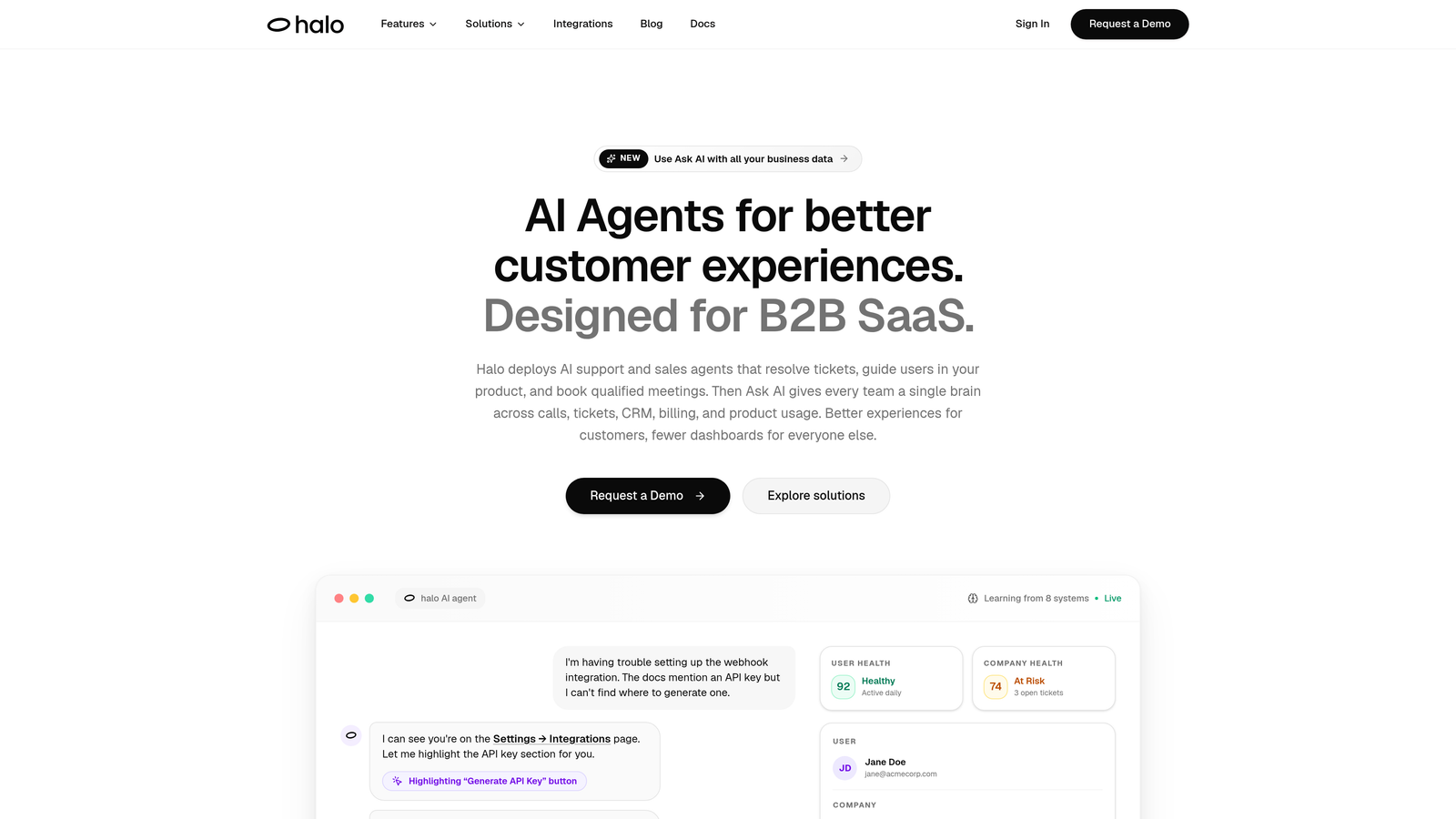
Halo AI is an AI-first customer support platform that deploys autonomous agents to resolve tickets, guide users through your product with page-aware context, and surface business intelligence — all while learning from every interaction.
Where This Tool Shines
Most AI support tools are layers added on top of an existing helpdesk. Halo is built AI-first, which means automation isn't an afterthought — it's the foundation. The platform's page-aware chat widget is a standout: the AI sees exactly what the user sees in your product, so it can guide them through specific UI steps rather than offering generic advice.
Beyond ticket resolution, Halo's smart inbox surfaces signals that most support tools ignore entirely: customer health indicators, revenue anomalies, and usage patterns that matter to your product and revenue teams. Support becomes a source of business intelligence, not just a cost center.
Key Features
Autonomous AI Agents: Resolve tickets without human intervention, handling common queries end-to-end and learning from every closed ticket.
Page-Aware Chat Widget: The AI sees what users see in your product, enabling precise, contextual guidance rather than generic help content.
Smart Inbox with Business Intelligence: Surfaces customer health signals, revenue anomalies, and support trends that feed directly into product and revenue decisions.
Auto Bug Ticket Creation: Automatically detects and routes bug reports to Linear or Jira, eliminating manual handoffs between support and engineering.
Live Agent Handoff: Escalates to human agents with full conversation context preserved, so nothing gets lost in translation.
Deep Integration Stack: Connects with Slack, HubSpot, Stripe, Zoom, PandaDoc, Fathom, and Intercom for a unified view across your business stack.
Best For
SaaS companies and B2B product teams that want to scale support without scaling headcount. Particularly strong for teams that need AI to do more than assist agents — they want it to autonomously resolve tickets, create bug reports, and feed intelligence back into the broader business.
Pricing
Contact for pricing at haloagents.ai. Given the platform's depth and integration ecosystem, pricing is tailored to team size and use case.
2. Zendesk AI
Best for: Enterprise teams already on Zendesk Suite who want AI layered into existing workflows.
Zendesk AI is the native AI layer embedded across Zendesk Suite, offering intelligent triage, AI-suggested replies, and automated workflows for large support teams.
Where This Tool Shines
Zendesk has invested heavily in making AI feel native rather than bolted on. Intelligent triage classifies incoming tickets automatically, and AI-suggested replies give agents a starting point that dramatically reduces handle time. For teams already running on Zendesk, activating these features requires no migration or platform change.
The generative AI capabilities for drafting responses are genuinely useful, and the quality assurance AI helps managers spot coaching opportunities at scale. That said, Zendesk AI skews toward augmenting agents rather than replacing ticket handling autonomously — it's more copilot than autopilot.
Key Features
Intelligent Triage: Automatically classifies and routes incoming tickets based on intent, sentiment, and content.
AI-Suggested Replies: Surfaces macro recommendations and draft responses for agent review before sending.
Generative AI Drafting: Produces full response drafts agents can edit and send, reducing time spent on routine replies.
AI-Powered Bots: Handles self-service deflection before tickets reach your team.
Quality Assurance AI: Analyzes resolved conversations to flag quality issues and coaching opportunities.
Best For
Enterprise support teams deeply invested in the Zendesk ecosystem who want to activate AI capabilities without switching platforms. Less ideal for teams looking for fully autonomous resolution out of the box.
Pricing
AI features are included in higher-tier Suite plans. Suite Professional starts around $115/agent/month — verify current pricing at zendesk.com as plans evolve frequently.
3. Freshdesk Freddy AI
Best for: Freshdesk users who want incremental AI adoption across self-service, agent assist, and analytics.
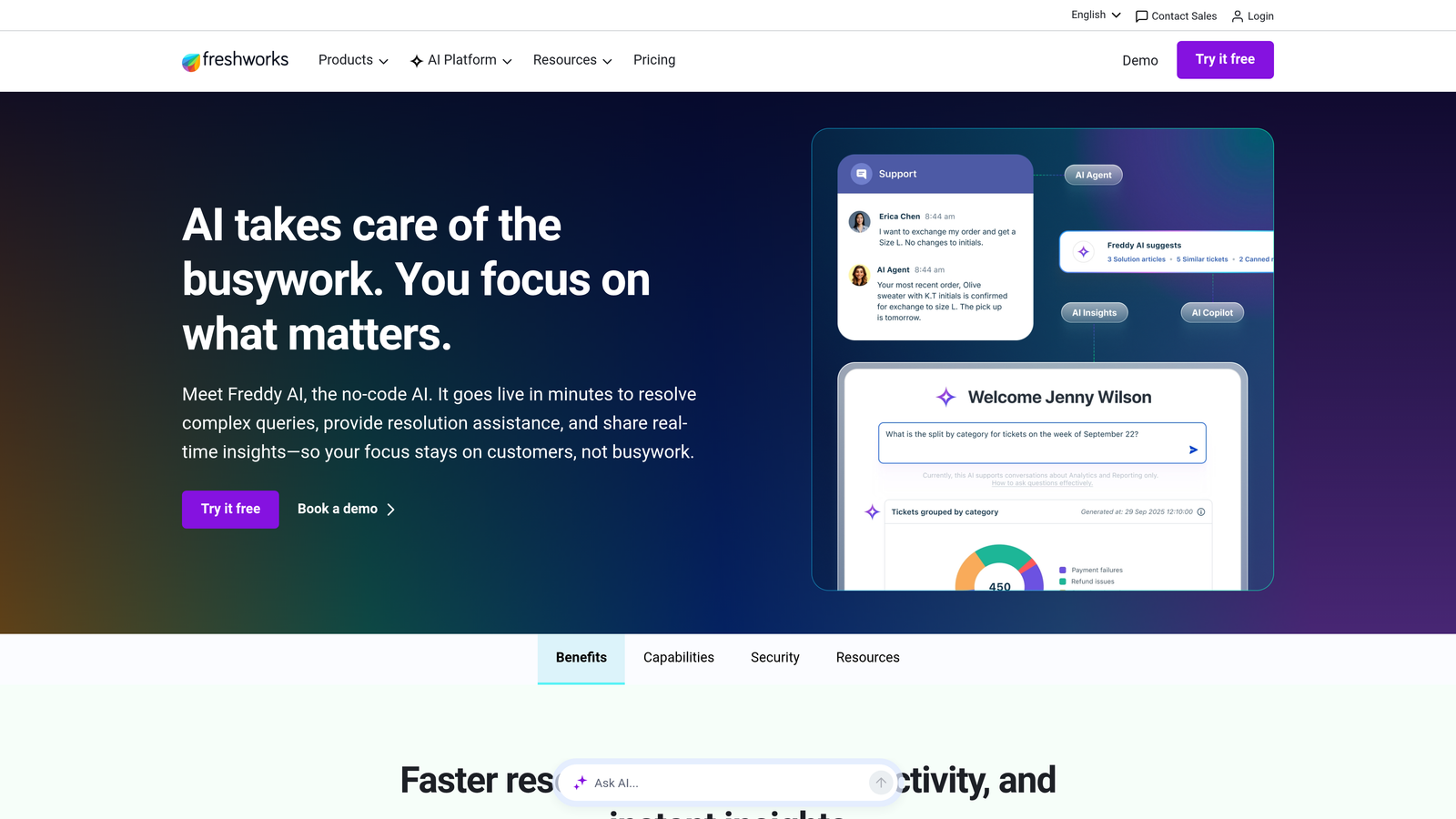
Freshdesk Freddy AI is Freshworks' embedded AI system spanning self-service automation, agent copilot capabilities, and predictive analytics insights.
Where This Tool Shines
Freddy covers a lot of ground. Freddy Self Service handles autonomous query resolution through a chatbot layer, Freddy Copilot assists agents with reply drafts and thread summaries, and Freddy Insights brings predictive analytics and anomaly detection into the mix. It's a modular approach that lets teams adopt AI incrementally rather than committing to a full overhaul.
The thread summarization feature is particularly useful for teams handling long, complex email chains — agents get the context they need in seconds rather than reading through a dozen replies. Auto-triage and smart assignment reduce manual queue management meaningfully.
Key Features
Freddy Self Service: Autonomous chatbot that resolves common queries without agent involvement.
Freddy Copilot: Assists agents with AI-drafted replies, thread summaries, and next-step suggestions.
Freddy Insights: Predictive analytics that surface trends, anomalies, and performance signals.
Auto-Triage: Classifies and assigns incoming tickets based on content and priority.
Canned Response Suggestions: Recommends relevant saved replies based on ticket context.
Best For
Teams already using Freshdesk who want to layer AI capabilities without migrating to a new platform. The modular structure makes it approachable for teams at different stages of AI adoption.
Pricing
Freddy Copilot is available as an add-on; Freshdesk plans start from a free tier. Verify current add-on pricing at freshworks.com.
4. Intercom Fin
Best for: Teams that prioritize conversational AI with transparent, source-cited responses.
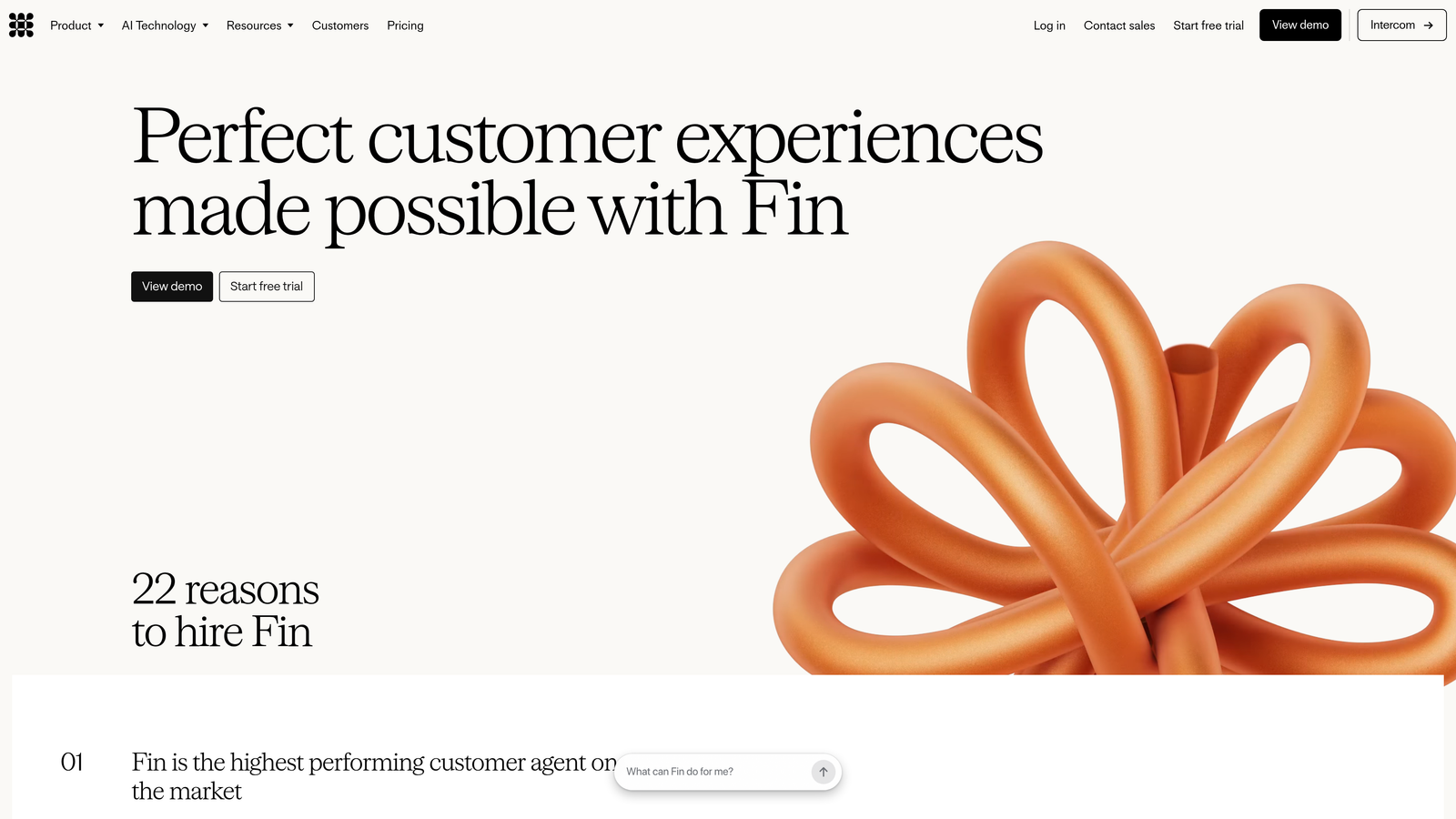
Intercom Fin is Intercom's LLM-powered AI agent that resolves customer queries by reasoning over your knowledge base and hands off seamlessly to human agents when needed.
Where This Tool Shines
Fin's conversational quality is genuinely impressive. Rather than pattern-matching to canned responses, it reasons over your help center content to construct contextually relevant answers — and it cites its sources in responses, which builds user trust in a way most AI agents don't bother with.
The handoff experience is smooth: when Fin reaches the edge of what it can resolve, it transfers the conversation to a human agent with full context intact. Resolution rates depend heavily on the quality and coverage of your knowledge base, so teams with well-maintained documentation get significantly better results.
Key Features
LLM-Powered Resolution: Reasons over your help center content to answer questions rather than matching keywords.
Source Citations: Includes references to the knowledge base articles used in each response.
Intelligent Handoff: Transfers conversations to human agents with complete context when AI reaches its limits.
Customizable Persona: Adjustable tone and communication style to match your brand voice.
Resolution Rate Reporting: Analytics that show how often Fin resolves without human intervention.
Best For
Conversational-first support teams that value response transparency and smooth human escalation. Strong for teams with well-maintained help centers; less effective where documentation is sparse or outdated.
Pricing
Some plans use per-resolution pricing, which can become costly at scale. Intercom plans start around $39/month — verify current Fin pricing at intercom.com before committing.
5. Tidio Lyro
Best for: Smaller teams and SMBs that need fast deployment and affordable autonomous query handling.
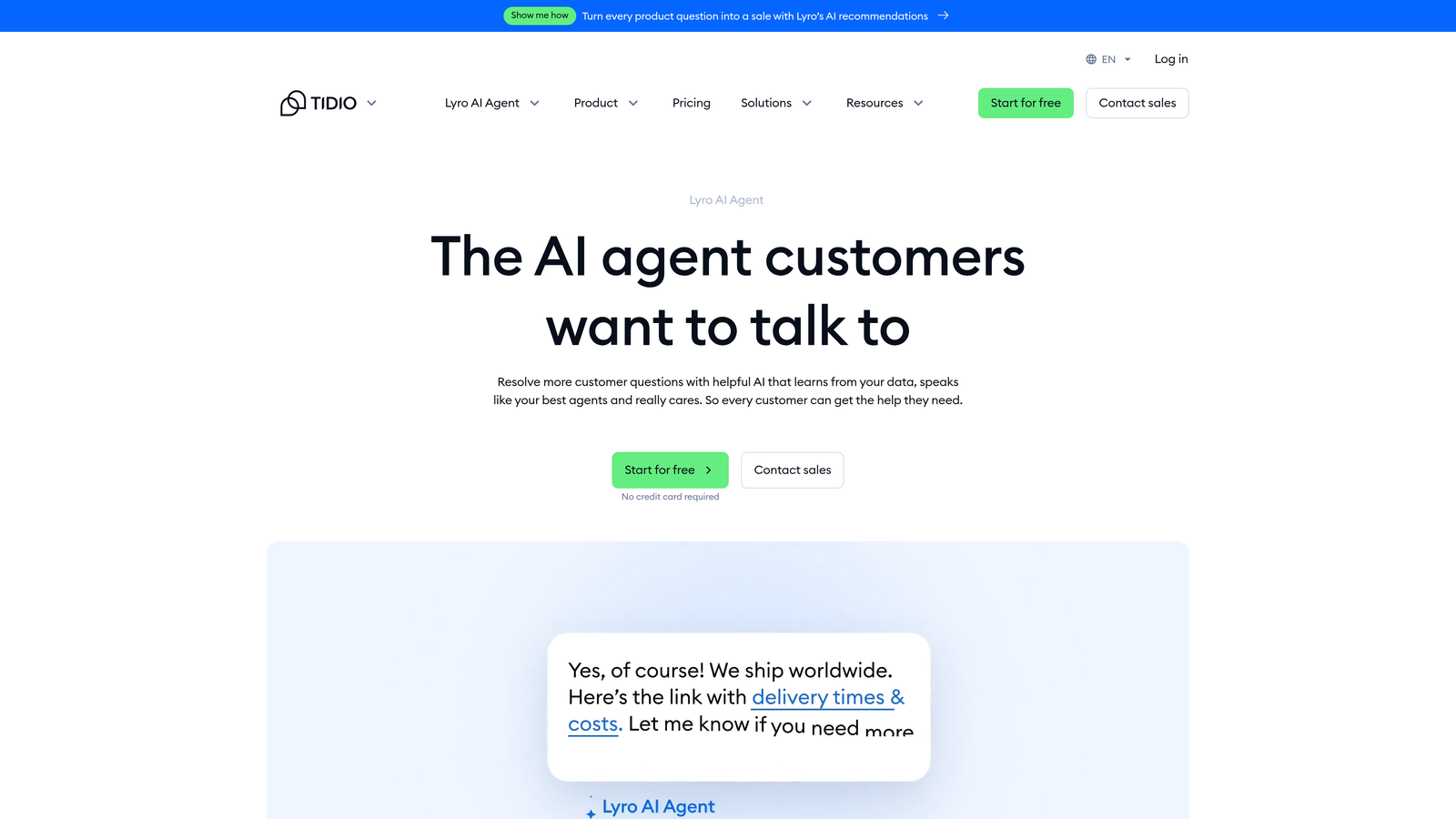
Tidio Lyro is a conversational AI agent designed for SMBs, offering quick setup and autonomous handling of common support queries without heavy configuration.
Where This Tool Shines
Lyro's biggest advantage is speed to value. It trains on your existing FAQ and support content quickly, meaning teams can go from setup to autonomous query handling in a short time without dedicated technical resources. For smaller operations that can't afford weeks of implementation, that matters.
It handles common, repetitive queries autonomously and escalates to live agents when questions exceed its capability. The no-code setup removes a significant barrier for teams without engineering support. The trade-off is depth: Lyro isn't designed for complex B2B workflows or deep integrations with product and revenue tools.
Key Features
Fast Knowledge Base Training: Ingests existing FAQ and support content quickly for rapid deployment.
Autonomous Query Handling: Resolves common questions without requiring agent involvement.
Intelligent Escalation: Hands off to live agents when queries exceed AI capability.
Multichannel Support: Covers chat and email channels from a single interface.
No-Code Setup: Deployable without engineering resources or complex configuration.
Best For
SMBs and early-stage teams that need an affordable, fast-to-deploy AI agent for handling repetitive support queries. Less suited for enterprise or complex B2B environments requiring deep workflow automation.
Pricing
Lyro is included in Tidio's paid plans, which start around $29/month. Verify current Lyro-specific pricing at tidio.com.
6. Help Scout AI
Best for: Teams where support quality and brand voice take priority over full automation.
Help Scout AI takes a human-augmented approach, using AI Drafts, Summarize, and AI Answers to assist agents rather than replace them in the resolution loop.
Where This Tool Shines
Help Scout is deliberately not trying to automate humans out of support. AI Drafts generates reply suggestions that agents review and send, Summarize condenses long email threads instantly, and AI Answers powers a self-service widget for common questions. The philosophy here is augmentation, not replacement.
This approach resonates with teams where every customer interaction carries brand weight — professional services, high-touch SaaS, or any business where a robotic response would do more harm than good. The tone and length adjustment features give agents fine-grained control over AI-generated content before it goes out.
Key Features
AI Drafts: Generates reply suggestions for agent review before sending — humans stay in control.
Summarize: Condenses long email threads into concise summaries agents can absorb instantly.
AI Answers: Powers a self-service help widget that deflects common questions before they become tickets.
Tone and Length Adjustment: Lets agents refine AI-drafted content to match communication style.
Human-First Design: No fully autonomous ticket closure — agents always review before resolution.
Best For
Teams that value support quality and human judgment over full automation. Strong fit for companies where brand voice and customer relationships are central to the support experience.
Pricing
AI features are included in Standard and Plus plans. Standard starts around $22/user/month — verify current pricing at helpscout.com.
7. Zoho Desk Zia
Best for: Teams embedded in the Zoho ecosystem who want AI-driven sentiment analysis and anomaly detection.
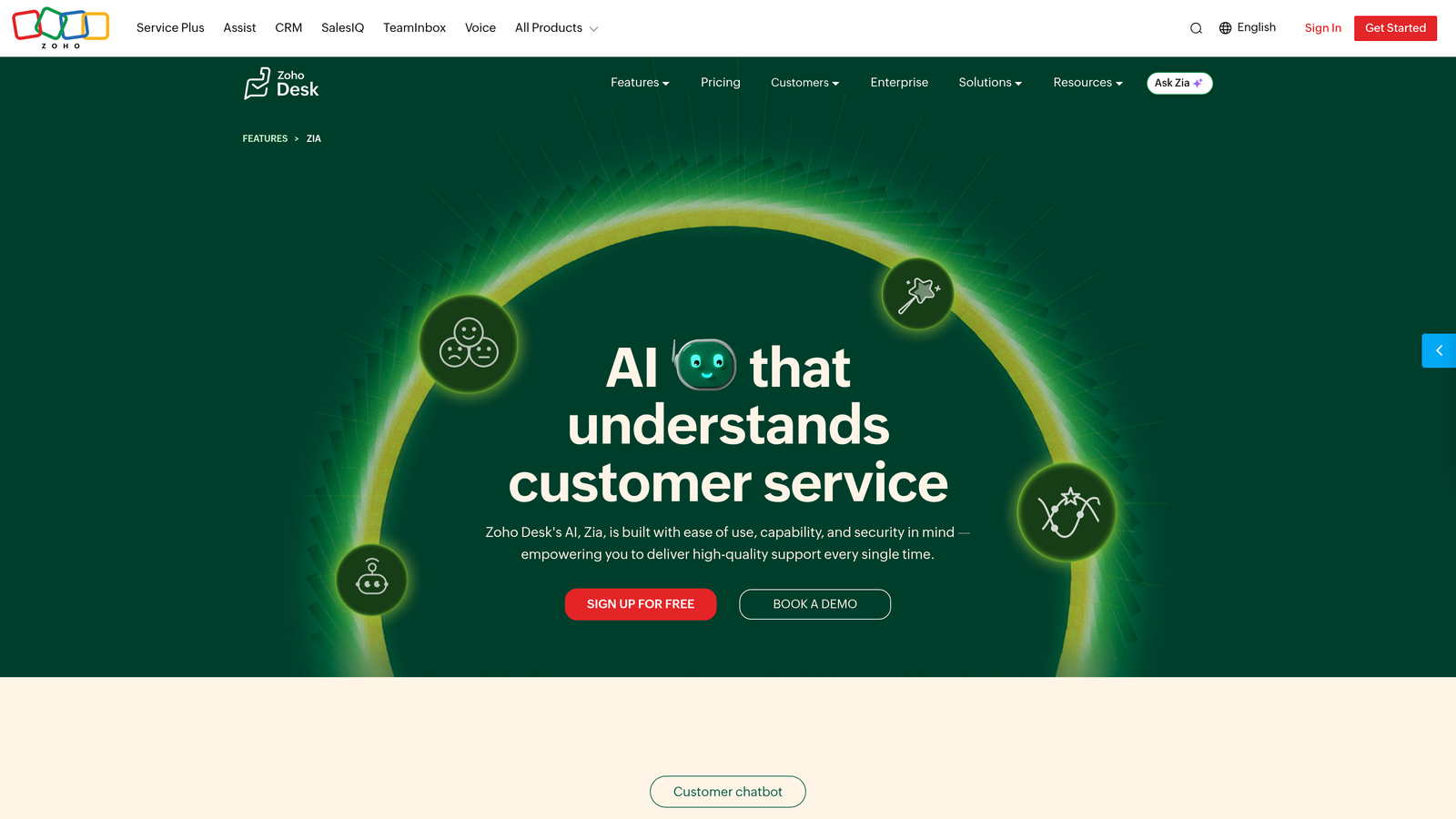
Zoho Desk Zia is Zoho's AI assistant for Zoho Desk, providing sentiment analysis, anomaly detection, response suggestions, and automated tagging across incoming tickets.
Where This Tool Shines
Zia's sentiment analysis on incoming tickets is a practical differentiator: it flags frustrated or urgent customers so agents can prioritize accordingly, rather than working through a queue in order of arrival. The anomaly detection feature alerts teams when ticket volume spikes unusually, helping surface product issues or external events before they become crises.
Where Zia really earns its value is for teams already running Zoho CRM alongside Zoho Desk. The cross-platform intelligence means support agents have customer relationship context, deal history, and account data visible while handling tickets. As a standalone purchase outside the Zoho ecosystem, it's less compelling.
Key Features
Sentiment Analysis: Scores incoming tickets by customer sentiment to help agents prioritize urgent or frustrated users.
Anomaly Detection: Alerts teams to unusual spikes in ticket volume that may indicate product or service issues.
Response Suggestions: Recommends relevant replies based on ticket content and historical patterns.
Auto-Tagging: Automatically applies tags for faster routing, filtering, and reporting.
Zoho CRM Integration: Surfaces full customer relationship context when combined with Zoho's broader platform.
Best For
Organizations already using Zoho's product suite who want AI capabilities without adding another vendor. Less compelling for teams outside the Zoho ecosystem.
Pricing
Zia is available on Zoho Desk's Enterprise plan, which starts around $40/agent/month. Verify current pricing at zoho.com/desk.
8. Salesforce Service Cloud Einstein
Best for: Large enterprises where support context lives inside Salesforce CRM.
Salesforce Service Cloud Einstein delivers case classification, next best action recommendations, and predictive insights powered by your existing CRM data.
Where This Tool Shines
Einstein's core advantage is its deep integration with Salesforce CRM data. Case classification and routing use the full customer record — account history, open opportunities, contract status — not just the ticket content. This means agents get genuinely useful context, not just a categorized ticket.
Predictive CSAT scoring is a standout feature: Einstein can flag cases likely to result in low satisfaction before they close, giving managers a chance to intervene. The knowledge article suggestion feature reduces time agents spend searching for relevant documentation during case handling. The trade-off is significant complexity and enterprise-level pricing.
Key Features
AI-Powered Case Classification: Routes cases based on content, intent, and full CRM context.
Next Best Action: Recommends specific steps for agents based on case type and customer history.
Knowledge Article Suggestions: Surfaces relevant documentation during active case handling.
Predictive CSAT Scoring: Flags cases likely to result in low satisfaction before they close.
Salesforce CRM Integration: Pulls complete customer context — deals, contracts, history — into every case.
Best For
Large enterprises where Salesforce CRM is the system of record and support context is deeply intertwined with sales and account data. Overkill for smaller teams or those not already invested in Salesforce.
Pricing
Service Cloud plans start around $25/user/month; Einstein AI features sit in higher tiers. Verify current pricing at salesforce.com — enterprise configurations vary significantly.
9. Kustomer
Best for: High-volume operations needing omnichannel support with a unified customer timeline.
Kustomer provides a unified customer timeline with AI-driven automation across omnichannel support, built for teams managing large volumes across multiple channels simultaneously.
Where This Tool Shines
Kustomer's unified customer timeline is its defining feature: every interaction across email, chat, social, SMS, and voice is consolidated into a single chronological view. Agents never need to piece together a customer's history from multiple systems. AI-powered intent detection routes incoming requests automatically based on what the customer is actually trying to accomplish.
The workflow automation capabilities handle repetitive ticket processes without manual configuration per ticket, and deflection bots catch common queries before they reach the queue. Kustomer's omnichannel depth makes it particularly strong for high-volume operations. For pure B2B SaaS teams with simpler channel needs, some of that breadth may go unused.
Key Features
Unified Customer Timeline: Consolidates every interaction across all channels into a single chronological view.
AI Intent Detection: Identifies what customers are trying to accomplish and routes accordingly.
Deflection Bots: Handles self-service queries before they enter the agent queue.
Workflow Automation: Automates repetitive ticket processes across the support operation.
Omnichannel Coverage: Supports email, chat, social, SMS, and voice from a single platform.
Best For
High-volume support operations managing multiple channels simultaneously. Strong for omnichannel-heavy businesses; better suited to B2C and DTC brands than pure B2B SaaS environments.
Pricing
Enterprise pricing model — contact Kustomer directly for current plan details at kustomer.com.
Which AI Ticket System Is Right for Your Team?
The right choice depends less on feature lists and more on where your team is today and where you need to be in the next year. Here's a quick decision framework.
If you're a SaaS or B2B team that wants AI to resolve tickets autonomously while feeding business intelligence back into your product and revenue stack, Halo AI is purpose-built for that. The page-aware context, auto bug ticket creation, and smart inbox signals go well beyond what most helpdesk AI layers offer.
If you're deeply invested in Zendesk or Freshdesk and want AI layered on top of existing workflows, their native AI tiers are the path of least resistance. No migration, no disruption — just incremental capability on top of what you already run.
For conversational-first support with transparent, source-cited responses, Intercom Fin is hard to beat. Just factor in the per-resolution pricing model as volumes grow.
Smaller teams on tighter budgets will find Tidio Lyro a practical and fast-to-deploy starting point. Help Scout AI suits teams where human judgment and brand voice matter more than full automation. Zoho Desk Zia and Salesforce Einstein earn their place for teams already embedded in those respective ecosystems. Kustomer fits high-volume, omnichannel operations best.
The broader point: autonomous resolution, smart escalation, and business intelligence are no longer nice-to-haves for scaling support teams. The question isn't whether to adopt AI ticket management — it's which approach fits how your team actually works.
Your support team shouldn't scale linearly with your customer base. Let AI agents handle routine tickets, guide users through your product, and surface business intelligence while your team focuses on complex issues that need a human touch. See Halo in action and discover how continuous learning transforms every interaction into smarter, faster support.