AI Ticket Resolution Guide: Strategy for B2B SaaS in 2026
Unlock efficient AI ticket resolution for B2B SaaS. Discover autonomous agents, quantify benefits, and implement your successful strategy for 2026.
 Grant CooperFounder16 min read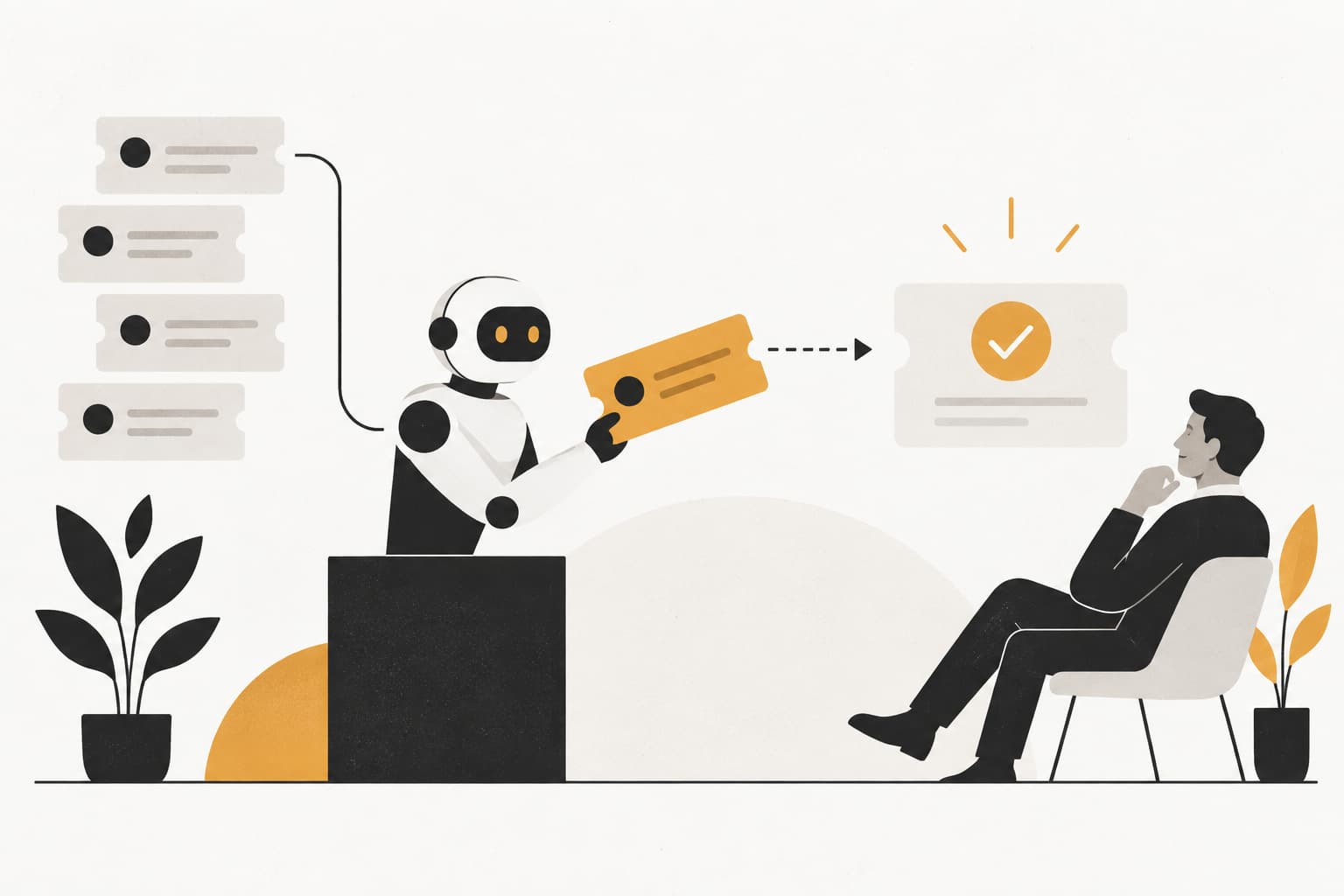
Your queue looks healthy at 9 a.m. By noon, support has a backlog again, enterprise customers want answers faster, and your best agents are still spending time on password resets, billing corrections, and feature-usage questions that should never require senior attention.
That's the moment most B2B SaaS teams start looking at AI. Then they hit the same problem. The first tools they try can answer questions, suggest macros, and deflect some volume, but they don't close the issue. The customer still has to click through settings, wait for billing to change, or repeat the whole problem to a human.
That gap is where AI ticket resolution becomes a different strategy from standard automation. The goal isn't to reduce contacts on paper. It's to solve the customer's problem end to end, with the right guardrails, the right systems connected, and a clear way to prove what was resolved.
Beyond the Queue Introducing AI Ticket Resolution
Traditional support teams are built around queues. Tickets come in. Rules route them. Agents reply. Some issues get solved quickly, others bounce between teams, and the customer experiences support as a waiting game.
AI ticket resolution changes the operating model. Instead of asking, “Can the system answer this?” the better question is, “Can the system finish this?” That difference matters. A bot that links to a help article is useful. An autonomous agent that updates a subscription, processes a refund inside policy, gathers missing technical details, or escalates a bug report with full context is operating at a different level.
Resolution means action, not just conversation
The support industry often mixes up deflection and resolution. Zendesk makes that distinction directly in its explanation of ticket deflection versus confirmed resolution. Deflection means the customer avoided a human interaction. Resolution means the customer got the outcome they needed.
That's why I treat AI ticket resolution as an operational capability, not a chat feature.
A true autonomous flow usually includes:
- Understanding the request: The system identifies intent, urgency, account context, and policy constraints.
- Pulling the right data: It checks your knowledge base, CRM, billing platform, product telemetry, and prior tickets.
- Taking the next action: It changes a plan, logs a bug, resets an entitlement, updates a record, or completes another approved workflow.
- Closing or escalating cleanly: If the issue can't be finished safely, the customer doesn't start over. The AI hands off with context.
Practical rule: If the customer still has to do the hard part alone, you don't have autonomous resolution. You have assisted self-service.
This is why teams evaluating what an autonomous agent actually does in support operations should focus less on chatbot language quality and more on execution. The best customer experience doesn't come from sounding human. It comes from removing work for the customer and the agent at the same time.
The Anatomy of an Autonomous Support Agent
An autonomous support agent is easiest to understand if you think of it as a strong new digital employee. Give that employee language skills but no systems access, and they become a polished answer engine. Give them context, tools, and decision boundaries, and they start resolving real work.

The market momentum behind this shift is already substantial. The AI customer service market reached $12.06 billion in 2024 and is projected to reach $47.82 billion by 2030, a 25.8% CAGR, which shows how quickly teams are moving toward autonomous support operations.
The brain
At the center is the reasoning layer. This is the part that interprets language, identifies intent, and decides what kind of issue it's looking at.
A good reasoning layer does more than classify “billing” or “technical.” It can spot when the user is frustrated, when a request has compliance implications, and when the issue is two problems bundled into one conversation. That's what separates a canned workflow from a system that can handle messy real-world support.
The memory
Next comes memory. This includes your help center, internal runbooks, prior tickets, CRM notes, account configuration, and product usage history.
Without memory, the agent guesses. With memory, it can answer with precision. It knows whether the customer is on a legacy plan, whether a previous bug report exists, and whether the issue is tied to a recent product change.
Here's the practical test: if your agent can't explain why it chose an answer or action based on connected business context, its memory layer is too thin.
The hands
Most support automations fail because they can talk, but they can't do anything.
The hands are the integrations and action layer. Stripe, Salesforce, HubSpot, Slack, Jira, Linear, your identity system, your internal admin tools. When the agent can trigger approved workflows in those systems, support starts moving from assistance to closure.
Examples include:
- Billing operations: Apply credits, adjust plans, or confirm status changes within policy.
- Technical escalation: Open a bug with reproduction context and the right routing.
- Account admin: Update fields, provision access, or trigger downstream workflows.
The senses
Senses give the agent situational awareness. That may include the page the user is on, recent clicks, recent errors, the device or environment involved, and the current stage of the customer lifecycle.
This context changes the quality of every response. The same “I can't find this setting” message means different things if the user is on the wrong permission level, in the wrong workspace, or looking at a newly updated interface.
An agent with no context acts like a smart intern. An agent with context and system access starts behaving like an experienced support specialist.
For teams thinking through architecture in more depth, this breakdown aligns with how AI agents resolve tickets across knowledge, context, and actions. The key isn't any one component. It's how all four work together.
Quantifying Success with AI Ticket Resolution
Monday morning, the queue looks better than it used to. Volume is down. First response time is down. Leadership sees fewer open tickets and assumes the AI rollout is working.
Then the escalations show up. Customers reopen issues. Agents spend time repairing bad handoffs. Finance asks whether lower volume translated into lower cost. This is the point where support teams find out whether they built deflection or resolution.
AI ticket resolution needs a scorecard tied to closed outcomes, not activity.

Speed is still part of the story. In advanced implementations, AI automation improved specific resolution timelines by 98%, moving from 32 hours to 32 minutes.
The metrics that matter
The first KPI is true resolution rate. Measure tickets the AI brought to a confirmed end state, not conversations it contained and not sessions where the customer stopped replying. If the issue was billing, the charge was corrected. If it was access, the user got back in. If it was a bug report, the case was logged with enough detail for engineering to act.
That definition sounds strict. It should be. Loose definitions make weak systems look better than they are.
Second is resolution time reduction. First response time can improve while the customer still waits hours or days for the actual fix. For autonomous support, the only clock that matters is intake to closure.
Third is cost per resolution. Often, teams make the model look cheaper than it is. Include the AI platform, integration work, workflow maintenance, QA, and the residual human effort spent reviewing edge cases and fixing failed automations.
Fourth is quality after closure. Track CSAT on AI-resolved cases, reopen rate, and repeat contact rate on the same issue. A ticket marked solved that comes back two days later was not solved.
Fifth is escalation quality. Even strong autonomous systems will hand off edge cases. The question is whether those handoffs save the human agent time or create more work. Good escalations include the customer goal, relevant account context, actions already taken, and a clear reason for transfer.
Here's a simple executive-facing view:
| KPI | What to measure | Why it matters |
|---|---|---|
| True resolution rate | AI-closed tickets with confirmed outcome | Shows actual autonomy |
| Resolution time | Time from intake to issue closure | Reflects customer impact |
| Cost per resolution | Fully loaded cost for AI and human paths | Proves operating leverage |
| CSAT on automated cases | Customer sentiment on AI-handled tickets | Protects quality |
| Escalation quality | How usable AI handoffs are for human agents | Prevents hidden rework |
This walkthrough is useful if you're tightening your support reporting model:
Don't hide the trade-offs
The financial case is usually strong, but the trade-off is not complicated. The more authority you give the agent, the more value it can create and the more damage a bad workflow can cause.
I evaluate autonomous resolution in paired metrics. If true resolution rate rises, CSAT and reopen rate need to stay healthy. If cost per resolution drops, escalation quality cannot collapse. If speed improves, policy compliance still needs to hold. Looking at one metric in isolation is how teams overstate progress.
A practical review cadence helps. Break results out by workflow, not just by channel or overall volume. Password resets, invoice requests, refund exceptions, entitlement changes, and technical troubleshooting each have different risk and closure patterns. One global number hides where the system is strong and where it still needs guardrails.
Measurement rule: Track the autonomous path and the human path side by side. If AI closes more tickets but creates weaker escalations or lower trust, that will show up quickly in your metrics.
Support leaders should define these benchmarks early and review them the same way they review service performance for the rest of the team. A good starting point is a documented framework for support SLAs and KPI design.
A Step-by-Step Implementation Framework
Most AI support rollouts fail for boring reasons. The knowledge is fragmented. The permissions are vague. Nobody agrees on what the agent can do. Or the pilot starts too wide and loses trust before it proves value.
A better rollout is phased. Keep the scope narrow enough to control risk, but meaningful enough to prove real closure.

A useful benchmark for what “good” looks like is this: AI-driven ticket resolution systems reach 50% to 70% genuine end-to-end resolution in mature workflows, scaling to 70% to 85% when they're deeply integrated into systems like CRM and billing and allowed to execute real actions.
Phase 1 Connect and contextualize
Start with the data sources your agents already rely on every day. That usually means your help center, historical tickets, CRM, billing system, product documentation, and incident history.
Don't dump in every document you own. Curate for relevance. Outdated runbooks and duplicate articles create bad confidence in the model and bad experiences for customers.
A strong first pass includes:
- High-frequency ticket types: Billing changes, login issues, plan questions, basic troubleshooting.
- Policy sources: Refund rules, escalation rules, entitlement logic, security approvals.
- Context systems: Account tier, product usage, contract status, known incidents.
Phase 2 Define actions and guardrails
This is the policy layer. Decide what the agent may answer, what it may do, and what must always escalate.
Some actions can be safely automated early. Others need approval gates, audit trails, or a human review checkpoint. The mistake is treating all support work as equal.
A practical rollout map looks like this:
| Category | AI role |
|---|---|
| Simple knowledge requests | Answer directly |
| Routine account changes | Execute with policy checks |
| Sensitive billing exceptions | Draft and request approval |
| Complex technical incidents | Triage and escalate with context |
Phase 3 Simulate before launch
Run the agent against historical tickets before you expose it broadly. By doing so, trust is built.
Use simulation to see whether the agent chose the right intent, whether it would have taken the right action, and whether its escalation summary would save an agent time. If your team can't inspect those outputs, you're flying blind.
Before you automate customer-facing actions, make sure your support managers would sign their names to the AI's decisions in a replay environment.
Phase 4 Deploy in stages
Don't launch everywhere at once. Start with one channel, one segment, or one ticket family. Email billing requests or authenticated in-app support are often better pilots than broad anonymous chat because the context is cleaner.
Monitor for three things immediately:
- Failed resolutions: Where the agent thought it solved the issue but didn't.
- Poor escalations: Cases where the human still had to re-triage from scratch.
- Policy misses: Situations where the system acted without enough controls.
Phase 5 Learn and expand
Once the first workflows are reliable, widen the action set. Add more complex permissions, more systems, and more nuanced customer scenarios.
The teams that scale best usually assign clear ownership. Someone has to own knowledge quality, workflow publication, and weekly review of false positives and unnecessary escalations. Without that, the system degrades.
If you're planning the rollout inside an existing support stack, a practical implementation sequence is laid out in this guide on how to implement AI support agents.
Common Pitfalls and How to Avoid Them
The biggest mistakes in AI ticket resolution aren't technical breakthroughs gone wrong. They're operational shortcuts. Teams celebrate early signs of automation, skip the hard work of workflow design, and then wonder why the results stall.
The deflection trap
A lower inbound count can hide a bad support experience. If customers leave chat, read an article, and reopen the issue later, the queue may look better while resolution gets worse.
Avoid this by auditing a sample of “successful” AI interactions every week. Check whether the user reached the desired outcome, not whether the conversation ended politely.
The smart but powerless agent
This is the most common failure mode I see. The AI can identify the issue and explain the fix, but it can't change anything in the systems that matter.
That creates a polished dead end. Customers still need a person for the final step.
The fix is straightforward and often uncomfortable. Prioritize integrations over prompt tuning. Aisera's coverage highlights that more than 60% of tickets were automated at companies like Mercer, and persistent escalations often came from missing integrations rather than model flaws.
The set-and-forget rollout
Support leaders sometimes treat AI like a one-time deployment. Connect the docs, turn it on, and wait for scale.
That doesn't work. Products change. Policies change. New ticket patterns emerge. The AI needs ongoing review just like your macros, workflows, and QA standards do.
A durable operating rhythm usually includes:
- Weekly review: Inspect failed resolutions, risky actions, and low-confidence answers.
- Knowledge cleanup: Retire stale articles and consolidate conflicting guidance.
- Workflow expansion: Publish new automations only after old ones are stable.
The fastest way to lose internal trust is to automate broadly before you can explain failures clearly.
The trust deficit
Sometimes the issue isn't model quality. It's organizational fear. Legal, finance, security, and frontline support don't want an AI taking actions they can't audit.
That concern is legitimate. The answer isn't to keep AI limited to search. It's to define explicit approvals, logs, and action boundaries. Mature programs encode those constraints into the workflow itself.
A practical avoidance pattern
If I were cleaning up a weak rollout, I'd use this order:
- Separate deflection from confirmed resolution
- Connect the action systems that remove human bottlenecks
- Introduce approval paths for sensitive workflows
- Review escalations as carefully as resolved cases
- Expand only after reliability is visible to the team
This keeps the program grounded in service quality instead of novelty.
Building Your Adoption Checklist for B2B SaaS
A support leader approves an AI rollout, the vendor demo looks strong, and the first live tickets still bounce to agents because the AI cannot complete the last step. It can explain a refund policy, but not issue the credit. It can identify a provisioning error, but not update the account. That gap is where adoption plans usually break. B2B SaaS teams do not get value from partial answers. They get value from confirmed resolution.
Use this checklist to test whether your organization is ready to let AI close issues end to end, not just reduce contacts.

The business case is real, but only if the AI can finish the job safely. If it drafts a good reply and still hands the work to a human, you have shifted effort around the queue. You have not created autonomous resolution.
The readiness questions that matter
- Do you have one resolution workflow to start with? Pick a narrow case where the policy is stable, the action path is clear, and the success state is easy to verify. Billing corrections, license changes, and known setup issues are better starting points than open-ended technical diagnosis.
- Is your knowledge reliable enough to support action? Articles, macros, and internal notes should agree with each other. If agents rely on Slack threads and tribal knowledge, the AI will inherit the same inconsistency.
- Can the AI complete the operational step? Reading a CRM or help center is not enough. The system needs the right API access, admin permissions, and approval paths to change the customer state.
- Is there a single owner for outcomes? One leader should own resolution rate, QA review, exception handling, and workflow expansion. Shared ownership across support, IT, and product often slows decisions until the rollout stalls.
- Have you defined resolution the way the customer experiences it? Track confirmed issue closure, reopens, escalations after AI handling, and customer satisfaction on resolved cases. Containment alone hides failure.
- Are experienced agents involved in workflow design? They know which tickets are repetitive, which edge cases trigger risk, and which steps subtly depend on judgment.
- Have legal, security, and finance approved the action boundaries? B2B support often touches contracts, billing, permissions, and account access. The AI needs explicit limits, logs, and approval rules before it goes live.
A simple readiness table
| Area | Ready if | Not ready if |
|---|---|---|
| Knowledge | Docs, macros, and past resolutions agree on the right action | Guidance is stale, fragmented, or contradicted by frontline practice |
| Systems | Core tools let the AI complete or route approved actions | AI can answer questions but cannot change the underlying account state |
| Operations | One owner reviews outcomes and updates workflows regularly | Decisions sit with a committee and nobody owns resolution quality |
| Measurement | Success means confirmed closure, low reopen rates, and safe execution | Success means fewer tickets reaching humans |
| Rollout scope | One pilot workflow is selected with clear exit criteria | The plan is broad automation without a defined first use case |
Operator check: If your agents need three browser tabs, a backchannel approval, and an unwritten exception to solve a common request, document that path before you automate it.
Teams that do this well treat adoption like an operating change, not a software purchase. The practical work usually starts with workflow mapping, permission design, QA rules, and launch sequencing. If you are formalizing that motion, this guide to a support automation onboarding process is a useful reference.
Readiness work is where true AI ticket resolution is won or lost.
Conclusion The Future of Customer Support is Autonomous
Support isn't moving toward a world where humans disappear. It's moving toward a model where humans stop spending their best hours on work that software can complete safely and quickly.
That shift starts with a clear definition of AI ticket resolution. Not answer generation. Not contact deflection. Real issue closure. The teams that win here measure confirmed resolution, connect AI to operational systems, and put guardrails around actions that matter.
The practical path is also clear. Build the architecture correctly. Measure outcomes that reflect customer reality. Roll out in phases. Fix the common failure modes before they become credibility problems. Then expand into broader workflows once the team trusts the system.
When that happens, the payoff is bigger than lower cost or faster queues. Customers get immediate help at any hour. Agents spend more time on complex diagnosis, relationship-heavy conversations, and escalations that require judgment. Support leaders gain a more scalable operating model without turning the function into a script factory.
Autonomous support isn't a side project anymore. For B2B SaaS teams dealing with growth, complexity, and rising expectations, it's becoming the default design principle for how support should work.
If you're evaluating how to put autonomous support into production, Halo AI is built for teams that want more than basic chat deflection. It helps B2B SaaS companies deploy AI agents that resolve tickets, guide users in product, connect to systems like Slack, Stripe, HubSpot, and Zoom, and hand off with full context when a human should step in.
How Halo helps
Halo deploys an AI support agent that resolves tickets across chat, email, and in-app messaging, guides users through your product with page-aware UI guidance, and escalates to your team with full context when a human is needed. Learn more about Halo's AI customer support agent.