9 Best AI Ticket Systems Compared: Pricing, Features & Value in 2026
This comprehensive comparison examines ai ticket system pricing across nine leading platforms in 2026, revealing how costs extend beyond advertised rates to include per-conversation fees, integrations, and tier limitations. The guide helps startups and enterprises identify the best value by breaking down pricing models—from per-agent to per-resolution billing—and explaining what features you actually receive at each price point.
 Grant CooperFounder12 min read
Choosing an AI ticket system isn't just about finding the lowest price—it's about finding the right fit for your support volume, team size, and automation goals. With AI-powered ticketing solutions ranging from free tiers to enterprise contracts, understanding what you're actually paying for matters more than ever.
The pricing landscape has shifted dramatically. Some platforms charge per agent, others bill per AI resolution, and many use hybrid models that make true cost comparison surprisingly complex. A platform advertising "$29/month" might end up costing thousands once you factor in per-conversation fees, integration costs, and feature limitations at lower tiers.
This guide breaks down nine leading AI ticket systems, comparing their pricing models, what's included at each tier, and where you'll get the most value for your support budget. Whether you're a startup watching every dollar or an enterprise ready to invest in full automation, you'll find transparent pricing insights to inform your decision.
1. Halo AI
Best for: Teams seeking predictable costs without per-resolution fees and continuous AI improvement
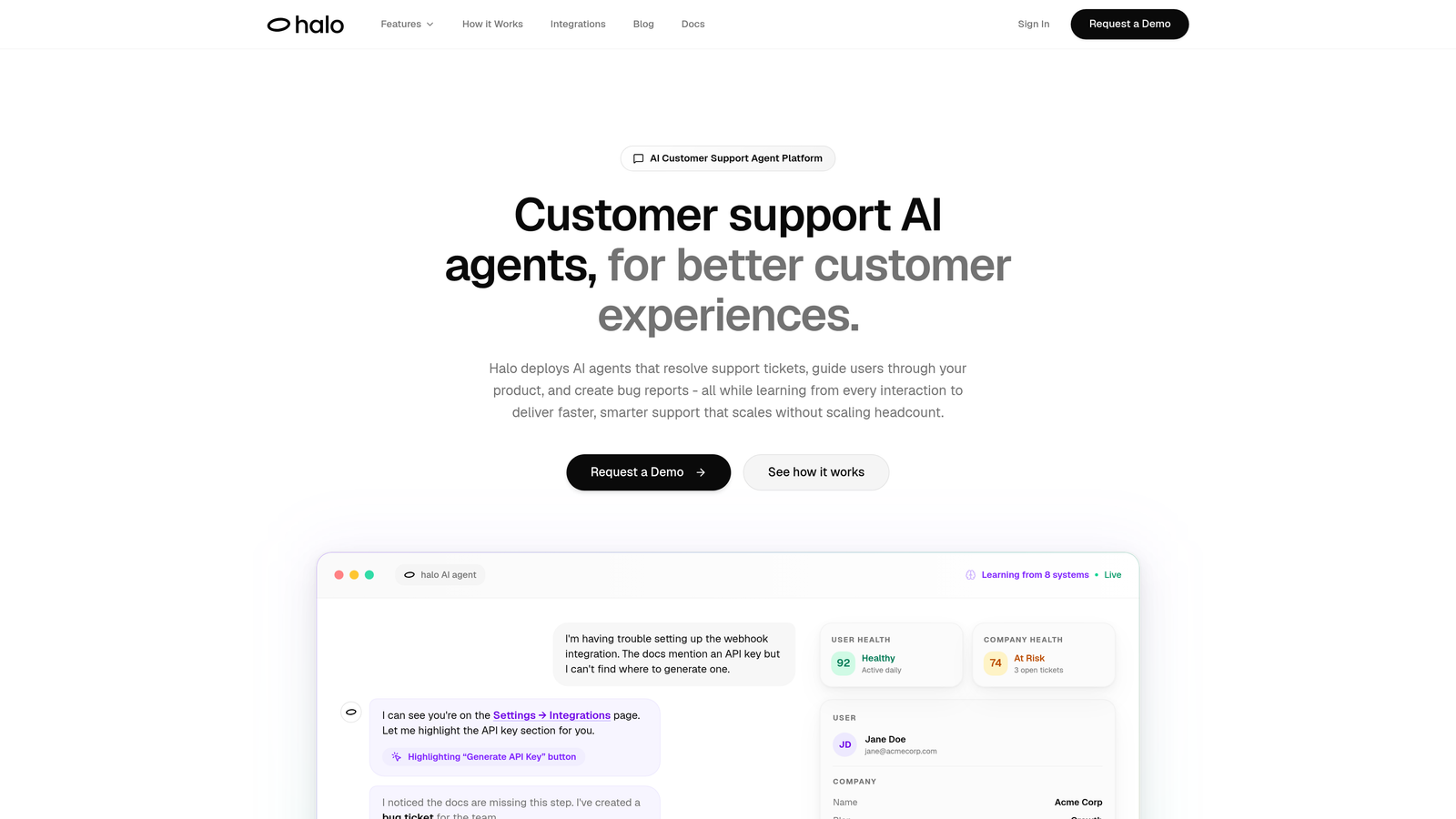
Halo AI takes a fundamentally different approach to AI-powered support by building intelligence into every layer rather than bolting it onto an existing helpdesk.
Where This Tool Shines
The platform's transparent pricing model eliminates the unpredictability of per-resolution charges that can turn a manageable monthly expense into a budget surprise during high-volume periods. You won't face escalating costs as your AI handles more tickets—exactly when you need automation most.
What sets Halo apart is its page-aware context. The AI sees what your users see, allowing it to provide visual guidance through your product interface rather than generic text instructions. This contextual awareness means fewer back-and-forth exchanges and faster resolutions.
Key Features
Intelligent AI Agents: Autonomous ticket resolution that learns from every interaction, continuously improving accuracy and response quality without manual training.
Page-Aware Chat Widget: Visual UI guidance that shows users exactly where to click, reducing confusion and support volume for navigation-related questions.
Auto Bug Ticket Creation: Automatically generates detailed bug reports in Linear or your project management system when issues are identified, streamlining product improvement workflows.
Multi-System Integrations: Connects across your business stack including Linear, Slack, HubSpot, Intercom, Stripe, Zoom, and PandaDoc for complete context.
Business Intelligence Analytics: Surface customer health signals, revenue intelligence, and anomaly detection beyond basic support metrics.
Best For
B2B companies and product teams needing support automation that scales without scaling costs. Particularly valuable for teams using multiple business systems who want unified intelligence across their stack, and organizations that need AI to improve continuously rather than remain static after implementation.
Pricing
Transparent pricing model with no hidden per-resolution fees. Contact Halo AI directly for current rates tailored to your support volume and integration needs.
2. Zendesk AI
Best for: Established teams already invested in the Zendesk ecosystem seeking AI enhancement
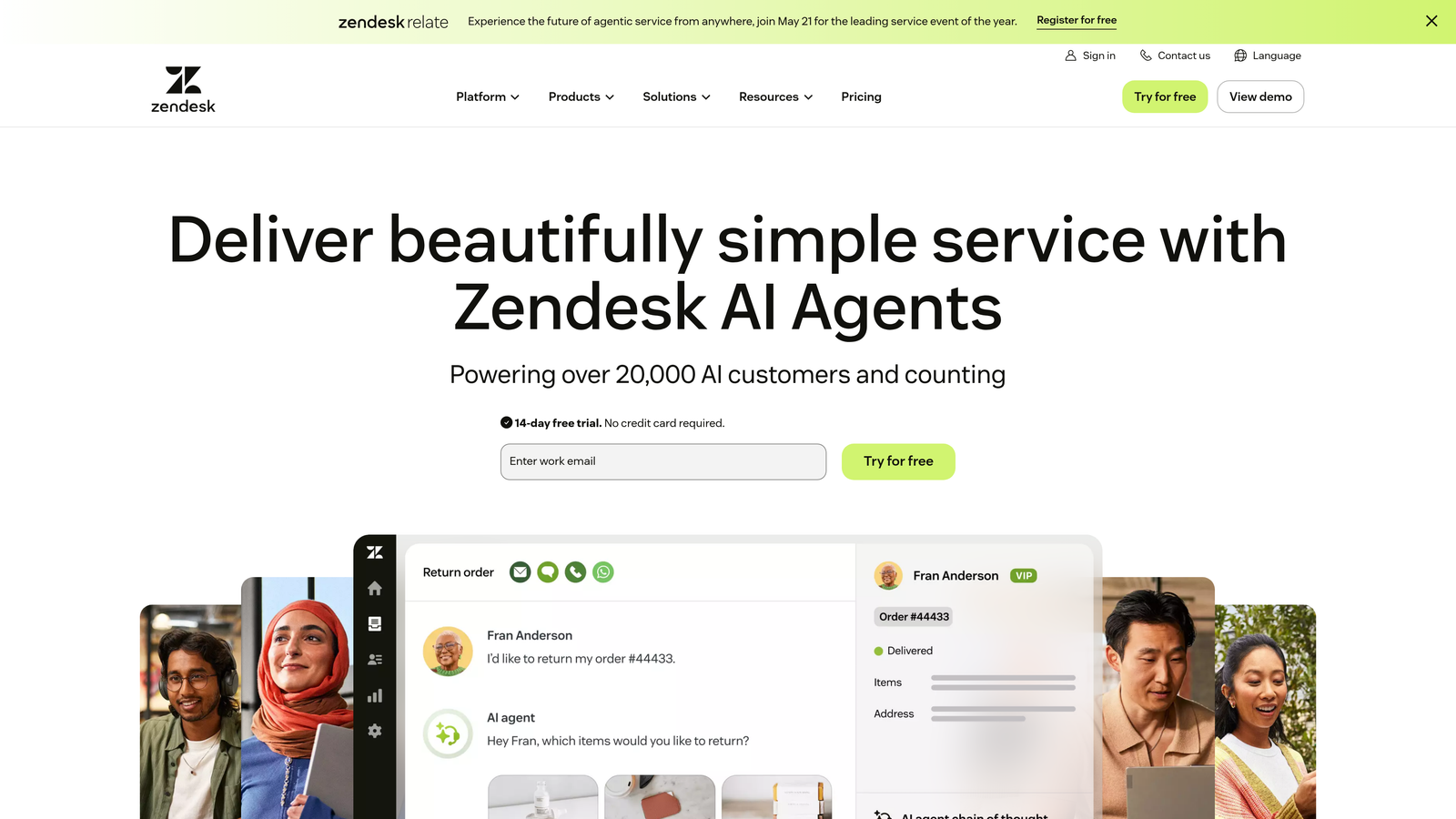
Zendesk AI layers artificial intelligence capabilities onto the widely-adopted Zendesk Suite platform.
Where This Tool Shines
For teams already using Zendesk, adding AI capabilities feels natural since it integrates directly into familiar workflows. The platform's extensive marketplace and established ecosystem mean you'll find pre-built integrations for most business tools.
Zendesk's AI excels at intelligent triage, automatically categorizing and routing tickets to the right teams based on content analysis. This reduces manual sorting work and ensures urgent issues reach the appropriate specialists faster.
Key Features
AI Agents: Automated response generation for common queries, with confidence scoring to determine when human escalation is needed.
Intelligent Triage: Automatic ticket categorization, priority assignment, and routing based on content analysis and historical patterns.
Generative AI for Agents: Real-time suggestions to help human agents craft better responses, adjust tone, and find relevant knowledge articles.
Knowledge Base Suggestions: Automatically recommends help center articles to customers and agents based on ticket content.
Sentiment Analysis: Detects customer frustration levels to prioritize emotionally-charged conversations for immediate attention.
Best For
Organizations already using Zendesk Suite who want to add AI capabilities without switching platforms. Works well for teams with established support processes looking to enhance efficiency through automation rather than rebuild from scratch.
Pricing
Suite plans start at $55 per agent per month. AI capabilities require an additional add-on with per-automated-resolution pricing that varies based on volume, creating variable monthly costs.
3. Freshdesk Freddy AI
Best for: Growing teams wanting AI features included in mid-tier pricing without separate add-ons
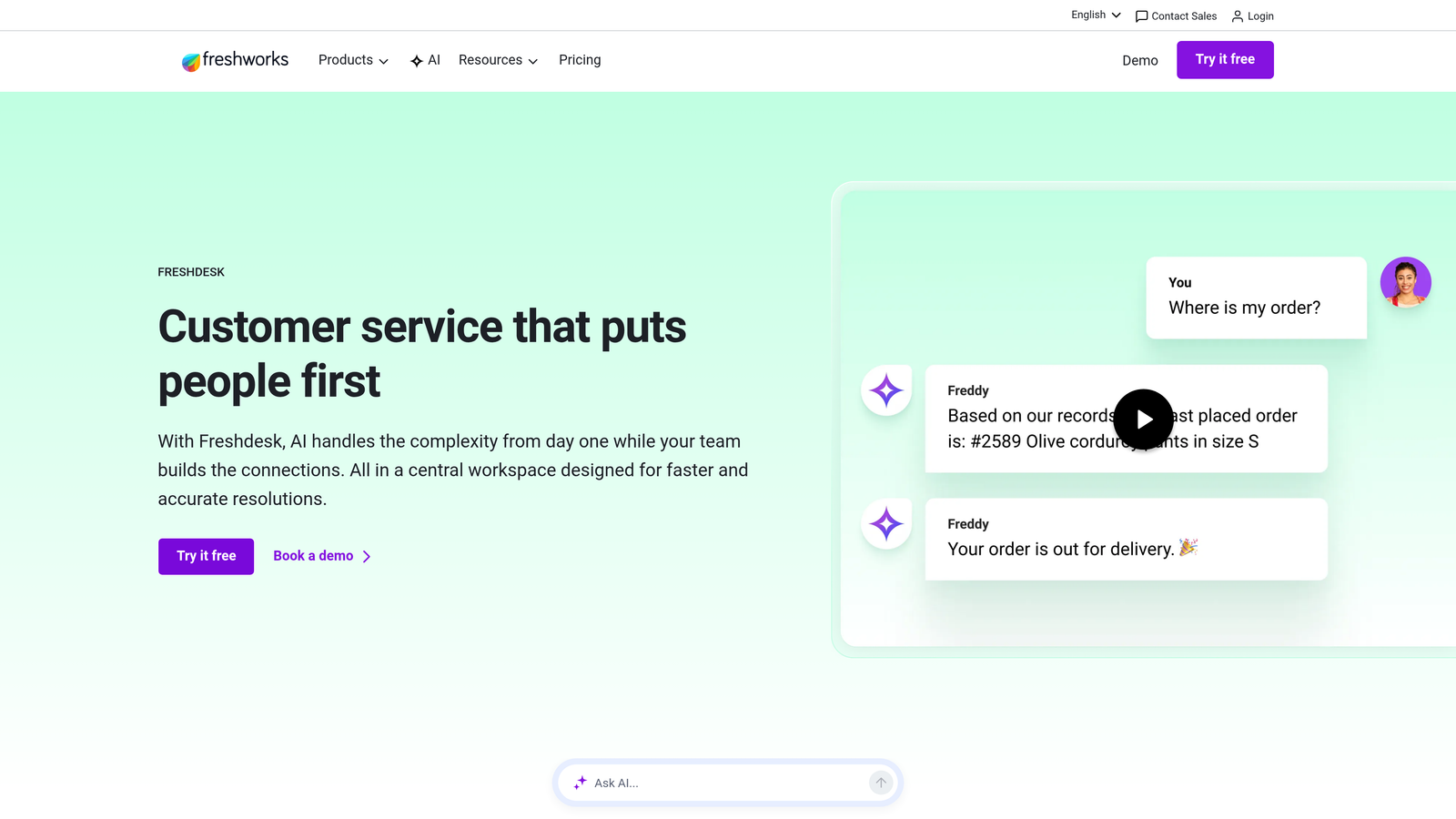
Freshdesk Freddy AI integrates Freshworks' AI engine throughout the Freshdesk platform.
Where This Tool Shines
Freshdesk offers genuine value at the mid-market level, with AI features bundled into their Pro tier rather than requiring expensive enterprise contracts. This makes advanced automation accessible to teams that aren't ready for enterprise-level investment.
The platform's omnichannel approach means Freddy AI works consistently across email, chat, phone, and social media channels. Customers get the same intelligent experience regardless of how they reach out, reducing training complexity for your team.
Key Features
Freddy AI Chatbots: Conversational bots that handle routine queries across multiple channels with customizable conversation flows.
Auto-Triage and Prioritization: Automatically categorizes incoming tickets and assigns priority levels based on content analysis and business rules.
Canned Response Suggestions: Recommends pre-written responses to agents based on ticket content, speeding up reply times.
Article Recommendations: Suggests relevant knowledge base articles to both customers and agents during conversations.
Omnichannel Support: Unified AI assistance across email, chat, phone, social media, and messaging platforms.
Best For
Mid-sized teams handling support across multiple channels who want AI capabilities without enterprise-level pricing. Particularly suited for organizations that value ease of use and quick implementation over deep customization.
Pricing
Free tier available with basic features. Pro plan starts at $49 per agent per month and includes core AI features. Bot sessions may incur additional costs depending on volume and configuration.
4. Intercom Fin
Best for: Product-led companies prioritizing conversational support experiences over traditional ticketing
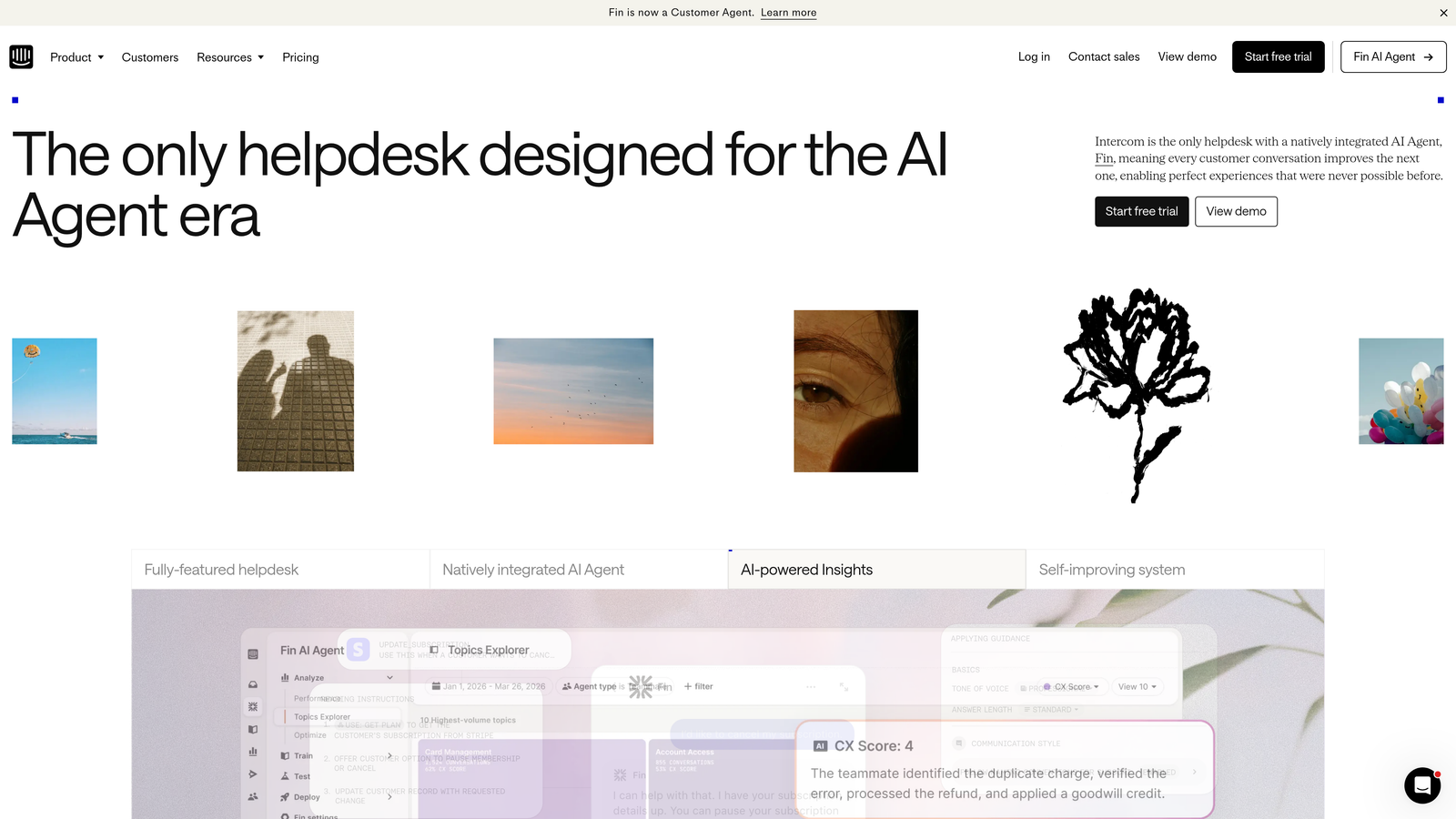
Intercom Fin is an AI-powered support agent built directly into Intercom's conversational platform.
Where This Tool Shines
Fin's strength lies in its conversational approach—it doesn't just answer questions, it engages in natural dialogue that feels remarkably human. The AI learns exclusively from your help center content, ensuring responses stay aligned with your documentation and policies.
The seamless handoff to human agents preserves full conversation context, so your team doesn't waste time asking customers to repeat themselves. This continuity creates a smoother experience during escalations.
Key Features
Autonomous Conversation Resolution: Handles complete customer conversations from start to finish without human intervention when confidence is high.
Help Center Learning: Trains exclusively on your knowledge base content to ensure accurate, on-brand responses aligned with your documentation.
Seamless Human Handoff: Transfers conversations to live agents with full context preserved, eliminating repetitive questioning.
Multi-Language Support: Responds to customers in their preferred language, expanding support capabilities across global markets.
Conversation Analytics: Detailed insights into resolution rates, common questions, and knowledge gaps to improve both AI and documentation.
Best For
SaaS companies and product-led businesses already using Intercom for customer communication. Works best for teams with comprehensive help center content and customers who prefer chat-based support over traditional email ticketing.
Pricing
$0.99 per AI resolution, making costs directly proportional to usage. Requires an Intercom subscription starting at $39 per seat per month, so total cost depends on both team size and support volume.
5. Help Scout AI
Best for: Teams prioritizing simplicity and collaboration with AI as an assistant rather than replacement
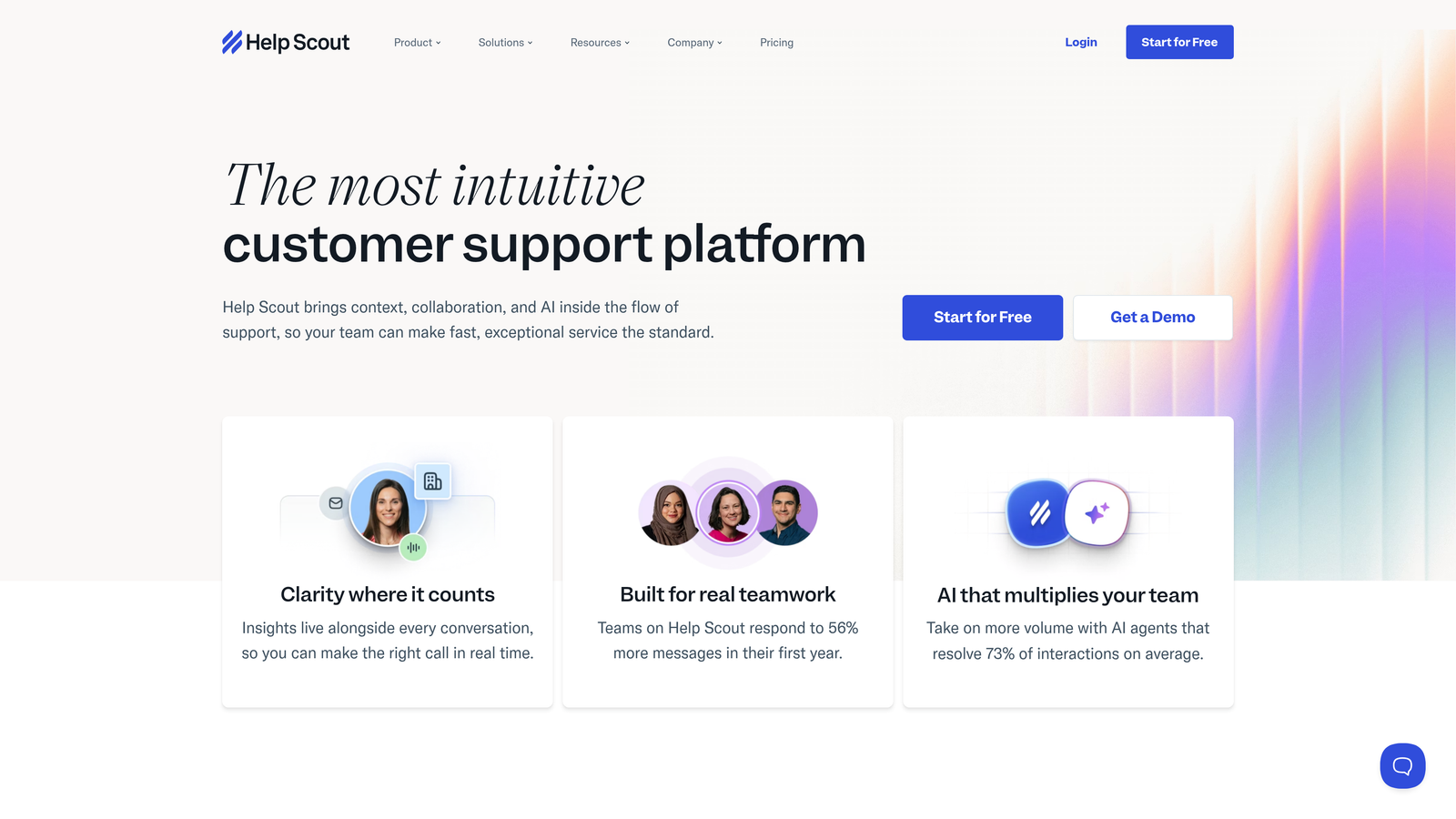
Help Scout AI integrates artificial intelligence into Help Scout's deliberately simple help desk platform.
Where This Tool Shines
Help Scout positions AI as an agent assistant rather than a customer-facing bot, which appeals to teams who want to maintain a human touch while improving efficiency. The AI drafts responses that agents can review and personalize, speeding up replies without sacrificing authenticity.
The platform's collision detection prevents multiple agents from working on the same conversation simultaneously—a small but valuable feature that saves time and prevents duplicate responses during busy periods.
Key Features
AI Drafts for Replies: Generates response suggestions based on conversation context and knowledge base content that agents can edit before sending.
Conversation Summaries: Automatically creates concise summaries of long conversation threads, helping agents get context quickly.
Tone Adjustment Suggestions: Recommends phrasing changes to make responses more empathetic, professional, or casual based on context.
Knowledge Base Integration: Pulls relevant information from your documentation to inform AI-generated drafts and suggestions.
Collision Detection: Prevents multiple agents from simultaneously responding to the same customer, eliminating duplicate replies.
Best For
Small to medium-sized teams who value simplicity and want AI to enhance human agents rather than replace them. Ideal for companies committed to maintaining personal customer relationships while improving response efficiency.
Pricing
Plus plan at $40 per user per month includes all AI features with no additional per-resolution charges, making costs predictable regardless of support volume.
6. Zoho Desk Zia
Best for: Budget-conscious teams already using Zoho ecosystem products seeking affordable AI capabilities
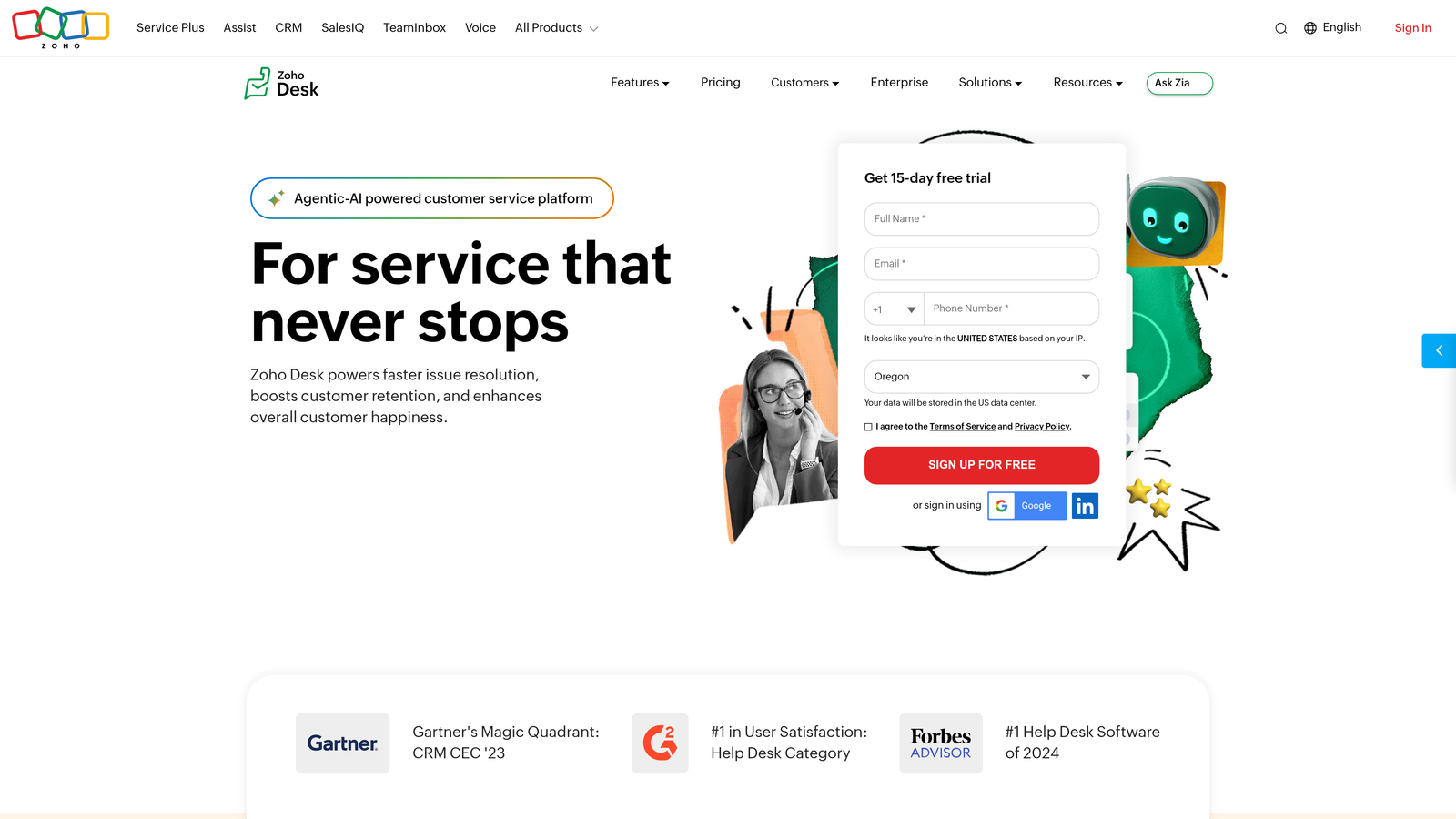
Zoho Desk Zia embeds Zoho's AI assistant throughout the Zoho Desk platform.
Where This Tool Shines
Zoho Desk delivers impressive AI functionality at a price point significantly lower than competitors. For teams already invested in the Zoho ecosystem, Zia integrates seamlessly with Zoho CRM, Zoho Analytics, and other Zoho applications for unified business intelligence.
The anomaly detection feature identifies unusual patterns in ticket volume, response times, or customer sentiment—early warning signals that help teams address emerging issues before they escalate into major problems.
Key Features
Zia Chatbot: AI-powered chatbot that handles routine customer queries and can escalate to human agents when needed.
Sentiment Analysis: Analyzes customer messages to detect frustration, satisfaction, or urgency, helping prioritize responses appropriately.
Anomaly Detection: Identifies unusual patterns in support metrics to surface potential issues before they become critical.
Auto-Tagging: Automatically applies relevant tags to tickets based on content analysis, improving organization and reporting.
Response Suggestions: Recommends replies to agents based on ticket content and historical resolution patterns.
Best For
Small businesses and startups looking for affordable AI-powered support, especially those already using other Zoho products. Works well for teams that need solid core functionality without enterprise-level complexity or pricing.
Pricing
Professional tier at $23 per user per month includes Zia AI capabilities with no additional fees, making it one of the most cost-effective options for AI-powered ticketing.
7. Kustomer IQ
Best for: High-volume e-commerce operations needing deep customer context and conversation-based workflows
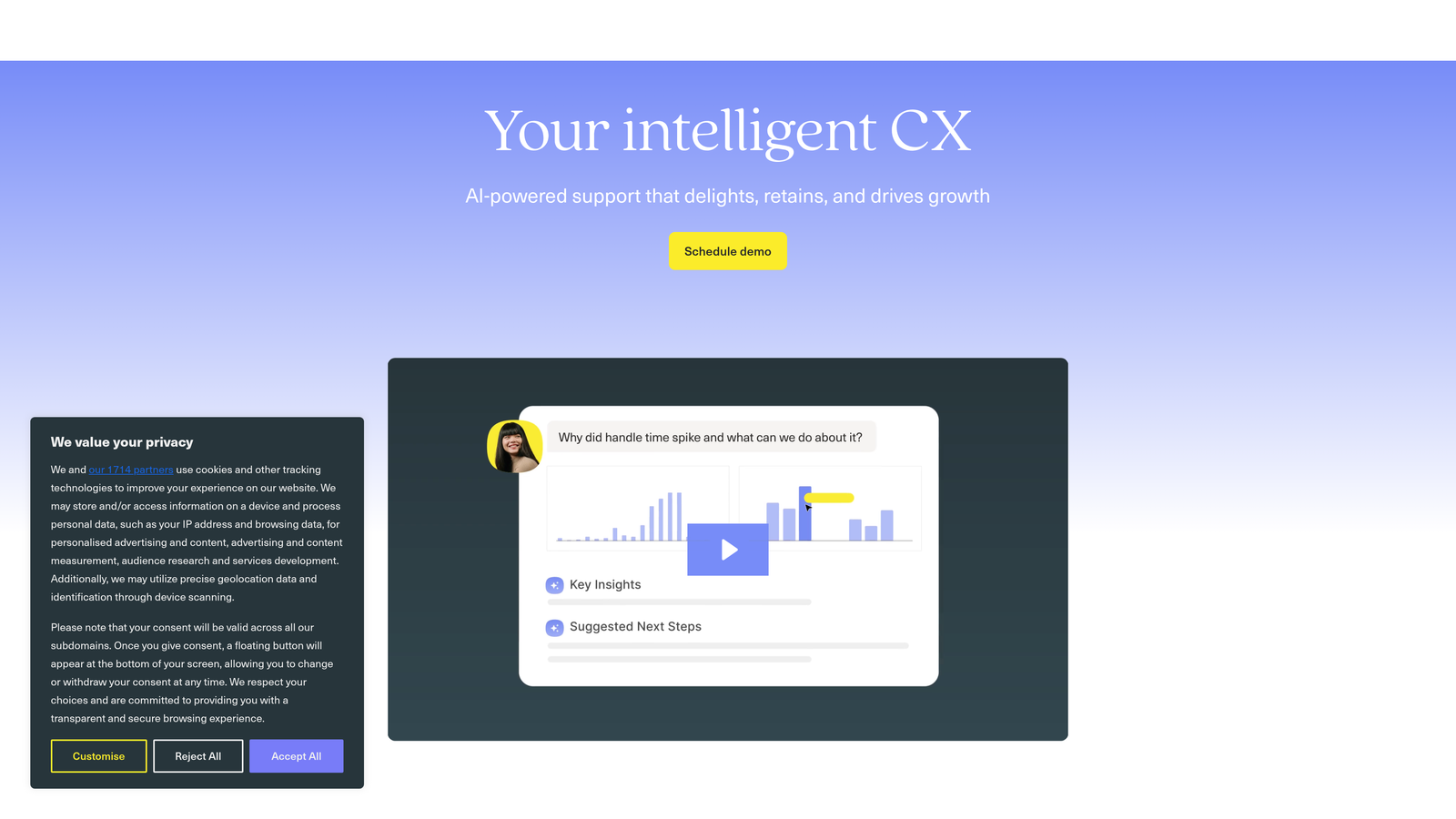
Kustomer IQ powers AI capabilities within Kustomer's CRM-centric customer service platform.
Where This Tool Shines
Kustomer's timeline view provides complete customer context—purchase history, previous conversations, account details—in a single interface. This unified view helps agents and AI make better decisions based on the full customer relationship rather than isolated ticket information.
The platform's custom AI training capabilities allow you to teach the system your specific business logic, product knowledge, and resolution approaches. This customization creates more accurate, brand-aligned responses than generic AI models.
Key Features
Intent Detection: Identifies what customers are trying to accomplish from their messages, routing conversations to appropriate workflows automatically.
Automated Workflows: Creates complex automation sequences based on customer data, conversation history, and business rules.
Customer Timeline View: Displays complete customer journey including purchases, support history, and account activity in chronological order.
Omnichannel Support: Manages conversations across email, chat, social media, SMS, and voice in unified threads.
Custom AI Training: Allows teams to train AI models on company-specific data and processes for more accurate, contextual responses.
Best For
E-commerce businesses and high-volume support operations that need deep customer context and sophisticated automation. Best suited for companies with technical resources to leverage custom training capabilities.
Pricing
Enterprise tier with custom pricing, typically based on conversation volume rather than agent seats. Expect higher costs than per-agent models but potentially better value at very high volumes.
8. Tidio AI
Best for: Small businesses and solopreneurs wanting accessible AI chat without complex setup
Tidio AI combines AI chatbot capabilities with live chat in a platform designed for accessibility.
Where This Tool Shines
Tidio's visual chatbot builder makes AI accessible to non-technical users. You can create conversation flows by dragging and dropping elements rather than writing code or complex rules, lowering the barrier to automation.
The platform's plugins for Shopify and WordPress mean you can add AI chat to your website in minutes rather than days. This quick implementation appeals to small businesses that need results fast without extensive technical resources.
Key Features
Lyro AI Chatbot: Conversational AI that learns from your website content and FAQs to answer customer questions automatically.
Visual Chatbot Builder: Drag-and-drop interface for creating custom conversation flows without coding knowledge.
Live Chat Integration: Seamlessly transitions from AI to human agents when conversations require personal attention.
Shopify and WordPress Plugins: One-click installation for popular e-commerce and website platforms.
Visitor Tracking: Monitors visitor behavior to trigger proactive chat invitations at optimal moments.
Best For
Small online businesses, independent e-commerce stores, and solopreneurs who want AI chat capabilities without enterprise complexity or pricing. Particularly valuable for teams with limited technical expertise.
Pricing
Free tier available with limited AI conversations. Paid plans start at $29 per month with expanded AI conversation limits, making it accessible for very small teams and individual entrepreneurs.
9. Salesforce Einstein for Service
Best for: Large enterprises requiring deep CRM integration and extensive customization capabilities
Salesforce Einstein for Service delivers enterprise AI within the Salesforce Service Cloud ecosystem.
Where This Tool Shines
Einstein's integration with Salesforce CRM provides unmatched depth of customer data—sales history, marketing interactions, support patterns—all feeding into AI decision-making. This comprehensive view enables highly personalized support experiences based on complete customer relationships.
The platform's predictive analytics capabilities go beyond reactive support, forecasting potential issues, identifying at-risk customers, and recommending proactive outreach. This intelligence helps teams prevent problems rather than just solve them.
Key Features
Einstein Bots: AI-powered chatbots that resolve routine queries and collect information before escalating to human agents.
Case Classification: Automatically categorizes and routes cases based on content, customer data, and historical patterns.
Next Best Action Recommendations: Suggests optimal next steps for agents based on customer context and business objectives.
Knowledge Article Suggestions: Recommends relevant documentation to both customers and agents during conversations.
Predictive Analytics: Forecasts customer churn risk, case escalation probability, and resolution time estimates.
Best For
Large enterprises already invested in the Salesforce ecosystem who need AI capabilities tightly integrated with sales, marketing, and customer data. Requires significant implementation resources and works best with dedicated Salesforce administrators.
Pricing
Service Cloud starts at $150 per user per month. Einstein AI features require additional licensing that varies based on specific capabilities needed, making total costs substantially higher than base pricing.
Making the Right Choice for Your Budget
Comparing AI ticket system pricing requires looking beyond monthly per-agent costs to understand true total cost of ownership. A platform advertising low base pricing might add significant per-resolution fees, integration costs, or feature limitations that push actual expenses much higher.
For startups and small teams (under 10 agents), Tidio and Zoho Desk offer the most accessible entry points with genuine AI capabilities included at lower price tiers. Both provide solid functionality without requiring enterprise budgets or complex implementations.
Mid-sized teams (10-50 agents) should evaluate Freshdesk, Help Scout, and Halo AI. These platforms balance capability with cost-effectiveness, offering substantial automation without the complexity or expense of enterprise solutions. Pay particular attention to whether AI features incur per-resolution charges—these variable costs can surprise you during high-volume periods.
Enterprises with 50+ agents need to calculate based on conversation volume, not just agent count. Kustomer's conversation-based pricing might deliver better value than per-agent models at very high volumes. Salesforce Einstein makes sense when you need deep CRM integration and have resources for extensive customization.
The hidden cost factor many teams overlook is per-resolution pricing. When a platform charges $0.99 per AI-handled conversation, calculate your monthly ticket volume to estimate true costs. A team handling 5,000 tickets monthly could face nearly $5,000 in resolution fees alone—on top of base subscription costs.
Integration requirements also impact total cost. Platforms that connect natively to your existing tools (project management, CRM, communication systems) save implementation time and ongoing maintenance expenses. Halo AI's multi-system integrations, for example, eliminate the need for expensive middleware or custom development.
Your support team shouldn't scale linearly with your customer base. Let AI agents handle routine tickets, guide users through your product, and surface business intelligence while your team focuses on complex issues that need a human touch. See Halo in action and discover how continuous learning transforms every interaction into smarter, faster support.