9 Best AI Ticket Triage Software Tools in 2026
AI ticket triage software automatically categorizes, prioritizes, and routes support tickets to the right teams, dramatically reducing response times and preventing urgent issues from getting lost in backlogs. This comprehensive review evaluates the top 9 ai ticket triage software solutions for 2026 based on classification accuracy, integration capabilities, and intelligent routing features to help support teams eliminate chaos and work more efficiently.
 Grant CooperFounder11 min read
When support tickets pile up faster than your team can sort them, the right AI ticket triage software becomes the difference between organized efficiency and chaotic backlogs. These tools automatically categorize, prioritize, and route incoming tickets to the right agents or teams—cutting response times and ensuring urgent issues get immediate attention.
We evaluated dozens of solutions based on classification accuracy, integration capabilities, ease of setup, and real-world routing intelligence. Here are the top AI ticket triage tools for support teams ready to work smarter.
1. Halo AI
Best for: B2B SaaS teams wanting triage that learns and improves with every ticket
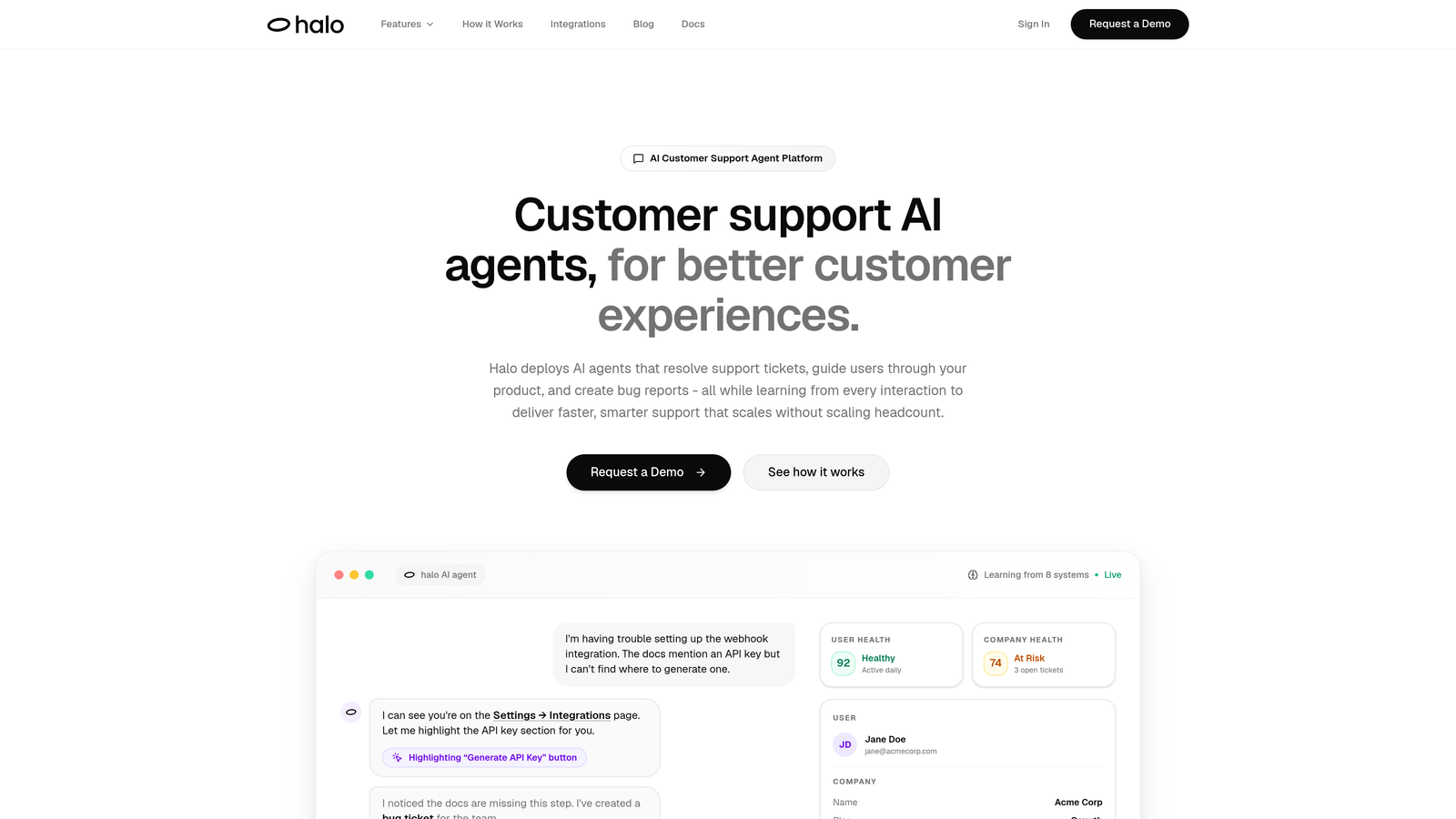
Halo AI is an AI-first customer support platform that goes beyond basic ticket sorting to actually resolve issues autonomously while continuously learning from every interaction.
Where This Tool Shines
Unlike traditional triage tools that simply sort and route, Halo combines intelligent classification with autonomous resolution capabilities. The platform understands page-aware context—seeing exactly where users are in your product when they request help—which dramatically improves triage accuracy.
The continuous learning architecture means your triage gets smarter over time. Every ticket interaction trains the system to make better routing decisions, identify patterns faster, and surface business intelligence that goes beyond basic support metrics.
Key Features
Page-Aware Context: Understands user location in your product for accurate issue classification and resolution.
Continuous Learning: Improves routing accuracy and handling intelligence from every ticket interaction.
Auto Bug Ticket Creation: Automatically categorizes technical issues and creates properly formatted bug reports.
Smart Inbox Analytics: Provides business intelligence beyond support metrics, including customer health signals.
Full Stack Integration: Connects with Linear, Slack, HubSpot, Intercom, Stripe, and other business systems.
Best For
B2B SaaS companies and product teams looking for AI triage that doesn't just sort tickets but actively resolves them while learning from every interaction. Particularly valuable for teams that want their support system to provide broader business intelligence.
Pricing
Contact for pricing. Designed specifically for B2B SaaS teams managing product-related support at scale.
2. Zendesk Advanced AI
Best for: Existing Zendesk customers wanting native AI triage without third-party tools
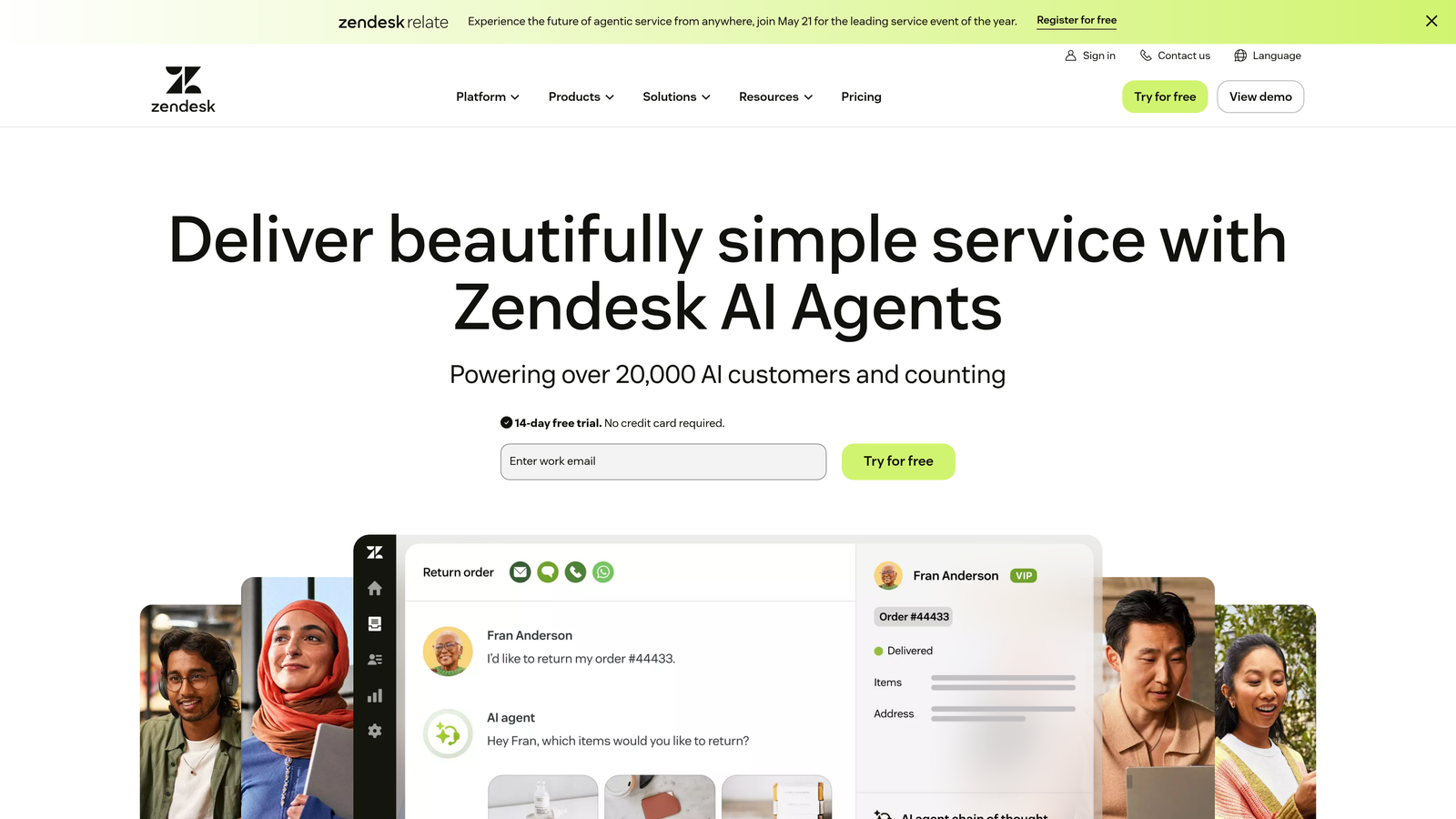
Zendesk Advanced AI is the native AI layer built directly into Zendesk that automatically categorizes tickets, detects customer intent, and routes conversations based on agent skills and availability.
Where This Tool Shines
The seamless integration advantage is real—no external platforms or complex setup required. Zendesk's AI comes pre-trained on millions of customer service interactions, which means you get reasonable accuracy from day one without extensive training periods.
Sentiment analysis adds a crucial layer to triage decisions. The system can detect frustration or urgency in ticket language and automatically boost priority, ensuring upset customers don't wait in standard queues while their issues escalate.
Key Features
Intent Detection: Automatically identifies what customers need from their initial message for accurate routing.
Sentiment-Based Priority: Adjusts ticket urgency based on detected customer emotion and frustration levels.
Macro Suggestions: Recommends response templates to agents based on ticket classification.
Skills-Based Routing: Matches tickets to agents with relevant expertise and current availability.
Pre-Trained Models: Leverages Zendesk's extensive customer service data for immediate accuracy.
Best For
Teams already using Zendesk Suite Professional or higher who want to add intelligent triage without introducing new platforms or managing additional vendor relationships.
Pricing
Available as an add-on to Suite Professional and higher plans. Contact Zendesk for specific Advanced AI pricing based on your current tier.
3. Freshdesk Freddy AI
Best for: Mid-sized teams needing predictive triage with automated field suggestions
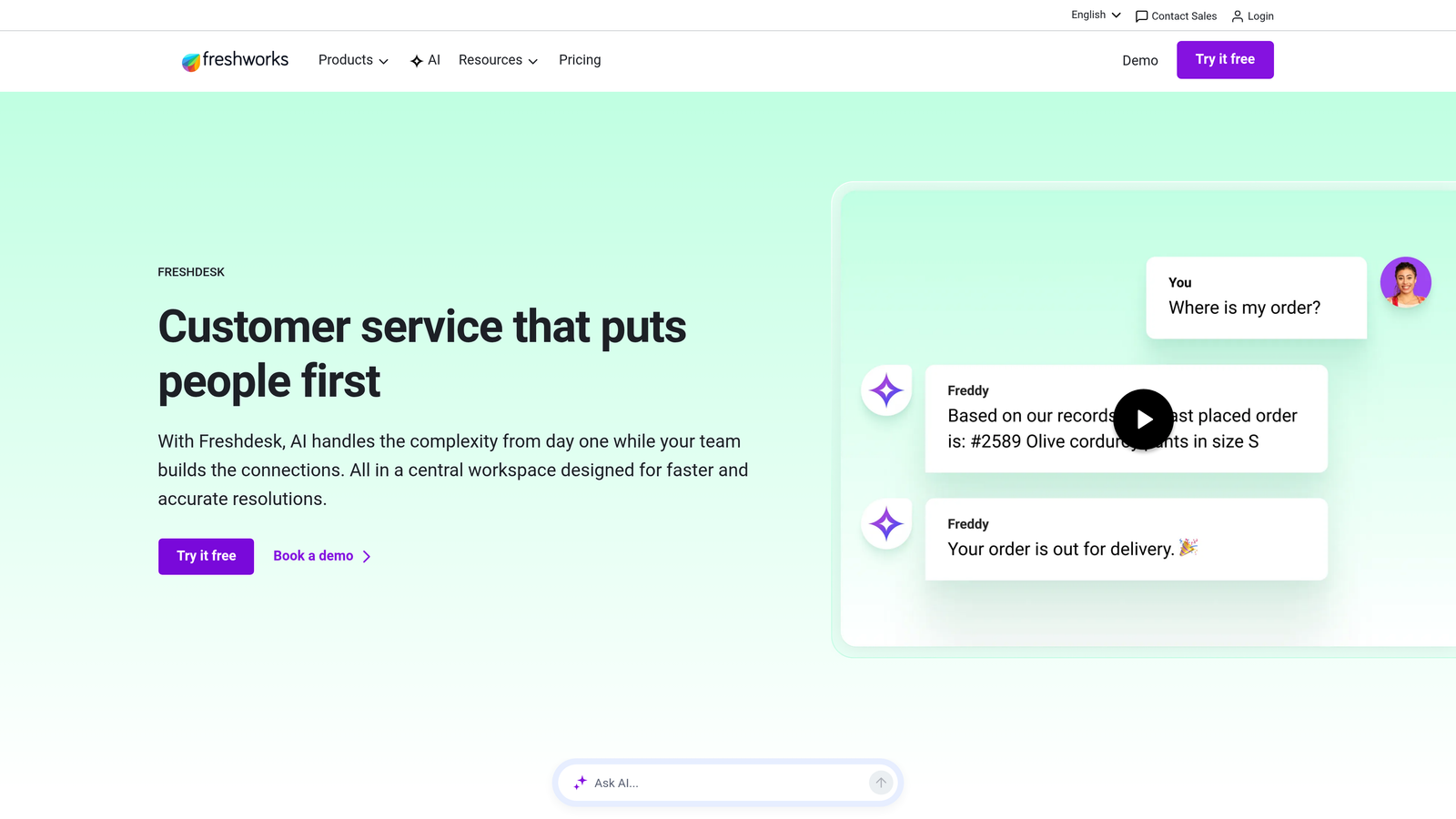
Freshdesk Freddy AI is Freshworks' AI layer that auto-triages tickets, suggests appropriate ticket fields, and predicts priority levels based on your team's historical resolution patterns.
Where This Tool Shines
Freddy's field suggestion capability saves significant time during ticket creation. The AI automatically recommends categories, priorities, and custom field values based on ticket content—reducing manual data entry and classification errors that plague manual triage.
The thank you detector is surprisingly valuable for teams with high ticket volumes. It prevents agents from reopening resolved tickets when customers simply reply with gratitude, keeping your metrics clean and agents focused on actual issues.
Key Features
Auto-Triage with Field Suggestions: Automatically populates ticket categories and custom fields based on content analysis.
Thank You Detection: Identifies gratitude messages to prevent unnecessary ticket reopens and status changes.
Canned Response Recommendations: Suggests relevant saved replies to speed up agent responses.
Priority Prediction: Analyzes ticket content against historical data to recommend urgency levels.
Agent Assist: Provides real-time suggestions during ticket handling for faster resolution.
Best For
Growing support teams using Freshdesk who need intelligent automation without enterprise-level complexity or pricing. Works well for teams transitioning from manual to AI-powered triage.
Pricing
Freddy AI features available on Pro plan and above. AI add-ons start at $29 per agent per month, with capabilities scaling by plan tier.
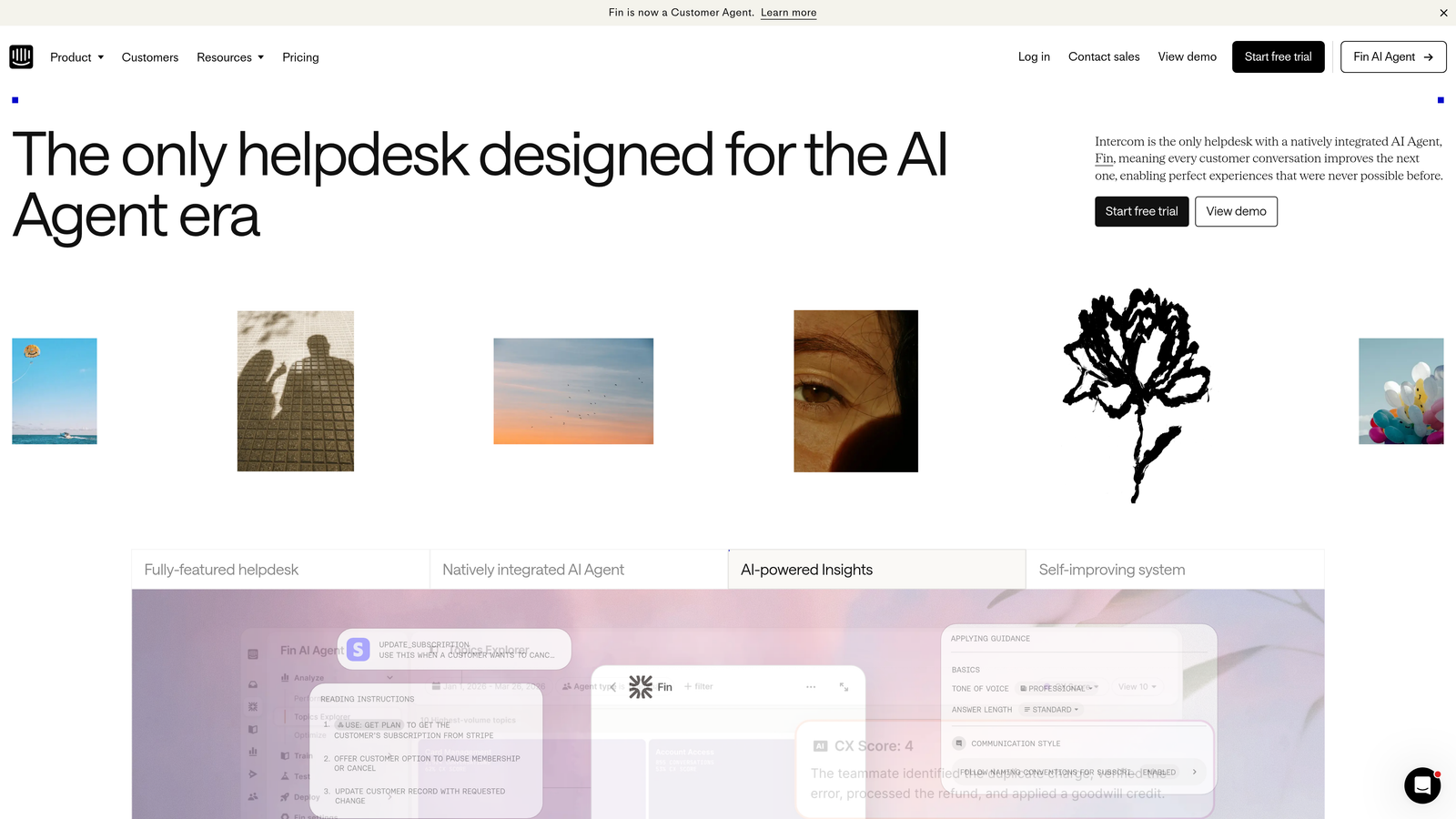
4. Intercom Fin
Best for: Teams wanting conversational triage that attempts resolution before creating tickets
Intercom Fin is an AI agent that handles initial customer conversations, triaging issues through natural dialogue before creating tickets or routing to human agents with complete context.
Where This Tool Shines
Fin's conversational approach changes the triage equation entirely. Instead of immediately creating a ticket, it engages customers in dialogue to understand their issue, attempts resolution using your knowledge base, and only escalates when necessary—dramatically reducing ticket volume.
When escalation does happen, the handoff quality is exceptional. Human agents receive the full conversation history, what solutions were already attempted, and clear context about why the issue needs human attention—eliminating the frustrating "can you repeat your problem" experience customers hate.
Key Features
Conversational Triage: Engages customers in dialogue to understand issues before ticket creation.
Resolution Attempts First: Tries to solve problems using knowledge base content before escalating.
Context-Rich Handoffs: Provides agents with full conversation history and attempted solutions.
Custom Answer Sources: Pulls resolution information from your help content and documentation.
Multi-Language Support: Handles triage conversations in multiple languages automatically.
Best For
Companies using Intercom for customer messaging who want to deflect simple issues while ensuring complex problems reach agents with complete context and previous resolution attempts documented.
Pricing
Fin AI Agent billed per resolution starting at $0.99 per resolution. Pricing scales with usage, making it predictable for teams with variable ticket volumes.
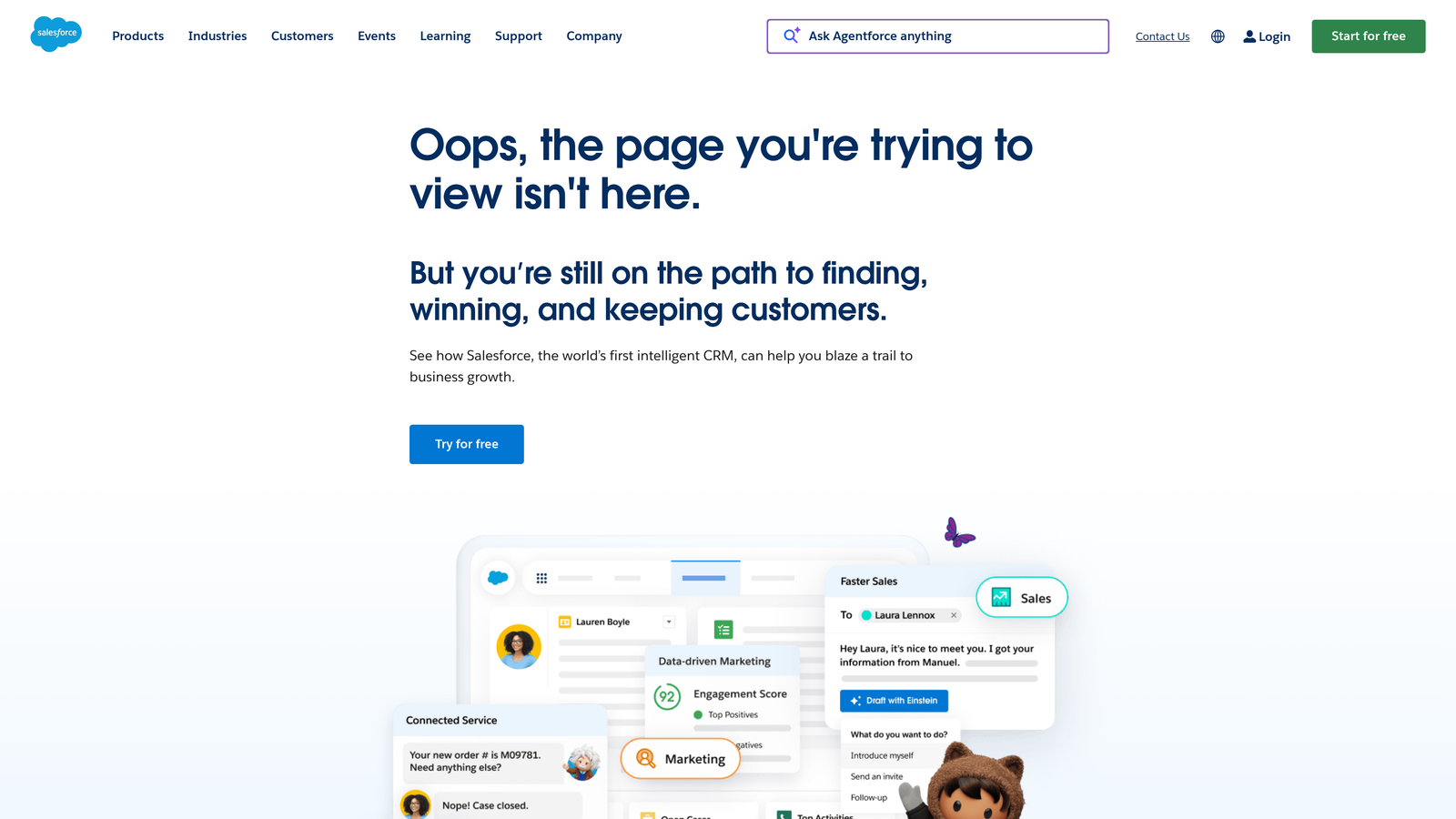
5. Salesforce Einstein for Service
Best for: Enterprise teams needing triage integrated with full CRM context
Salesforce Einstein for Service provides AI capabilities within Service Cloud that classify cases, recommend next actions, and route work items based on agent skills and case complexity.
Where This Tool Shines
The CRM integration advantage is unmatched. Einstein considers customer lifetime value, account health, contract status, and purchase history when making triage decisions—not just ticket content. High-value customers automatically get priority routing, and at-risk accounts trigger escalation protocols.
Predictive case escalation catches problems before they explode. The AI analyzes case patterns to identify tickets likely to escalate, breach SLA, or generate customer churn—allowing proactive intervention instead of reactive firefighting.
Key Features
Case Classification and Routing: Automatically categorizes and assigns cases based on content and customer context.
Predictive Escalation Alerts: Identifies cases likely to escalate before they become critical issues.
Article Recommendations: Suggests relevant knowledge base content to agents during case handling.
Full CRM Context: Incorporates customer data, account health, and purchase history into triage decisions.
Omni-Channel Intelligence: Routes work items across email, chat, social, and phone with unified logic.
Best For
Enterprise organizations using Salesforce Service Cloud who need triage decisions informed by complete customer context, account value, and business relationship data beyond just support history.
Pricing
Einstein for Service included in Unlimited edition. Available as add-on for Professional and Enterprise editions—contact Salesforce for specific pricing based on your current Service Cloud tier.
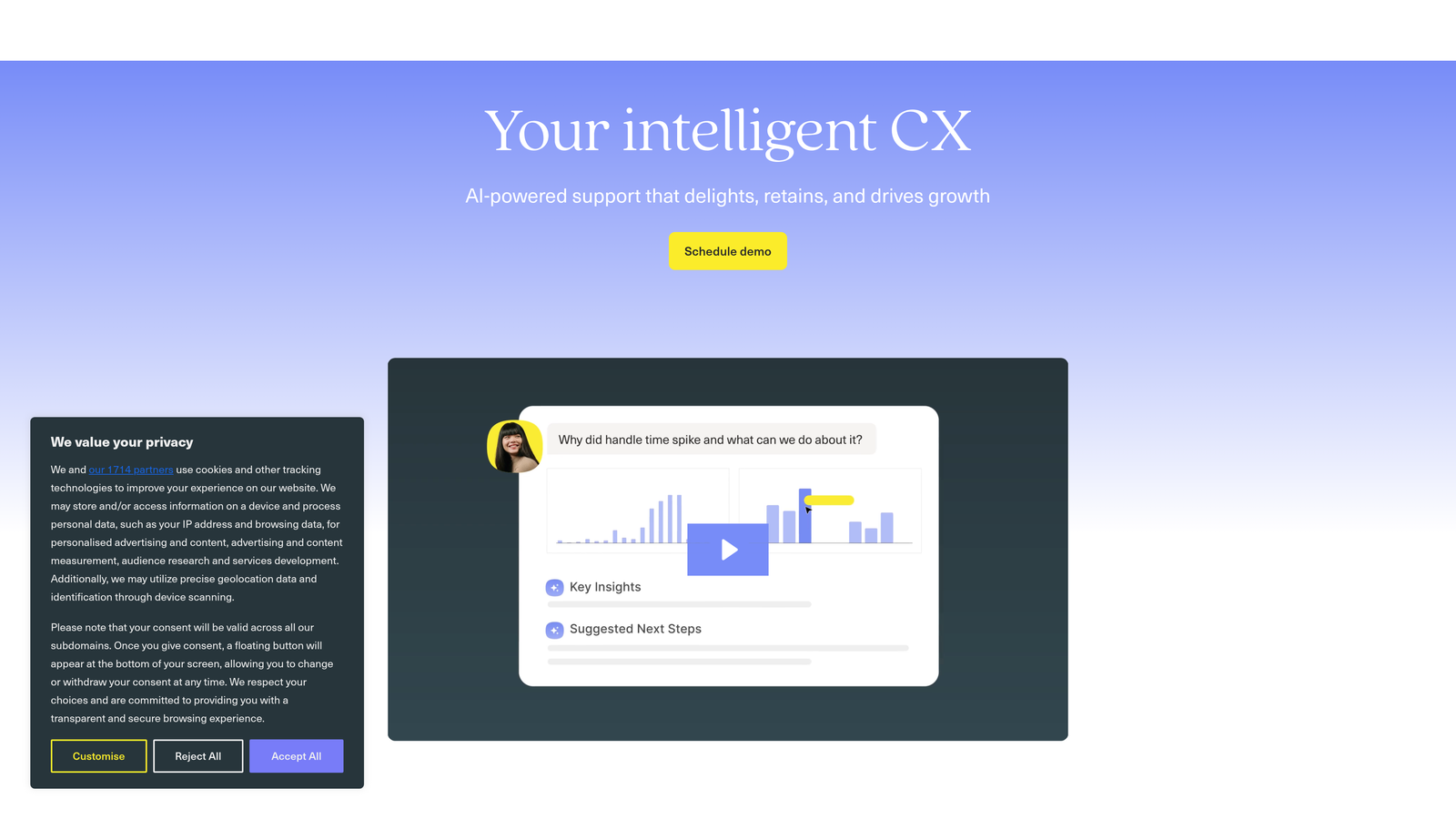
6. Kustomer IQ
Best for: Omnichannel support teams managing conversations across multiple platforms
Kustomer IQ is an AI-powered customer service platform with strong intent detection and automatic conversation categorization across email, chat, social media, and messaging channels.
Where This Tool Shines
Kustomer's unified timeline view changes how agents understand customer issues. Instead of seeing isolated tickets, they see the complete customer journey across all channels—making triage decisions more accurate because the AI considers the full conversation history, not just the latest message.
The cross-channel intent detection is particularly sophisticated. Whether a customer reaches out via Twitter, email, or chat, Kustomer identifies the underlying intent and routes to the same specialized queue—preventing the common problem where customers get bounced between teams because they switched channels.
Key Features
Cross-Channel Intent Detection: Identifies customer needs consistently across email, chat, social, and messaging.
Automatic Conversation Classification: Categorizes interactions without manual tagging or agent intervention.
Customer Timeline View: Provides complete conversation history across all channels for context-aware routing.
Sentiment-Based Prioritization: Adjusts queue position based on detected customer emotion and urgency.
Queue Management Automation: Dynamically assigns conversations based on agent skills, availability, and workload.
Best For
Support teams managing high volumes across multiple channels who need unified triage logic that considers complete customer context rather than treating each channel as a separate silo.
Pricing
Enterprise pricing model. Contact Kustomer for quotes based on agent count, conversation volume, and required integrations.
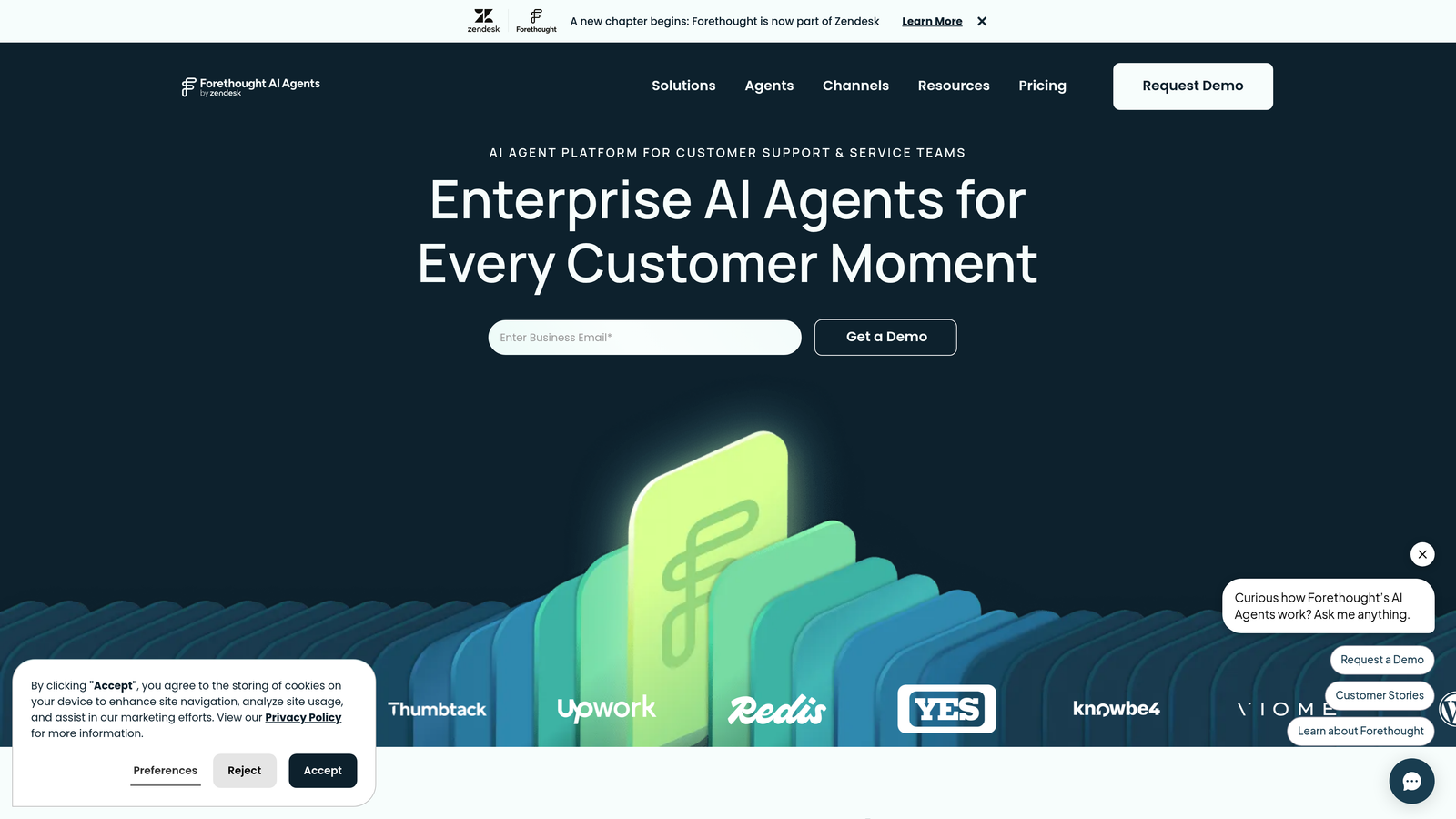
7. Forethought Solve
Best for: Teams wanting AI triage without replacing their existing helpdesk system
Forethought Solve is an AI platform that layers onto existing helpdesks to provide intelligent triage, ticket deflection, and agent assistance without requiring system replacement.
Where This Tool Shines
The overlay architecture is Forethought's key advantage. You keep your current helpdesk investment—Zendesk, Salesforce, ServiceNow—while adding sophisticated AI capabilities on top. No data migration, no workflow rebuilding, no retraining your team on new systems.
Workflow discovery from historical tickets is genuinely valuable. Forethought analyzes your past ticket data to identify routing patterns, common issues, and resolution paths—then builds triage rules based on what actually works in your environment, not generic best practices.
Key Features
Multi-Platform Integration: Works with Zendesk, Salesforce Service Cloud, ServiceNow, and other major helpdesks.
Triage Plus Deflection: Combines intelligent routing with self-service resolution attempts before ticketing.
Workflow Discovery: Analyzes historical ticket data to identify and automate effective routing patterns.
Real-Time Agent Assist: Provides suggestions and next-best-action recommendations during ticket handling.
Detailed Triage Analytics: Tracks classification accuracy, routing efficiency, and deflection rates.
Best For
Organizations with established helpdesk systems who want to add AI triage capabilities without the disruption and cost of platform migration. Particularly valuable for teams with complex, customized helpdesk configurations.
Pricing
Custom pricing based on monthly ticket volume and required integrations. Contact Forethought for quotes specific to your helpdesk platform and scale.
8. Capacity
Best for: Teams wanting triage connected directly to knowledge base content
Capacity is an AI-powered support automation platform that connects triage decisions to your knowledge base, routing tickets based on content matches and issue complexity.
Where This Tool Shines
Capacity's knowledge-first approach means triage decisions happen in context of what information exists to solve the problem. If comprehensive documentation exists for an issue, the system routes to self-service or junior agents. Complex issues without clear knowledge base coverage automatically escalate to experienced team members.
The low-code workflow builder lets support managers create custom triage logic without developer involvement. You can build conditional routing rules, multi-step qualification flows, and dynamic prioritization based on collected data—all through a visual interface.
Key Features
Knowledge-Connected Triage: Routes tickets based on available documentation and content match quality.
Multi-Channel Intake: Handles triage across email, chat, SMS, and web forms with unified logic.
Low-Code Workflow Automation: Build custom triage rules and routing logic without coding.
Guided Conversations: Collects necessary information through structured dialogue before ticket creation.
Helpdesk Integrations: Connects with major support platforms for seamless ticket creation and routing.
Best For
Support teams with robust knowledge bases who want triage decisions informed by what self-service content exists and how well it matches customer issues.
Pricing
Starts at $49 per user per month for basic plans. Enterprise plans with advanced triage capabilities and higher usage limits available with custom pricing.
9. SupportLogic
Best for: B2B teams needing predictive escalation alerts and account health signals
SupportLogic is a signal extraction platform that analyzes ticket sentiment and content to predict escalations, score urgency, and surface at-risk cases before they become serious problems.
Where This Tool Shines
SupportLogic focuses on what traditional triage misses—the early warning signs that a ticket will explode. By analyzing language patterns, response delays, and escalation indicators, it identifies cases likely to generate executive complaints or customer churn before they reach crisis level.
The account health perspective elevates triage beyond individual tickets. SupportLogic aggregates case sentiment across accounts to provide customer success teams with support-based health scores—helping identify at-risk renewals that support data can predict before sales teams see the warning signs.
Key Features
Sentiment Extraction: Analyzes ticket language to detect frustration, urgency, and escalation risk.
Escalation Prediction Scoring: Assigns risk scores to cases likely to generate complaints or executive involvement.
Case Health Monitoring: Tracks individual ticket trajectories to identify deteriorating situations.
Overlay Architecture: Works on top of existing helpdesk systems without requiring platform changes.
Account Health Signals: Provides customer success teams with support-based account risk indicators.
Best For
B2B support teams managing enterprise accounts where preventing escalations and identifying at-risk customers is critical to retention and revenue protection.
Pricing
Enterprise pricing designed for B2B support organizations. Contact SupportLogic for quotes based on ticket volume and account count.
Finding Your Triage Solution
The right AI ticket triage software depends on your current infrastructure and specific needs. Teams already committed to major helpdesk platforms should start with native AI options—Zendesk Advanced AI for Zendesk users, Freddy AI for Freshdesk teams, Einstein for Salesforce Service Cloud customers.
If you need sophisticated triage without replacing your current system, Forethought Solve and SupportLogic provide overlay capabilities that add intelligence to existing platforms. For omnichannel teams managing conversations across multiple platforms, Kustomer IQ's unified approach prevents the routing chaos that comes from channel-specific triage logic.
Conversational triage that attempts resolution before ticketing makes sense for teams drowning in simple, repetitive issues—Intercom Fin excels here. And if your knowledge base is comprehensive, Capacity's content-connected routing ensures customers reach self-service when documentation exists and human experts when it doesn't.
But here's what most triage tools miss: they sort and route, then stop. Your team still handles every ticket manually. The next evolution combines intelligent triage with autonomous resolution—systems that don't just categorize tickets but actually solve them while continuously learning from every interaction.
Your support team shouldn't scale linearly with your customer base. Let AI agents handle routine tickets, guide users through your product, and surface business intelligence while your team focuses on complex issues that need a human touch. See Halo in action and discover how continuous learning transforms every interaction into smarter, faster support.