9 Best AI Ticketing Systems and What They Actually Cost in 2026
This guide cuts through confusing ai ticketing system pricing by breaking down what nine leading platforms actually charge, including hidden costs, tier structures, and total cost of ownership across per-seat, usage-based, and flat pricing models. Ideal for SaaS teams and scaling B2B companies ready to make an informed support automation investment.
 Matt PattoliFounder14 min read
Most AI ticketing system pricing pages bury the real numbers behind "contact sales" buttons and enterprise tiers. You click through expecting clarity, and you end up with a demo request form instead. It's frustrating, especially when you're trying to make a real purchasing decision.
This guide cuts through that noise. We've mapped out what nine leading AI ticketing platforms actually charge, what's included at each tier, and where the hidden costs tend to appear. Whether you're a lean SaaS team automating your first support workflows or a scaling B2B company evaluating enterprise helpdesks, this breakdown gives you the transparency you need.
Each platform is evaluated on AI capability depth, pricing structure (per-seat vs. usage-based vs. flat), integration ecosystem, and total cost of ownership at different team sizes. Halo AI is listed first because it's the platform behind this article, but every entry is assessed on its own merits. Let's get into it.
1. Halo AI
Best for: B2B SaaS teams wanting AI-first support with business intelligence built in
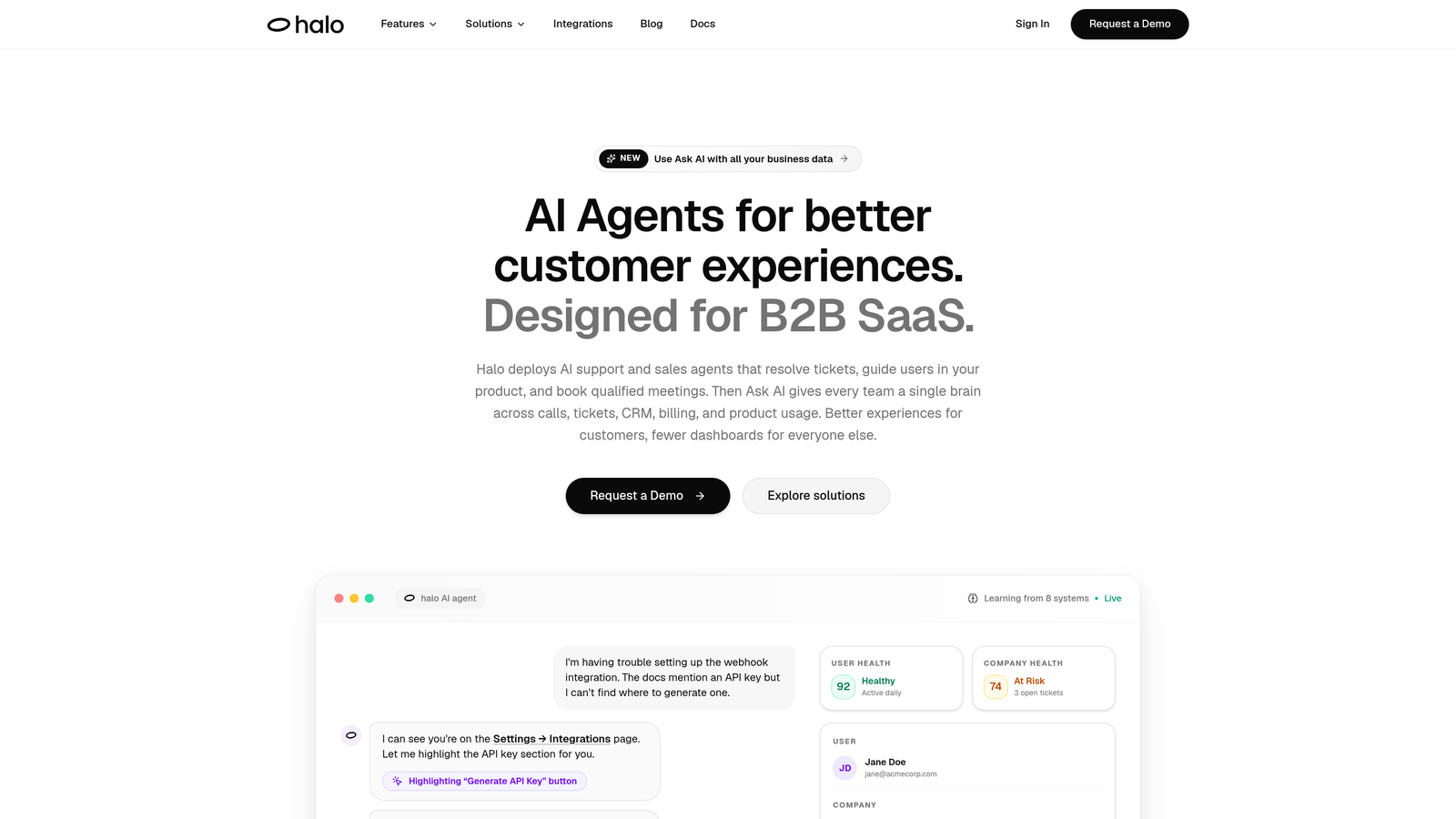
Halo AI is an AI-native customer support platform that deploys intelligent agents to resolve tickets, guide users through your product, and surface business signals — learning from every interaction.
Where This Tool Shines
What separates Halo from most platforms on this list is the architecture. Rather than bolting AI onto an existing helpdesk, Halo was built AI-first. That means the intelligence isn't a feature you toggle on — it's the foundation everything runs on. The platform's page-aware context is a standout: the AI agent actually sees what a user sees on screen, enabling responses that are genuinely contextual rather than generic.
The smart inbox goes beyond ticket management. It surfaces customer health signals, revenue anomalies, and churn indicators — turning your support queue into a source of business intelligence. For product and growth teams, that's a meaningful upgrade from a traditional helpdesk.
Key Features
Page-Aware AI Agents: The AI sees what users see on screen, enabling contextual guidance rather than generic FAQ responses.
Continuous Learning: Every resolved ticket improves the model, so the system gets measurably smarter over time without manual retraining.
Smart Inbox with Business Intelligence: Surfaces customer health signals, revenue anomalies, and churn indicators directly in the support workflow.
Automated Bug Ticket Creation: Automatically routes bug reports to engineering tools like Linear, removing the manual handoff between support and development.
Live Agent Handoff: Escalates to human agents with full conversation context preserved, so nothing gets repeated.
Deep Integration Stack: Connects with Slack, HubSpot, Intercom, Stripe, Zoom, PandaDoc, and Fathom for a unified business view.
Best For
B2B SaaS companies and product teams that want AI to do more than deflect tickets. Halo suits teams that value continuous improvement, need their support layer connected to the broader business stack, and want intelligence that compounds over time rather than staying static.
Pricing
Halo operates on a platform-level pricing model rather than per-seat charges. Contact haloagents.ai directly for current pricing — the model is designed to reflect platform value rather than headcount.
2. Zendesk AI
Best for: Enterprise teams needing mature ticketing infrastructure with layered AI capabilities
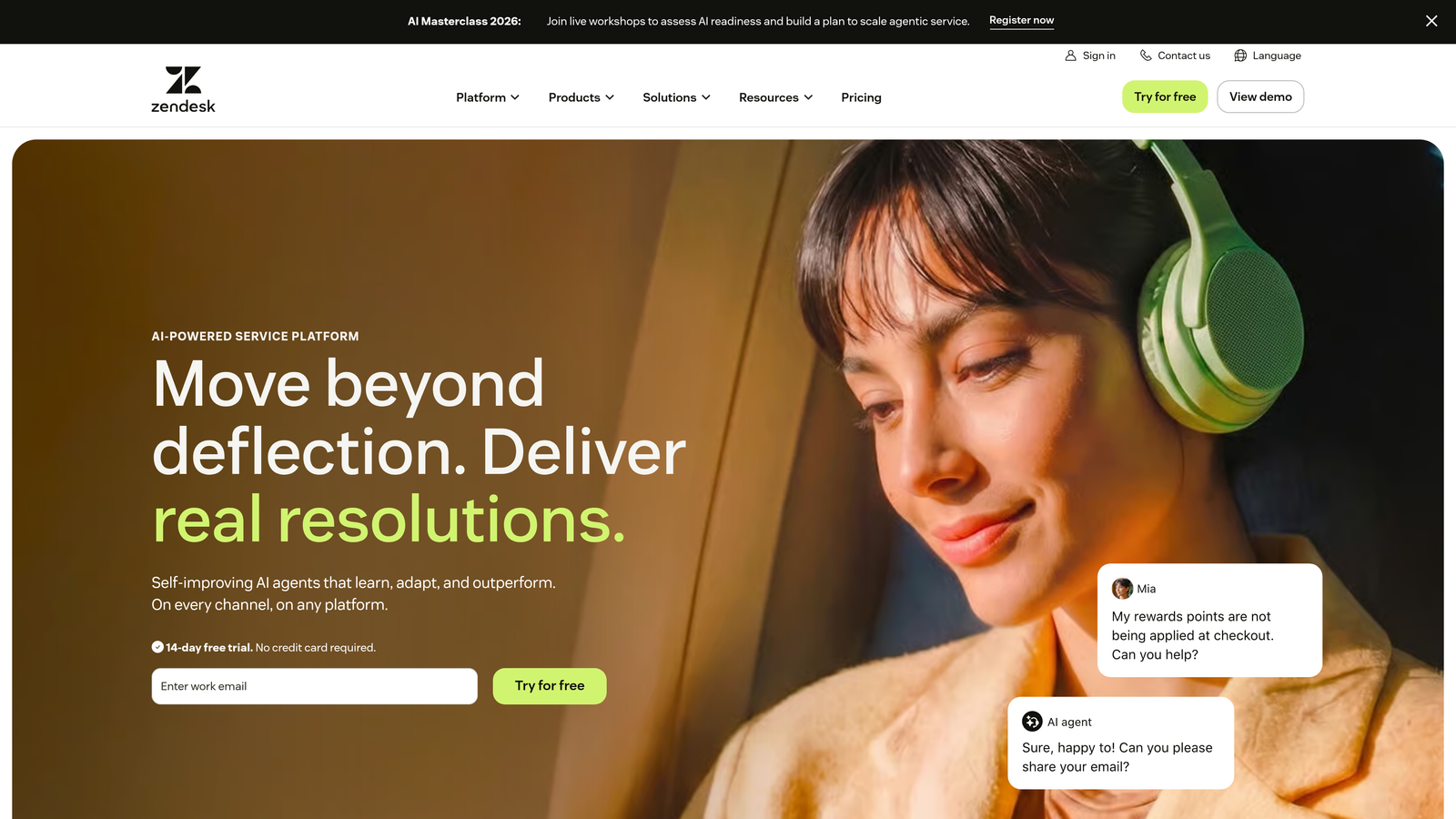
Zendesk is a well-established enterprise helpdesk platform with AI capabilities built on top of its mature ticketing foundation, including intelligent triage, an agent copilot, and automated workflows.
Where This Tool Shines
Zendesk's strength is its depth. The platform has been around long enough to develop genuinely sophisticated routing logic, SLA management, and workflow automation. For large support teams managing complex escalation paths across multiple channels, that maturity matters. The app marketplace with over 1,000 integrations is hard to compete with.
The AI layer — including Agent Copilot and intelligent triage — works well within that existing infrastructure. It won't feel as native as an AI-first platform, but for teams already invested in Zendesk's ecosystem, the AI additions extend value without requiring a migration.
Key Features
AI-Powered Triage: Automatically detects intent and routes incoming tickets to the right team or workflow.
Agent Copilot: Provides suggested replies and next-best-action guidance to help agents resolve tickets faster.
Advanced Routing and SLA Management: Sophisticated rules engine for managing complex support operations across channels.
1,000+ App Marketplace: Extensive third-party integrations covering CRM, billing, project management, and more.
Omnichannel Support: Handles email, chat, voice, and social from a unified interface.
Best For
Mid-market to enterprise companies with established support operations and a need for deep customization. Teams already in the Zendesk ecosystem will find the AI add-ons a natural extension. Less suited for lean teams who want AI to be the primary resolution engine from day one.
Pricing
Suite plans start at published rates on zendesk.com. Importantly, AI features are priced as add-ons on most plans, meaning the base plan price understates real cost for teams that want automation. Enterprise tiers require a custom quote. Check zendesk.com for current rates.
3. Freshdesk (Freddy AI)
Best for: SMBs and growing teams wanting accessible pricing with AI assist built in
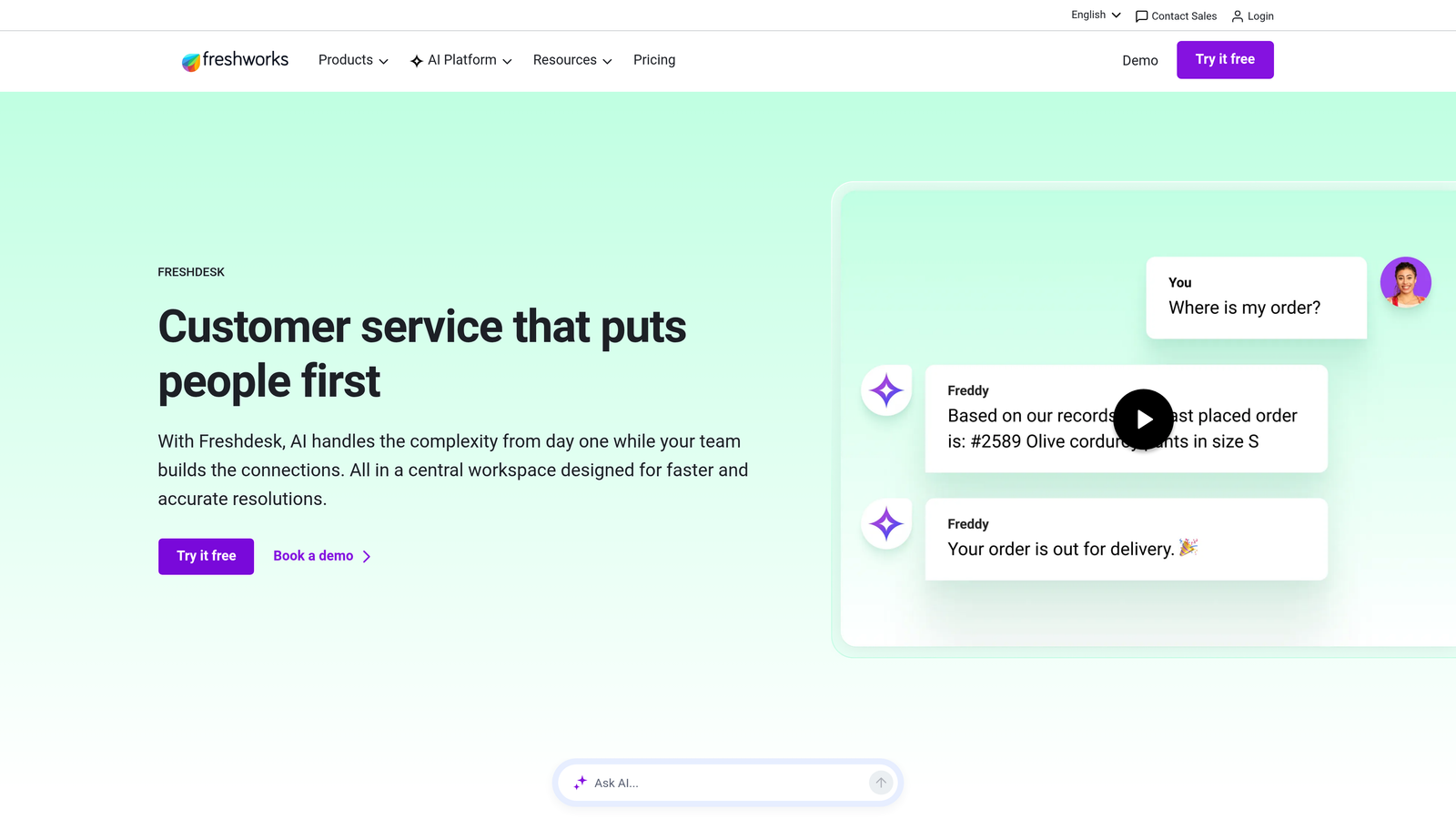
Freshdesk is a widely used helpdesk platform with Freddy AI integrated across its tiers, offering SMB-friendly pricing and a structured ticketing experience with meaningful AI assistance.
Where This Tool Shines
Freshdesk's value proposition is accessibility. The free tier makes it a genuine starting point for early-stage teams, and the tiered pricing structure means you can grow into more AI capability without switching platforms. Freddy AI covers the essentials: auto-triage, suggested responses, and ticket summarization are available before you reach enterprise pricing.
The omnichannel coverage is solid for the price point. Email, chat, phone, and social all handled from one interface, with Freddy Self Service enabling knowledge base deflection that reduces ticket volume without requiring agent time.
Key Features
Freddy AI Triage: Automatically categorizes, prioritizes, and routes incoming tickets based on content and intent.
Suggested Responses: Freddy surfaces relevant knowledge base articles and draft replies to speed up agent responses.
Freddy Self Service: AI-powered knowledge base deflection that resolves common questions before they become tickets.
Omnichannel Support: Unified inbox covering email, chat, phone, and social media.
Freddy Copilot and Insights: Advanced AI capabilities including conversation intelligence and analytics on higher tiers.
Best For
Small to mid-sized teams that want a structured helpdesk with AI assist at a predictable price. Particularly well-suited for teams that don't yet need autonomous AI resolution but want intelligent assistance layered into their existing workflows.
Pricing
Free plan available for small teams with limited agents and features. Paid tiers (Growth, Pro, Enterprise) are published on freshdesk.com. Note that some Freddy AI capabilities require an add-on purchase even on paid plans. Pricing is updated frequently, so verify directly at freshdesk.com.
4. Intercom
Best for: Teams wanting autonomous AI resolution with usage-based pricing tied to outcomes
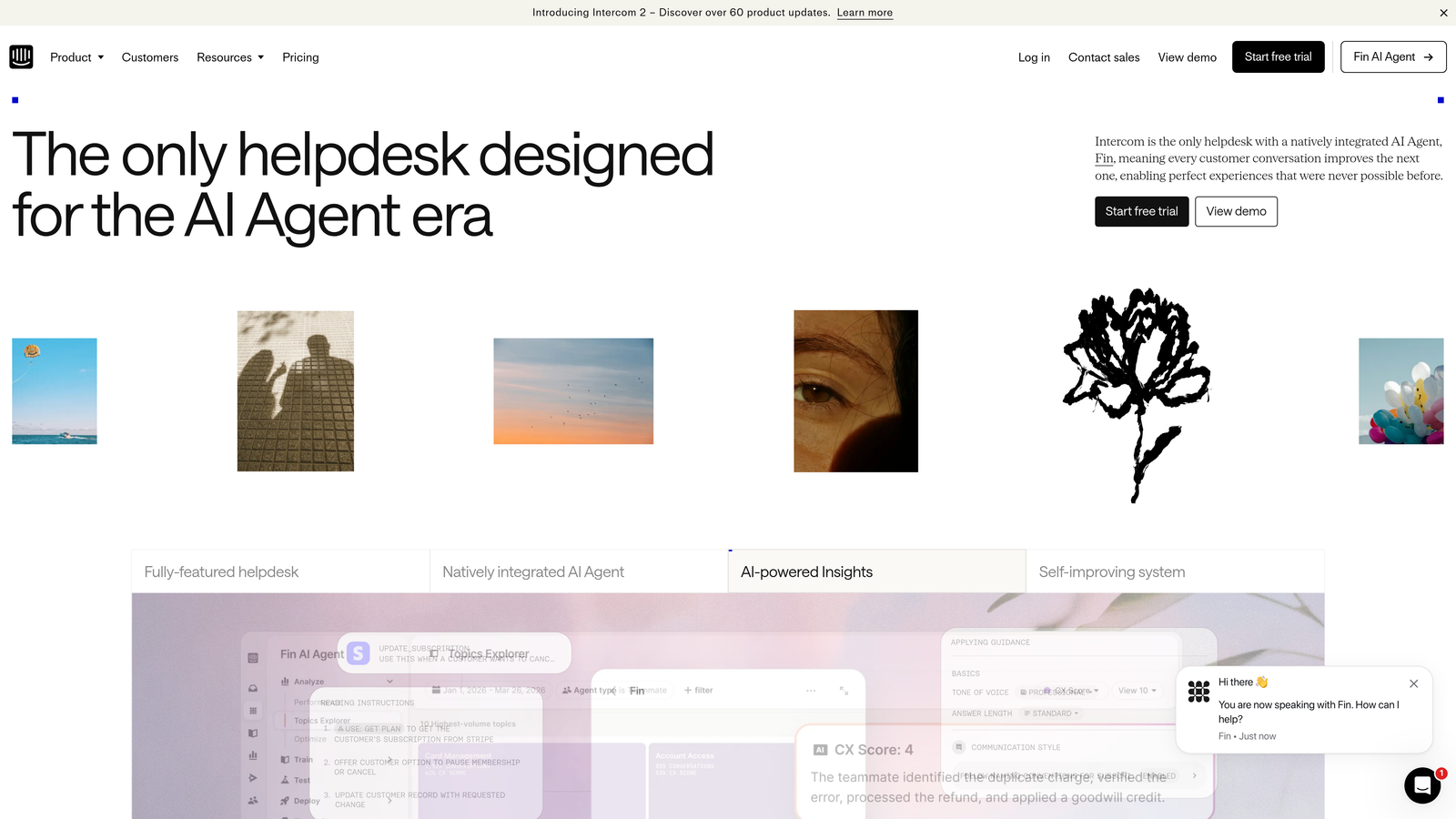
Intercom is a conversational support platform featuring Fin AI, an autonomous agent designed to resolve a high proportion of support conversations without human involvement.
Where This Tool Shines
Fin AI is one of the more capable autonomous resolution agents on the market. It handles conversations across chat, email, and other channels with a level of sophistication that goes beyond simple FAQ deflection. For teams with high volumes of repetitive queries, Fin can meaningfully reduce agent workload.
The usage-based pricing model for Fin is worth understanding carefully. You pay per resolved conversation, which aligns cost directly with value delivered. That's appealing in principle, but the economics depend heavily on your AI resolution rate. Teams with highly resolvable query patterns benefit most; those with complex, variable queries may find costs harder to predict.
Key Features
Fin AI Agent: Autonomous conversation handling across chat, email, and other channels with high resolution capability.
Resolution-Based Pricing: Pay per resolved conversation for Fin, aligning costs with outcomes rather than seat count.
AI-Assisted Reply Drafting: Human agents get AI-suggested replies in the shared inbox to speed up response times.
In-App Messaging and Product Tours: Proactive support features that guide users before they need to contact support.
Conversation Analytics: Robust reporting on resolution rates, response times, and team performance.
Best For
Product-led growth companies and SaaS teams with high-volume, repeatable support queries where AI resolution rates are likely to be strong. The usage-based model rewards teams that can maximize autonomous resolution. Less predictable for teams with complex, varied support needs.
Pricing
Platform seat fee plus per-resolution pricing for Fin AI. Total cost scales with AI usage, making it important to model your expected resolution volume before committing. See intercom.com for current published rates.
5. Help Scout
Best for: Small teams wanting clean, lightweight email-based support with AI assist
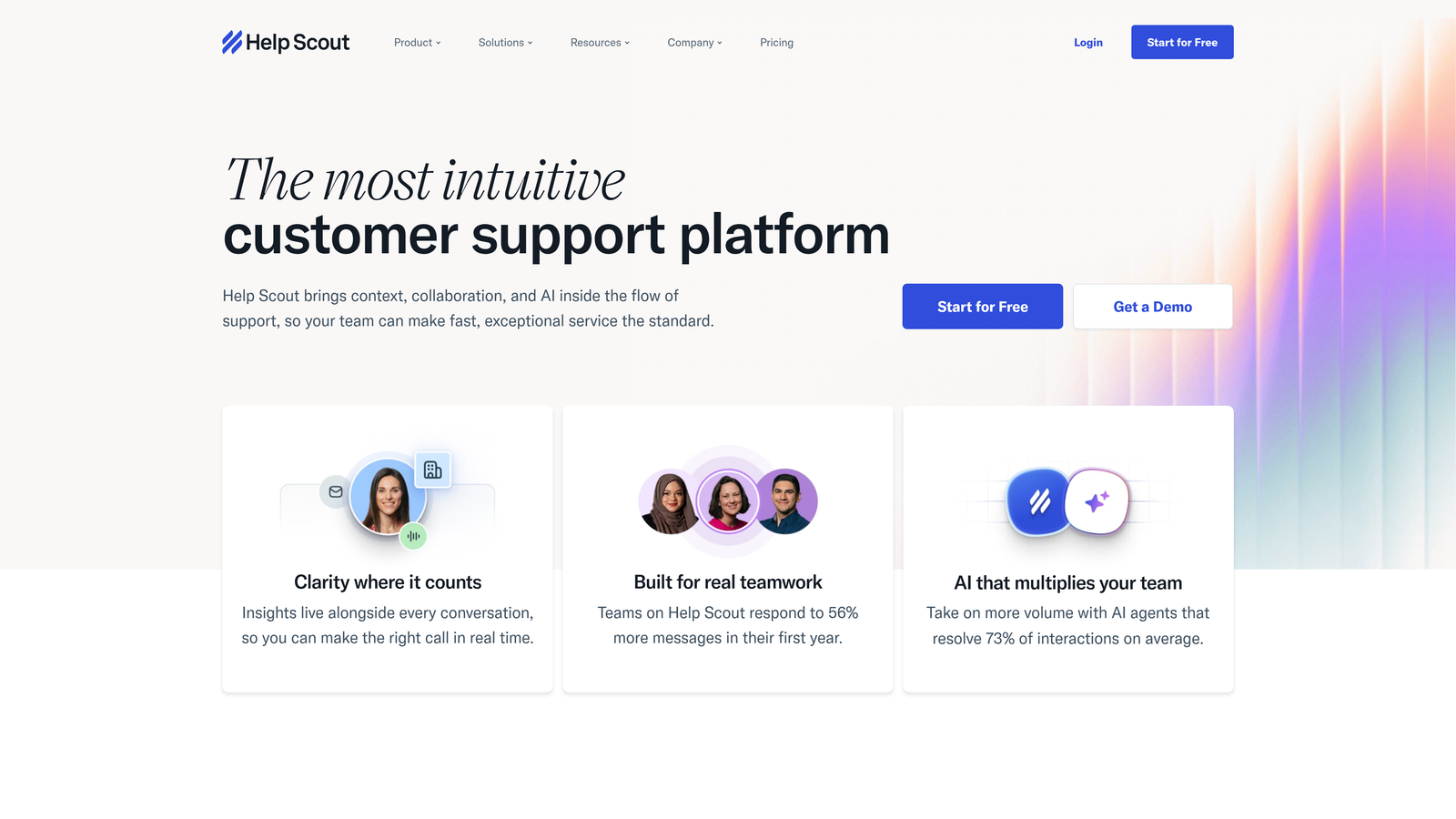
Help Scout is a shared inbox and helpdesk platform with AI assist features designed to feel human and lightweight, without heavy configuration requirements.
Where This Tool Shines
Help Scout's defining quality is its simplicity. The interface is clean, onboarding is fast, and the AI features feel like natural extensions of the workflow rather than bolted-on additions. AI Summarize condenses long email threads into quick context so agents can get up to speed without reading everything. AI Assist helps with reply drafting and tone adjustment without taking over the conversation.
For teams that value a human-feeling support experience and don't need autonomous AI resolution, Help Scout is a strong fit. The Docs knowledge base builder is included, which adds self-service capability without requiring a separate tool.
Key Features
AI Summarize: Condenses long conversation threads into quick context summaries for agents picking up tickets mid-conversation.
AI Assist: Helps agents draft replies, adjust tone, and improve clarity without replacing the human voice.
Beacon Chat Widget: In-app chat widget for real-time support embedded directly in your product.
Docs Knowledge Base: Built-in knowledge base builder included across plans, enabling self-service without an add-on.
Clean, Minimal UI: Low onboarding friction means teams can get productive quickly without extensive setup.
Best For
Small to mid-sized teams with primarily email-based support workflows. Particularly well-suited for companies that prioritize a human-feeling customer experience and don't need heavy automation or autonomous AI resolution.
Pricing
Standard, Plus, and Pro tiers with per-seat pricing. AI features are included on higher plans rather than as separate add-ons. See helpscout.com for current published rates across tiers.
6. Zoho Desk
Best for: Teams already in the Zoho ecosystem wanting AI-assisted ticketing with strong CRM integration
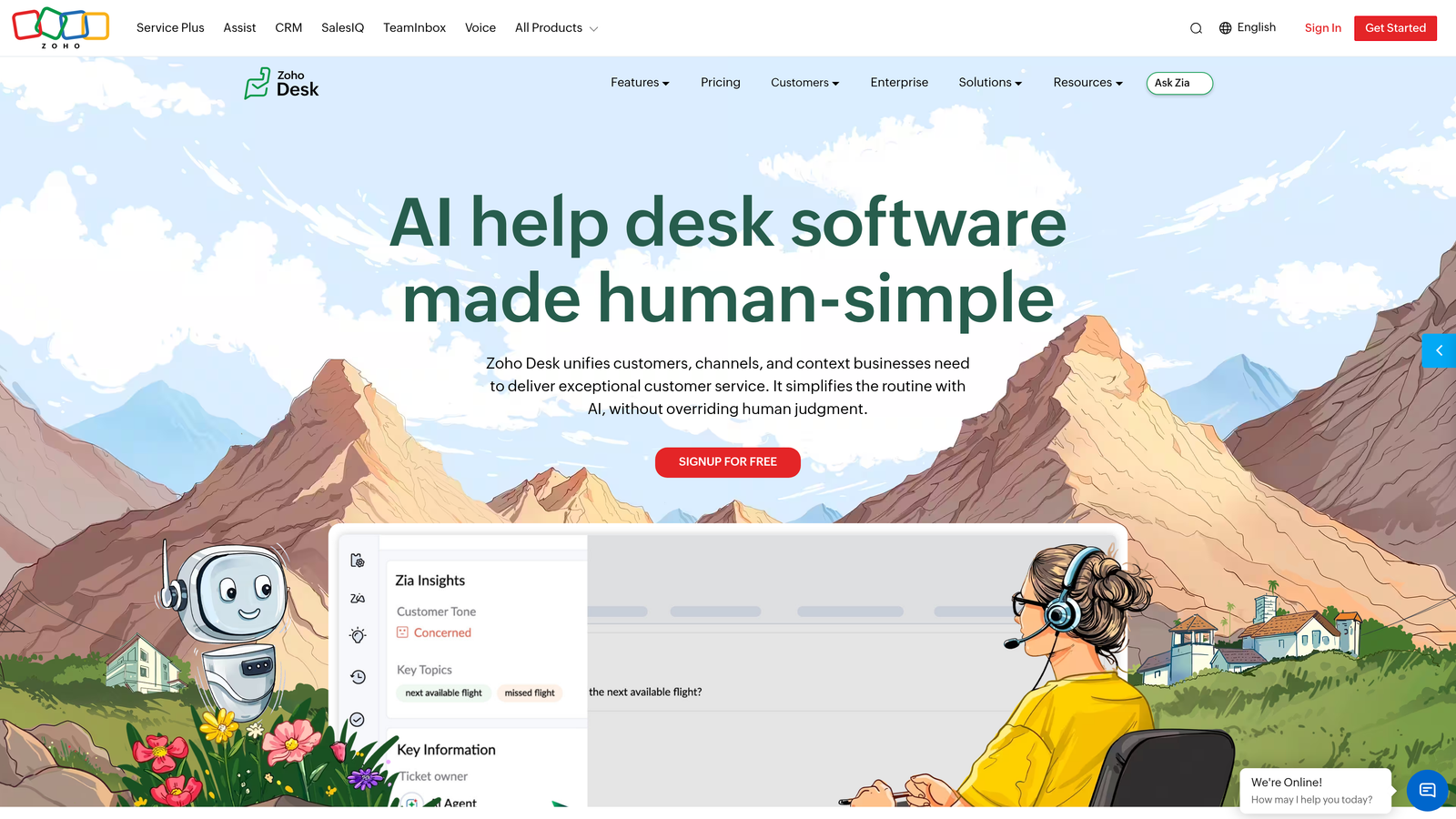
Zoho Desk is a helpdesk platform tightly integrated with the broader Zoho ecosystem, featuring Zia AI for sentiment analysis, anomaly detection, and response suggestions.
Where This Tool Shines
Zoho Desk's biggest advantage is its native integration with Zoho CRM. For teams already using Zoho's suite of products, the unified customer context across sales and support is genuinely valuable. Zia AI adds intelligent capabilities without requiring a separate AI investment, and the free tier makes it accessible for teams just getting started.
Blueprint, Zoho Desk's workflow automation tool, enables structured ticket processes with branching logic that rivals more expensive enterprise platforms. For teams that need process consistency across support workflows, it's a standout feature at this price point.
Key Features
Zia AI: Provides sentiment analysis, tag prediction, and response suggestions to assist agents and surface ticket priorities.
Zoho CRM Integration: Deep native integration provides unified customer context across sales and support without custom configuration.
Blueprint Workflow Automation: Structured ticket workflow automation with branching logic for consistent process management.
Multichannel Support: Email, chat, phone, social, and web forms handled from a single interface.
Free Tier: Available for up to three agents, making it accessible for early-stage teams.
Best For
Teams already using Zoho CRM or Zoho One who want helpdesk capabilities without adding a separate vendor. Also a strong choice for small teams starting with the free tier and planning to grow into more AI capability on Professional or Enterprise plans.
Pricing
Free plan available for up to three agents. Standard, Professional, and Enterprise tiers at published rates on zoho.com/desk. Zia AI features are available on Professional and Enterprise tiers. Check zoho.com/desk for current pricing.
7. Tidio
Best for: Small businesses and e-commerce teams wanting accessible AI chat at an entry-level price
Tidio is a chat and AI ticketing platform built for small businesses and e-commerce, featuring Lyro AI for autonomous customer conversations at an accessible price point.
Where This Tool Shines
Tidio's strength is its accessibility. Setup requires no technical expertise, the interface is straightforward, and Lyro AI handles a meaningful portion of common customer questions autonomously. For e-commerce teams on Shopify or WooCommerce, the native integrations mean the platform is operational quickly without custom development work.
The free plan with limited Lyro conversations gives small teams a genuine entry point to test AI-assisted support before committing to a paid tier. That low barrier to entry is a real advantage for resource-constrained teams exploring automation for the first time.
Key Features
Lyro AI: Autonomous conversational AI that handles common customer questions without agent involvement.
Unified Interface: Live chat, ticketing, and email managed from a single platform without needing separate tools.
E-Commerce Integrations: Native integrations with Shopify and WooCommerce for order and customer data context.
Easy Setup: Designed for non-technical users, with fast onboarding and minimal configuration required.
Free Plan: Available with limited Lyro AI conversations, enabling teams to test before purchasing.
Best For
Small businesses and e-commerce teams that need affordable AI-assisted chat without complex setup. Not designed for enterprise-scale operations or teams with sophisticated routing and workflow requirements.
Pricing
Free plan available. Starter, Growth, and Tidio+ paid tiers. Lyro AI conversations are priced by volume, so costs scale with usage. See tidio.com for current rates across plans and Lyro add-on pricing.
8. Front
Best for: Teams managing high-volume email-based support with collaborative inbox workflows
Front is a collaborative inbox platform with AI features designed for teams managing high volumes of email-based support, combining shared inbox workflows with AI triage and drafting assistance.
Where This Tool Shines
Front's collaborative inbox model is genuinely differentiated. Internal comments, real-time collaboration, and shared visibility make it well-suited for support teams that work closely together on complex or high-stakes conversations. It feels more like a team workspace than a traditional ticketing system, which some teams find more natural.
The AI features on Growth and above add reply drafting, message summarization, and automated routing that reduce manual handling without removing the human element. For teams that want AI to assist rather than replace, Front's approach is well-calibrated.
Key Features
AI Reply Drafting: Generates draft responses for agents to review and send, reducing time spent on routine replies.
Message Summarization: Condenses long email threads so agents can quickly understand context before responding.
Collaborative Shared Inbox: Real-time team collaboration with internal comments and shared visibility across conversations.
Automated Routing: AI-assisted triage rules that direct incoming messages to the right team or individual.
SLA Tracking and Analytics: Dashboard for monitoring team performance, response times, and SLA compliance.
Best For
Support and account management teams that handle high volumes of email and need strong collaborative workflows. Particularly suited for teams where multiple people contribute to a single conversation or account. Less suited for teams needing autonomous AI resolution or complex ticket routing logic.
Pricing
Starter, Growth, Scale, and Premier tiers with per-seat pricing. AI features are included on Growth plans and above. See front.com for current published rates across all tiers.
9. Kustomer
Best for: High-volume B2C support teams needing a CRM-native ticketing platform with full customer timeline
Kustomer is a CRM-native AI ticketing platform built for high-volume B2C support, combining a full customer timeline view with AI-powered conversation handling.
Where This Tool Shines
Kustomer's unified customer timeline is its most compelling feature. Rather than viewing support tickets in isolation, agents see a complete picture: purchase history, previous interactions, and all communication channels merged into a single view. For B2C companies handling high volumes of order-related queries, that context dramatically improves resolution quality and speed.
The KIQ AI agent handles automated conversation resolution, and the workflow automation engine supports complex branching logic for business rules. It's a sophisticated platform built for scale, though that sophistication comes with enterprise pricing to match.
Key Features
Unified Customer Timeline: Merges purchase history, tickets, and all interaction channels into a single agent view for full context.
KIQ AI Agent: Automated conversation resolution add-on for handling high-volume, repeatable customer queries.
Omnichannel Support: Chat, email, phone, social, and SMS managed from one platform.
Workflow Automation: Business rules and branching logic engine for complex support process automation.
Enterprise Reporting: Comprehensive SLA management and reporting for large-scale support operations.
Best For
Enterprise and mid-market B2C companies handling high support volumes where full customer context is critical to resolution quality. Retail, subscription, and marketplace businesses with complex order-related support workflows are the natural fit. Not designed for lean SaaS teams or early-stage companies.
Pricing
Enterprise per-seat pricing with custom quotes typically required for larger deployments. KIQ AI is an add-on rather than included in base plans. See kustomer.com for current enterprise pricing information.
Which AI Ticketing Platform Is Right for Your Team
Here's the honest summary: the right platform depends less on feature lists and more on how you want AI to function in your support operation.
If you want AI to be the resolution engine rather than an assistant layered on top of a traditional helpdesk, you're looking at AI-native platforms. Halo AI is the strongest choice for B2B SaaS teams that want autonomous resolution, page-aware context, continuous learning, and business intelligence built into the same platform. Intercom is a strong alternative if usage-based pricing aligns with your volume and resolution rate.
If you're working with an existing helpdesk investment or need enterprise-grade routing and compliance, Zendesk AI remains the mature choice, though factor in AI add-on costs when modeling total spend. Freshdesk is the more accessible alternative for SMBs who want AI assist without enterprise pricing.
For collaborative email-heavy teams, Front and Help Scout both offer clean AI-assisted workflows without over-engineering the experience. Zoho Desk is the obvious pick for teams already in the Zoho ecosystem. Tidio serves small businesses and e-commerce teams well at an entry-level price point. Kustomer is purpose-built for high-volume B2C operations where full customer context is non-negotiable.
One final note on hidden costs: across nearly every platform on this list, AI features are either add-ons or gated to higher tiers. When comparing pricing, always model the full cost at your expected team size and AI usage level, not just the base plan rate. Annual billing typically offers meaningful discounts, and enterprise contracts often carry onboarding fees that don't appear on public pricing pages.
Your support team shouldn't scale linearly with your customer base. Let AI agents handle routine tickets, guide users through your product, and surface business intelligence while your team focuses on complex issues that need a human touch. See Halo in action and discover how continuous learning transforms every interaction into smarter, faster support.