9 Best AI vs Chatbot Customer Service Tools Compared in 2026
This guide compares nine leading ai vs chatbot customer service tools in 2026, breaking down the key differences between rule-based chatbots and advanced AI agents that can autonomously resolve complex support tickets. B2B support teams will find detailed evaluations covering autonomy, integration depth, and learning capability to help choose the right solution for their specific helpdesk needs.
 Grant CooperFounder13 min read
Most support teams shopping for automation run into the same confusion: is this an "AI agent" or just a chatbot with a fancier name? The distinction matters more than ever in 2026, and it's not just semantics.
Traditional rule-based chatbots follow scripted decision trees. They're fast to deploy but brittle under pressure. Modern AI agents understand context, learn from interactions, and can autonomously resolve complex tickets without human handholding. The gap between these two approaches is widening fast.
This guide cuts through the marketing noise by comparing tools across the full spectrum, from legacy chatbot builders to next-generation AI agents. We've evaluated each on autonomy, integration depth, learning capability, and real-world fit for B2B support teams. Whether you're running a lean SaaS operation or scaling a high-volume helpdesk, you'll find a clear recommendation here.
1. Halo AI
Best for: B2B SaaS teams that need autonomous ticket resolution with deep product and business context
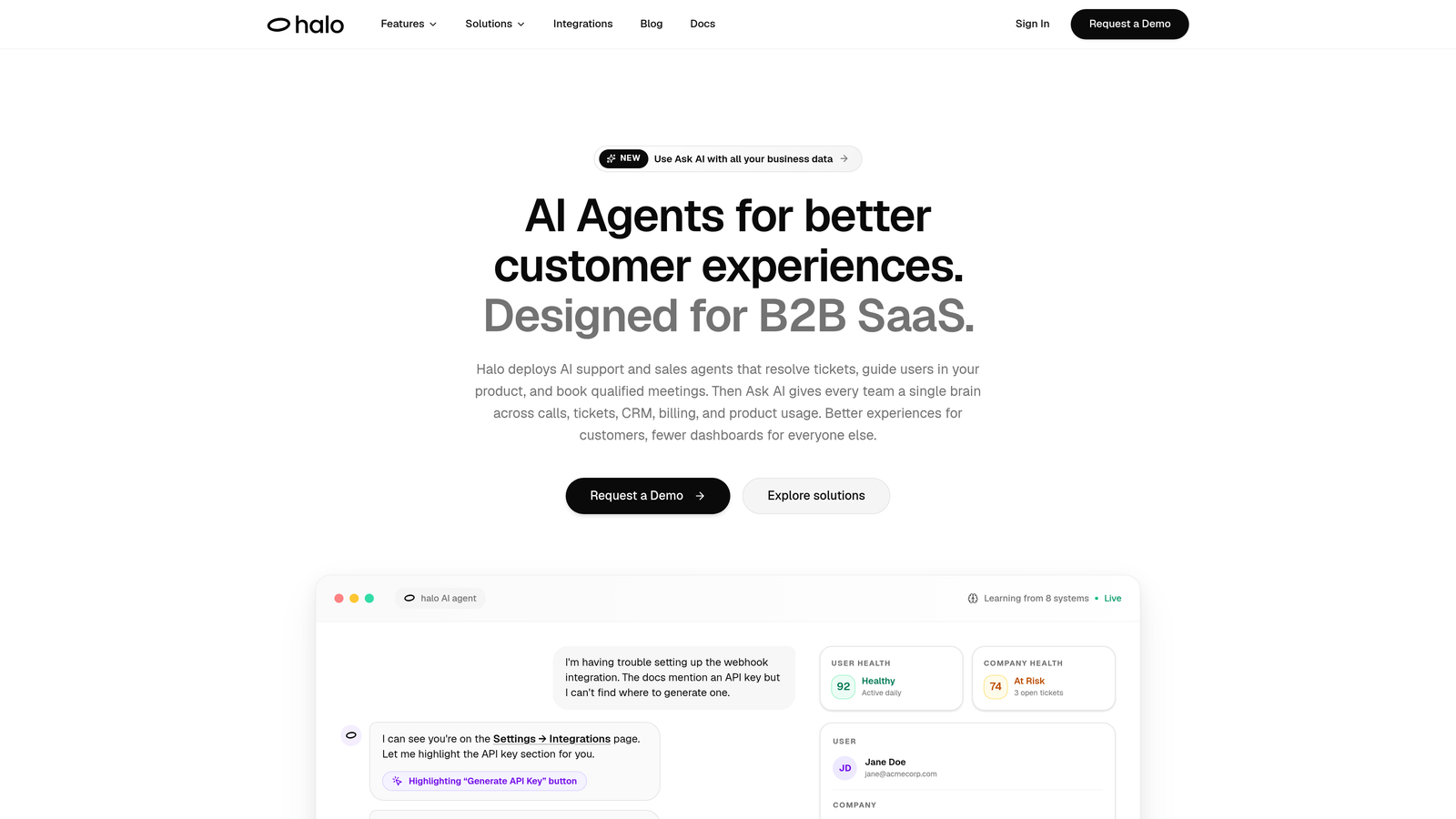
Halo AI is an AI-first customer support platform that deploys autonomous agents to resolve tickets, guide users through your product, and surface business intelligence from every support interaction.
Where This Tool Shines
What separates Halo from most tools on this list is its architecture. It wasn't built as a bolt-on to an existing helpdesk. It was designed from the ground up as an AI-first platform, which means the intelligence isn't a layer on top of legacy software. It's the foundation.
The page-aware chat widget is a standout capability. It understands what users are looking at on screen and can deliver visual UI guidance in context, not just generic answers. Pair that with continuous learning from every resolved interaction, and the system gets measurably smarter over time rather than staying static.
Key Features
Page-Aware Chat Widget: Sees what users see on screen and delivers contextual UI guidance without requiring users to describe where they are in the product.
Autonomous Ticket Resolution: AI agents resolve tickets end-to-end with continuous learning from every interaction, improving accuracy over time.
Smart Inbox with Business Intelligence: Goes beyond support metrics to surface customer health signals, revenue intelligence, and anomaly detection directly from ticket patterns.
Auto Bug Ticket Creation: Automatically creates and routes bug tickets to Linear or your preferred project management tool when issues are detected.
Live Agent Handoff: Escalates to human agents with full conversation context preserved, so nothing gets repeated.
Integration Stack: Connects to Slack, HubSpot, Intercom, Stripe, Zoom, PandaDoc, Fathom, and Linear, covering the full B2B SaaS tool stack.
Best For
Product and support teams at B2B SaaS companies who want more than ticket deflection. Halo is particularly well-suited for teams that want their support data to feed business intelligence, and for organizations where the line between product guidance and customer support is blurry.
Pricing
Contact for pricing. Halo targets B2B SaaS and enterprise teams, so pricing is customized based on volume and use case. Reach out directly at haloagents.ai for a demo and quote.
2. Intercom Fin
Best for: Teams already using Intercom who want AI resolution without switching platforms
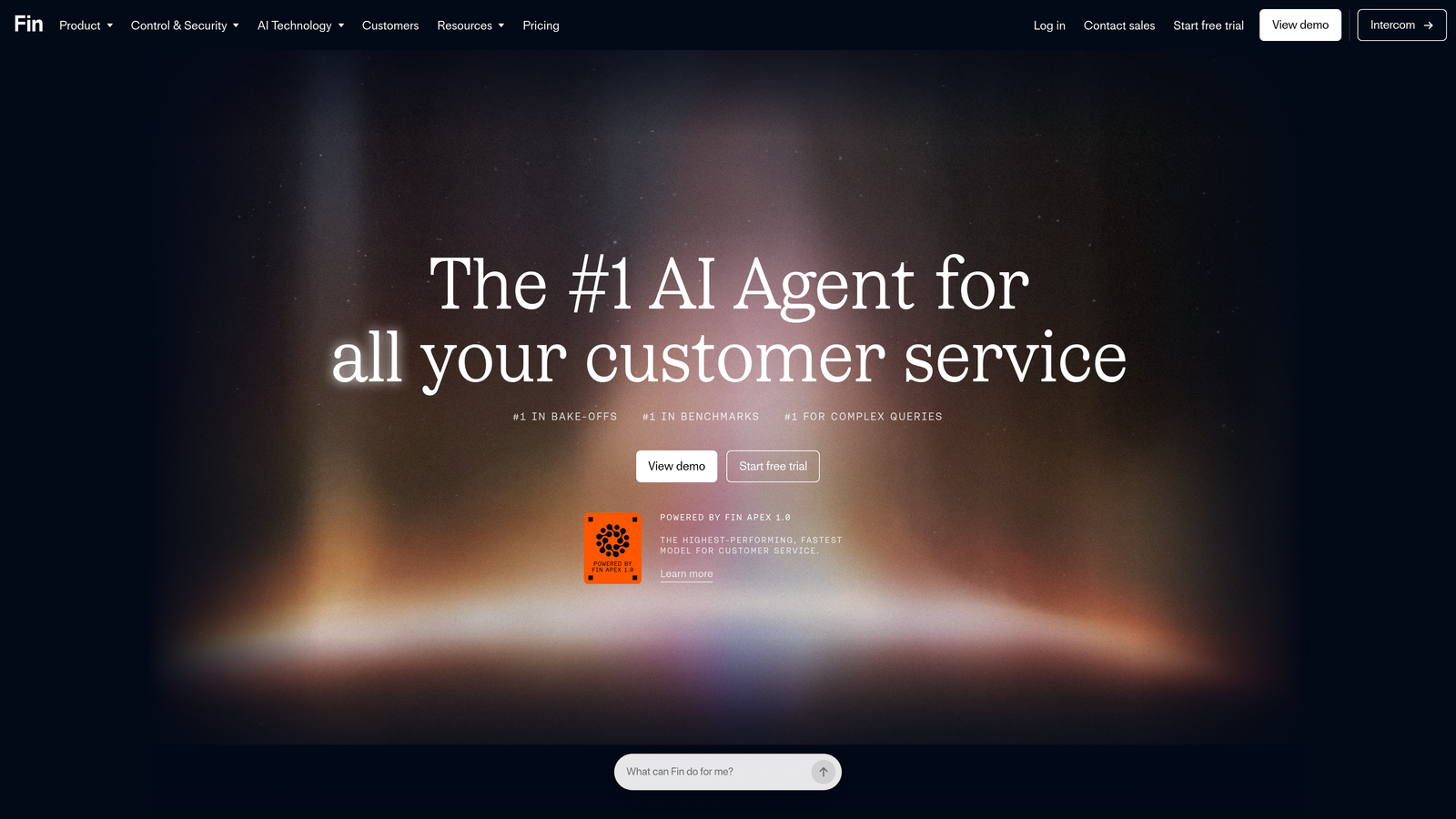
Intercom Fin is Intercom's GPT-4 powered AI resolution agent, built natively into the Intercom platform to deflect tickets and resolve common queries without human involvement.
Where This Tool Shines
Fin's biggest advantage is how seamlessly it fits into the Intercom ecosystem. If your team is already using Intercom for live chat and your help center, Fin activates without a separate vendor relationship, a new integration project, or a context switch. It reads your existing help center content and starts resolving queries immediately.
The per-resolution pricing model is worth understanding carefully. For teams with high deflection rates, it can be cost-effective. For teams with complex queries that frequently require escalation, costs can add up. Run the math against your current ticket volume before committing.
Key Features
LLM-Powered Resolution: Trained on your help center content to answer queries with natural language rather than scripted flows.
Per-Resolution Pricing: Charged per successful resolution on some plans, aligning cost with actual value delivered.
Native Handoff: Escalates to Intercom live agents with full conversation history intact.
Multilingual Support: Handles queries across multiple languages without separate configuration.
Omnichannel Coverage: Works across Intercom Messenger and email channels.
Best For
Support teams already invested in the Intercom platform who want to add AI resolution without introducing a new vendor. Less compelling as a standalone purchase if you're not already an Intercom customer.
Pricing
Approximately $0.99 per resolution on some plans, plus your base Intercom subscription. Pricing structure varies by plan tier. Verify current pricing at intercom.com before purchasing.
3. Zendesk AI
Best for: Existing Zendesk Suite customers looking to add AI without changing platforms
Zendesk AI is the native AI layer embedded across the Zendesk Suite, offering generative AI for ticket resolution, agent assist, and intelligent triage.
Where This Tool Shines
Zendesk AI has matured significantly. The generative AI features now cover everything from auto-tagging and routing to response suggestions and automatic knowledge base article creation. For a team already running on Zendesk, activating these features feels like unlocking something that was already there rather than bolting on a new tool.
The agent assist capabilities are particularly strong. Agents get AI-suggested responses, ticket summaries, and context pulled from previous interactions, reducing handle time without requiring full automation. It's a good middle ground for teams not ready to go fully autonomous.
Key Features
Intelligent Triage: Automatically tags, categorizes, and routes incoming tickets based on content and intent.
Generative Agent Assist: Suggests responses and summarizes tickets for human agents, reducing handle time.
AI Self-Service Agents: Handles customer-facing resolution via help center and chat without agent involvement.
Knowledge Base Generation: Creates help center articles automatically from resolved ticket patterns.
Native Analytics Integration: Connects AI performance data directly into Zendesk's existing reporting and workforce management tools.
Best For
Teams already paying for Zendesk Suite who want to extract more value from their existing investment. The value proposition weakens considerably if you're evaluating Zendesk AI as a standalone purchase without an existing Zendesk relationship.
Pricing
Included in higher Zendesk Suite tiers; AI add-ons are available separately for lower tiers. Verify current plan inclusions at zendesk.com before purchasing.
4. Freshdesk Freddy AI
Best for: Freshdesk customers wanting bundled AI across self-service, agent assist, and analytics
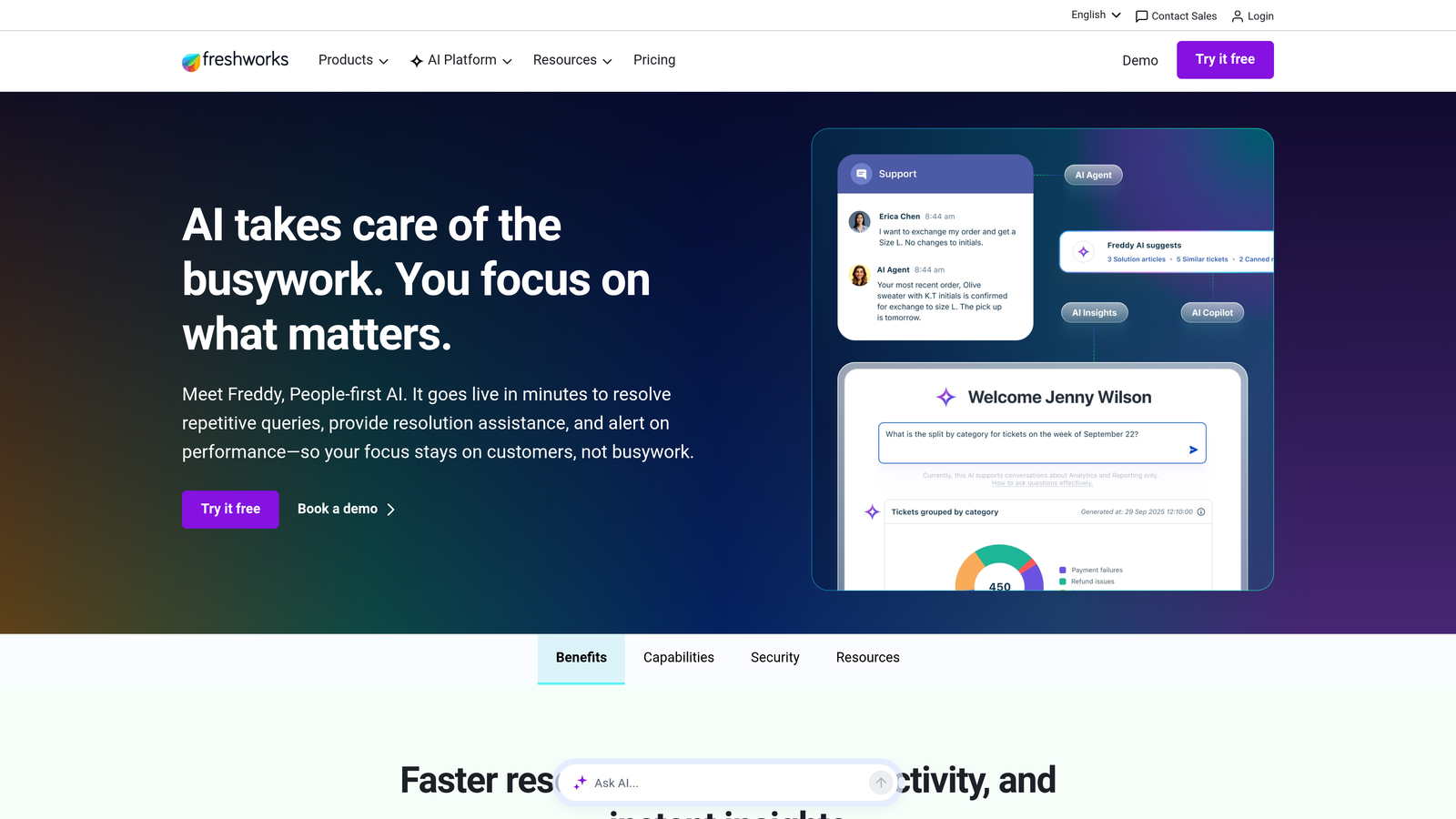
Freshdesk Freddy AI is Freshworks' AI suite embedded across Freshdesk, covering self-service bots, agent copilot capabilities, and analytics insights under one umbrella.
Where This Tool Shines
Freddy AI's strength is breadth. Rather than a single AI feature, Freshworks has built three distinct layers: Freddy Self Service for customer-facing automation, Freddy Copilot for agent assistance, and Freddy Insights for predictive analytics. Teams get coverage across the full support workflow without sourcing multiple tools.
The bundled pricing model is genuinely attractive for Freshdesk customers. Competing platforms often charge separately for each AI capability. Freddy packages them together, which simplifies both procurement and the agent experience since everything lives in one interface.
Key Features
Freddy Self Service: Customer-facing bot for automated resolution without scripted flows, handling common queries across channels.
Freddy Copilot: AI-assisted response suggestions, ticket summaries, and next-step recommendations for human agents.
Freddy Insights: Predictive analytics and anomaly alerts that flag emerging issues before they become volume spikes.
Multilingual and Omnichannel: Supports multiple languages and deploys across web, email, and messaging channels.
Bundled Pricing: Included in Freshdesk Growth tier and above, reducing the need for separate AI vendor contracts.
Best For
Freshdesk customers on Growth plans or above who want AI across self-service, agent assist, and analytics without adding vendors. Capability varies meaningfully by plan tier, so check what's included at your current level.
Pricing
Bundled with Freshdesk plans from the Growth tier upward. Specific feature availability varies by tier. Verify current inclusions at freshworks.com.
5. Tidio
Best for: Small businesses and e-commerce teams needing affordable AI FAQ deflection with live chat
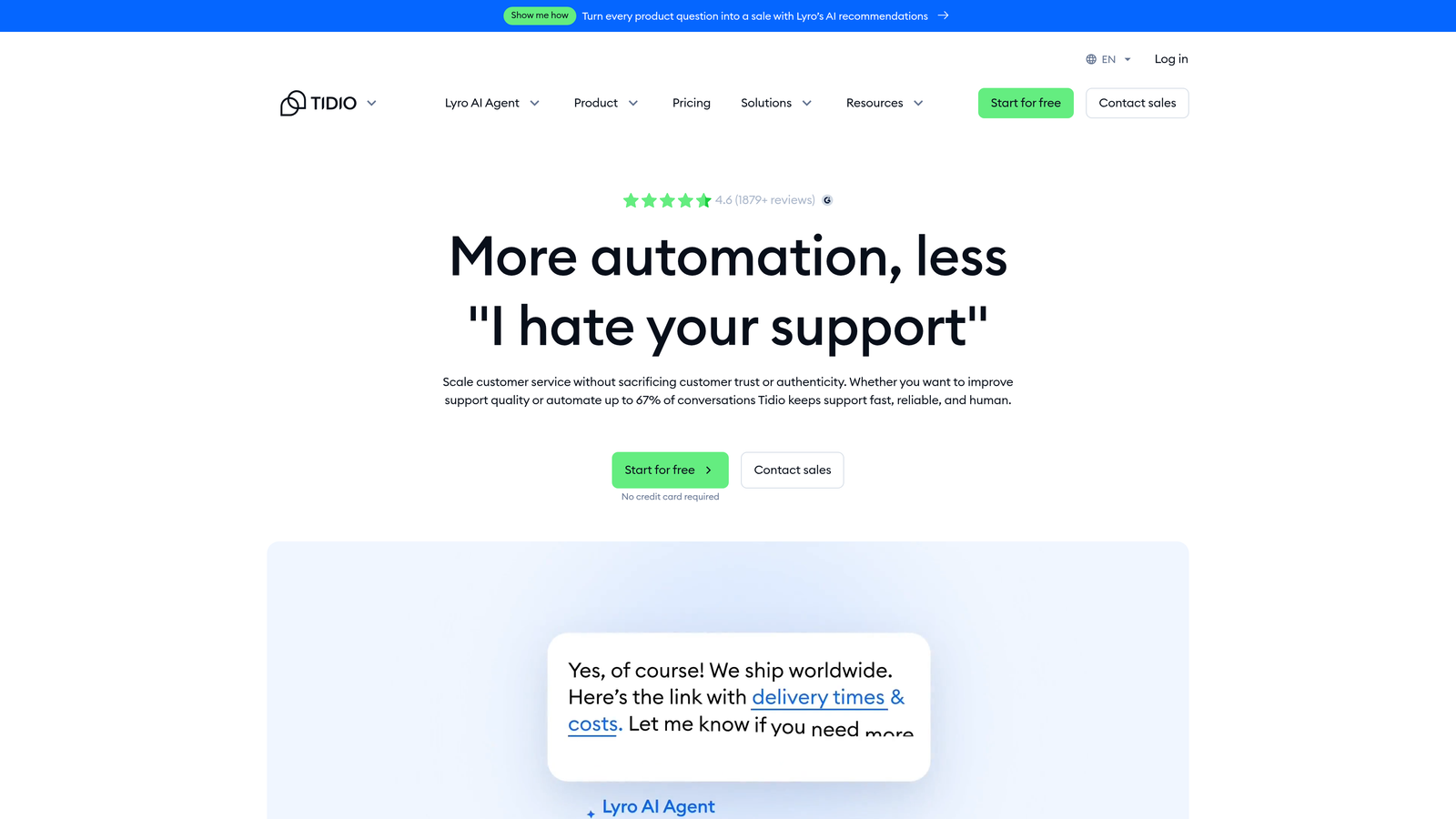
Tidio is a live chat and AI chatbot platform popular with e-commerce and small businesses, featuring Lyro, an AI layer built on Claude for conversational FAQ deflection.
Where This Tool Shines
Tidio hits a sweet spot for smaller teams: it's genuinely easy to set up, affordable at entry tiers, and Lyro handles natural language FAQ resolution without requiring you to build scripted flows. For an e-commerce store fielding repetitive questions about shipping, returns, and product availability, it works well out of the box.
The visual flow builder also gives teams a no-code option for rule-based automation alongside the AI layer. You can use both in combination, directing straightforward queries to scripted flows and more open-ended questions to Lyro.
Key Features
Lyro AI: Natural language FAQ resolution powered by Claude, without requiring pre-built conversation flows.
Visual Flow Builder: Drag-and-drop interface for rule-based chatbot automation alongside the AI layer.
E-Commerce Integrations: Native connections to Shopify, WooCommerce, and other major e-commerce platforms.
Live Chat with Agent Takeover: Smooth handoff to human agents when queries exceed the bot's scope.
Free Plan Available: Entry-level access without a credit card, making it accessible for very small teams.
Best For
Small businesses and e-commerce brands with high volumes of repetitive, straightforward queries. Less suited for complex B2B support workflows, multi-system integrations, or teams needing autonomous ticket resolution beyond FAQ deflection.
Pricing
Free plan available. Lyro AI starts at approximately $29/month. Verify current pricing at tidio.com before purchasing.
6. Drift (Salesloft)
Best for: Revenue teams where sales qualification and support routing overlap significantly
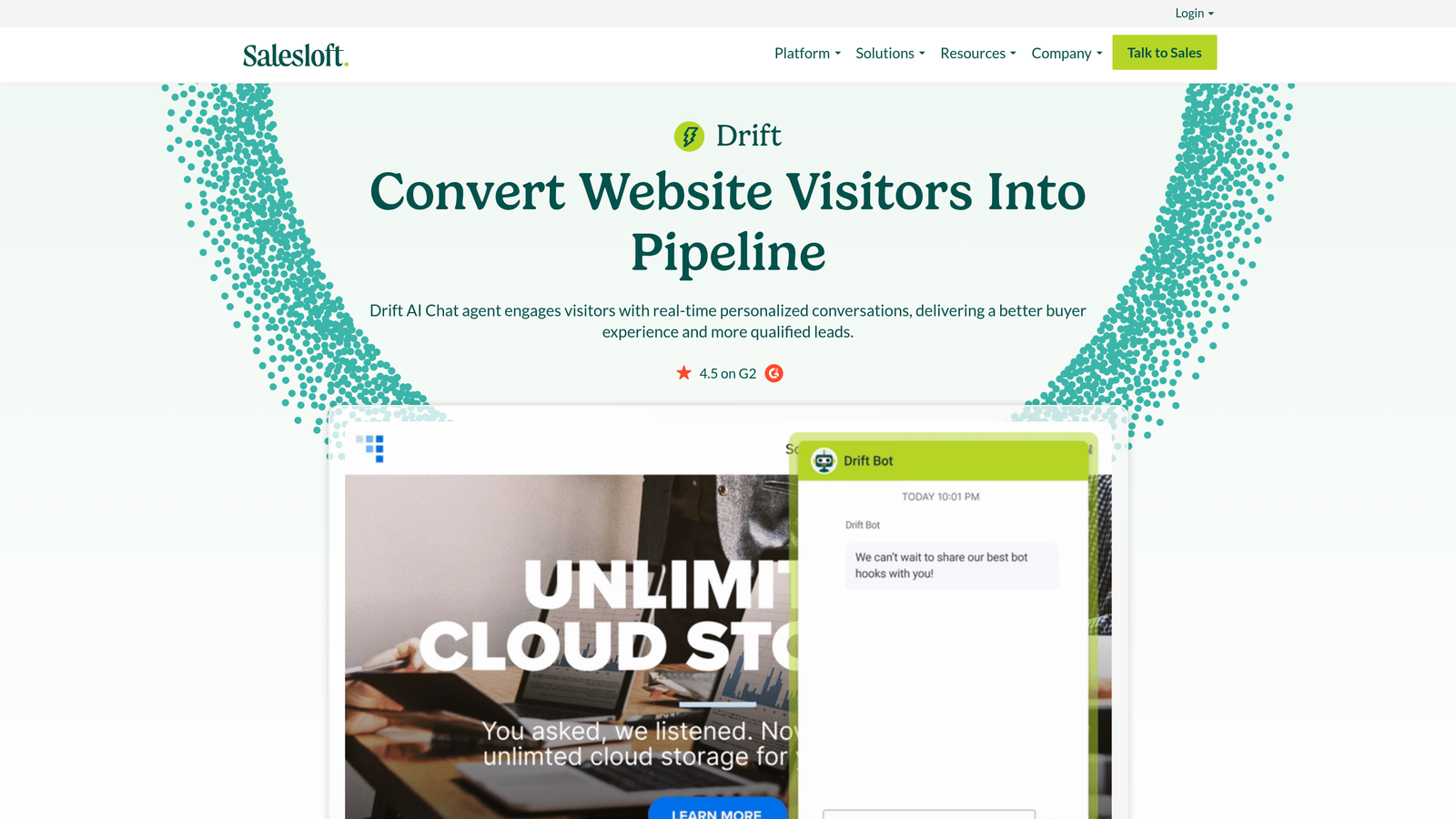
Drift is a conversational marketing and sales platform with AI-powered routing and chat automation, now part of the Salesloft revenue platform.
Where This Tool Shines
Drift was built for revenue conversations first, support second. Its AI-powered chatbot excels at qualifying inbound website visitors, routing high-intent prospects to sales reps, and automating meeting scheduling. For teams where the website chat widget serves both sales and support purposes, Drift handles the handoff logic well.
The Salesloft integration has deepened its revenue intelligence capabilities. If your team is already using Salesloft for sales engagement, Drift's conversational data feeds naturally into that ecosystem. The tradeoff is that pure support automation is not its primary use case.
Key Features
AI-Powered Qualification: Identifies and routes high-intent visitors to sales or support based on behavior and conversation content.
Conversational Playbooks: Pre-built and custom conversation flows for different visitor segments and intent signals.
CRM Integrations: Native connections to Salesforce, HubSpot, and other major CRM platforms.
Meeting Scheduling Automation: Books sales meetings directly within the chat flow without human intervention.
Revenue Intelligence Reporting: Connects conversational data to pipeline and revenue metrics.
Best For
B2B companies where the website chat function serves both inbound sales qualification and basic support routing. Not the right choice if support automation is your primary goal and sales is secondary.
Pricing
Custom enterprise pricing following the Salesloft acquisition. Contact Drift directly for current pricing at drift.com.
7. Ada
Best for: Large enterprises needing multilingual, omnichannel AI support with strong governance controls
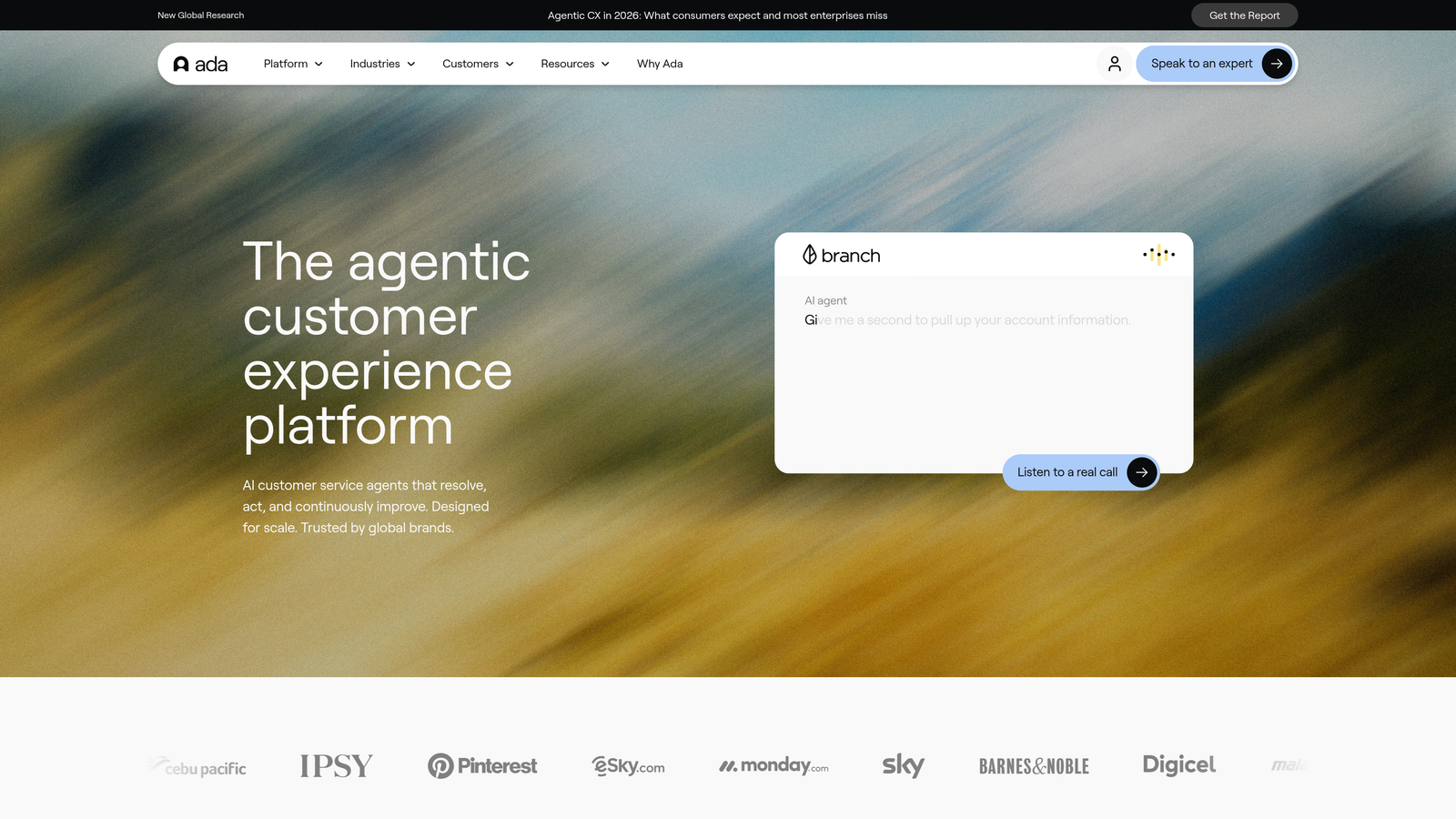
Ada is an enterprise no-code AI agent platform designed for large organizations needing multilingual, omnichannel automated support with robust compliance and content controls.
Where This Tool Shines
Ada is built for scale and governance. Large consumer brands with global customer bases appreciate the 50+ language support and the ability to control exactly what the AI can and cannot say through content permissions. For regulated industries or organizations with strict brand voice requirements, that level of control is genuinely valuable.
The no-code builder makes it accessible to support operations teams without engineering resources. That said, configuring Ada for complex enterprise deployments typically requires dedicated time and internal ownership. It's powerful, but not a plug-and-play solution at the enterprise tier.
Key Features
No-Code AI Agent Builder: Drag-and-drop interface for building and maintaining AI agents without engineering involvement.
Multilingual Support: Handles customer conversations across 50+ languages natively.
Enterprise Governance Controls: Granular permissions, content controls, and compliance settings for regulated industries.
Omnichannel Deployment: Deploys across web, mobile, social, and voice channels from a single configuration.
Pre-Built Integrations: Native connections to Zendesk, Salesforce, and other major enterprise platforms.
Best For
Large enterprises and consumer brands with global customer bases, multilingual requirements, and strict governance needs. The complexity and cost make it less suitable for lean SaaS teams or companies with straightforward support workflows.
Pricing
Custom enterprise pricing. Contact Ada directly at ada.cx for a quote tailored to your organization's scale and requirements.
8. Chatbase
Best for: Developers and small teams wanting a fast, affordable custom GPT chatbot trained on their own content
Chatbase is a developer-friendly GPT-powered chatbot builder that lets teams train a custom AI bot on their own documentation, URLs, or uploaded files.
Where This Tool Shines
Chatbase is refreshingly simple. You upload your documentation, point it at your URLs or Notion pages, and within minutes you have a chatbot that can answer questions grounded in your actual content. For teams that need a lightweight FAQ bot without the overhead of a full support platform, it's hard to beat on speed-to-deploy.
The API access opens up custom integrations for developer teams who want to embed the chatbot into their own product experience. It won't replace a full support agent for complex workflows, but as a first line of FAQ deflection, it punches above its price point.
Key Features
Content Training: Train your bot on PDFs, URLs, Notion pages, or plain text without coding.
GPT-4 Powered Responses: Generates answers grounded in your uploaded content rather than hallucinating generic responses.
Embeddable Widget: Drop the chatbot onto any website with a simple embed code.
API Access: Full API for developer teams building custom integrations or product-embedded experiences.
Conversation Analytics: Basic reporting on conversation volume, common questions, and lead capture activity.
Best For
Developers, startups, and small teams who need a quick, affordable custom chatbot trained on their documentation. Not designed for autonomous ticket resolution, complex multi-step workflows, or enterprise-scale support operations.
Pricing
Free tier available. Paid plans start at approximately $19/month. Verify current pricing at chatbase.co.
9. ManyChat
Best for: Consumer brands running social messaging automation on Facebook, Instagram, and WhatsApp
ManyChat is a rule-based chatbot automation platform dominant in social messaging channels, with some AI keyword detection capabilities layered on top of its core flow builder.
Where This Tool Shines
ManyChat owns its lane. If you need to automate conversations at scale on Facebook Messenger, Instagram DMs, or WhatsApp, it's the most mature and widely used tool for exactly that purpose. The visual flow builder is intuitive, the social channel integrations are deep, and the broadcast and drip campaign features give marketers real leverage.
It's worth being clear about what ManyChat is not: it's not an AI agent, and it's not designed for B2B helpdesk workflows. The AI keyword detection helps route conversations, but the underlying logic is still rule-based. For social commerce and consumer marketing automation, it's excellent. For resolving complex support tickets, it's the wrong tool entirely.
Key Features
Visual Flow Builder: Drag-and-drop interface for building rule-based conversation automations across social channels.
Native Social Integrations: Deep native connections to Facebook Messenger, Instagram DMs, WhatsApp, and SMS.
Keyword Triggers and AI Intent Detection: Basic intent detection to route conversations without requiring exact keyword matches.
E-Commerce Integrations: Connects to Shopify and WooCommerce for order-related automations and abandoned cart flows.
Broadcast and Drip Campaigns: Sends automated message sequences to subscriber lists across messaging channels.
Best For
Consumer brands and e-commerce businesses running marketing and support automation on social messaging channels. Not suitable for B2B support teams, complex ticket workflows, or organizations needing genuine AI resolution capabilities.
Pricing
Free tier available. Pro plans start at approximately $15/month. Verify current pricing at manychat.com.
Which Tool Is Right for Your Support Operation?
The right choice depends less on which tool has the most features and more on where your support operation actually sits today and where you need it to go.
If you're a B2B SaaS team that wants AI agents capable of resolving tickets end-to-end, understanding product context, and surfacing business intelligence beyond support metrics, Halo AI is the strongest fit. Its AI-first architecture and page-aware context set it apart from tools that bolt AI onto legacy helpdesk infrastructure.
If you're already deep in the Intercom, Zendesk, or Freshdesk ecosystem, their native AI layers are the lowest-friction path to automation. You'll trade some capability ceiling for seamless integration with your existing workflows.
For enterprise deployments with multilingual requirements and strict governance needs, Ada is purpose-built for that complexity. For social messaging automation in consumer markets, ManyChat remains the category leader. And for teams that simply need a lightweight FAQ bot trained on their documentation, Chatbase delivers fast results at a low cost.
The clearest signal for which category you belong in: ask whether you need the tool to resolve tickets autonomously or just deflect them. Deflection gets you cost savings. Resolution gets you a genuinely scalable support operation.
Your support team shouldn't scale linearly with your customer base. Let AI agents handle routine tickets, guide users through your product, and surface business intelligence while your team focuses on complex issues that need a human touch. See Halo in action and discover how continuous learning transforms every interaction into smarter, faster support.