9 Best Automated Bug Report Creation Tools in 2026
Automated bug report creation tools eliminate the guesswork of manual reporting by automatically capturing session data, console logs, device context, and reproduction steps the moment a user hits an issue. This guide compares nine leading tools across AI-powered support platforms, browser and app capture tools, and developer-focused error monitoring systems to help product and engineering teams find the right solution in 2026.
 Grant CooperFounder13 min read
When a user hits a bug, every second spent on manual reporting is a second your engineering team isn't fixing it. Traditional bug reporting relies on users writing coherent descriptions, attaching screenshots, and somehow guessing at reproduction steps. Most of the time, they don't. The result: vague tickets, frustrated developers, and bugs that linger far longer than they should.
Automated bug report creation tools solve this by capturing session data, console logs, device context, and reproduction steps automatically, turning a user complaint into an actionable engineering ticket without anyone lifting a finger.
This list covers nine tools across three distinct categories: AI-powered support platforms that generate bug tickets from user conversations, browser and app-based capture tools, and developer-focused error monitoring systems. Whether you're a product team drowning in vague Zendesk tickets or an engineering team that needs clean, reproducible bug reports, there's a solution here for you.
1. Halo AI
Best for: B2B SaaS teams that want bug tickets created automatically from support conversations
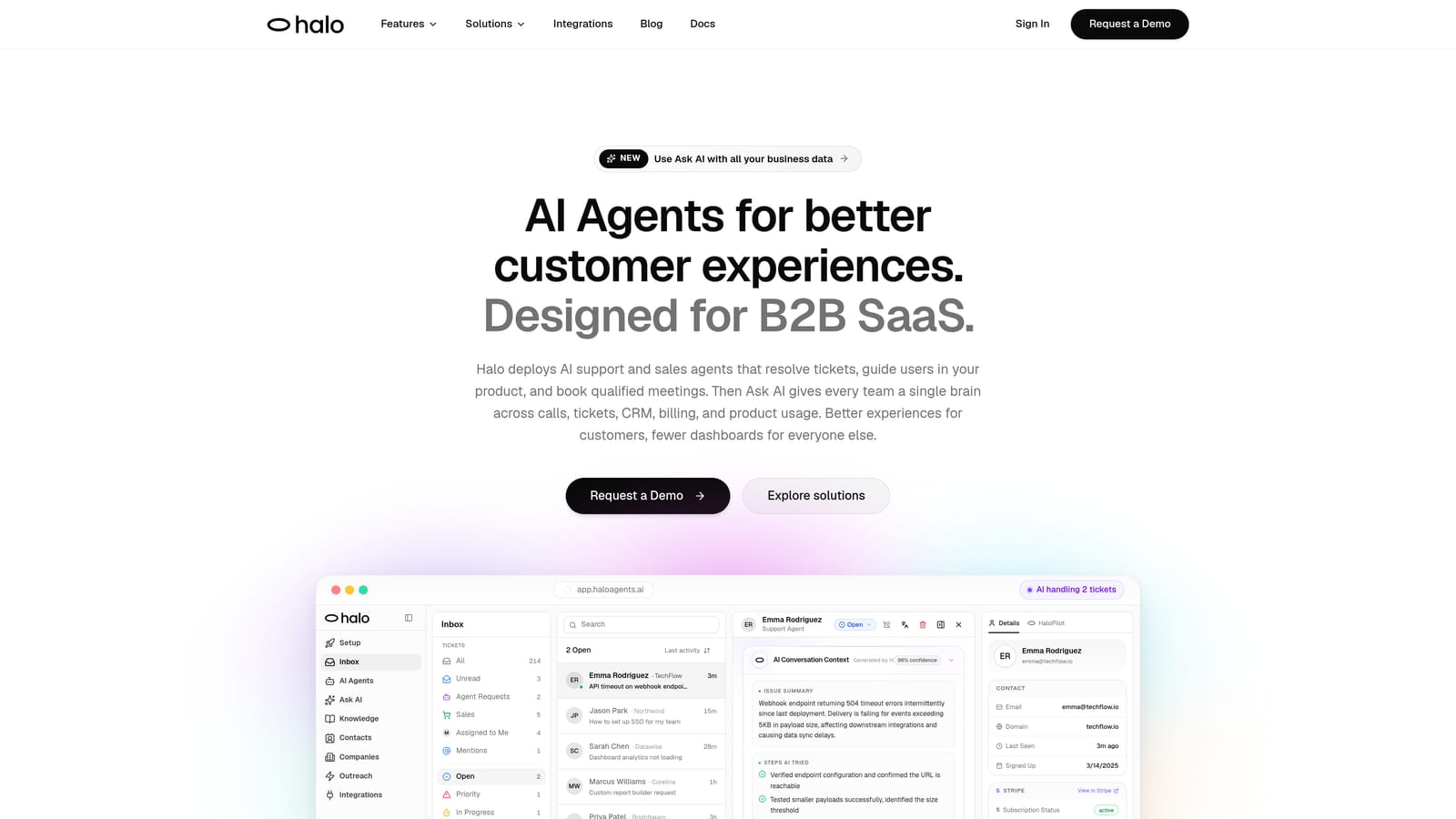
Halo AI is an AI-powered customer support platform that automatically creates structured bug tickets from user conversations, without requiring manual triage.
Where This Tool Shines
Halo AI sits at a genuinely different intersection than every other tool on this list. Rather than requiring users to click a button or shake their phone to file a report, Halo captures bug context as a natural byproduct of a support conversation. When a user describes an issue through the chat widget, Halo's AI agent already knows which page they're on, what UI state they're in, and what steps led them there.
That page-aware context is what makes the bug tickets Halo creates immediately useful to engineering teams. Instead of receiving "the button doesn't work," your Linear or Jira board gets a structured ticket with the exact page URL, session context, and issue details already populated. No human support agent needed to translate the complaint.
Key Features
Page-Aware Context Capture: The AI agent knows exactly which page and UI state the user was on when the bug occurred, attaching that context automatically to every generated ticket.
Auto Bug Ticket Creation: Structured bug tickets are created directly in Linear, Jira, and other developer tools without any manual handoff between support and engineering.
Support-to-Engineering Bridge: Connects customer support conversations to engineering workflows seamlessly, eliminating the translation layer that typically causes information loss.
Continuous Learning: The platform learns from every interaction, improving its ability to detect, categorize, and route bug reports over time.
Live Agent Escalation: For complex issues that genuinely need human review, Halo hands off to a live agent with full conversation context already intact.
Best For
Halo AI is the right fit for B2B SaaS product teams and support organizations that handle a high volume of user-reported issues through chat or helpdesk channels. If your support team is manually triaging tickets and copy-pasting details into Linear or Jira, Halo eliminates that entire workflow.
Pricing
Contact for pricing or book a demo at haloagents.ai. Pricing is tailored to team size and use case.
2. Jam
Best for: Developer and QA teams that need fast, one-click browser bug capture with zero setup
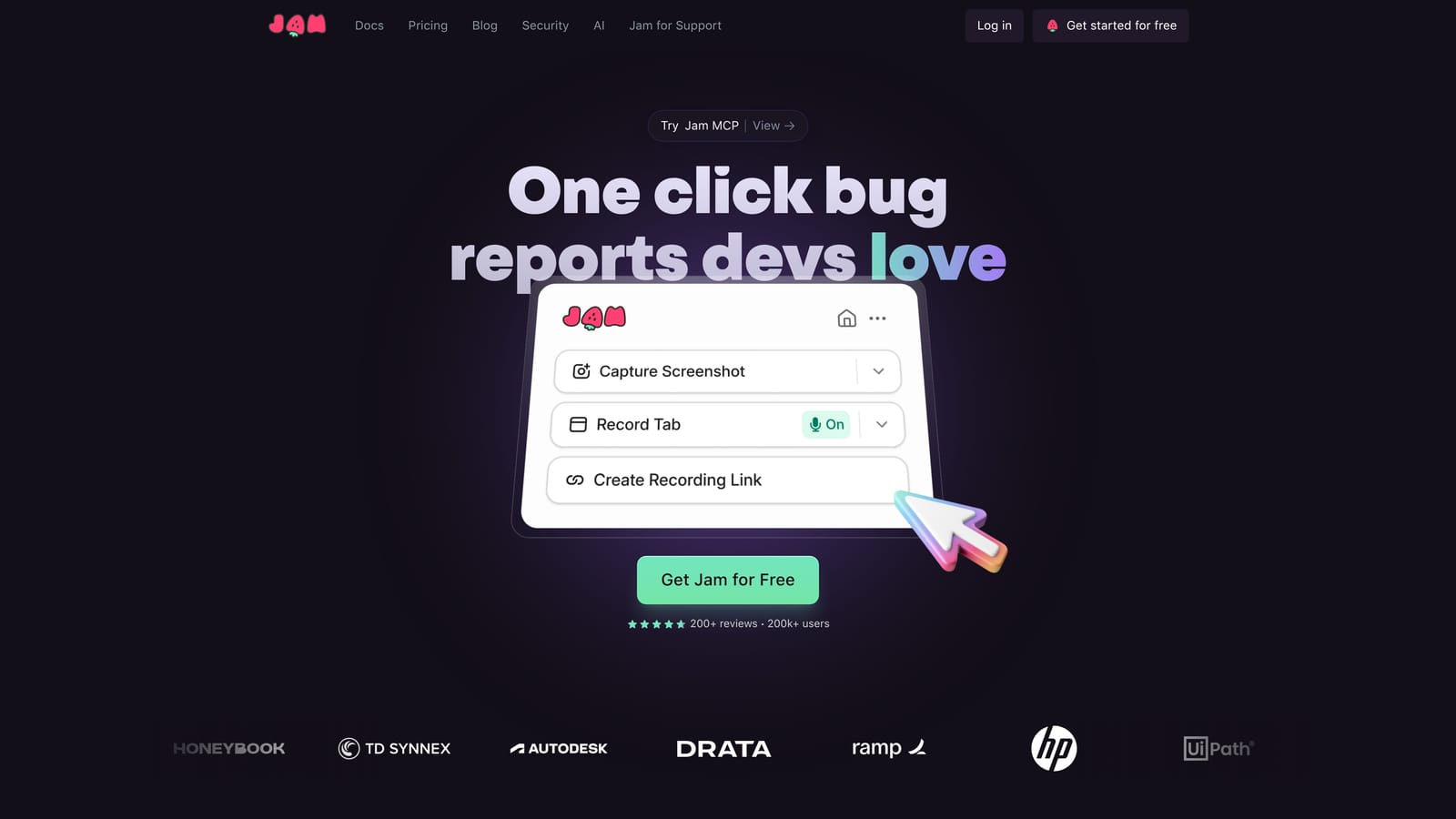
Jam is a browser-based bug capture tool that records console logs, network requests, and screen activity in a single click via Chrome extension.
Where This Tool Shines
Jam's core appeal is its near-zero friction. There's no SDK to install, no backend to configure. A team member installs the Chrome extension, hits the Jam button when they encounter a bug, and the tool automatically packages a screen recording with console logs, network requests, and browser metadata into a shareable report.
This makes Jam particularly strong for internal QA workflows and cross-functional teams where not everyone has engineering access. A product manager or designer can file a genuinely useful bug report without knowing what a network request is.
Key Features
One-Click Capture: Chrome extension triggers full bug capture instantly, with no SDK or developer setup required.
Automatic Technical Attachment: Every report automatically includes console logs, network requests, and browser metadata without any manual configuration.
Screen Recording: A screen recording is included with every bug report, giving developers visual reproduction context.
Project Tool Integrations: Connects directly with Jira, Linear, GitHub, Slack, and other common engineering tools.
Best For
Jam works well for product teams, QA testers, and internal teams that need quick bug capture during testing or daily use. It's especially useful when non-technical team members need to file reports that developers can actually act on.
Pricing
Free tier available for individuals and small teams. Paid team plans are available with additional features. Check jam.dev for current pricing.
3. BugHerd
Best for: Agencies and teams collecting visual feedback from non-technical clients on live websites
BugHerd is a visual feedback and bug tracking tool that lets users annotate live websites with point-and-click simplicity, while auto-capturing technical metadata behind the scenes.

Where This Tool Shines
BugHerd's strongest use case is bridging the gap between non-technical stakeholders and development teams. Clients can click directly on any element of a live website, leave a comment, and BugHerd automatically attaches the browser, OS, screen resolution, and URL to the report. No one has to ask "what browser were you using?"
The built-in Kanban board means bug reports flow directly into a task management view without needing a separate project tool integration, which is useful for smaller teams or agencies that don't want to maintain a complex toolchain.
Key Features
Point-and-Click Annotation: Users annotate issues directly on the live website by clicking on the element causing the problem.
Automatic Metadata Capture: Browser type, OS, screen resolution, and page URL are captured automatically with every report.
Built-In Kanban Board: Reported bugs flow into an integrated task board for tracking and prioritization without a separate PM tool.
Guest Access: Non-technical clients and stakeholders can submit feedback without needing an account or technical knowledge.
Best For
BugHerd is the strongest choice for web development agencies managing client feedback on live sites, and for product teams that need a lightweight visual feedback loop with non-technical users.
Pricing
Subscription-based, tiered by number of projects. Check bugherd.com for current pricing.
4. Marker.io
Best for: Teams already living in Jira, Linear, or Asana who want bug reports to land directly in their existing workflow
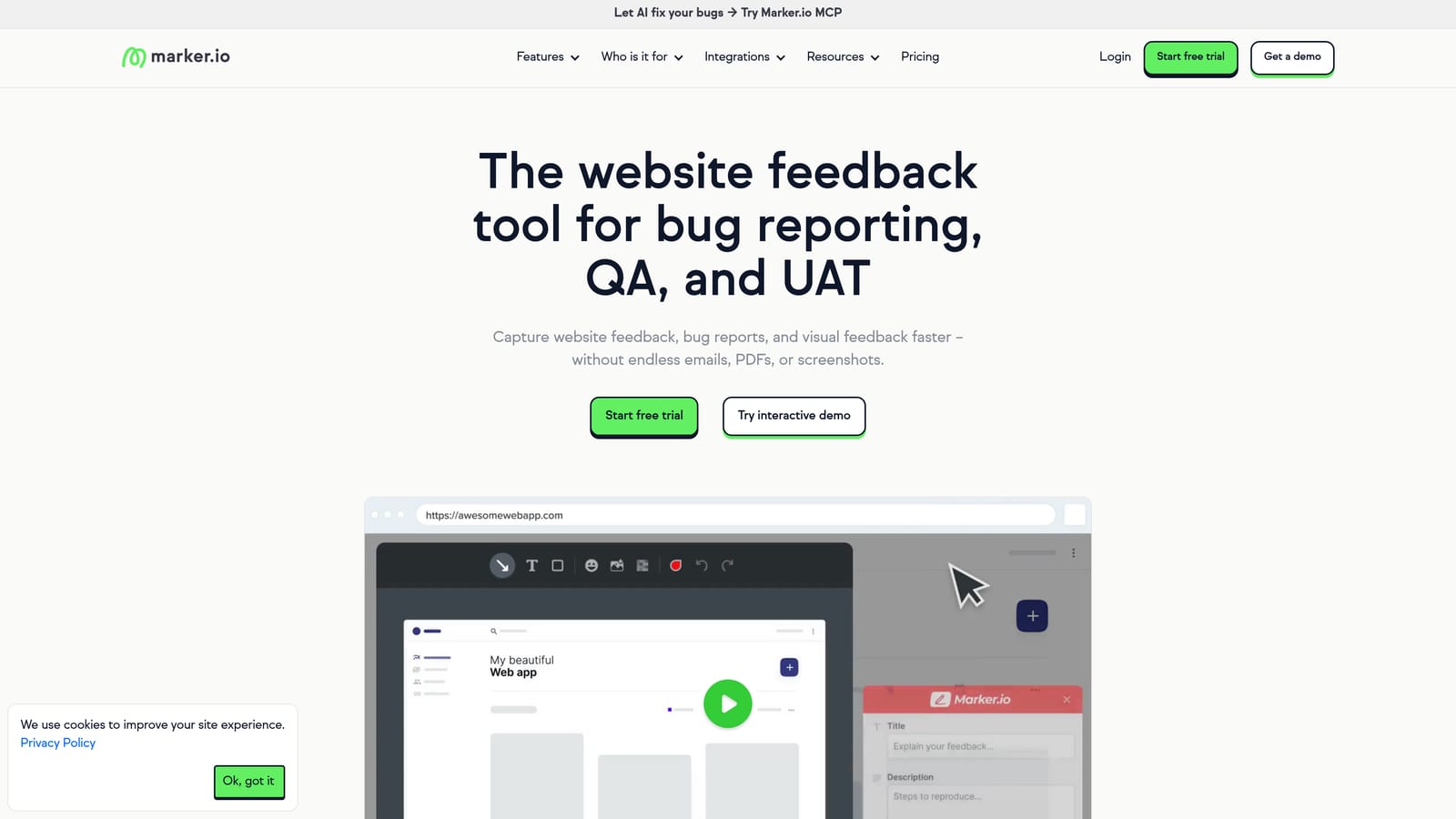
Marker.io is a bug reporting widget that sends annotated reports with full technical metadata directly into project management tools without leaving the browser.
Where This Tool Shines
Marker.io's standout strength is the depth of its project management integrations. Where other tools treat integrations as an afterthought, Marker.io is built around them. Reports land in Jira, Linear, Trello, Asana, or GitHub exactly as a native issue would, with console logs, browser info, and session URLs already attached.
The visual annotation tools are polished enough for non-technical reporters, but the real value is that developers receive issues in the tool they're already using, with the context they need to act immediately.
Key Features
Deep PM Tool Integrations: Native integrations with Jira, Linear, Trello, Asana, GitHub, and more, with issues appearing as native tickets in each platform.
Automatic Technical Context: Console logs, browser information, and session URLs are auto-attached to every report without user effort.
Visual Annotation: Non-technical users can annotate screenshots with arrows, boxes, and comments before submitting.
Session Replay: Available on higher-tier plans, giving developers a playback of what the user experienced before the bug.
Best For
Marker.io is ideal for product and QA teams that are deeply embedded in a specific project management tool and want bug reports to appear there natively, without any manual re-entry or translation.
Pricing
Subscription-based, tiered by users and projects. Check marker.io for current pricing.
5. Sentry
Best for: Engineering teams that need automatic production error detection before users even file a report
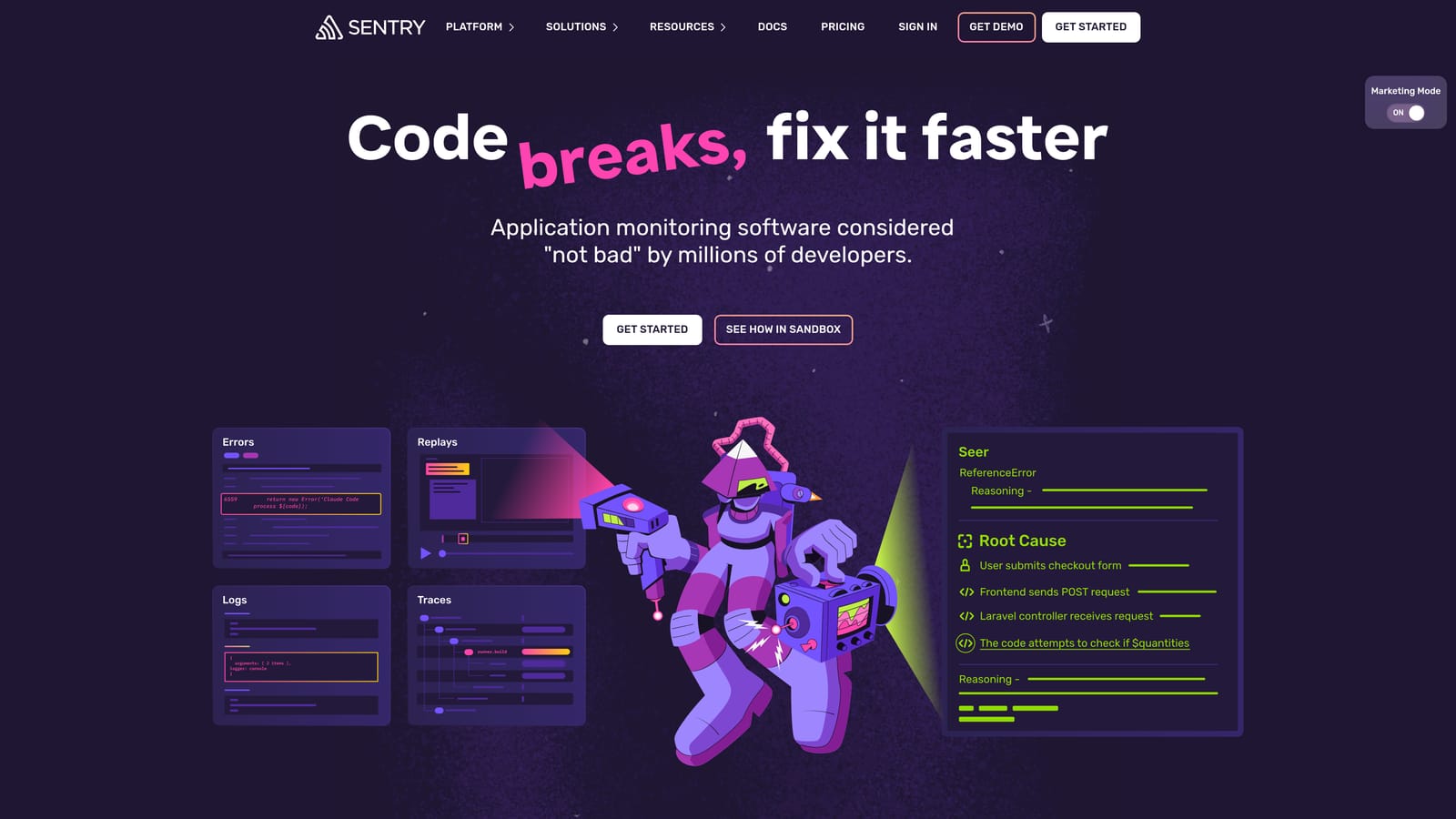
Sentry is an application monitoring platform that automatically detects, groups, and creates issues from production errors in real time.
Where This Tool Shines
Sentry operates at a fundamentally different layer than most tools on this list. Rather than waiting for a user to report a bug, Sentry catches errors as they happen in production and creates structured issues automatically. Your engineering team often knows about a bug before a single support ticket is filed.
The error grouping and deduplication features are particularly valuable at scale. Instead of 500 separate issues for the same underlying error, Sentry consolidates them into one, shows you how many users are affected, and links the error to the specific commit that introduced it.
Key Features
Real-Time Error Detection: Automatically captures and creates issues from production errors the moment they occur, across web, mobile, and backend environments.
Full Stack Traces: Every issue includes complete stack traces with source code context, so developers can pinpoint the problem without reproduction steps.
Error Grouping and Deduplication: Intelligently groups related errors to reduce noise and surface the issues with the highest impact.
Broad Framework Support: Supports web, mobile, and server-side frameworks across most major languages and platforms.
Engineering Tool Integrations: Connects with GitHub, Jira, Slack, and most standard engineering toolchains.
Best For
Sentry is the industry standard for engineering teams that need proactive production error monitoring. It's less suited for capturing user-reported visual bugs, but unmatched for automatic error detection and stack-level context.
Pricing
Free tier available with generous limits. Paid plans scale by event volume. Check sentry.io for current pricing.
6. Userback
Best for: Product teams that want session replay combined with visual annotation for richer user-reported bug context
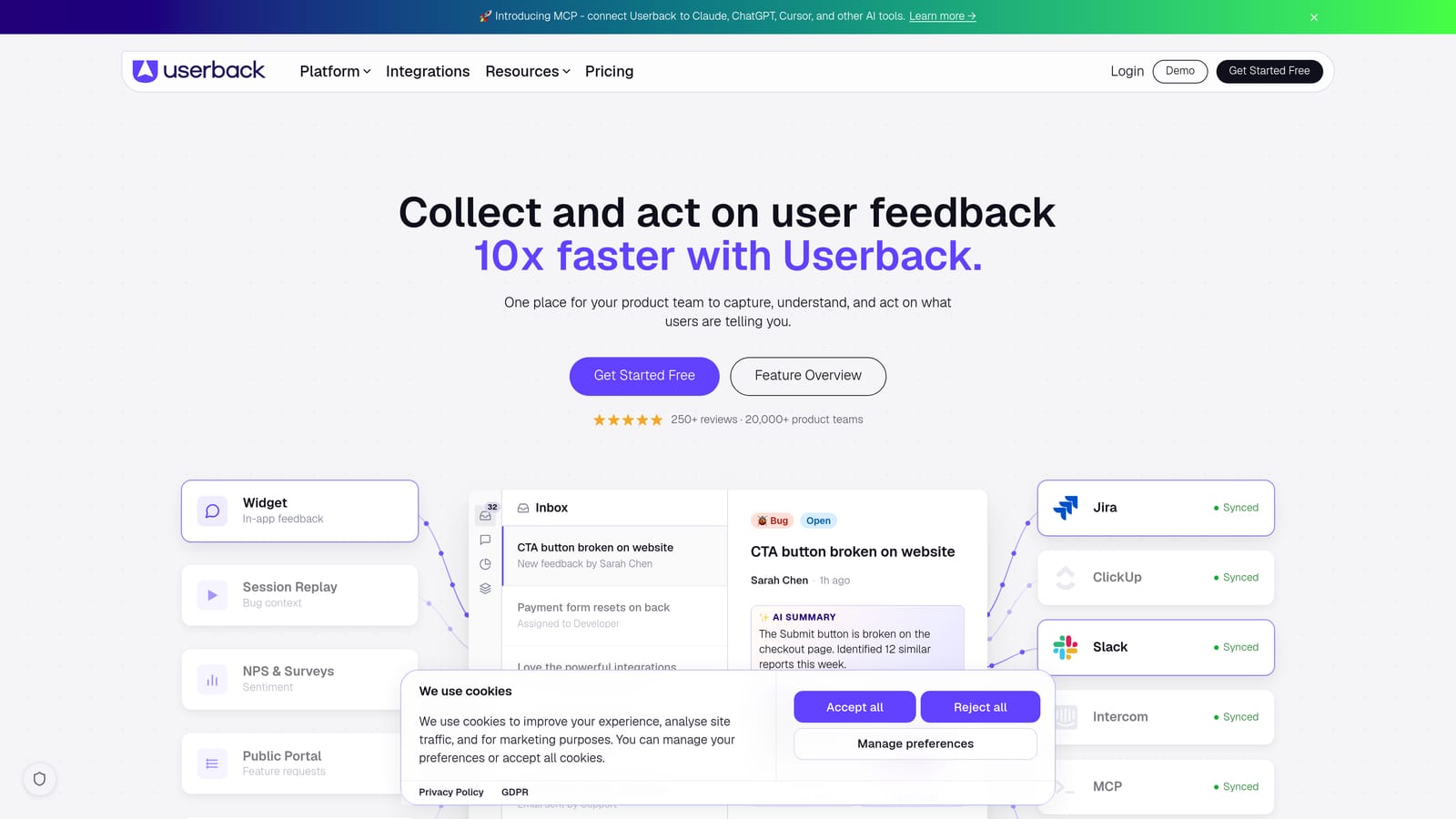
Userback is an in-app feedback platform that combines visual annotation, session replay, and user metadata to create rich, actionable bug reports from end users.
Where This Tool Shines
Userback's differentiator is the combination of session replay with visual annotation. Most annotation-only tools tell you what the user clicked and what they said. Userback also shows you what they did in the minutes before they filed the report, which is often where the actual reproduction path lives.
The automatic user identification metadata is another practical advantage. When a bug report comes in, it's already tagged with the user's name, email, and plan tier, giving support and product teams immediate context about severity and priority without any manual lookup.
Key Features
Visual Annotation: Annotation tools are embedded directly in your web app, making it easy for any user to mark up their screen and describe the issue.
Session Replay: Every feedback submission includes a replay of the user's session, capturing the steps that led to the bug.
User Identification Metadata: Name, email, and plan information are automatically attached to every report for immediate prioritization context.
Project Tool Integrations: Connects with Jira, Trello, Asana, Slack, and GitHub for seamless routing to engineering teams.
Best For
Userback suits product teams at SaaS companies that want richer bug reports from actual users, particularly when understanding the reproduction path is as important as capturing the bug itself.
Pricing
Subscription-based, tiered by number of users. Check userback.io for current pricing.
7. Instabug
Best for: Mobile engineering teams on iOS and Android that need comprehensive in-app bug reporting with full device and network context
Instabug is a mobile-first bug reporting SDK for iOS and Android that captures device data, network logs, and user steps automatically when a bug is reported in-app.
Where This Tool Shines
Instabug is the most comprehensive mobile bug reporting solution on this list. The SDK captures a wide range of device context automatically: OS version, device model, available memory, network requests, and a full log of user steps before the report was triggered. Developers receive enough information to reproduce most bugs without a back-and-forth conversation.
The in-app reporting mechanism is frictionless for end users. Triggering a report via a shake gesture or a dedicated UI element feels natural on mobile, which means more users actually complete the report rather than abandoning it.
Key Features
Comprehensive Mobile SDK: Full SDK for iOS and Android with automatic capture of device specs, OS version, and memory state.
In-App Reporting Trigger: Users trigger reports via shake gesture or a UI element, with all technical context captured automatically.
Network Request Logging: All network requests made before the bug report are captured and attached, giving developers full API-level context.
Crash Reporting: Automatic crash detection and reporting included alongside manual bug reporting.
Helpdesk Integrations: Connects with Jira, GitHub, Slack, and Zendesk for routing to the right team.
Best For
Instabug is the right choice for mobile-first engineering teams building iOS and Android apps who need enterprise-grade bug reporting with deep device and network context. It's particularly strong for teams with dedicated QA processes.
Pricing
Enterprise-focused pricing. Contact Instabug directly or check instabug.com for current plans.
8. Shake
Best for: Mobile teams that want lightweight shake-to-report bug capture without the complexity of a full enterprise SDK
Shake is a lightweight mobile bug reporting SDK that lets users trigger a report by shaking their device, automatically attaching logs and activity history.
Where This Tool Shines
Shake occupies a useful middle ground in the mobile bug reporting space. It's more capable than building your own reporting mechanism from scratch, but lighter-weight than Instabug's full enterprise feature set. For teams that need solid automatic log capture and a clean reporting UX without the overhead of a complex SDK, Shake hits the right balance.
The shake-to-report gesture is intuitive and well-implemented, and the automatic attachment of device logs, activity history, and network requests means developers get actionable context without any extra configuration from the reporting user.
Key Features
Shake-to-Report Gesture: Users trigger bug capture by shaking their device, with all technical data captured automatically at that moment.
Automatic Log Attachment: Device logs, activity history, and network requests are attached to every report without user input.
iOS and Android Support: SDK integrates with both major mobile platforms with straightforward setup.
Free Tier Available: Smaller teams can get started without a paid commitment, making it accessible for early-stage products.
Best For
Shake is a strong fit for smaller mobile teams and early-stage products that need reliable automatic bug capture on mobile without the cost or complexity of an enterprise solution.
Pricing
Free tier available. Paid plans for larger teams. Check shakebugs.com for current pricing.
9. Raygun
Best for: Engineering teams that want error monitoring combined with real user monitoring for full application performance visibility
Raygun is an application performance and error monitoring platform that combines crash reporting with real user monitoring for broader context around production bugs.
Where This Tool Shines
Raygun's distinctive angle is combining error monitoring with real user monitoring (RUM) in a single platform. Where Sentry focuses primarily on error detection and stack traces, Raygun also captures how real users experience your application in terms of load times, interaction delays, and performance degradation. This makes it easier to correlate a production bug with a performance regression introduced in the same release.
The deployment tracking feature is particularly useful for teams shipping frequently. Raygun can identify which specific deployment introduced a new error, giving engineering teams a clear starting point for root cause analysis without manual git bisect work.
Key Features
Automatic Crash Reporting: Captures production crashes with full stack traces and intelligent error grouping across web, mobile, and server-side applications.
Real User Monitoring: Tracks actual user experience metrics alongside error data, enabling correlation between performance issues and bug reports.
Deployment Tracking: Identifies which release introduced a specific error, streamlining root cause analysis for engineering teams.
Multi-Platform Support: Supports web, mobile, and server-side applications across multiple languages and frameworks.
Best For
Raygun suits engineering teams that want both error monitoring and application performance visibility in one platform, particularly those shipping to web and mobile simultaneously who need to correlate bugs with performance data.
Pricing
Subscription-based, tiered by events and users. Check raygun.com for current pricing.
Which Tool Is Right for Your Team
The right automated bug reporting tool depends almost entirely on where bugs enter your workflow and who's reporting them.
If your bugs surface through customer support conversations, Halo AI is in a category of its own. It's the only tool here that creates structured engineering tickets as a byproduct of AI-powered support interactions, which means your engineering team receives clean, page-aware bug reports without a support agent manually triaging and translating user complaints.
For internal QA and cross-functional teams working in a browser, Jam is the fastest path to useful bug reports with zero setup. If you need those reports to land natively in Jira or Linear, Marker.io is the stronger choice. For client-facing feedback on live websites, BugHerd's point-and-click annotation is hard to beat.
If you're building a web or mobile app and want richer user-reported context, Userback adds session replay on top of annotation. For mobile specifically, Instabug is the most comprehensive SDK available, while Shake is the leaner alternative for teams that don't need enterprise depth.
On the engineering-first side, Sentry remains the industry standard for proactive production error monitoring, and Raygun adds real user monitoring for teams that want performance visibility alongside crash reporting.
Your support team shouldn't scale linearly with your customer base. Let AI agents handle routine tickets, guide users through your product, and surface business intelligence while your team focuses on complex issues that need a human touch. See Halo in action and discover how continuous learning transforms every interaction into smarter, faster support.