9 Best Automated Customer Communication Platforms in 2026
An automated customer communication platform consolidates email, chat, social media, and support tickets while using AI to handle routine inquiries and route complex issues efficiently. This comprehensive guide reviews the 9 best platforms for 2026, evaluating automation capabilities, integration options, and value for B2B teams looking to reduce response times and scale support without increasing headcount proportionally.
 Grant CooperFounder12 min read
Managing customer conversations across email, chat, social media, and support tickets has become overwhelming for growing teams. An automated customer communication platform consolidates these channels while using AI to handle routine inquiries, route complex issues to the right agents, and maintain consistent response quality around the clock.
The right platform reduces response times, eliminates repetitive work, and scales support without proportionally scaling headcount. This guide evaluates top platforms based on automation capabilities, integration depth, ease of implementation, and value for B2B teams. Whether you need intelligent ticket resolution, proactive customer engagement, or unified inbox management, you'll find options that match your workflow and budget.
1. Halo AI
Best for: B2B product teams wanting AI that learns continuously and provides page-aware context
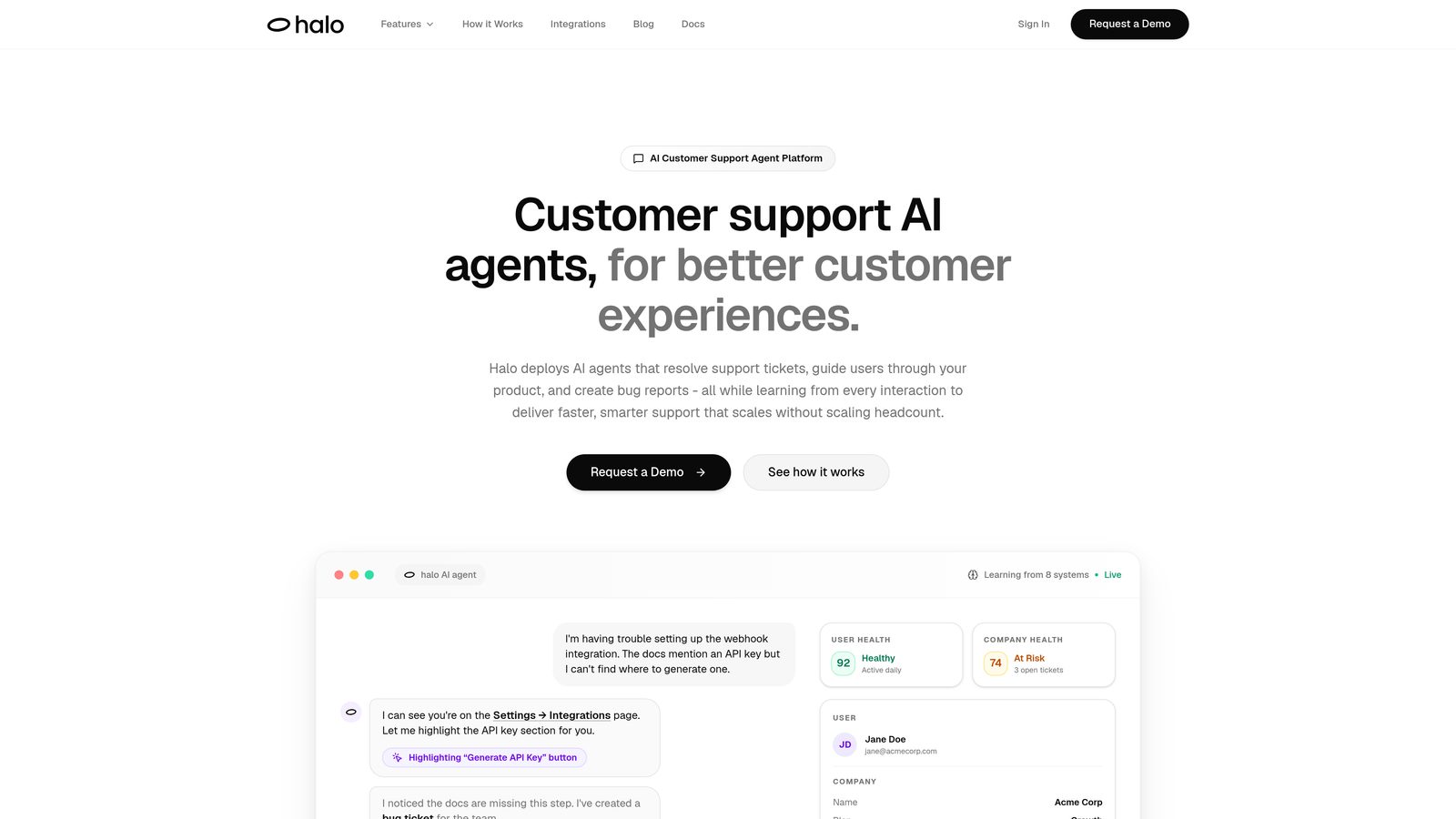
Halo AI is an AI-powered customer support platform where intelligent agents resolve tickets, guide users through your product, and create bug reports autonomously.
Where This Tool Shines
Unlike platforms that bolt AI onto existing helpdesk infrastructure, Halo AI was built AI-first. Its agents don't just respond to tickets—they see what users see on your product pages, providing visual UI guidance that eliminates confusion. When a user struggles with a feature, the AI can literally point them to the right button or field.
The platform's continuous learning architecture means every resolved ticket makes the system smarter. This isn't static automation that requires constant rule updates. The AI identifies patterns, learns from successful resolutions, and applies that knowledge to future interactions without manual intervention.
Key Features
AI Agents for Autonomous Resolution: Handle routine support tickets end-to-end without human intervention, freeing your team for complex issues.
Page-Aware Chat Widget: Provides visual UI guidance by understanding exactly what users see on their screen, eliminating ambiguous instructions.
Smart Inbox with Business Intelligence: Goes beyond ticket metrics to surface customer health signals, revenue intelligence, and anomaly detection.
Auto Bug Ticket Creation: Automatically generates Linear tickets when issues are identified, connecting support directly to your development workflow.
Live Agent Handoff: Seamlessly escalates complex issues to human agents with full context, ensuring nothing gets lost in translation.
Best For
B2B product companies using helpdesk systems like Zendesk, Freshdesk, or Intercom who want AI that genuinely reduces workload rather than creating more oversight tasks. Particularly valuable for teams connecting support to their broader business stack including Linear, Slack, HubSpot, Stripe, and development tools.
Pricing
Contact for pricing; demo available to see the platform in action with your specific use cases.
2. Intercom
Best for: Product-led companies wanting conversational experiences and in-app messaging
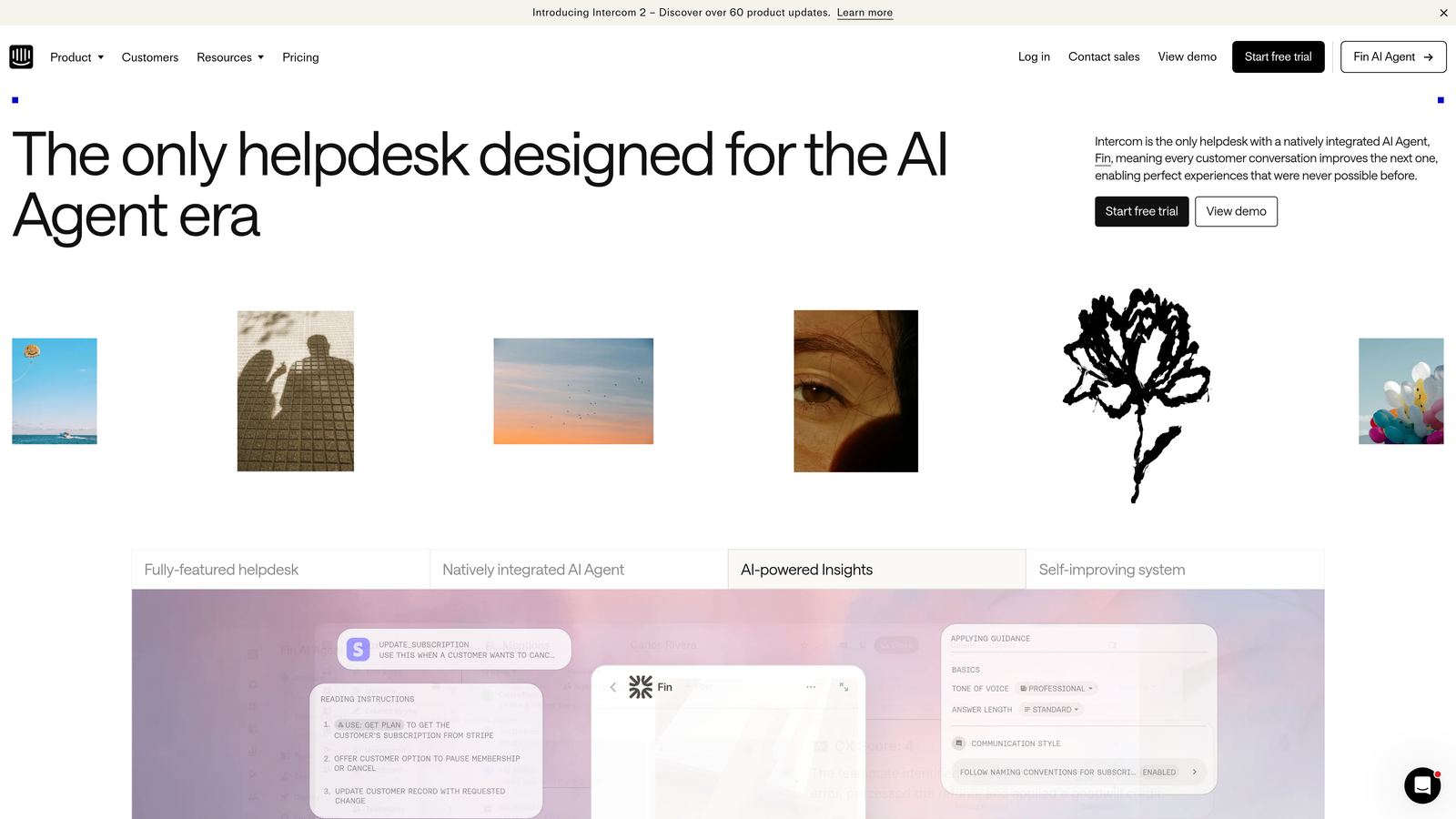
Intercom is a conversational customer platform combining messenger, inbox, and the Fin AI agent for product-focused support experiences.
Where This Tool Shines
Intercom excels at proactive engagement. Instead of waiting for customers to reach out with problems, you can trigger targeted messages based on user behavior, feature usage, or lifecycle stage. This shifts support from reactive to preventive.
The Fin AI agent handles common questions with surprising accuracy, and its resolution-based pricing model aligns costs with actual value delivered. You pay for successful resolutions, not just for having the AI enabled, which changes the economics of automation.
Key Features
Fin AI Agent: Delivers automated responses with instant answers pulled from your knowledge base and product documentation.
Customizable Messenger Widget: Adapts to match your brand and can be embedded throughout your product for contextual help.
Product Tours and In-App Messaging: Guide users through features with targeted messages and interactive walkthroughs.
Resolution-Based AI Pricing: Pay only when Fin successfully resolves customer inquiries, making ROI calculation straightforward.
Series for Outbound Campaigns: Automate onboarding sequences, feature announcements, and re-engagement campaigns based on user segments.
Best For
SaaS companies with product-led growth strategies who want to reduce support volume through proactive education and in-app assistance. Works particularly well for teams prioritizing user activation and feature adoption.
Pricing
Starts at $39/seat/month for essential features; Fin AI priced separately per resolution with volume-based tiers.
3. Zendesk
Best for: Enterprise teams managing complex omnichannel support across multiple brands
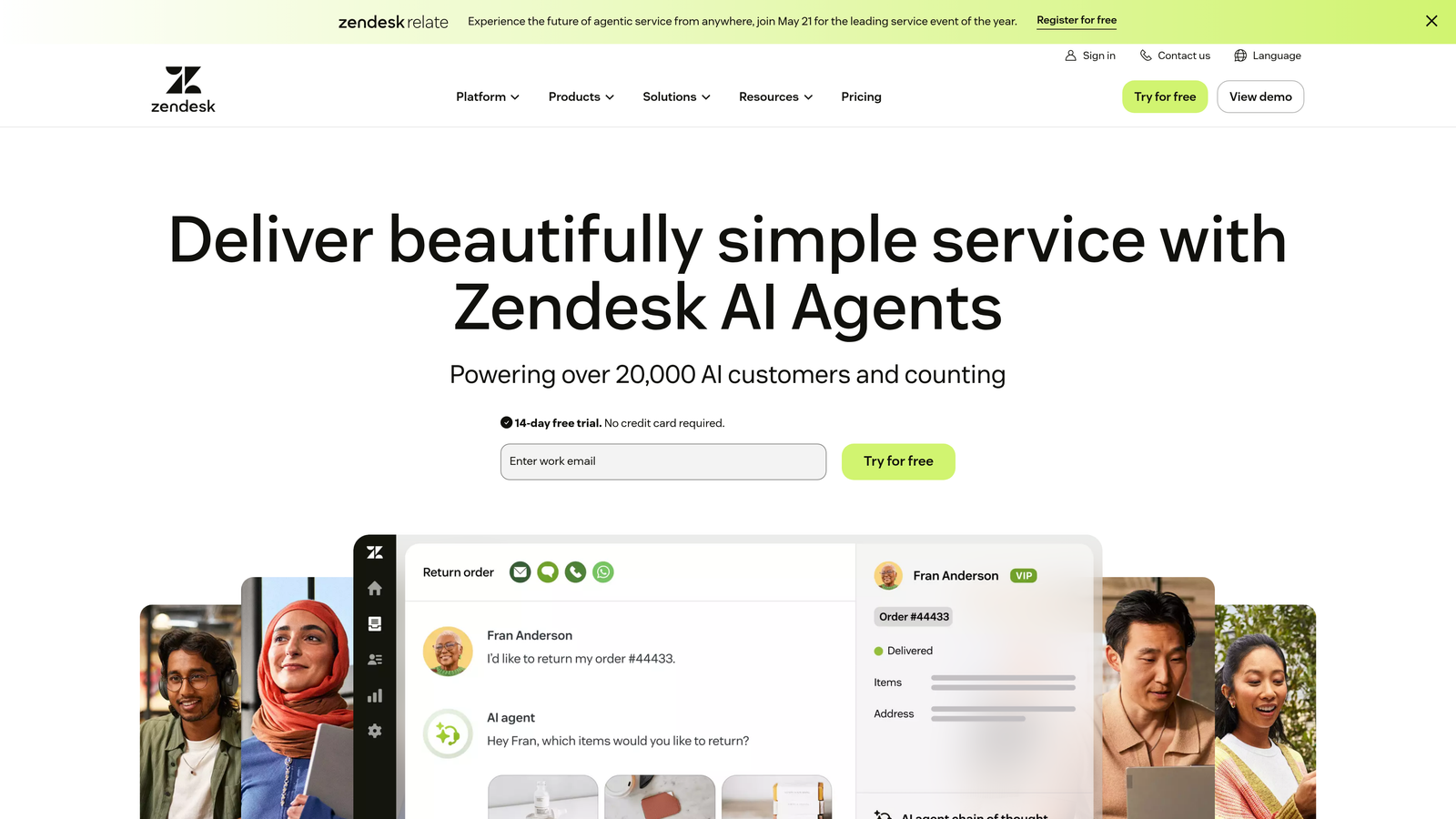
Zendesk is an enterprise omnichannel support platform with extensive automation capabilities, AI-powered routing, and a marketplace of over 1,500 integrations.
Where This Tool Shines
Zendesk's maturity shows in its automation depth. The platform offers triggers, automations, and macros that can handle incredibly complex routing logic without custom code. If you need tickets automatically assigned based on customer tier, issue type, language, and agent availability simultaneously, Zendesk handles it.
The integration marketplace is unmatched. Whether you need to connect obscure CRM systems, legacy databases, or niche industry tools, someone has likely built a Zendesk integration for it. This matters when you're operating at enterprise scale with diverse technology stacks.
Key Features
Omnichannel Ticket Management: Unify email, chat, phone, social media, and messaging apps into a single agent workspace.
Advanced Automation: Create sophisticated workflows with triggers and macros that handle complex routing and response logic.
AI-Powered Intelligent Triage: Automatically categorize, prioritize, and route tickets based on content analysis and historical patterns.
1,500+ Marketplace Integrations: Connect virtually any business system through pre-built integrations or custom API connections.
Multi-Brand Support: Manage separate help centers, workflows, and branding for different product lines or customer segments.
Best For
Large enterprises with high ticket volumes, multiple support channels, and complex organizational structures. Particularly valuable when managing support for multiple brands or products under one umbrella.
Pricing
Suite Team starts at $55/agent/month; Suite Growth at $89/agent/month; enterprise plans with custom pricing for advanced features and higher volumes.
4. Freshdesk
Best for: Growing teams wanting robust features without enterprise pricing
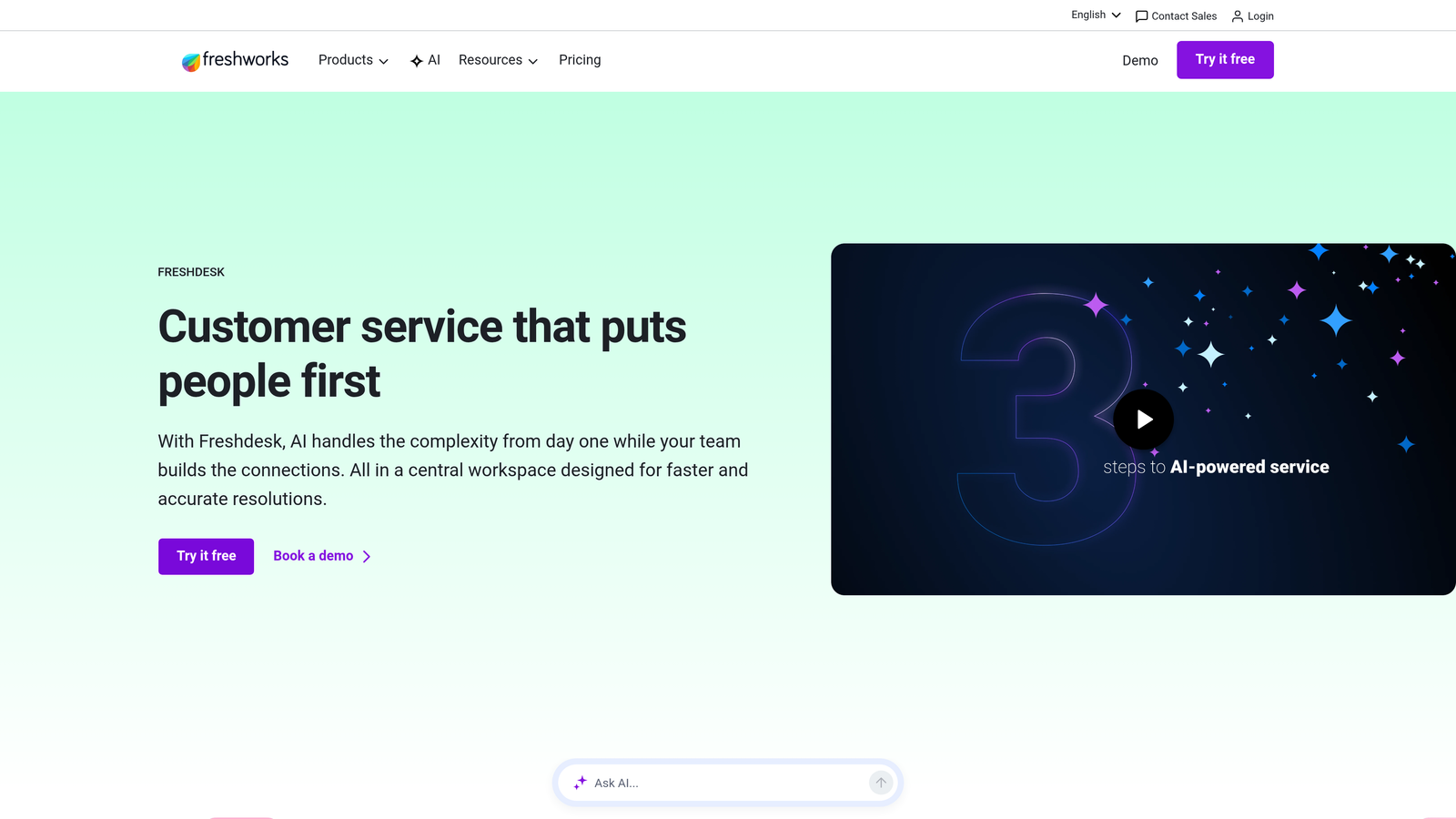
Freshdesk is customer support software with Freddy AI for ticket automation, multi-channel support, and built-in field service capabilities.
Where This Tool Shines
Freshdesk hits a sweet spot between capability and affordability. The platform includes features that competitors reserve for enterprise tiers—like AI-powered ticket classification, SLA management, and collision detection—at prices accessible to mid-market teams.
The free tier is genuinely useful, not just a trial disguised as a free plan. Small teams can run real support operations on the free version, then scale up as they grow without switching platforms entirely.
Key Features
Freddy AI for Classification: Automatically categorizes tickets, suggests responses, and predicts customer sentiment without manual tagging.
Unified Agent Workspace: Handle tickets, calls, and chats from a single interface with full customer context visible.
Field Service Management: Dispatch technicians, manage appointments, and track on-site work directly within the platform.
Free Tier for Small Teams: Includes unlimited agents with basic ticketing, knowledge base, and reporting for up to 10 agents.
Automation and Workflows: Create time-based actions, event-triggered responses, and custom ticket routing rules.
Best For
Mid-market companies and growing startups that need enterprise-grade features but can't justify enterprise pricing. Particularly valuable for companies with field service components alongside digital support.
Pricing
Free tier available for up to 10 agents; Growth plan at $15/agent/month; Pro at $49/agent/month; Enterprise at $79/agent/month.
5. HubSpot Service Hub
Best for: Teams already using HubSpot CRM who want unified customer context
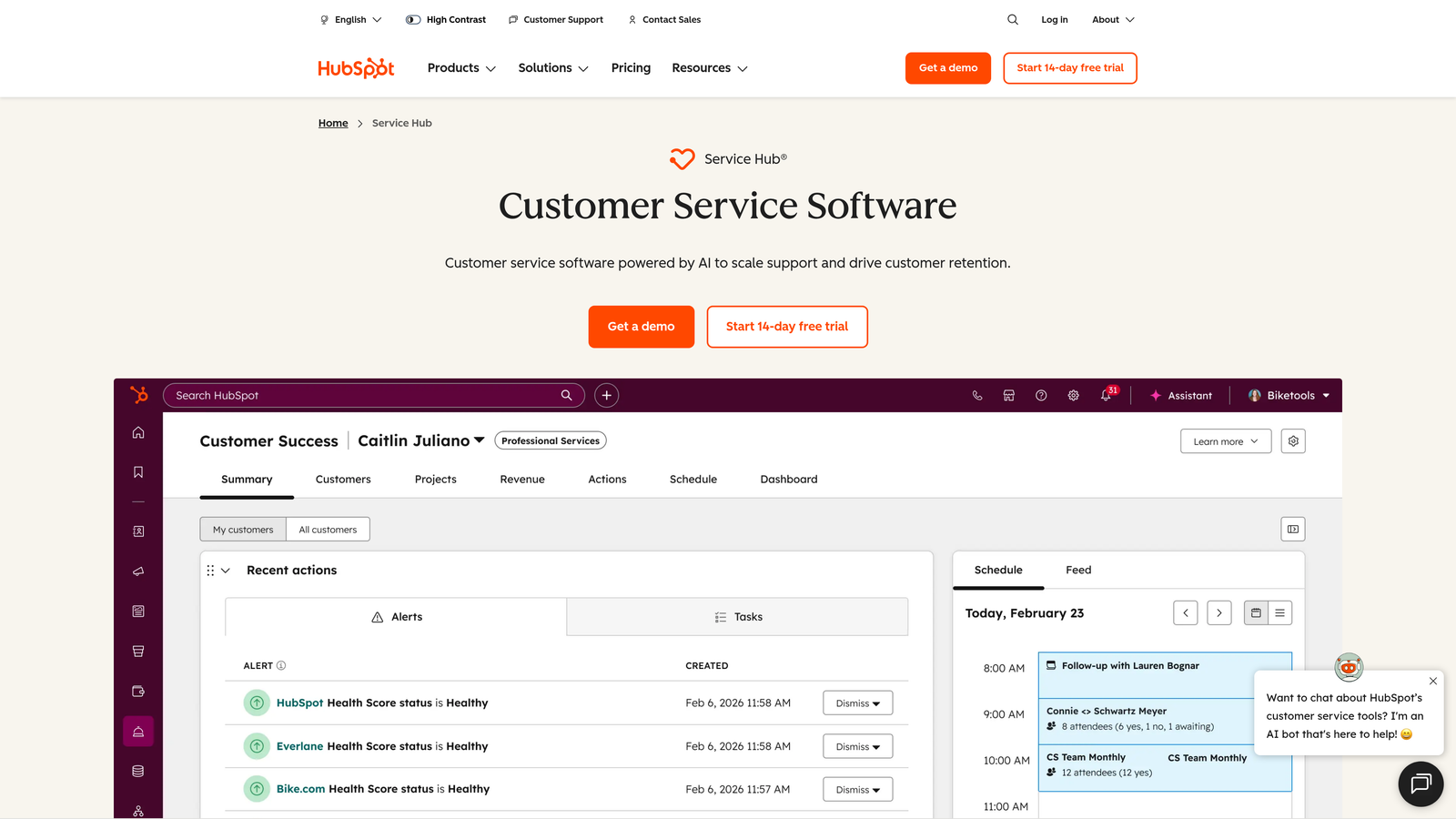
HubSpot Service Hub is customer service software natively connected to HubSpot CRM, providing unified customer context across marketing, sales, and support.
Where This Tool Shines
The native CRM integration eliminates data silos completely. When a support agent opens a ticket, they see the customer's entire journey—every marketing email opened, sales conversation, deal history, and previous support interaction. This context transforms support from transactional to relationship-focused.
Customer health scoring connects support activity to retention risk. If a high-value customer suddenly increases ticket volume or satisfaction scores drop, automated alerts notify account managers before churn becomes inevitable.
Key Features
Native CRM Integration: Access complete customer history including marketing touchpoints, sales interactions, and deal values without switching platforms.
Conversation Intelligence: Analyze support conversations for sentiment, common issues, and coaching opportunities with AI-powered insights.
Customer Feedback and Health Scoring: Track NPS, CSAT, and custom metrics that automatically update customer health scores in your CRM.
Knowledge Base with AI Suggestions: Recommend relevant articles to agents and customers based on conversation content and historical resolution patterns.
Ticket Automation: Route tickets, assign agents, and trigger workflows based on CRM data like customer tier, contract value, or lifecycle stage.
Best For
Companies already invested in HubSpot's marketing and sales tools who want to unify their customer-facing operations. Most valuable when customer context across the entire lifecycle matters more than specialized support features.
Pricing
Free tools available with basic ticketing and knowledge base; Starter at $20/month for 2 users; Professional at $100/month per seat; Enterprise at $150/month per seat.
6. Front
Best for: Teams managing high-volume shared email with real-time collaboration needs
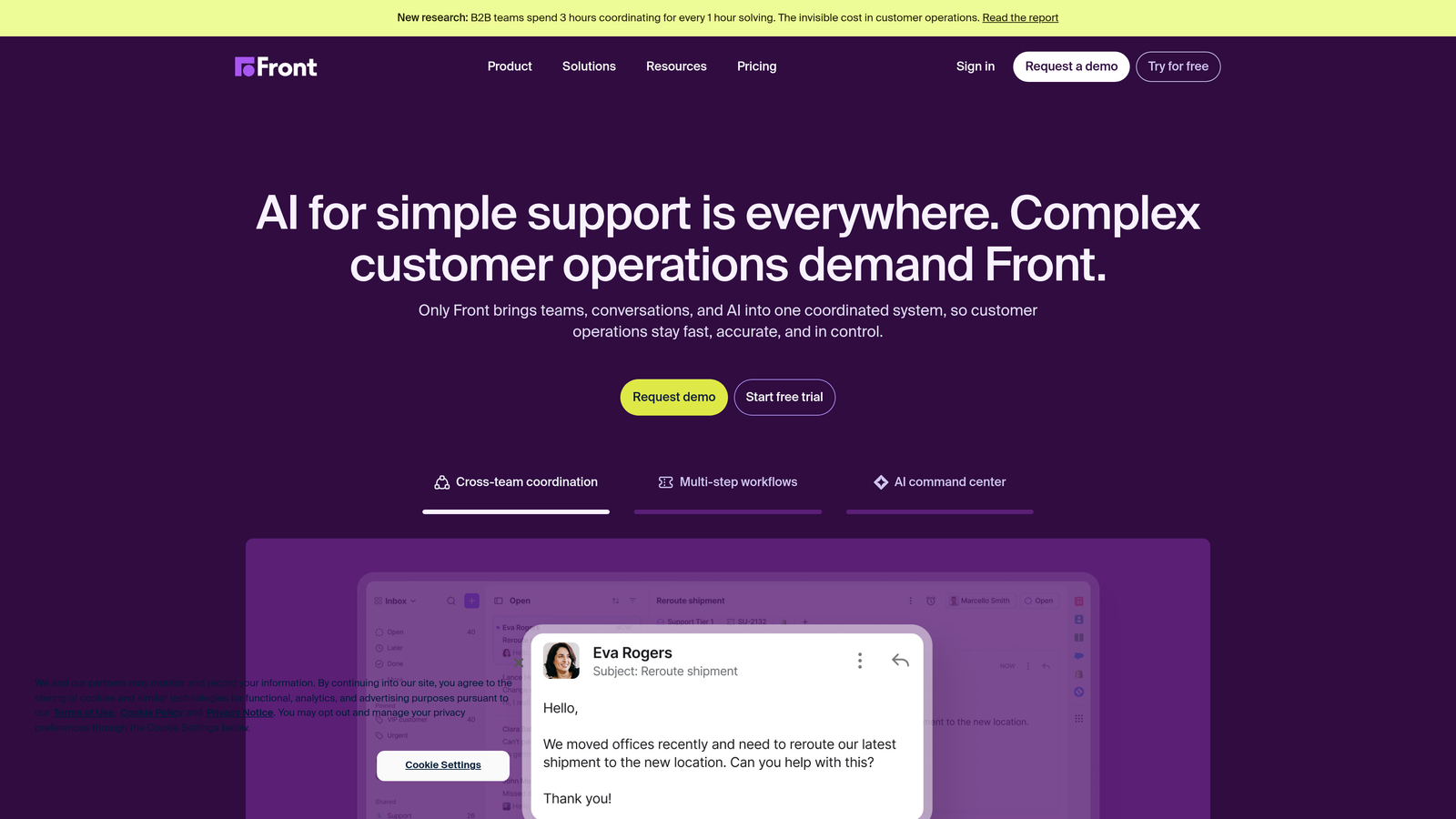
Front is a collaborative inbox platform designed for teams managing shared email accounts with workflow automation and multi-channel support.
Where This Tool Shines
Front reimagines email as a collaborative workspace rather than individual inboxes. Multiple team members can work on the same conversation simultaneously, seeing each other's drafts in real-time and avoiding duplicate responses. This transforms chaotic shared inboxes into coordinated workflows.
The platform excels at transparency. Managers can see exactly where conversations stand, which agents are overloaded, and where bottlenecks occur without micromanaging individual inboxes. Analytics surface patterns that would be invisible in traditional email.
Key Features
Shared Inbox with Real-Time Collaboration: See teammate drafts, assign conversations, and collaborate on responses without stepping on each other's toes.
Workflow Automation Rules: Automatically route messages, assign conversations, and trigger actions based on sender, content, or team availability.
Multi-Channel Support: Manage email, SMS, social media messages, and live chat from a unified interface.
Analytics and SLA Tracking: Monitor response times, resolution rates, and team performance with customizable dashboards and reports.
Comment Threads: Discuss customer issues internally without cluttering the actual customer conversation or switching to separate tools.
Best For
Sales teams, customer success groups, and support operations where email is the primary channel and collaboration matters more than traditional ticketing workflows. Works particularly well for teams transitioning from shared Gmail or Outlook accounts.
Pricing
Starter at $19/seat/month for basic shared inbox; Growth at $59/seat/month with automation and analytics; Scale at $99/seat/month for advanced features and integrations.
7. Drift
Best for: B2B companies focused on buyer engagement and pipeline acceleration
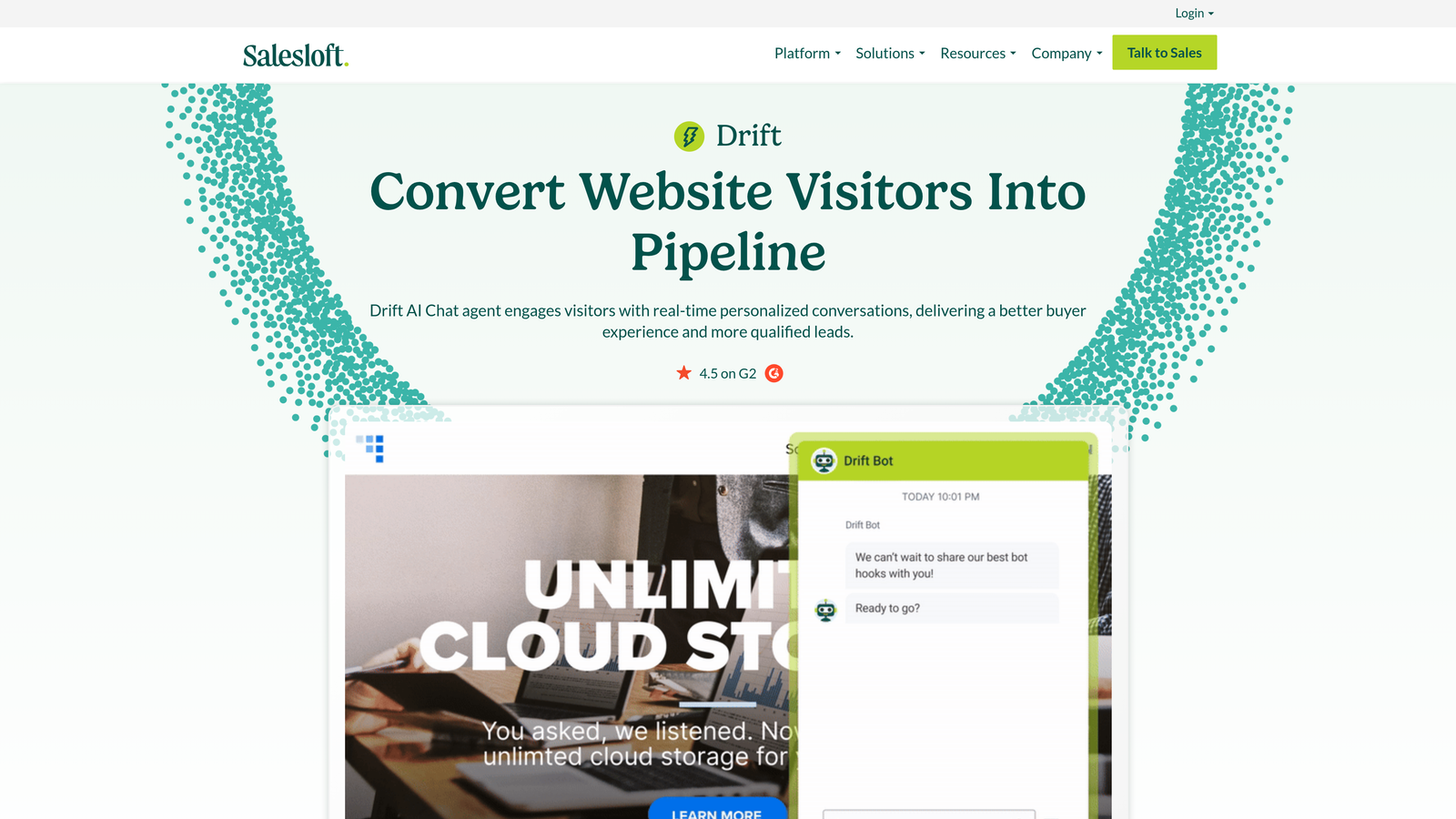
Drift is a conversational AI platform focused on B2B buyer engagement, automated meeting scheduling, and revenue intelligence.
Where This Tool Shines
Drift blurs the line between marketing, sales, and support by treating every conversation as a revenue opportunity. The platform identifies high-intent buyers based on firmographic data and behavior, then routes them to sales while handling routine support questions with AI.
Automated meeting scheduling eliminates the back-and-forth of calendar coordination. When a qualified lead wants to talk, Drift's AI books the meeting instantly based on your team's availability, capturing interest at peak momentum.
Key Features
Conversational AI for Buyer Engagement: Qualify leads, answer product questions, and route high-value prospects to sales automatically.
Automated Meeting Scheduling: Book sales meetings instantly based on team availability without manual calendar coordination.
Account-Based Targeting: Personalize chat experiences based on company, industry, or account tier with targeted messaging.
Revenue Intelligence Dashboard: Track conversation-to-pipeline metrics, identify high-performing chat flows, and optimize for revenue outcomes.
Video Messaging: Send personalized video responses to high-value prospects or complex support questions.
Best For
B2B companies with high average contract values where sales and support overlap significantly. Most effective when buyer education and qualification matter as much as ticket resolution.
Pricing
Contact for pricing; primarily enterprise-focused with custom packages based on conversation volume and features needed.
8. Help Scout
Best for: Teams prioritizing human-feeling interactions with clean, distraction-free interfaces
Help Scout is a customer support platform emphasizing personal interactions with a clean interface, beacon widget, and integrated knowledge base.
Where This Tool Shines
Help Scout's philosophy centers on making support feel personal rather than transactional. Emails look like they come from individual team members, not generic support addresses. The interface strips away complexity, letting agents focus on conversations rather than navigating cluttered dashboards.
The Beacon widget provides contextual help that adapts to where customers are in your product. Instead of generic chat popups, it surfaces relevant knowledge base articles based on the current page, reducing unnecessary conversations before they start.
Key Features
Beacon Widget for Contextual Help: Provides page-specific article suggestions and contact options that adapt to user location and behavior.
Docs Knowledge Base: Create searchable help documentation with article suggestions powered by AI analysis of common questions.
AI-Assisted Article Suggestions: Recommend relevant knowledge base content to agents as they type responses, improving consistency.
Customer Satisfaction Ratings: Collect feedback after every conversation with simple rating prompts and follow-up surveys.
Collision Detection: Prevent duplicate responses by alerting agents when teammates are already handling a conversation.
Best For
Small to mid-sized companies that value brand personality and want support to feel like talking to a helpful human rather than a corporate help desk. Particularly effective for consumer-facing brands where tone matters significantly.
Pricing
Standard at $22/user/month with core features; Plus at $44/user/month adding advanced automation and reporting; Pro at $65/user/month for custom integrations and priority support.
9. Tidio
Best for: Small businesses and e-commerce sites wanting quick setup with visual chatbot building
Tidio is a live chat and chatbot platform with a visual builder and Lyro AI, designed for rapid deployment on small business and e-commerce websites.
Where This Tool Shines
Tidio's visual chatbot builder requires zero coding knowledge. You drag and drop conversation flows, set triggers, and launch automated conversations in minutes rather than days. This accessibility makes sophisticated automation available to teams without dedicated developers.
The pre-built e-commerce templates understand common shopping scenarios—abandoned carts, product recommendations, order tracking—and can be customized to match your specific catalog and policies. You're not starting from scratch.
Key Features
Visual Chatbot Builder: Create automated conversation flows with drag-and-drop interface requiring no technical knowledge.
Lyro AI for Automated Responses: Handle common questions with conversational AI that learns from your knowledge base and past conversations.
Pre-Built E-Commerce Templates: Deploy chatbots for abandoned cart recovery, product recommendations, and order tracking with minimal customization.
Shopify and WordPress Integrations: Install with one-click integrations for popular e-commerce and website platforms.
Visitor Tracking: See who's browsing your site in real-time and proactively engage based on pages viewed or time spent.
Best For
E-commerce stores, local businesses, and small service providers who need live chat and basic automation without complex implementation. Most valuable when speed of deployment matters more than advanced features.
Pricing
Free tier available with basic chat and one chatbot; Communicator at $19/month for unlimited chatbots; Chatbots at $29/month adding Lyro AI; Tidio+ at $394/month for high-volume businesses.
Making the Right Choice
The right automated customer communication platform depends on your team's primary workflow and where automation creates the most value. For B2B product teams wanting AI that genuinely learns and improves from every interaction, Halo AI offers page-aware intelligence that scales without scaling headcount. Your support team shouldn't scale linearly with your customer base—let AI agents handle routine tickets, guide users through your product, and surface business intelligence while your team focuses on complex issues that need a human touch.
Enterprise teams managing complex omnichannel operations across multiple brands will find Zendesk's maturity and integration ecosystem valuable, particularly when supporting legacy systems. Product-led companies often thrive with Intercom's conversational approach, especially when proactive engagement and feature adoption matter as much as reactive support.
HubSpot Service Hub makes sense when CRM unification matters most—when understanding the complete customer journey from first touch to support interaction drives better outcomes. Front excels for email-heavy collaborative workflows where shared inboxes create chaos without proper tooling. Drift targets the intersection of sales and support, making it valuable when buyer engagement and pipeline acceleration are primary goals.
Start by mapping your current pain points. Is it ticket volume overwhelming your team? Response consistency across channels? Lack of visibility into customer health? Or implementation complexity preventing you from adopting automation at all? Evaluate platforms against these specific criteria rather than feature checklists.
Most platforms offer free trials or demos. Test them with real scenarios from your support queue. Can the AI handle your most common questions? Does the interface match how your team actually works? Will implementation take days or months? The platform that looks best on a feature comparison chart might not fit your actual workflow.
See Halo in action and discover how continuous learning transforms every interaction into smarter, faster support that scales with your business, not your headcount.