9 Best Automated Customer Onboarding Tools in 2026
Automated customer onboarding tools streamline the new user experience by replacing manual processes with consistent, personalized guidance that reduces churn and frees up your team. This comprehensive guide reviews nine leading platforms for 2026—including AI-powered assistants, interactive product tours, and workflow automation solutions—helping you select the right tool based on your customer journey complexity and team resources.
 Matt PattoliFounder11 min read
First impressions determine whether new customers become loyal advocates or churn within weeks. Automated customer onboarding tools eliminate the manual handholding that bogs down your team while ensuring every user gets a consistent, personalized experience from day one.
The right platform guides users through setup, answers questions in real-time, and identifies friction points before they become deal-breakers. This guide covers top tools that handle onboarding automation differently—from AI-powered support agents to interactive walkthroughs—so you can match the solution to your specific workflow and customer journey.
1. Halo AI
Best for: Teams needing intelligent support automation that understands visual context and learns continuously.
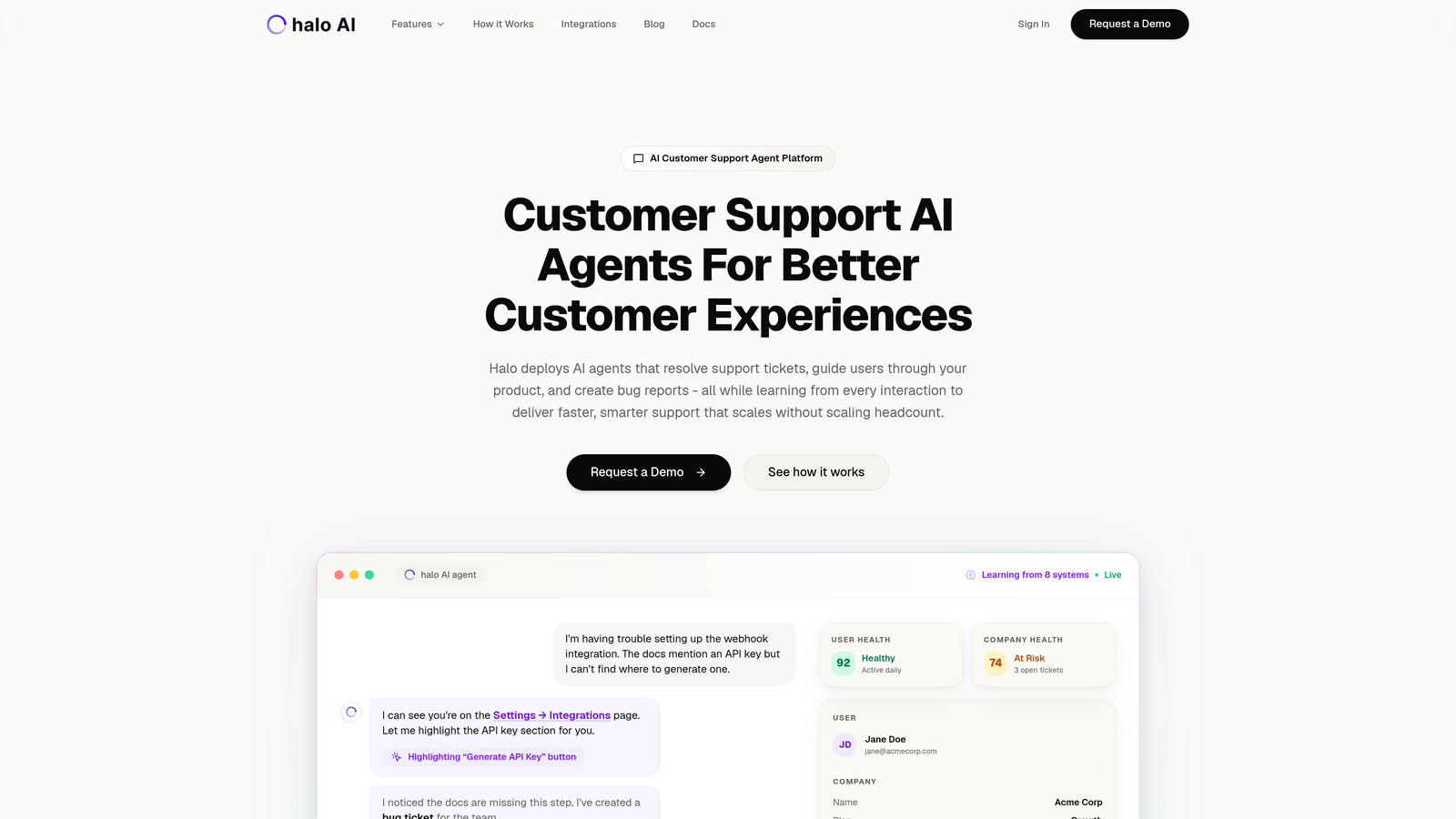
Halo AI is an AI-powered customer support platform with page-aware chat that guides users through onboarding by understanding exactly what they see on screen.
Where This Tool Shines
Unlike traditional onboarding tools that rely on pre-programmed tours, Halo's AI agents see what your users see in real-time. When someone gets stuck during setup, the system understands their current screen context and provides relevant guidance without making them describe their problem.
The platform learns from every interaction, meaning your onboarding support gets smarter over time. If multiple users struggle with the same setup step, Halo identifies the pattern and proactively improves responses for future customers.
Key Features
Page-Aware AI Agents: The system sees user context in real-time, understanding exactly where customers are in your product to provide relevant guidance.
Continuous Learning: Every support interaction trains the AI to handle similar questions better, creating an onboarding experience that improves automatically.
Automatic Bug Ticket Creation: When users encounter technical issues during onboarding, Halo creates detailed bug reports with context for your development team.
Live Agent Handoff: Complex onboarding questions seamlessly transfer to human agents with full conversation context.
Business Stack Integrations: Connects with Intercom, HubSpot, Slack, Linear, Stripe, and other tools to provide unified onboarding support.
Best For
B2B SaaS companies with complex products where traditional tooltip tours fall short. Particularly valuable for teams currently overwhelmed by repetitive onboarding questions that could be automated while maintaining quality support.
Pricing
Contact for pricing based on your support volume and integration requirements.
2. Intercom
Best for: Teams wanting unified messaging across chat, email, and in-app experiences.
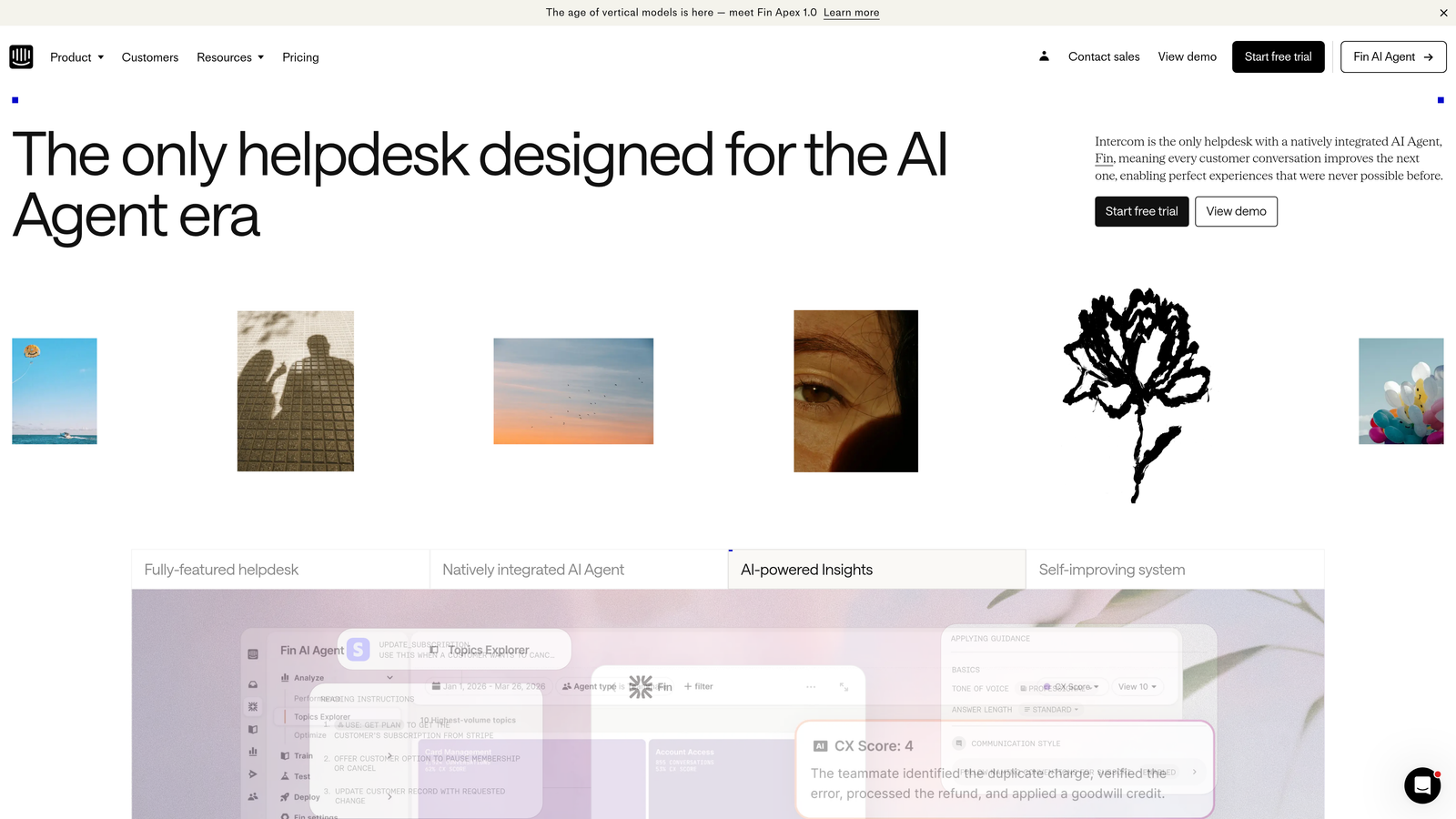
Intercom is a conversational customer platform combining live chat, product tours, and automated messaging to create cohesive onboarding experiences.
Where This Tool Shines
Intercom excels at orchestrating multi-channel onboarding campaigns. You can trigger an in-app product tour, follow up with a targeted email sequence, and provide chat support—all from one platform with unified customer data.
The Resolution Bot handles common onboarding questions automatically, while the Series feature lets you build sophisticated multi-step campaigns that adapt based on user behavior and engagement.
Key Features
Product Tours: No-code builder for creating guided walkthroughs that introduce key features during the onboarding journey.
Automated Sequences: Trigger messages across chat and email based on user actions, time delays, or custom events.
Resolution Bot: AI-powered bot that answers common onboarding questions instantly using your help center content.
Customer Data Platform: Segment users by behavior, properties, and engagement to personalize onboarding experiences.
Series Campaigns: Build complex multi-message campaigns that guide users through extended onboarding processes.
Best For
Companies that want a comprehensive platform combining support, messaging, and onboarding in one system. Works well for teams already using Intercom for customer communication who want to add structured onboarding automation.
Pricing
Starts at $74/month for small teams, with higher tiers adding advanced automation and reporting capabilities.
3. Userpilot
Best for: Product teams focused on driving feature adoption through personalized in-app experiences.
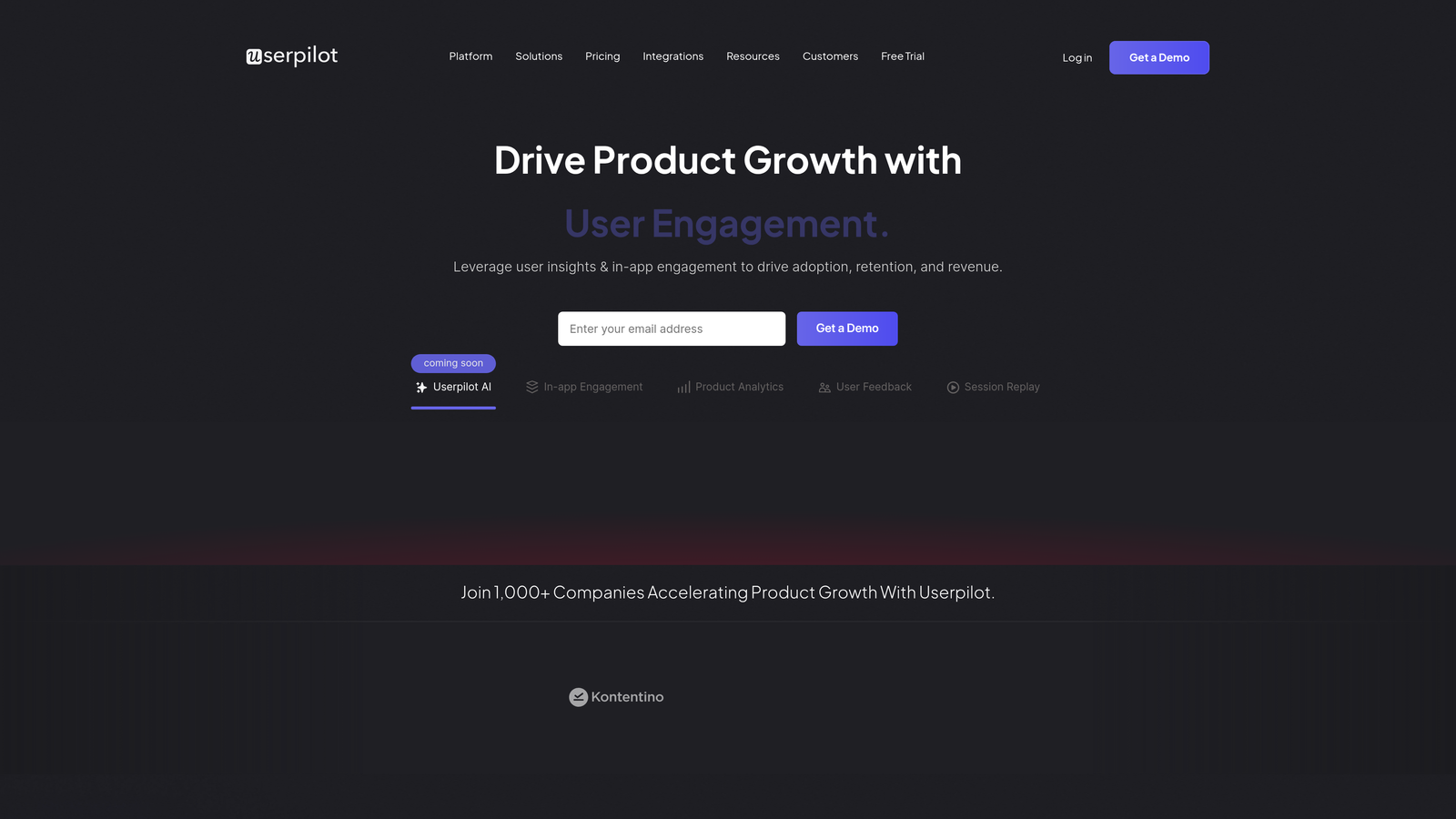
Userpilot is a product growth platform enabling teams to create personalized onboarding flows and track feature adoption without engineering support.
Where This Tool Shines
Userpilot's strength lies in behavior-based personalization. You can show different onboarding paths to different user segments based on their role, company size, or how they signed up.
The platform combines onboarding flows with analytics that show exactly where users drop off or succeed. This feedback loop helps you continuously refine your onboarding based on real completion data rather than assumptions.
Key Features
No-Code Flow Builder: Create multi-step onboarding experiences with modals, tooltips, and slideouts without touching code.
Behavior-Based Segmentation: Target specific onboarding flows to users based on actions, properties, and engagement patterns.
Native NPS and Surveys: Collect feedback during onboarding to understand user satisfaction and identify friction points.
Feature Tagging: Track which features users interact with during onboarding to measure adoption and identify unused capabilities.
A/B Testing: Test different onboarding approaches to optimize completion rates and time-to-value.
Best For
Product-led growth companies that need deep analytics alongside onboarding automation. Ideal for teams that want to iterate quickly on onboarding experiences based on user behavior data.
Pricing
Starts at $249/month with pricing scaling based on monthly active users.
4. Appcues
Best for: Non-technical teams building onboarding experiences with pre-built templates and visual editors.
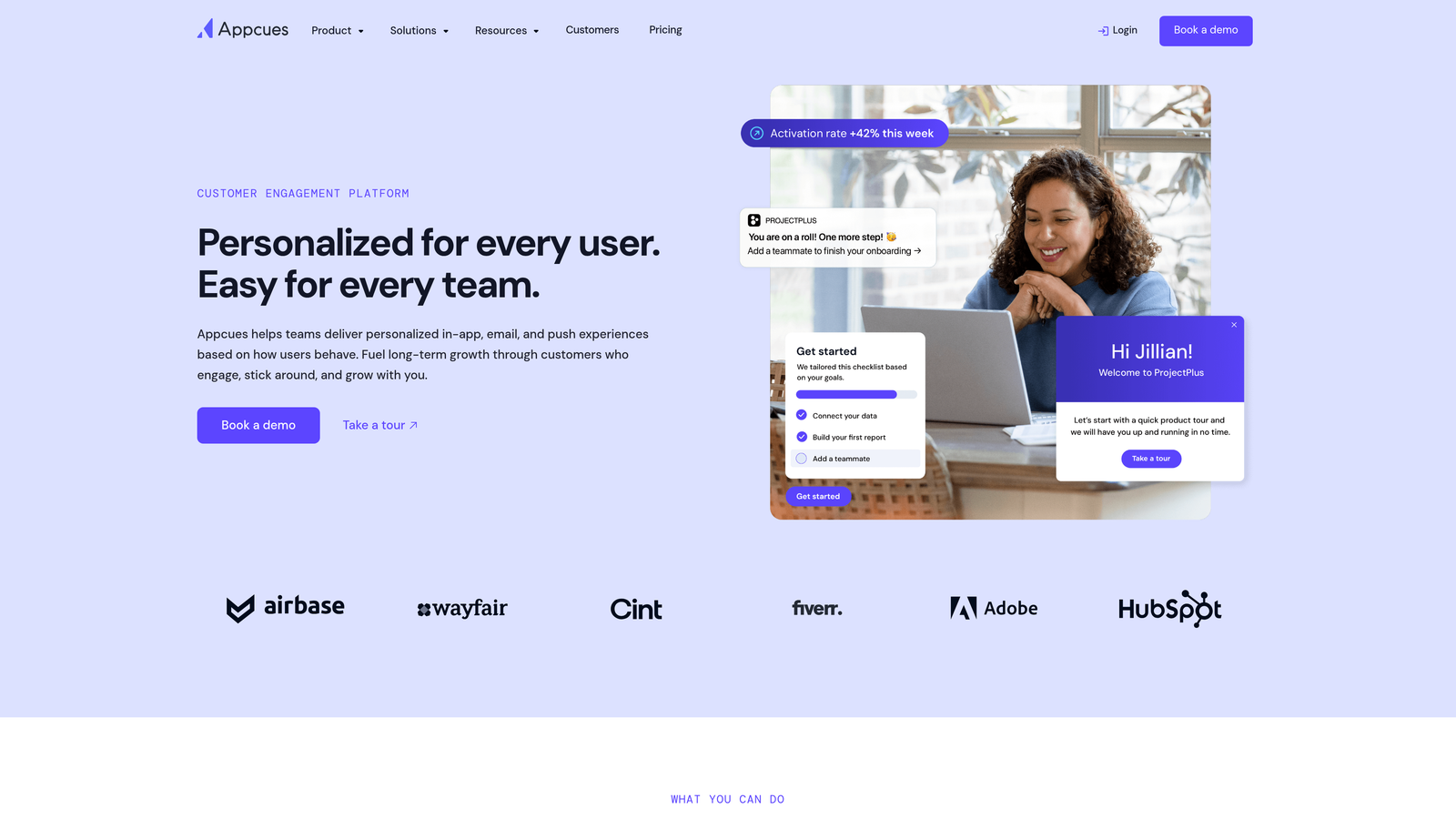
Appcues is a user onboarding platform enabling teams to build targeted in-app experiences, checklists, and announcements without engineering resources.
Where This Tool Shines
Appcues makes it remarkably easy for product marketers and customer success teams to launch onboarding flows independently. The visual builder works directly in your application, so you see exactly what users will experience as you build.
Onboarding checklists with progress tracking give users a clear path forward while creating a sense of accomplishment. The template library provides proven patterns you can customize rather than starting from scratch.
Key Features
Visual Flow Builder: Design onboarding experiences directly in your app with drag-and-drop simplicity and pre-built templates.
Onboarding Checklists: Create task lists that guide users through key setup steps with visual progress indicators.
Targeted Modals: Show contextual messages and announcements based on user segment, page, or behavior.
Event Tracking: Monitor which users complete onboarding goals and where they drop off in the journey.
Tool Integrations: Connect with analytics platforms, CRMs, and data warehouses to sync onboarding data across your stack.
Best For
Teams without dedicated engineering resources who need to launch and iterate on onboarding quickly. Works well for companies with straightforward SaaS products where visual walkthroughs effectively communicate value.
Pricing
Starts at $249/month based on monthly active users, with custom enterprise pricing available.
5. Pendo
Best for: Data-driven teams wanting deep product analytics alongside in-app guidance capabilities.
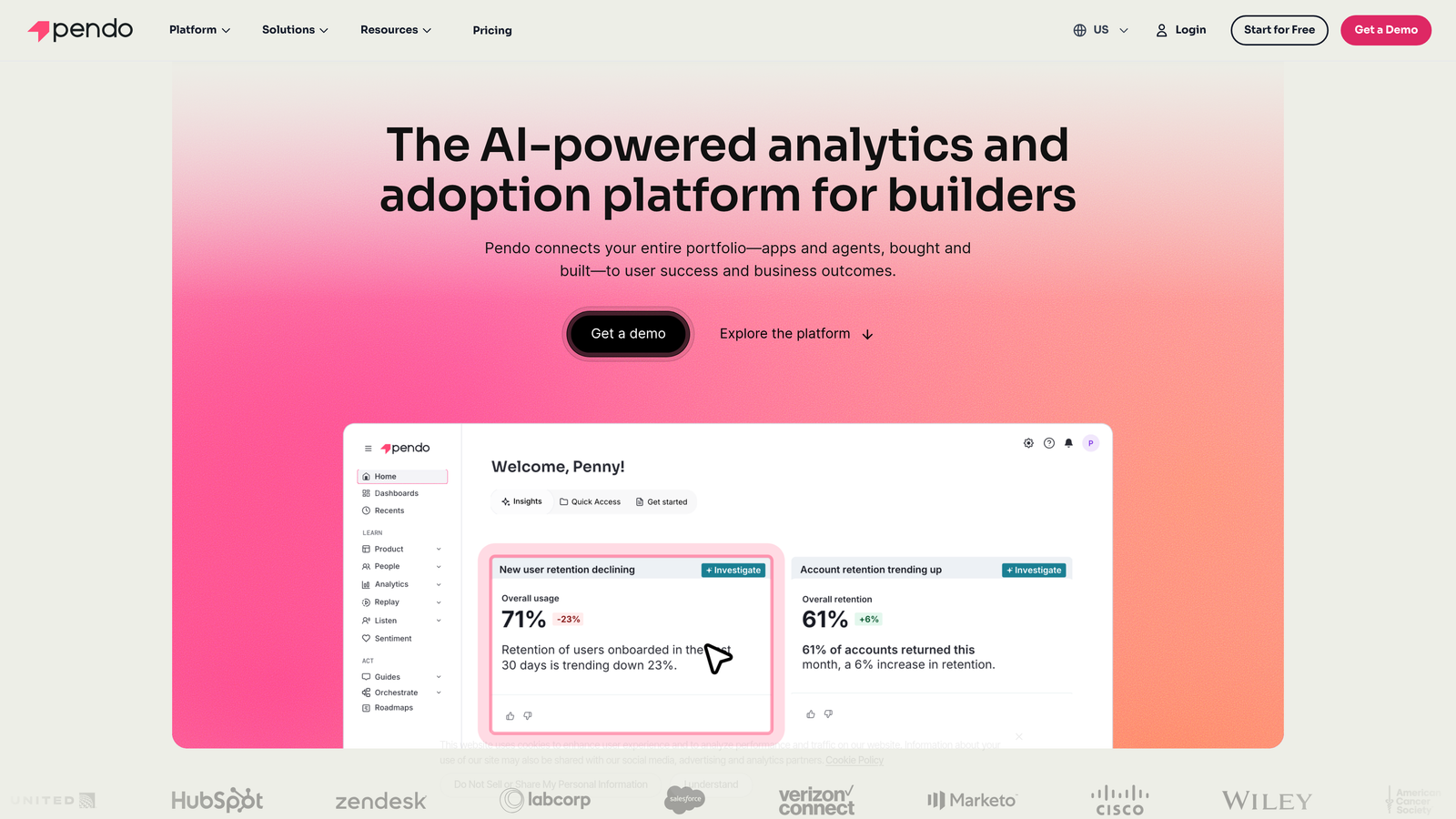
Pendo is a product experience platform combining retroactive analytics with in-app guidance to optimize onboarding based on actual user behavior.
Where This Tool Shines
Pendo's analytics go deeper than most onboarding platforms. The retroactive tracking means you can analyze user paths and feature adoption without setting up tracking events beforehand—valuable when you're still figuring out which onboarding metrics matter most.
Product engagement scoring helps you identify which users are successfully onboarding versus those at risk of churning. This enables proactive outreach before frustrated users abandon your product.
Key Features
Retroactive Analytics: Analyze user behavior and feature usage without pre-configured event tracking, revealing onboarding patterns you didn't know to look for.
Behavior-Triggered Guides: Launch in-app onboarding experiences automatically based on specific user actions or inactivity.
Product Engagement Scoring: Identify users who are successfully adopting your product versus those struggling with onboarding.
Feedback Collection: Gather user input during onboarding to understand friction points and feature requests.
Cross-App Guidance: Create unified onboarding experiences across multiple products for companies with integrated product suites.
Best For
Enterprise companies and product teams that need comprehensive analytics to inform onboarding strategy. Particularly valuable for complex products where understanding user paths is critical to improving adoption.
Pricing
Contact for pricing. Pendo focuses on enterprise customers with substantial user bases.
6. WalkMe
Best for: Enterprise organizations onboarding users to complex software environments with strict security requirements.
WalkMe is a digital adoption platform providing guidance layers across web applications to streamline onboarding for sophisticated enterprise software.
Where This Tool Shines
WalkMe excels in enterprise environments where users need guidance across multiple interconnected systems. The platform can create onboarding flows that span different applications, ensuring consistent experiences even when your tech stack is fragmented.
Smart Walk-Thrus use conditional logic to adapt based on user actions, creating dynamic onboarding paths rather than rigid linear tours. This flexibility matters when different user roles need completely different onboarding journeys.
Key Features
Cross-Platform Guidance: Create onboarding experiences that work across multiple web applications and systems.
Smart Walk-Thrus: Build adaptive guidance flows with conditional logic that responds to user choices and behavior.
Completion Analytics: Track where users complete onboarding steps and where they drop off or need additional support.
Dual Onboarding Support: Handle both employee onboarding for internal systems and customer onboarding for external products.
Enterprise Security: Meets compliance requirements for regulated industries with robust security and data protection features.
Best For
Large enterprises with complex software ecosystems and regulatory compliance needs. Particularly suited for companies onboarding users to multiple interconnected systems simultaneously.
Pricing
Contact for pricing. WalkMe targets enterprise customers with significant user bases and complex requirements.
7. Chameleon
Best for: Design-conscious teams wanting highly customized onboarding experiences that match brand aesthetics.
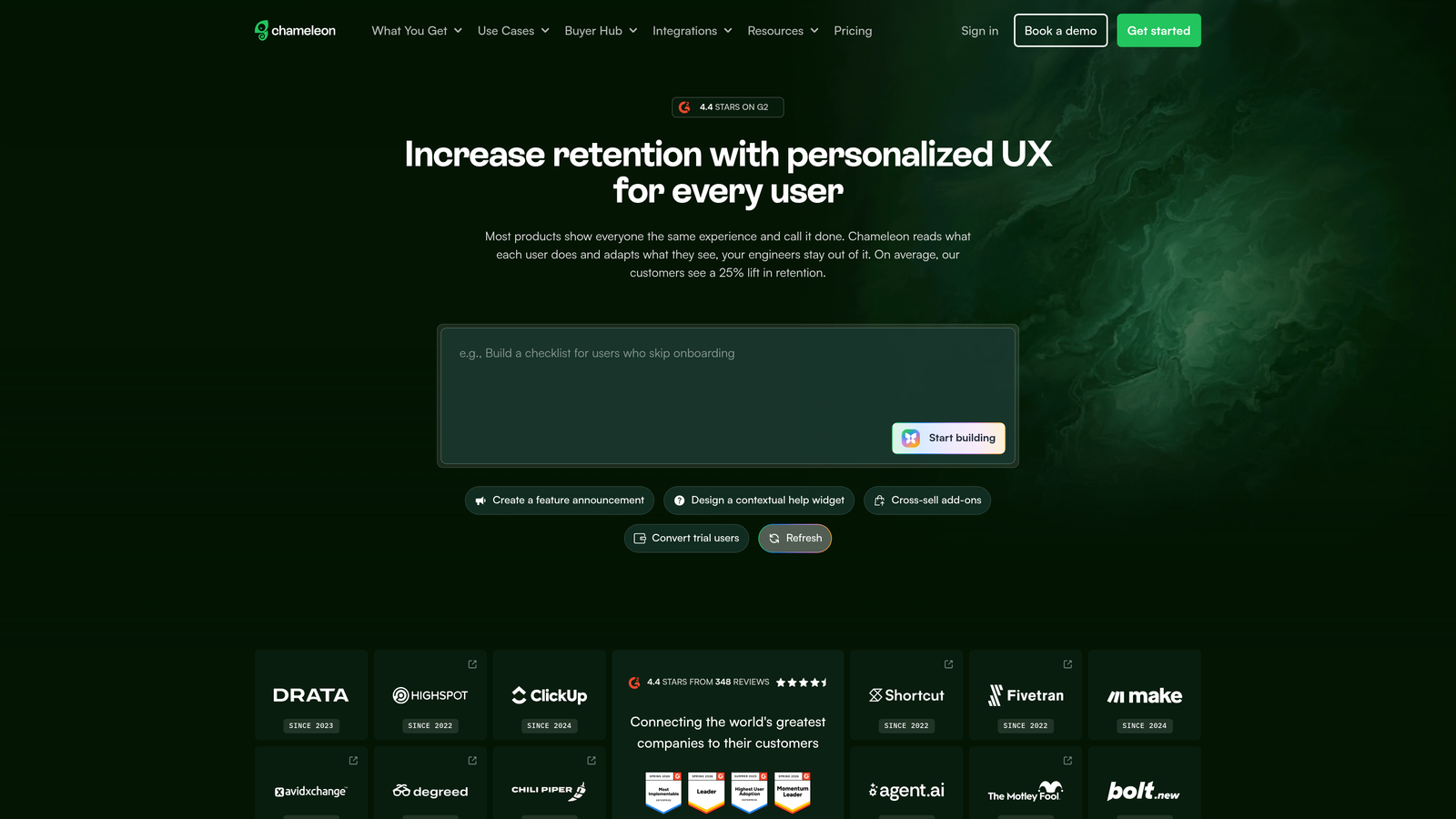
Chameleon is a product tour platform offering deep customization options to create branded in-app experiences that feel native to your product.
Where This Tool Shines
Chameleon gives you granular control over styling, positioning, and timing. If your product has a distinctive design language, you can make onboarding tours feel like natural extensions of your interface rather than generic overlays.
Rate limiting prevents tour fatigue by controlling how many onboarding messages users see in a given timeframe. This thoughtful approach keeps guidance helpful without becoming overwhelming during the critical early experience.
Key Features
Advanced Customization: Control every aspect of styling, animation, and positioning to match your product's design system.
Multiple Experience Types: Create tours, tooltips, launchers, and hotspots for different onboarding scenarios.
Microsurveys: Embed quick feedback questions within onboarding flows to understand user sentiment in real-time.
Behavioral Targeting: Show specific onboarding content based on user properties, actions, and segment membership.
Rate Limiting: Prevent message fatigue by controlling frequency and ensuring users aren't overwhelmed with guidance.
Best For
Product teams with strong design standards who need onboarding experiences that feel seamlessly integrated. Works well for consumer-facing products where brand consistency significantly impacts user perception.
Pricing
Starts at $279/month based on monthly active users, with custom pricing for larger implementations.
8. UserGuiding
Best for: Startups and small businesses needing affordable onboarding automation without sacrificing core functionality.
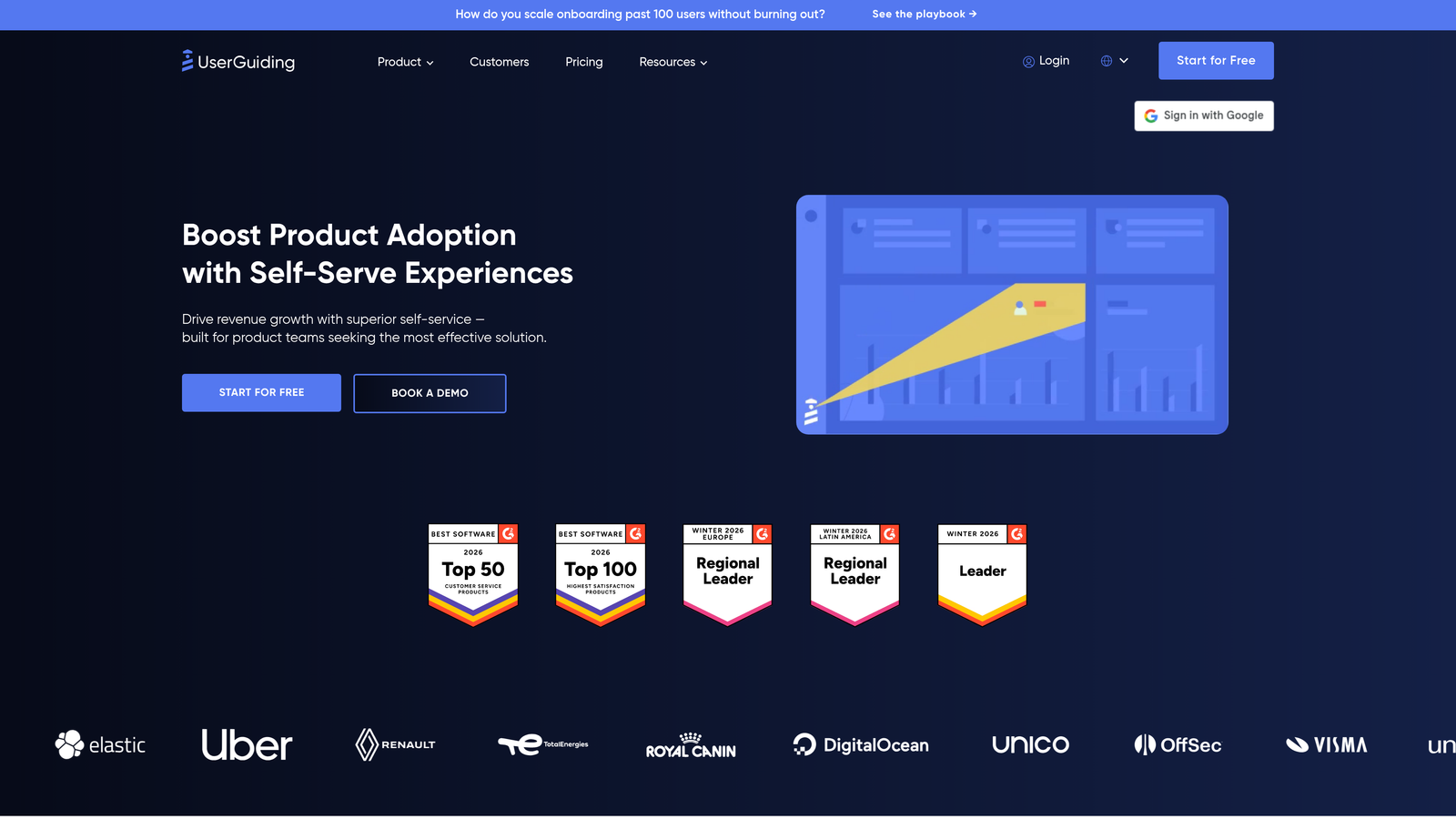
UserGuiding is an accessible onboarding platform enabling resource-constrained teams to create interactive guides, checklists, and help centers quickly.
Where This Tool Shines
UserGuiding delivers essential onboarding features at a fraction of the cost of enterprise platforms. The Chrome extension makes implementation remarkably fast—you can often launch your first onboarding flow within hours rather than weeks.
The resource center feature creates a searchable knowledge base directly in your product, giving users self-service options when they encounter questions during onboarding. This reduces support burden while maintaining user momentum.
Key Features
No-Code Builder: Create onboarding flows, tooltips, and hotspots without technical resources using an intuitive visual editor.
Onboarding Checklists: Guide users through key setup tasks with progress tracking and completion incentives.
Resource Center: Provide self-service help documentation directly within your product for common onboarding questions.
User Segmentation: Target different onboarding experiences to specific user groups based on properties and behavior.
Quick Implementation: Install via Chrome extension and start building onboarding flows immediately without lengthy setup processes.
Best For
Early-stage startups and SMBs that need professional onboarding automation on limited budgets. Ideal for teams that want core functionality without paying for enterprise features they won't use.
Pricing
Starts at $89/month, making it one of the most accessible onboarding platforms for smaller companies.
9. Customer.io
Best for: Teams orchestrating sophisticated multi-channel onboarding sequences triggered by user behavior.
Customer.io is a messaging automation platform for creating email, SMS, and push notification onboarding campaigns driven by user events and actions.
Where This Tool Shines
Customer.io excels when your onboarding extends beyond in-app experiences. The event-driven workflow builder lets you trigger perfectly timed messages based on what users do (or don't do) in your product.
The platform handles both transactional messages (password resets, confirmation emails) and marketing sequences (onboarding tips, feature announcements) in one system. This unified approach ensures consistent messaging throughout the customer journey.
Key Features
Event-Driven Workflows: Trigger onboarding messages automatically based on user actions, properties, or time-based conditions.
Multi-Channel Messaging: Coordinate email, SMS, and push notifications in unified onboarding campaigns.
Advanced Segmentation: Target specific onboarding messages to user segments based on behavior, attributes, and engagement history.
Visual Workflow Builder: Design complex multi-step onboarding sequences with branching logic and conditional paths.
Unified Messaging: Handle both transactional and marketing messages from one platform for consistent user communication.
Best For
Companies with onboarding journeys that extend across multiple channels and touchpoints. Particularly valuable for mobile apps and products where email and push notifications play critical roles in user activation.
Pricing
Starts at $100/month based on the number of profiles and messages sent, with custom pricing for high-volume senders.
Matching Your Onboarding Stack to Your Customer Journey
The right onboarding automation depends entirely on where your users need the most help. If your product is complex and generates repetitive support questions, AI-powered platforms like Halo AI that understand context and learn continuously will reduce your team's burden while improving response quality.
For visual products where users need step-by-step guidance, in-app experience platforms like Userpilot, Appcues, or Chameleon excel at creating interactive walkthroughs. Teams with strong design requirements should lean toward Chameleon's customization capabilities, while those prioritizing analytics alongside guidance will find Pendo's retroactive tracking invaluable.
Budget-conscious startups can achieve professional onboarding with UserGuiding's affordable pricing, while enterprise organizations with complex multi-system environments need WalkMe's cross-platform capabilities and security features. If your onboarding extends significantly beyond your product interface, Customer.io's multi-channel automation ensures consistent messaging across email, SMS, and push notifications.
The trend in 2025-2026 has moved decisively toward AI-native solutions that adapt to user context rather than following rigid scripts. Static tooltip tours still work for simple products, but companies with sophisticated offerings increasingly need intelligent systems that understand what users see and provide relevant help in real-time.
Your support team shouldn't scale linearly with your customer base. Let AI agents handle routine tickets, guide users through your product, and surface business intelligence while your team focuses on complex issues that need a human touch. See Halo in action and discover how continuous learning transforms every interaction into smarter, faster support.