9 Best Automated Helpdesk Software Pricing Plans in 2026
This guide compares nine automated helpdesk software pricing plans side by side, examining AI capabilities, agent seats, integrations, and the fine print vendors often hide — so B2B product and customer support teams can choose a pricing model that scales without quietly punishing growth.
 Grant CooperFounder13 min read
Choosing automated helpdesk software isn't just about features. It's about finding a pricing model that scales with your team without quietly punishing your growth. The wrong structure can turn a modest support operation into a surprisingly expensive line item, especially once AI capabilities, integrations, and additional seats enter the picture.
This guide breaks down nine of the best automated helpdesk platforms, comparing what you actually get at each price tier: AI capabilities, agent seats, integrations, and the fine print vendors often bury. We've prioritized tools built for B2B product teams and customer support operations that need more than a basic ticketing queue.
For broader context, explore our guide to automated customer support and what modern AI helpdesk software looks like in practice. Now, let's get into the tools.
1. Halo AI
Best for: B2B SaaS teams that want AI-first support with business intelligence built in.
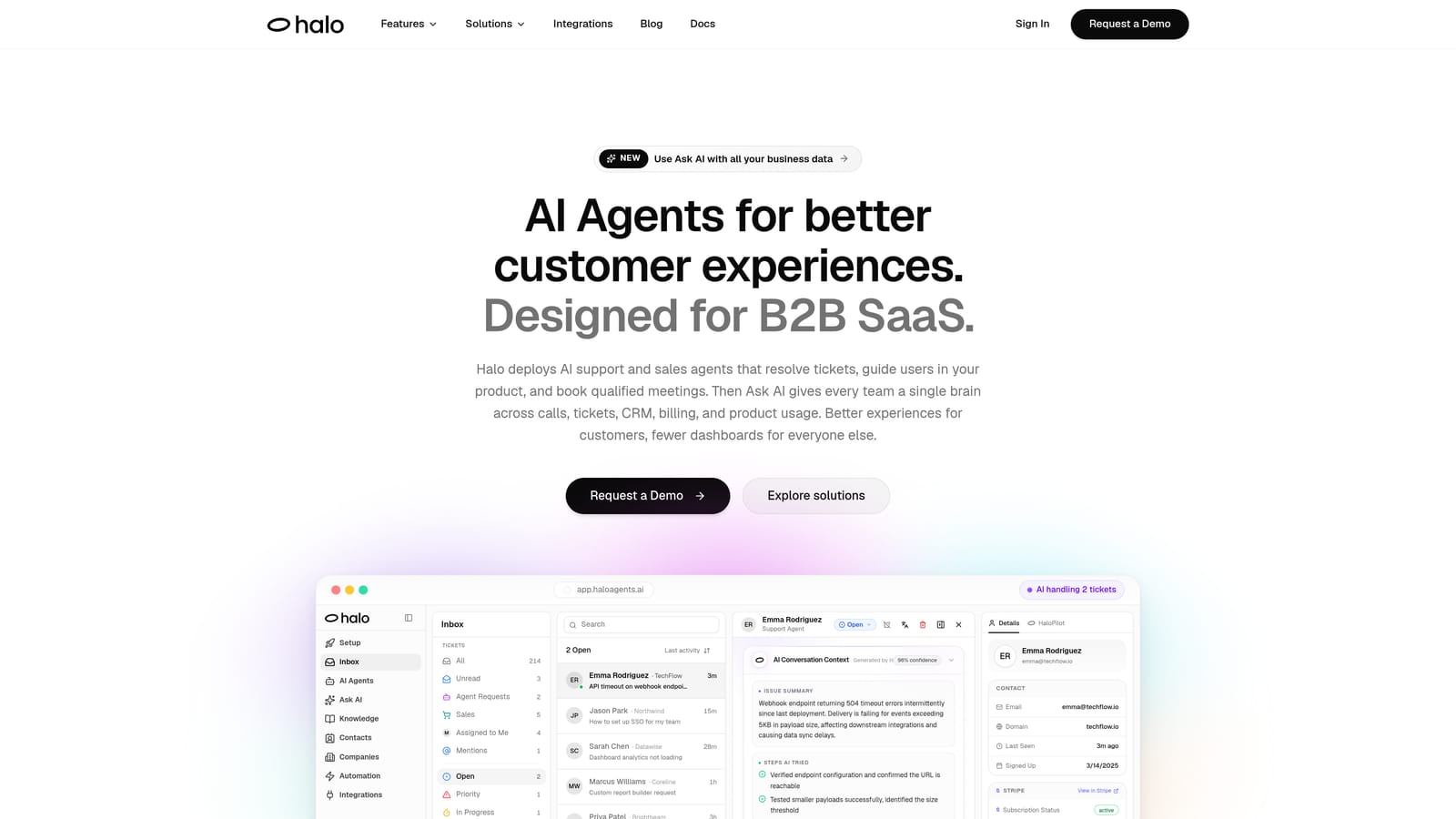
Halo AI is an AI-native customer support platform that deploys intelligent agents to resolve tickets, guide users through your product with page-aware context, and surface business intelligence signals across your entire support operation.
Where This Tool Shines
What separates Halo AI from most helpdesk tools is the architecture. Rather than bolting AI onto a traditional ticketing system, Halo was built AI-first. Its agents don't just respond to tickets; they learn from every interaction, improving resolution quality over time without manual retraining.
The page-aware chat widget is a genuinely differentiated feature. It sees what your user sees in the product and delivers contextual visual guidance rather than generic FAQ responses. Combined with the smart inbox's business intelligence layer, which surfaces customer health signals, revenue anomalies, and churn indicators, Halo positions support as a strategic function rather than a cost center.
Key Features
Autonomous AI Agents: Resolve support tickets end-to-end and escalate complex issues to live agents with full conversation context preserved.
Page-Aware Chat Widget: Understands which page or feature a user is on and delivers targeted, contextual guidance rather than generic answers.
Smart Inbox with Business Intelligence: Surfaces customer health signals, revenue intelligence, and anomaly detection directly inside the support workflow.
Auto Bug Ticket Creation: Automatically creates and routes bug reports to engineering tools like Linear without manual intervention.
Deep Integration Stack: Connects natively with Slack, HubSpot, Intercom, Stripe, Zoom, PandaDoc, and Fathom for a unified view of the customer.
Best For
Product-led SaaS companies and B2B teams that want support automation to go beyond ticket deflection. Particularly well-suited for organizations where customer health and revenue signals matter as much as resolution speed, and for teams tired of paying per-seat fees that scale linearly with headcount.
Pricing
Halo AI uses a platform-value pricing model rather than per-seat headcount. Contact Halo directly at haloagents.ai for current pricing details.
2. Zendesk
Best for: Enterprise and mid-market teams that need omnichannel support with a mature app ecosystem.
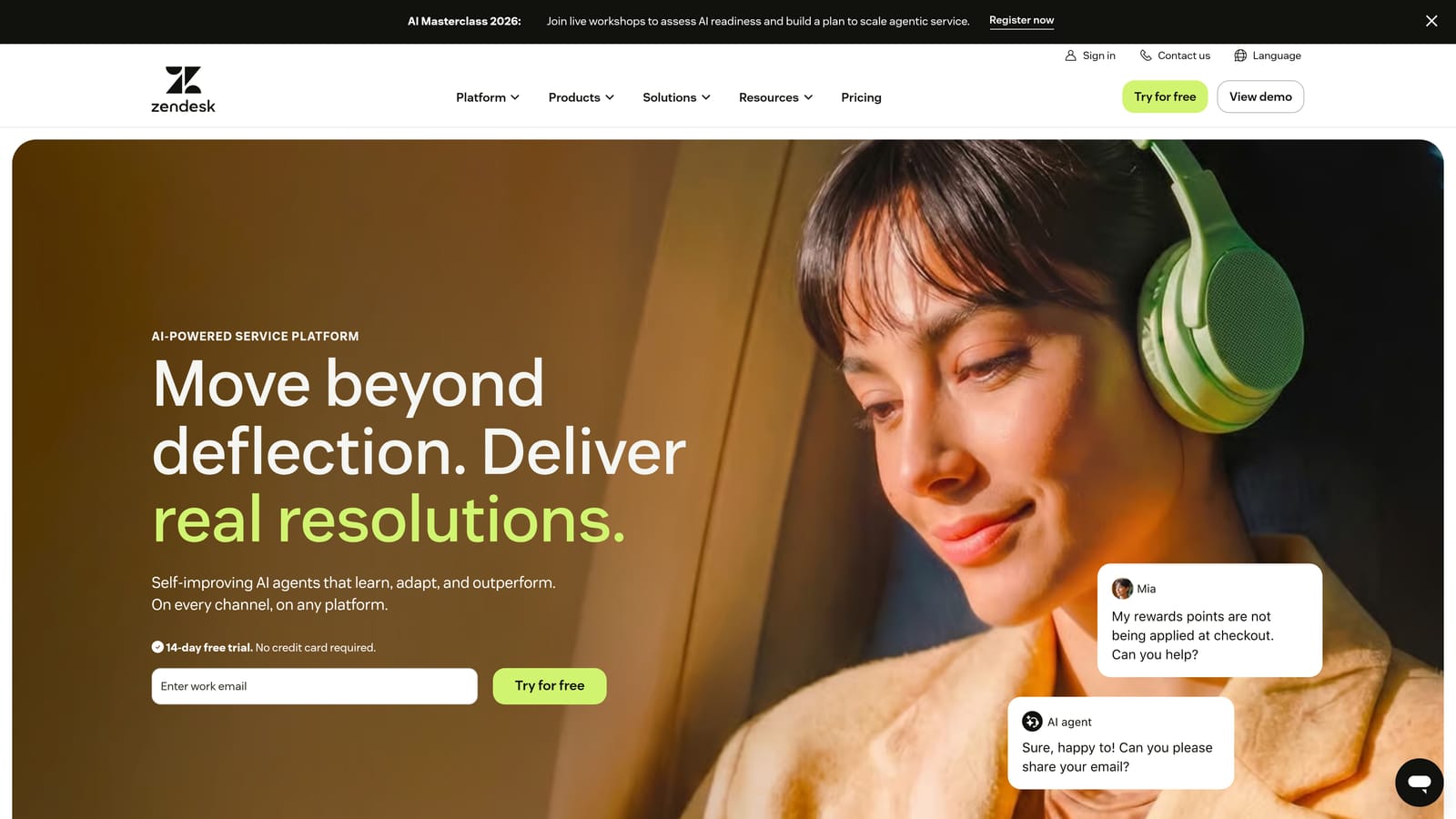
Zendesk is one of the most established names in helpdesk software, offering omnichannel support, a vast app marketplace, and increasingly capable AI automation across its Suite tiers.
Where This Tool Shines
Zendesk's strength is breadth. Its omnichannel approach handles email, chat, voice, and social from a single interface, and its marketplace of over 1,000 integrations means you can connect it to nearly anything in your stack. For teams with complex workflows and multiple support channels, that depth is hard to replicate.
The trade-off is cost. AI features, including Zendesk Copilot for agent assist and automated responses, are bundled into higher Suite tiers or available as add-ons. Teams that want full AI capabilities will find themselves on the more expensive end of the pricing spectrum.
Key Features
Omnichannel Ticketing: Manages support across email, chat, voice, and social media from a unified agent workspace.
Zendesk AI Copilot: Provides agent assist, automated responses, and intelligent triage, available on higher Suite tiers.
Extensive App Marketplace: Over 1,000 integrations spanning CRM, billing, analytics, and productivity tools.
Advanced Workflow Automation: Triggers, automations, and SLA management for structured, high-volume support operations.
Robust Reporting Dashboards: Pre-built and custom reports covering ticket volume, agent performance, and customer satisfaction.
Best For
Mid-market and enterprise companies with established support teams, complex routing needs, and multiple support channels. Less ideal for lean teams on a budget, since full AI functionality requires higher-tier plans that can become expensive at scale.
Pricing
Suite plans start at entry-level per-agent/month pricing, with AI features and advanced capabilities available on higher tiers. Verify current pricing at zendesk.com/pricing.
3. Freshdesk
Best for: SMBs and growing support teams looking for accessible pricing with a path to AI automation.
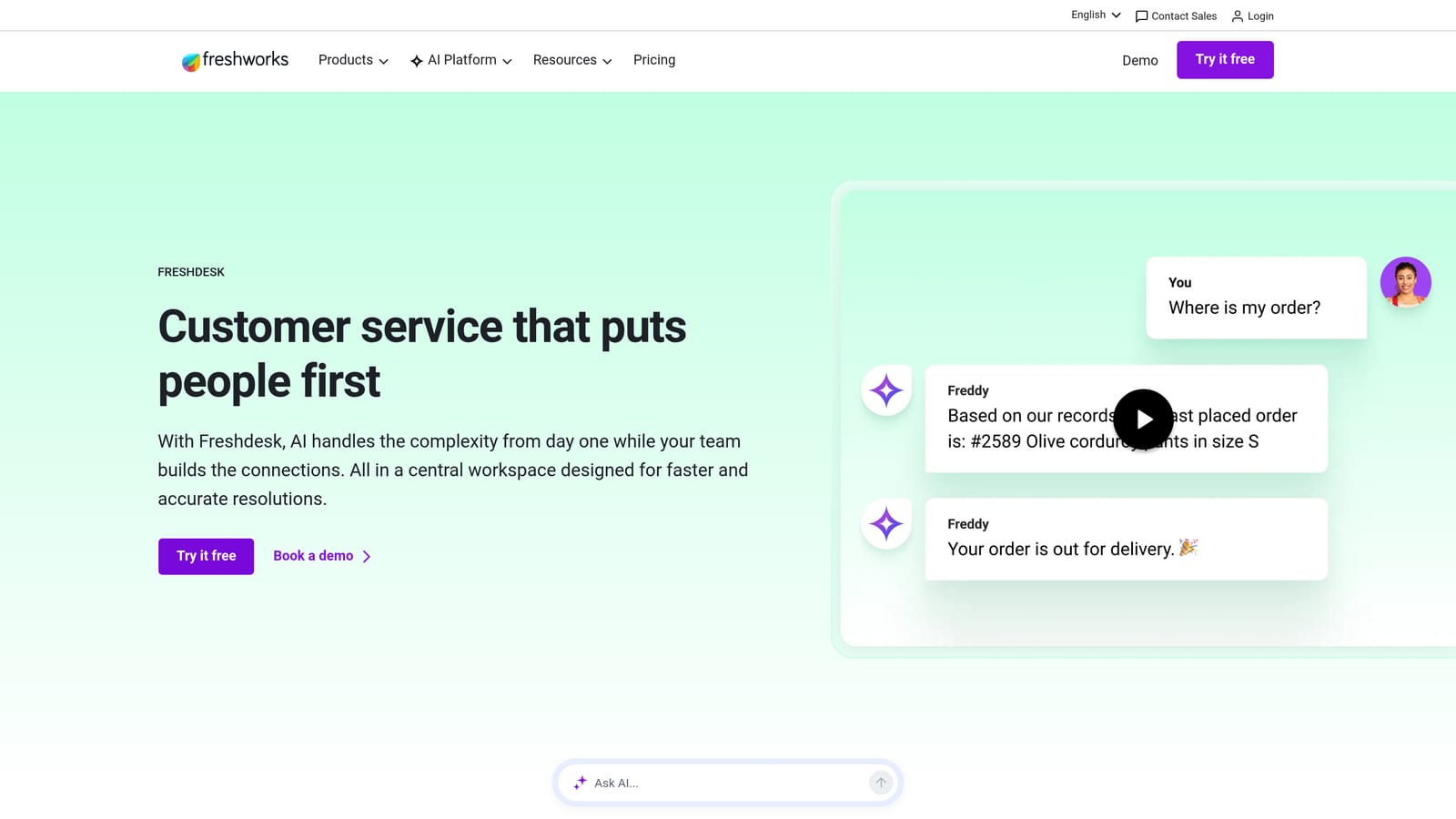
Freshdesk is a popular helpdesk platform known for its modular pricing approach and a free tier that makes it a low-friction starting point for smaller teams.
Where This Tool Shines
Freshdesk offers one of the most accessible entry points in the market. The free plan covers basic ticketing for small teams, and the paid tiers scale reasonably as you grow. For teams that don't need enterprise-grade complexity, Freshdesk delivers solid multi-channel support without overwhelming onboarding.
Freddy AI, Freshdesk's automation layer, handles suggested replies, sentiment detection, and automated responses. The catch is that Freddy's more powerful capabilities are gated behind higher tiers or sold as an add-on, so the cost of AI automation can add up faster than the base plan pricing suggests.
Key Features
Free Plan: Basic ticketing available at no cost for small teams, making it easy to get started without a budget commitment.
Freddy AI: Automates responses, suggests replies, and detects sentiment, with more advanced features on higher tiers.
Multi-Channel Support: Handles email, chat, phone, and social media from a unified inbox.
Collision Detection: Prevents multiple agents from working the same ticket simultaneously, reducing duplicate effort.
Marketplace Integrations: Connects with CRM, project management, and analytics tools through its app marketplace.
Best For
Small to mid-sized B2B teams that want a structured helpdesk without enterprise pricing. Also a good fit for teams evaluating helpdesk software for the first time, given the free plan's accessibility and the clear upgrade path.
Pricing
Free plan available. Paid Growth, Pro, and Enterprise tiers are priced per agent/month. Freddy AI may require an add-on or higher tier. Verify current pricing at freshdesk.com/pricing.
4. Intercom
Best for: Product-led SaaS companies that want proactive, in-app support with AI-driven conversation resolution.
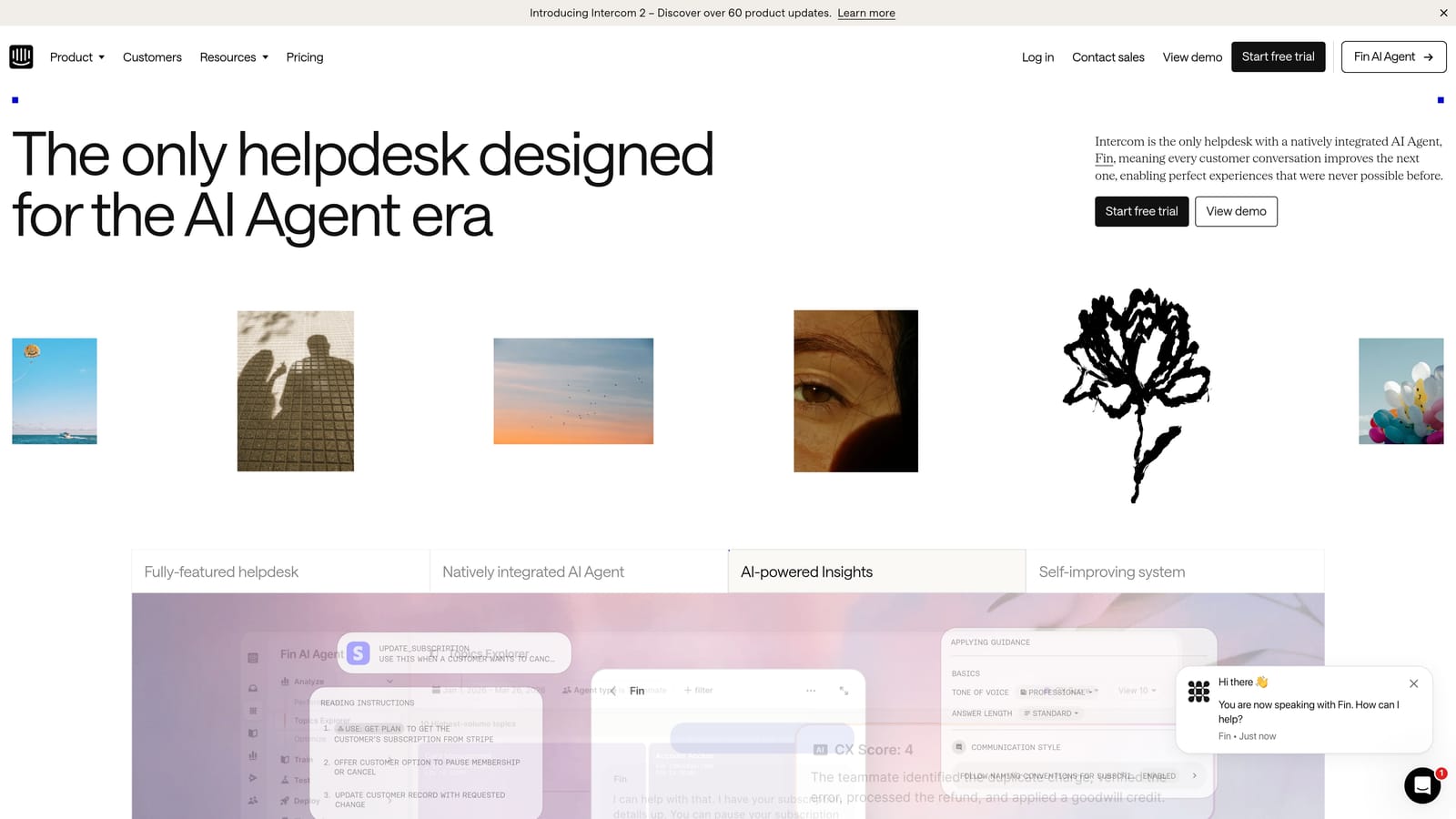
Intercom is a conversational support platform built around in-app messaging and its Fin AI agent, designed for companies that want context-aware, proactive customer engagement rather than reactive ticketing.
Where This Tool Shines
Intercom's Fin AI agent is one of the more capable AI resolution tools in the market, handling a meaningful portion of incoming conversations autonomously. The platform's in-app messaging model also enables proactive support, reaching users before they need to file a ticket, which can significantly reduce inbound volume.
The pricing model is worth understanding carefully. Intercom uses a per-resolution fee structure for Fin AI on top of the core plan cost. For teams with high deflection rates, this can be cost-effective. For teams with complex queries that require human escalation, the costs can scale unpredictably.
Key Features
Fin AI Agent: Autonomously resolves incoming conversations with pricing tied to successful resolutions rather than seats.
In-App Messaging: Delivers proactive outbound support campaigns and onboarding flows inside your product.
AI-Assisted Shared Inbox: Helps agents draft responses and summarize long conversation threads.
Product Tours: Guides users through features and onboarding flows without requiring separate tools.
CRM and Billing Integrations: Connects with major CRM, analytics, and billing platforms for customer context.
Best For
SaaS companies with product-led growth motions that want support and engagement in one platform. Teams with predictable, high-volume, resolvable queries will get the most value from the per-resolution pricing model.
Pricing
Core plan pricing plus per-resolution fees for Fin AI. Costs can scale with conversation volume. Verify the current structure at intercom.com/pricing.
5. Help Scout
Best for: Teams that prioritize a clean, human-centered inbox experience with AI features layered in selectively.
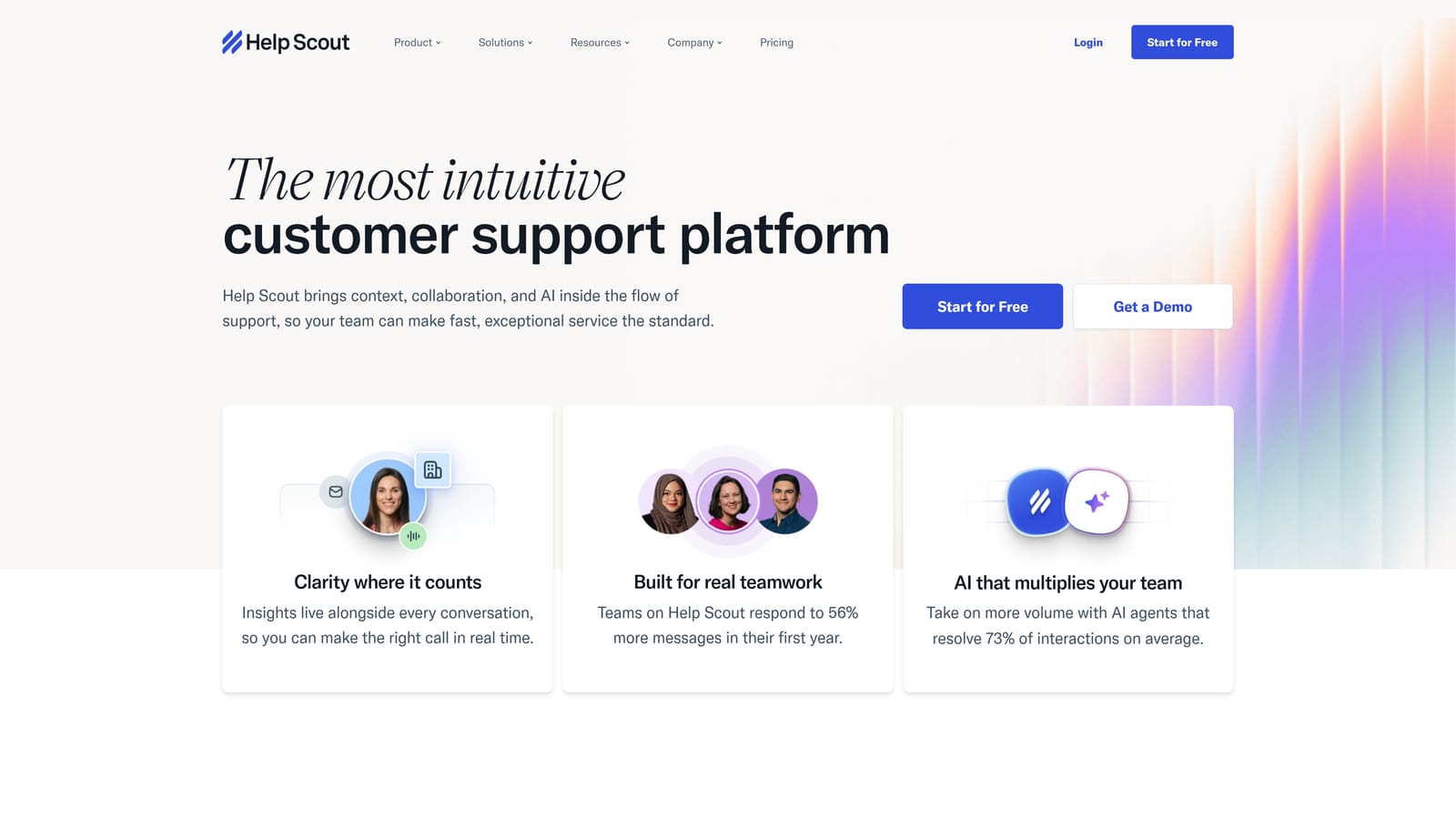
Help Scout is a shared inbox-centric helpdesk that emphasizes simplicity and collaboration, with AI capabilities available on higher plans for teams that want automation without sacrificing usability.
Where This Tool Shines
Help Scout's interface is genuinely one of the cleanest in the category. It feels more like a well-organized email client than a traditional ticketing system, which reduces agent training time and makes onboarding straightforward. For teams burned by overly complex helpdesk tools, that simplicity is a real selling point.
AI Drafts and AI Summarize are available on Plus plans and above, giving agents intelligent writing assistance without requiring a full AI-first platform. The Beacon live chat widget is also well-integrated, allowing you to embed support directly in your product or website.
Key Features
Collaborative Shared Inbox: Includes collision detection, private notes, and team assignments for clean agent coordination.
AI Drafts and Summarize: Available on Plus and Pro tiers, helping agents write faster and digest long conversation threads.
Beacon Live Chat Widget: Embeddable chat and self-service widget for in-product or website support.
Docs Knowledge Base: Built-in knowledge base builder included across all plans, not gated behind higher tiers.
Straightforward Per-User Pricing: Transparent tier structure without confusing add-on fees for core functionality.
Best For
Small to mid-sized teams that value simplicity and clean UX over feature density. Particularly well-suited for support teams that want AI assistance without committing to a fully automated AI-first platform.
Pricing
Standard, Plus, and Pro tiers priced per user/month. AI features available on Plus and above. Verify current pricing at helpscout.com/pricing.
6. Zoho Desk
Best for: Budget-conscious teams and Zoho ecosystem users that need a feature-rich helpdesk at a competitive price.
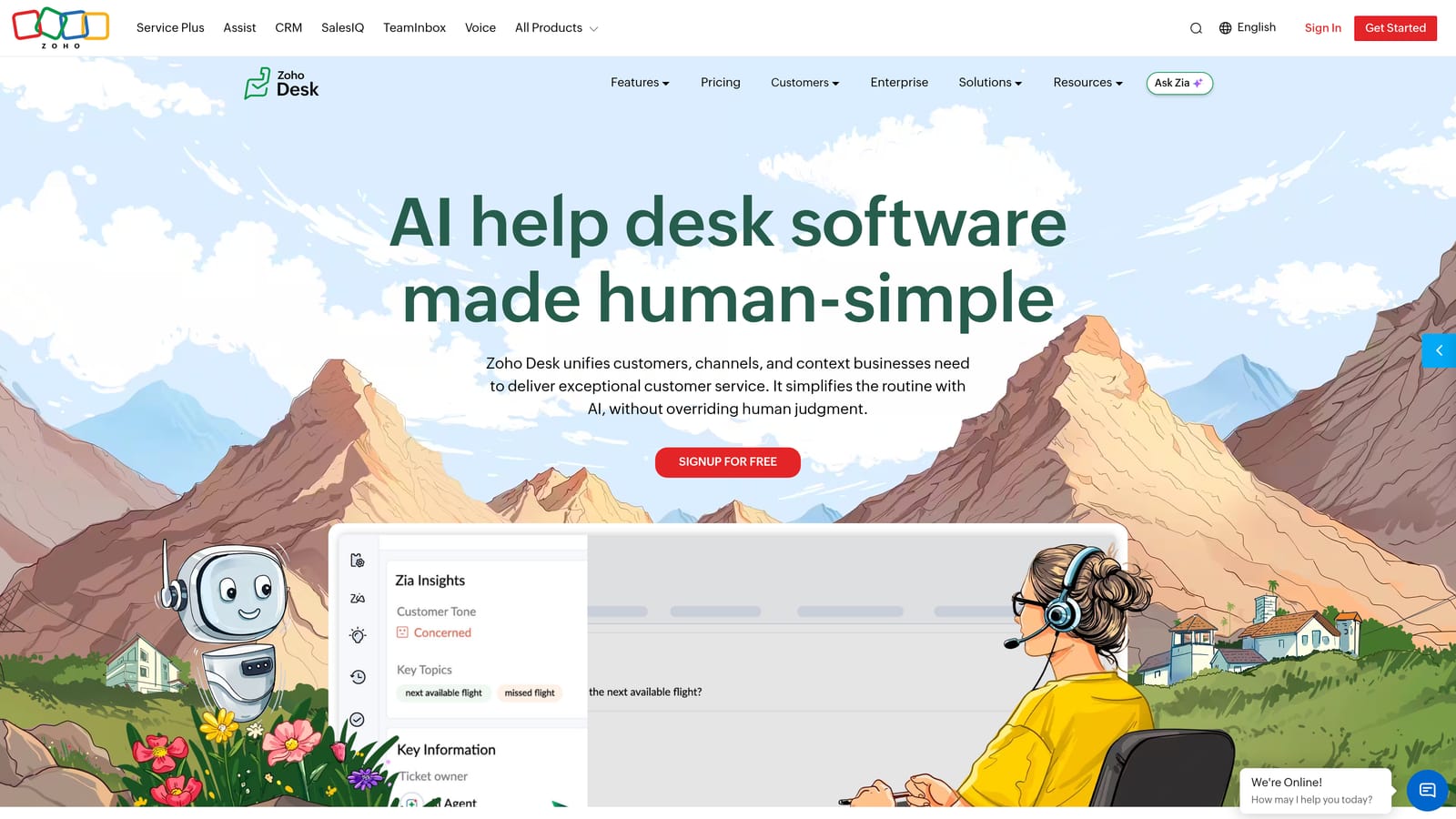
Zoho Desk is a full-featured helpdesk with a competitive price point, strong CRM integration for existing Zoho users, and Zia, its AI assistant, available on higher-tier plans.
Where This Tool Shines
Zoho Desk offers exceptional value per dollar compared to many competitors. For teams already using Zoho CRM, the native integration creates a unified customer view that would require paid integrations or custom development on other platforms. The Blueprint workflow automation tool is also genuinely powerful for teams that need structured, process-driven support flows.
Zia, Zoho's AI assistant, handles sentiment analysis, ticket tagging, and response suggestions on Professional plans and above. It's not as advanced as dedicated AI-first platforms, but for teams that primarily need AI as a productivity layer rather than a resolution engine, it covers the essentials.
Key Features
Free Plan: Available for up to three agents with basic ticketing, providing a genuine no-cost starting point.
Zia AI Assistant: Handles sentiment analysis, ticket tagging, and response suggestions on Professional tier and above.
Native Zoho CRM Integration: Pulls full customer context into every ticket without additional integration setup for Zoho users.
Blueprint Workflow Automation: Structures support processes with defined stages, conditions, and escalations.
Multi-Channel Support: Covers email, chat, social, and telephony from a single interface.
Best For
SMBs and mid-market teams looking for strong value, especially those already invested in the Zoho ecosystem. Also a solid choice for teams that need structured workflow automation without paying enterprise prices.
Pricing
Free plan available. Standard, Professional, and Enterprise tiers priced per agent/month. Zia AI is available on Professional and above. Verify current pricing at zoho.com/desk/pricing.
7. Tidio
Best for: Small B2B teams and e-commerce businesses that want AI chatbot automation with a low barrier to entry.
Tidio is a lightweight live chat and AI chatbot platform with an accessible free tier, making AI-powered automation available to teams that aren't ready for enterprise helpdesk pricing.
Where This Tool Shines
Tidio's Lyro AI chatbot is its standout feature, handling automated conversations at entry-level pricing tiers. For small teams that primarily need chat-based support automation rather than a full ticketing system, Tidio delivers meaningful deflection without the overhead of a more complex platform.
The visual chatbot builder is intuitive enough for non-technical users to create custom automation flows, and the Shopify and WordPress plugins make deployment fast for teams on those platforms. The trade-off is that Tidio is less suited to complex, multi-channel B2B support operations that need deep integrations or advanced reporting.
Key Features
Lyro AI Chatbot: Handles automated conversation resolution at entry-level tiers, with higher conversation volumes unlocked on paid plans.
Visual Chatbot Builder: Drag-and-drop interface for building custom automation flows without developer involvement.
Live Chat with Mobile App: Allows agents to manage conversations from mobile devices without being desk-bound.
Email and Messenger Integration: Extends beyond live chat to cover email and Facebook Messenger channels.
Shopify and WordPress Plugins: One-click deployment for teams on those platforms.
Best For
Small teams and early-stage companies that want AI chatbot automation without committing to enterprise helpdesk pricing. Particularly strong for e-commerce and SMB use cases where chat is the primary support channel.
Pricing
Free plan available with capped Lyro AI conversations. Paid plans unlock higher conversation volumes. Lyro AI conversations may be sold separately. Verify current pricing at tidio.com/pricing.
8. Gorgias
Best for: E-commerce brands that want ticket-volume pricing and deep Shopify or WooCommerce integration.
Gorgias is a helpdesk purpose-built for e-commerce, using ticket-volume pricing rather than per-seat fees and deep native integrations with major commerce platforms.
Where This Tool Shines
Gorgias's pricing model is genuinely differentiated. By charging per ticket volume rather than per agent seat, it removes the friction of adding team members during peak seasons. For e-commerce brands with variable headcount around busy periods, that predictability is a meaningful advantage.
The platform pulls order context directly from Shopify and WooCommerce into every ticket, so agents see purchase history, shipping status, and return eligibility without switching tabs. AI automation handles the most common e-commerce queries, including order status, tracking, and return requests, which represent a large share of inbound volume for most commerce brands.
Key Features
Ticket-Volume Pricing: Costs scale with ticket volume, not agent headcount, making team expansion cost-neutral.
Native Commerce Integrations: Pulls live order data from Shopify and WooCommerce directly into the ticket view.
AI Automation for Commerce Queries: Handles order status, returns, and tracking inquiries automatically.
Macros and Rules: Automates repetitive ticket handling with templated responses and conditional logic.
Revenue Statistics: Tracks how support interactions influence conversion and revenue outcomes.
Best For
E-commerce brands of any size that want a helpdesk built around their specific workflows. Less suitable for B2B SaaS teams that need complex integrations, advanced AI resolution, or business intelligence beyond commerce metrics.
Pricing
Plans priced by monthly ticket volume, not agent seats, from Starter through Enterprise tiers. Verify current pricing at gorgias.com/pricing.
9. HubSpot Service Hub
Best for: B2B revenue teams that want support data living alongside sales and marketing context in a unified CRM.
HubSpot Service Hub is HubSpot's customer service product, tightly connected to its CRM and designed for teams that want support metrics tied to the full customer lifecycle rather than siloed in a separate tool.
Where This Tool Shines
The core advantage of HubSpot Service Hub is the CRM integration. Every ticket is automatically tied to contact, company, and deal records, meaning your support team sees the full customer relationship, not just the current issue. For B2B teams where account health and renewal risk matter, that context is genuinely valuable.
AI-powered chatbot and help desk automation are available on Professional and Enterprise tiers, along with SLA management and escalation rules. The reporting layer connects support data to the broader customer lifecycle, which is difficult to replicate in standalone helpdesk tools without custom integrations.
Key Features
Native HubSpot CRM Integration: Every ticket linked to contact, company, and deal records for full customer context.
AI Chatbot and Automation: Available on Professional and Enterprise tiers for automated ticket handling and routing.
Customer Portal: Self-service portal where customers can track and manage their own tickets.
SLA Management: Escalation rules and SLA tracking with reporting on response and resolution times.
Lifecycle Reporting: Connects support metrics to sales and marketing data for a complete customer health view.
Best For
B2B companies already using HubSpot CRM for sales and marketing that want support data in the same ecosystem. Also strong for revenue-focused teams where customer success and support overlap significantly. Less compelling for teams that aren't already in the HubSpot ecosystem.
Pricing
Free tier with basic ticketing available. Starter, Professional, and Enterprise tiers scale by seat and feature set. Verify current pricing at hubspot.com/pricing/service.
Which Tool Is Right for Your Team?
The right automated helpdesk platform depends less on a feature checklist and more on how your team grows and what your support operation needs to deliver beyond ticket resolution.
For enterprise teams with complex omnichannel needs, Zendesk remains the most mature option in the market. For SMBs looking for accessible pricing and a clear upgrade path, Freshdesk and Zoho Desk both offer strong value, with free plans that make it easy to start without budget risk. E-commerce brands will find Gorgias's ticket-volume model and native commerce integrations hard to beat. HubSpot Service Hub is the natural choice for B2B revenue teams already living in the HubSpot CRM ecosystem.
But if your team is ready to move beyond traditional per-seat helpdesk pricing and wants AI that genuinely learns and improves rather than just deflecting tickets, the picture looks different. Halo AI's platform-value model, page-aware context, and business intelligence layer represent a fundamentally different approach to what support software can do for a B2B SaaS company.
Your support team shouldn't scale linearly with your customer base. AI agents can handle routine tickets, guide users through your product, and surface the business intelligence signals your team actually needs. See Halo in action and discover how continuous learning transforms every interaction into smarter, faster support.