9 Best Automated Product Guidance Software Tools in 2026
Automated product guidance software provides real-time, contextual assistance to users exactly when and where they need it, eliminating the frustration of searching help documentation or waiting for support responses. This comprehensive evaluation of the top 9 solutions for 2026 helps product teams select the right automated product guidance software to reduce onboarding friction, decrease support tickets, and improve feature discovery based on factors like contextual awareness, integration capabilities, and implementation ease.
 Grant CooperFounder11 min read
When users get stuck in your product, they don't want to search through help docs or wait for support responses—they want immediate, contextual help right where they are. Automated product guidance software delivers exactly that: intelligent systems that recognize where users are struggling and provide real-time assistance without human intervention.
This guide evaluates leading solutions based on contextual awareness, integration capabilities, ease of implementation, and how effectively they reduce support burden while improving user success. Whether you're looking to decrease onboarding friction, cut support ticket volume, or help users discover features they're missing, you'll find a solution that fits your stack and budget.
1. Halo AI
Best for: Teams wanting AI-powered support that understands visual context and learns continuously
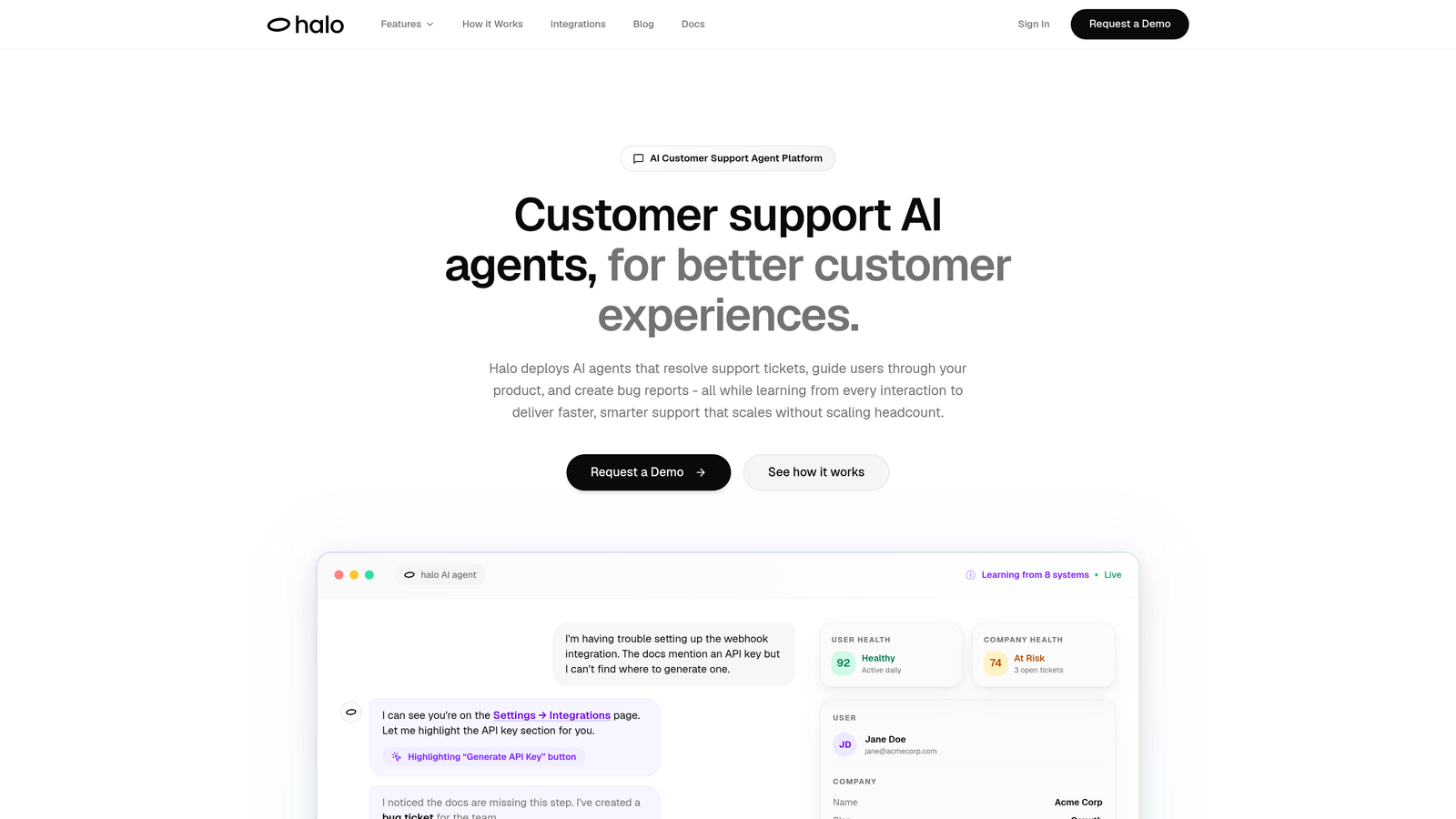
Halo AI is an AI-powered customer support platform that provides page-aware product guidance by seeing exactly what users see and delivering contextual help in real-time.
Where This Tool Shines
Unlike traditional guidance tools that require manual flow creation for every scenario, Halo AI uses page-aware technology to understand the visual context of where users are in your product. This means it can provide relevant help without requiring you to map every possible user journey in advance.
The platform's continuous learning capability means every interaction makes the system smarter. When users ask questions or encounter issues, Halo AI doesn't just respond—it learns from these patterns to provide better guidance for future users facing similar situations.
Key Features
Page-Aware Chat Widget: Understands the visual UI context to provide relevant guidance based on what users actually see on screen.
Continuous Learning: Improves automatically from every user interaction without manual training or flow updates.
Automatic Bug Ticket Creation: Detects when user issues indicate product problems and creates tickets in Linear automatically.
Live Agent Handoff: Seamlessly escalates complex scenarios to human support when AI reaches its limits.
Deep Integrations: Connects with Linear, Slack, HubSpot, Intercom, Stripe, and other business tools for comprehensive context.
Best For
B2B SaaS companies that want to scale support without scaling headcount, particularly those using helpdesk systems like Zendesk, Freshdesk, or Intercom. Ideal for product teams that value continuous improvement and need guidance that adapts to product changes without manual updates.
Pricing
Contact for custom pricing based on your user volume and integration requirements.
2. Pendo
Best for: Product teams wanting combined analytics and guidance in one platform
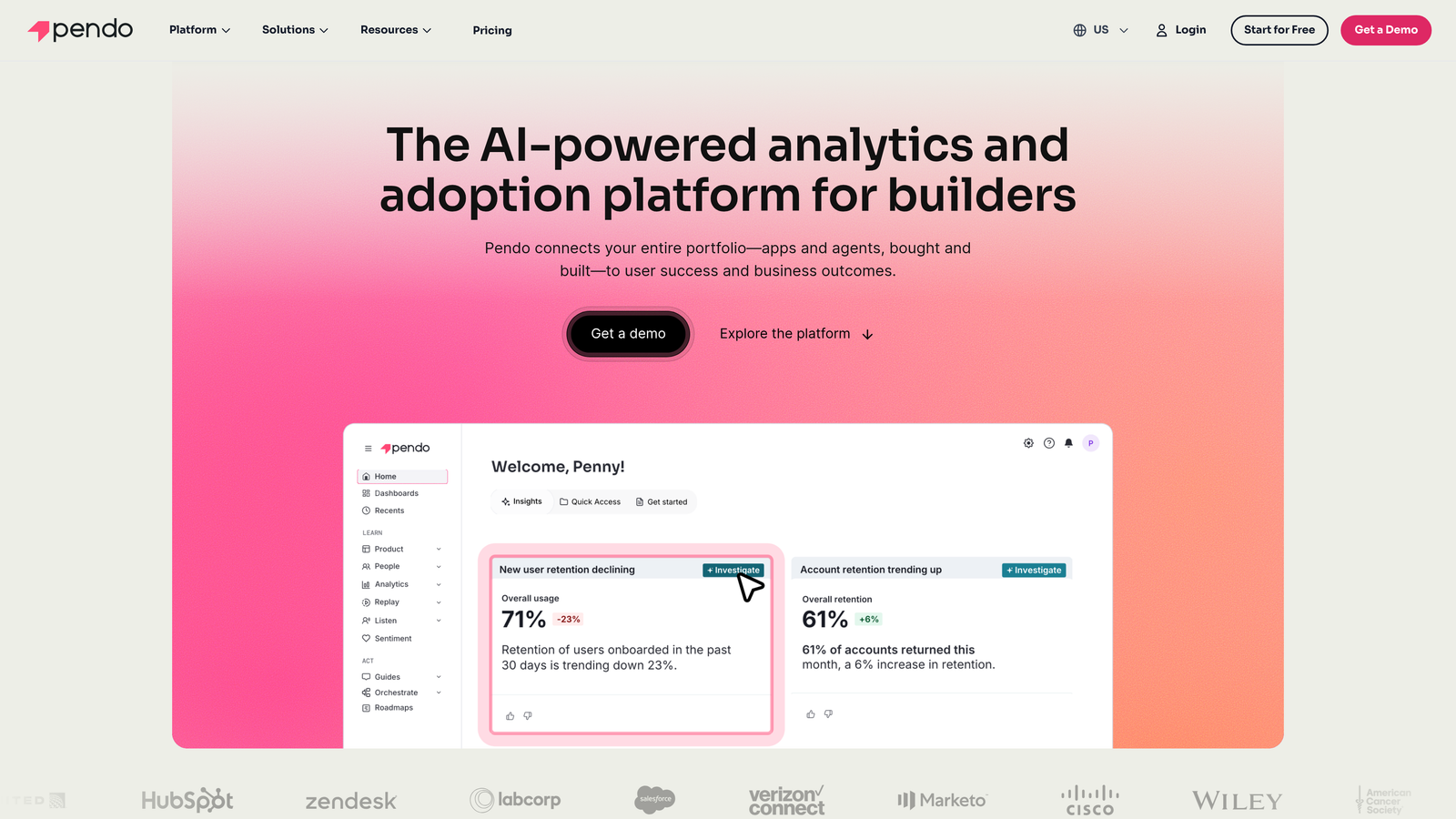
Pendo is a product experience platform that combines analytics, in-app guides, and feedback collection to enable data-driven product guidance.
Where This Tool Shines
Pendo excels at connecting the dots between user behavior and guidance effectiveness. You can see exactly which features users struggle with, create targeted walkthroughs for those areas, then measure whether your guidance actually improved adoption rates.
The platform's retroactive analytics capability is particularly valuable—you can analyze historical user behavior even before installing Pendo, giving you immediate insights rather than waiting months to accumulate data.
Key Features
Behavior-Triggered Walkthroughs: Launch in-app guides automatically when users exhibit specific behaviors or visit certain pages.
Feature Adoption Tracking: Monitor which product features are being used and by whom to identify adoption gaps.
NPS and Feedback Tools: Collect user sentiment and qualitative feedback directly within your product.
Retroactive Analytics: Analyze historical user behavior data from before Pendo installation.
Resource Center: Create a centralized self-service hub for guides, videos, and documentation.
Best For
Product managers and teams that make data-driven decisions and want tight integration between analytics and guidance. Works well for mid-market to enterprise companies with complex products requiring detailed usage insights.
Pricing
Free tier available with limited features. Paid plans typically start around $7,000 annually, with pricing scaling based on monthly active users.
3. WalkMe
Best for: Enterprise organizations managing complex digital transformation across multiple applications
WalkMe is an enterprise digital adoption platform designed for complex software environments requiring guided workflows that span multiple applications.
Where This Tool Shines
WalkMe was built for enterprise complexity. If your employees need to complete processes that involve switching between Salesforce, SAP, internal tools, and legacy systems, WalkMe can guide them through the entire workflow regardless of which application they're in.
The platform's automation engine goes beyond guidance—it can actually complete repetitive tasks on behalf of users, reducing the number of steps they need to execute manually. This makes it particularly valuable for employee onboarding and training scenarios.
Key Features
Cross-Application Workflows: Create guided experiences that work across multiple software applications and systems.
Automation Engine: Automate repetitive tasks and data entry to reduce manual work.
Enterprise Security: Meets compliance requirements with SOC 2, GDPR, and other enterprise-grade security standards.
Desktop Workstation Support: Deploy guidance on desktop applications, not just web-based software.
Advanced Analytics Dashboard: Track adoption, completion rates, and identify where users struggle across your entire tech stack.
Best For
Large enterprises undergoing digital transformation, particularly those with complex internal systems and processes. Ideal for employee training scenarios rather than customer-facing product guidance.
Pricing
Enterprise pricing model with contracts typically starting around $10,000+ annually. Pricing varies significantly based on user count and deployment complexity.
4. Whatfix
Best for: Companies prioritizing employee training and onboarding with multi-format content delivery
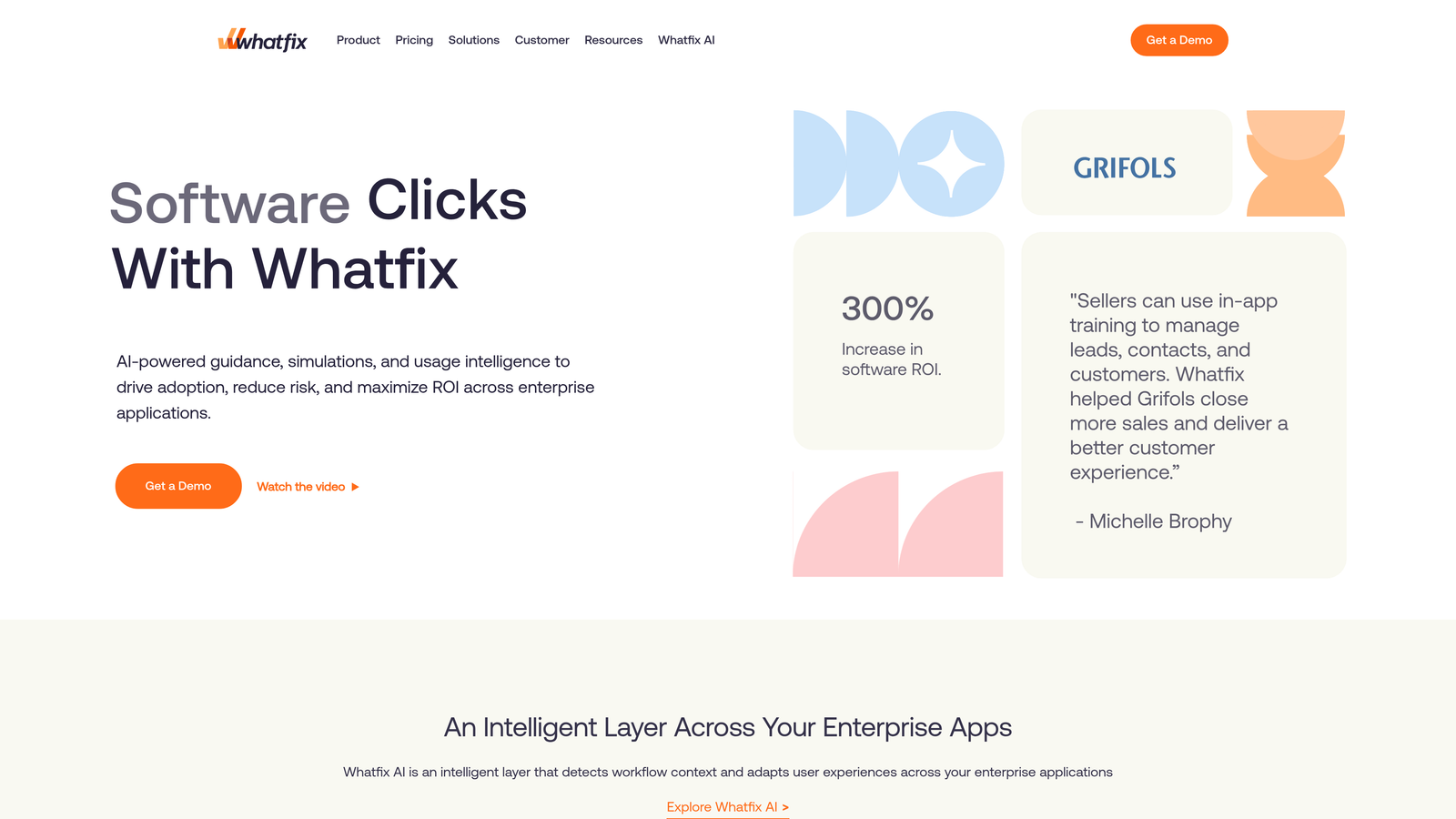
Whatfix is a digital adoption platform focused on employee training and software onboarding through interactive guides, videos, and automated content generation.
Where This Tool Shines
Whatfix's standout feature is its ability to automatically generate training content from recorded workflows. Walk through a process once while recording, and Whatfix converts it into step-by-step guides, videos, or interactive walkthroughs without manual content creation.
The platform's self-help widget provides contextual search that surfaces the right help content based on where users are in your application, reducing the need to navigate away to separate documentation.
Key Features
Self-Help Widget: Provides contextual search and help content based on the user's current location in your application.
Auto-Generated Content: Converts recorded workflows into training guides, videos, and interactive walkthroughs automatically.
Task Automation: Automates repetitive processes to reduce manual steps during training and daily use.
Multi-Language Support: Deploy guidance in multiple languages for global teams without creating separate content sets.
Engagement Analytics: Track which training content users engage with and where they complete or abandon flows.
Best For
Organizations with large employee bases needing consistent training across departments, particularly those managing frequent software updates that require ongoing education. Works well for internal tools and enterprise applications.
Pricing
Custom pricing based on number of users and feature requirements. Contact sales for specific quotes tailored to your deployment needs.
5. Userpilot
Best for: SaaS companies optimizing activation, adoption, and retention through targeted in-app experiences
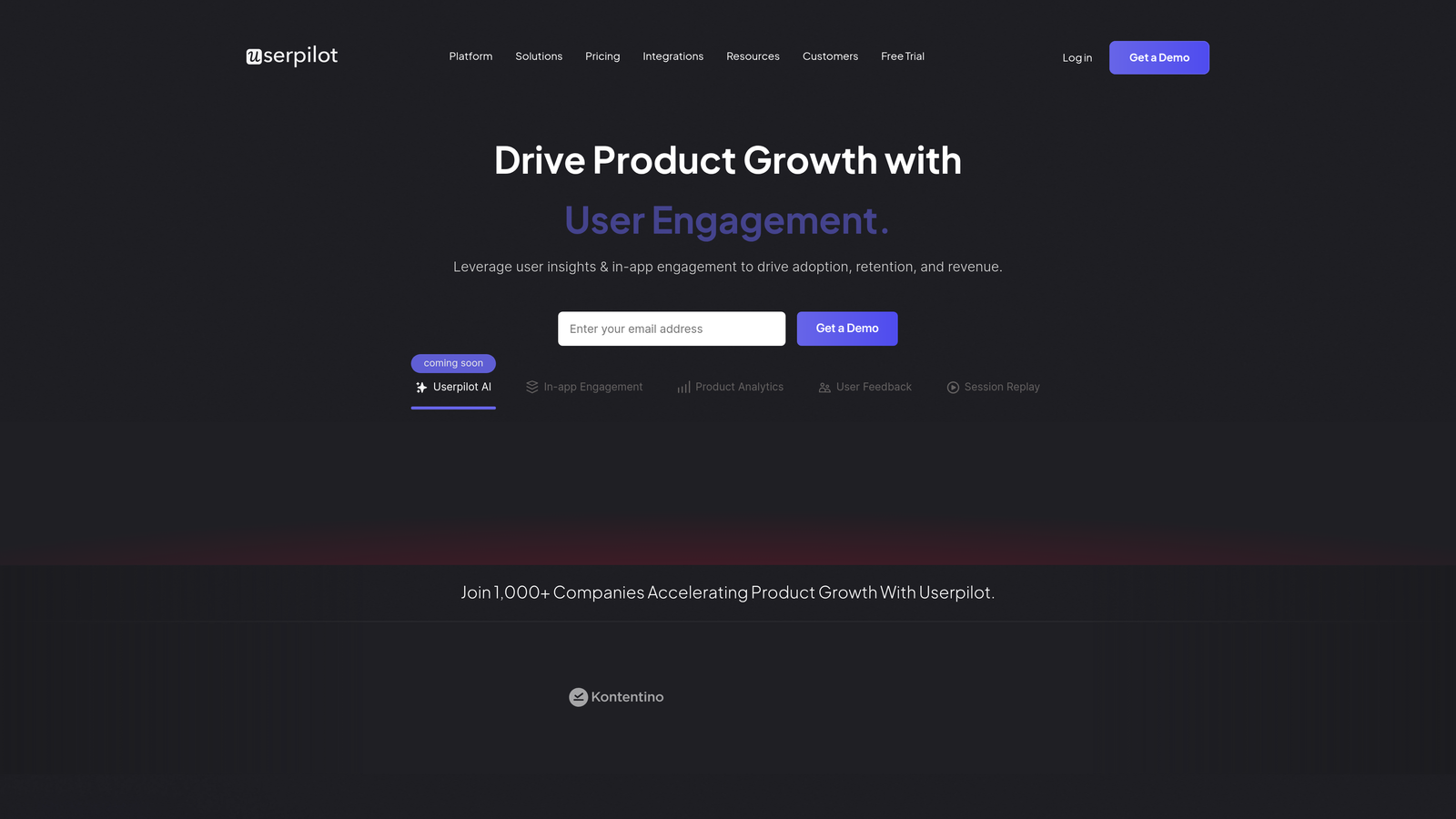
Userpilot is a product growth platform built specifically for SaaS companies wanting to improve key metrics through personalized in-app guidance and analytics.
Where This Tool Shines
Userpilot focuses on the entire user lifecycle, not just initial onboarding. You can create different experiences for trial users, new customers, power users, and at-risk accounts—all targeted based on behavior, account properties, or custom events.
The platform's feature tagging system makes it easy to track adoption of specific product capabilities without writing code. Tag a feature once, and you'll see which user segments engage with it, how often, and whether your guidance actually drives increased usage.
Key Features
No-Code Flow Builder: Create in-app experiences using pre-built templates without requiring engineering resources.
User Segmentation: Target specific user groups based on behavior, properties, or lifecycle stage for personalized experiences.
Feature Tagging: Track feature adoption and usage without custom event implementation.
In-App Surveys and NPS: Collect user feedback at strategic moments throughout the user journey.
A/B Testing: Test different onboarding approaches and guidance flows to optimize conversion and adoption.
Best For
Product-led growth SaaS companies focused on improving activation and retention metrics. Particularly valuable for teams without dedicated engineering resources for building onboarding experiences.
Pricing
Starts at $249 per month for up to 2,500 monthly active users. Pricing scales with user volume and feature access.
6. Appcues
Best for: Product teams building in-app onboarding flows without engineering dependencies
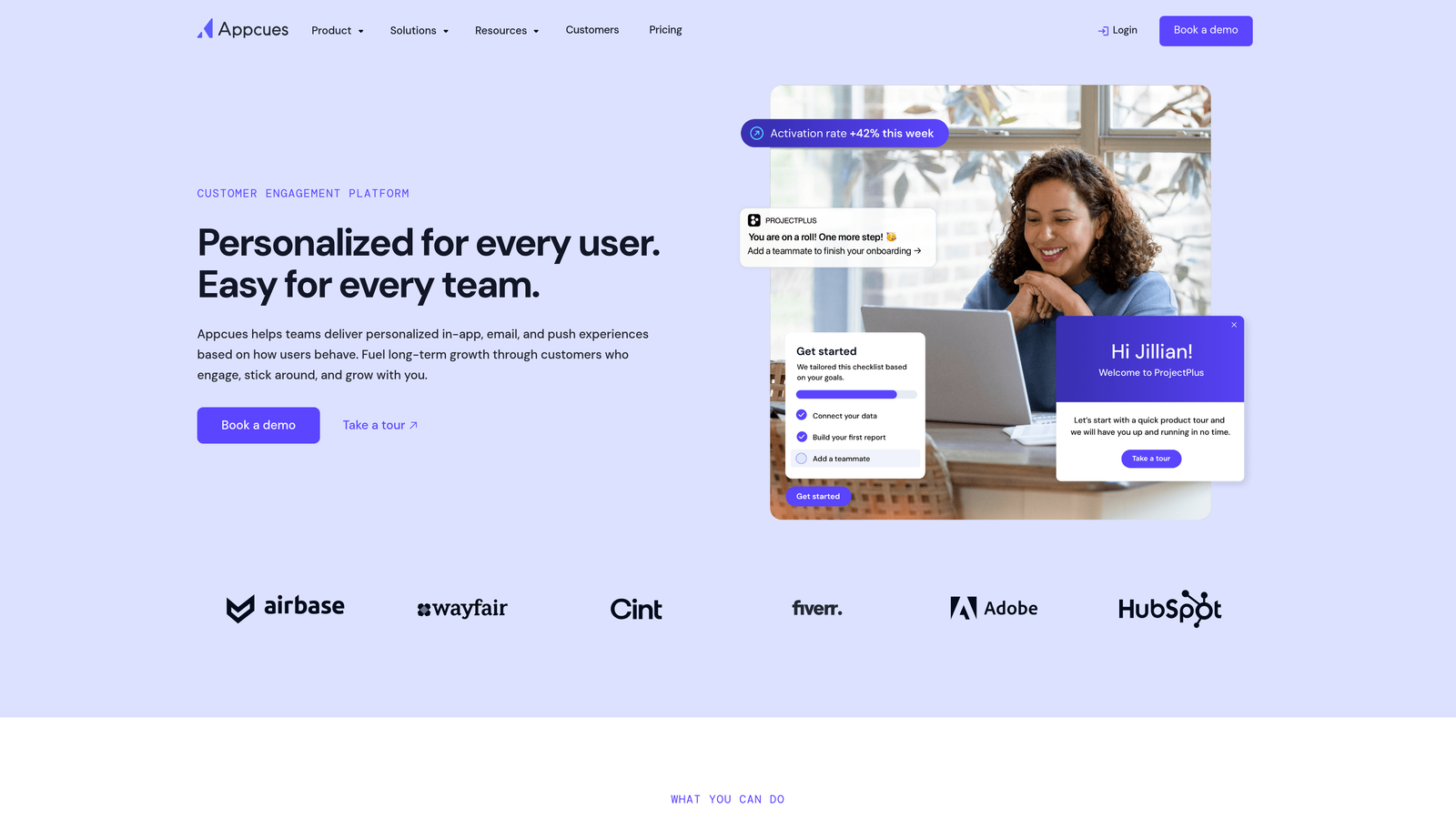
Appcues is a user onboarding platform that enables product teams to create and deploy in-app experiences using a visual builder without code.
Where This Tool Shines
Appcues pioneered the no-code onboarding space and has refined its visual builder to be one of the most intuitive in the market. The WYSIWYG editor lets you see exactly how your flows will appear while building them, reducing the iteration cycle between design and deployment.
The platform's mobile SDK support is particularly strong, making it one of the better options if you need consistent onboarding experiences across web and mobile applications. You can reuse flow logic while adapting the UI for different screen sizes.
Key Features
Visual WYSIWYG Builder: See exactly how flows will appear while building them with real-time preview.
Checklist Components: Create progress checklists that guide users through multi-step onboarding processes.
Event-Based Targeting: Trigger flows based on user actions, page visits, or custom events from your application.
Mobile SDK: Deploy onboarding experiences on iOS and Android apps with native mobile support.
Analytics Integrations: Connect with Segment, Amplitude, Mixpanel, and other analytics tools for unified data.
Best For
SaaS companies with both web and mobile products needing consistent onboarding across platforms. Works well for teams that want to iterate quickly on onboarding without waiting for development cycles.
Pricing
Starts at $249 per month for up to 2,500 monthly active users, with higher tiers adding features like A/B testing and advanced targeting.
7. Chameleon
Best for: Teams wanting pixel-perfect design control over product tours and tooltips
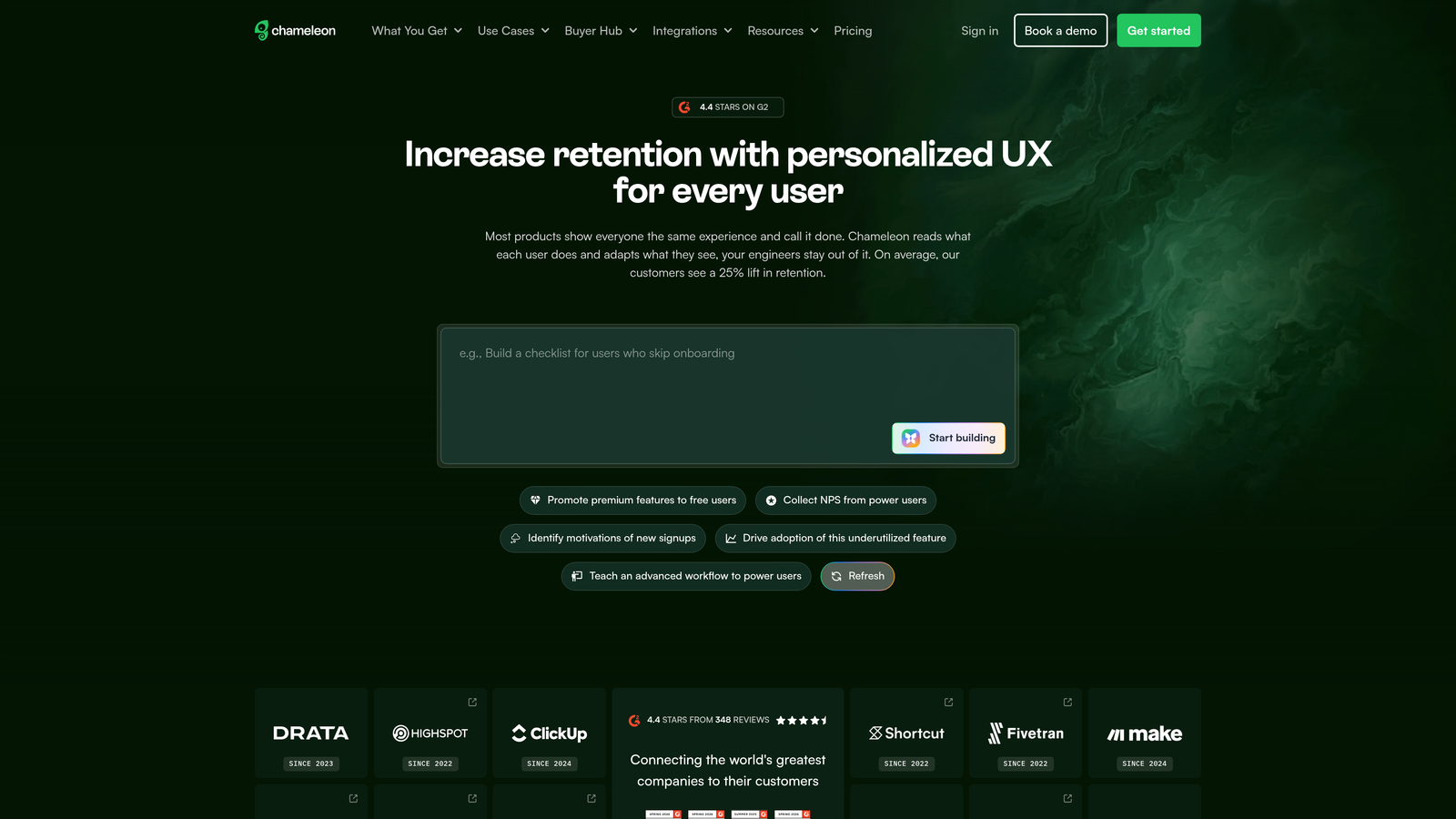
Chameleon is a highly customizable in-app messaging platform for teams that need complete control over the styling and behavior of their product guidance.
Where This Tool Shines
Chameleon gives you deeper customization capabilities than most competitors. If your brand guidelines are strict or you want guidance elements that blend seamlessly with your product's design system, Chameleon's CSS-level customization lets you achieve pixel-perfect results.
The platform's rate limiting feature helps prevent user fatigue by controlling how many messages users see over a given time period. This is particularly valuable if you're running multiple campaigns and want to avoid overwhelming users with too many tooltips and tours.
Key Features
Deep CSS Customization: Control every aspect of styling and appearance to match your exact brand guidelines.
Built-In A/B Testing: Test different messaging, timing, and targeting approaches without external tools.
Microsurveys and Launchers: Collect quick feedback and provide access points for self-service help.
Rate Limiting: Control message frequency to prevent overwhelming users with too many tours or tooltips.
Segment and Amplitude Integrations: Sync user data and behavior for sophisticated targeting and analytics.
Best For
Design-conscious teams with strong brand guidelines and technical resources to leverage advanced customization. Works well for companies that view in-app messaging as an extension of their product experience rather than a separate layer.
Pricing
Starts at $279 per month with pricing increasing based on monthly active users and feature access.
8. Intercom Product Tours
Best for: Existing Intercom customers wanting unified messaging and product guidance
Intercom Product Tours is the in-app guidance feature within Intercom's customer messaging platform, designed for teams wanting integrated communication and onboarding.
Where This Tool Shines
If you're already using Intercom for customer messaging, Product Tours provides the smoothest integration. Users can seamlessly transition from a product tour to a live conversation with support if they get stuck, all within the same messenger interface.
The ability to include videos and GIFs directly in tours makes it easier to demonstrate complex interactions that are hard to explain with text alone. This visual richness can significantly improve comprehension for visual learners.
Key Features
Messenger Integration: Tours appear in the familiar Intercom messenger that users already recognize from support conversations.
Video and GIF Support: Include rich media in tours to demonstrate complex workflows visually.
Attribute-Based Targeting: Show different tours to different user segments based on their account properties or behavior.
Conversation Handoff: Users can seamlessly start a support conversation if they need help during a tour.
Series Automation: Create multi-step onboarding journeys that unfold over time based on user progress.
Best For
Companies already invested in the Intercom ecosystem who want to consolidate vendors and provide a unified experience between messaging and guidance. Less ideal if you're not already using Intercom for customer communication.
Pricing
Available as an add-on to Intercom plans. Pricing varies based on your existing Intercom subscription and user volume.
9. Stonly
Best for: Teams creating decision-tree style help content that adapts based on user responses
Stonly is an interactive guide platform specializing in branching decision-tree logic that adapts help content based on how users respond to questions.
Where This Tool Shines
Stonly's branching logic approach is particularly effective for troubleshooting scenarios where the right guidance depends on specific user circumstances. Instead of showing everyone the same linear walkthrough, Stonly asks qualifying questions and shows only the relevant steps for each user's situation.
The platform's knowledge base integration means you can create guided articles that combine traditional documentation with interactive decision trees, giving users the depth of documentation with the convenience of guided assistance.
Key Features
Branching Decision Trees: Create guides that adapt based on user responses to show only relevant information.
Guided Knowledge Base: Combine traditional articles with interactive guides for comprehensive self-service help.
Widget and Embedded Options: Deploy guides as widgets, embedded in pages, or as standalone experiences.
Effectiveness Analytics: Track which guide paths users take and where they find answers or drop off.
Team Collaboration: Multiple team members can create and edit guides with version control and review workflows.
Best For
Support teams creating troubleshooting guides and help content that needs to adapt to different user scenarios. Particularly valuable for products with complex configuration options or multiple use cases.
Pricing
Free tier available for basic use. Paid plans start at $199 per month with pricing scaling based on features and usage.
Making the Right Choice
Choosing the right automated product guidance software depends on your primary use case and existing tech stack. For AI-powered contextual support that learns and improves autonomously, Halo AI offers the most intelligent approach with its page-aware technology and continuous learning capabilities.
Enterprise teams managing complex digital transformation across multiple legacy systems should evaluate WalkMe or Whatfix for their cross-application workflow capabilities. Product-led growth SaaS companies often find Userpilot or Appcues hit the sweet spot of capability and ease of implementation without requiring engineering resources.
If you're already invested in Intercom for customer messaging, their Product Tours provide seamless integration that unifies support conversations and product guidance. For teams with strict design requirements, Chameleon's deep customization options ensure your guidance matches your brand perfectly.
Start by identifying whether you need reactive guidance that helps users when they're stuck, or proactive guidance that prevents confusion before it happens. Then match that priority to each tool's core strength. Reactive scenarios favor AI-driven solutions like Halo AI that understand context, while proactive onboarding often works well with flow-based tools like Appcues or Userpilot.
Your support team shouldn't scale linearly with your customer base. Let AI agents handle routine tickets, guide users through your product, and surface business intelligence while your team focuses on complex issues that need a human touch. See Halo in action and discover how continuous learning transforms every interaction into smarter, faster support.