9 Best Automated Support Tools for Software Companies in 2026
Software companies need automated support tools that handle technical inquiries efficiently while freeing engineering teams to focus on product development. This comprehensive guide reviews the 9 best automated support platforms for software companies in 2026, evaluating AI-powered agents, helpdesk automation systems, and tools that integrate seamlessly with developer workflows to scale support without proportionally increasing headcount.
 Grant CooperFounder12 min read
Software companies face a unique support challenge: technically savvy users expect fast, accurate answers while your engineering team needs to focus on building product, not answering tickets. Automated support tools bridge this gap by handling routine inquiries, triaging complex issues, and providing instant responses around the clock.
This guide evaluates top platforms specifically suited for software companies—from AI-powered agents that understand your codebase to helpdesk systems with robust automation workflows. We've prioritized tools that integrate with developer workflows, understand technical context, and scale without requiring a proportional headcount increase.
1. Halo AI
Best for: Software companies needing AI-first support that learns continuously and integrates with developer workflows
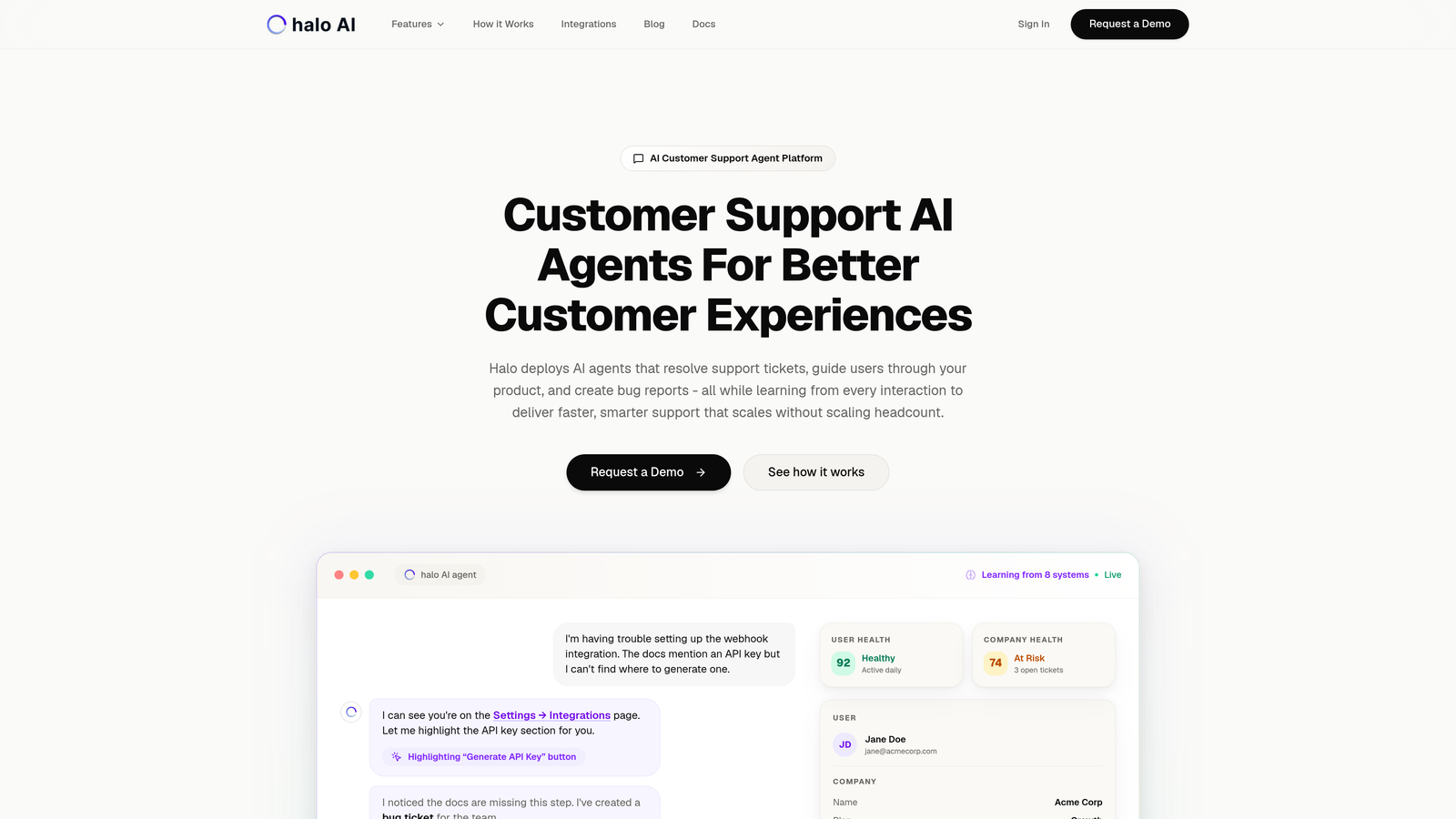
Halo AI is an AI-powered customer support platform built specifically for software companies, featuring intelligent agents that resolve tickets autonomously while improving with every interaction.
Where This Tool Shines
Halo's page-aware architecture sets it apart from traditional helpdesk systems. The platform sees exactly what your users see, providing visual UI guidance that goes beyond generic chat responses. When a user struggles with a feature, Halo can walk them through the specific interface elements they're viewing.
The continuous learning model means your support gets smarter over time. Every resolved ticket, every escalation, every piece of feedback trains the system to handle similar issues more effectively. This creates a compound improvement effect that traditional rule-based automation simply can't match.
Key Features
Page-Aware Chat Widget: Understands user context by seeing their current screen, enabling precise visual guidance through your product interface.
Auto Bug Ticket Creation: Automatically creates engineering tickets in Linear when issues require product fixes, complete with context and reproduction steps.
Smart Inbox with Business Intelligence: Surfaces customer health signals, revenue intelligence, and anomaly detection beyond basic ticket metrics.
Continuous Learning AI: Improves autonomously from every interaction without requiring manual rule updates or retraining.
Live Agent Handoff: Seamlessly escalates complex issues to human agents with full conversation context preserved.
Best For
B2B software companies and product teams looking for AI-native support that integrates with their entire business stack (Linear, Slack, HubSpot, Intercom, Stripe, Zoom). Particularly valuable for teams that want support automation to provide business intelligence, not just ticket deflection.
Pricing
Contact for pricing. The platform's value scales with usage as the AI learns your product and customer base.
2. Intercom
Best for: Product-led growth companies needing in-app messaging and automated onboarding flows
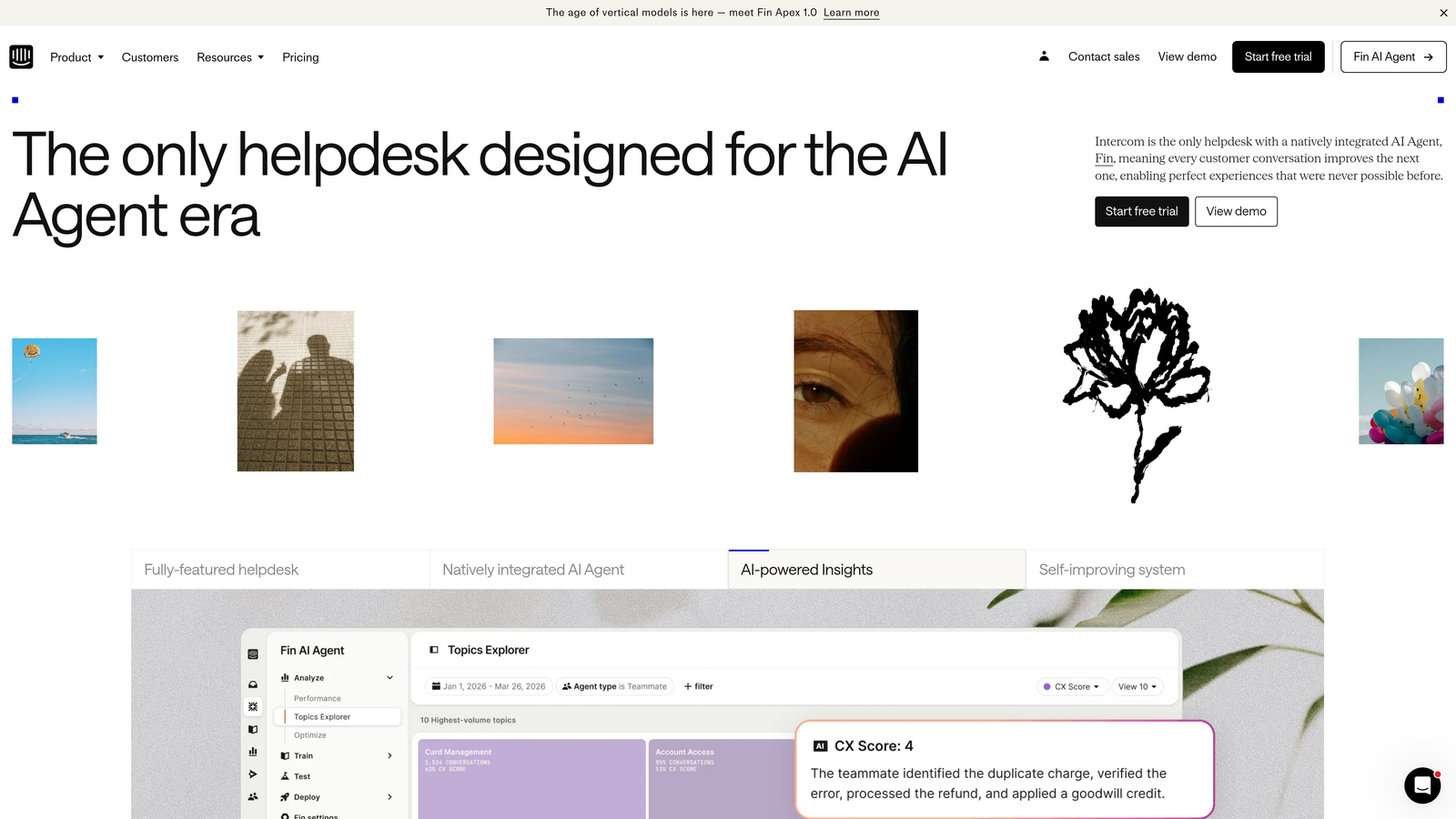
Intercom is a customer messaging platform combining live chat, chatbots, and help center capabilities with strong product-led growth features.
Where This Tool Shines
Intercom excels at proactive, in-app engagement. The platform allows you to trigger contextual messages based on user behavior, making it particularly effective for onboarding new users and driving feature adoption. Product tours guide users through complex workflows without requiring support intervention.
The Fin AI agent represents Intercom's move toward autonomous support. It can resolve common inquiries by pulling from your knowledge base and past conversations, though it operates more as an intelligent assistant than a fully autonomous agent.
Key Features
Fin AI Agent: Automated ticket resolution using your knowledge base and conversation history as training data.
In-App Messaging and Product Tours: Contextual messages and guided walkthroughs triggered by user behavior or product milestones.
Customizable Chatbots: Visual builder for creating conversation flows without coding, with conditional logic and branching.
Integration Marketplace: Extensive third-party connections including Salesforce, Stripe, Jira, and developer tools.
Reporting and Analytics: Detailed metrics on conversation volume, resolution times, and customer satisfaction scores.
Best For
SaaS companies focused on product-led growth, particularly those needing to automate onboarding and drive feature adoption through in-app messaging. Works well for teams that view support as part of the product experience.
Pricing
Starts at $39 per seat per month for the basic plan. Fin AI is priced separately per resolution, which can add significant cost at scale.
3. Zendesk
Best for: Enterprise software companies requiring comprehensive customization and advanced workflow automation
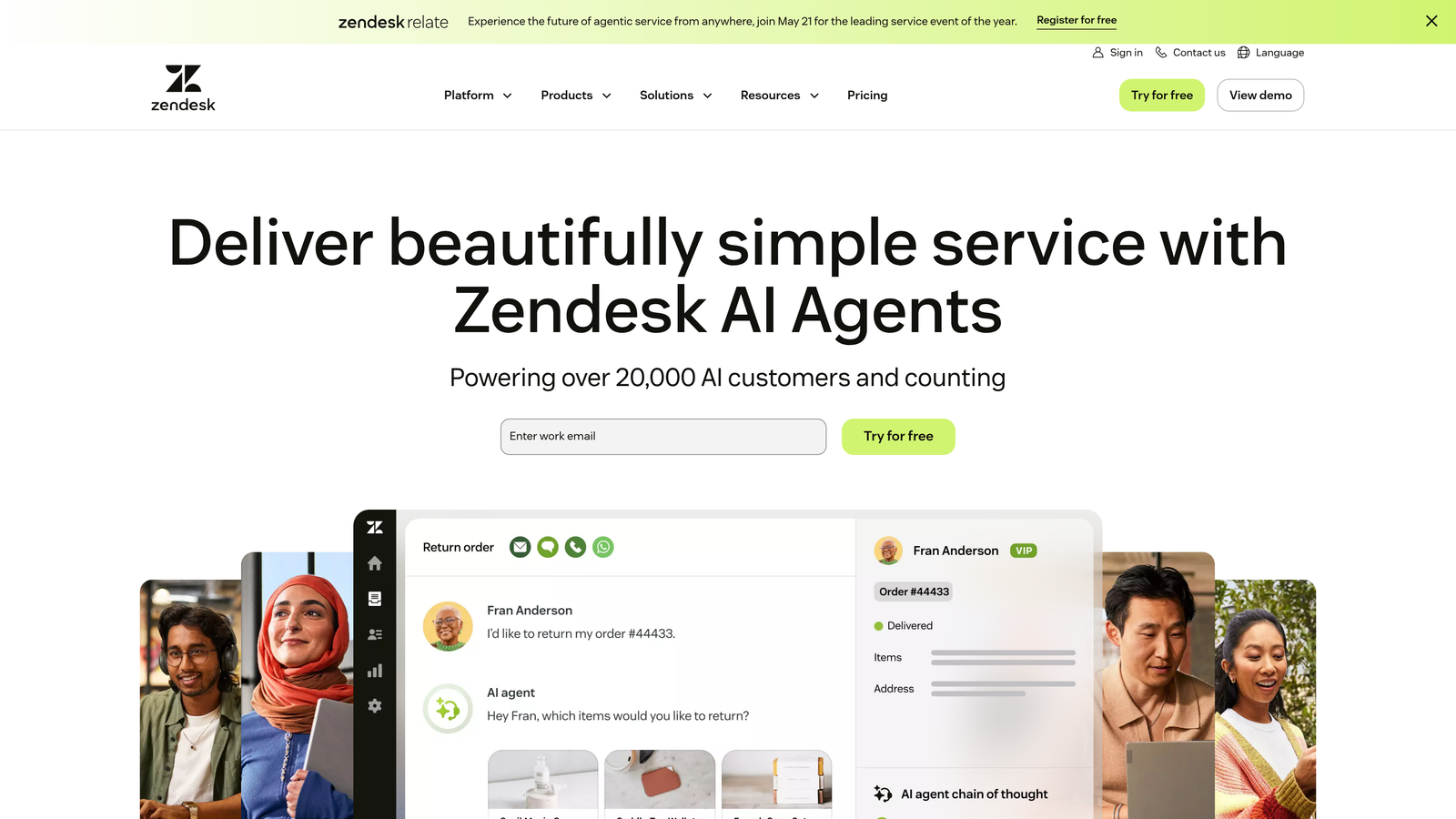
Zendesk is an enterprise-grade customer service platform with extensive automation capabilities, AI features, and deep customization options.
Where This Tool Shines
Zendesk's strength lies in its maturity and flexibility. The platform has been refined over years of enterprise deployment, resulting in robust workflow automation through triggers, automations, and macros. Complex routing rules, SLA management, and multi-brand support come standard.
The marketplace offers hundreds of apps specifically built for developer workflows. Integrations with GitHub, Jira, PagerDuty, and other engineering tools allow support teams to create bug tickets, check service status, and access technical context without leaving Zendesk.
Key Features
Answer Bot and AI Agent Assist: Suggests help articles to customers and provides agents with recommended responses based on ticket content.
Advanced Workflow Automation: Triggers, automations, and macros for routing tickets, updating fields, and sending notifications based on complex conditions.
Custom Reporting and Analytics: Build custom dashboards tracking any metric, with historical data analysis and trend identification.
Developer-Focused Marketplace: Large selection of apps for engineering workflows, monitoring tools, and technical integrations.
Multi-Brand Support: Manage support for multiple products or brands from a single instance with separate branding and workflows.
Best For
Enterprise software companies with complex support requirements, multiple products, or strict compliance needs. Best suited for teams with dedicated Zendesk administrators who can leverage the platform's full customization potential.
Pricing
Starts at $55 per agent per month for Suite Team. Enterprise plans with advanced features reach $115+ per agent monthly.
4. Freshdesk
Best for: Small to mid-sized software teams needing robust automation at accessible price points
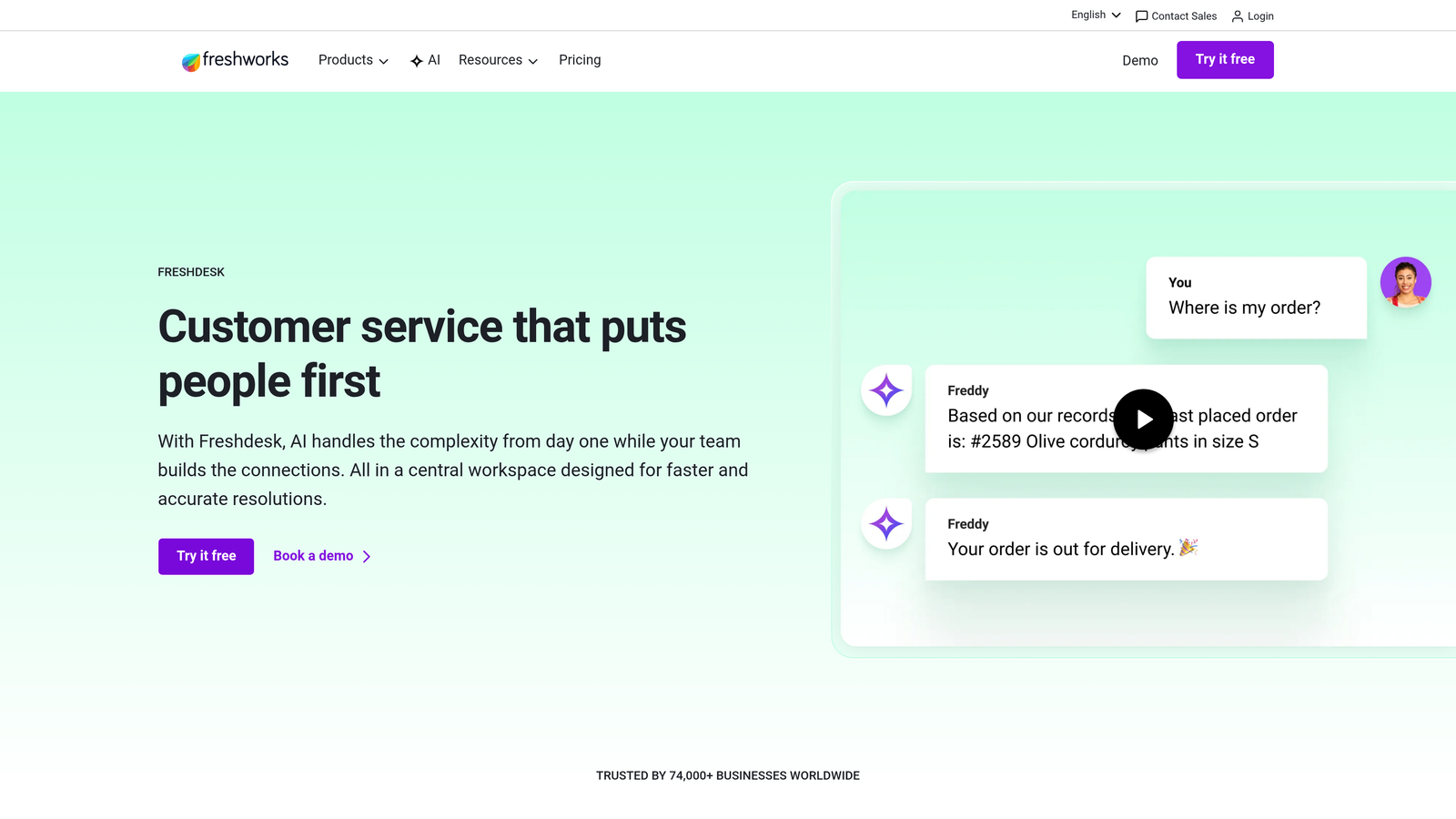
Freshdesk is an intuitive helpdesk platform offering strong automation capabilities with competitive pricing and a generous free tier.
Where This Tool Shines
Freshdesk delivers enterprise-level automation features at prices accessible to smaller teams. The visual workflow builder makes it easy to create complex routing rules, automated responses, and escalation paths without technical expertise. Freddy AI provides intelligent suggestions that improve agent efficiency.
The free tier supports unlimited agents, making it viable for bootstrapped startups that need professional support infrastructure. As your team grows, the paid tiers add automation, reporting, and AI features without requiring platform migration.
Key Features
Freddy AI: Intelligent ticket routing based on content analysis, plus agent suggestions for faster resolution.
Visual Workflow Automation: Drag-and-drop builder for creating ticket routing, auto-responses, and time-based escalations.
Integrated Knowledge Base: Self-service portal with article suggestions based on ticket content and search queries.
Team Collaboration Tools: Parent-child ticket relationships, shared ownership, and internal notes for complex issues requiring multiple team members.
Gamification: Agent leaderboards and achievement badges that can improve team engagement and response times.
Best For
Growing software companies that need professional helpdesk capabilities without enterprise pricing. Particularly valuable for teams transitioning from shared email inboxes to structured support systems.
Pricing
Free tier available with unlimited agents and basic features. Paid plans start at $15 per agent per month, with automation and AI features in higher tiers.
5. Help Scout
Best for: Software companies prioritizing personal customer relationships alongside automation efficiency
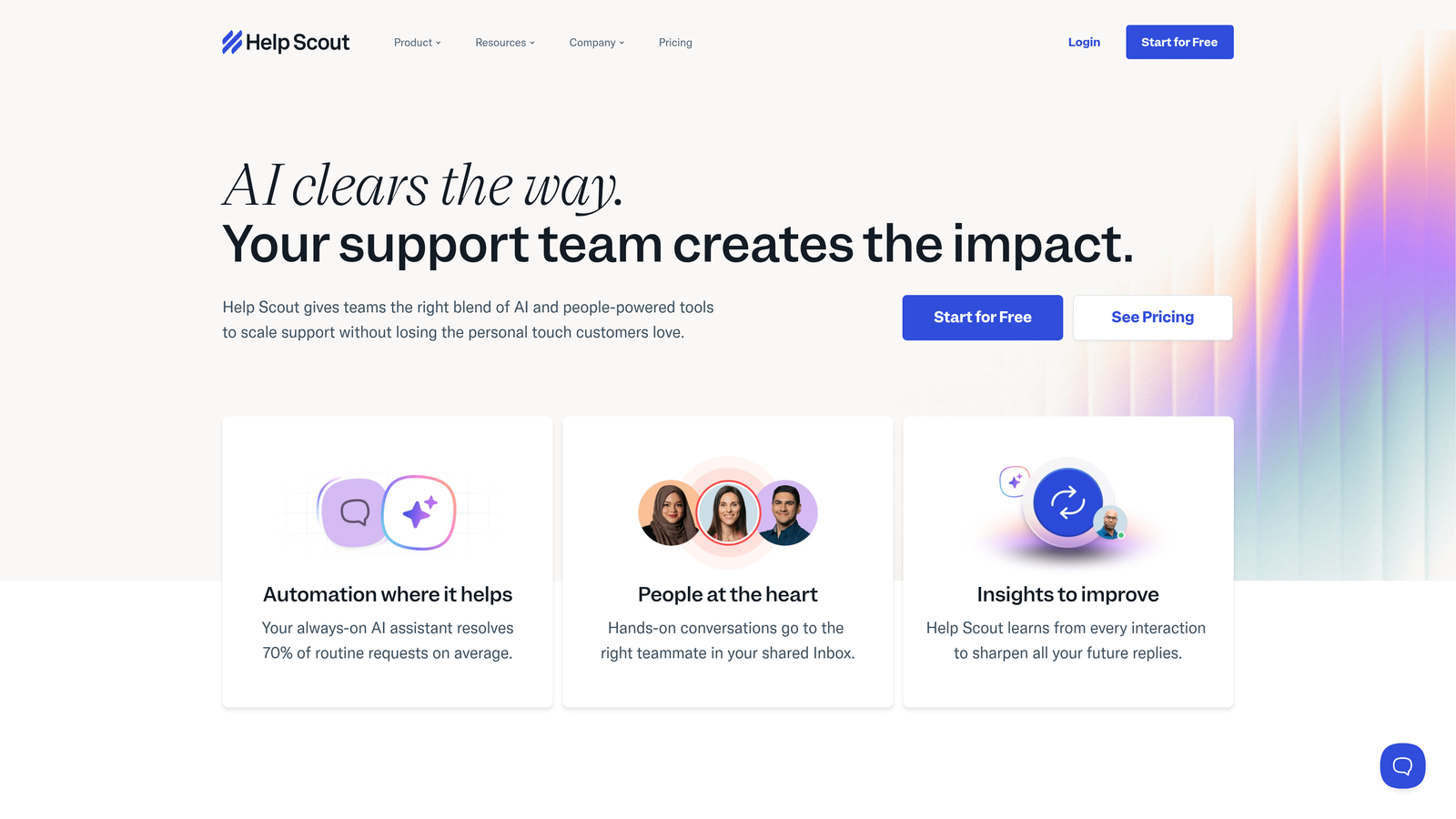
Help Scout is a customer-focused helpdesk that emphasizes human support quality while providing AI assistance for improved efficiency.
Where This Tool Shines
Help Scout's philosophy centers on maintaining personal customer relationships even as you automate. The AI features assist agents rather than replacing them—summarizing long threads, suggesting draft responses, and identifying customer sentiment without removing the human element.
The Docs knowledge base with embeddable Beacon widget provides elegant self-service options. The widget searches your documentation as users type, often resolving questions before they become tickets. The interface feels native to your site rather than obviously third-party.
Key Features
AI Summarization and Drafts: Automatically summarizes long conversation threads and generates draft responses based on your knowledge base and past interactions.
Docs with Beacon Widget: Knowledge base with embeddable search widget that proactively suggests articles as users browse your site or type questions.
Saved Replies and Workflows: Template responses with variables and conditional logic, plus automated assignment and tagging rules.
Customer Satisfaction Ratings: Built-in CSAT surveys with detailed reporting on team and individual performance.
Collision Detection: Prevents multiple agents from responding to the same conversation simultaneously.
Best For
B2B software companies where customer relationships drive retention and expansion. Works particularly well for teams that view support as a relationship-building function rather than a cost center to minimize.
Pricing
Starts at $20 per user per month for the Standard plan. AI features and advanced automation available in higher tiers at $40+ per user monthly.
6. Front
Best for: Software teams needing collaborative inbox management with automation across email and chat channels
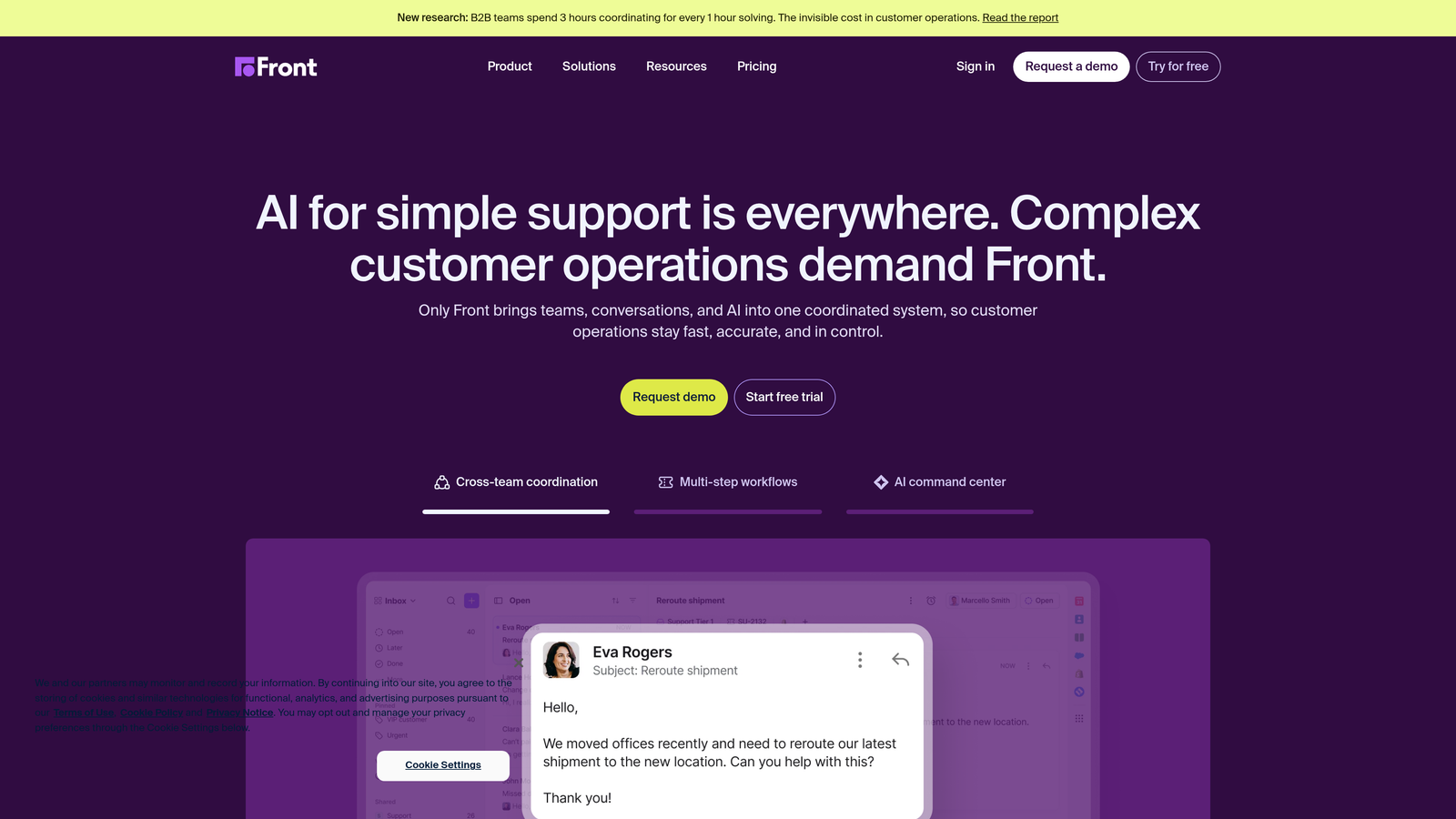
Front is a collaborative inbox platform that consolidates email, chat, and other channels into a shared workspace with automation capabilities.
Where This Tool Shines
Front transforms email into a collaborative workspace. Internal comments allow team members to discuss customer issues without forwarding emails or switching to Slack. The shared inbox model ensures nothing falls through the cracks while maintaining accountability through assignments.
AI-powered tagging and prioritization automatically categorize incoming messages and surface urgent issues. Rules-based automation routes messages to the right team members based on content, sender, or other criteria without manual intervention.
Key Features
AI-Powered Tagging and Prioritization: Automatically categorizes messages and identifies urgent issues requiring immediate attention.
Shared Inbox with Internal Collaboration: Team members can comment internally on customer messages, discuss approaches, and loop in specialists without external visibility.
Rules-Based Automation: Automatic routing, tagging, and response workflows based on message content, sender, or custom conditions.
Analytics on Team Performance: Detailed metrics on response times, resolution rates, and individual team member productivity.
Omnichannel Support: Manage email, SMS, chat, and social media messages from a single interface.
Best For
Software companies where support happens primarily via email but requires team collaboration. Particularly effective for teams transitioning from shared email addresses to more structured support workflows.
Pricing
Starts at $19 per seat per month for the Starter plan. Advanced automation and AI features available in Growth and Scale tiers at $49+ per seat monthly.
7. Kustomer
Best for: Software companies needing CRM-level customer context with AI-driven automation for personalized support
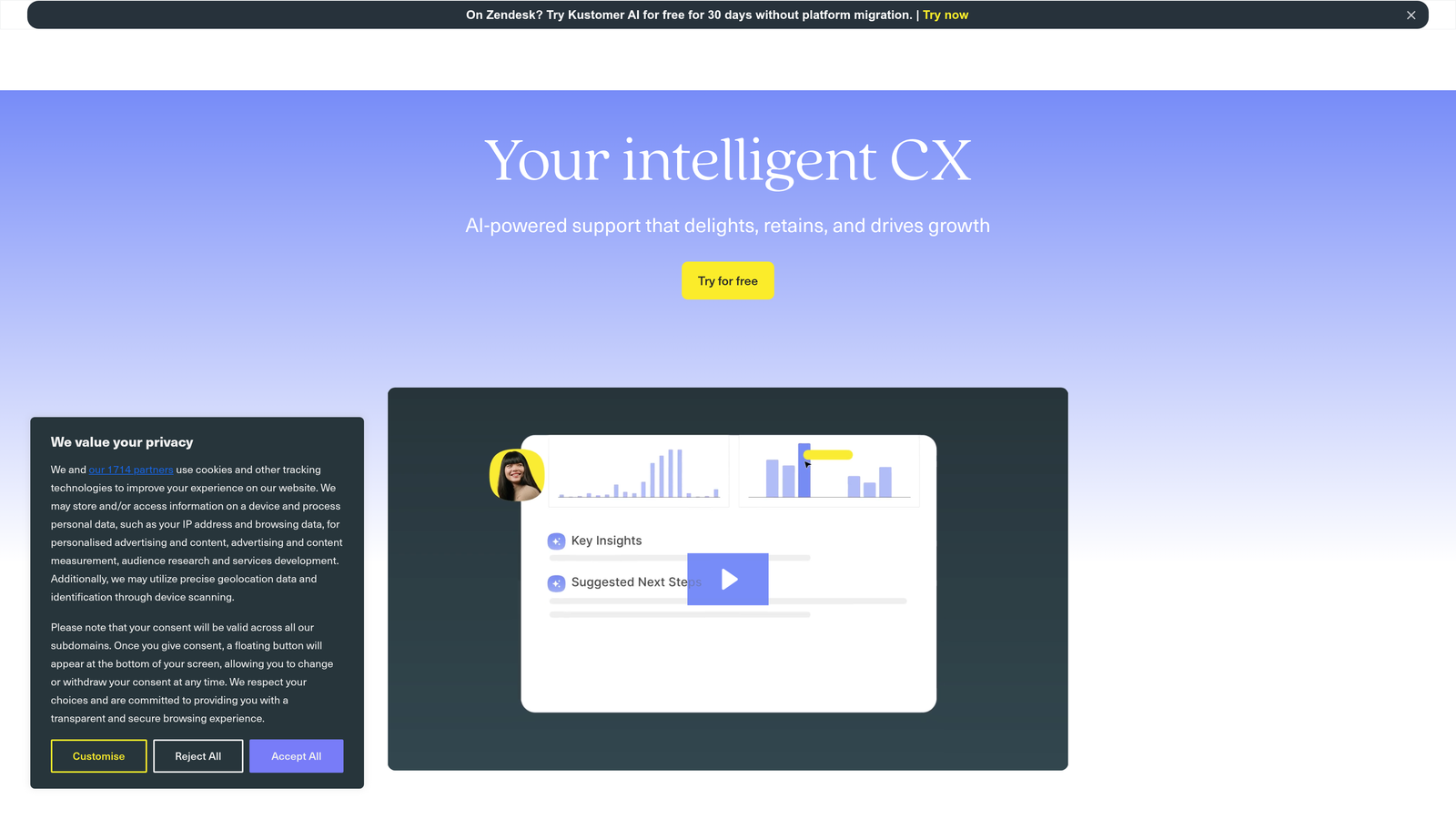
Kustomer is a CRM-powered customer service platform providing unified customer timelines and intelligent automation for personalized support experiences.
Where This Tool Shines
Kustomer's unified customer timeline displays every interaction, purchase, and product usage event in chronological order. Support agents see the complete customer journey rather than isolated tickets, enabling more contextual and personalized responses.
The AI intent detection analyzes incoming messages to understand customer needs before routing. This goes beyond keyword matching to identify underlying issues, reducing misrouted tickets and improving first-contact resolution rates.
Key Features
AI Intent Detection: Analyzes message content to understand customer needs and route to the appropriate team or workflow automatically.
Unified Customer Timeline: Chronological view of all customer interactions, purchases, product usage, and support history in a single interface.
Business Process Automation: Workflow builder for creating complex automation sequences that span multiple channels and touchpoints.
Omnichannel Support: Manage email, chat, voice, SMS, and social media from a unified platform with consistent customer context.
Custom Objects and Fields: Extend the data model to track software-specific information like license types, feature usage, or deployment environments.
Best For
Software companies with complex customer relationships requiring deep context and personalization. Works well for teams supporting enterprise customers with multiple contacts, products, and touchpoints.
Pricing
Starts at $89 per user per month for the Enterprise plan. The platform targets mid-market and enterprise customers rather than small teams.
8. Gorgias
Best for: Software companies with transactional or subscription billing components needing revenue-aware support
Gorgias is a helpdesk platform with strong e-commerce focus, useful for software companies where billing and subscription management drive support volume.
Where This Tool Shines
Gorgias connects support interactions directly to revenue. The platform tracks which conversations led to upgrades, renewals, or expansions, helping you understand support's impact on business outcomes. This revenue attribution makes it easier to justify support investment.
Deep integrations with payment and subscription platforms (Stripe, Chargebee, Recurly) allow agents to view billing history, modify subscriptions, and process refunds without leaving the helpdesk. For software companies where billing questions dominate support volume, this integration saves significant time.
Key Features
Macros and Automation Rules: Template responses with dynamic variables and automated workflows for common scenarios like trial extensions or plan changes.
Revenue Attribution: Track which support conversations led to upgrades, renewals, or expansions with dollar amounts attributed to specific interactions.
Payment Platform Integrations: Deep connections to Stripe, Chargebee, and other billing systems for viewing history and taking actions inline.
AI-Powered Response Suggestions: Analyzes ticket content and suggests relevant macros or knowledge base articles to speed resolution.
Performance Analytics: Detailed reporting on response times, resolution rates, and individual agent productivity.
Best For
SaaS companies where billing, subscription management, and payment issues drive significant support volume. Particularly valuable for teams that need to demonstrate support's contribution to revenue.
Pricing
Starts at $10 per month for 50 tickets, scaling based on ticket volume. The pricing model works well for smaller teams but can become expensive at enterprise scale.
9. Tidio
Best for: Small software teams needing quick deployment and visual chatbot building without technical complexity
Tidio is an accessible chatbot and live chat platform offering rapid deployment and visual automation building for smaller software teams.
Where This Tool Shines
Tidio's visual chatbot builder makes automation accessible to non-technical teams. Pre-built templates for common scenarios (trial signup, feature questions, billing issues) can be deployed in minutes and customized without coding. The learning curve is minimal compared to enterprise platforms.
Lyro AI provides conversational automation that feels more natural than traditional rule-based chatbots. It learns from your knowledge base and past conversations to handle common inquiries, escalating to human agents when needed.
Key Features
Visual Chatbot Builder: Drag-and-drop interface for creating conversation flows with conditional logic, variables, and integrations.
Lyro AI: Conversational AI that learns from your content to answer questions naturally without rigid scripting.
Live Chat with Automated Routing: Route conversations to specific team members based on topic, customer segment, or availability.
Email and Messenger Integration: Manage chat, email, and Facebook Messenger conversations from a single inbox.
Mobile Apps: iOS and Android apps for responding to chats on the go with full conversation history.
Best For
Small software teams (under 10 people) that need basic automation and live chat without complexity or enterprise pricing. Works well for early-stage companies establishing their first structured support system.
Pricing
Free tier available with basic features. Paid plans start at $29 per month for additional automation and AI capabilities, scaling based on operator count.
Making the Right Choice
Choosing the right automated support tool depends on your software company's specific needs and growth stage. For AI-first automation that continuously learns from interactions and integrates deeply with developer tools, Halo AI offers a compelling approach that goes beyond traditional helpdesk automation.
Product-led growth companies often thrive with Intercom's in-app capabilities and proactive messaging. Enterprise teams requiring extensive customization and compliance features may prefer Zendesk's comprehensive infrastructure. Budget-conscious teams should explore Freshdesk's generous free tier, while those prioritizing personal customer relationships will appreciate Help Scout's balanced approach.
Consider your integration requirements first. If your support team needs to create bug tickets in Linear, check service status in PagerDuty, or pull customer data from Stripe, prioritize platforms with native integrations to your existing stack. Manual context switching between systems kills productivity and slows resolution times.
Ticket volume and technical complexity matter significantly. Small teams handling straightforward inquiries can succeed with simpler platforms like Tidio or Front. Companies supporting enterprise customers with complex technical issues need more sophisticated automation and routing capabilities found in Kustomer or Zendesk.
Your support team shouldn't scale linearly with your customer base. Let AI agents handle routine tickets, guide users through your product, and surface business intelligence while your team focuses on complex issues that need a human touch. See Halo in action and discover how continuous learning transforms every interaction into smarter, faster support.
Start by mapping your top 20 support scenarios and identifying which require human judgment versus automation. Trial two or three platforms that match your requirements, focusing on how well they handle your specific use cases rather than feature checklists. The right tool will feel intuitive for your team and demonstrably reduce response times within the first month.