9 Best Automated Support Workflow Software Tools in 2026
This guide reviews nine of the best Automated Support Workflow Software tools available in 2026, evaluated on automation depth, AI capabilities, and integration ecosystems for B2B SaaS teams. Whether you're scaling a lean support operation or rethinking your entire stack, it covers the key strengths of each platform to help you make a confident decision.
 Matt PattoliFounder14 min read
Managing customer support at scale without drowning your team is one of the defining operational challenges for B2B SaaS companies today. Automated support workflow software solves this by routing tickets intelligently, resolving common issues without human intervention, and surfacing the right context at the right time — so your agents focus on what actually requires a human touch.
This list covers nine tools worth considering in 2026, evaluated on automation depth, integration ecosystems, AI capabilities, and fit for B2B product teams. Whether you're running a lean support team on Zendesk, scaling a Freshdesk operation, or rethinking your stack entirely, there's a tool here that fits.
We've included Halo AI at the top because it's the most directly aligned with what modern support automation looks like in 2026. But every tool on this list has genuine strengths worth understanding before you decide.
1. Halo AI
Best for: B2B SaaS teams that want AI-native autonomous support, not just automation rules layered onto a helpdesk.
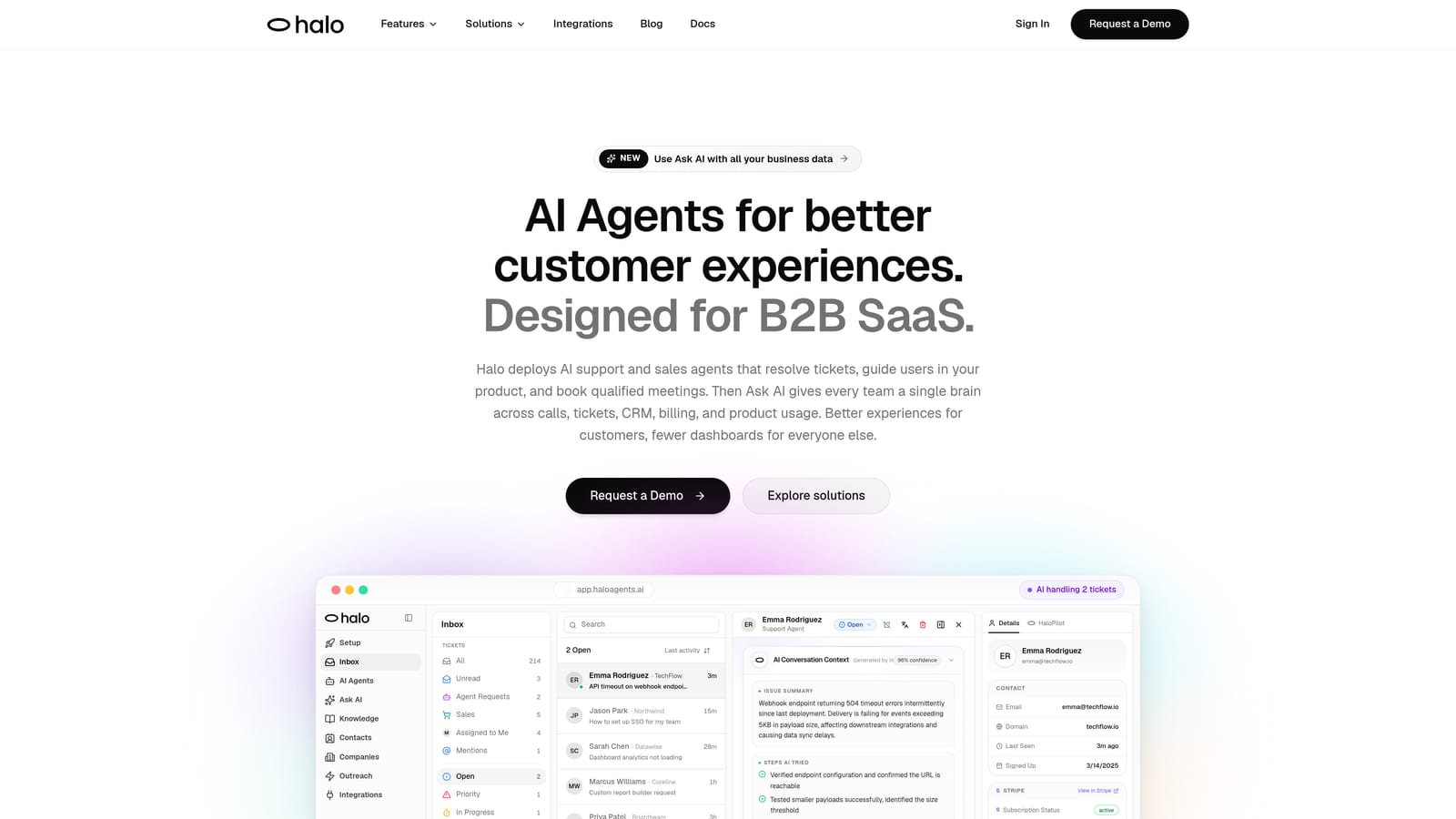
Halo AI is an AI-first customer support platform that deploys autonomous agents to resolve tickets end-to-end, guide users through your product with page-aware context, and surface business intelligence from every interaction.
Where This Tool Shines
Most support automation tools are rule-based systems with AI bolted on. Halo AI is built the other way around: the AI is the foundation, and it learns from every resolved ticket rather than relying on static decision trees. That distinction matters when you're trying to reduce ticket volume without sacrificing the quality of the customer experience.
The page-aware chat widget is a genuinely differentiated feature. The AI sees what the user is looking at in your product, which means it can offer contextual guidance rather than generic help center links. For SaaS products with complex interfaces, this kind of in-context support can deflect a meaningful portion of tickets before they're ever created.
Key Features
Autonomous Ticket Resolution: AI agents handle tickets end-to-end, not just suggest responses for agents to approve and send.
Page-Aware Chat Widget: The AI understands which page or feature the user is viewing, enabling contextual guidance rather than generic answers.
Smart Inbox with Business Intelligence: Surfaces customer health signals, revenue anomalies, and trend detection alongside standard ticket management — turning support data into operational insight.
Auto Bug Ticket Creation: Automatically identifies product issues and routes bug reports directly to Linear or connected development tools without agent involvement.
Live Agent Handoff: Escalates to human agents when complexity warrants it, with full conversation context preserved so nothing gets repeated.
Deep Integrations: Connects to Linear, Slack, HubSpot, Intercom, Stripe, Zoom, PandaDoc, and Fathom — making support data accessible across your entire business stack.
Best For
B2B SaaS product teams and customer success operations that want to reduce ticket volume without growing headcount. Particularly strong for teams that need support to connect with their development workflow (Linear integration) and revenue stack (Stripe, HubSpot). Less suited for pure e-commerce or high-volume B2C scenarios.
Pricing
Contact for pricing via a demo at haloagents.ai/demo. Halo AI uses a demo-first model, which means pricing is scoped to your specific use case and volume.
2. Zendesk
Best for: Established support teams that need proven scalability, omnichannel coverage, and a large integration marketplace.
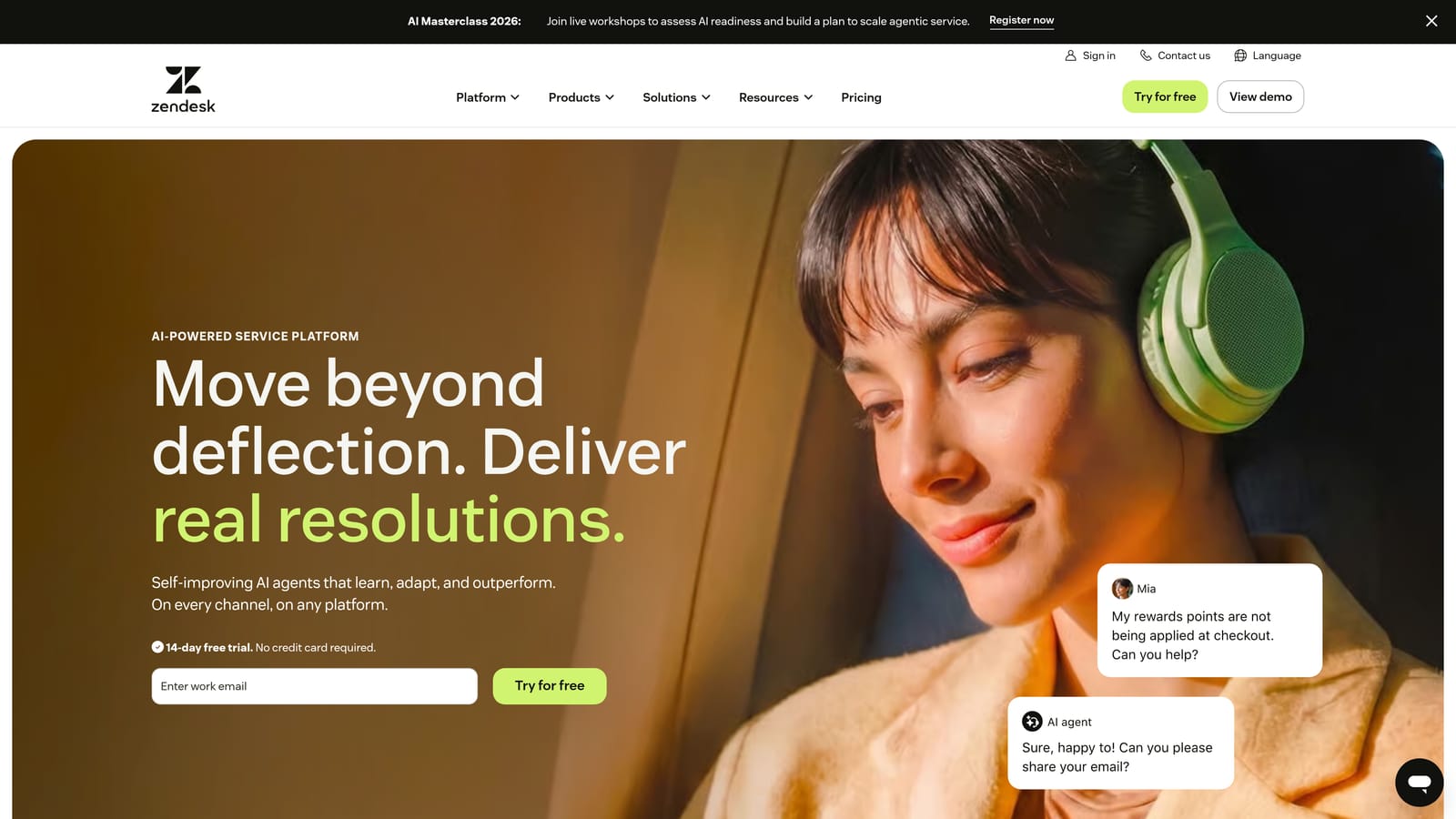
Zendesk is one of the most established helpdesk platforms available, combining rule-based workflow automation with an AI layer for triage, routing, and agent assist.
Where This Tool Shines
Zendesk's strength is its maturity. The triggers, macros, and routing rules system is battle-tested across thousands of support operations, and the app marketplace gives you integration options for nearly any tool in your stack. If your team already knows Zendesk, the learning curve is minimal and the infrastructure is reliable.
Zendesk AI, built in partnership with OpenAI, adds intelligent triage and suggested responses on top of the rule-based foundation. It's worth noting that this is AI added to an existing system rather than an AI-native architecture, which can affect how well it adapts to novel query types over time.
Key Features
Triggers, Macros, and Routing Rules: Comprehensive rule-based automation for ticket assignment, tagging, escalation, and status updates.
Zendesk AI: Intelligent triage, agent assist, and suggested responses powered by an OpenAI partnership.
Large App Marketplace: Hundreds of integrations covering CRM, analytics, communication, and development tools.
Omnichannel Support: Email, chat, voice, and social channels managed from a single interface.
Robust Reporting and SLA Management: Detailed analytics with SLA tracking and breach alerting built in.
Best For
Mid-market and enterprise support teams that need proven scalability and extensive integration options. Also a strong choice for teams with complex SLA requirements or omnichannel operations across email, voice, and social. Be prepared for meaningful implementation effort at larger scales.
Pricing
Suite Team starts from approximately $55/agent/month. Verify current pricing at zendesk.com, as pricing changes frequently.
3. Intercom
Best for: Teams that want conversational-led support with an AI agent capable of autonomous resolution from a knowledge base.
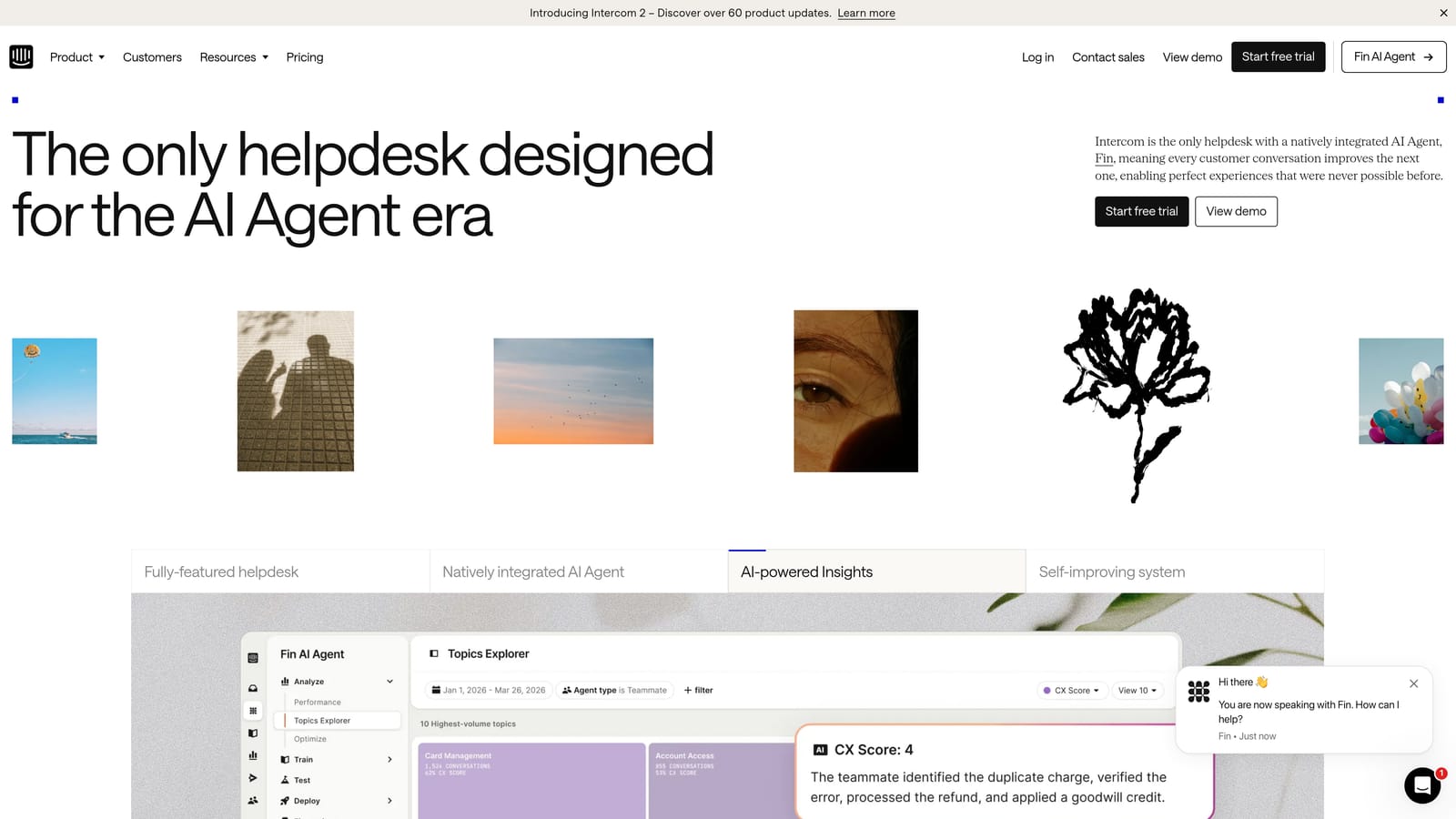
Intercom is a conversational support platform with Fin AI Agent at its core — an AI that autonomously resolves customer queries using your knowledge base content, layered on top of a mature in-app messenger.
Where This Tool Shines
Fin AI Agent is one of the more capable AI resolution tools in this category. It answers queries by synthesizing knowledge base content rather than pattern-matching to predefined responses, which means it handles a broader range of questions without needing constant manual rule updates. For teams with a well-maintained knowledge base, Fin can deflect a substantial portion of incoming volume.
Intercom also combines support, onboarding, and proactive messaging in a single platform. If you want to use the same tool for reactive support and proactive user engagement, that consolidation has real operational value.
Key Features
Fin AI Agent: Autonomous query resolution drawing from your knowledge base, with a per-resolution pricing model rather than per-seat.
In-App Messenger: Proactive support flows, onboarding tours, and product announcements alongside reactive support.
Shared Inbox with AI Summaries: AI-powered conversation summaries help agents pick up context quickly.
Omnichannel Coverage: Chat, email, SMS, and WhatsApp from a unified inbox.
Per-Resolution Pricing: Fin is charged per resolved conversation, which aligns cost directly with value delivered.
Best For
SaaS companies that want conversational-led support and proactive user engagement from a single platform. The per-resolution pricing model works well when deflection rates are high. Costs can escalate quickly at high contact volumes, so model this carefully before committing.
Pricing
Fin AI Agent is priced per resolution; base plans start from approximately $29/seat/month. Verify current pricing at intercom.com.
4. Freshdesk
Best for: Budget-conscious teams that need solid omnichannel automation without a large upfront investment.
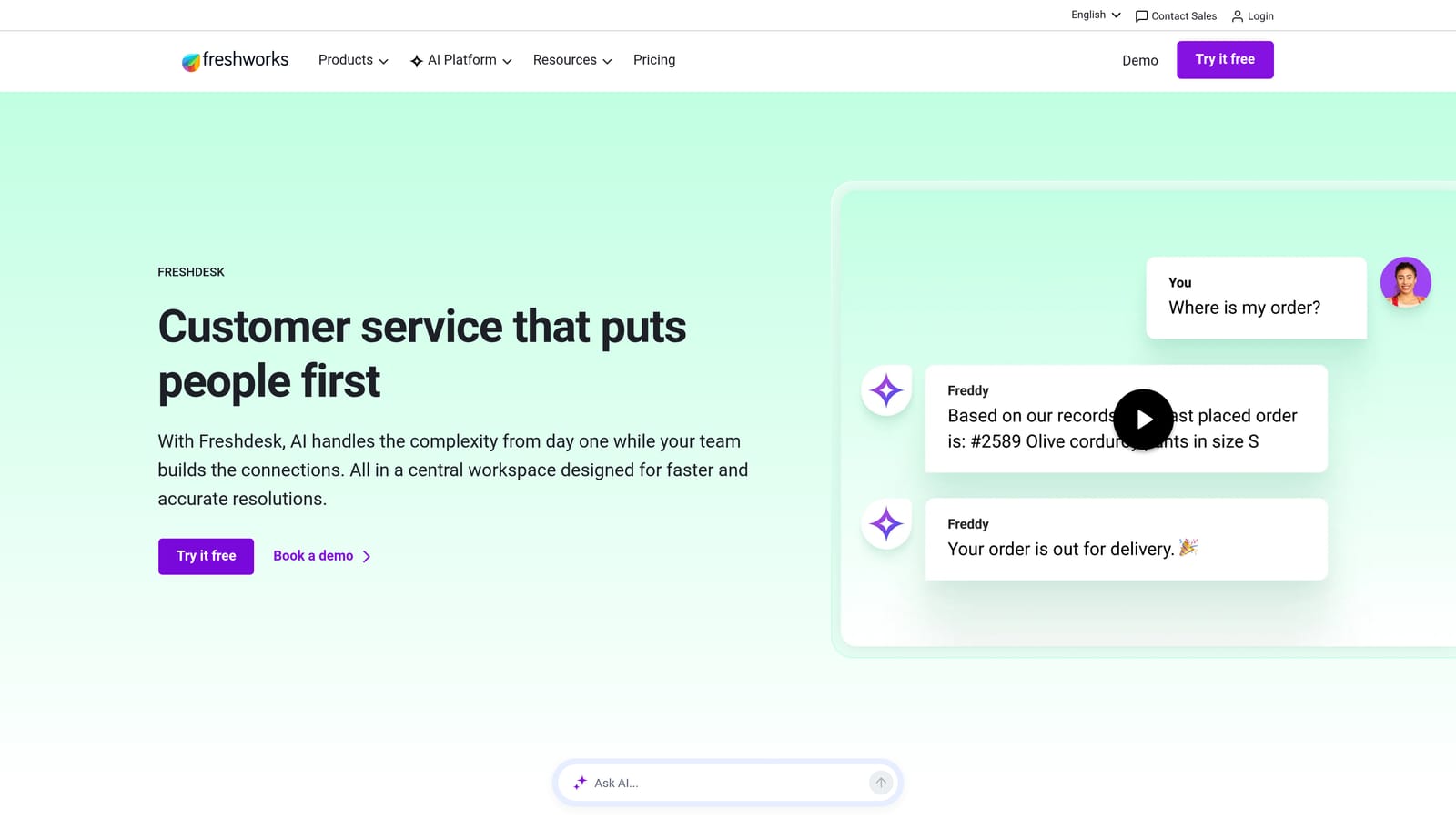
Freshdesk is an affordable omnichannel helpdesk with Freddy AI providing automated triage, self-service deflection, and agent assist — including a free tier that makes it accessible for early-stage teams.
Where This Tool Shines
Freshdesk's pricing model is genuinely accessible. The free plan covers small teams reasonably well, and the Growth tier is among the more affordable options in this category without sacrificing core automation capabilities. For startups and growing teams watching unit economics, that matters.
Freddy AI handles automated ticket classification and suggests responses to help agents work faster. It's not as deeply autonomous as Halo AI or Intercom's Fin, but for teams that want AI assist rather than full AI resolution, Freddy covers the basics competently. Note that Freddy Copilot and Freddy Self Service are separate add-ons, so factor that into total cost comparisons.
Key Features
Freddy AI: Automated ticket classification, suggested responses, and self-service article recommendations for deflection.
Omnichannel Coverage: Email, chat, phone, and social channels unified in a single platform.
Scenario Automations: Multi-step automations triggered by conditions, plus time-based rules for follow-ups and escalations.
Self-Service Portal: AI-powered article suggestions that surface relevant knowledge base content before tickets are submitted.
Free Plan: Available for small teams, making it one of the few options with a meaningful no-cost entry point.
Best For
Early-stage teams, SMBs, and budget-conscious support operations that need reliable omnichannel coverage without enterprise pricing. Also a reasonable choice for teams not yet ready to invest in fully autonomous AI resolution but wanting AI assist for their agents.
Pricing
Free plan available; Growth tier starts from approximately $15/agent/month. Verify current pricing at freshdesk.com.
5. Salesforce Service Cloud
Best for: Enterprise teams already invested in the Salesforce ecosystem that need deep CRM context in every support interaction.
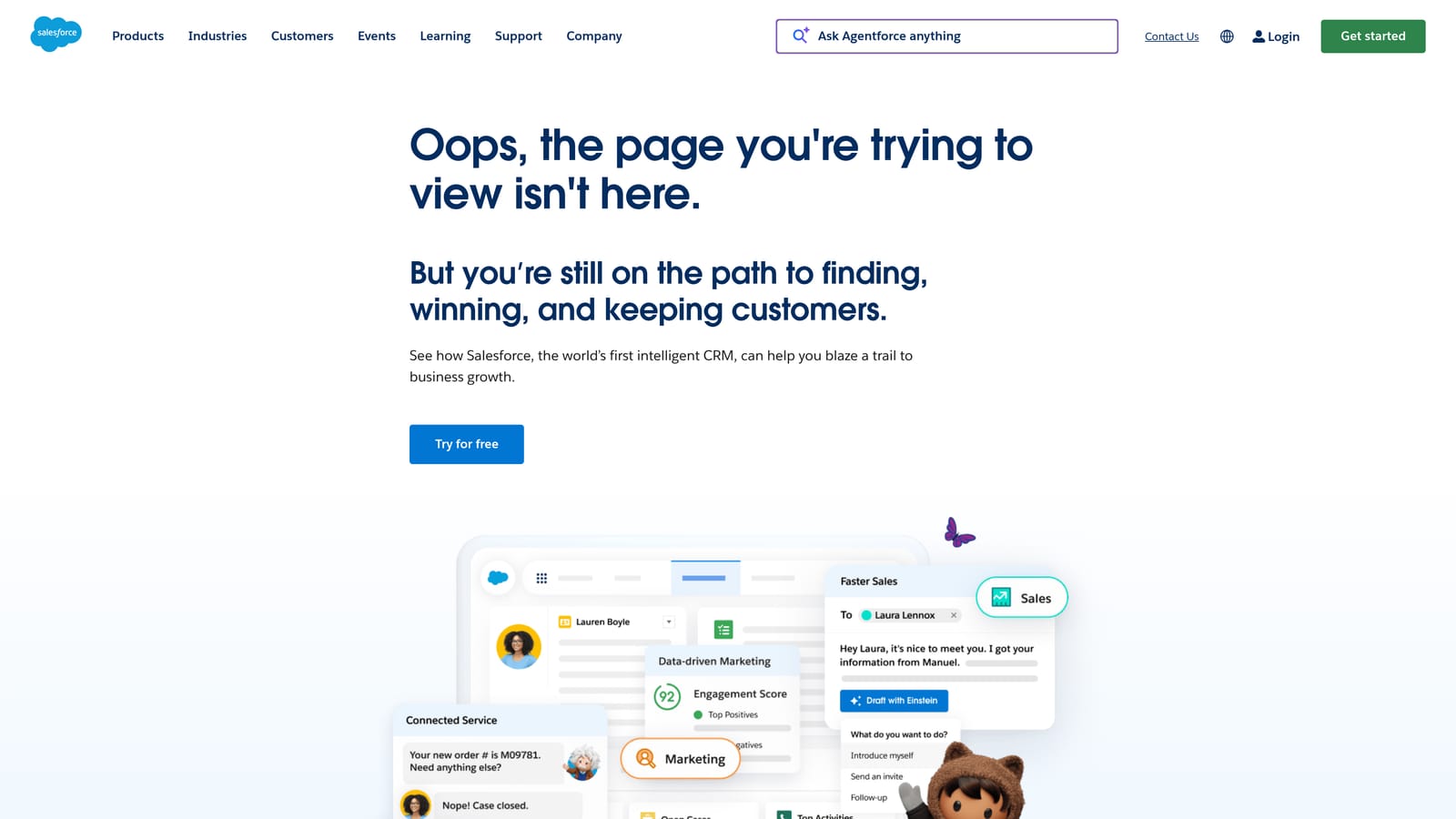
Salesforce Service Cloud is an enterprise-grade case management platform with Einstein AI for intelligent routing and classification, deeply integrated with Salesforce CRM for full customer context in every support interaction.
Where This Tool Shines
If your organization runs on Salesforce, Service Cloud's native CRM integration is its defining advantage. Support agents see full account history, deal status, and contact data without switching tools or waiting for a sync. For enterprise B2B support where account context is critical to every interaction, that kind of visibility changes how agents handle cases.
Einstein AI adds intelligent case classification, routing, and next-best-action recommendations on top of the CRM foundation. The Flow Builder enables complex workflow automation without custom code. The trade-off is implementation complexity: Service Cloud is powerful but requires meaningful configuration investment to unlock that power.
Key Features
Einstein AI: Case classification, intelligent routing, and next-best-action recommendations built into the workflow.
Native Salesforce CRM Integration: Full account, contact, and deal history available in every support case without data sync.
Omni-Channel Routing: Intelligent workload distribution across agents based on skills, availability, and case priority.
Flow Builder: Visual workflow automation for complex, multi-step business processes without custom development.
Enterprise Security and Customization: Extensive permission controls, compliance features, and customization depth suited for regulated industries.
Best For
Large enterprises already running Salesforce for sales and marketing, where a unified platform matters more than best-of-breed alternatives. Implementation effort and cost are significant, so this is best suited for organizations with dedicated Salesforce administrators or implementation partners.
Pricing
Starter Suite from approximately $25/user/month; Enterprise tiers are significantly higher. Verify current pricing at salesforce.com.
6. HubSpot Service Hub
Best for: Teams already using HubSpot for sales and marketing that want support automation natively connected to their CRM data.
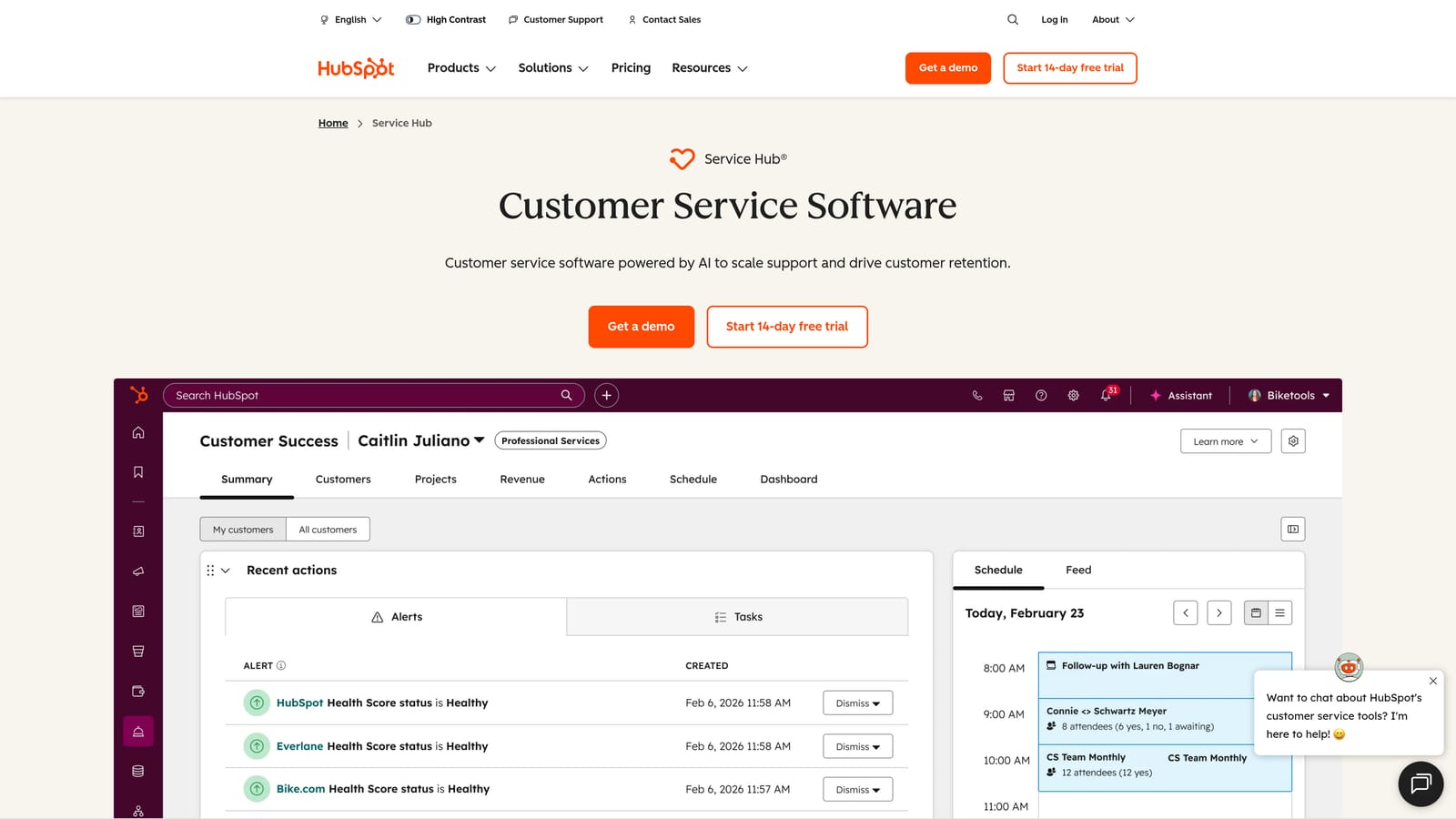
HubSpot Service Hub is support automation built natively inside HubSpot CRM — tickets, SLA management, knowledge base, and Breeze AI all connected to the same contact and deal data your sales and marketing teams use.
Where This Tool Shines
The core value proposition is data unity. If your sales team is already tracking contacts, deals, and lifecycle stages in HubSpot, your support agents inherit that context automatically. There's no data sync to configure, no integration to maintain, and no lag between a deal closing and a support agent seeing that the customer is a paying account. For revenue-focused support operations, that continuity is genuinely useful.
Breeze AI, HubSpot's AI layer, adds conversation summaries and suggested replies to help agents work faster. The automation workflows use the same conditional logic available across HubSpot, so teams comfortable with the platform can build sophisticated ticket routing and escalation rules without learning a new system.
Key Features
CRM-Native Ticket Automation: Conditional workflows tied directly to contact, company, and deal data — no sync required.
SLA Management: Automated escalation rules and SLA tracking with breach notifications.
Knowledge Base: AI-powered article recommendations that surface relevant content during ticket creation and in the help center.
Breeze AI: Conversation summaries, suggested replies, and AI-assisted drafting for support agents.
Unified Platform: Support, marketing, and sales data in a single system, enabling cross-functional visibility on customer health.
Best For
Teams already using HubSpot for CRM, marketing, or sales who want to add support automation without introducing a new platform. Less compelling as a standalone support tool if you're not already in the HubSpot ecosystem.
Pricing
Free tools available; Starter from approximately $15/month. Verify current pricing at hubspot.com/products/service.
7. Gorgias
Best for: E-commerce brands on Shopify, WooCommerce, or Magento that need order-aware automated support.
Gorgias is a purpose-built support automation platform for e-commerce brands, with deep Shopify, WooCommerce, and Magento integrations that pull order data directly into tickets for automated resolution.
Where This Tool Shines
Gorgias solves a specific problem extremely well: automating the high-volume, repetitive queries that define e-commerce support. Where is my order? How do I return this? Can I cancel? These queries make up a large portion of e-commerce ticket volume, and Gorgias can handle many of them automatically by pulling live order data and triggering pre-built responses — without any agent involvement.
The revenue statistics feature is a thoughtful addition: it ties support interactions to conversion and revenue data, helping teams understand the business impact of their support operation beyond ticket counts. For B2B SaaS teams, Gorgias is likely not the right fit, but it's included here because the search audience for this topic is broad.
Key Features
Native E-Commerce Integrations: Shopify, WooCommerce, and Magento order data surfaced directly in every ticket.
Automated Order Query Responses: Auto-resolves tracking, return, and cancellation requests without agent involvement.
Intent-Based Routing Rules: Routes and auto-closes tickets based on detected customer intent.
Omnichannel Coverage: Email, chat, social media, and SMS in a unified inbox.
Revenue Statistics: Connects support interactions to revenue impact for business-level reporting.
Best For
E-commerce brands with high order inquiry volume, particularly those running on Shopify. Not designed for B2B SaaS support workflows — if that's your use case, other tools on this list will serve you better.
Pricing
Starter from approximately $10/month for up to 50 tickets. Verify current pricing at gorgias.com.
8. Help Scout
Best for: Small to mid-sized teams that want clean, email-like shared inbox automation without the complexity of a full ticketing system.
Help Scout is a lightweight shared inbox platform with workflow automation, saved replies, and AI assist features — intentionally designed to feel like email rather than a complex ticketing system.
Where This Tool Shines
Help Scout's defining characteristic is its simplicity. The interface is clean and approachable, which means faster onboarding and less resistance from support teams used to working in email. If your team has struggled with adoption of more complex tools, Help Scout's low learning curve is a genuine operational advantage.
The automation capabilities cover the essentials: condition-based routing, tagging, saved replies, and collision detection to prevent two agents from responding to the same conversation. AI Summarize and AI Assist add modern AI utility without trying to replace the agent entirely. For teams that want AI assistance rather than full autonomous resolution, this balance works well.
Key Features
Workflow Automation: Condition and action rules for routing, tagging, assignment, and status updates.
AI Summarize: Instantly condenses long conversation threads so agents can get up to speed without reading every message.
AI Assist: Helps agents draft, improve, and adjust tone in replies without taking over the response entirely.
Saved Replies and Collision Detection: Reduces repetitive typing and prevents duplicate responses across the team.
Email-Like Interface: Minimal learning curve with a familiar inbox experience that doesn't require extensive training.
Best For
Small teams, customer-facing teams at early-stage companies, and organizations where simplicity and fast adoption matter more than deep AI autonomy. If you need autonomous ticket resolution or complex business intelligence, you'll likely outgrow Help Scout.
Pricing
Standard plan from approximately $20/user/month. Verify current pricing at helpscout.com.
9. Kustomer
Best for: High-volume support operations with complex, multi-touch customer journeys that need a CRM-native omnichannel platform.
Kustomer is a CRM-native omnichannel support platform with a timeline-based customer view and AI-powered workflow automation — designed for high-volume operations where every agent interaction benefits from full customer history context.
Where This Tool Shines
Kustomer's timeline view aggregates every customer interaction across every channel into a single chronological record. For support teams handling complex, multi-touch customer journeys — where an agent needs to understand three prior conversations, a recent purchase, and an open issue before responding — that unified view reduces context-switching and speeds up resolution significantly.
The business rules engine handles complex workflow orchestration across email, chat, SMS, social, and voice. It's a flexible system for teams with sophisticated routing and escalation requirements. Enterprise buyers should note Kustomer's ownership history (acquired by Meta, then spun out) and factor platform stability into their evaluation.
Key Features
Timeline View: Aggregates all customer interactions across every channel into a single chronological record per customer.
Intelligent Routing and AI Suggestions: Routes conversations based on context and surfaces suggested responses for agents.
Omnichannel Automation: Email, chat, SMS, social, and voice managed from a unified platform with consistent workflow rules.
Business Rules Engine: Flexible workflow orchestration for complex routing, escalation, and SLA logic.
CRM-Native Architecture: Full customer history and context available in every interaction without external sync.
Best For
High-volume B2C and mid-market B2B operations with complex customer journeys and omnichannel support requirements. Enterprise buyers should verify current ownership and roadmap stability directly with Kustomer before committing.
Pricing
Enterprise-focused pricing — contact Kustomer directly for current rates at kustomer.com.
Which Tool Is Right for Your Team
The right automated support workflow software depends on your team's size, technical stack, and how much autonomy you want AI to have in your support operation.
Here's a quick orientation by use case:
AI-first B2B SaaS support: Halo AI is the strongest fit. It's built for autonomous resolution, learns from every interaction, and connects to the tools B2B SaaS teams actually use — Linear, Stripe, HubSpot, Slack.
Enterprise scale with proven infrastructure: Zendesk remains the default for large teams that need reliability, omnichannel coverage, and an extensive integration marketplace.
Conversational-led support: Intercom's Fin AI Agent is purpose-built for this. If your support strategy centers on in-app messaging and proactive engagement, Intercom is the natural choice.
Budget-conscious teams: Freshdesk offers the most accessible entry point with a free tier and competitive per-agent pricing without sacrificing core automation.
CRM-native on HubSpot: HubSpot Service Hub is the obvious choice for teams already running their revenue operations on HubSpot.
Salesforce-centric enterprises: Salesforce Service Cloud is the natural fit when deep CRM integration and enterprise compliance requirements drive the decision.
E-commerce brands: Gorgias is purpose-built for this scenario and outperforms general-purpose helpdesks on order-related automation.
Simplicity over complexity: Help Scout delivers clean, fast, email-like support automation for teams where adoption speed matters more than AI depth.
High-volume omnichannel B2C: Kustomer's timeline view and business rules engine handle complex, multi-touch customer journeys well.
Your support team shouldn't scale linearly with your customer base. Let AI agents handle routine tickets, guide users through your product, and surface business intelligence while your team focuses on complex issues that need a human touch. See Halo in action and discover how continuous learning transforms every interaction into smarter, faster support.