9 Best Automated Technical Support Software Tools in 2026
Discover the 9 best automated technical support software tools in 2026, evaluated on AI capability, integration depth, and deployment ease to help B2B and SaaS support teams handle rising ticket volumes, reduce repetitive workloads, and resolve issues more efficiently without simply adding more agents.
 Grant CooperFounder13 min read
Technical support teams are under more pressure than ever. Ticket volumes climb, user expectations rise, and hiring more agents isn't always the answer. Automated technical support software changes the equation: handling repetitive queries, routing complex issues to the right people, and giving support teams the intelligence they need to work smarter.
But not all tools are built the same. Some bolt automation onto legacy helpdesk systems. Others are built AI-first from the ground up. Some focus purely on deflection; others deliver business intelligence alongside resolution.
This list covers the best automated technical support software platforms available in 2026, evaluated on AI capability, integration depth, ease of deployment, and real-world value for B2B and SaaS support teams. Whether you're replacing a clunky helpdesk or layering intelligence on top of one, there's an option here for your team. For a broader look at the landscape, see our customer support AI software comparison.
1. Halo AI
Best for: AI-first SaaS and B2B teams that want autonomous resolution, not just deflection
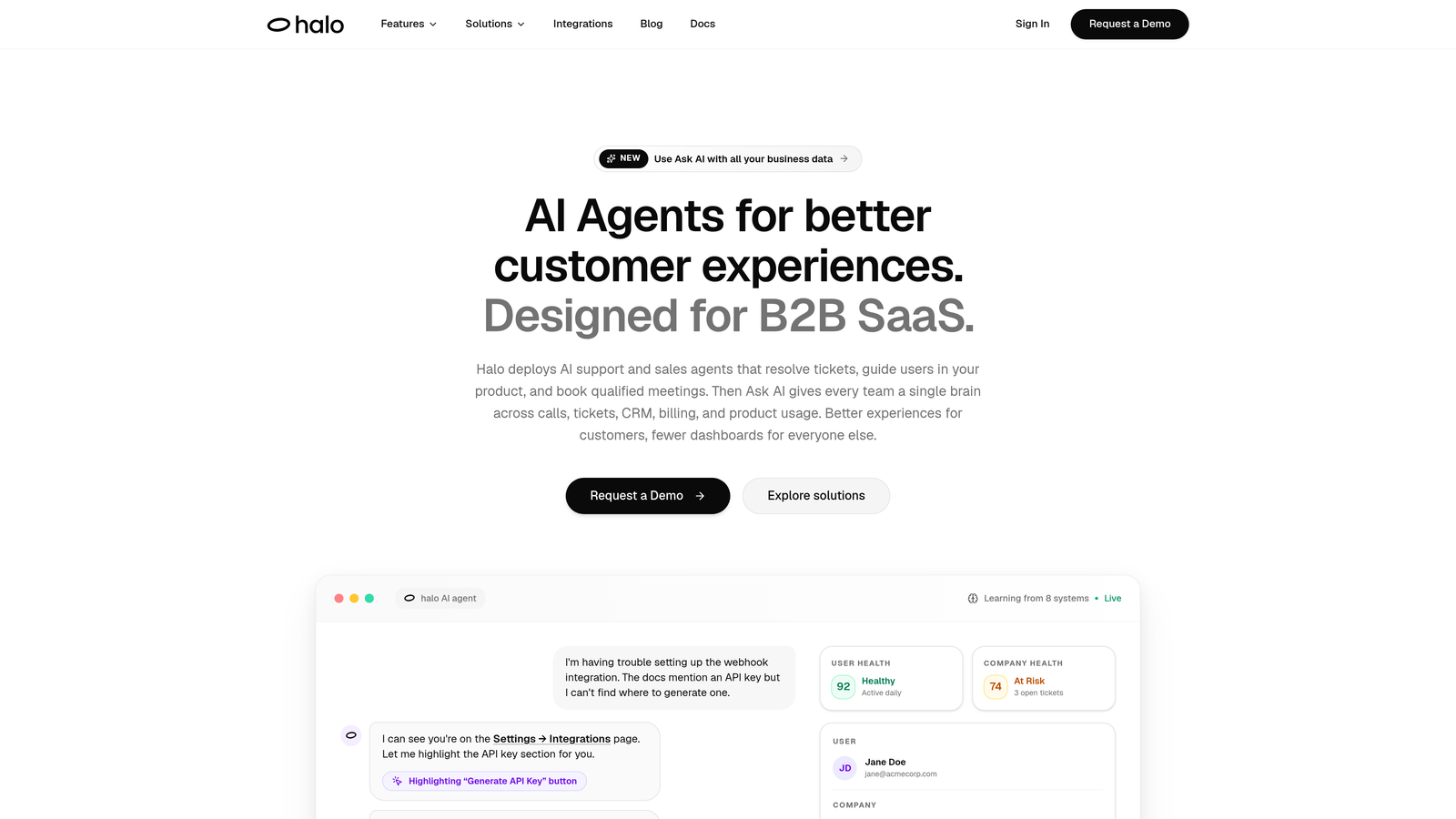
Halo AI is an AI-native customer support platform that resolves tickets autonomously, guides users through your product with page-aware visual context, and surfaces business intelligence from every support interaction.
Where This Tool Shines
What separates Halo from most tools on this list is its architecture. It isn't automation layered on top of a legacy helpdesk: it's built AI-first from the ground up. The page-aware chat widget actually sees what the user is looking at, which means it can deliver contextual, visual UI guidance rather than generic knowledge base links. That's a meaningful difference when you're supporting a complex SaaS product.
Beyond resolution, Halo's smart inbox surfaces signals that most support tools miss entirely: customer health indicators, anomaly detection, and revenue intelligence derived from support patterns. Your support data stops being a cost center and starts generating business context your whole team can act on.
Key Features
Page-Aware AI Chat Widget: The AI sees the user's current page and delivers visual UI guidance specific to their context, not just generic answers.
Autonomous Ticket Resolution: AI agents resolve tickets end-to-end with continuous learning from every interaction, improving over time without manual retraining.
Auto Bug Ticket Creation: Automatically generates structured bug reports from support interactions and routes them directly to Linear or your existing dev workflow.
Smart Inbox with Business Intelligence: Surfaces customer health signals, anomaly detection, and revenue intelligence alongside standard support metrics.
Live Agent Handoff: Escalates to human agents with full conversation context preserved, so customers never have to repeat themselves.
Deep Integrations: Connects to Linear, Slack, HubSpot, Intercom, Stripe, Zoom, PandaDoc, and Fathom out of the box.
Best For
SaaS product teams and B2B companies that want AI to genuinely resolve tickets rather than just deflect them. Particularly strong for teams whose support intersects with product feedback loops, bug reporting, and customer health monitoring. Less suited for teams that need a traditional queue-based helpdesk as their primary system of record.
Pricing
Visit haloagents.ai for current pricing details. Pricing is not published in this article to ensure you see the most up-to-date information directly from the source.
2. Zendesk
Best for: Enterprise teams needing a proven, scalable helpdesk with broad automation capabilities
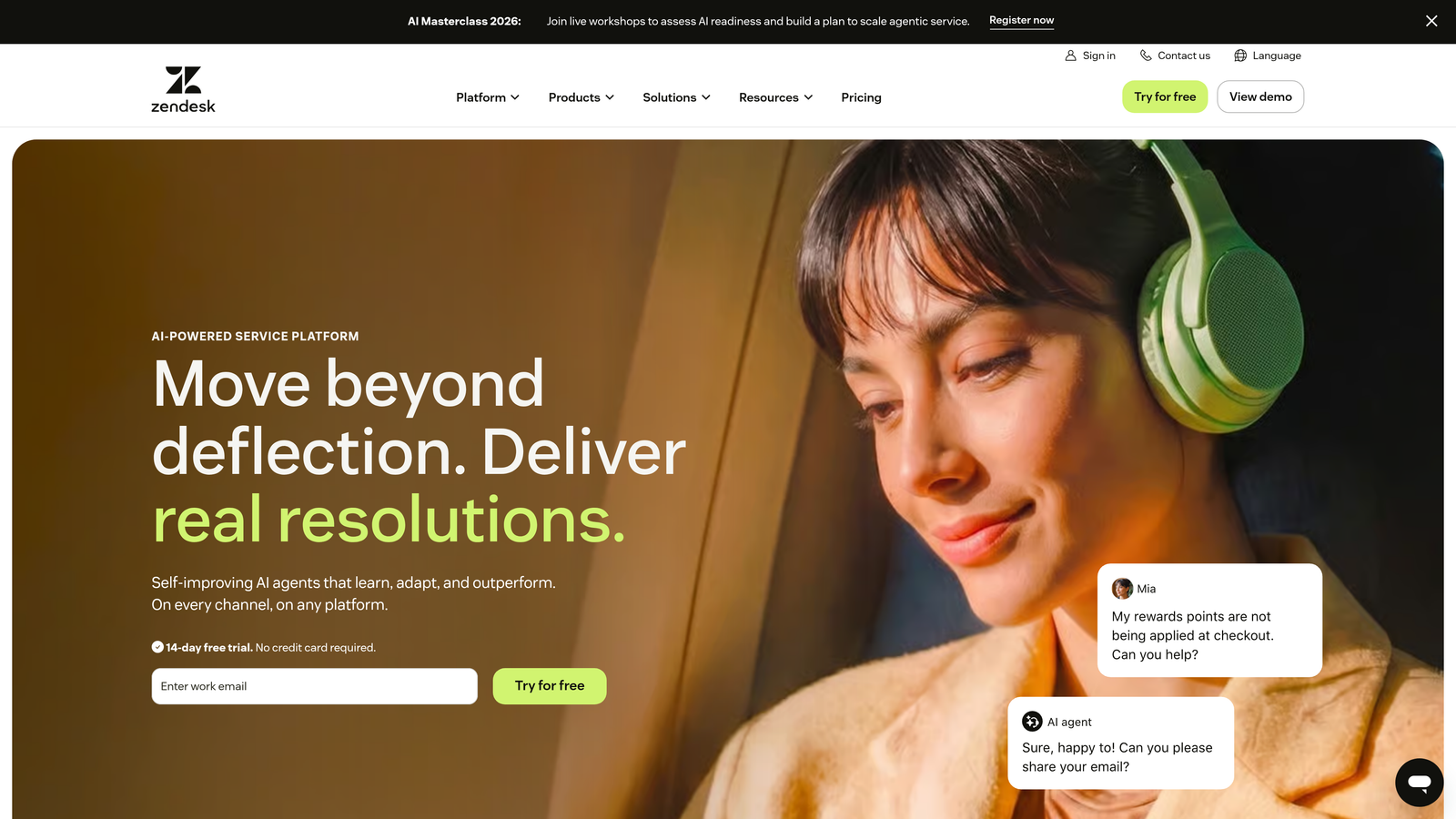
Zendesk is a mature, enterprise-grade helpdesk platform with AI automation features layered on top of a proven ticketing backbone used by support teams globally.
Where This Tool Shines
Zendesk's strength is its reliability and breadth. The platform handles omnichannel support across email, chat, voice, social, and messaging with consistent workflow management. For large teams with complex escalation paths, the routing logic and macro system are genuinely powerful.
The AI features, including intelligent triage, intent detection, and suggested responses, work well within established workflows. The caveat is that these capabilities feel like additions to the core helpdesk rather than deeply native intelligence. Teams with dedicated admins and the time to configure the platform properly tend to get the most from it.
Key Features
Intelligent Triage: AI-powered intent detection routes incoming tickets to the right team or agent automatically.
Suggested Responses and Macros: Recommends relevant reply templates and macros to speed up agent handling time.
Omnichannel Support: Unified inbox across email, chat, voice, social media, and messaging platforms.
Extensive App Marketplace: Hundreds of integrations available through the Zendesk marketplace for custom stack connections.
Advanced Analytics: Detailed reporting dashboards covering ticket volume, resolution times, CSAT, and team performance.
Best For
Mid-to-large enterprise support teams with dedicated admin resources and complex multi-channel workflows. Well-suited for organizations that need proven scalability and a broad integration ecosystem. Less ideal for teams looking for deep AI-first resolution without significant configuration investment.
Pricing
Tiered plans with enterprise options available. Visit zendesk.com for current pricing details.
3. Freshdesk
Best for: Mid-market teams needing accessible multi-channel automation without enterprise pricing
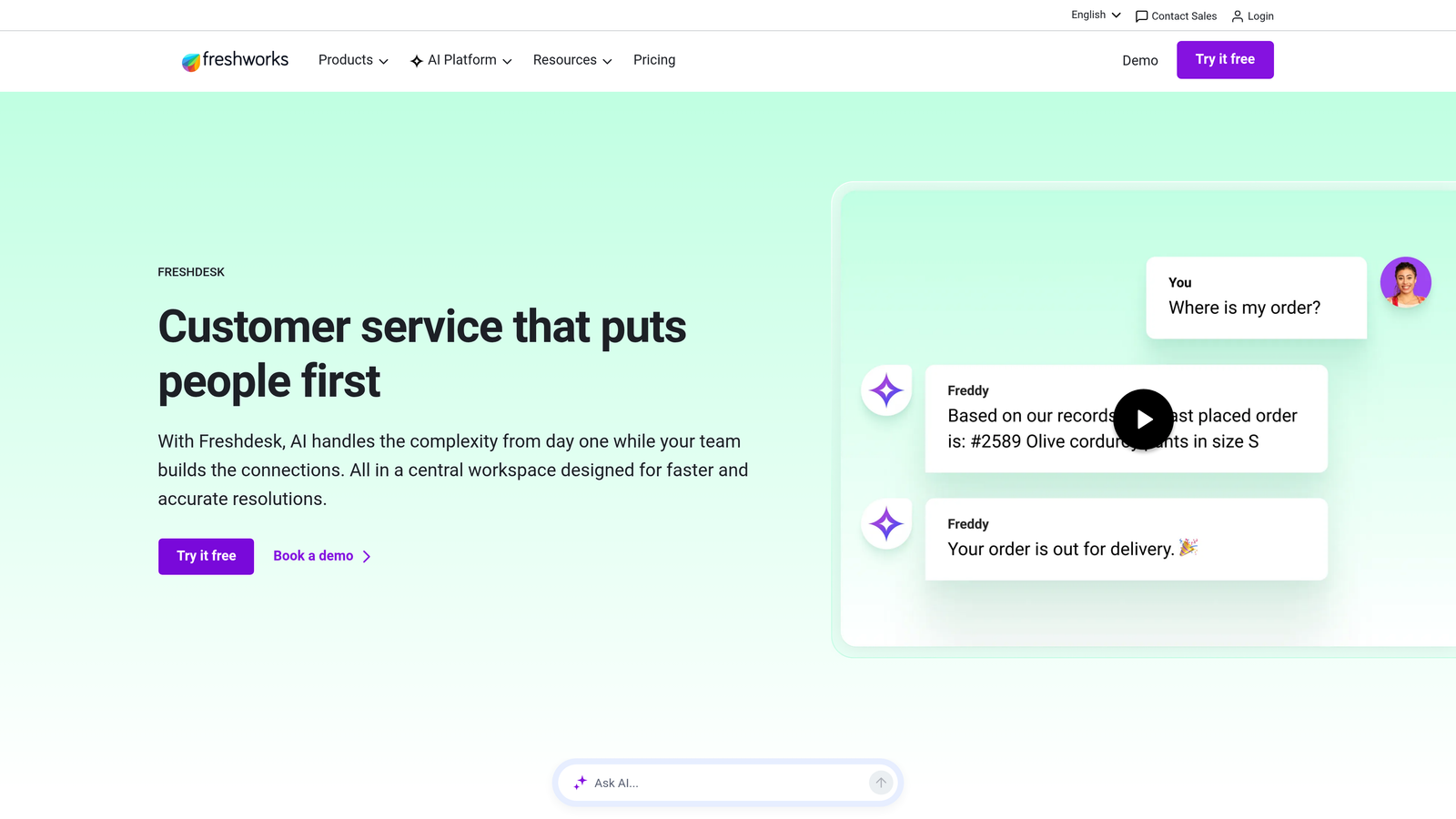
Freshdesk is a multi-channel helpdesk with Freddy AI providing automation across triage, self-service, and agent assistance at price points accessible to growing teams.
Where This Tool Shines
Freshdesk hits a strong value-to-capability ratio. Freddy AI covers the core automation needs most support teams have: auto-triage, sentiment analysis, suggested responses, and a no-code chatbot builder for deflection. For teams moving off spreadsheets or a basic email inbox, it's a significant upgrade without the enterprise complexity of Zendesk or Salesforce.
Freddy Copilot, the real-time agent assist layer, is particularly useful for newer support staff who benefit from in-conversation guidance. The free tier also makes it genuinely accessible for small teams testing the waters with helpdesk automation.
Key Features
Freddy AI: Handles auto-triage, sentiment analysis, and suggested responses across incoming tickets.
Freddy Self Service: No-code chatbot builder that enables deflection flows without engineering involvement.
Freddy Copilot: Real-time agent assist that surfaces recommendations during live conversations.
Omnichannel Support: Covers email, chat, phone, and social channels from a unified inbox.
Free Tier: Available for small teams, making it a low-risk entry point for automation beginners.
Best For
Growing SMB and mid-market teams that need solid multi-channel automation at a competitive price. A strong fit for teams already evaluating alternatives to Zendesk on cost grounds. Less suited for teams requiring deep AI-native resolution or complex developer workflow integrations.
Pricing
Free tier available; paid plans are tiered by feature set. Visit freshdesk.com for current pricing.
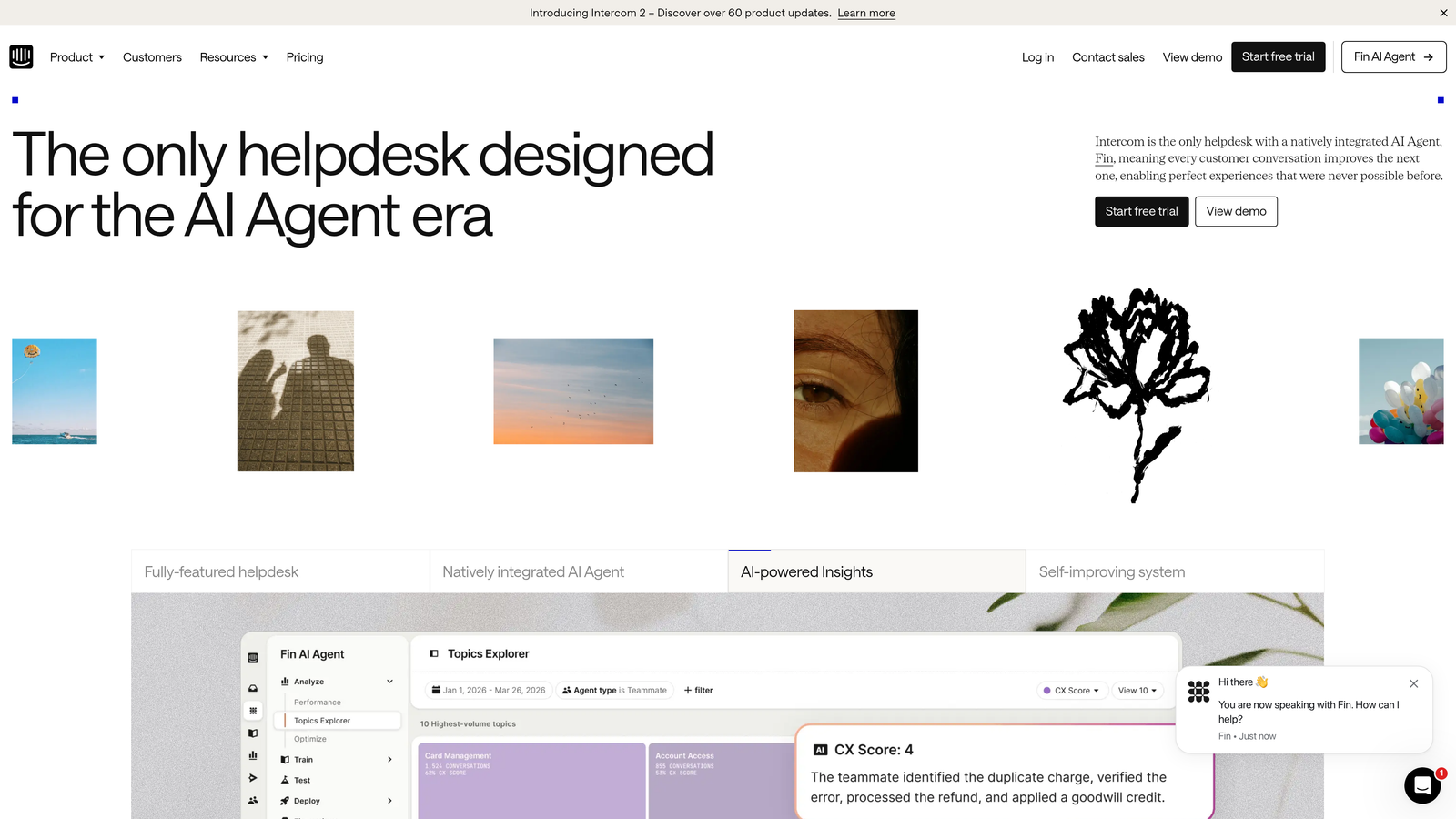
4. Intercom
Best for: Product-led teams that want support embedded directly in the in-app experience
Intercom is a conversational support platform with Fin AI Agent designed for in-app resolution and product-embedded customer engagement.
Where This Tool Shines
Intercom's core advantage is its messenger-first approach. The support experience lives inside the product, which means users get help in context rather than bouncing to an external portal. Fin AI Agent handles autonomous resolution by drawing on your knowledge base, and the quality of that resolution has improved considerably as the product has matured.
The combination of support, product tours, and onboarding flows in a single platform is genuinely differentiated. For teams where customer success and support overlap, Intercom unifies those touchpoints in a way most helpdesks don't attempt.
Key Features
Fin AI Agent: Conversational AI trained on your knowledge base for autonomous resolution, not just canned deflection.
In-App Messenger: Support widget deeply embedded in the product experience for contextual help delivery.
Product Tours and Onboarding: Combines support with user onboarding flows in the same platform.
AI-Assisted Inbox: Provides reply suggestions and conversation summaries to speed up human agent handling.
Integrations: Connects with CRMs, data tools, and developer platforms across the modern support stack.
Best For
Product-led SaaS companies where the support experience is part of the product experience. Strong for teams that want to unify onboarding, engagement, and support in one tool. Pricing can scale steeply at higher conversation volumes, so teams with high ticket throughput should model costs carefully.
Pricing
Tiered pricing based on usage and features. Visit intercom.com for current rates.
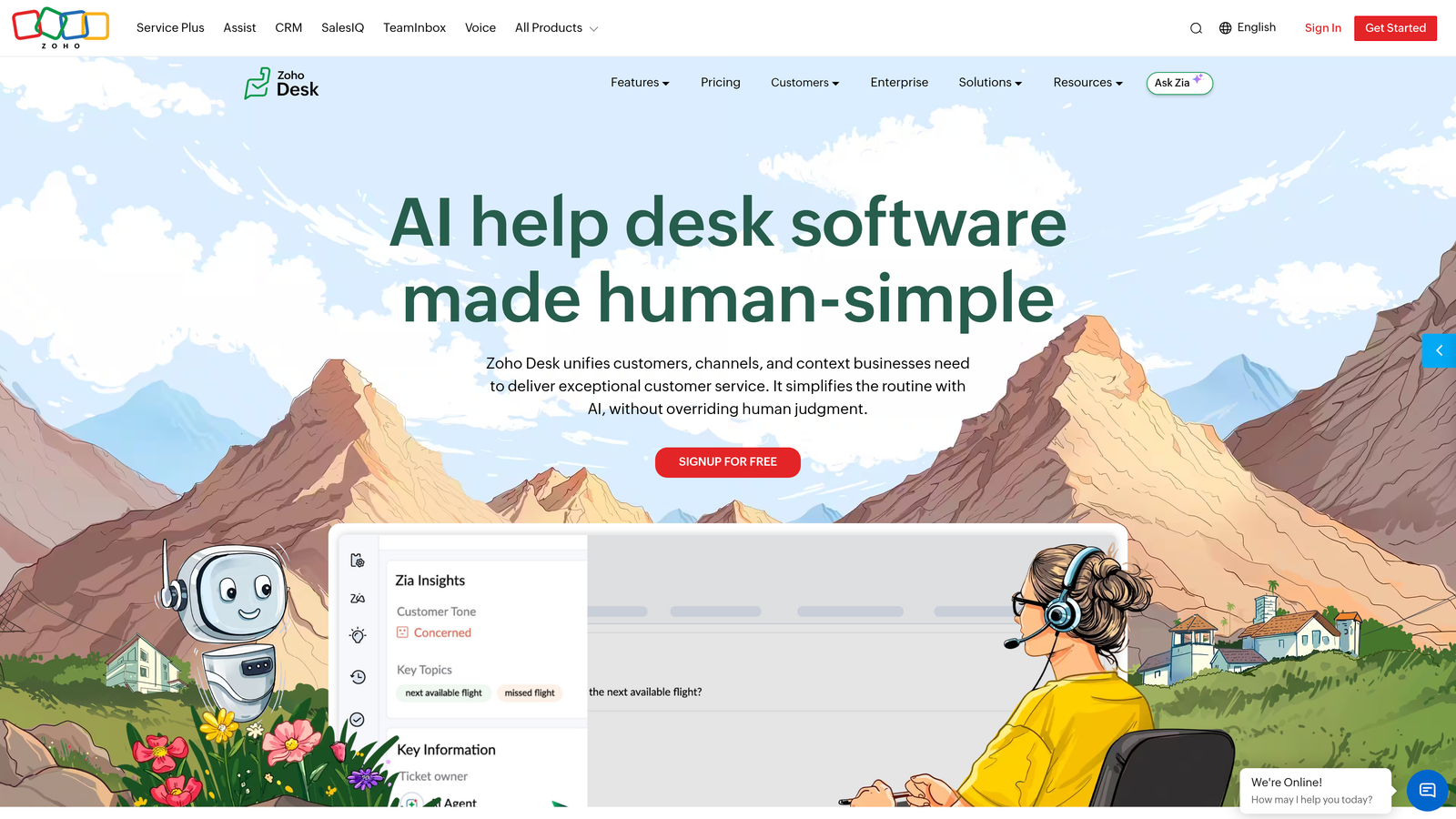
5. Zoho Desk
Best for: Teams already in the Zoho ecosystem seeking strong value and native CRM integration
Zoho Desk is a helpdesk platform with Zia AI and tight Zoho CRM integration, offering strong value for teams operating within the broader Zoho product suite.
Where This Tool Shines
If your business already runs on Zoho CRM, Zoho Desk is a natural extension. The native data sharing between CRM and helpdesk means support agents see full customer context without switching tools or managing integrations manually. Zia AI handles ticket tagging, sentiment analysis, and anomaly detection, covering the essential automation layer most teams need.
Blueprint, Zoho Desk's visual process automation tool, is underrated. It lets teams map out ticket workflows visually and enforce process steps, which is valuable for support operations that need consistency across a distributed team.
Key Features
Zia AI: Covers ticket tagging, sentiment analysis, and anomaly detection to automate classification and flag issues early.
Blueprint: Visual process automation for designing and enforcing ticket workflow steps.
Native Zoho CRM Integration: Shares full customer data between CRM and helpdesk without custom integration work.
Multi-Channel Support: Handles email, chat, phone, social, and community forums from one platform.
Free Tier: Available for up to 3 agents, making it accessible for early-stage teams.
Best For
Teams already invested in the Zoho ecosystem who want a cohesive, cost-effective support platform. Also a solid choice for mid-market teams that need CRM-connected support without Salesforce's price tag. Teams outside the Zoho ecosystem may find the UI dated relative to newer alternatives.
Pricing
Free tier available for up to 3 agents; paid plans are tiered. Visit zoho.com/desk for current pricing.
6. Salesforce Service Cloud
Best for: Enterprise organizations where support and sales data must be deeply unified
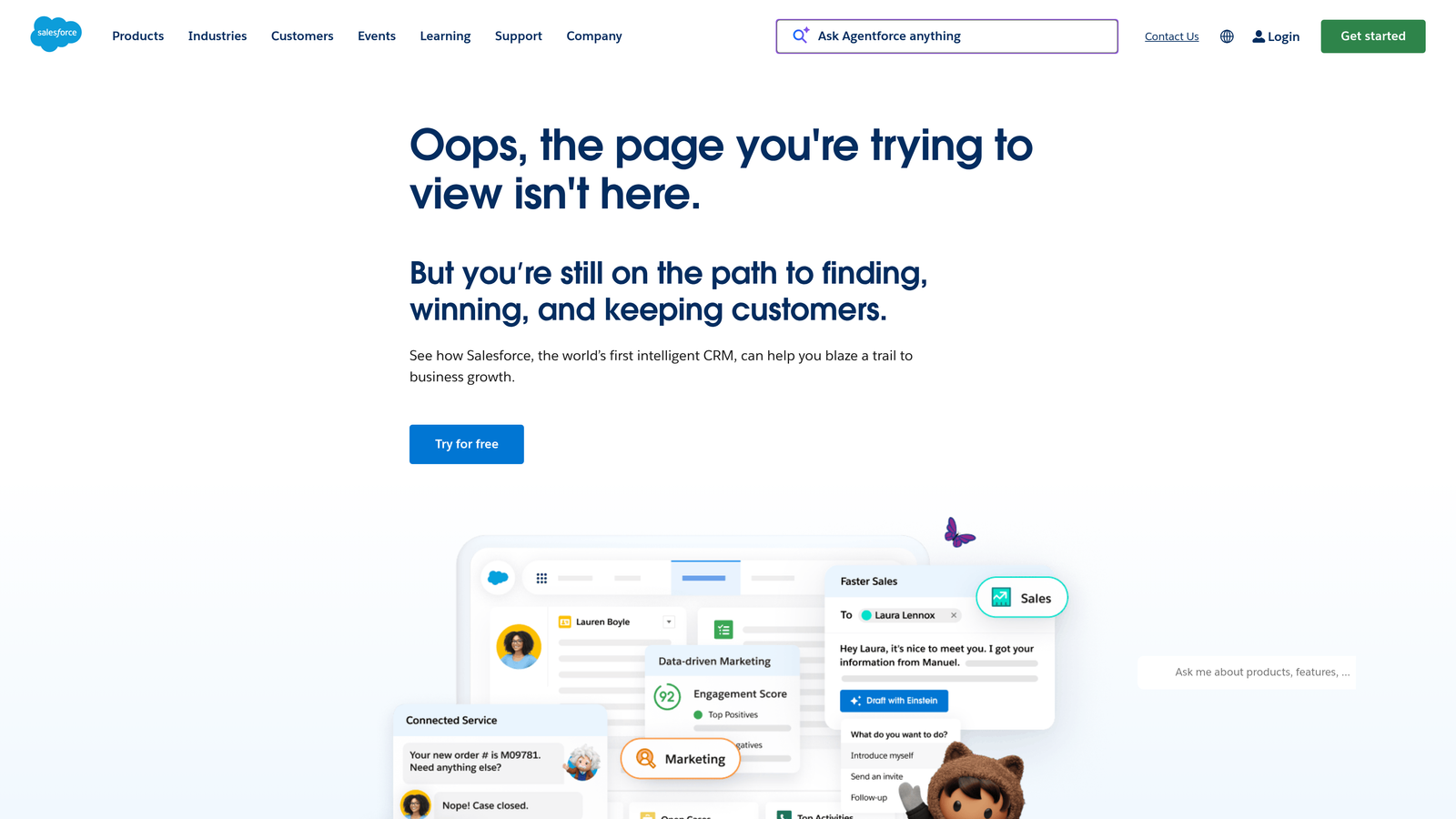
Salesforce Service Cloud is an enterprise support platform where Einstein AI operates on top of the full Salesforce CRM data layer, making it the natural choice when support context and sales context are inseparable.
Where This Tool Shines
The defining advantage here is data depth. Support agents working in Service Cloud see account history, open opportunities, contract status, and contact relationships alongside the support ticket. For enterprise B2B teams where a single customer might represent significant annual contract value, that context changes how agents handle every interaction.
Einstein AI builds on that foundation with case classification, next best action recommendations, and knowledge article suggestions. The automation is most powerful for teams that have already invested in Salesforce data quality, because the AI is only as good as the CRM data underneath it.
Key Features
Einstein AI: Handles case classification, next best action guidance, and knowledge recommendations for agents.
Full Salesforce CRM Integration: Agents see account, opportunity, and contact data directly within the support workflow.
Omni-Channel Routing: Intelligently distributes cases across teams and agents based on skill and availability.
Einstein Bots: Self-service automation for common queries before escalation to human agents.
Enterprise Compliance: Extensive security, compliance, and data governance features for regulated industries.
Best For
Large enterprise teams with existing Salesforce infrastructure and complex support-to-sales workflows. The implementation complexity and cost make it a poor fit for SMBs or teams without dedicated Salesforce admin resources.
Pricing
Enterprise pricing applies. Visit salesforce.com for current rates.
7. Help Scout
Best for: Lean teams that prioritize clean UX and relationship-driven support over heavy automation
Help Scout is a clean, human-first support platform with AI features that assist agents without replacing the relationship-driven experience that smaller teams often want to preserve.
Where This Tool Shines
Help Scout's design philosophy is refreshingly different from the automation-maximalist approach of most tools on this list. It's built for teams that genuinely want humans handling conversations, with AI playing a supporting role rather than taking the wheel. The result is a platform that agents actually enjoy using, which matters more than it might seem for team retention and morale.
AI Summarize and AI Assist are practical additions that reduce friction without changing the fundamental nature of the support interaction. For teams handling complex, nuanced customer relationships, that balance is exactly right.
Key Features
AI Summarize: Condenses long conversation threads so agents can get up to speed quickly without reading entire histories.
AI Assist: Drafts reply suggestions and adjusts tone on demand, giving agents a starting point rather than a final answer.
Docs: Integrated knowledge base for self-service, connected directly to the support workflow.
Shared Inbox with Collision Detection: Prevents two agents from accidentally replying to the same conversation simultaneously.
Beacon: Embeddable help widget for in-app support and proactive knowledge delivery.
Best For
Small to mid-sized teams that want a clean, intuitive platform with light AI assistance rather than full automation. Particularly well-suited for teams where support quality and personal tone matter more than ticket deflection rates. Not the right fit for high-volume operations that need autonomous resolution at scale.
Pricing
Tiered plans available. Visit helpscout.com for current pricing.
8. Tidio
Best for: SMB and e-commerce teams that need fast deployment and conversational AI without complexity
Tidio is a live chat and AI chatbot platform with Lyro AI built for fast deployment, and it's particularly popular with e-commerce and SMB teams that need to go live quickly.
Where This Tool Shines
Speed to value is Tidio's headline advantage. Non-technical users can have Lyro AI up and running, trained on their knowledge base, in a short time without engineering support. For SMBs that have been handling customer queries manually and want to automate without a long implementation project, that's a genuine differentiator.
The e-commerce integrations with Shopify, WooCommerce, and BigCommerce make it particularly relevant for online retail teams. Visitor tracking and proactive chat triggers add a layer of outbound engagement that pure helpdesk tools don't typically offer.
Key Features
Lyro AI: Conversational chatbot trained on your knowledge base for automated query resolution.
Fast Setup: Designed for non-technical users to deploy without engineering resources or long onboarding timelines.
Live Chat with Agent Handoff: Escalates from Lyro to a human agent when the AI reaches its resolution limits.
E-Commerce Integrations: Native connections to Shopify, WooCommerce, and BigCommerce for order and product context.
Visitor Tracking and Proactive Triggers: Initiates conversations based on visitor behavior for proactive support and engagement.
Best For
SMBs and e-commerce teams that want quick chatbot deployment without technical overhead. Less suited for complex B2B technical support scenarios where resolution depth and developer workflow integrations are priorities.
Pricing
Free tier available; paid plans are tiered. Visit tidio.com for current pricing.
9. Kustomer
Best for: High-volume support operations that need CRM-native architecture and full customer timeline visibility
Kustomer is a CRM-native support platform that unifies the full customer timeline with AI-powered routing and automation, built specifically for high-volume support operations.
Where This Tool Shines
Kustomer's architecture is fundamentally different from traditional helpdesks. Rather than organizing support around tickets, it organizes around customers. Every conversation, purchase, interaction, and data point lives in a single unified timeline, which means agents handling any inbound query immediately see the full context of who they're talking to.
For operations handling large volumes across multiple channels, the AI routing layer assigns conversations intelligently by intent and priority rather than simple round-robin distribution. This combination of customer context and smart routing can meaningfully improve first-contact resolution for teams with diverse query types.
Key Features
Unified Customer Timeline: All conversations, history, and data points consolidated in a single view per customer.
AI-Powered Routing: Assigns incoming conversations by detected intent and priority rather than simple queue order.
Automation Workflows: Combines rule-based and AI-driven process automation for flexible ticket handling.
Omnichannel Coverage: Handles email, chat, voice, social, and SMS from one unified platform.
CRM-Native Architecture: Full customer data context available to agents without switching between systems.
Best For
High-volume B2C and enterprise B2B support teams that need CRM-depth context alongside strong automation. The pricing and implementation complexity typically place it out of reach for smaller teams, but for the right scale of operation, the customer-centric architecture is a genuine competitive advantage.
Pricing
Enterprise pricing applies. Visit kustomer.com for current rates.
Which Tool Is Right for Your Team?
The right automated technical support software depends less on feature checklists and more on where your team actually is: your current stack, your ticket volume, and whether you need AI to assist agents or replace repetitive work entirely.
Here's a quick way to think through the decision:
AI-first SaaS teams: Halo AI is the strongest fit if you want autonomous resolution, page-aware guidance, and business intelligence from your support data, without bolting AI onto a legacy system.
Enterprise helpdesk: Zendesk offers proven scalability and breadth; Salesforce Service Cloud is the right call when support and sales data must be deeply unified and your team is already on Salesforce.
Mid-market multi-channel: Freshdesk delivers solid omnichannel automation at a price point that makes sense for growing teams not yet ready for enterprise complexity.
In-app conversational support: Intercom remains the strongest option for product-led teams where the support experience is part of the product experience itself.
Zoho ecosystem: Zoho Desk is the natural choice if you're already running on Zoho CRM and want native integration without custom work.
Lean human-first teams: Help Scout is built for teams that want AI assistance without automation taking over the relationship.
SMB and e-commerce: Tidio offers the fastest path to conversational AI for non-technical teams with straightforward support needs.
CRM-native high-volume operations: Kustomer's customer-timeline architecture makes it the strongest fit for teams handling large volumes where full customer context is non-negotiable.
Your support team shouldn't scale linearly with your customer base. Let AI agents handle routine tickets, guide users through your product, and surface business intelligence while your team focuses on complex issues that need a human touch. See Halo in action and discover how continuous learning transforms every interaction into smarter, faster support.