9 Best Tools for Automated Ticket Resolution in 2026
This guide evaluates 9 leading tools for automated ticket resolution best practices in 2026, comparing AI-first and legacy platforms on resolution quality, integration depth, learning capability, and scalability. Whether you're a lean startup or an enterprise SaaS team, it provides the insights needed to choose the right automation platform with confidence.
 Matt PattoliFounder14 min read
Automated ticket resolution has shifted from a nice-to-have to a competitive necessity for B2B support teams. When customers hit a snag at 2 AM or your team is buried under a backlog, the right tooling is the difference between a churned account and a retained one.
But not all automation platforms are built the same. Some bolt AI onto legacy helpdesk workflows, while others are designed AI-first from the ground up. That architectural difference matters more than most buyers realize until they're six months into a deployment wondering why their "AI" still needs constant manual intervention.
This guide covers the top tools for automated ticket resolution in 2026, evaluated on resolution quality, integration depth, learning capability, and scalability. Whether you're running a lean support team at a Series A startup or managing thousands of daily tickets at an enterprise SaaS company, there's a fit here. We'll cover what each tool does best, who it's ideal for, and how pricing works, so you can make a confident decision without the sales demo runaround.
1. Halo AI
Best for: B2B SaaS teams wanting AI-first autonomous resolution with deep product context
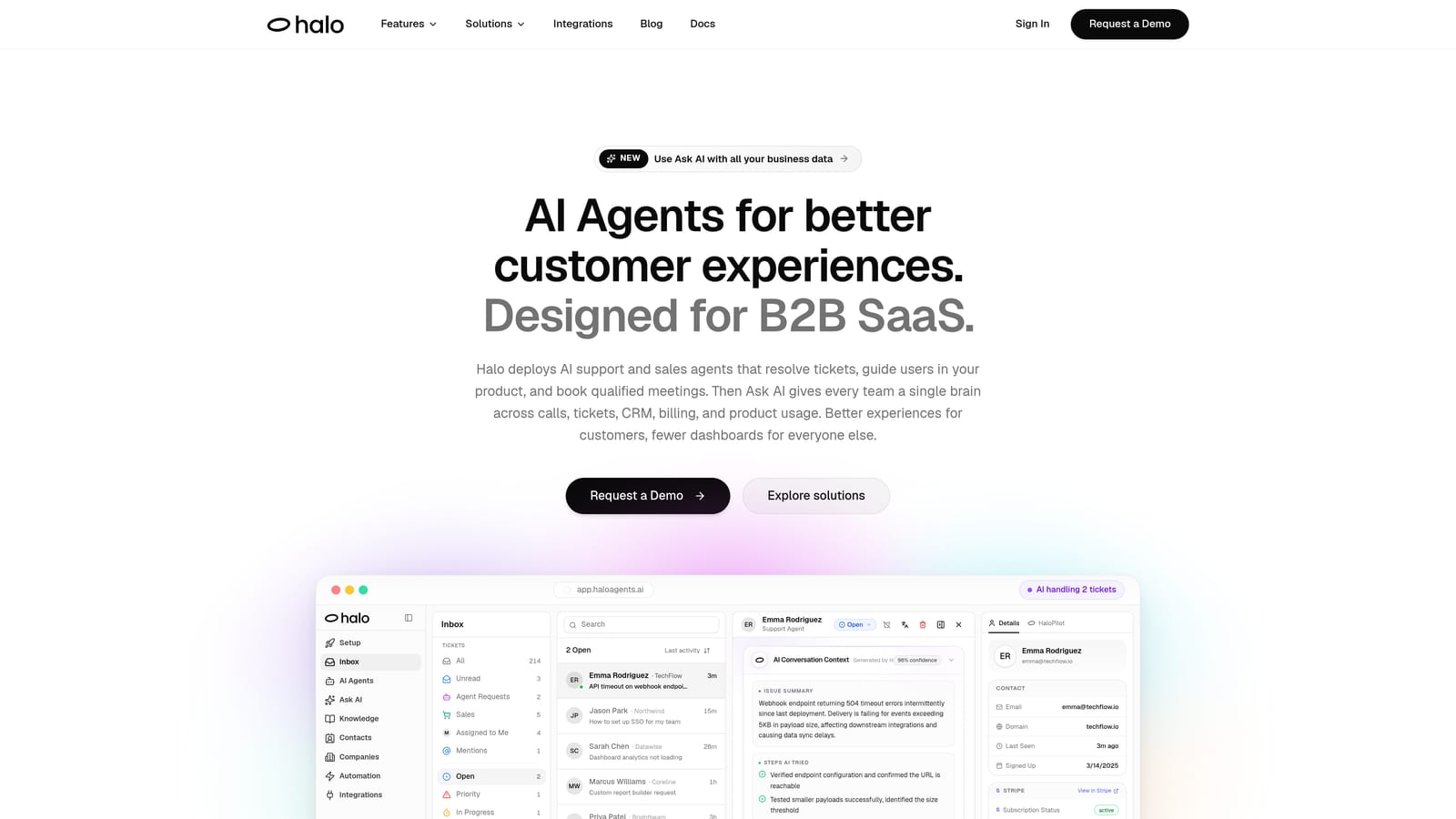
Halo AI is an AI-native customer support platform that deploys intelligent agents to resolve tickets autonomously, guide users through your product with page-aware context, and surface business intelligence signals across your customer base.
Where This Tool Shines
Halo's biggest differentiator is page-aware context. The AI agent can see exactly what a user is looking at inside your product, which means guidance is precise and situational rather than generic. Instead of pointing someone to a help article and hoping for the best, Halo can walk users through the exact UI element they're stuck on.
The continuous learning architecture is the other standout. Every resolved ticket and every escalation teaches the system something new. Over time, Halo's agents get meaningfully smarter on your specific product and customer base, not just the general patterns baked in at training time.
Key Features
Page-Aware AI Agents: The agent sees what users see in your product, enabling contextual, step-by-step guidance that's tied to the actual UI state.
Continuous Learning: Every interaction, whether resolved by AI or escalated to a human, feeds back into the model to improve future resolution accuracy.
Auto Bug Ticket Creation: When users report issues that look like bugs, Halo automatically creates and routes tickets to engineering tools like Linear, cutting the manual triage loop entirely.
Smart Inbox with Business Intelligence: Beyond support metrics, the inbox surfaces customer health signals, revenue anomalies, and churn indicators, turning your support data into product and revenue intelligence.
Live Agent Handoff: When escalation is needed, full conversation context is preserved so human agents aren't starting from scratch.
Integration Breadth: Connects with Slack, HubSpot, Intercom, Stripe, Zoom, PandaDoc, Fathom, and more, so it slots into your existing stack rather than replacing it.
Best For
Halo is purpose-built for B2B SaaS teams that want autonomous resolution without the compromises of a bolt-on AI layer. It's particularly strong for product-led growth companies where contextual, in-product guidance is critical, and for teams that want support data to feed into broader customer health and revenue workflows.
Pricing
Contact for pricing. Halo is designed for B2B SaaS teams and sized accordingly. Reach out via haloagents.ai for a custom quote based on your ticket volume and team structure.
2. Zendesk AI
Best for: Teams already standardized on Zendesk who want to add AI without switching platforms
Zendesk AI is the AI capability layer embedded within the Zendesk Suite, offering intelligent triage, automated macro suggestions, and AI-generated reply drafts for agents.
Where This Tool Shines
The core advantage here is native integration. If your team lives in Zendesk, Zendesk AI slots directly into the workflows your agents already know. There's no separate platform to manage, no integration to maintain, and no learning curve around a new UI.
Triage intelligence is solid. Incoming tickets get auto-tagged, routed, and prioritized without manual intervention, which helps teams with high inbound volume get the right tickets to the right people faster.
Key Features
Intelligent Triage: Auto-tags, routes, and prioritizes incoming tickets based on intent and content before a human agent touches them.
AI-Generated Reply Suggestions: Agents get contextual reply drafts and macro recommendations surfaced directly in the ticket view.
Intent and Sentiment Detection: Flags emotional tone and request type to help agents prioritize urgent or at-risk conversations.
Bot Builder for Deflection: Build deflection flows that intercept common queries before a ticket is ever created.
Native Zendesk Integration: No separate setup or third-party connection required — AI features live inside the existing Zendesk environment.
Best For
Teams that are deeply invested in the Zendesk ecosystem and want AI augmentation without a platform migration. Less compelling for teams evaluating their helpdesk setup from scratch, where AI-native alternatives may offer more coherent automation out of the box.
Pricing
Available on Zendesk Suite Professional and above. An Advanced AI add-on is available separately for teams that need more sophisticated automation capabilities beyond the base plan.
3. Freshdesk Freddy AI
Best for: Freshworks customers wanting AI across support, CRM, and ITSM in one modular layer
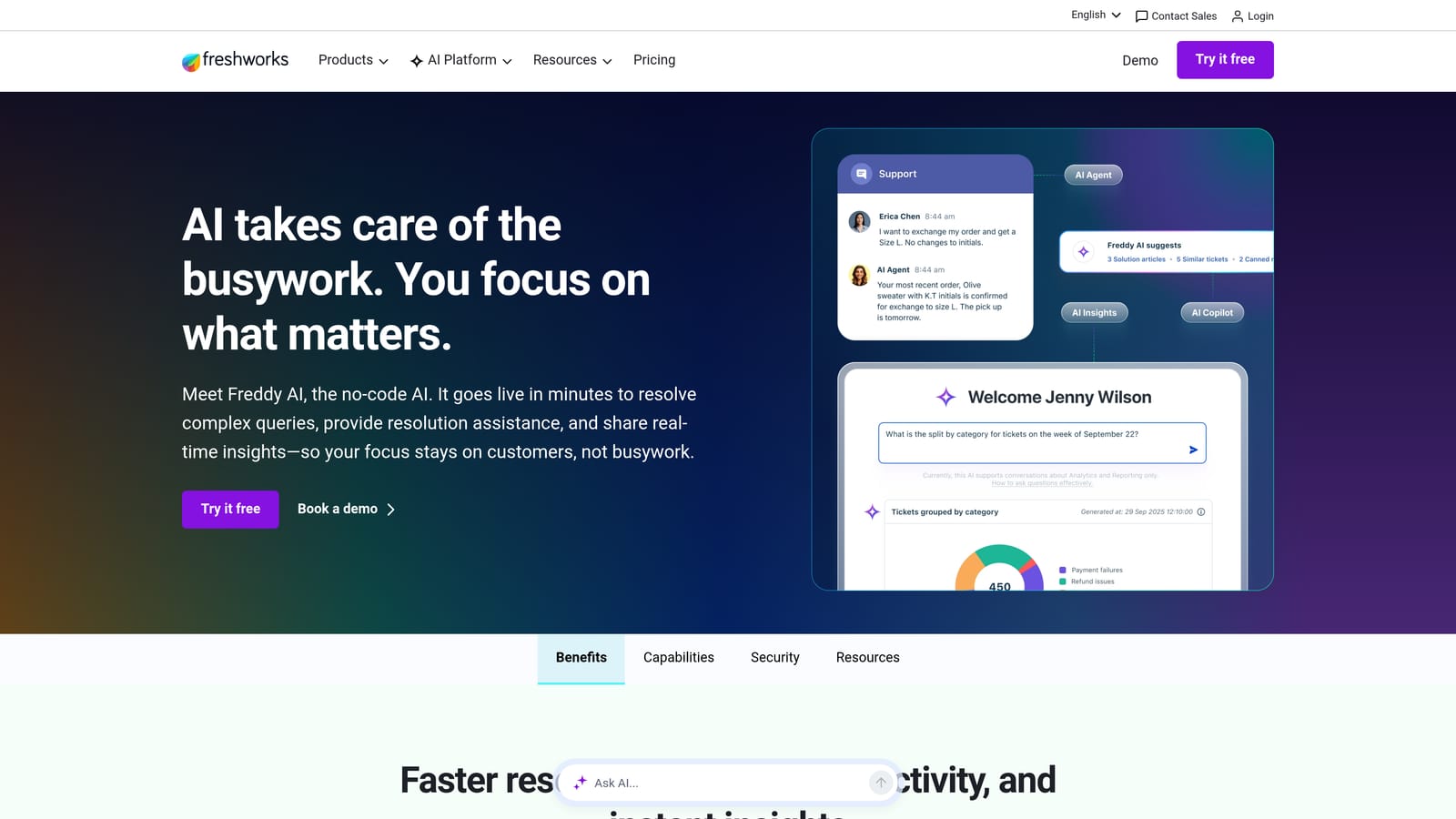
Freshdesk Freddy AI is Freshworks' modular AI layer spanning Freshdesk, Freshsales, and Freshservice, offering self-service bots, agent copilot features, and AI-powered analytics.
Where This Tool Shines
Freddy's strength is cross-product breadth within the Freshworks ecosystem. If your company runs Freshdesk for support, Freshsales for CRM, and Freshservice for IT, Freddy AI can operate across all three, giving you a consistent AI layer without stitching together separate tools.
The modular pricing model also gives teams flexibility. You can layer on Freddy Self Service for deflection, add Freddy Copilot for agent assistance, or bring in Freddy Insights for analytics, without buying everything at once.
Key Features
Freddy Self Service: Chatbot deflection that handles common queries before a ticket is submitted, reducing inbound volume.
Freddy Copilot: In-context reply suggestions and knowledge retrieval for agents working live tickets.
Freddy Insights: AI-generated analytics that surface anomalies, trends, and resolution gaps across your support data.
Cross-Product Coverage: Spans Freshdesk, Freshsales, and Freshservice for teams running multiple Freshworks products.
Modular Add-On Structure: Layer specific Freddy capabilities onto existing plans without committing to a full bundle.
Best For
Companies already using Freshworks products who want to extend AI capabilities without switching platforms. Teams running only Freshdesk may find more focused alternatives offer deeper resolution intelligence for the same investment.
Pricing
Freddy AI add-ons layer on top of existing Freshdesk plans. Pricing varies by module and plan tier, so the total cost depends on which Freddy capabilities you activate and your current Freshworks subscription level.
4. Intercom Fin
Best for: Teams with well-documented products looking for high out-of-the-box resolution rates
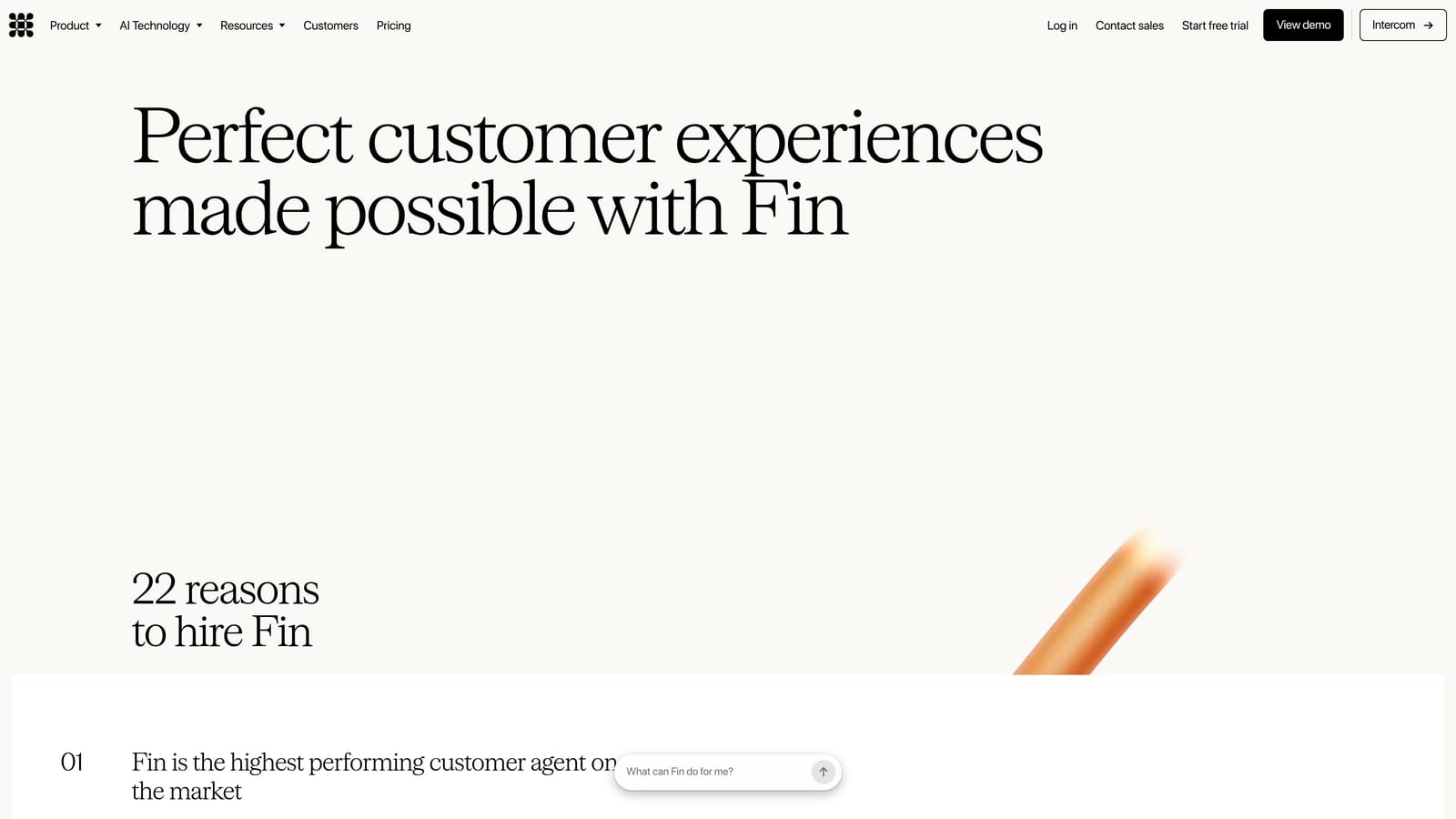
Intercom Fin is Intercom's GPT-4-powered AI agent that resolves customer queries by drawing on your help center, knowledge base, and conversation history, with resolution-based pricing.
Where This Tool Shines
Fin's reputation is built on resolution accuracy. For products with thorough documentation, Fin can handle a meaningful share of inbound queries without human intervention, and it does so within the familiar Intercom Messenger interface that many SaaS customers already interact with.
The Fin 2 release (2025) added multi-source knowledge ingestion and action capabilities, meaning Fin can now do things like check order status or update records, not just answer questions. That moves it meaningfully closer to autonomous resolution rather than just smart deflection.
Key Features
Multi-Source Knowledge Ingestion: Pulls from help center content, PDFs, URLs, and custom answers to build a broad resolution knowledge base.
Action Capabilities: Can perform tasks like checking order status or updating records, not just retrieve information.
High Resolution Accuracy: Performs well on well-documented products with clear support content, reducing the need for human escalation on common queries.
Seamless Handoff: Passes conversations to human agents within the Intercom Messenger when resolution confidence is low.
Resolution-Based Pricing: You pay per conversation resolved, which aligns cost directly with value delivered.
Best For
Teams already on Intercom with strong help center documentation. The resolution-based pricing model works well when resolution rates are high but can become expensive if your support content is thin or your queries are complex.
Pricing
Resolution-based pricing (per resolved conversation) layered on top of an Intercom subscription. Contact Intercom for volume rates, as per-resolution costs can vary significantly at scale.
5. Tidio Lyro
Best for: SMBs and ecommerce teams needing affordable AI resolution for high-volume, repetitive queries
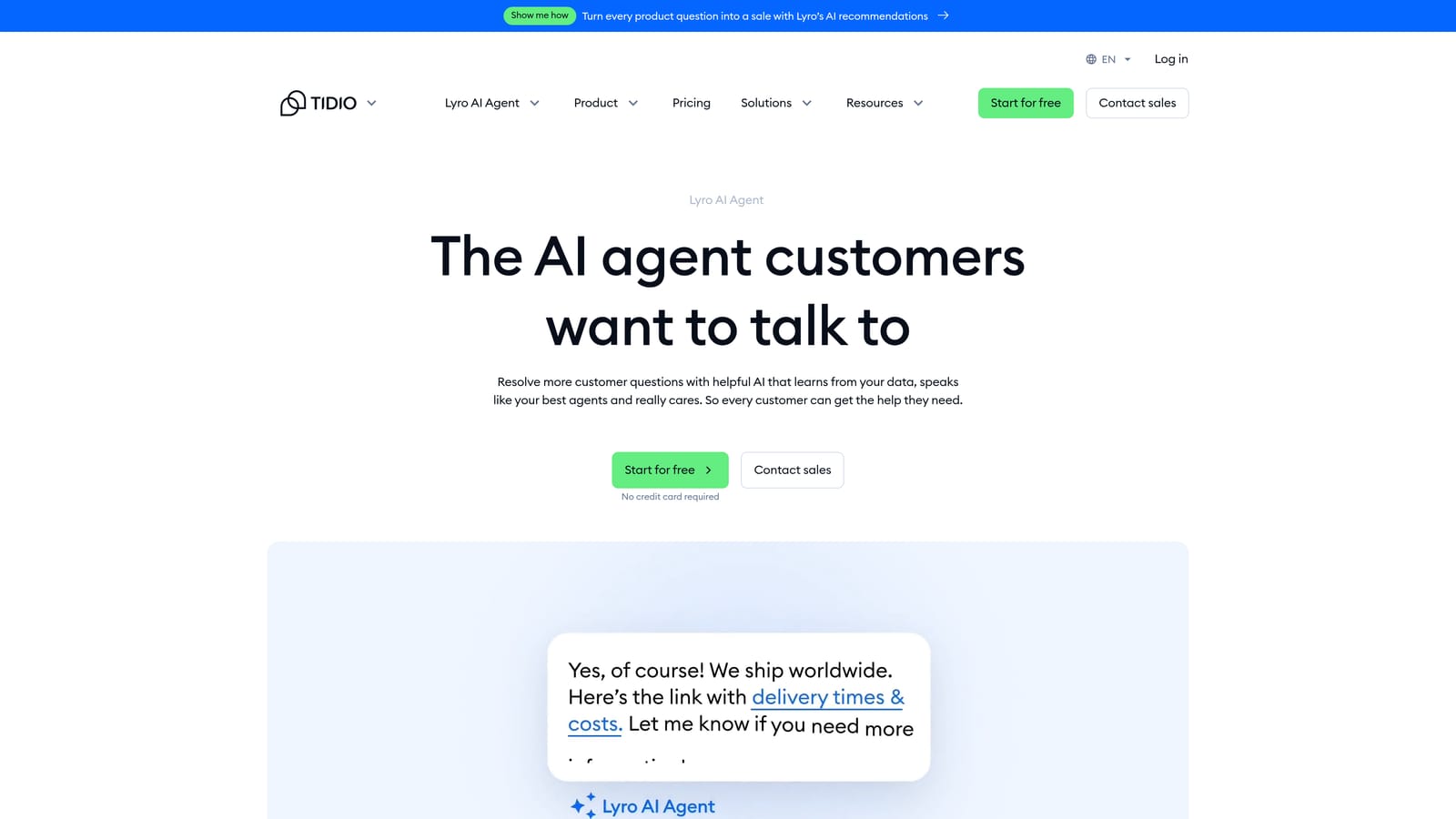
Tidio Lyro is Tidio's conversational AI agent built for smaller teams, offering automated resolution of common queries at an accessible price point with minimal setup complexity.
Where This Tool Shines
Lyro is built for teams that don't have a dedicated AI implementation project. Setup is fast: point it at your support content, and it starts handling repetitive queries with a low configuration burden. For SMBs drowning in "Where's my order?" and "How do I reset my password?" tickets, Lyro delivers real volume relief quickly.
The free tier is also a genuine on-ramp. Teams can test Lyro's capabilities on real traffic before committing to a paid plan, which reduces the risk of a bad fit.
Key Features
Fast Setup: Trained on your existing support content with minimal configuration time, making it accessible for teams without dedicated AI resources.
Repetitive Query Handling: Designed to absorb high volumes of common, predictable queries automatically.
Confidence-Based Escalation: Escalates to live agents when the AI's confidence drops below a threshold, reducing the risk of poor automated responses.
Multi-Channel Coverage: Works across chat widget and email channels.
Free Tier Available: Includes a limited number of Lyro conversations at no cost, allowing teams to validate fit before purchasing.
Best For
SMBs, ecommerce operations, and early-stage teams with high volumes of simple, repetitive queries. Less suited for complex B2B support scenarios where contextual depth and integration with CRM or product data matters.
Pricing
Free plan includes limited Lyro conversations. Paid plans start at approximately $29/month with expanded AI conversation limits. Pricing scales with conversation volume.
6. Forethought AI
Best for: Enterprise support teams focused on triage intelligence and workflow-level automation
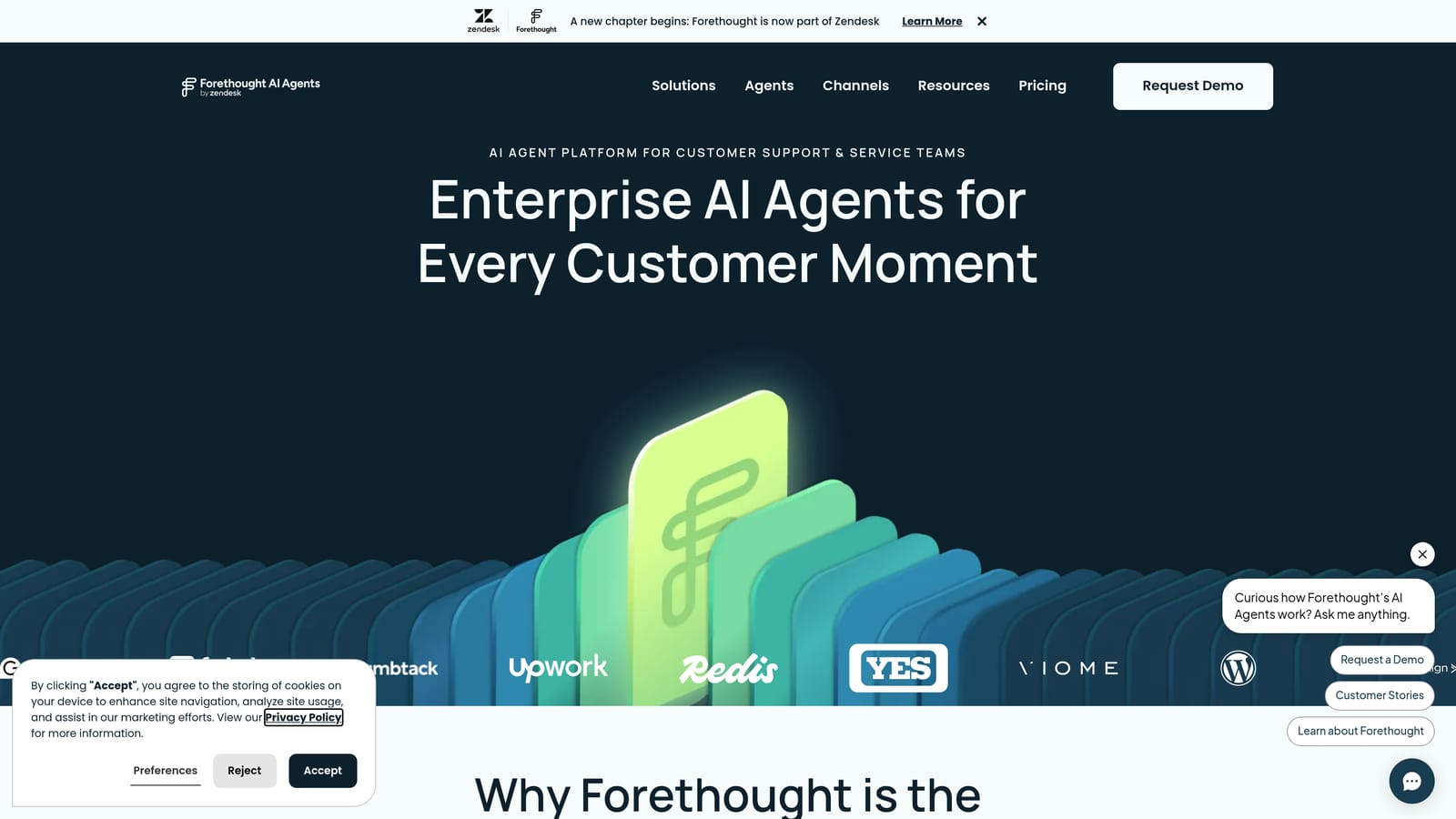
Forethought AI is an AI platform covering the full support workflow, from intelligent triage and routing through to autonomous resolution and agent assistance, with strong analytics to identify automation gaps.
Where This Tool Shines
Forethought's product architecture reflects a clear thesis: resolution quality starts with routing quality. Their Triage module handles predictive tagging and prioritization before the resolution step even begins, which means the right tickets reach the right workflows from the start.
The Discover module is worth highlighting separately. It surfaces automation opportunities and resolution gaps using your historical ticket data, giving ops and support leaders a clear picture of where AI can take on more load.
Key Features
Triage: Predictive routing, tagging, and prioritization of incoming tickets before they reach resolution workflows.
Solve: Autonomous AI resolution for common, well-defined ticket types without agent involvement.
Assist: Real-time knowledge retrieval and reply suggestions for human agents working complex tickets.
Discover: Analytics that surface automation opportunities and resolution gaps from historical ticket data.
Broad Integrations: Connects with Zendesk, Salesforce, ServiceNow, and Freshdesk, making it compatible with most enterprise helpdesk stacks.
Best For
Enterprise support teams with high ticket volumes, complex routing requirements, and a mandate to improve automation coverage systematically. The analytics layer makes it particularly useful for support ops teams building a roadmap for AI expansion.
Pricing
Enterprise pricing. Contact Forethought directly for a custom quote based on ticket volume, team size, and required modules.
7. Kustomer IQ
Best for: Teams wanting CRM-depth context in every AI resolution interaction
Kustomer IQ is the AI capability layer built into the Kustomer CRM-native support platform, giving AI agents access to the full customer timeline, not just the current ticket, for more contextual resolution.
Where This Tool Shines
Most AI resolution tools operate on the current ticket in isolation. Kustomer IQ has access to the full customer timeline: every prior conversation, order history, sentiment trend, and account attribute. That context depth changes the quality of automated responses, particularly for customers with complex histories or elevated churn risk.
Being owned by Meta means ongoing investment in the underlying AI infrastructure, which has translated into steady capability improvements since the acquisition.
Key Features
Unified Customer Timeline: AI draws on full historical context, including orders, past tickets, and sentiment data, not just the current conversation.
Auto-Classification and Routing: Intelligent ticket classification based on intent and customer data attributes pulled from the CRM layer.
AI-Suggested Replies: Reply drafts drawn from knowledge base content and prior successful resolutions.
Deflection Bots: Pre-ticket deflection flows to reduce inbound volume before human or AI ticket handling begins.
Meta Ownership: Ongoing AI investment from Meta's broader infrastructure benefits the platform's underlying capabilities.
Best For
Teams that need CRM-level context in their AI resolution layer, particularly those in retail, ecommerce, or subscription businesses where order history and account data directly inform support quality.
Pricing
Enterprise pricing. Base plans start at approximately $89/user/month. Contact Kustomer for specifics on AI feature availability across plan tiers.
8. Help Scout AI
Best for: Teams that want AI to accelerate human agents rather than replace them
Help Scout AI brings summarization, reply drafting, and answer suggestions into the Help Scout shared inbox, designed to augment agents rather than operate autonomously.
Where This Tool Shines
Help Scout AI has a clear, honest design philosophy: it makes human agents faster, not redundant. For teams that aren't ready for, or don't want, fully autonomous resolution, this is a practical middle ground that delivers real efficiency gains without the complexity of deploying an autonomous AI agent.
Setup is minimal. The AI features work out of the box within the Help Scout inbox without configuration overhead, which makes it accessible to small teams without dedicated ops resources.
Key Features
AI Summarize: Condenses long conversation threads into concise summaries so agents get up to speed instantly without reading full histories.
AI Drafts: Generates reply suggestions based on conversation context and knowledge base content for agents to review and send.
AI Assist: Rephrases, shortens, or translates agent-written replies to improve clarity and tone.
AI Answers: Surfaces relevant knowledge base articles before a ticket is submitted, enabling pre-ticket deflection.
Minimal Configuration: Works immediately within the Help Scout inbox with no complex setup required.
Best For
Small to mid-sized teams that want AI productivity gains for human agents without committing to full autonomous resolution. Ideal for support teams where human judgment and tone are a deliberate part of the customer experience.
Pricing
AI features are included in Help Scout Plus plan and above. Plans start at approximately $40/user/month, making it one of the more accessible options on this list for smaller teams.
9. Salesforce Einstein for Service
Best for: Enterprises running Salesforce Service Cloud who need AI resolution grounded in full CRM data
Salesforce Einstein for Service is Einstein AI embedded in Salesforce Service Cloud, leveraging full CRM data, including account history, purchase records, and case data, to power contextual ticket resolution at enterprise scale.
Where This Tool Shines
The differentiator here is data depth. Einstein has access to everything in Salesforce: account records, purchase history, case history, entitlements, and custom objects. For enterprises where support interactions are deeply tied to account relationships and contract terms, that context produces more accurate and appropriate automated responses than any standalone AI tool can match.
Einstein Copilot for Service brings generative AI into the agent workflow with case summaries, reply drafts, and next best action recommendations, all grounded in the full Salesforce data model.
Key Features
Full CRM Data Access: AI resolution draws on account history, purchase records, case data, and custom Salesforce objects for deeply contextual responses.
Einstein Copilot for Service: Generative AI replies, case summaries, and next best action recommendations surfaced directly in the agent workspace.
Automated Case Classification: Routes and classifies incoming cases based on CRM attributes and case content.
Next Best Action: Recommends specific actions for agents during live interactions based on customer data and case context.
Einstein Bots: Self-service deflection bots that intercept common queries before they reach human or AI case handling.
Best For
Large enterprises already running Salesforce Service Cloud where support is tightly integrated with account management, sales, and contract workflows. The value scales with how deeply your team uses the broader Salesforce platform.
Pricing
Tied to Salesforce Service Cloud licensing. Einstein AI features are available on Enterprise and Unlimited editions. Contact Salesforce directly for pricing, as it varies significantly based on edition and seat count.
Which Tool Is Right for Your Team?
The honest answer is that the best tool depends on where you're starting from and what you're optimizing for. Here's a quick way to think through the decision.
If you're an AI-first B2B SaaS team: Halo AI is the strongest fit. Page-aware context, continuous learning, auto bug ticket creation, and business intelligence signals go well beyond what bolt-on AI layers offer. It's built for teams that want autonomous resolution as a core capability, not an afterthought.
If you're already on Zendesk or Freshdesk: Zendesk AI and Freddy AI are the lowest-friction paths to adding automation. You won't need to migrate anything, and your agents won't need to learn a new platform. The trade-off is that the AI capabilities are constrained by the underlying helpdesk architecture.
If you're on Intercom with strong documentation: Fin is worth serious consideration. Its resolution accuracy on well-documented products is genuinely impressive, and the resolution-based pricing aligns cost with value. Just model out the per-resolution costs at your expected volume before committing.
If you need CRM-depth context: Kustomer IQ and Salesforce Einstein are built for this. Both give AI access to full customer history, which matters when your support quality depends on knowing the account relationship, not just the current ticket.
If you want AI-assisted agents rather than autonomous resolution: Help Scout AI is the cleanest option. It's fast to deploy, easy to use, and focused on making your existing team faster rather than replacing them.
If you're an SMB or ecommerce team: Tidio Lyro offers real automation value at a price point that makes sense for smaller operations. The free tier lets you validate fit before spending anything.
The broader market is splitting into two camps: AI layers bolted onto legacy helpdesks, and AI-native platforms built for autonomous resolution from the ground up. That architectural difference tends to compound over time. Bolt-on AI improves incrementally; native AI platforms learn and adapt in ways that are harder to replicate when you're working within the constraints of a legacy system.
Your support team shouldn't scale linearly with your customer base. Let AI agents handle routine tickets, guide users through your product, and surface business intelligence while your team focuses on complex issues that need a human touch. See Halo in action and discover how continuous learning transforms every interaction into smarter, faster support.