9 Best Automated Ticket Routing Systems for Support Teams in 2026
Automated ticket routing systems eliminate manual triage by intelligently directing support requests to the right agents based on skills, workload, and priority. Modern platforms now use AI and machine learning to analyze ticket content and customer history in real-time, continuously improving routing accuracy while reducing response times and preventing urgent issues from being overlooked.
 Matt PattoliFounder11 min read
When support tickets pile up in the wrong queues, response times suffer and customers grow frustrated. Manual triage creates bottlenecks, skilled agents waste time on basic questions, and urgent issues slip through the cracks. Automated ticket routing systems solve this by intelligently directing incoming requests to the right agents based on skills, workload, priority, and context—eliminating manual sorting and accelerating resolution times.
The best routing systems have evolved beyond simple rule-based assignment. Modern platforms use AI and machine learning to analyze ticket content, customer history, and agent expertise in real-time. They learn from every interaction, continuously improving their routing accuracy while providing insights that extend beyond basic ticket distribution.
This guide covers the top automated ticket routing systems for teams looking to streamline their support operations. We evaluated each solution based on routing intelligence, integration flexibility, ease of setup, and scalability for growing teams. Here are the platforms transforming how support teams handle incoming requests.
1. Halo AI
Best for: Teams wanting AI-native routing that learns and improves from every ticket interaction
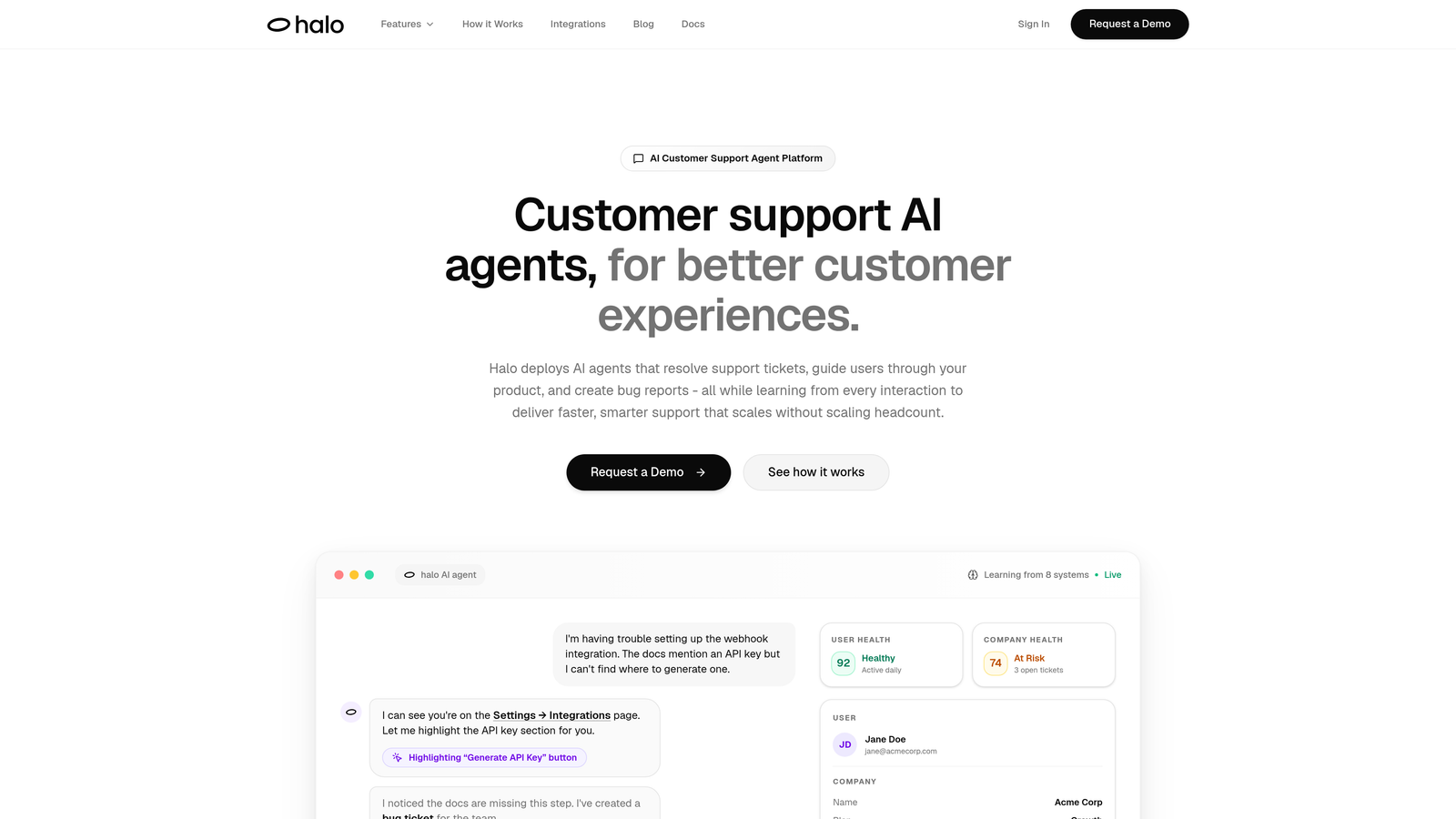
Halo AI is an AI-powered customer support platform built from the ground up for intelligent ticket routing and resolution.
Where This Tool Shines
Unlike traditional helpdesks that bolt on AI features, Halo operates as an AI-first system where routing intelligence improves continuously. Every resolved ticket teaches the system more about your product, your customers, and your team's expertise areas.
The platform's page-aware context means it understands where users are in your product when they submit tickets. This contextual awareness enables routing decisions that consider not just ticket content, but the full user journey. When issues require human intervention, escalation happens seamlessly with complete context transfer.
Key Features
Continuous Learning Architecture: Routing accuracy improves over time as the system learns from resolution patterns and outcomes.
Page-Aware Context: Understands user location in your product for smarter routing based on product area expertise.
Intelligent Escalation: Automatically routes complex issues to human agents with full context and conversation history.
Business Intelligence Integration: Surfaces customer health signals and revenue intelligence beyond basic ticket routing.
Stack-Wide Connectivity: Integrates with Linear, Slack, HubSpot, Intercom, Stripe, and other business tools for comprehensive context.
Best For
B2B companies and product teams seeking routing that goes beyond rules-based assignment. Particularly valuable for SaaS teams where product context matters and routing decisions benefit from understanding customer journey and product usage patterns.
Pricing
Contact for pricing. Custom implementation based on team size and integration requirements.
2. Zendesk
Best for: Enterprise teams needing sophisticated omnichannel routing across multiple support channels
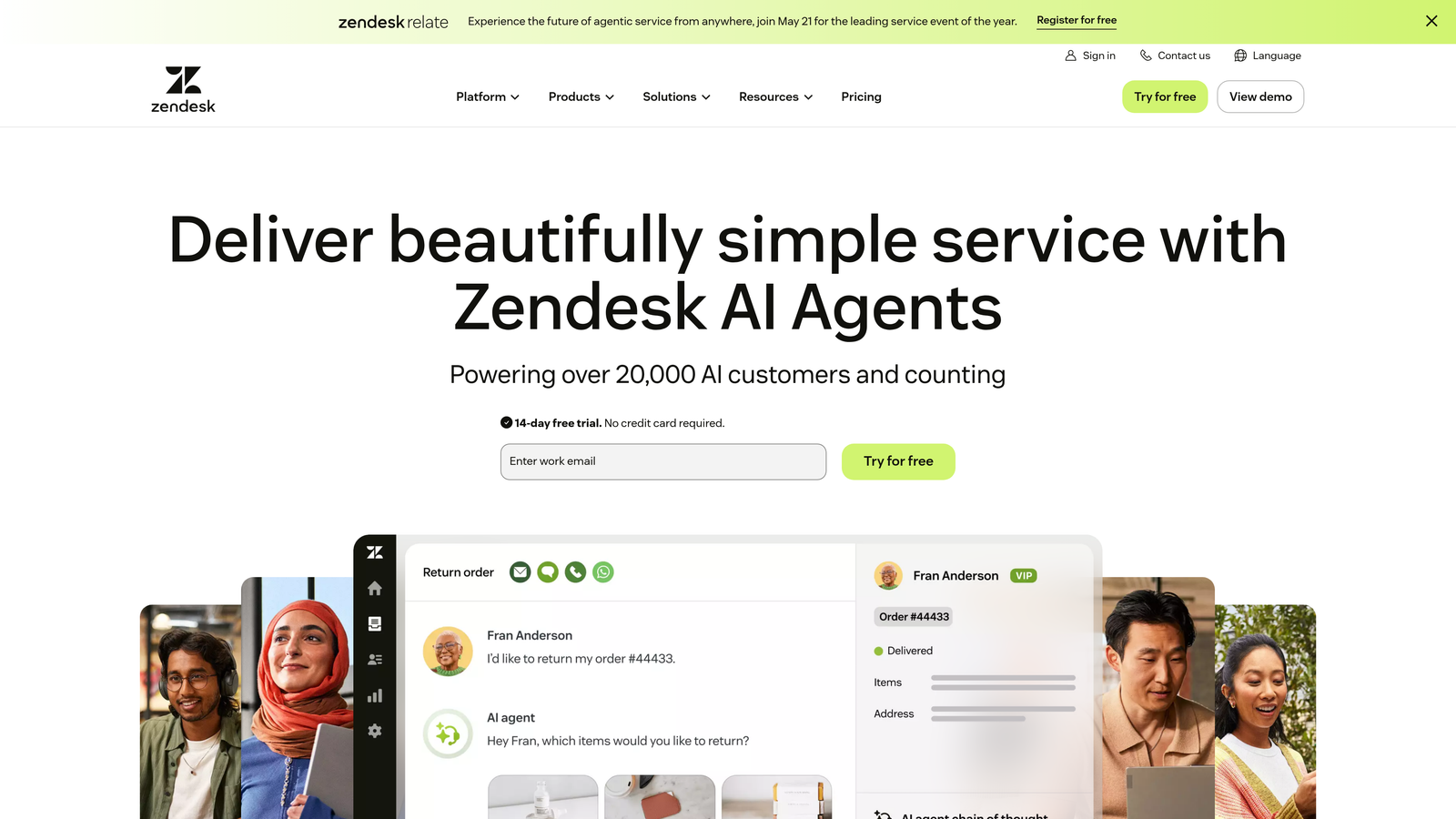
Zendesk is an enterprise-grade helpdesk platform with comprehensive routing capabilities across email, chat, voice, and social channels.
Where This Tool Shines
Zendesk excels at managing complex routing scenarios across large support organizations. The skills-based routing system matches tickets to agents based on expertise tags, language capabilities, and product knowledge areas. This becomes particularly powerful in organizations with specialized support tiers or regional teams.
The platform's capacity management features prevent agent overload by considering current workload before assignment. Round-robin and load-balanced distribution ensure fair ticket allocation, while triggers and automations handle rule-based routing for common scenarios.
Key Features
Skills-Based Assignment: Matches tickets to agents based on expertise areas, certifications, and product knowledge.
Omnichannel Routing: Unified routing across email, chat, voice, social media, and messaging channels.
Workload Balancing: Considers agent capacity and current ticket load before assigning new requests.
Trigger Automations: Rule-based routing triggered by ticket properties, customer data, or time-based conditions.
SLA Management: Priority routing based on service level agreements and customer tier.
Best For
Large support organizations with multiple teams, specialized expertise areas, and complex omnichannel requirements. Works well for enterprises with established support processes and dedicated routing administrators.
Pricing
Starts at $55/agent/month for Suite Team plan. Enterprise plans with advanced routing features available at higher tiers.
3. Freshdesk
Best for: Mid-market teams wanting AI-powered categorization without enterprise complexity or cost
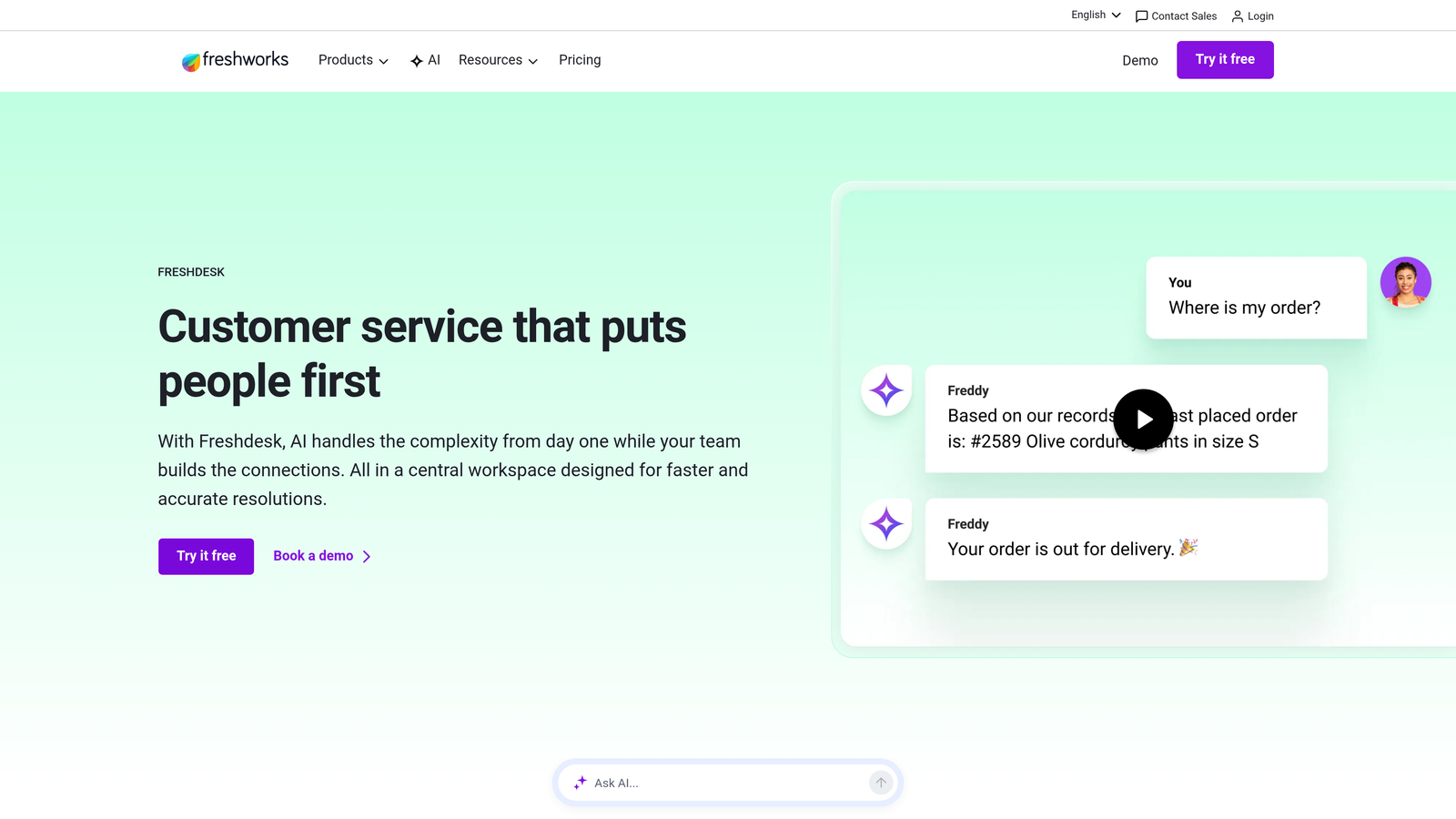
Freshdesk is a mid-market helpdesk platform featuring Freddy AI for intelligent ticket categorization and automated assignment.
Where This Tool Shines
Freshdesk brings AI-powered routing to teams that aren't ready for enterprise-level complexity. Freddy AI automatically categorizes incoming tickets and assigns priority levels based on content analysis. This reduces manual triage work while maintaining accuracy.
The platform balances automation with simplicity. Round-robin and load-balanced assignment work out of the box, while skill-based routing lets you match tickets to specialized team members. Parent-child ticketing helps when complex issues require multiple team members or departments.
Key Features
Freddy AI Categorization: Automatically categorizes and prioritizes tickets based on content and historical patterns.
Round-Robin Assignment: Distributes tickets evenly across team members with customizable rotation rules.
Skill-Based Routing: Matches tickets to agents with relevant expertise without complex configuration.
Automation Triggers: Route tickets based on properties like channel, customer segment, or product area.
Parent-Child Ticketing: Manages complex issues requiring multiple assignees or department handoffs.
Best For
Growing support teams that need intelligent routing without dedicated administrators. Ideal for companies with 10-100 support agents seeking balance between automation and ease of use.
Pricing
Free plan available for up to 10 agents. Growth plan starts at $15/agent/month with advanced routing features.
4. Intercom
Best for: Conversational support teams routing based on customer attributes and behavioral context
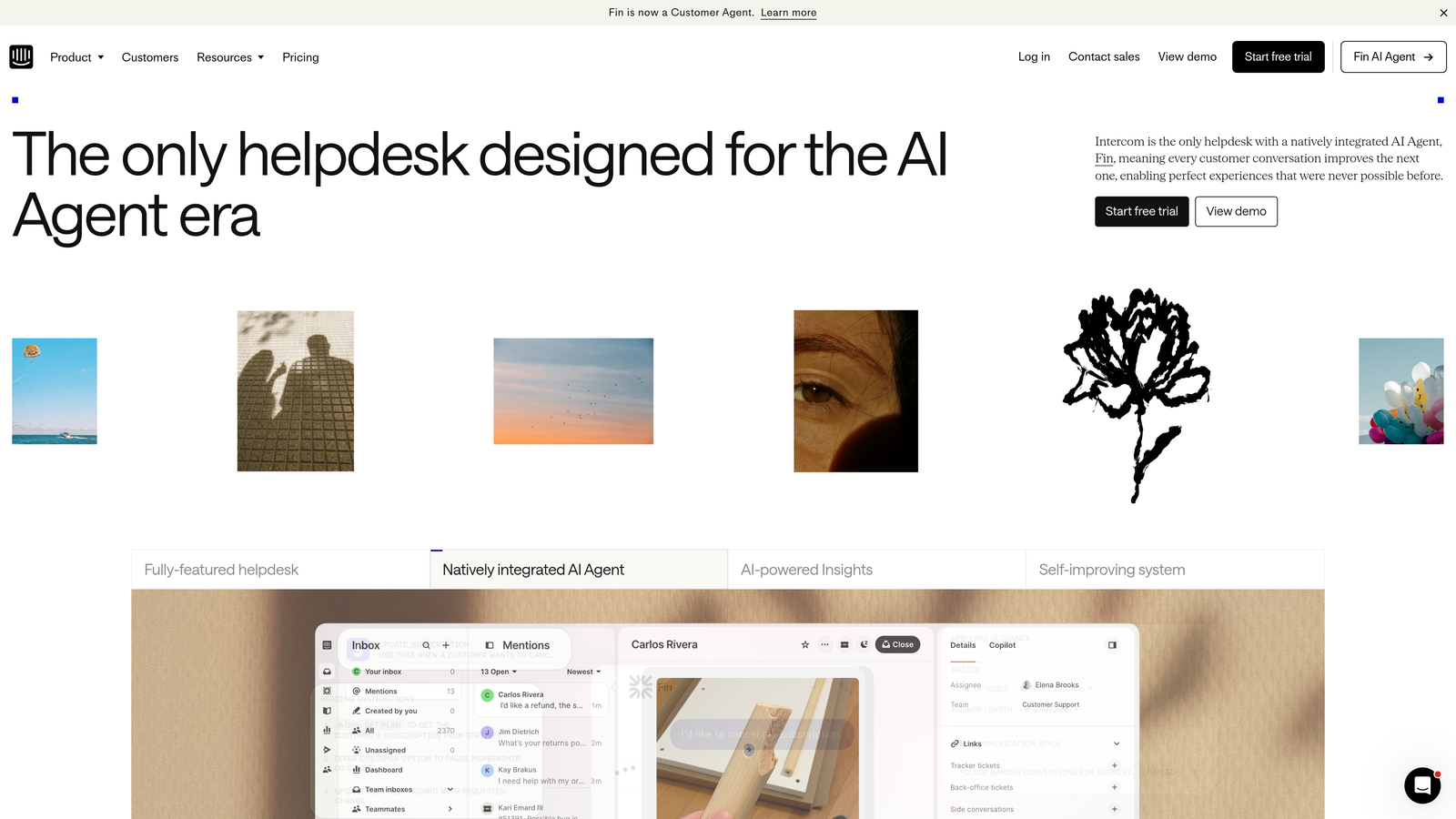
Intercom is a conversational support platform with routing decisions based on user data, behavior patterns, and conversation context.
Where This Tool Shines
Intercom's routing leverages rich customer data from your CRM and product usage. Assignment rules consider user properties like plan tier, account value, lifecycle stage, and behavioral signals. This enables routing decisions that reflect customer importance and relationship stage.
The Fin AI bot handles routine queries before routing, ensuring human agents only see conversations requiring expertise. Team inboxes automatically organize conversations by product area or customer segment, while workload management prevents individual agents from becoming overwhelmed.
Key Features
Attribute-Based Routing: Assigns conversations based on customer data, account value, and lifecycle stage.
Team Inbox Organization: Automatically routes conversations to specialized team inboxes by topic or customer segment.
Fin AI Pre-Filtering: AI bot resolves routine queries before routing complex issues to human agents.
Priority Routing: VIP customers and high-value accounts automatically route to senior team members.
Workload Management: Balances conversation distribution based on current agent capacity and response times.
Best For
Product-led companies with rich customer data and behavioral tracking. Particularly effective for SaaS teams where routing decisions benefit from understanding user engagement and account health.
Pricing
Starts at $39/seat/month for Essential plan. Advanced routing features available in higher-tier plans.
5. Salesforce Service Cloud
Best for: Enterprise organizations needing CRM-integrated routing with Einstein AI classification
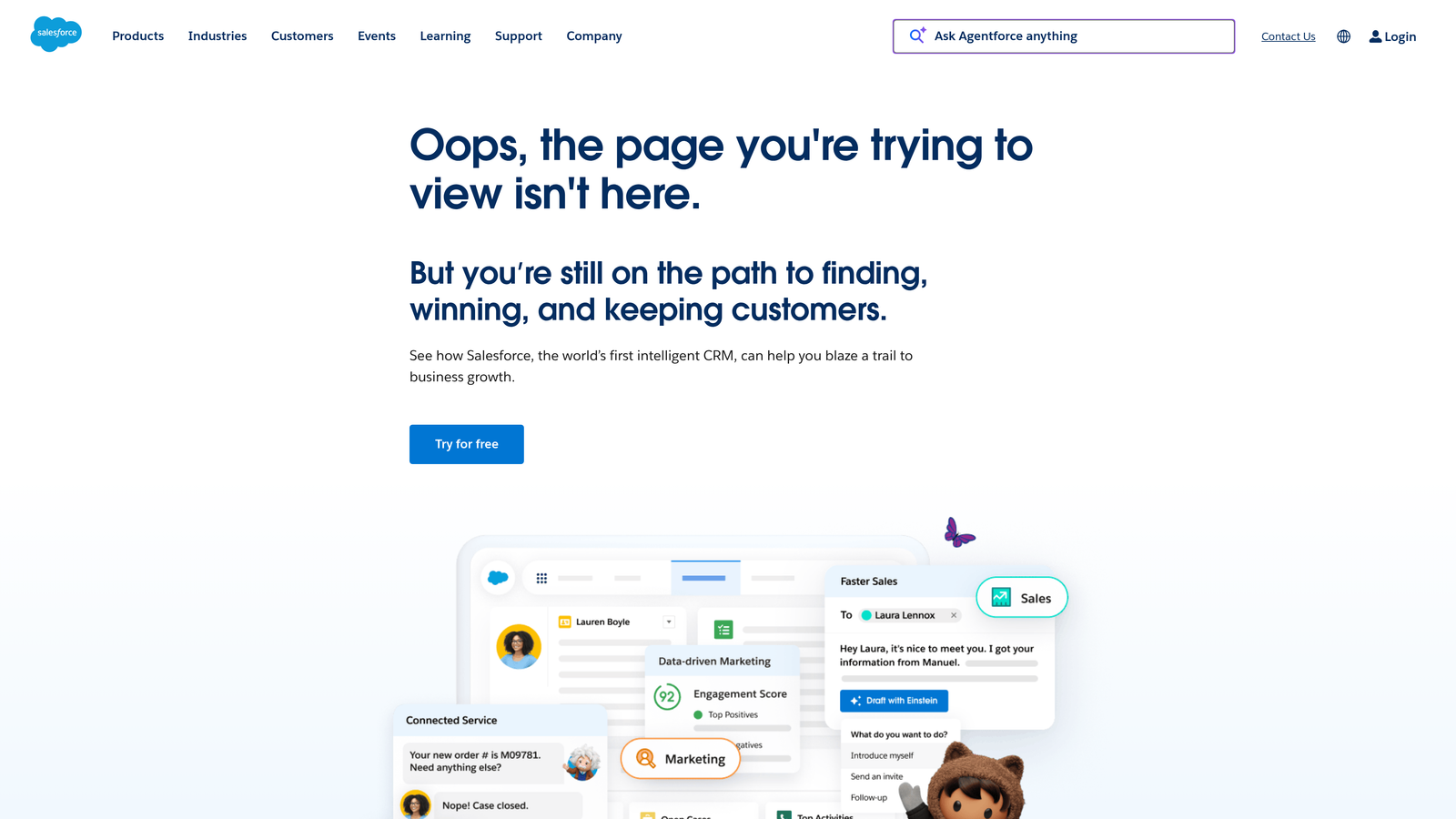
Salesforce Service Cloud is an enterprise service platform with Einstein AI for intelligent case routing and CRM data integration.
Where This Tool Shines
Service Cloud's deep integration with Salesforce CRM enables routing decisions based on complete customer context. Einstein AI classifies incoming cases and recommends optimal routing based on historical resolution patterns, agent performance, and customer relationship data.
The omni-channel routing system manages agent presence in real-time, considering availability across multiple channels. Skills-based routing combines with capacity management to prevent overload, while Flow Builder lets technical teams create custom routing logic for unique business requirements.
Key Features
Einstein AI Classification: Automatically classifies cases and recommends routing based on content and historical data.
Omni-Channel Presence: Real-time routing across channels based on agent availability and skills.
CRM Data Integration: Routes cases based on account value, relationship history, and opportunity data.
Flow Builder: Create custom routing logic with visual workflow designer for complex scenarios.
Queue-Based Escalation: Automatic escalation rules based on SLA violations or case priority changes.
Best For
Large enterprises already using Salesforce CRM where support routing benefits from sales and customer success data. Best suited for organizations with technical resources to configure complex routing workflows.
Pricing
Starts at $25/user/month for Starter Suite. Professional and Enterprise tiers required for advanced routing features.
6. HubSpot Service Hub
Best for: Teams wanting routing tied to customer lifecycle stages and deal value
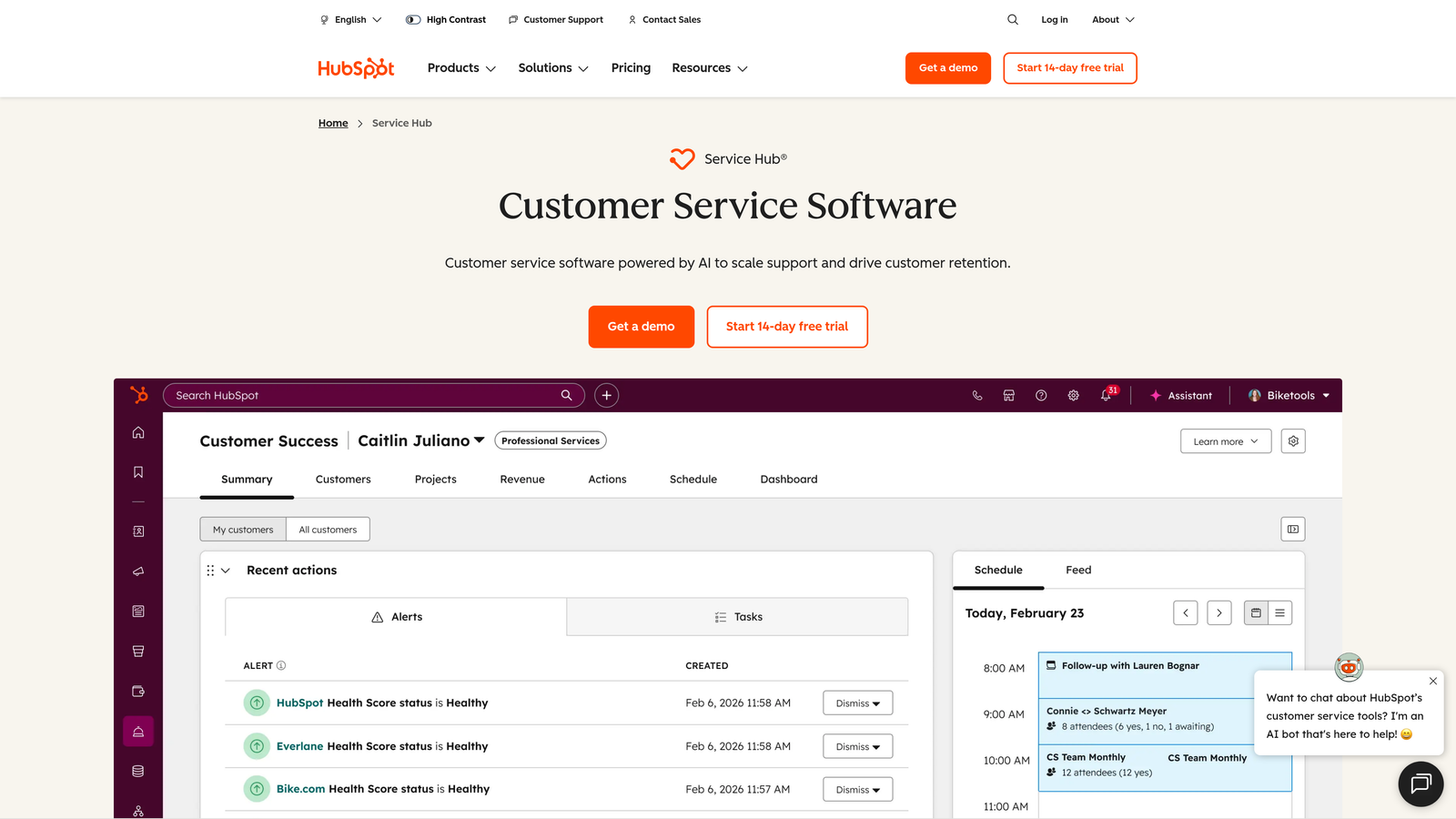
HubSpot Service Hub is a CRM-native service platform with ticket routing integrated into customer lifecycle and sales data.
Where This Tool Shines
HubSpot's routing leverages the full customer context from its CRM. Tickets automatically route based on deal stage, customer lifecycle position, account value, and relationship history. This enables support teams to prioritize high-value customers and prospects in active sales cycles.
The ticket pipeline system moves requests through stages with automated routing at each transition. Workflows handle complex routing scenarios, while round-robin assignment within teams ensures fair distribution. SLA management with priority routing keeps critical issues from slipping through.
Key Features
Lifecycle-Based Routing: Assigns tickets based on customer stage, deal value, and relationship maturity.
Pipeline Automation: Stage-based routing as tickets progress through resolution workflows.
CRM Property Rules: Route based on any customer property tracked in HubSpot CRM.
Workflow Builder: Create multi-step routing logic with conditional branches and escalation paths.
Team Round-Robin: Fair distribution within specialized teams with rotation rules.
Best For
Companies using HubSpot CRM where support routing should consider sales context and customer value. Ideal for teams where support, sales, and success functions need coordinated customer handling.
Pricing
Free tools available with basic routing. Starter at $15/month/seat with advanced automation and workflows.
7. Jira Service Management
Best for: IT and technical support teams with deep development workflow integration needs
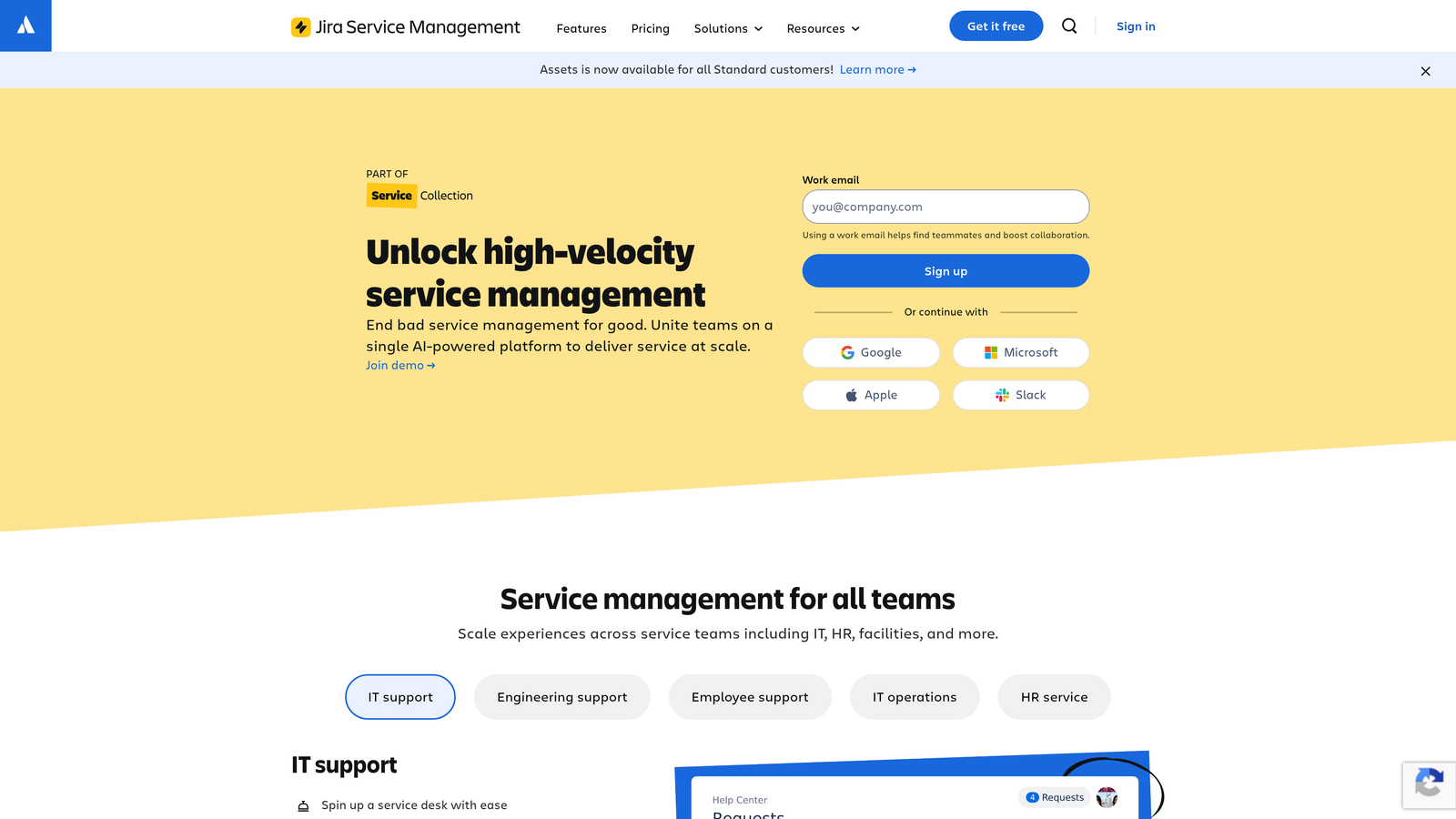
Jira Service Management is an IT service platform with queue-based routing and seamless handoffs to development teams.
Where This Tool Shines
Jira Service Management excels at technical support scenarios where tickets often escalate to engineering. Queue-based routing organizes requests by type, priority, and team, while automation rules handle assignment within each queue. The integration with Jira Software enables smooth handoffs when support issues require development work.
Request types allow custom routing rules per category—incident management follows different paths than change requests or service requests. Asset and configuration management integration means routing can consider affected systems and infrastructure components.
Key Features
Queue-Based Organization: Separate queues for different request types with unique routing rules per queue.
SLA-Driven Assignment: Automatic routing and escalation based on service level agreements and priority.
Development Integration: Seamless handoff to Jira Software when issues require engineering work.
Request Type Routing: Custom routing paths for incidents, changes, problems, and service requests.
Asset-Aware Routing: Consider affected systems and configurations in routing decisions.
Best For
IT support teams, technical support organizations, and companies where support tickets frequently escalate to development. Particularly valuable for teams already using Atlassian products.
Pricing
Free for up to 3 agents. Standard plan at $22.05/agent/month includes advanced routing and automation.
8. Help Scout
Best for: Small teams wanting straightforward routing without complexity or learning curve
Help Scout is a simple helpdesk platform with workflow automations for straightforward ticket routing needs.
Where This Tool Shines
Help Scout prioritizes simplicity over feature depth. Workflows automate ticket assignment based on conditions like channel, customer tags, or email subject keywords. The system handles both manual and automatic assignment, letting teams choose their preferred balance of control and automation.
Collision detection prevents multiple agents from responding to the same ticket—a common problem in smaller teams. Tags and custom fields provide routing logic building blocks, while saved replies speed up responses once tickets reach the right person.
Key Features
Workflow Automations: Condition-based routing using simple if-then logic without complex configuration.
Manual and Auto Assignment: Flexible assignment options from fully automated to manual selection.
Collision Detection: Prevents duplicate responses when multiple agents view the same ticket.
Tag-Based Routing: Use customer and ticket tags to trigger assignment rules.
Custom Field Logic: Create custom properties for more specific routing conditions.
Best For
Small to mid-sized support teams prioritizing ease of use over advanced features. Works well for teams with straightforward routing needs and limited technical resources for setup.
Pricing
Starts at $22/user/month for Standard plan with full workflow automation capabilities.
9. Zoho Desk
Best for: Budget-conscious teams wanting AI sentiment analysis and multi-department routing
Zoho Desk is a feature-rich helpdesk with Zia AI for sentiment analysis and intelligent routing at accessible pricing.
Where This Tool Shines
Zoho Desk packs enterprise-level routing features into affordable pricing tiers. Zia AI analyzes ticket sentiment to identify frustrated customers and route them to experienced agents or escalate priority automatically. This emotional intelligence layer adds context beyond basic content analysis.
Blueprint workflows create structured ticket handling processes with stage-based routing. Skills-based assignment matches tickets to agent expertise, while multi-department routing handles complex organizations where tickets cross functional boundaries. Round-robin and load-balanced assignment ensure fair distribution.
Key Features
Zia Sentiment Analysis: AI analyzes customer emotion to prioritize routing for frustrated or at-risk customers.
Round-Robin and Load Balancing: Fair ticket distribution with workload consideration.
Blueprint Workflows: Structured routing through predefined stages with automation at each step.
Skills-Based Matching: Route to agents based on expertise areas and product knowledge.
Multi-Department Routing: Handle tickets crossing functional boundaries with department-specific rules.
Best For
Cost-conscious teams needing advanced routing features including AI capabilities. Ideal for growing companies with complex organizational structures but limited budgets for enterprise tools.
Pricing
Free plan available for up to 3 agents. Standard plan at $14/agent/month includes Zia AI and advanced routing.
Making the Right Choice
The right automated ticket routing system depends on your team's size, technical complexity, and growth trajectory. AI-native platforms like Halo AI and systems with built-in intelligence like Freshdesk's Freddy AI reduce manual configuration by learning from your ticket patterns. They work well for teams wanting routing that improves over time without constant rule adjustments.
Enterprise organizations with complex requirements typically benefit from platforms like Zendesk or Salesforce Service Cloud. These systems handle sophisticated omnichannel routing, deep CRM integration, and custom workflow logic. The trade-off is implementation complexity and higher costs, but large teams with dedicated administrators get powerful control.
Mid-market teams often find the sweet spot with platforms like Freshdesk, Intercom, or HubSpot Service Hub. These balance automation capabilities with reasonable pricing and setup complexity. They provide intelligent routing without requiring extensive technical resources or long implementation timelines.
For technical support teams, Jira Service Management's development integration creates seamless handoffs when tickets escalate to engineering. IT teams benefit from queue-based organization and asset-aware routing. Meanwhile, small teams prioritizing simplicity over feature depth find Help Scout's straightforward workflows easier to implement and maintain.
Consider your integration requirements carefully. Platforms that connect deeply with your existing tech stack—whether that's your CRM, project management tools, or communication systems—enable smarter routing decisions based on complete customer context. Isolated helpdesks force manual information gathering that slows resolution.
Your support team shouldn't scale linearly with your customer base. Let AI agents handle routine tickets, guide users through your product, and surface business intelligence while your team focuses on complex issues that need a human touch. See Halo in action and discover how continuous learning transforms every interaction into smarter, faster support.