9 Best Automated Ticket System Tools and Their Real Costs in 2026
This guide breaks down the real automated ticket system cost across nine leading platforms in 2026, exposing hidden fees like per-agent seats, AI add-ons, and integration charges that inflate advertised prices. Whether you're a lean SaaS team or a scaling B2B operation, it helps you match budget to capability by comparing platforms with native AI automation against those treating it as an afterthought.
 Grant CooperFounder13 min read
When evaluating an automated ticket system, the sticker price is rarely the whole story. Per-agent seat fees, AI add-ons, integration costs, and overage charges can push your actual spend well beyond the advertised plan price.
This guide breaks down nine leading automated ticketing platforms: what they cost, what's included, and what to watch out for. Whether you're a lean SaaS team looking to deflect repetitive tickets without hiring more agents, or a scaling B2B operation that needs deep integrations with tools like Slack, Linear, and HubSpot, there's a meaningful cost difference between platforms that bolt AI on as an afterthought and those built around intelligent automation from day one.
We've organized this list to help you match budget to capability, starting with the most AI-forward option and working through the broader market.
1. Halo AI
Best for: SaaS and B2B teams who want AI that closes tickets, not just routes them.
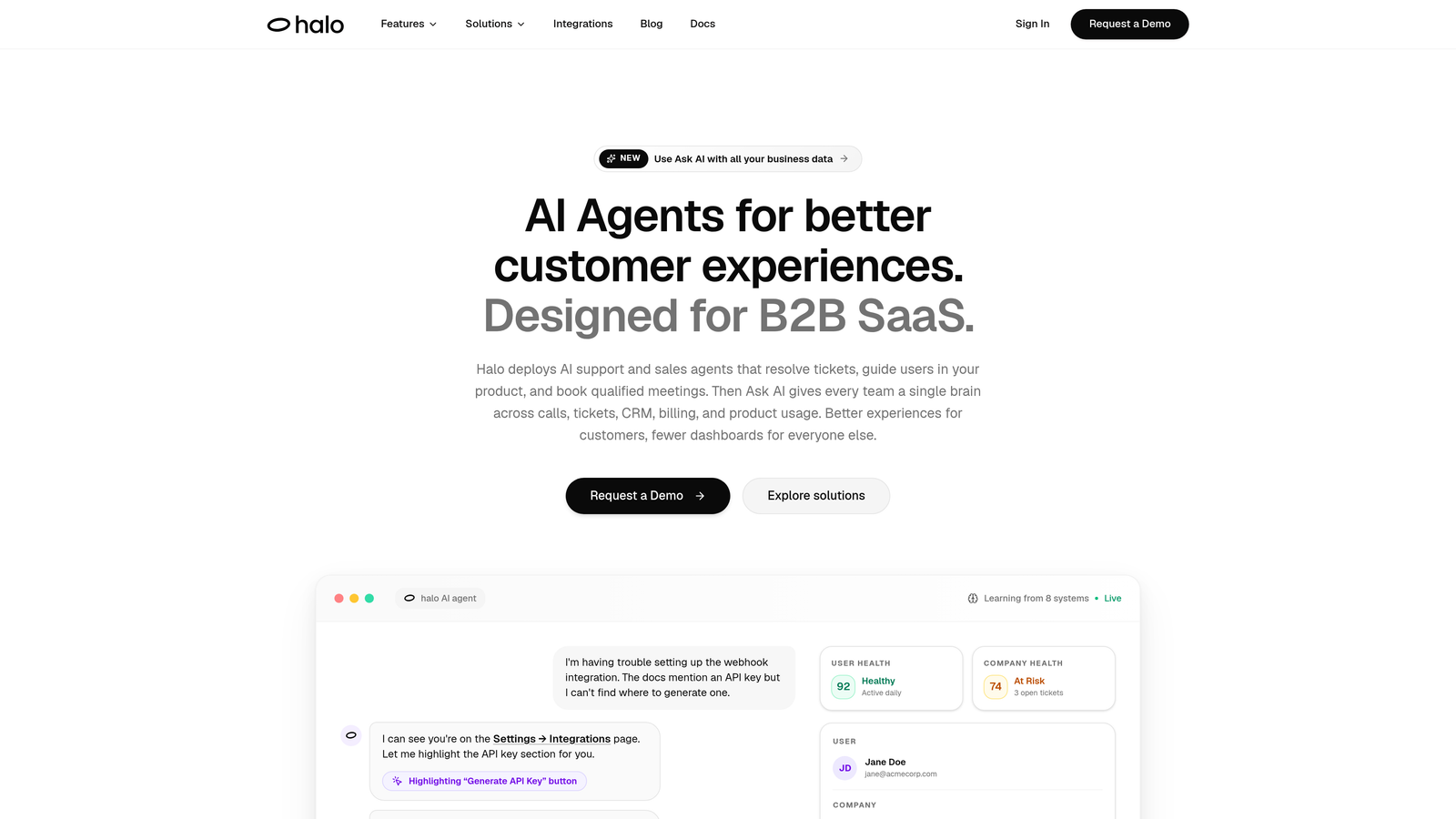
Halo AI is an AI-first customer support platform that autonomously resolves tickets, guides users with page-aware context, and surfaces business intelligence across your entire support operation.
Where This Tool Shines
Most helpdesks treat AI as a layer you add later. Halo is built around it from the ground up. The platform deploys intelligent agents that don't just suggest responses or deflect to a knowledge base: they actually close tickets end-to-end, learning from every interaction to get sharper over time.
The page-aware chat widget is a genuine differentiator. It sees what the user sees in your product, which means it can provide visual UI guidance rather than generic instructions. That context-awareness translates directly into fewer escalations and a faster path to resolution.
Key Features
End-to-End Ticket Resolution: AI agents handle the full resolution cycle autonomously, not just the first response, with continuous learning built in.
Page-Aware Chat Widget: The widget understands the user's current location in your product and delivers contextually relevant, visual guidance.
Smart Inbox with Business Intelligence: Goes beyond support metrics to surface customer health signals, revenue anomalies, and churn indicators directly from ticket data.
Auto Bug Ticket Creation: Automatically generates and routes bug reports to Linear or your preferred issue tracker without manual intervention.
Live Agent Handoff: Complex issues escalate to human agents with full conversation context preserved, so nothing gets repeated.
Native Integrations: Connects to Slack, HubSpot, Intercom, Stripe, Zoom, PandaDoc, and Fathom out of the box.
Best For
SaaS companies and B2B product teams who want AI to do the heavy lifting from day one, not as a future upgrade. Particularly well-suited for teams that are already stretched thin and need support to scale without scaling headcount in parallel.
Pricing
Pricing is available on request. Contact Halo AI for a demo and custom quote based on your ticket volume and integration requirements. Visit haloagents.ai to get started.
2. Zendesk
Best for: Large enterprises needing deep customization and a mature integration ecosystem.
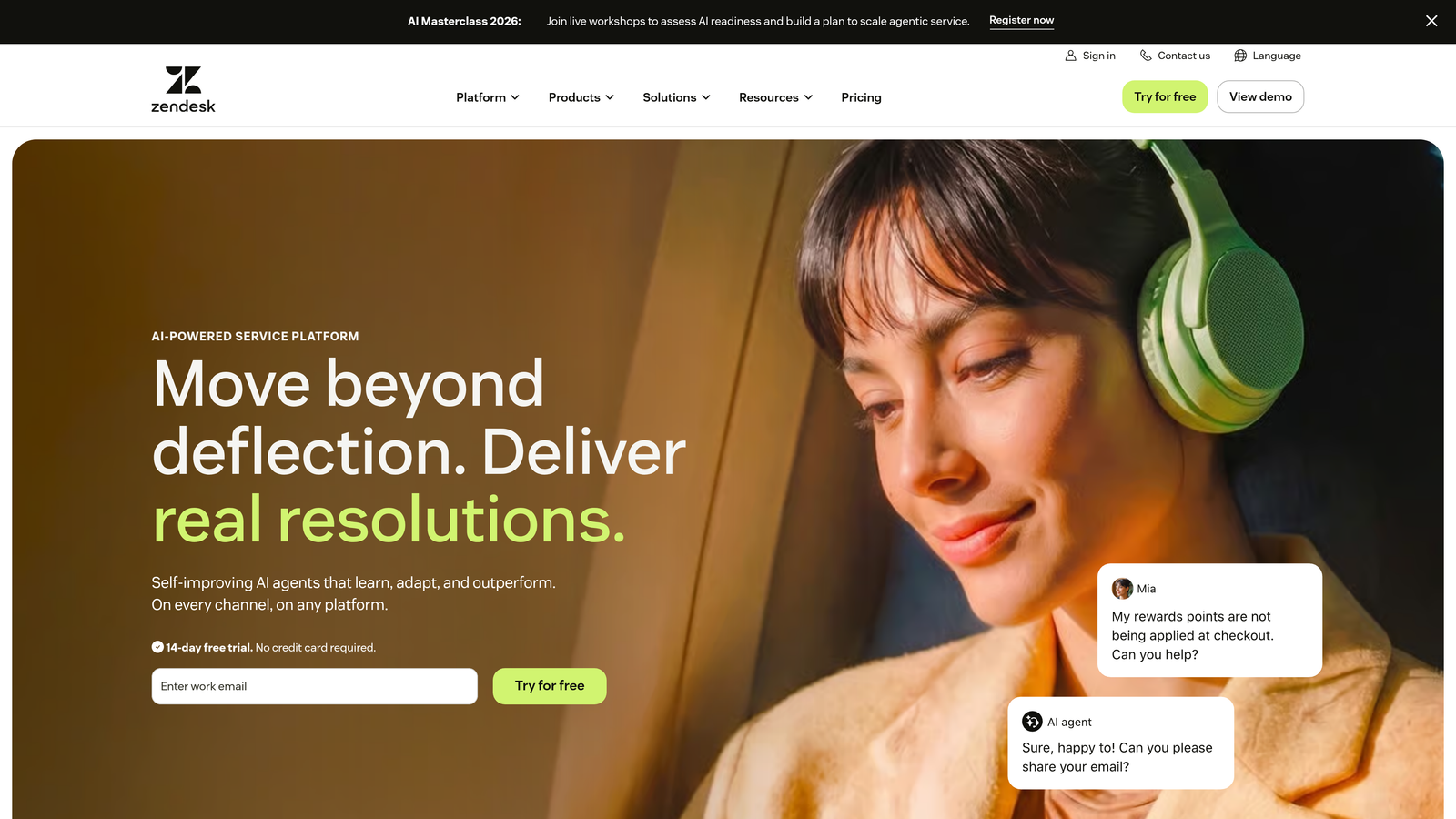
Zendesk is one of the most established helpdesk platforms on the market, offering extensive workflow customization, omnichannel support, and a broad ecosystem of over 1,000 integrations.
Where This Tool Shines
Zendesk's strength is its depth. For organizations with complex ticket routing logic, multi-brand support needs, or strict SLA requirements, it offers the configurability to handle nearly any workflow. The platform has been refined over many years and has enterprise-grade reliability to match.
The tradeoff is cost complexity. AI features are sold as separate add-ons on top of already substantial per-agent fees, and costs can escalate quickly as teams grow. Buyers should map out their full stack before committing to a tier.
Key Features
Omnichannel Ticket Management: Handles email, chat, social, voice, and messaging channels from a single workspace.
Zendesk AI: Available as a paid add-on for automated responses, ticket triage, and agent suggestions.
1,000+ Marketplace Integrations: Connects to virtually every major business tool, though some integrations carry additional costs.
Advanced SLA Management: Configurable SLA policies with escalation rules and reporting dashboards.
Workflow Automation: Triggers, automations, and macros for structured ticket handling at scale.
Best For
Mid-market and enterprise teams with dedicated support operations, complex routing requirements, and the budget to match. Less ideal for small teams where per-agent pricing adds up fast.
Pricing
Suite Team starts around $55–$69/agent/month; AI features are additional. Enterprise pricing on request. Verify current pricing at zendesk.com/pricing.
3. Freshdesk
Best for: SMB teams moving beyond email-only support who want an accessible entry point.
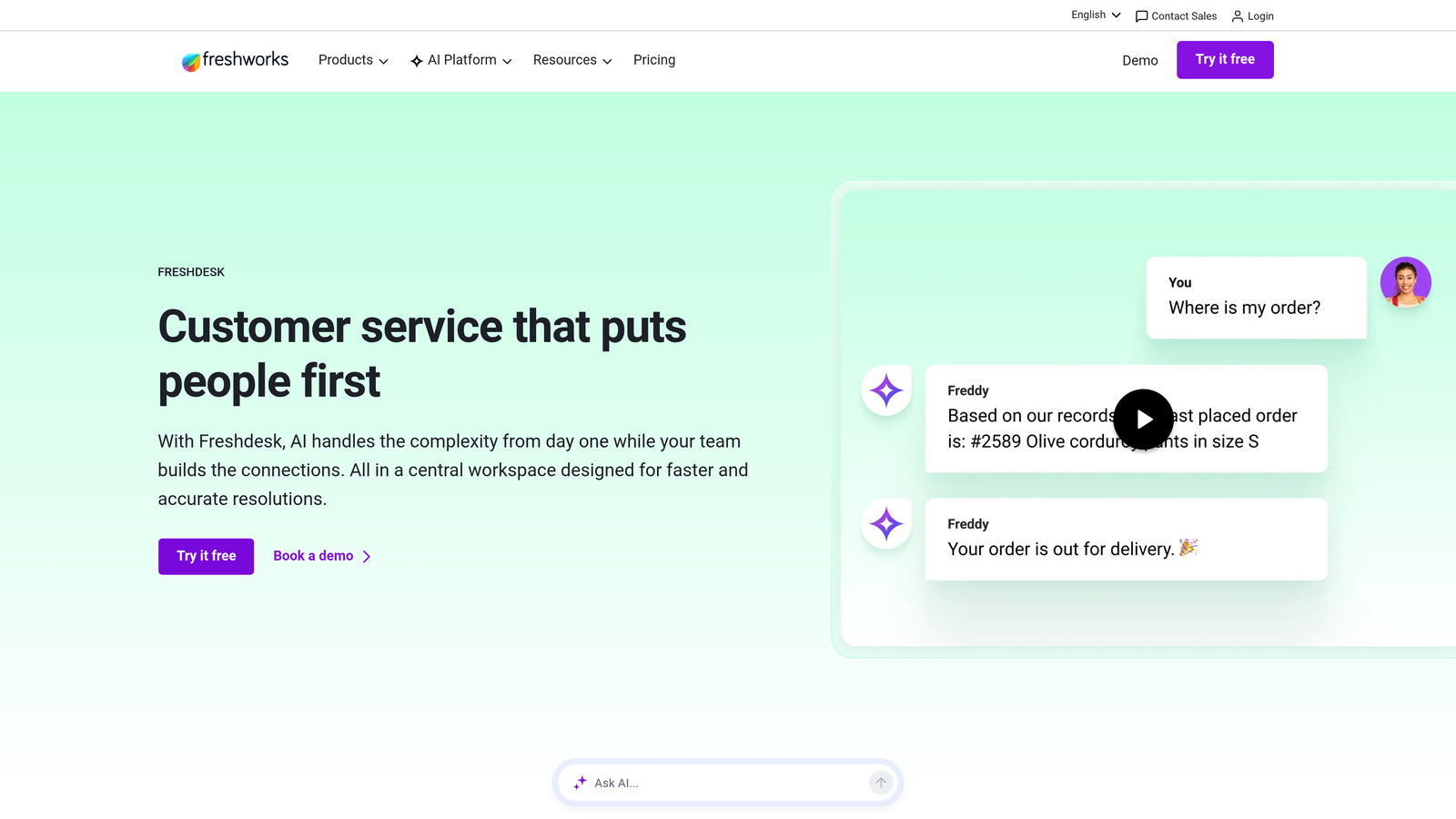
Freshdesk is a widely-used helpdesk platform from Freshworks with a generous free tier and straightforward per-agent pricing that makes it a popular first step for growing support teams.
Where This Tool Shines
Freshdesk's free tier is genuinely useful for small teams, not just a stripped-down trial. Up to 10 agents can handle basic ticketing at no cost, which gives teams a real runway to evaluate the platform before committing. The interface is clean and relatively quick to onboard.
Like Zendesk, AI capabilities (via Freddy AI) sit outside the base plan as a separate add-on cost. Teams budgeting for automation need to factor that in from the start rather than treating it as a future upgrade.
Key Features
Free Tier: Supports up to 10 agents with basic ticketing, email, and knowledge base functionality at no cost.
Freddy AI: Available as a paid add-on for automated responses, ticket suggestions, and chatbot functionality.
Collision Detection: Prevents two agents from responding to the same ticket simultaneously.
Canned Responses and Automation Rules: Speeds up repetitive responses and routes tickets based on configurable criteria.
Multi-Channel Support: Covers email, phone, chat, and social media channels.
Best For
Small to mid-sized teams that want an affordable starting point with room to grow. Strong fit for businesses that don't yet need deep AI automation but want a solid ticketing foundation.
Pricing
Free tier available. Growth plan around $15–$18/agent/month; Pro and Enterprise tiers higher. Freddy AI is a separate add-on cost. Verify at freshworks.com/freshdesk/pricing.
4. Intercom
Best for: Product-led teams that blend customer support with onboarding and in-app engagement.
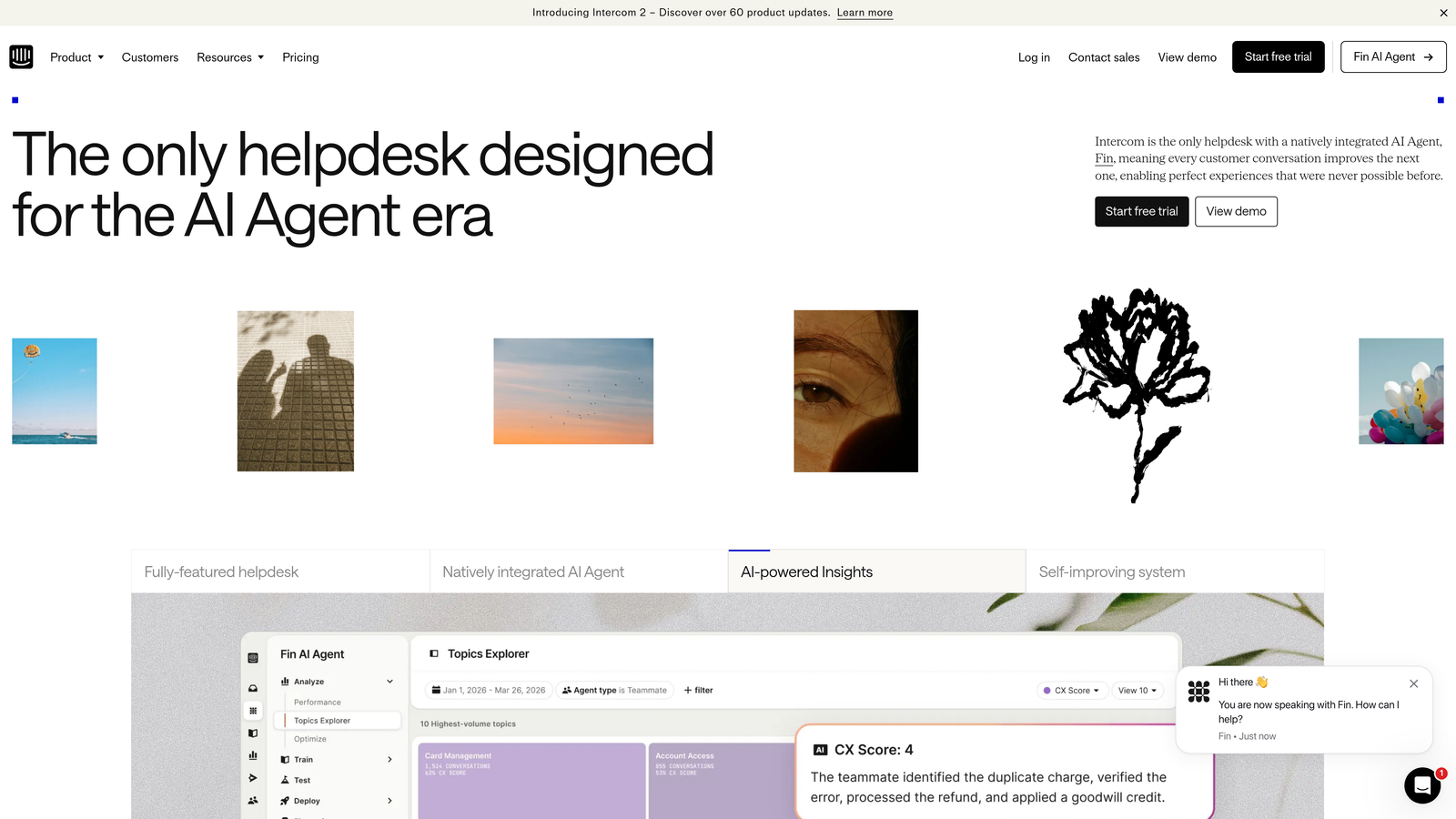
Intercom is a conversation-first platform that combines customer support, onboarding flows, and product engagement, with the Fin AI agent handling automated ticket resolution.
Where This Tool Shines
Intercom's real strength is the combination of support and product engagement in one platform. If your team runs onboarding tours, in-app messaging, and support from the same tool, the consolidation has genuine value. Fin AI is a capable resolution agent, though its per-resolution pricing model introduces cost unpredictability at scale.
The pricing structure deserves careful attention. Seat-based fees plus per-resolution charges for Fin AI mean your monthly bill can vary significantly based on ticket volume. Teams with predictable, lower volumes will find it more manageable than high-volume operations.
Key Features
Fin AI Agent: Charges approximately $0.99 per resolved conversation on standard tiers, making costs volume-dependent.
In-App Messaging and Product Tours: Supports onboarding flows and feature announcements alongside support conversations.
Shared Team Inbox: Collaborative workspace for handling conversations across channels.
Help Center and Chatbot Builder: Self-service content and custom conversation flows.
Extensive Integration Library: Connects to CRMs, analytics tools, and other support stack components.
Best For
Product-led growth companies that want a single platform for support and user engagement. Budget carefully if your ticket volume is high, as per-resolution fees accumulate quickly.
Pricing
Seat-based plans start around $39/seat/month; Fin AI resolution fees are usage-based on top of that. Verify current pricing at intercom.com/pricing.
5. HubSpot Service Hub
Best for: Teams already running sales and marketing on HubSpot who want ticketing in the same ecosystem.
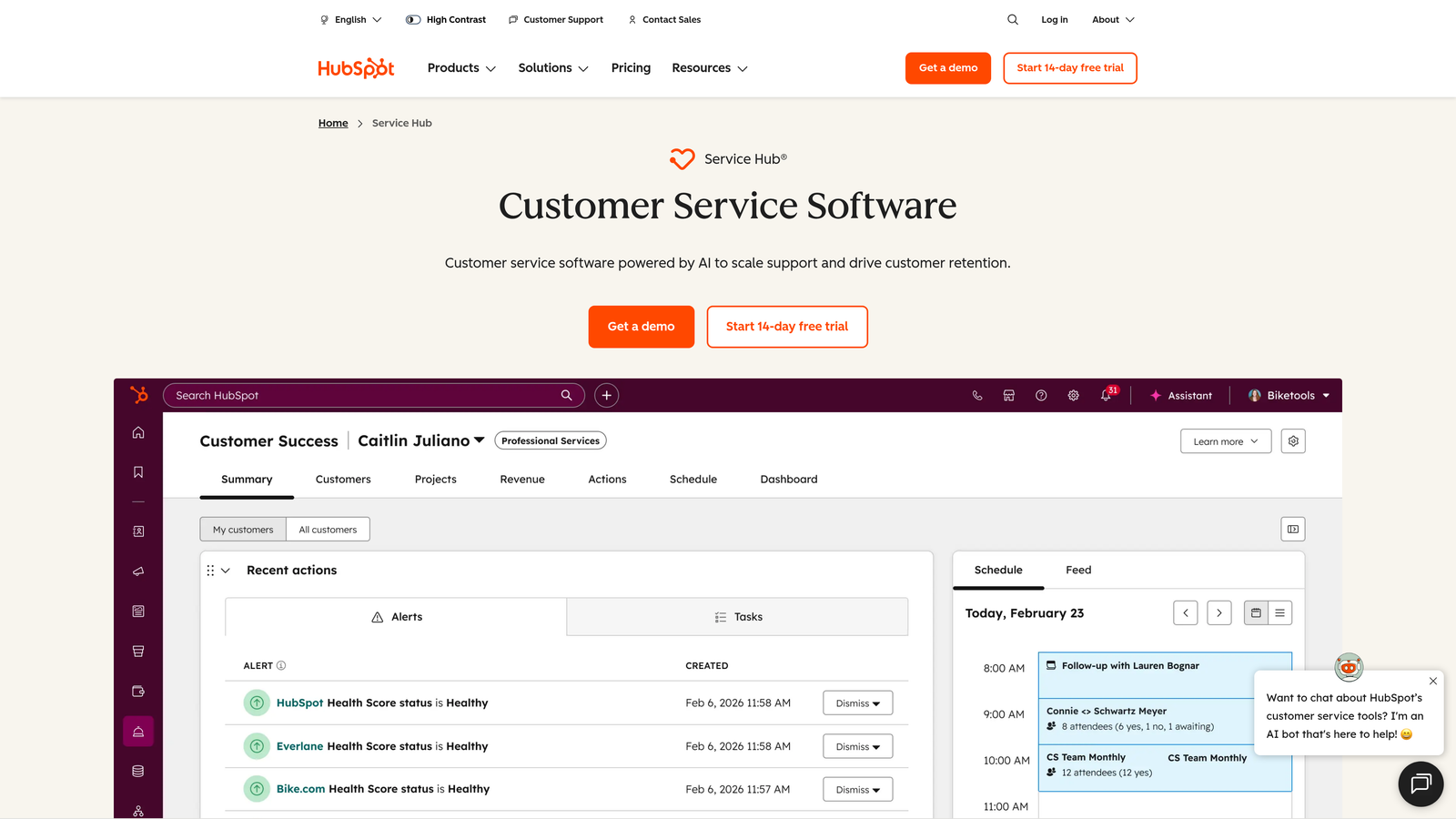
HubSpot Service Hub brings ticketing directly into the HubSpot CRM, making it a natural extension for teams that live in the HubSpot ecosystem.
Where This Tool Shines
The core value proposition here is data unification. When a support ticket is connected to a contact record, a deal, and a company in the same CRM, your support team has context that standalone helpdesks simply can't replicate. For teams already using HubSpot for sales and marketing, the incremental cost to add Service Hub can be excellent value.
The free tier includes basic ticketing, which makes it easy to start. AI-powered features like conversation summaries and reply suggestions are reserved for Professional and Enterprise tiers, so teams that need automation will need to budget accordingly.
Key Features
CRM-Native Ticketing: Every ticket is connected to HubSpot contact, company, and deal records automatically.
AI Conversation Tools: Summaries and reply suggestions available on Professional and Enterprise tiers.
Knowledge Base and Customer Portal: Self-service options that integrate with the broader HubSpot platform.
SLA Tracking and Reporting: Configurable SLA policies with dashboards for team performance.
Free Tier: Basic ticketing included with HubSpot's free CRM plan.
Best For
Companies already invested in the HubSpot ecosystem, particularly those where sales and support teams share customer data. Less compelling as a standalone purchase if you're not already using HubSpot.
Pricing
Free CRM tier includes basic ticketing. Starter around $15/seat/month; Professional around $90/seat/month. AI features on Professional and Enterprise. Verify at hubspot.com/pricing/service-hub.
6. Zoho Desk
Best for: Budget-conscious teams who want feature-rich ticketing without enterprise-level pricing.
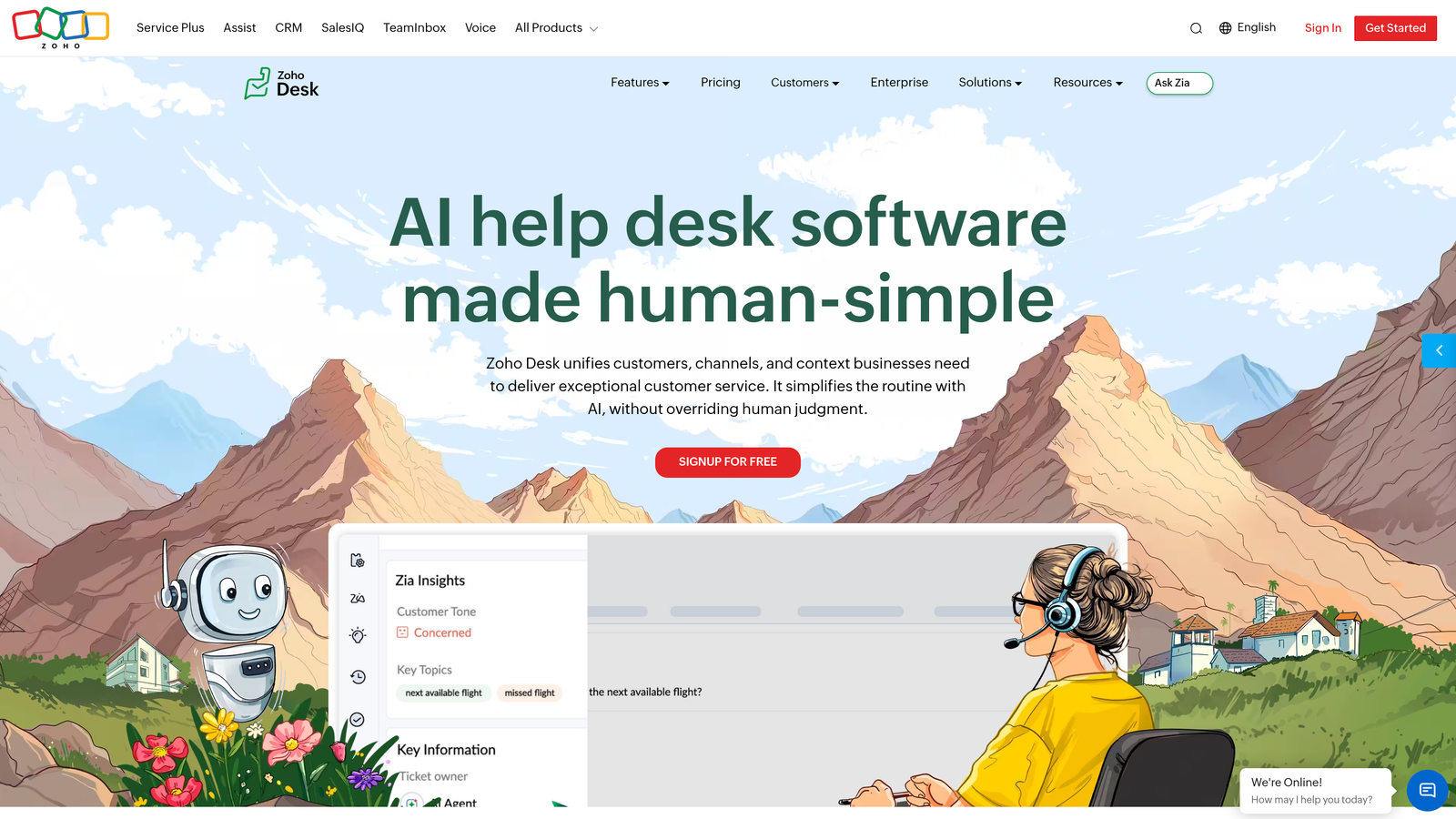
Zoho Desk is a feature-rich helpdesk platform with competitive per-agent pricing and tight integration with the broader Zoho suite, including Zoho CRM and Zoho One.
Where This Tool Shines
Zoho Desk punches above its price point. The platform includes Blueprint workflow automation, multi-department support, and the Zia AI assistant on higher tiers, all at per-agent rates that undercut most competitors significantly. For teams already using Zoho CRM, the native integration makes it a natural fit.
The Zia AI assistant handles ticket tagging, sentiment analysis, and response suggestions, though it's only available on Professional tier and above. Teams on entry-level plans get solid automation without AI, which is a reasonable tradeoff at those price points.
Key Features
Zia AI Assistant: Provides ticket tagging, sentiment analysis, and response suggestions on Professional tier and above.
Blueprint Workflow Automation: Structured, visual workflow builder for complex ticket processes.
Multi-Department and Multi-Brand Support: Handles multiple business units or brands from a single account.
Native Zoho CRM Integration: Seamless data sharing between support and sales without third-party connectors.
Affordable Entry Tiers: Meaningful functionality available at some of the lowest per-agent rates in this comparison.
Best For
SMBs and mid-market teams looking for strong value, especially those already in the Zoho ecosystem. Also a good fit for multi-brand operations that would pay premium add-on fees elsewhere.
Pricing
Express around $7/agent/month; Standard around $14; Professional around $23; Enterprise around $40. Zia AI on Professional and above. Verify at zoho.com/desk/pricing.html.
7. Help Scout
Best for: Small teams that want clean, email-native shared inbox support without heavy admin overhead.
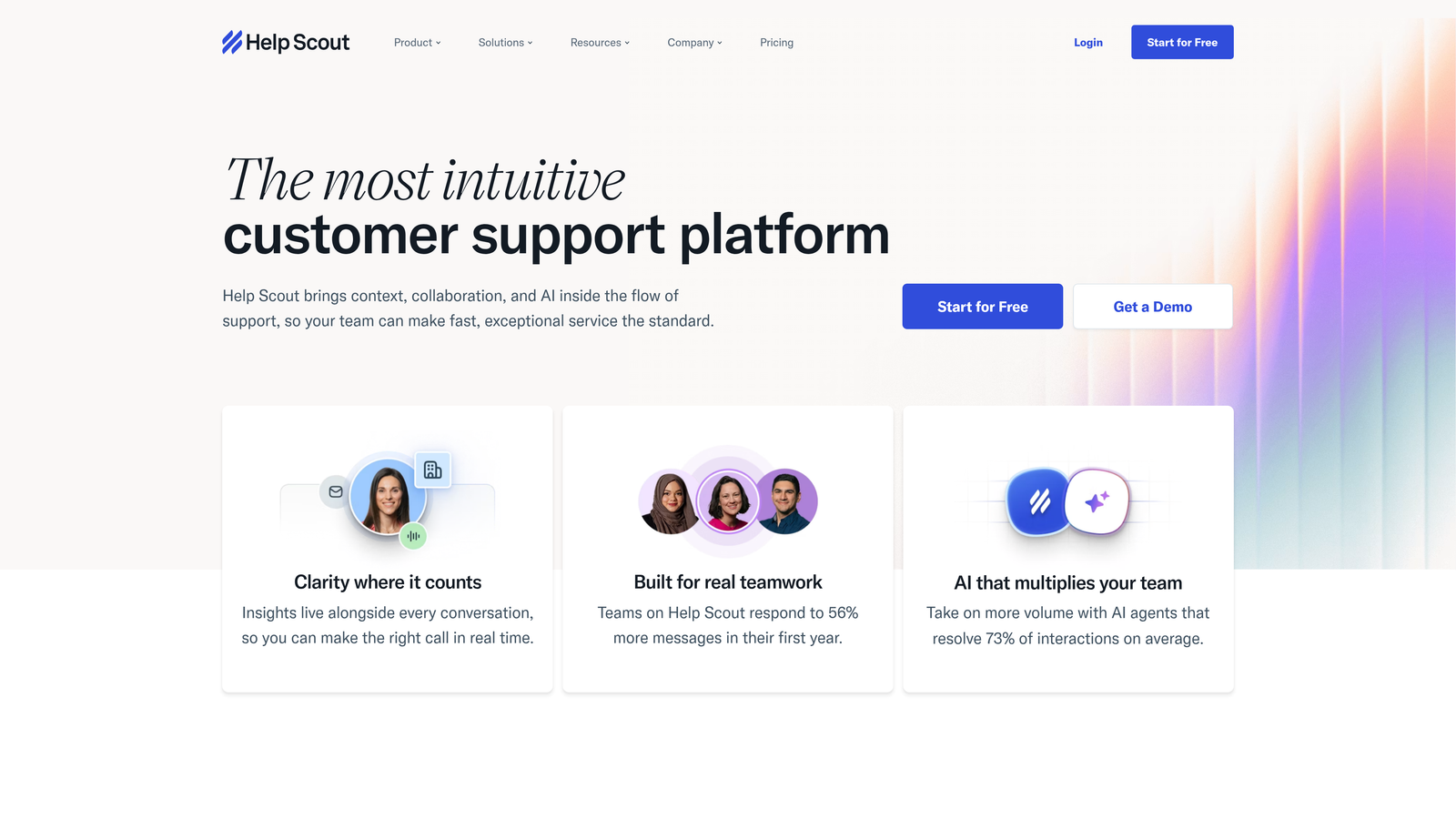
Help Scout is a streamlined support platform built around a shared inbox experience that feels familiar to anyone who uses email, reducing the learning curve for new agents significantly.
Where This Tool Shines
Help Scout's design philosophy is simplicity. There's no sprawling admin panel to configure or complex workflow logic to maintain. Teams can get up and running quickly, and the email-like interface means agents spend less time learning the tool and more time helping customers.
The platform includes a Docs knowledge base on all plans, which is a meaningful inclusion rather than a paid add-on. AI features like Summarize and AI Drafts are available on higher tiers, and the flat per-user pricing makes cost forecasting straightforward compared to platforms with usage-based AI fees.
Key Features
Email-Native Shared Inbox: Familiar interface that reduces agent onboarding time considerably.
AI Summarize and AI Drafts: Available on higher tiers for faster response drafting and conversation summaries.
Docs Knowledge Base: Included on all plans, not gated behind premium tiers.
Beacon Widget: In-app help widget for proactive support and live chat.
Flat Pricing Structure: Predictable per-user costs without complex usage-based add-ons.
Best For
Small support teams, early-stage startups, and companies that prioritize simplicity over deep customization. Not the right fit for teams that need complex automation or enterprise-grade workflow logic.
Pricing
Plans typically range from around $20–$65/user/month depending on tier and features. Verify current pricing at helpscout.com/pricing.
8. Gorgias
Best for: E-commerce brands on Shopify, BigCommerce, or Magento who want support built around order data.
Gorgias is a helpdesk built specifically for e-commerce, with deep platform integrations and a per-ticket pricing model that makes costs scale with conversation volume rather than headcount.
Where This Tool Shines
Gorgias surfaces order data, refund actions, and subscription details directly inside each ticket, which eliminates the tab-switching that slows down e-commerce support teams. Agents can issue refunds or update orders without leaving the conversation, which meaningfully reduces handle time.
The per-conversation pricing model is a genuine differentiator. For e-commerce brands with variable seasonal volume, paying for tickets rather than seats provides more flexibility than traditional per-agent models. That said, it's a poor fit for SaaS or B2B teams with complex support workflows that go beyond transactional queries.
Key Features
Per-Ticket Pricing Model: Costs scale with conversation volume, not team size, offering flexibility for seasonal businesses.
Order Data in Tickets: Surfaces Shopify, BigCommerce, and Magento order details, refund options, and subscription data directly in the ticket view.
Macros and Automation Rules: Pre-built responses and routing rules for common e-commerce scenarios like shipping delays and returns.
E-Commerce Platform Integrations: Native connections to Shopify, BigCommerce, Magento, and WooCommerce.
Social and SMS Channels: Handles support across Instagram, Facebook, and SMS in addition to email.
Best For
E-commerce brands with high order-related support volume. Not recommended for SaaS, B2B, or service businesses where support complexity extends beyond transactional queries.
Pricing
Starter around $10/month for a limited ticket bundle; scales by conversation volume. Verify current pricing at gorgias.com/pricing.
9. Tidio
Best for: Small businesses and early-stage startups that need basic automated support at minimal cost.
Tidio is a low-cost live chat and AI chatbot platform featuring the Lyro AI chatbot for basic automated support, with a free tier that makes it accessible for businesses just starting out.
Where This Tool Shines
Tidio's entry point is hard to beat for small businesses that need something up and running quickly. The free tier provides real live chat and basic chatbot functionality, and the Lyro AI chatbot handles common FAQ-style questions without requiring significant setup time.
The platform is straightforward by design. The visual chatbot flow builder is accessible to non-technical users, and the Shopify and WooCommerce integrations make it a reasonable option for small e-commerce stores. The tradeoff is depth: Tidio isn't built for complex B2B support workflows, multi-department routing, or enterprise-grade SLA management.
Key Features
Lyro AI Chatbot: Handles automated FAQ responses and basic ticket resolution with a conversational interface.
Free Tier: Available with limited conversations, making it accessible for early-stage teams testing automation.
Visual Chatbot Builder: Drag-and-drop flow builder that doesn't require technical expertise to configure.
Multi-Channel Support: Covers live chat, email, and Facebook Messenger.
E-Commerce Integrations: Native connections to Shopify and WooCommerce.
Best For
Small businesses, solopreneurs, and early-stage startups that need basic chat and FAQ automation at low cost. Not suited for B2B SaaS teams, complex support operations, or businesses that need deep integrations and analytics.
Pricing
Free tier available. Lyro AI plan starts around $29/month. Higher tiers for more conversations and advanced features. Verify current pricing at tidio.com/pricing.
Calculating Your True Automated Ticket System Cost
Before committing to any platform, it's worth building a simple cost model. The advertised per-agent price is rarely the number that ends up on your invoice.
A practical formula to use: Base Plan Cost + AI Add-On Cost + Integration Fees + Estimated Overage = True Monthly Cost.
Base Plan: The per-agent or per-seat fee. This is the starting point, but rarely the full picture.
AI Add-On: On most traditional platforms, AI features are gated behind separate tiers or usage-based fees. Zendesk, Freshdesk, Intercom, and HubSpot all price AI separately from their base plans.
Integration Fees: Some platforms charge for premium integrations or API access above certain usage thresholds. Factor this in if you need connections to CRM, billing, or project management tools.
Overage and Usage Fees: Intercom's per-resolution Fin AI charges and Gorgias's per-ticket model both introduce variable costs that can scale unexpectedly at higher volumes.
Onboarding and Implementation: Enterprise plans often bundle professional services, but mid-market buyers sometimes face unexpected setup costs when deploying complex workflows.
The platforms where AI is built in from the start, rather than added on, tend to produce more predictable total costs. The advertised price is the working price, not a baseline that grows with every feature you actually need.
Which Tool Is Right for Your Team
The right choice depends less on features and more on where you are and where you're going.
If you're a SaaS or B2B team that wants AI to do the actual work of resolving tickets rather than just suggesting responses, Halo AI is built for exactly that. The AI-first architecture, page-aware context, and business intelligence capabilities aren't add-ons you unlock later: they're the foundation. It's the strongest option for teams that want support to scale without proportionally scaling headcount.
For enterprise teams with complex workflows and existing Zendesk investments, the platform's depth and ecosystem remain compelling despite the cost complexity. Freshdesk and Zoho Desk offer strong value for SMBs that need solid ticketing without enterprise pricing. HubSpot Service Hub is the clear choice for teams already running on HubSpot CRM. Help Scout works well for small teams that value simplicity over configurability. Gorgias is the specialist pick for e-commerce, and Tidio serves early-stage businesses that need a low-cost starting point.
The most common mistake buyers make is evaluating the base plan price without accounting for the AI add-on, integration, and overage costs that follow. A $15/agent/month plan with a $30/agent/month AI add-on and usage overages can easily outprice a platform that bundles everything at a higher headline rate.
Your support team shouldn't scale linearly with your customer base. Let AI agents handle routine tickets, guide users through your product, and surface business intelligence while your team focuses on complex issues that need a human touch. See Halo in action and discover how continuous learning transforms every interaction into smarter, faster support.