9 Best Automated Ticketing Systems and What They Actually Cost in 2026
Automated ticketing system pricing is notoriously difficult to pin down, with vendors hiding per-agent fees and gating key features behind enterprise tiers. This guide compares nine leading platforms across pricing structure, AI capabilities, and total cost of ownership so you can make a confident, informed decision without booking a demo just to see a number.
 Matt PattoliFounder14 min read
Automated ticketing system pricing is notoriously opaque. Vendors bury per-agent fees, charge extra for AI add-ons, and gate essential features behind enterprise tiers, making it genuinely difficult to budget accurately before you've already committed to a platform.
This guide cuts through the noise. We've compared nine leading platforms across pricing structure, AI capabilities, and total cost of ownership so you can make an informed decision without booking a demo just to see a number. Whether you're a lean SaaS team looking to deflect tickets without hiring, or a scaling B2B company outgrowing your current helpdesk, there's a meaningful difference between platforms that bolt AI on top of legacy infrastructure and those built AI-first from the ground up.
We'll cover what each tool costs, what you actually get for that price, and who each platform genuinely serves best. For broader context, see our breakdown of Zendesk alternatives and ticket deflection strategies.
1. Halo AI
Best for: AI-first SaaS teams wanting autonomous ticket resolution without traditional helpdesk overhead
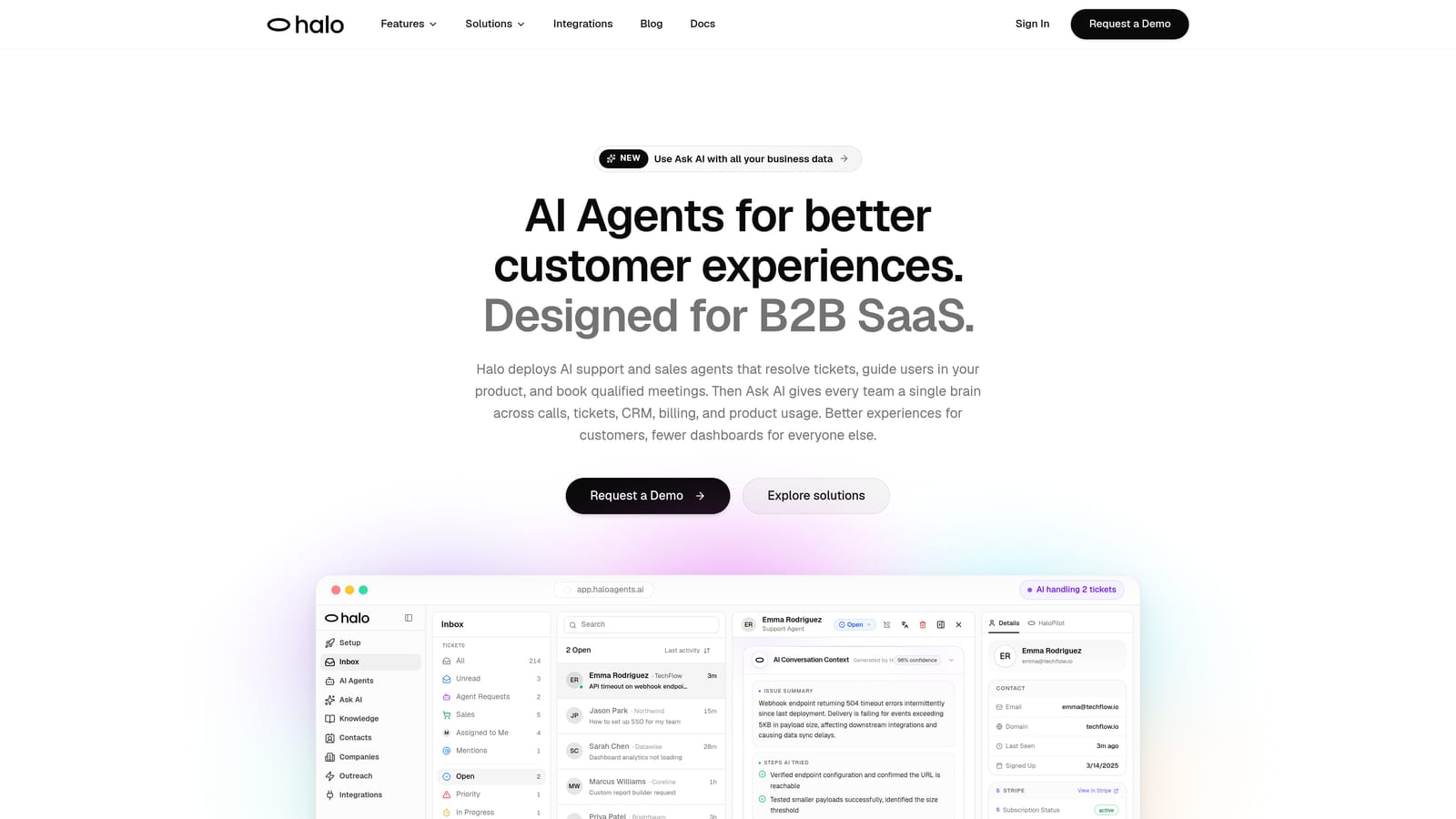
Halo AI is an AI-native customer support platform that deploys intelligent agents to resolve tickets, guide users through your product with page-aware context, and surface business intelligence across your entire support operation.
Where This Tool Shines
Most helpdesks treat AI as a layer you add on top. Halo AI is built the other way around: the AI is the foundation, and everything else is designed to extend its capabilities. That means the platform learns from every single interaction, continuously improving resolution accuracy rather than requiring manual rule-building.
The page-aware chat widget is a genuinely differentiated feature. It sees exactly what the user sees on screen, enabling contextual guidance that's far more precise than generic knowledge base responses. Pair that with a smart inbox that surfaces customer health signals, revenue anomalies, and churn indicators, and you're getting operational intelligence alongside support automation.
Key Features
Intelligent AI Agents: Autonomously resolve support tickets and continuously learn from every interaction to improve over time.
Page-Aware Chat Widget: Understands the user's current screen context to deliver precise, relevant guidance rather than generic answers.
Smart Inbox with Business Intelligence: Surfaces customer health signals, revenue anomalies, and churn indicators directly within the support workflow.
Auto Bug Ticket Creation: Automatically generates and routes bug reports to engineering tools like Linear without manual intervention.
Live Agent Handoff: Escalates complex issues to human agents seamlessly, preserving full conversation context.
Deep Integrations: Connects natively with Slack, HubSpot, Intercom, Stripe, Zoom, PandaDoc, and Fathom.
Best For
SaaS product teams and B2B companies that want AI to handle routine support volume autonomously while surfacing meaningful business signals. Particularly well-suited for teams that have outgrown their current helpdesk and want to stop scaling headcount linearly with customer growth.
Pricing
Contact Halo AI directly for pricing. The platform positions itself as an AI-first alternative to traditional per-seat helpdesk models, so pricing reflects platform capabilities rather than agent headcount.
2. Zendesk
Best for: Large enterprises needing deep customization, extensive integrations, and mature SLA management
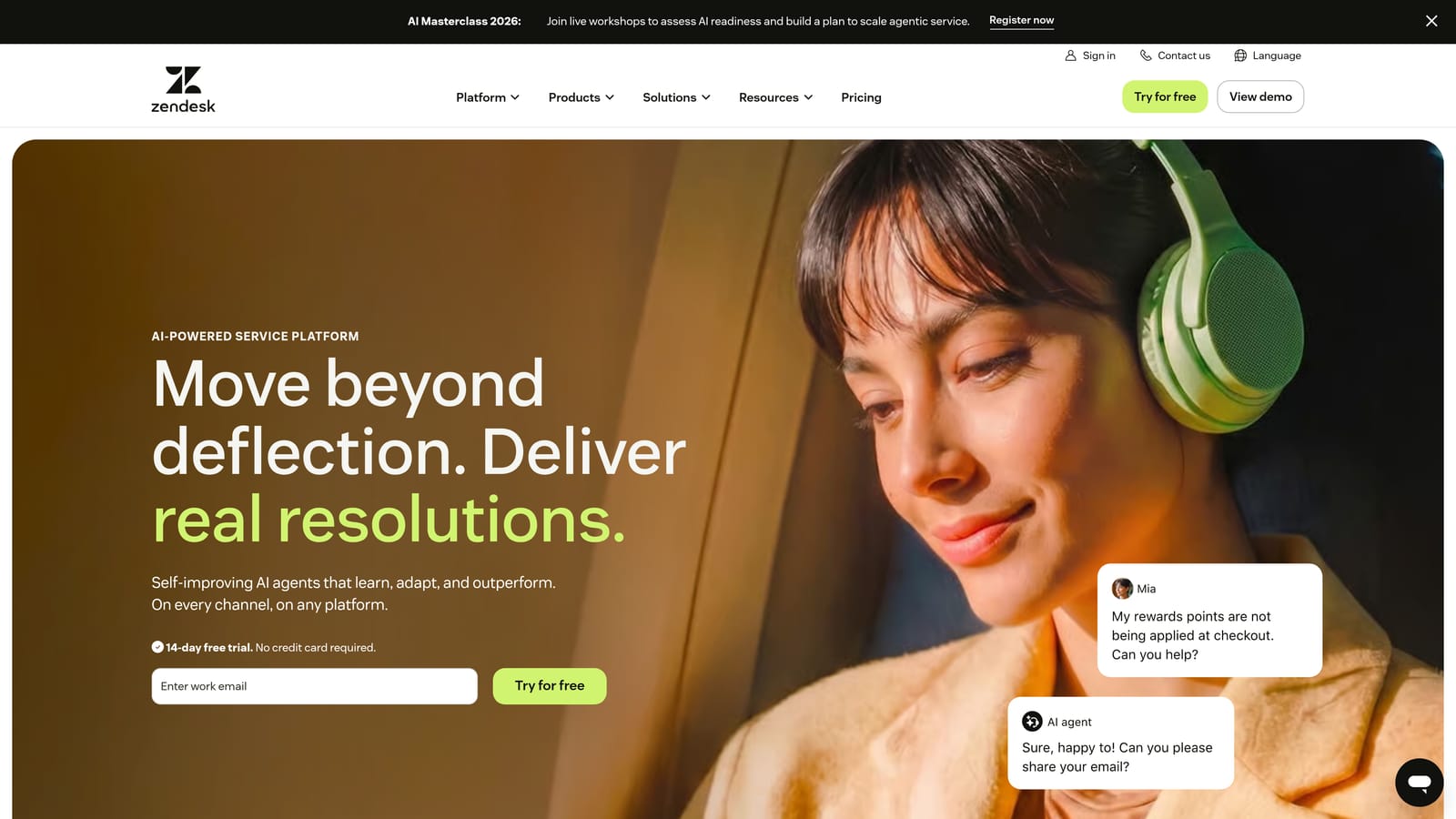
Zendesk is the most widely adopted enterprise helpdesk platform, offering extensive workflow customization, a large app marketplace, and AI features available on higher tiers.
Where This Tool Shines
Zendesk's strength is its maturity. After years of enterprise adoption, it offers one of the most extensive app marketplaces in the category, robust SLA management, and reporting capabilities that satisfy even complex enterprise requirements. If your team has sophisticated routing logic and compliance needs, Zendesk has likely already built the tooling for it.
The tradeoff is complexity and cost. Configuring Zendesk well often requires dedicated admin resources, and meaningful AI capabilities through Zendesk AI and Copilot sit behind higher-tier plans. Teams that want AI to do real work will find themselves on Suite Professional or above.
Key Features
Advanced Ticket Routing: Sophisticated SLA management and workflow automation for complex support operations.
Zendesk AI / Copilot: Agent assistance and automated responses available on Professional tiers and above.
App Marketplace: Hundreds of third-party integrations covering virtually every business tool.
Omnichannel Support: Unified inbox across email, chat, voice, and social channels.
Robust Reporting: Customizable dashboards and analytics for tracking team performance and SLA compliance.
Best For
Enterprise support organizations with complex workflows, large agent teams, and the admin resources to configure and maintain the platform. Less suited for lean teams that need AI to be operational without significant setup investment.
Pricing
Suite Team starts at approximately $55 per agent per month, billed annually. AI features require Suite Professional or above, which adds meaningful cost per seat at scale.
3. Freshdesk
Best for: Budget-conscious SMBs wanting Zendesk-comparable features at a lower per-agent cost
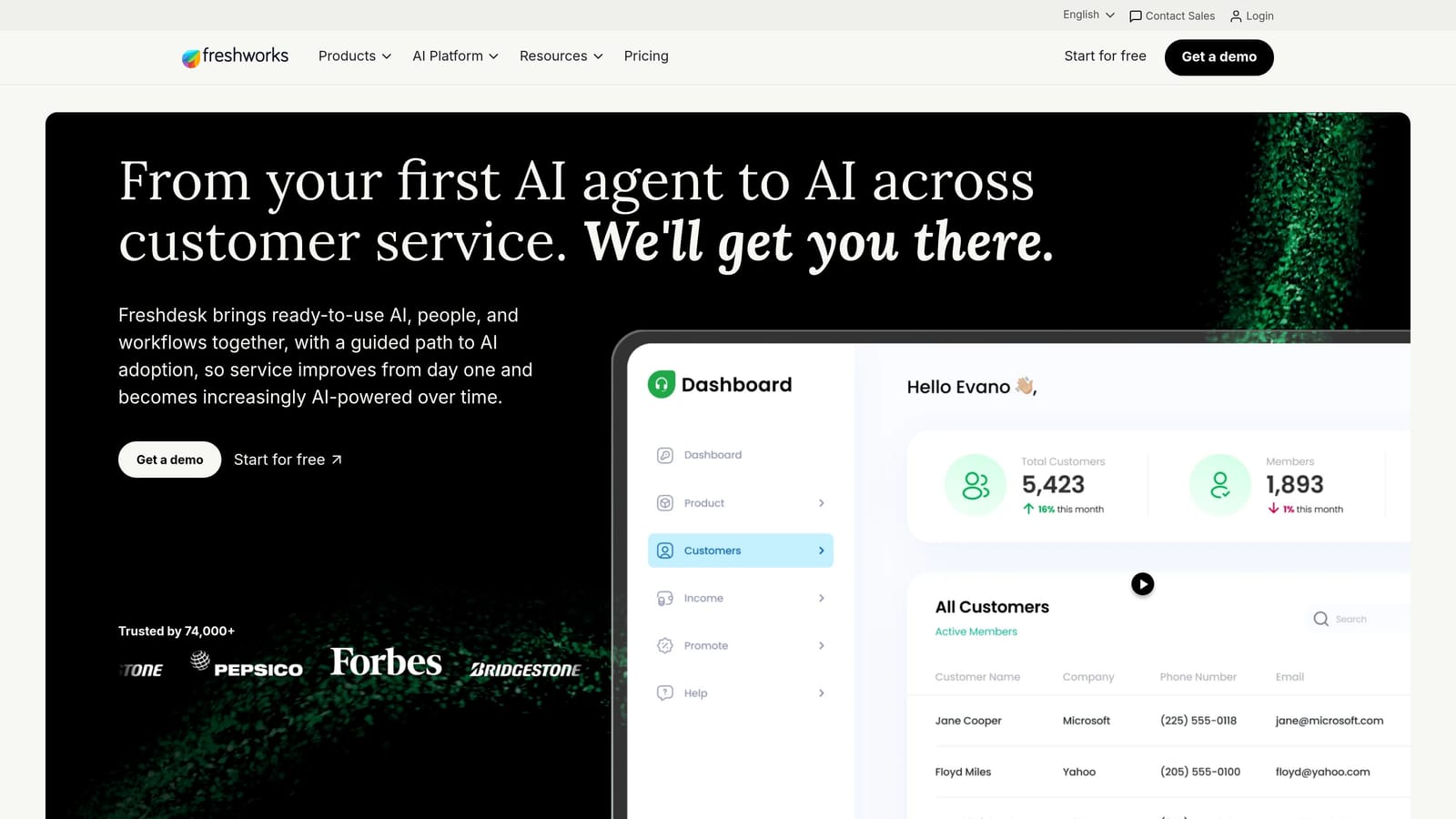
Freshdesk is a full-featured helpdesk from Freshworks that competes directly with Zendesk on price while offering Freddy AI for automation on mid and upper tiers.
Where This Tool Shines
Freshdesk's pricing structure is one of the most accessible in the category. The free plan supports up to 10 agents with basic features, making it a genuine starting point for small teams. As teams grow, the Growth and Pro tiers offer competitive per-agent rates relative to enterprise alternatives.
Freddy AI handles ticket classification, suggested responses, and auto-triage, though it's worth noting that more advanced automation kicks in at higher tiers. Out-of-the-box, Freshdesk delivers a solid multichannel experience without requiring heavy configuration to get started.
Key Features
Freddy AI: Handles ticket classification, suggested responses, and auto-triage on mid and upper-tier plans.
Free Plan: Supports up to 10 agents with core helpdesk functionality at no cost.
Multichannel Support: Unified inbox covering email, phone, chat, and social media.
Collision Detection: Prevents duplicate agent responses by flagging when multiple agents are viewing the same ticket.
Native CRM Integration: Connects directly with Freshsales for unified customer data across sales and support.
Best For
Small to mid-sized businesses that need a capable multichannel helpdesk without Zendesk's price tag. Teams already using other Freshworks products will benefit from native integrations across the suite.
Pricing
Free plan available for up to 10 agents. Growth tier starts at approximately $15 per agent per month; Pro starts at approximately $49 per agent per month, both billed annually.
4. Intercom
Best for: SaaS teams prioritizing in-app, chat-first support with outcome-based AI pricing
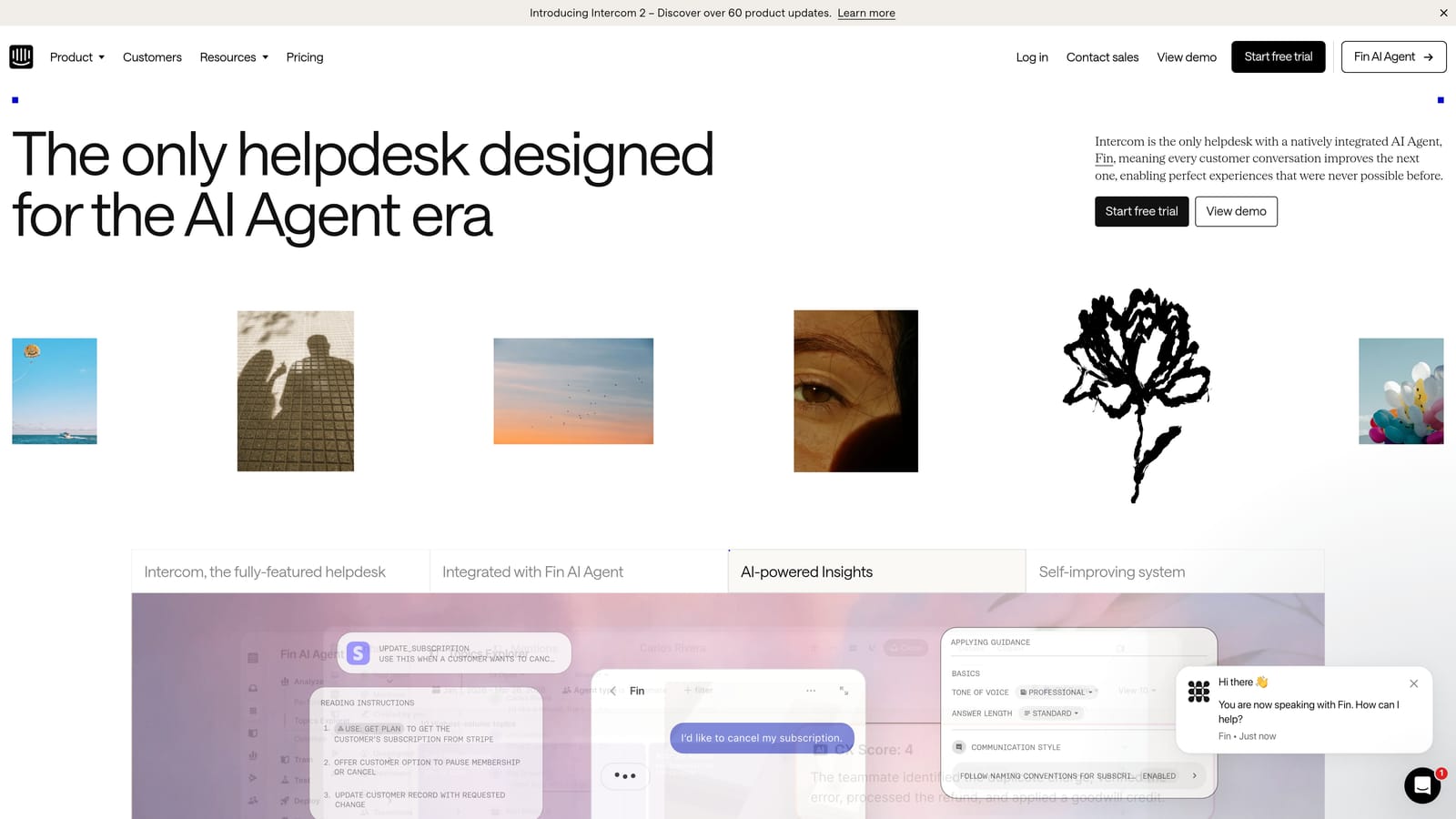
Intercom is a conversational support platform built for in-app and chat-first experiences, with its Fin AI agent using per-resolution pricing rather than a flat per-seat model.
Where This Tool Shines
Intercom's Fin AI agent represents one of the more transparent approaches to AI pricing in the market: you pay per resolution rather than for the capability itself. For teams with high deflection rates, this can be cost-effective. For high-volume teams where AI resolves a significant portion of tickets, the per-resolution fees can accumulate quickly.
Beyond support, Intercom's product tour, lifecycle messaging, and proactive support tools make it a strong choice for SaaS teams that want support and onboarding to live in the same platform. The unified inbox combining chat, email, and in-app conversations works well for teams where most customer interactions happen inside the product.
Key Features
Fin AI Agent: Resolves customer queries autonomously with per-resolution pricing layered on top of the base plan.
In-App Messaging and Product Tours: Proactive support and onboarding tools built natively into the platform.
Unified Inbox: Combines chat, email, and in-app conversations in a single workspace.
Lifecycle Messaging: Targeted messaging capabilities for onboarding, activation, and retention workflows.
Robust API Ecosystem: Extensive integration options for connecting to your existing tech stack.
Best For
SaaS companies with chat-heavy, in-app support needs and a strong focus on proactive customer engagement. Less suited for email-heavy or high-volume ticket environments where per-resolution fees become unpredictable.
Pricing
Base platform starts at approximately $39 per seat per month. Fin AI is charged per resolution on top of the base plan, so total cost depends heavily on ticket volume and deflection rate.
5. HubSpot Service Hub
Best for: Teams already on HubSpot CRM that want support and customer data in one unified platform
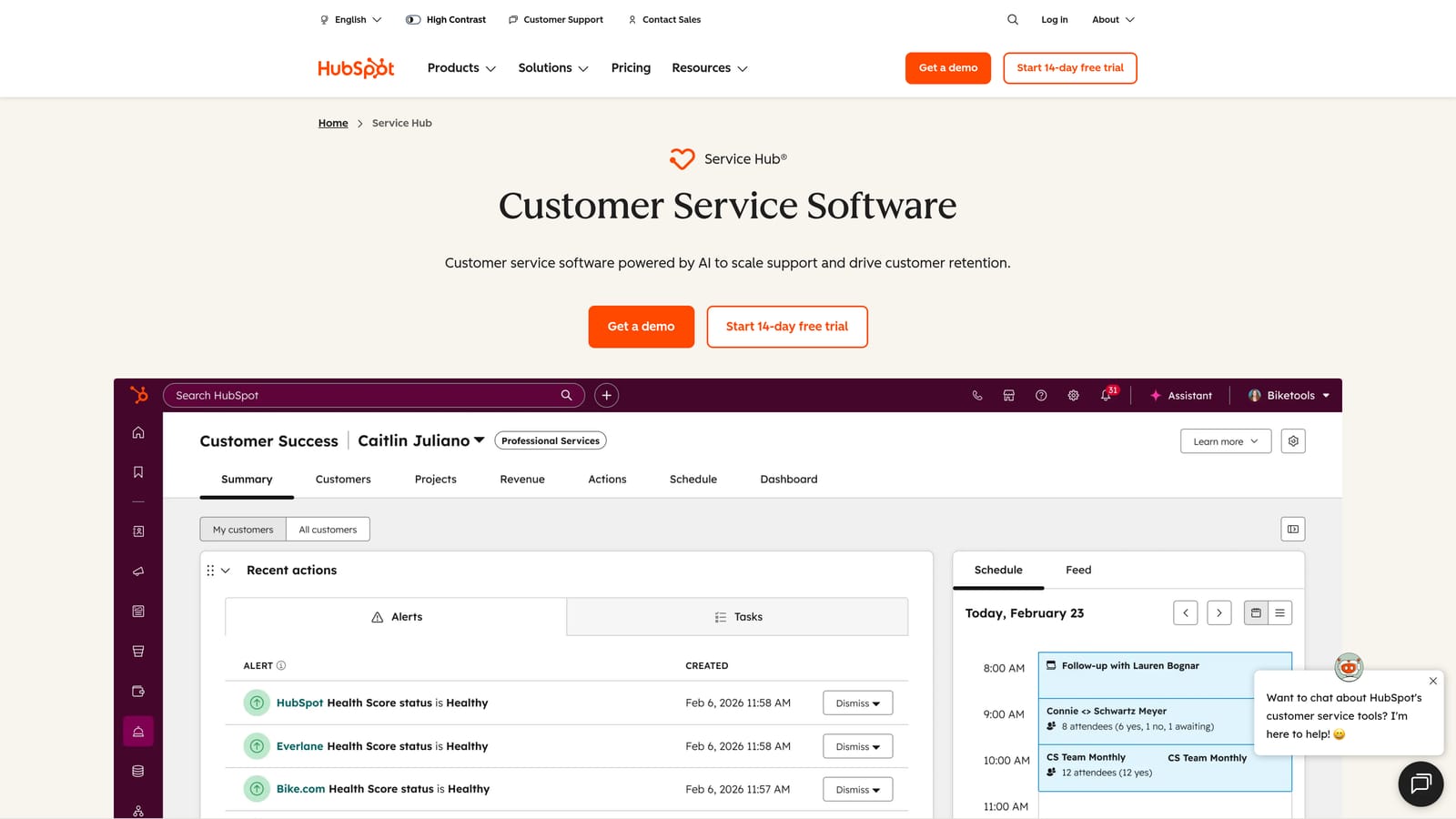
HubSpot Service Hub is HubSpot's customer service product that sits natively inside the HubSpot CRM, giving support teams full customer context in every ticket without switching tools.
Where This Tool Shines
The core value proposition here is context. When a support ticket arrives, agents can immediately see the customer's full history: deals, marketing interactions, previous tickets, and CRM properties, all without leaving the ticket view. For teams where support and sales are closely aligned, this eliminates a significant amount of context-switching.
HubSpot's unified reporting across sales, marketing, and support is genuinely useful for teams that need to demonstrate support's impact on revenue. AI features for reply drafting and conversation summarization are available on Professional and above. Note that Halo AI integrates directly with HubSpot, which means teams using Halo can still surface HubSpot CRM data within their AI-first support workflow.
Key Features
Native CRM Integration: Full customer history, deal data, and marketing interactions visible in every support ticket.
AI Reply Drafting and Summarization: Available on Professional and Enterprise tiers to accelerate agent responses.
Customer Portal: Self-service ticket tracking for customers, reducing inbound inquiry volume.
SLA Management: Ticket pipeline views with configurable SLA policies and escalation rules.
Unified Reporting: Cross-functional dashboards spanning sales, marketing, and support data.
Best For
Companies already invested in the HubSpot ecosystem where breaking support data out of CRM context would create friction. Less compelling as a standalone support tool if you're not already on HubSpot.
Pricing
Free tools available with limited functionality. Starter from approximately $15 per seat per month; Professional from approximately $90 per seat per month, billed annually.
6. Zoho Desk
Best for: Cost-conscious teams in the Zoho ecosystem wanting strong feature depth at low per-agent cost
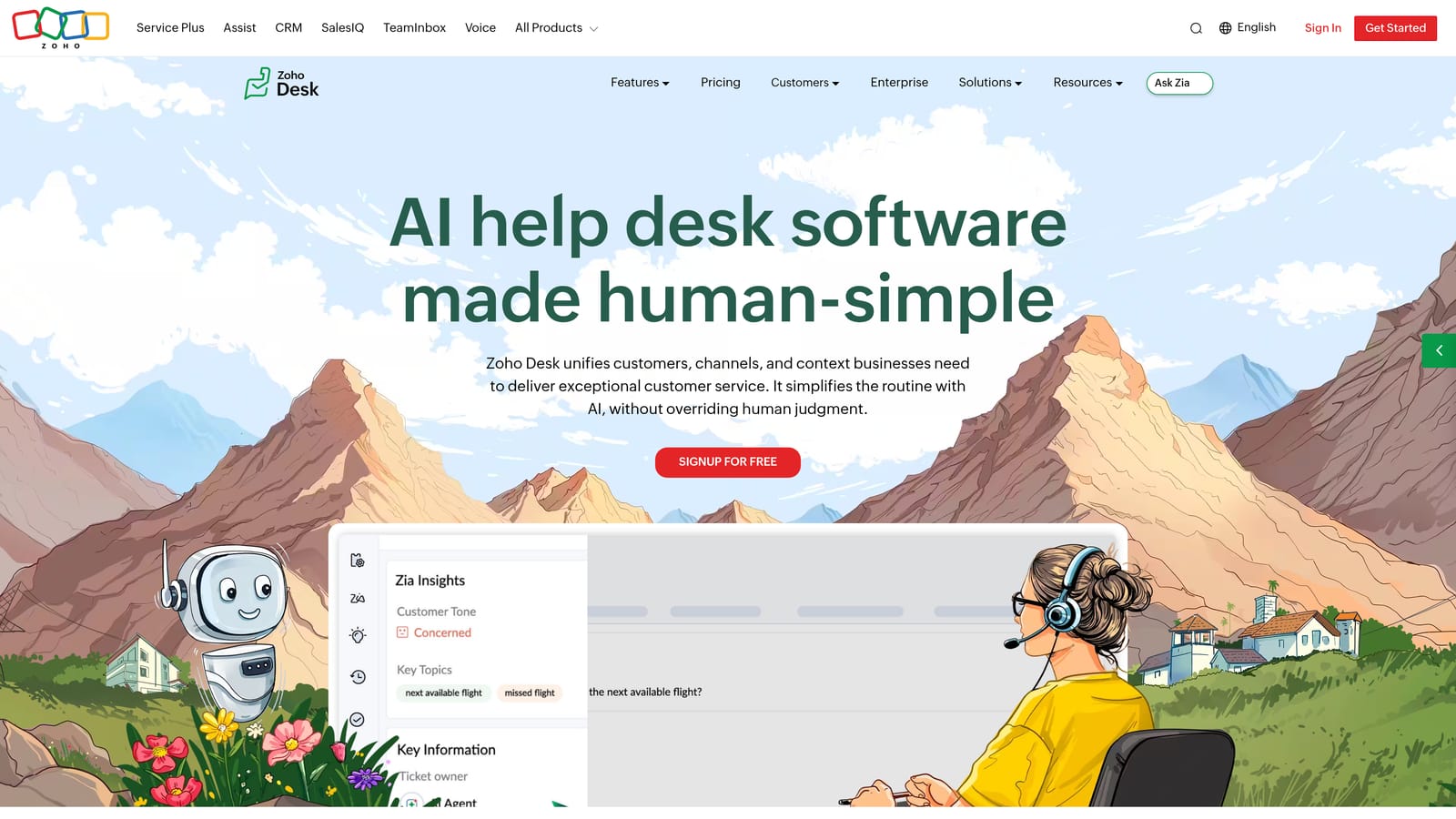
Zoho Desk is a feature-rich helpdesk platform that offers competitive per-agent pricing and Zia AI for teams already operating within the broader Zoho product suite.
Where This Tool Shines
Zoho Desk consistently delivers more features per dollar than most alternatives in the market. The free plan supports three agents, and paid tiers start at pricing that undercuts Zendesk and Freshdesk's equivalent tiers significantly. For teams already using Zoho CRM, the native integration creates a coherent customer data environment without additional connectors.
Zia, Zoho's AI assistant, handles sentiment analysis, ticket tagging, and response suggestions. It's not the most sophisticated AI layer in this comparison, but it covers the core automation needs for teams that don't require deep AI customization. Blueprint workflow automation adds meaningful process control for teams with structured support workflows.
Key Features
Zia AI: Sentiment analysis, ticket tagging, and response suggestions to speed up agent workflows.
Free Plan: Supports up to three agents with core helpdesk functionality.
Zoho Ecosystem Integration: Deep native connection with Zoho CRM and the broader Zoho product suite.
Blueprint Workflow Automation: Visual process builder for structuring and automating multi-step ticket workflows.
Multichannel Support: Email, phone, chat, and social media in a unified workspace.
Best For
Small to mid-sized teams that want strong feature depth without enterprise pricing, particularly those already using Zoho CRM or other Zoho products. Teams outside the Zoho ecosystem may find the UI less polished than alternatives at similar price points.
Pricing
Free plan for up to three agents. Express at approximately $7 per agent per month; Standard at approximately $14; Professional at approximately $23 per agent per month, all billed annually.
7. Help Scout
Best for: Teams wanting a clean, human-feeling shared inbox with AI included across all paid plans
Help Scout is a shared inbox and knowledge base platform designed for teams that want a straightforward, approachable support experience without layers of complex automation.
Where This Tool Shines
Help Scout's design philosophy is intentional simplicity. Where other platforms add features and configuration options with every tier, Help Scout keeps the experience clean and agent-friendly. AI Summarize, AI Drafts, and AI Assist are included across all paid plans rather than gated behind a premium tier, which is a meaningful differentiator in a market where AI is frequently an upsell.
The Docs knowledge base and Beacon in-app widget give teams a self-service layer without requiring a separate product. Flat per-user pricing with minimal feature gating makes budgeting predictable. The tradeoff is automation depth: Help Scout isn't designed for high-volume, complex routing scenarios.
Key Features
AI Summarize, Drafts, and Assist: Core AI features included across all paid plans without additional tier requirements.
Shared Inbox with Collision Detection: Prevents duplicate responses with private notes and team collaboration built in.
Docs Knowledge Base: Integrated self-service documentation for customer-facing help content.
Beacon Widget: In-app help widget for proactive messaging and contextual knowledge base access.
Flat Pricing: Predictable per-user costs with core features available across tiers.
Best For
Small to mid-sized teams prioritizing a human-feeling support experience over automation depth. Ideal for email-first support operations where simplicity and clean UX matter more than sophisticated routing or AI-driven deflection.
Pricing
Standard from approximately $22 per user per month; Plus from approximately $44 per user per month, billed annually.
8. Gorgias
Best for: E-commerce brands on Shopify that want per-ticket pricing and deep order management in tickets
Gorgias is a helpdesk built specifically for e-commerce brands, with deep Shopify integration and a unique per-ticket pricing model that scales with volume rather than headcount.
Where This Tool Shines
Gorgias solves a specific problem extremely well: e-commerce support teams drowning in order-related queries. The per-ticket pricing model is unusual in this category, and for brands with a small team handling high ticket volume, it removes the per-seat ceiling entirely. Agents can process refunds, cancellations, and order updates directly within the ticket without switching to Shopify.
Revenue attribution is a genuinely useful feature for e-commerce teams that need to demonstrate support's impact on sales. AI automation handles repetitive order queries, freeing agents for issues that require judgment. The limitation is specificity: Gorgias is purpose-built for e-commerce and doesn't translate well to B2B SaaS or IT support use cases.
Key Features
Per-Ticket Pricing: Costs scale with ticket volume rather than agent headcount, with unlimited agent seats included.
Deep E-Commerce Integrations: Native Shopify, WooCommerce, and Magento connections for full order context in tickets.
Order Management in Tickets: Process refunds, cancellations, and order edits directly from the support interface.
Revenue Attribution: Track which support interactions contribute to sales conversions.
AI Automation: Handles repetitive order-related queries to reduce manual agent workload.
Best For
E-commerce brands, particularly those on Shopify, where support volume is high and most tickets relate to orders, shipping, and returns. Not suited for SaaS, B2B, or IT support environments.
Pricing
Starter plan from approximately $10 per month covering 50 tickets; pricing scales by ticket volume with unlimited agent seats included across all plans.
9. Jira Service Management
Best for: IT and engineering teams needing ITSM workflows tightly integrated with Jira Software
Jira Service Management is Atlassian's ITSM platform for engineering and IT teams, built around native integration with Jira Software and Confluence for internal service desk workflows.
Where This Tool Shines
If your support team is an internal IT or engineering service desk, and your development team already lives in Jira, the native linking between support tickets and development issues is a significant workflow advantage. Incident management, change management, and asset tracking are built into the platform rather than bolted on, which matters for IT organizations with compliance and audit requirements.
Atlassian Intelligence AI features are available on Premium and Enterprise plans, covering areas like ticket summarization and virtual agent capabilities. The free plan for up to three agents makes it accessible for small IT teams to evaluate. Customer-facing support is a secondary use case here: the platform is optimized for internal service desk workflows, and that orientation shows in the UX.
Key Features
Native Jira Software Integration: Link support tickets directly to development issues for seamless engineering escalation.
Asset and Configuration Management: CMDB capabilities for IT asset tracking and configuration control.
Change and Incident Management: Structured ITSM workflows for managing changes and resolving incidents at scale.
Atlassian Intelligence: AI features including virtual agent and summarization available on Premium and Enterprise plans.
Free Plan: Supports up to three agents with core service management functionality.
Best For
IT departments and engineering-adjacent service desks already using Atlassian tools. Not the right fit for customer-facing SaaS support teams where conversational AI, self-service, and ticket deflection are the primary priorities.
Pricing
Free plan for up to three agents. Standard from approximately $17.65 per agent per month; Premium from approximately $44.27 per agent per month, billed annually on cloud.
Which Platform Is Right for Your Team?
Here's a quick recommendation matrix based on use case:
AI-first SaaS teams: Halo AI. Built for autonomous resolution from the ground up, not an AI layer added to a legacy helpdesk.
Enterprise with complex workflows: Zendesk. Mature, deeply configurable, and backed by an extensive app marketplace.
Budget-conscious SMBs: Freshdesk or Zoho Desk. Both offer meaningful feature depth at per-agent costs that undercut the enterprise tier alternatives.
Conversational and in-app support: Intercom. Purpose-built for chat-first SaaS experiences with outcome-based AI pricing.
CRM-aligned teams: HubSpot Service Hub. The right choice if your team is already inside HubSpot and wants support data unified with customer history.
E-commerce brands: Gorgias. Nothing else in this list handles Shopify-native order management as well.
IT and internal service desk: Jira Service Management. The clear choice for engineering-adjacent IT teams already on Atlassian.
Email-first simplicity: Help Scout. Clean, human-feeling, and AI included without tier-gating.
The biggest hidden cost in automated ticketing isn't the per-agent fee you see on the pricing page. It's the AI add-on pricing that kicks in once you actually want automation to do meaningful work. Platforms that treat AI as a core capability rather than an upsell consistently deliver better return on investment as ticket volume scales, because the cost structure doesn't punish you for succeeding at deflection.
Teams evaluating these platforms should look beyond the base seat price and ask: what tier do I need to reach before AI is actually doing real work? In many cases, the answer adds significant cost to the headline number.
If you're evaluating whether an AI-first approach makes sense for your team, explore how Halo AI resolves support tickets autonomously, or see the customer support solutions overview to understand where AI agents can replace repetitive helpdesk work without replacing the human touch.
Your support team shouldn't scale linearly with your customer base. See Halo in action and discover how continuous learning transforms every interaction into smarter, faster support.