9 Best Automated Ticketing Systems Reviewed for 2026
Finding the right automated ticketing system can transform how your support team handles customer inquiries, but the market is crowded with platforms making bold AI claims. This comprehensive automated ticketing system review examines nine leading platforms based on their actual automation capabilities, implementation ease, and ability to autonomously resolve tickets rather than simply routing them, helping growing support teams identify solutions that deliver measurable efficiency gains beyond basic queue management.
 Matt PattoliFounder11 min read
When support tickets pile up faster than your team can respond, customer satisfaction takes a hit. Automated ticketing systems have evolved from simple queue managers to intelligent platforms that can resolve issues, route conversations, and even predict problems before they escalate. But with dozens of options claiming AI-powered automation, finding the right fit for your team requires cutting through the marketing noise.
We evaluated these platforms based on actual automation capabilities, ease of implementation, integration depth, and value for growing support teams. The focus? Systems that can autonomously resolve tickets, not just shuffle them between queues.
1. Halo AI
Best for: B2B companies wanting AI agents that autonomously resolve tickets while continuously learning
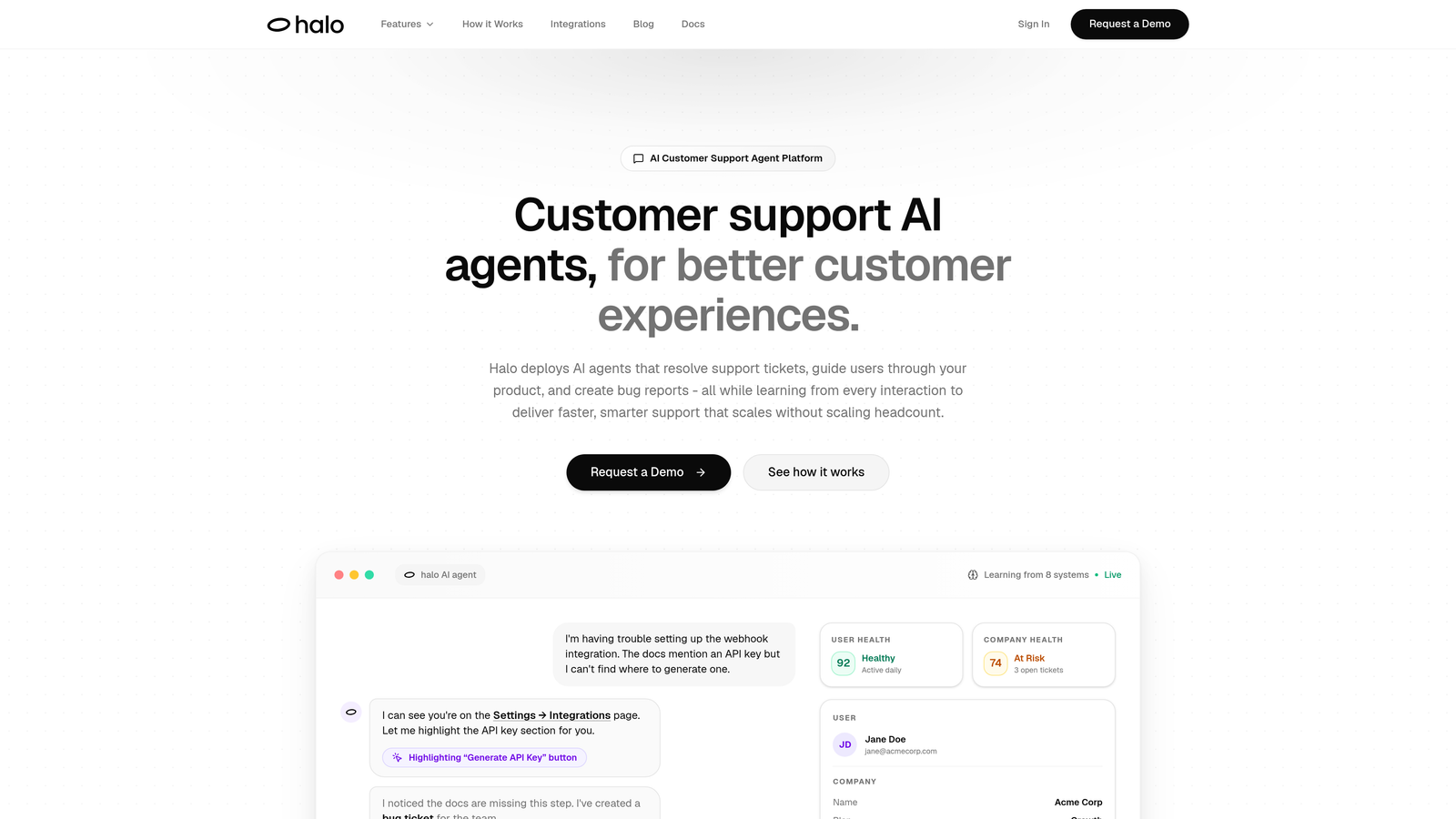
Halo AI takes a fundamentally different approach by building AI-first rather than bolting automation onto traditional helpdesk infrastructure.
Where This Tool Shines
Unlike platforms that route tickets to human agents, Halo deploys AI agents that actually resolve support issues autonomously. The system learns from every interaction, meaning your support gets smarter over time without manual rule updates.
The page-aware chat widget sees what users see in your product, providing visual UI guidance that traditional chatbots can't match. When users get stuck, the AI understands their exact context and can guide them through specific workflows.
Key Features
Autonomous AI Agents: Resolve support tickets end-to-end without human intervention for routine issues.
Page-Aware Context: Chat widget understands user location in your product for precise, visual guidance.
Smart Inbox with Business Intelligence: Surface customer health signals, revenue intelligence, and anomaly detection beyond basic support metrics.
Auto Bug Ticket Creation: Automatically creates detailed bug reports in Linear when issues are identified during support interactions.
Live Agent Handoff: Seamlessly escalates complex issues to human agents with full conversation context and intelligence.
Best For
B2B SaaS companies and product teams that need support to scale without scaling headcount. Particularly strong for teams already using Linear, Slack, HubSpot, Intercom, Stripe, or similar tools in their stack.
Pricing
Contact for pricing. The platform focuses on value through ticket deflection and resolution rather than per-seat licensing models.
2. Zendesk
Best for: Enterprise teams needing extensive integrations and proven scalability at high ticket volumes
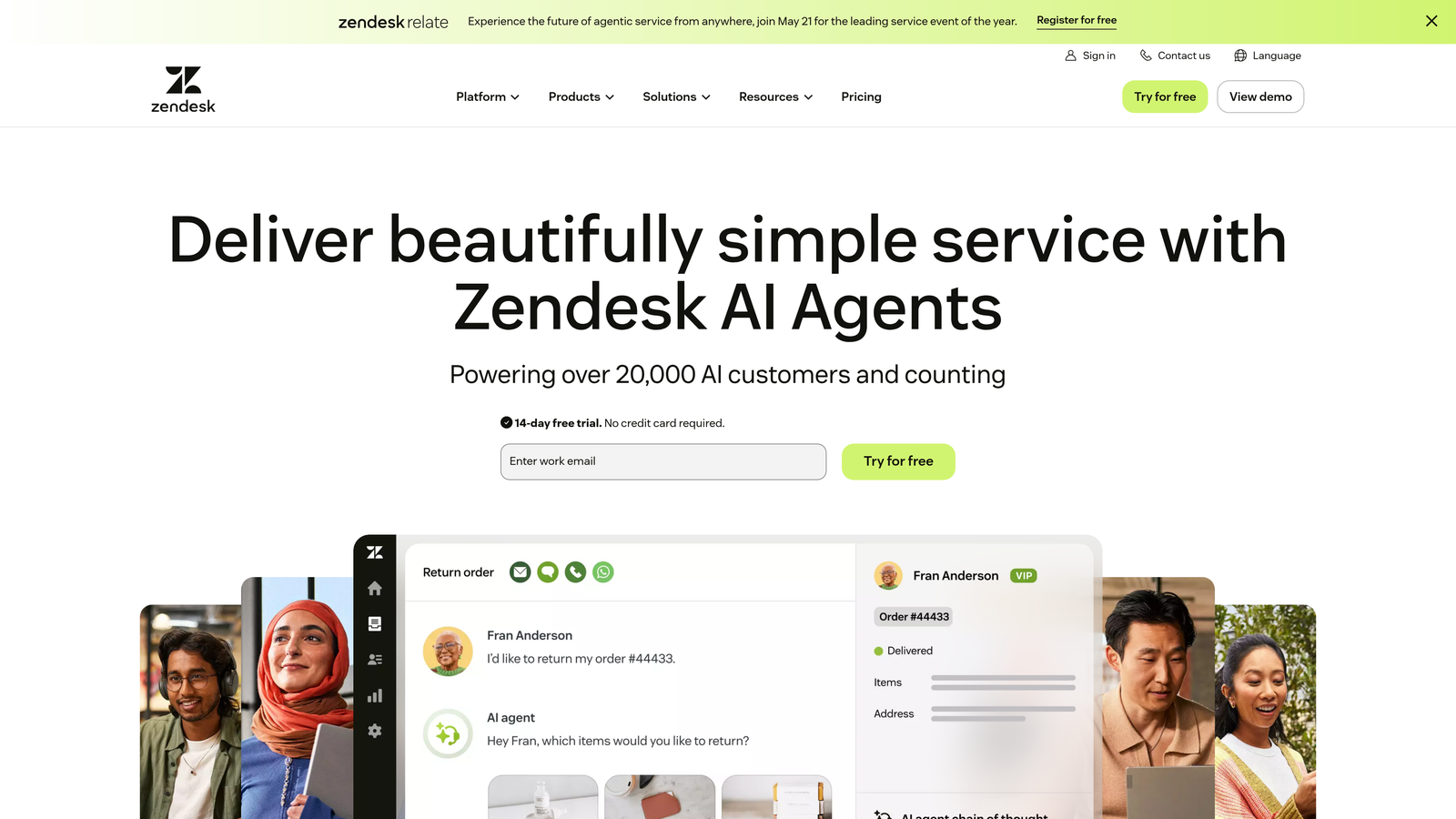
Zendesk remains the enterprise standard with deep automation capabilities and a massive ecosystem.
Where This Tool Shines
The platform's strength lies in its maturity and breadth. With over 1,500 marketplace integrations, Zendesk connects to virtually any tool in your stack. The automation engine handles complex routing scenarios that smaller platforms struggle with.
For organizations with multiple support teams, departments, or brands, Zendesk's organizational features and SLA management provide the structure needed to maintain consistency at scale.
Key Features
Advanced Ticket Routing: Multi-level routing rules based on skills, workload, priority, and custom business logic.
Zendesk AI: Automated response suggestions and intent detection for common customer queries.
Marketplace Ecosystem: Over 1,500 integrations covering CRM, analytics, communication, and specialized industry tools.
Comprehensive Reporting: Pre-built dashboards and custom report builder for detailed performance analytics.
Omnichannel Support: Unified agent workspace across email, chat, phone, social media, and messaging apps.
Best For
Large support organizations handling tens of thousands of tickets monthly across multiple channels. Teams that need enterprise-grade security, compliance features, and proven scalability.
Pricing
Suite Team starts at $55/agent/month. Enterprise features require Suite Professional ($115/agent/month) or Suite Enterprise (custom pricing).
3. Freshdesk
Best for: Growing teams wanting powerful automation without enterprise complexity or cost
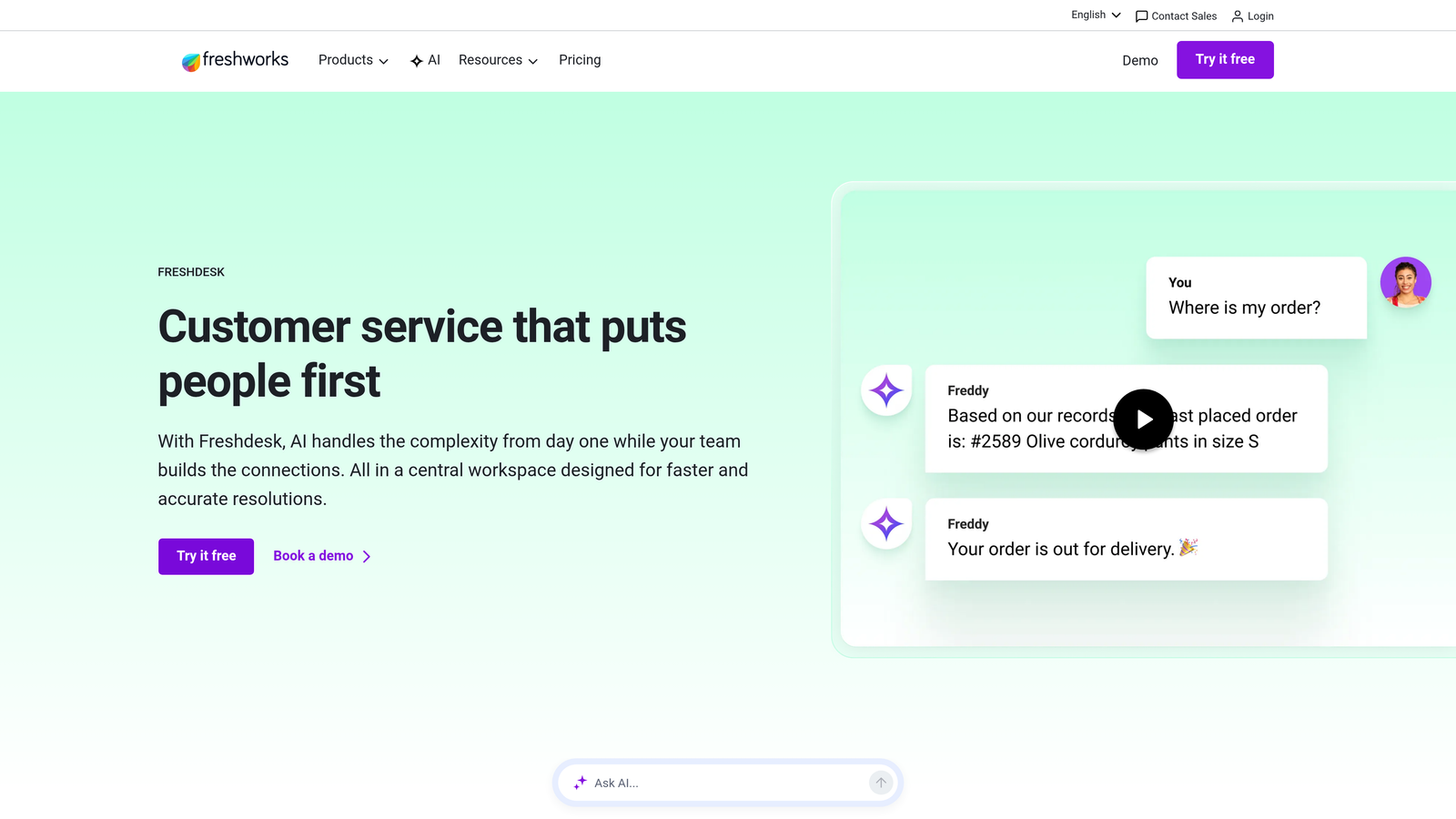
Freshdesk delivers strong automation capabilities with an interface that doesn't require weeks of training.
Where This Tool Shines
Freddy AI provides intelligent ticket categorization and agent suggestions that improve response quality without adding workload. The scenario automation builder lets teams create sophisticated workflows through a visual interface.
The free tier offers genuine value for small teams, while paid plans remain competitive as you scale. Implementation typically takes days rather than months, making it attractive for teams that need quick wins.
Key Features
Freddy AI: Automatically categorizes tickets, suggests responses, and identifies urgent issues based on content analysis.
Scenario Automations: Visual workflow builder for triggering actions based on time, events, or ticket properties.
Canned Responses with Placeholders: Template library with dynamic fields that personalize automated replies.
Team Collaboration: Shared ticket ownership, internal notes, and team huddles for complex issue resolution.
Built-in Knowledge Base: Self-service portal with article suggestions based on ticket content.
Best For
Teams of 10-100 agents who need automation depth without paying enterprise prices. Strong fit for companies outgrowing basic tools but not ready for Zendesk's complexity.
Pricing
Free tier for basic features. Growth starts at $15/agent/month, Pro at $49/agent/month, and Enterprise at $79/agent/month.
4. Intercom
Best for: Product-led companies wanting conversational support embedded directly in their application
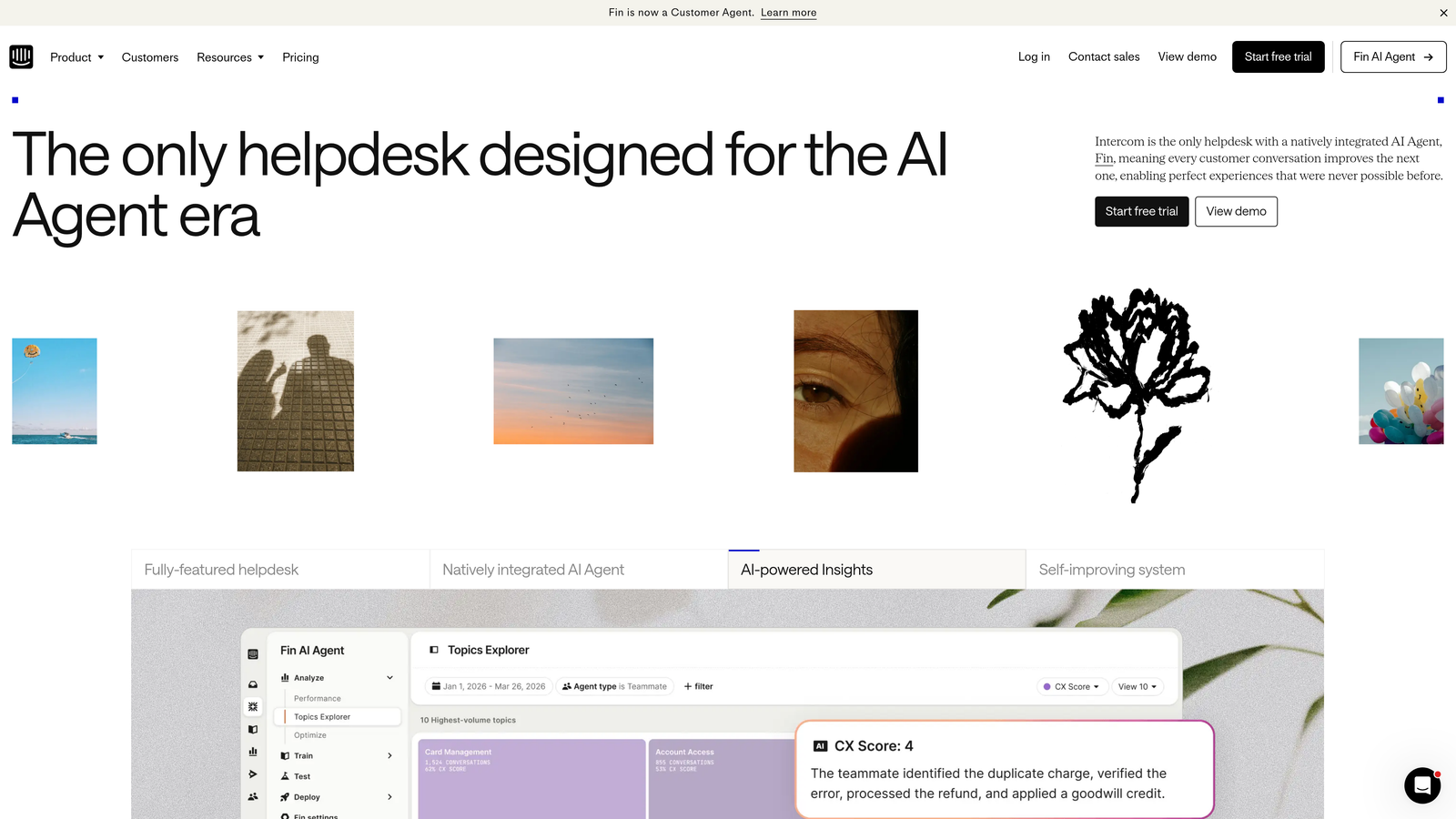
Intercom pioneered in-app messaging and now combines it with Fin AI for autonomous resolution.
Where This Tool Shines
Fin AI agent can autonomously resolve customer questions by pulling from your knowledge base and product data. Unlike traditional chatbots, Fin understands context and provides accurate answers without rigid decision trees.
The platform excels at proactive support through targeted messages, product tours, and user segmentation. You can reach customers at specific points in their journey rather than waiting for them to contact support.
Key Features
Fin AI Agent: Autonomous AI that resolves questions using your knowledge base, charged per resolution rather than per seat.
In-App Messaging: Contextual support widget embedded in your product with user history and behavior data.
Unified Inbox: Single workspace for email, chat, and social messages with assignment and collaboration tools.
Custom Bots and Workflows: Visual bot builder for qualification, routing, and automated responses.
User Segmentation: Target messages based on behavior, properties, or lifecycle stage.
Best For
SaaS companies with strong product-led growth strategies. Teams that want support, marketing, and product communication in one platform rather than separate tools.
Pricing
Essential starts at $39/seat/month. Fin AI is priced separately based on resolution volume, typically adding significant cost but providing measurable ticket deflection.
5. HubSpot Service Hub
Best for: Companies already using HubSpot CRM who want seamless customer data flow between sales and support
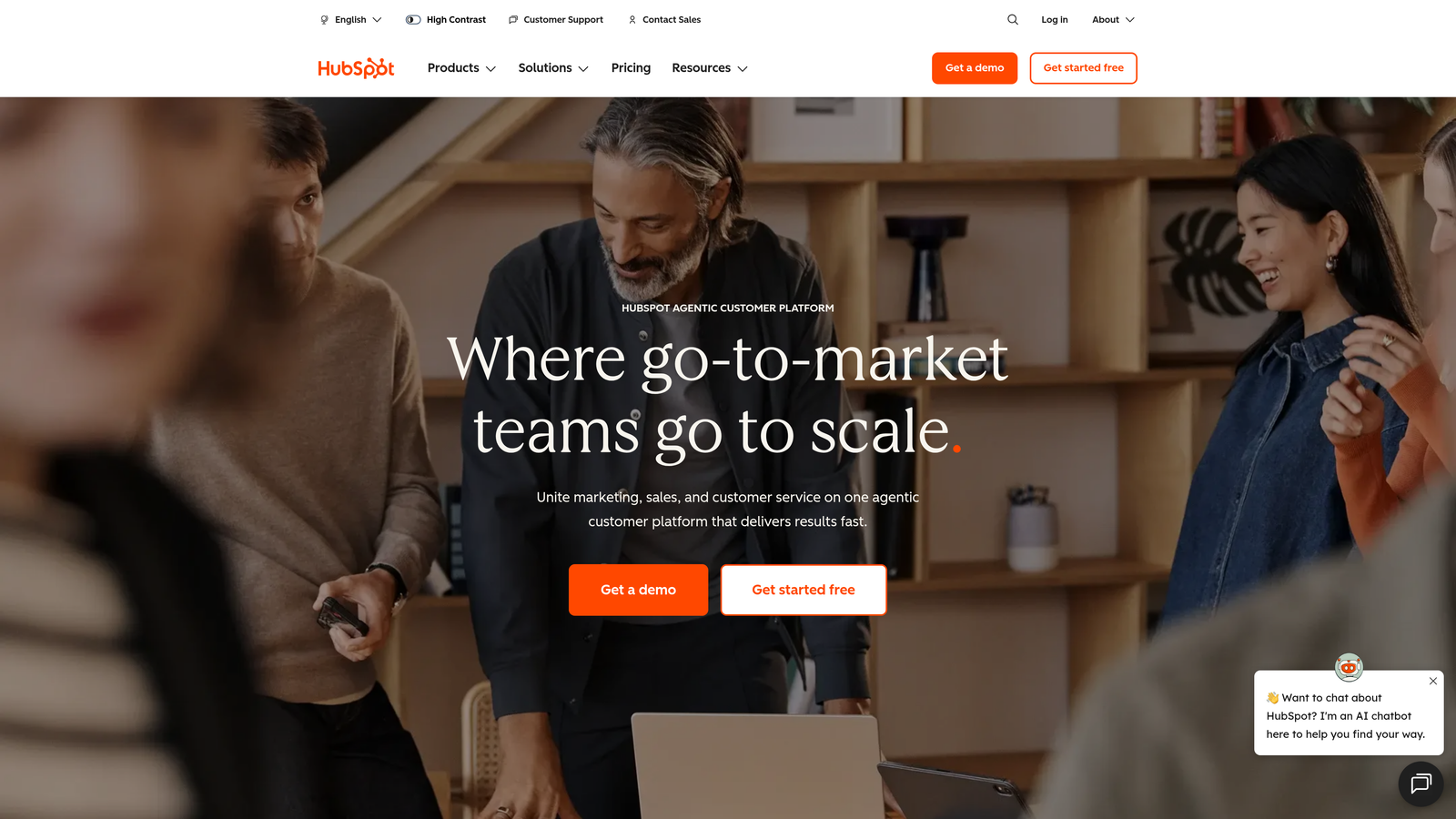
HubSpot Service Hub integrates support directly into your CRM, eliminating data silos between teams.
Where This Tool Shines
Every support interaction automatically updates the customer record in your CRM. Sales sees support history, support sees deal context, and marketing sees satisfaction data without manual updates or integration maintenance.
The ticket automation workflows use the same builder as HubSpot's marketing and sales automation, meaning teams already familiar with the platform can create sophisticated support processes immediately.
Key Features
Native CRM Integration: Full customer context including deals, marketing interactions, and sales history in every ticket.
Ticket Automation Workflows: Trigger actions based on ticket properties, customer data, or external events using HubSpot's workflow engine.
Customer Feedback Surveys: NPS, CSAT, and custom surveys with automatic tracking in customer records.
Knowledge Base with SEO: Self-service articles optimized for search engines to drive organic traffic and reduce tickets.
Conversation Intelligence: Call recording, transcription, and analysis for phone support interactions.
Best For
B2B companies using HubSpot for sales and marketing who want unified customer data. Teams that value alignment between revenue and support functions over specialized helpdesk features.
Pricing
Free tools include basic ticketing and conversations. Professional starts at $90/month for 2 users, with additional seats at $45/month.
6. Zoho Desk
Best for: Cost-conscious teams wanting AI assistance and multi-department support without premium pricing
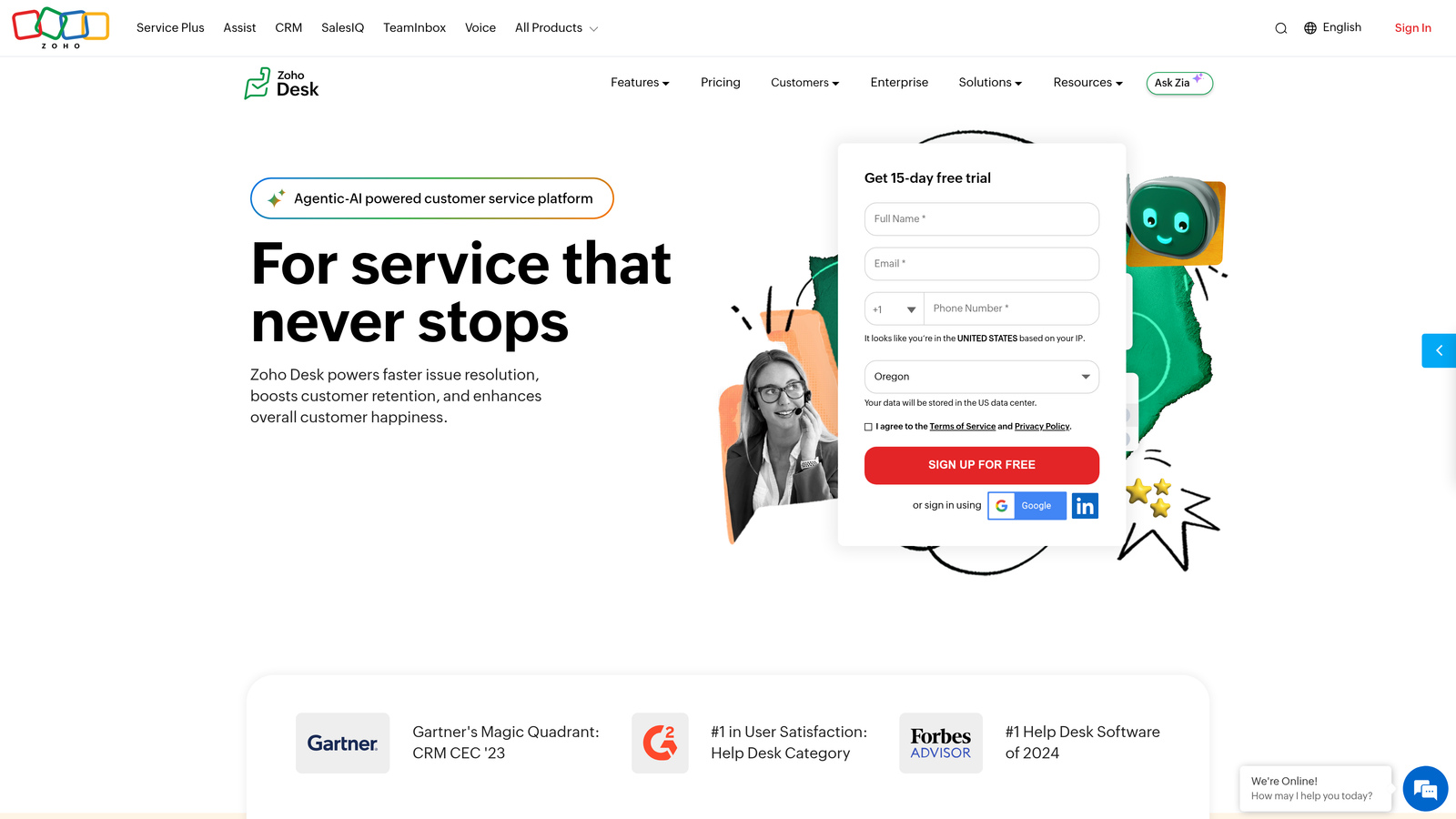
Zoho Desk delivers impressive automation capabilities at price points that undercut most competitors.
Where This Tool Shines
Zia AI analyzes ticket sentiment, suggests responses, and identifies anomalies in support patterns. The Blueprint feature lets you map complex processes visually, ensuring consistency across agents without rigid scripts.
For companies using other Zoho products, the native integrations provide enterprise-level data flow at small business prices. Multi-department support handles IT, HR, and customer service in one platform.
Key Features
Zia AI Assistant: Sentiment analysis, response suggestions, and anomaly detection to surface issues before they escalate.
Blueprint Process Automation: Visual process builder for enforcing workflows across ticket lifecycles.
Multi-Department Support: Separate help centers, workflows, and teams for different departments within one account.
Time Tracking and Billing: Built-in time logging with billable hours tracking for consulting or managed service businesses.
Zoho Ecosystem Integration: Native connections to Zoho CRM, Projects, Analytics, and 40+ other Zoho applications.
Best For
Small to mid-sized businesses wanting enterprise features without enterprise budgets. Particularly strong for companies already invested in the Zoho ecosystem.
Pricing
Free for up to 3 agents with basic features. Standard starts at $14/agent/month, Professional at $23/agent/month, and Enterprise at $40/agent/month.
7. Help Scout
Best for: Teams prioritizing personal customer relationships over high-volume ticket processing
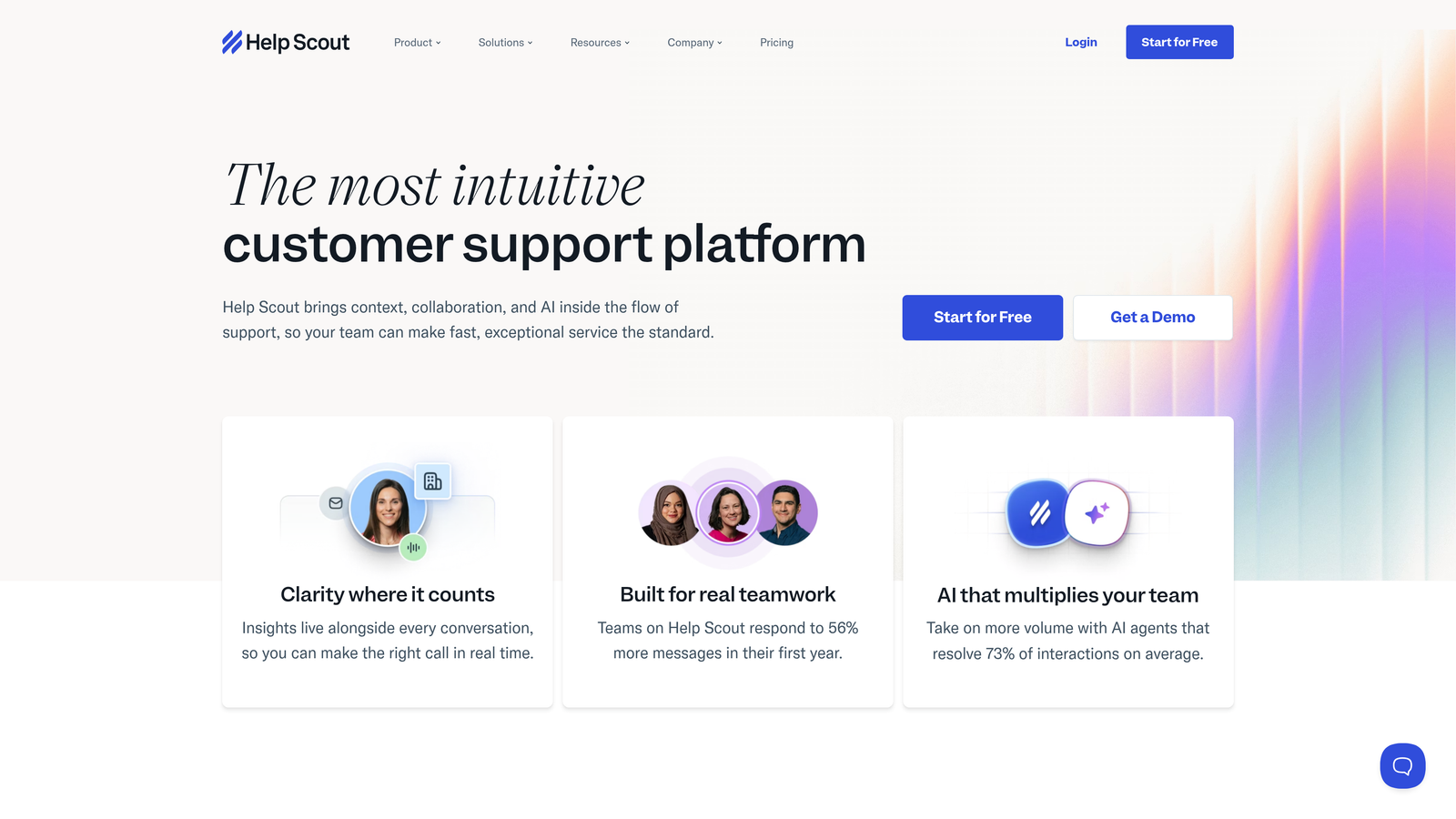
Help Scout focuses on making support feel human rather than automated, with automation that enhances rather than replaces personal touch.
Where This Tool Shines
The shared inbox feels like email rather than a traditional ticketing system, reducing the learning curve for new agents. Collision detection prevents duplicate responses, while maintaining the simplicity of email-based support.
Workflows automate repetitive tasks without making customers feel like they're talking to a bot. The platform emphasizes efficiency through simplicity rather than complex automation engines.
Key Features
Shared Inbox with Collision Detection: Email-like interface that prevents multiple agents from responding to the same conversation.
Docs Knowledge Base: Self-service articles with search optimization and suggested article matching based on customer questions.
Beacon Widget: In-app support that searches your knowledge base before creating tickets, reducing volume through self-service.
Saved Replies and Workflows: Template responses and automated actions that maintain personal tone while improving efficiency.
Customer Satisfaction Ratings: Simple thumbs up/down ratings with follow-up surveys to measure support quality.
Best For
Small to medium teams handling moderate ticket volumes where relationship quality matters more than processing speed. Companies that want support to feel personal at scale.
Pricing
Standard starts at $20/user/month, Plus at $40/user/month, and Pro at $65/user/month. All plans include core features with higher tiers adding advanced reporting and integrations.
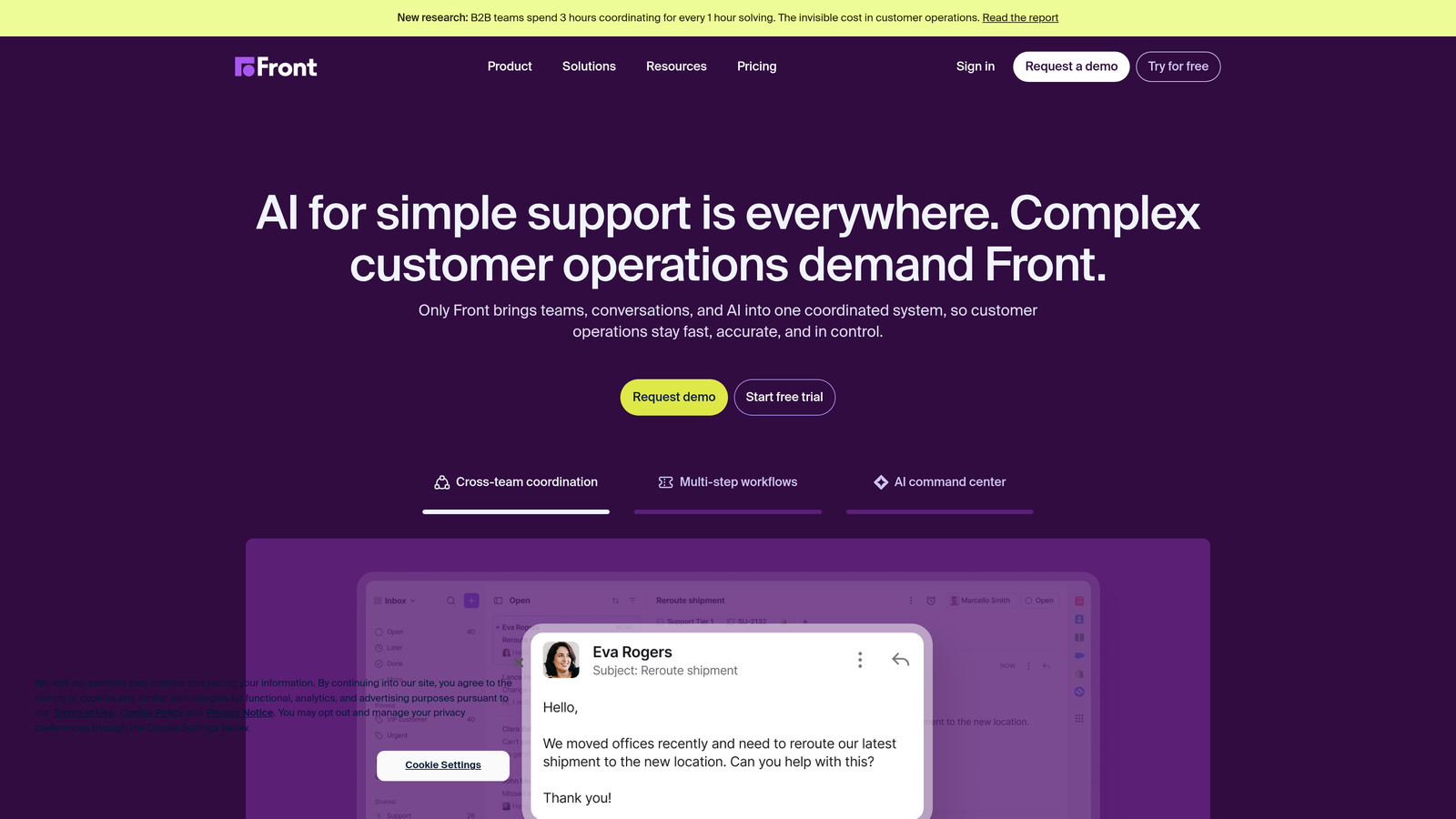
8. Front
Best for: Teams collaborating heavily through email who need shared accountability without losing individual ownership
Front transforms email into a collaborative workspace while maintaining the familiar inbox experience.
Where This Tool Shines
The platform treats email as a team sport. Internal comments, @mentions, and assignments happen within email threads, eliminating the need to switch between email and project management tools.
Rules-based automation handles routing, tagging, and assignments based on sender, content, or custom conditions. SLA tracking ensures nothing falls through the cracks even as conversations move between team members.
Key Features
Shared Inbox with Individual Accountability: Team email addresses with clear assignment and ownership tracking for every conversation.
Rules-Based Automation: Automatic routing, tagging, and actions triggered by email content, sender, or custom conditions.
Internal Comments and @Mentions: Collaborate on responses without forwarding or leaving the email thread.
SLA Tracking and Analytics: Monitor response times, resolution rates, and team performance with customizable dashboards.
Multi-Channel Support: Unified workspace for email, SMS, chat, and social media messages.
Best For
Sales teams, account management, and support operations that live in email but need better collaboration. Companies wanting shared inbox functionality without abandoning email workflows.
Pricing
Starter starts at $19/seat/month for basic shared inbox. Growth at $59/seat/month adds automation and analytics. Scale and Premier tiers offer advanced features with custom pricing.
9. Jira Service Management
Best for: IT teams and technical support organizations needing ITSM-aligned workflows and developer tool integration
Jira Service Management brings IT service management practices to teams already working in the Atlassian ecosystem.
Where This Tool Shines
The automation rules engine handles complex IT workflows like incident escalation, change management approvals, and asset tracking. Integration with Jira Software means development teams see support issues in their existing workflow.
For organizations following ITIL practices, the platform provides incident, problem, and change management frameworks out of the box. Configuration management database tracks assets and dependencies for infrastructure teams.
Key Features
ITIL-Aligned Service Desk: Pre-built workflows for incident, problem, change, and request management following ITSM best practices.
Automation Rules Engine: Powerful automation for routing, escalation, notifications, and cross-project actions.
Confluence Integration: Knowledge base articles and documentation directly linked to service requests and incidents.
Asset and Configuration Management: Track IT assets, dependencies, and relationships for infrastructure support.
Incident and Problem Management: Structured workflows for managing incidents, identifying root causes, and preventing recurrence.
Best For
IT departments, DevOps teams, and technical support organizations. Companies already using Jira Software who want unified ticketing for both development and operations.
Pricing
Free for up to 3 agents with basic features. Standard starts at $22.05/agent/month, Premium at $47.20/agent/month, and Enterprise pricing available for large deployments.
Making the Right Choice
The automated ticketing landscape has shifted from rule-based routing to AI-driven resolution. The key question isn't whether a platform can categorize tickets, but whether it can actually resolve them autonomously.
For B2B teams wanting true AI-native support, Halo AI delivers autonomous resolution with continuous learning that traditional helpdesks can't match. The platform's page-aware context and business intelligence capabilities go beyond basic ticket management to provide strategic insights.
Enterprise organizations handling massive volume across multiple brands should consider Zendesk's proven scalability and extensive integration ecosystem. Teams already invested in HubSpot gain significant value from Service Hub's native CRM integration, eliminating data silos between sales and support.
Quick Selection Guide:
Choose Halo AI if: You want AI agents that autonomously resolve tickets while learning from every interaction, with deep integration into your development and business tools.
Choose Zendesk if: You're an enterprise team needing proven scalability, extensive integrations, and comprehensive reporting across high ticket volumes.
Choose Freshdesk if: You want powerful automation and AI features without enterprise complexity or cost, with quick implementation.
Choose Intercom if: You're a product-led company wanting conversational support embedded in your application with proactive messaging capabilities.
Choose HubSpot Service Hub if: You're already using HubSpot CRM and want seamless data flow between sales, marketing, and support teams.
Choose Zoho Desk if: You need multi-department support with AI assistance at budget-friendly pricing, especially if using other Zoho products.
Choose Help Scout if: You prioritize personal customer relationships and want automation that enhances rather than replaces human touch.
Choose Front if: Your team collaborates heavily through email and needs shared accountability without abandoning familiar inbox workflows.
Choose Jira Service Management if: You're an IT or DevOps team needing ITSM-aligned workflows with developer tool integration.
Your support team shouldn't scale linearly with your customer base. The right automated ticketing system resolves routine issues autonomously, surfaces business intelligence, and frees your team to focus on complex problems that genuinely need human expertise. See Halo in action and discover how continuous learning transforms every interaction into smarter, faster support that scales without scaling headcount.